Skip to content
KG
Cross Stitch by Numbers: Pixel Art

Cross Stitch by Numbers: Pixel Art

353K plays 4.3 out of 5

Overview

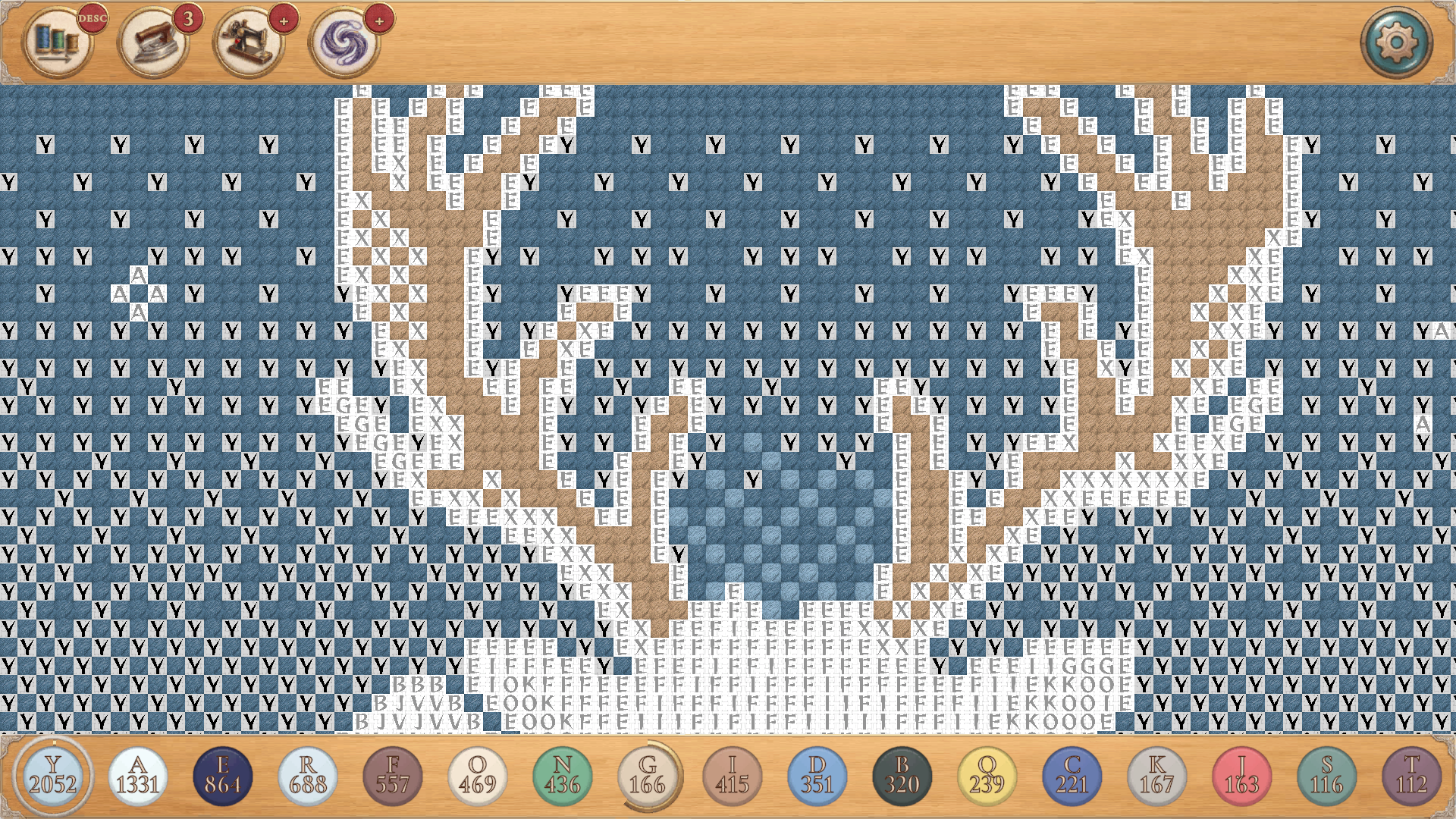
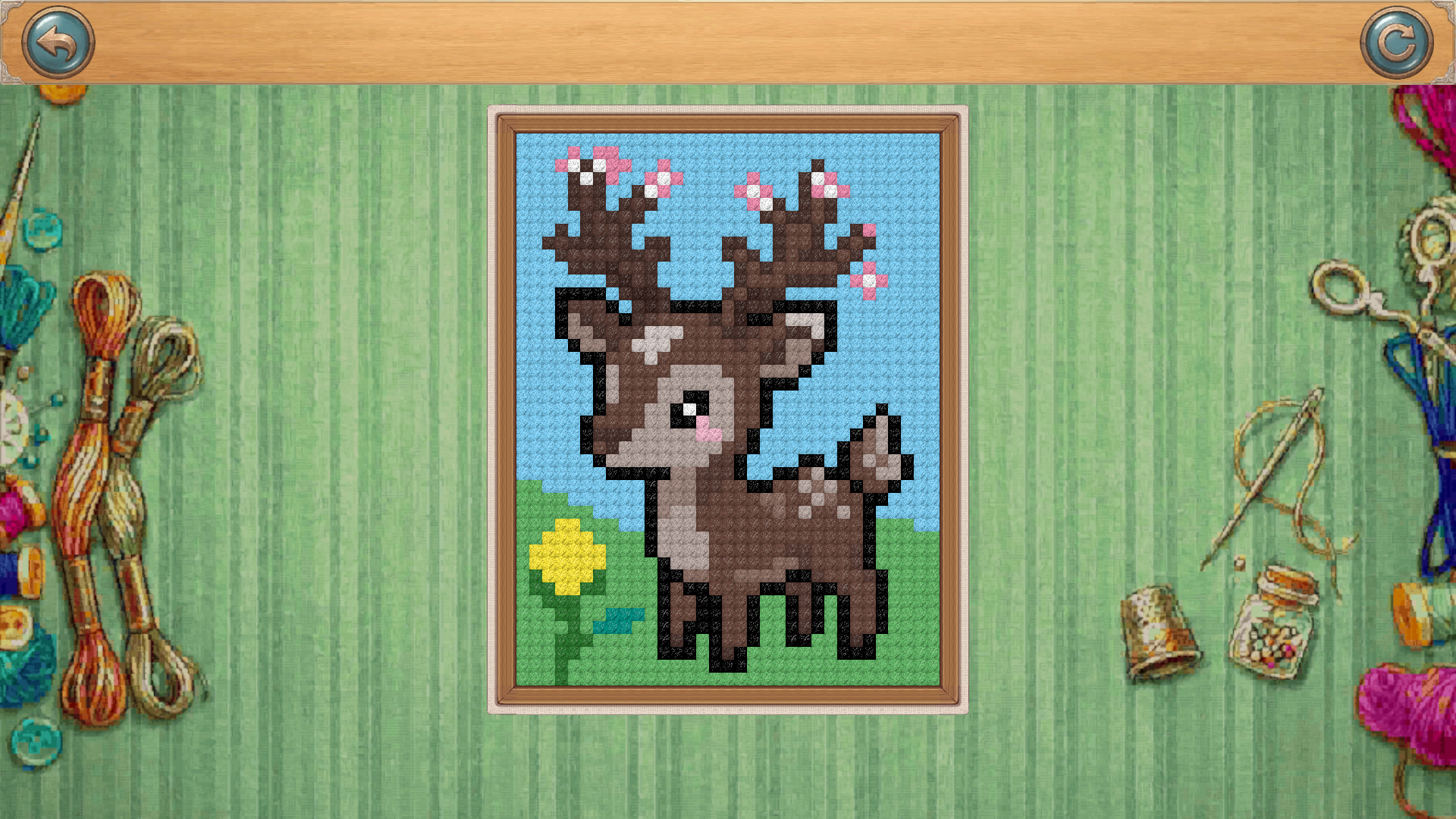
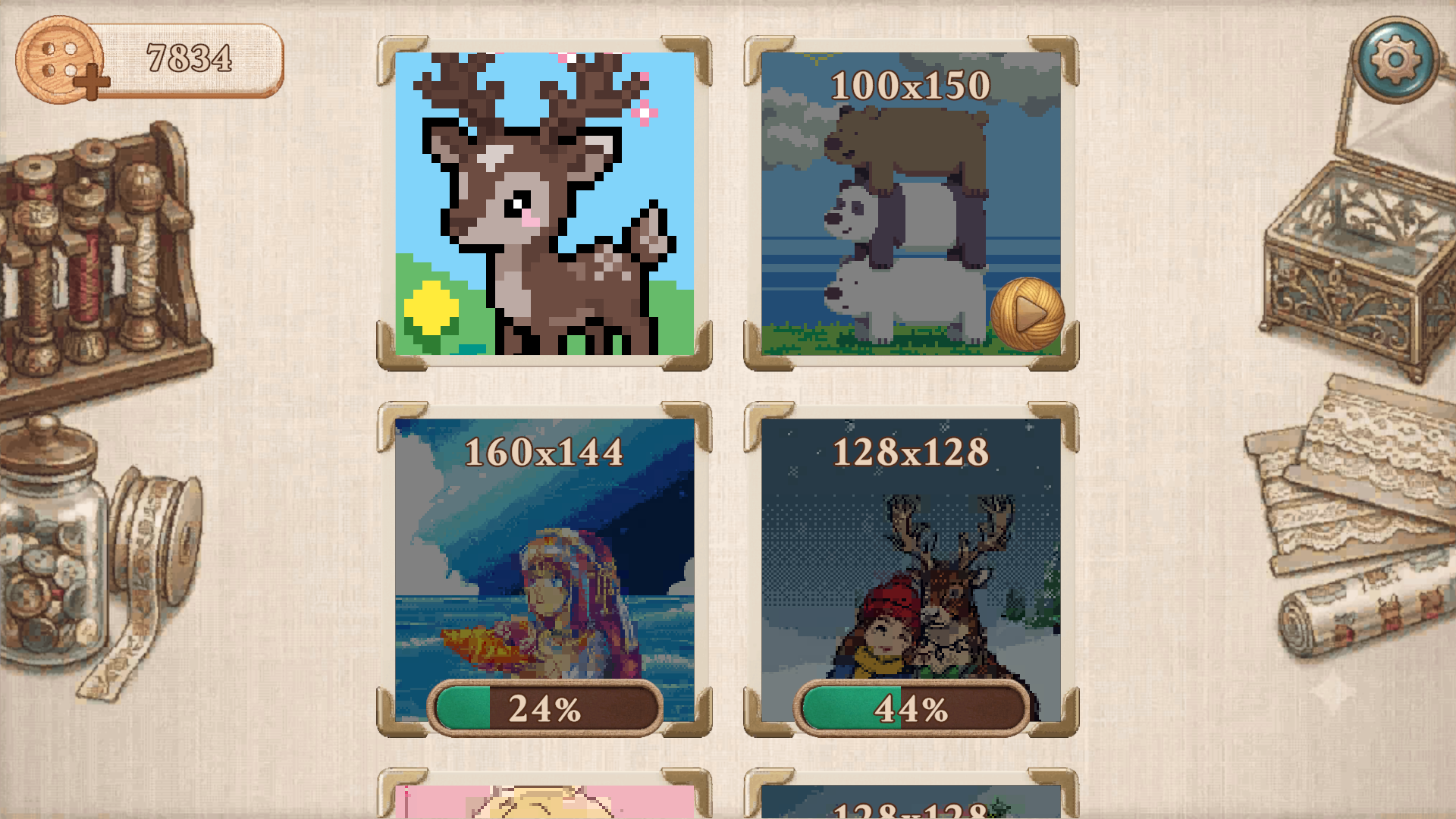
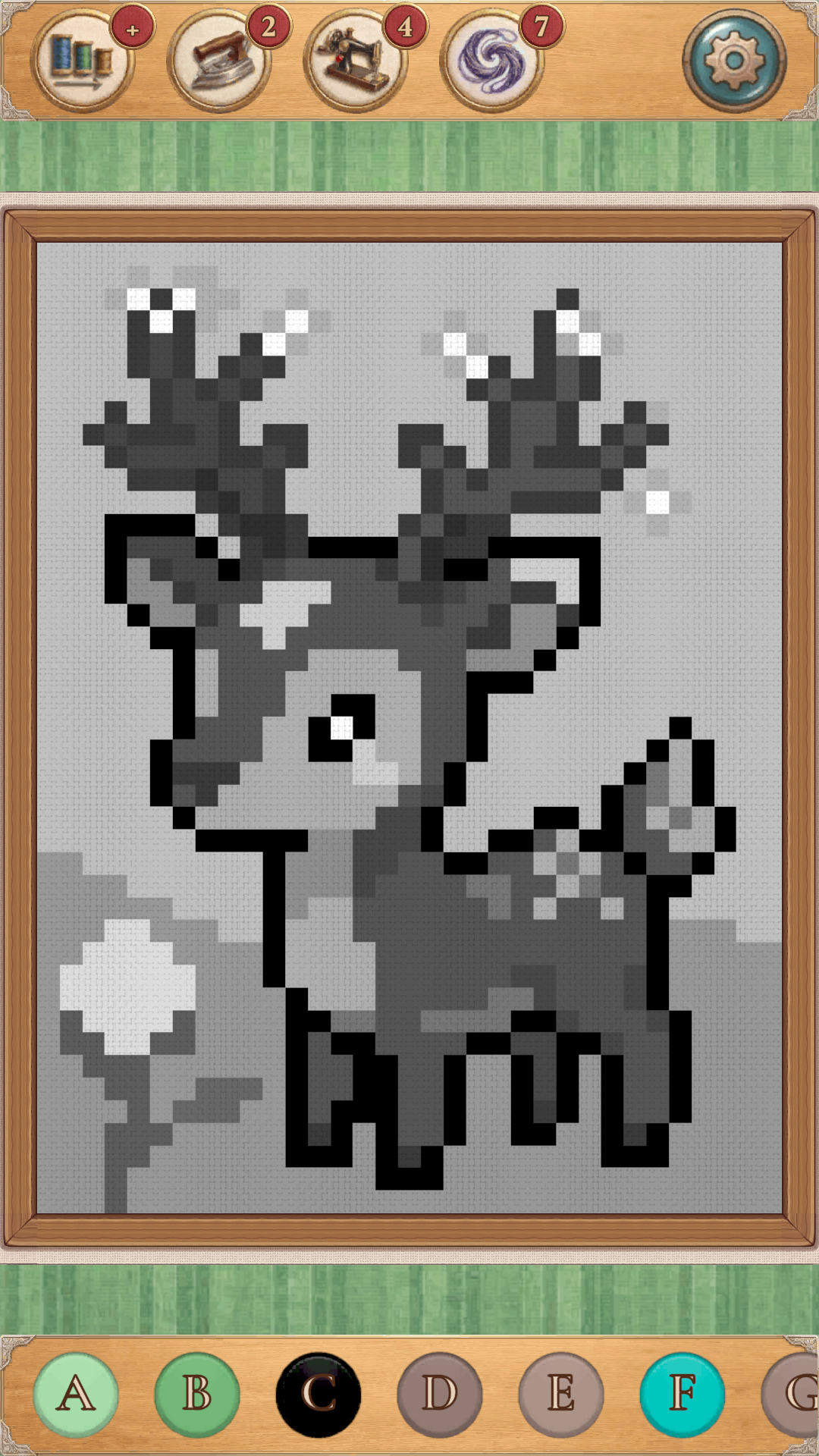
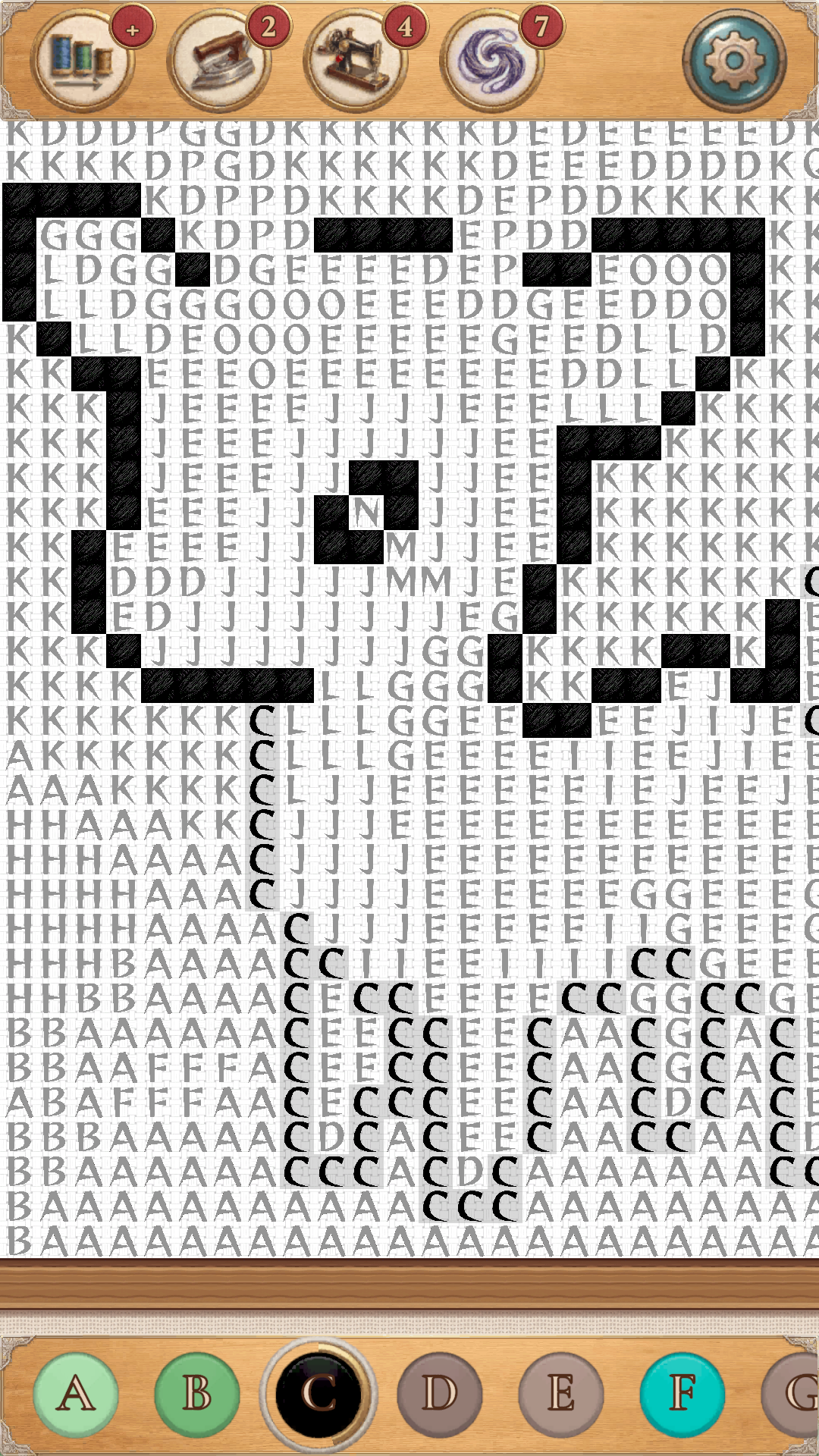
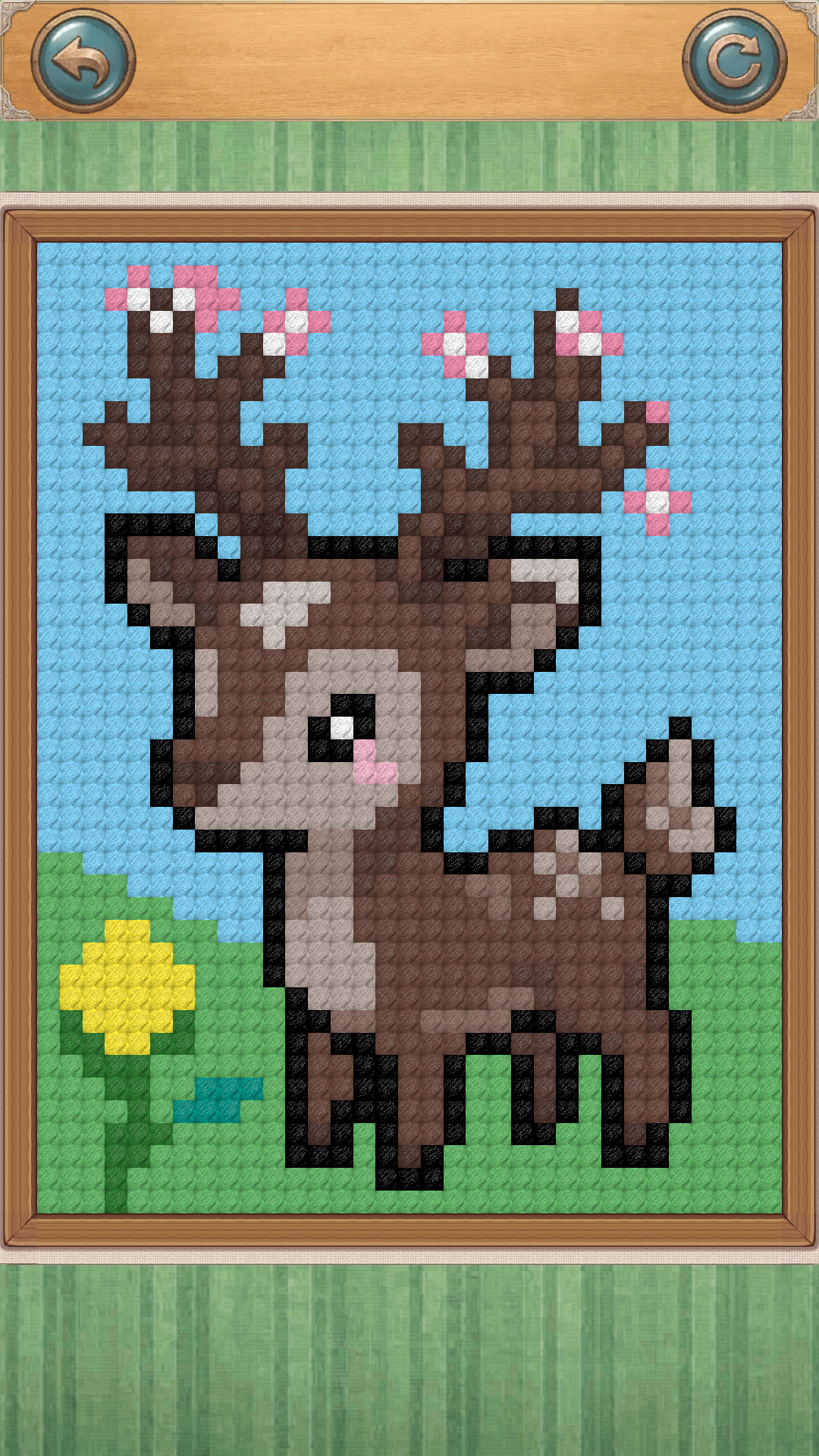
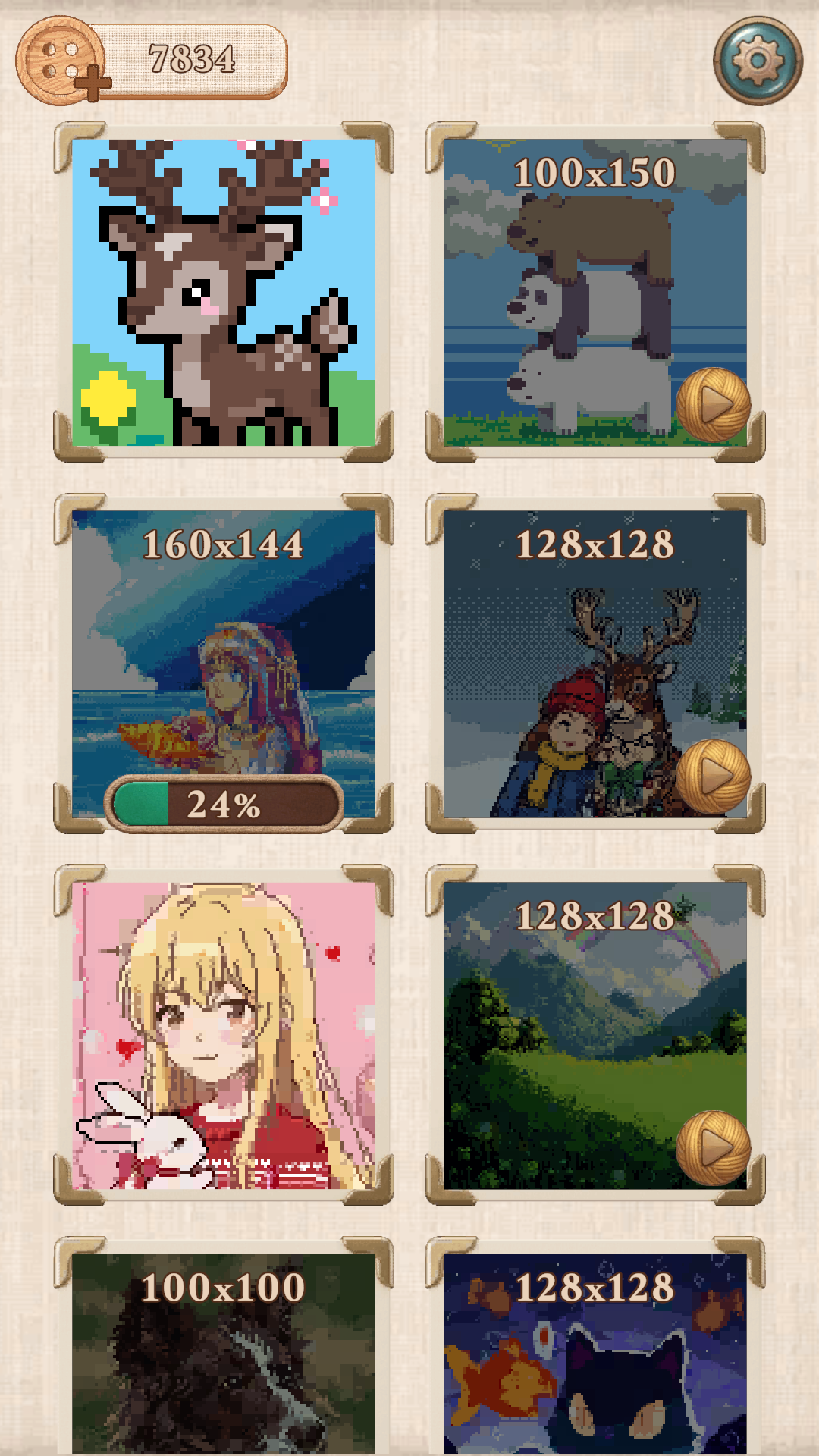
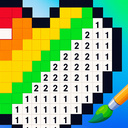
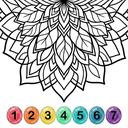
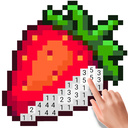
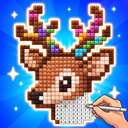
Immerse yourself in a world of peace and creativity with our meditative game! Cross Stitch by Numbers: Pixel Art is the perfect way to unwind after a hard day. You'll create vibrant pixel art paintings by cross-stitching them letter by letter. The gameplay is incredibly simple and engaging: choose the desired color from the palette and color the corresponding squares on the canvas. Game Features: • Large gallery: a variety of images of different sizes to suit every taste. • Convenient controls: easily navigate the canvas, zoom in and out, and color with a single tap or swipe. • Helpful boosters: Use the Sewing Machine, Zipper, or Iron to quickly complete difficult sections and easily correct mistakes. • Relaxing atmosphere: Pleasant stitching sounds and calming music. Discover zen in every stitch!

Videos and screenshots
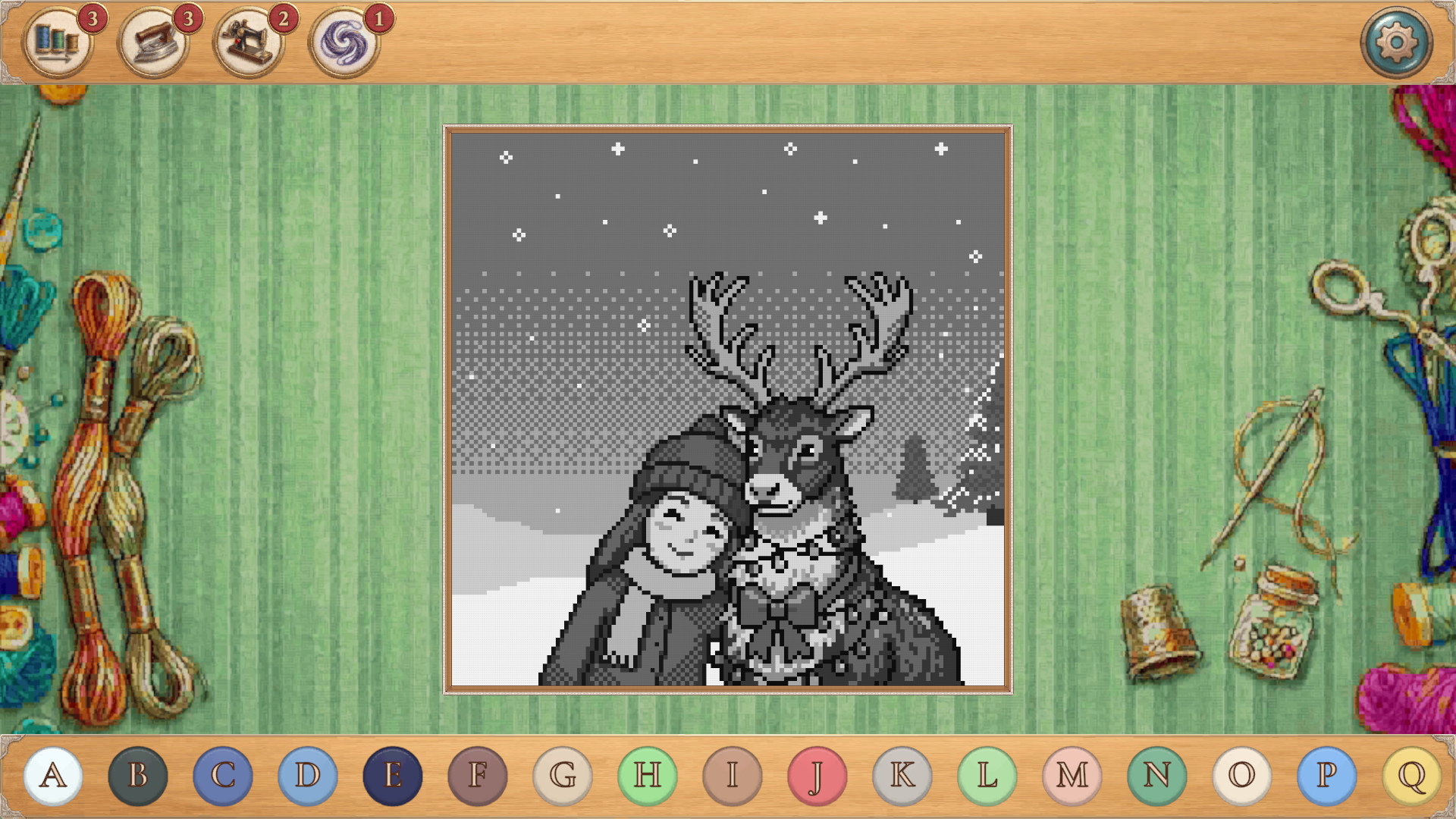
  • Cross Stitch by Numbers: Pixel Art screenshot 1
  • Cross Stitch by Numbers: Pixel Art screenshot 2
  • Cross Stitch by Numbers: Pixel Art screenshot 3
  • Cross Stitch by Numbers: Pixel Art screenshot 4
  • Cross Stitch by Numbers: Pixel Art screenshot 5
  • Cross Stitch by Numbers: Pixel Art screenshot 6
  • Cross Stitch by Numbers: Pixel Art screenshot 7
  • Cross Stitch by Numbers: Pixel Art screenshot 8
Play Now

14,162 players online

How to play

  1. Open the game

    Press Play now and the game opens on its own screen.

  2. Follow the in-game instructions

    The controls and goals are shown inside the game as you play.

  3. Use the game menu

    The floating button over the game reloads it, saves it to your favourites, or takes you back out.
Game instructions

The goal of the game is to completely color (embroider) the picture using the letters as a guide. Controls (PC): • Color selection: Left-click on the letters in the palette below. • Embroidery: Left-click on the cell with the desired letter to stitch. Hold down the button and drag the cursor to color several adjacent cells at once. • Camera movement: Left-click on an already colored cell and drag. • Zoom: Roll the mouse wheel to zoom in or out. Controls (Mobile): • Color Selection and Embroidery: Tap the screen to select a color and fill in cells. Swipe to embroider multiple cells in a row. • Camera Movement: Swipe over an already filled area to move the camera. • Zoom: Pinch (pinch) with two fingers. If you filled a cell with the wrong color, use the Ripper tool!

More games

More games