Skip to content
KG
Cross stitch: knitting

Cross stitch: knitting

24K plays 4.9 out of 5

Overview

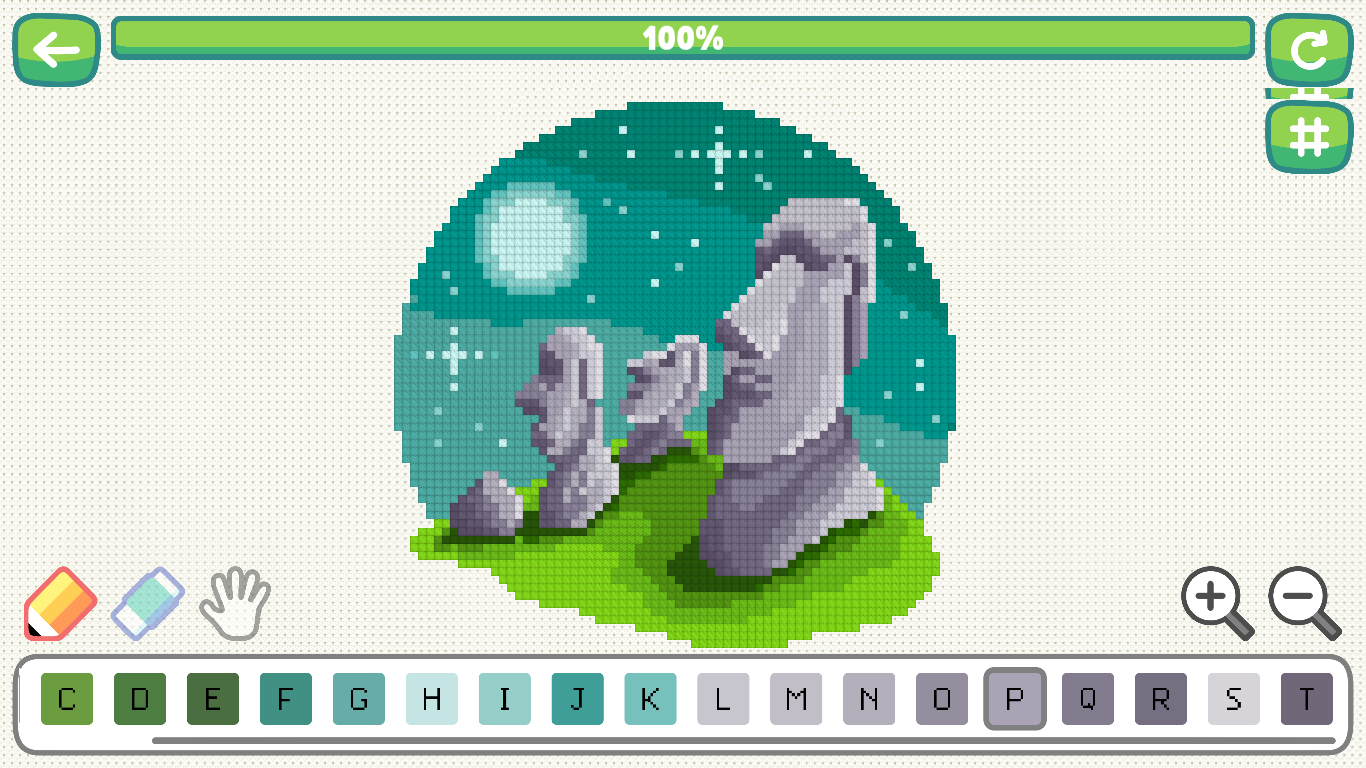
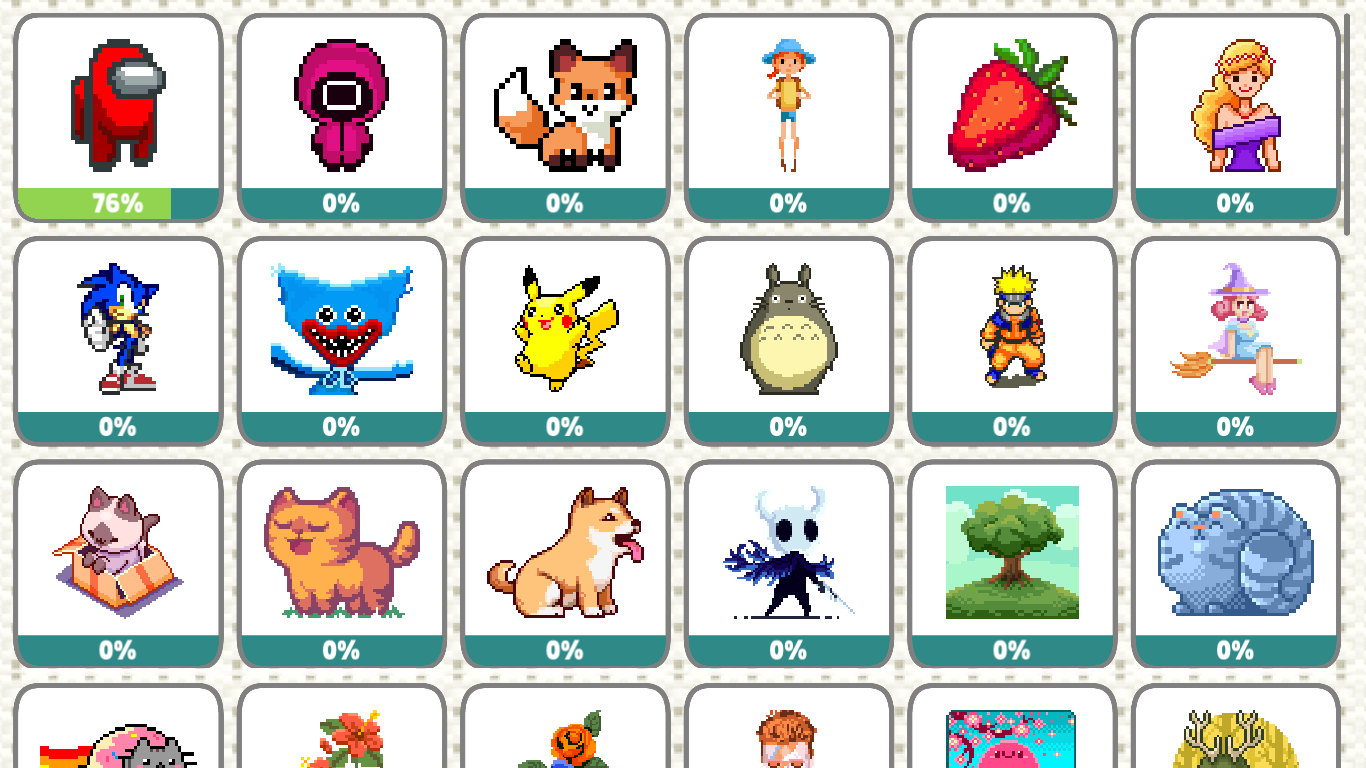
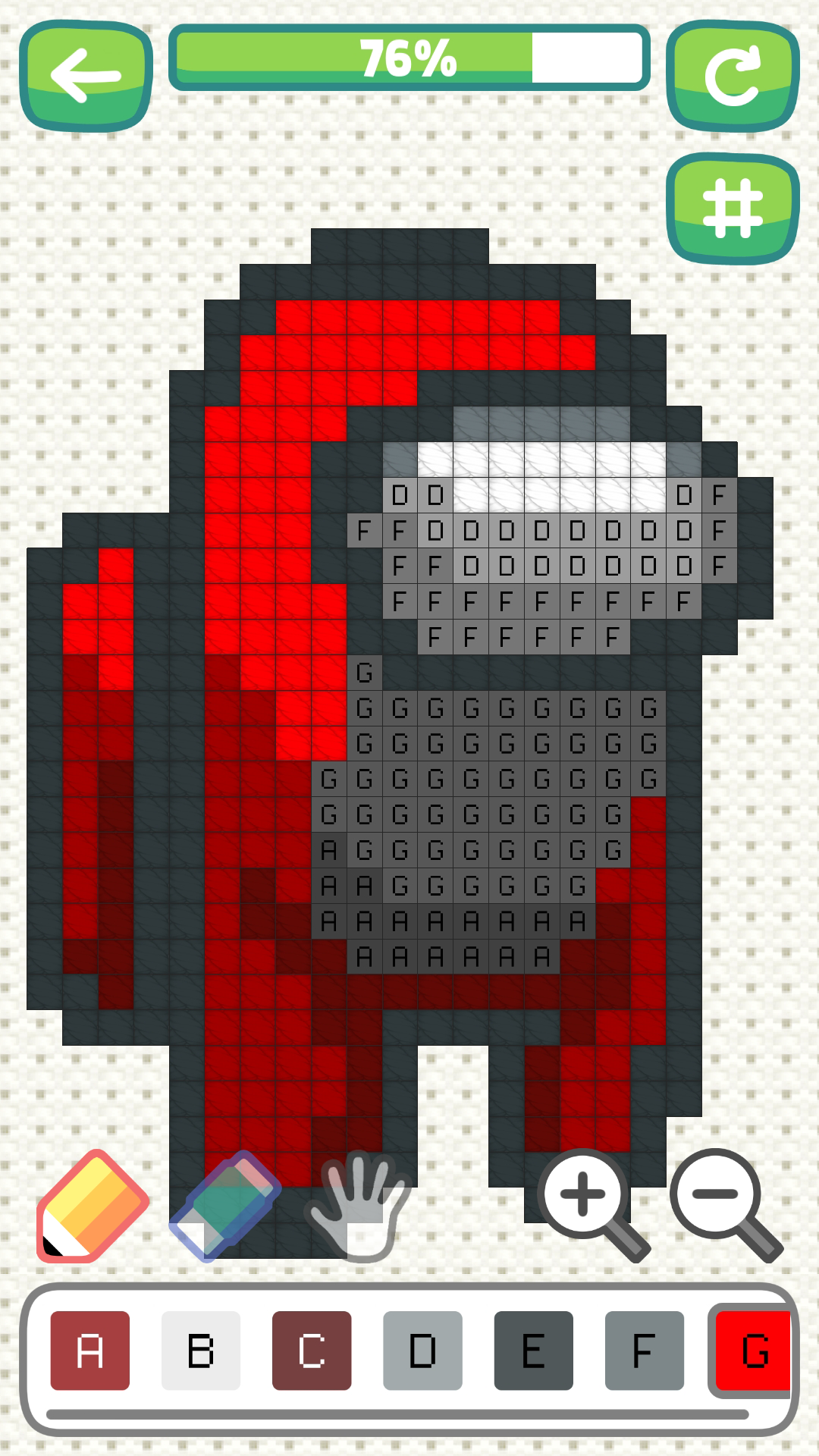
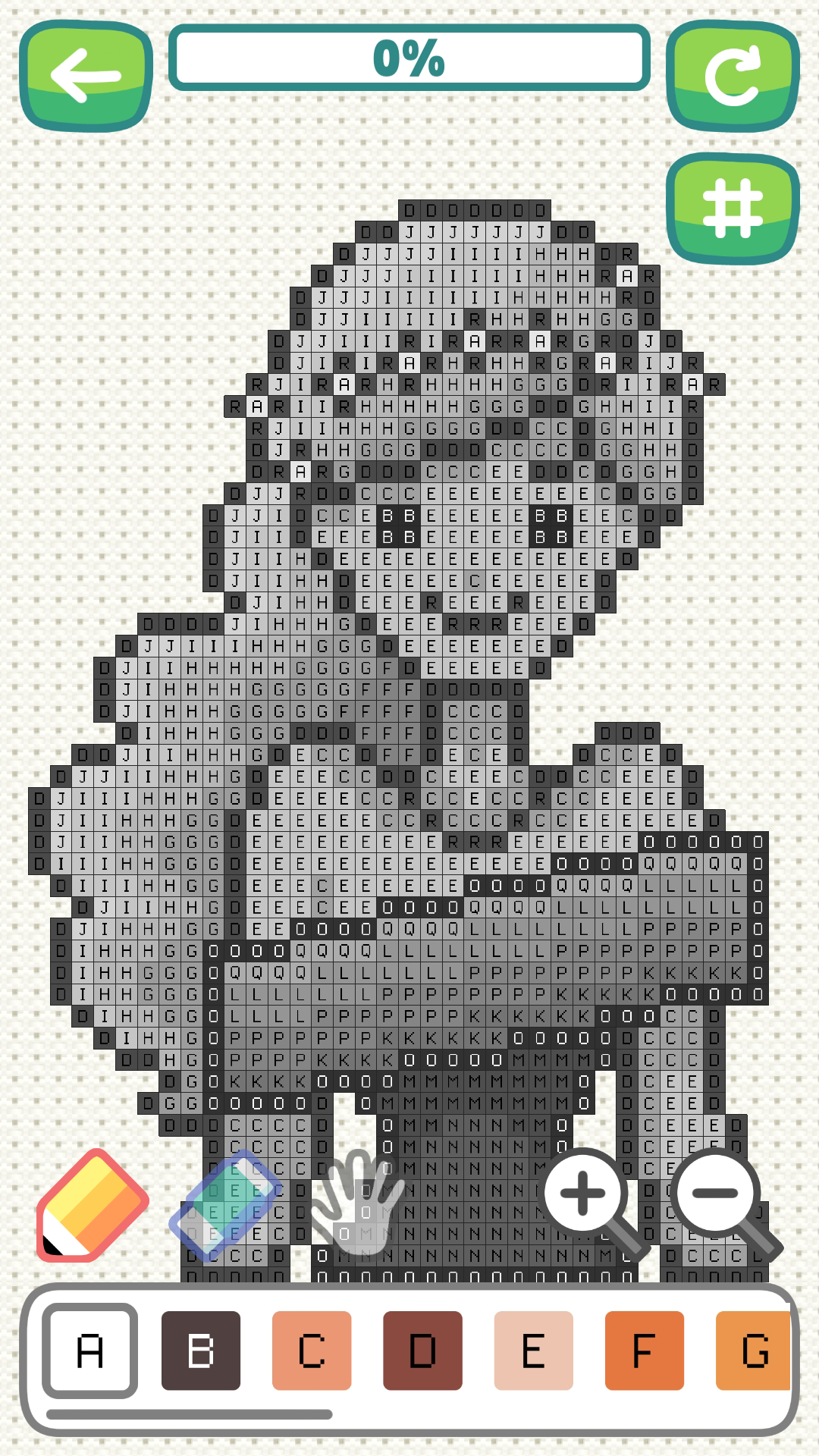
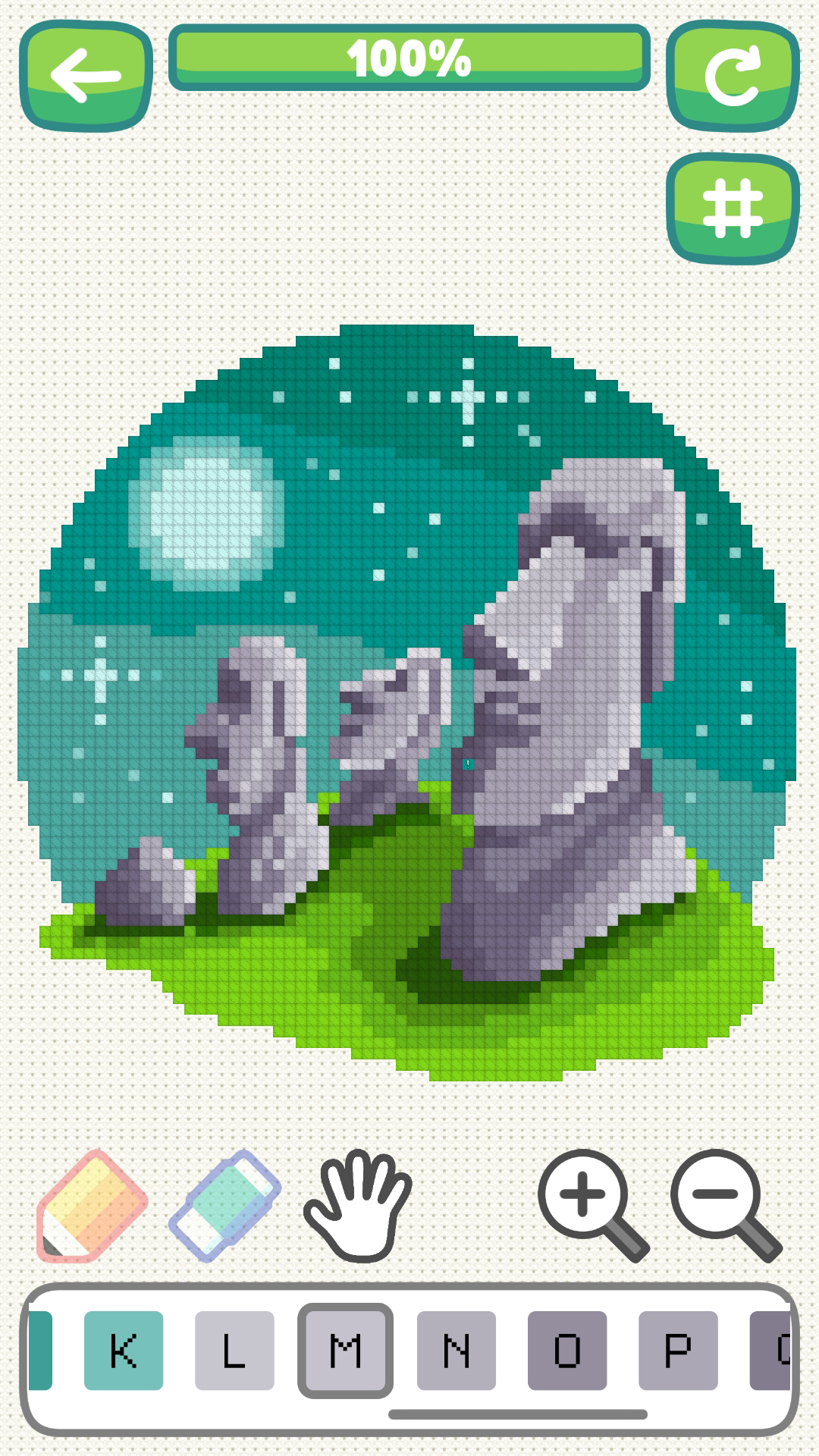
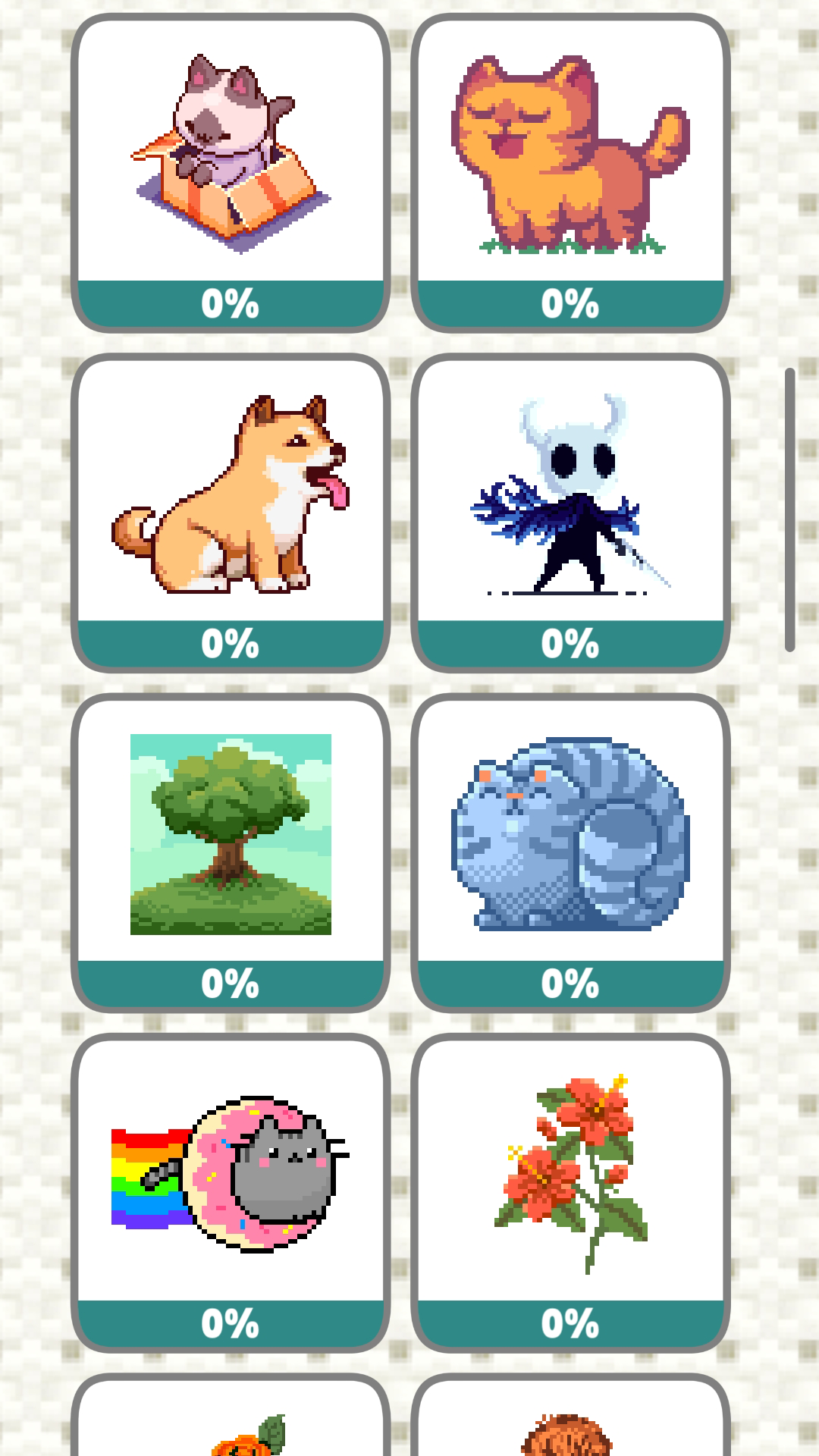
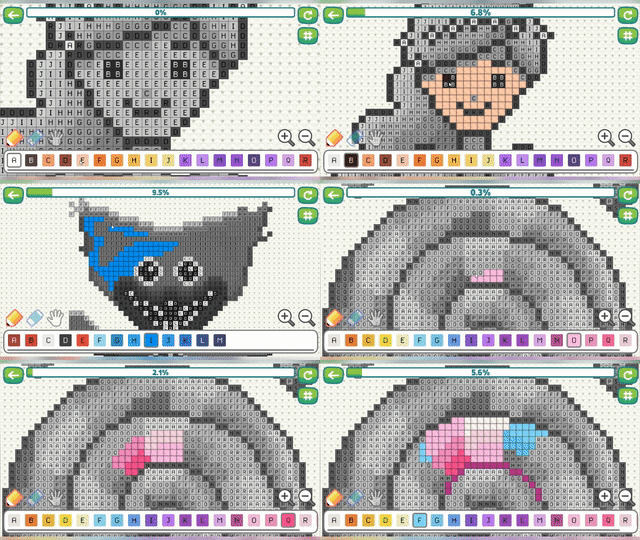
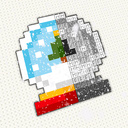
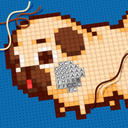
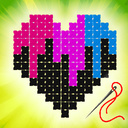
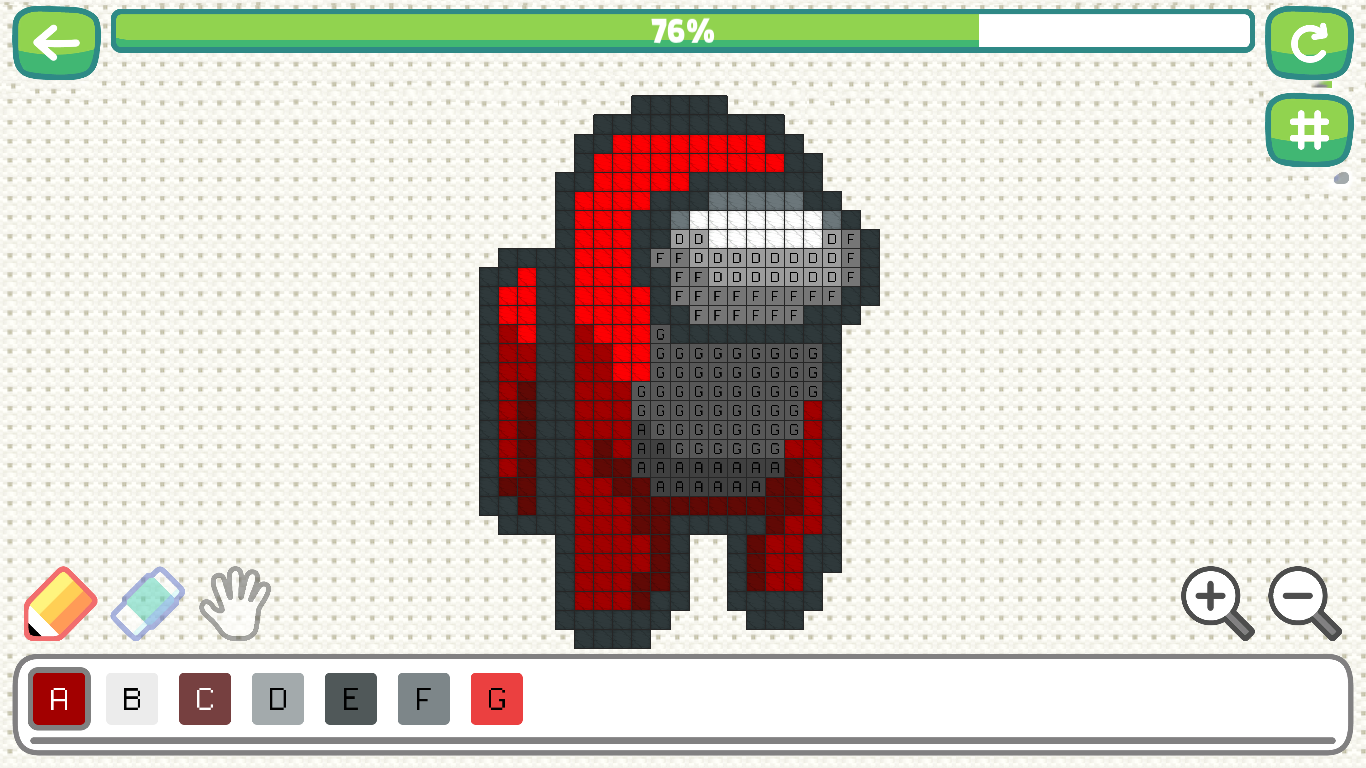
Cross Stitch: knitting is an embroidery simulator in which you need to fill in the cells by numbers. Our game will help you relax and usefully pass the time. Here you will find 50 beautiful drawings, sorted by difficulty level, from easiest to hardest! The drawings are selected in such a way as to please everyone, from young to old, boys and girls. Have a nice game!

Videos and screenshots
  • Cross stitch: knitting screenshot 1
  • Cross stitch: knitting screenshot 2
  • Cross stitch: knitting screenshot 3
  • Cross stitch: knitting screenshot 4
  • Cross stitch: knitting screenshot 5
  • Cross stitch: knitting screenshot 6
  • Cross stitch: knitting screenshot 7
  • Cross stitch: knitting screenshot 8
  • Cross stitch: knitting screenshot 9
Play Now

11,874 players online

How to play

  1. Open the game

    Press Play now and the game opens on its own screen.

  2. Follow the in-game instructions

    The controls and goals are shown inside the game as you play.

  3. Use the game menu

    The floating button over the game reloads it, saves it to your favourites, or takes you back out.
Game instructions

Computer control: RIGHT mouse button - moves the canvas (must be held and move) LEFT mouse button - depending on the selected tool draws/moves (you can press once or hold and move) B - brush H - move Touch control: With one finger - depending on the selected tool, draw/move (you can press once or hold and move) Two fingers - to zoom and move (it is recommended to do this with the "move" tool so as not to accidentally mess up)

More games

More games