Skip to content
KG
DeepMine

DeepMine

6K plays 4.6 out of 5

Overview

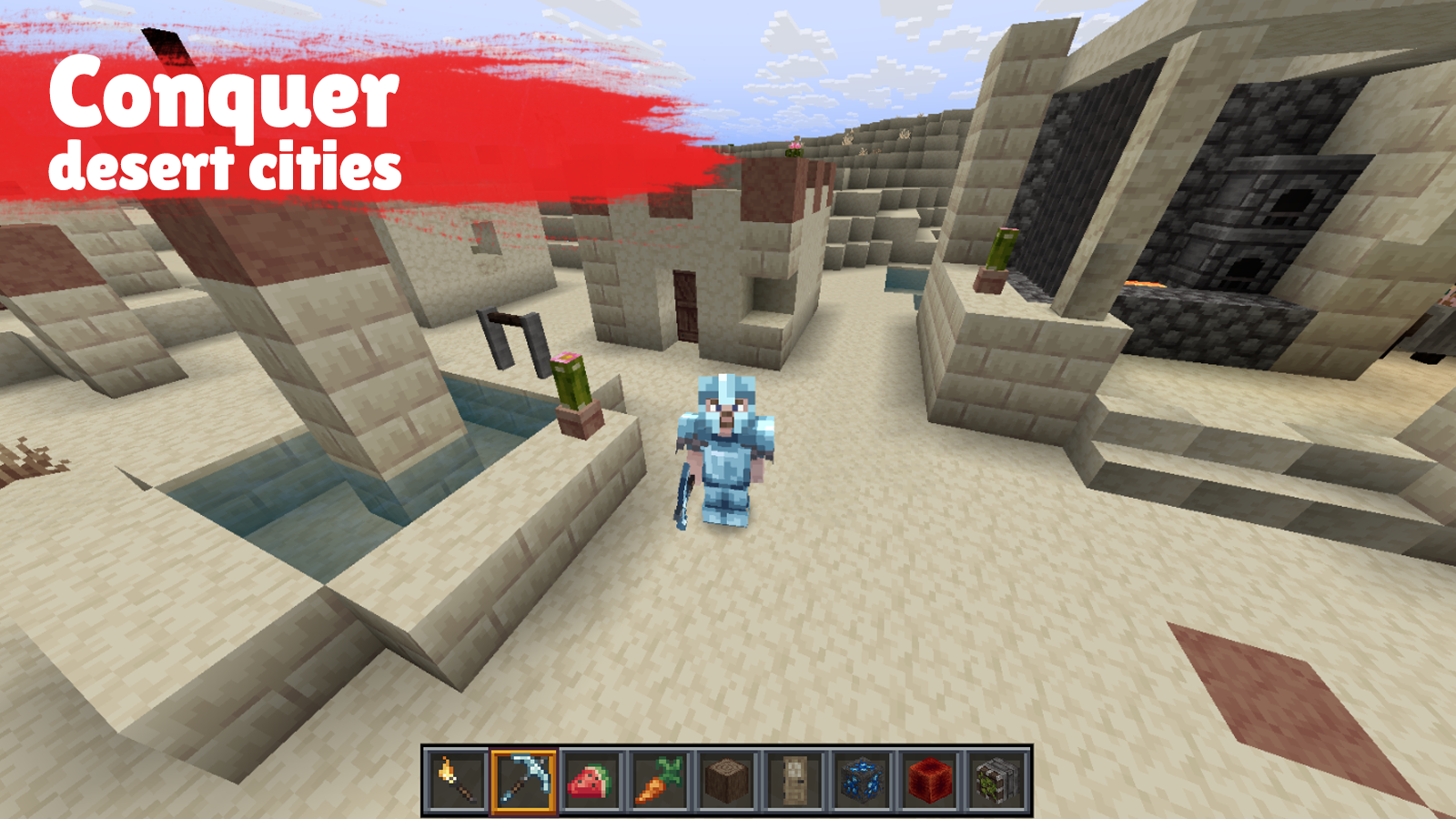
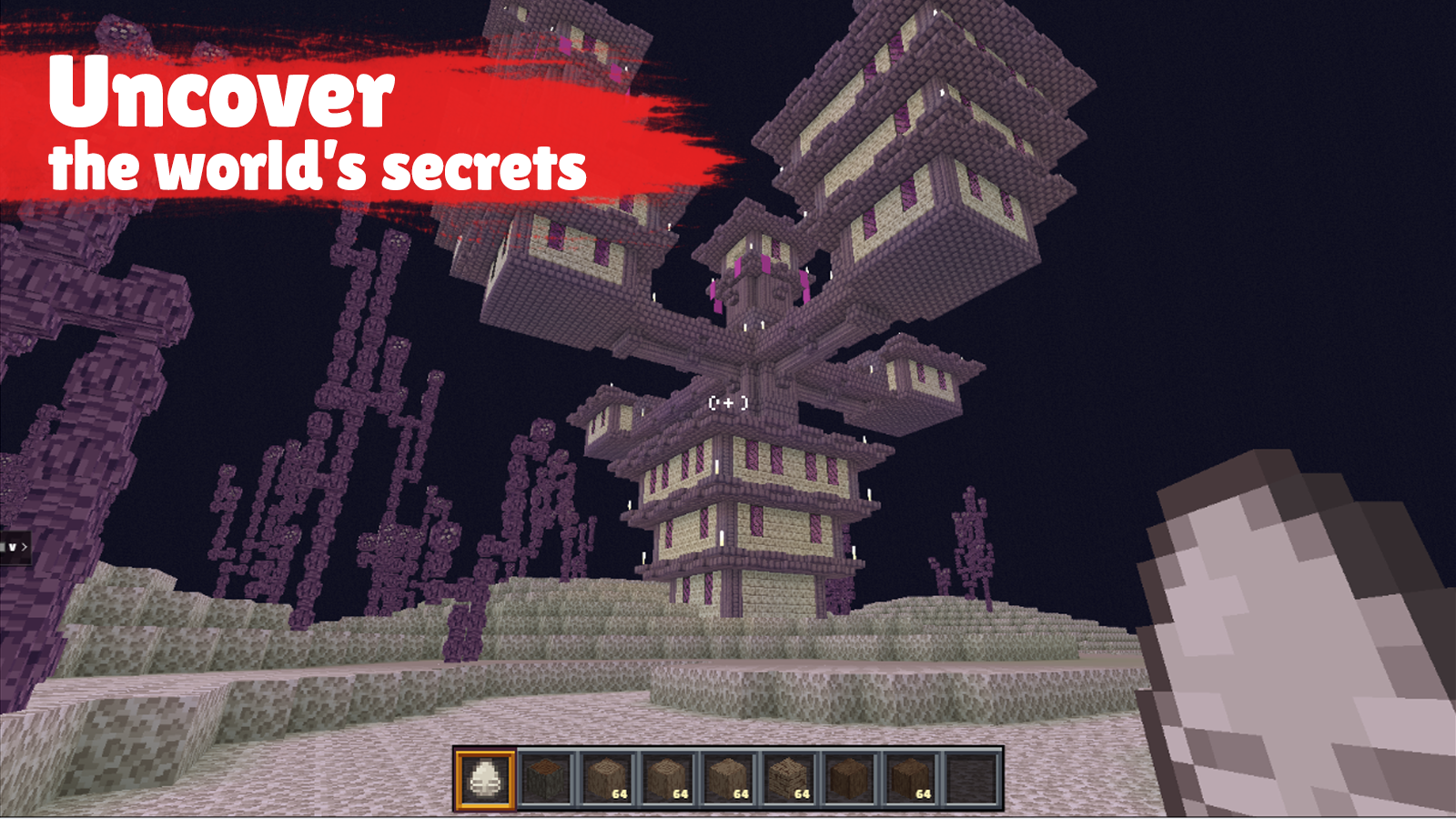
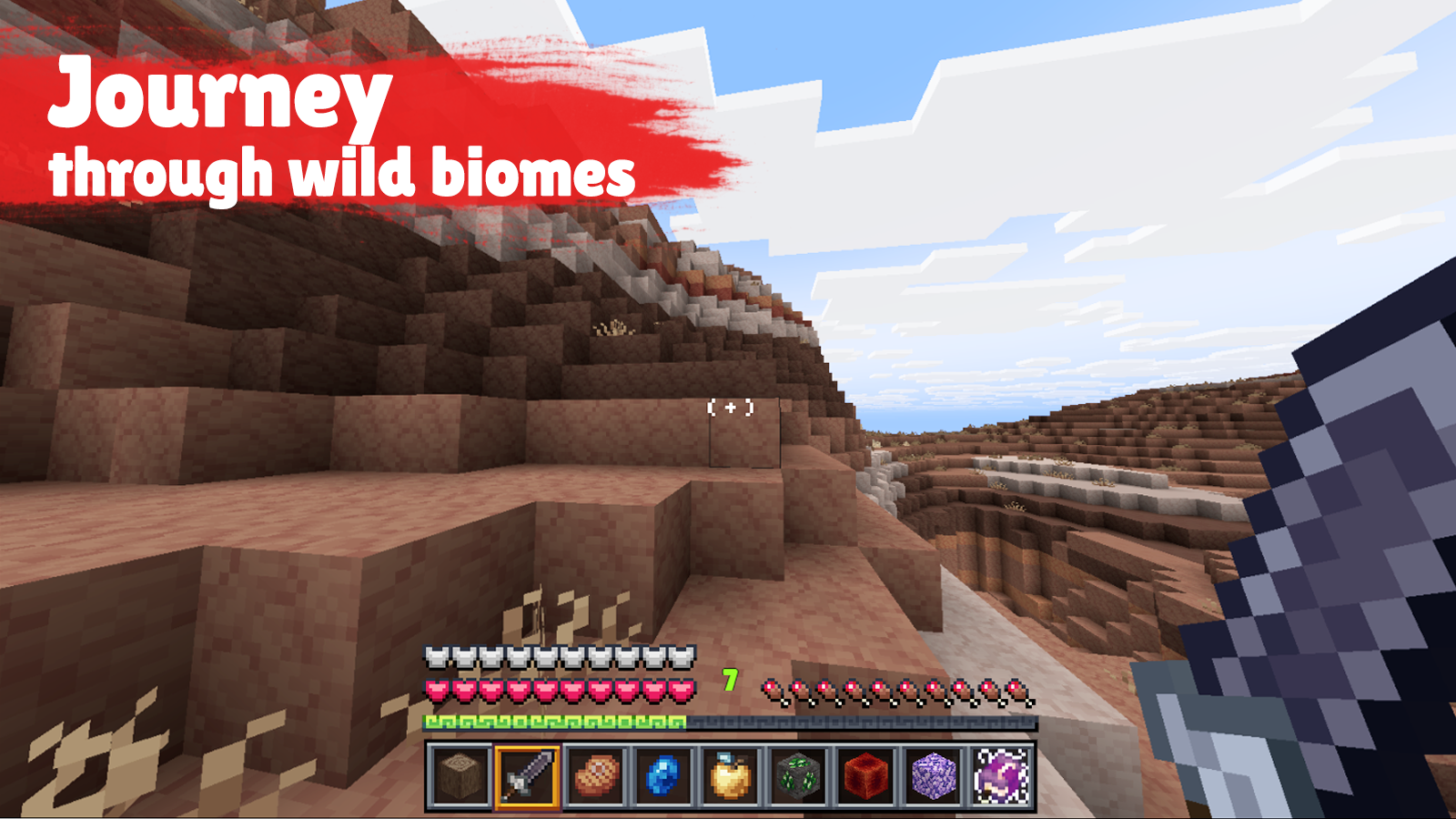
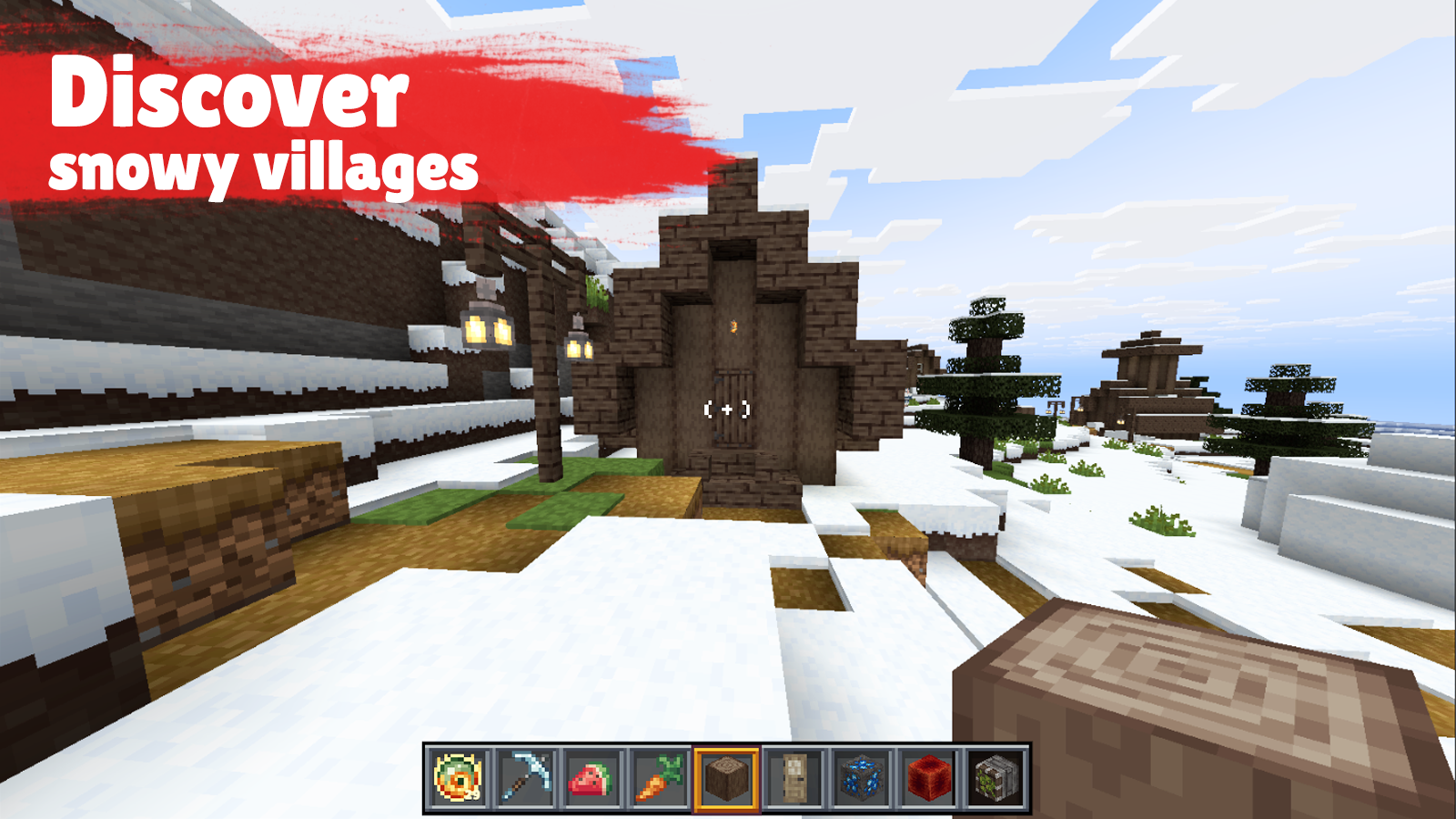
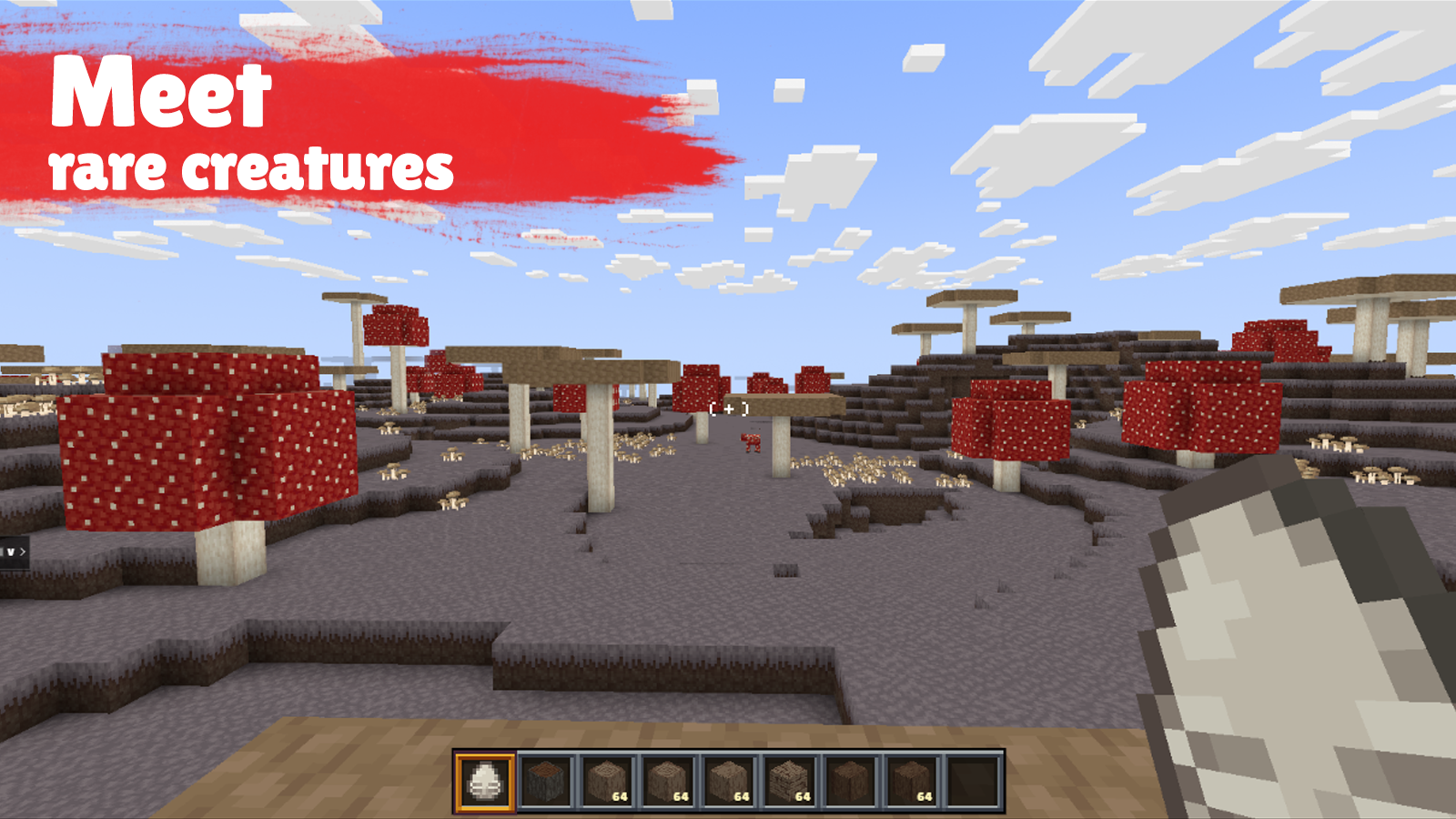
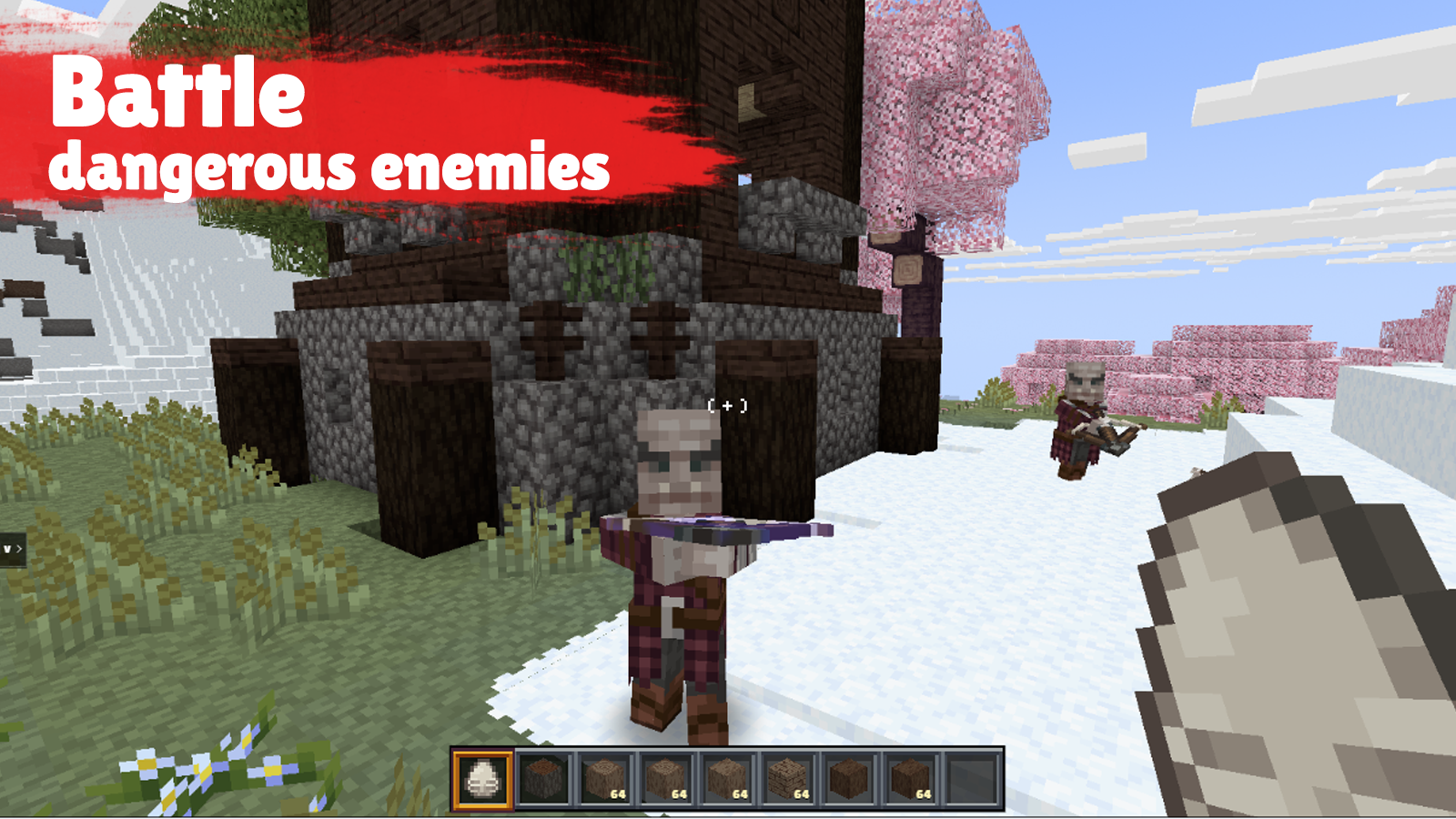
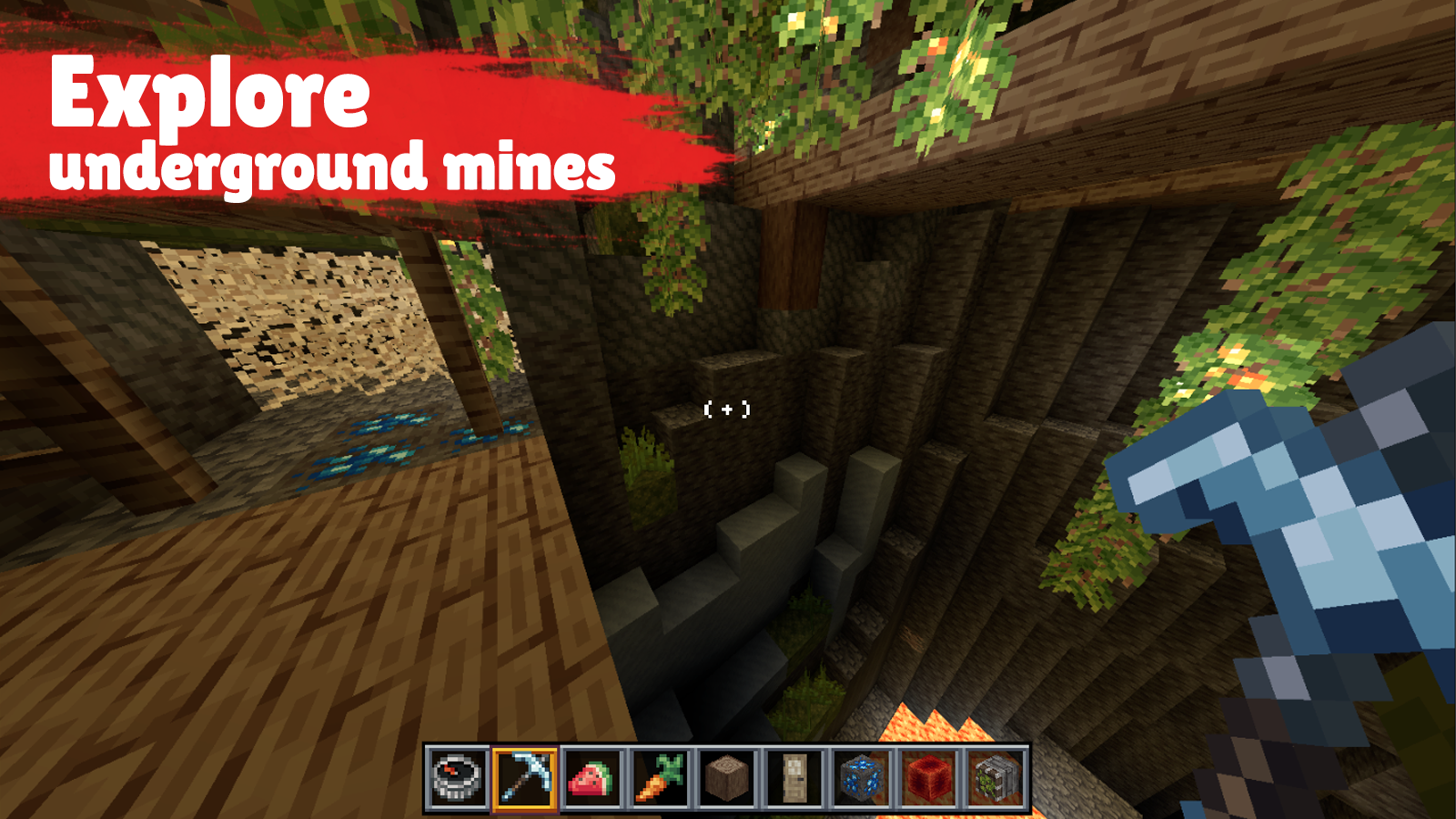
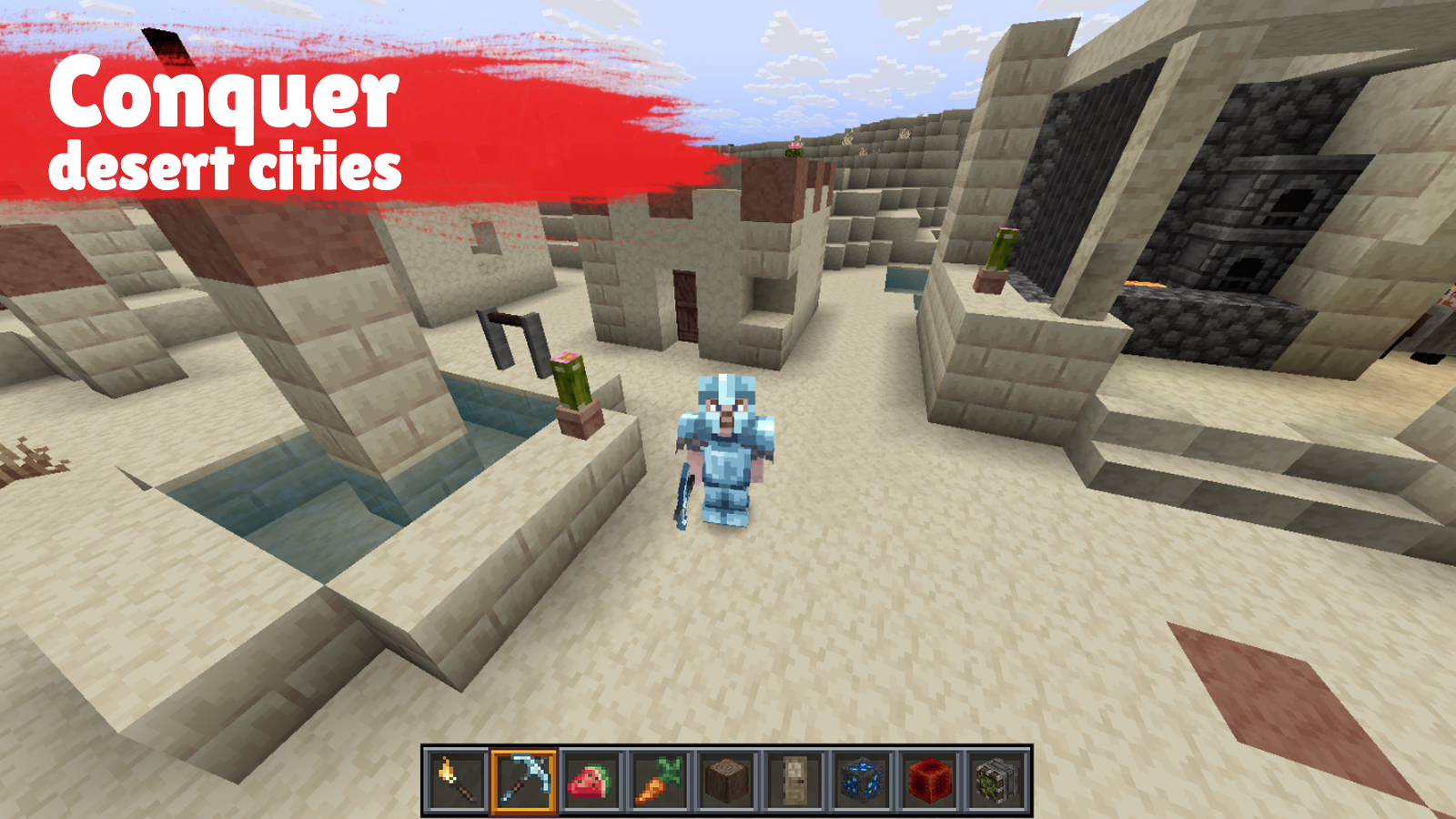
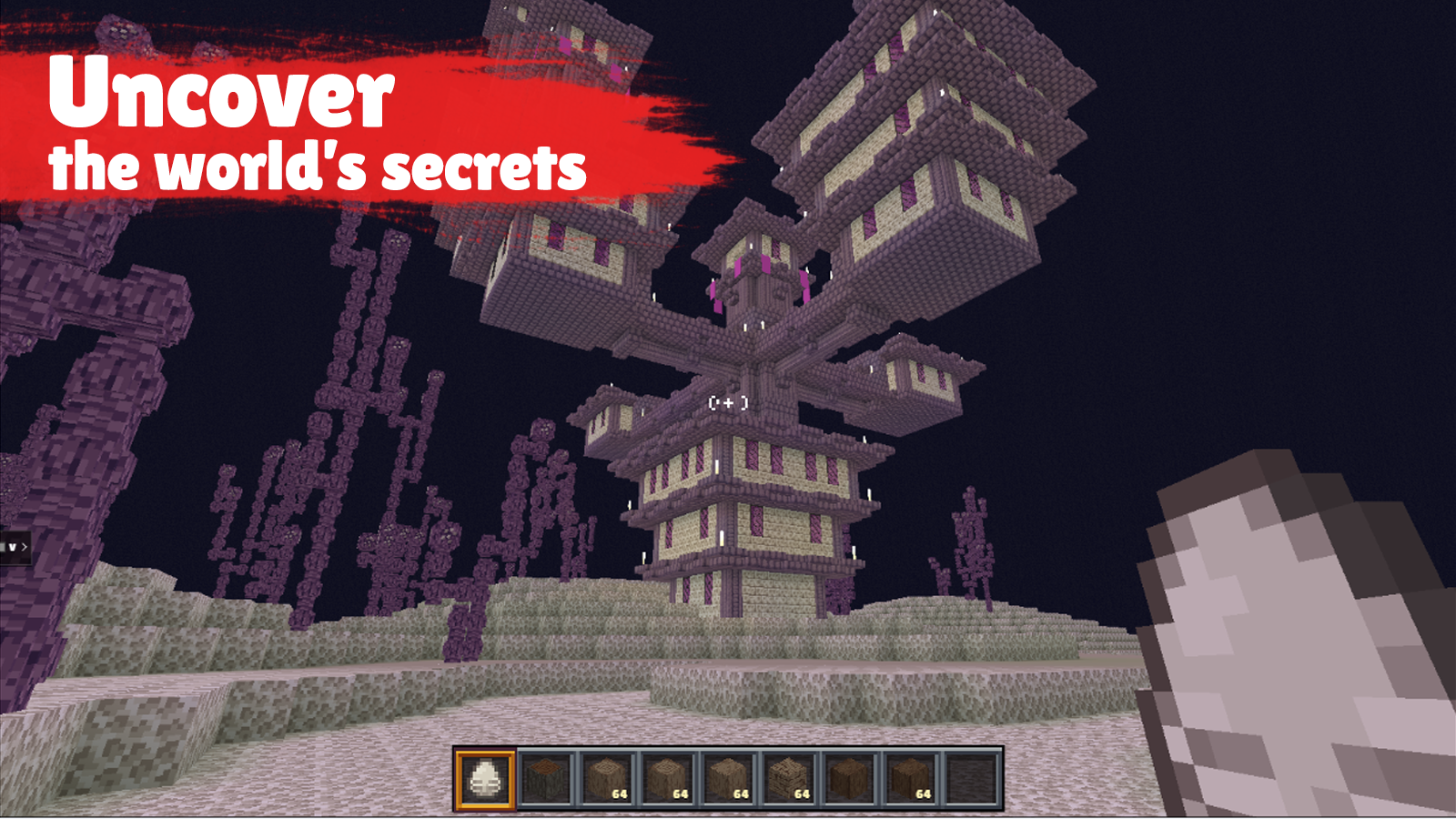
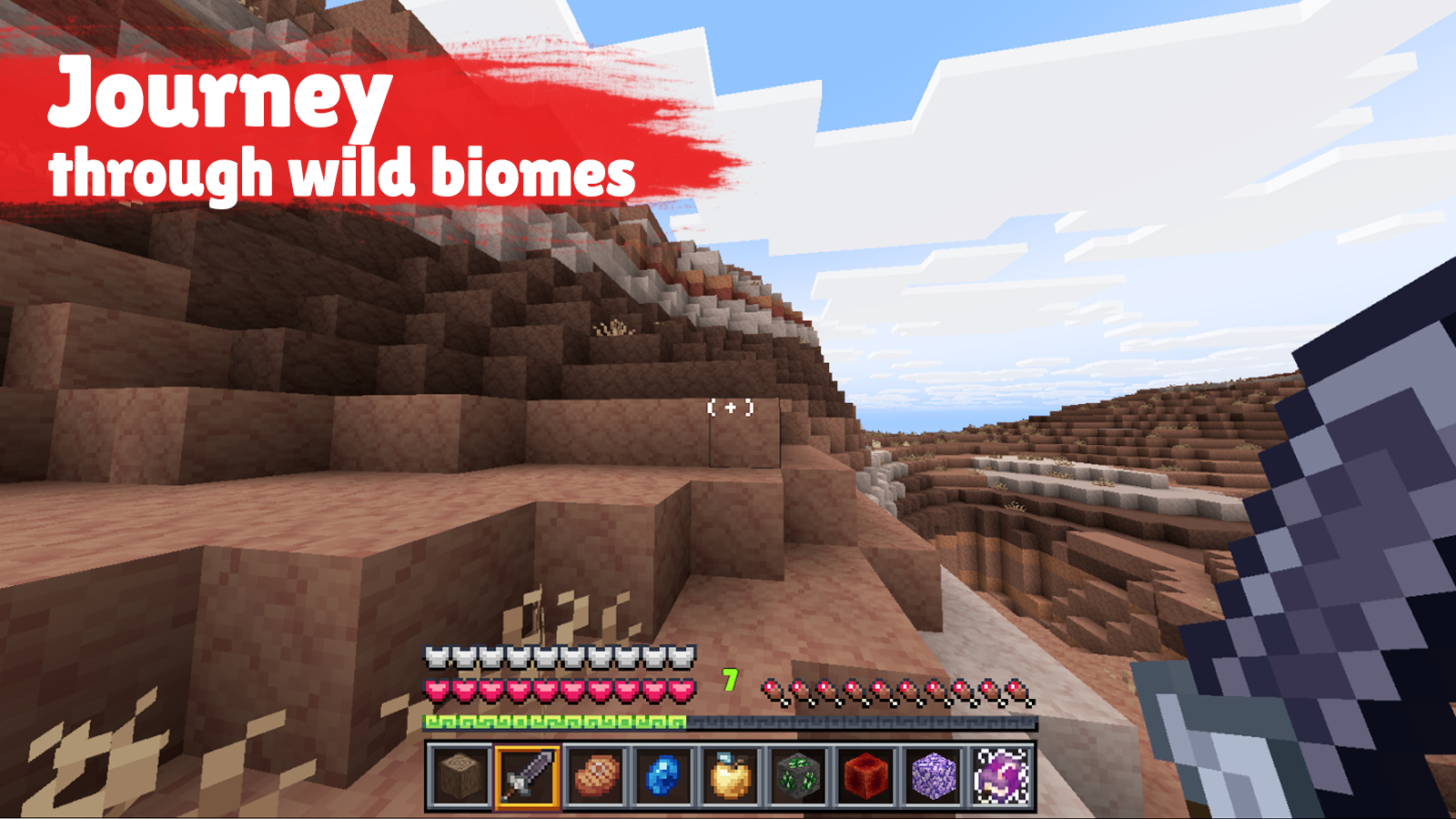
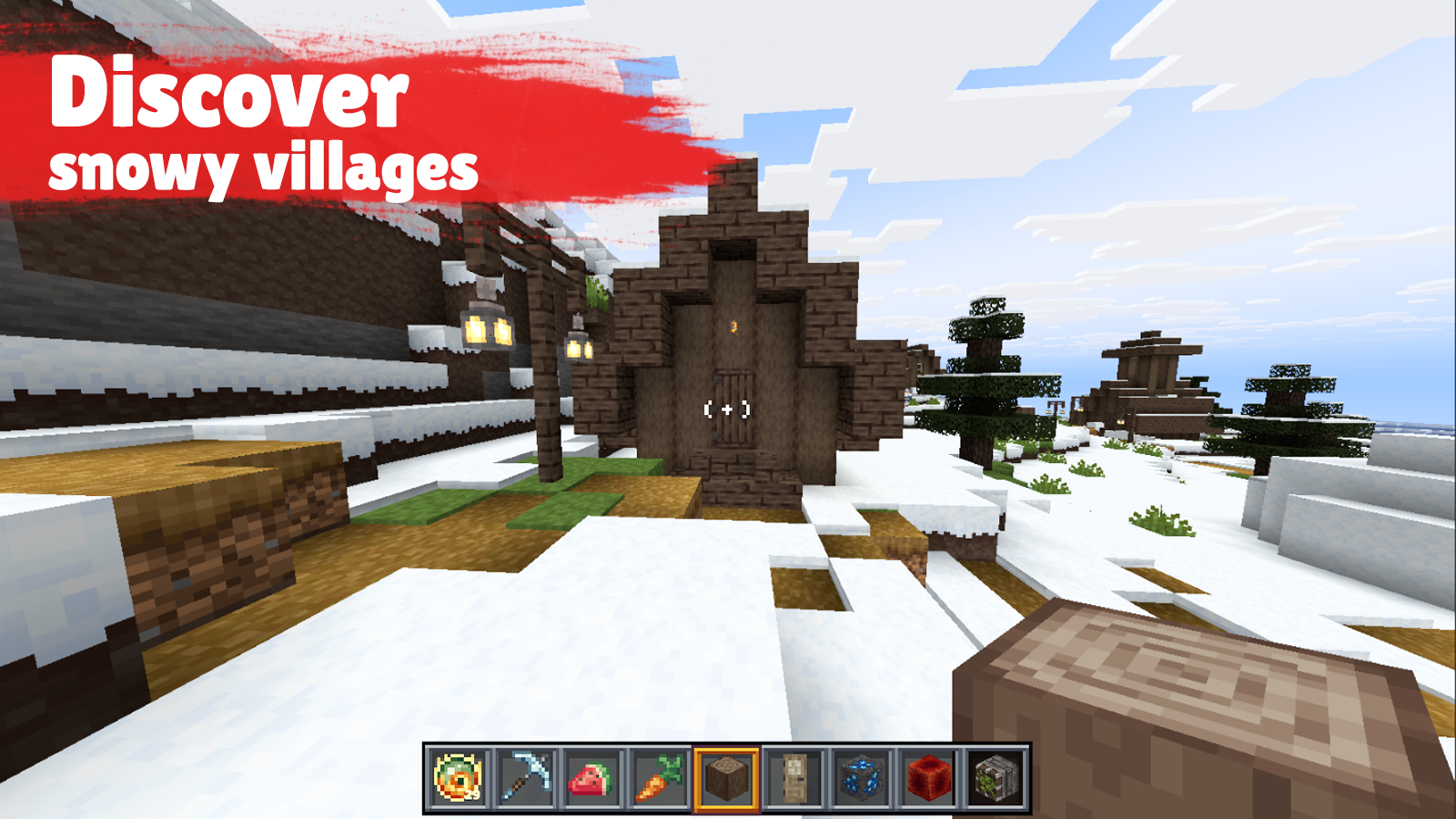
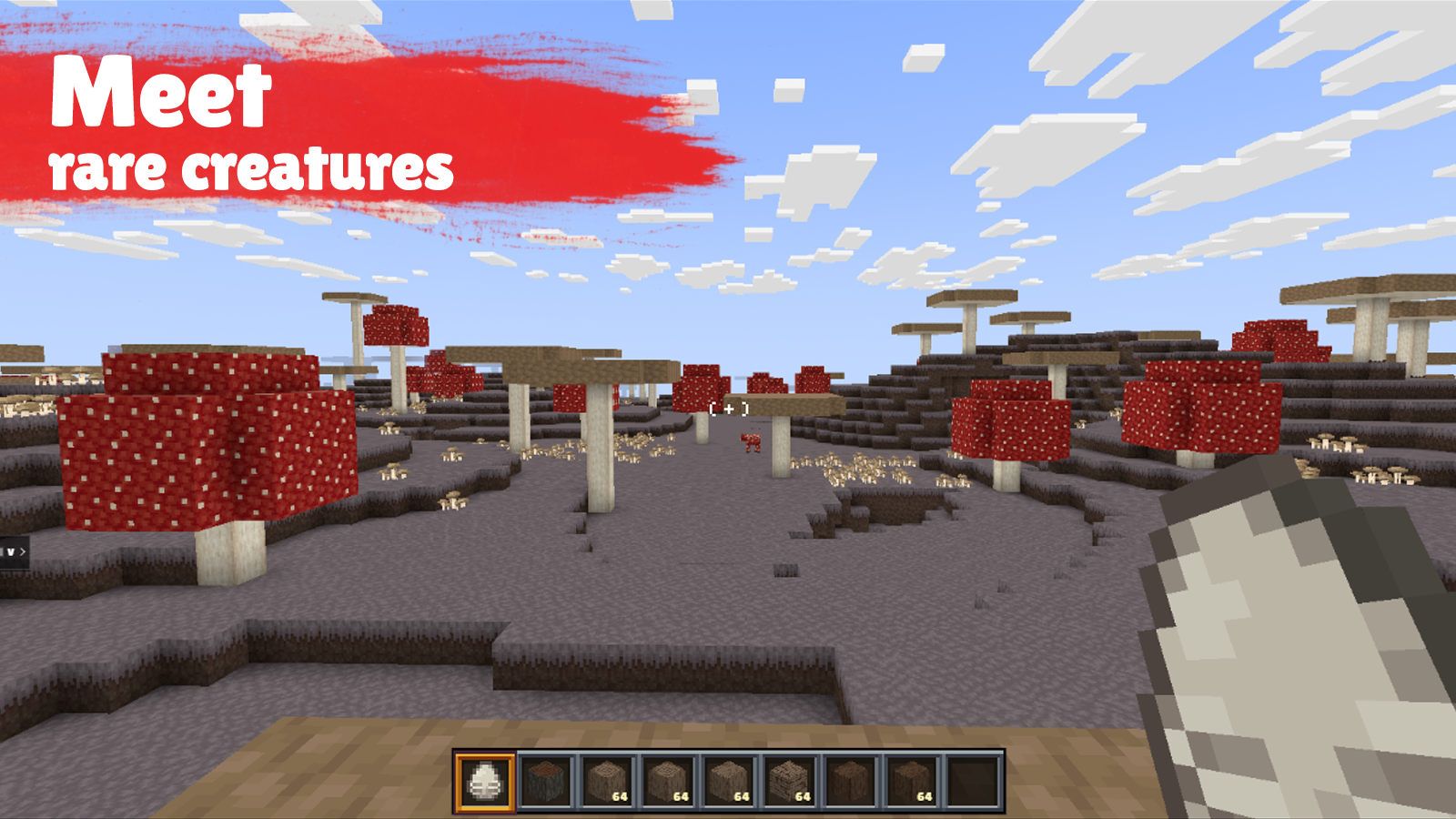
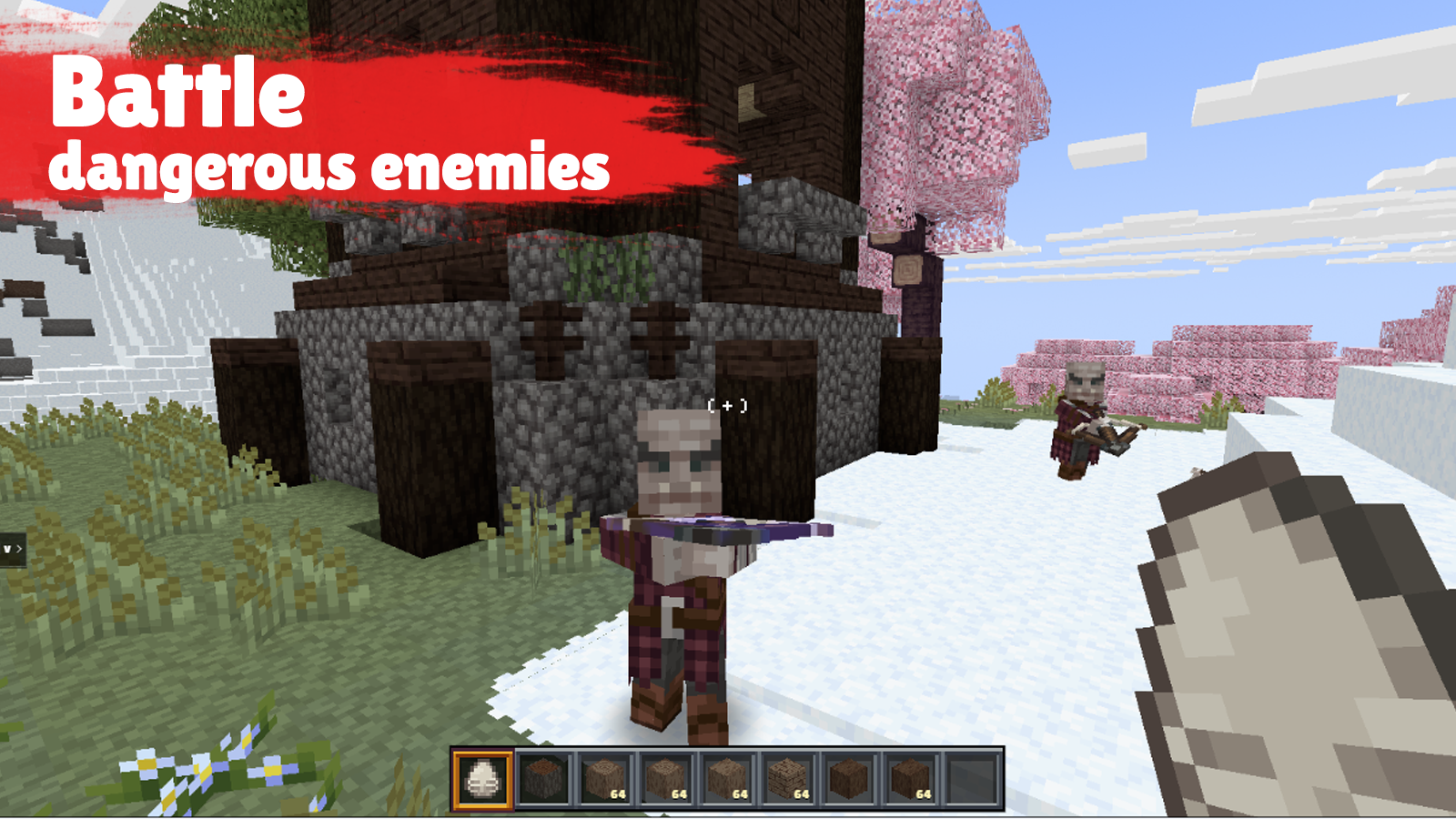
DeepMine is a large-scale 3D sandbox where players explore a living block-based world and choose their own playstyle. The game blends the familiar freedom of Minecraft with the energy of Roblox, while adding its own mechanics, quests, and discoveries that make every session feel like a new adventure. 🌍 Explore different biomes, discover new places, and interact with the environment. â›ī¸ Gather resources, collect items, and craft tools and equipment. 🧱 Build houses, bases, and your own structures while gradually developing your world. âš™ī¸ The game combines open-world exploration, building, survival, and clear progression through resources, inventory, and crafting. 🎮 DeepMine is made for players who enjoy freedom, creativity, long play sessions, and steady world-driven progression.

Videos and screenshots
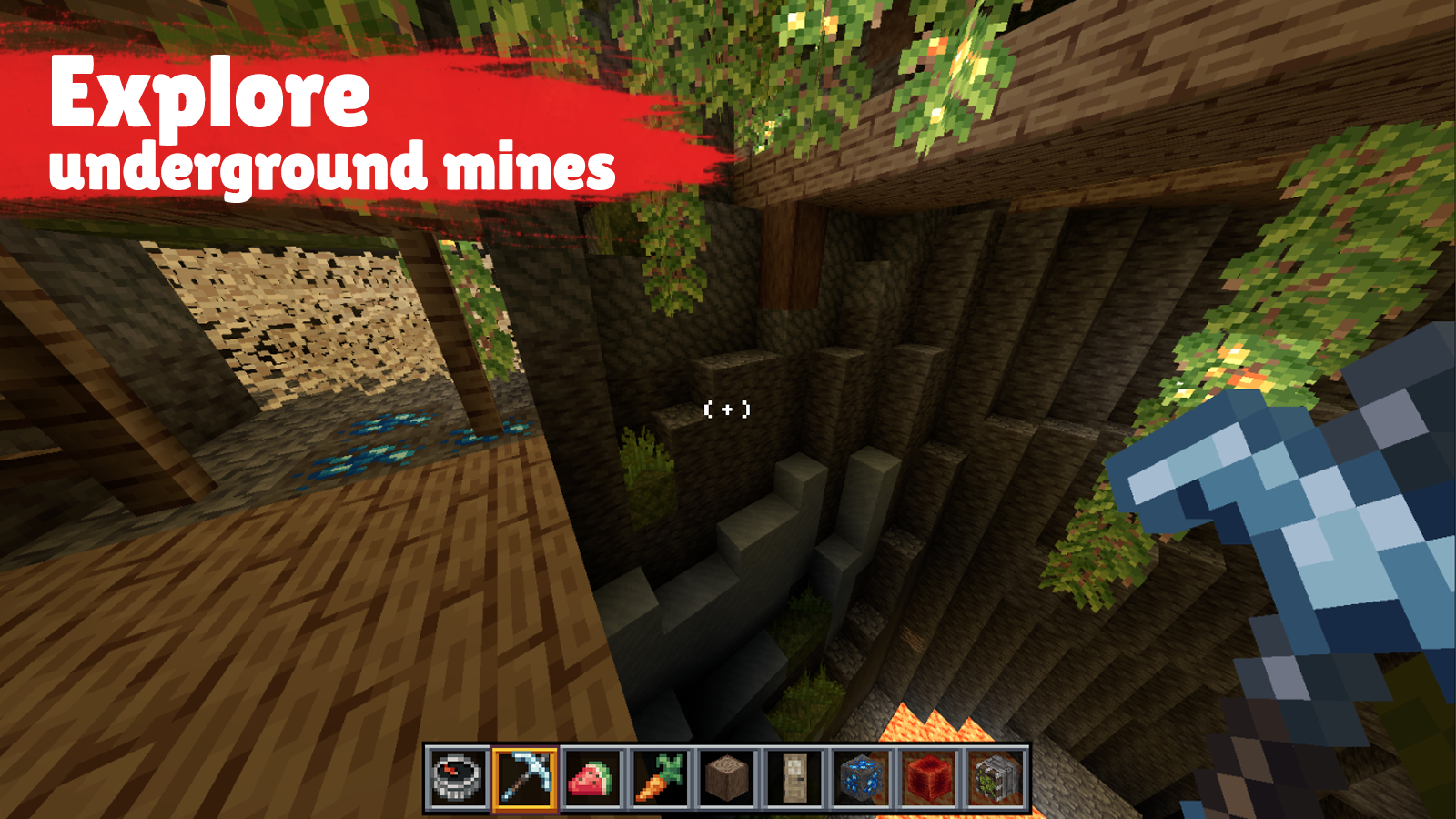
  • DeepMine screenshot 1
  • DeepMine screenshot 2
  • DeepMine screenshot 3
  • DeepMine screenshot 4
  • DeepMine screenshot 5
  • DeepMine screenshot 6
  • DeepMine screenshot 7
  • DeepMine screenshot 8
  • DeepMine screenshot 9
  • DeepMine screenshot 10
  • DeepMine screenshot 11
  • DeepMine screenshot 12
  • DeepMine screenshot 13
  • DeepMine screenshot 14
Play Now

12,397 players online

How to play

  1. Open the game

    Press Play now and the game opens on its own screen.

  2. Follow the in-game instructions

    The controls and goals are shown inside the game as you play.

  3. Use the game menu

    The floating button over the game reloads it, saves it to your favourites, or takes you back out.
Game instructions

🎮 W A S D — move âŦ†ī¸ Space — jump âŦ‡ī¸ Shift — sneak ⚡ Caps Lock — sprint đŸ–ąī¸ Mouse — control the camera â›ī¸ Left mouse button — break blocks / attack 🧱 Right mouse button — place blocks / use items 🎒 E — open inventory đŸ”ĸ 1-9 — select a hotbar item đŸ—‘ī¸ Q — drop the selected item đŸ›Ąī¸ F — move an item to the off-hand đŸ’Ŧ T — open chat đŸ‘Ĩ Tab — view the player list đŸ‘ī¸ R — change camera view â¸ī¸ Esc — open the pause menu / release the cursor đŸ–ąī¸ Click on the screen — start controlling your character 📱 Mobile: đŸ•šī¸ Left joystick / movement area — move 👆 Swipe on the right side of the screen — turn the camera 👆 Tap the screen — interact with blocks ✊ Hold on the screen — break blocks / attack âš™ī¸ Action button — jump or use an item depending on the situation âŦ‡ī¸ Double-tap the movement area — sneak 🎒 Inventory button — open inventory đŸ”ĸ Tap hotbar slots — switch item â¸ī¸ Menu button — open the pause menu

More games

More games