Overview
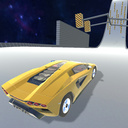
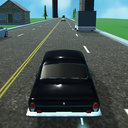
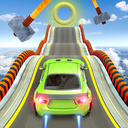
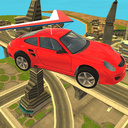
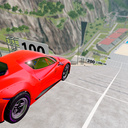
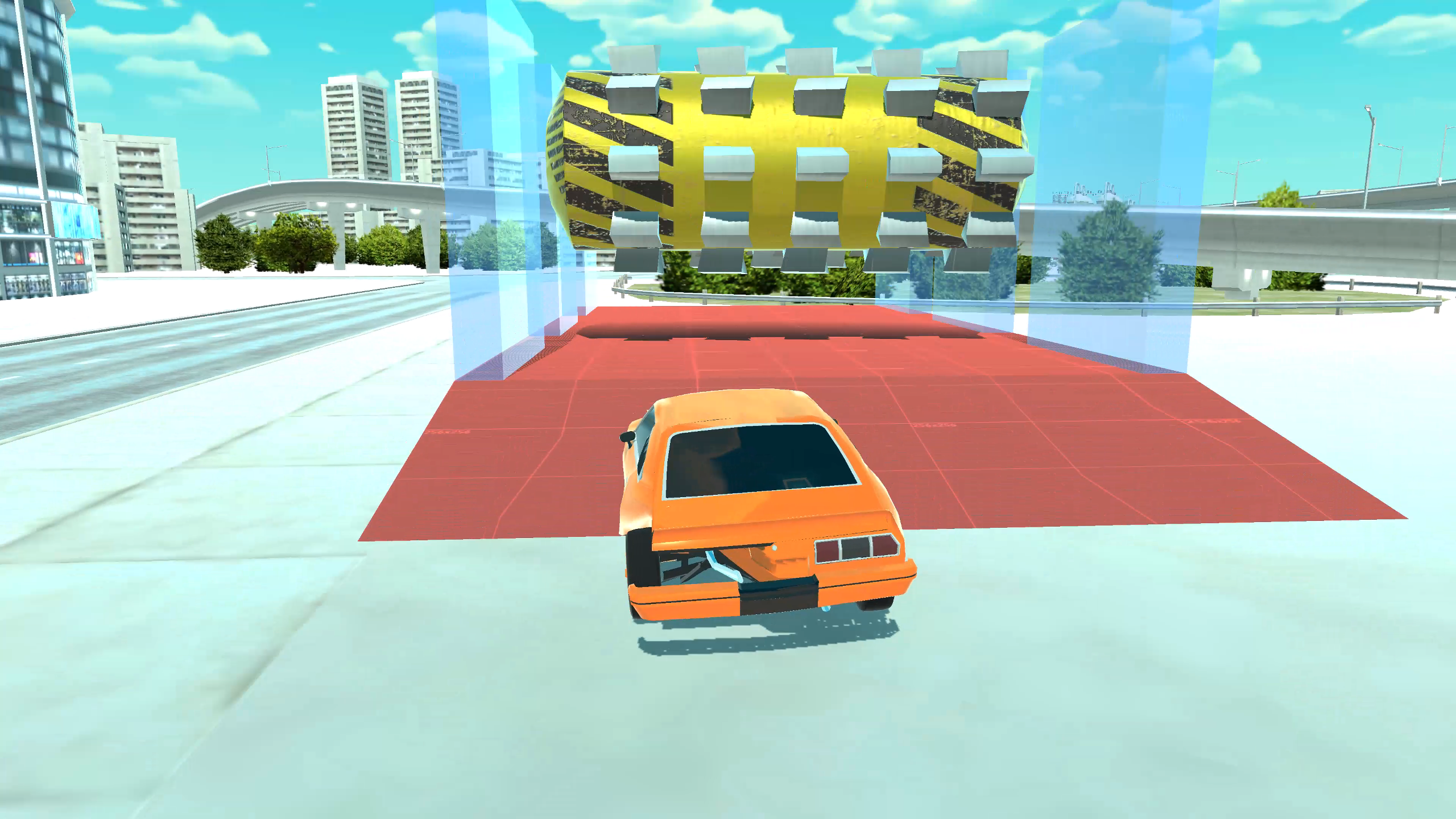
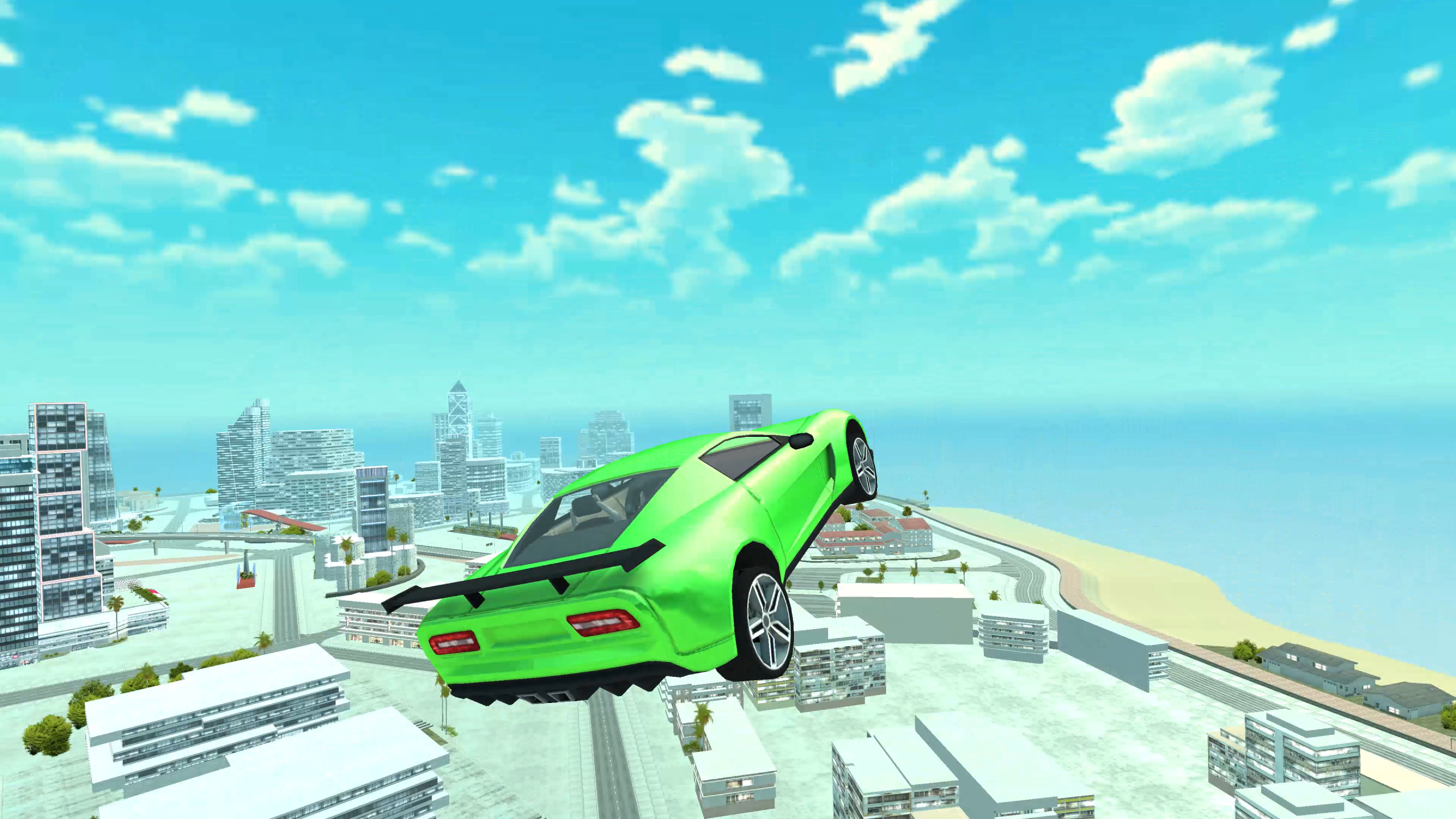
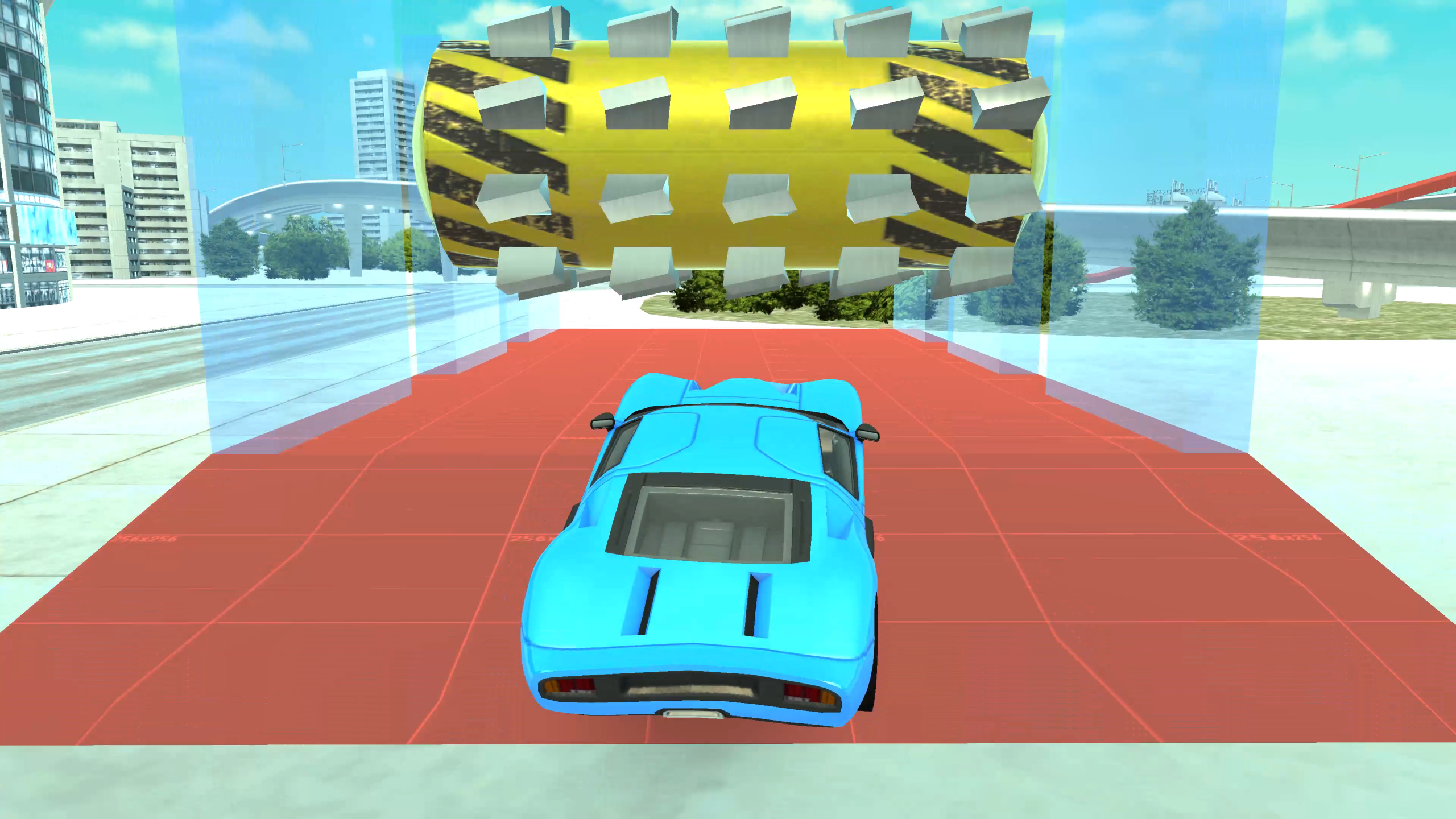
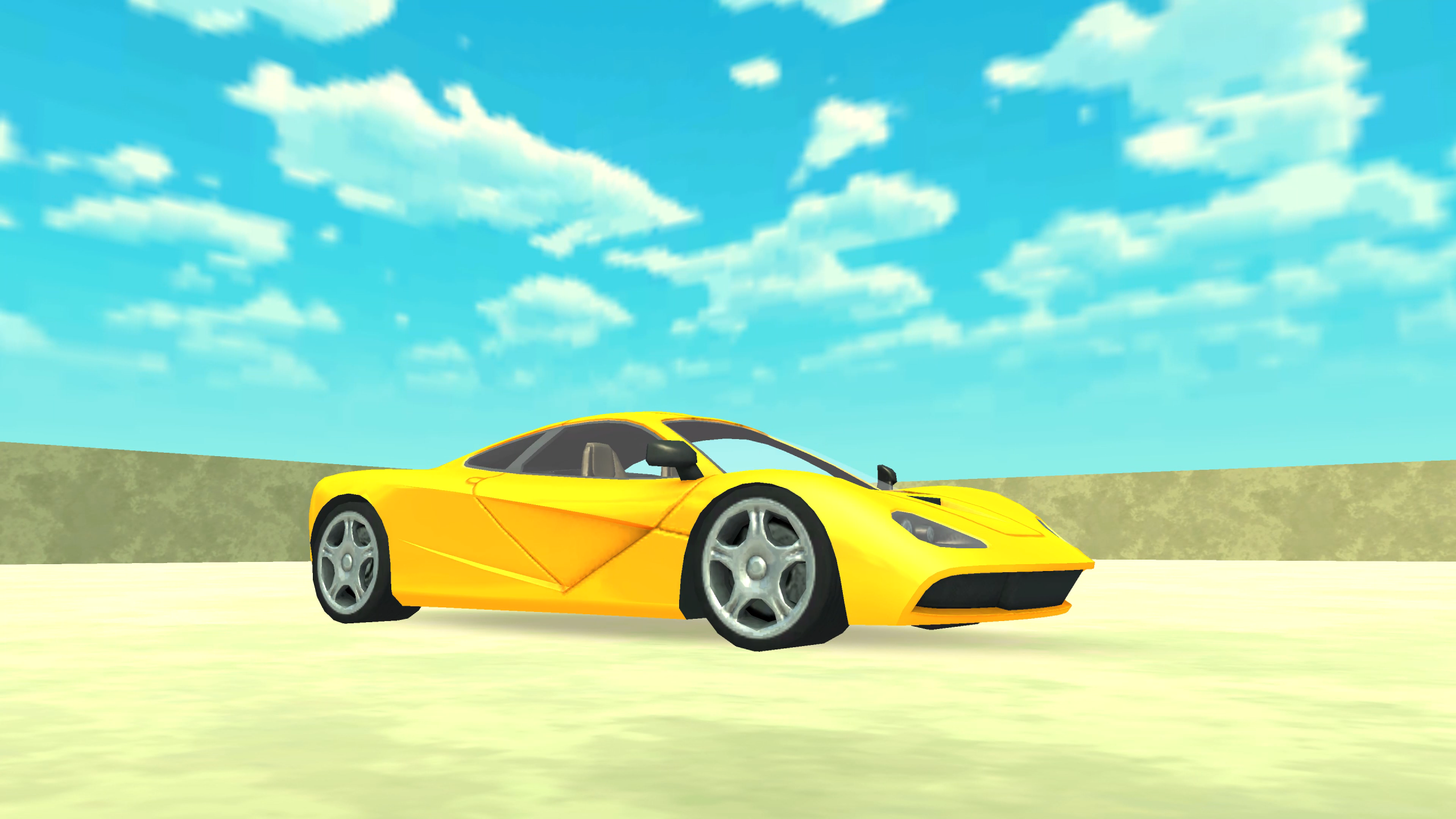
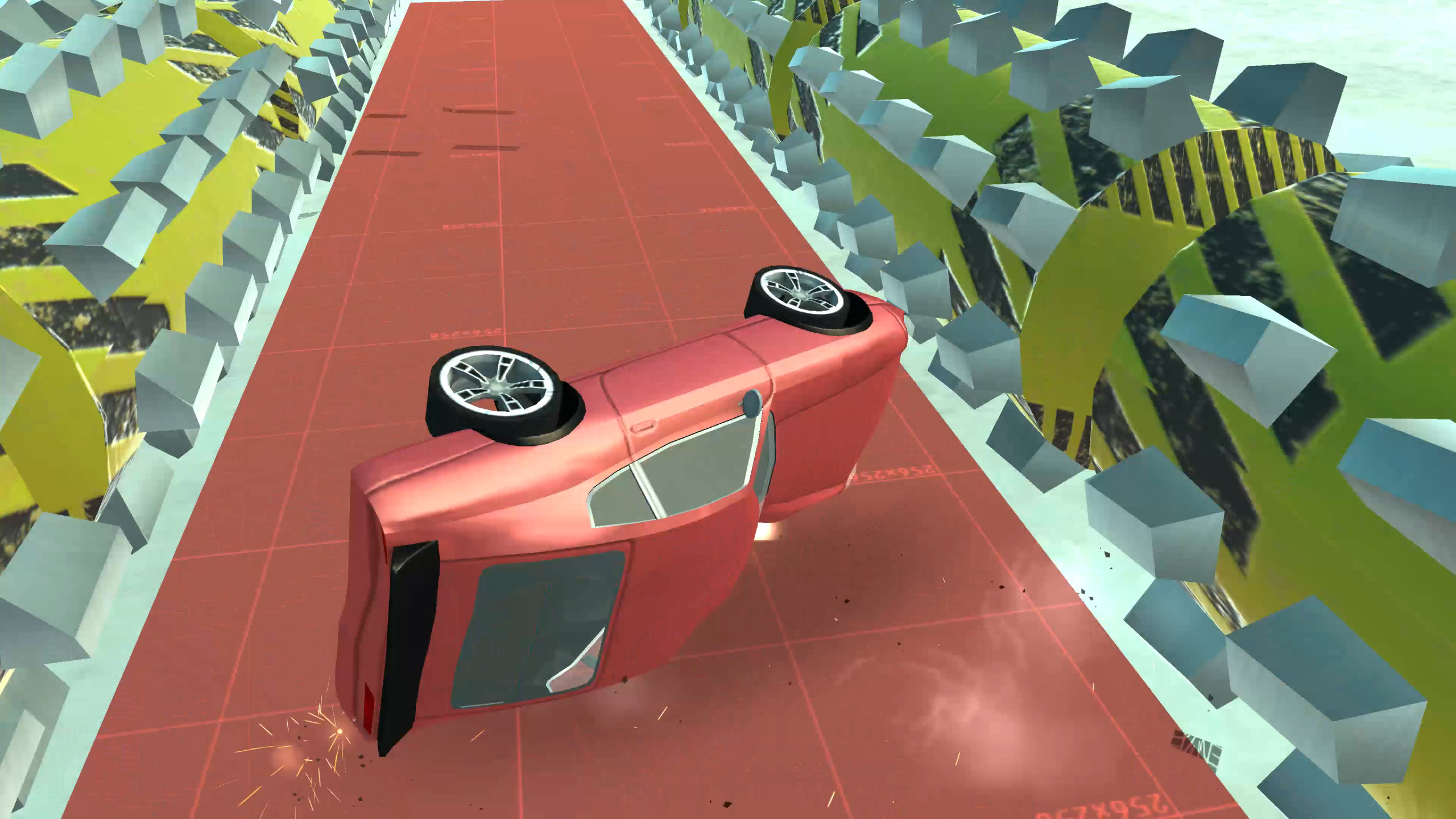
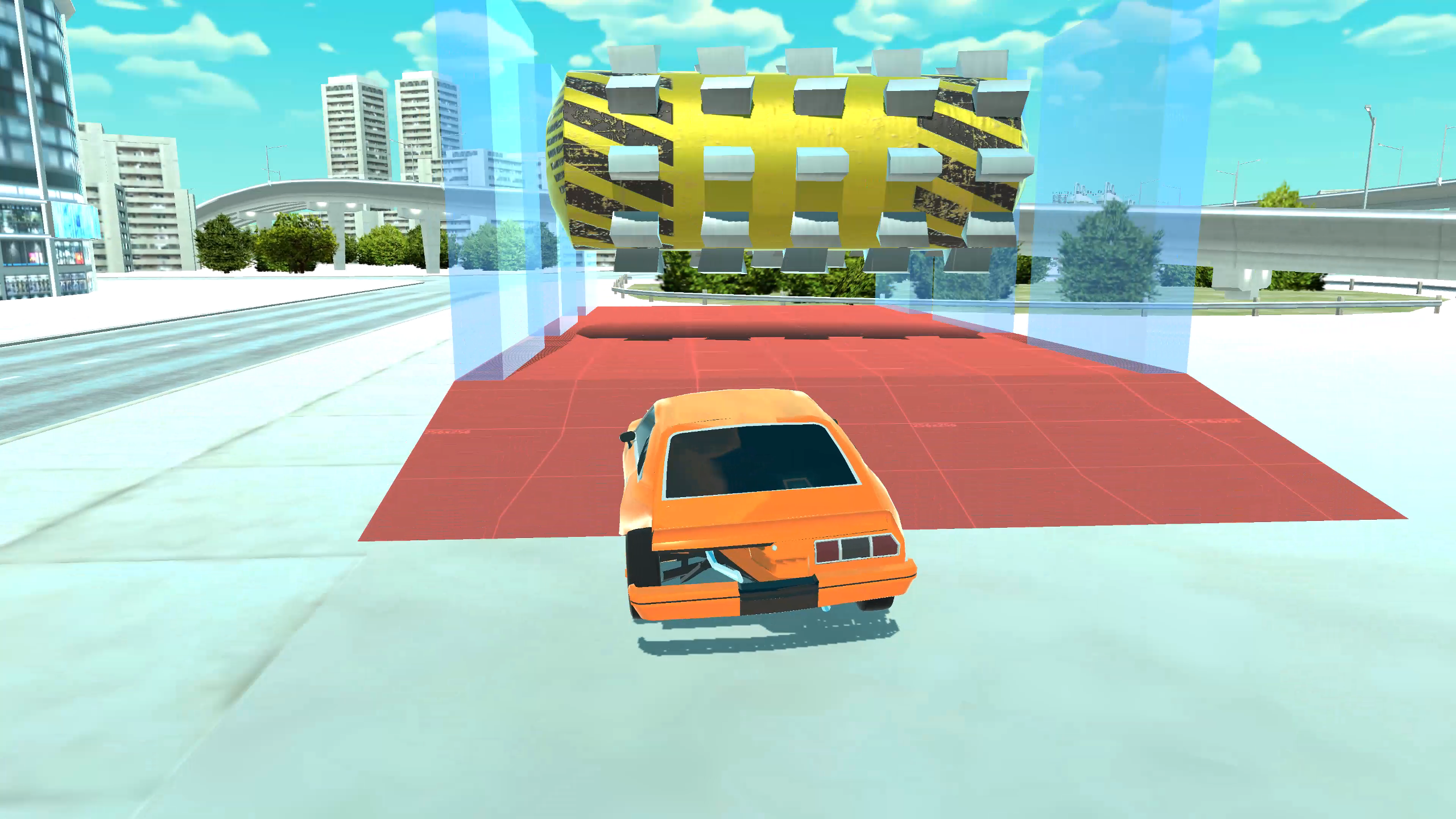
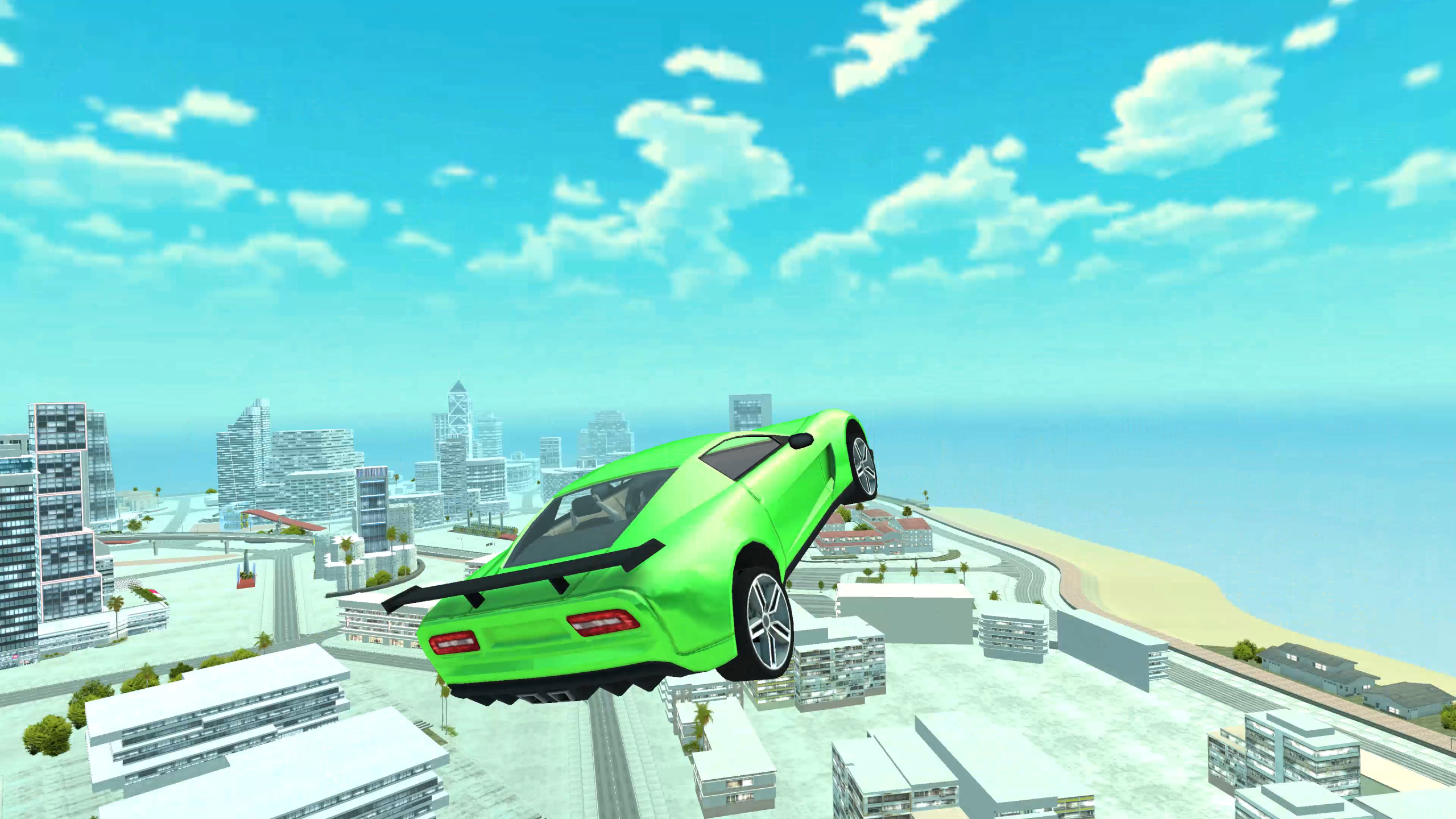
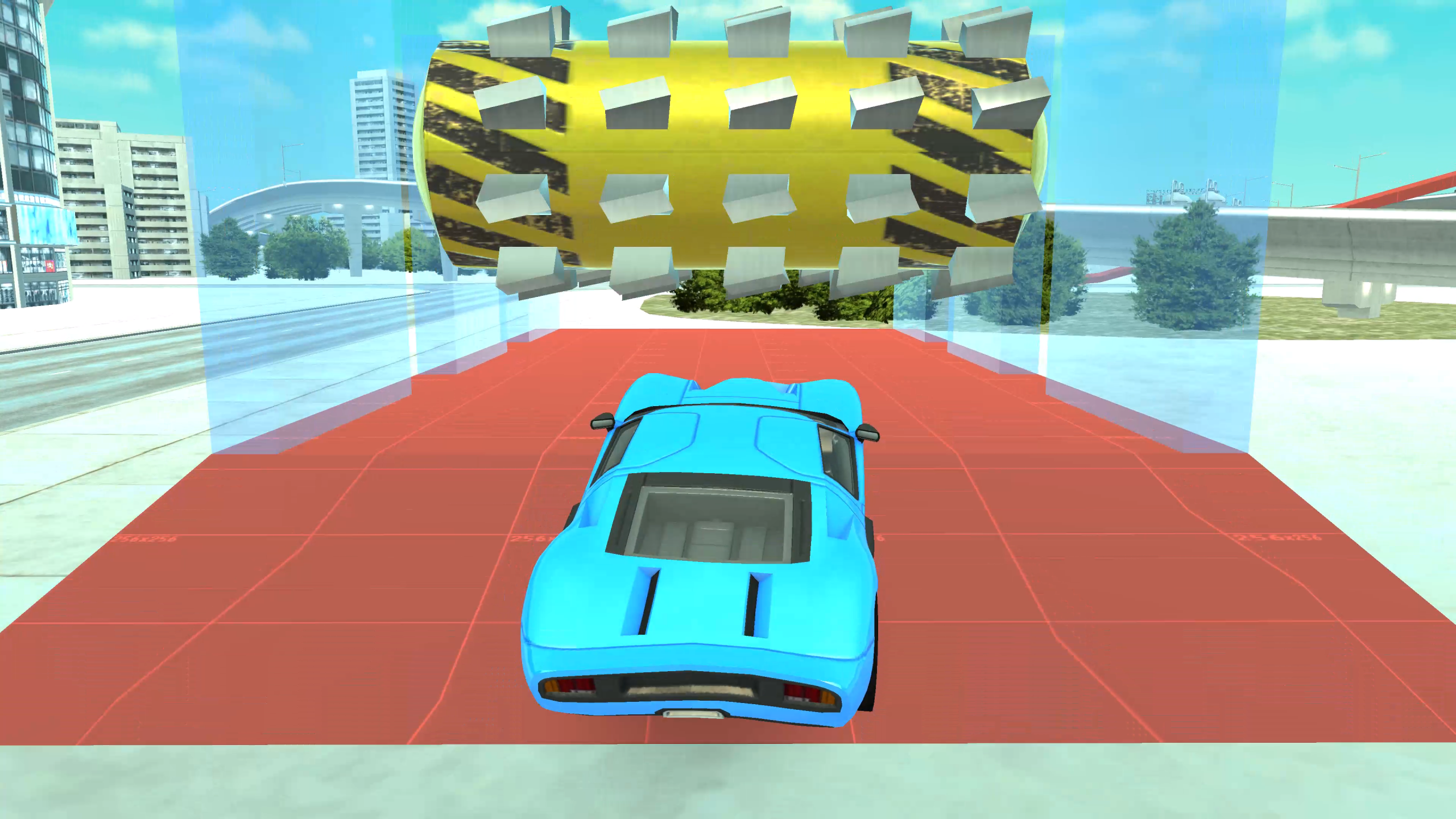
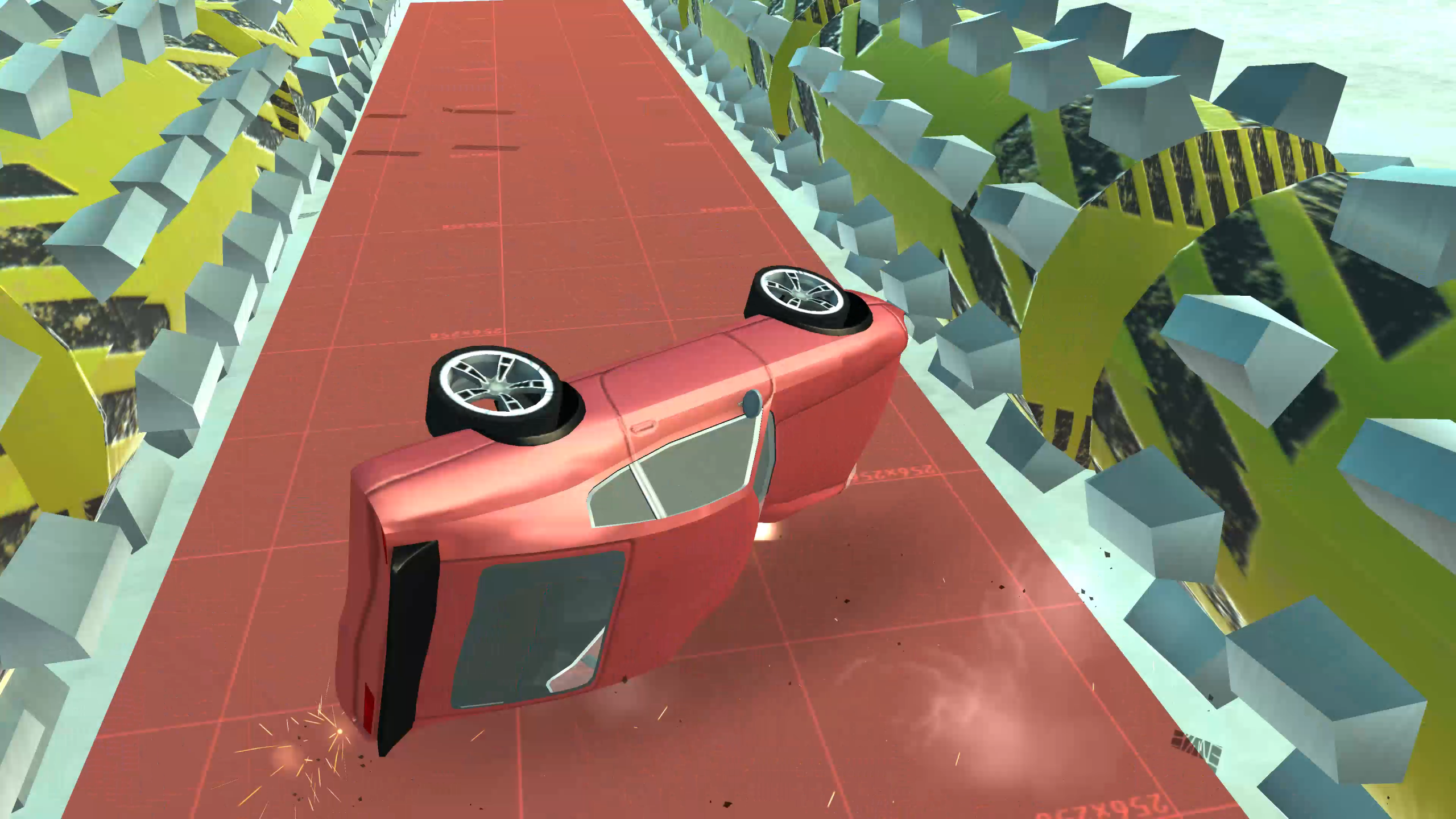
You will have to make a bold descent from a giant springboard by car to land in the very center of the city. There are special stands for crash tests in the city, where cars are waiting for their fate. The player's task is to cause maximum damage to his car and earn as many points as possible.
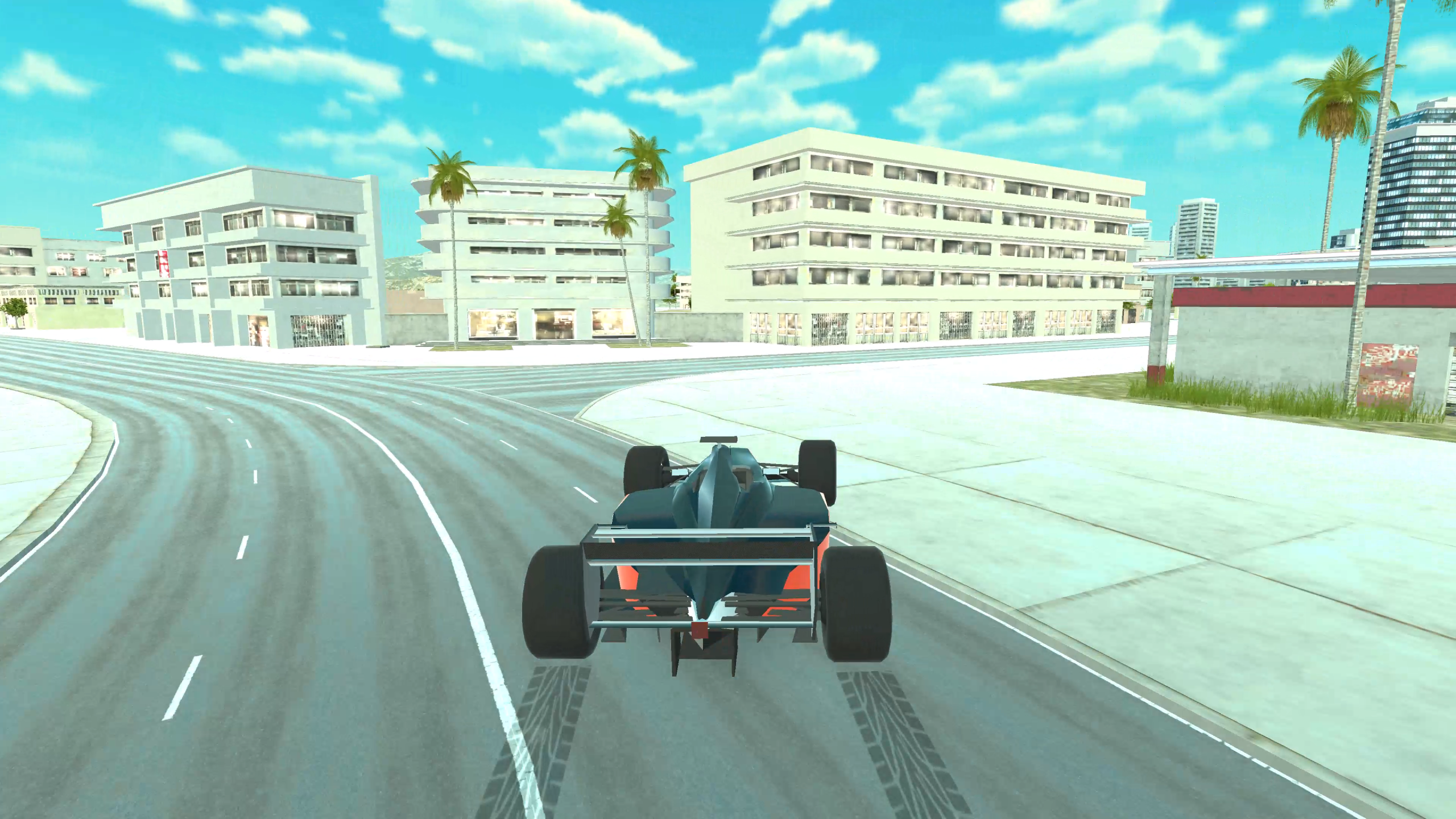
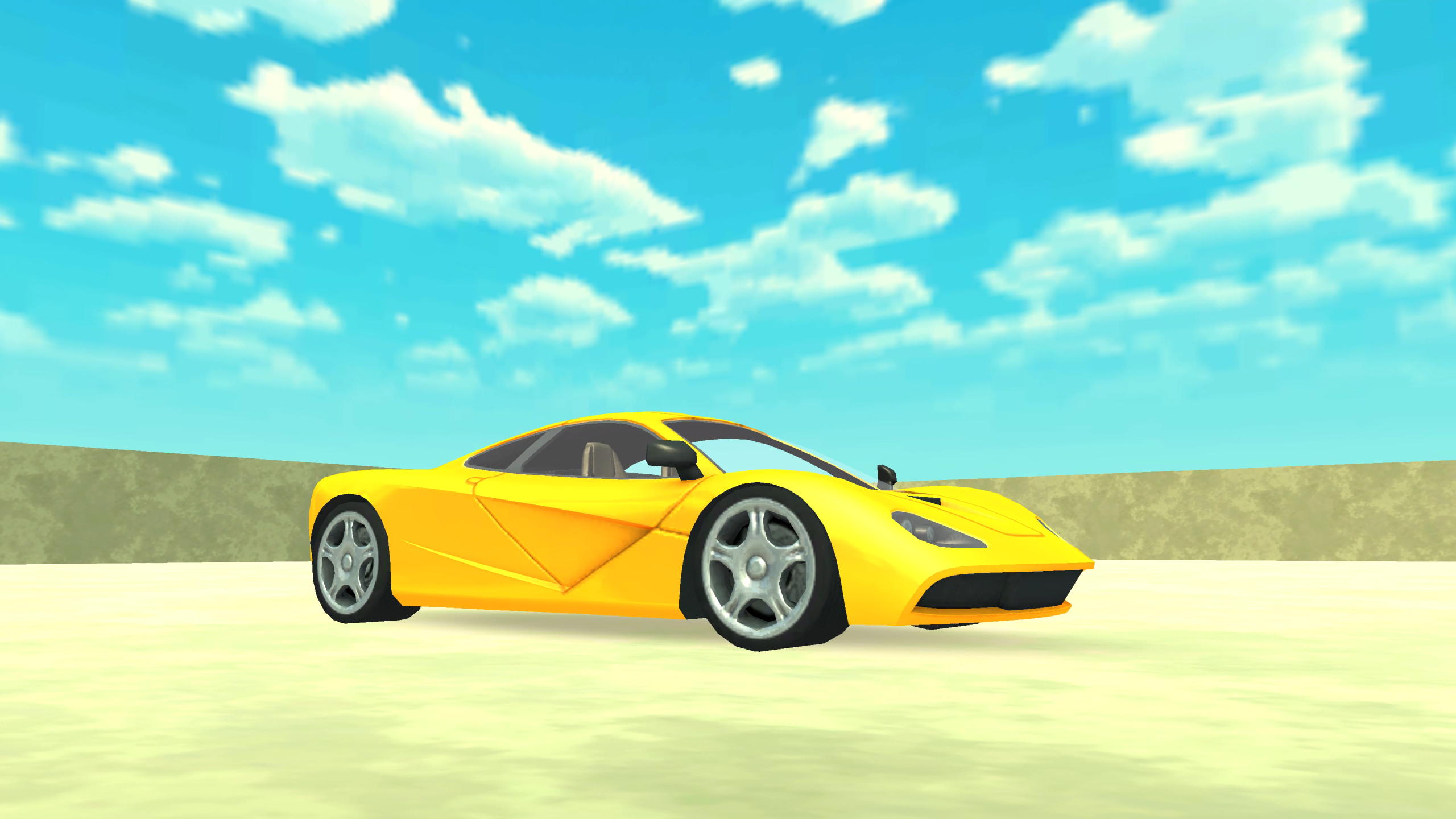
The gameplay offers a variety of levels with different jumps. Each level gives the player the opportunity to choose a new "cheat point" with unique characteristics such as speed, maneuverability and stability.
The more destructive the car collisions are, the more points the player will get. These points can be used to open new points.
"Descent without brakes on a cheat wheelbarrow" offers exciting gameplay, colorful graphics and fascinating physics of destruction, making each descent unique and exciting. Immerse yourself in the world of unrestrained experiments on cheat cars and become the king of crash tests in this exciting game!
Videos and screenshots

11,865 players online
How to play
-
Open the game
Press Play now and the game opens on its own screen.
-
Follow the in-game instructions
The controls and goals are shown inside the game as you play.
-
Use the game menu
The floating button over the game reloads it, saves it to your favourites, or takes you back out.