Overview
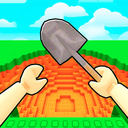
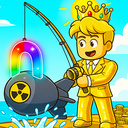
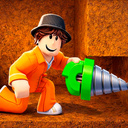
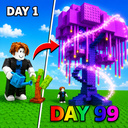
Dig and Descend: Obby Mine is a dynamic Roblox-style game! ⛏️🔥
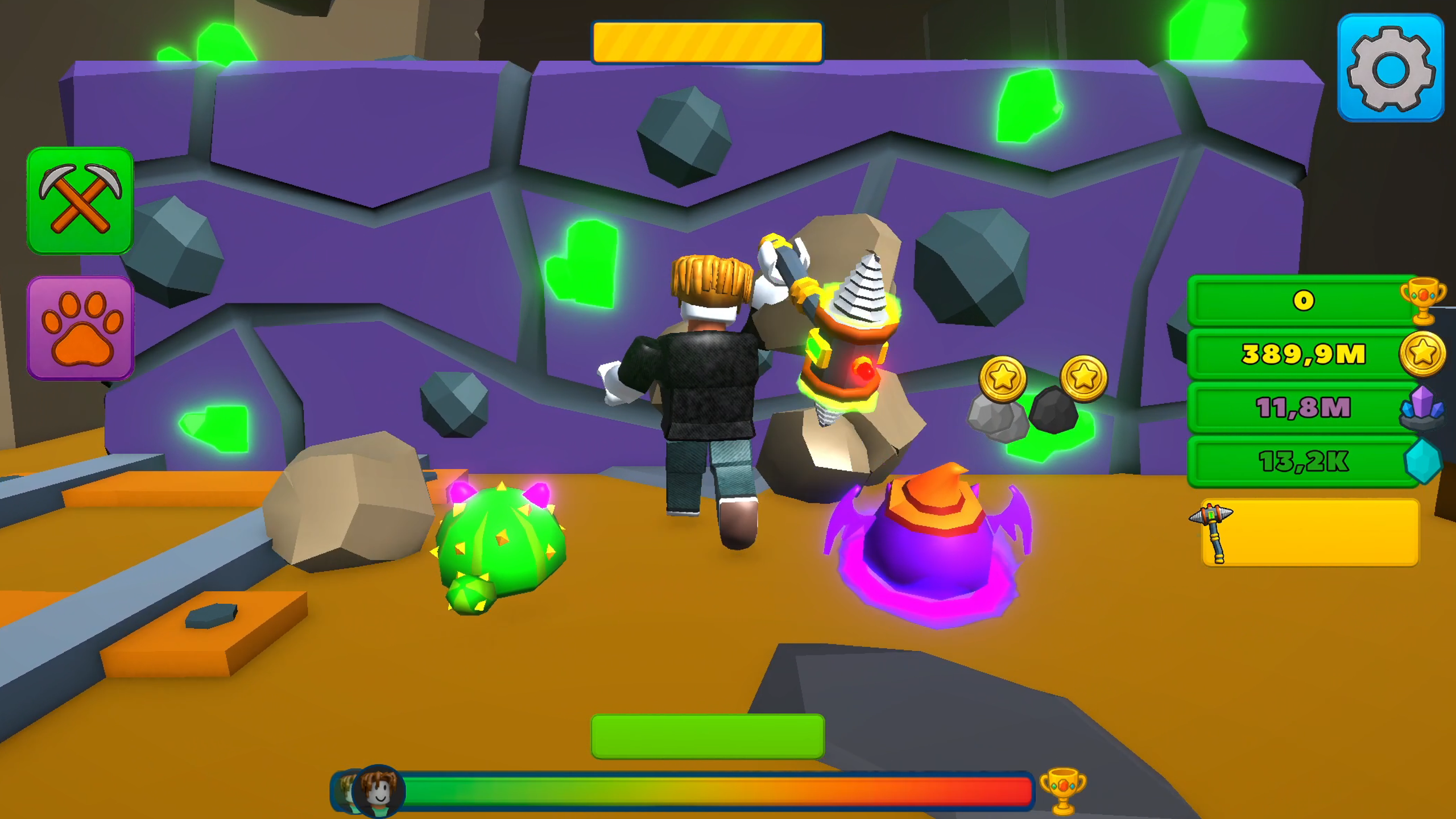
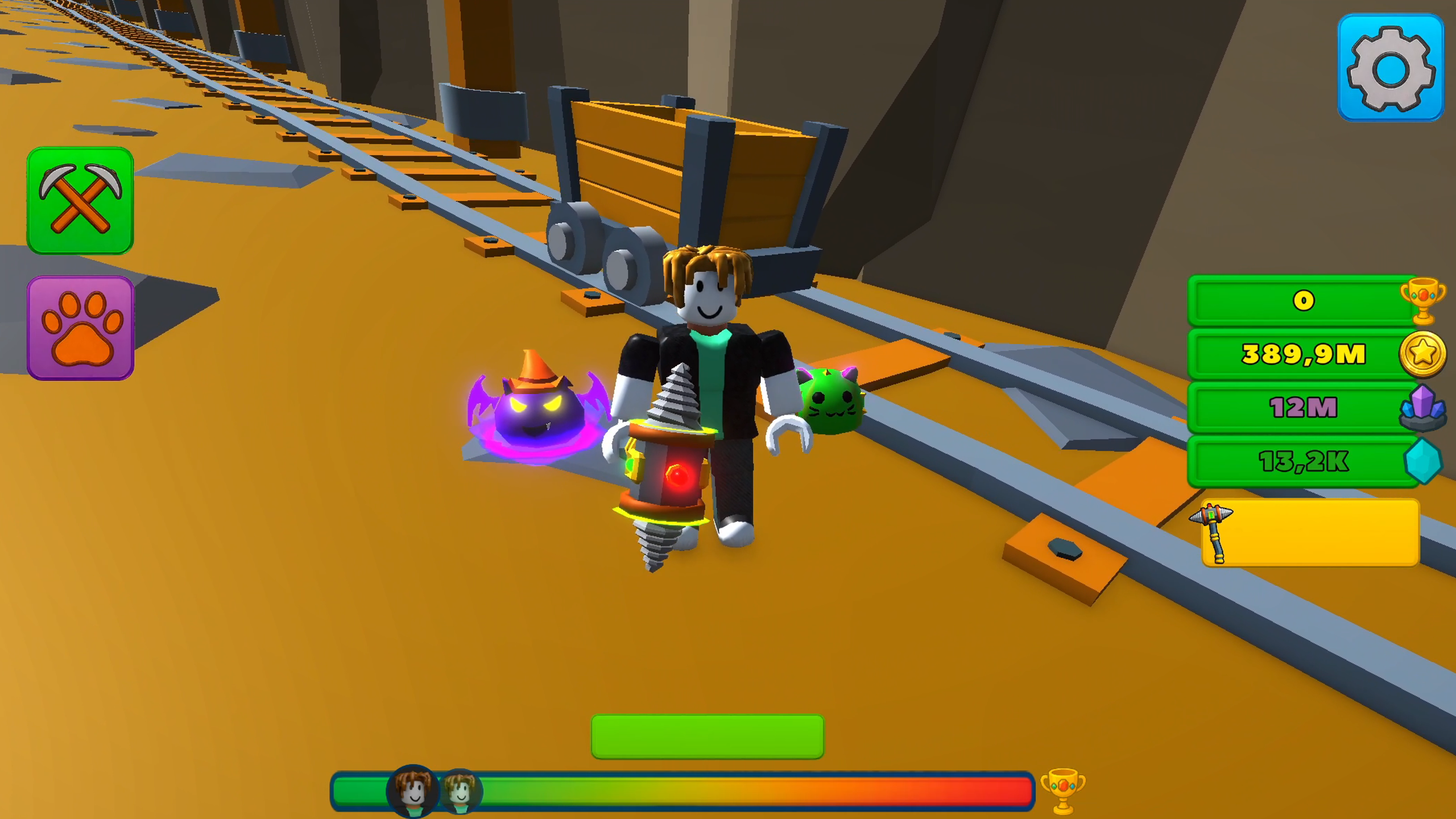
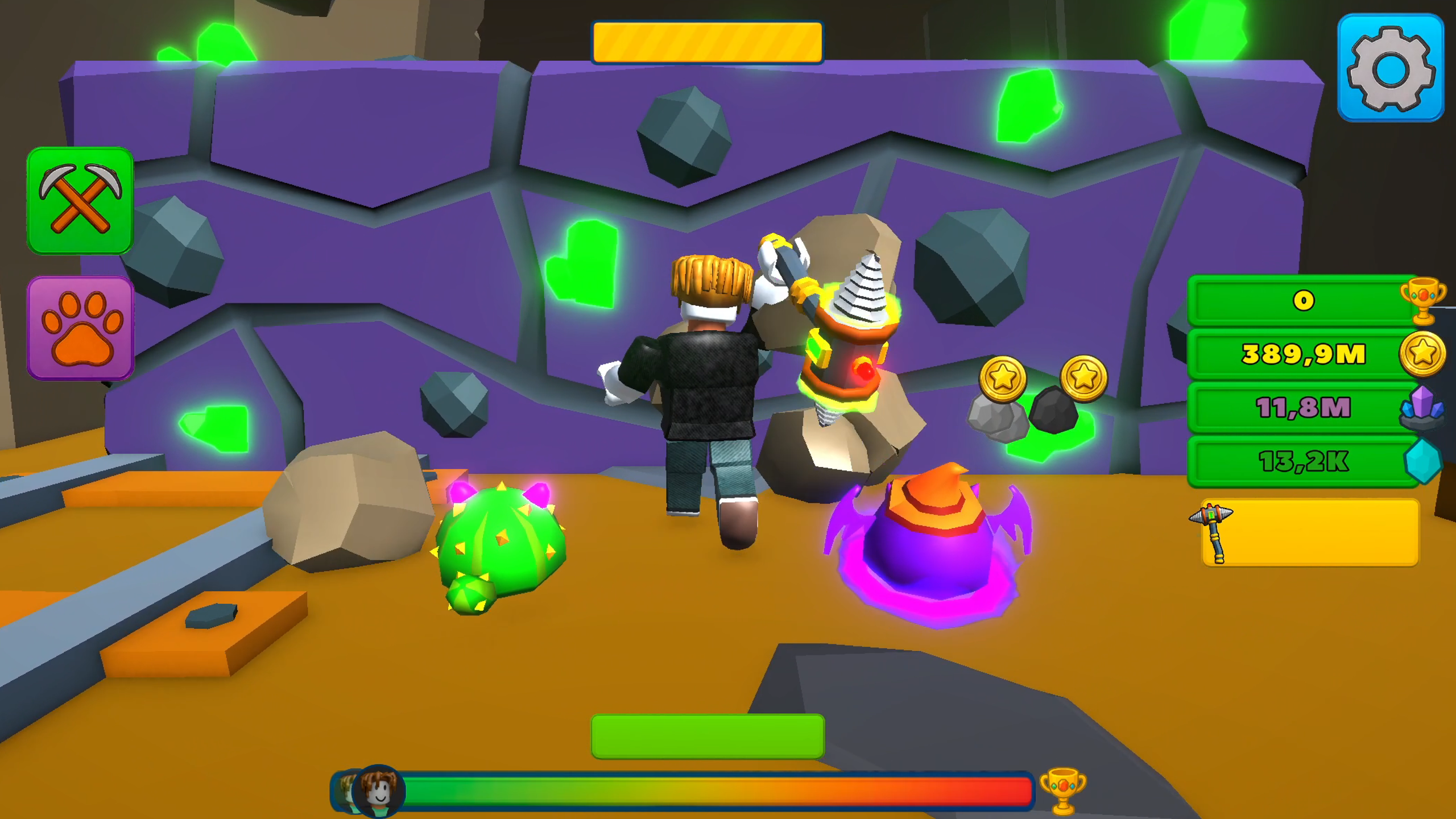
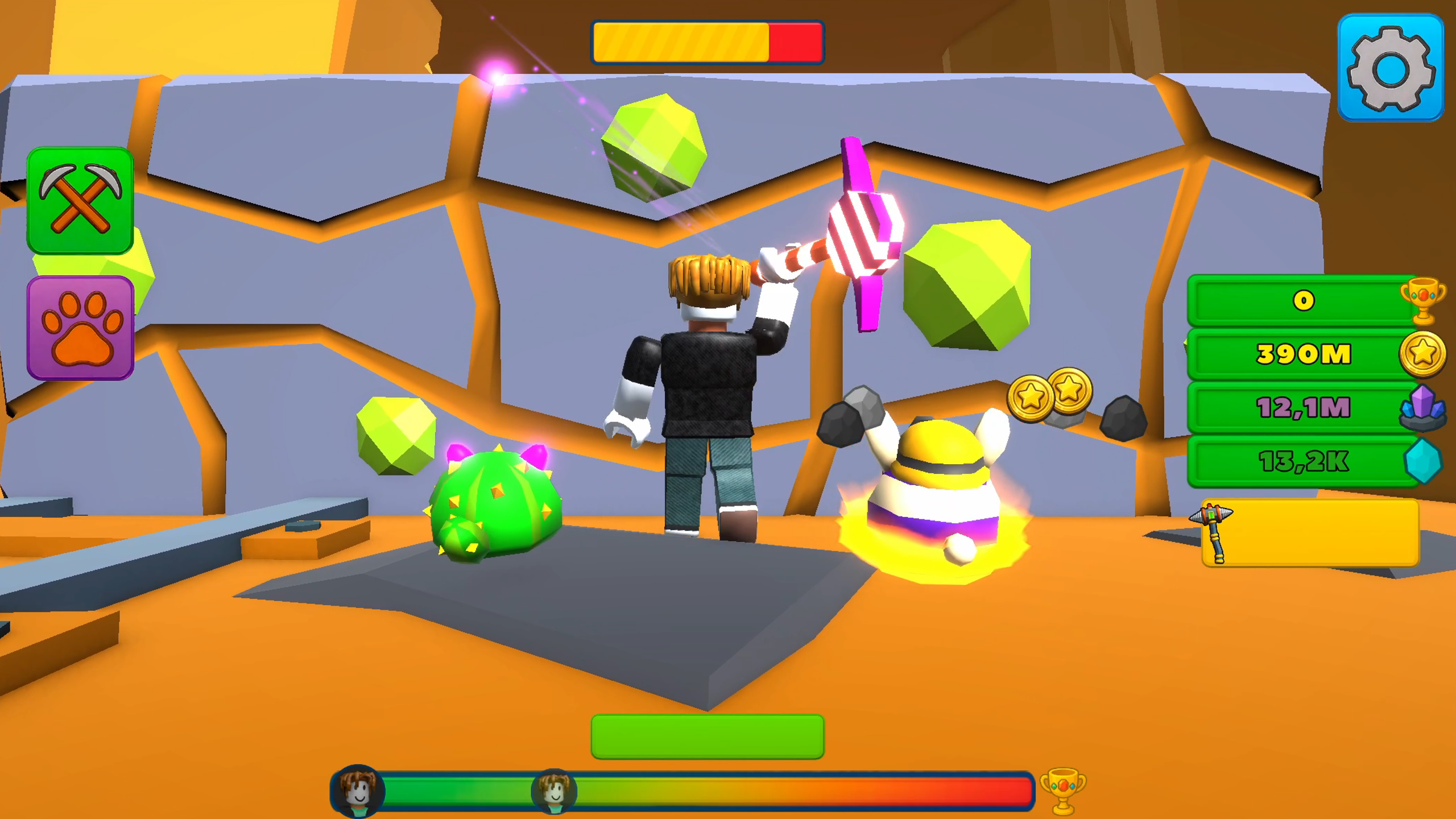
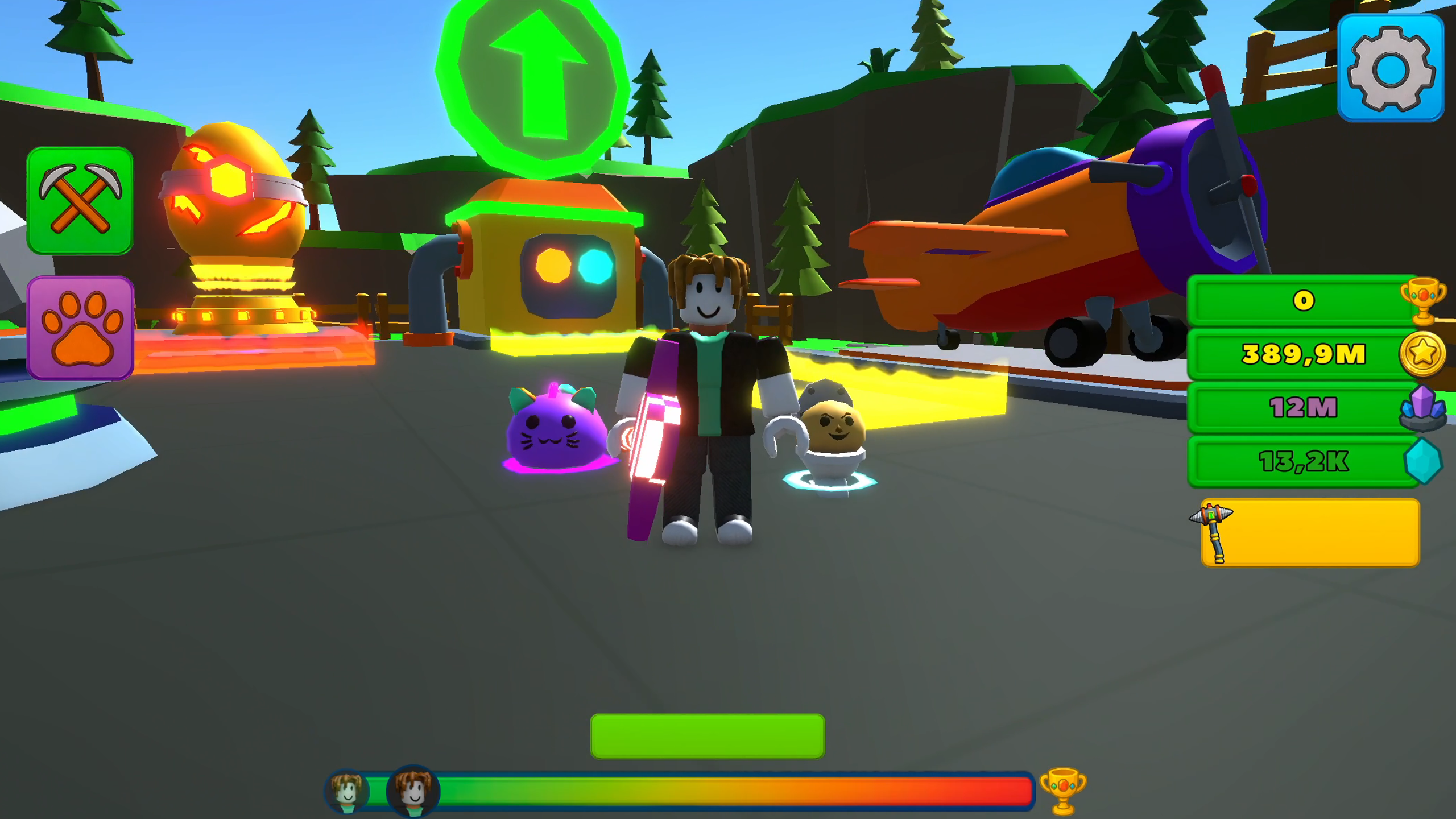
⬇️ Descend deeper into the mine, break blocks, and unlock new dungeon levels. The deeper you go, the more valuable the resources and the greater the rewards.
🏆 Go through the whole mine, collect cups, and unlock new areas!
✨ Mine ore, sell it, and earn coins to upgrade your equipment. Greater depths bring greater rewards!
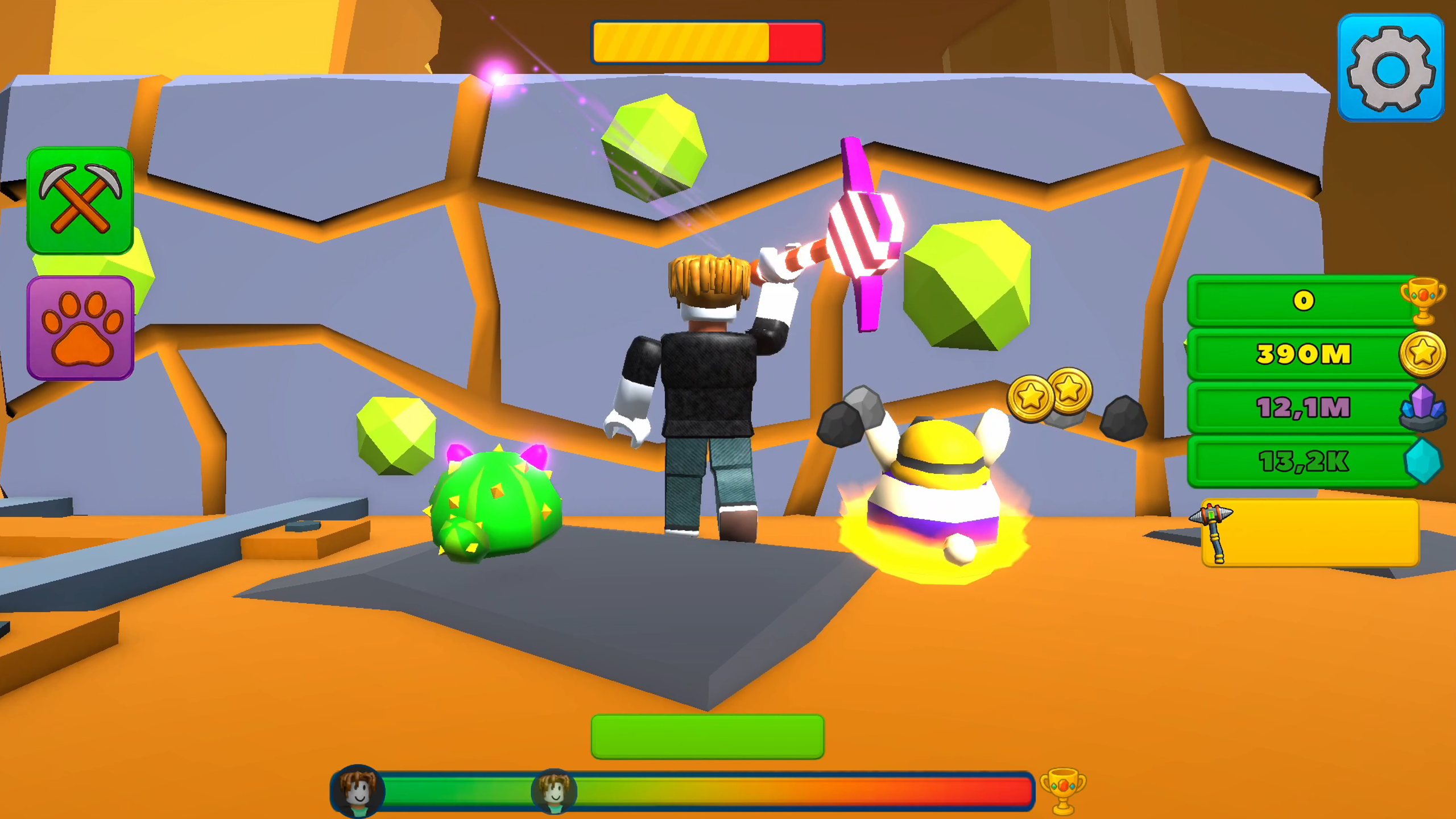
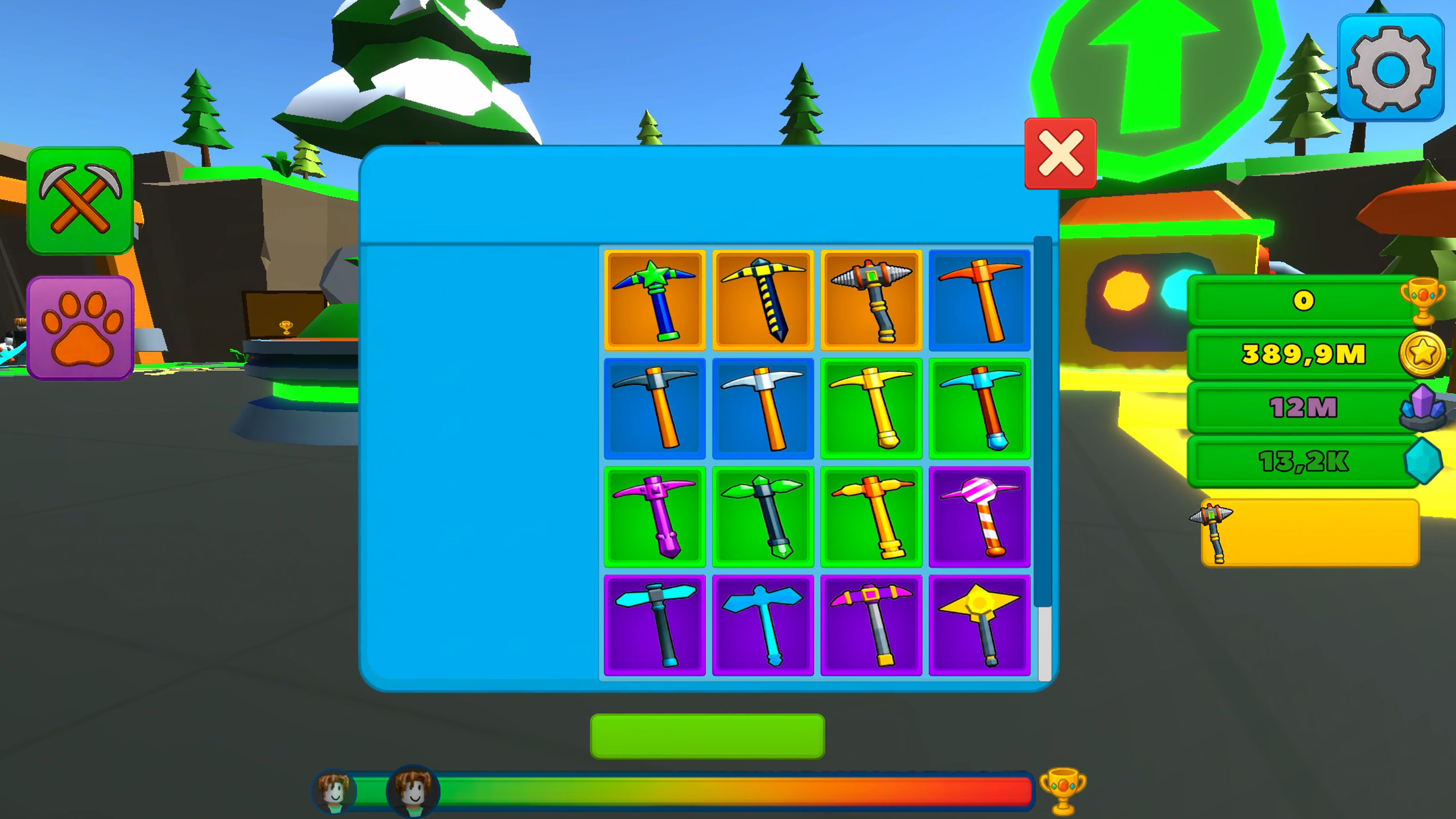
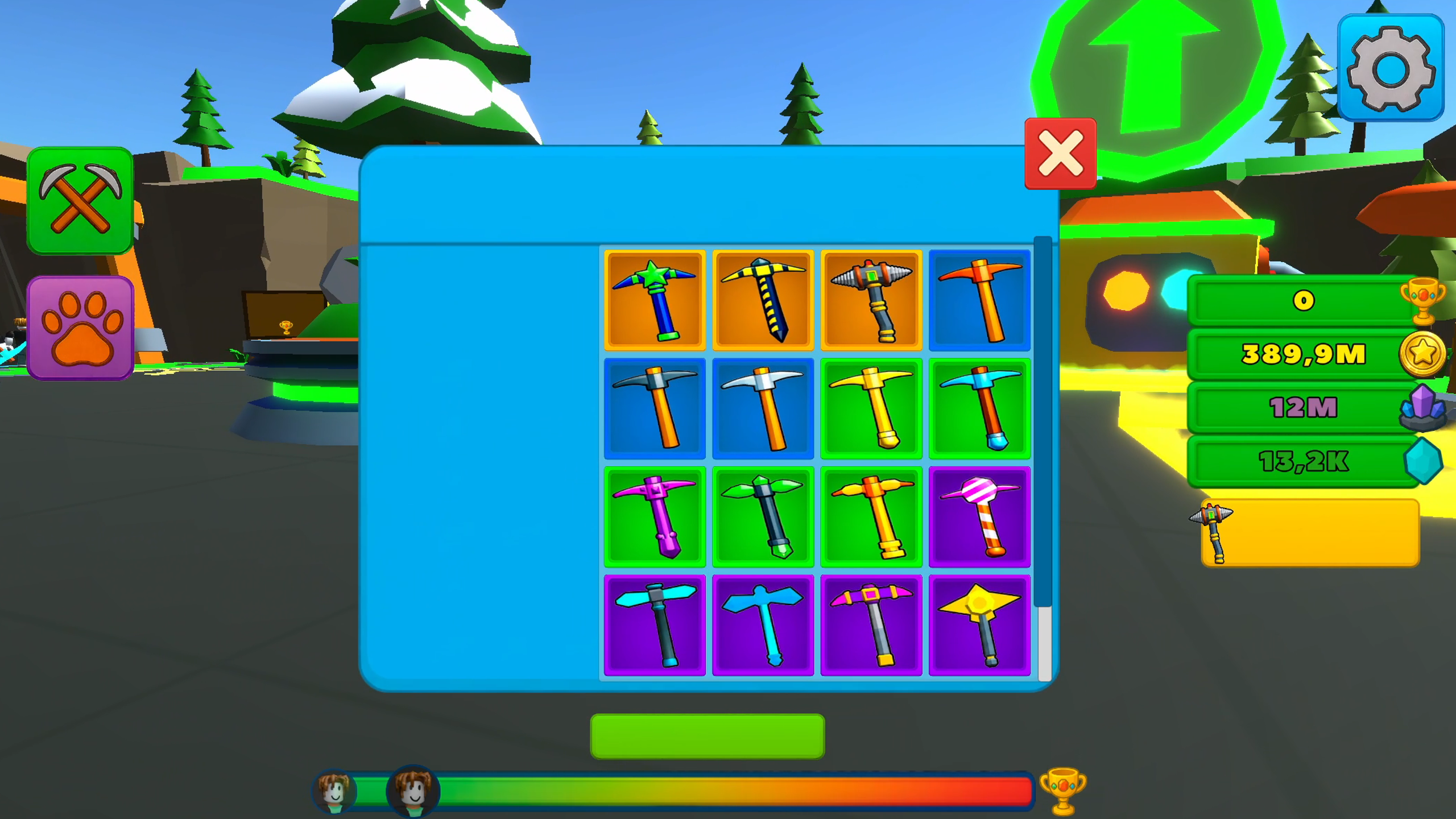
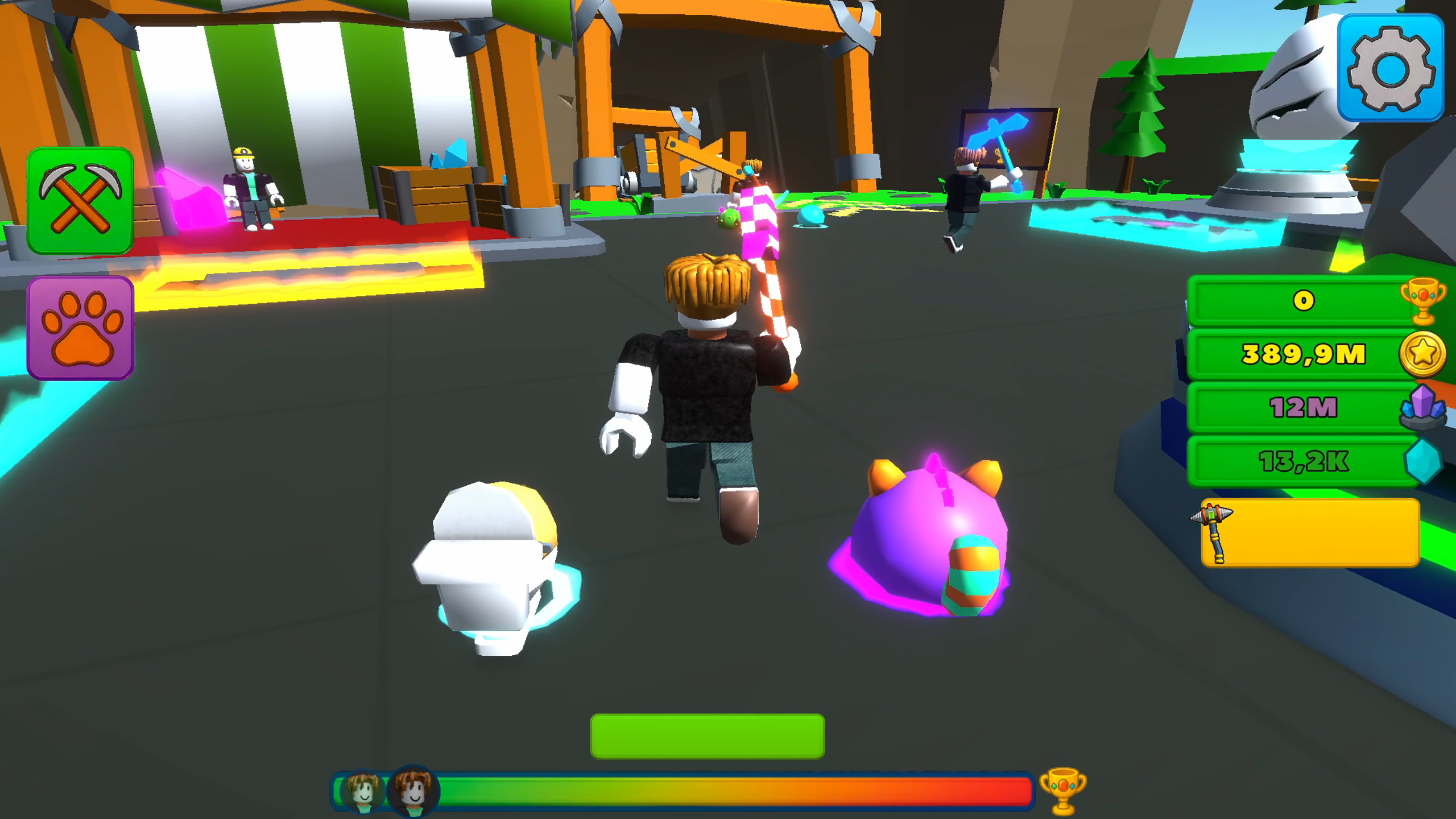
⛏️ Buy and upgrade pickaxes, unlock effects, and increase your digging power to spend more time in the mine.
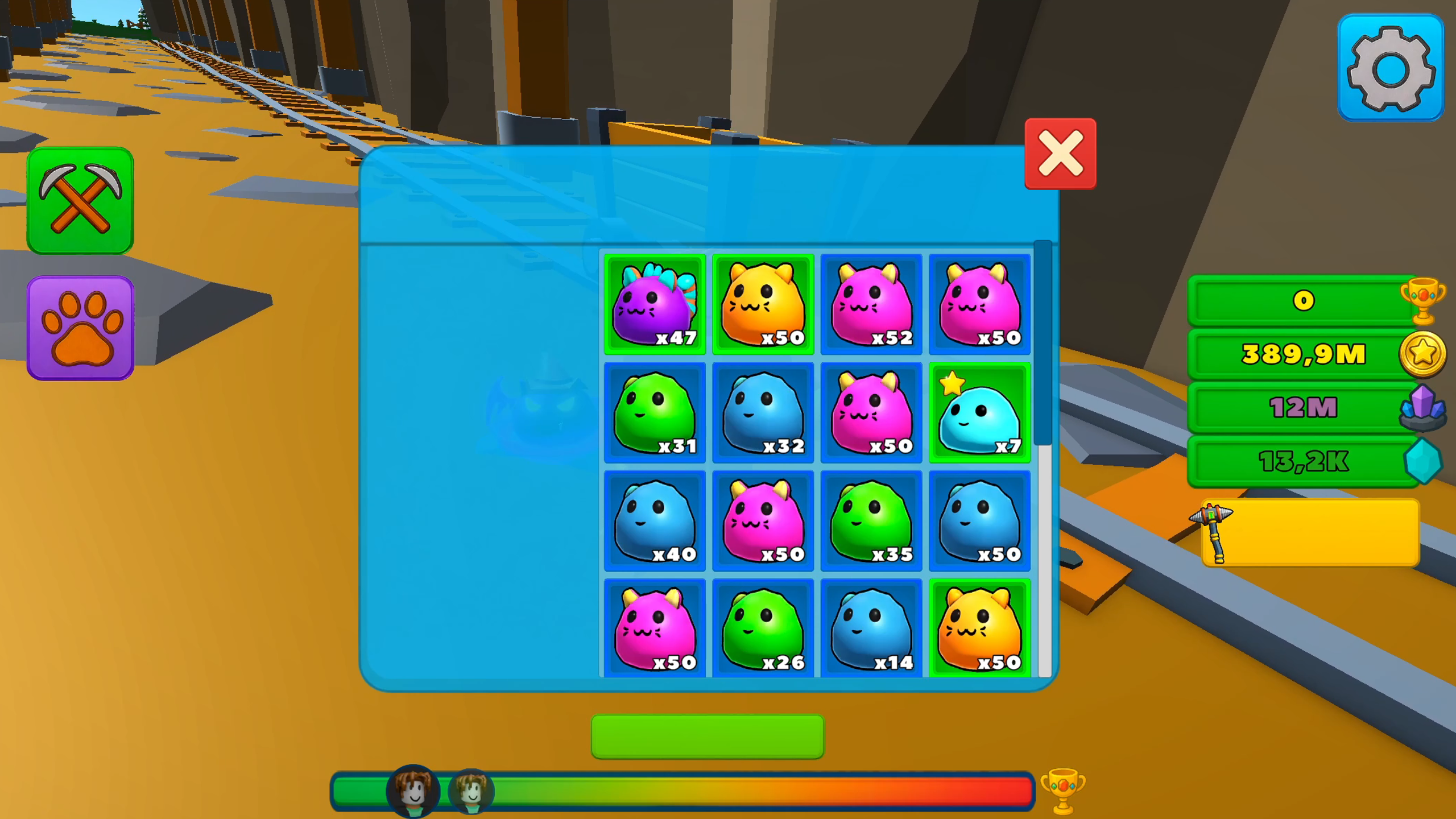
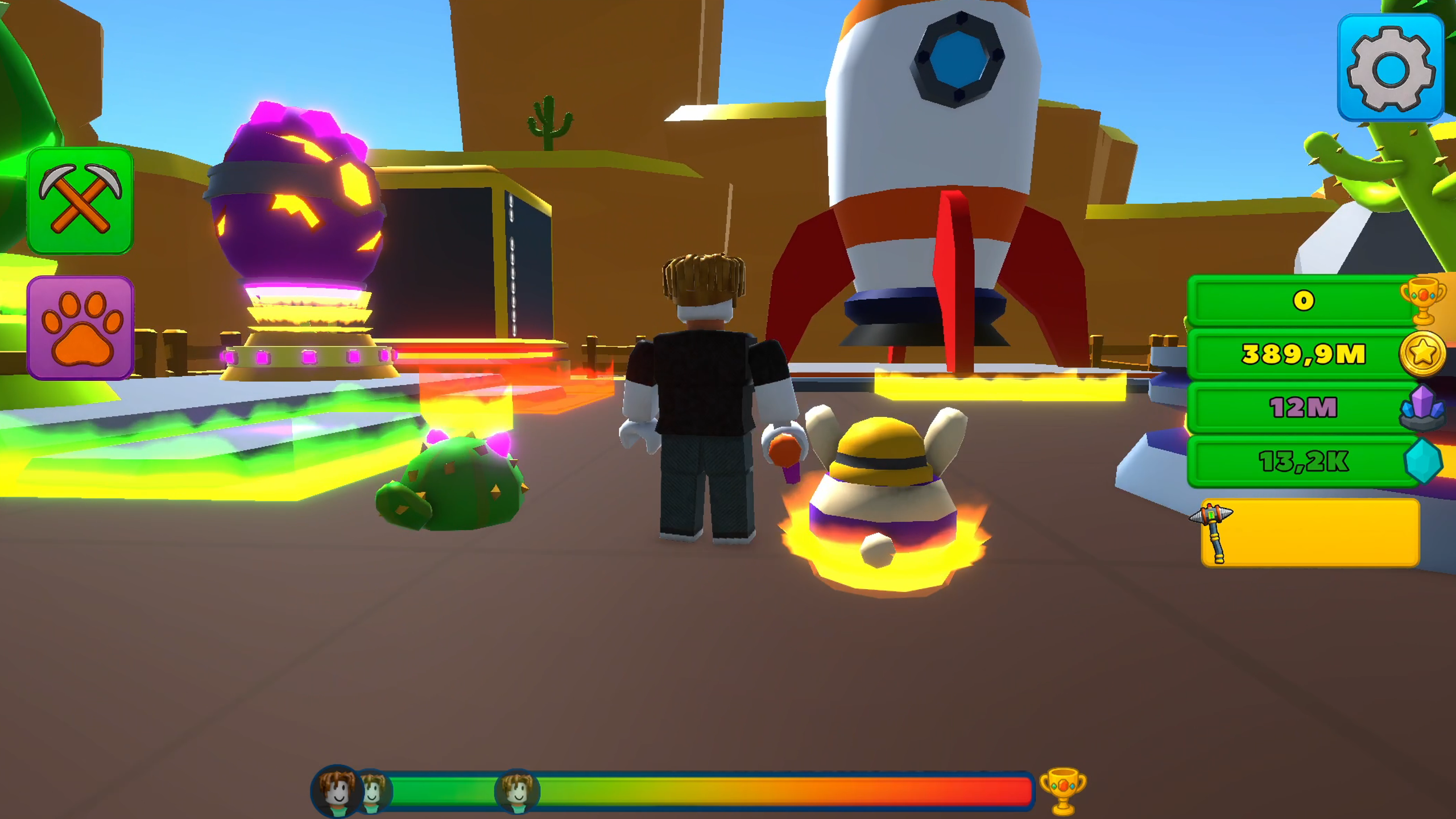
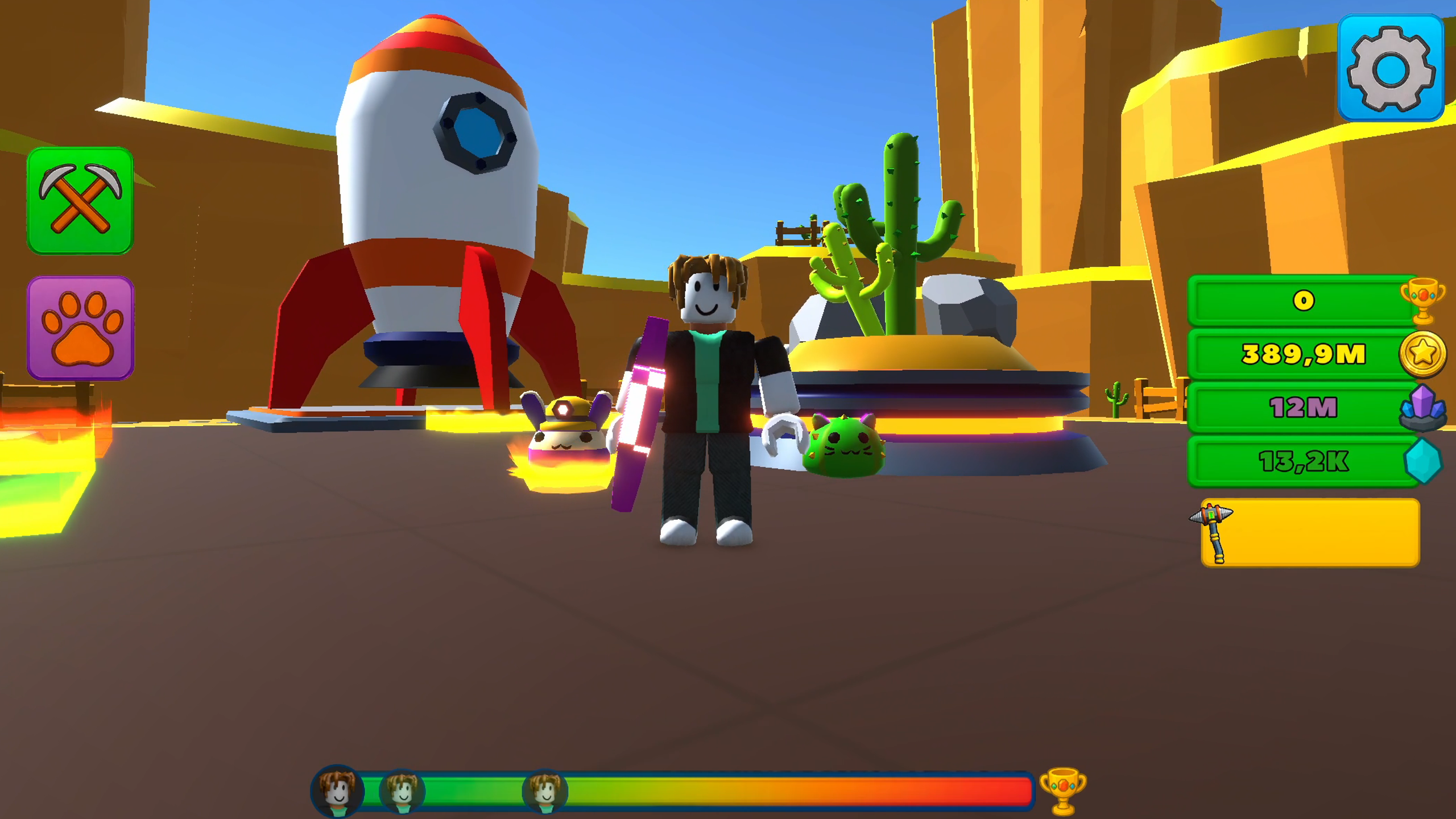
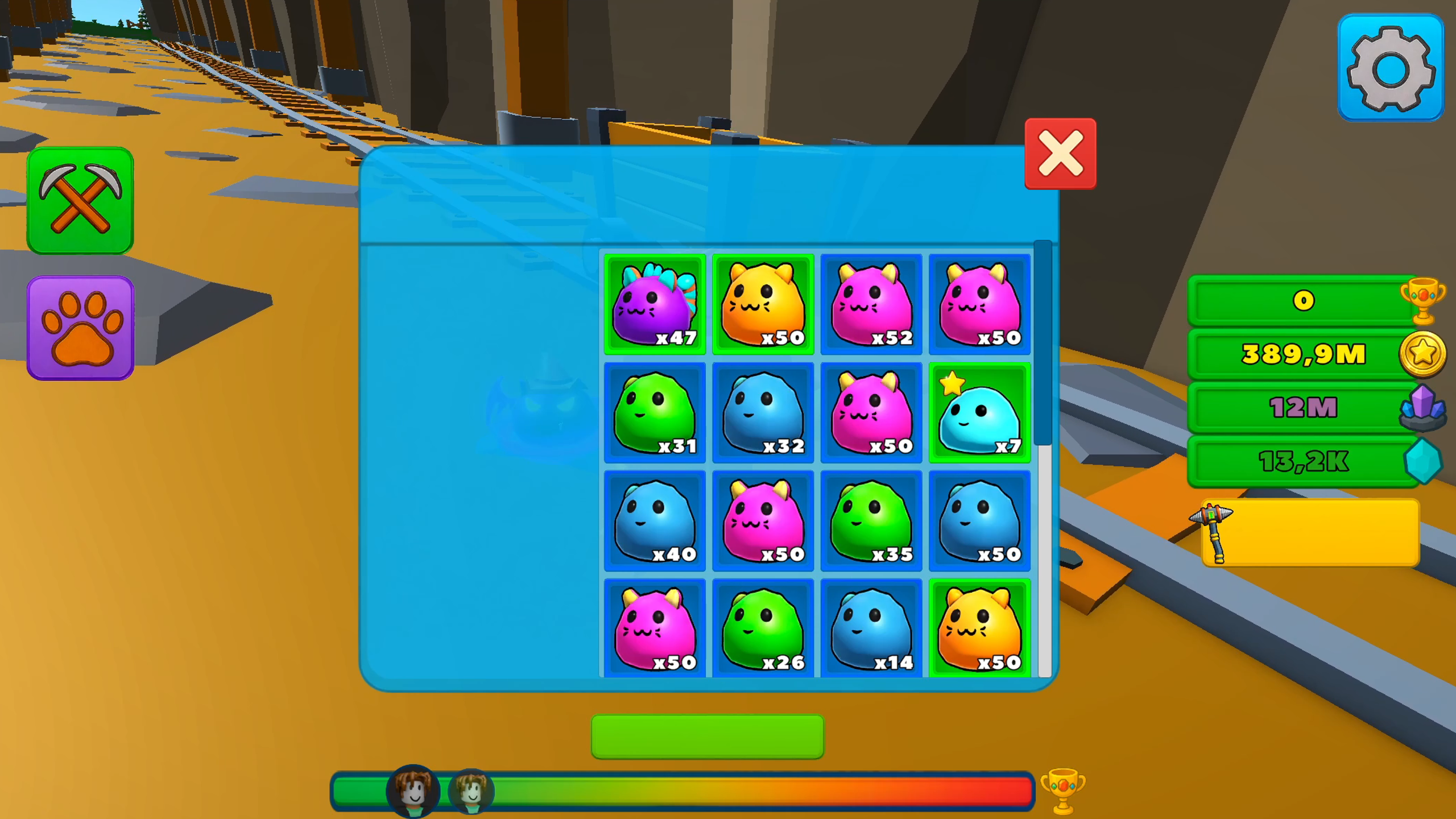
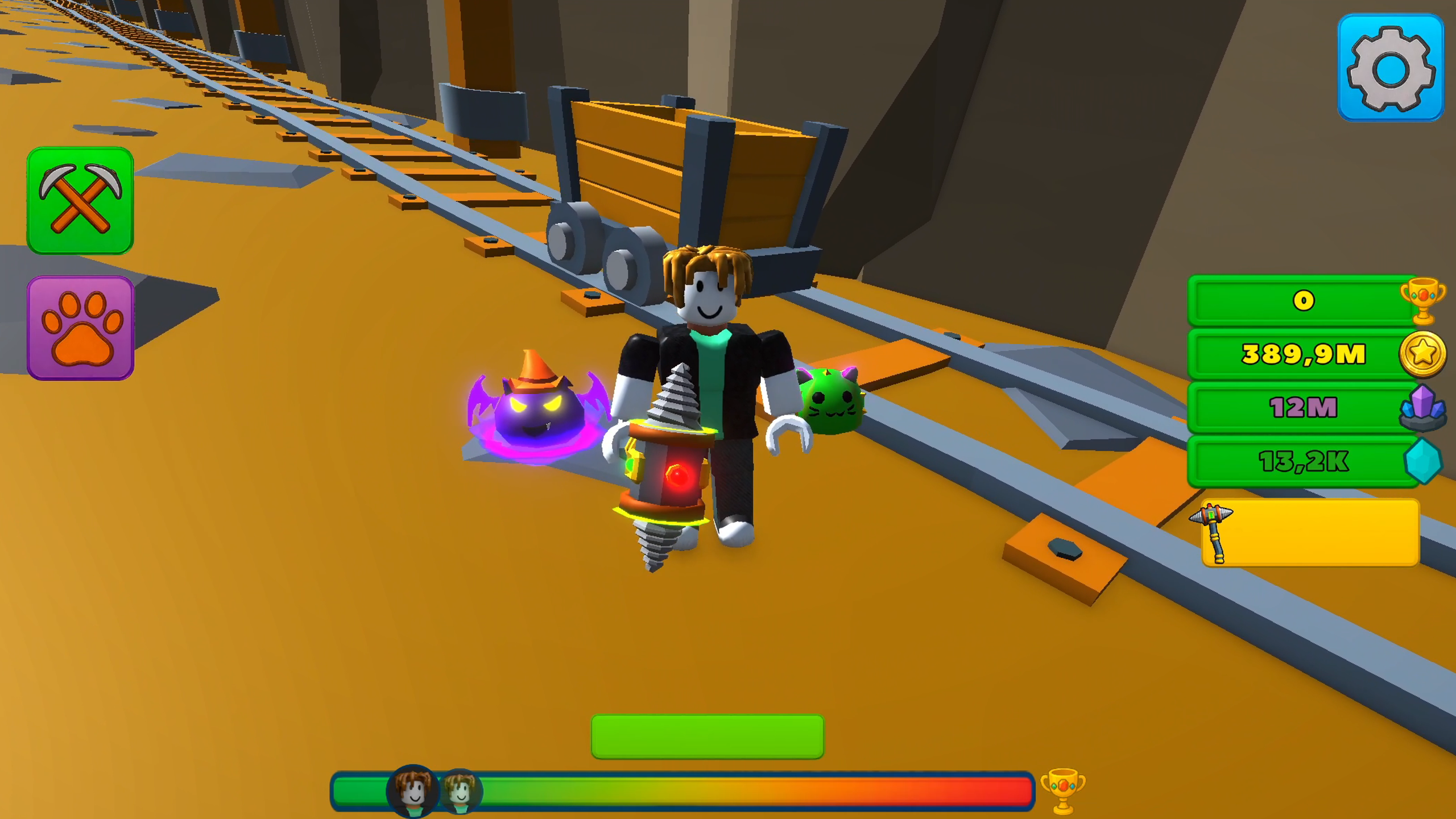
🐾 Get pets that increase your mining and income. Collect rare, epic, and legendary helpers and level them up.
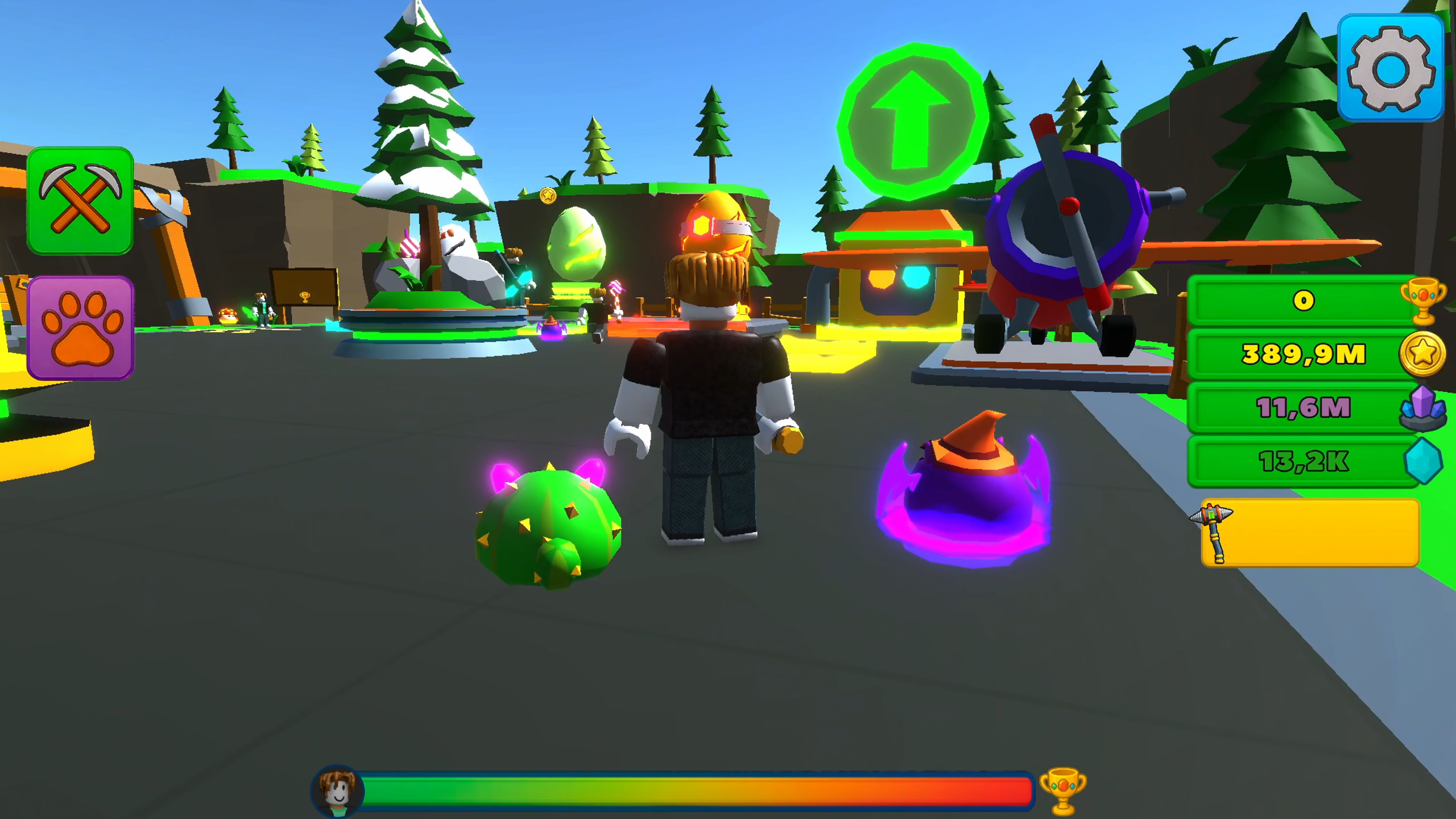
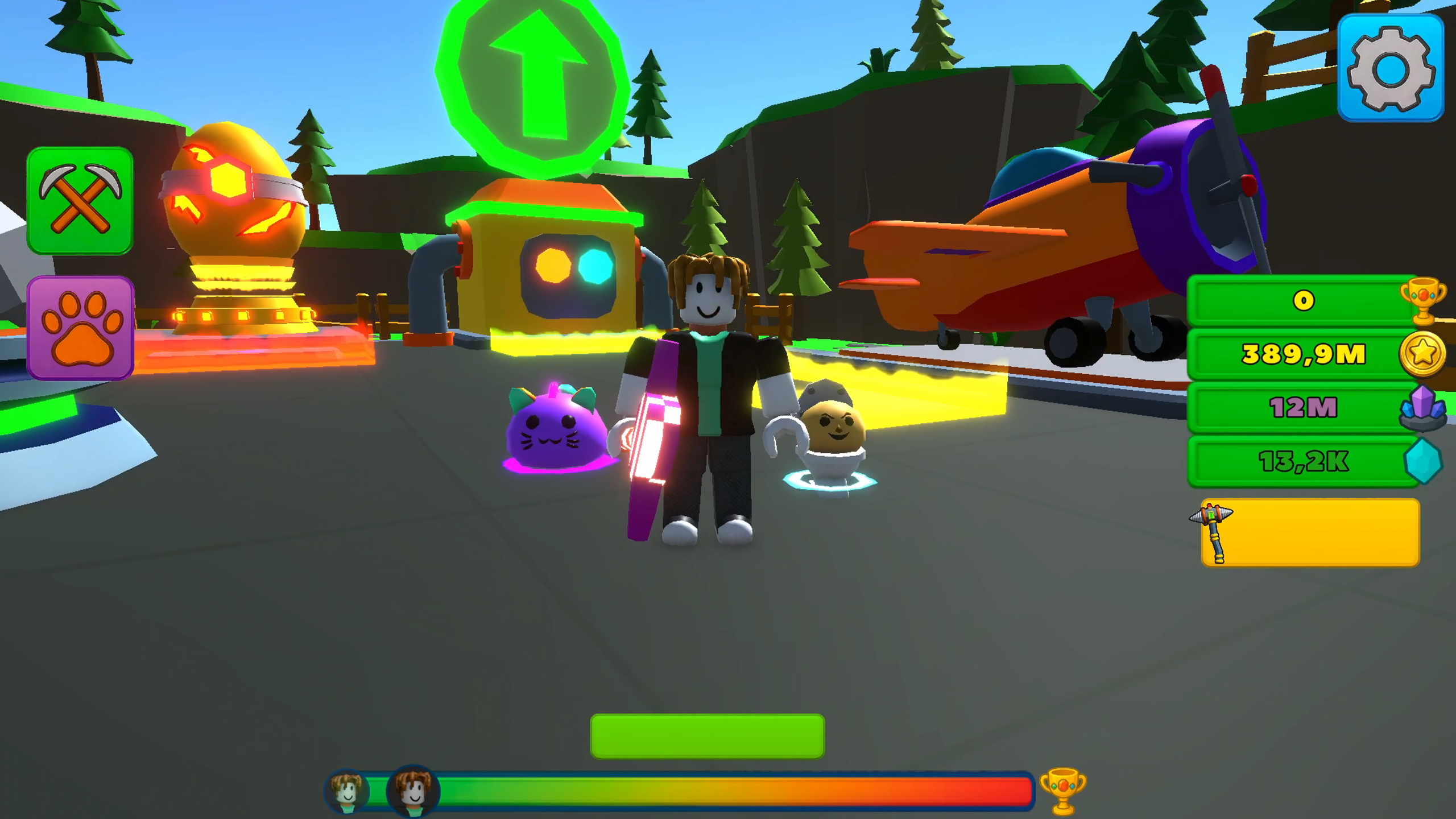
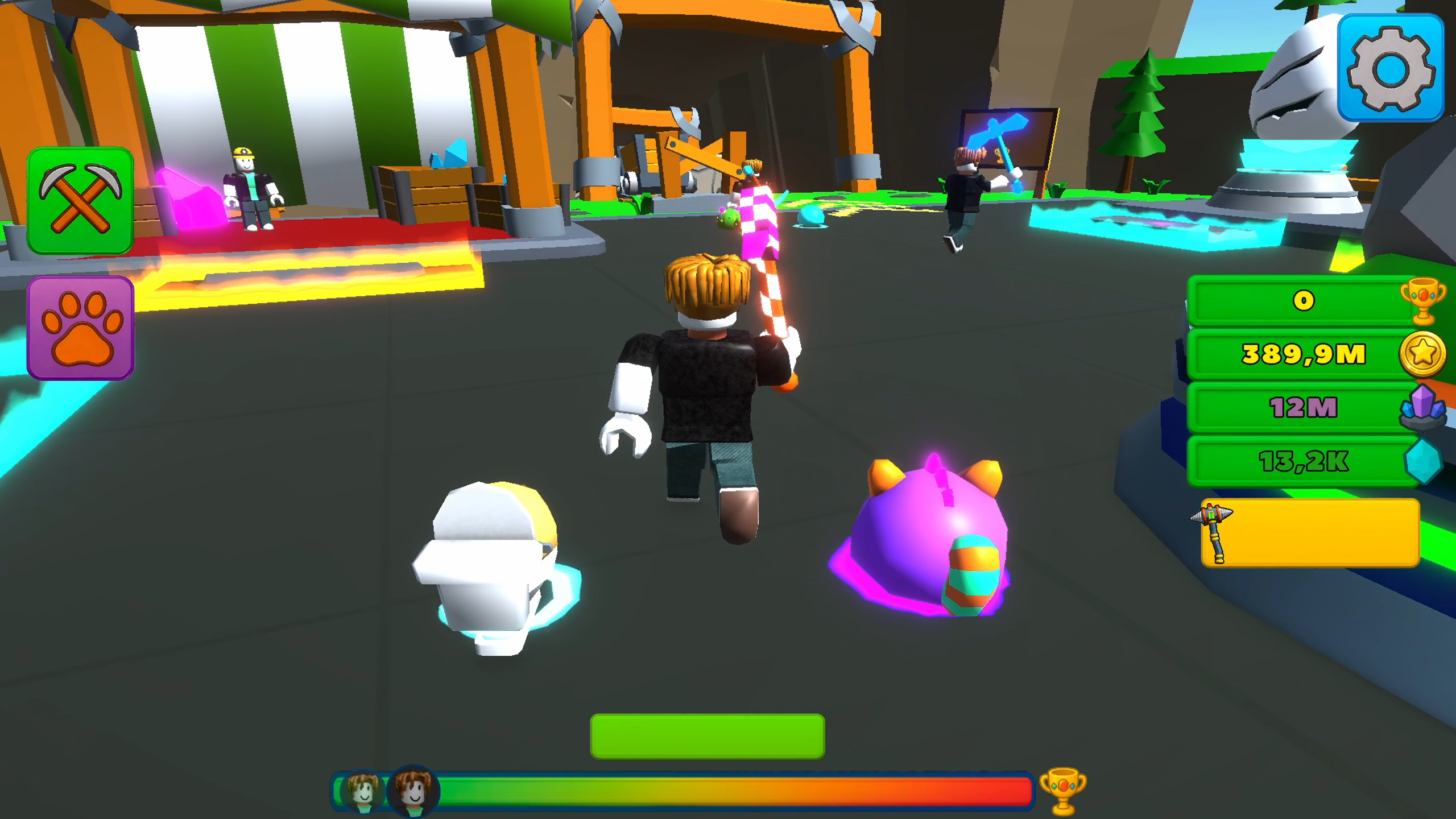
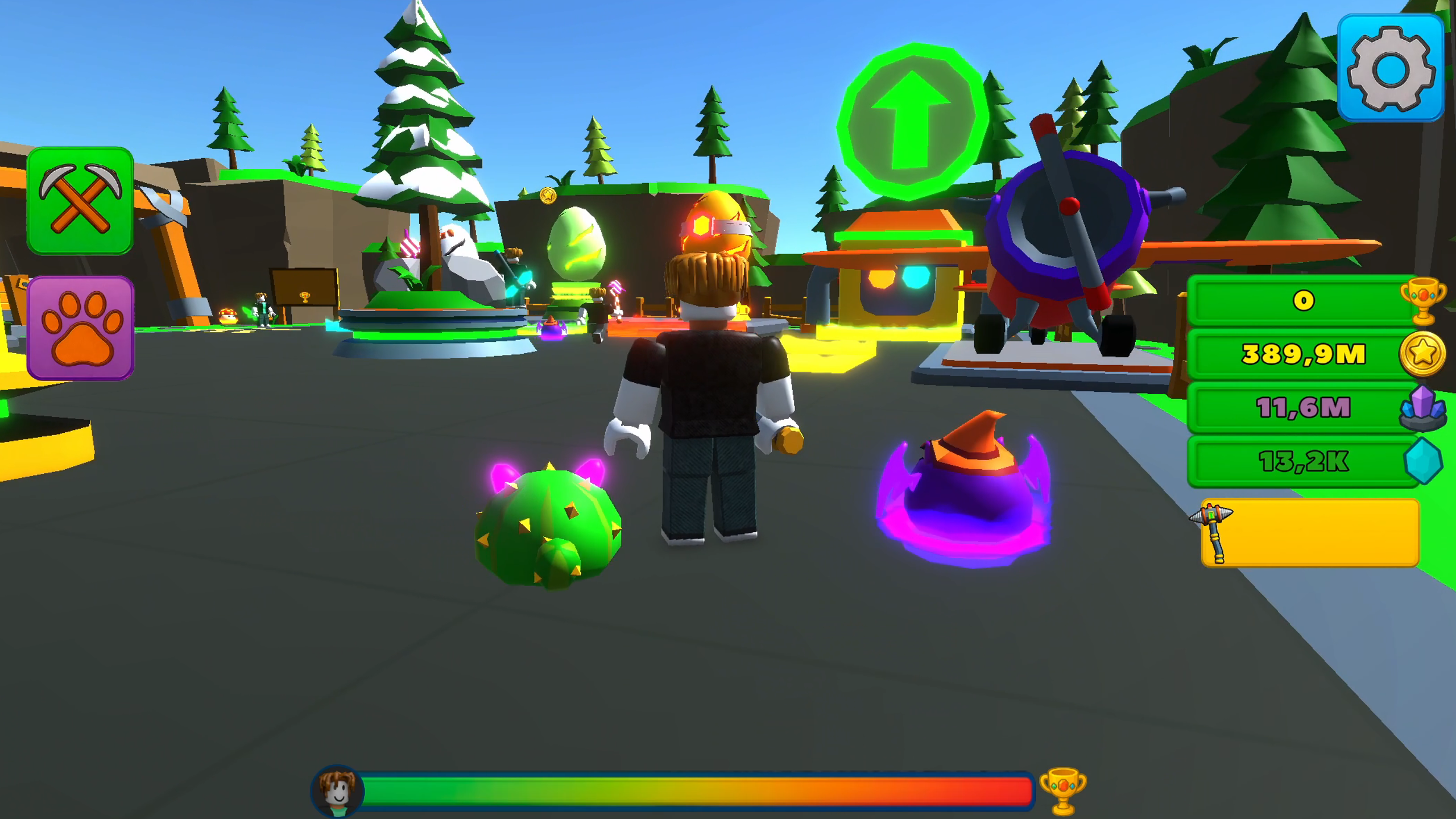
🎮 In the village, you will meet other miners—they create a sense of a living world and a spirit of competition.
🌟 Features:
• Easy-to-understand and engaging gameplay
• Pickaxes, pets, and leveling up
• Deep progression and big rewards
Start your underground adventure! 💎
Can you reach the deepest point of the mine?
Videos and screenshots


10,079 players online
How to play
-
Open the game
Press Play now and the game opens on its own screen.
-
Follow the in-game instructions
The controls and goals are shown inside the game as you play.
-
Use the game menu
The floating button over the game reloads it, saves it to your favourites, or takes you back out.