Skip to content
KG
Dig & Clean

Dig & Clean

31K plays 4.8 out of 5

Overview

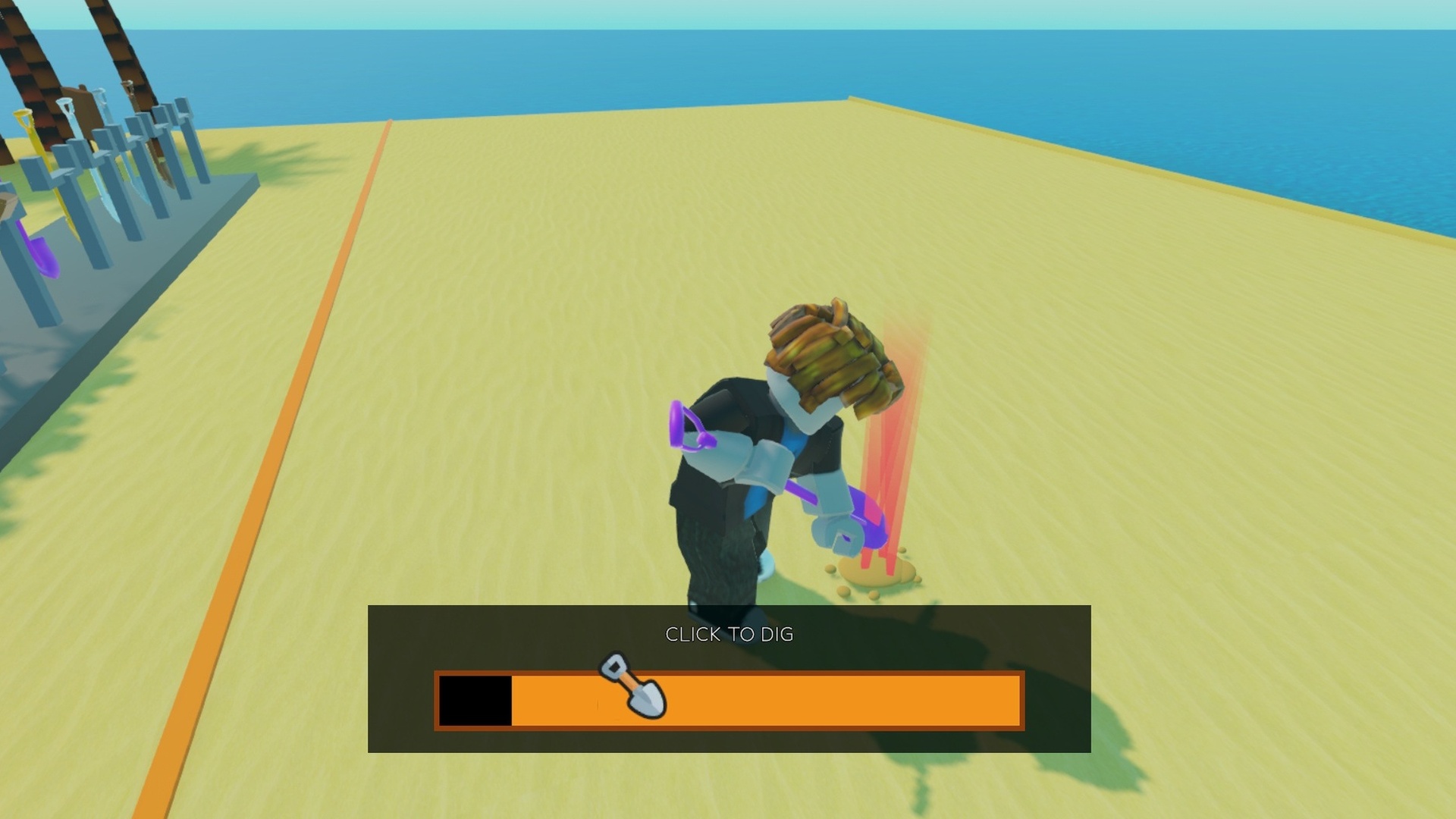
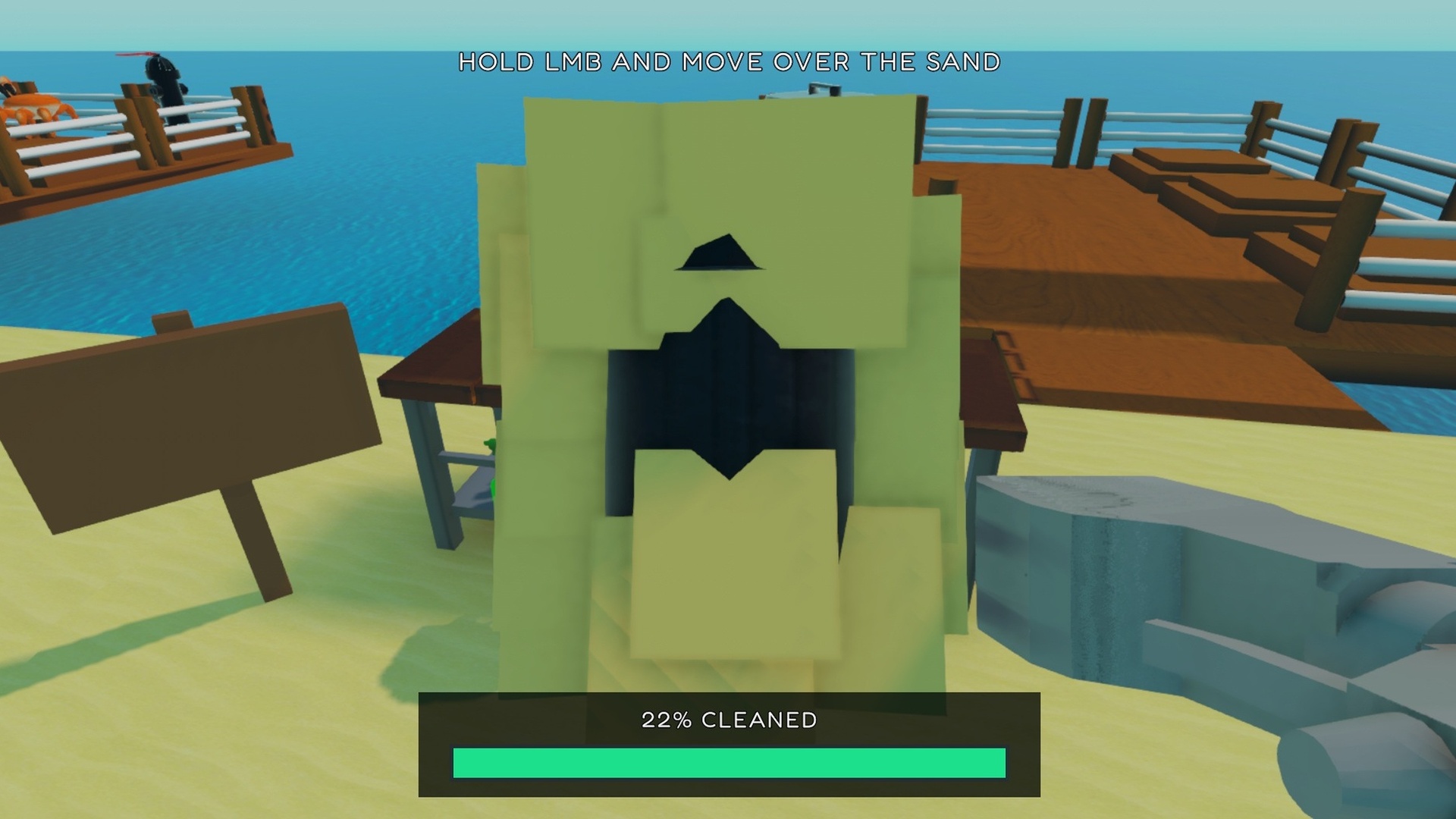
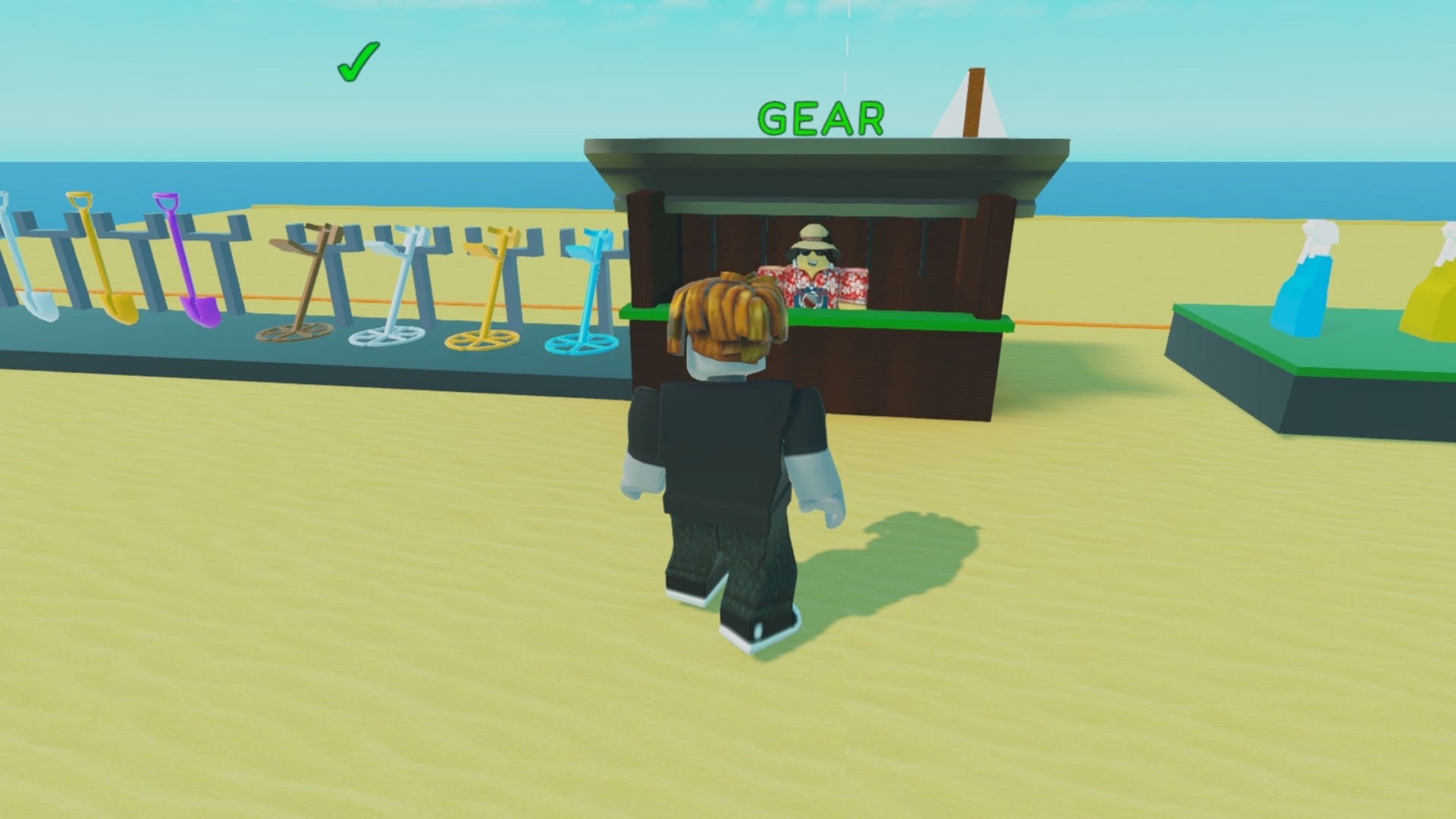
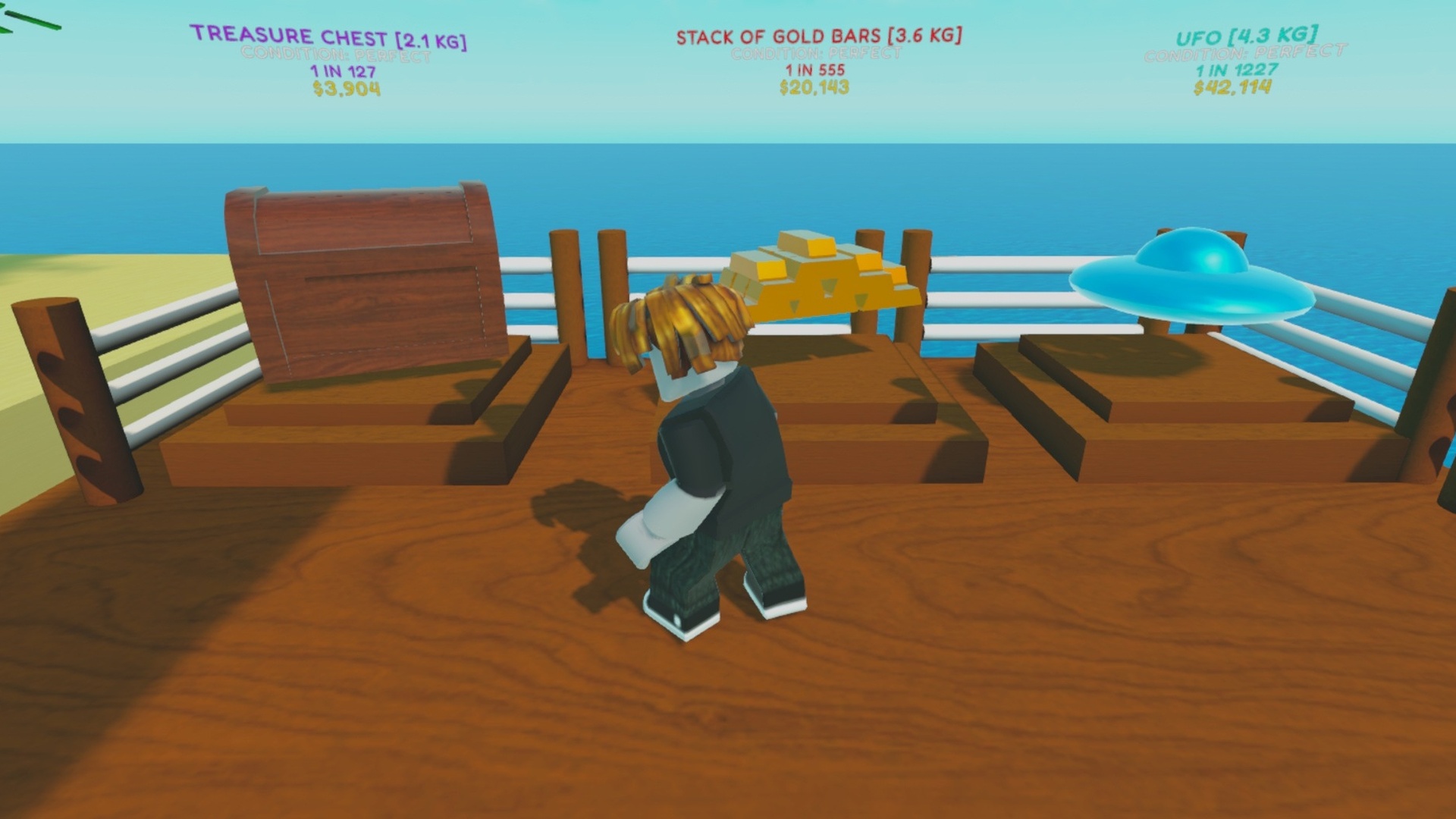
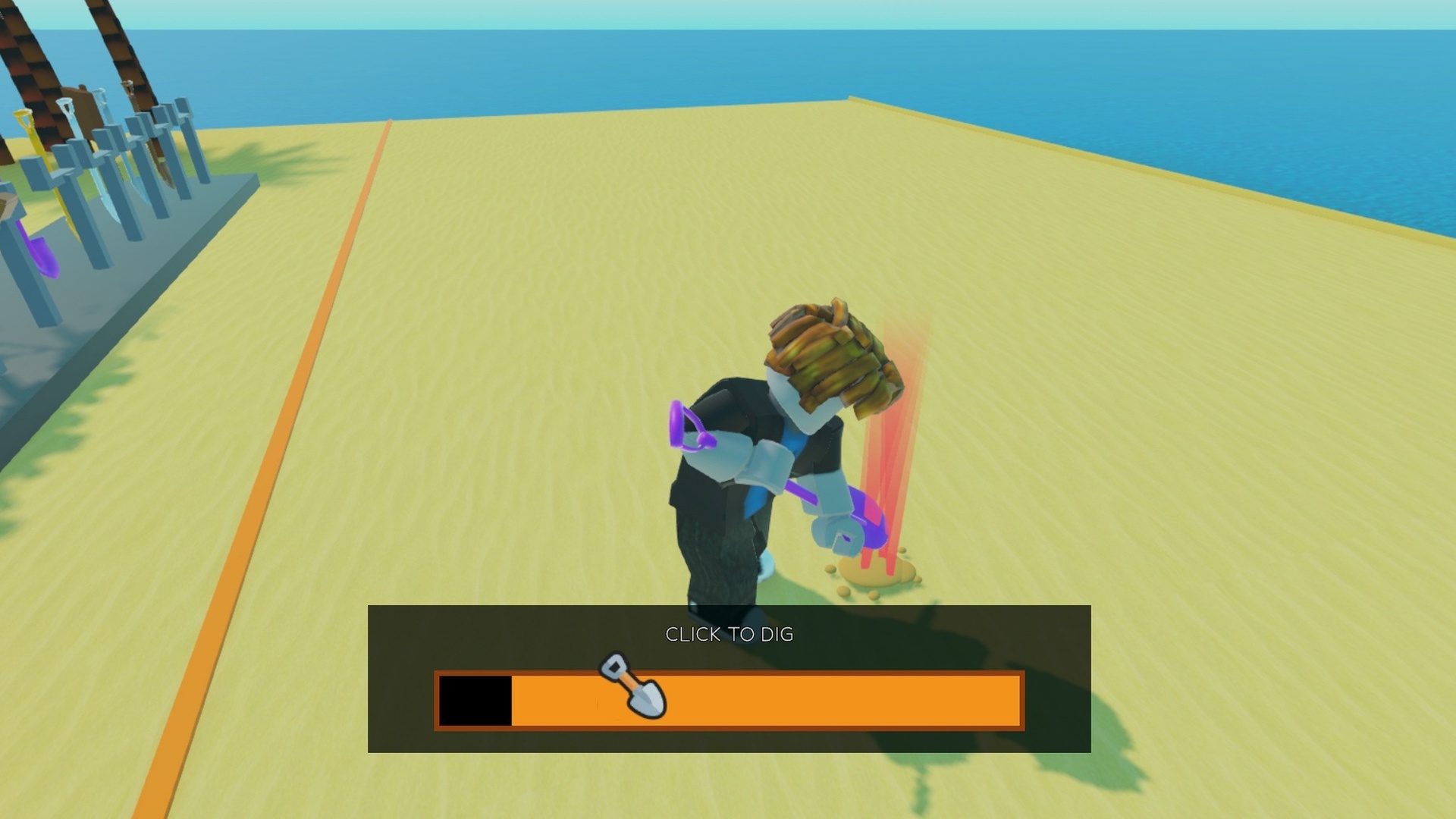
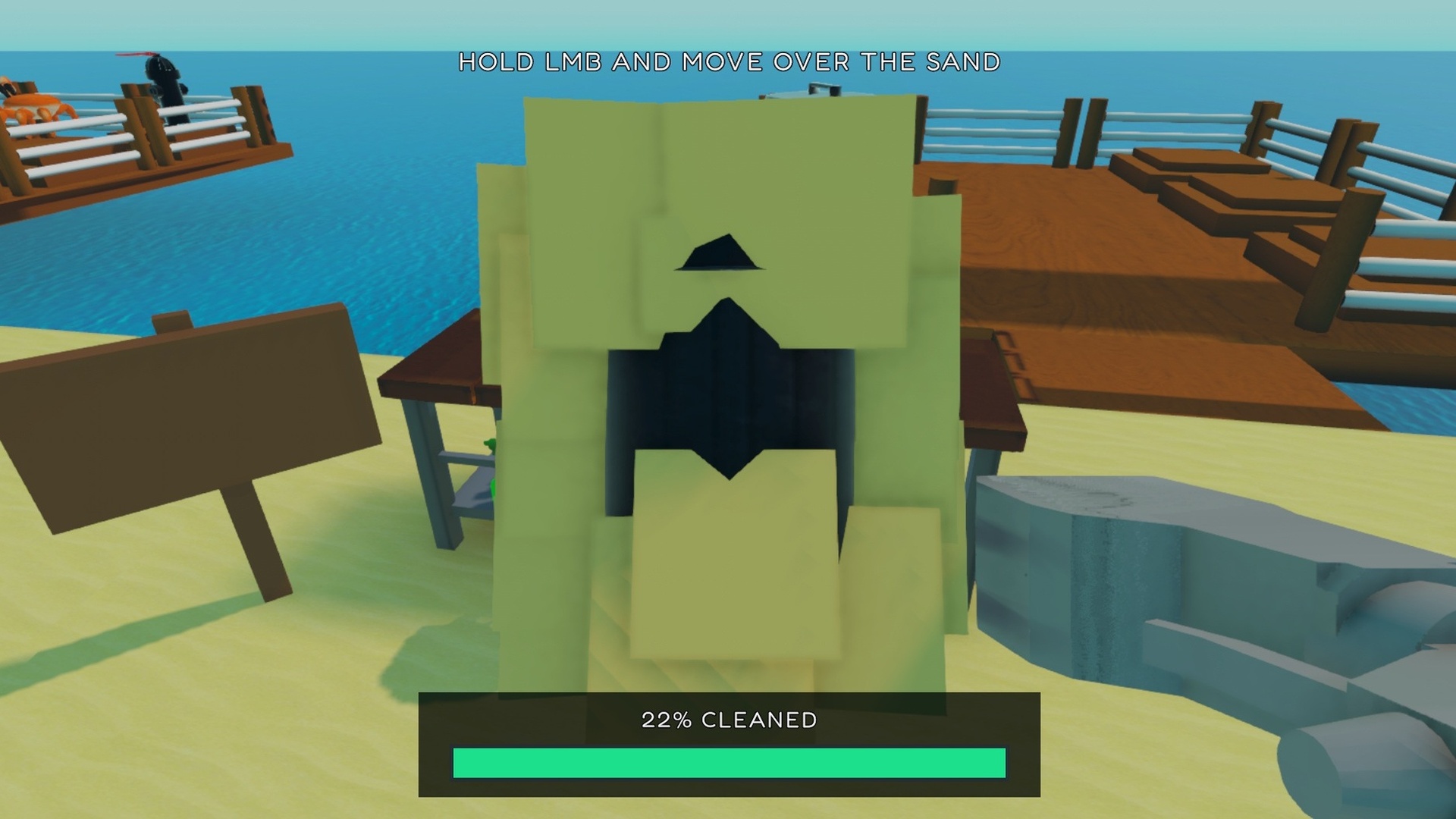
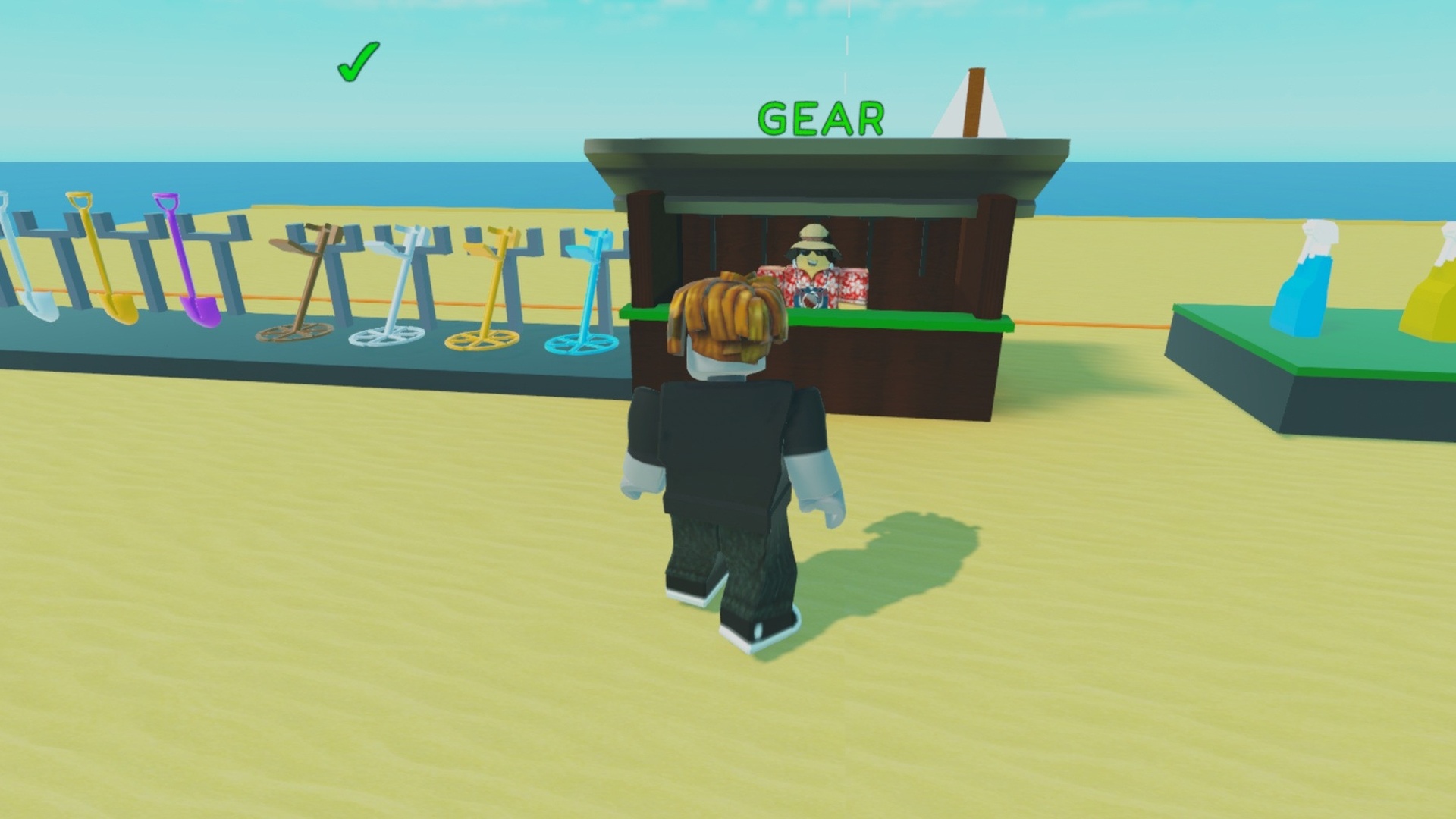
Welcome to Dig & Clean! How to play: ⛏️ Dig up dirty junk and buried treasures! 💦 Clean them and discover what they are! 💎 Search for the rarest items in the game! 🏛️ Display your best finds in your very own museum! 🚀 Buy better shovels and cleaning sprays!

Videos and screenshots
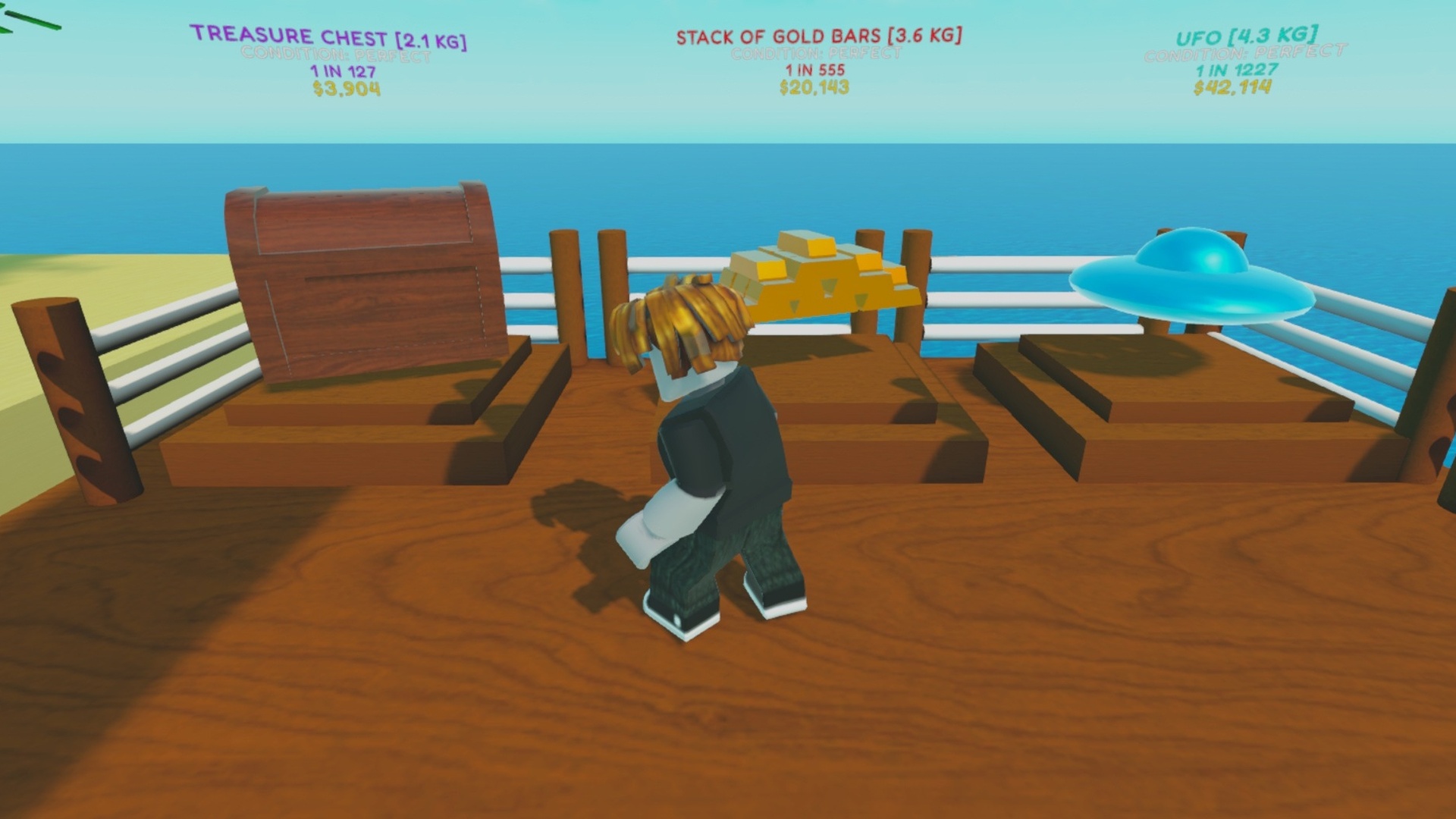
  • Dig & Clean screenshot 1
  • Dig & Clean screenshot 2
  • Dig & Clean screenshot 3
  • Dig & Clean screenshot 4
  • Dig & Clean screenshot 5
  • Dig & Clean screenshot 6
  • Dig & Clean screenshot 7
  • Dig & Clean screenshot 8
Play Now

10,901 players online

How to play

  1. Open the game

    Press Play now and the game opens on its own screen.

  2. Follow the in-game instructions

    The controls and goals are shown inside the game as you play.

  3. Use the game menu

    The floating button over the game reloads it, saves it to your favourites, or takes you back out.

Game instructions

Desktop: WASD / Arrow Keys — move Hold RMB and move the mouse — rotate the camera Mouse Wheel — zoom in and out Space — jump Hold E or LMB — start digging Press E or LMB repeatedly — dig Hold LMB and move the mouse over the item — clean the find 1–9 — select a find in the inventory Hold E — sell, place, or take the selected find Hold E — start cleaning a find or buy an upgrade Phone / Tablet: Left joystick — move Swipe on the right side of the screen — rotate the camera Jump button — jump Hold the contextual button — start digging, sell, place, or take a find Press the contextual button repeatedly — dig Hold the contextual button — start cleaning or buy an upgrade Hold and drag your finger over the item — clean the find Tap an inventory slot — select a find

More games

More games