Skip to content
KG
Doom forever

Doom forever

107K plays 4.4 out of 5

Overview

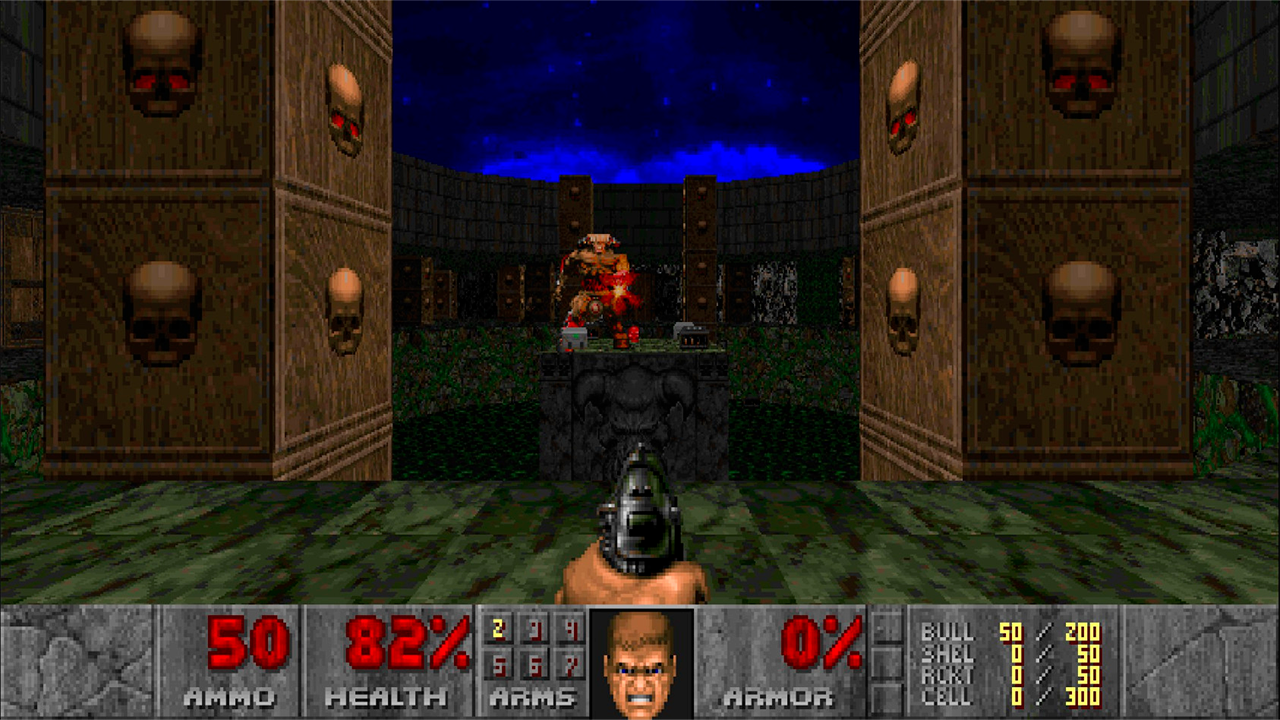
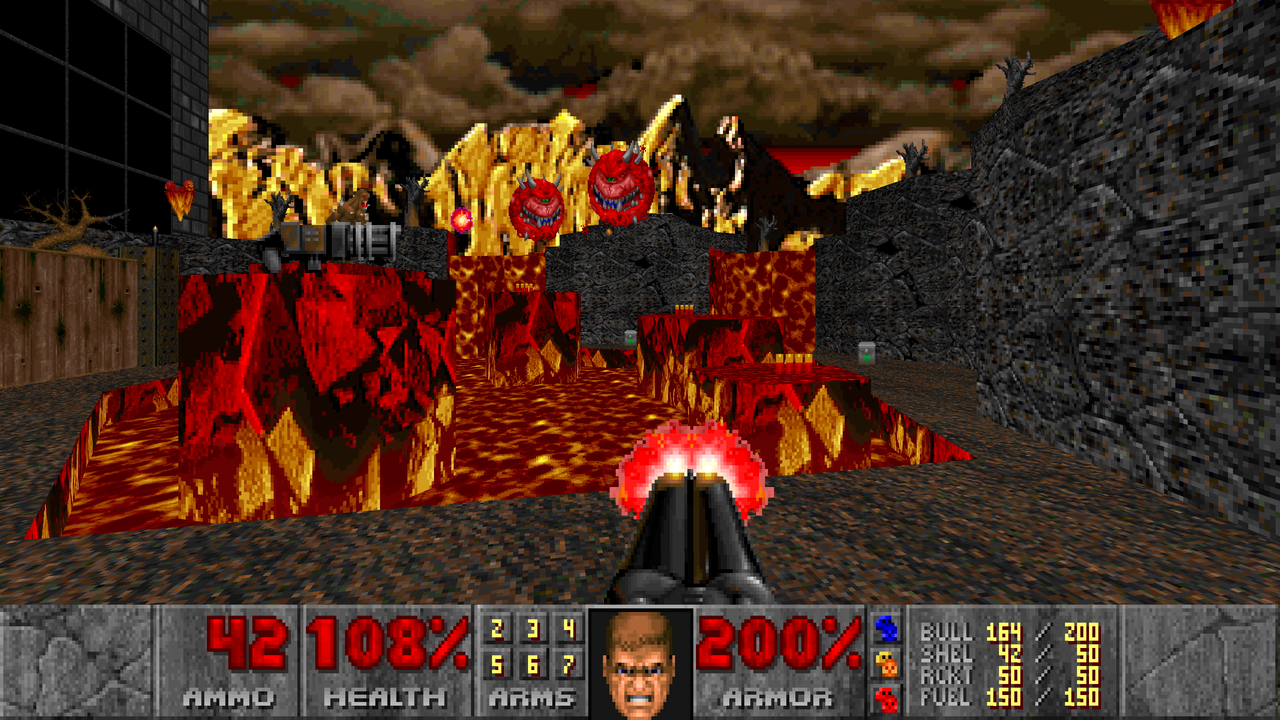
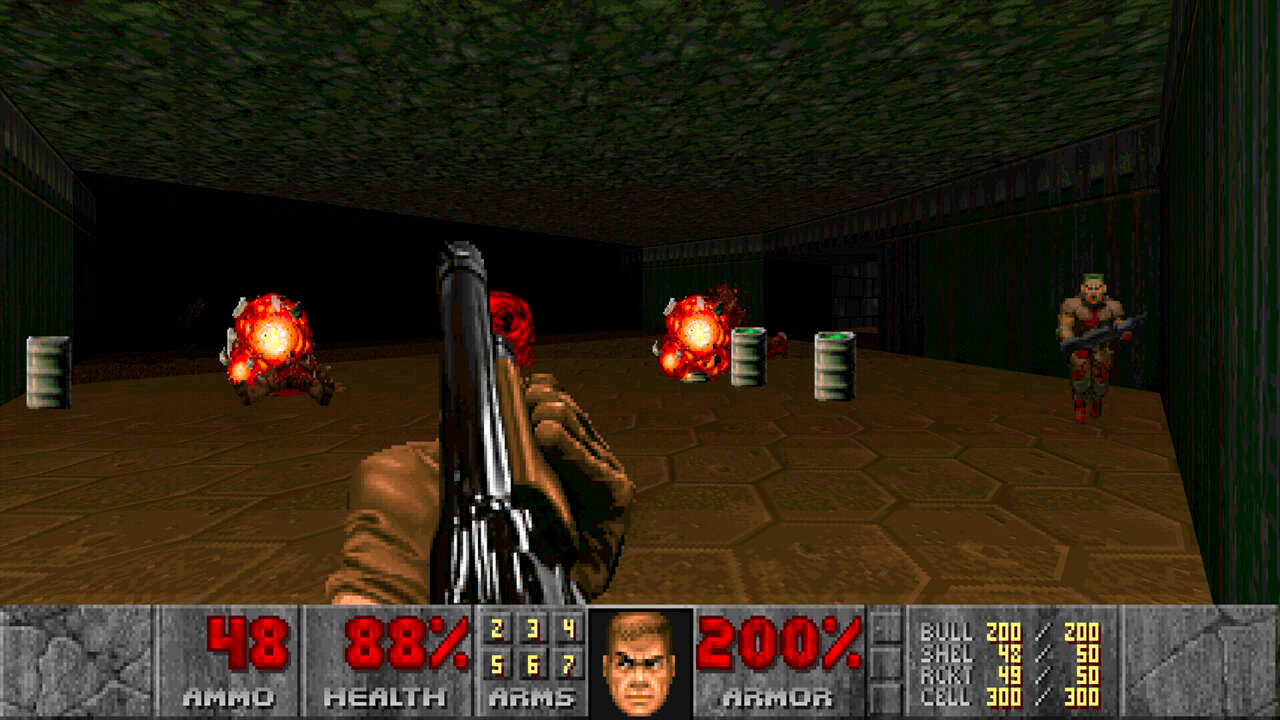
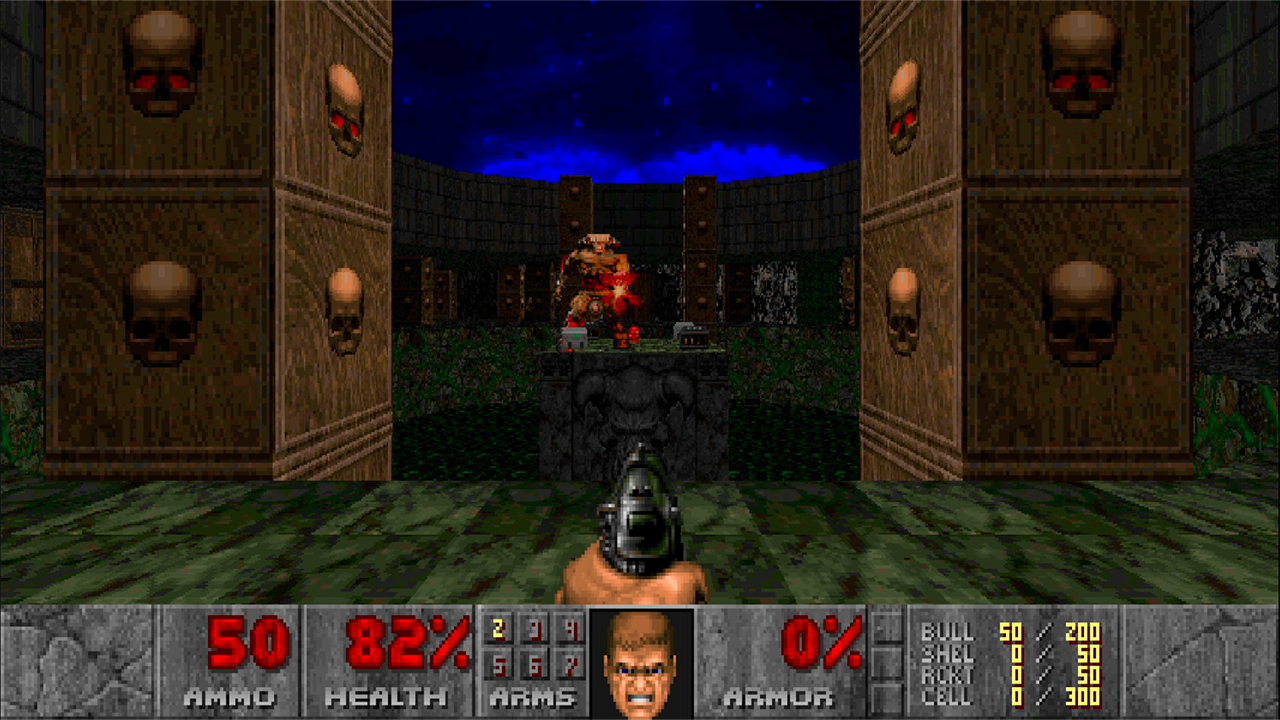
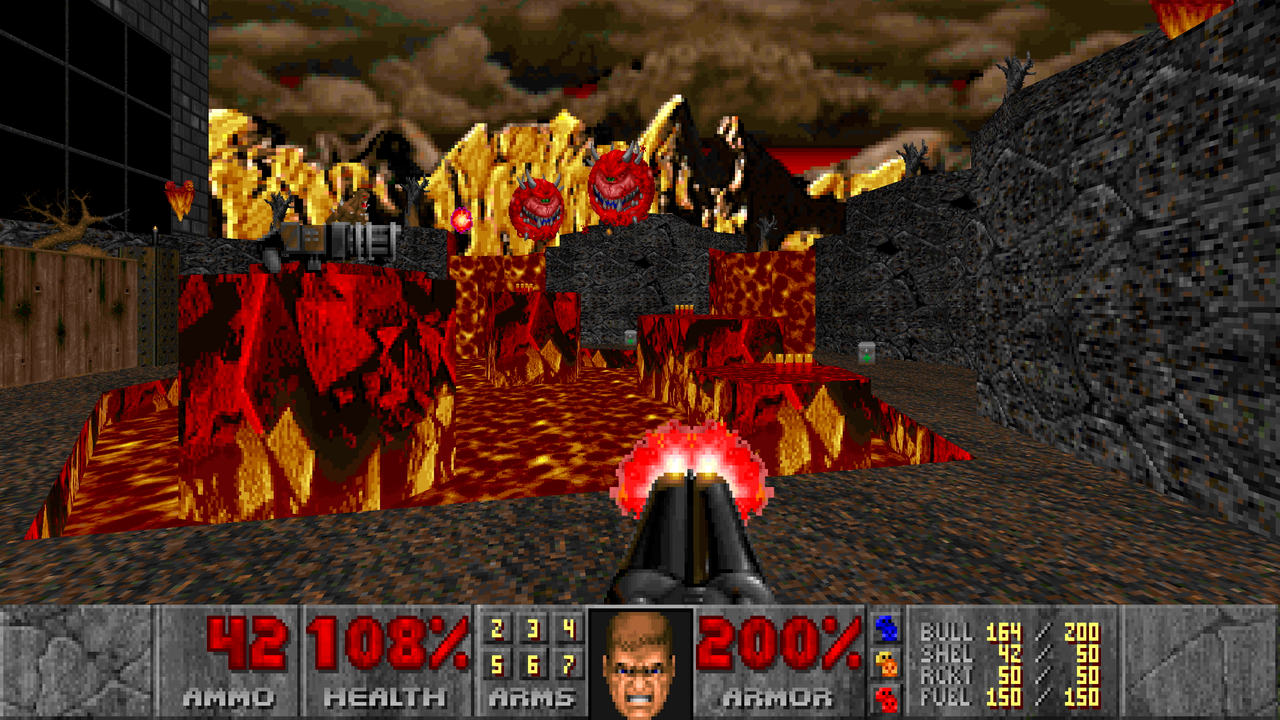
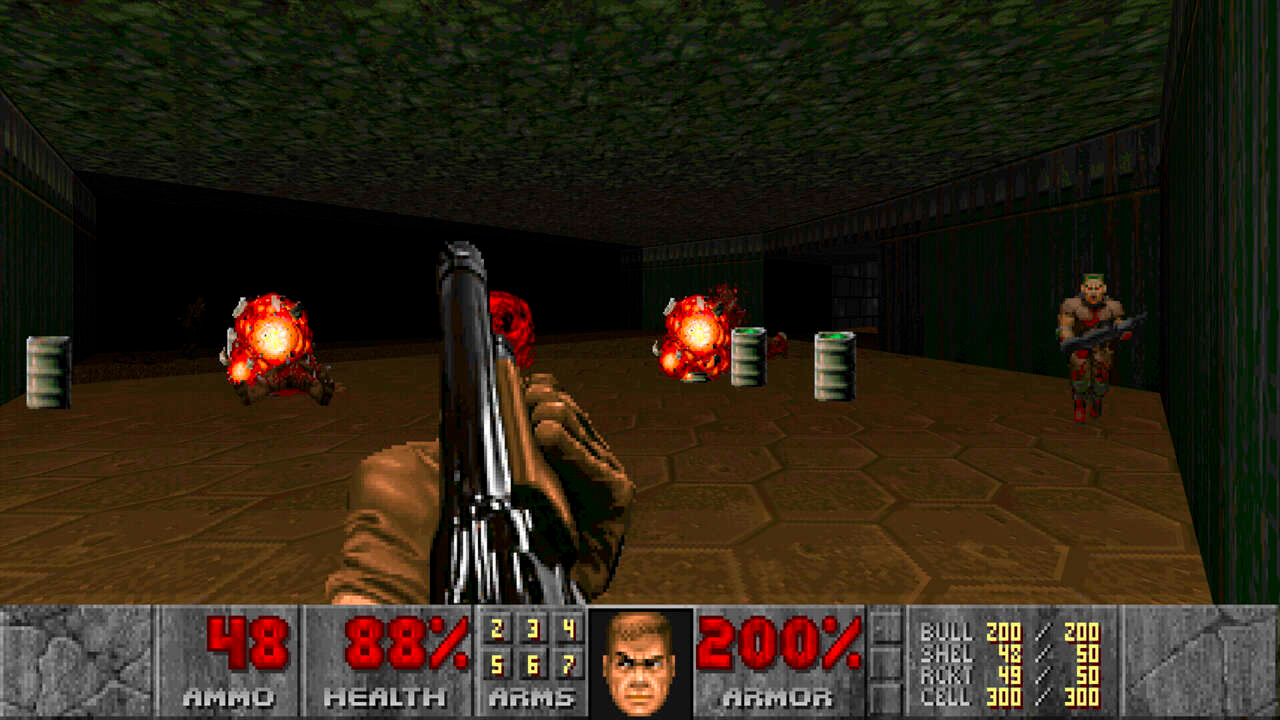
DOOM FOREVER — is a pixelated first-person shooter where the player takes on the role of a marine who must confront demonic forces that have invaded Earth. Game Features: ● Campaign: The story campaign consists of numerous levels, each offering unique challenges, puzzles, and battles with new types of enemies ● Diverse Weapons: Seven different types of weapons, including a chainsaw (which can be picked up at the very beginning, don't miss it) ● Many Enemies: The game features a wide variety of demons to face, including bosses ● Atmosphere: The game stands out with its dark and tense atmosphere, as well as its pixelated retro graphics ● Difficulty levels: there are 5 of them in the game, at the beginning of the game you can choose a comfortable difficulty level for yourself

Videos and screenshots
  • Doom forever screenshot 1
  • Doom forever screenshot 2
  • Doom forever screenshot 3
  • Doom forever screenshot 4
  • Doom forever screenshot 5
  • Doom forever screenshot 6
Play Now

12,266 players online

How to play

  1. Open the game

    Press Play now and the game opens on its own screen.

  2. Follow the in-game instructions

    The controls and goals are shown inside the game as you play.

  3. Use the game menu

    The floating button over the game reloads it, saves it to your favourites, or takes you back out.
Game instructions

Game Progress Saving: The game saves your progress locally in the browser's cache. To avoid data loss, do not play in incognito mode. The Russian and English versions of the game use separate save lists. Controls on PC: ●Move: W, A, S, D ●Turn the character: with the mouse ●Shoot: left mouse click ●Open the door/press the button: Space ●Exit to the menu: Tab ●Open the map: M Mobile Device Controls: ●In the upper left corner there is a button to call up the keys for controlling the menu and calling it ●In the upper right corner there is a button to call up the keys for switching weapons ● Movement: Virtual joystick on the left. ● Turning the character: Swipe across the screen. ● Shooting (single shot): Tap in one spot ● Shooting (automatic): Virtual button on the right ● Open door/press button: Virtual "O" button at the bottom ● On the left, there is a panel where you can adjust the cursor sensitivity for swiping across the screen, as well as bring up the virtual keyboard

More games

More games