Overview
🔥 The Awesome Game for True Pros! 🔥
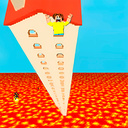
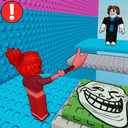
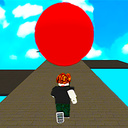
Want to test your obby skills? Then this is the game for you! 🎮
Here’s what awaits you:
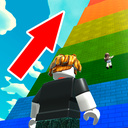
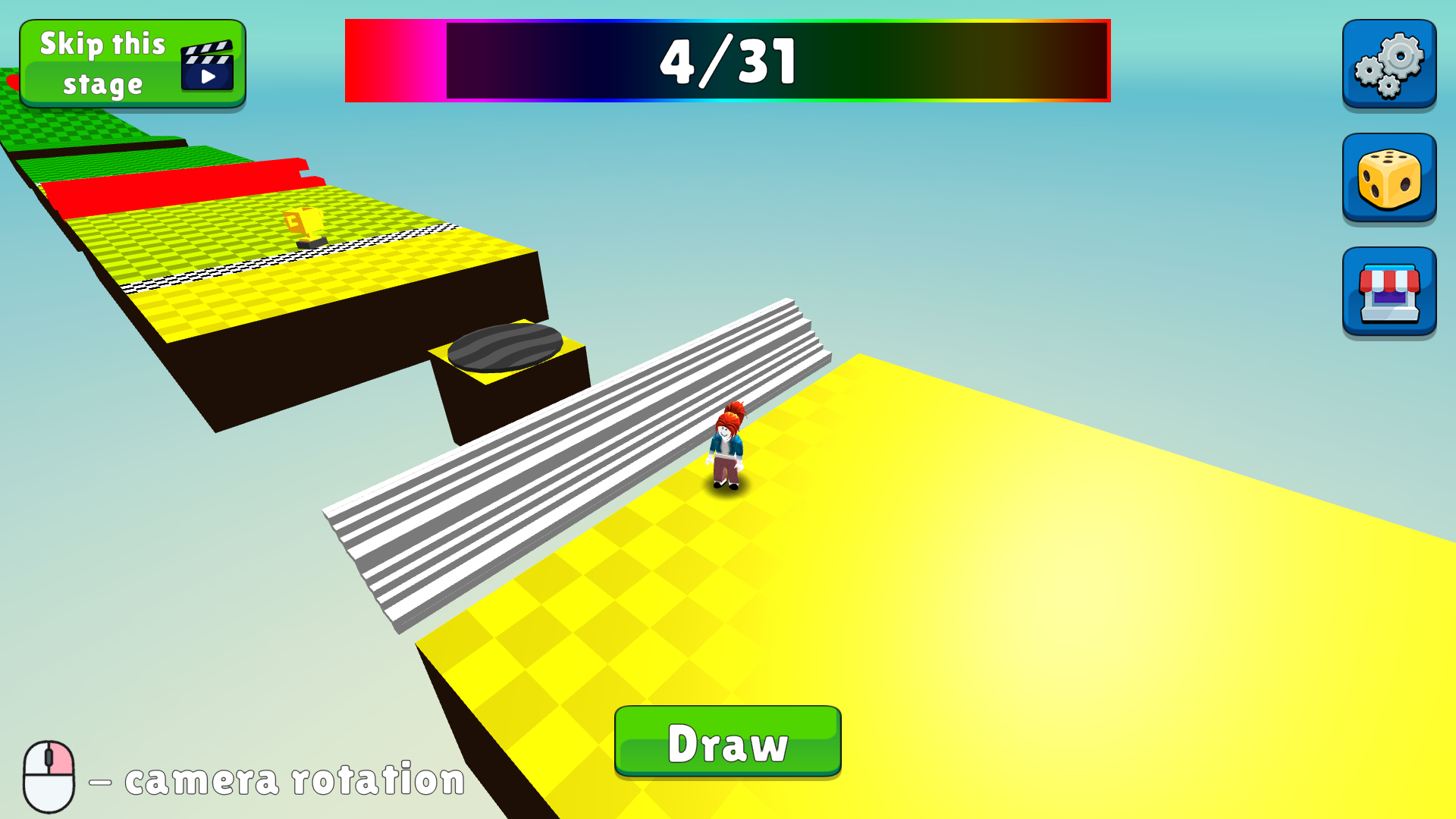
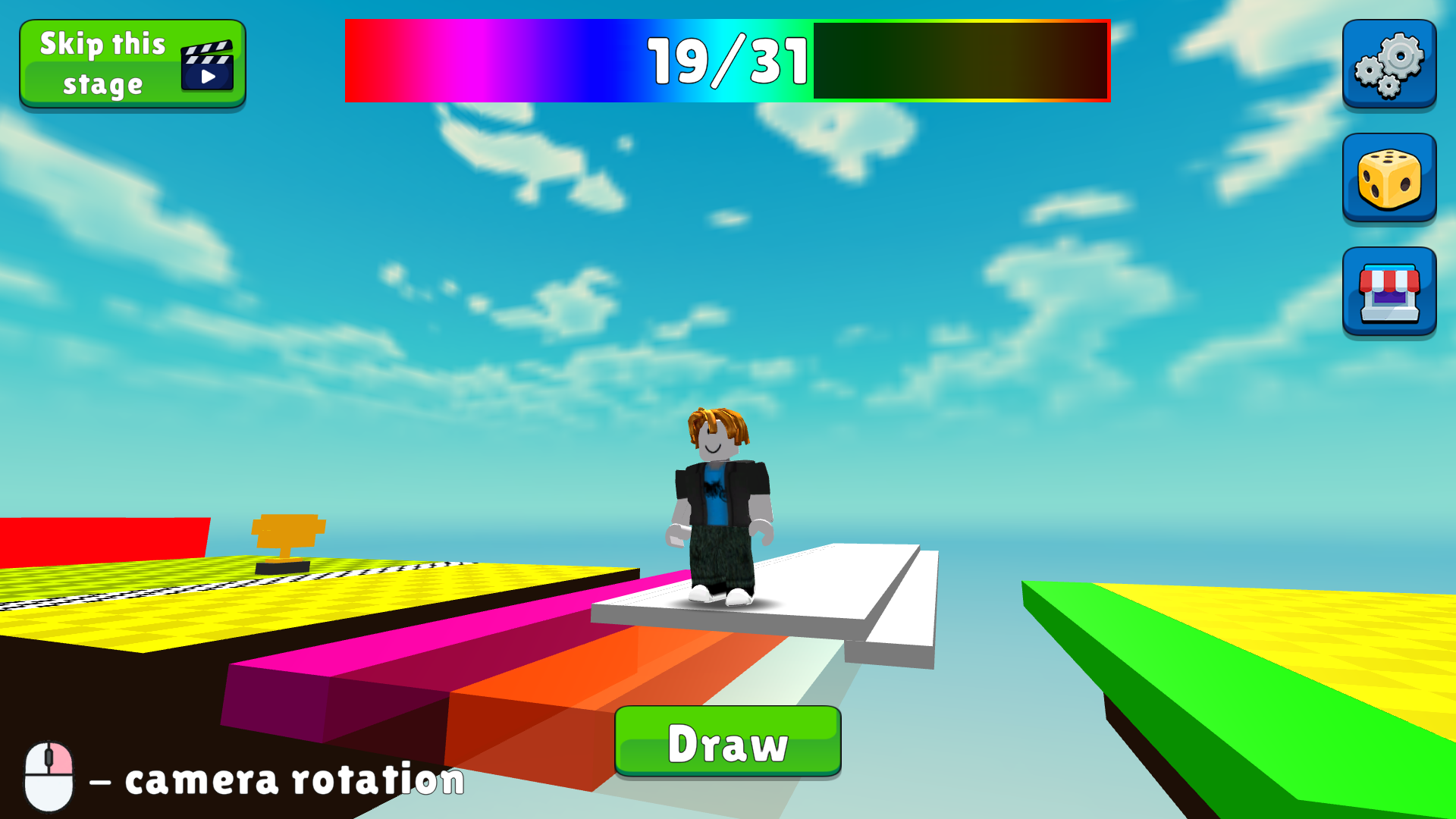
💥 30 epic levels with crazy obstacles — stay sharp!
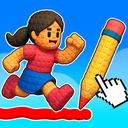
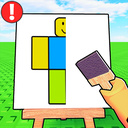
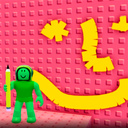
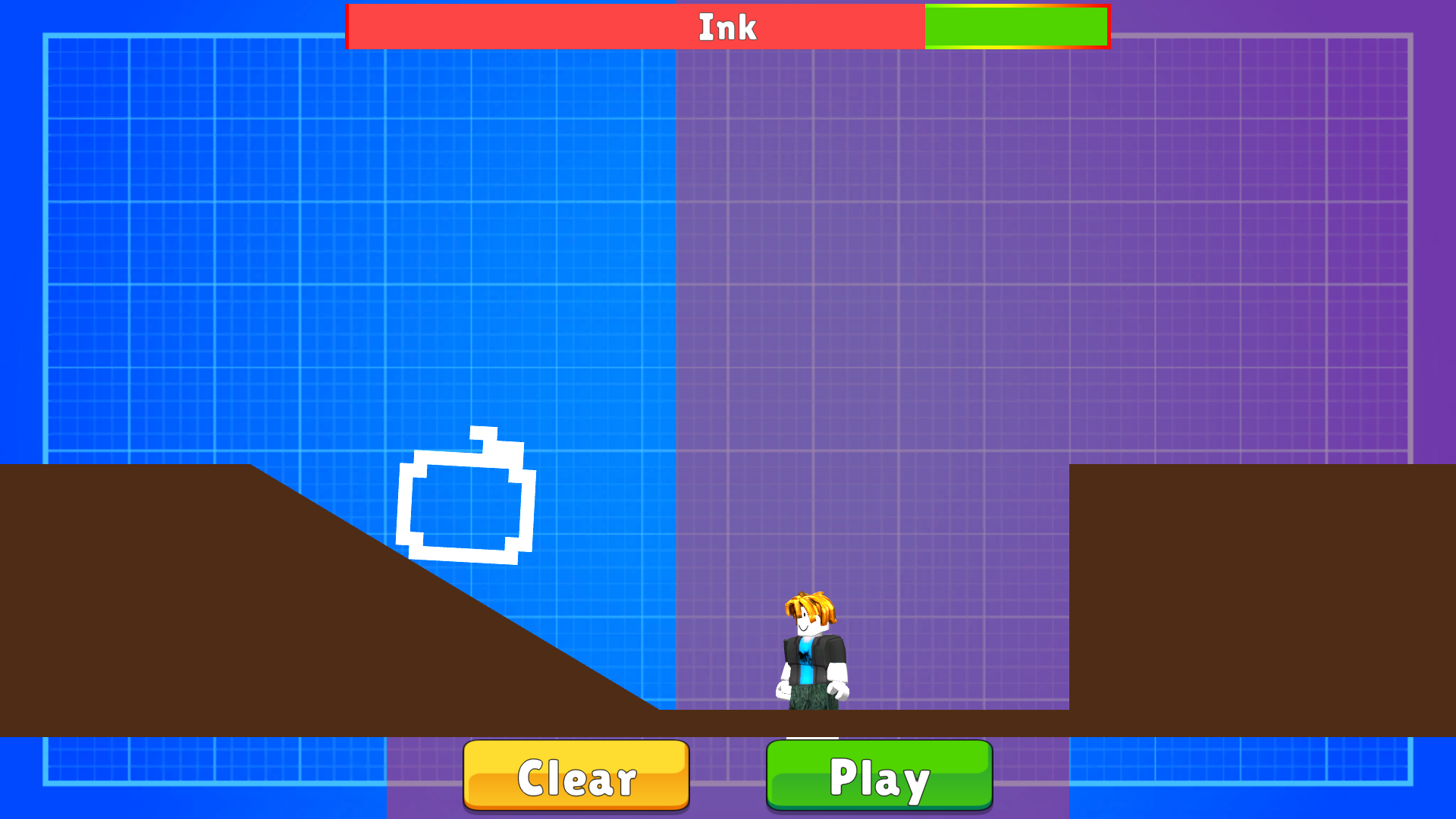
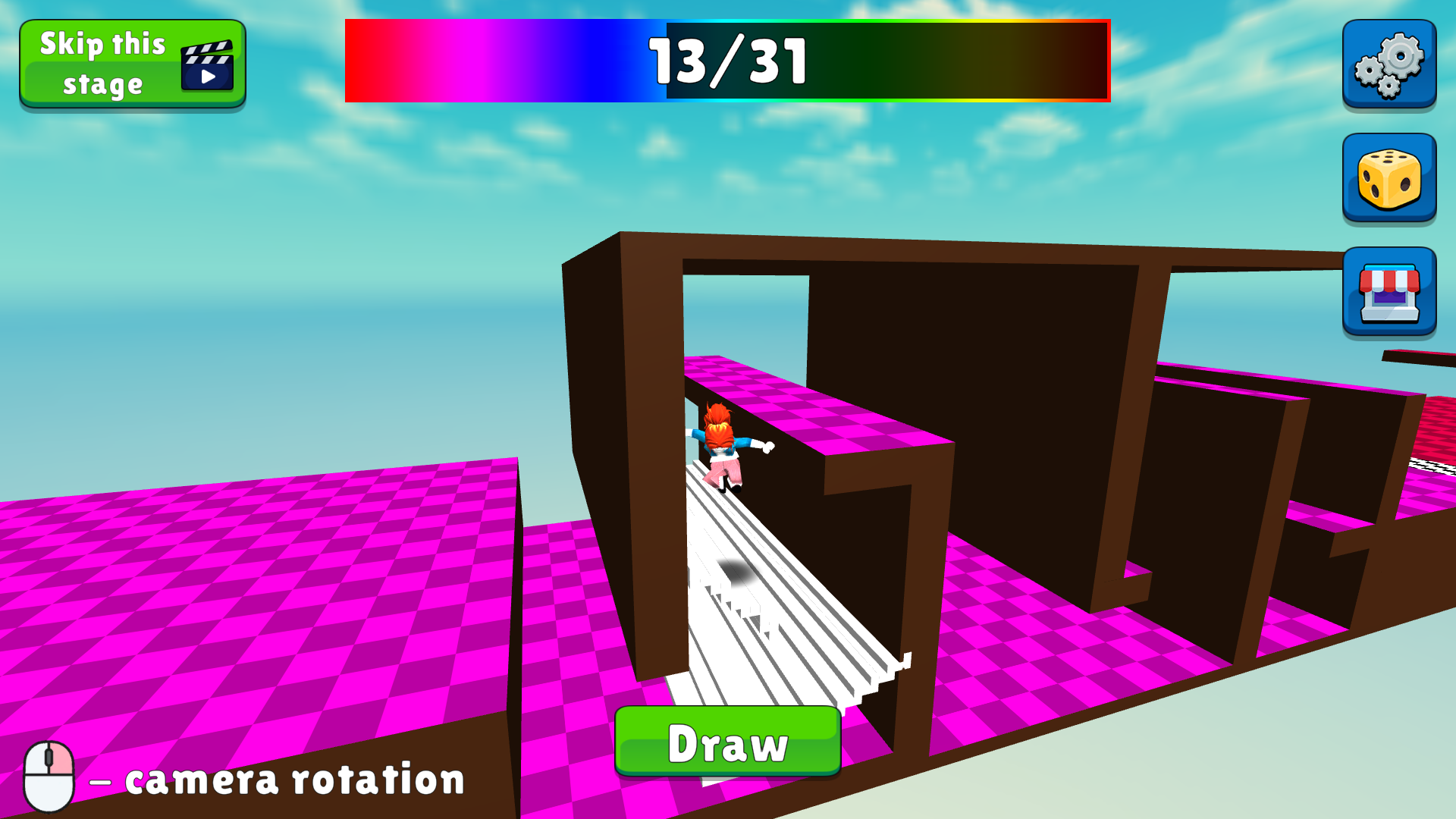
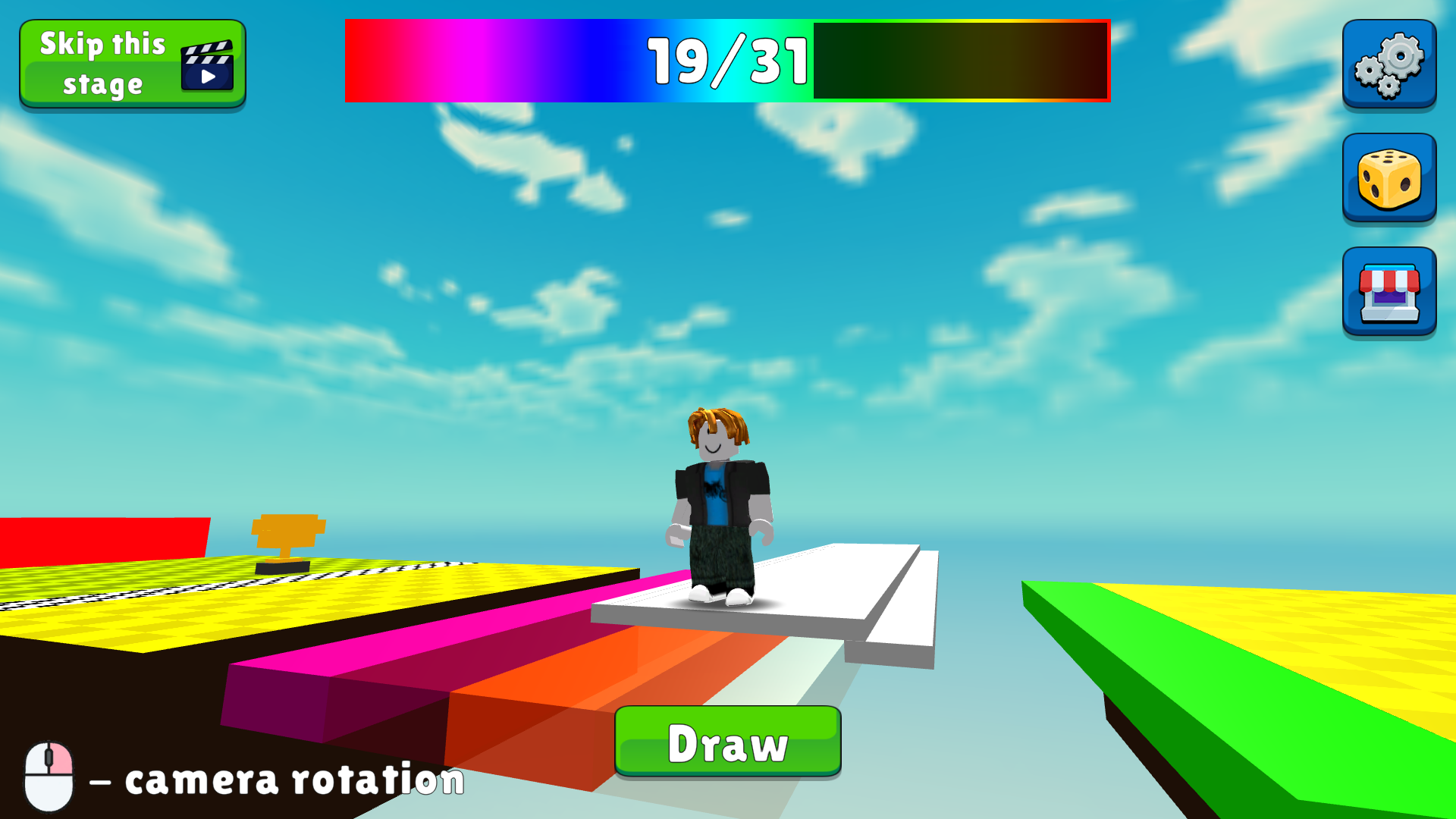
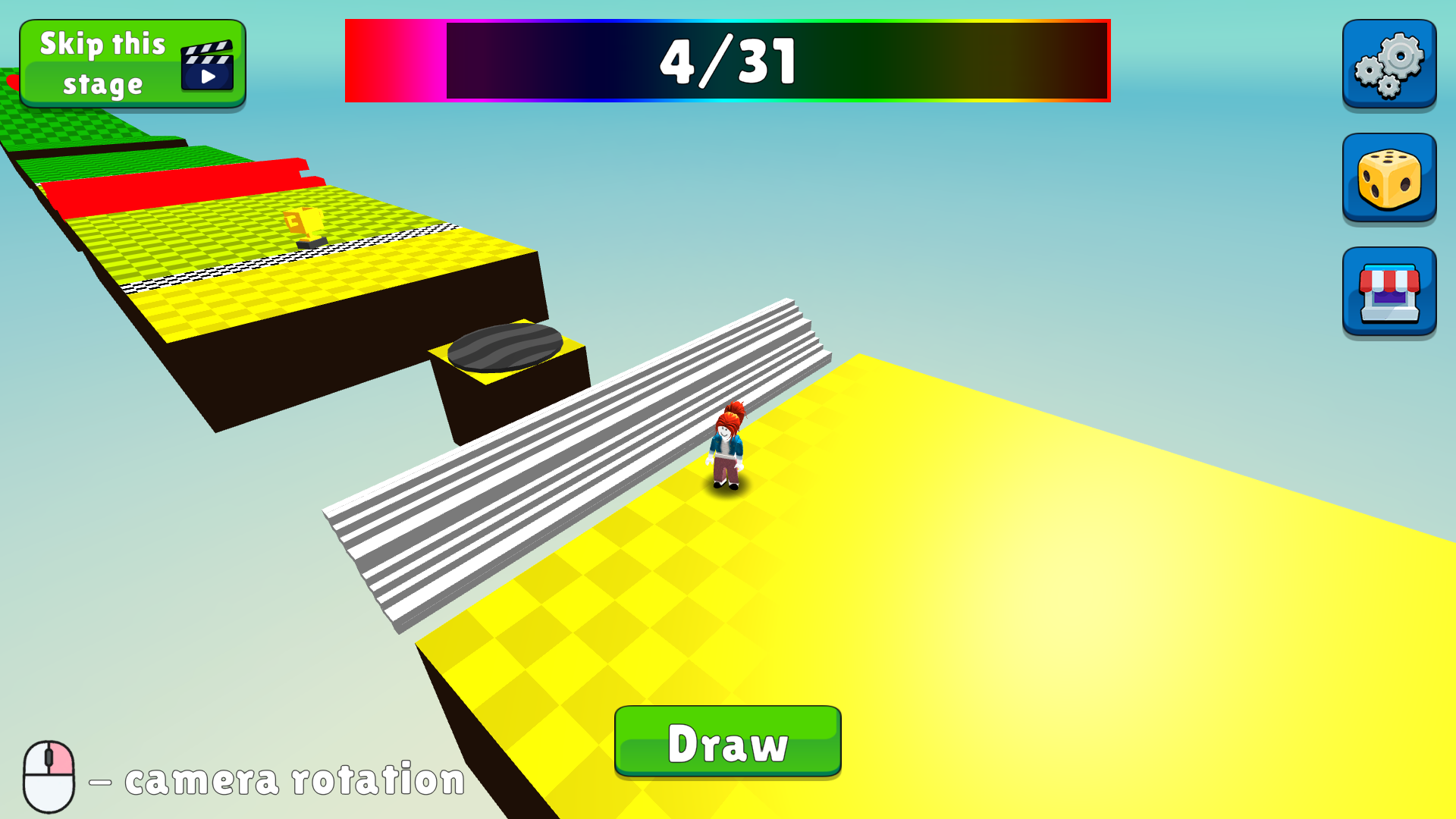
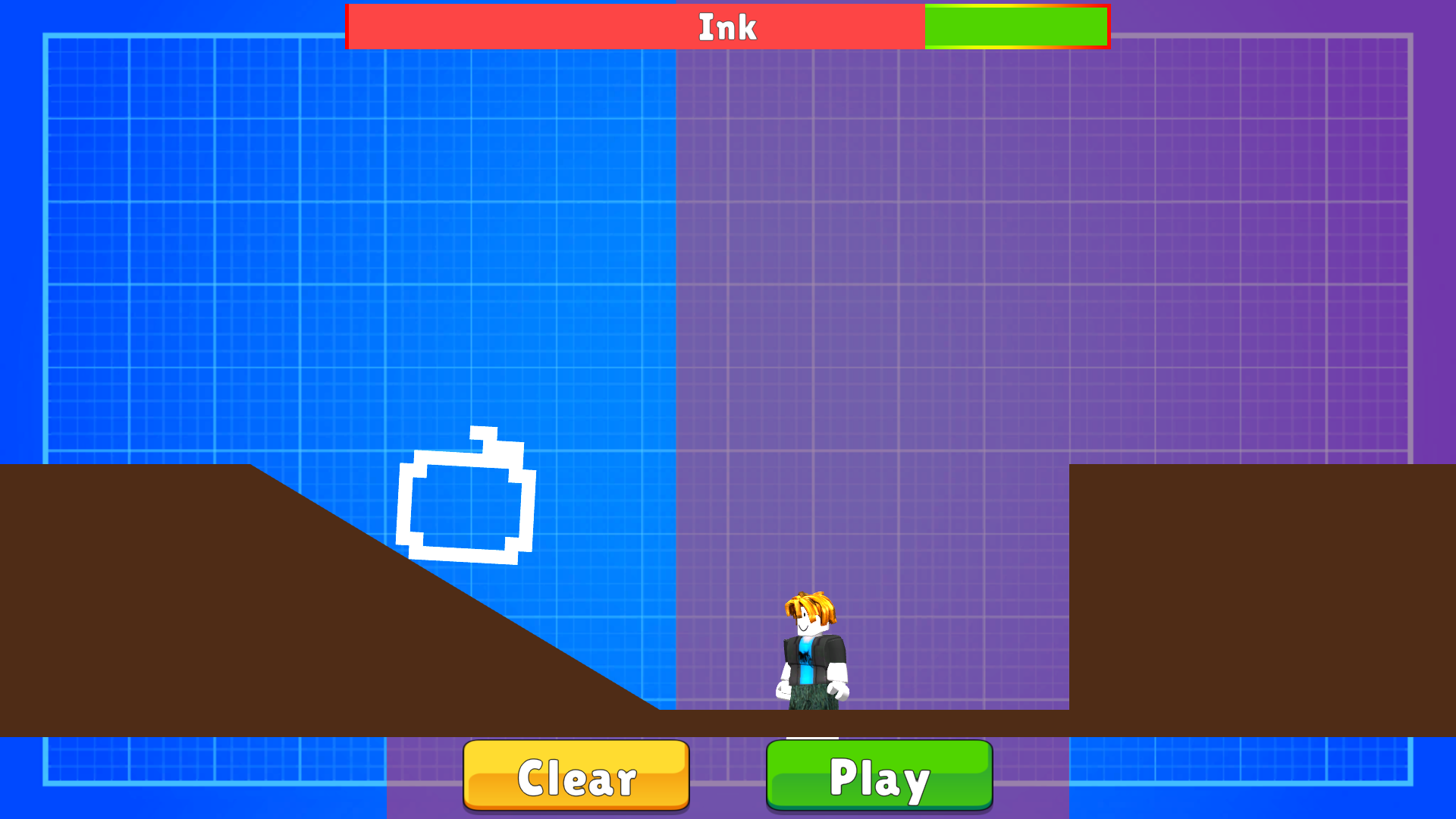
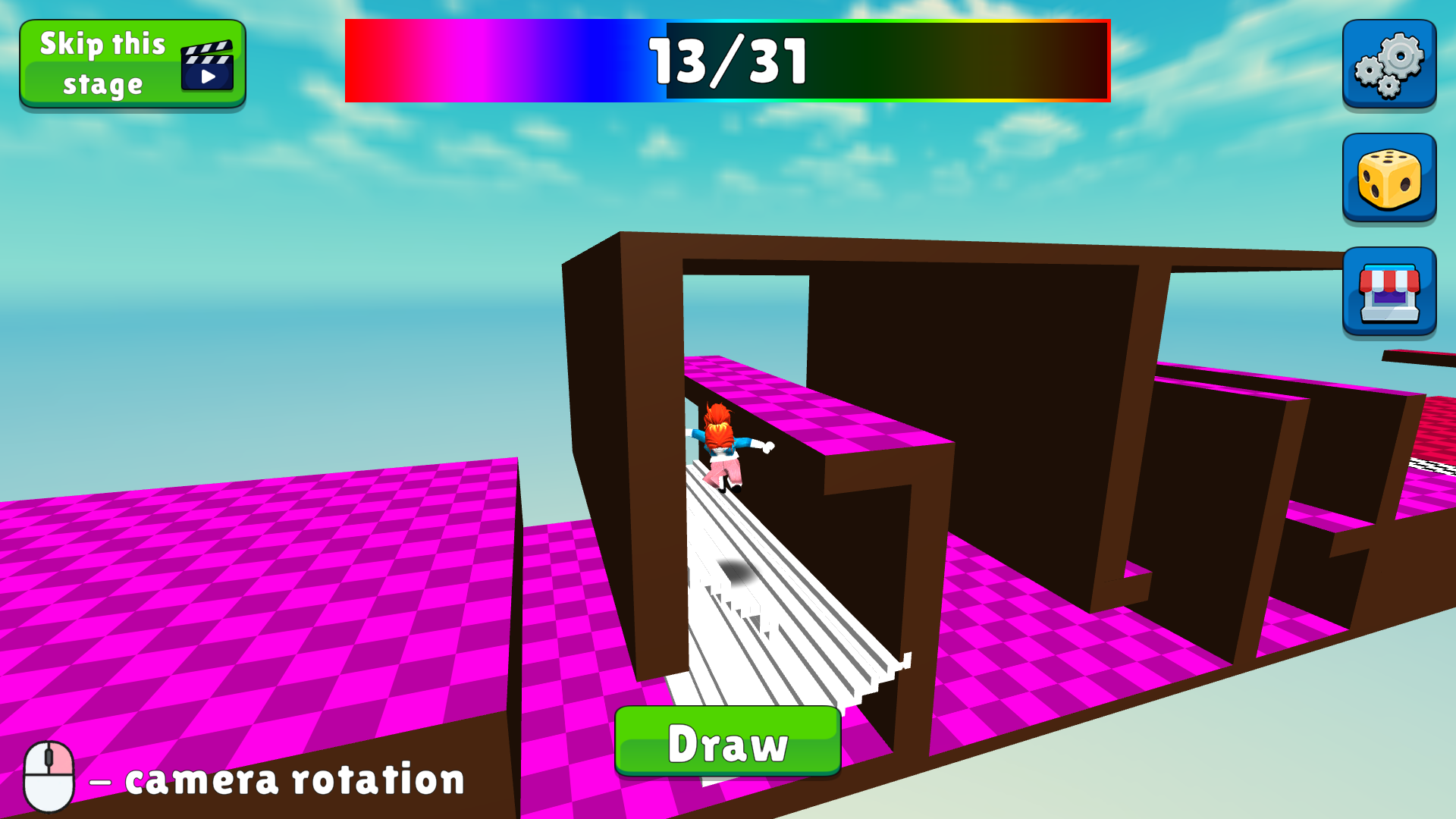
🎨 Unique twist: draw your own shapes to overcome obstacles — you’ve never seen anything like this before! ✨
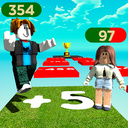
⏱️ Compete with other players — who can make the fastest speedrun? Beat the records and become a legend! 🏆
👉 Perfect for:
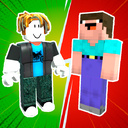
fans of Roblox Obby — this one’s even cooler!
lovers of Minecraft — experience a whole new level of creativity!
Ready to challenge yourself and others? Then go ahead — conquer the levels and become the best! 🚀
Videos and screenshots
13,911 players online
How to play
-
Open the game
Press Play now and the game opens on its own screen.
-
Follow the in-game instructions
The controls and goals are shown inside the game as you play.
-
Use the game menu
The floating button over the game reloads it, saves it to your favourites, or takes you back out.