Skip to content
KG
Draw Mine Skins: Color by Number & Cells

Draw Mine Skins: Color by Number & Cells

528K plays 4.6 out of 5

Overview

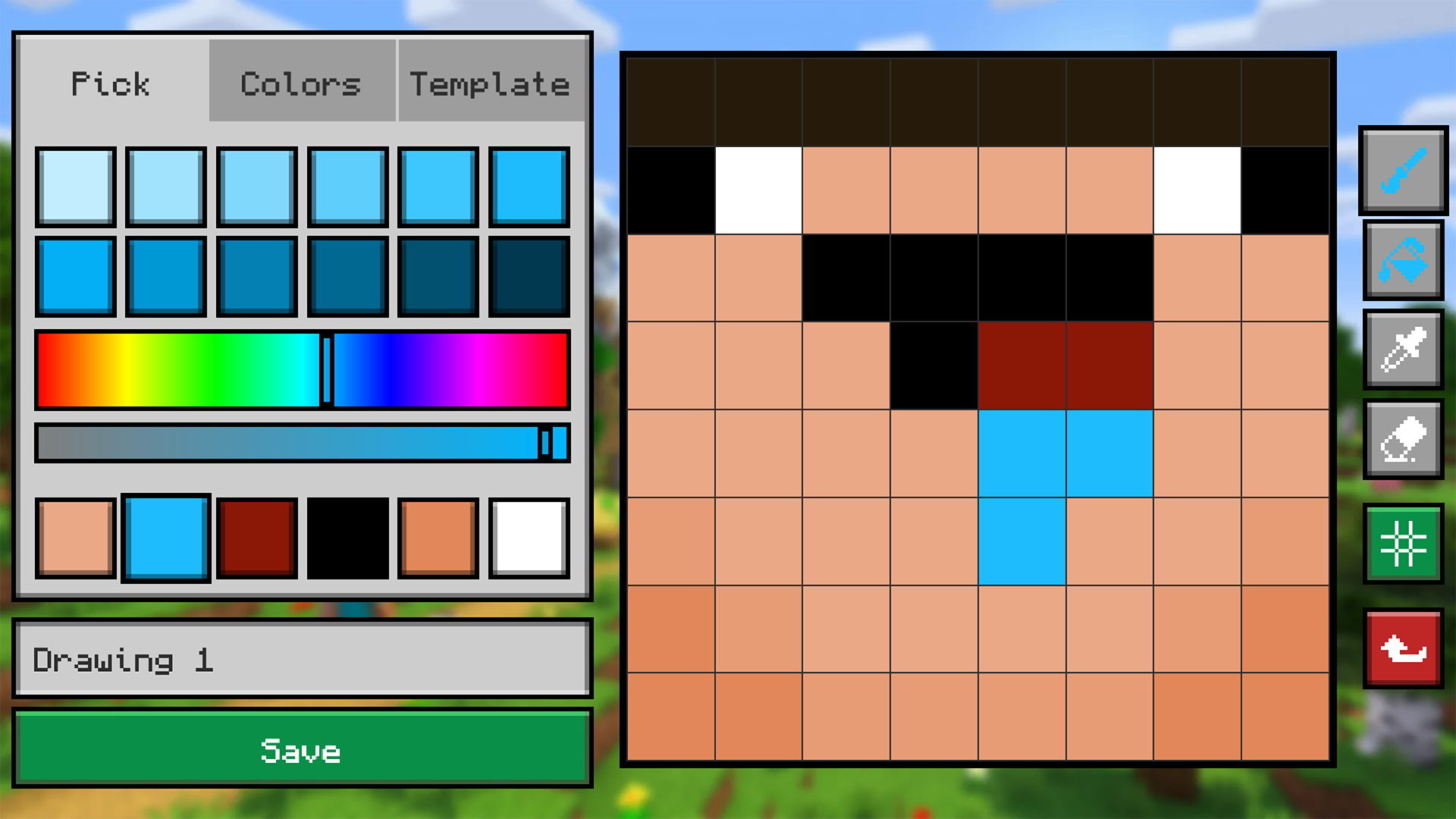
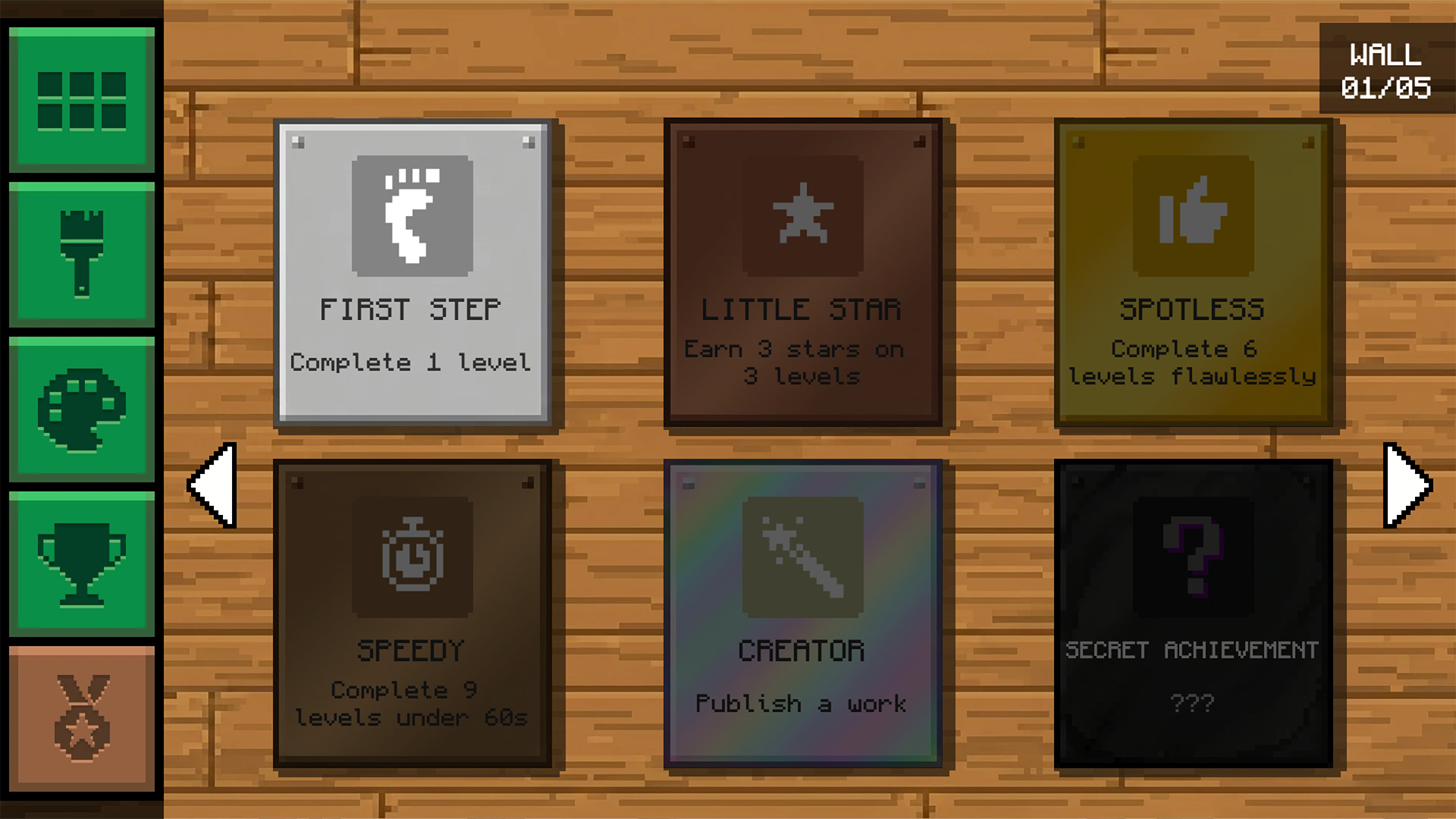
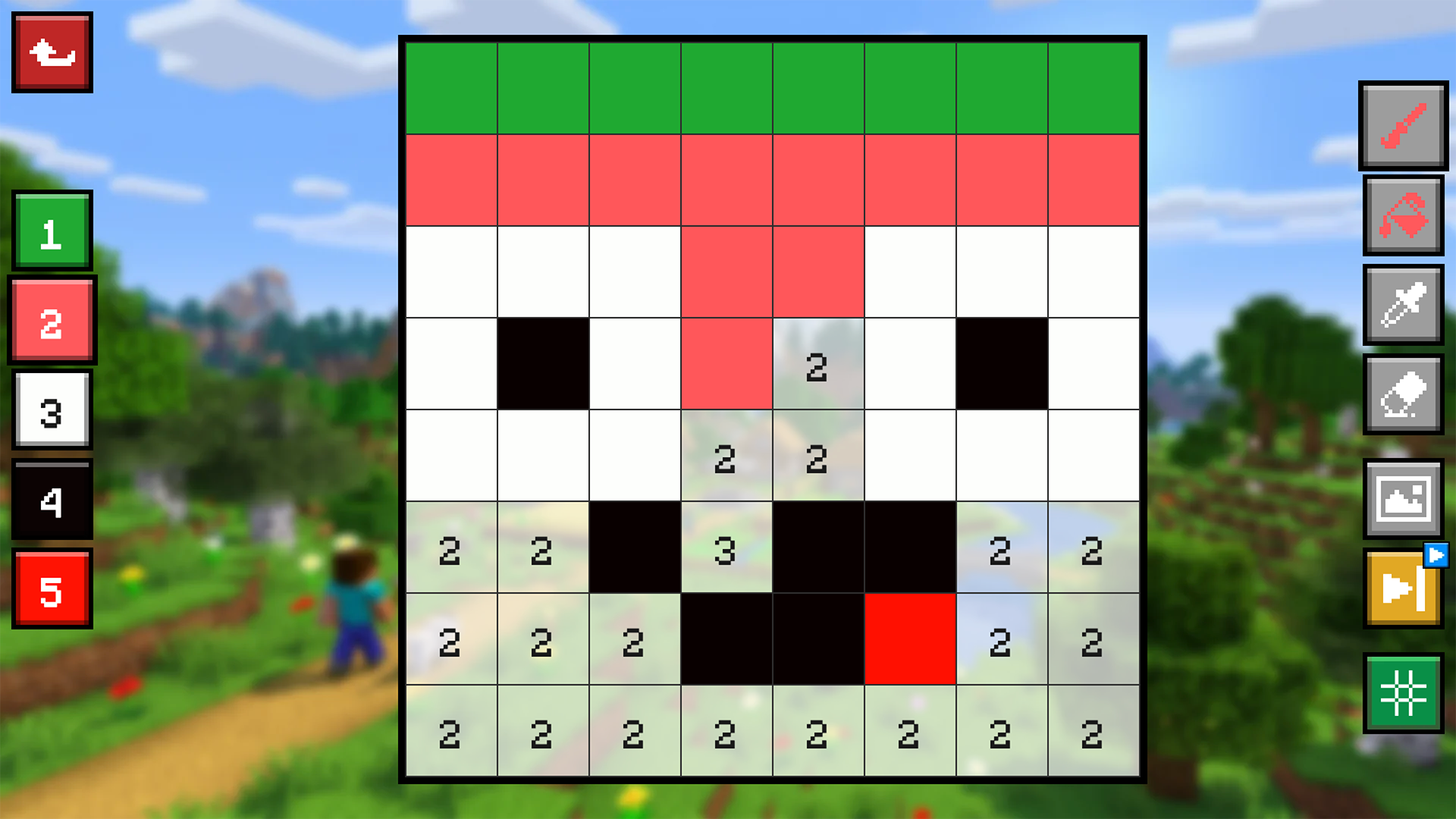
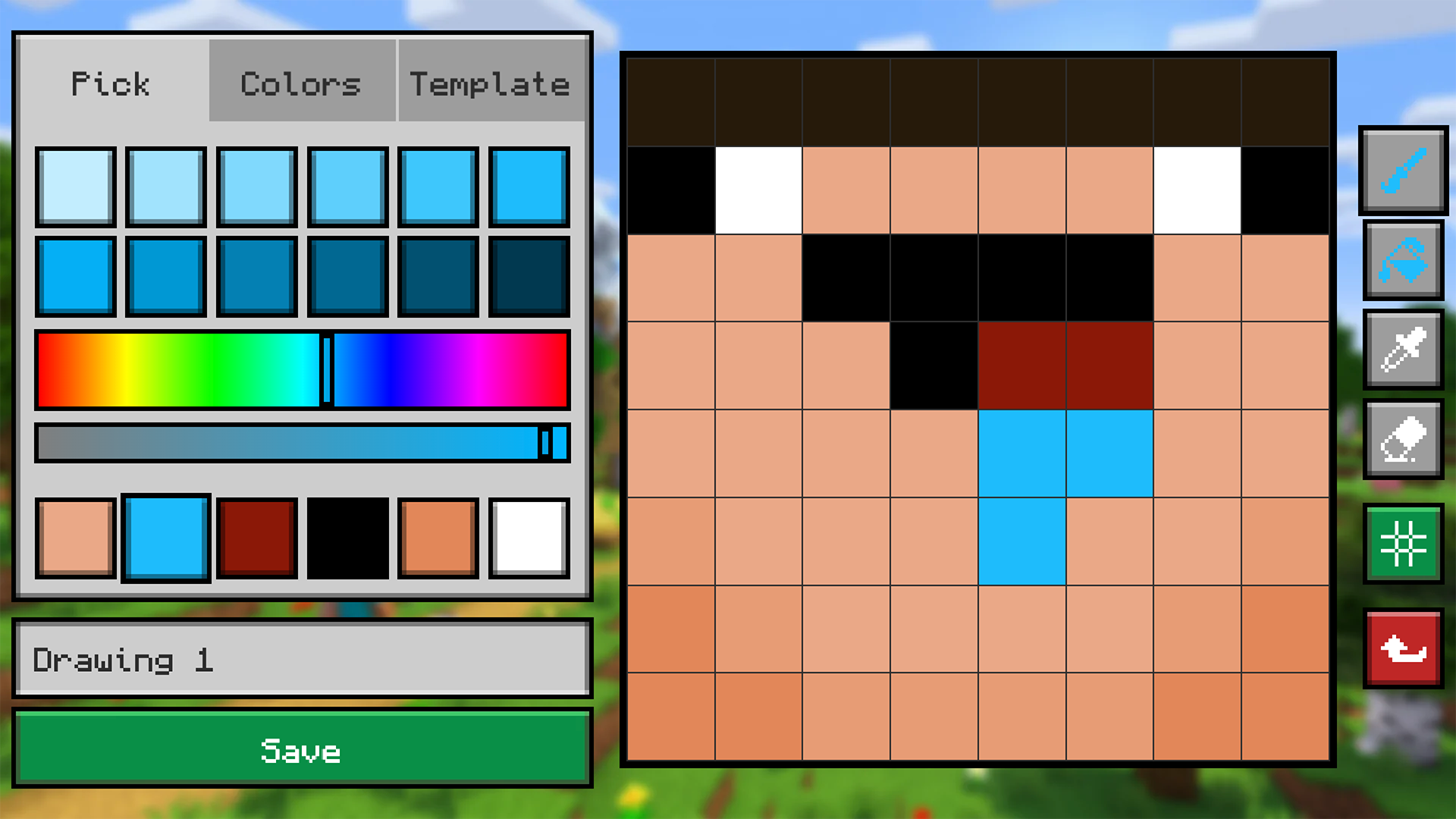
Color the coolest pixel Mine skins in one game! Two modes to choose from: Color by Number (color = digit) and draw by cells from a sample. The collection packs dozens of skins — classic Mine characters, custom skins and skins of popular bloggers. Cleared them all? Open the Workshop: build your own skin level and publish it to the server — other players will play and rate it. New skins are added by players every day, so the fun never ends! Earn points, climb the leaderboard and unlock achievements.

Videos and screenshots
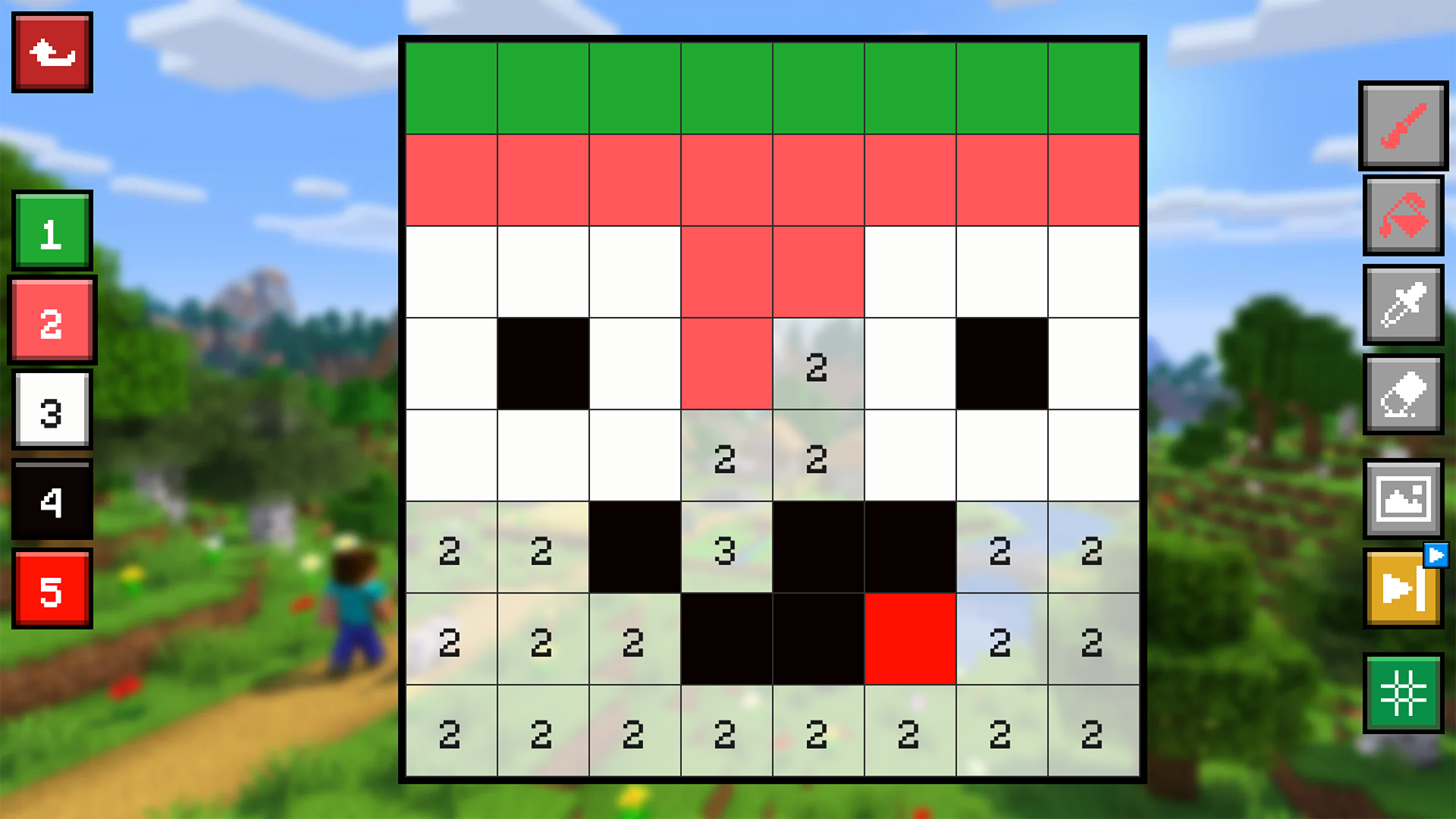
  • Draw Mine Skins: Color by Number & Cells screenshot 1
  • Draw Mine Skins: Color by Number & Cells screenshot 2
  • Draw Mine Skins: Color by Number & Cells screenshot 3
  • Draw Mine Skins: Color by Number & Cells screenshot 4
  • Draw Mine Skins: Color by Number & Cells screenshot 5
  • Draw Mine Skins: Color by Number & Cells screenshot 6
Play Now

14,939 players online

How to play

  1. Open the game

    Press Play now and the game opens on its own screen.

  2. Follow the in-game instructions

    The controls and goals are shown inside the game as you play.

  3. Use the game menu

    The floating button over the game reloads it, saves it to your favourites, or takes you back out.
Game instructions

Controls: mouse or screen tap. 1. Pick a level and a mode: Color by Number (fill each cell with the color under the matching digit) or by Cells (copy the sample on the right onto the empty grid on the left). 2. Pick the color you need, then click or tap a cell to fill it. Stuck? Start over or skip the level. 3. Finish the grid to reveal the Mine skin and earn leaderboard points. 4. Open the Workshop, draw your own skin from scratch and publish it — other players will play and rate it. 5. Browse community levels, filter by New / Popular / Best. 6. Collect achievements and climb to the top of the rankings!

More games

More games