Skip to content
KG
Draw Nubik 2!

Draw Nubik 2!

2K plays 4.0 out of 5

Overview

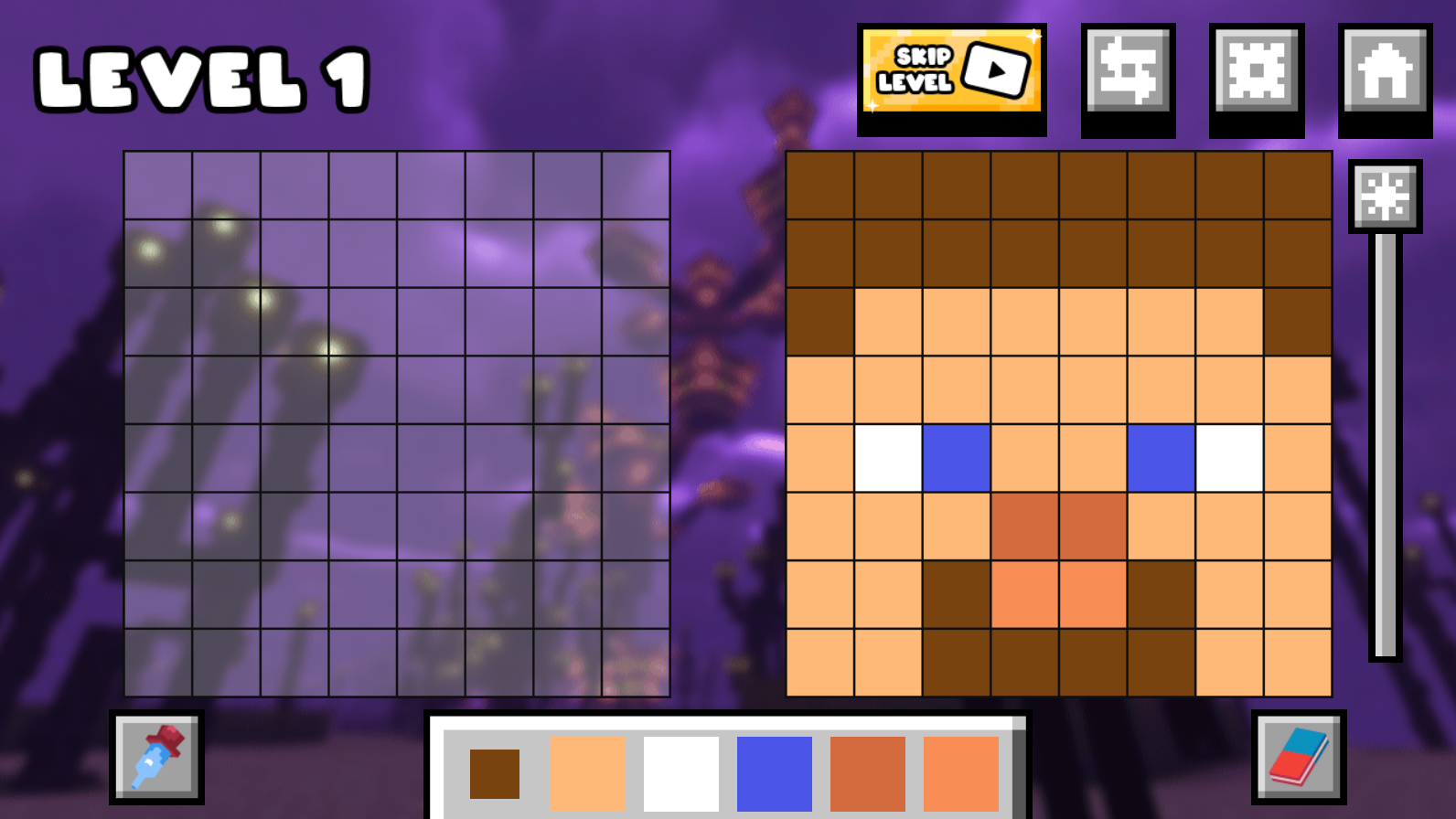
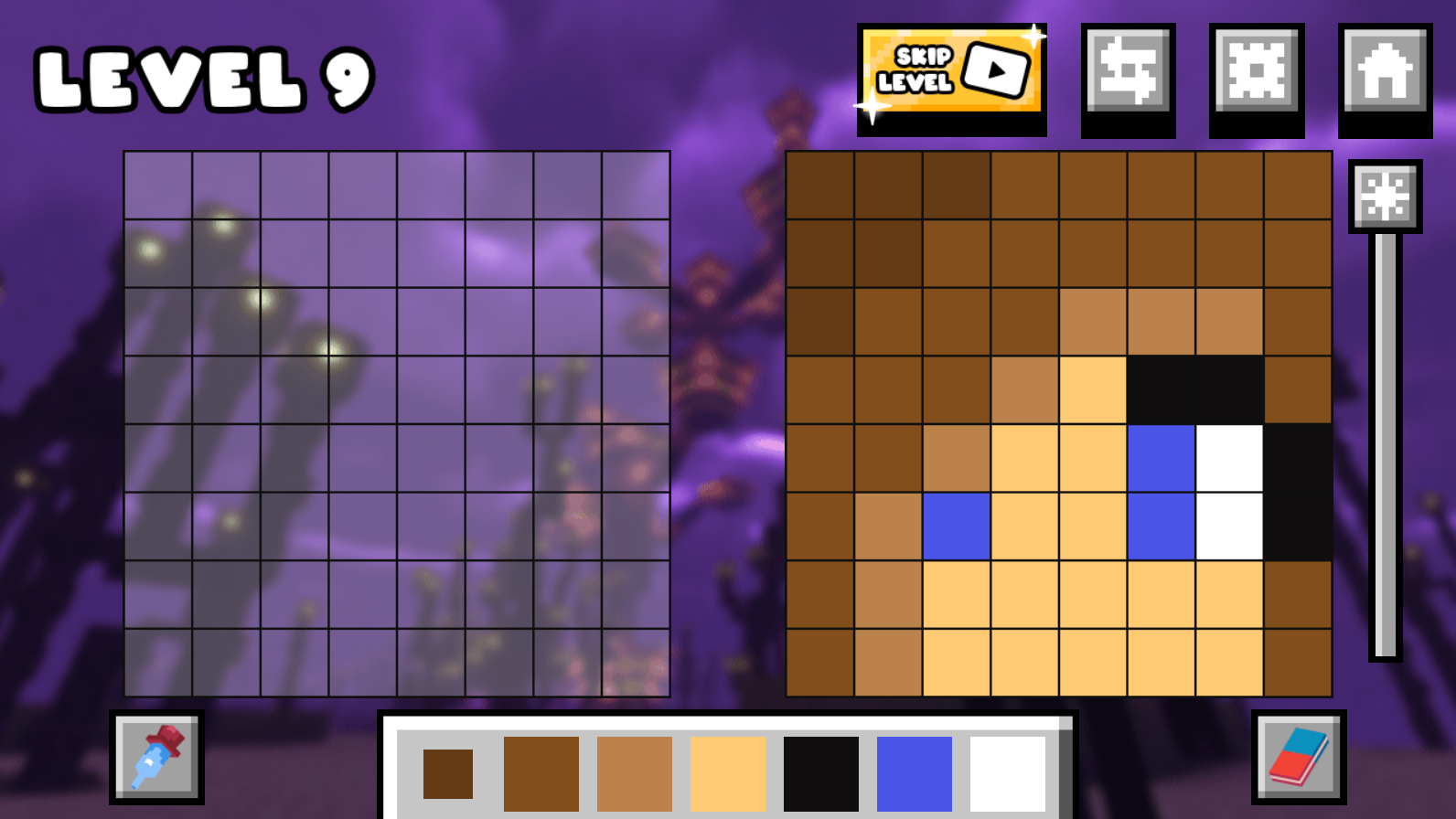
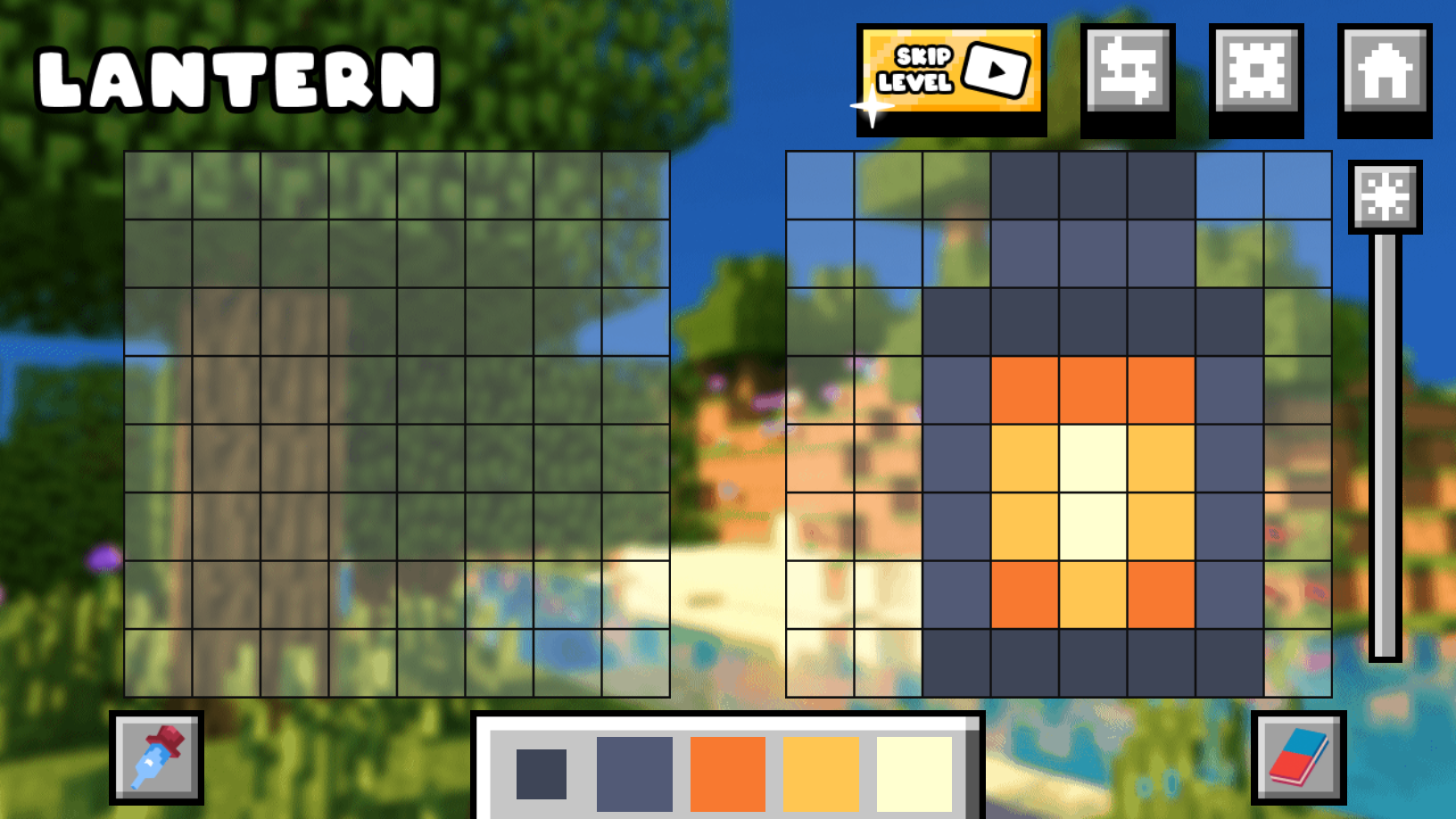
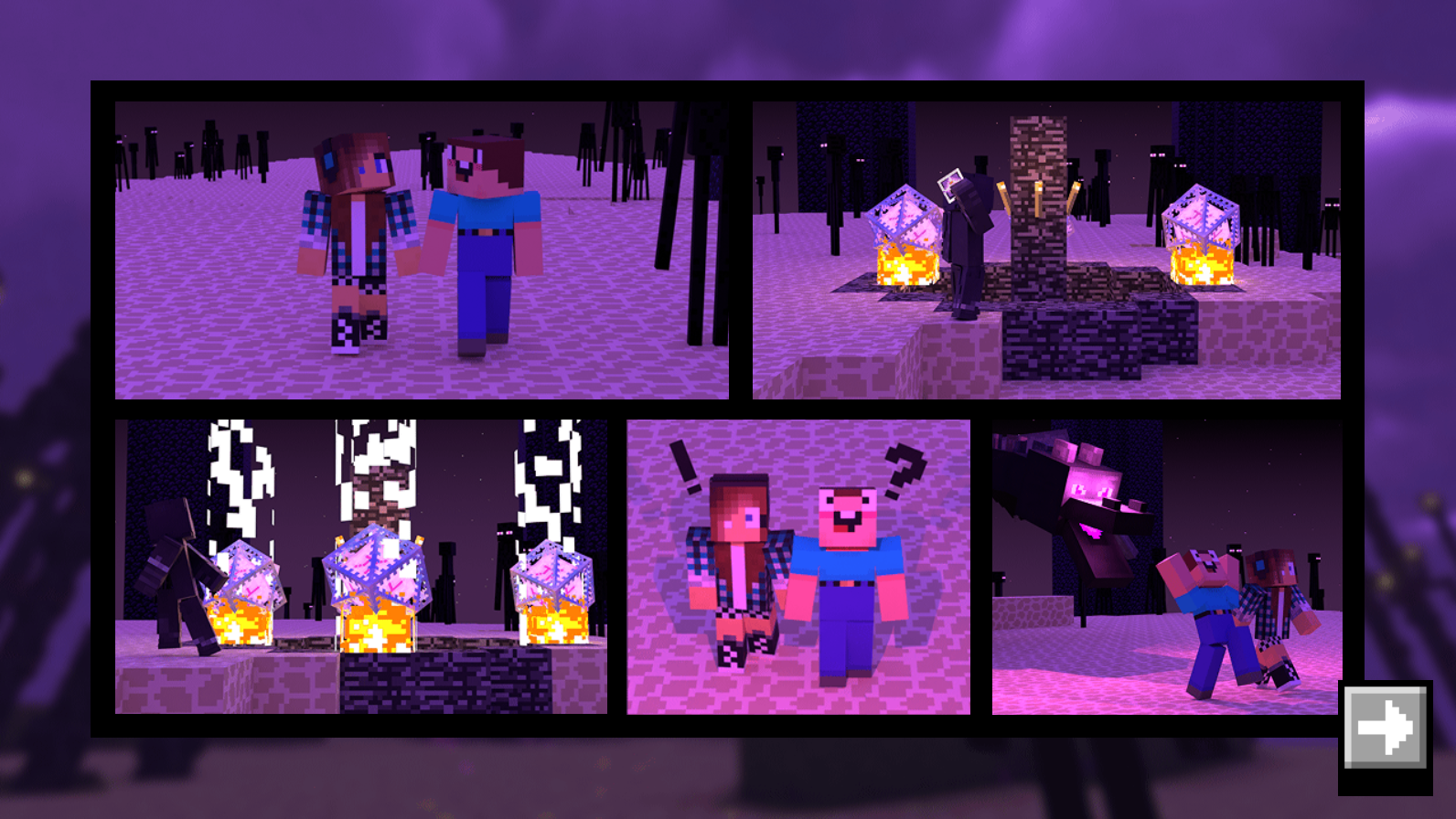
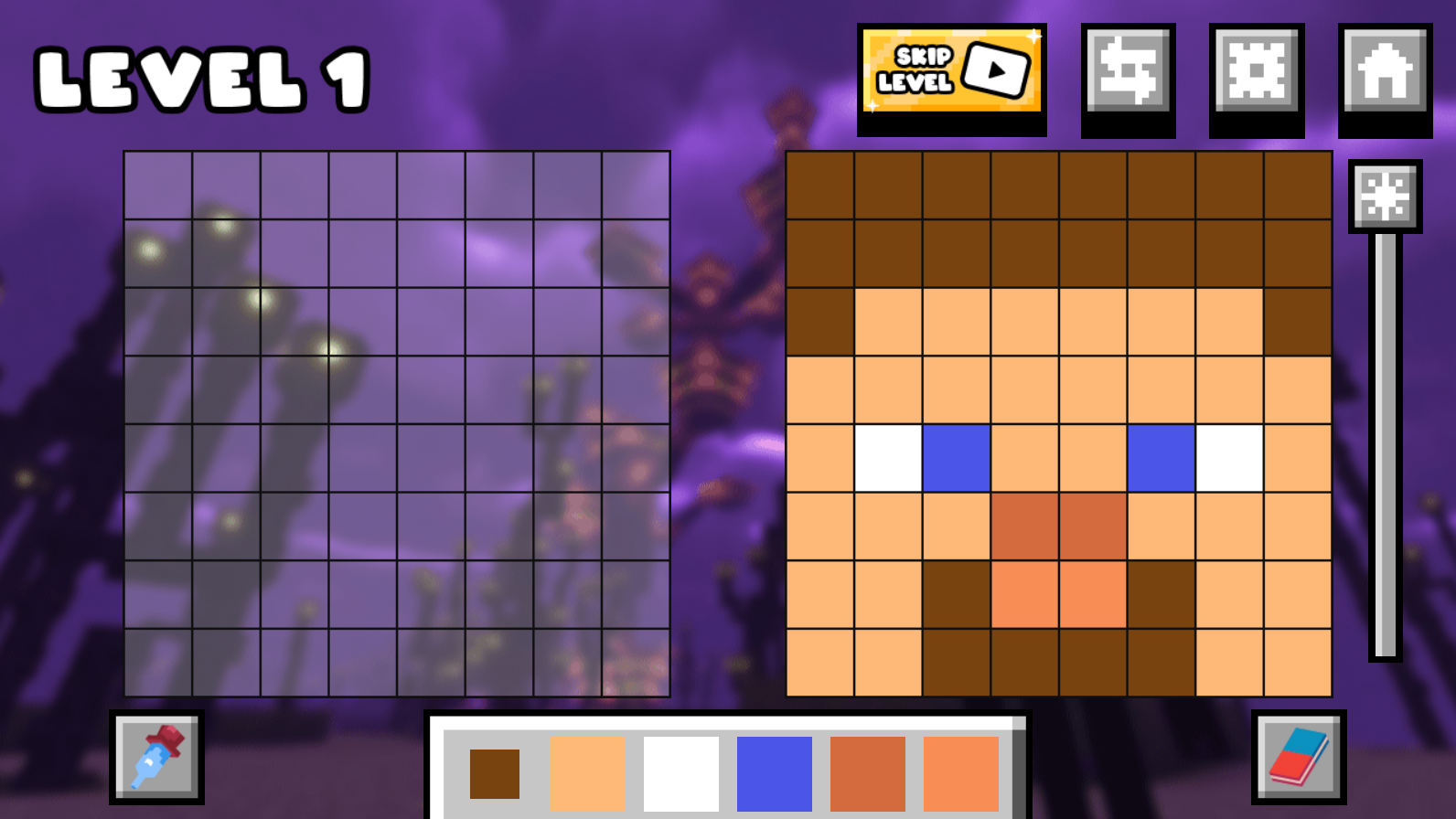
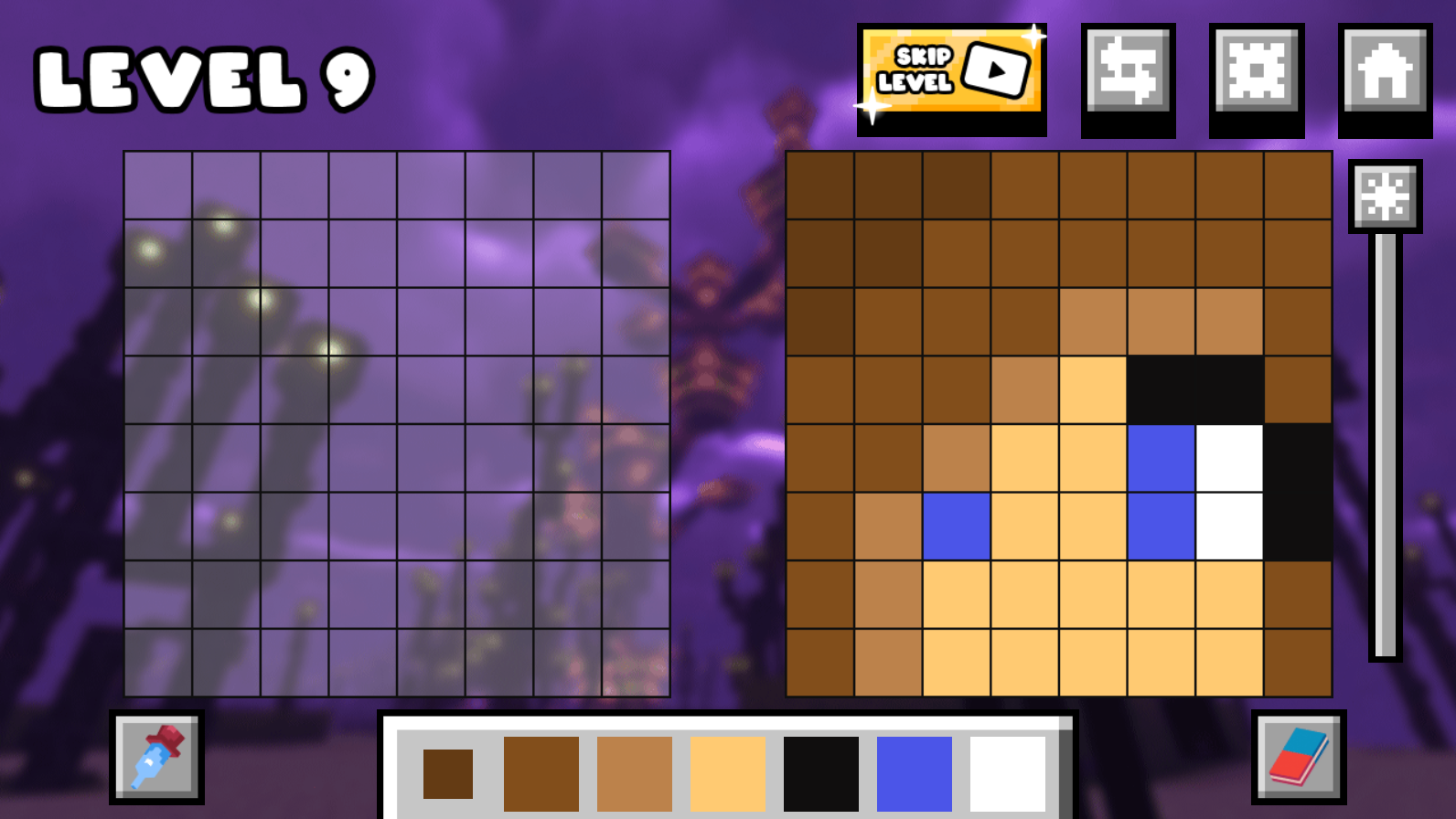
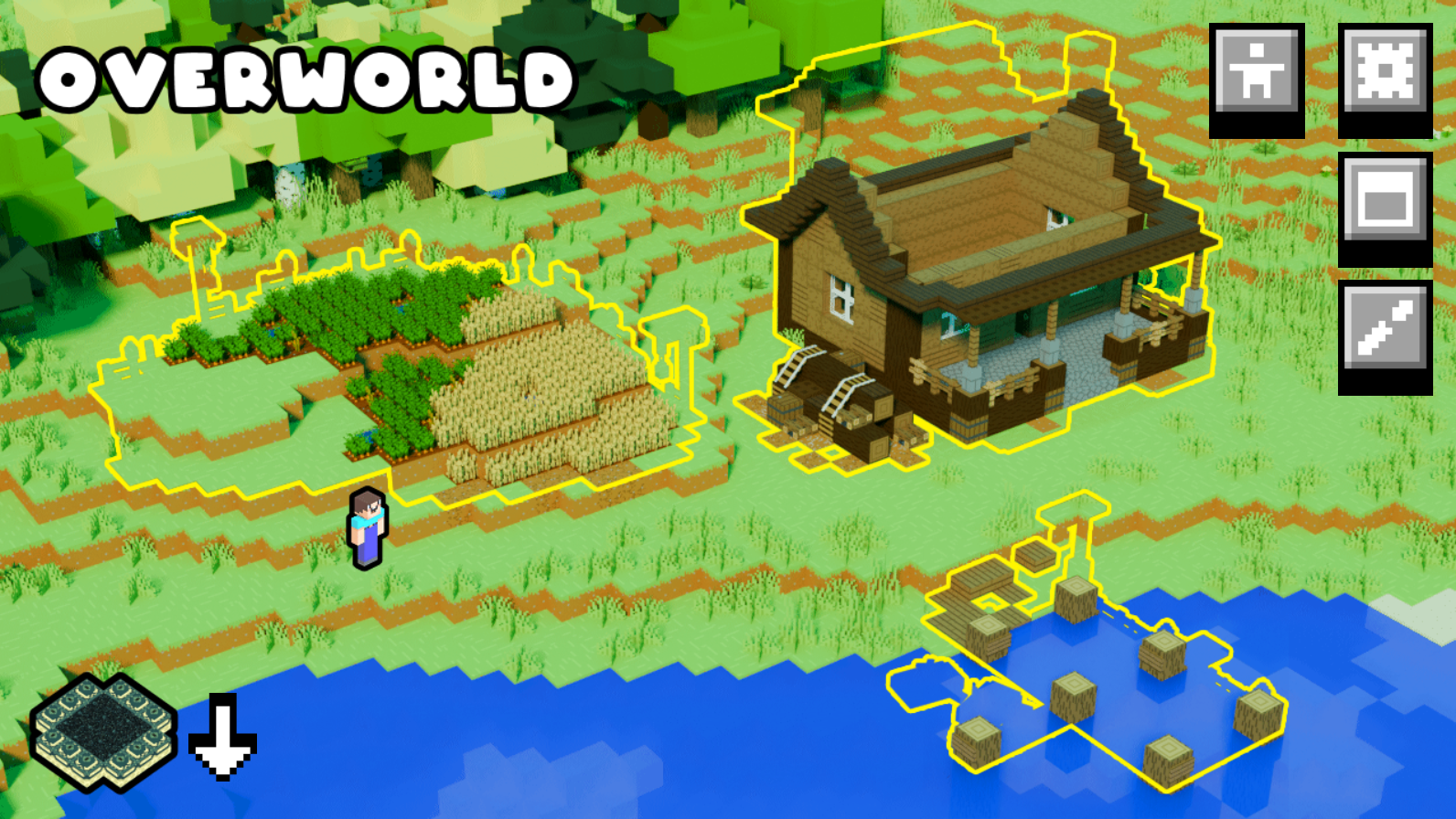
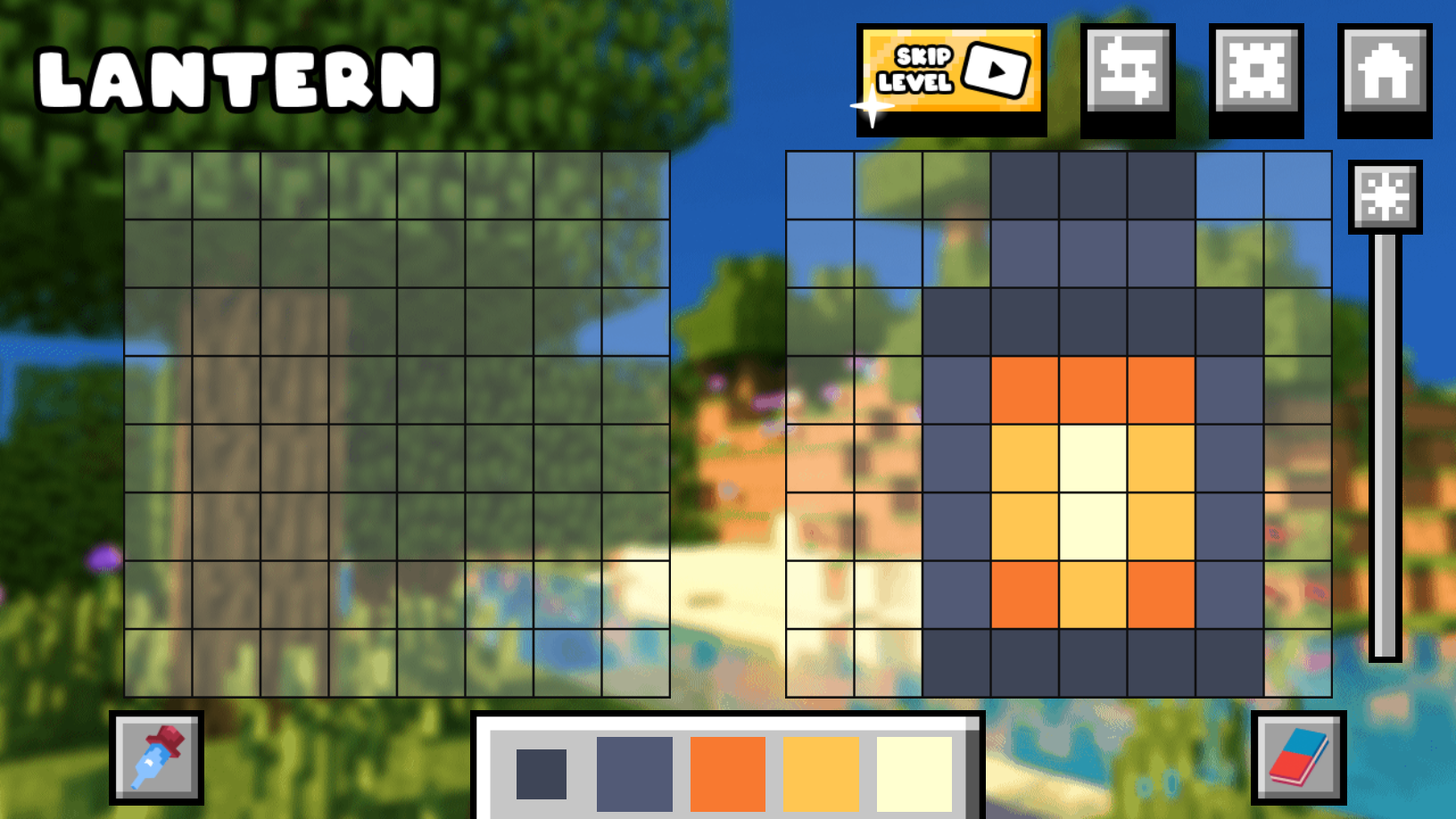
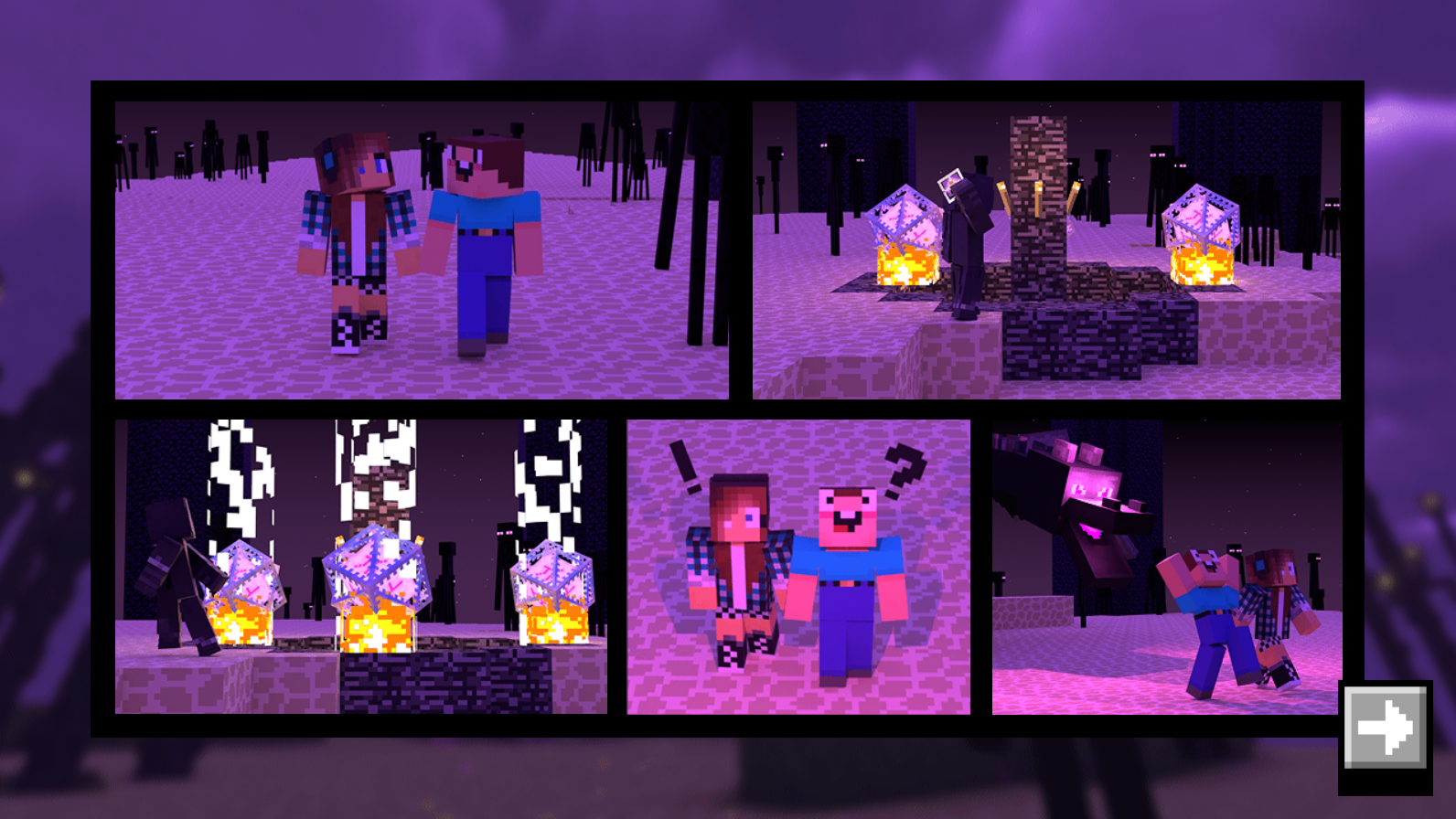
"Draw Nubik 2!" is an exciting drawing game in which you will see the continuation of Noob's adventures 🎨 Repeat the drawings and help Noob on his difficult journey. In a short time, you will need to defeat the dragon, as well as build a house and furnish it. But be careful, because someone is chasing Noob and his companion! 😱 Also in the game, in addition to completing the story, you can: 1️⃣ Draw your own pictures 2️⃣ Unlock new skins 3️⃣ Draw pictures from Noob's workshop πŸ”₯ Relax and enjoy the game!

Videos and screenshots
  • Draw Nubik 2! screenshot 1
  • Draw Nubik 2! screenshot 2
  • Draw Nubik 2! screenshot 3
  • Draw Nubik 2! screenshot 4
  • Draw Nubik 2! screenshot 5
  • Draw Nubik 2! screenshot 6
  • Draw Nubik 2! screenshot 7
  • Draw Nubik 2! screenshot 8
  • Draw Nubik 2! screenshot 9
  • Draw Nubik 2! screenshot 10
Play Now

13,731 players online

How to play

  1. Open the game

    Press Play now and the game opens on its own screen.

  2. Follow the in-game instructions

    The controls and goals are shown inside the game as you play.

  3. Use the game menu

    The floating button over the game reloads it, saves it to your favourites, or takes you back out.
Game instructions

πŸ˜‰ The game controls are intuitive: 1️⃣ Look at the sample picture πŸ‘€ 2️⃣ Choose colors from the palette 🎨 below 3️⃣ Draw ✏️ your picture. You need to make sure that your picture completely matches the sample 4️⃣ If you make a mistake, don't worry. You can always erase pixels with the 🧽 eraser, which is in the lower right corner 5️⃣Also, using the eyedropper πŸ’‰ in the lower left corner, you can choose colors from the sample 6️⃣ And with the regulator, you can control the brightness β˜€οΈ of the background. This helps a lot to distinguish colors better 7️⃣ You can also skip a level at any time by watching an ad πŸ“Ί, just press the corresponding button 🏑 When you get to the home improvement, you will have to control your character πŸ™β€β™‚οΈ πŸ“± Controls on the phone: Using the stick (for walking) and the pop-up button "E" (for interaction) πŸ–₯️ Controls on the computer: WASD - for walking around the level E - for interacting with objects

More games

More games