Skip to content
KG
Drawing: Diamond Mosaic

Drawing: Diamond Mosaic

21K plays 4.1 out of 5

Overview

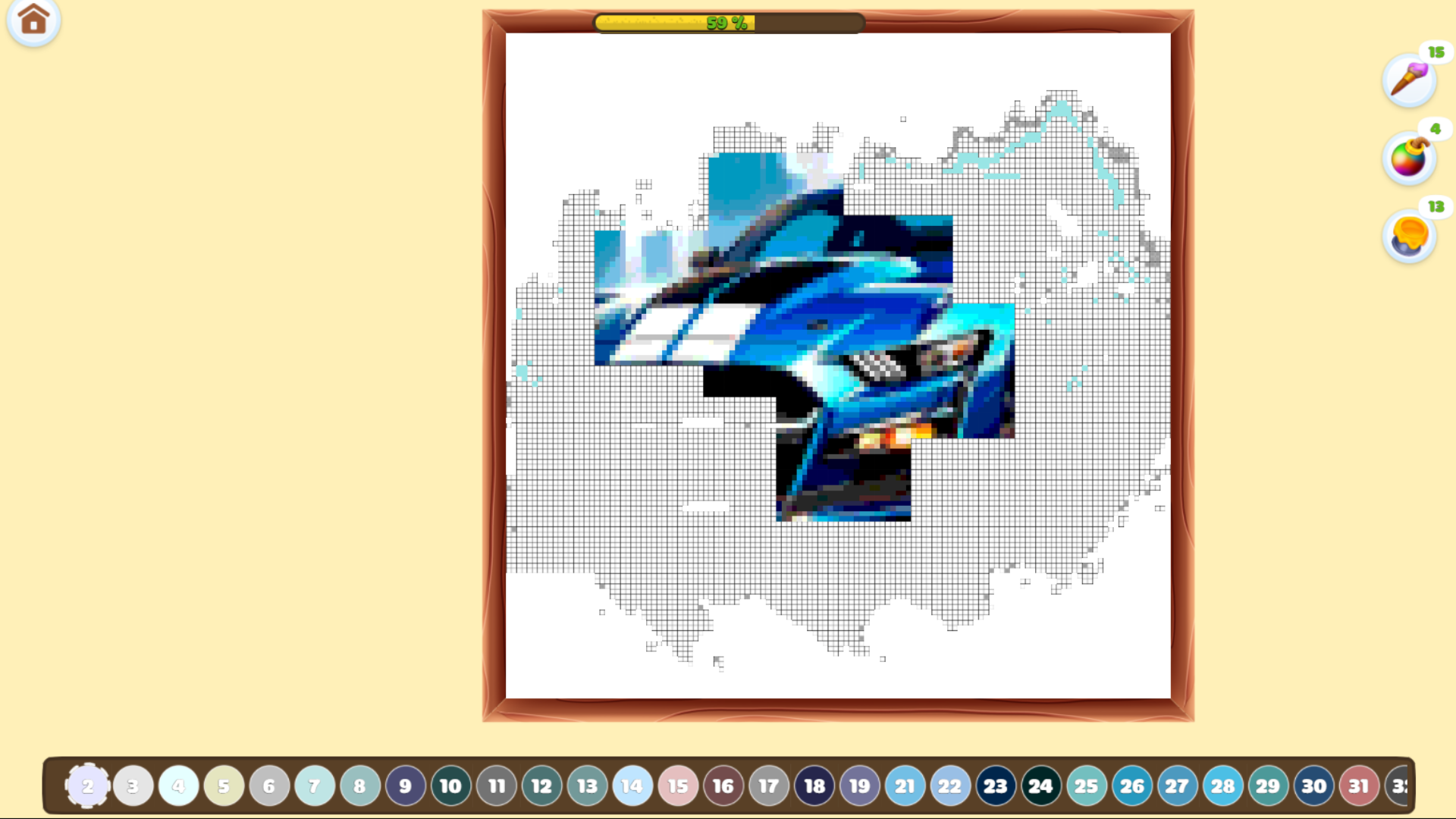
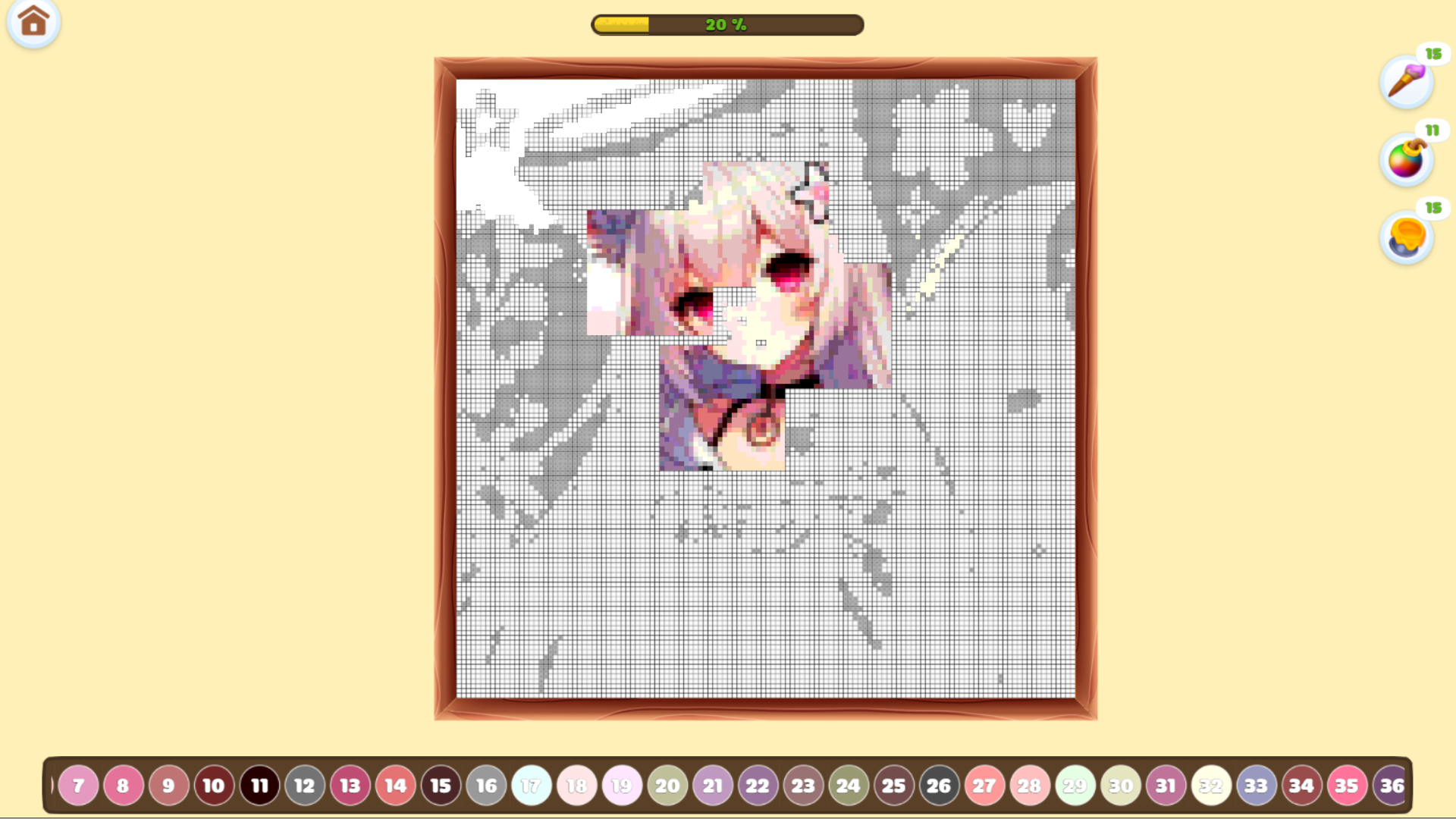
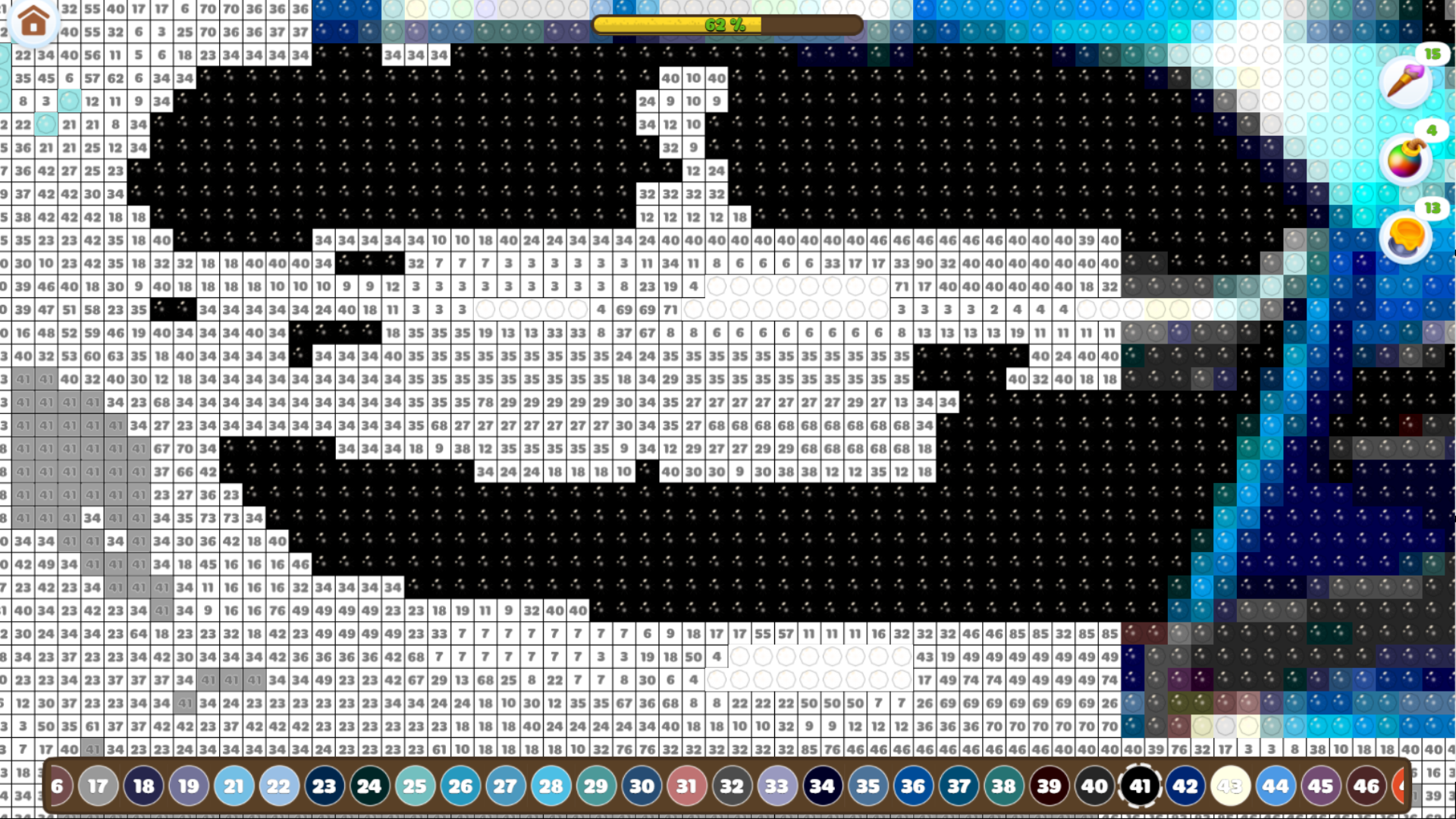
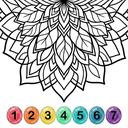
🎨 Welcome to the world of glitter and creativity! Dive into the relaxing experience of diamond painting by numbers – the perfect way to unwind and express yourself. 💎 Game Features: • Huge collection of dazzling artworks to color • Easy and fun number-based coloring • New levels and pictures added daily • Stunning sparkle effects – just like real diamonds • Save and share your creations with friends • Suitable for all ages 🖌️ Simply choose a picture, zoom in, tap the right number – and watch your masterpiece come to life! Every tap brings more color, more shine, and more joy. ✨ Perfect for stress relief, mindfulness, and creative fun. 📅 Weekly updates – new diamond artworks are always waiting for you!

Videos and screenshots

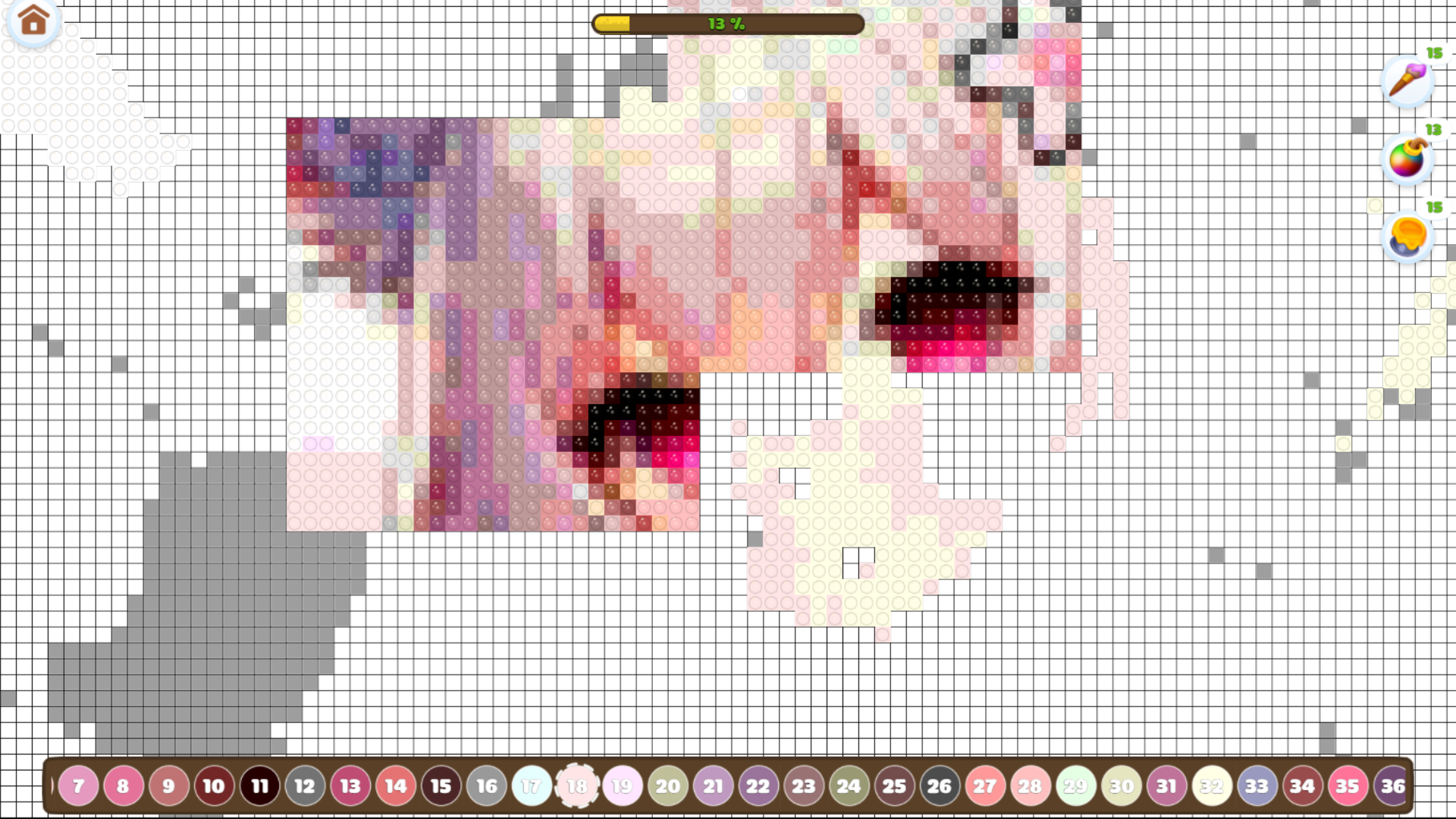
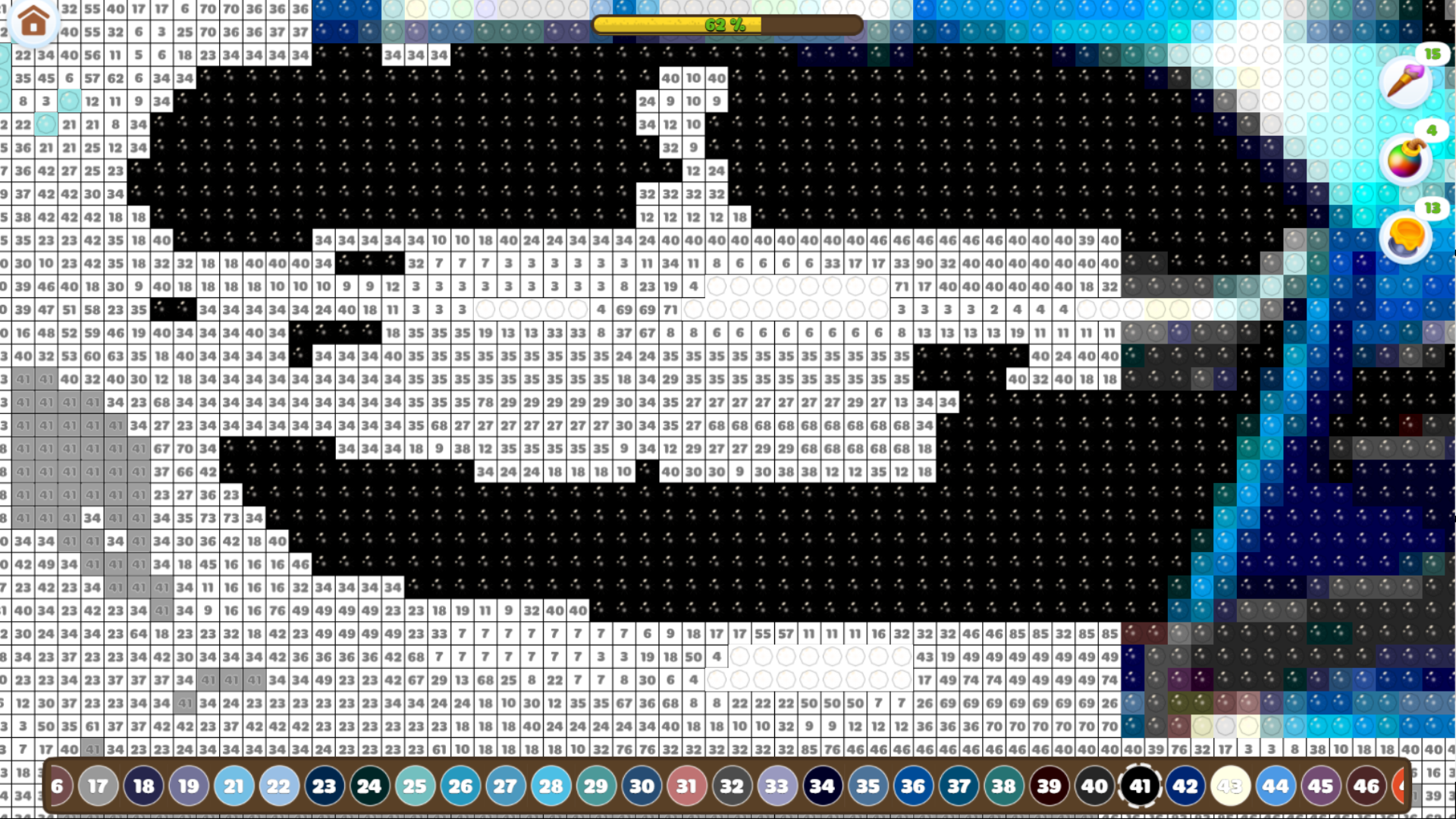
  • Drawing: Diamond Mosaic screenshot 1
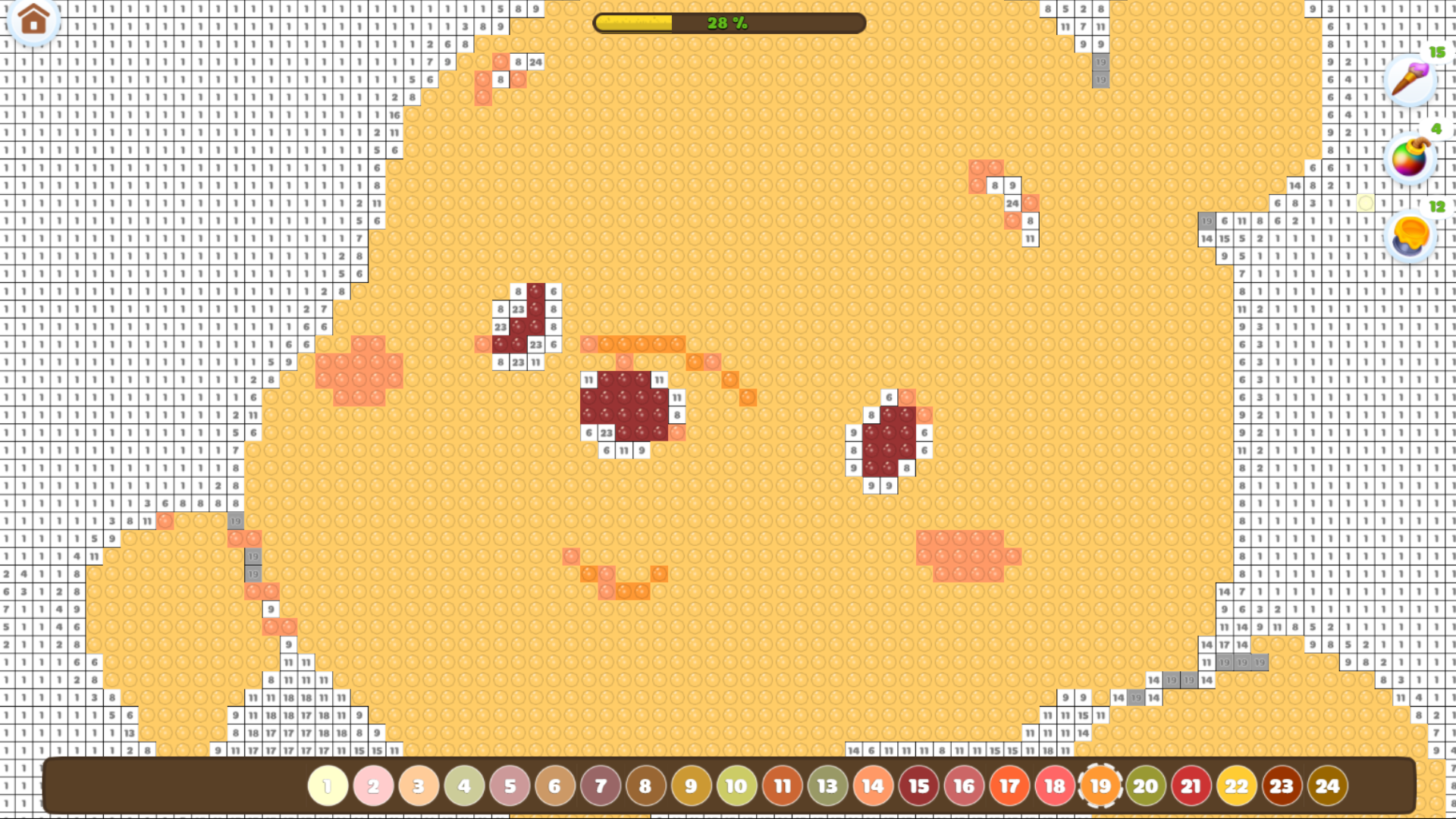
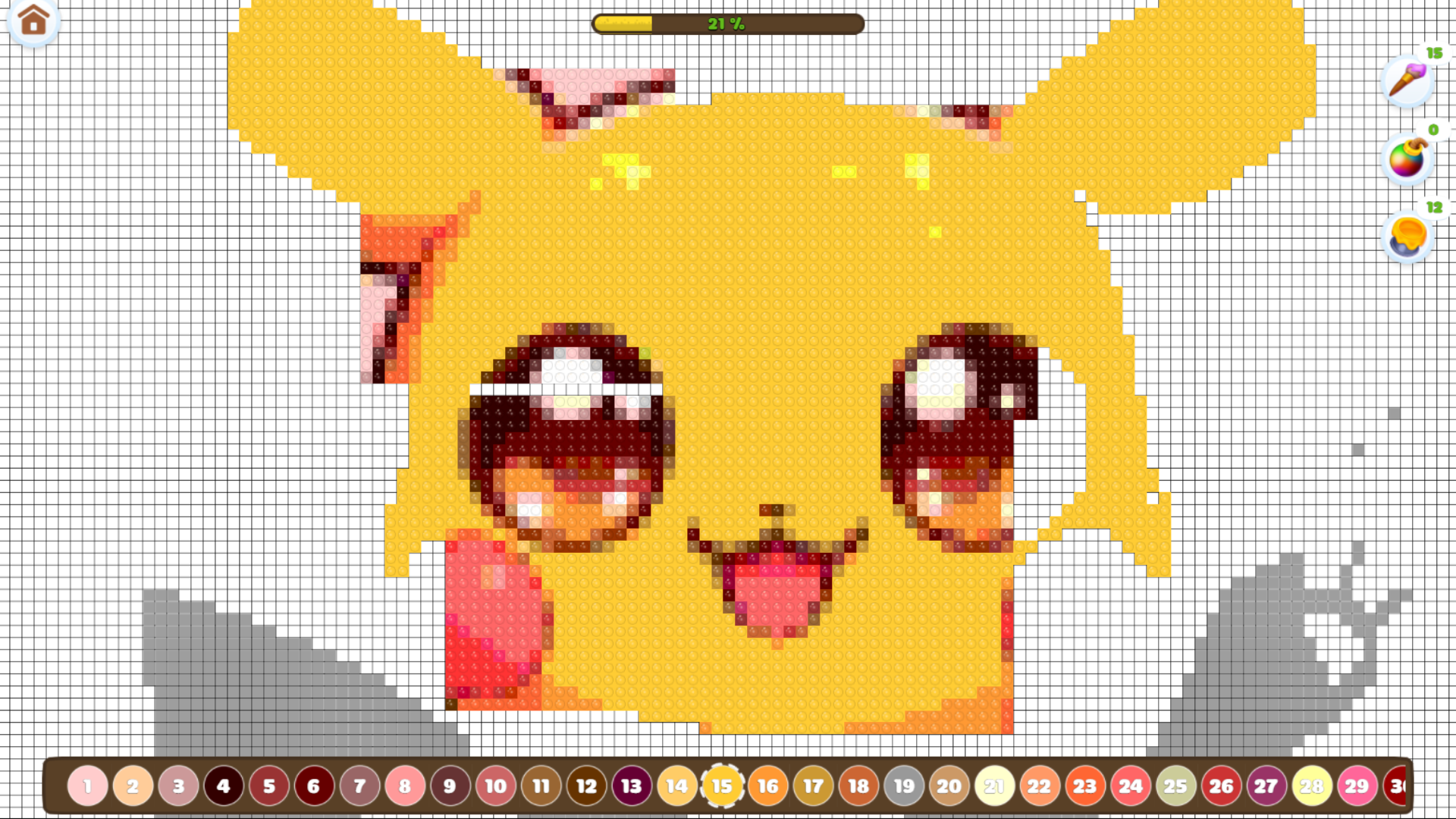
  • Drawing: Diamond Mosaic screenshot 2
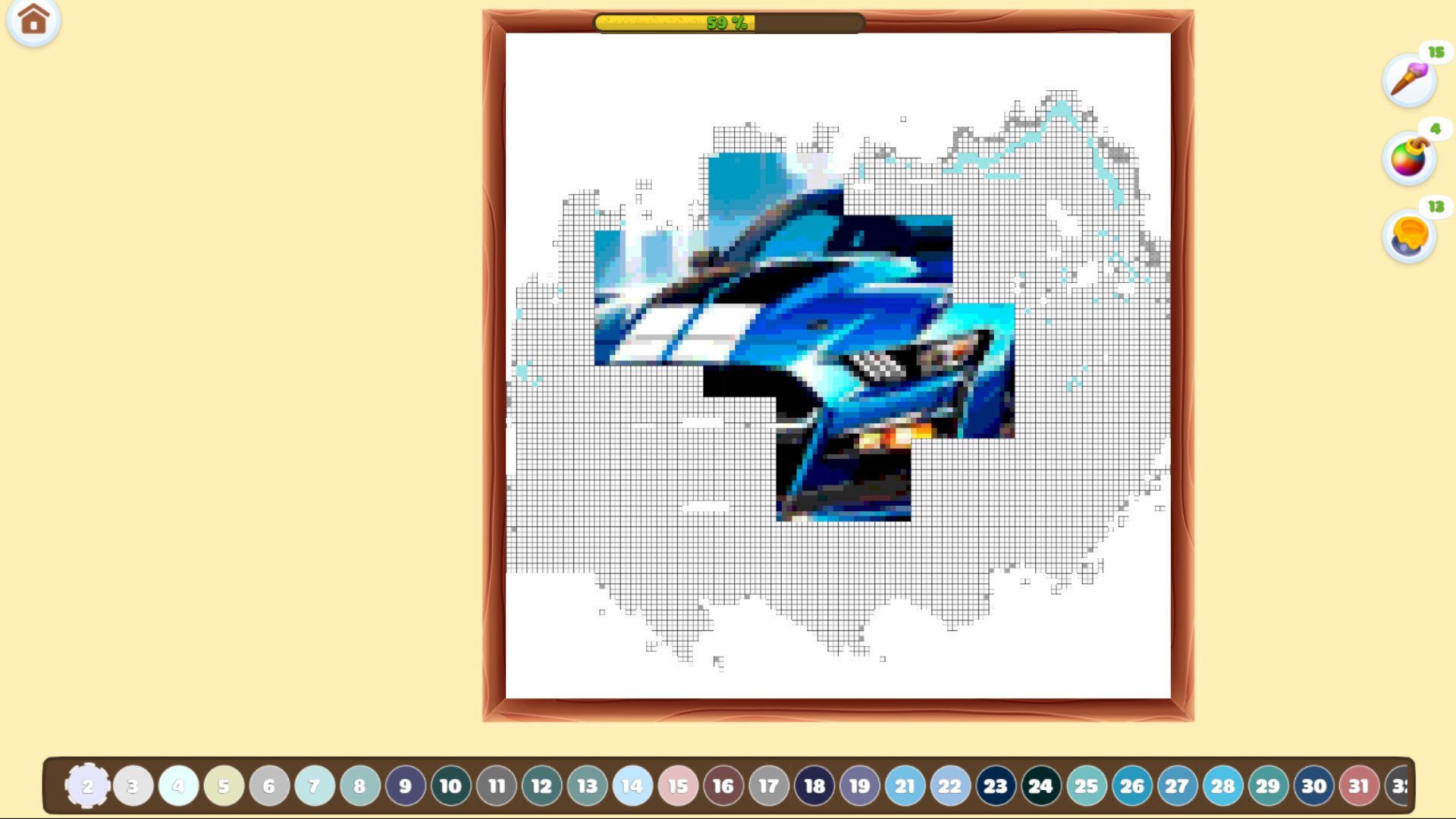
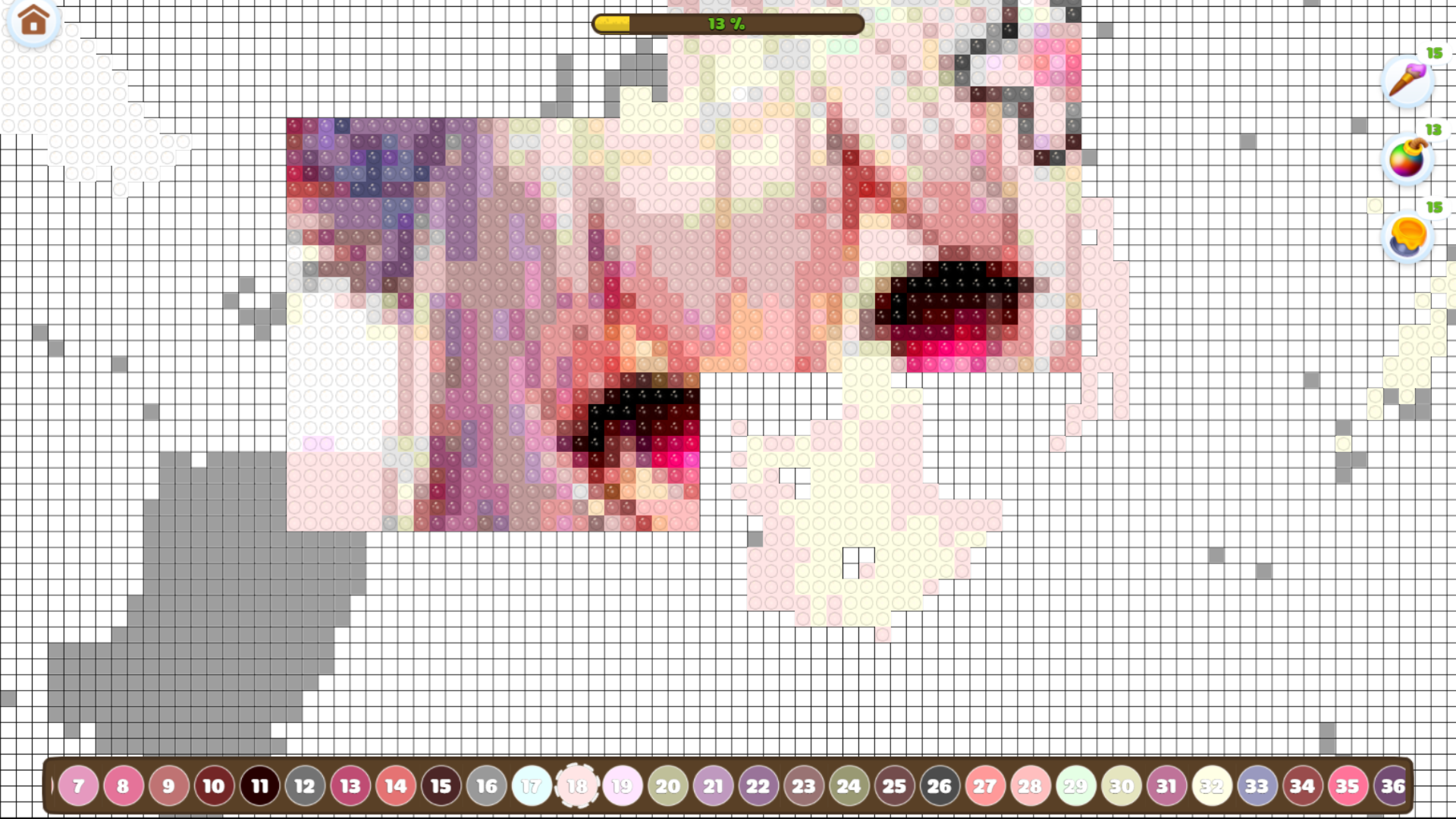
  • Drawing: Diamond Mosaic screenshot 3
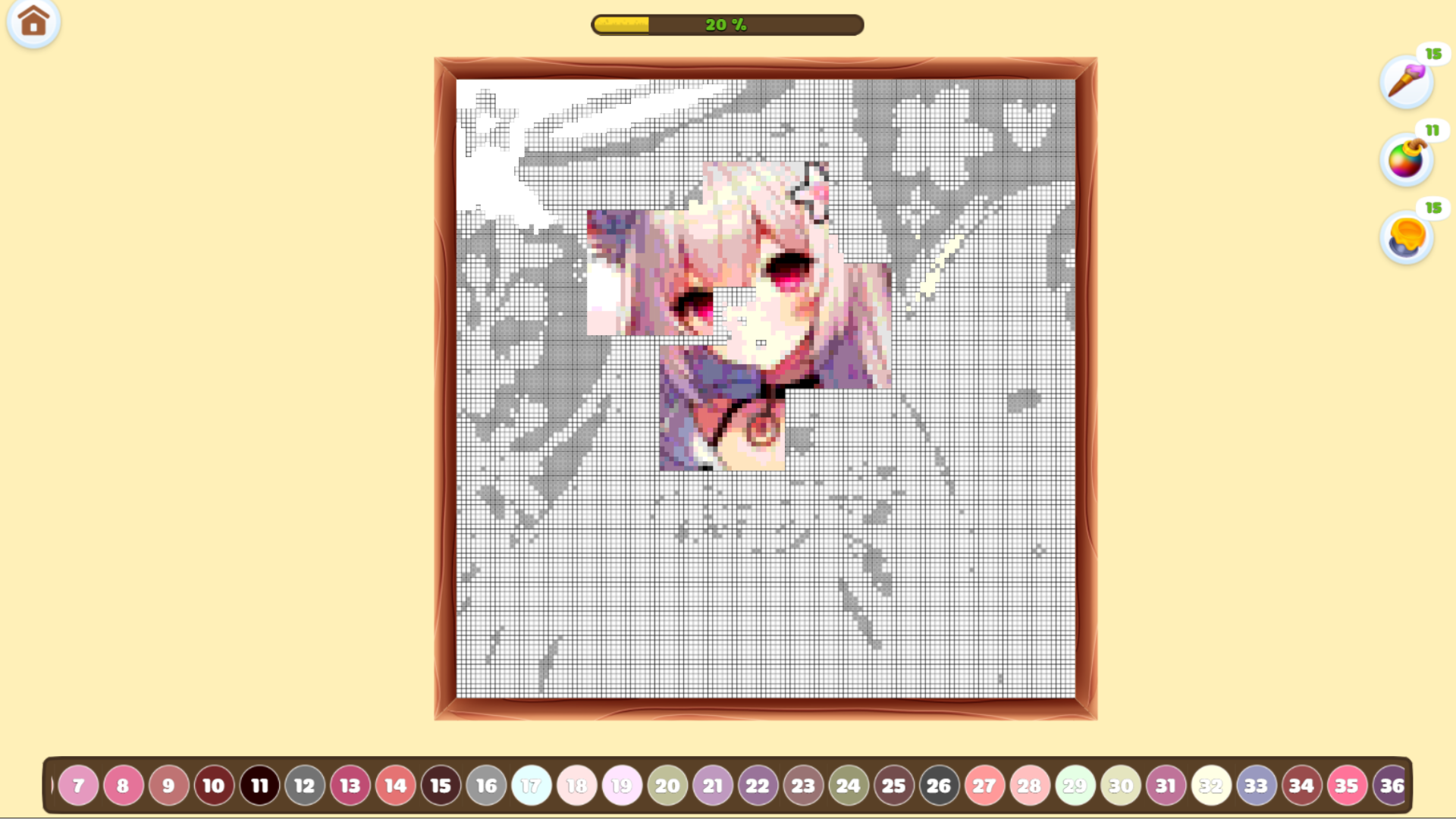
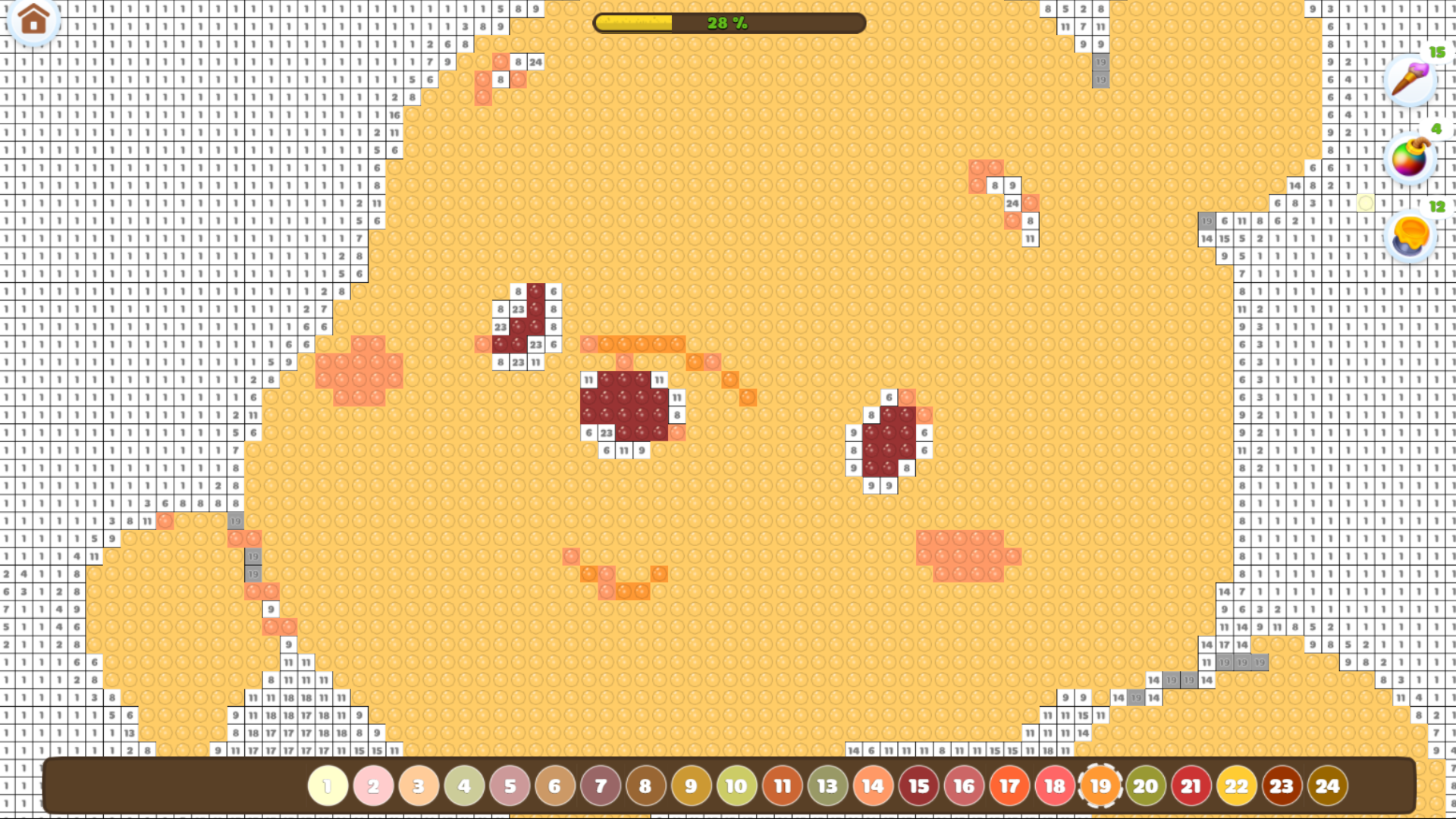
  • Drawing: Diamond Mosaic screenshot 4
  • Drawing: Diamond Mosaic screenshot 5
  • Drawing: Diamond Mosaic screenshot 6
  • Drawing: Diamond Mosaic screenshot 7
  • Drawing: Diamond Mosaic screenshot 8
  • Drawing: Diamond Mosaic screenshot 9
  • Drawing: Diamond Mosaic screenshot 10
  • Drawing: Diamond Mosaic screenshot 11
  • Drawing: Diamond Mosaic screenshot 12
Play Now

12,118 players online

How to play

  1. Open the game

    Press Play now and the game opens on its own screen.

  2. Follow the in-game instructions

    The controls and goals are shown inside the game as you play.

  3. Use the game menu

    The floating button over the game reloads it, saves it to your favourites, or takes you back out.

Game instructions

On the main screen, select a picture to start coloring. On the coloring page, you can move the picture by holding the left mouse button on PC or by dragging with your finger on a touchscreen. To zoom in or out, use the mouse scroll wheel on PC or pinch with two fingers on a touchscreen. To color a square, simply click on it. You can also color multiple squares by dragging the cursor while holding the left mouse button. For convenience, the cubes that need to be filled are highlighted in gray. At the bottom of the screen, you’ll find the color palette — choose any color you'd like to use for coloring.

More games

More games