Overview
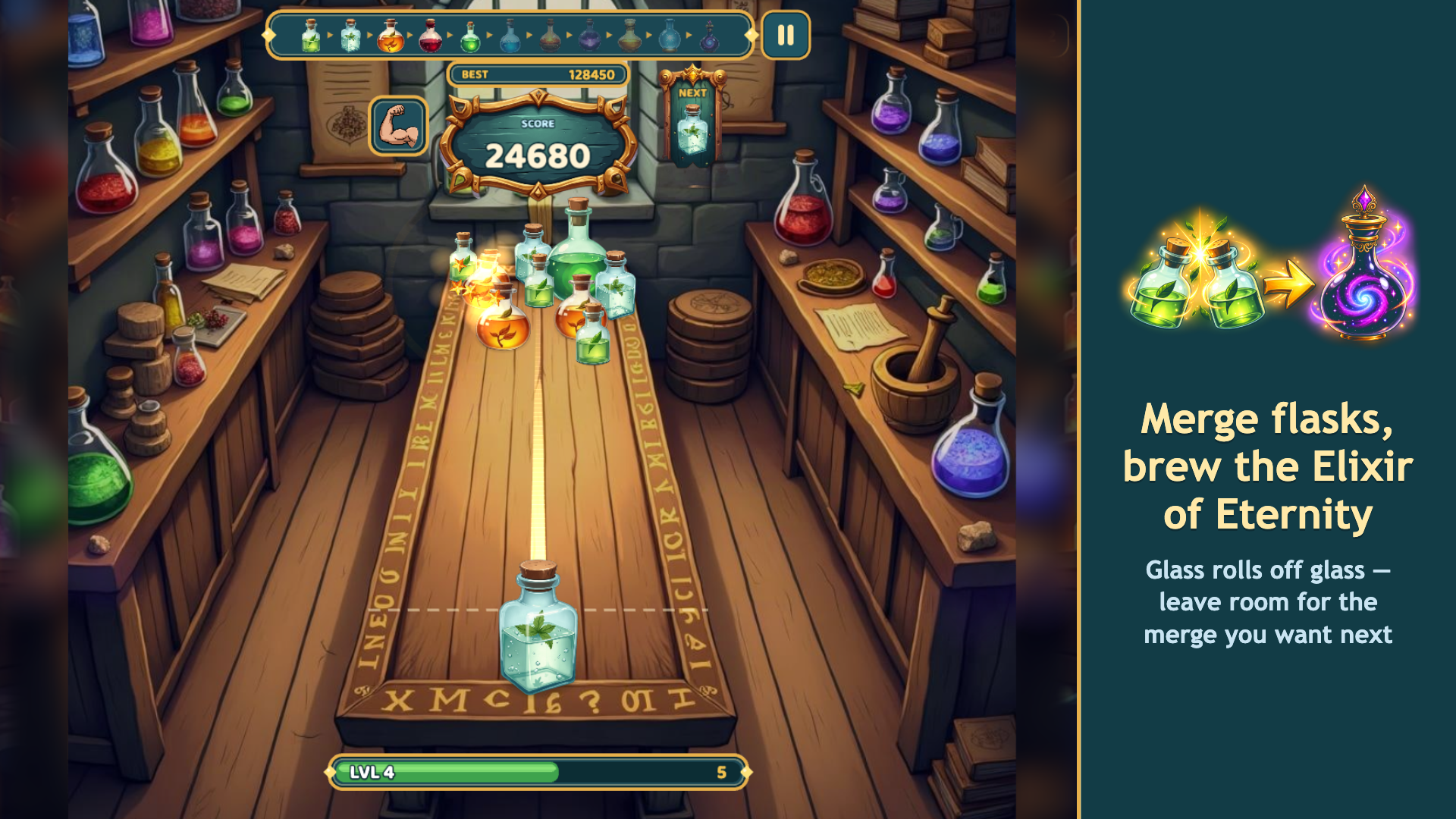
Welcome to the alchemist's laboratory. A long oak table, a steady hand, and one rule: two matching flasks become the next tier. From a plain little bottle all the way up to an elixir with a whole galaxy swirling inside it.
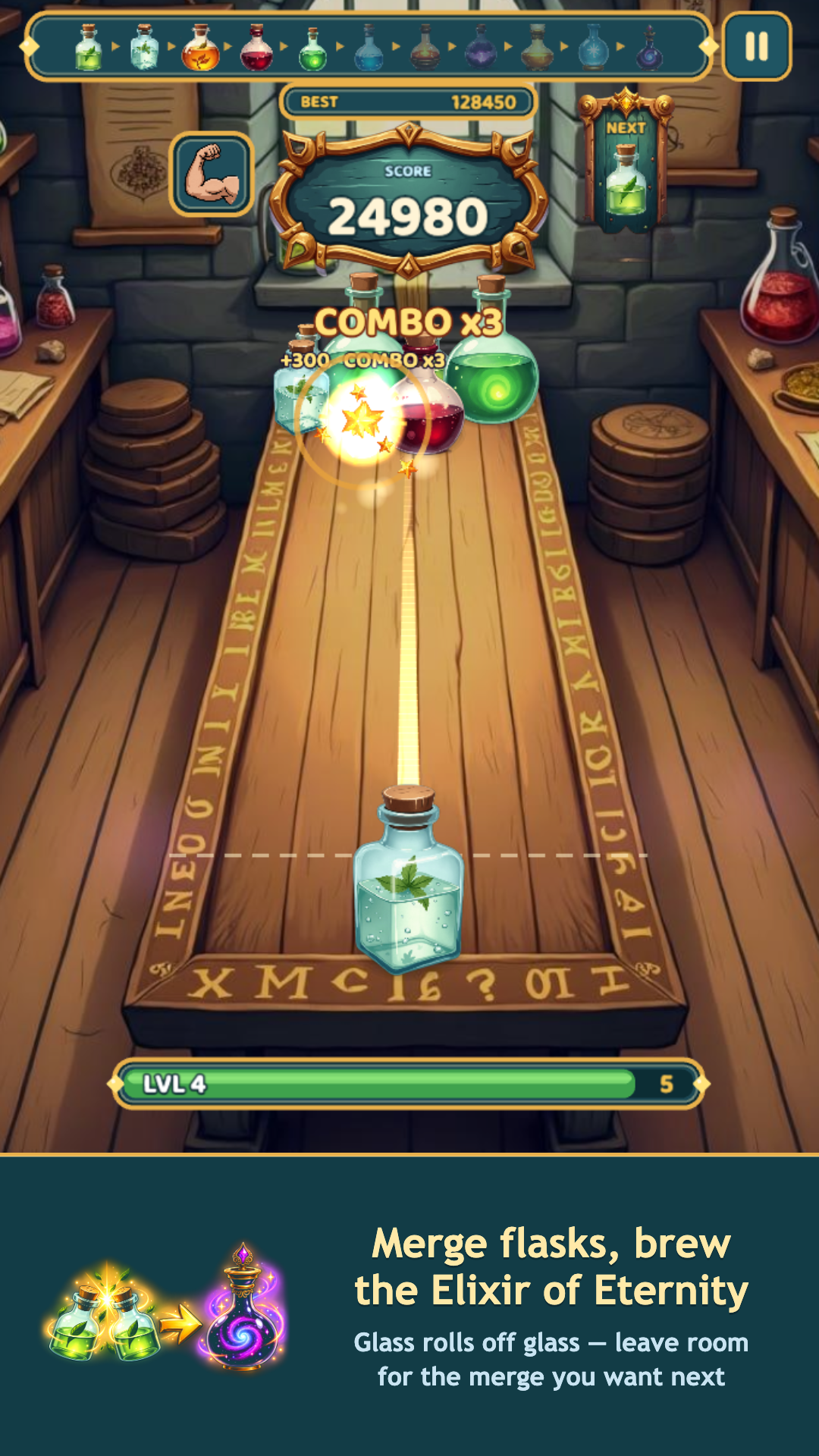
Eleven tiers in all. The deeper the merge, the more it scores, and chains fire one after another into combos.
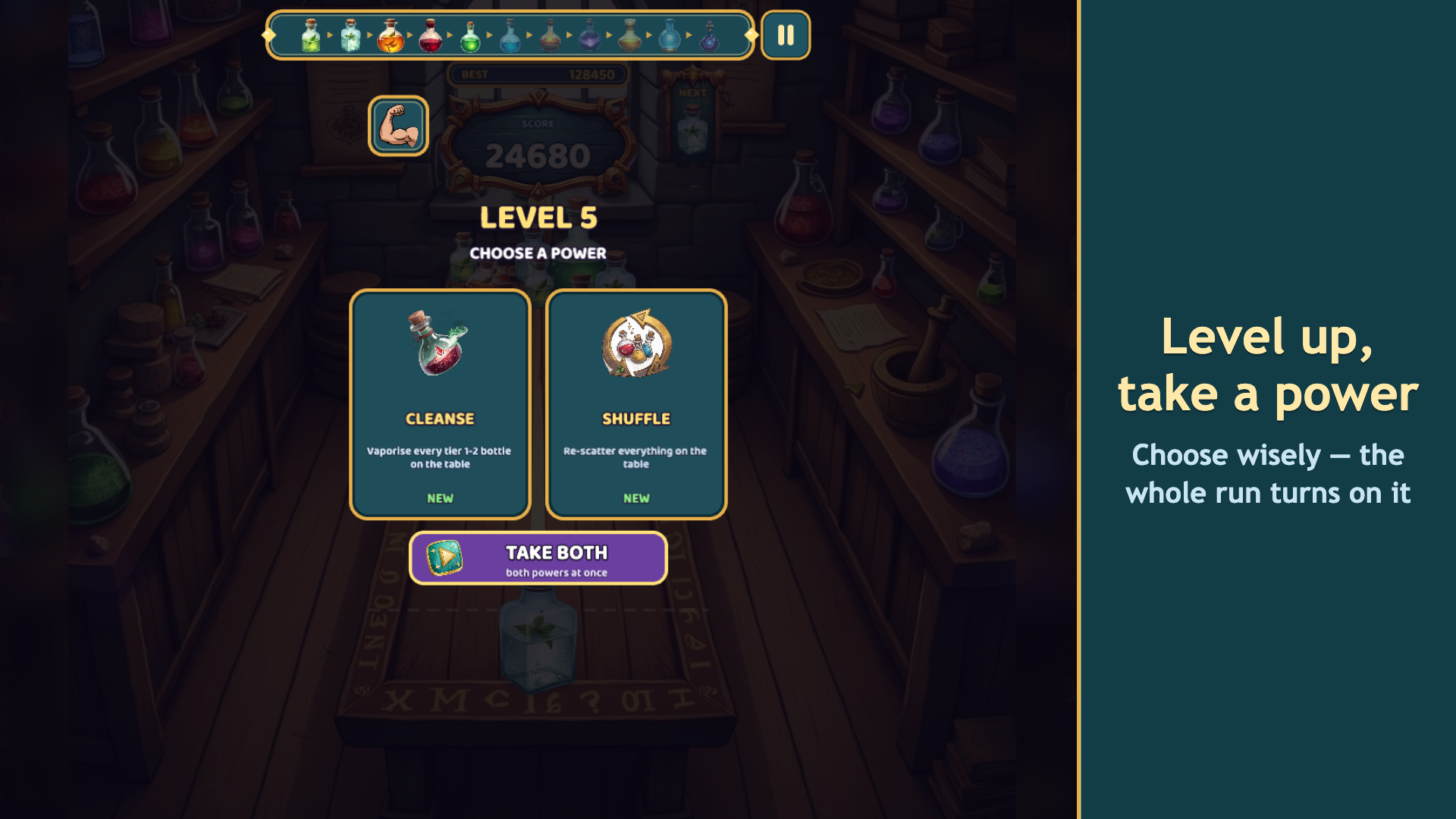
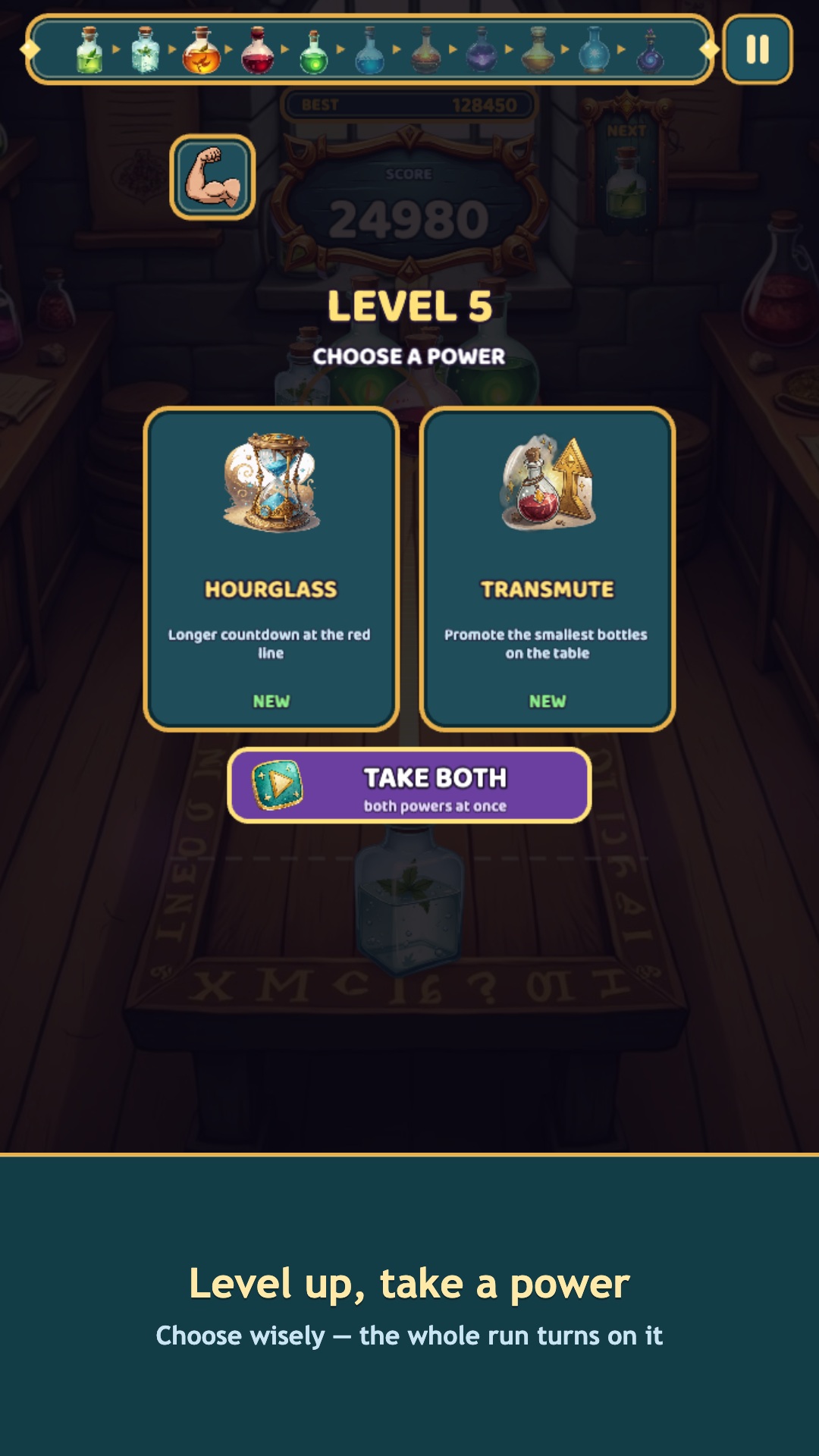
Inside a run you pick powers: cleanse the small flasks off the table, promote them a tier, re-scatter everything, shrink the big vessels, or stretch the countdown at the red line.
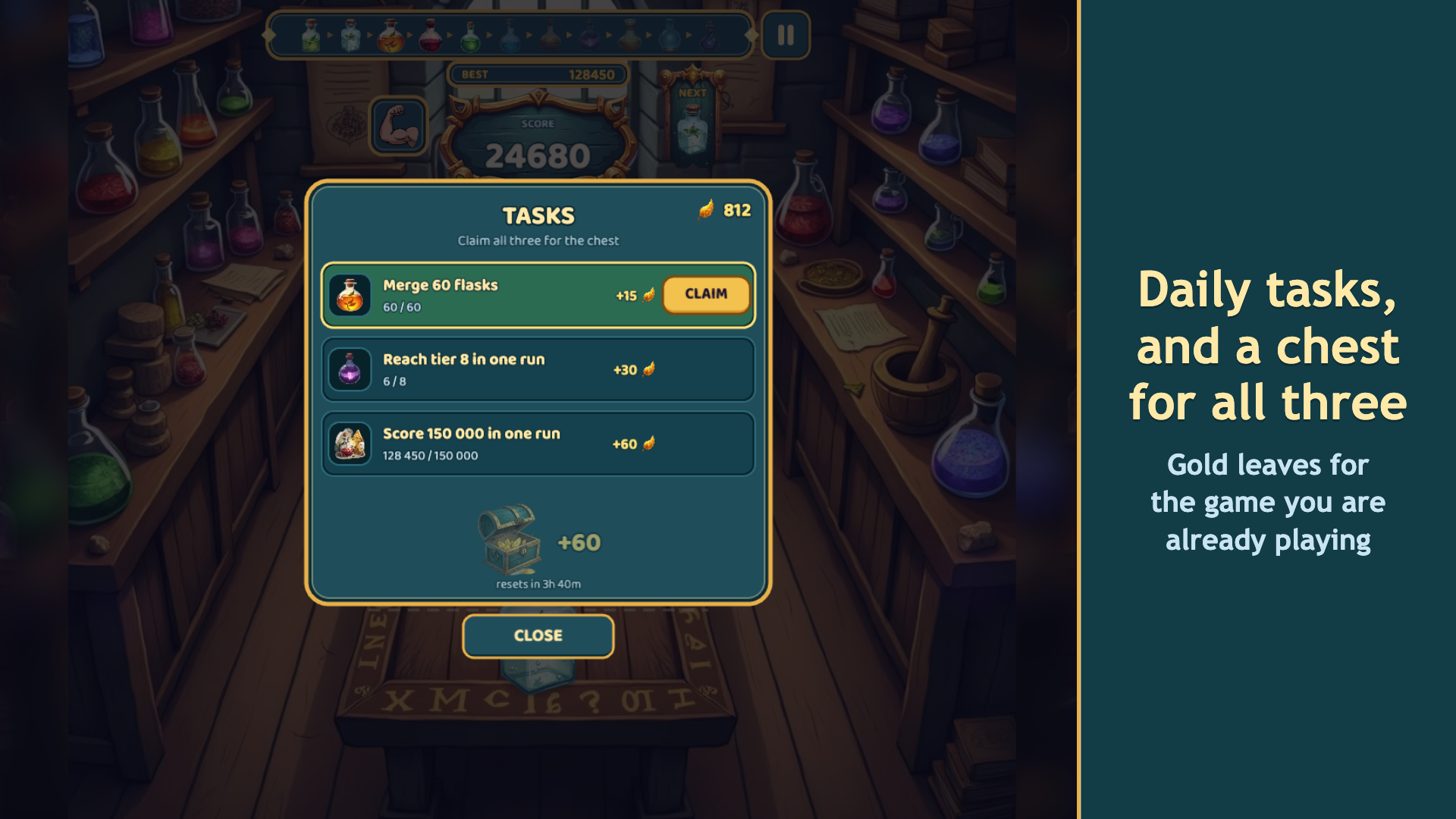
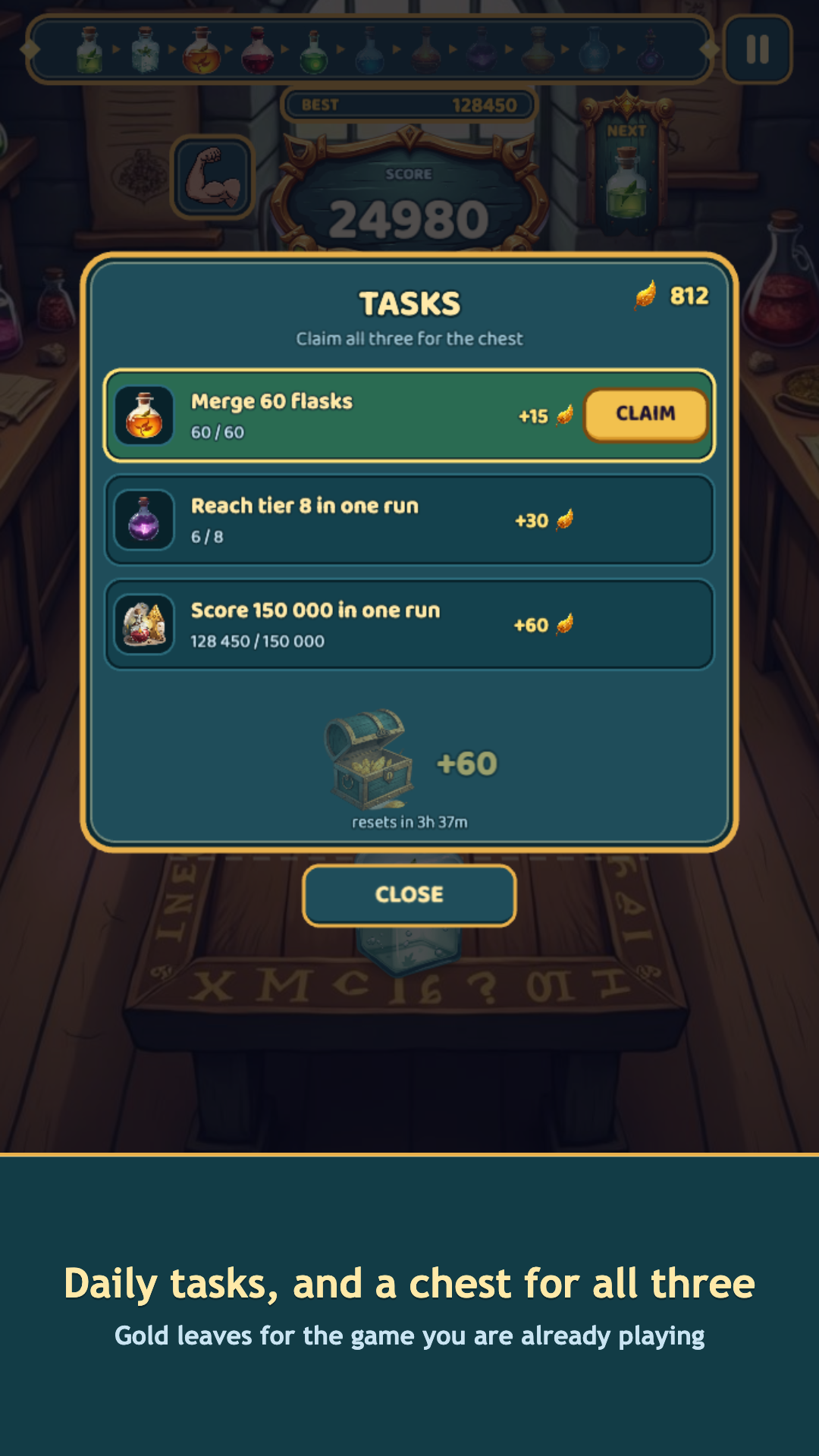
Between runs, gold leaves buy permanent skills — more time, a wider starting pool, a richer payout. There is a daily reward and a collection of every elixir you have ever brewed.
The table is not endless: leave a flask sitting at the red line and the run ends — but the progress stays with you.
Videos and screenshots
11,472 players online
How to play
-
Open the game
Press Play now and the game opens on its own screen.
-
Follow the in-game instructions
The controls and goals are shown inside the game as you play.
-
Use the game menu
The floating button over the game reloads it, saves it to your favourites, or takes you back out.