Overview
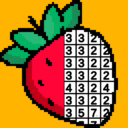
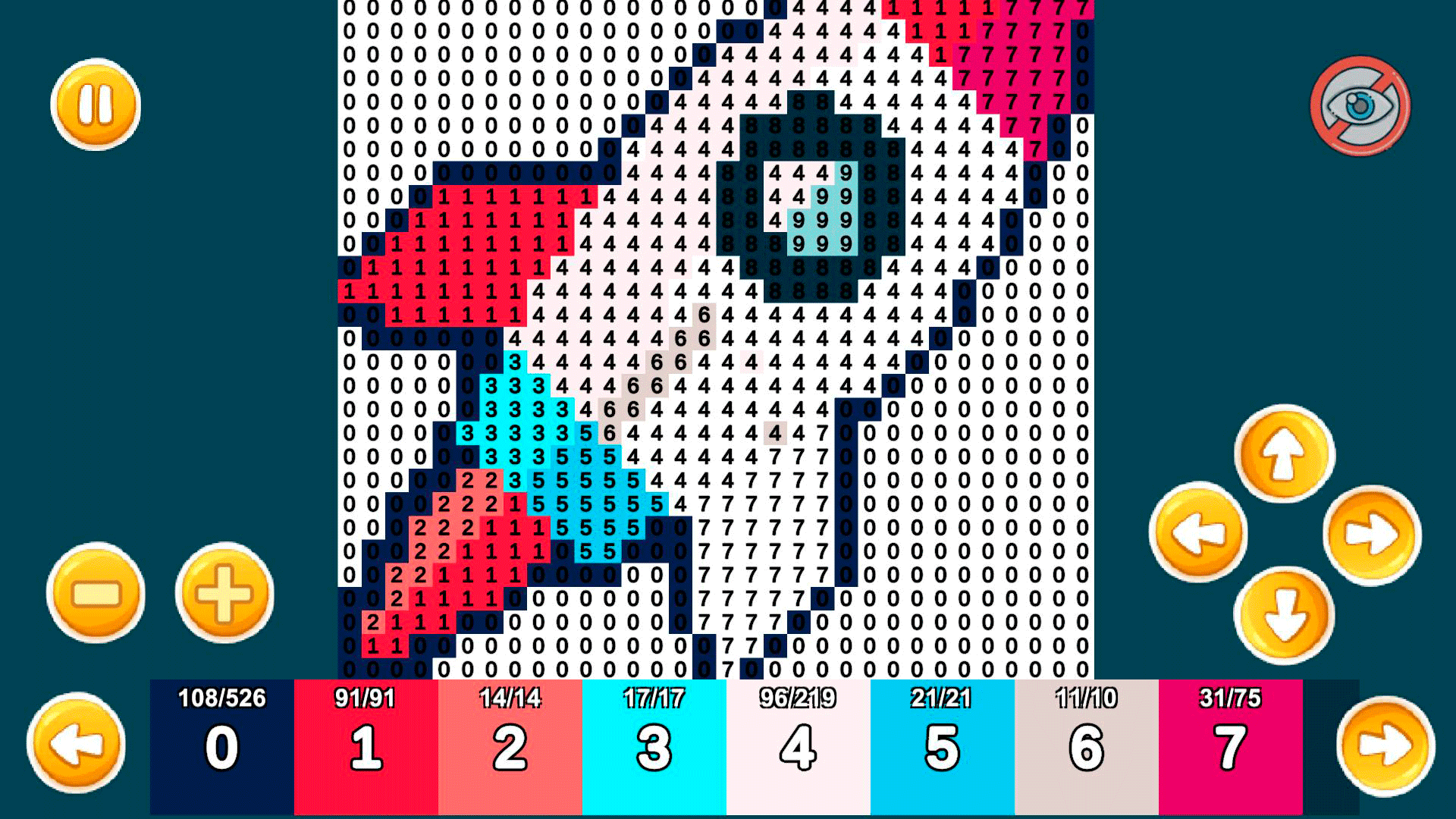
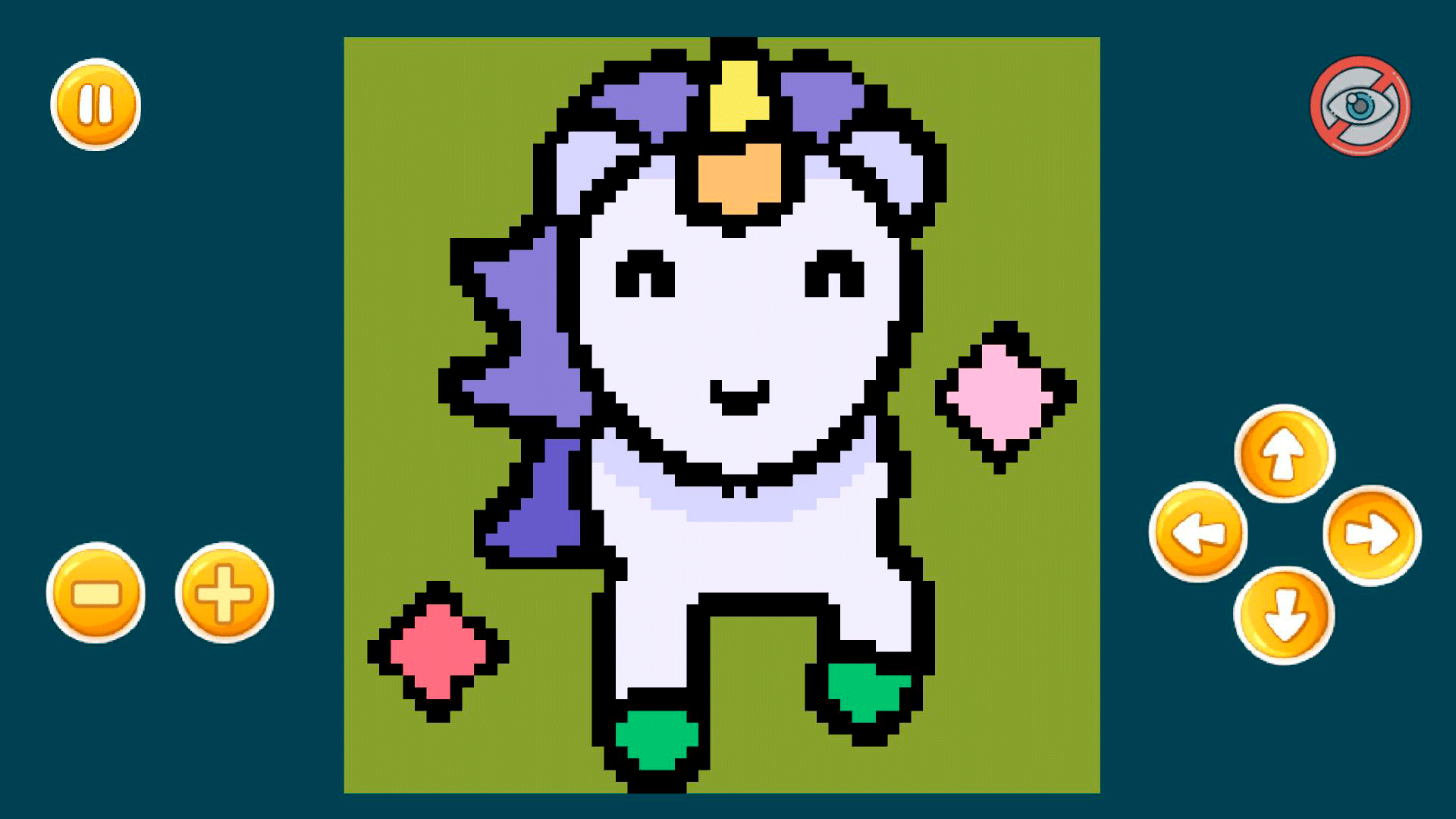
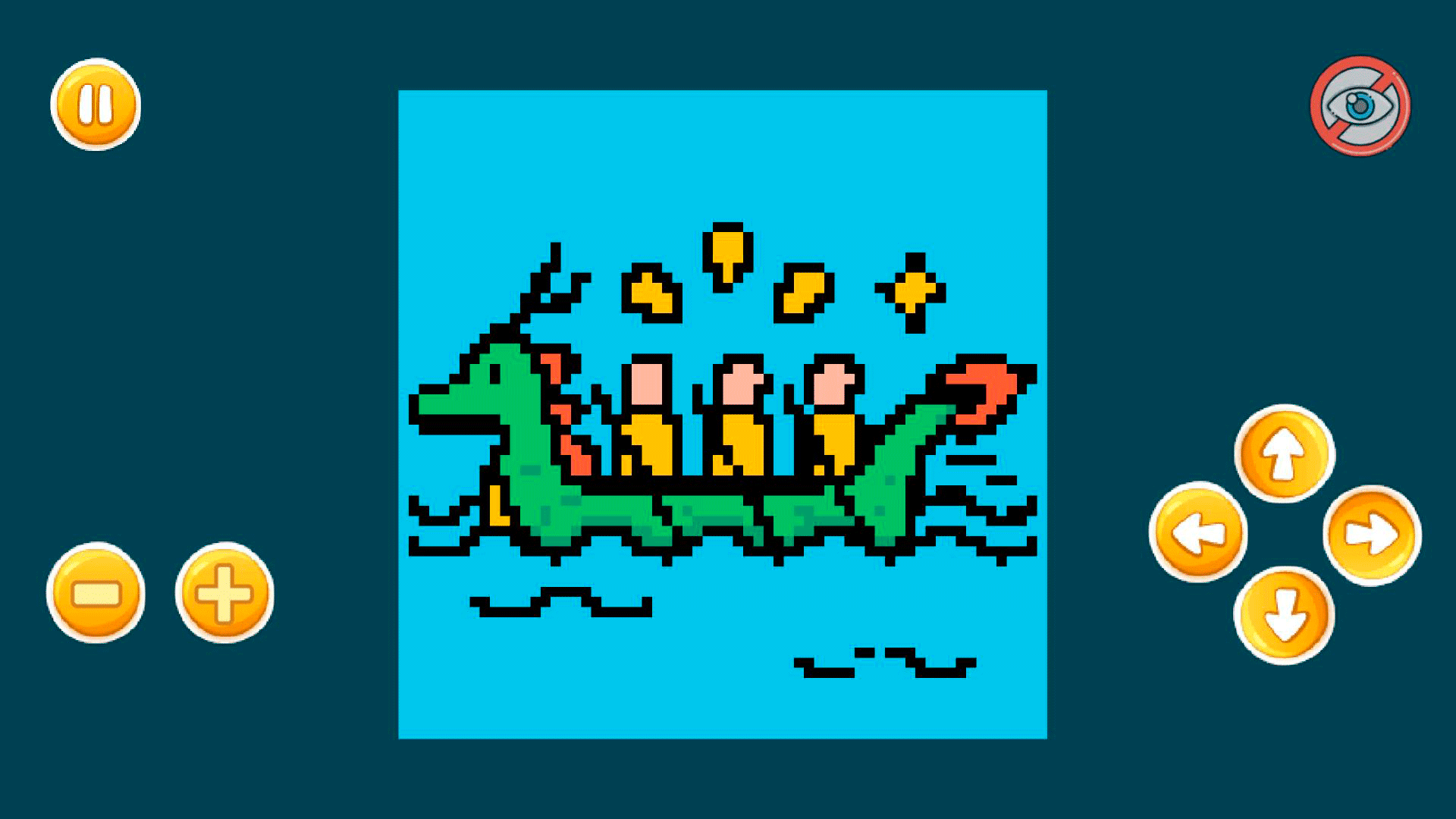
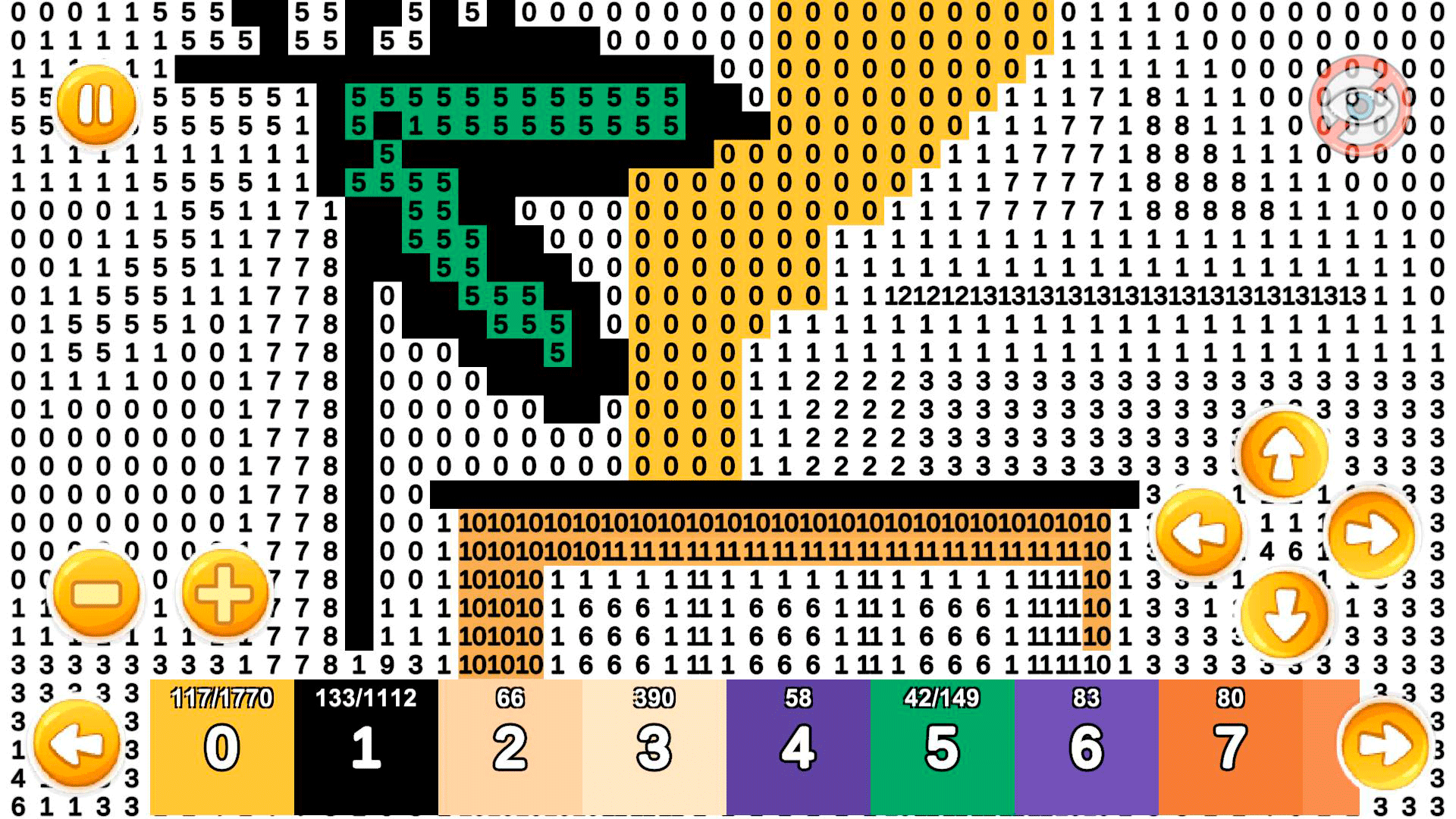
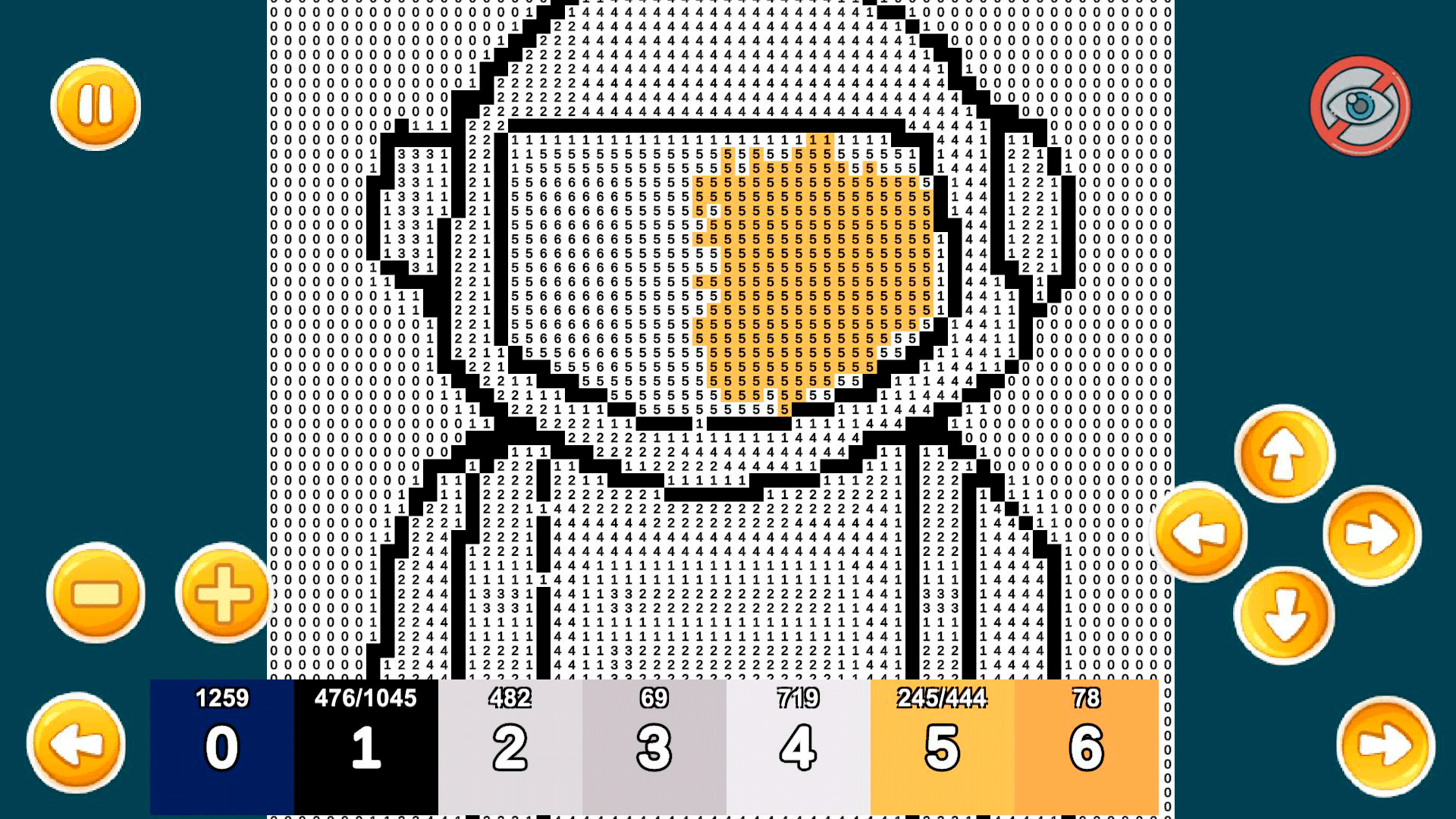
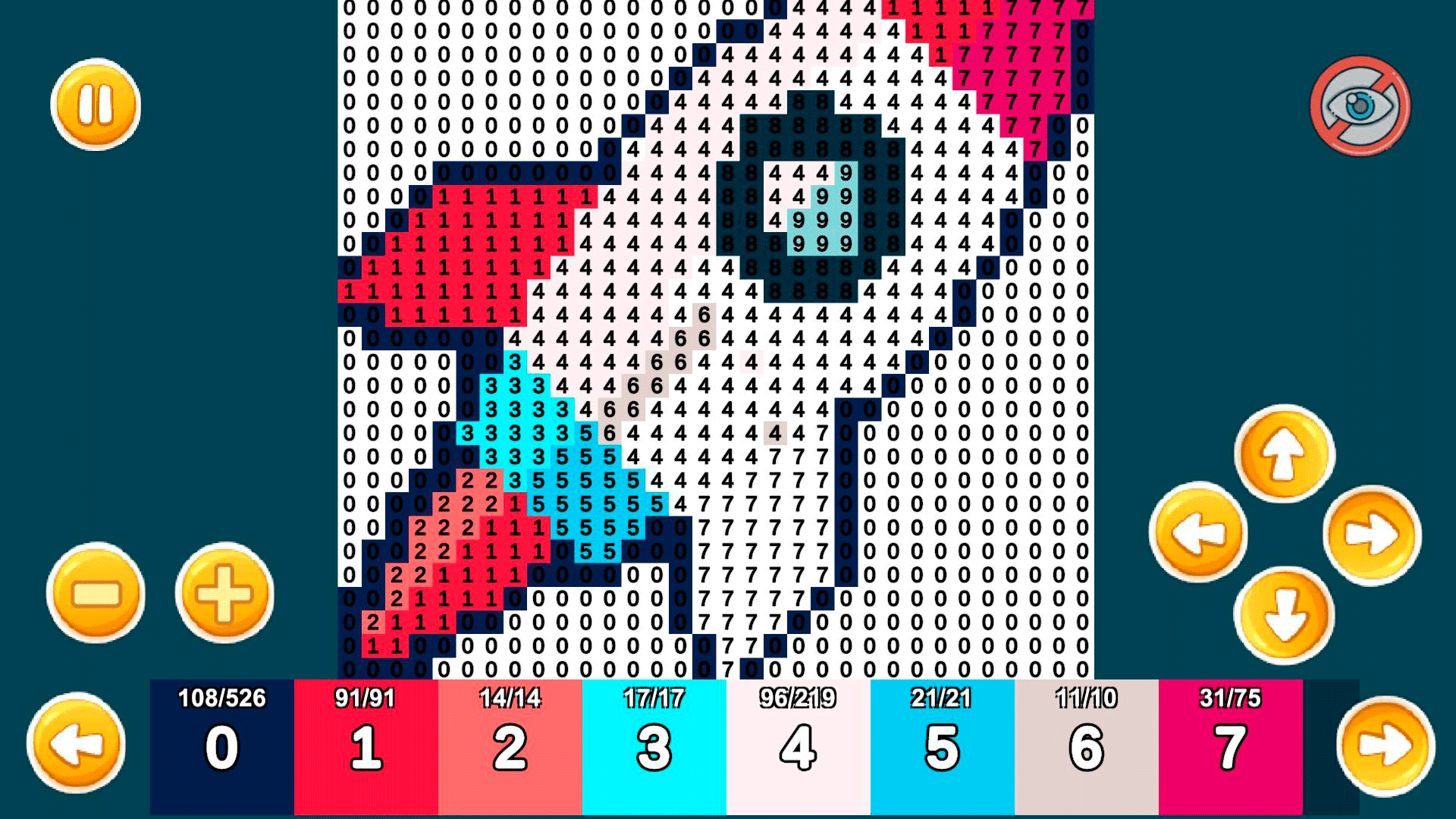
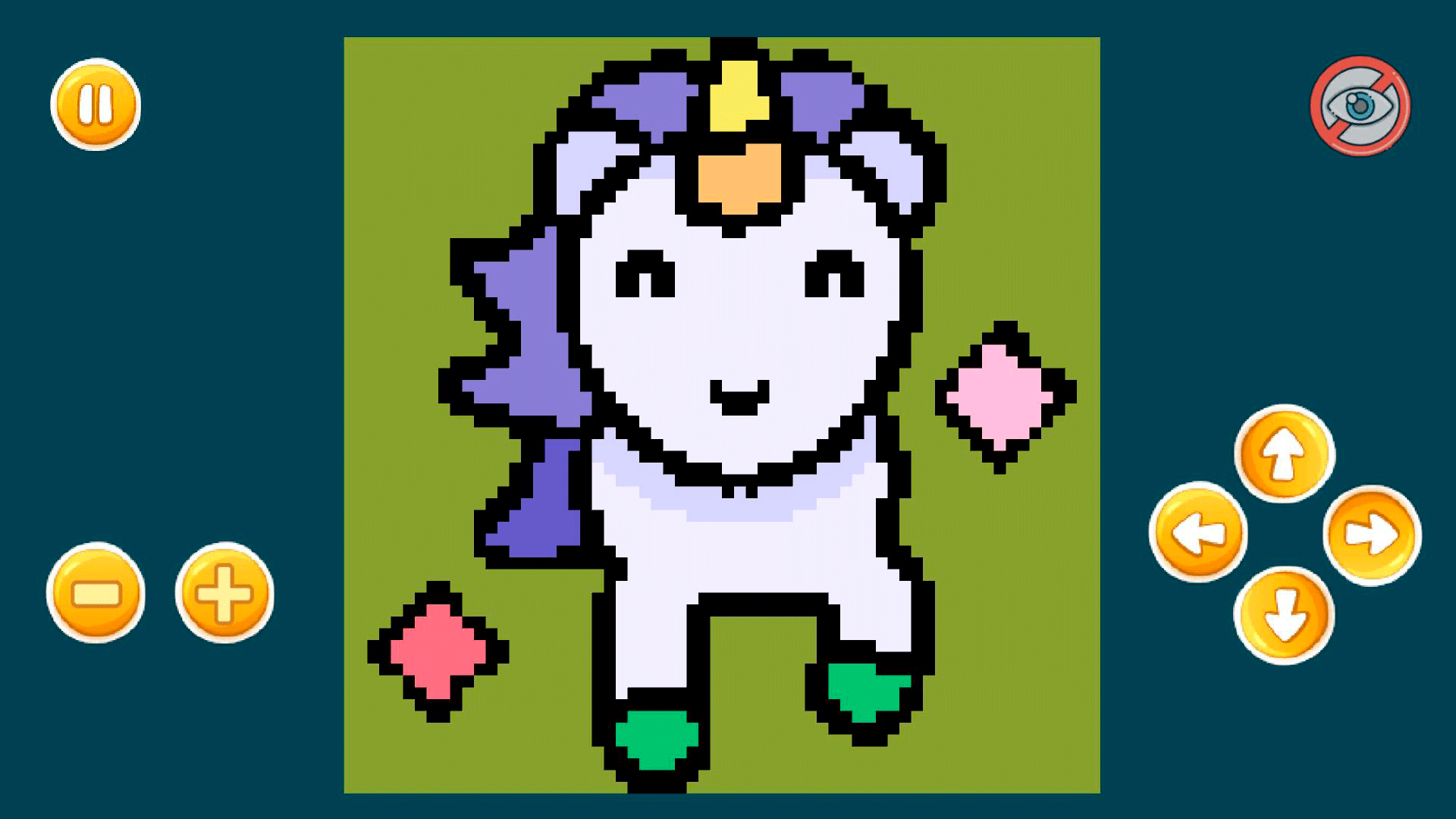
The goal of the game is to fill in the numbered squares with corresponding colors to bring a picture to life and create beautiful pixel art.
What sets this game apart is the soothing melody that accompanies the drawing process. The calming music creates a pleasant and stress-free atmosphere, allowing players to immerse themselves in the game and forget about the outside world. Whether you're an adult or a child, you'll find this game to be the perfect way to relax after a long day or to spend leisure time in a sandbox-style drawing.
In addition to music, the game also provides the player with a wide selection of colors. This allows for endless possibilities and encourages creativity in sandbox pixel art. The game is very easy to play and requires no prior knowledge or experience. Simply select a picture, choose a color, and start filling in the squares.
So why not grab a cup of coffee, and enjoy the process of creating beautiful and vibrant sandbox-style pixel art drawings?
Videos and screenshots
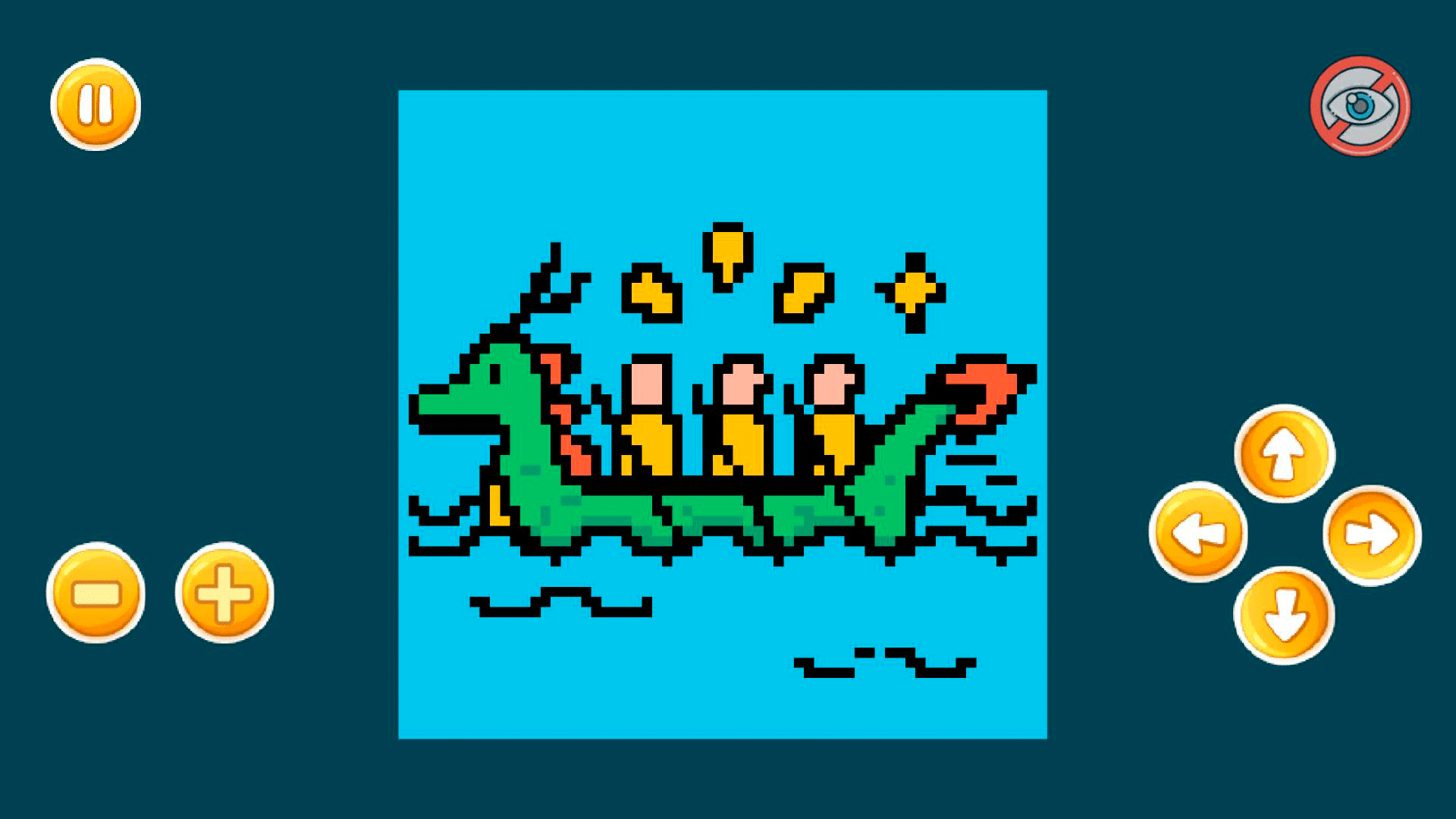
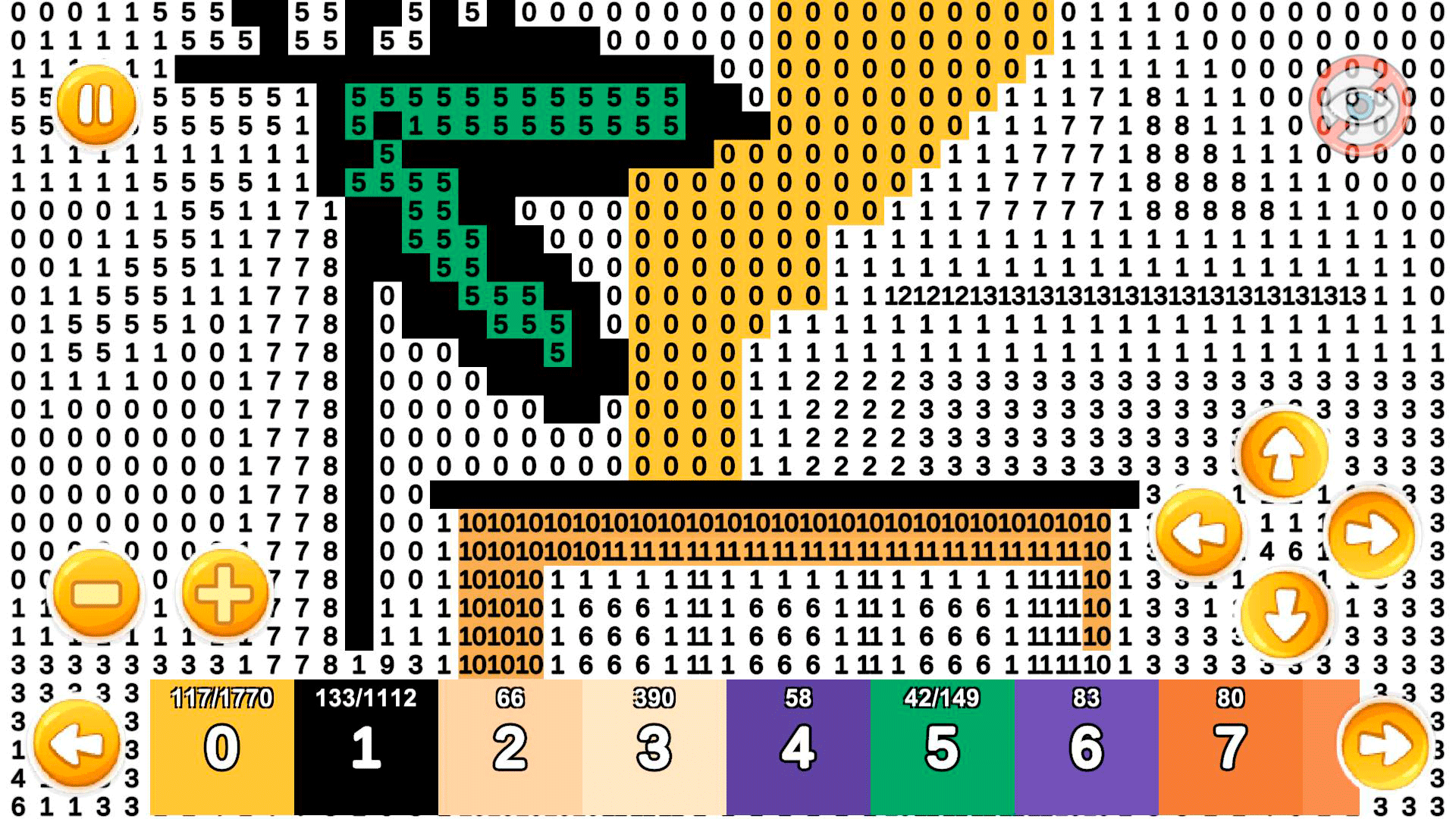
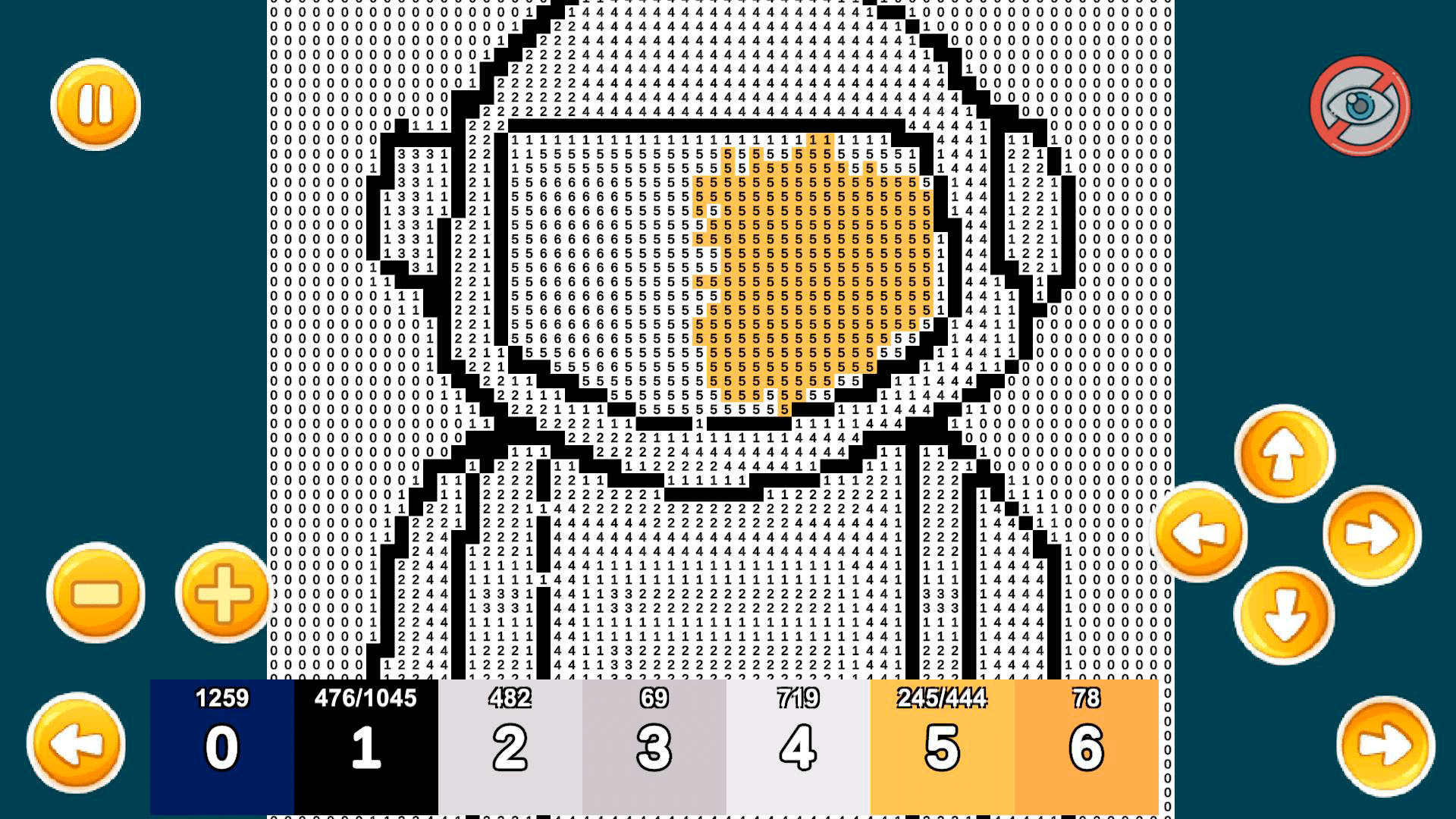
12,780 players online
How to play
-
Open the game
Press Play now and the game opens on its own screen.
-
Follow the in-game instructions
The controls and goals are shown inside the game as you play.
-
Use the game menu
The floating button over the game reloads it, saves it to your favourites, or takes you back out.