Skip to content
KG
Escape Tsunami: Save and Steal Brainrot

Escape Tsunami: Save and Steal Brainrot

100K plays 4.7 out of 5

Overview

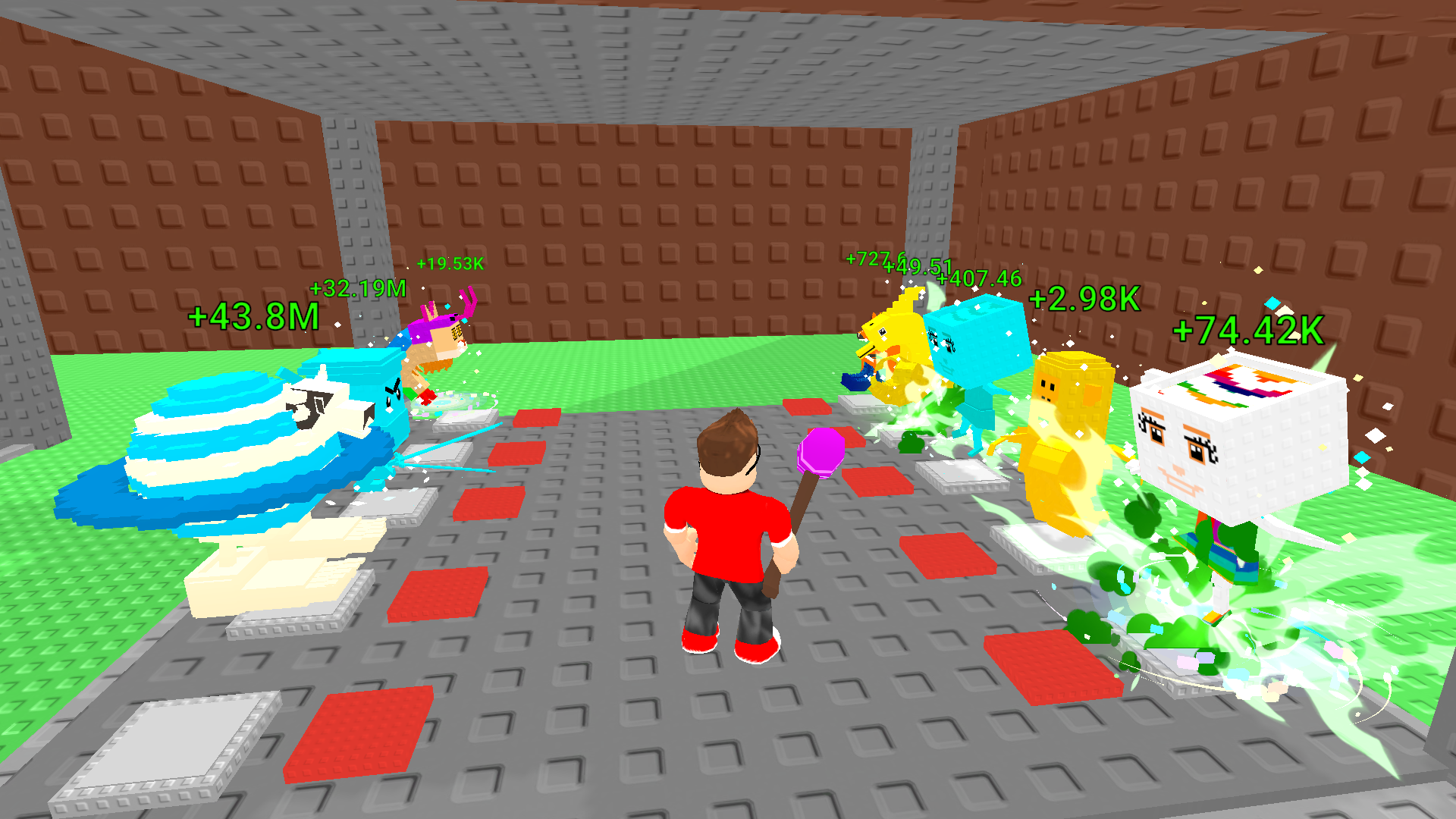
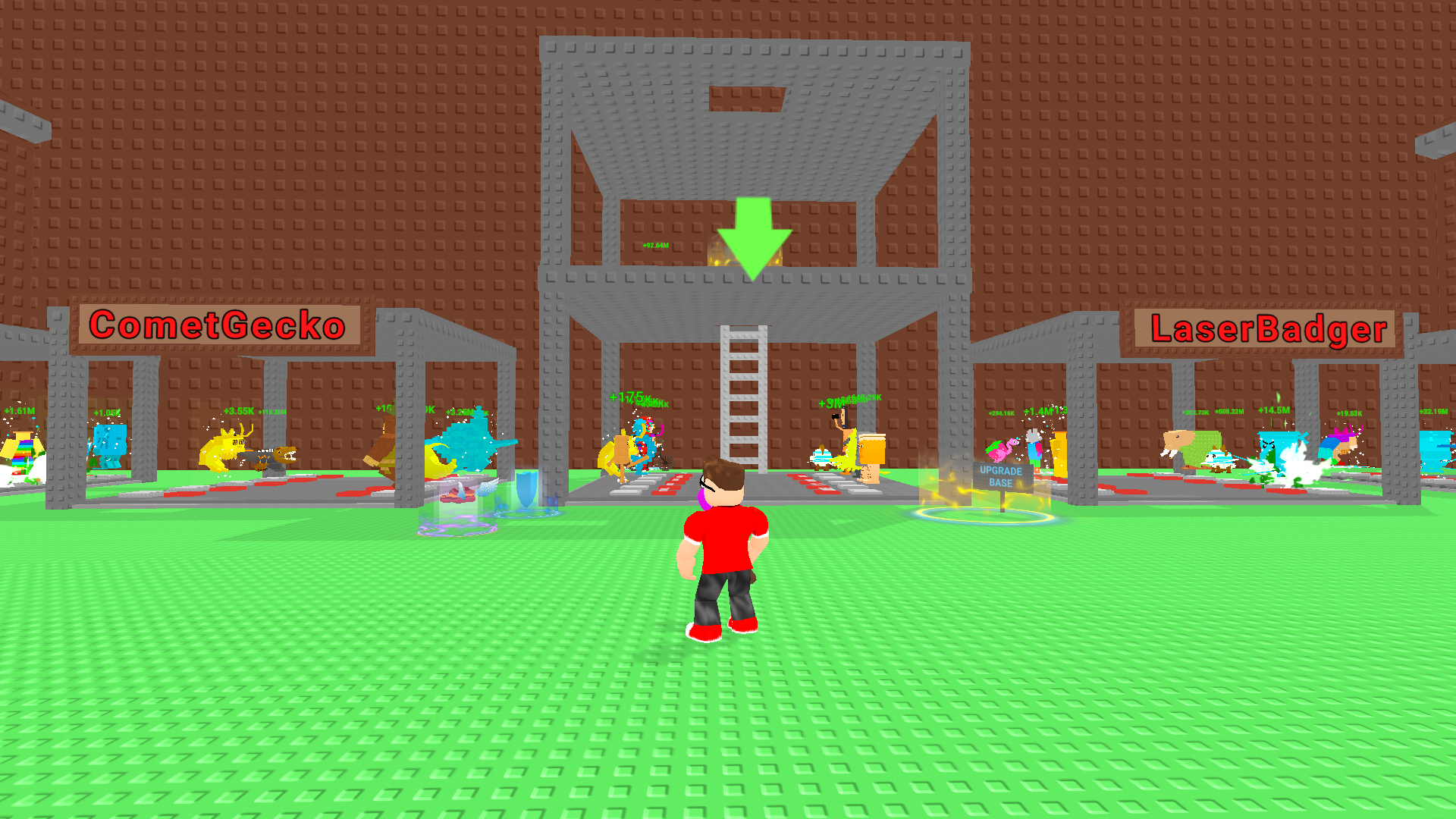
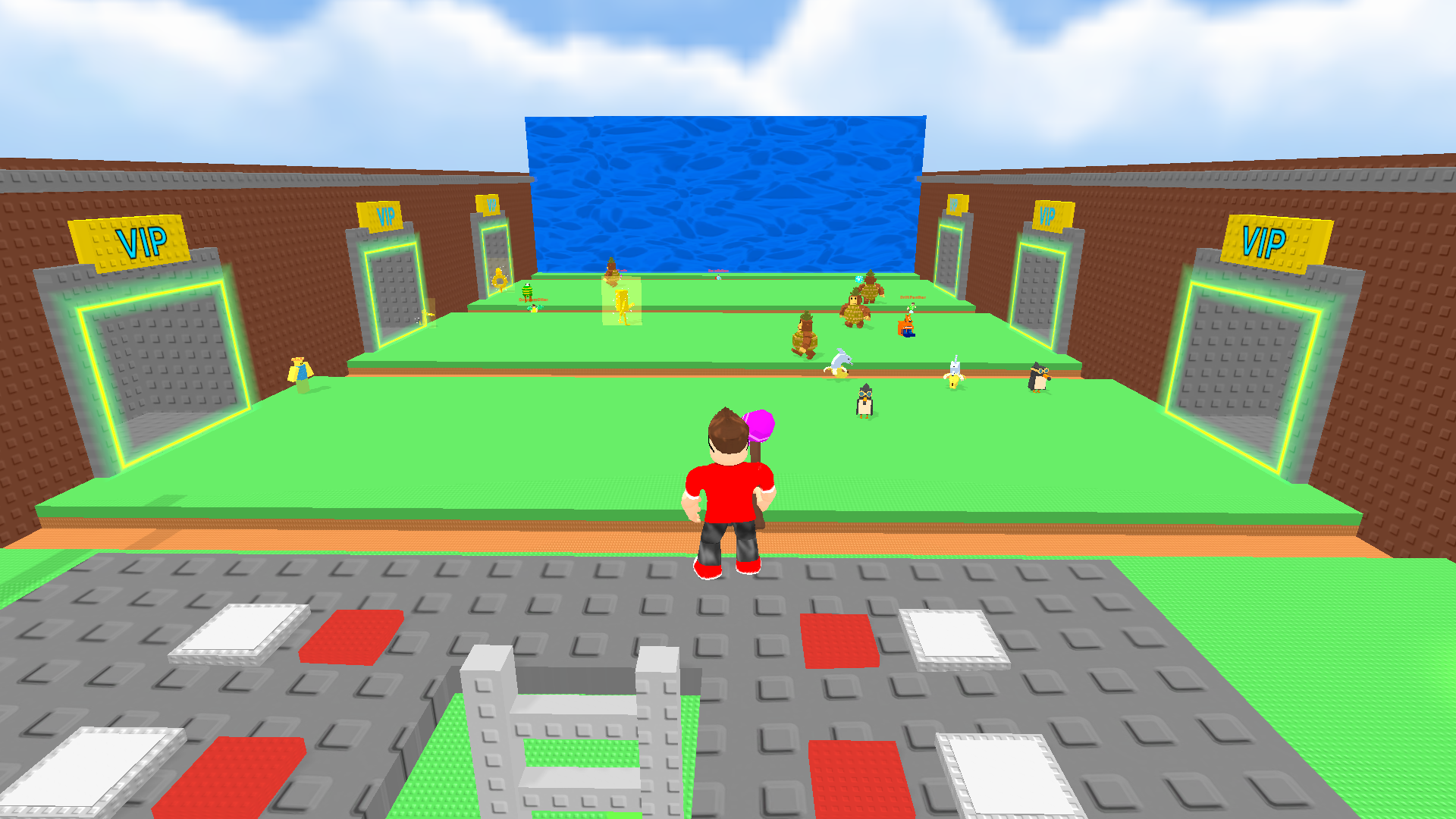
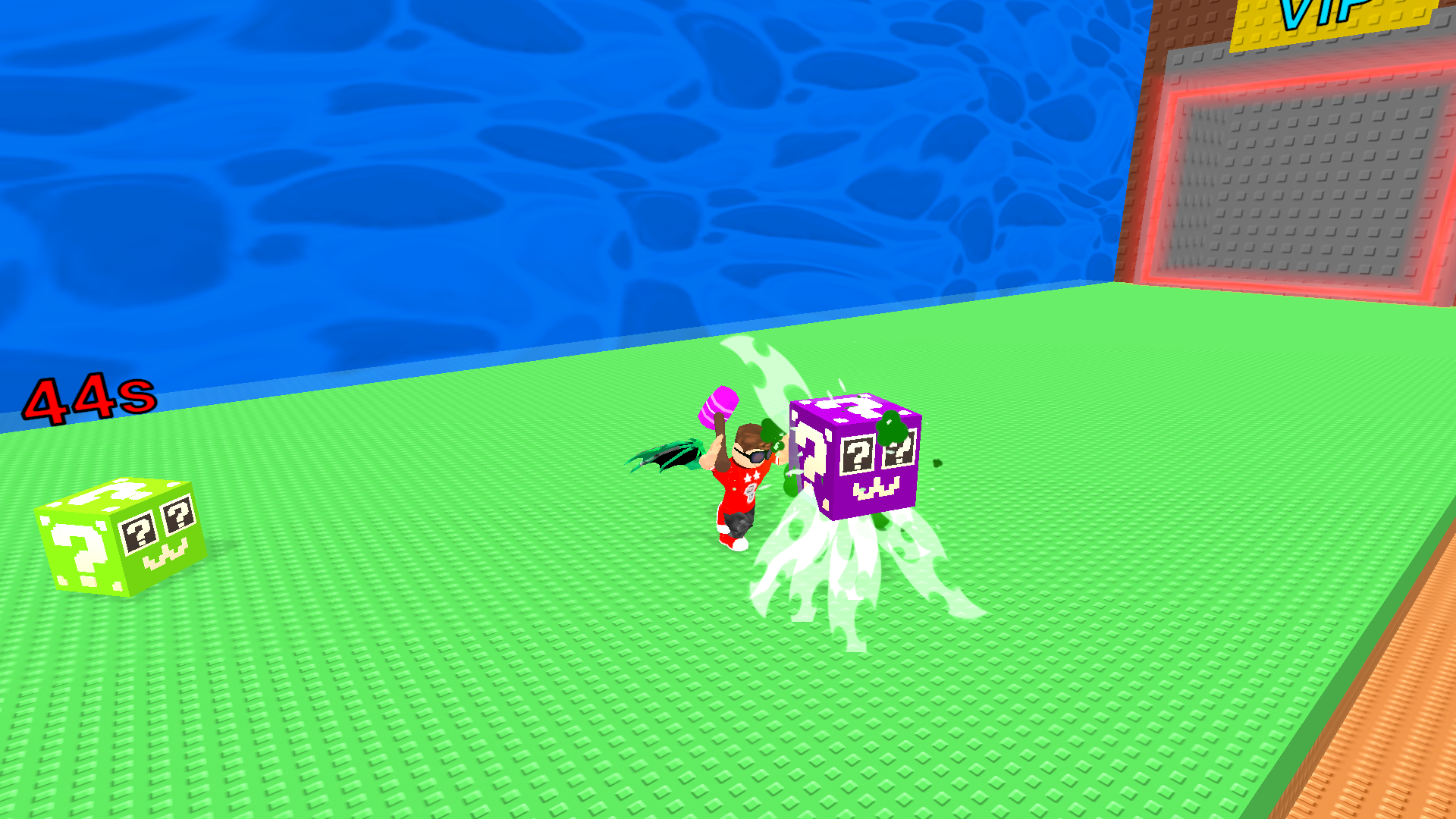
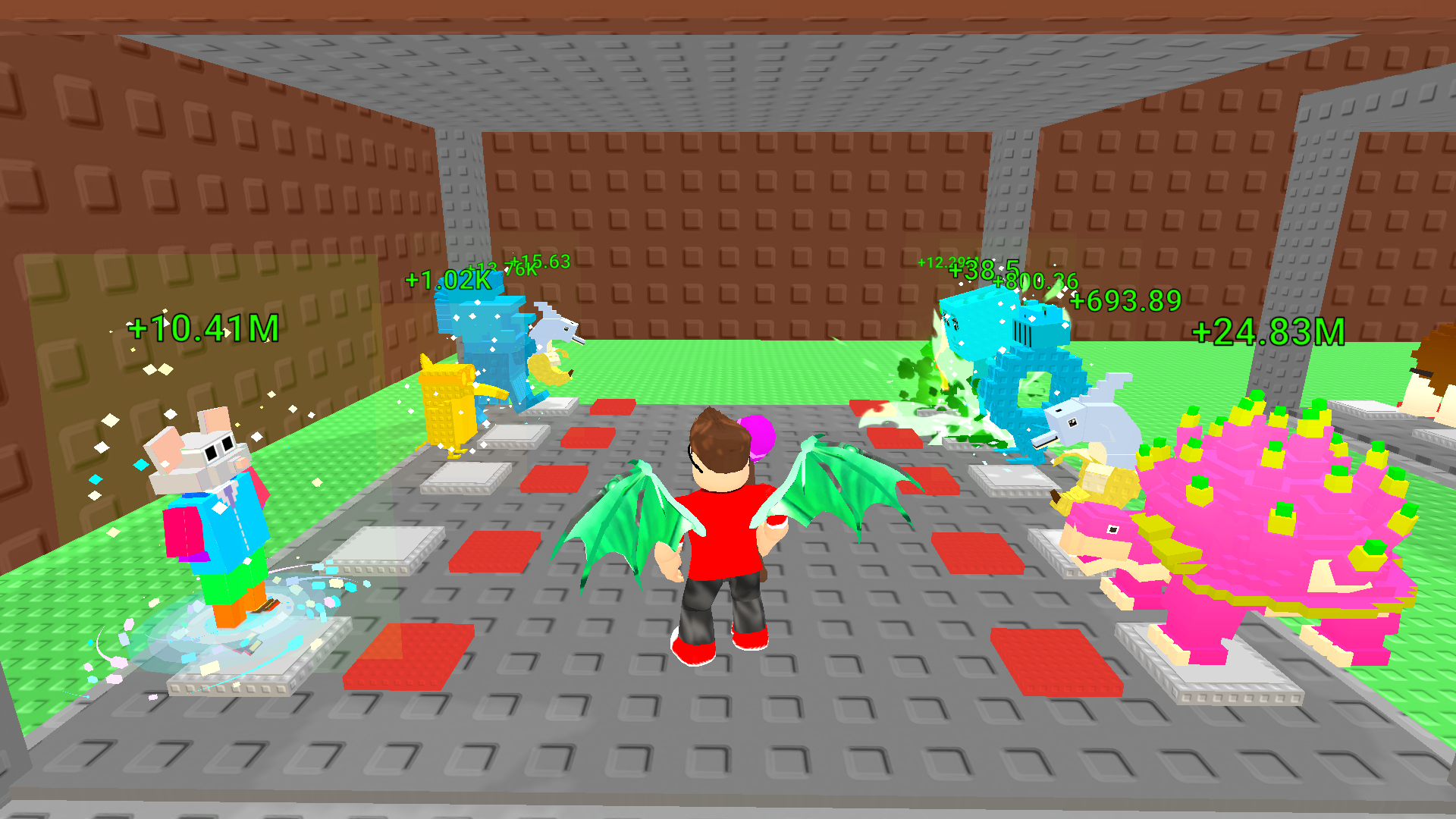
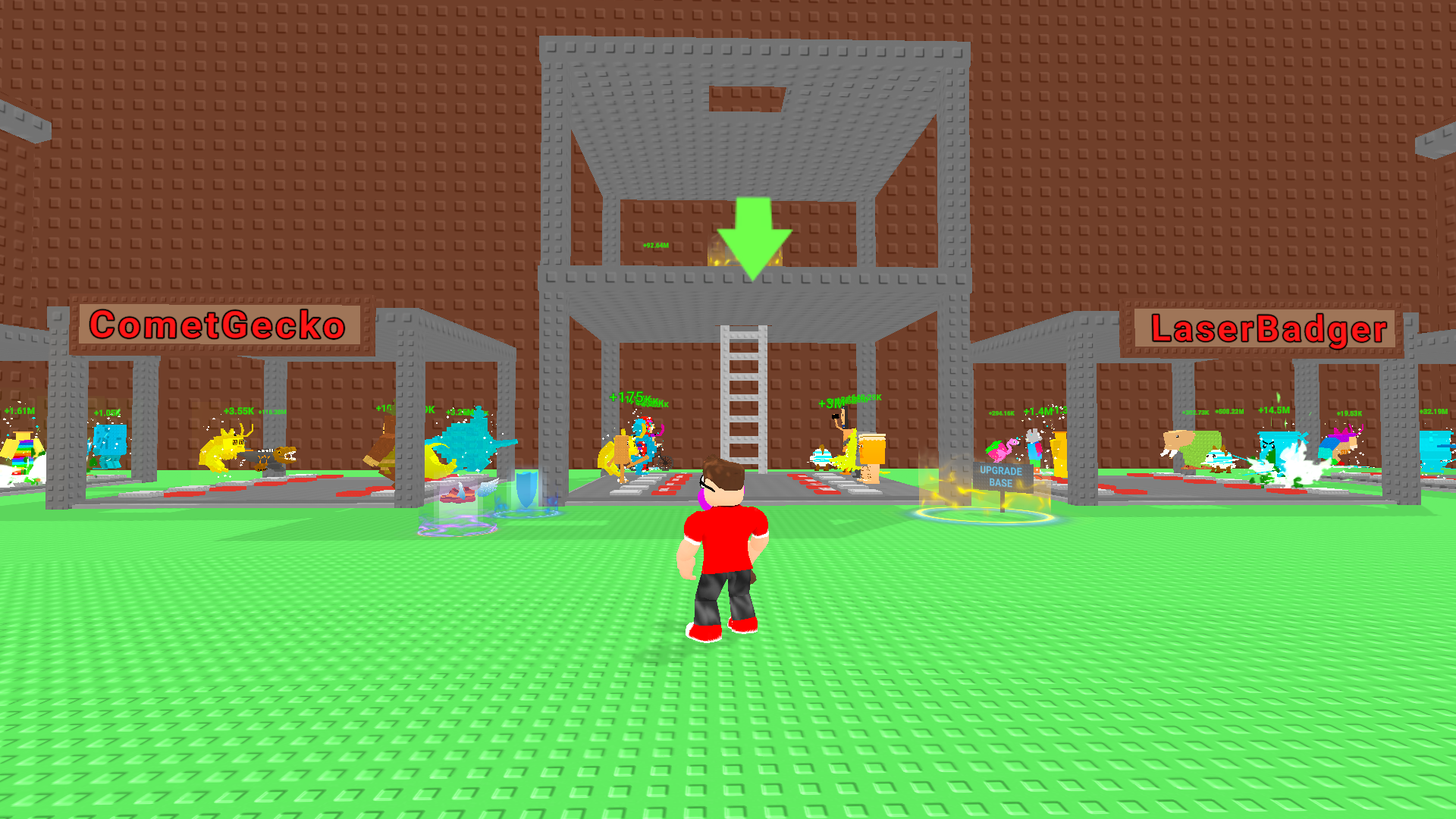
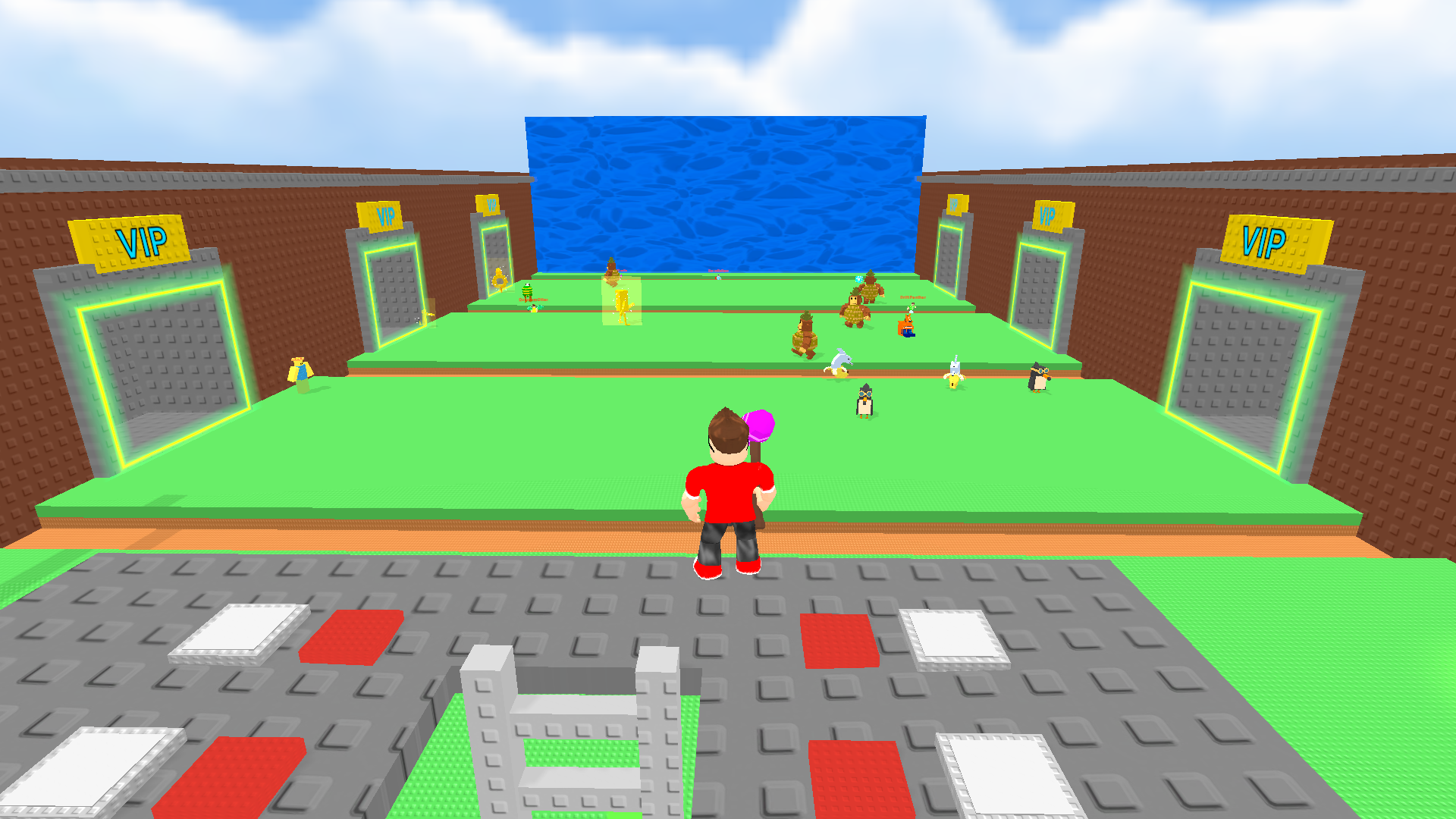
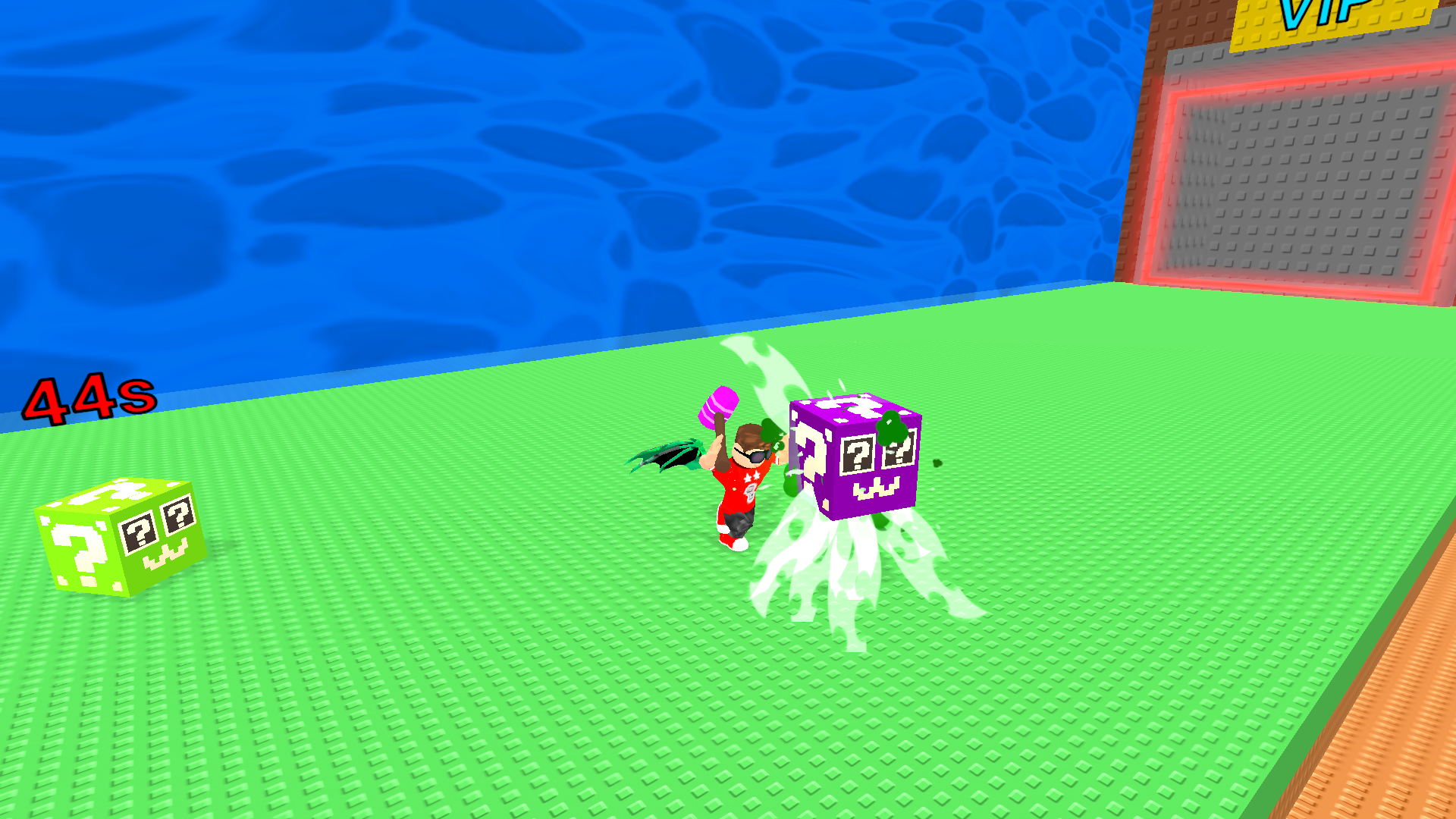
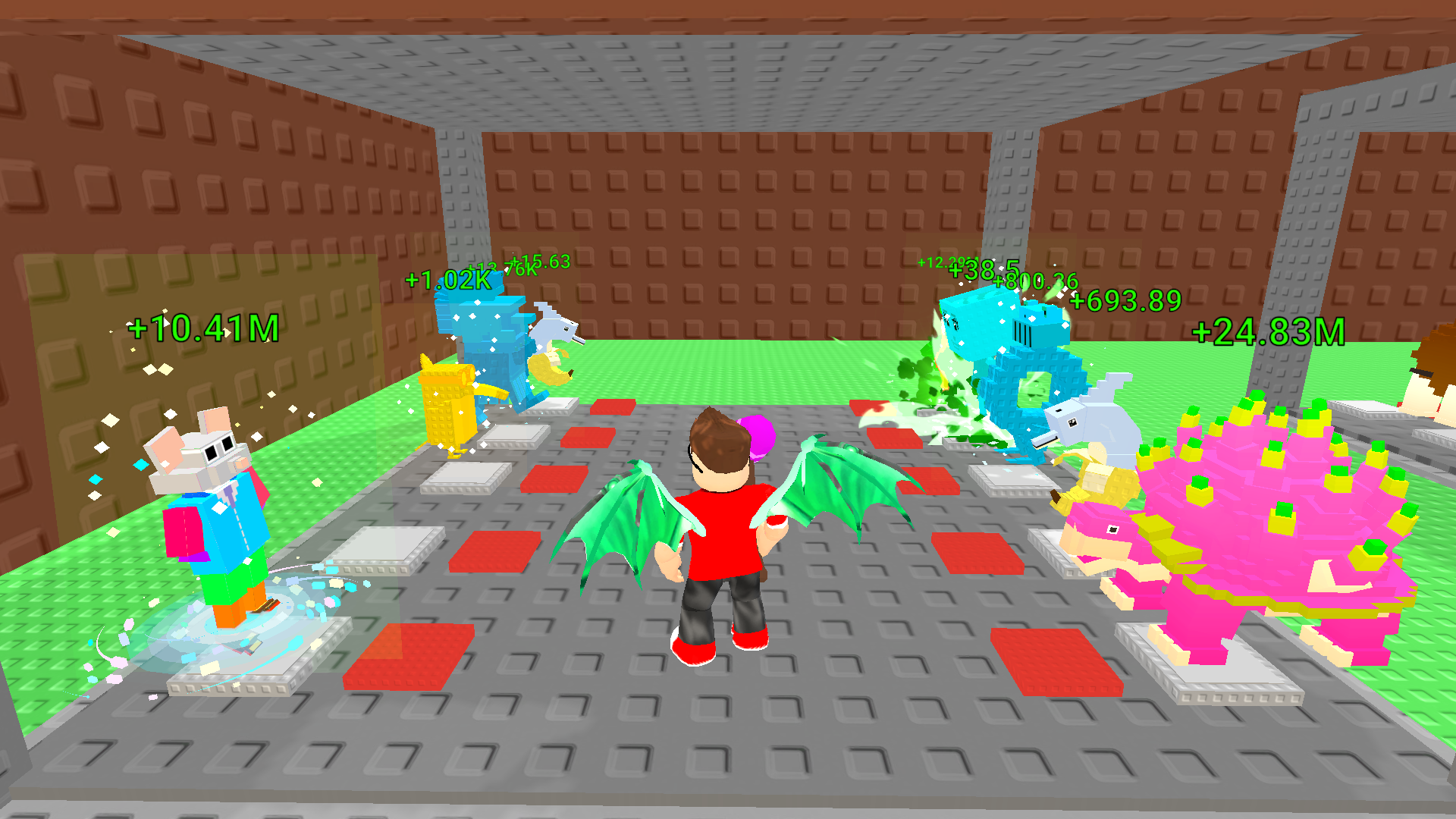
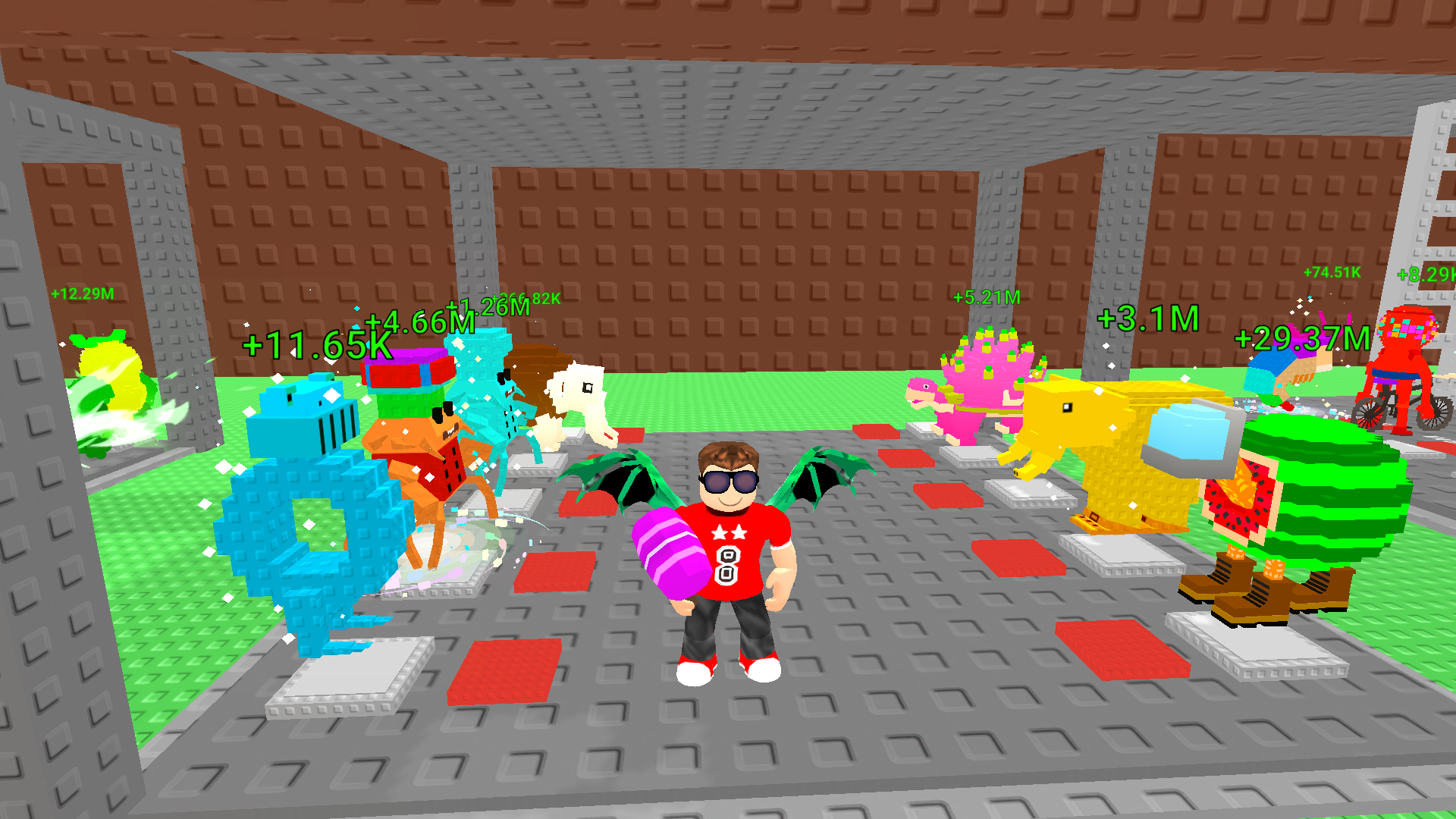
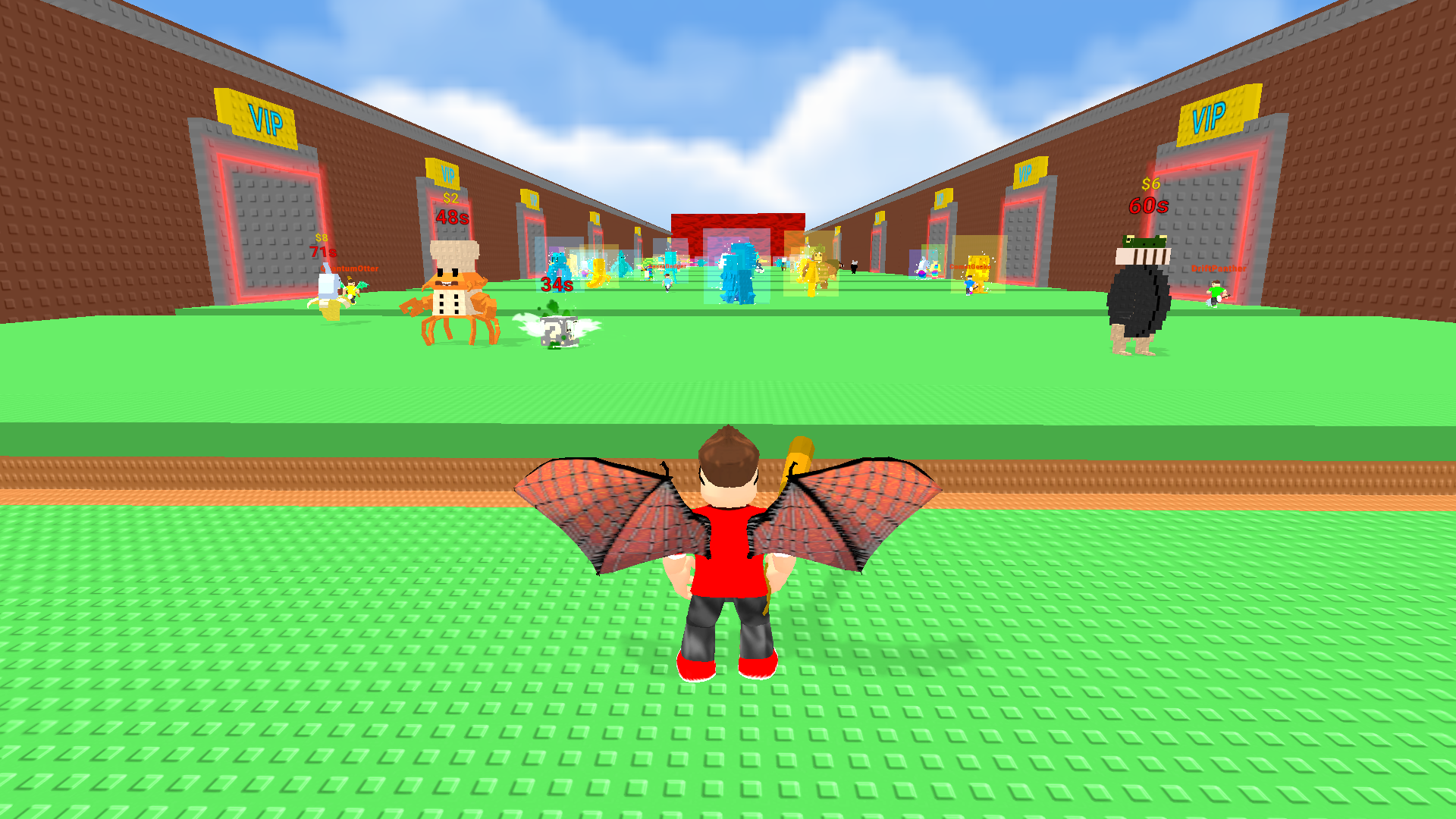
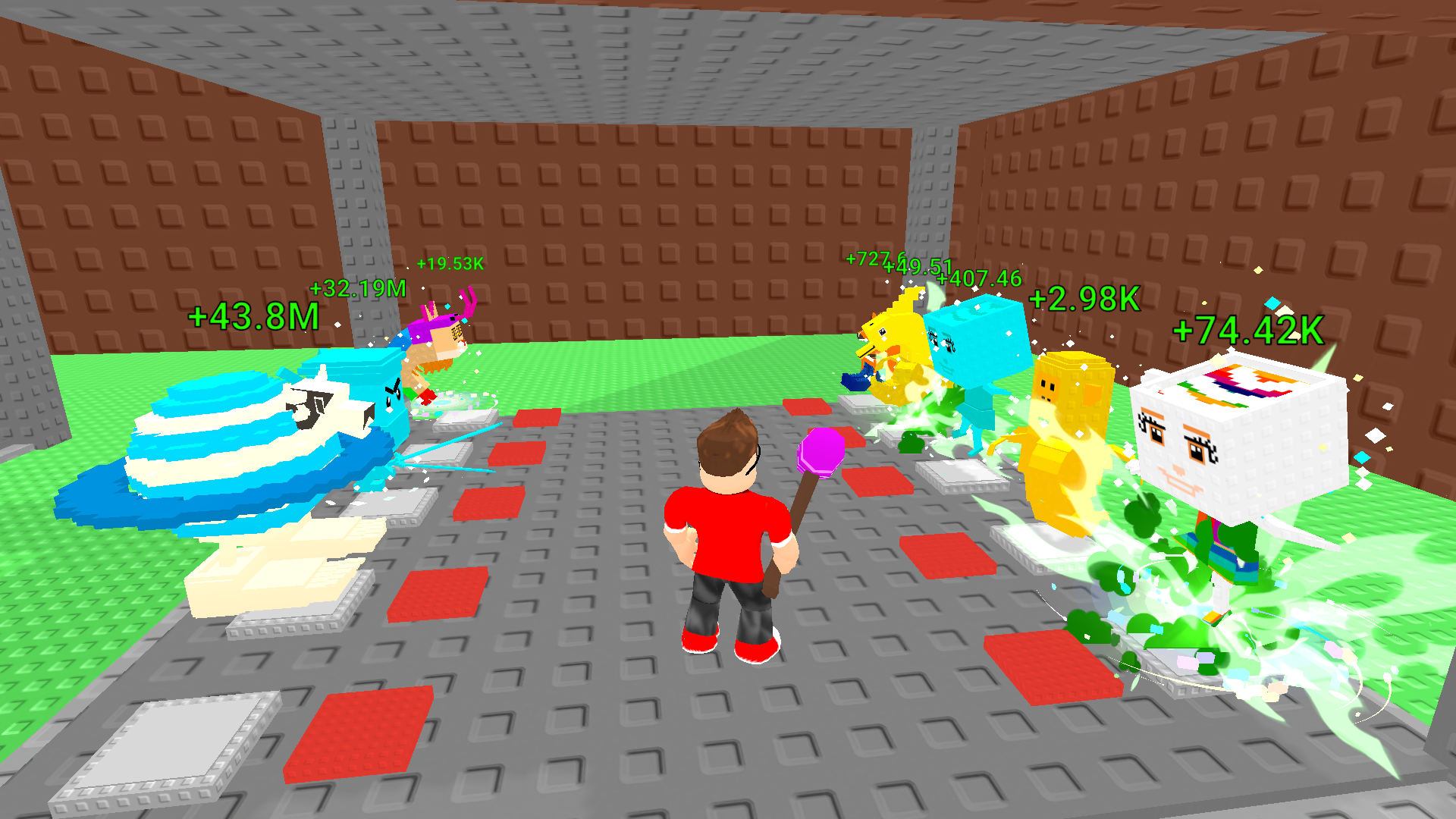
Escape Tsunami: Save and Steal Brainrot is a fast-paced runner where a giant tsunami is always chasing you! Run forward, dodge obstacles, and rescue funny Brainrots along the way. The further you progress, the more valuable and unique your Brainrots will be. 🌊 Escape the Tsunami A huge wave is constantly chasing you. Keep moving, choose your path, and avoid getting caught! 🧠 Rescue Brainrots Find Brainrots in danger, transport them to safety, and expand your collection. 🏠 Deliver them to your base (earn money!) Every Brainrot you rescue and deliver to your base starts generating income. The more you rescue—and the rarer they are—the greater your income over time! ⚡ Improve your speed Faster runs = more effective and expensive rescues. 🕳️ Hide to survive Sometimes running isn't enough – save yourself by hiding in a hole and waiting for the wave to pass. Time it right!

Videos and screenshots
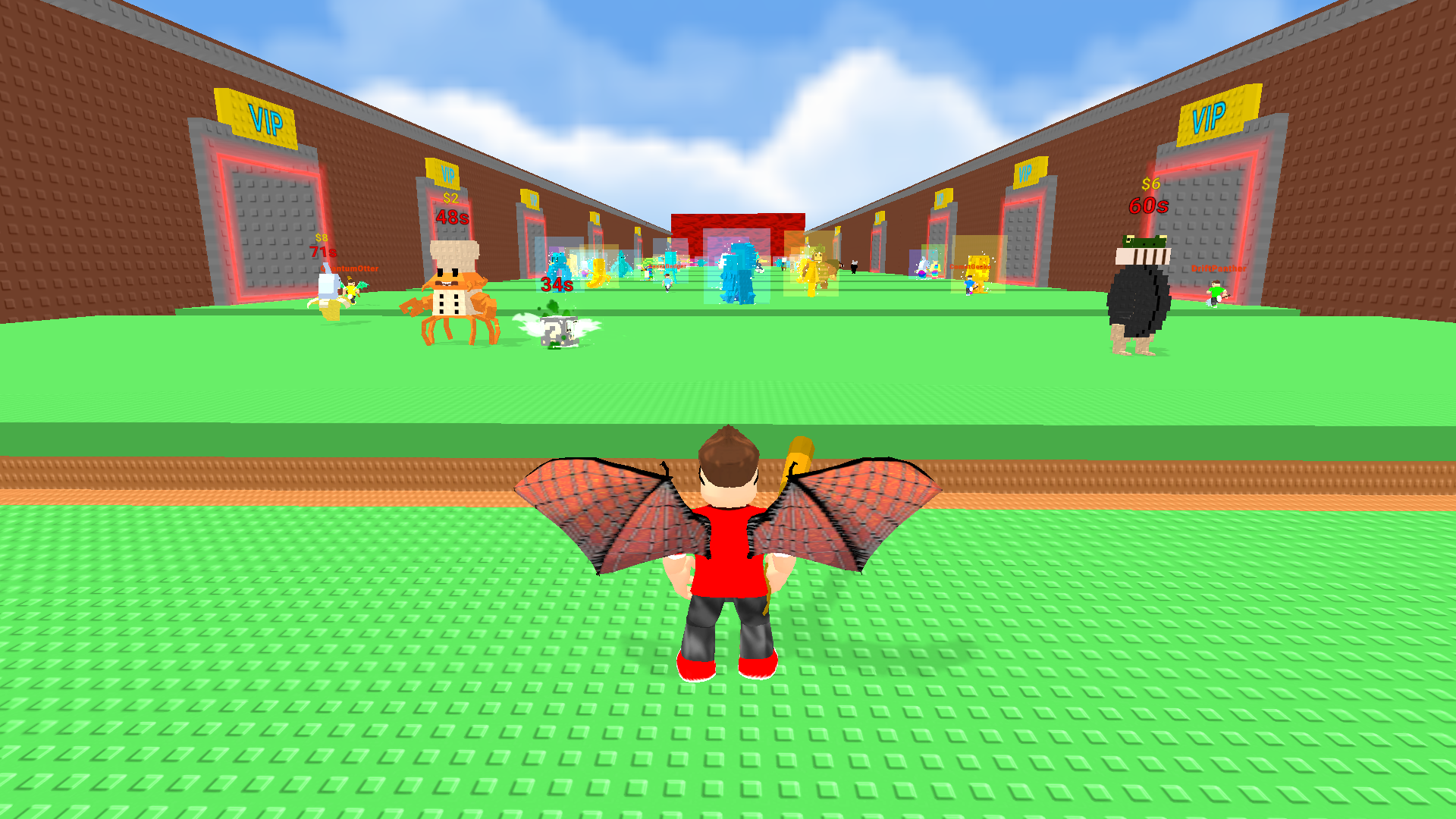
  • Escape Tsunami: Save and Steal Brainrot screenshot 1
  • Escape Tsunami: Save and Steal Brainrot screenshot 2
  • Escape Tsunami: Save and Steal Brainrot screenshot 3
  • Escape Tsunami: Save and Steal Brainrot screenshot 4
  • Escape Tsunami: Save and Steal Brainrot screenshot 5
  • Escape Tsunami: Save and Steal Brainrot screenshot 6
  • Escape Tsunami: Save and Steal Brainrot screenshot 7
  • Escape Tsunami: Save and Steal Brainrot screenshot 8
  • Escape Tsunami: Save and Steal Brainrot screenshot 9
  • Escape Tsunami: Save and Steal Brainrot screenshot 10
  • Escape Tsunami: Save and Steal Brainrot screenshot 11
  • Escape Tsunami: Save and Steal Brainrot screenshot 12
  • Escape Tsunami: Save and Steal Brainrot screenshot 13
  • Escape Tsunami: Save and Steal Brainrot screenshot 14
Play Now

10,449 players online

How to play

  1. Open the game

    Press Play now and the game opens on its own screen.

  2. Follow the in-game instructions

    The controls and goals are shown inside the game as you play.

  3. Use the game menu

    The floating button over the game reloads it, saves it to your favourites, or takes you back out.

Game instructions

Use the on-screen buttons. Mobile phone controls: Left joystick to move the character. Right joystick to rotate the camera. Computer controls: WASD to move the character. Hold down the right mouse button to rotate the camera. Spacebar to jump. Left mouse button to attack. Q to throw a Brainrot. E to pick up or steal a Brainrot.

More games

More games