Skip to content
KG
Fallout

Fallout

90K plays 4.3 out of 5

Overview

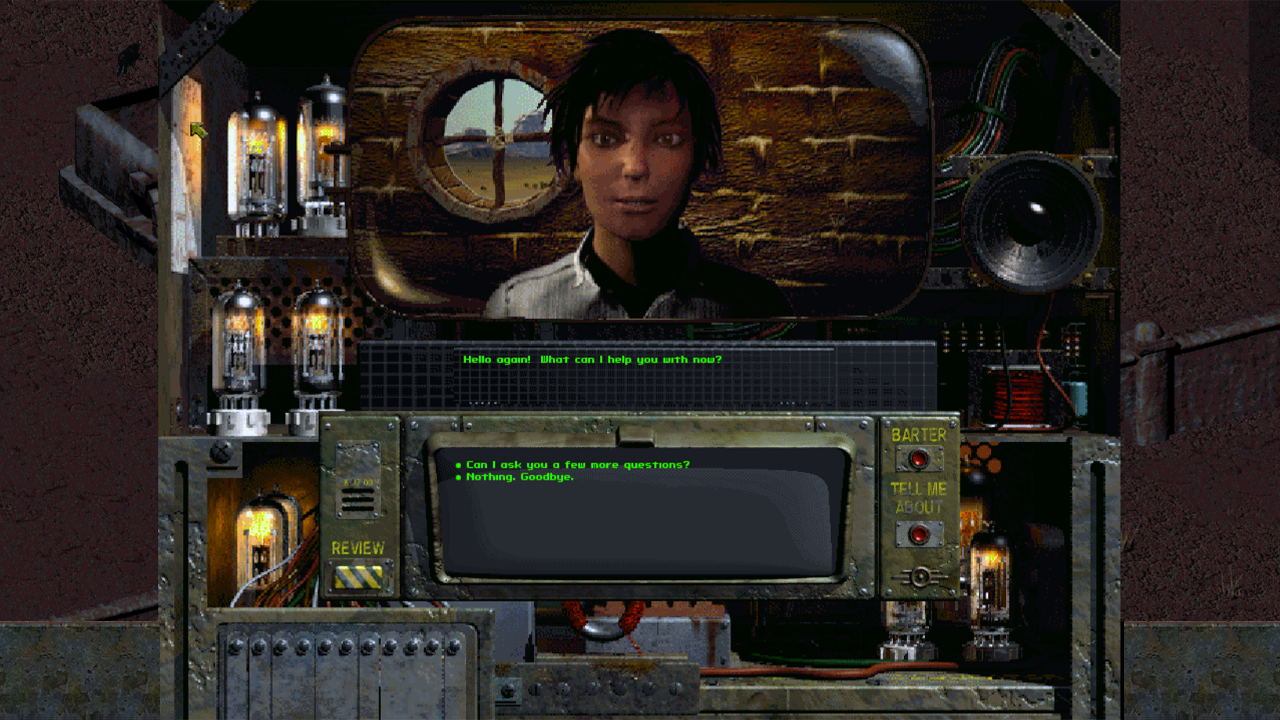
Fallout is a role-playing game about survival in a post-apocalyptic world. You will leave Vault 13 and travel into the dangerous wasteland, where every decision can change the fate of your hero and the people around you. Create a character with unique attributes, choose skills and traits, talk to the inhabitants of settlements, complete quests, and find weapons, equipment, and useful items. Combat is important, but so are dialogue, attention to detail, trading, stealth, and the ability to find different ways to solve problems. Battles are turn-based: manage your action points, choose your weapons, use cover, and keep an eye on your health. Explore locations, look for clues, save before dangerous decisions, and try different ways to complete the game.

Videos and screenshots
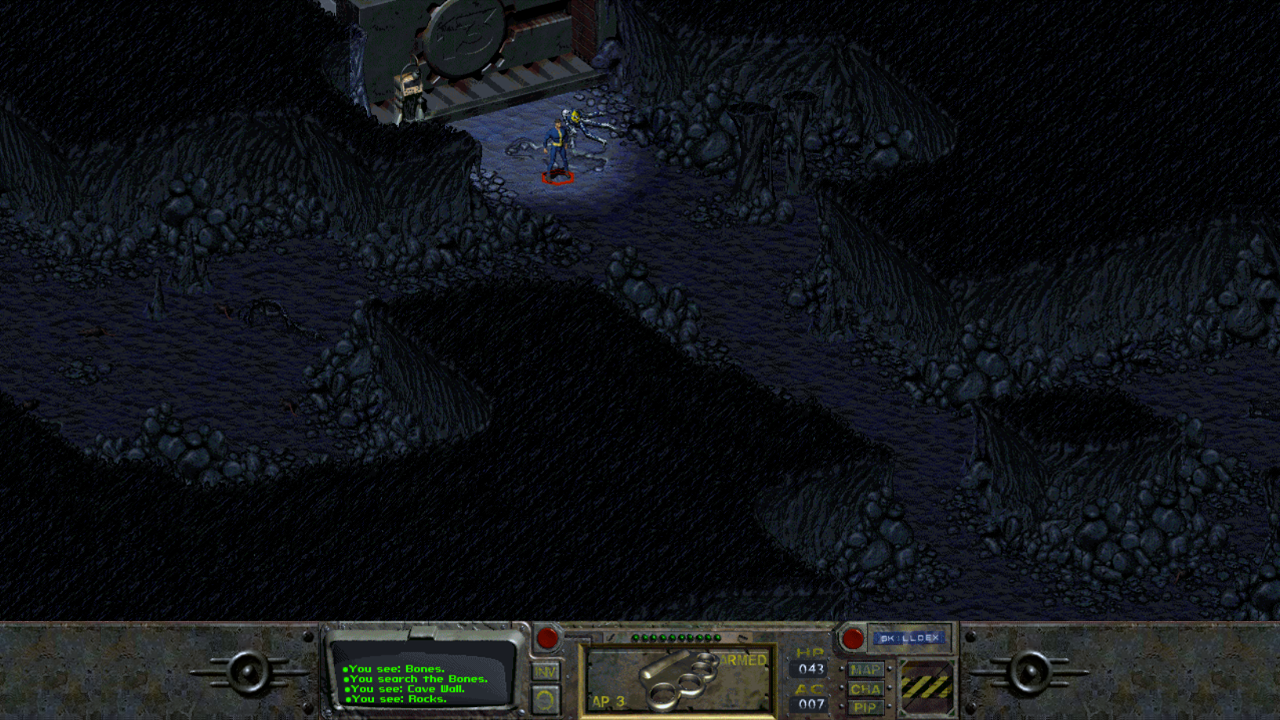
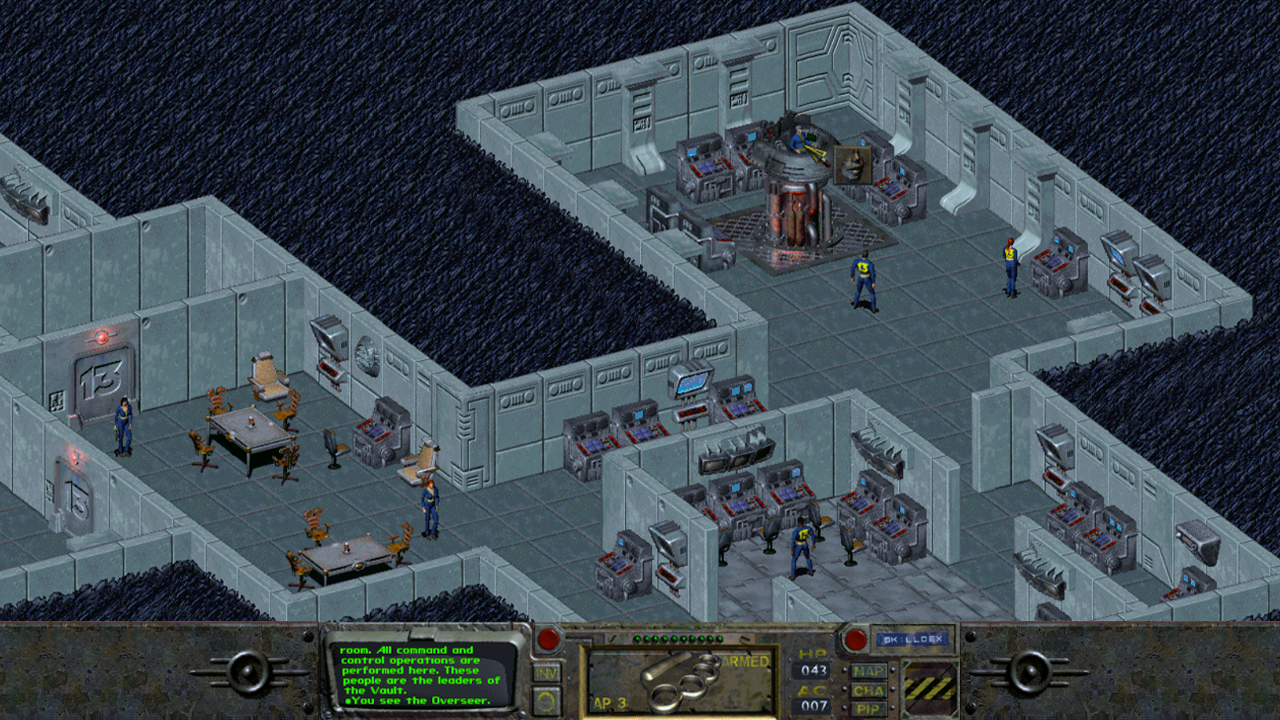
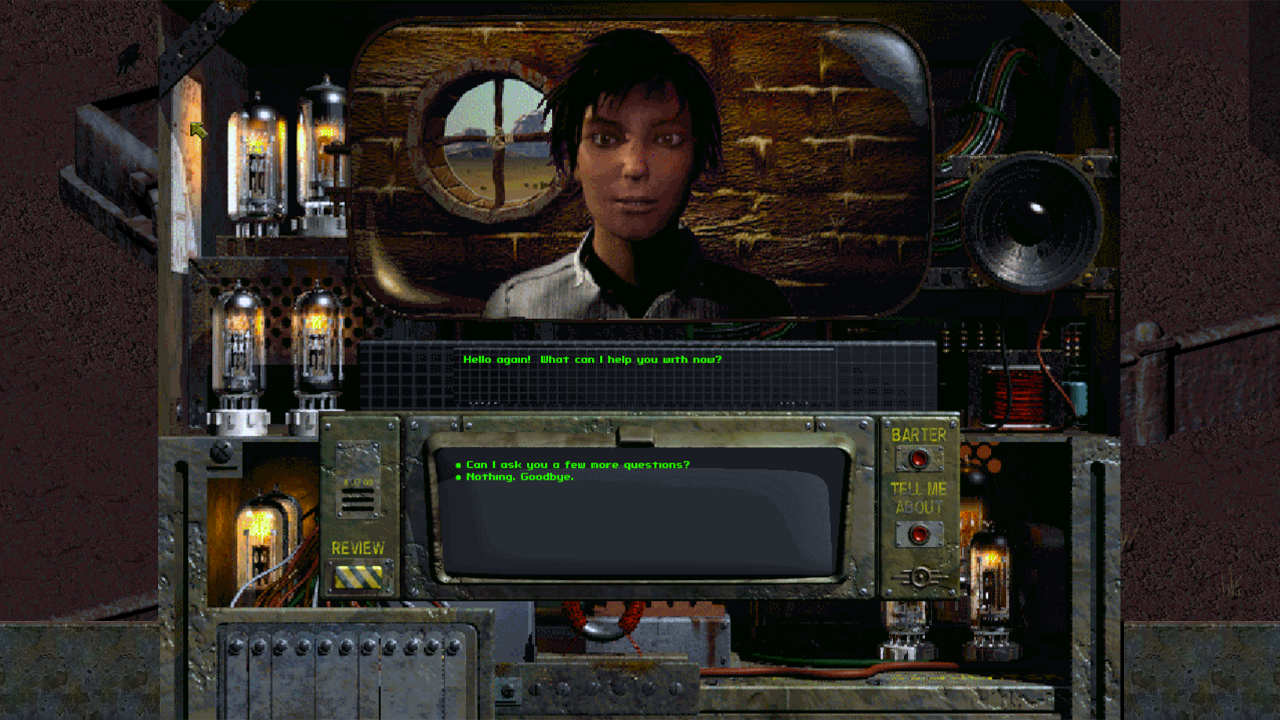
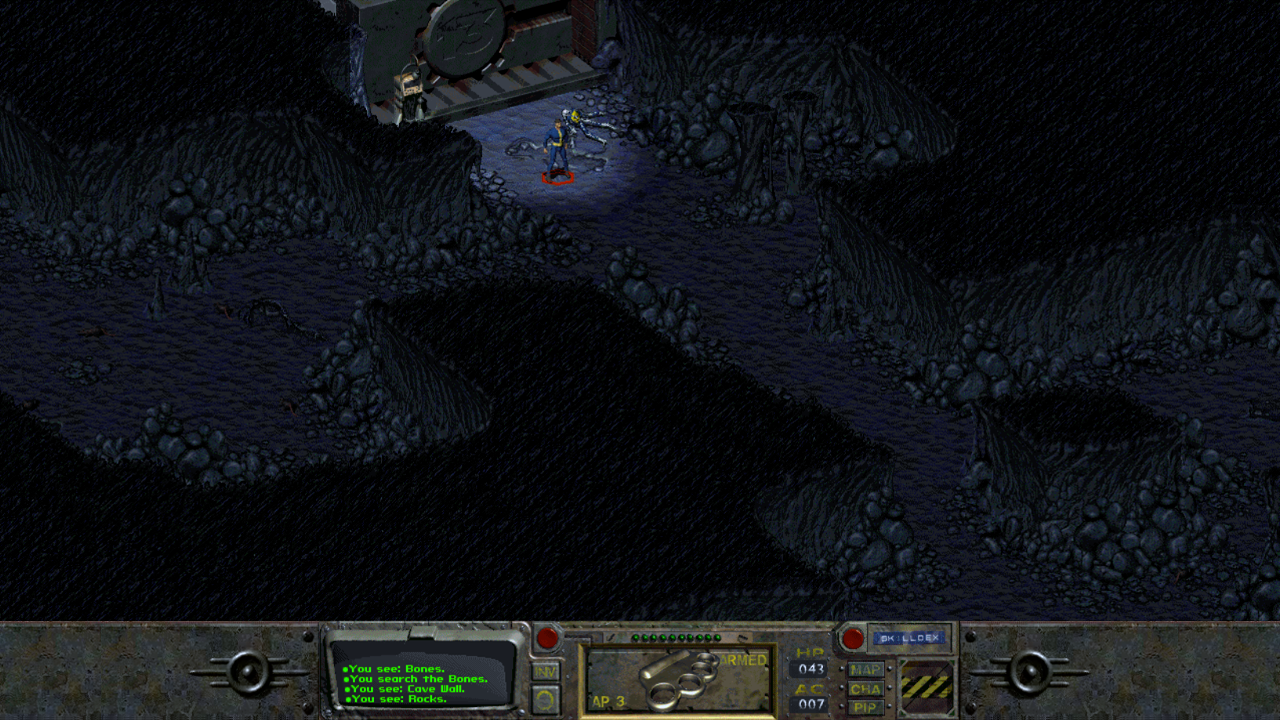
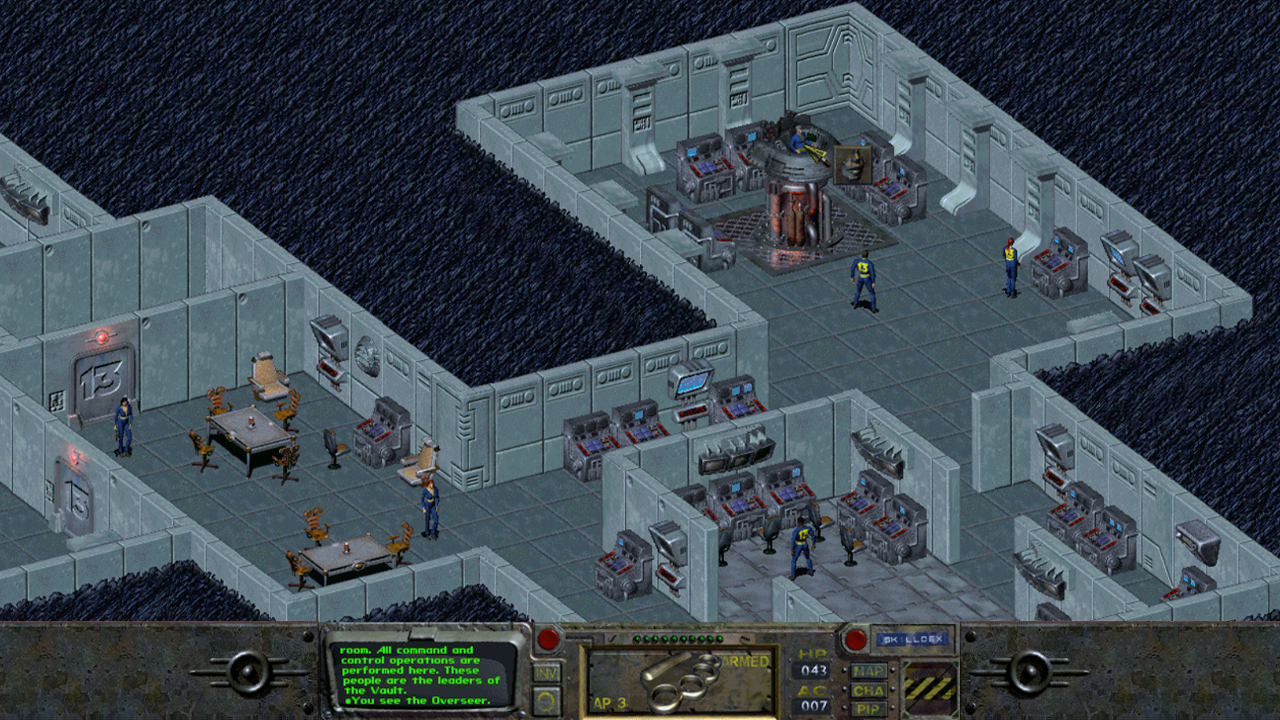
  • Fallout screenshot 1
  • Fallout screenshot 2
  • Fallout screenshot 3
  • Fallout screenshot 4
  • Fallout screenshot 5
  • Fallout screenshot 6
Play Now

10,796 players online

How to play

  1. Open the game

    Press Play now and the game opens on its own screen.

  2. Follow the in-game instructions

    The controls and goals are shown inside the game as you play.

  3. Use the game menu

    The floating button over the game reloads it, saves it to your favourites, or takes you back out.

Game instructions

At the beginning, you can choose a premade character or create your own: distribute attributes, choose skills, and select traits. On PC, the game is controlled with the mouse. Move the cursor and left-click objects, characters, and interface elements. Right-click to switch cursor modes: look, interact, use items, and other actions. In combat, choose your target, weapon, and action while keeping your available action points in mind. On a phone, slide your finger across the screen to move the cursor. Releasing your finger performs a click or action. For right-click, use the separate mouse icon button or tap with two fingers at the same time. To move items in the inventory, quickly double-tap the item you need: it will be picked up by the cursor, and you can move it to the desired place. Use the on-screen keyboard to enter a character name or save name. Two fingers can be used for scrolling where supported, for example on the world map.

More games

More games