Overview
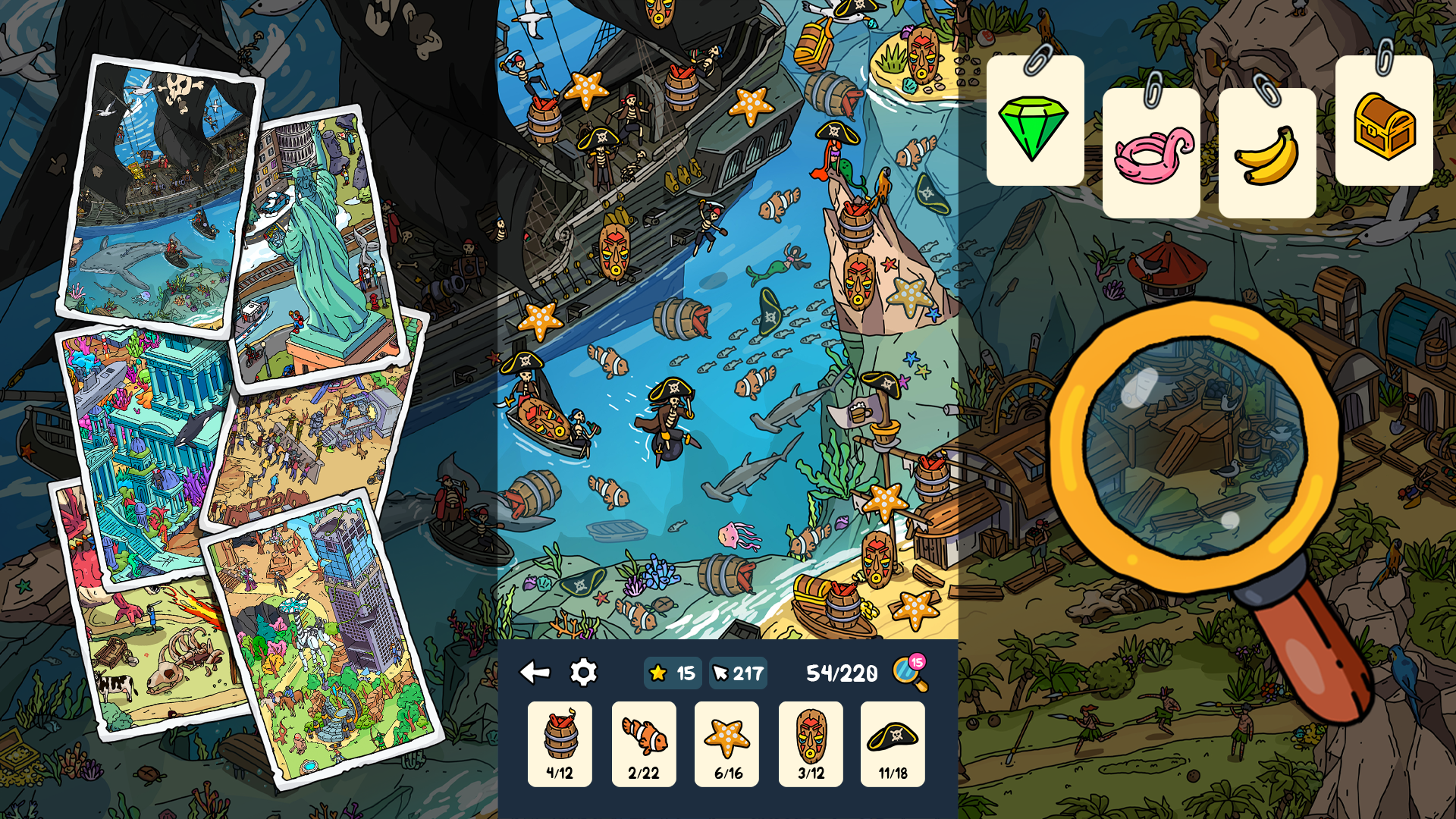
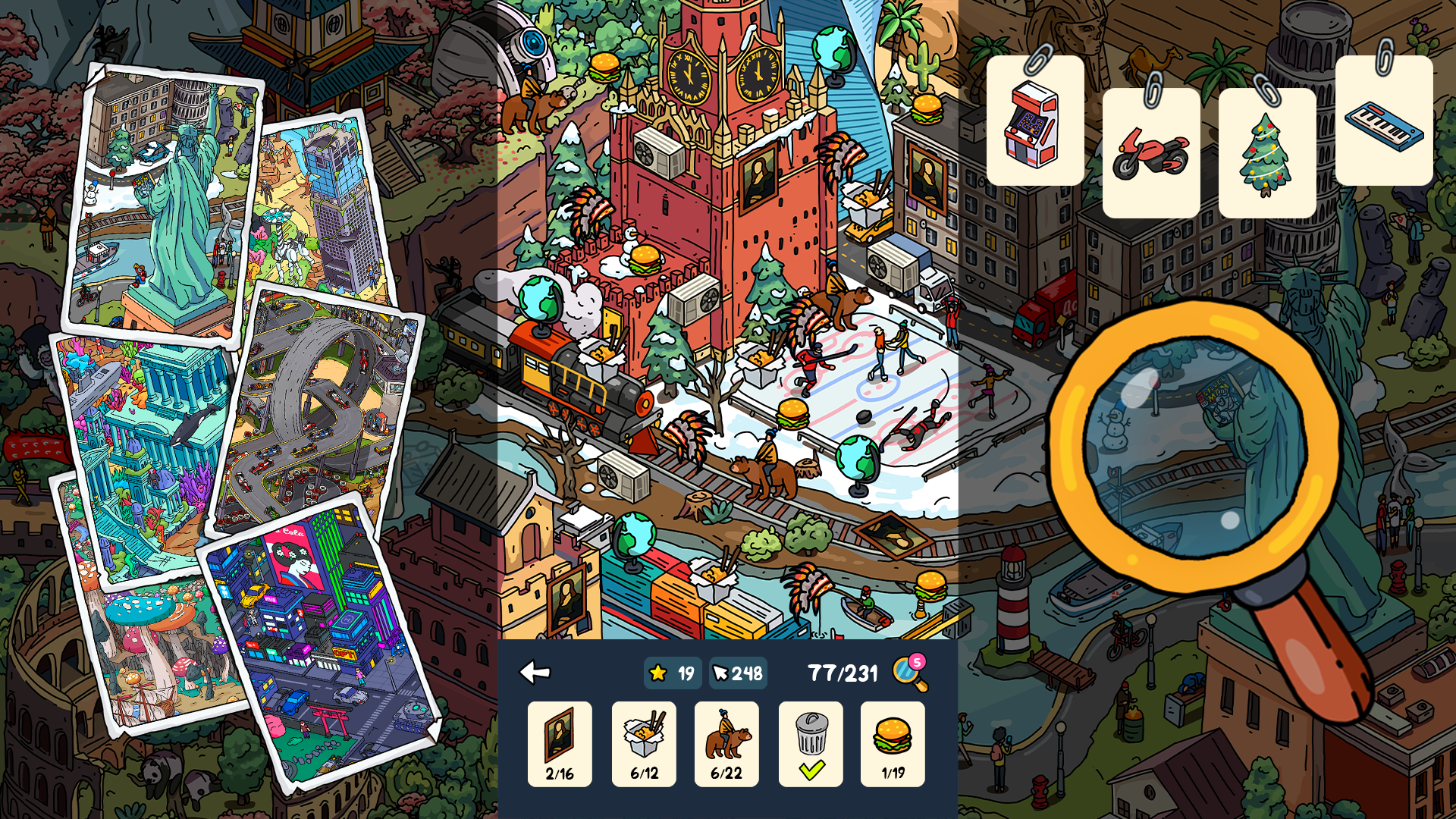
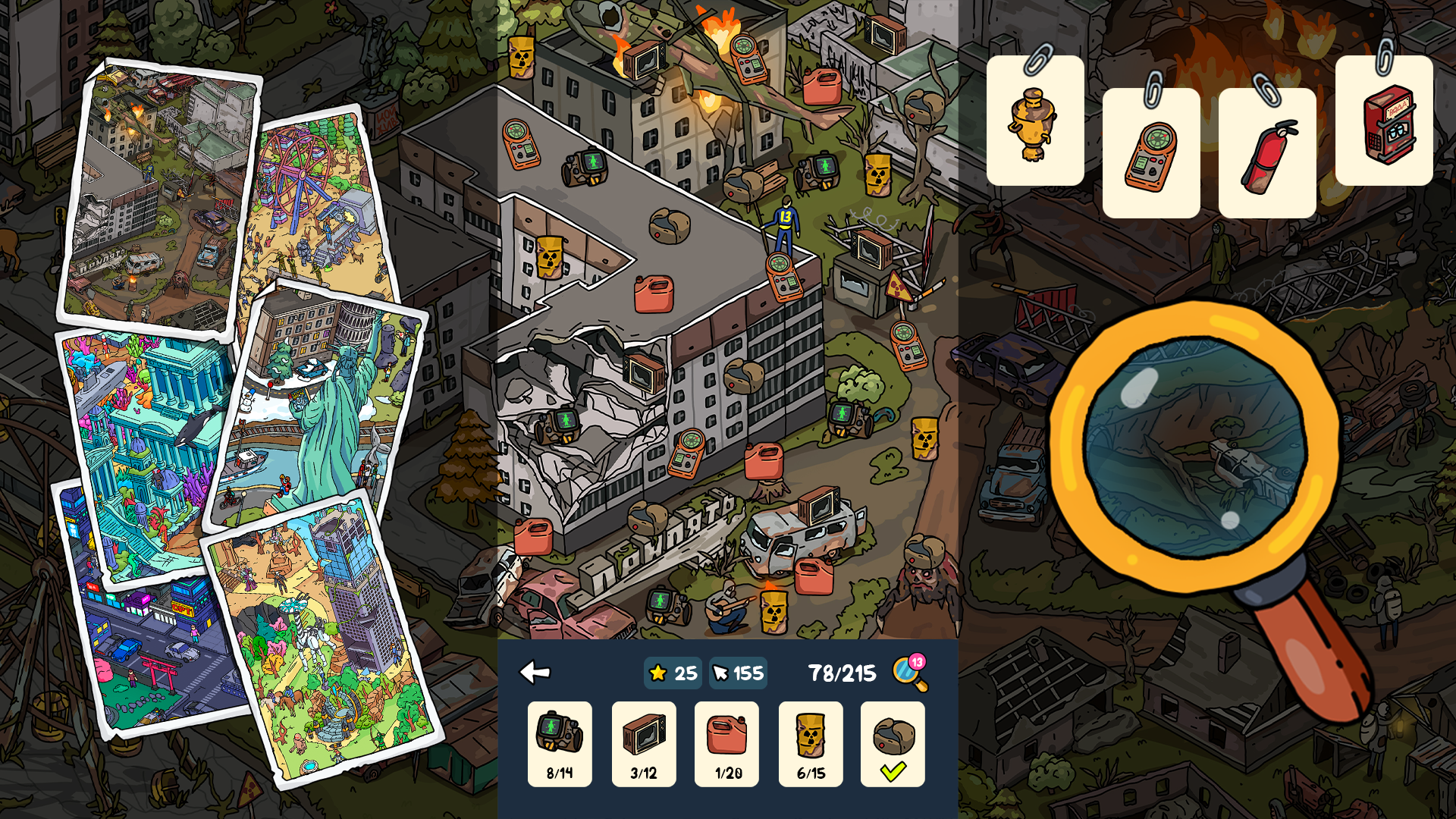
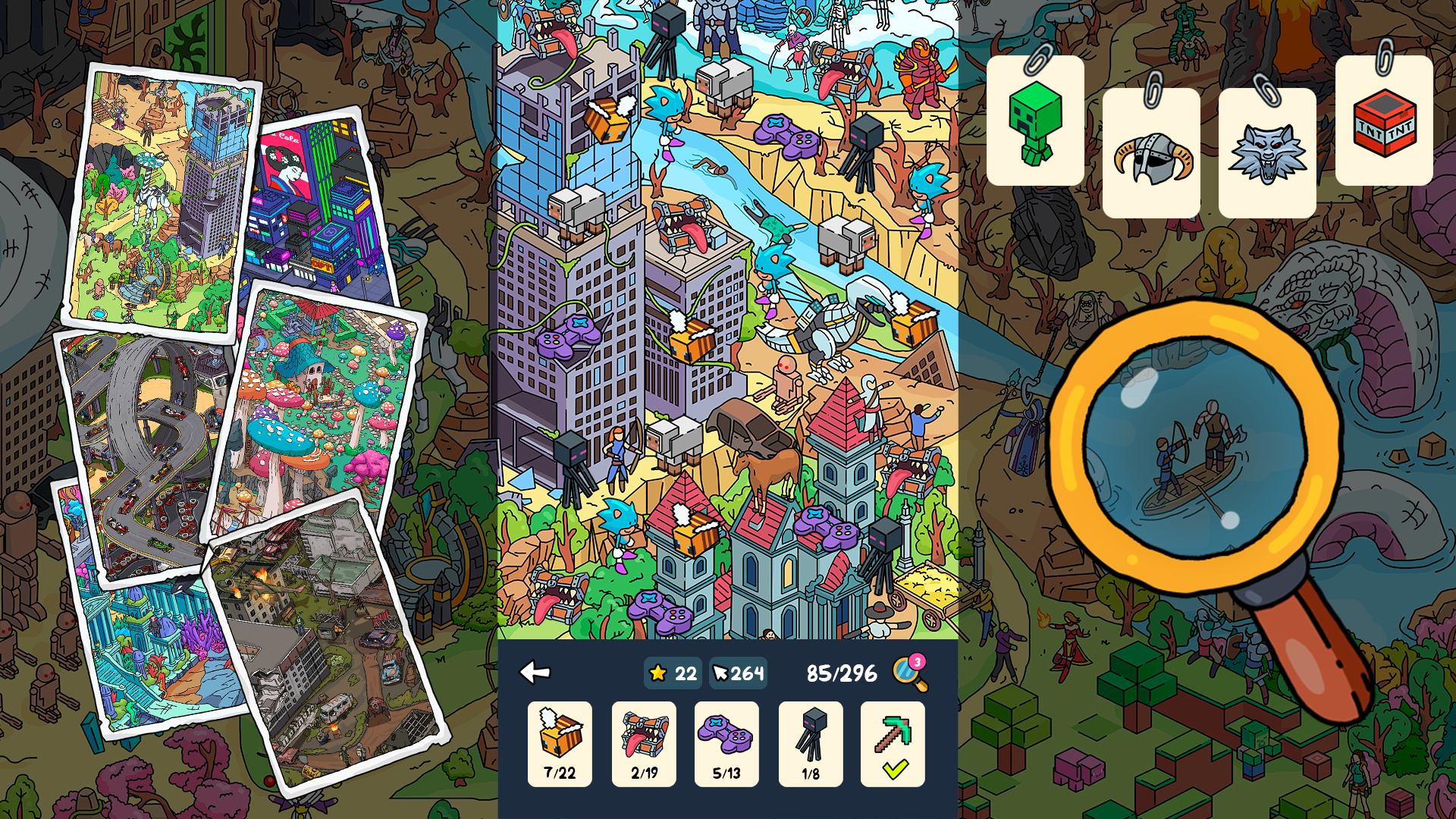
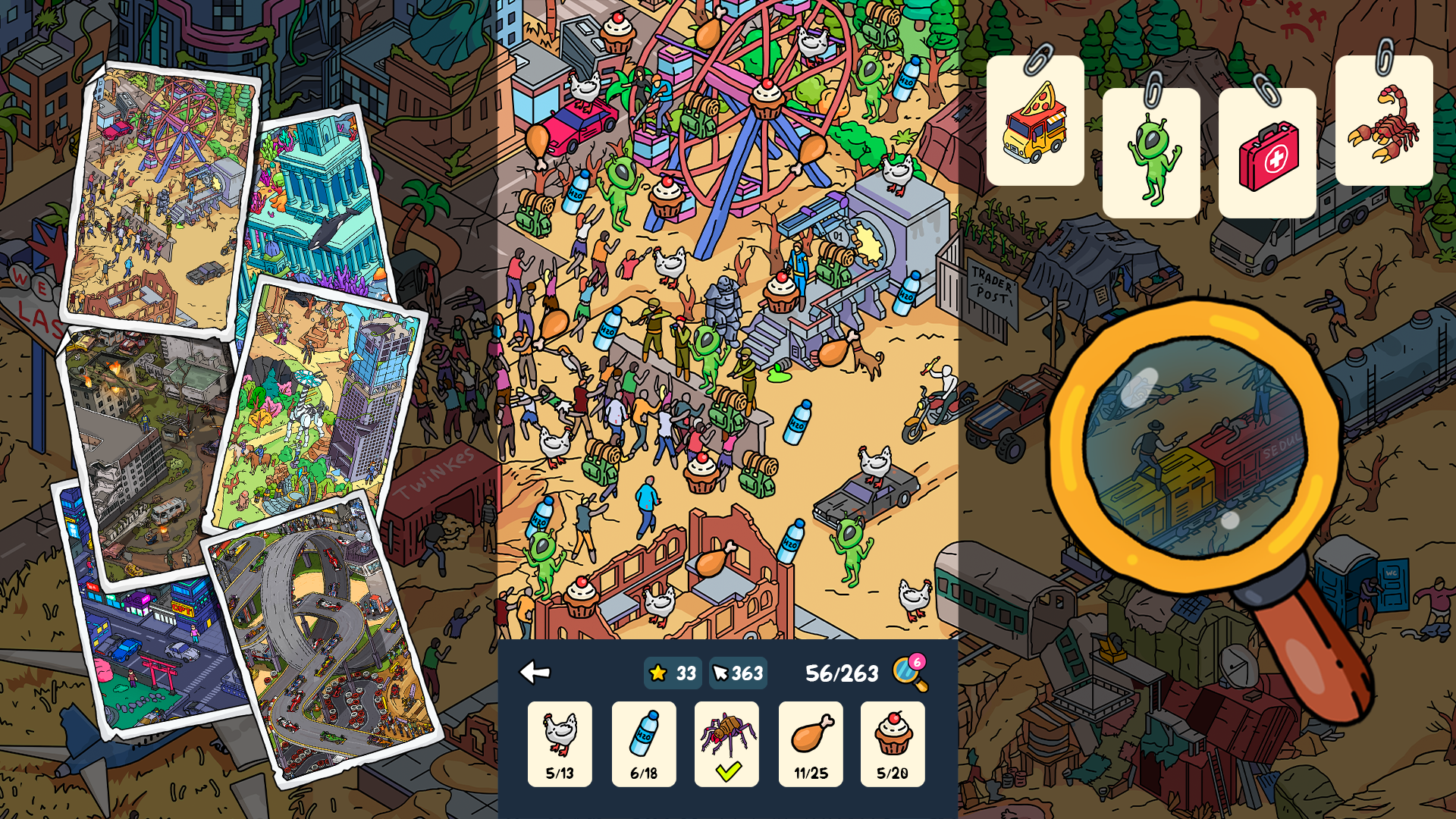
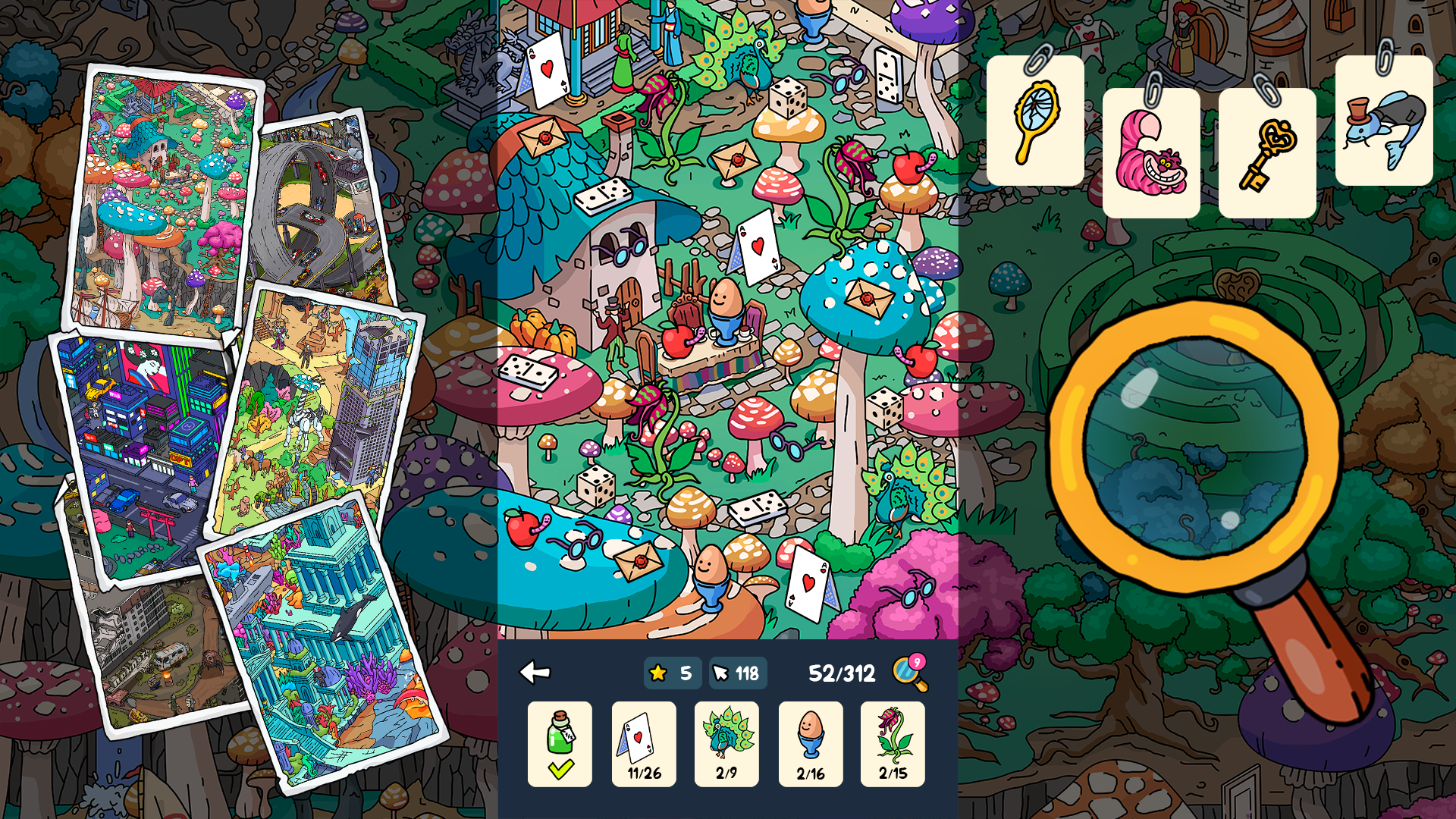
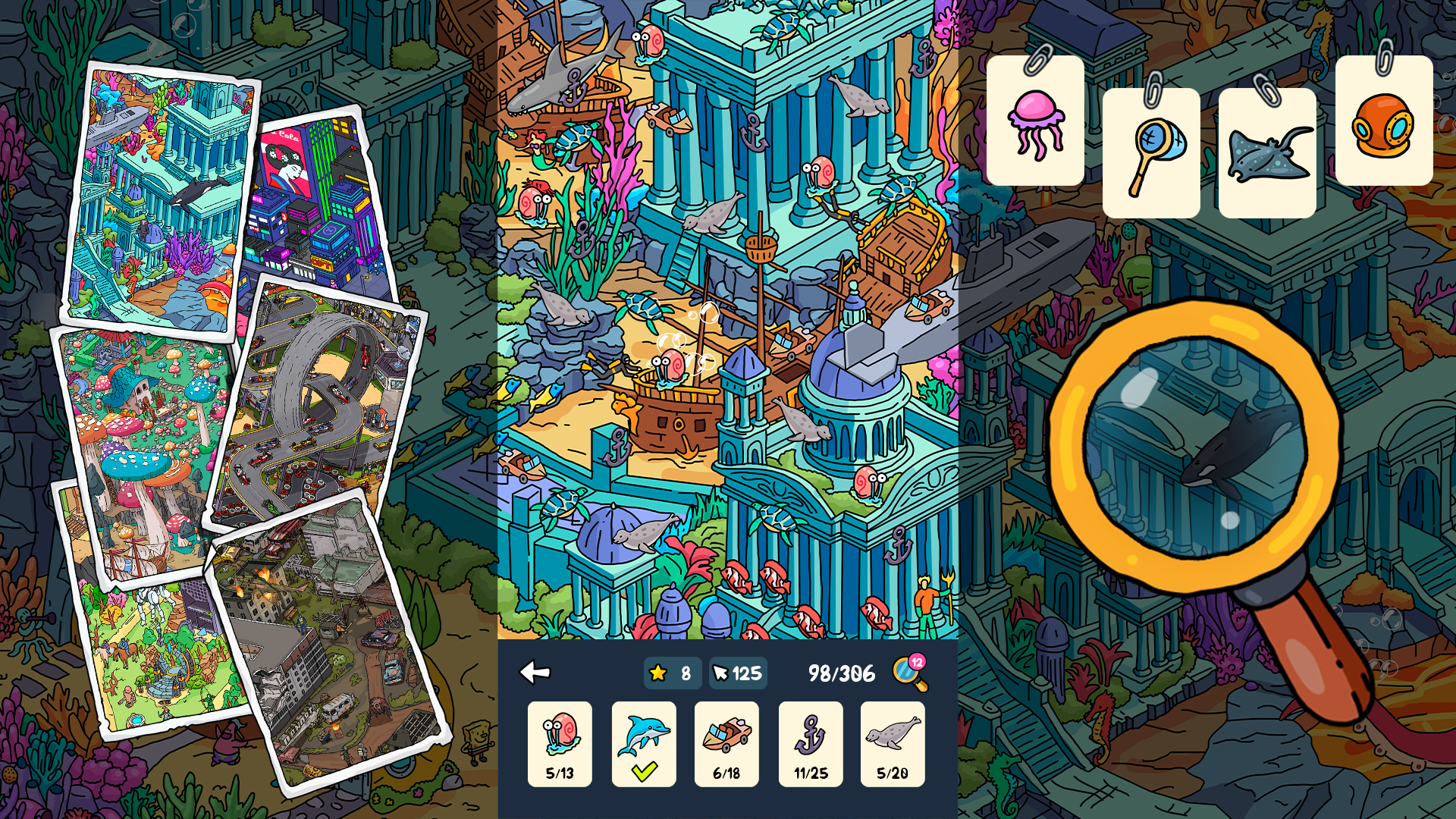
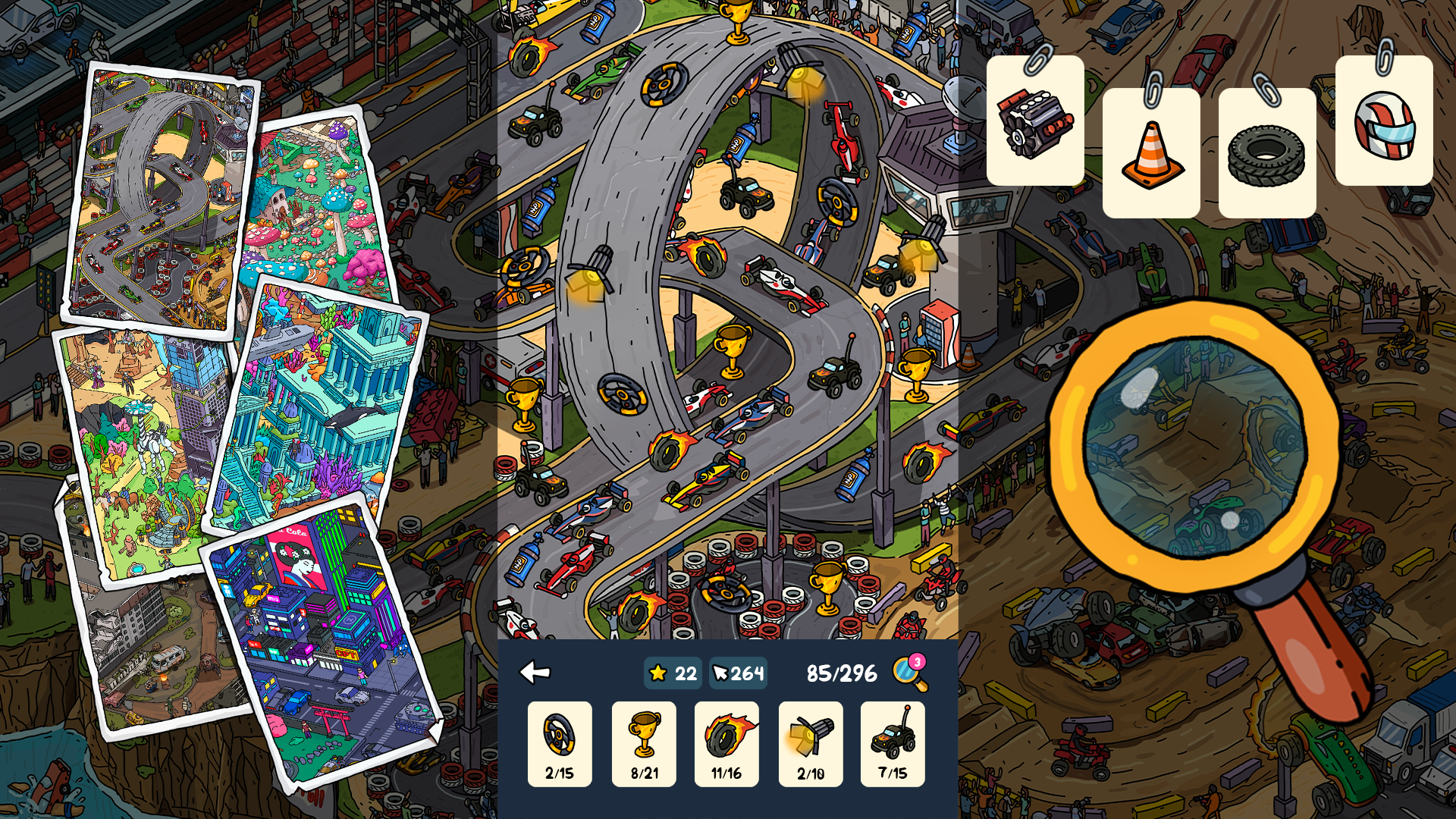
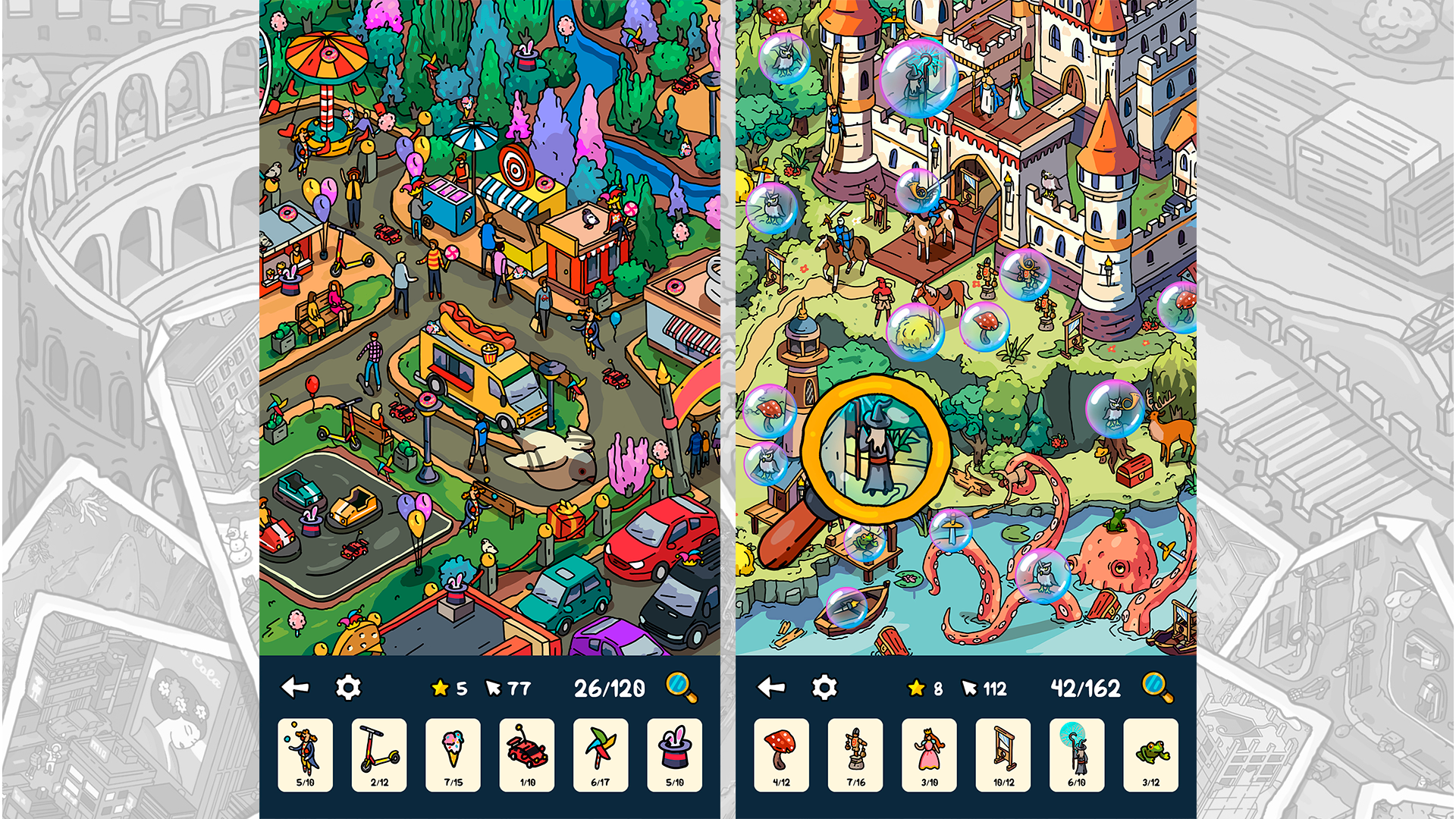
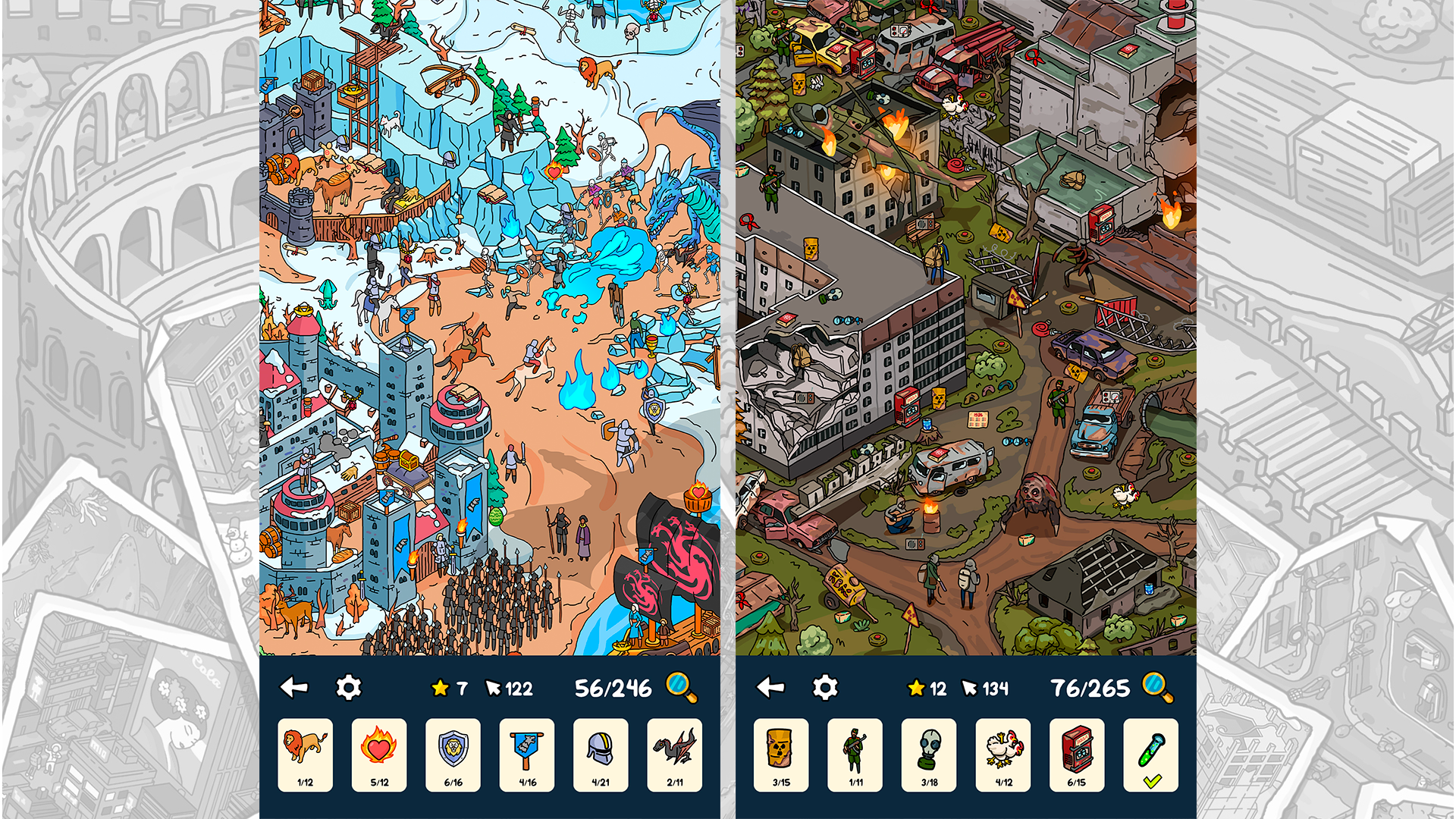
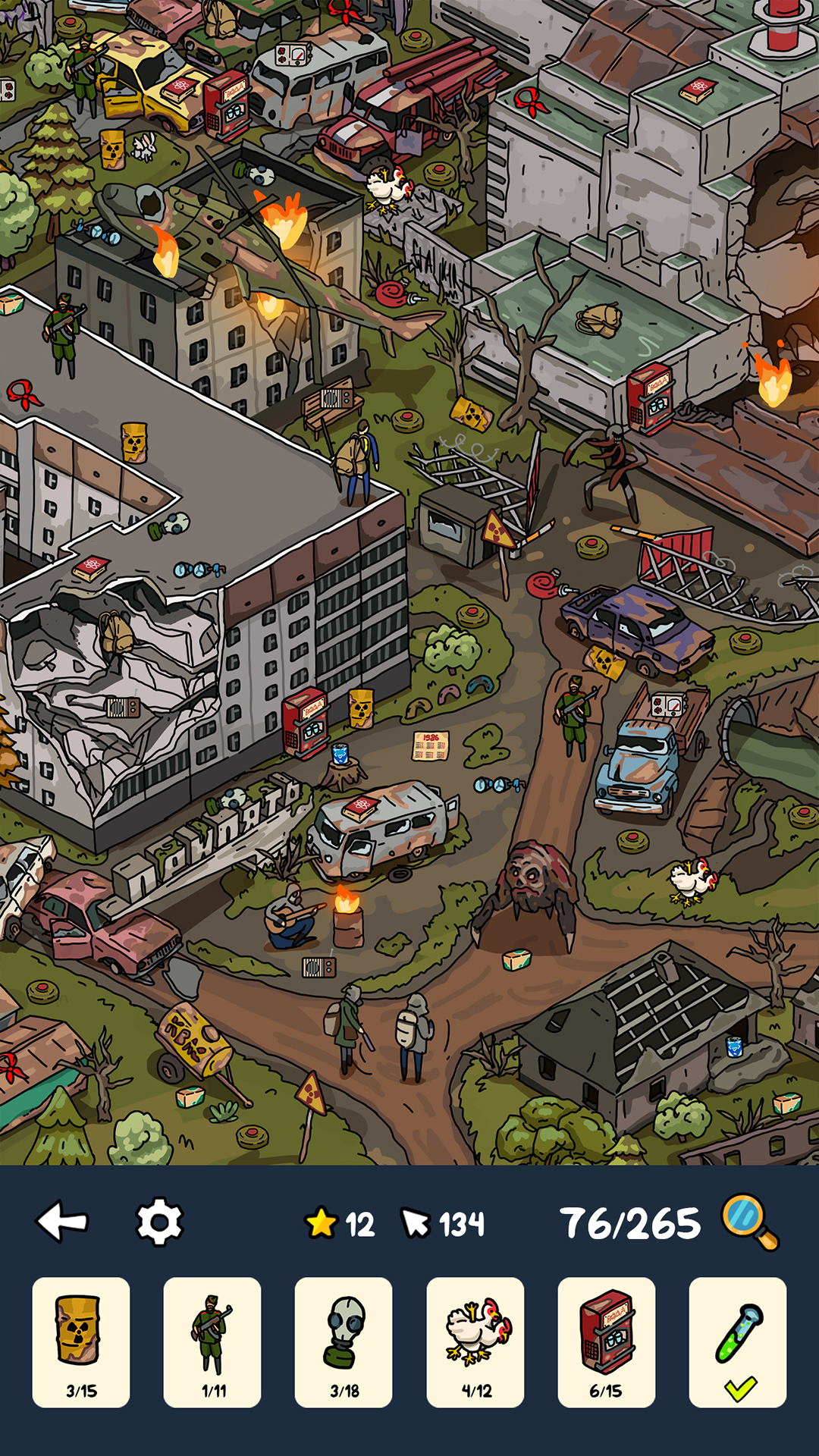
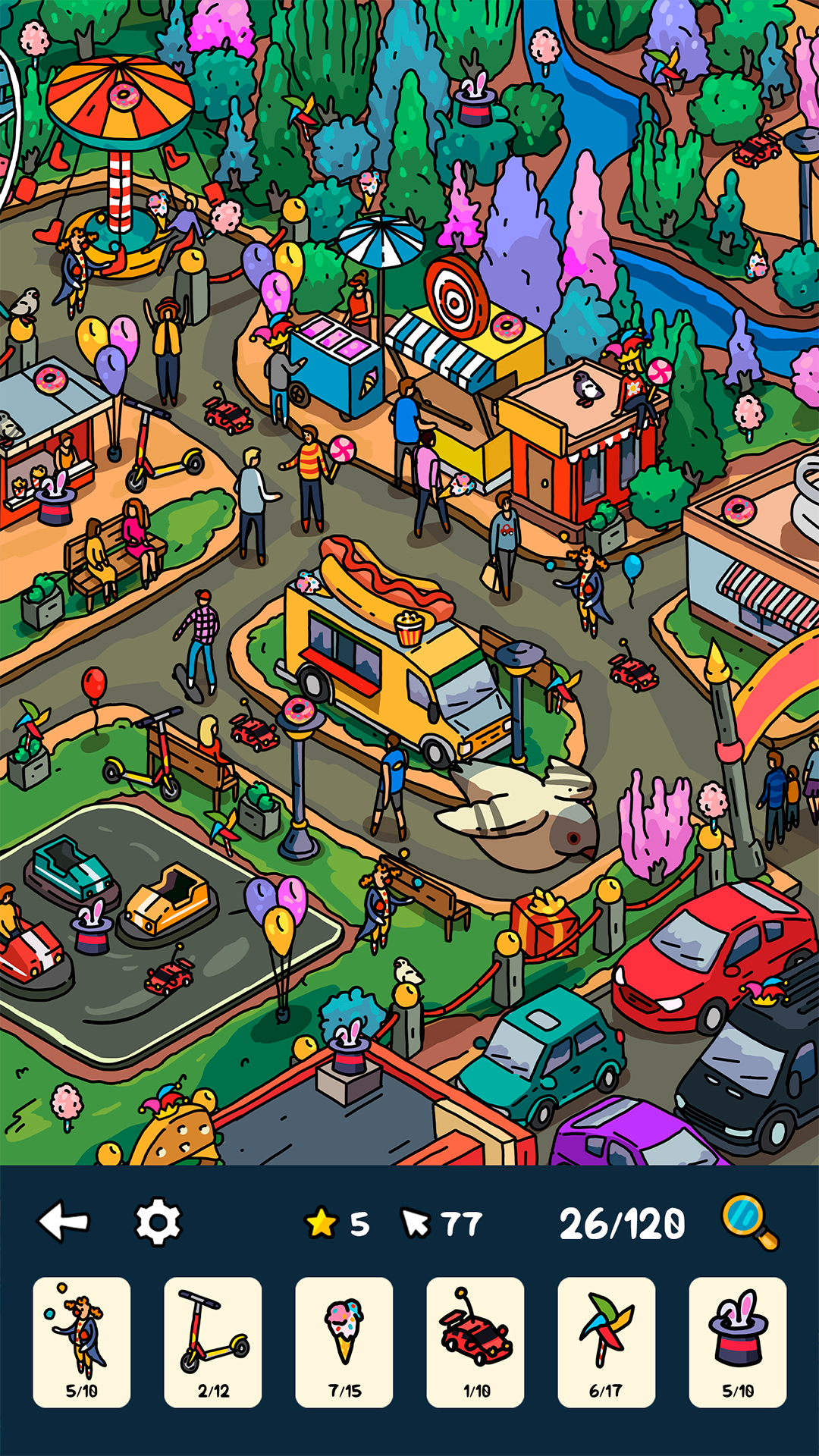
Embark on an exciting journey through beautiful 2D locations, where hundreds of hidden objects and riddles await you! Explore picturesque landscapes, mysterious cities and magical worlds to find all the hidden objects. And in the "Spot the Difference" mode, test your attentiveness by comparing two almost identical pictures!
✔ A giant collection of levels – each with a unique design and atmosphere!
✔ Spot the Difference mode – challenging tasks for real detectives!
✔ Different themes – from ancient civilizations to fantasy worlds!
✔ Relaxing gameplay – perfect for stress relief!
✔ Hints – if the item is too well hidden!
Choose your adventure:
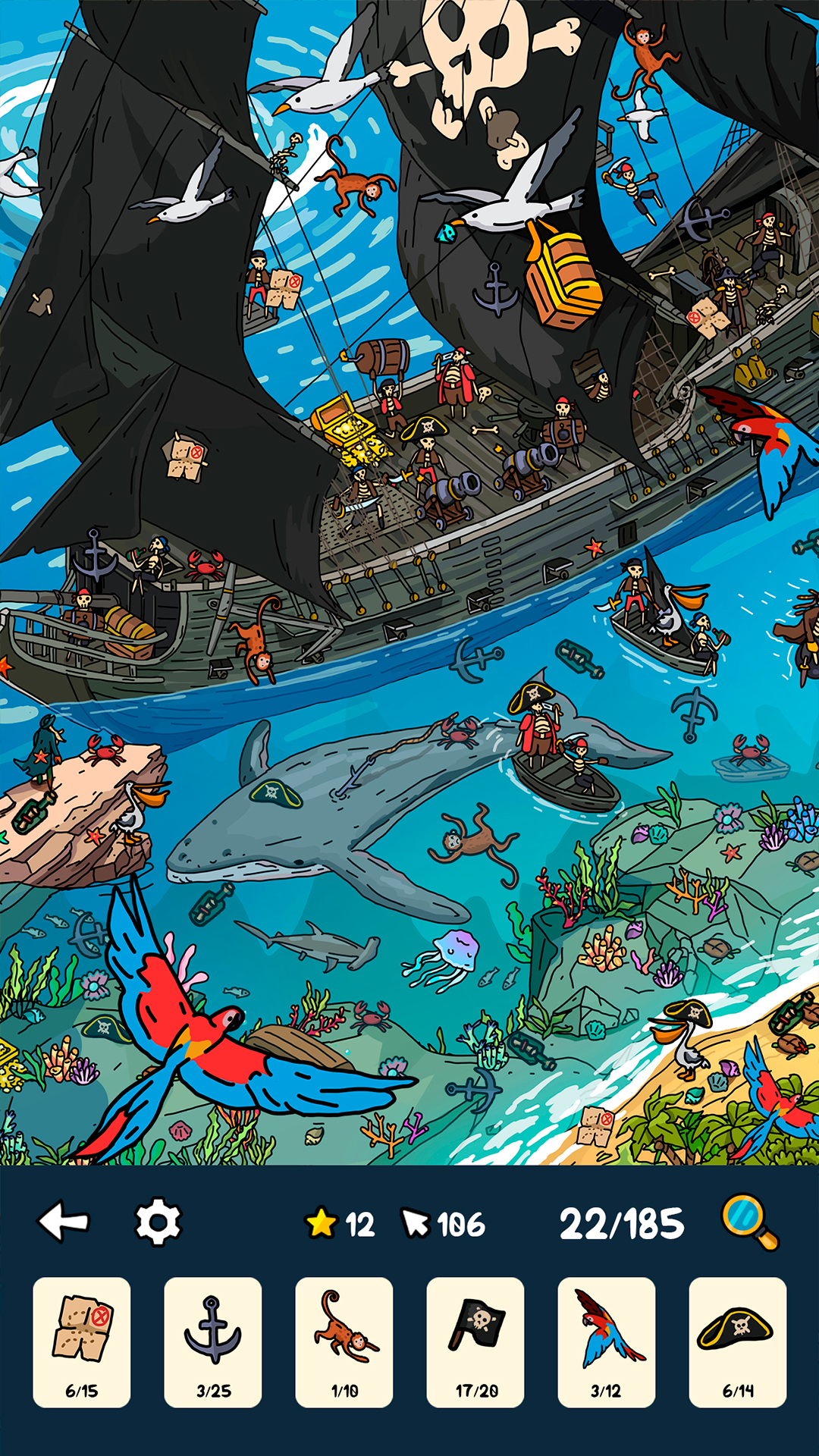
- Lost Treasures of Pirate Island – find ancient artifacts among palm trees and caves.
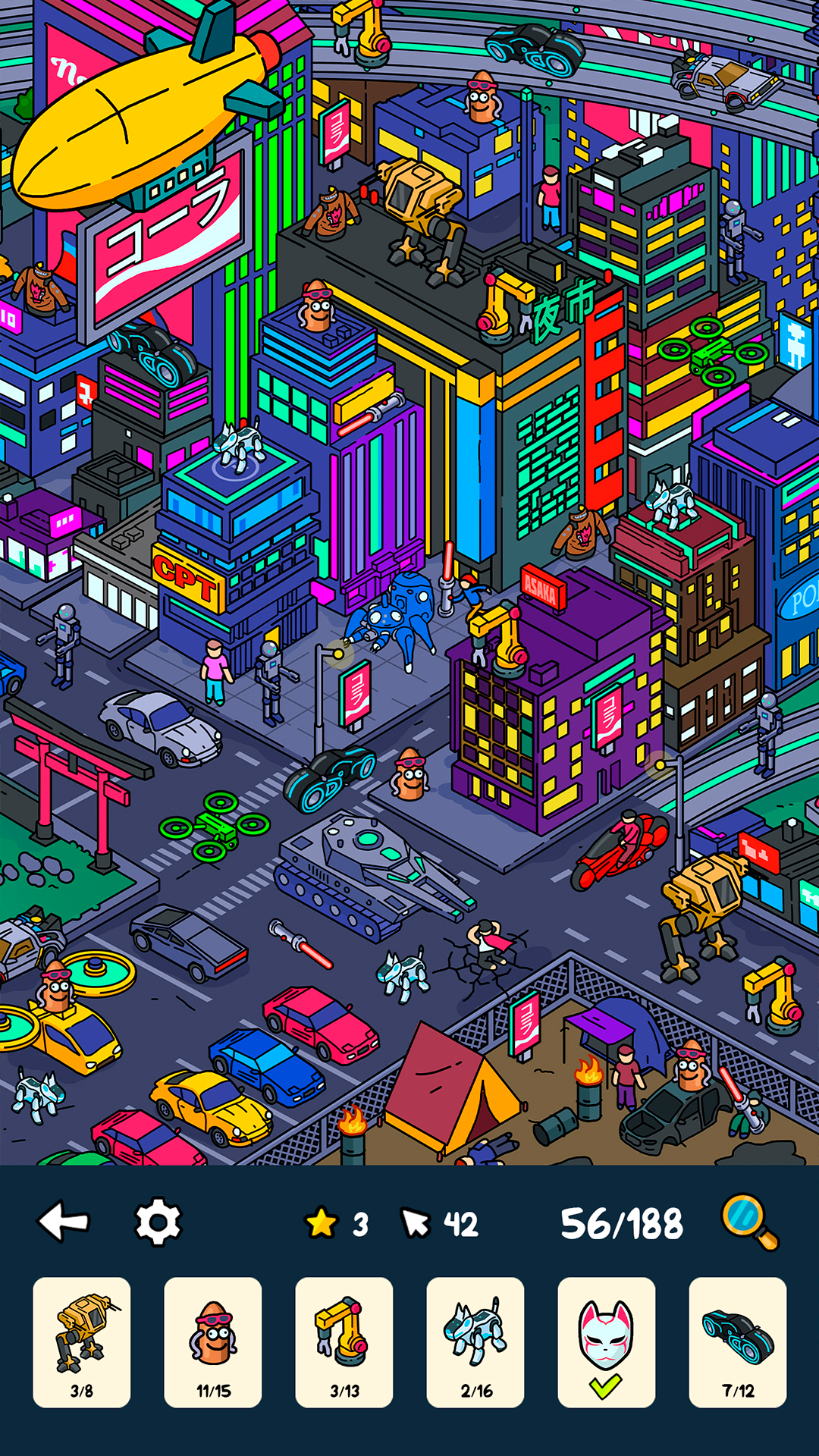
- A detective in a Cyberpunk Japanese city – uncover the secrets of the metropolis by exploring its streets.
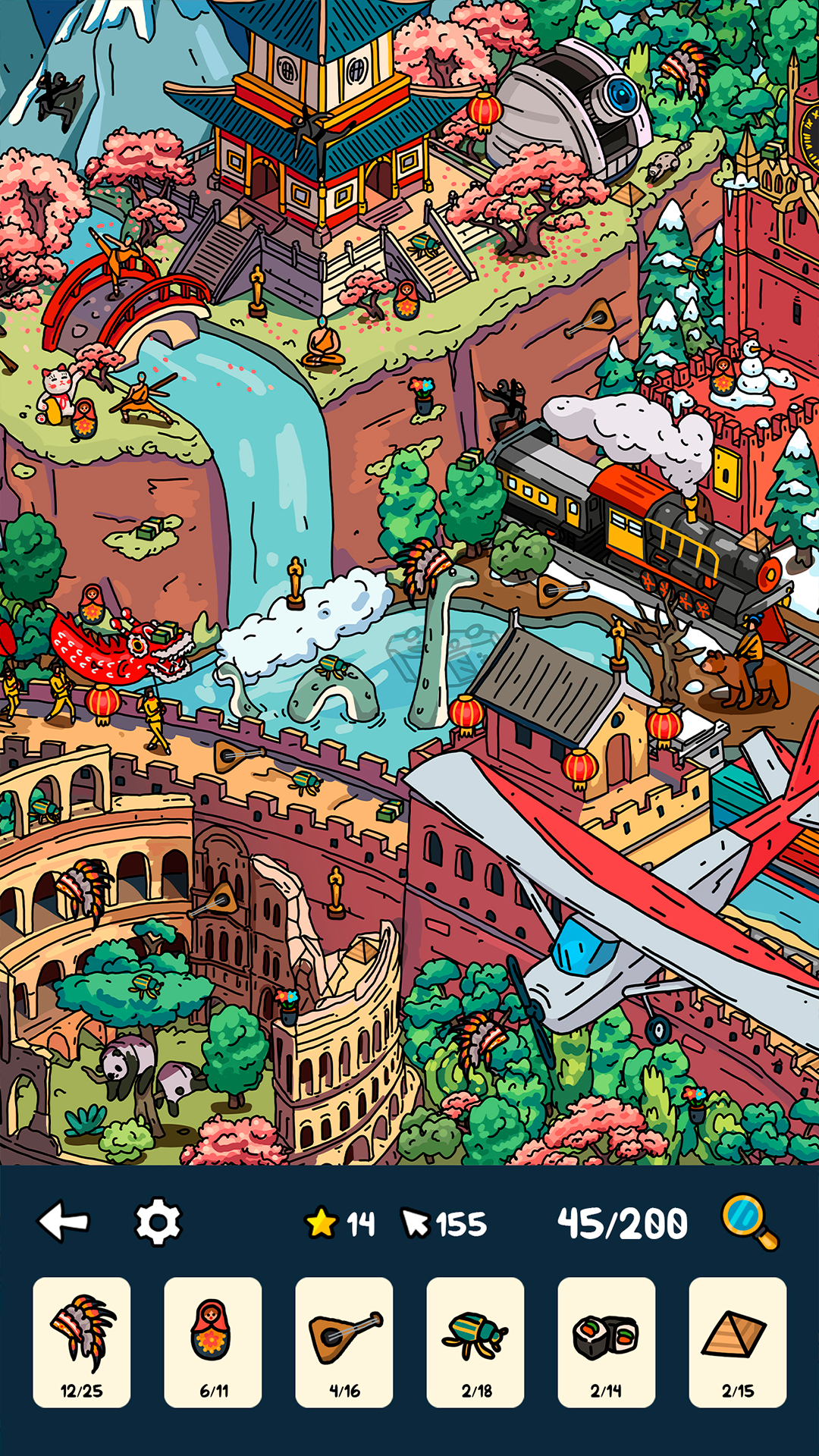
- Take a walk around the main sights of the world and collect souvenirs from all over the world!
Videos and screenshots
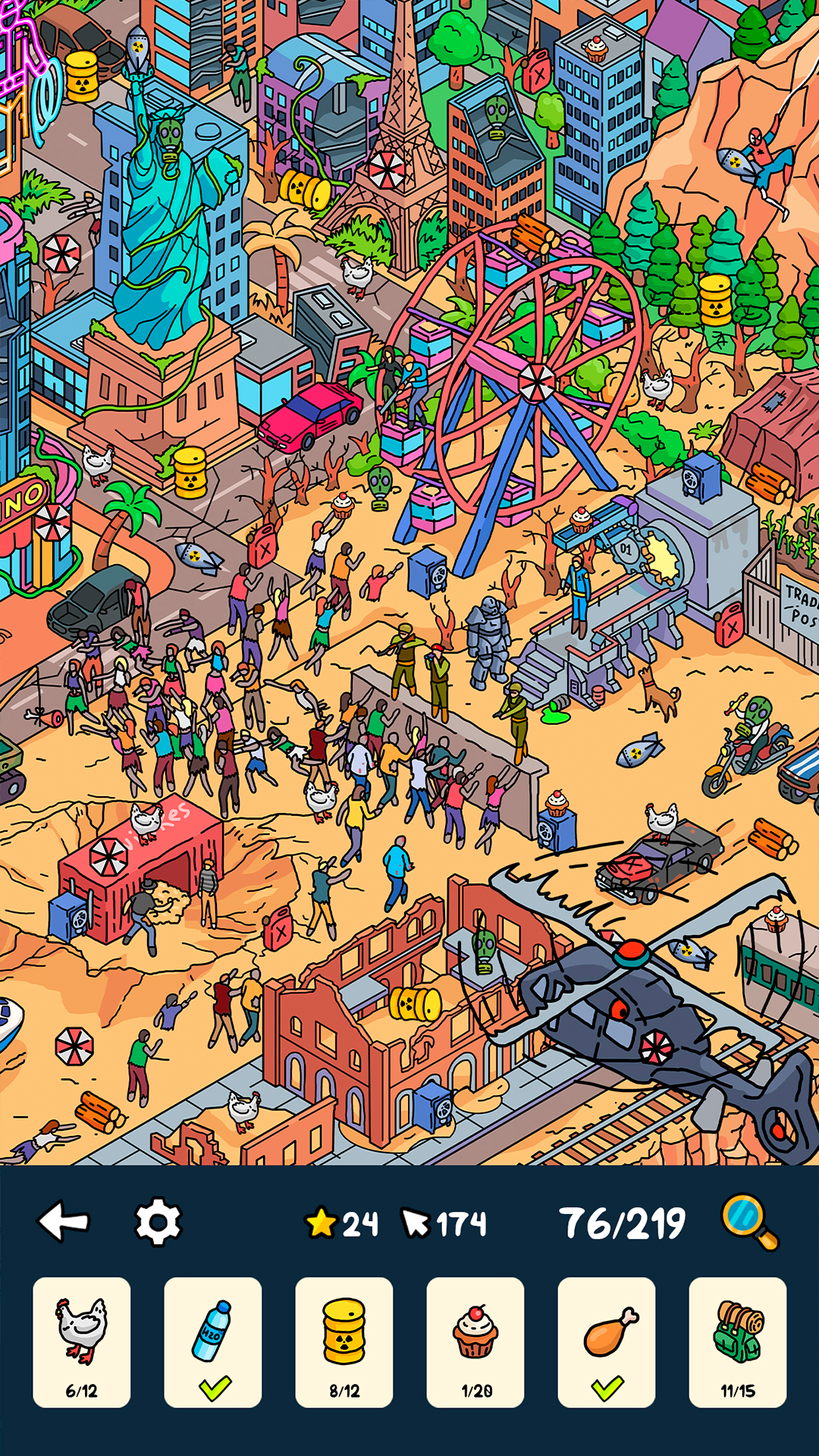
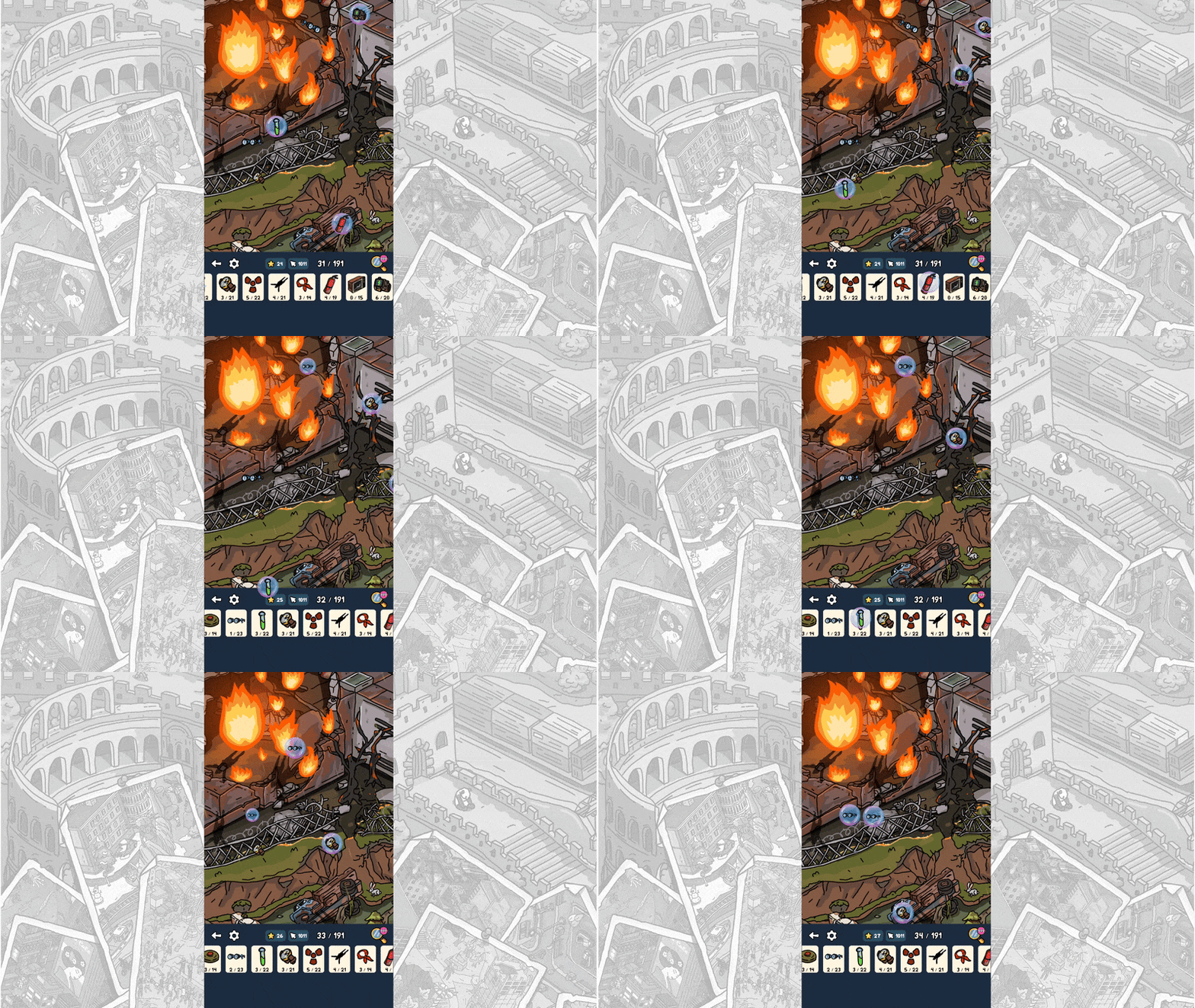
12,414 players online
How to play
-
Open the game
Press Play now and the game opens on its own screen.
-
Follow the in-game instructions
The controls and goals are shown inside the game as you play.
-
Use the game menu
The floating button over the game reloads it, saves it to your favourites, or takes you back out.