Skip to content
KG
Five Nights At Candy's

Five Nights At Candy's

5K plays 4.4 out of 5

Overview

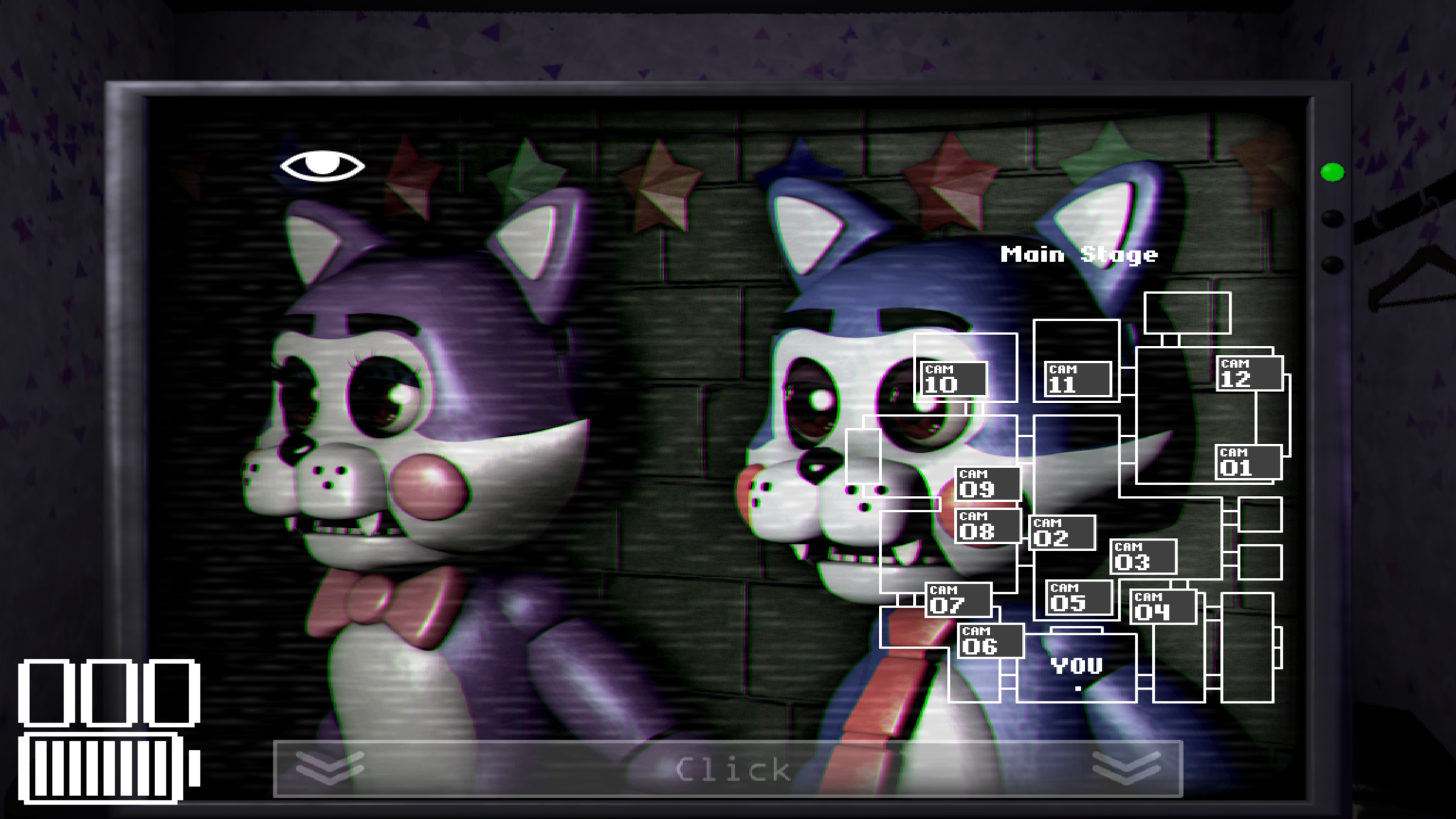
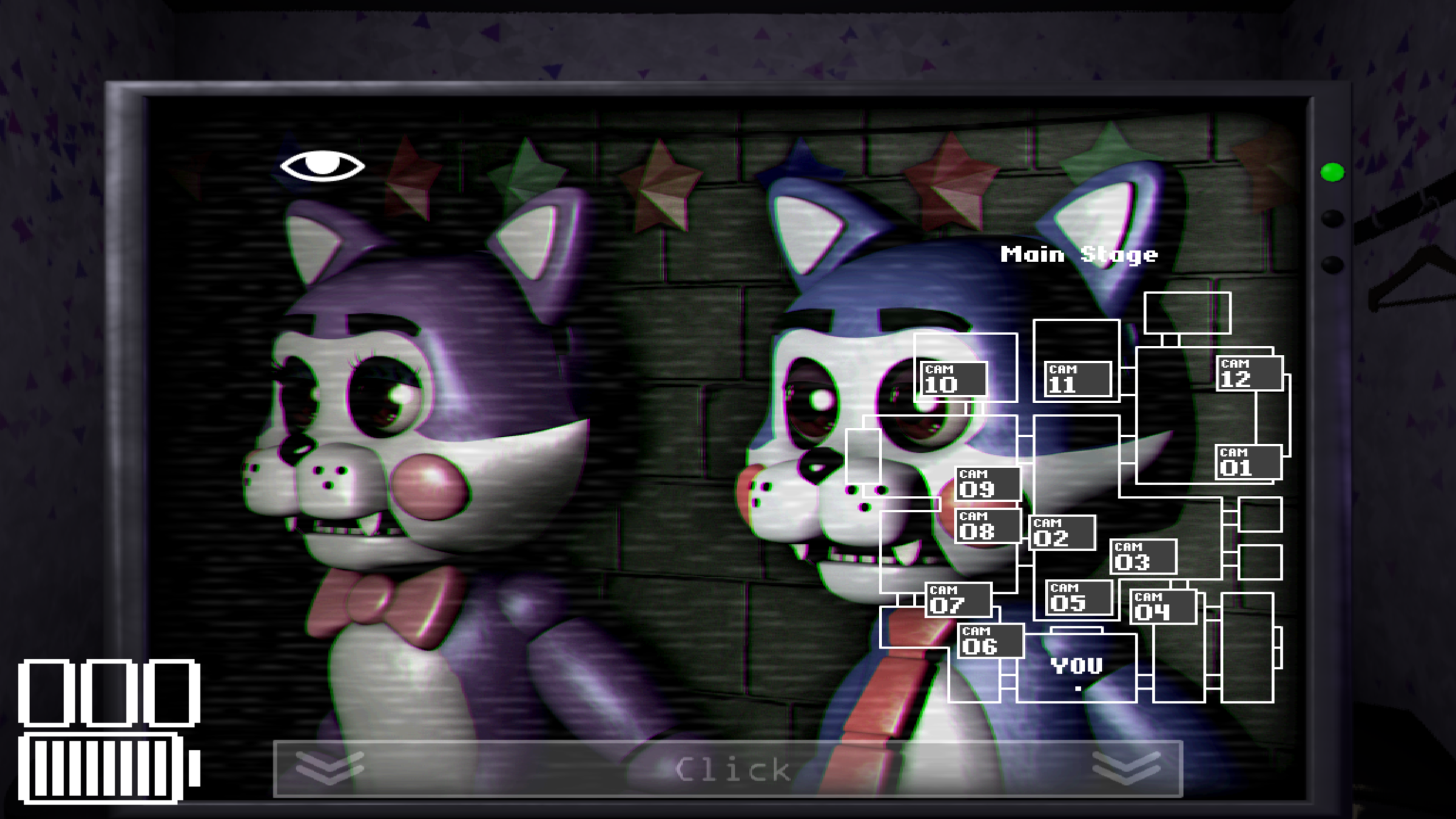
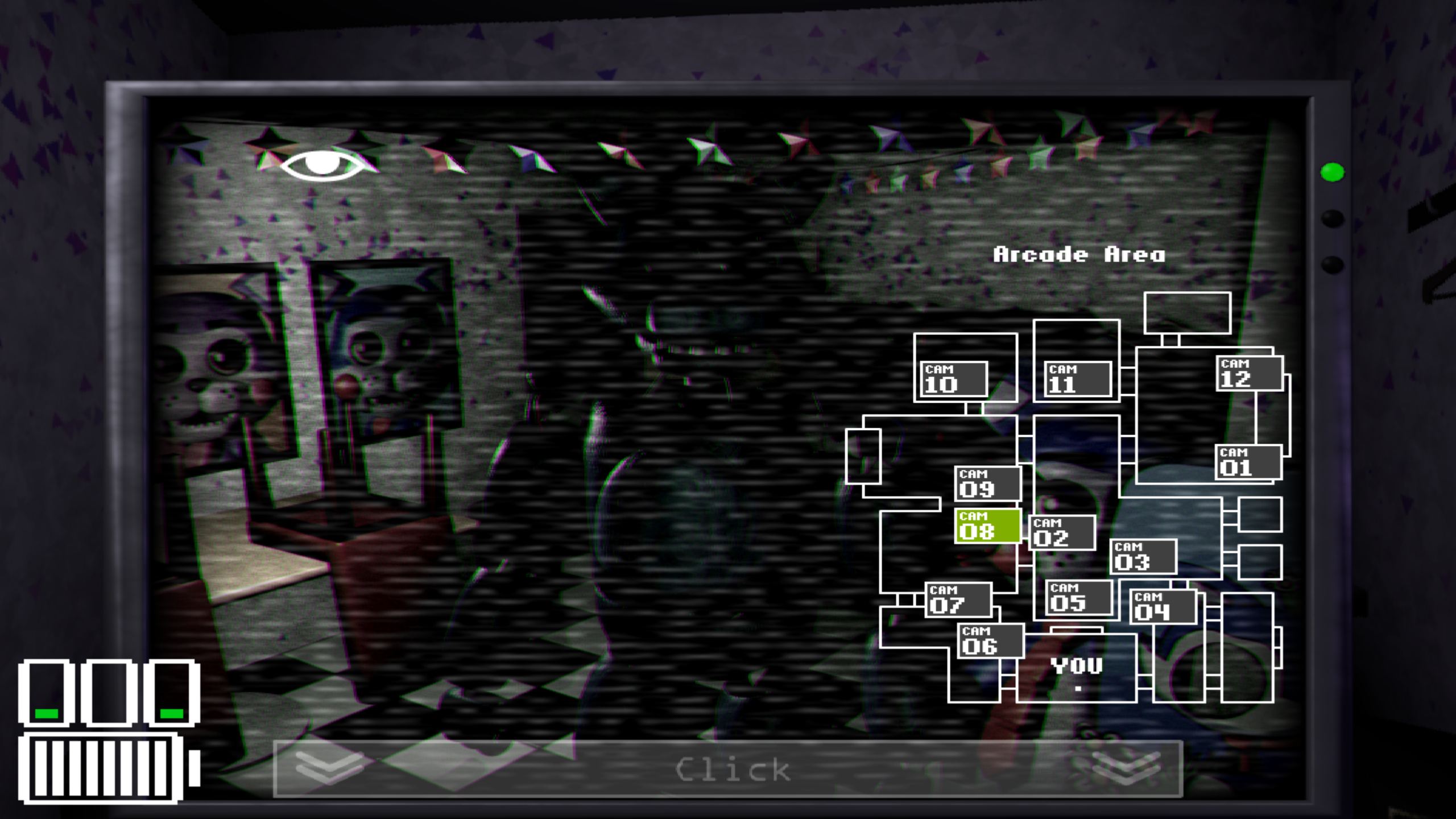
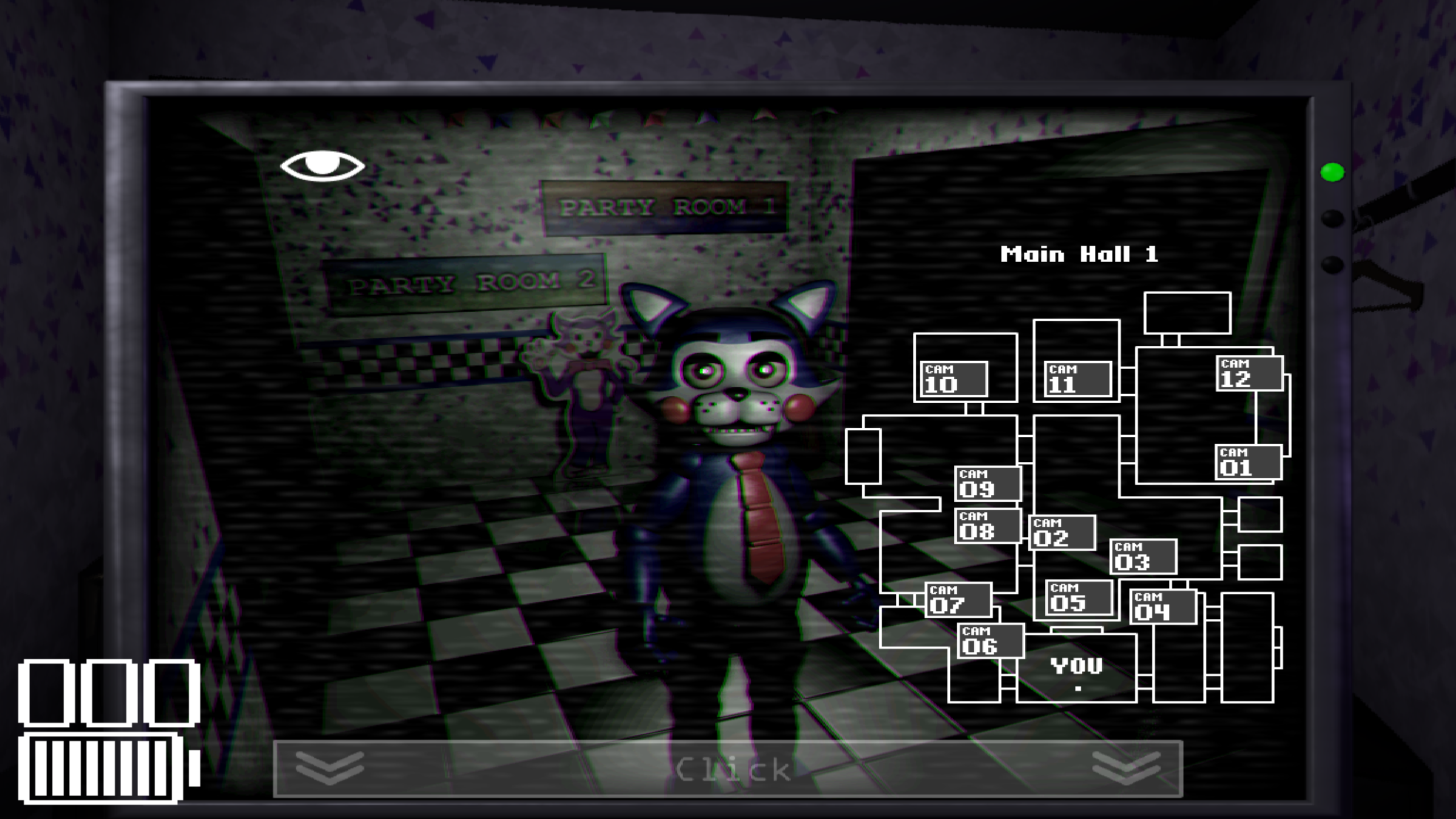
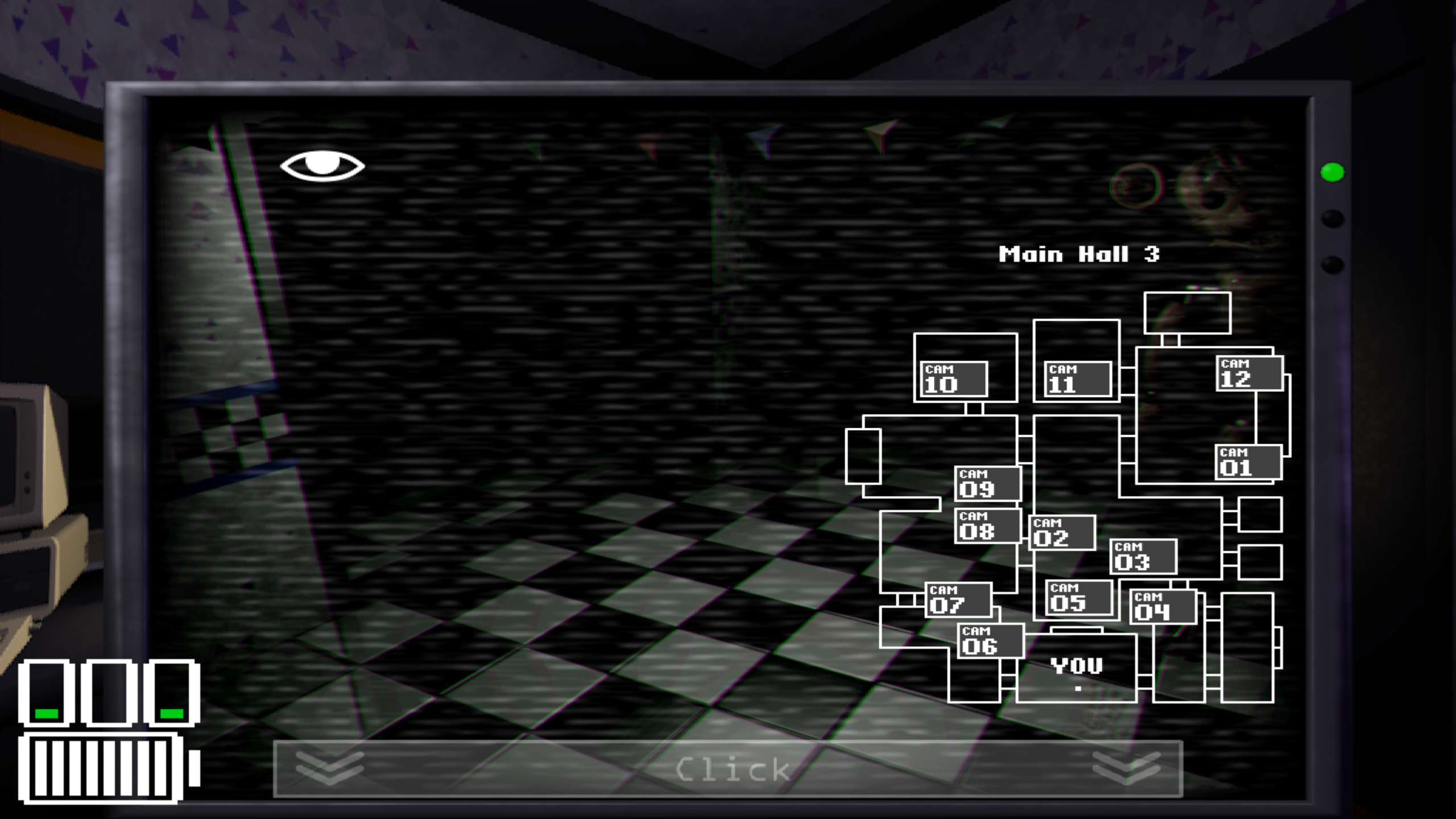
No company is without a rival. Freddy Fazbear's New Pizzeria has closed for good. And so, another restaurant is going to take its place in the world of entertainment. What could go wrong?

Videos and screenshots
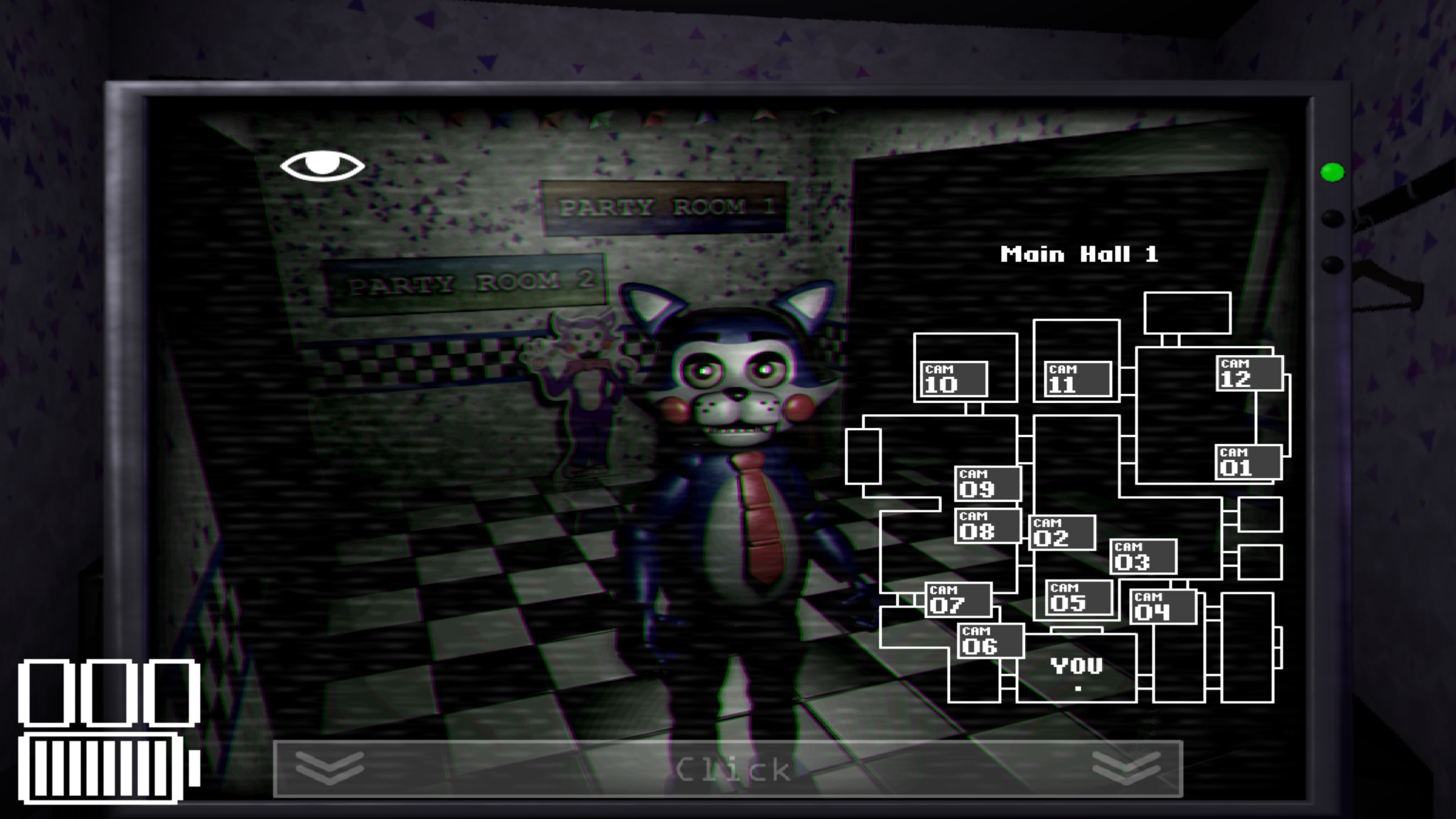
  • Five Nights At Candy's screenshot 1
  • Five Nights At Candy's screenshot 2
  • Five Nights At Candy's screenshot 3
  • Five Nights At Candy's screenshot 4
  • Five Nights At Candy's screenshot 5
  • Five Nights At Candy's screenshot 6
  • Five Nights At Candy's screenshot 7
  • Five Nights At Candy's screenshot 8
Play Now

12,896 players online

How to play

  1. Open the game

    Press Play now and the game opens on its own screen.

  2. Follow the in-game instructions

    The controls and goals are shown inside the game as you play.

  3. Use the game menu

    The floating button over the game reloads it, saves it to your favourites, or takes you back out.

Game instructions

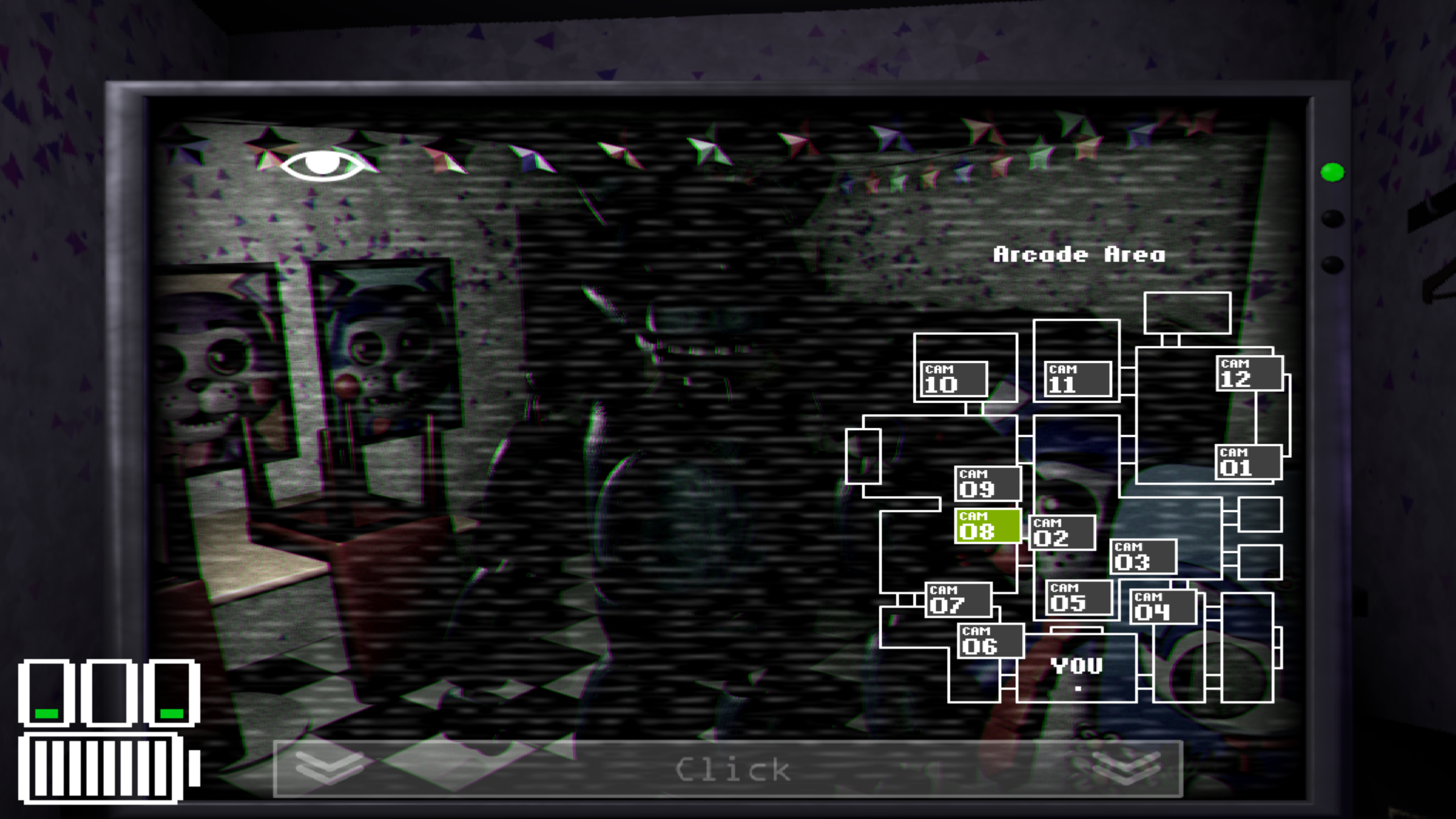
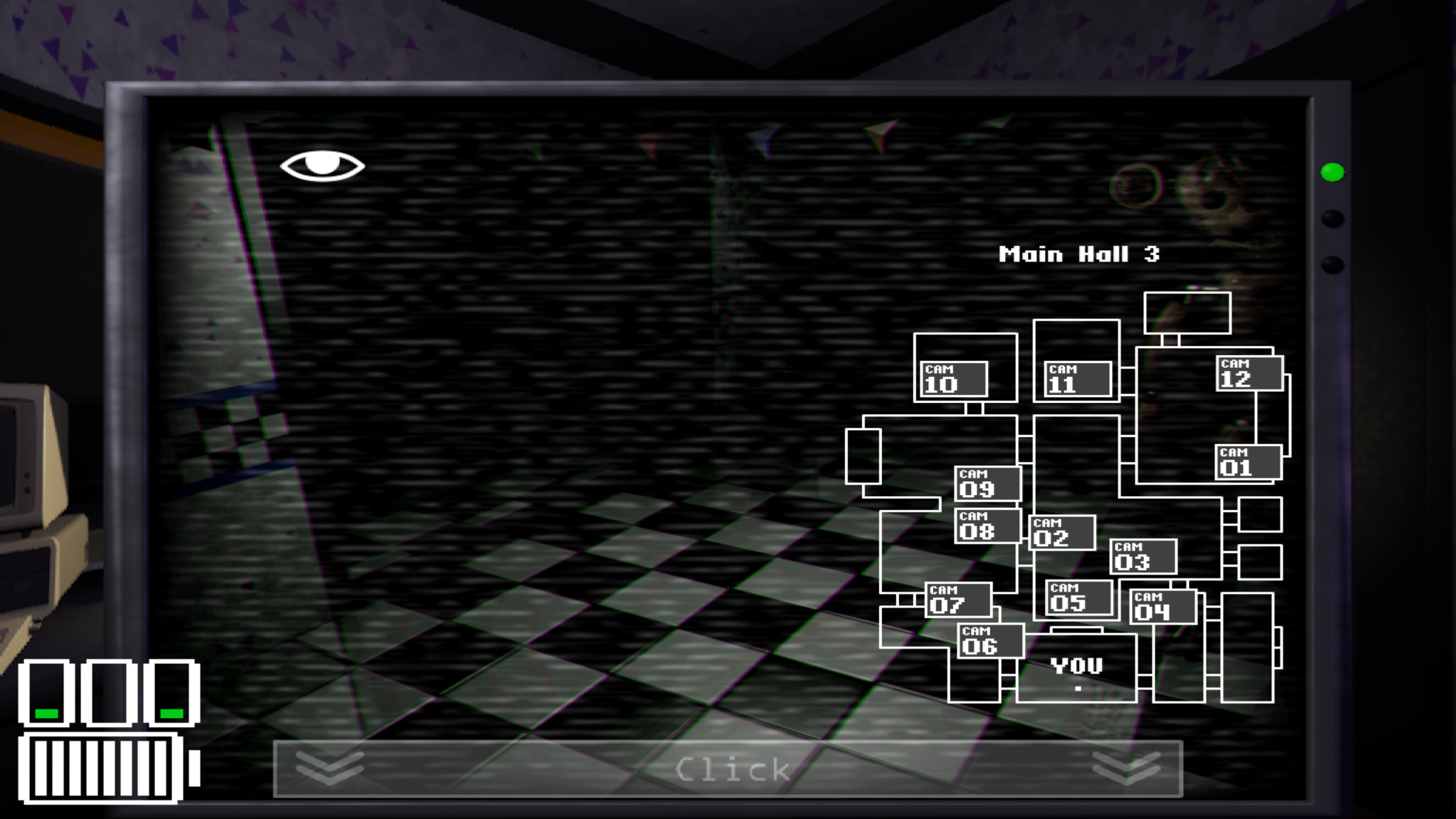
The entire restaurant will be dark at night, so the cameras have Night Vision. To activate Night Vision, just click on a camera to see the camera feed, then click on it again to enable Night Vision. You can switch to other cameras with Night Vision enabled, and click a camera again to disable Night Vision. The cameras CAM-04 and CAM-06 are pointed right at the other side of each of the doors, so use Night Vision to see if anything comes by. The 3 little "mini batteries" above the Power Meter are for each of the 3 doors in your office. When a door is closed, the mini-power-meter of that door will start to fill up. The mini-power-meters show how much power a door uses, and the longer a door is closed, the more power will be drained!

More games

More games