Overview
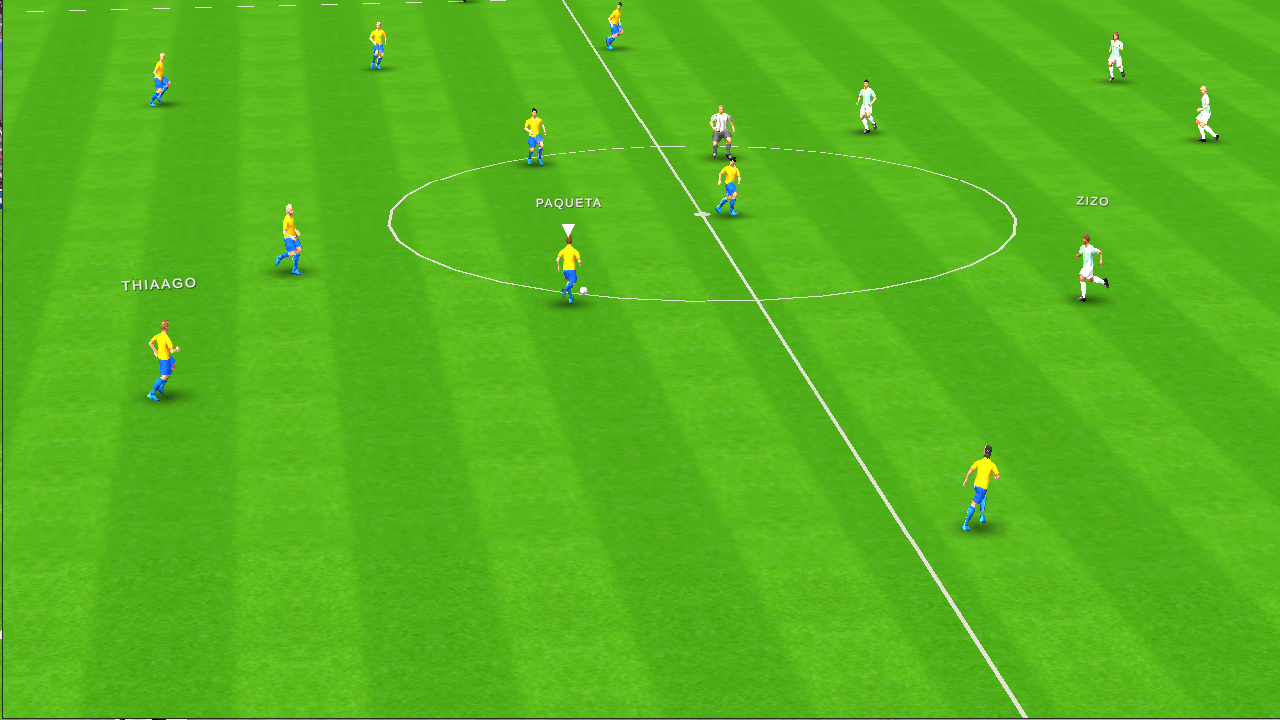
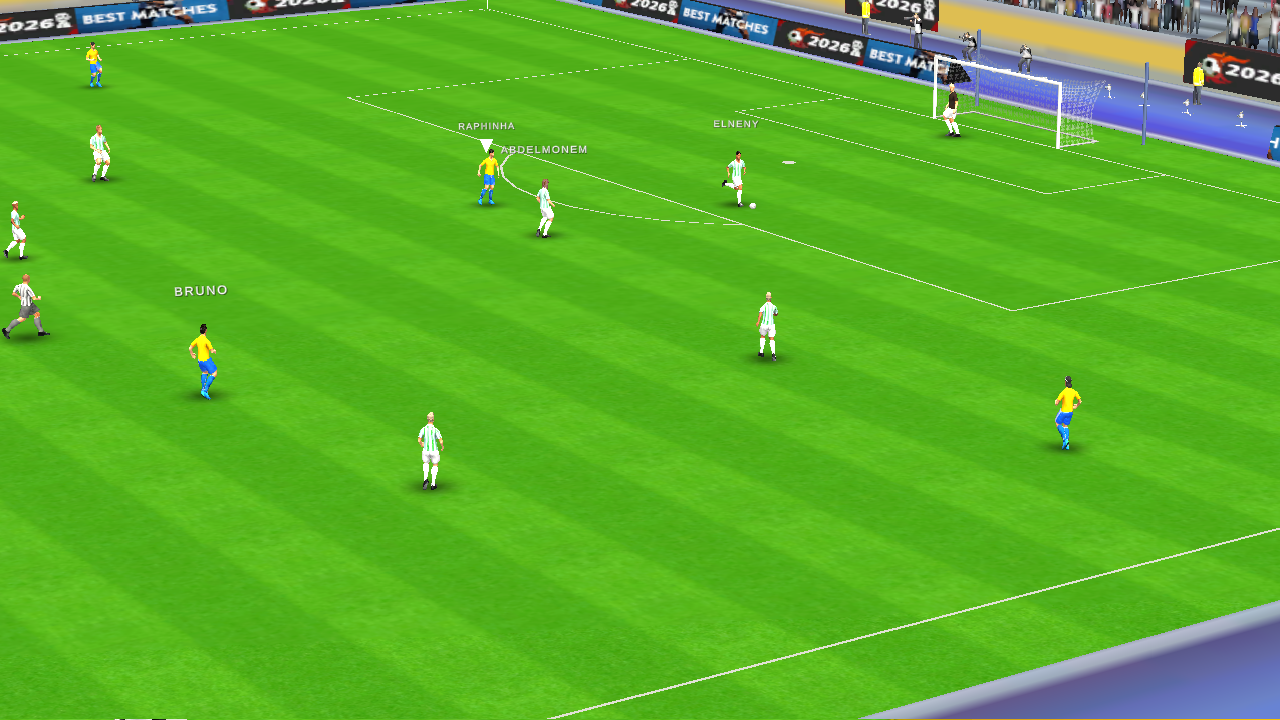
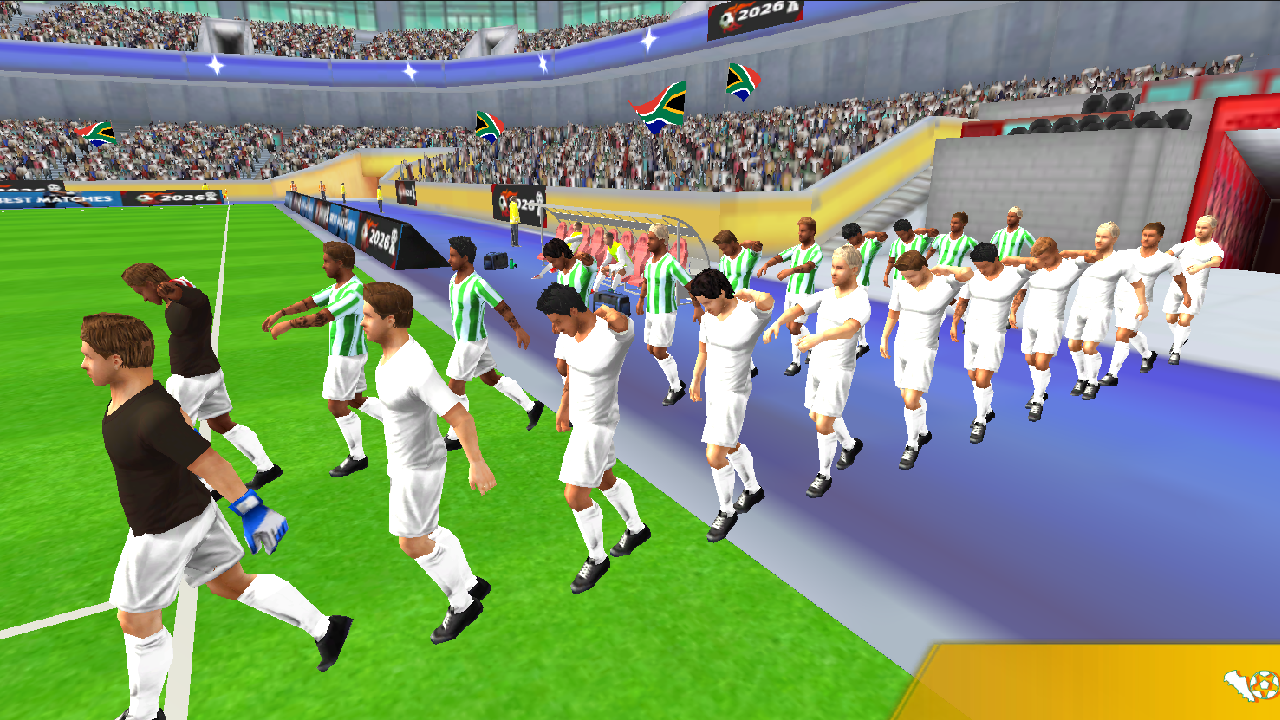
Experience the atmosphere of big football on your device. The project offers deep gameplay with advanced tactics and intelligent opponent behavior. Choose from dozens of national teams, participate in championships and friendly matches.
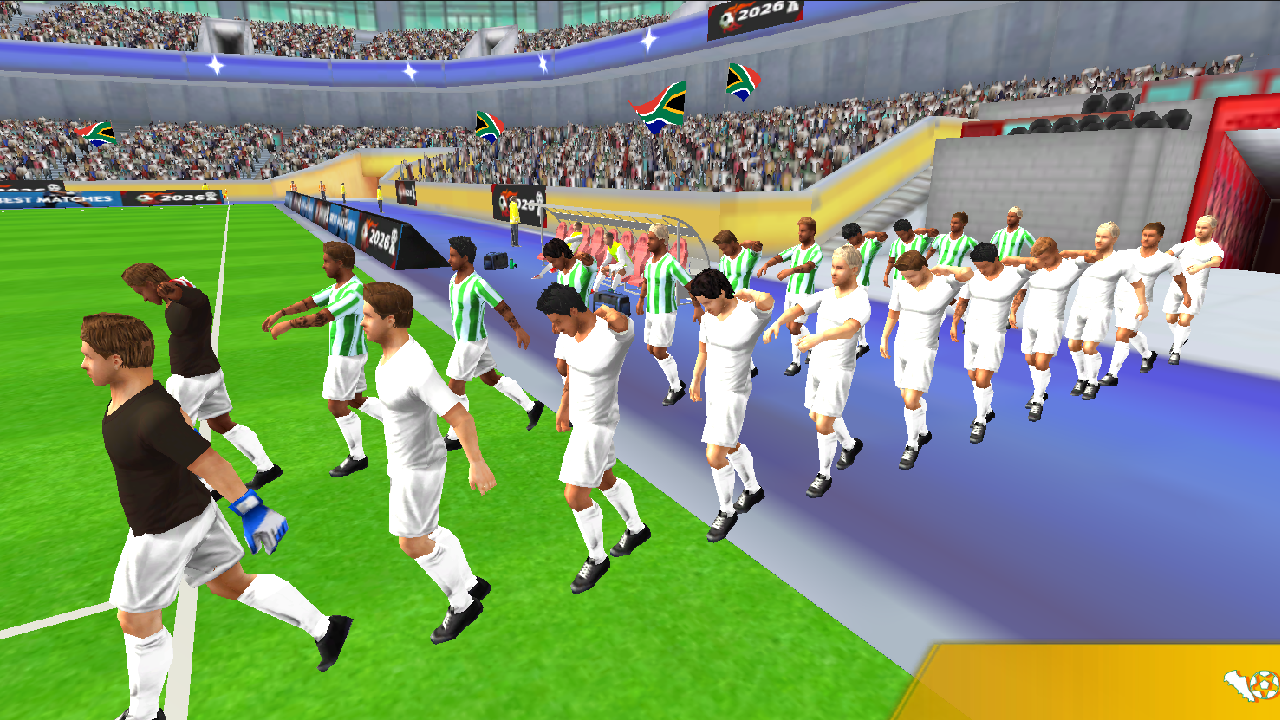
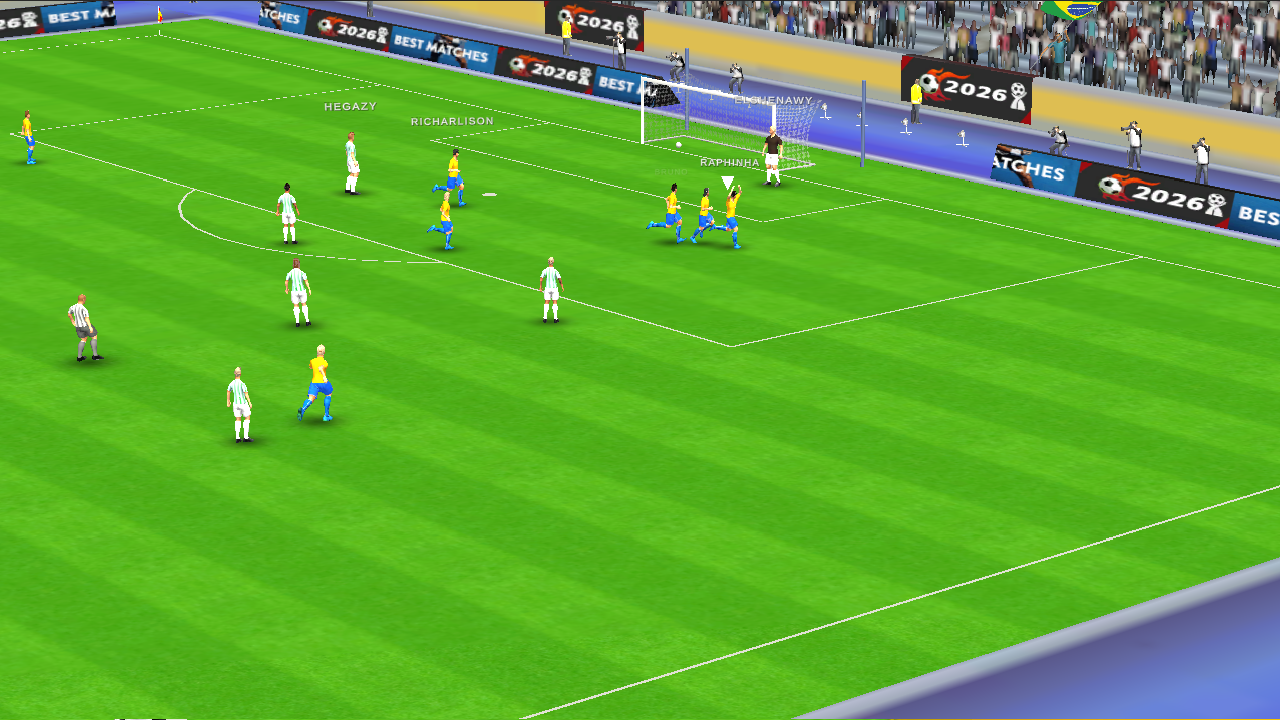
Each team has unique characteristics that affect their playing style. Career mode allows you to lead your national team to worldwide recognition. Realistic player models, shot animations and goal celebrations immerse you in the gameplay.
Adjust difficulty level from Amateur to Legendary. Change graphics quality, camera type and controls to your preference. The game features a pause menu with options to adjust camera settings, graphics quality and sound.
Face opponents that adapt to your actions on the field. Progress from the group stage to the tournament final. Win the main trophy and prove that your team is the best.
Videos and screenshots
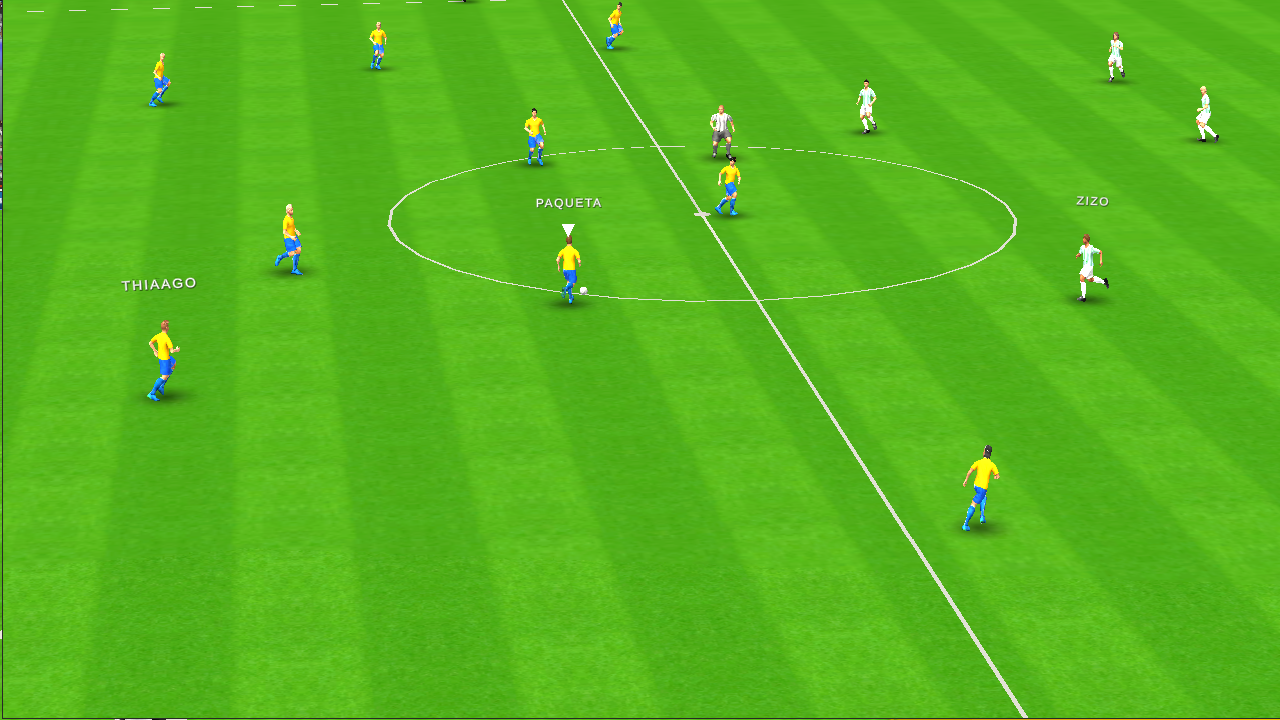
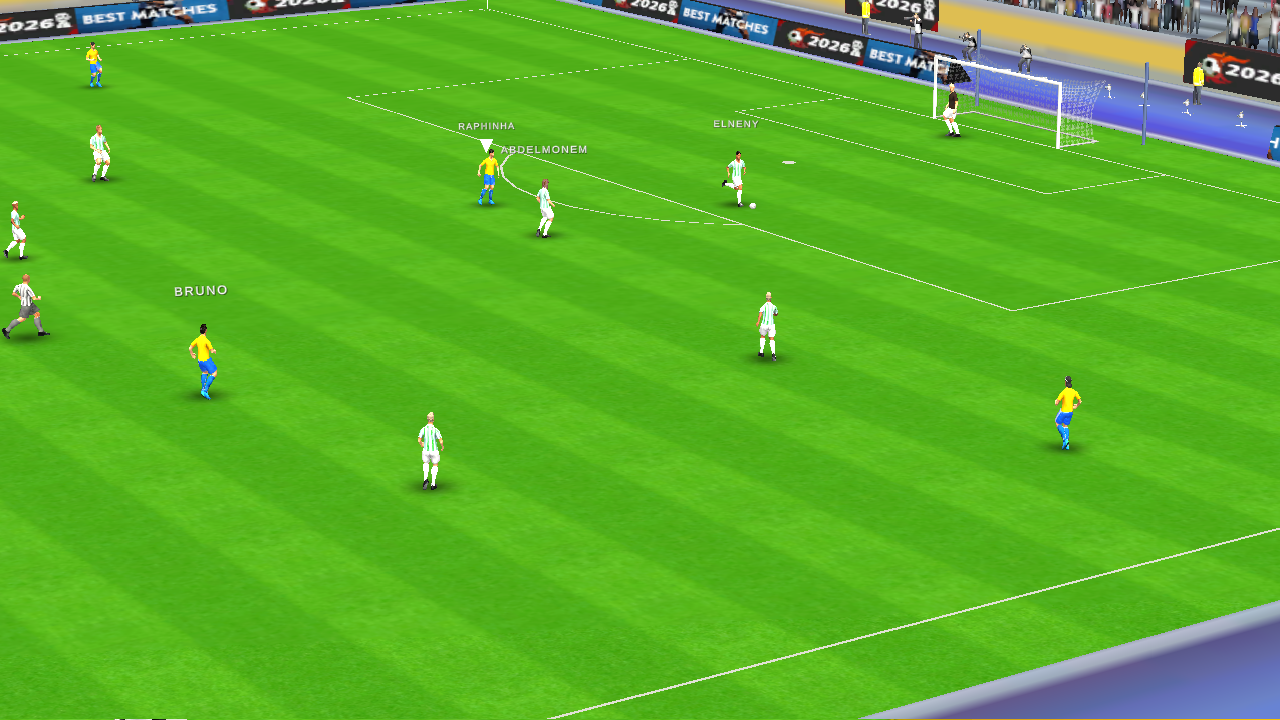
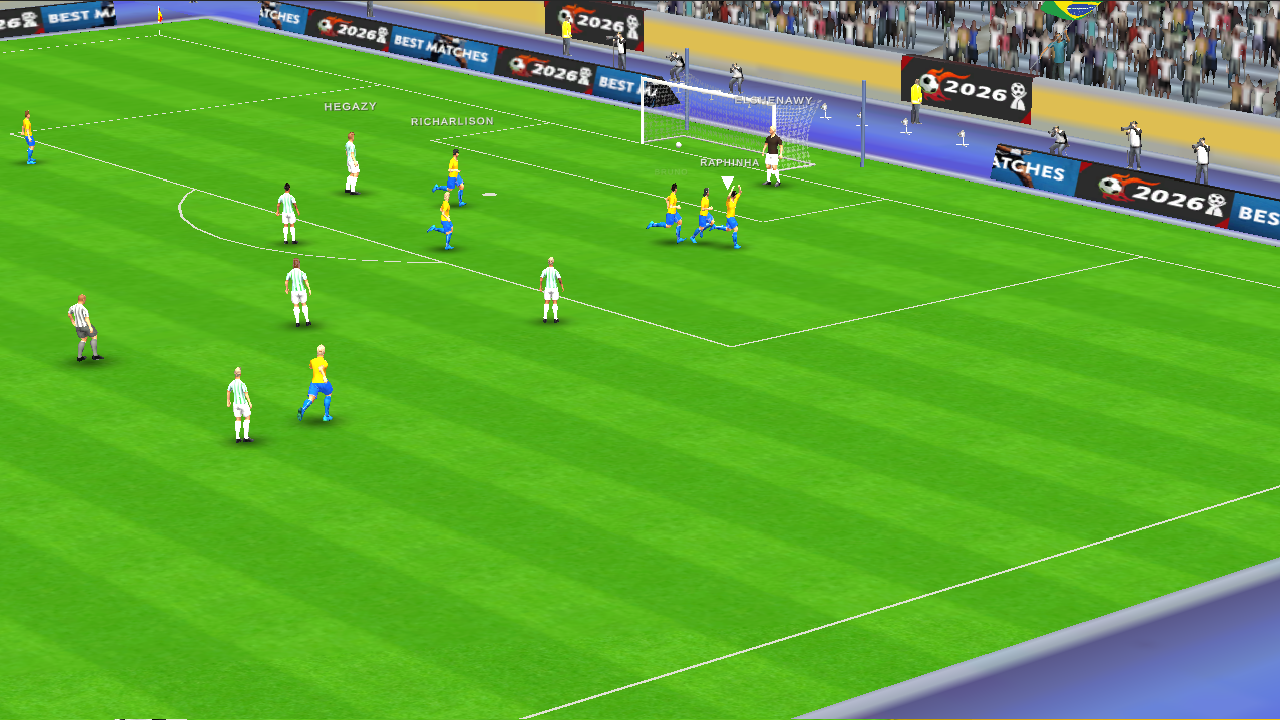
14,211 players online
How to play
-
Open the game
Press Play now and the game opens on its own screen.
-
Follow the in-game instructions
The controls and goals are shown inside the game as you play.
-
Use the game menu
The floating button over the game reloads it, saves it to your favourites, or takes you back out.