Overview
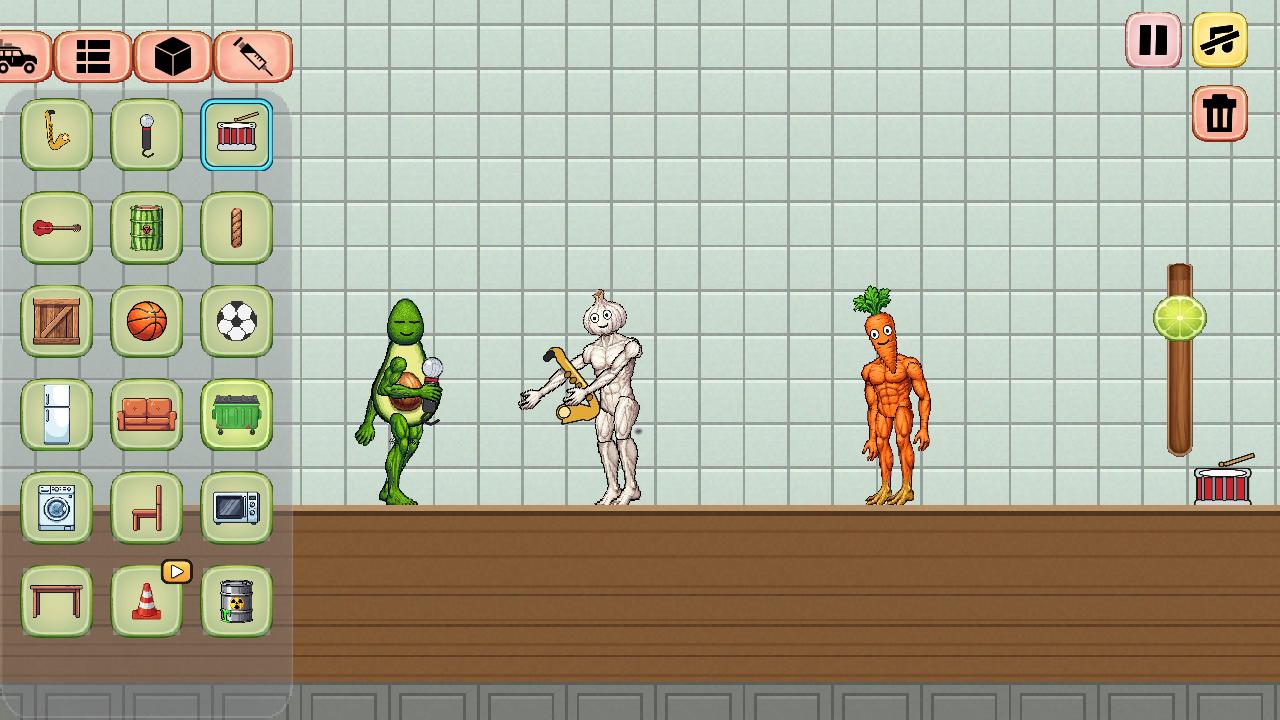
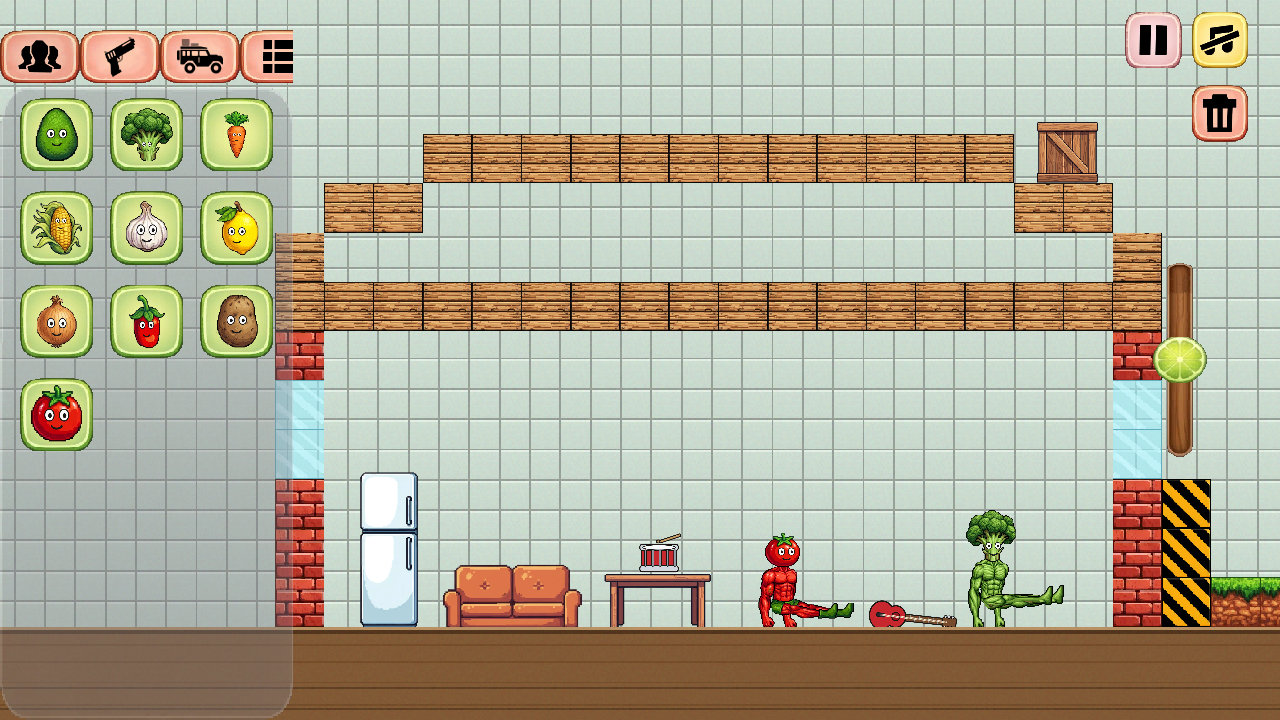
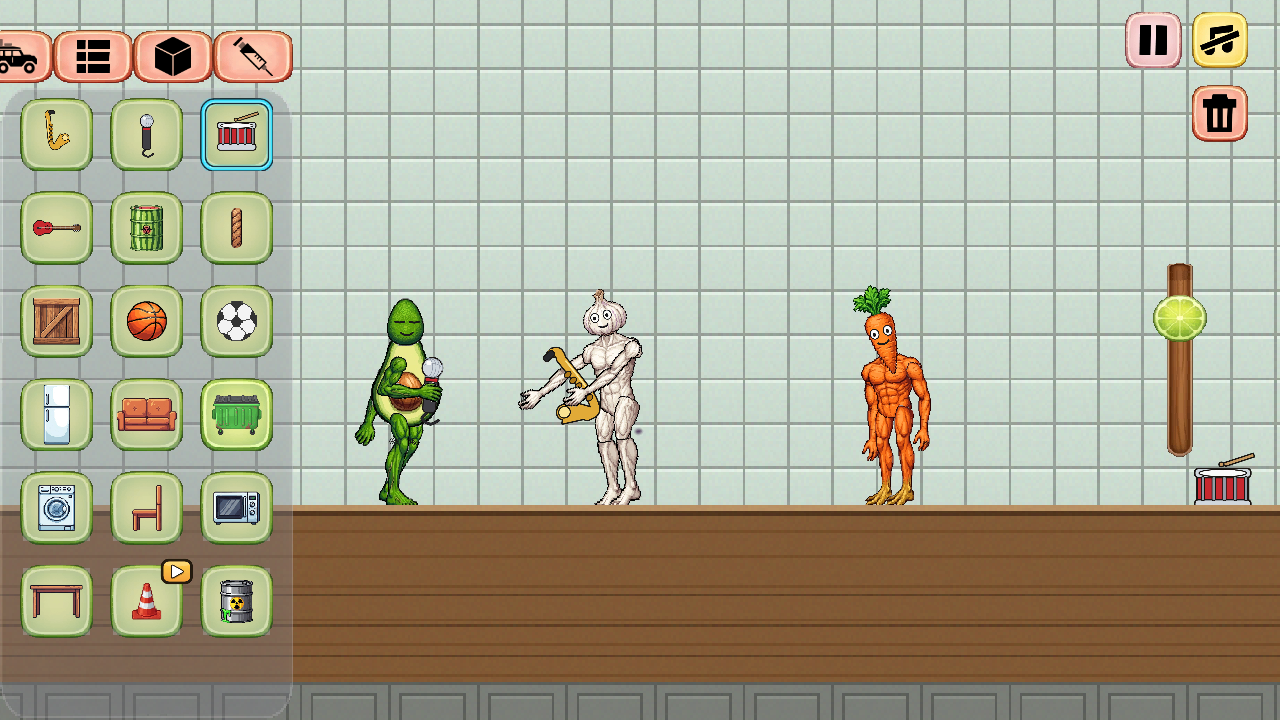
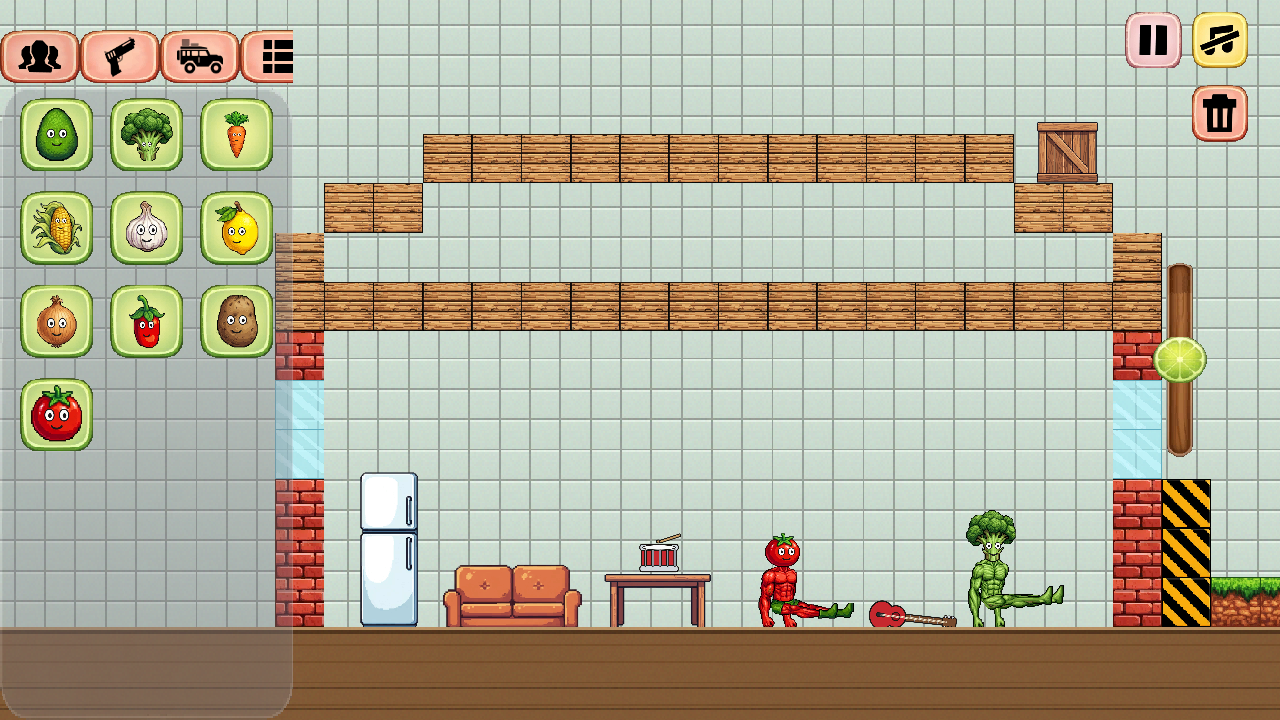
The world is populated by amusing vegetables, each with its own personality. Root vegetables don't get along with nightshades, a tomato can't even coexist with its own kin, and everyone steers clear of the onion. Leave them be, and they’ll go about their business: building a hut, chopping down a tree, chatting, or strumming a guitar.
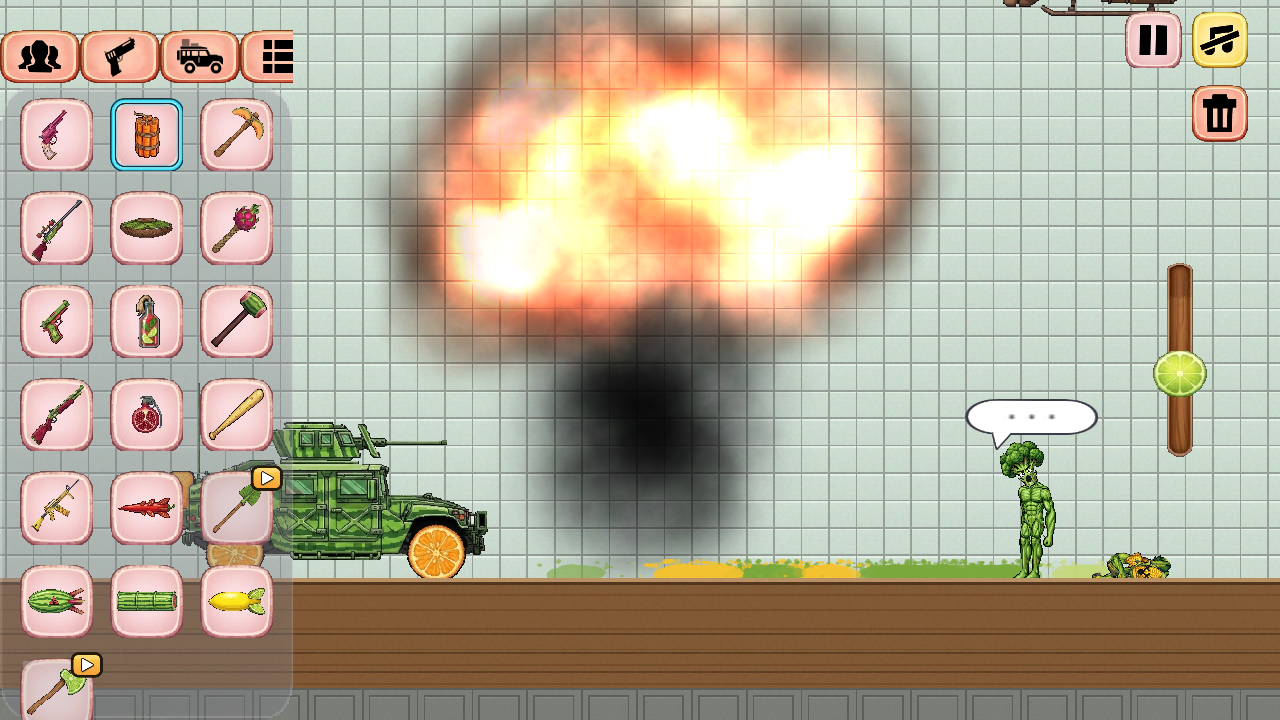
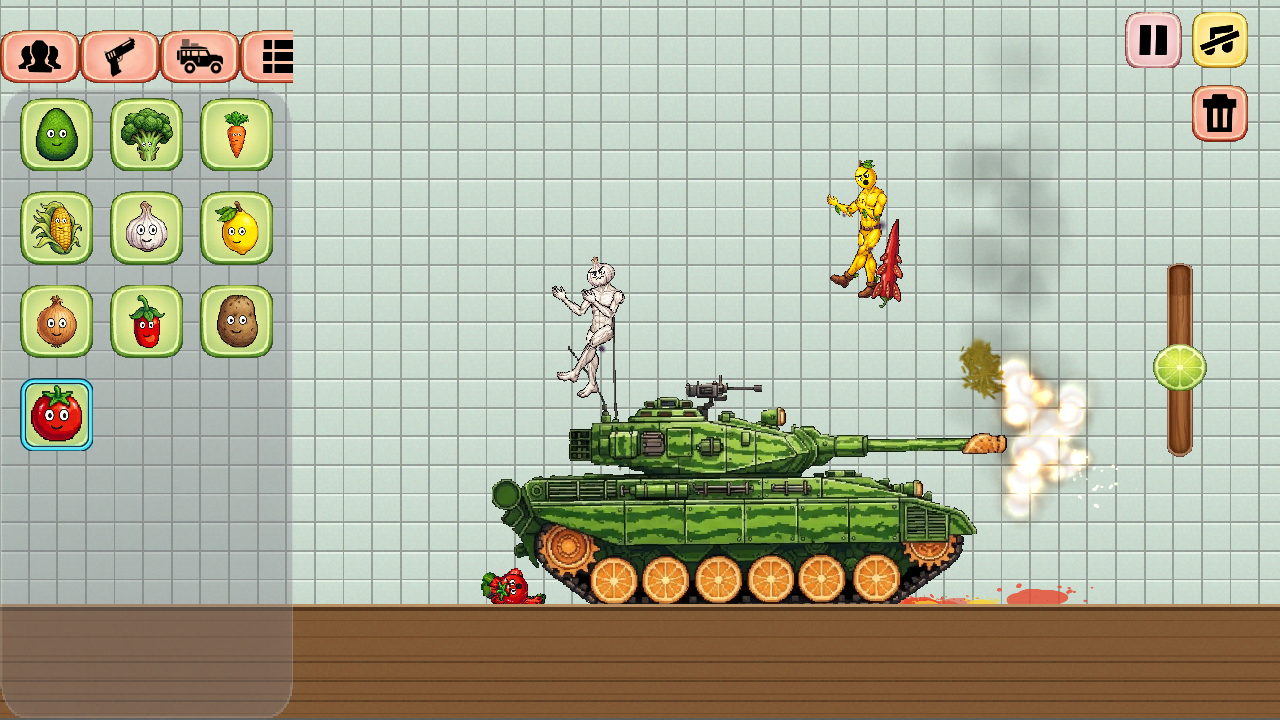
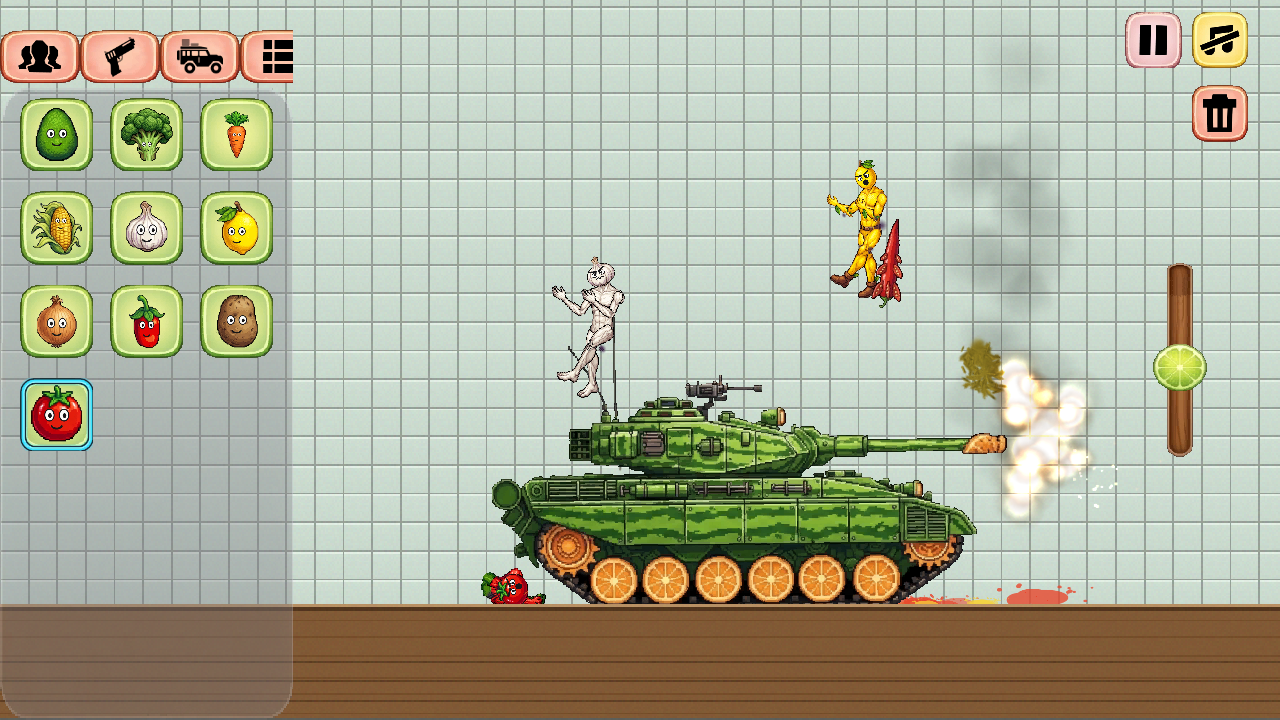
Or, you can intervene. Hand out axes, bats, and assault rifles—the vegetables will pick them up and put them to use. Put them behind the controls of a tank, helicopter, or flying saucer; the vehicle fights for whoever is inside. Or grab a syringe—two dozen different serums can turn a vegetable into a berserker, a coward, a zombie, or a living magnet; put them to sleep, set them on fire, freeze them, or even revive the fallen.
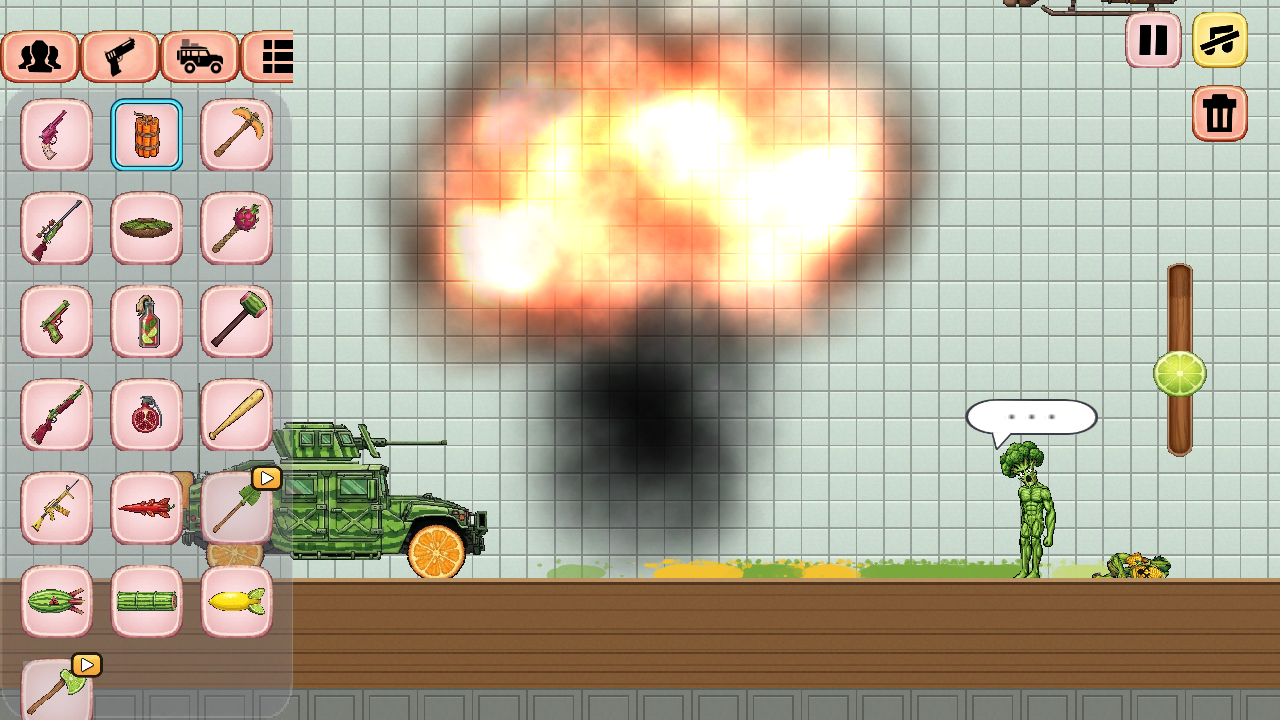
Build with blocks and smash what you’ve created using dynamite, a rocket, or a nuclear bomb. Grab any character, move them around, toss them, and see what happens.
Videos and screenshots
11,906 players online
How to play
-
Open the game
Press Play now and the game opens on its own screen.
-
Follow the in-game instructions
The controls and goals are shown inside the game as you play.
-
Use the game menu
The floating button over the game reloads it, saves it to your favourites, or takes you back out.