Skip to content
KG
Gamesberg

Gamesberg

98K plays 4.9 out of 5

Overview

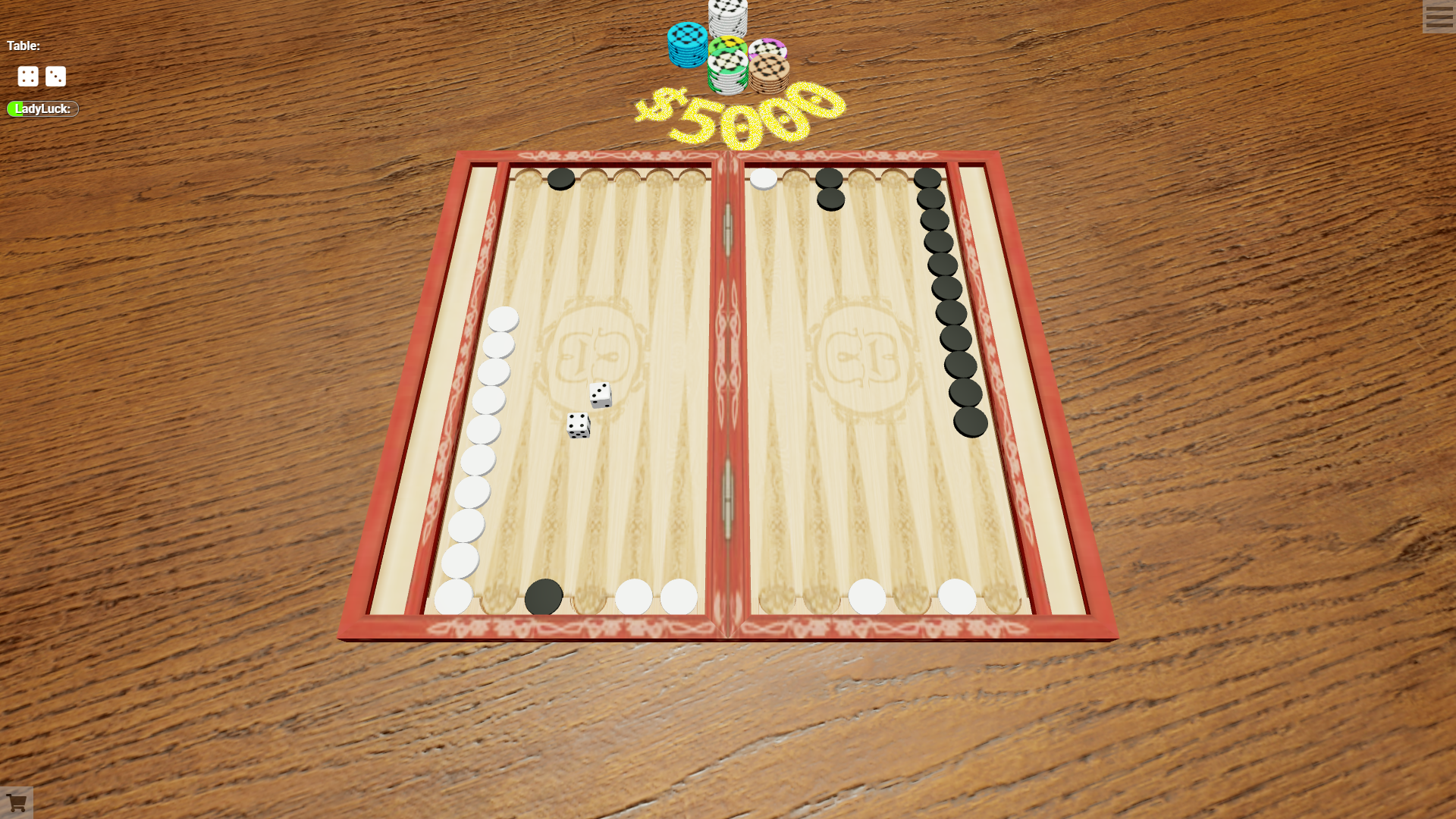
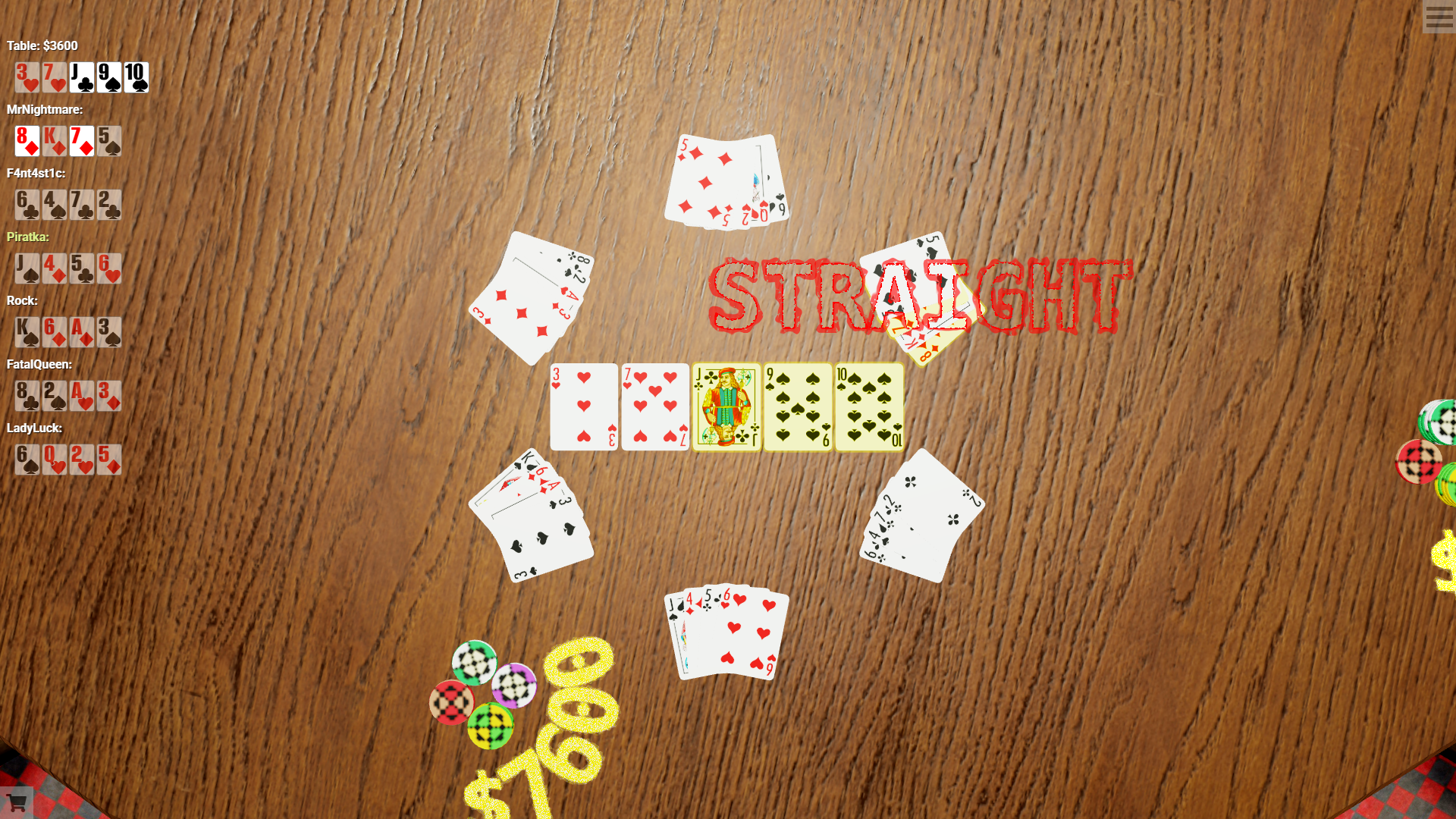
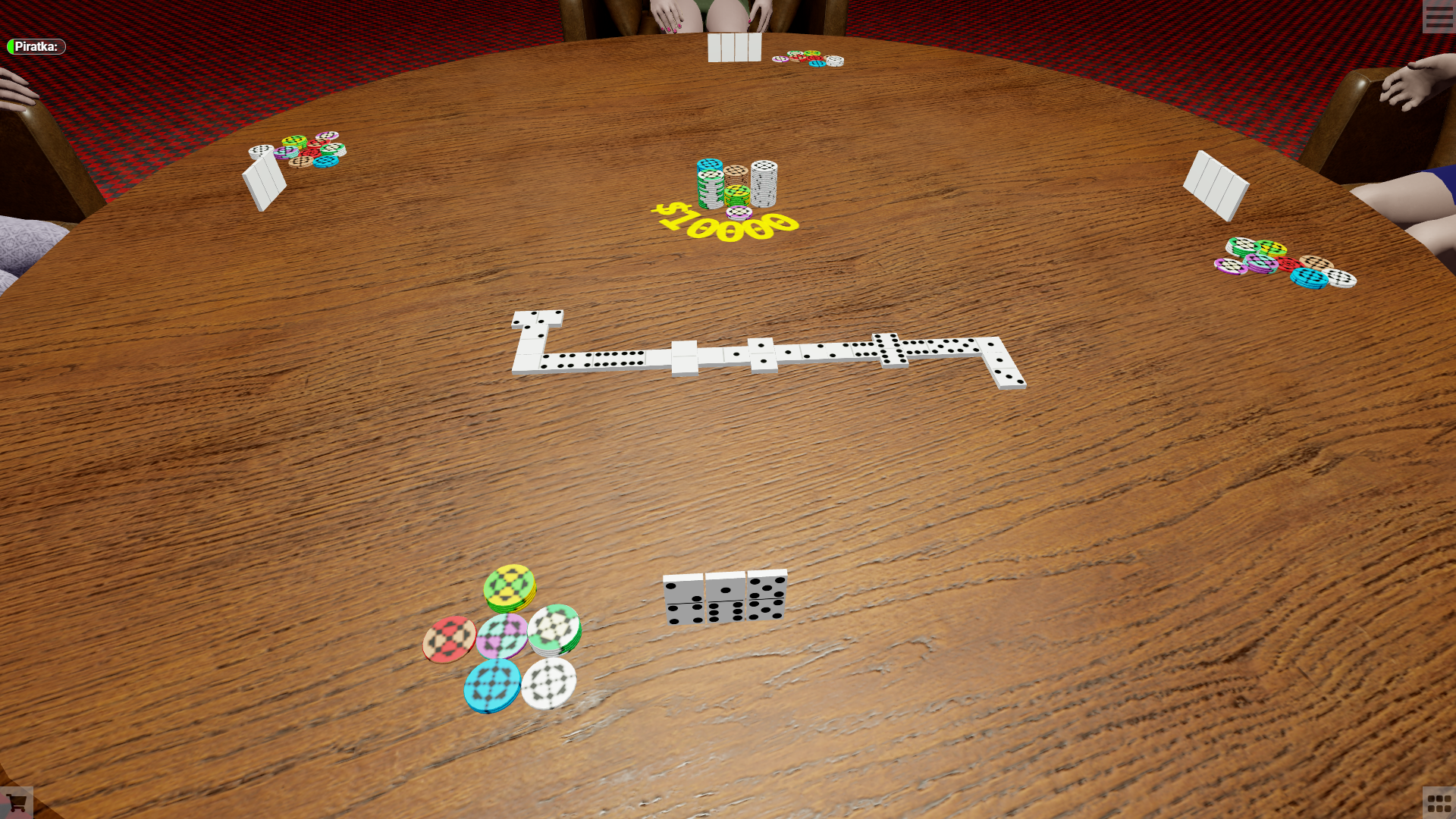
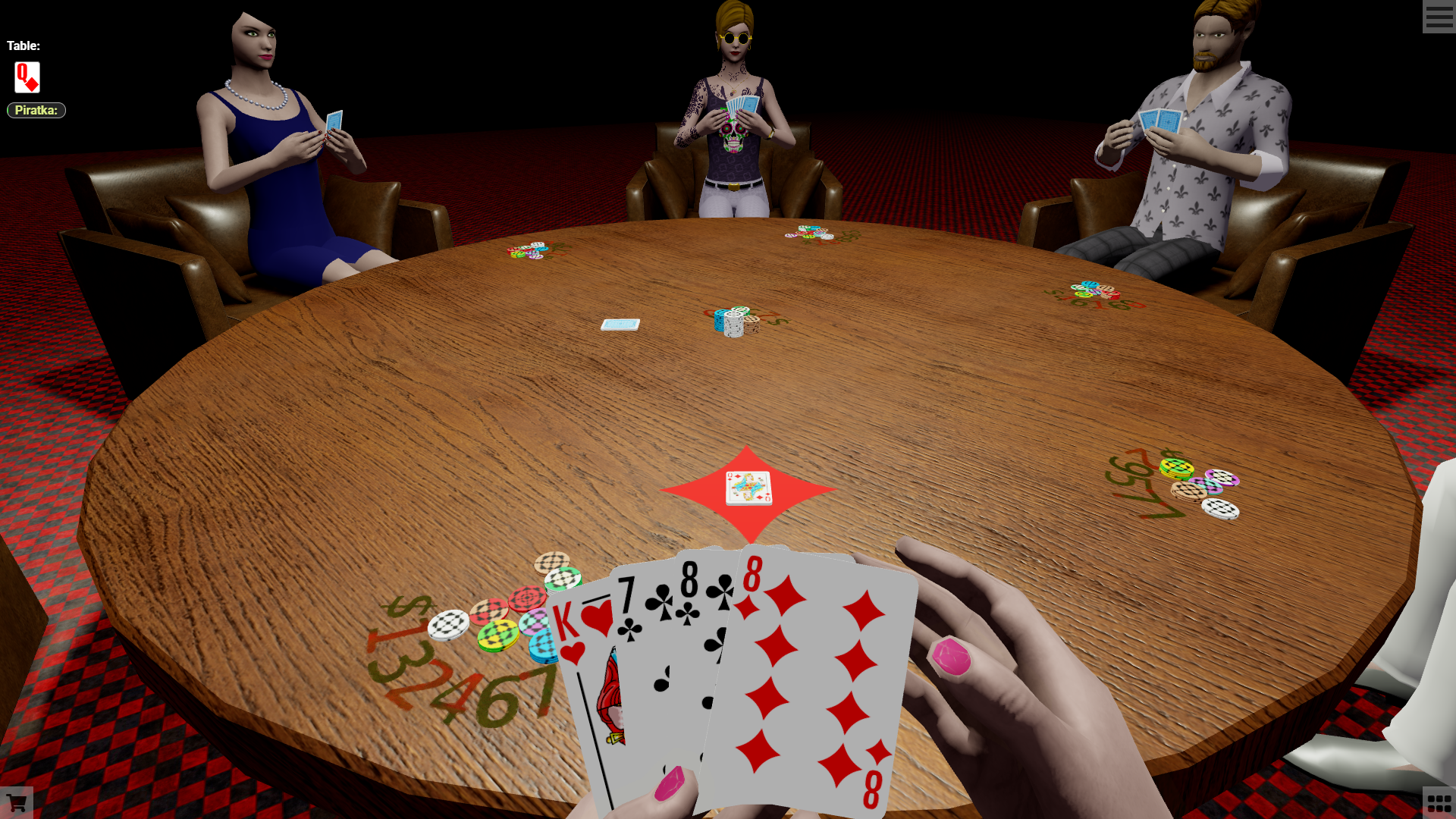
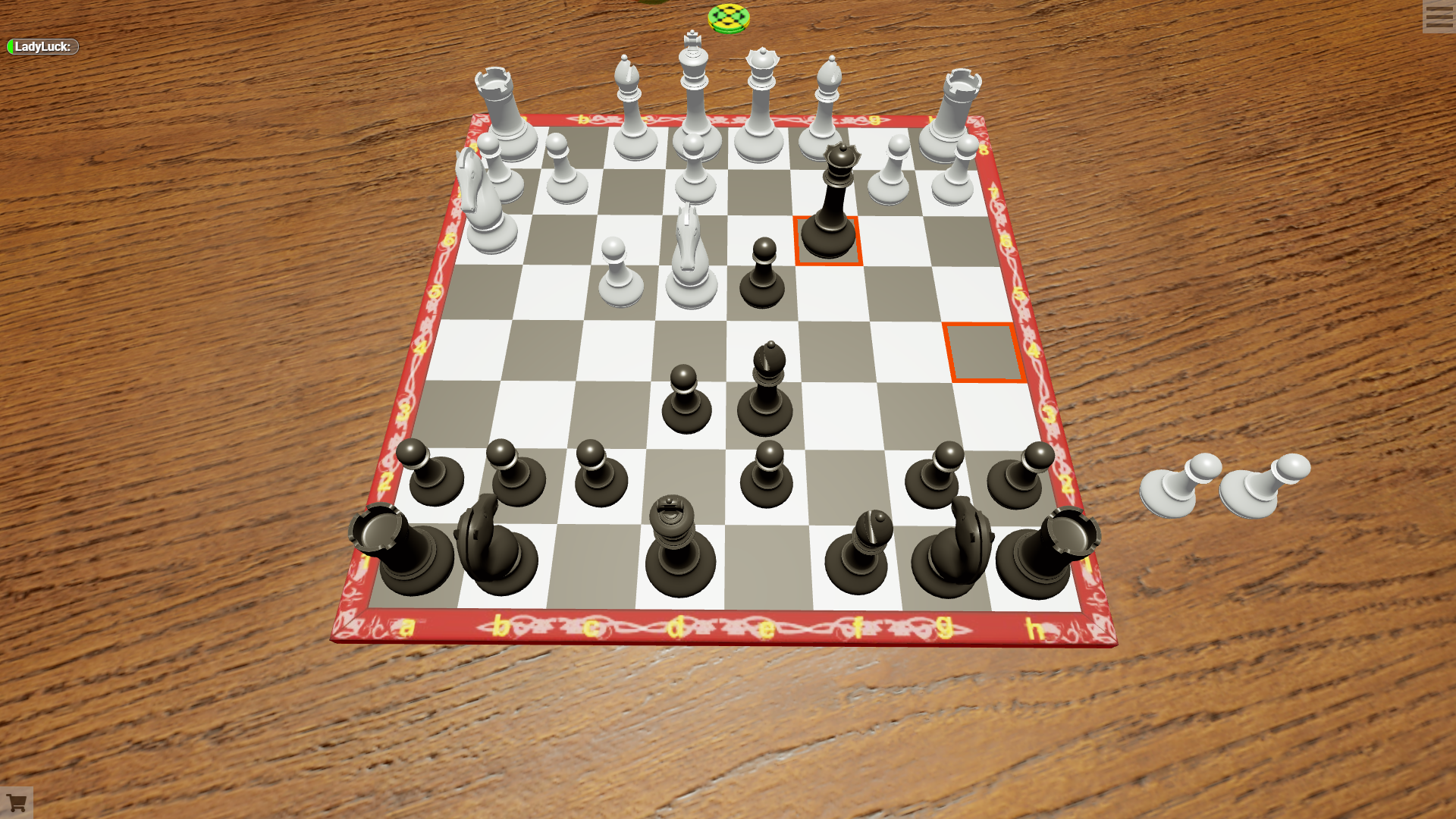
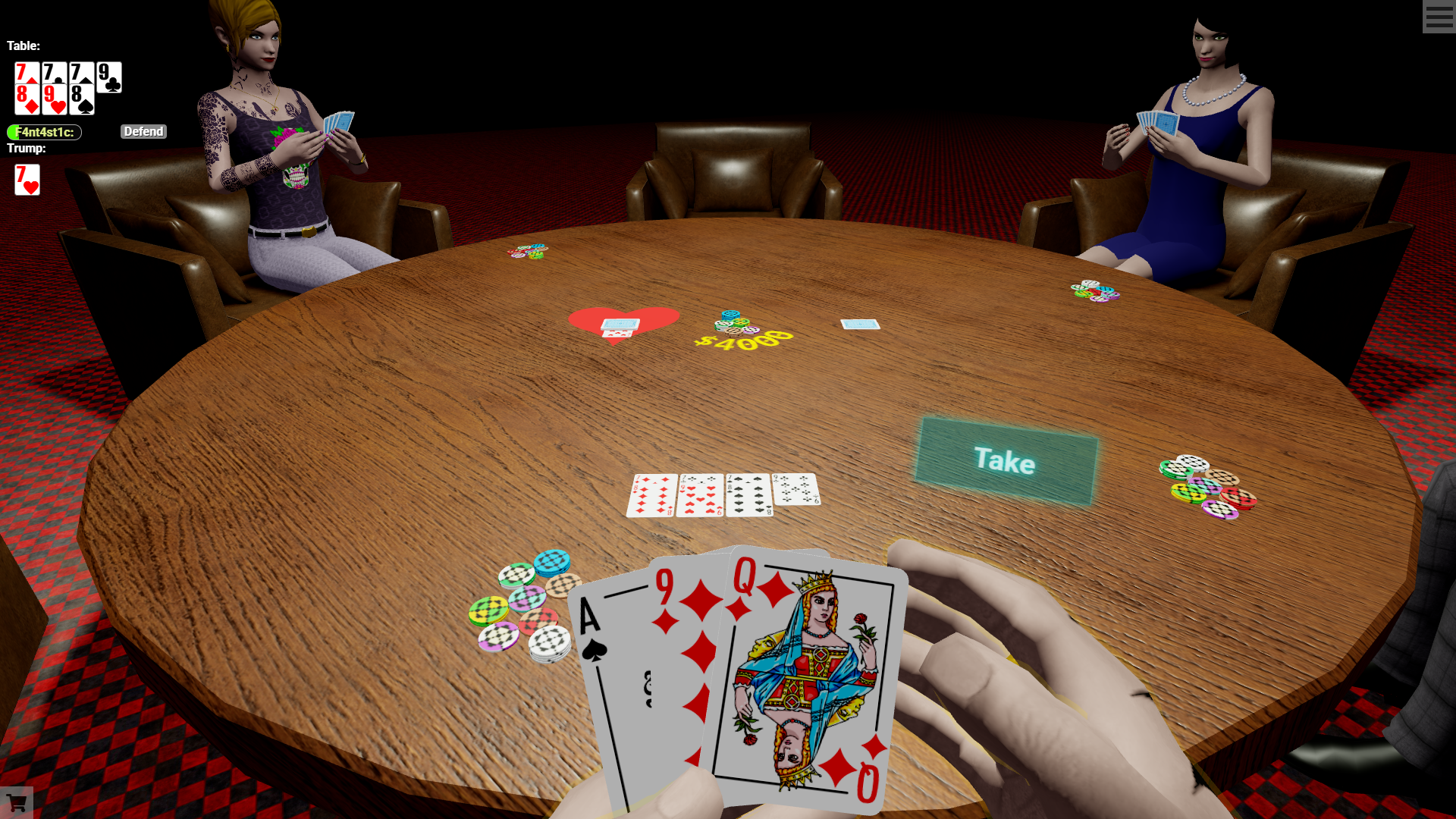
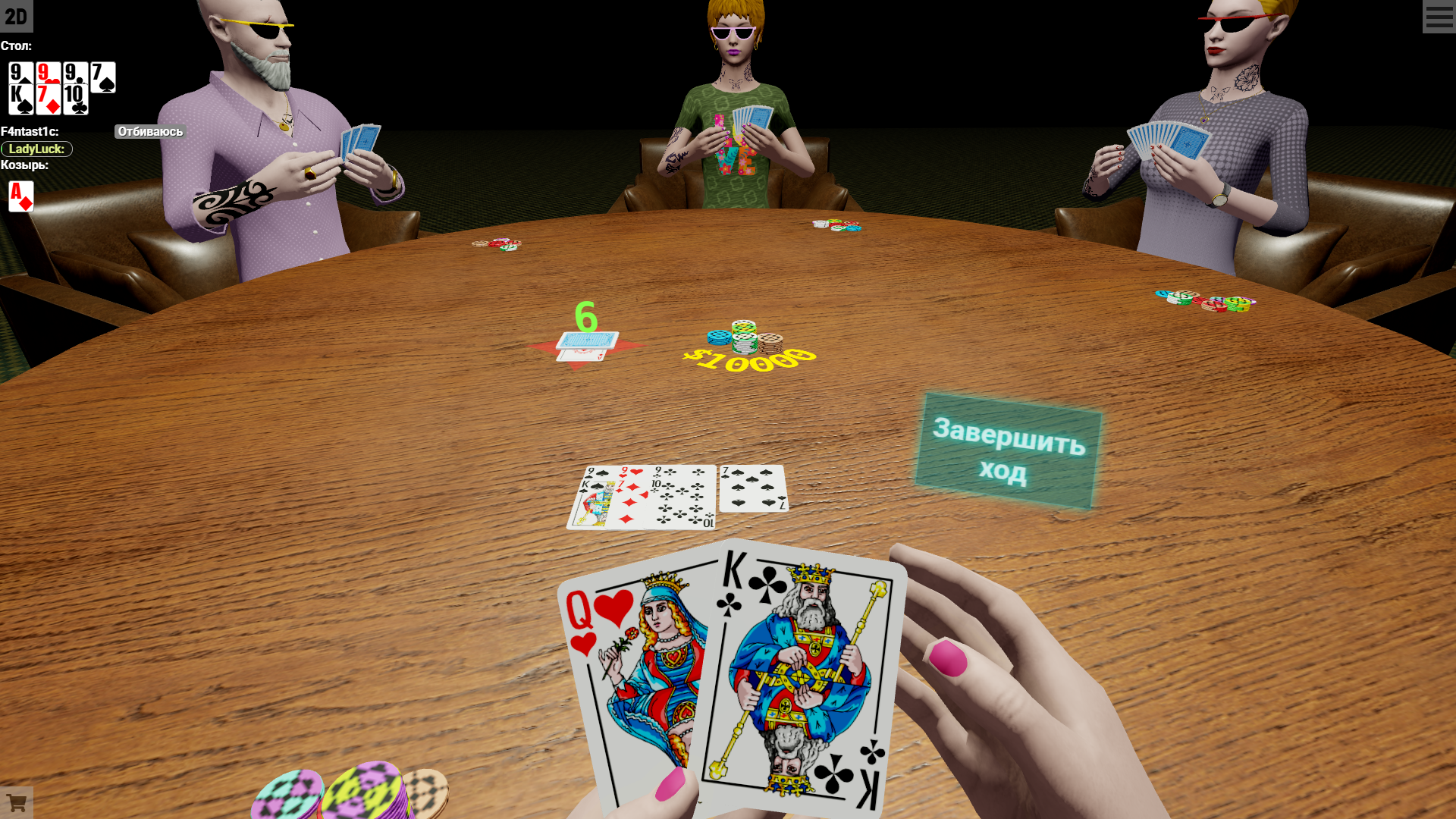
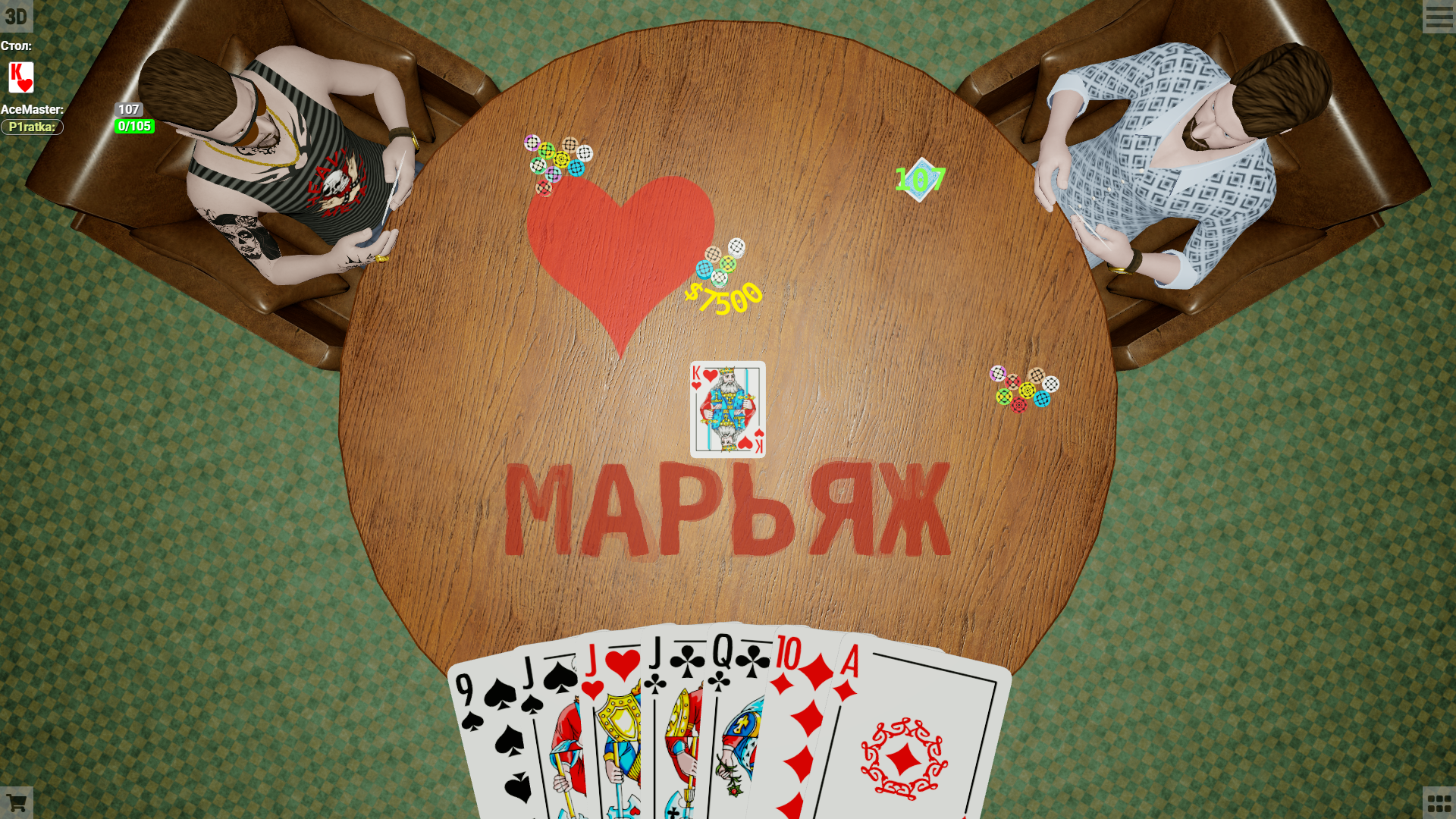
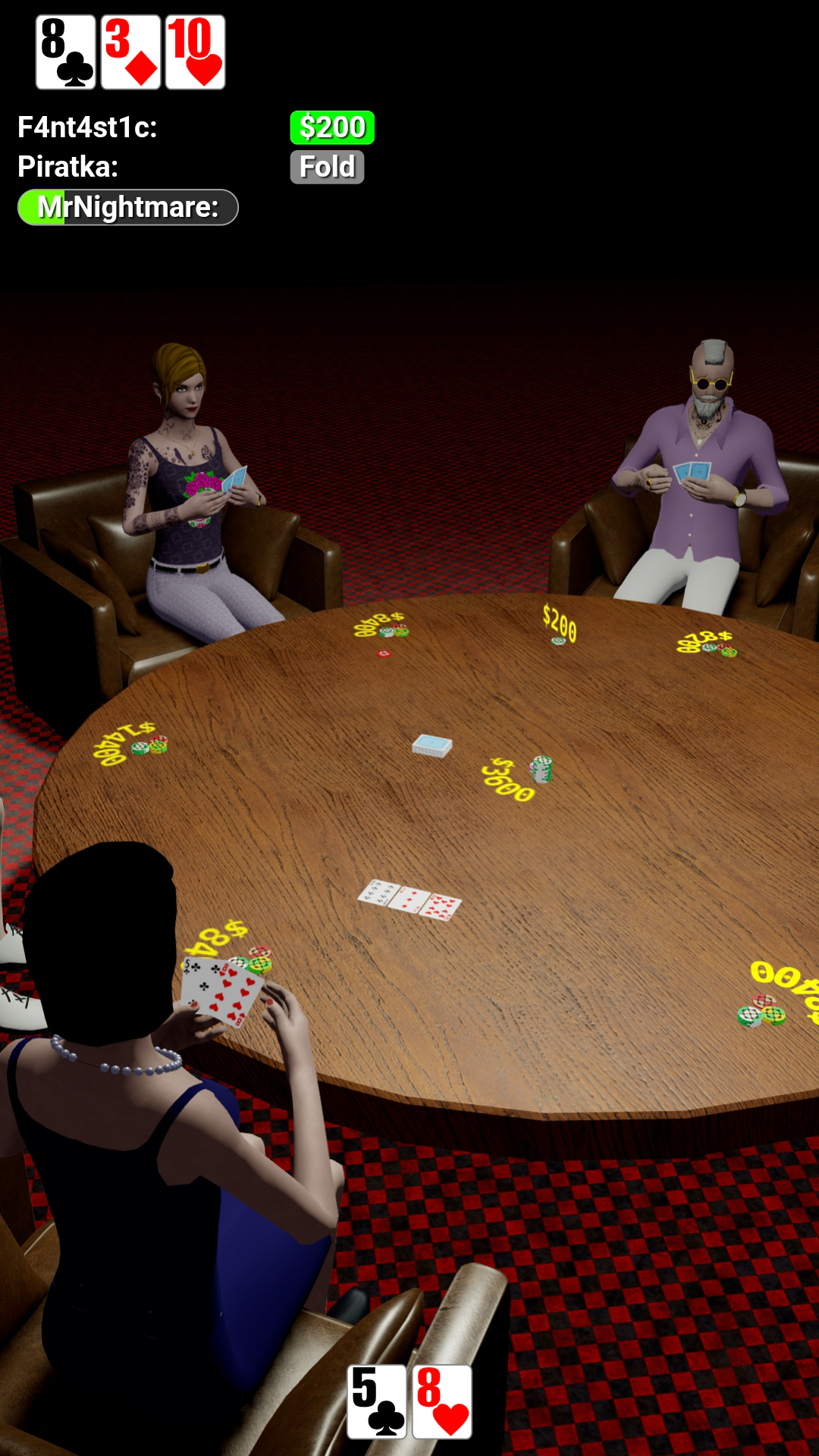
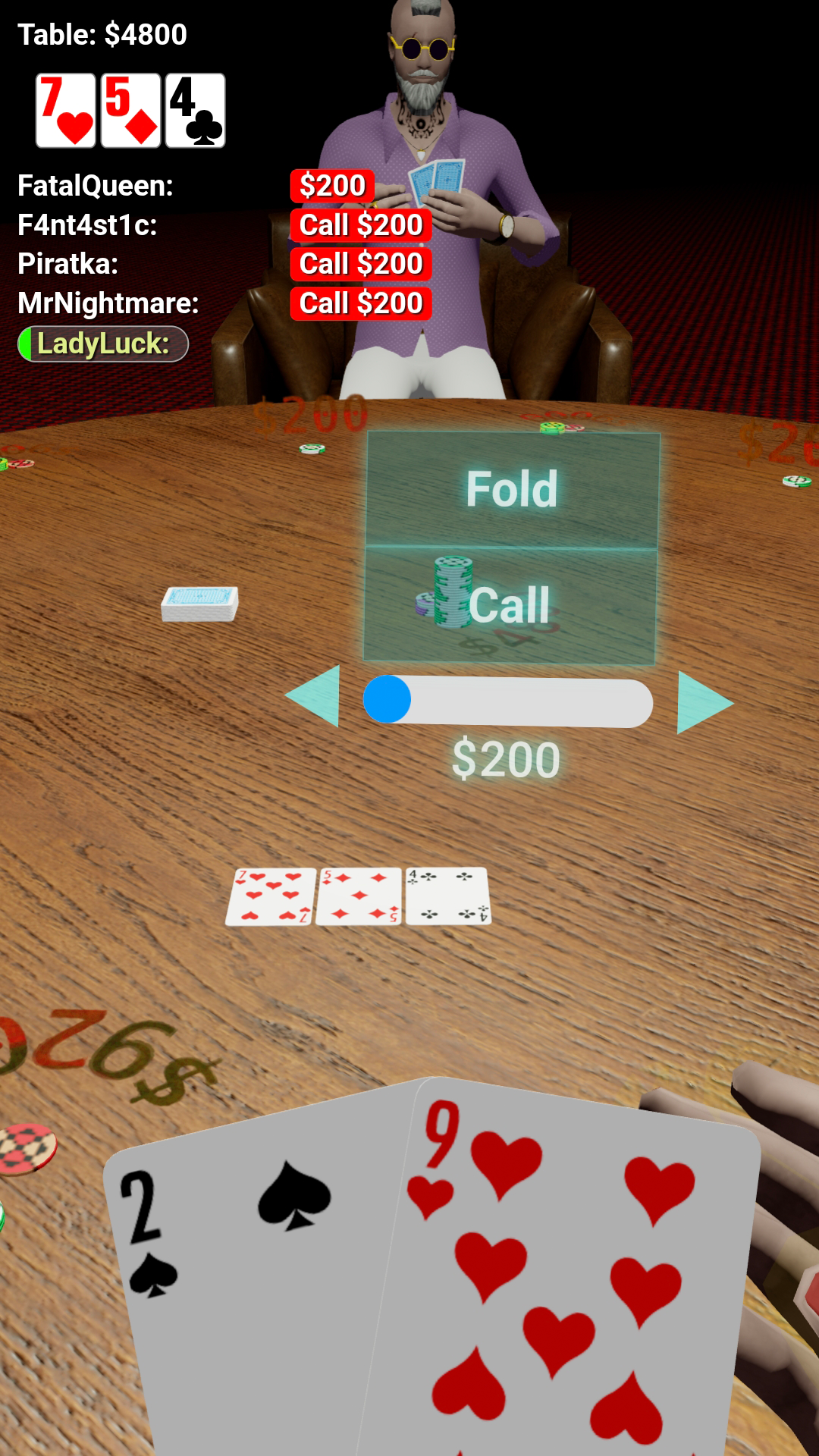
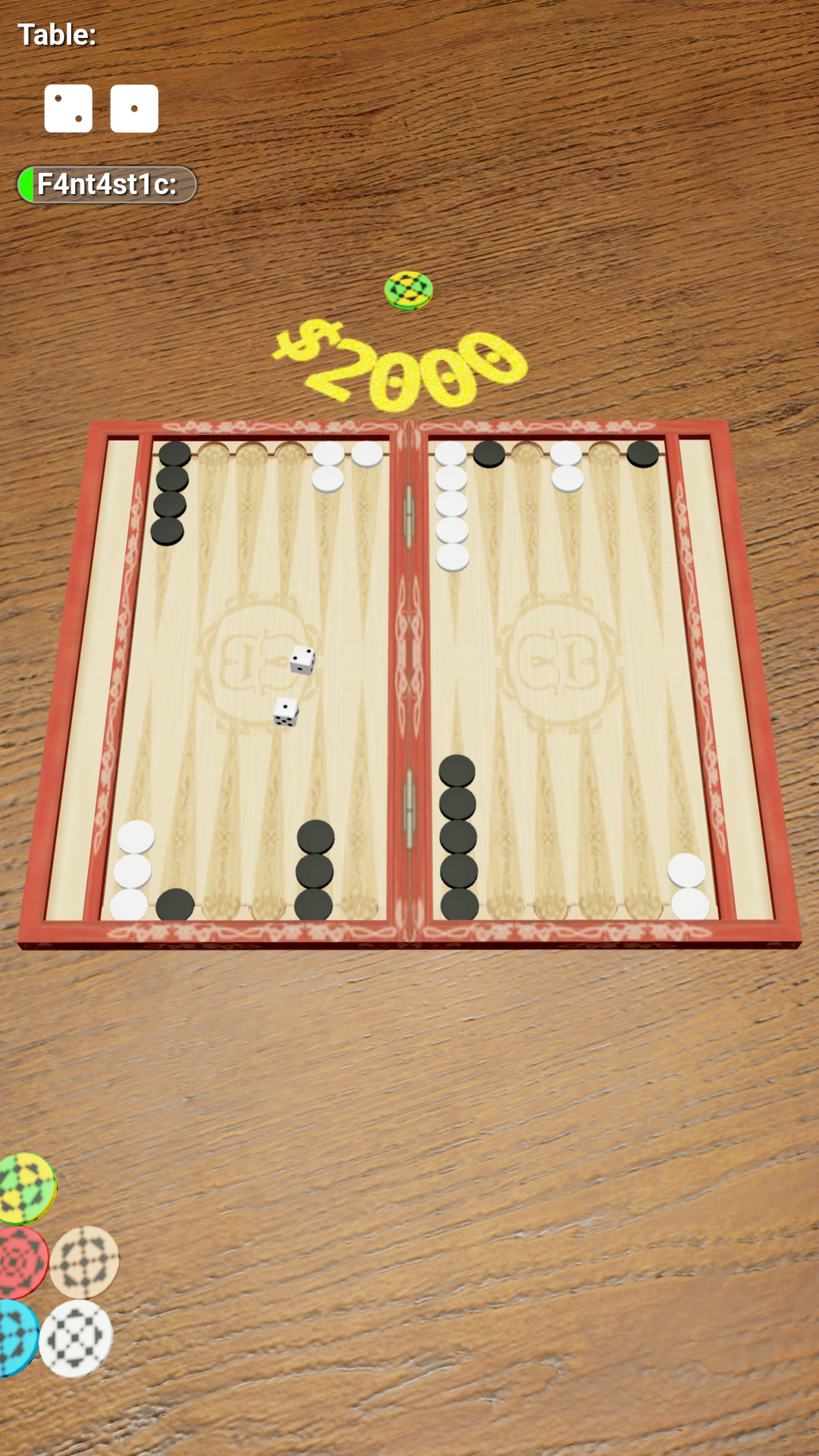
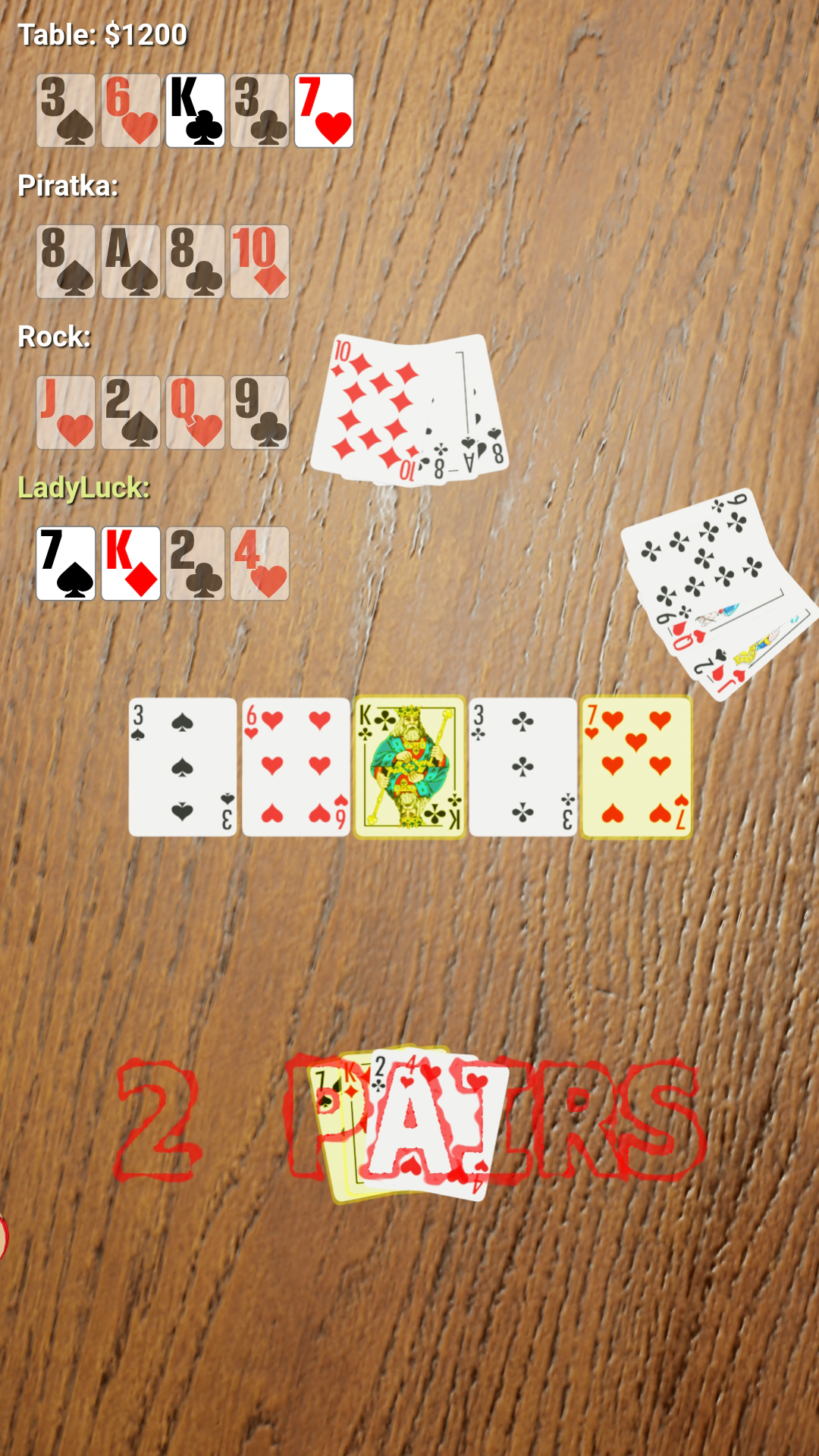
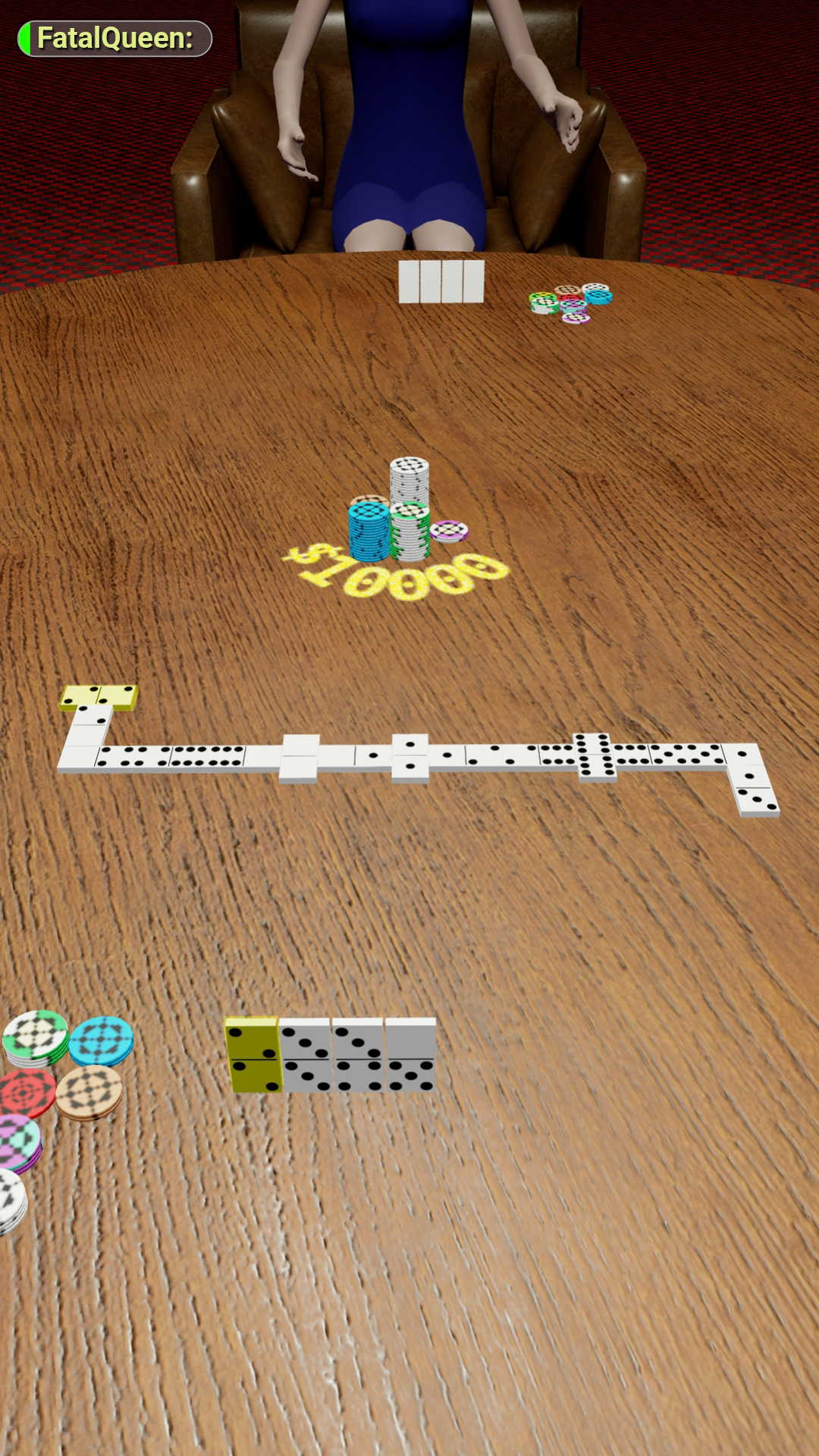
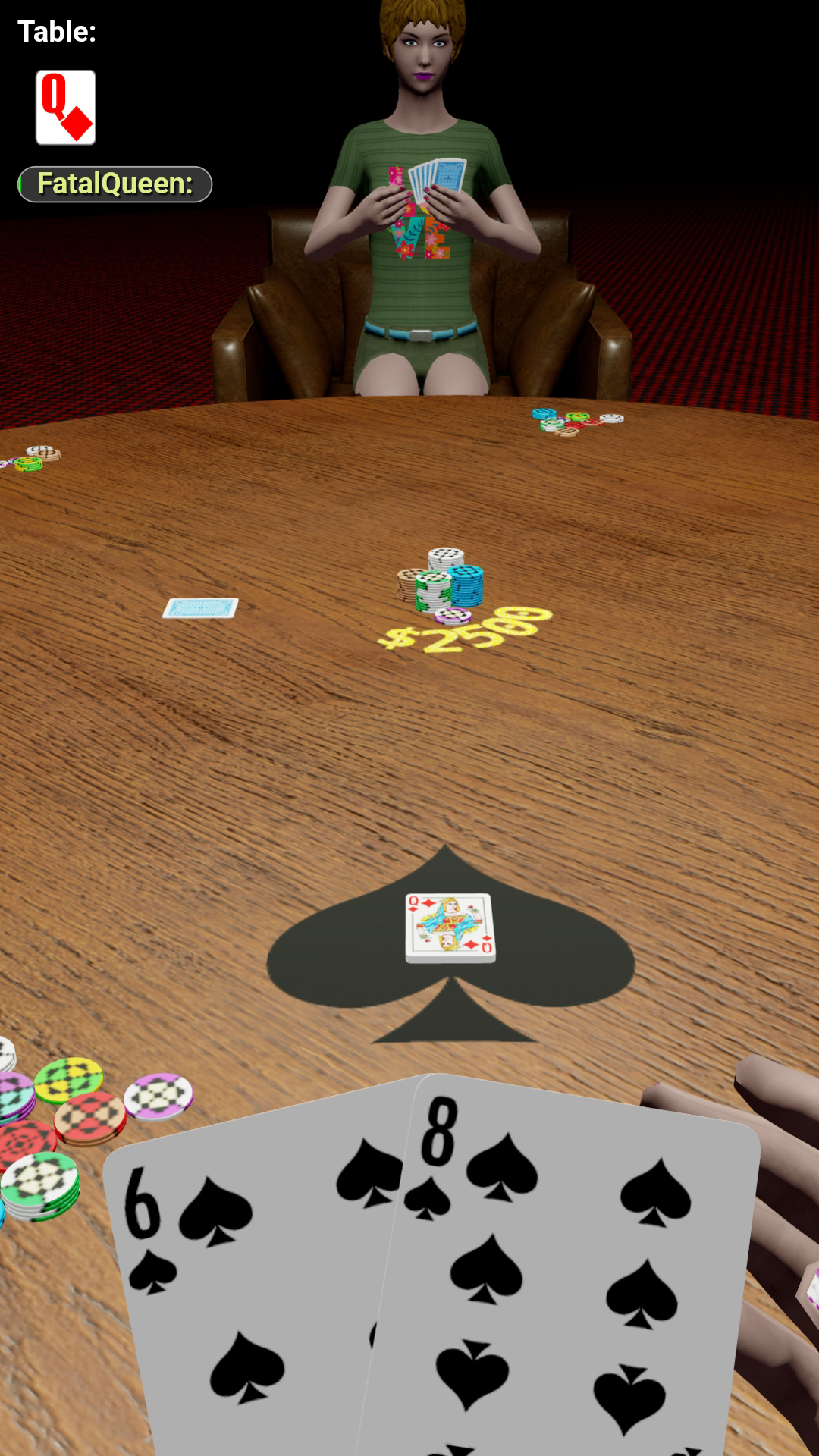
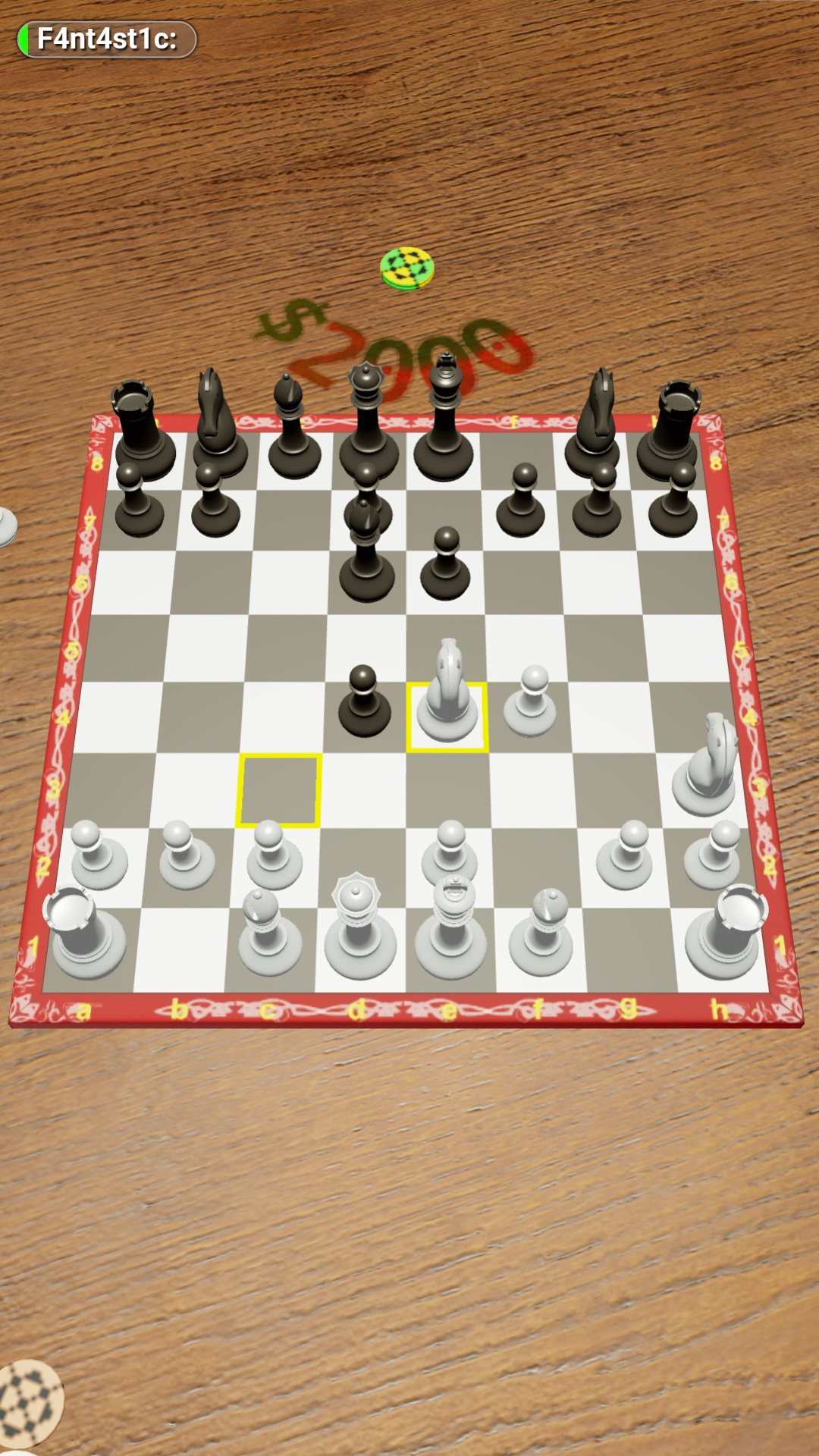
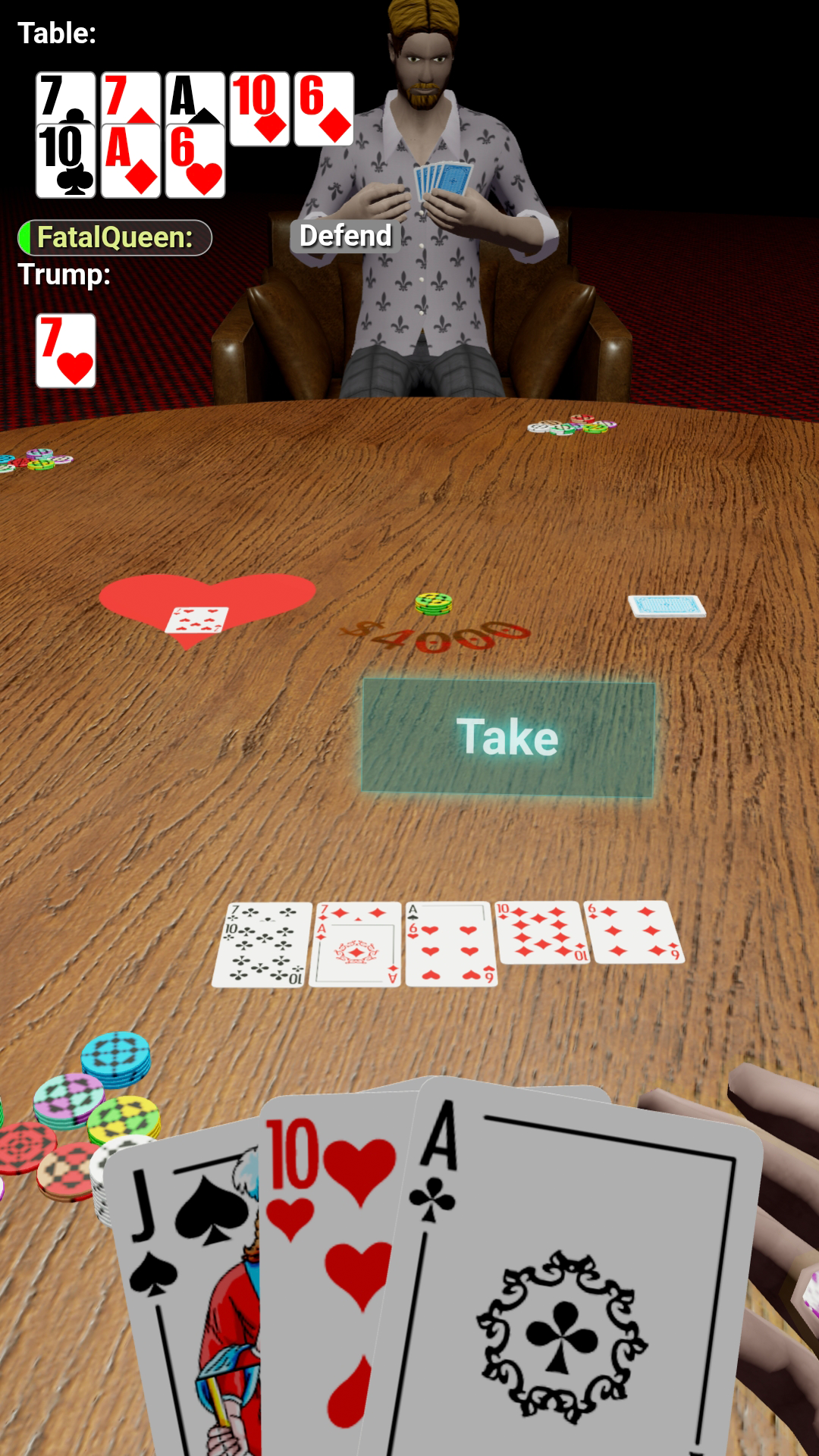
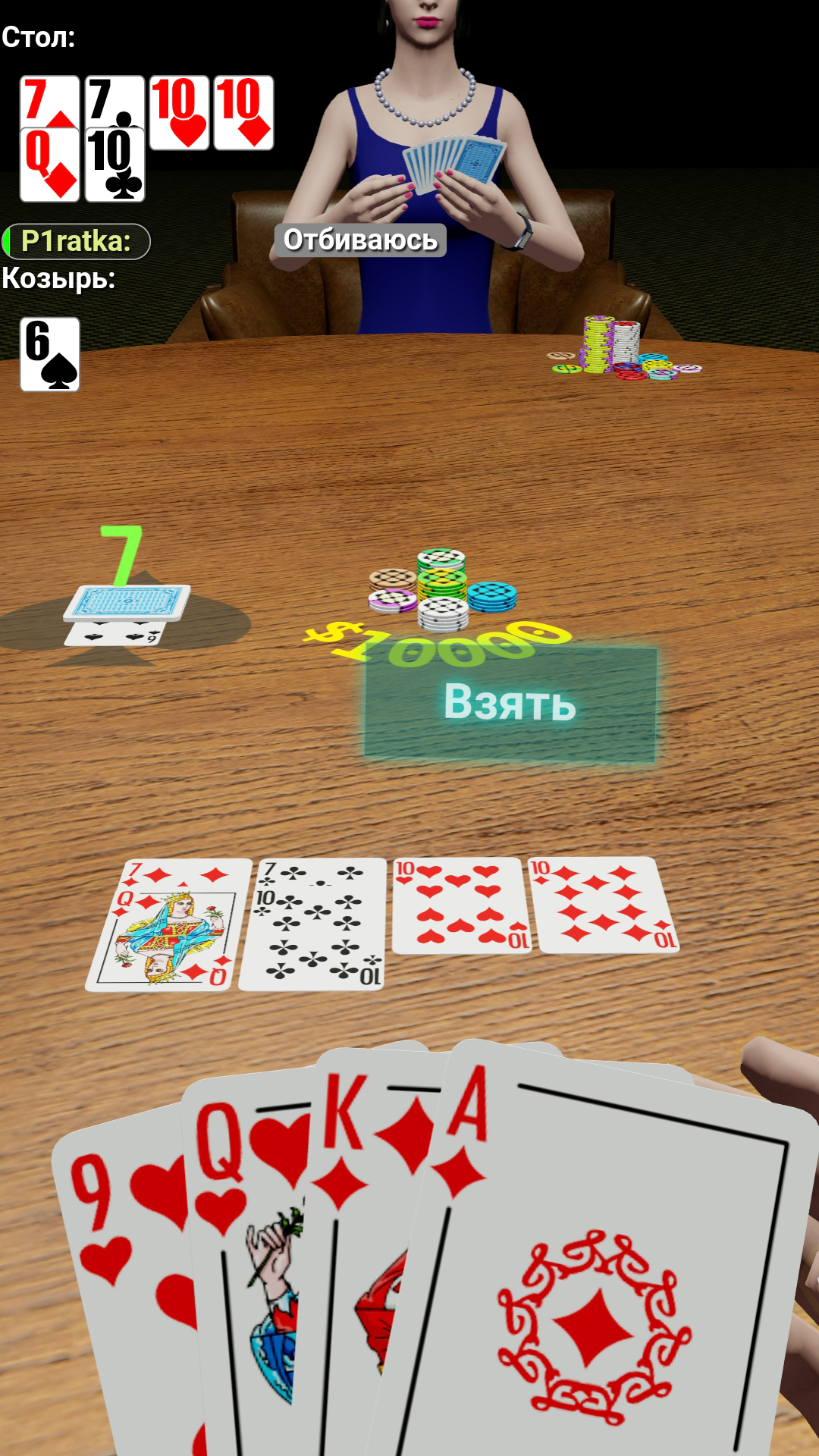
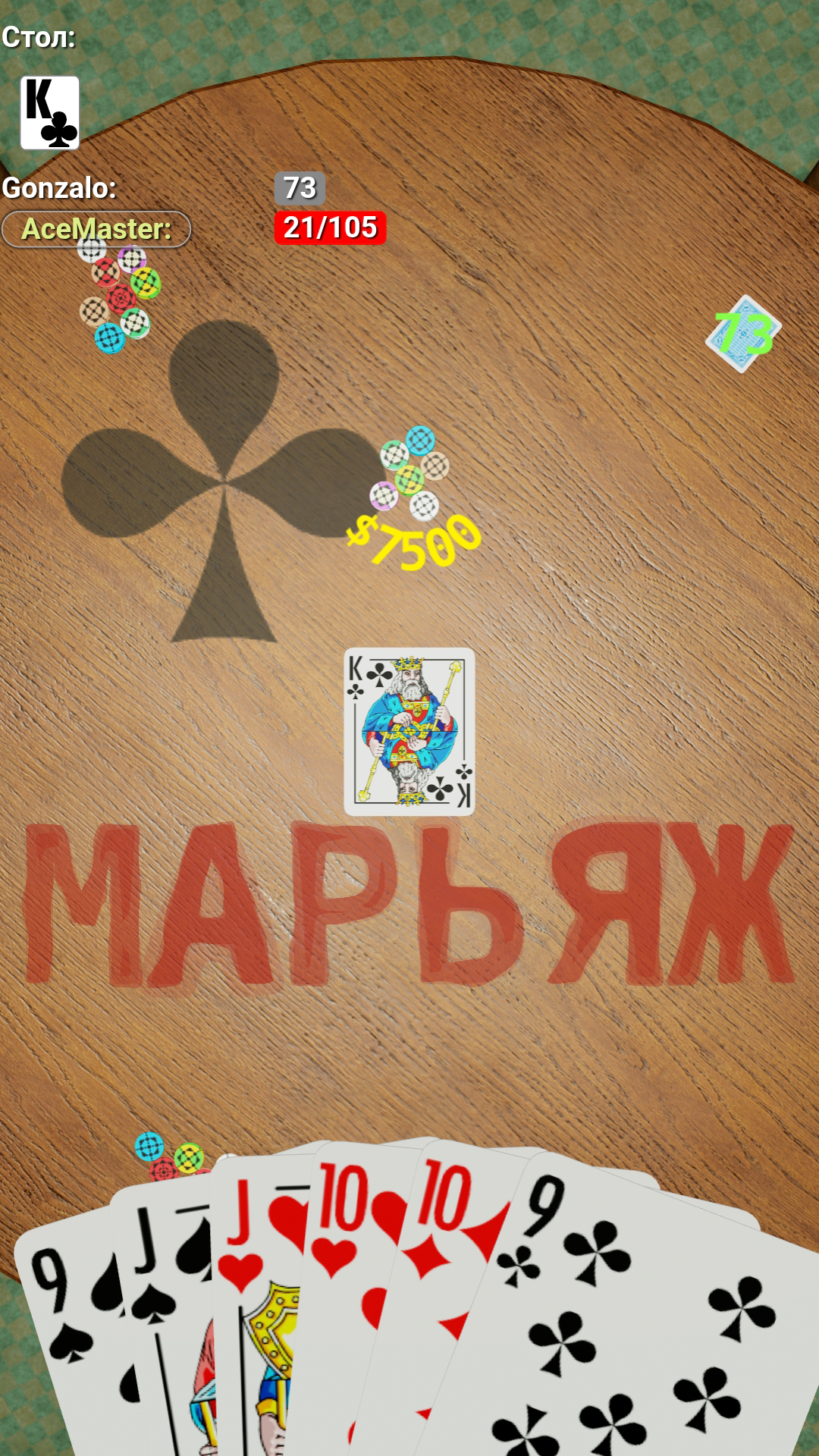
Play on next level! Look at old fashioned games loved by everyone in new way - in 3D! The most popular board and card games in one app: chess, backgammon, domino, poker, blackjack, 101(uno) and many more. Play with friends and make new one! No bots, only real players in more than 25 games. Play, learn and take part in tournaments to show your skills to everyone! Create and setup your game as you wish! Flexible game and interface settings allow you play as comfortable! Create your character and make an unique view and style.

Videos and screenshots
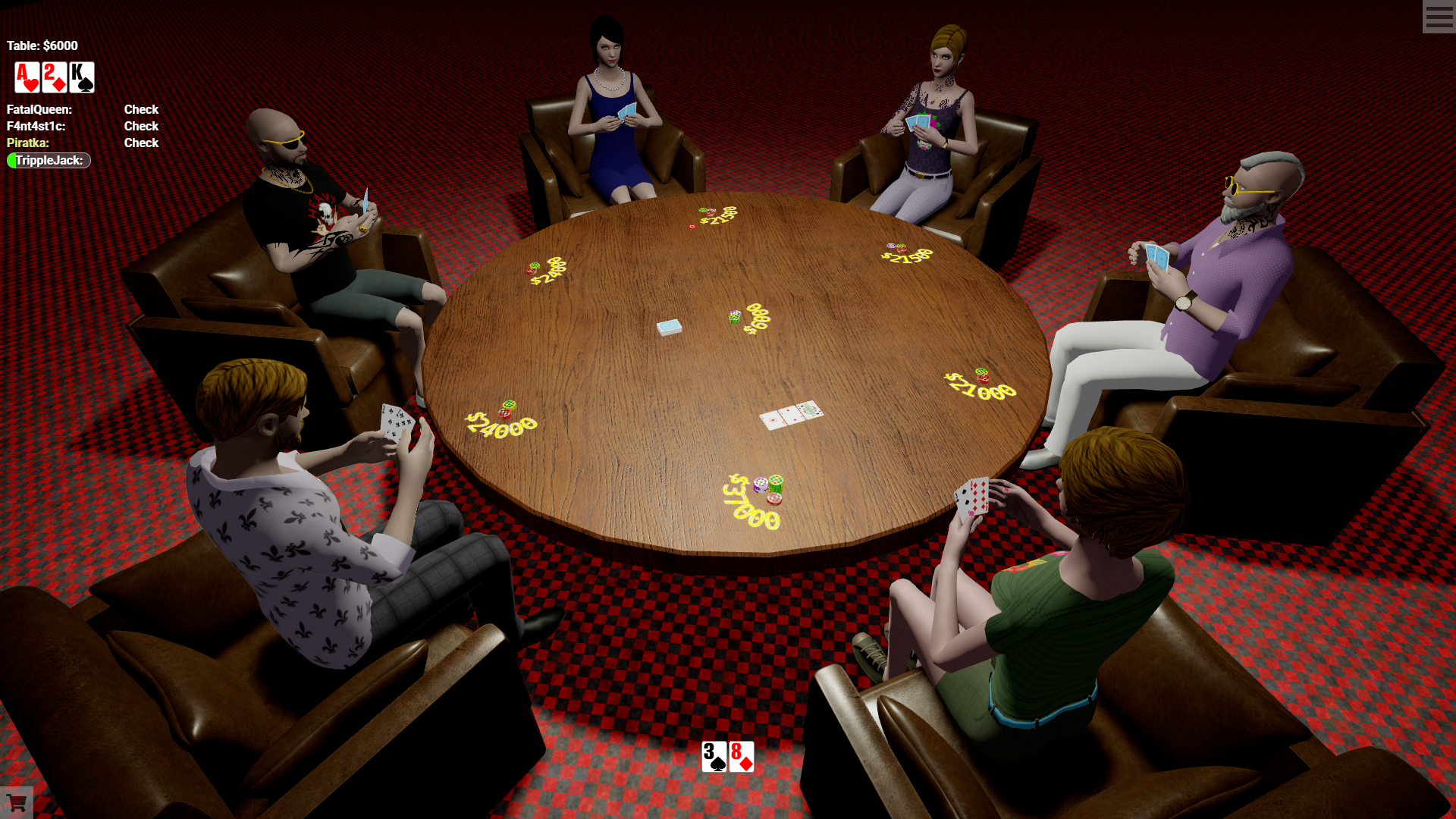
  • Gamesberg screenshot 1
  • Gamesberg screenshot 2
  • Gamesberg screenshot 3
  • Gamesberg screenshot 4
  • Gamesberg screenshot 5
  • Gamesberg screenshot 6
  • Gamesberg screenshot 7
  • Gamesberg screenshot 8
  • Gamesberg screenshot 9
  • Gamesberg screenshot 10
  • Gamesberg screenshot 11
  • Gamesberg screenshot 12
  • Gamesberg screenshot 13
  • Gamesberg screenshot 14
  • Gamesberg screenshot 15
  • Gamesberg screenshot 16
  • Gamesberg screenshot 17
  • Gamesberg screenshot 18
  • Gamesberg screenshot 19
  • Gamesberg screenshot 20
Play Now

11,232 players online

How to play

  1. Open the game

    Press Play now and the game opens on its own screen.

  2. Follow the in-game instructions

    The controls and goals are shown inside the game as you play.

  3. Use the game menu

    The floating button over the game reloads it, saves it to your favourites, or takes you back out.
Game instructions

Choose a game, create new table or join an existing one! Player can control camera view while waiting his turn (move, rotate, zoom): * Move. On PC - hold right mouse button & move your mouse. On mobile - touch screen by 2 fingers & move them. * Rotate. On PC - hold left mouse button & move your mouse. On mobile - touch screen by 1 finger & move it. * Zoom. On PC - scroll mouse wheel to zoom in or out. On mobile - touch screen by 2 fingers & spead or close them to zoom in or out. Player can make the following actions while his turn: choose card or figure and/or choose apropriate button. There are also icons on cards and figures as special actions. More info can be found in menu (right top corner) - ( i ) icon - Common info.

More games

More games