Overview
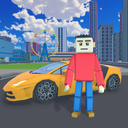
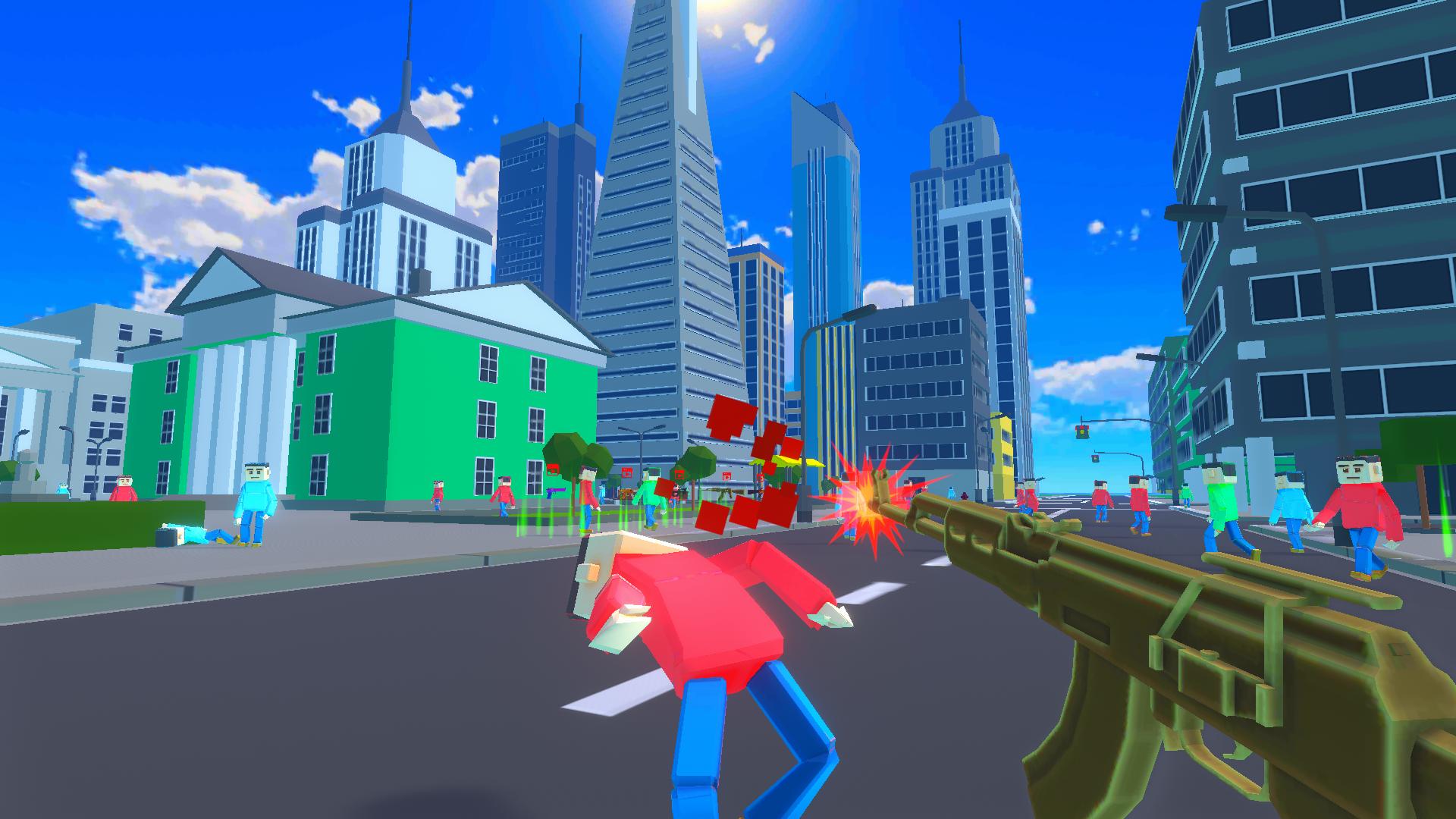
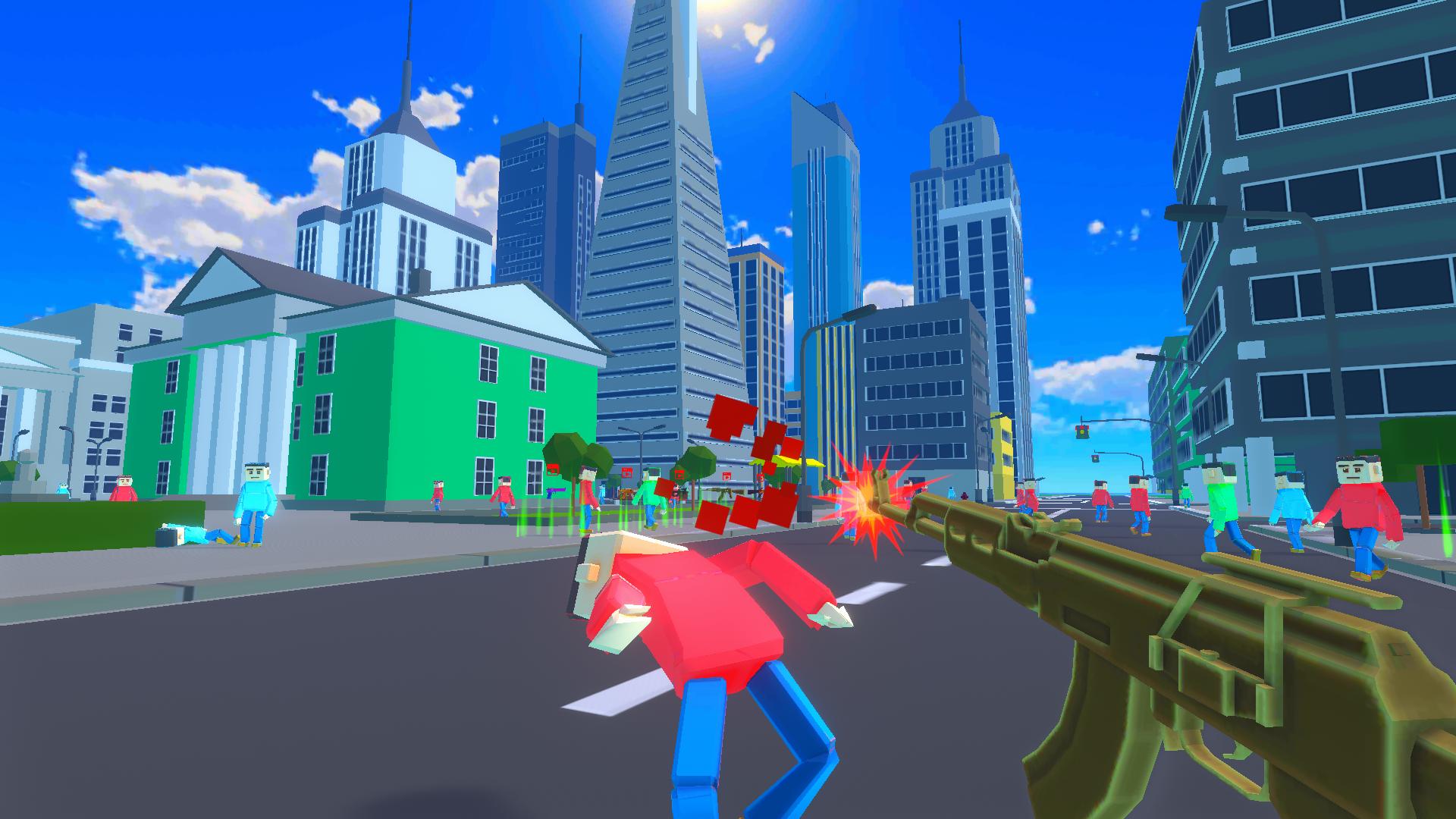
Ganscape is a unique sandbox in the vast open world of the city, where limitless possibilities await you! Here, you can be anyone: a tough gangster, attacking everything around you, a peaceful explorer, or a hero shaping the fate of people and the city.
Immerse yourself in the atmosphere of various quests:
Drive a girl home in a stylish car, enjoying the city lights at night.
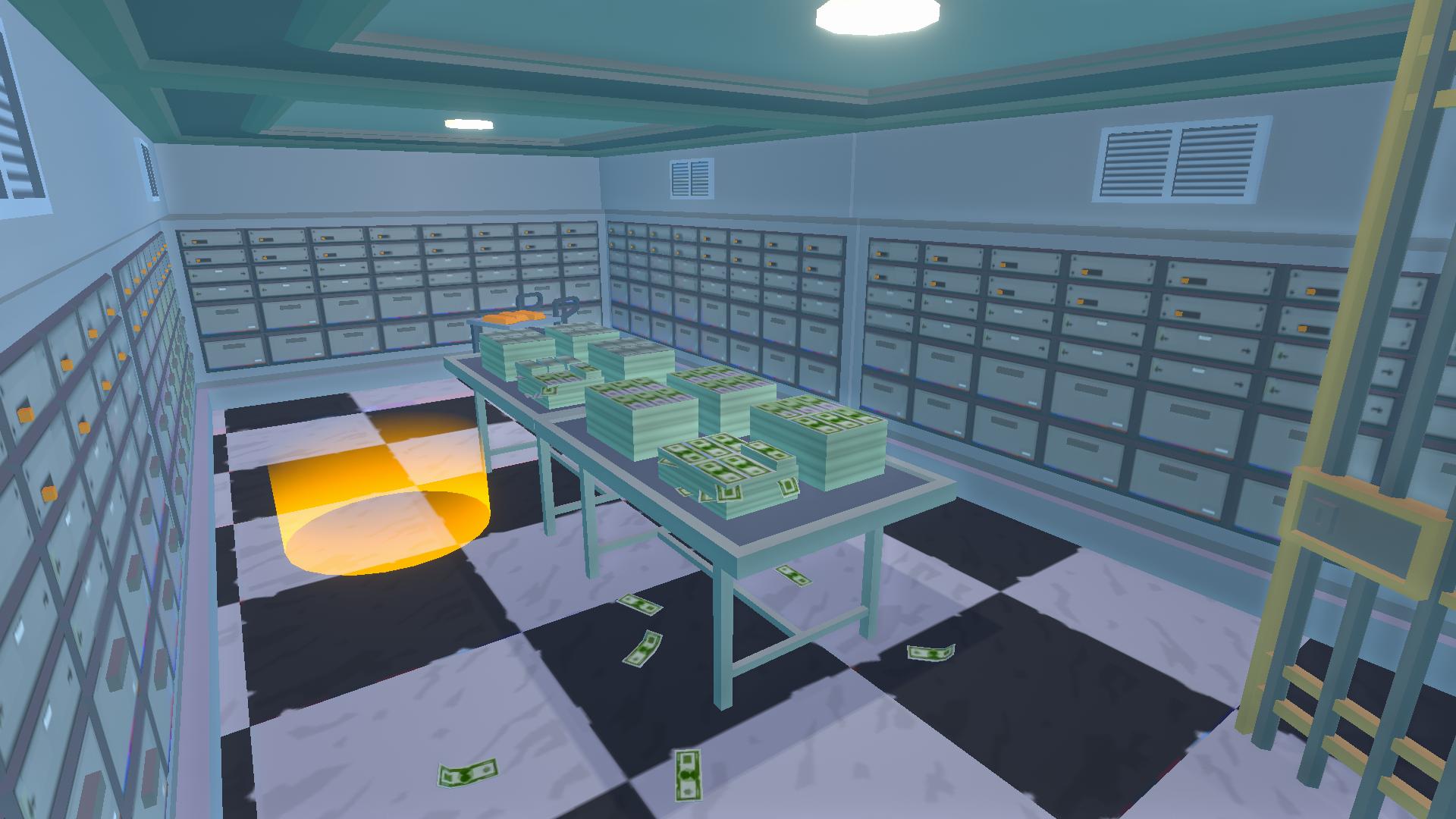
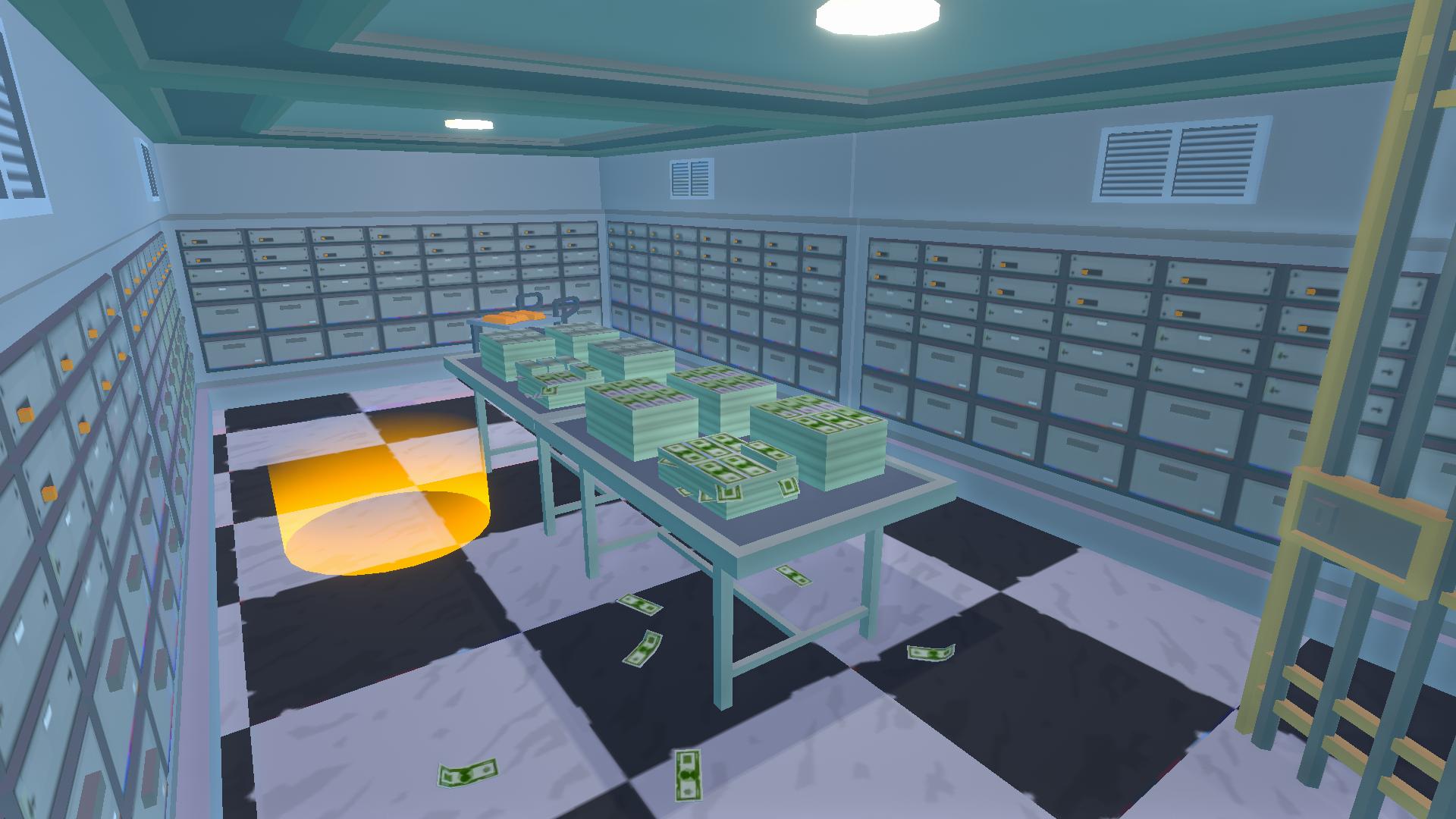
Use your wits and strength to rob a bank and escape with the loot right under the nose of the police.
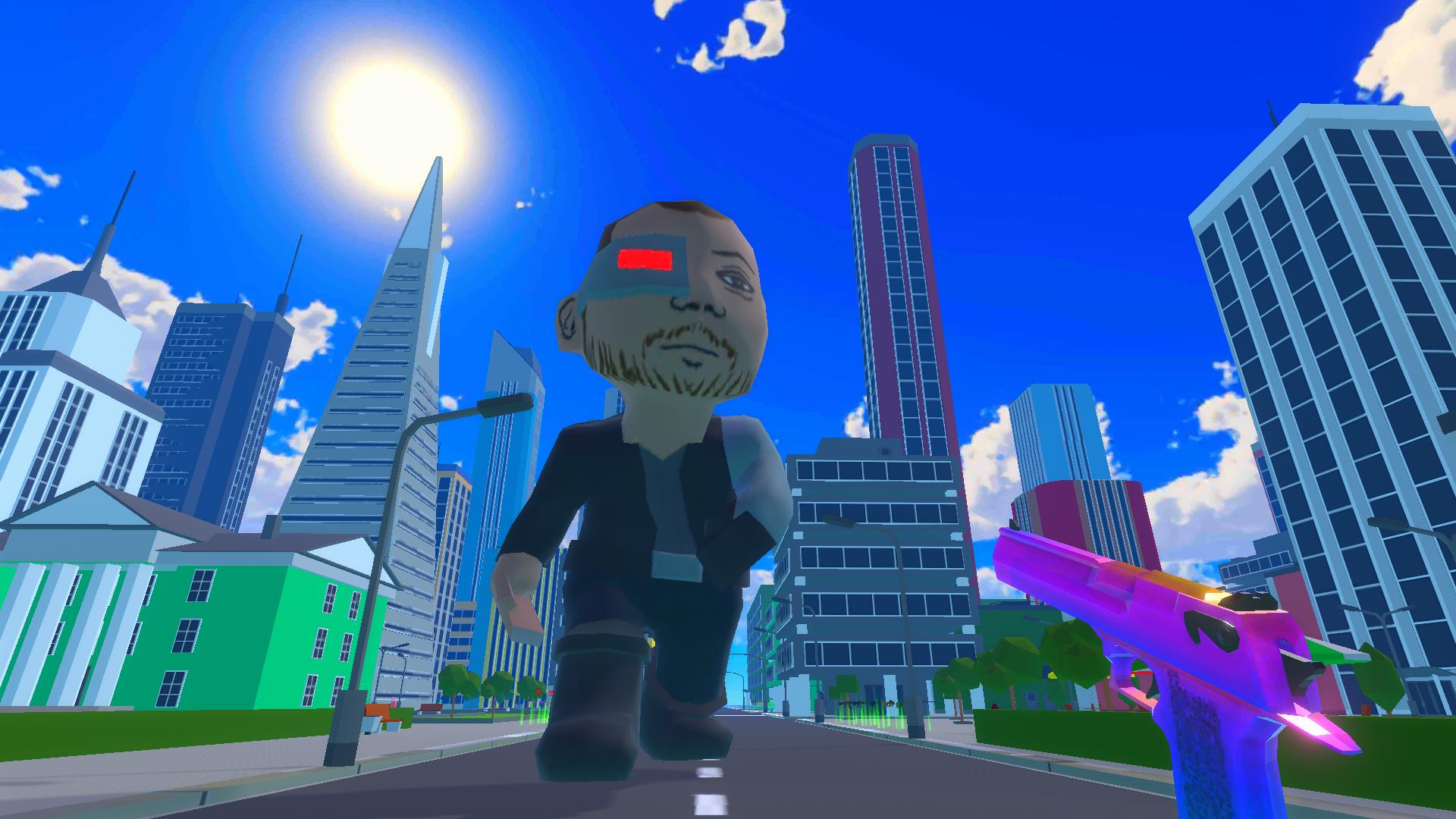
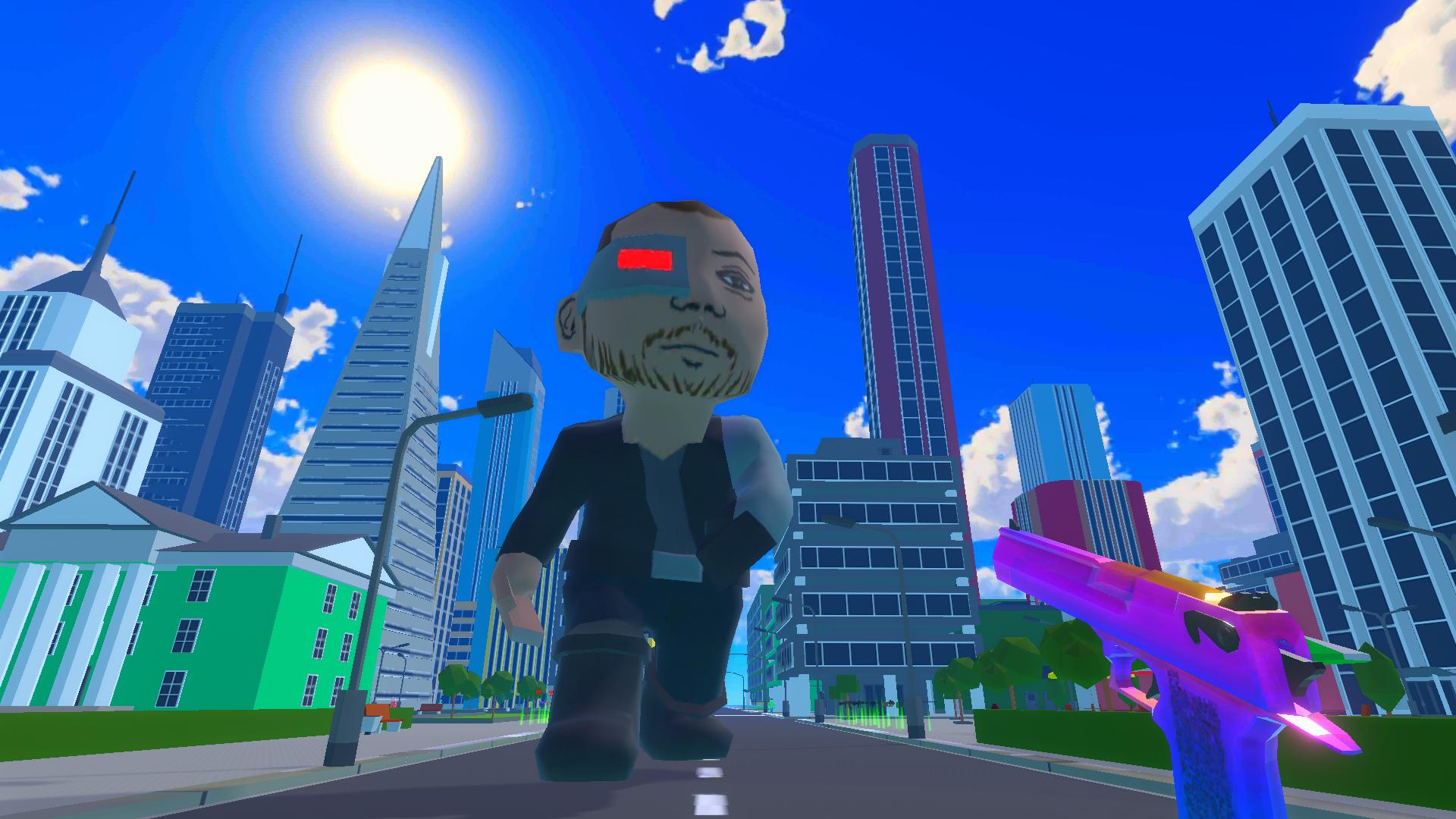
Challenge a giant killing cyborg — a terrifying boss with a deadly arsenal.
Explore the city's diverse districts: cozy courtyards, guarded bank buildings, or the exciting central streets full of events.
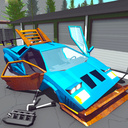
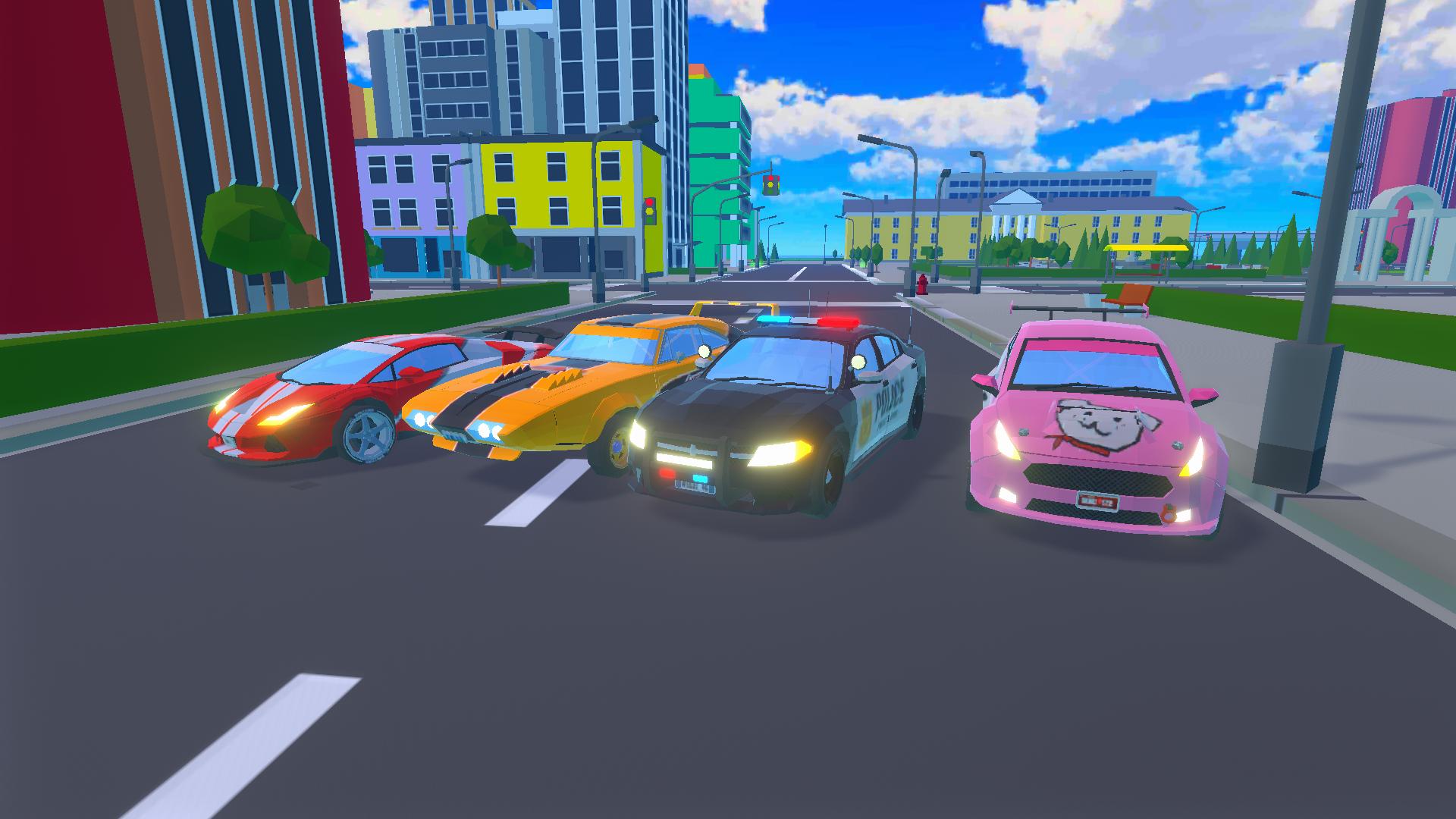
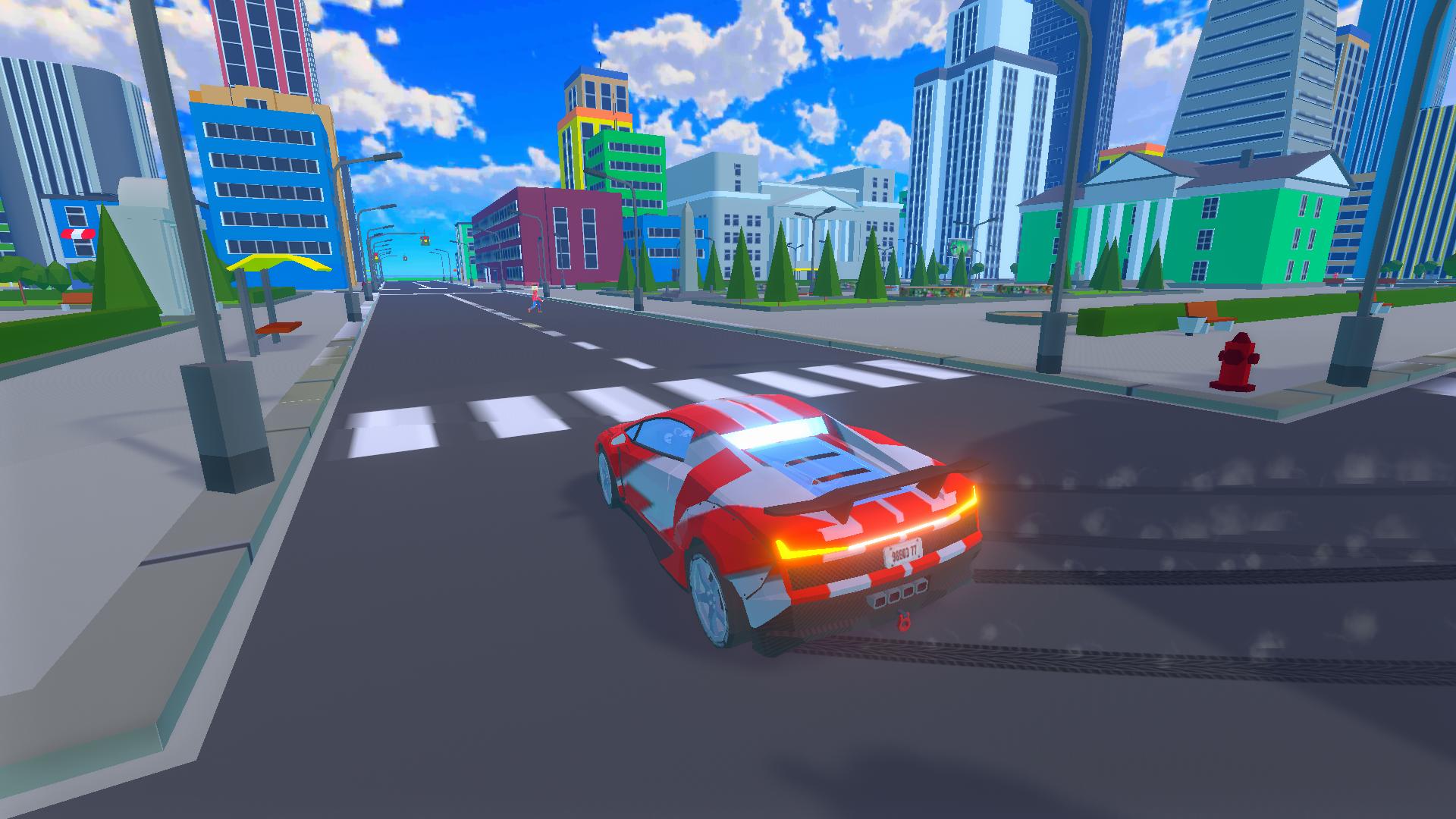
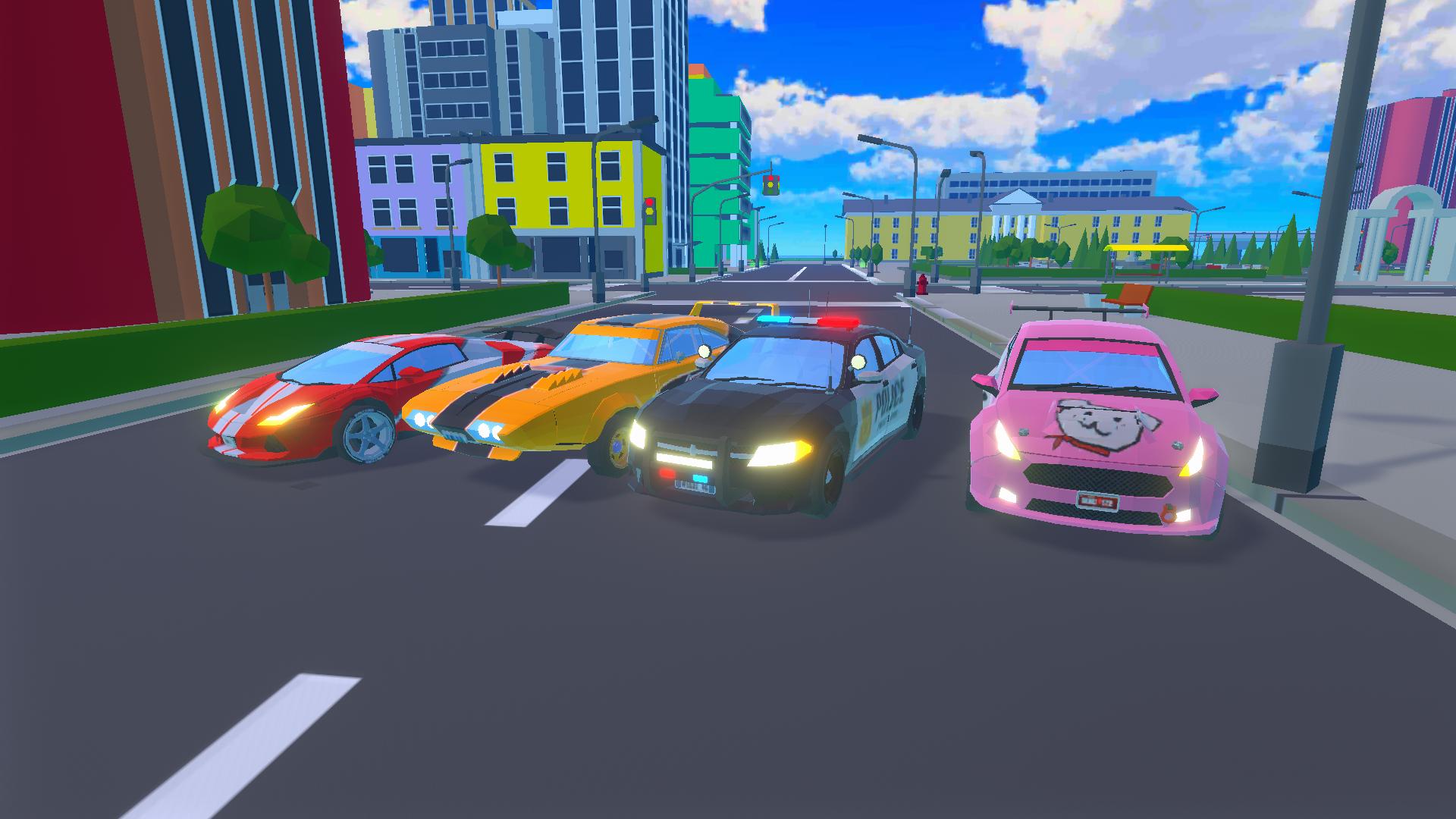
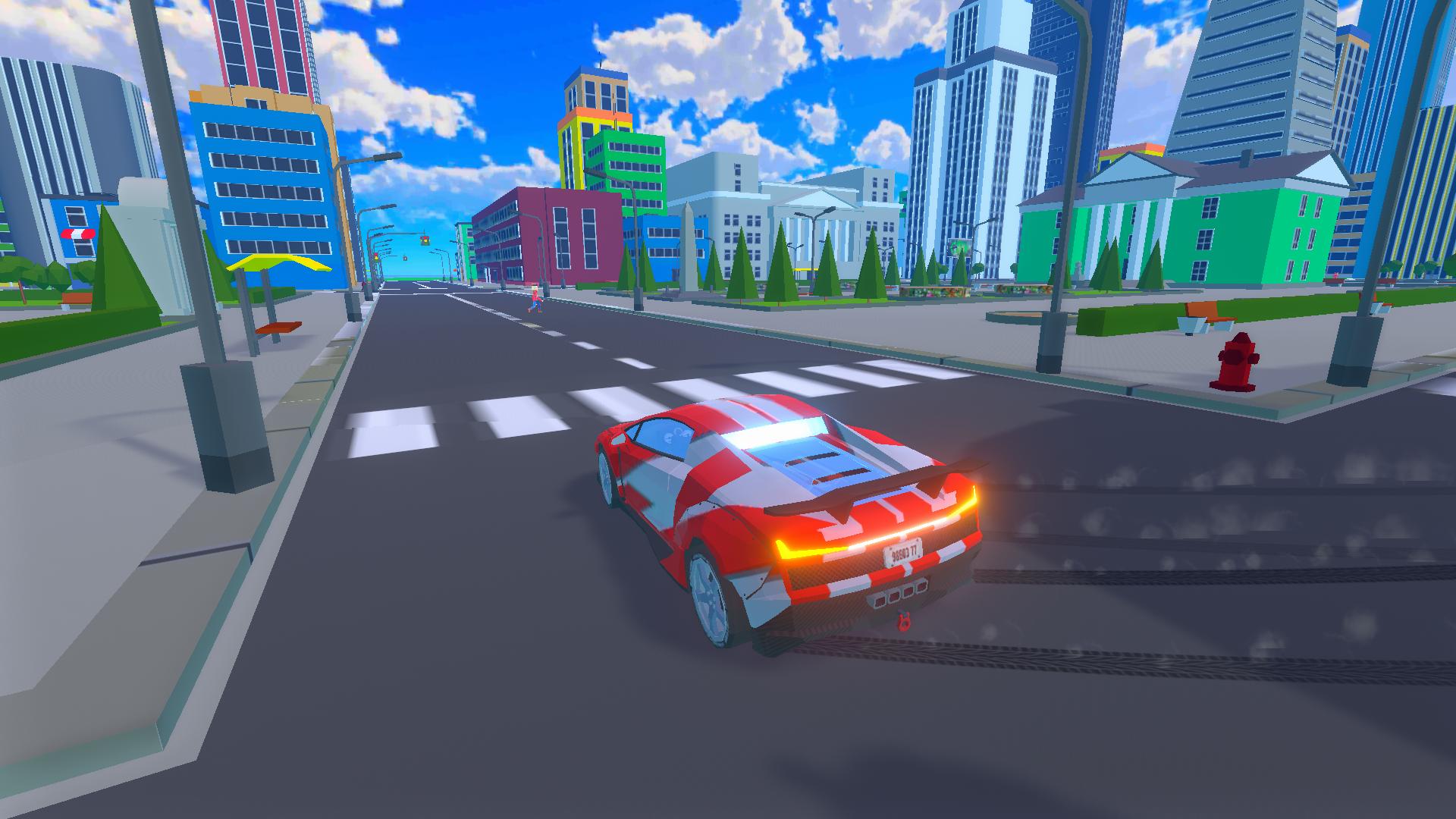
Collect a fleet of cool cars, perfect for both drifting and high-speed races on busy roads.
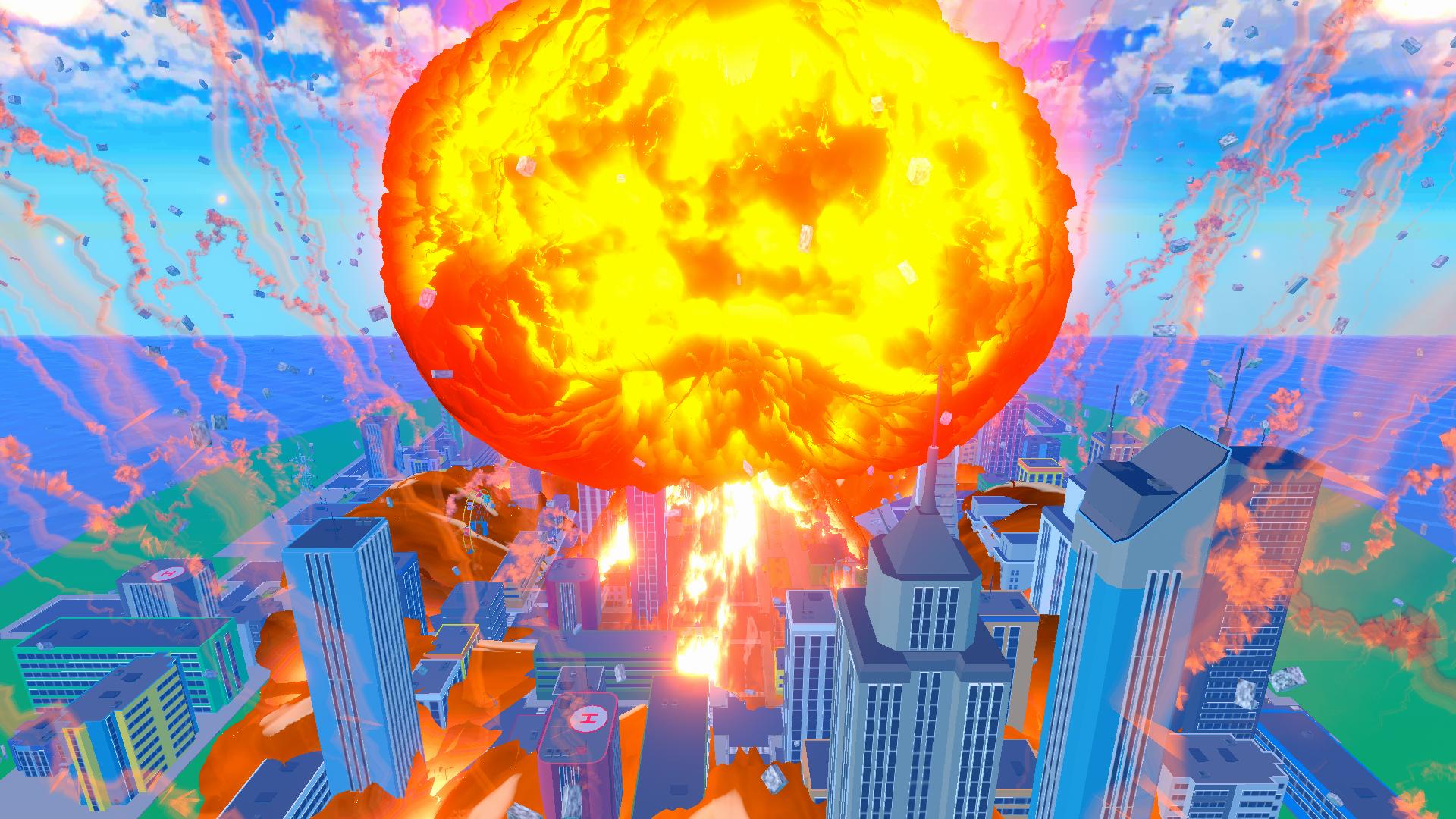
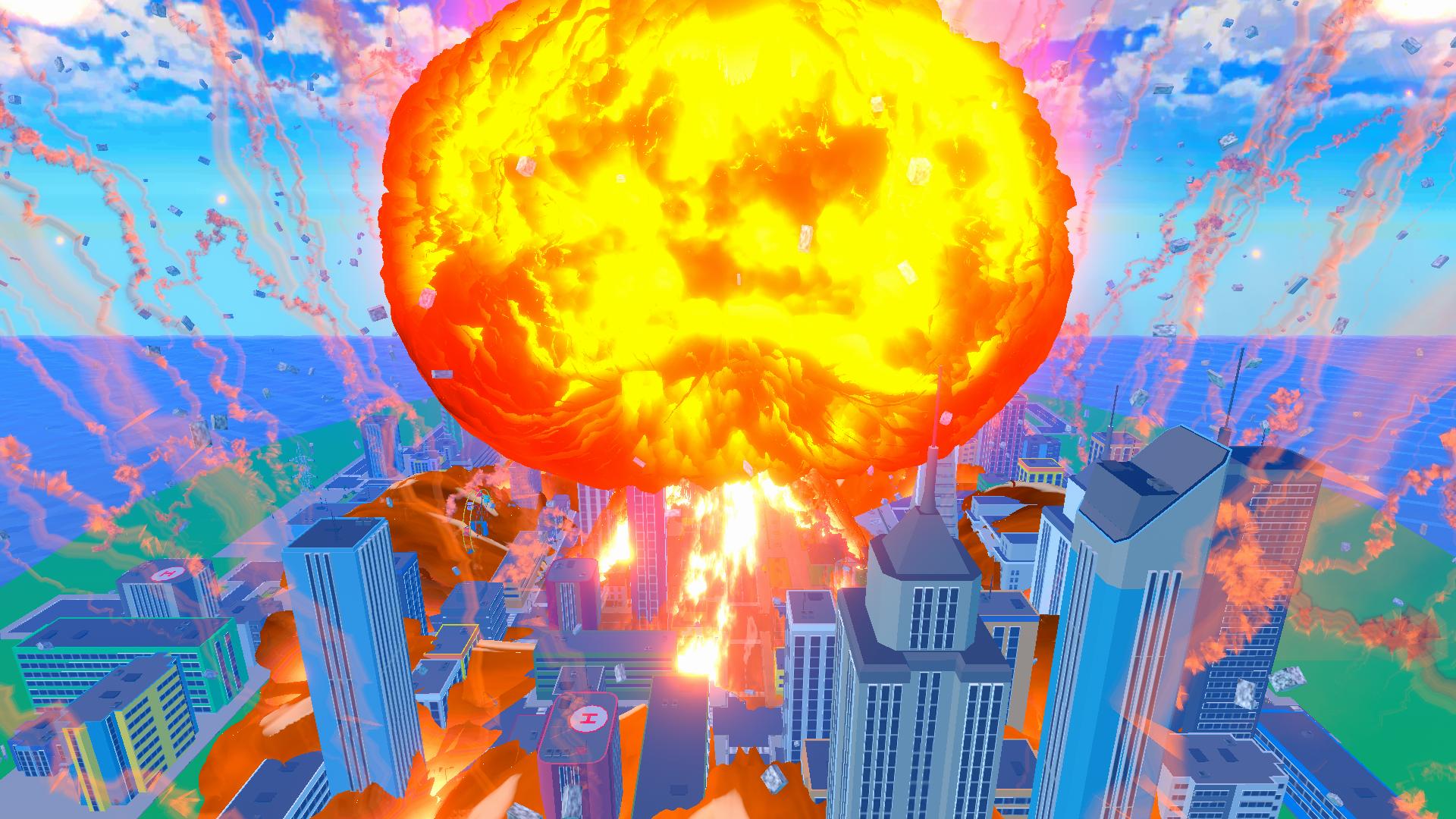
And what about a nuclear explosion? Feel the power of destruction, reshape the landscape, and start creating the world anew.
Videos and screenshots
10,312 players online
How to play
-
Open the game
Press Play now and the game opens on its own screen.
-
Follow the in-game instructions
The controls and goals are shown inside the game as you play.
-
Use the game menu
The floating button over the game reloads it, saves it to your favourites, or takes you back out.