Skip to content
KG
Geometry Dash: Make your level with a wave

Geometry Dash: Make your level with a wave

26K plays 4.3 out of 5

Overview

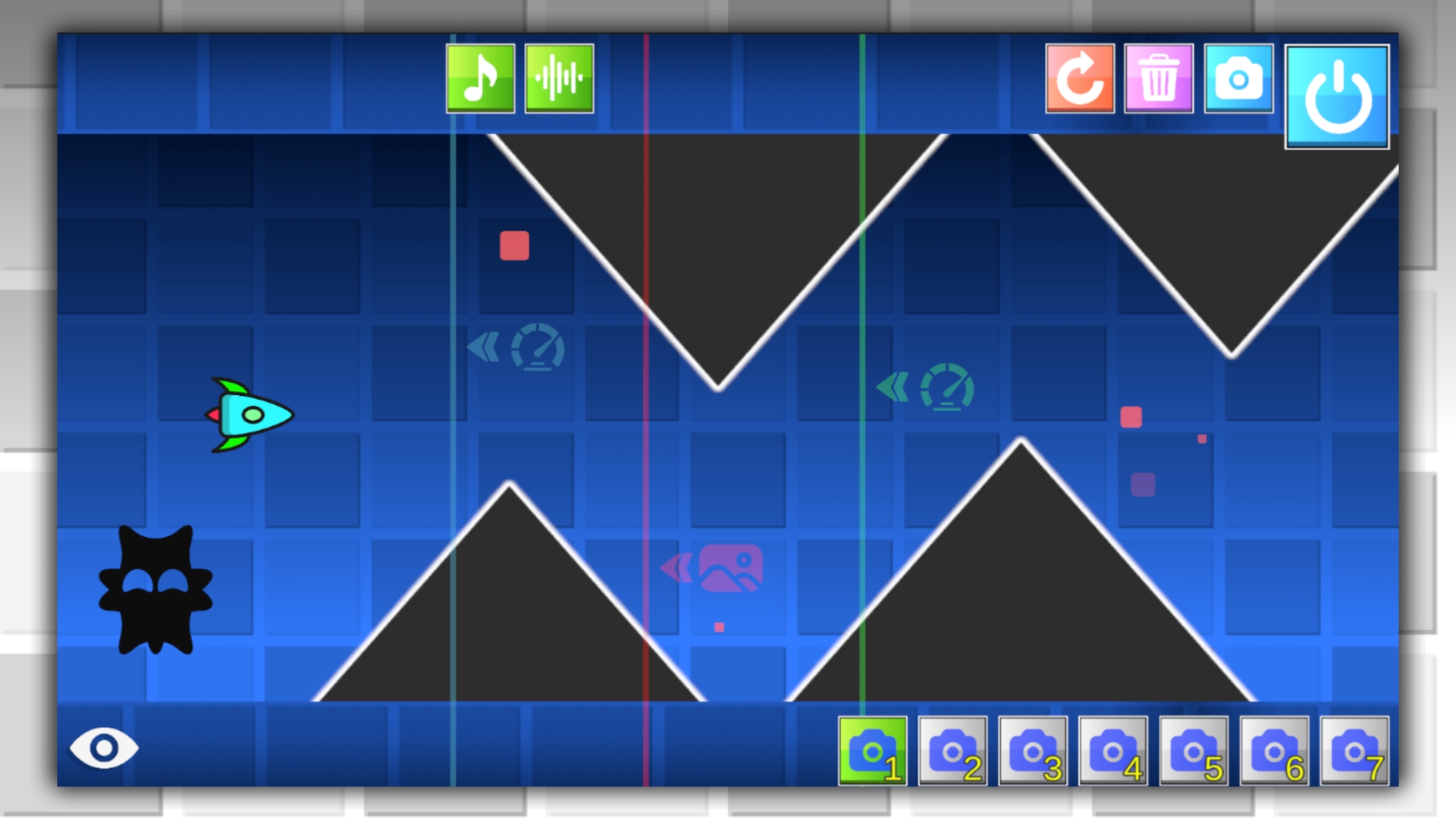
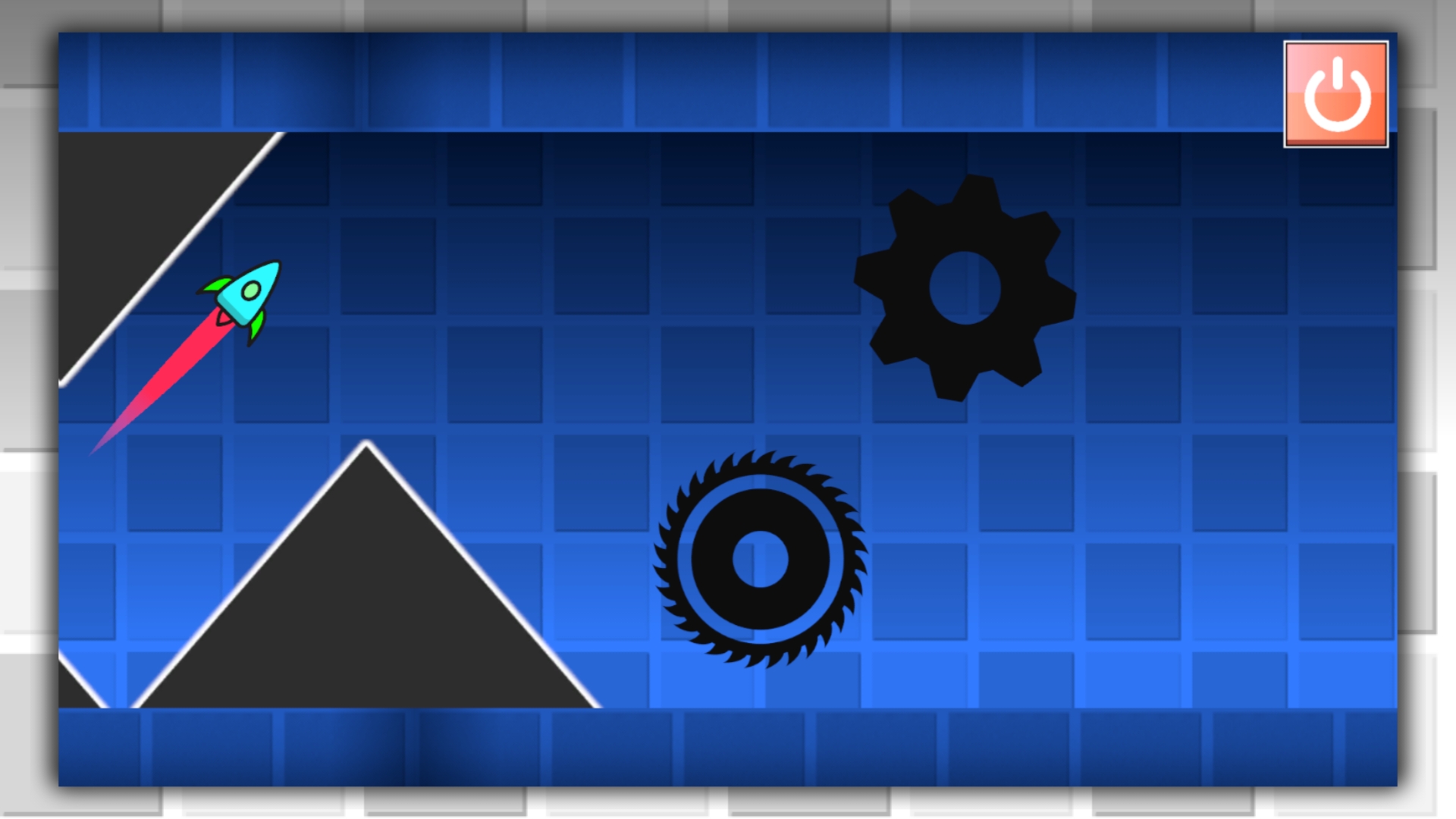
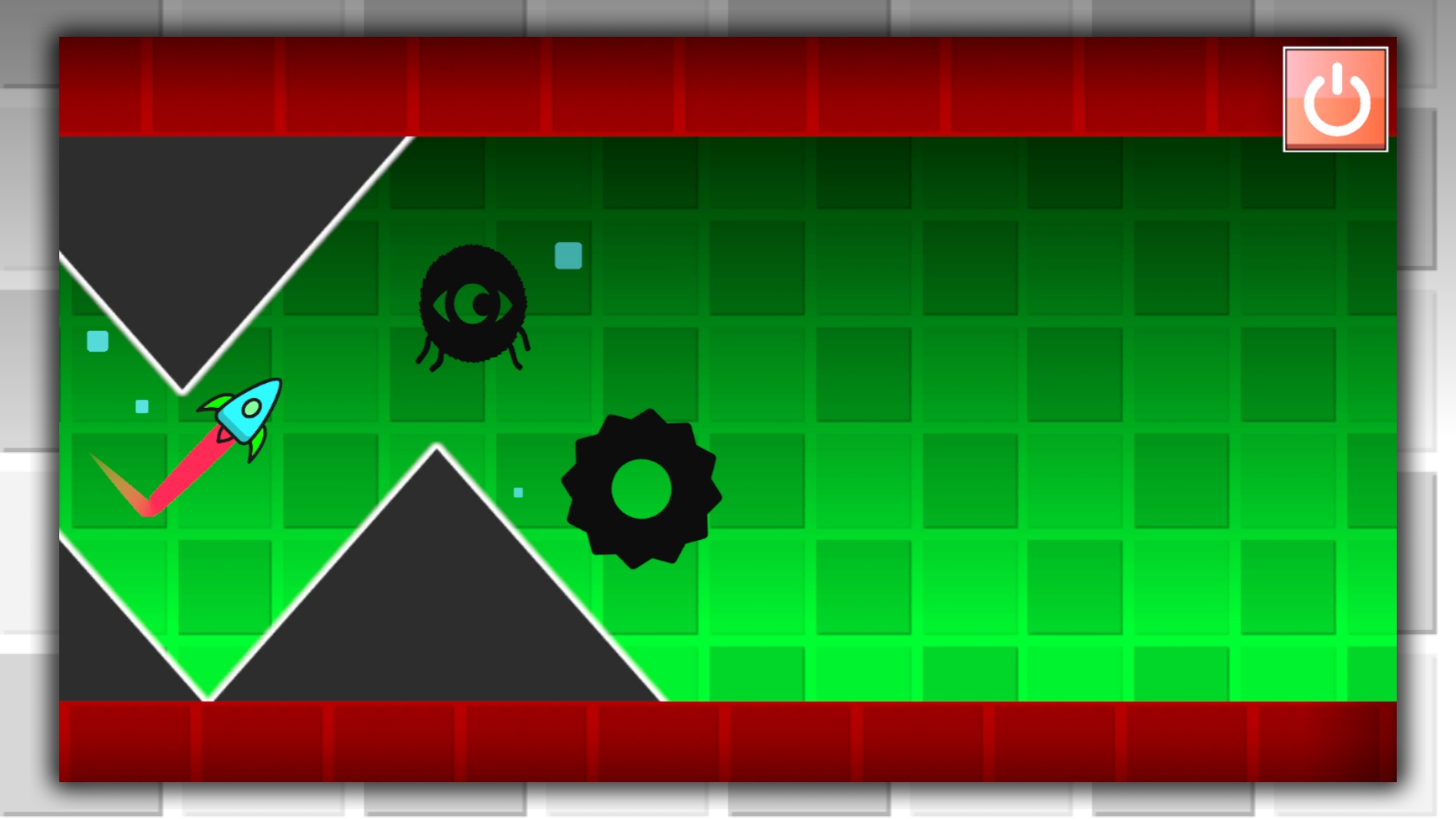
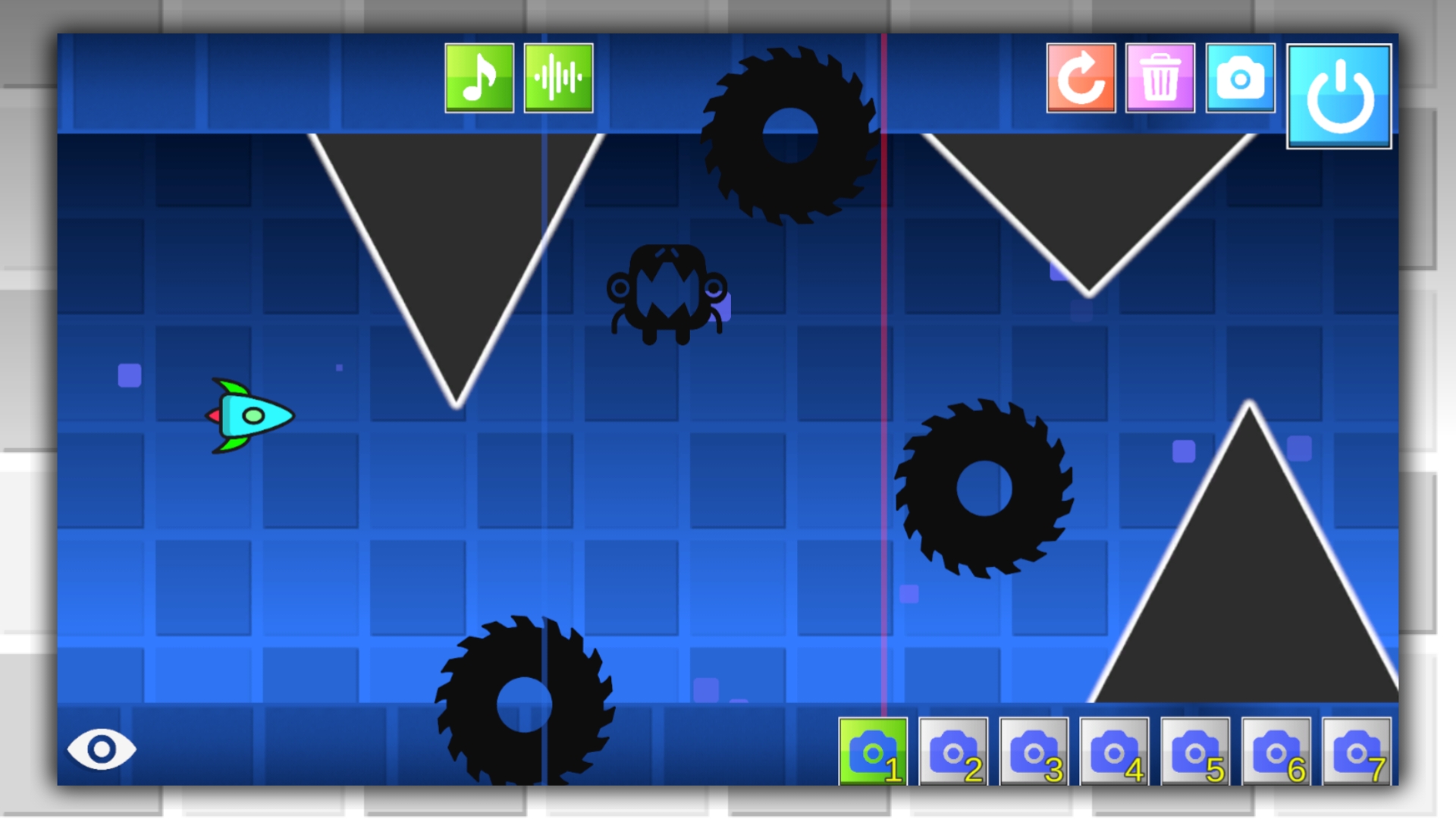
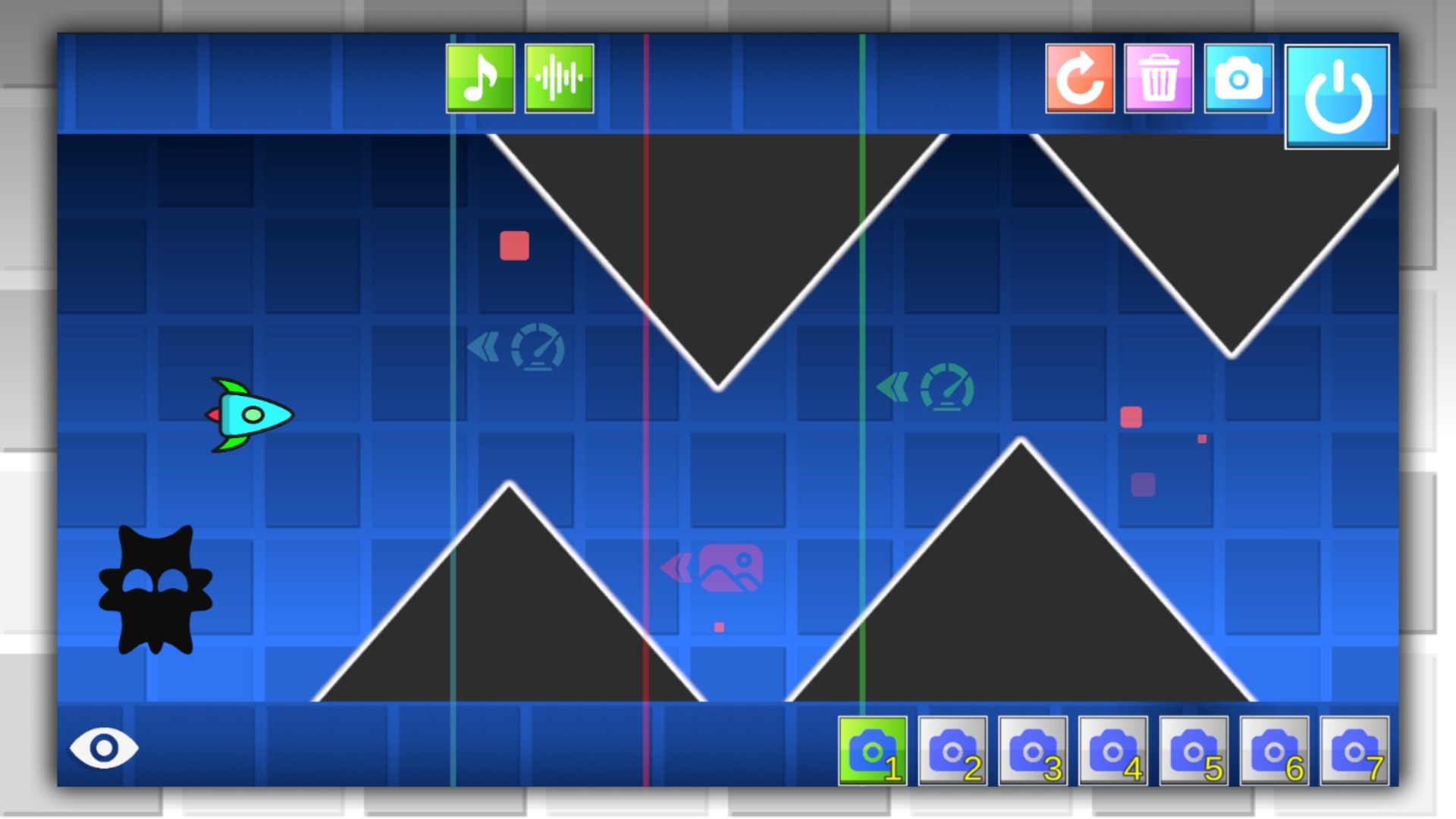
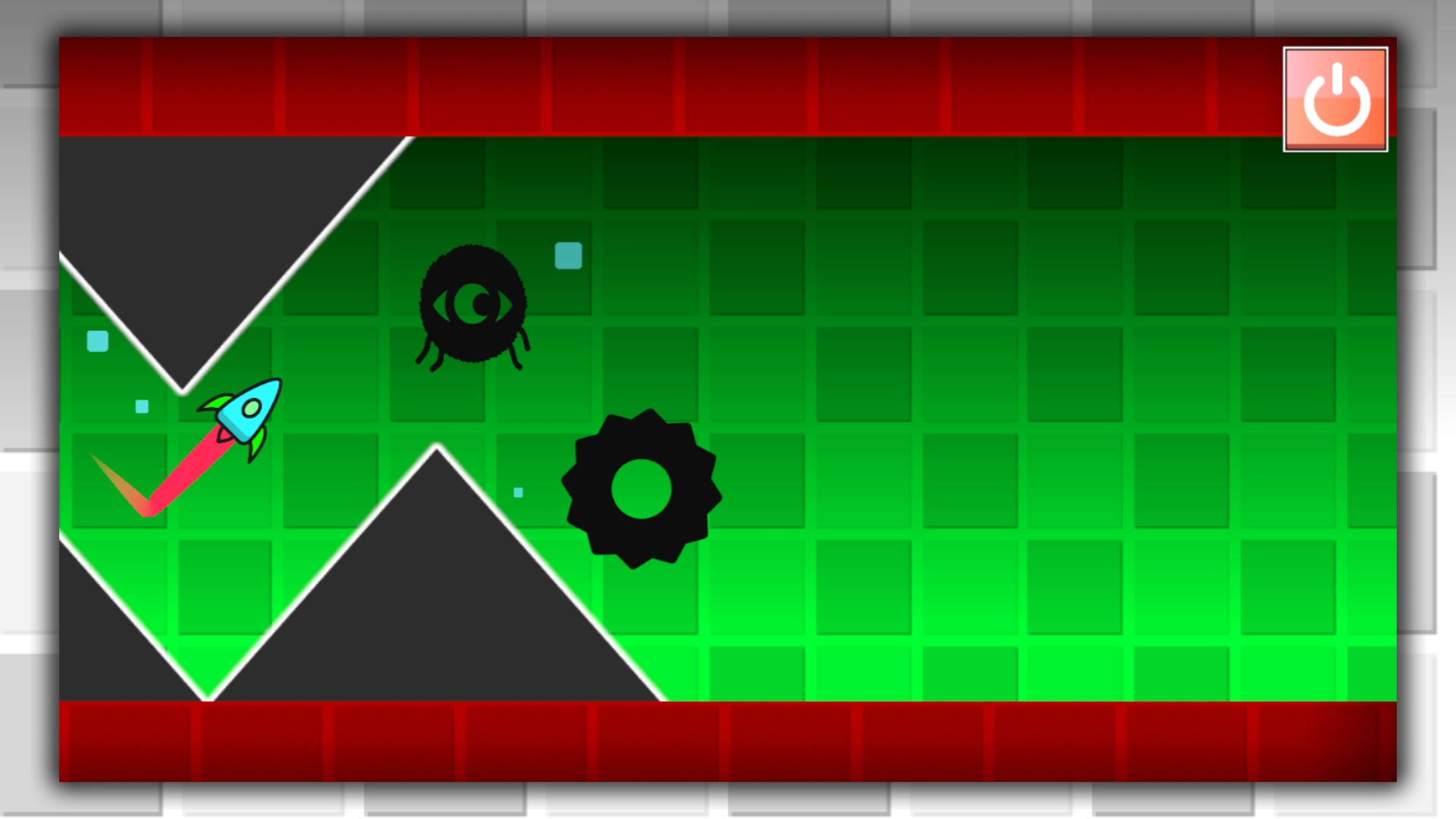
Create your level in wave mode in Geometry Dash now! The game features a full-fledged level editor, where you can create your own unique level in wave mode. The game has a large number of blocks, obstacles, effects and special triggers that can change the speed of the wave and the colors of the background from the lower and upper borders. Be careful, because if you leave the game, the level will not be saved.

Videos and screenshots
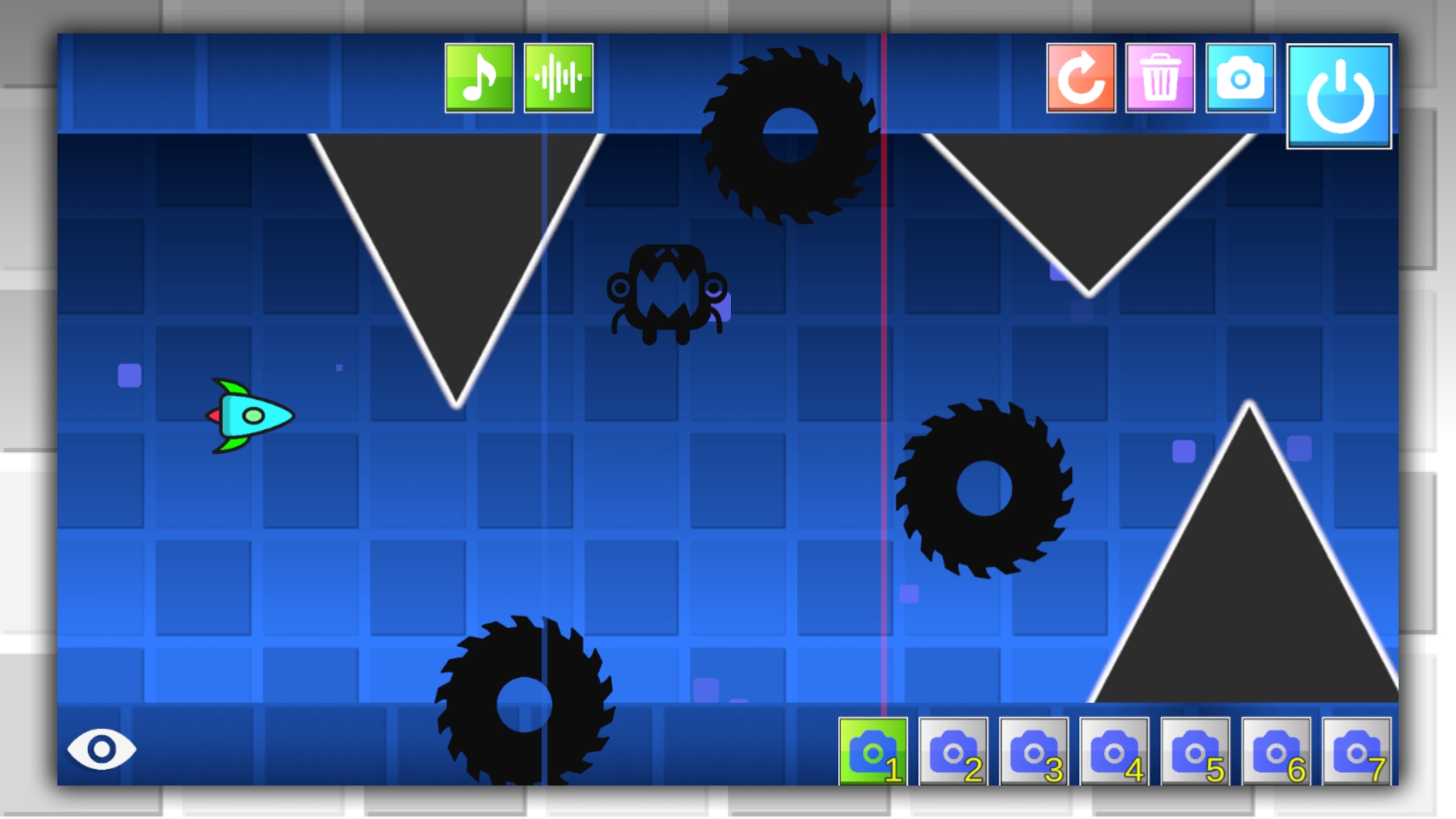
  • Geometry Dash: Make your level with a wave screenshot 1
  • Geometry Dash: Make your level with a wave screenshot 2
  • Geometry Dash: Make your level with a wave screenshot 3
  • Geometry Dash: Make your level with a wave screenshot 4
  • Geometry Dash: Make your level with a wave screenshot 5
  • Geometry Dash: Make your level with a wave screenshot 6
  • Geometry Dash: Make your level with a wave screenshot 7
  • Geometry Dash: Make your level with a wave screenshot 8
Play Now

12,408 players online

How to play

  1. Open the game

    Press Play now and the game opens on its own screen.

  2. Follow the in-game instructions

    The controls and goals are shown inside the game as you play.

  3. Use the game menu

    The floating button over the game reloads it, saves it to your favourites, or takes you back out.

Game instructions

A full-fledged level editor is open to you. Select the block, object, effect, or trigger you want to link, then move it with your cursor or mouse. To delete an item, click on the trash can icon and then on the item you want to delete. To switch the camera, use the special buttons located at the bottom of the screen. To start the game, press the "Start" button, to stop the level, just press the "Start" button again. If you lose, you will return to level creation mode. The game does not have a save level feature, so if you quit the game, the level will not be saved.

More games

More games