Overview
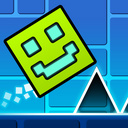
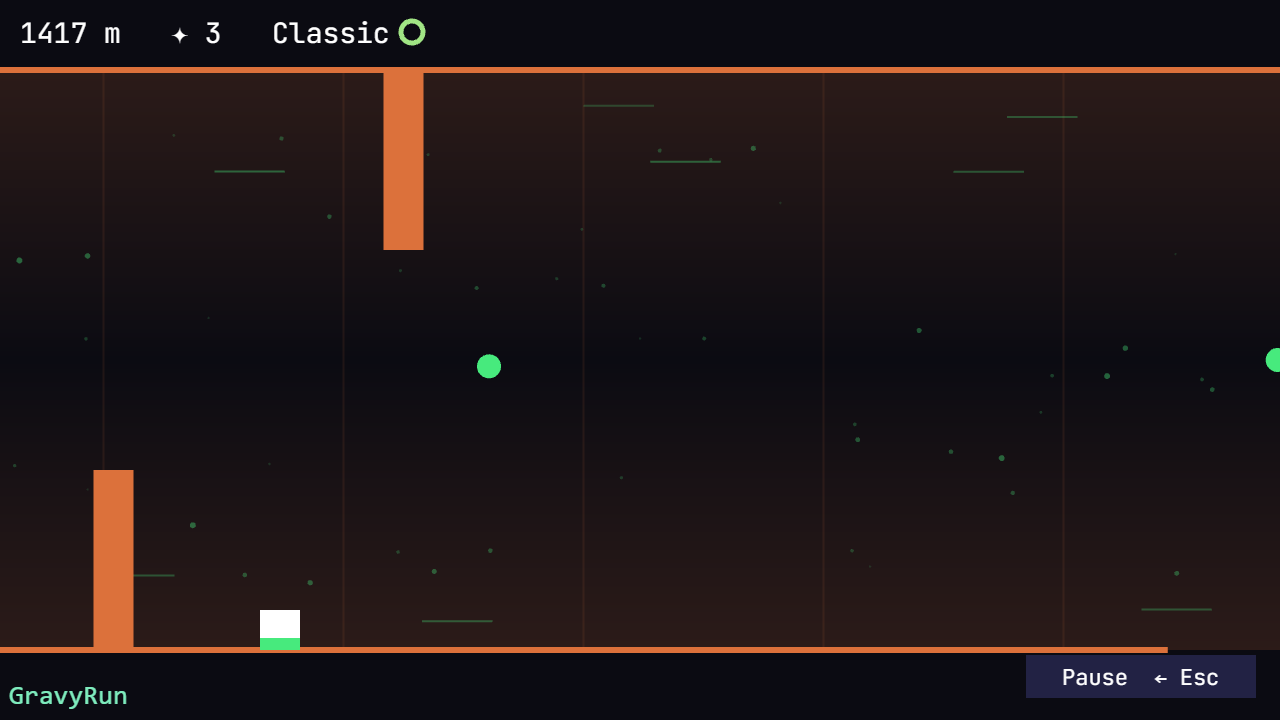
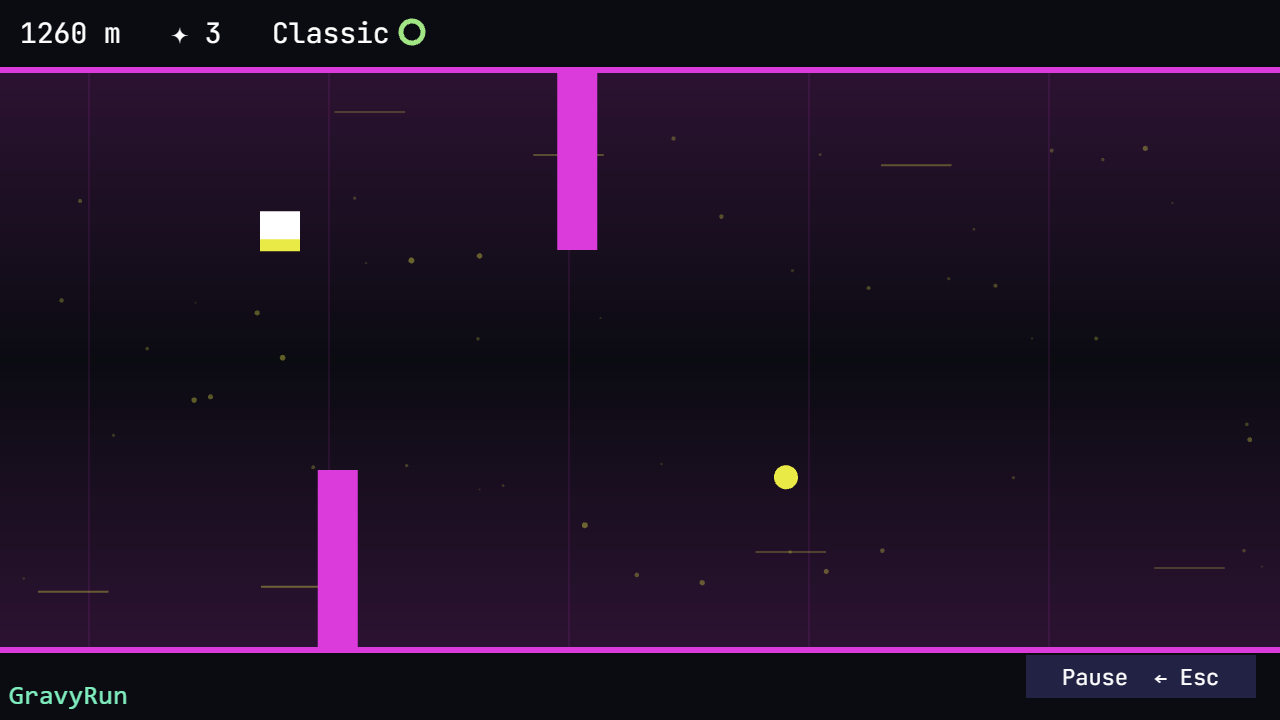
Flip gravity with a single tap! Run through a neon corridor — on the floor or the ceiling, dodge spikes, cross the gaps and collect crystals. The speed rises every hundred meters: how far can you run?
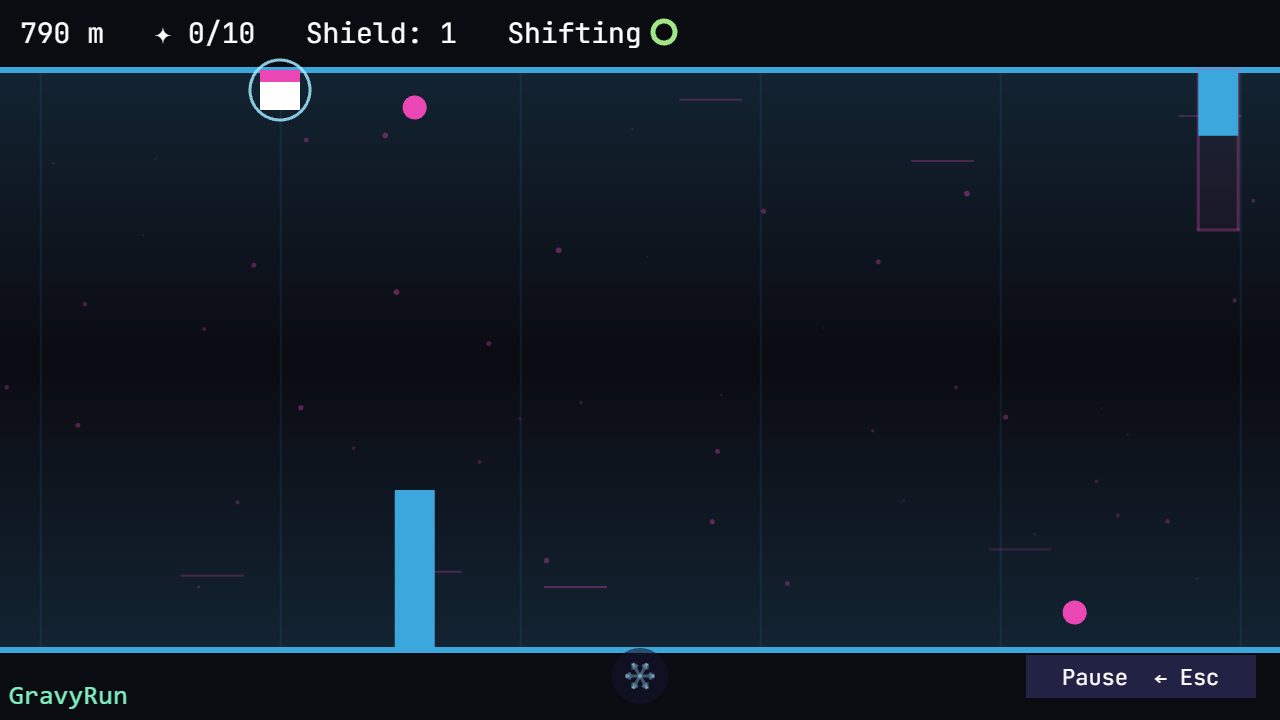
Four modes to choose from, each with its own best score. Classic is the original version of the game: a clean run among spikes and gaps, with no shield and a single second chance per run. Narrows is the same corridor with the obstacles packed tight — and crystals that build a shield. Shifting changes the track as you run: spikes grow out of the floor, gaps open up ahead. Sawblades sends a saw straight at you, and there is only one way out — switch to the opposite surface.
- One tap — instant gravity flip
- Four modes: Classic, Narrows, Shifting, Sawblades — each keeps its own best score
- Endless procedural track: every run is unique
- Rising speed and difficulty — a true reflex test
- Collect crystals and beat your best score
Videos and screenshots
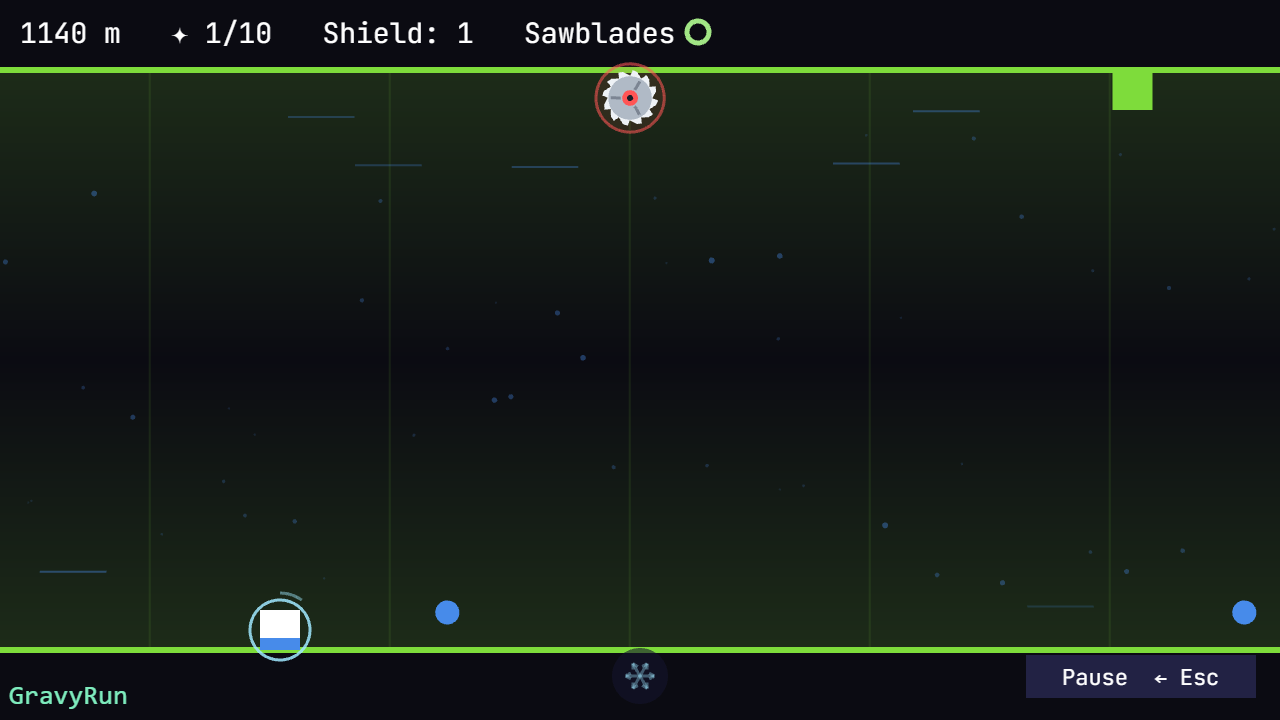
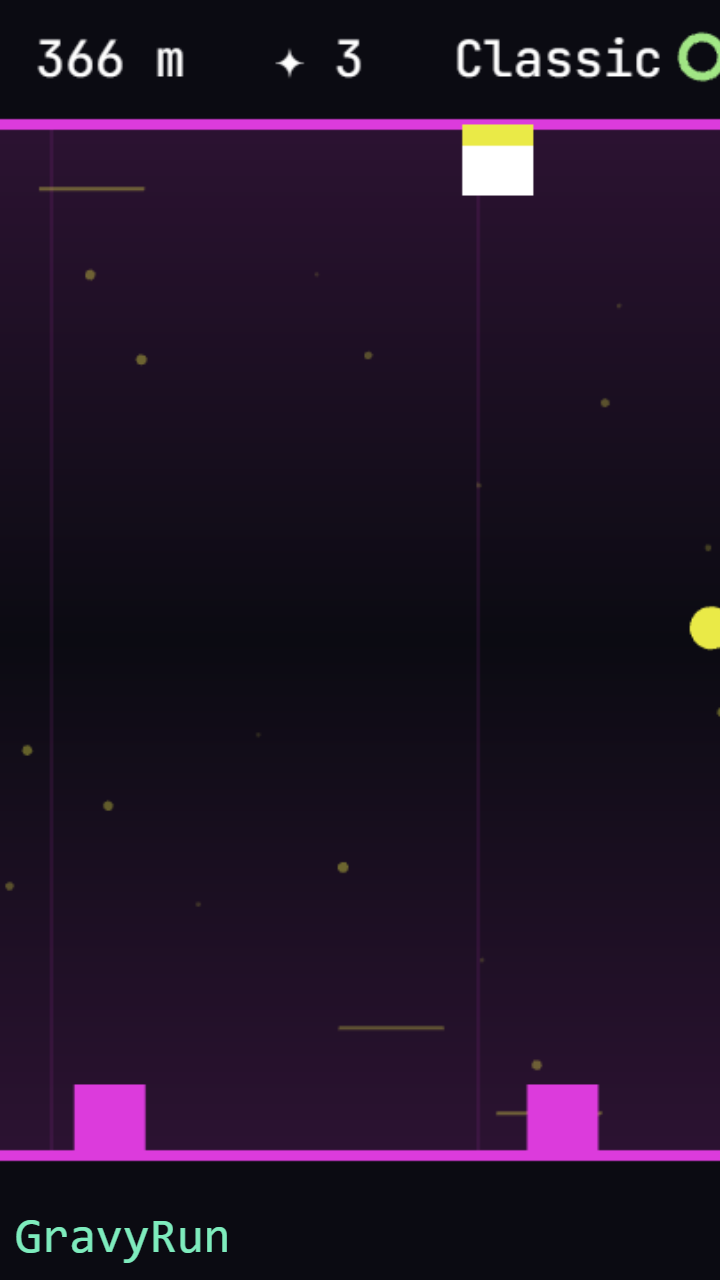
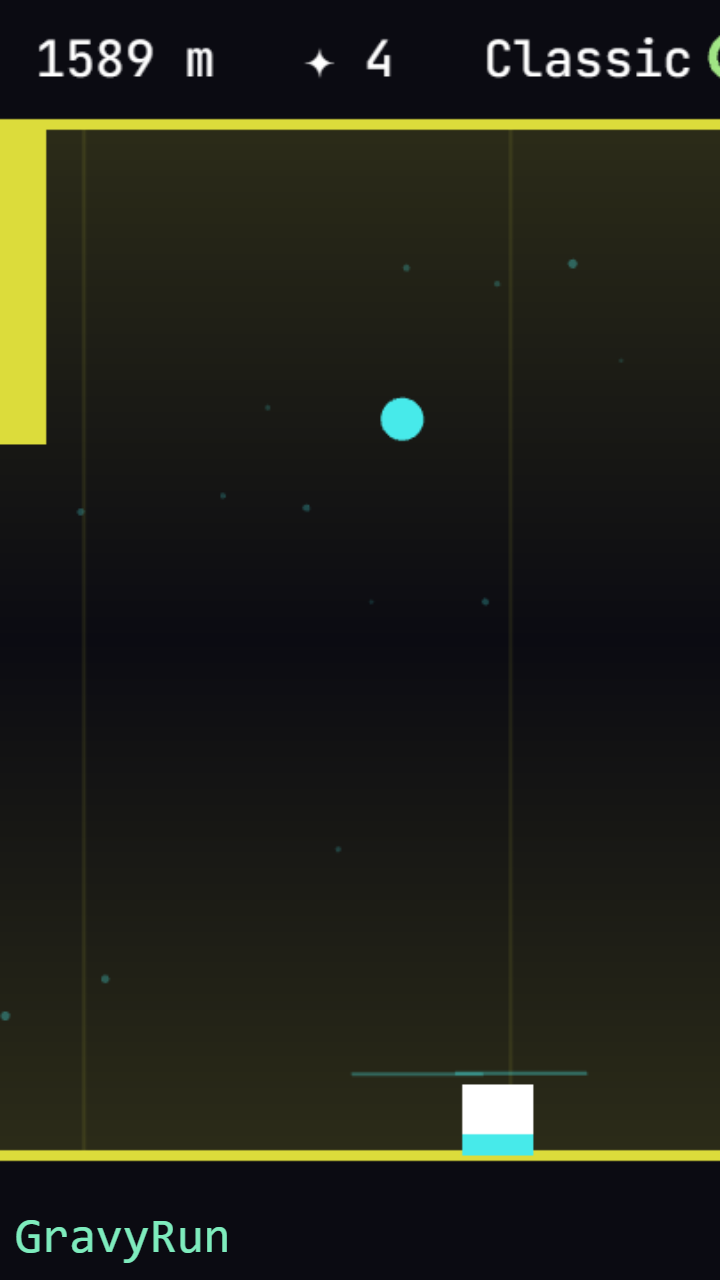
11,310 players online
How to play
-
Open the game
Press Play now and the game opens on its own screen.
-
Follow the in-game instructions
The controls and goals are shown inside the game as you play.
-
Use the game menu
The floating button over the game reloads it, saves it to your favourites, or takes you back out.