Overview
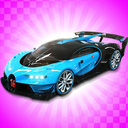
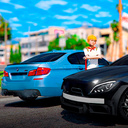
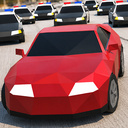
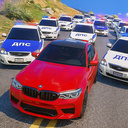
GT Cars City Racing, which brings many innovations and game-play to its previous series GT Cars Mega Ramps, has different surprises waiting for you in its 2nd series. The open world, which is especially demanded by the players, was designed as a Toy City. Incredible shows in the Toy City offer a dazzling game-play experience and never-ending action!
What modes are there in the GT Cars City Racing game?
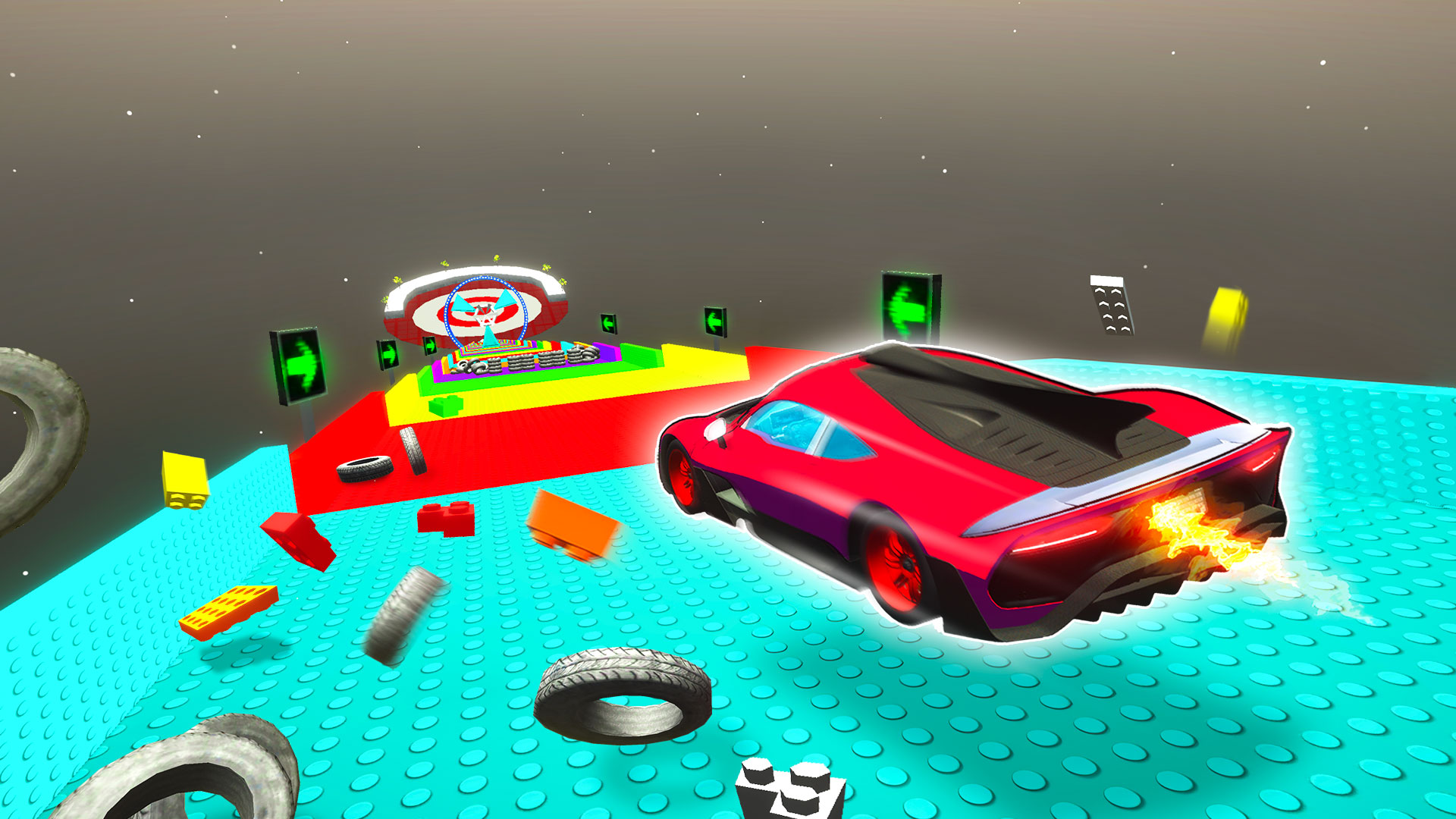
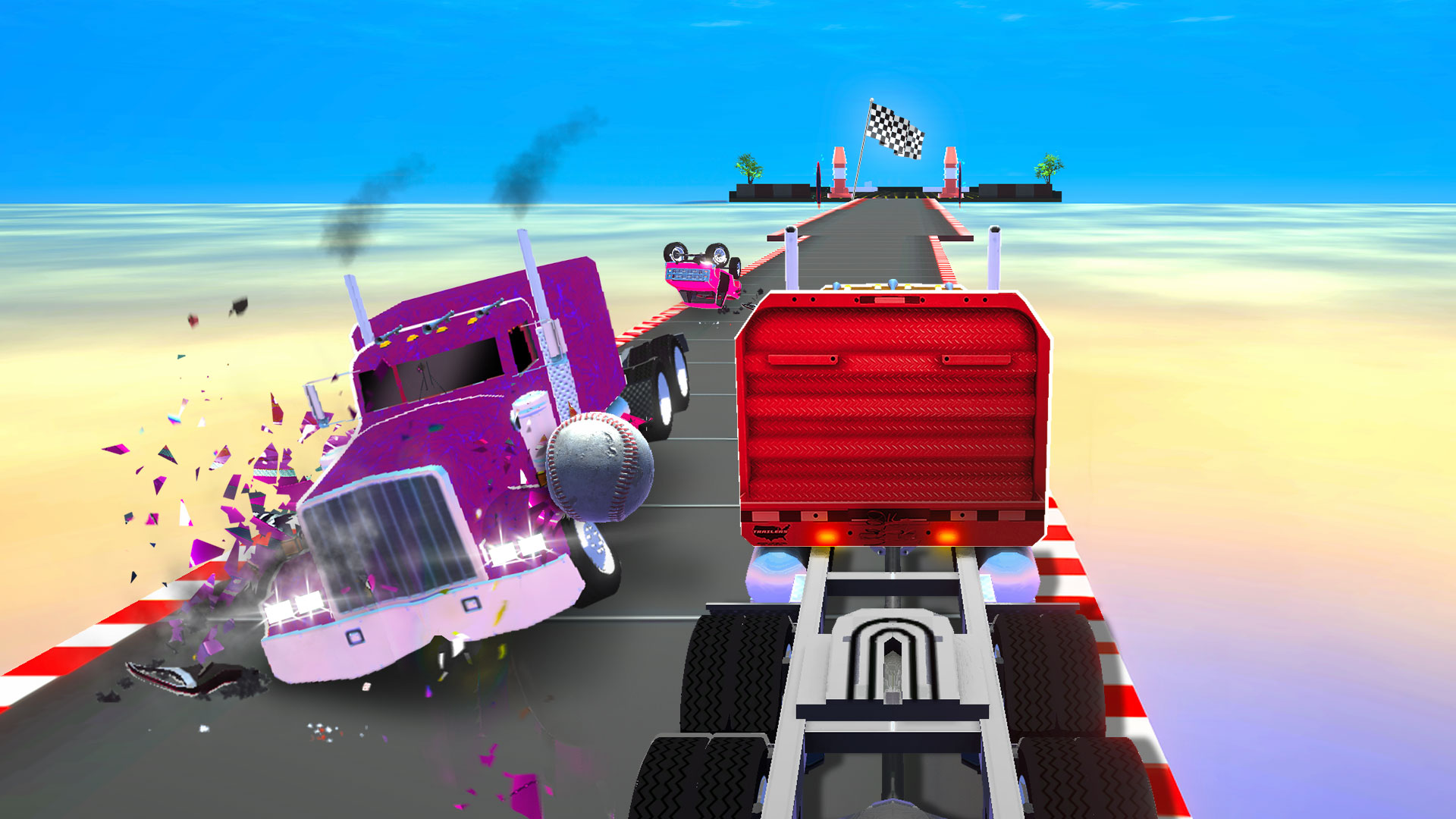
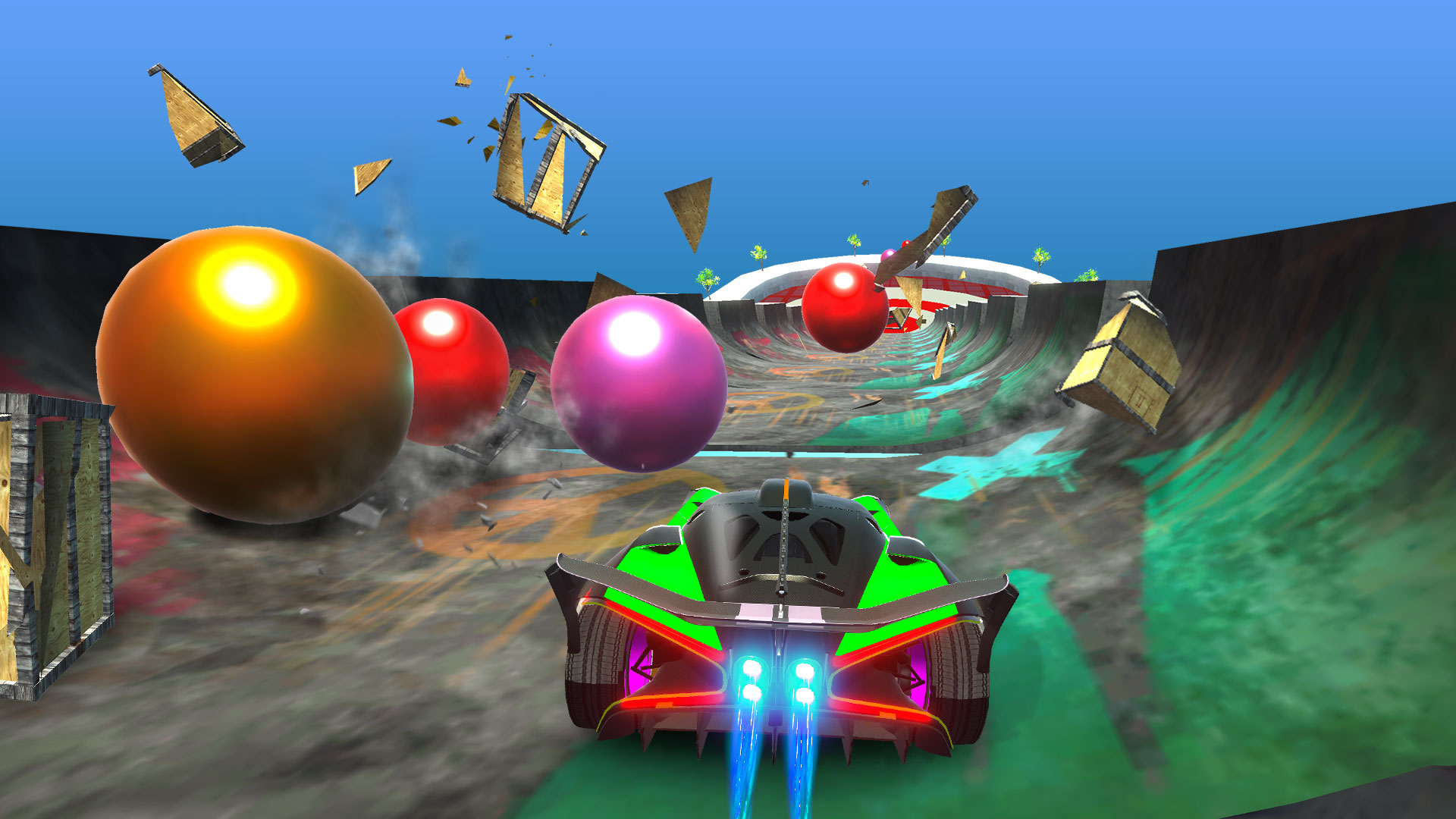
Toy City: Drive on 360-degree ramps, challenge the waters, explode robots, play bowling with marbles and even explode the Moon! A game style never experienced before awaits you.
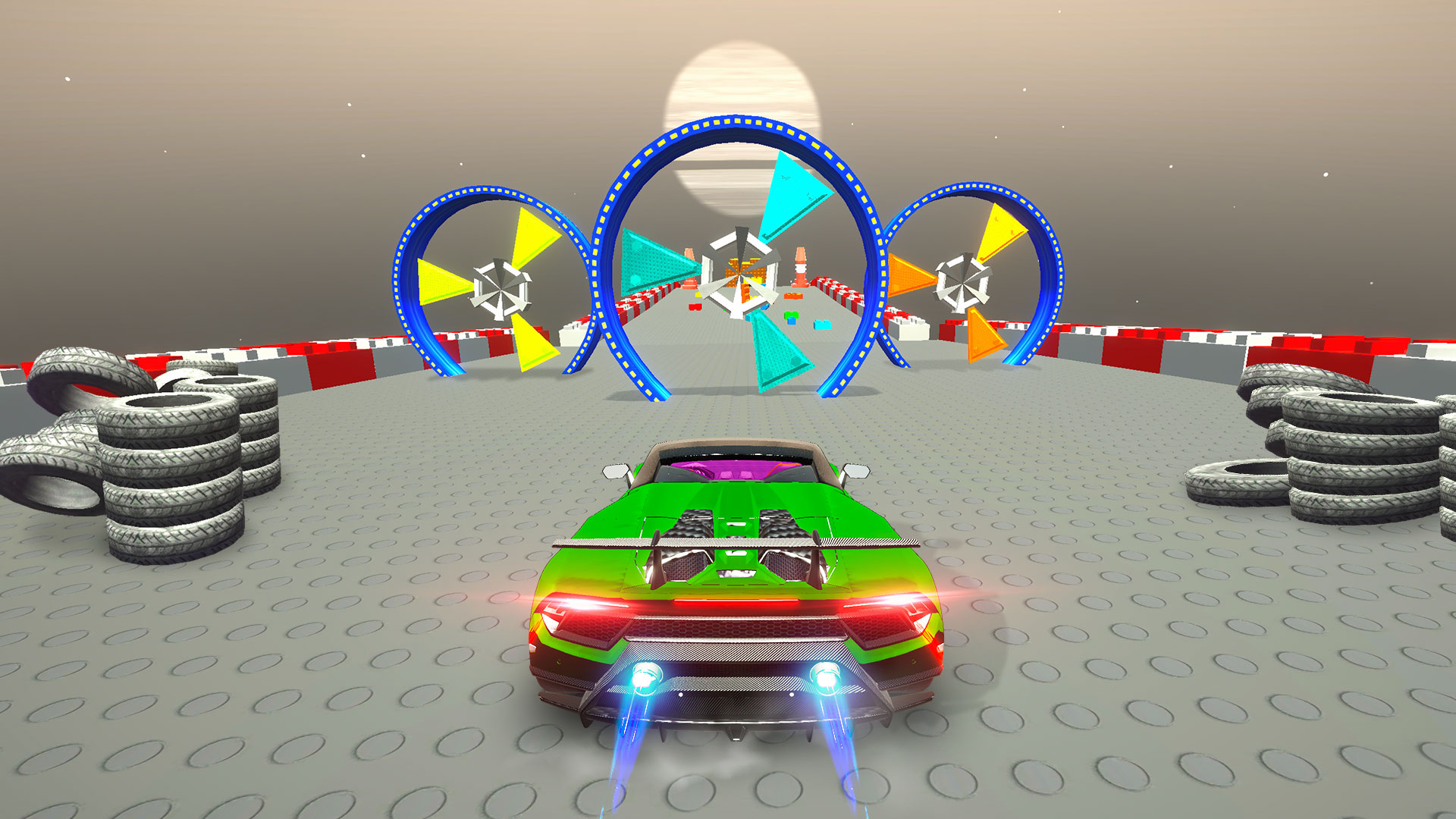
Face to Face: Compared to the previous series, you will be drawn into a completely different racing experience with brand new roads, different obstacles, more rival racers and amazing 360-degree routes.
Mega Ramps: Fly through mega ramps with your super-sport car and complete the stages in the limited time given to you by overcoming obstacles.
All 3 modes can be played in both 1 player and 2 player modes.
Videos and screenshots

12,647 players online
How to play
-
Open the game
Press Play now and the game opens on its own screen.
-
Follow the in-game instructions
The controls and goals are shown inside the game as you play.
-
Use the game menu
The floating button over the game reloads it, saves it to your favourites, or takes you back out.