Skip to content
KG
Heroes of Might and Magic II

Heroes of Might and Magic II

7K plays 4.1 out of 5

Overview

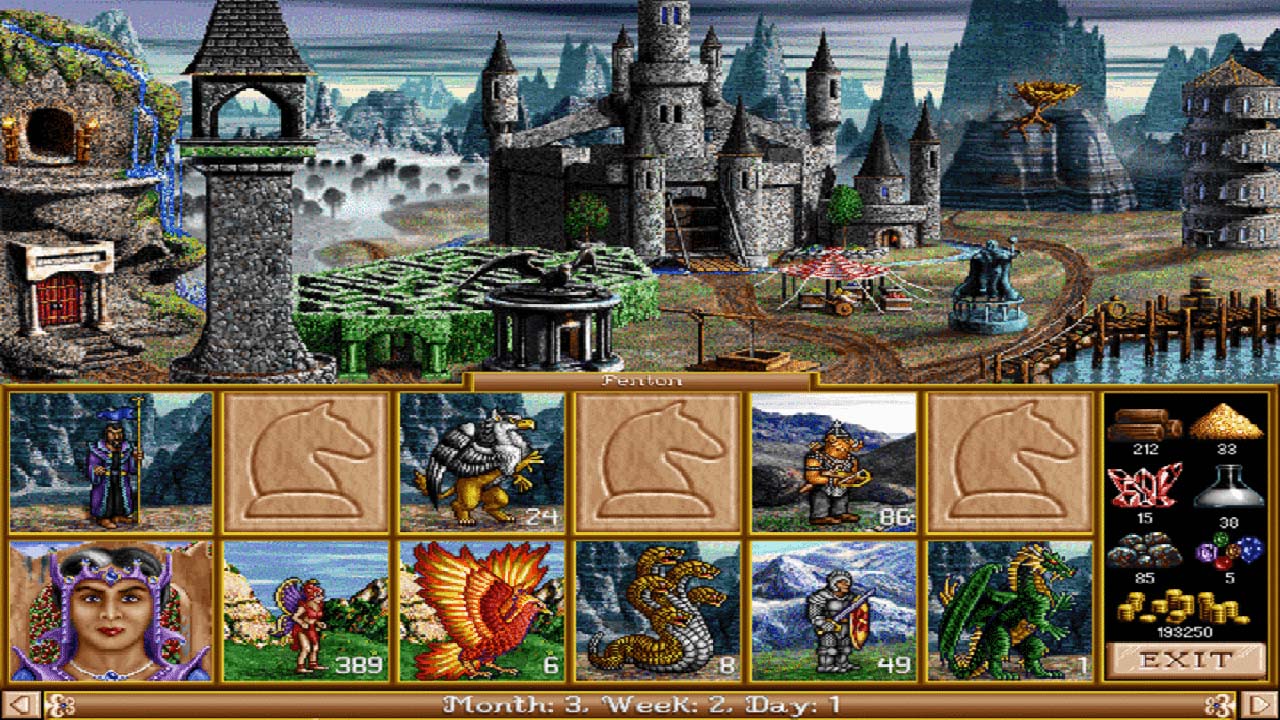
"Heroes of Might and Magic II" is a turn-based strategy game with RPG elements, combining magic, tactical battles, and exploration of an exciting fantasy world. Game Features: ● Six unique factions: each with its own units, buildings, and playstyle. ● Hero development: key characters learn spells, collect artifacts, and influence the outcome of battles. ● Turn-based gameplay: city management, map exploration, and strategic planning. ● Magic and artifacts: alter the course of battles and empower heroes with unique abilities. ● Campaigns and missions: epic storylines or freedom to explore in single-player mode.

Videos and screenshots
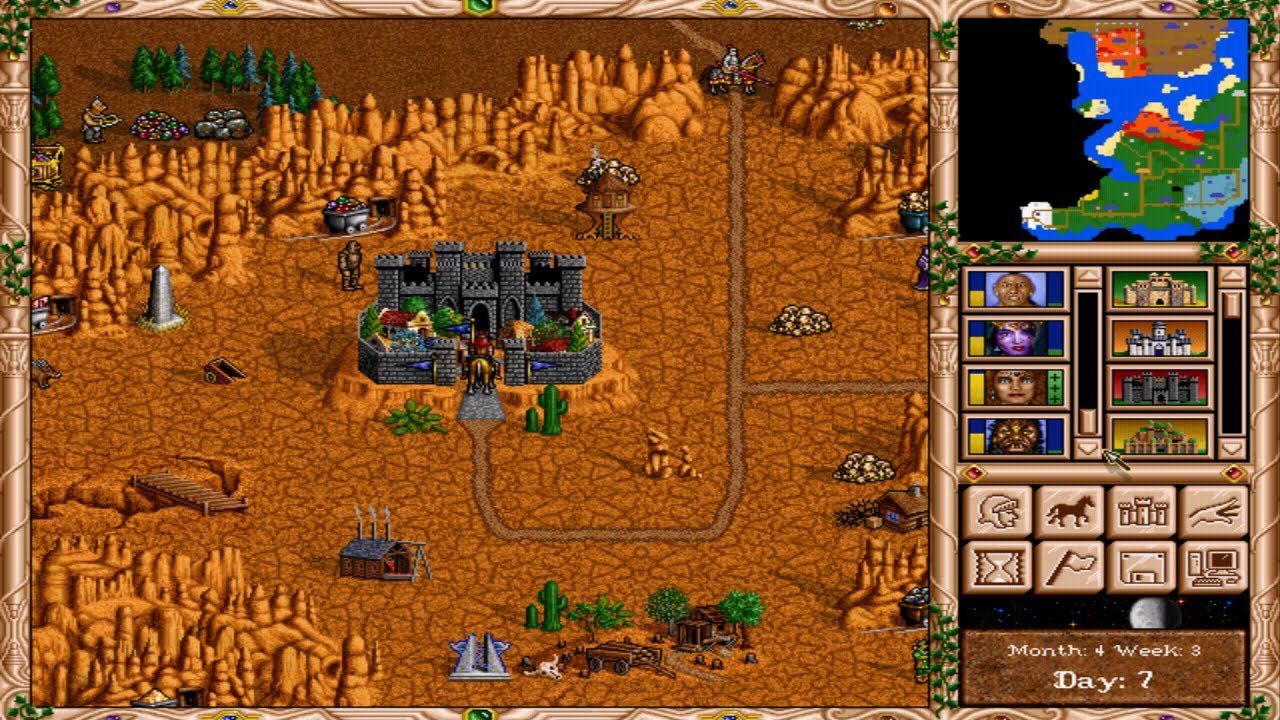
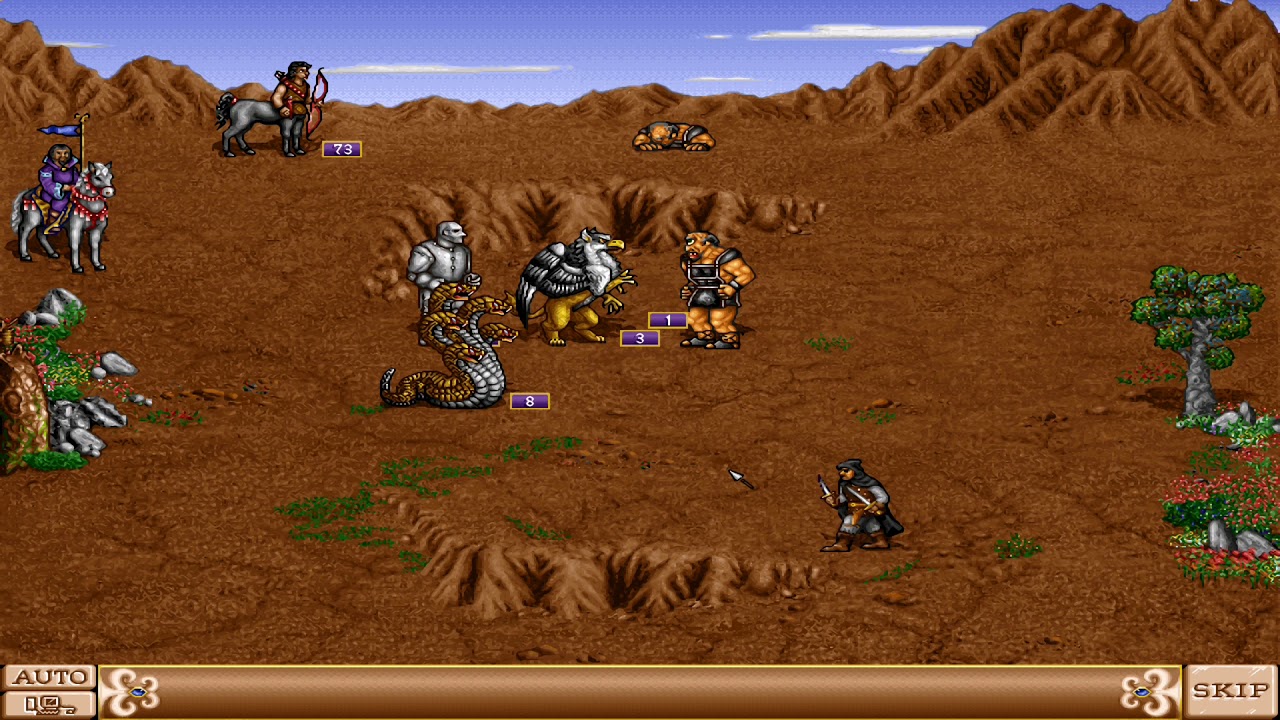
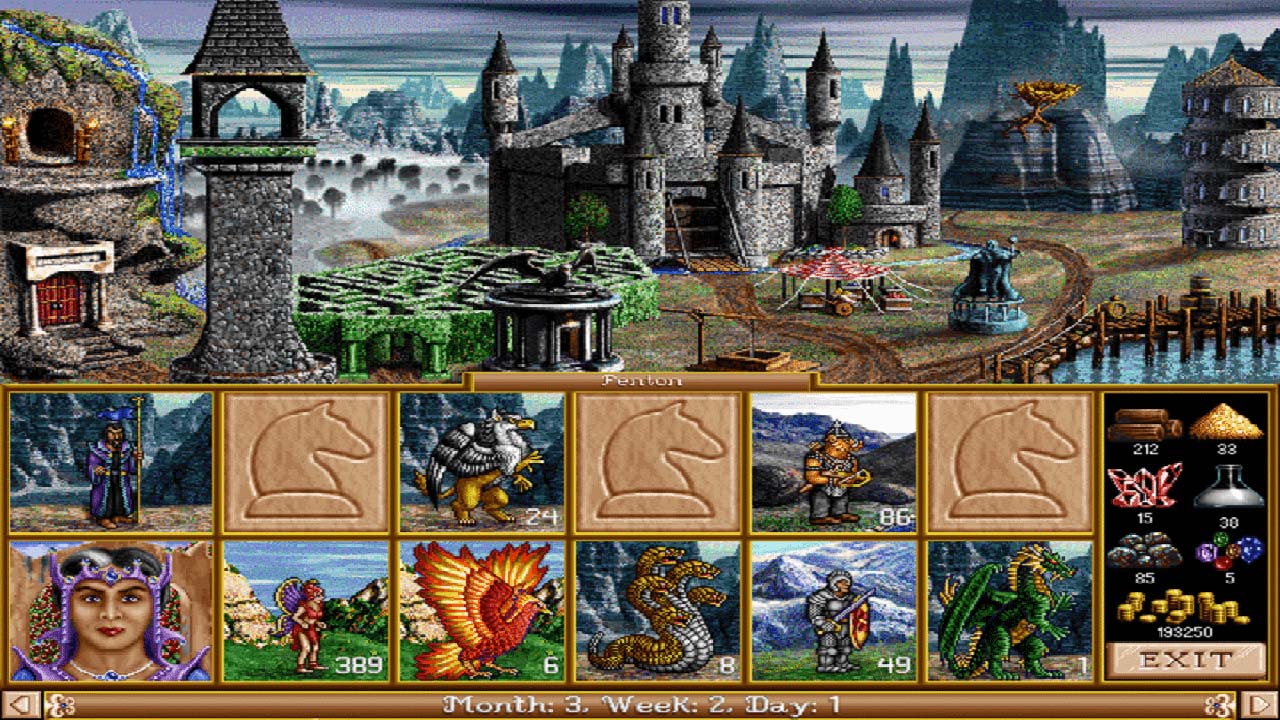
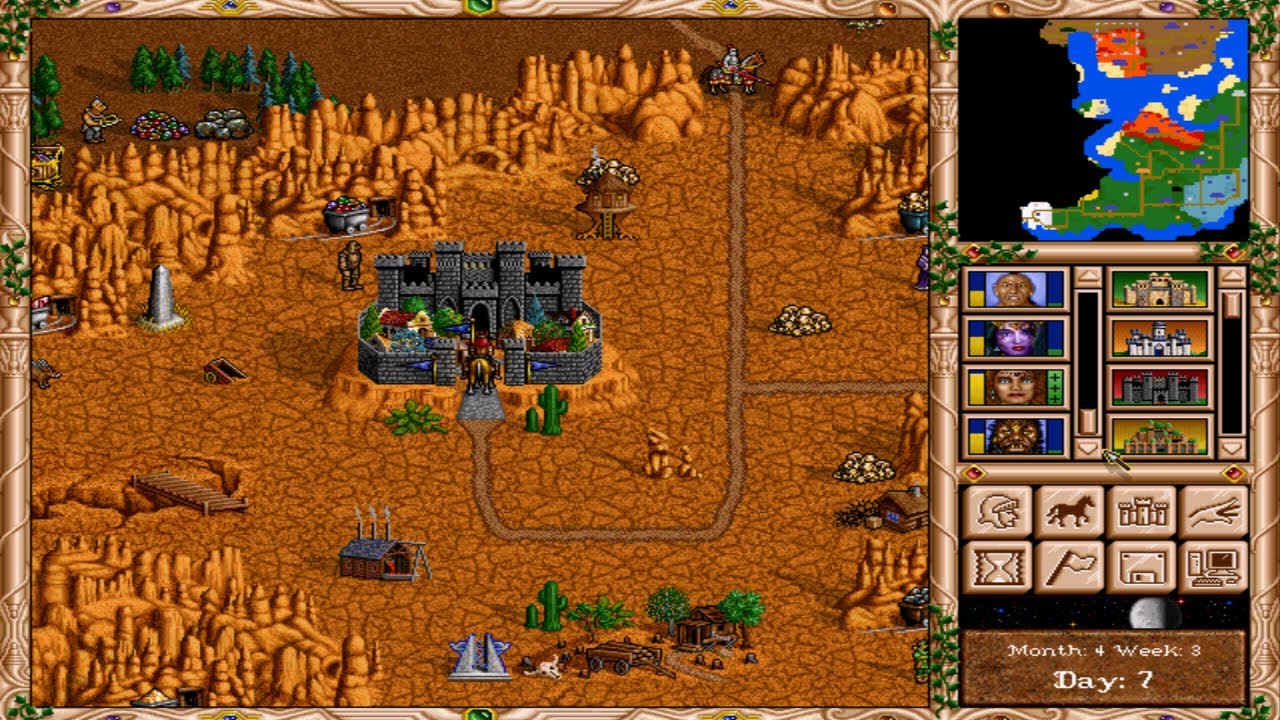
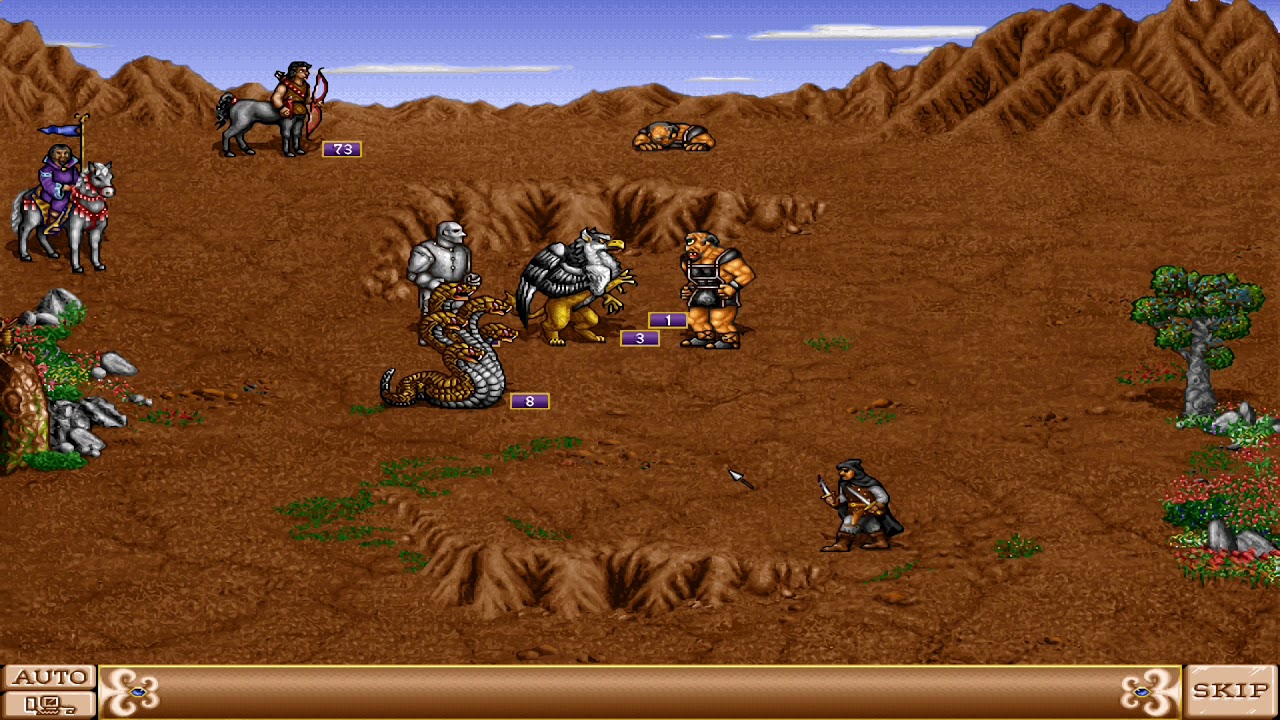
  • Heroes of Might and Magic II screenshot 1
  • Heroes of Might and Magic II screenshot 2
  • Heroes of Might and Magic II screenshot 3
  • Heroes of Might and Magic II screenshot 4
  • Heroes of Might and Magic II screenshot 5
  • Heroes of Might and Magic II screenshot 6
Play Now

11,443 players online

How to play

  1. Open the game

    Press Play now and the game opens on its own screen.

  2. Follow the in-game instructions

    The controls and goals are shown inside the game as you play.

  3. Use the game menu

    The floating button over the game reloads it, saves it to your favourites, or takes you back out.

Game instructions

Saving Progress: The game saves your progress locally in the browser's cache. To avoid data loss, do not play in incognito mode. The Russian and English versions of the game use separate save lists. Controls on Mobile Devices: ● Cursor movement : Swipe across the screen. ● Left mouse click: Activates when the tap is released. ● On the left, there is a panel through which you can adjust the cursor sensitivity when swiping across the screen, and also bring up the virtual keyboard, for example, to enter a save name. ● The virtual button "?" in the upper right corner allows you to view the properties of items, creatures, armies, and castles. ● The virtual button "/" in the lower left corner allows you to split creatures of the same type into different cells. To split, tap on the creature, then hold down "/" and simultaneously tap on an empty cell. Controls on PC: ● Classic control using a keyboard and mouse .

More games

More games