Overview
Start the hidden object marathon!
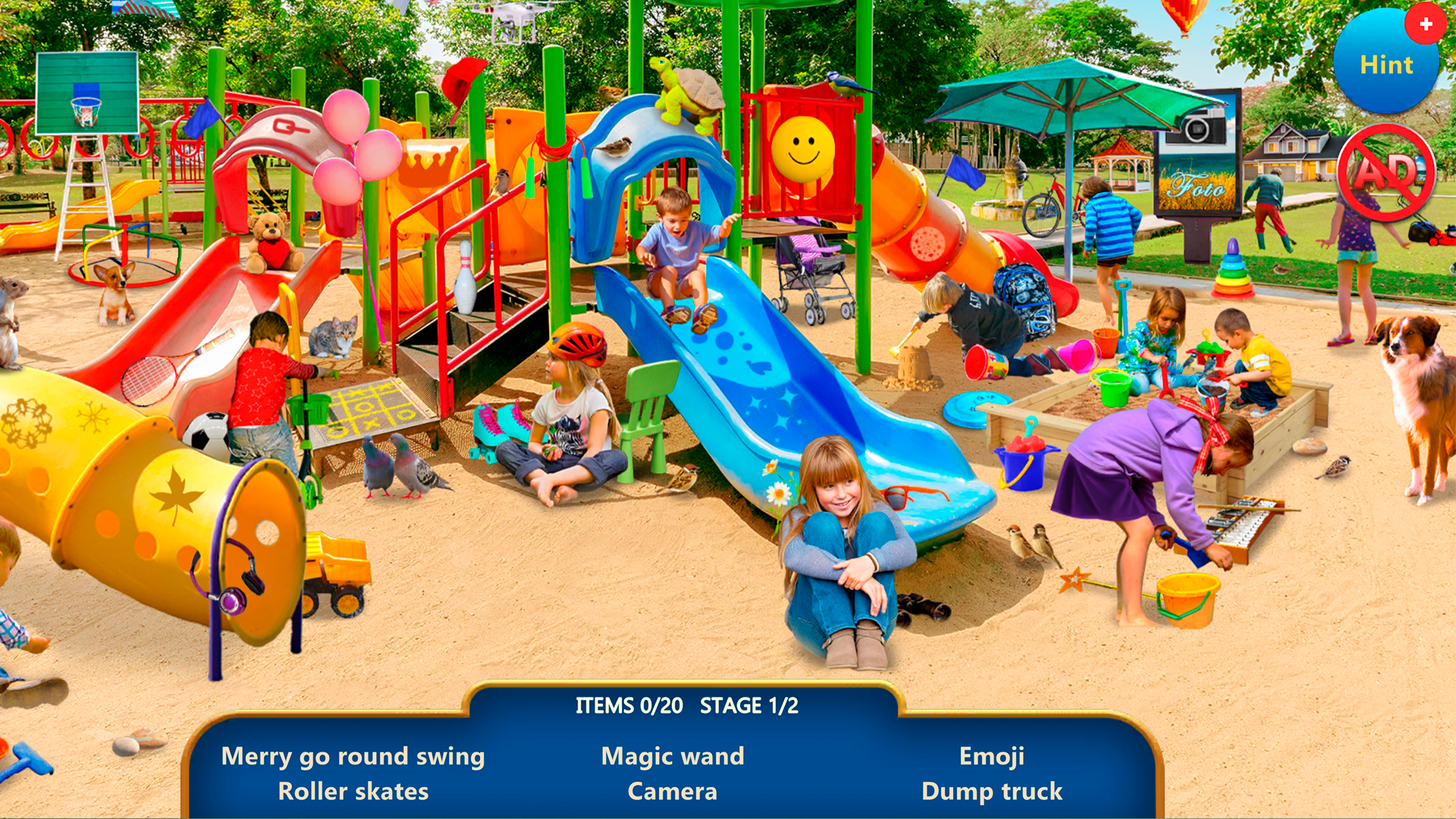
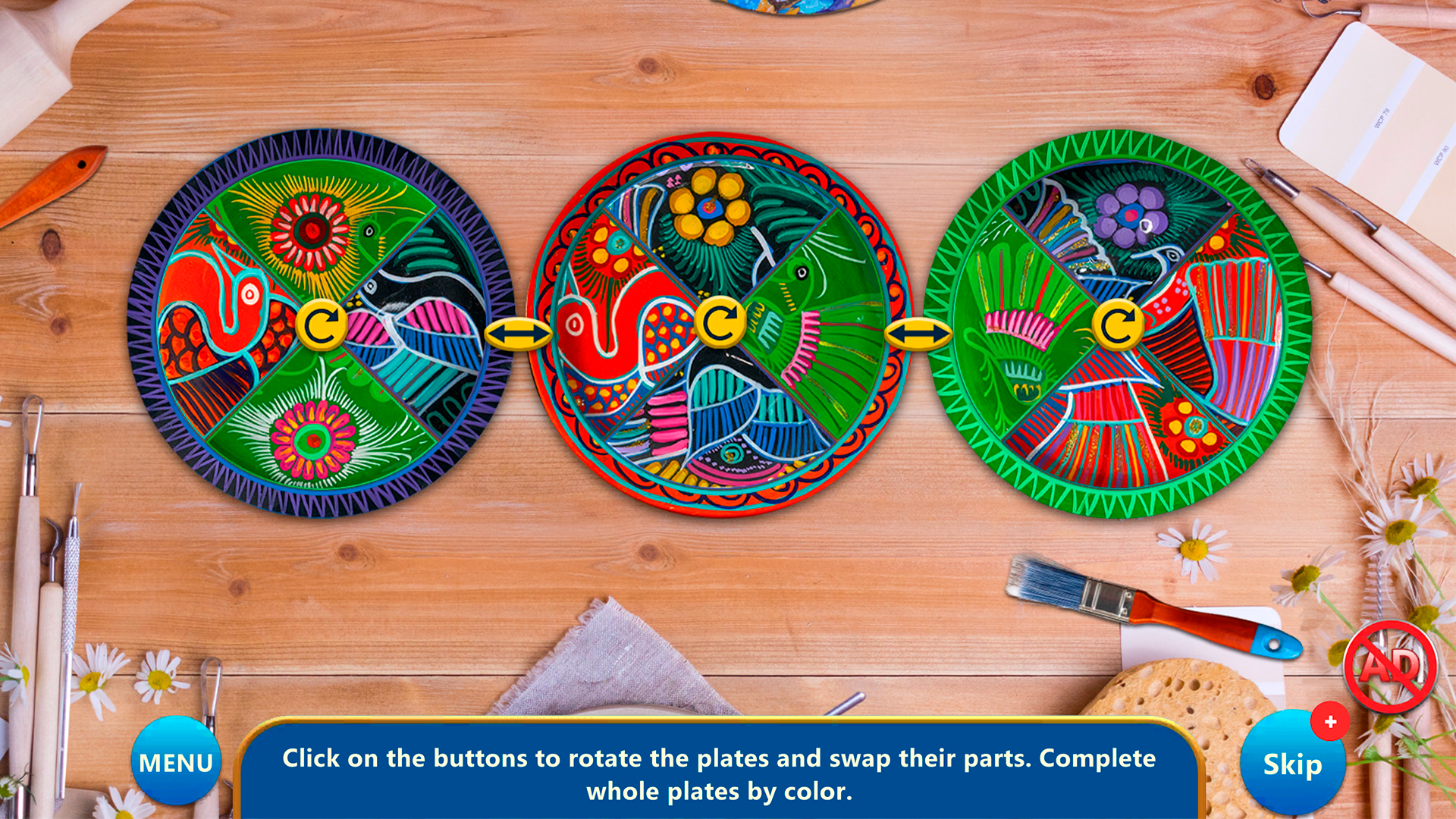
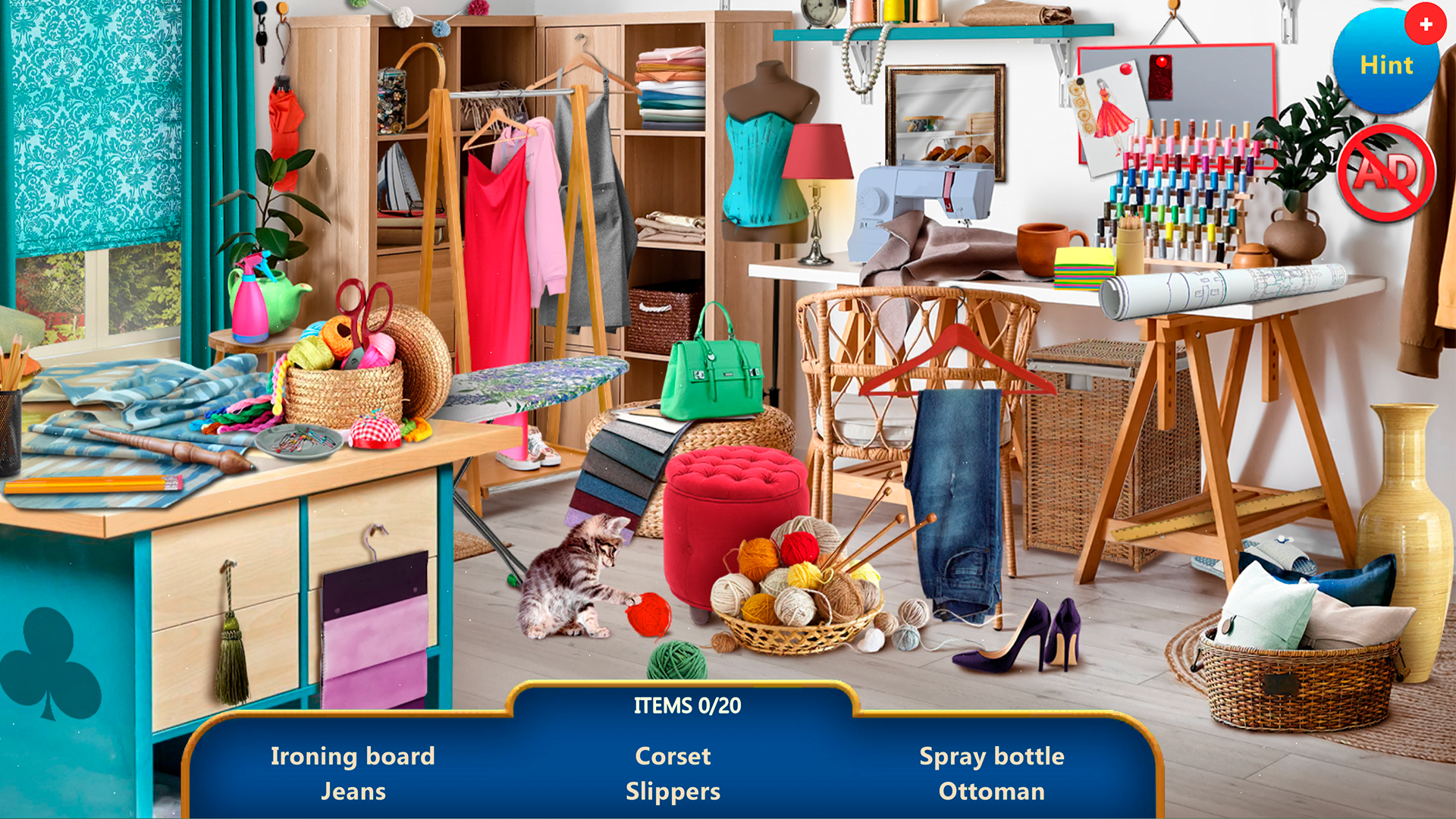
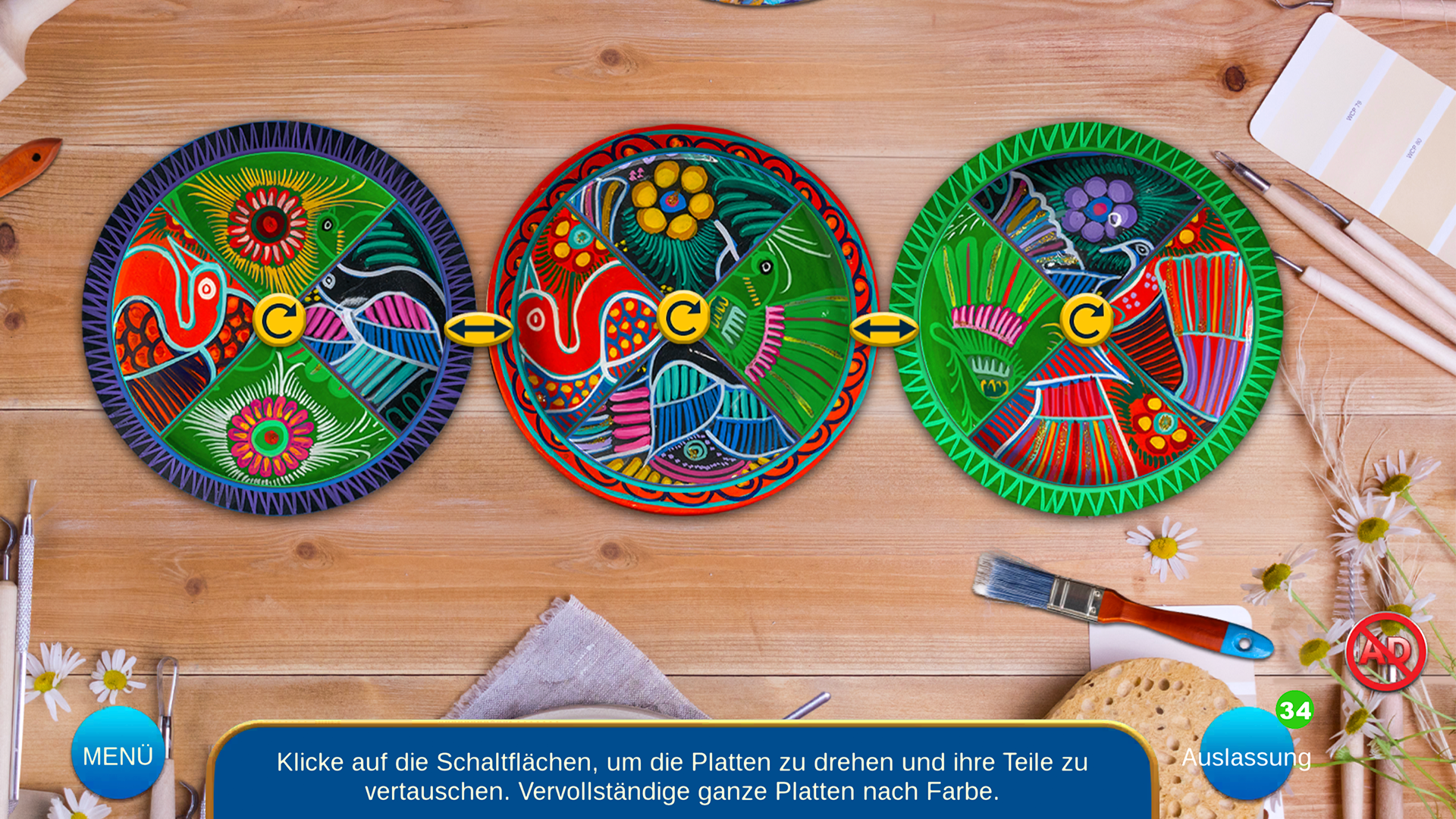
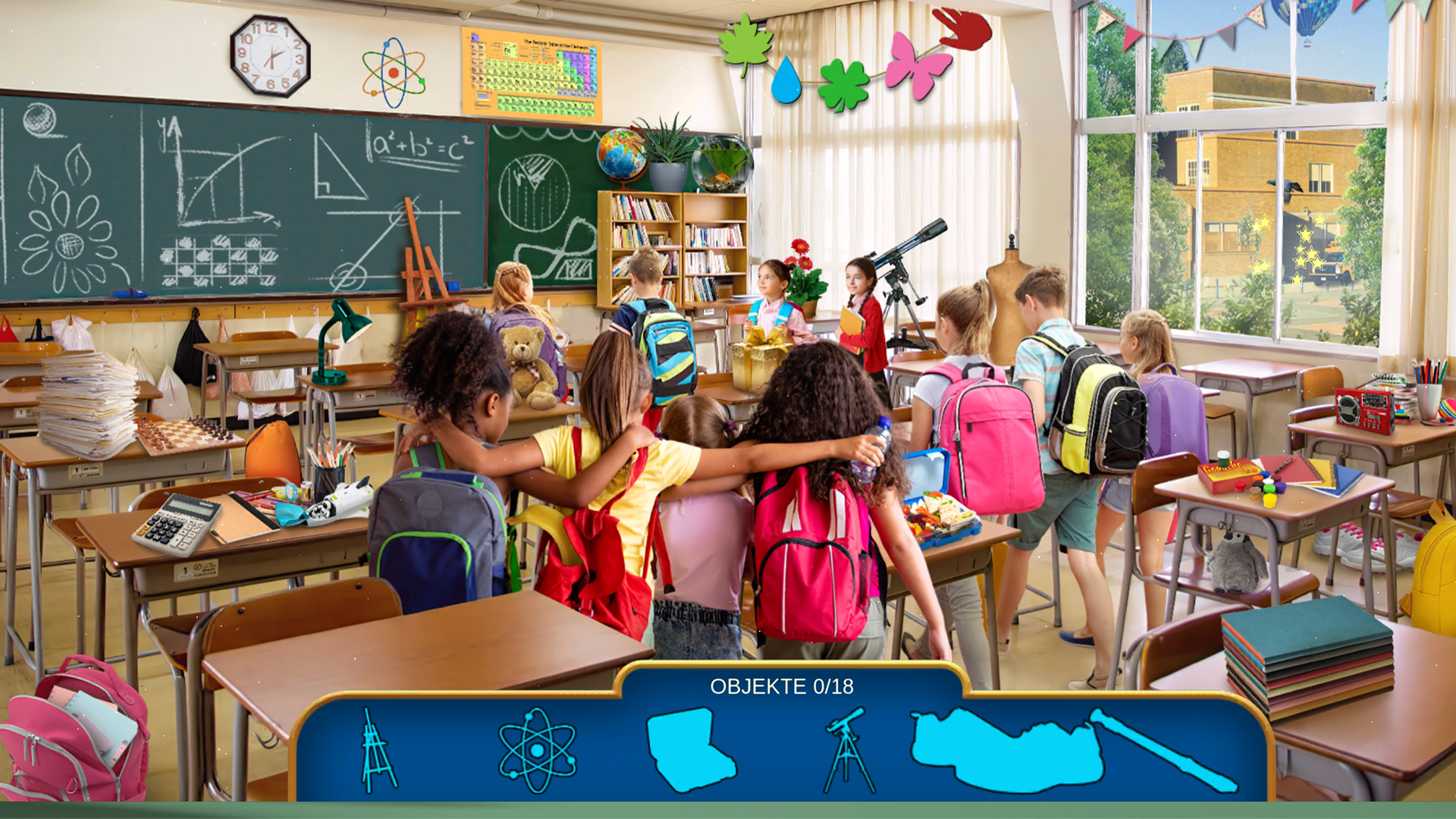
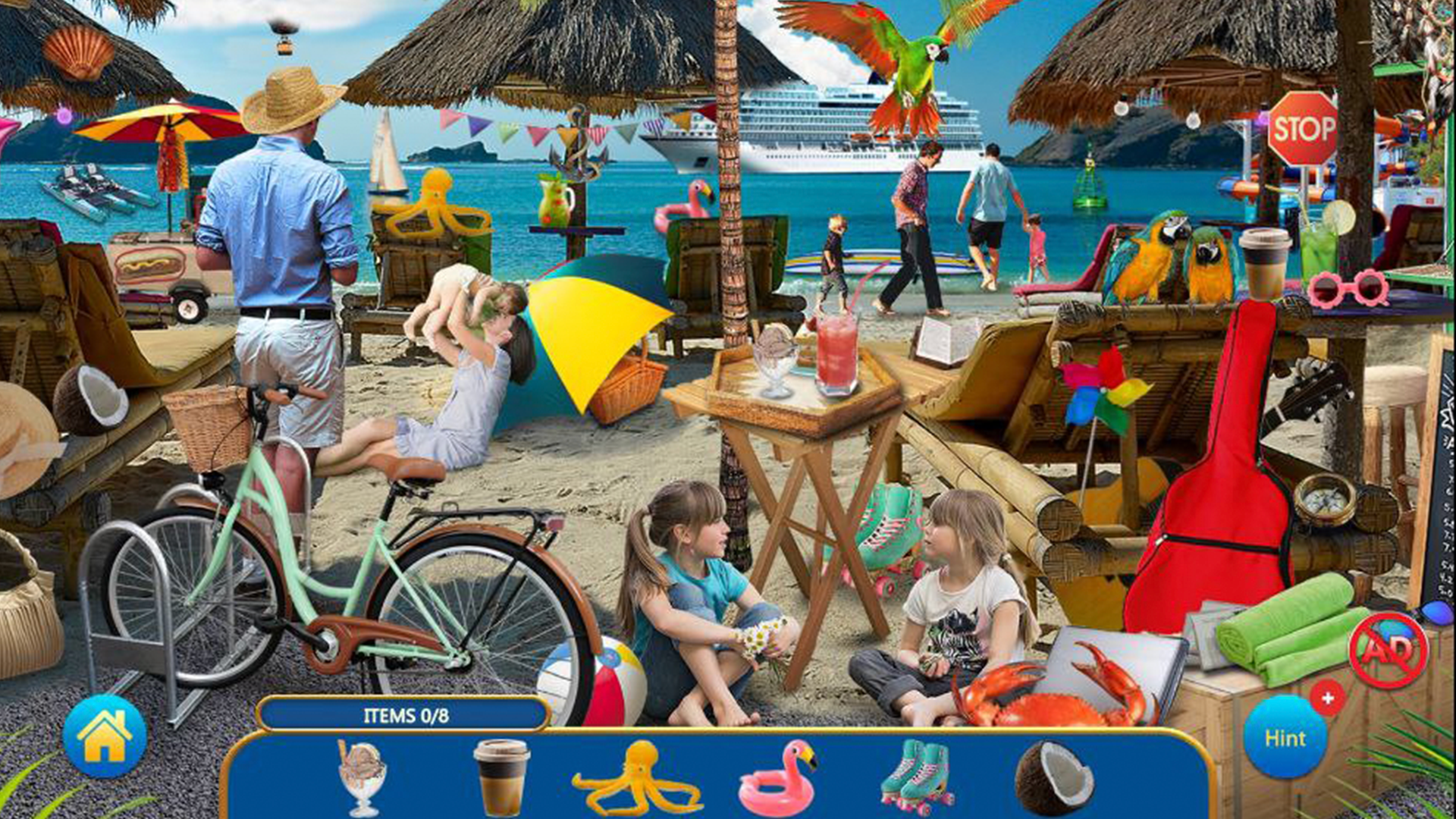
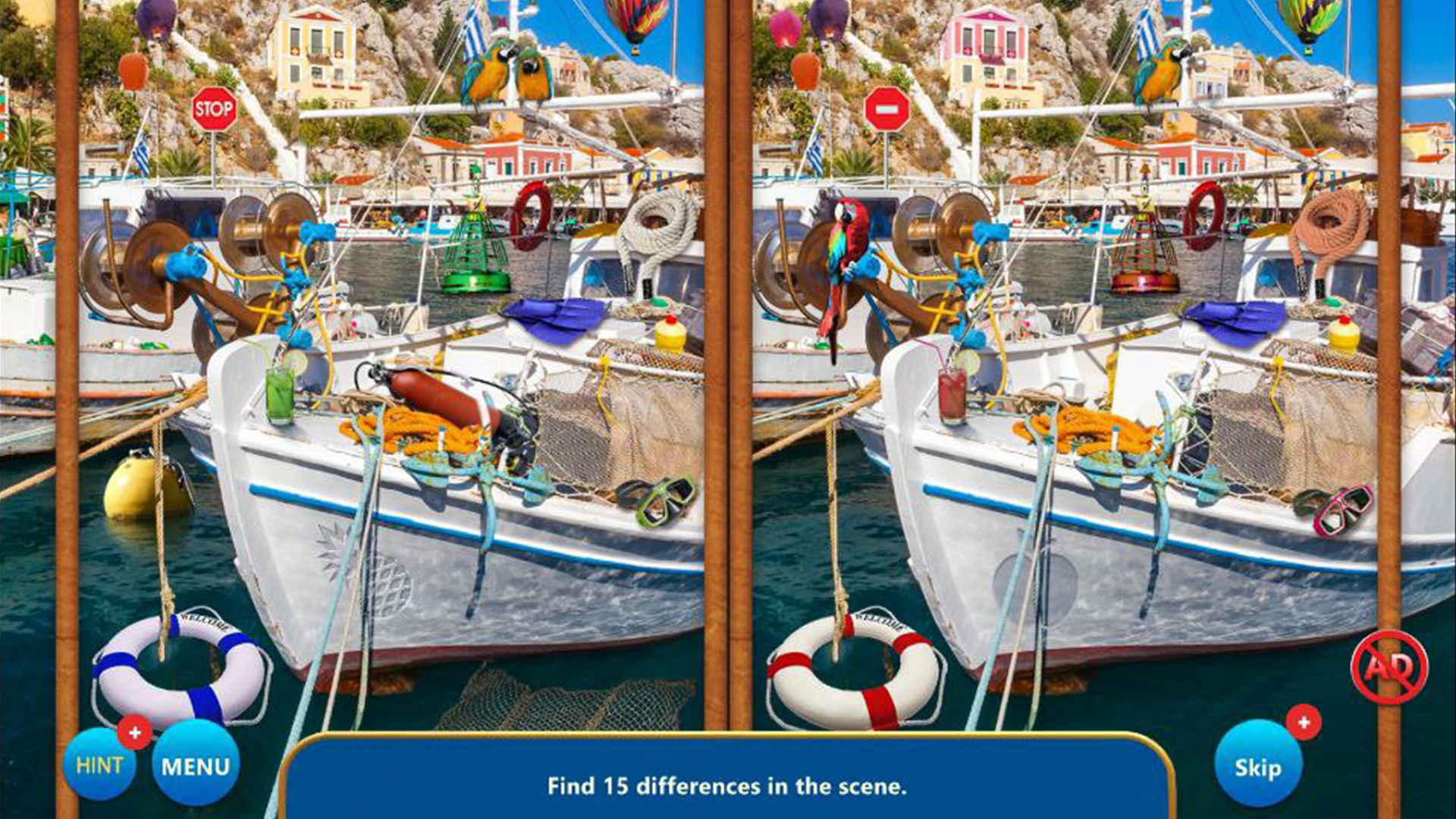
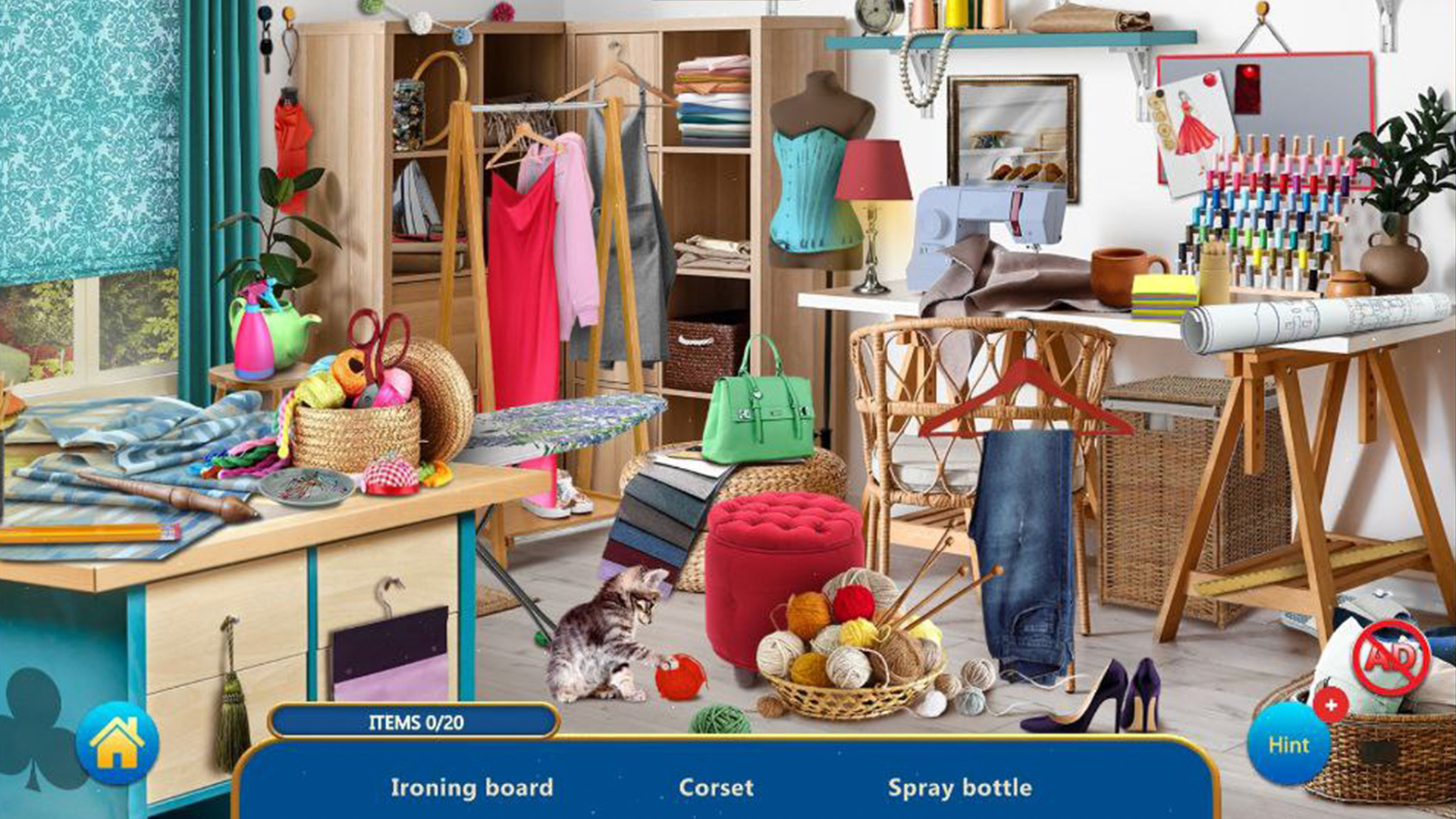
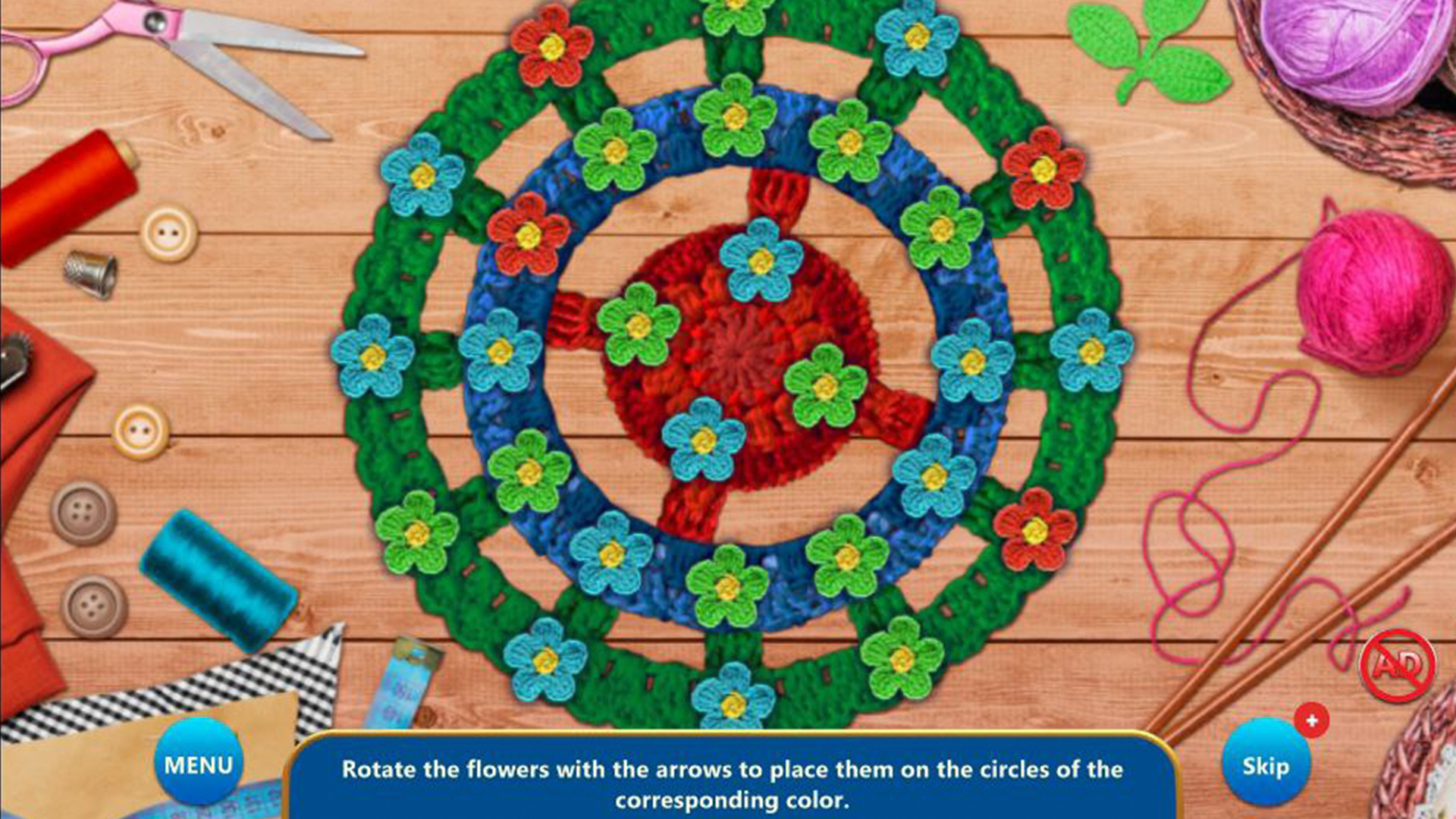
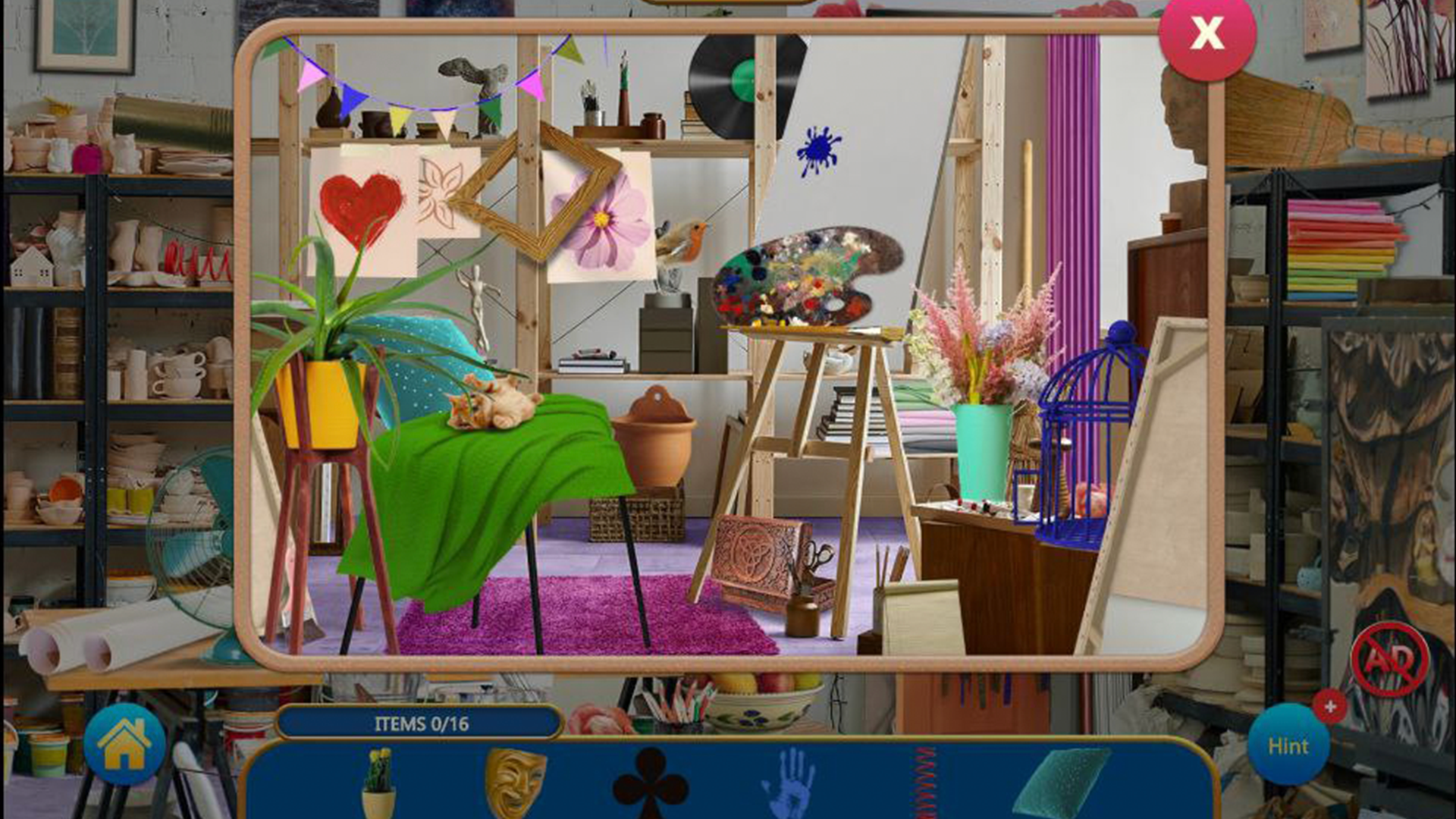
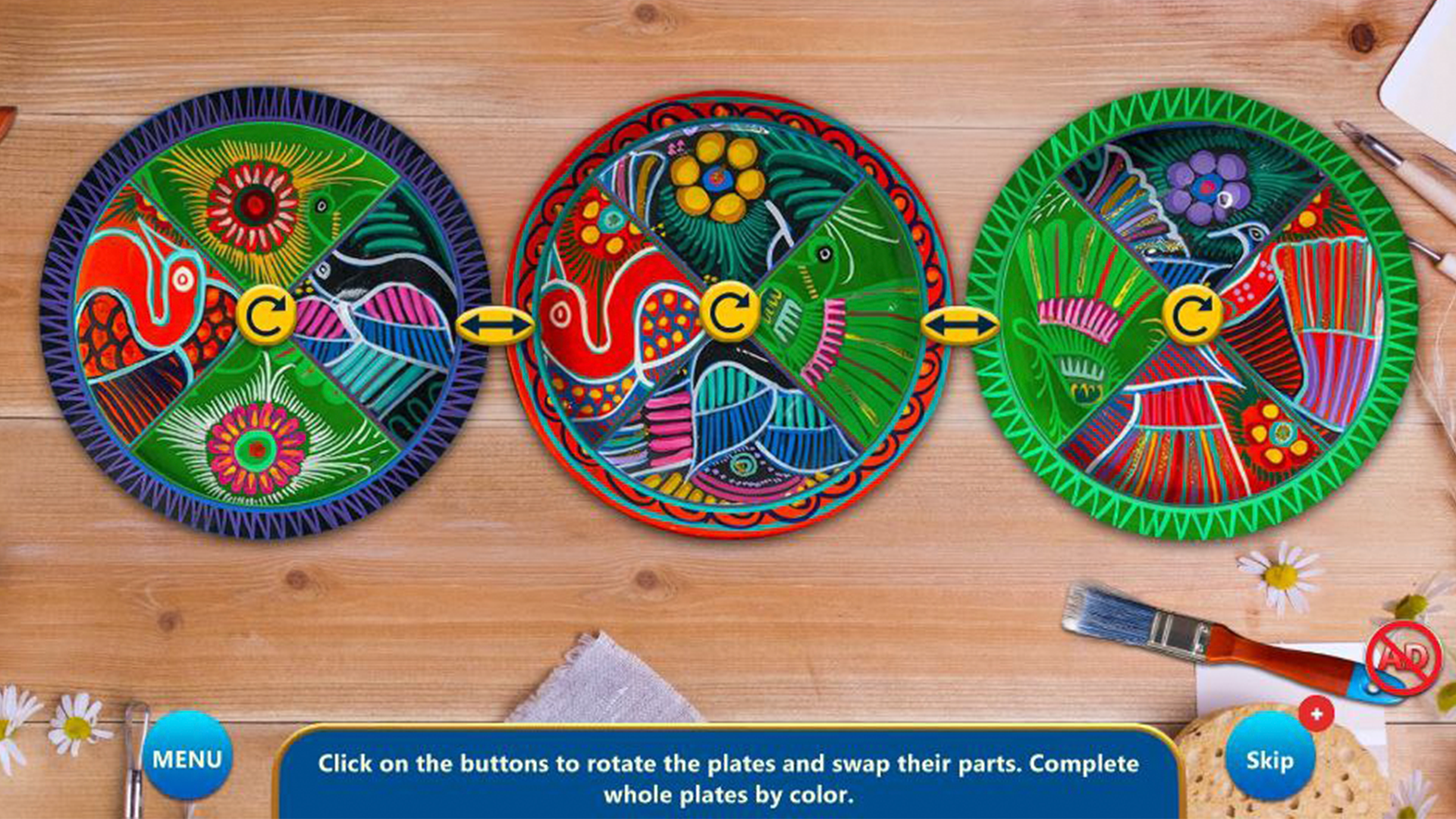
15 sets of locations and mini-games are waiting for you to solve puzzles and find objects in our new game "Hidden Objects: Lots of Things"! Search for various hidden objects in bright locations, play exciting mini-games and collect souvenir puzzles.
Explore a wide variety of topics, from a farm and a confectionery shop to a laboratory and a medieval castle. Accomplish the levels in new "Layers" modes, where you have to search for the right objects among various things. Do the themes in any order - either starting with mini-games or searching for objects, as you like! This hidden object game is full of new, interesting locations and hidden things. Use your search skills and logic to complete puzzles and find all hidden objects.
- 5 supplementary themes, accommodating 10 more locations for object searching!
- 10 mini-games, distributed on themes
- 14 collector’s puzzles that you can collect while playing!
Videos and screenshots







12,774 players online
How to play
-
Open the game
Press Play now and the game opens on its own screen.
-
Follow the in-game instructions
The controls and goals are shown inside the game as you play.
-
Use the game menu
The floating button over the game reloads it, saves it to your favourites, or takes you back out.