Skip to content
KG
Hide From The Brainrot: Survive 99 Nights

Hide From The Brainrot: Survive 99 Nights

7K plays 4.7 out of 5

Overview

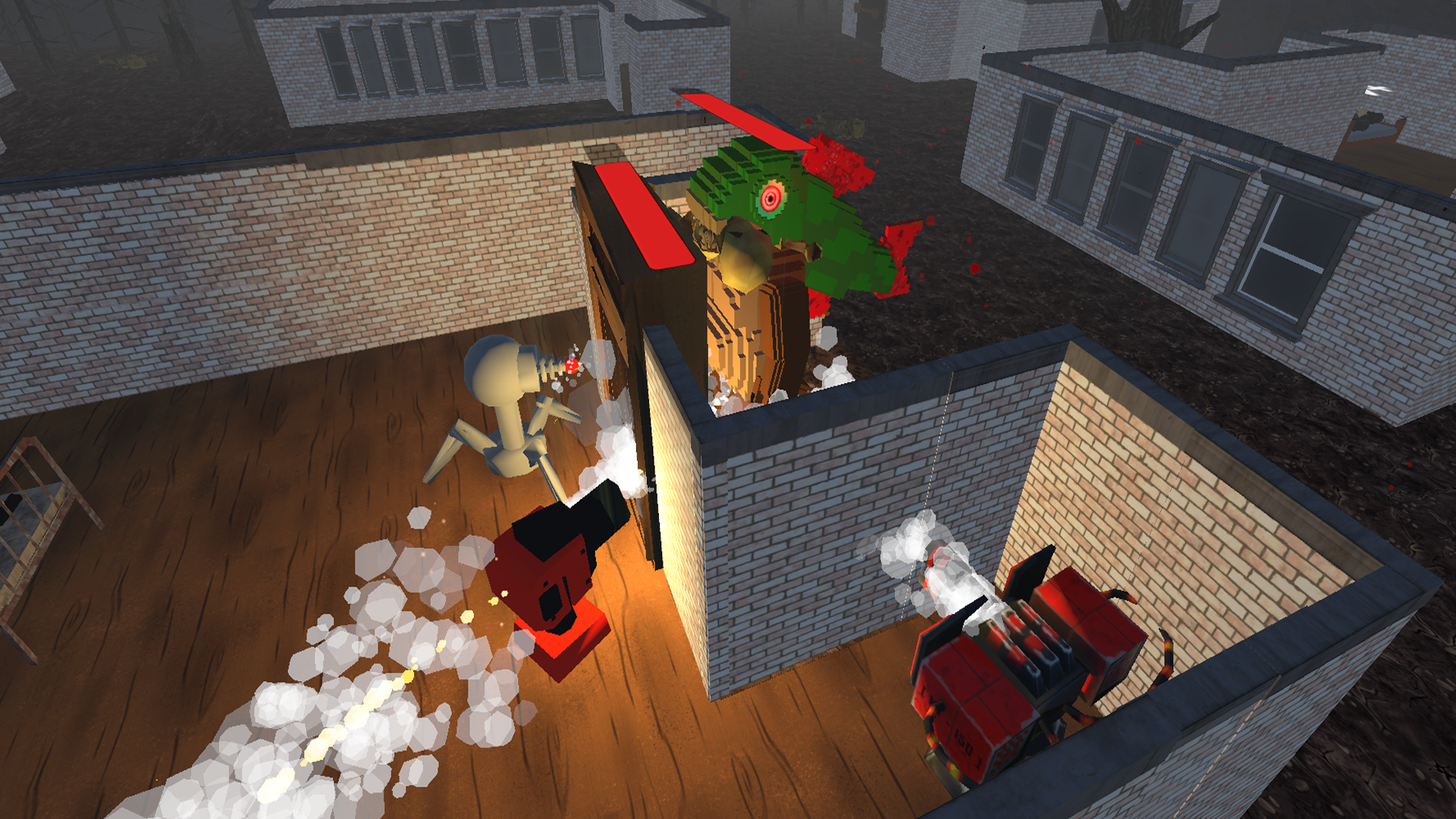
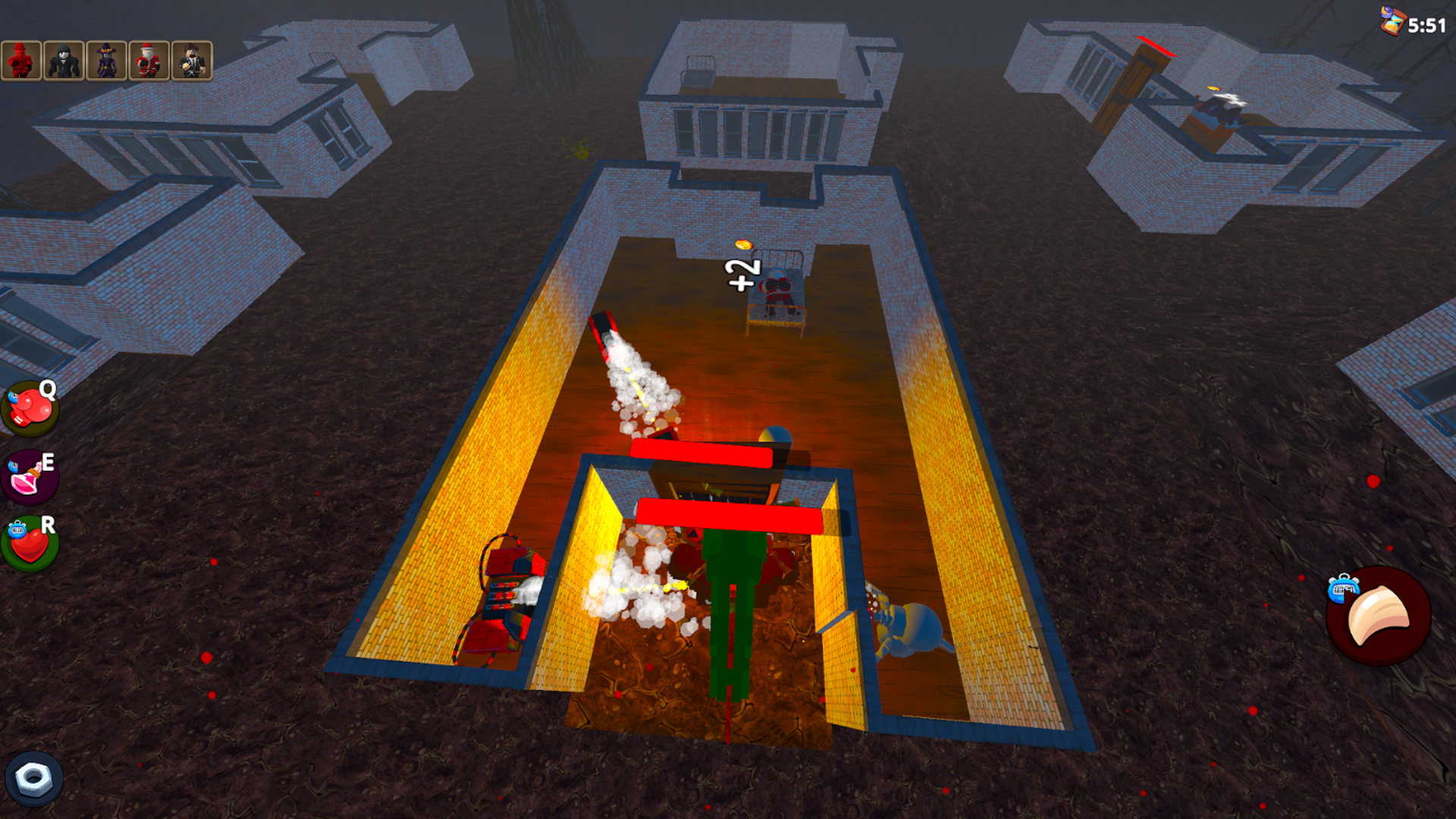
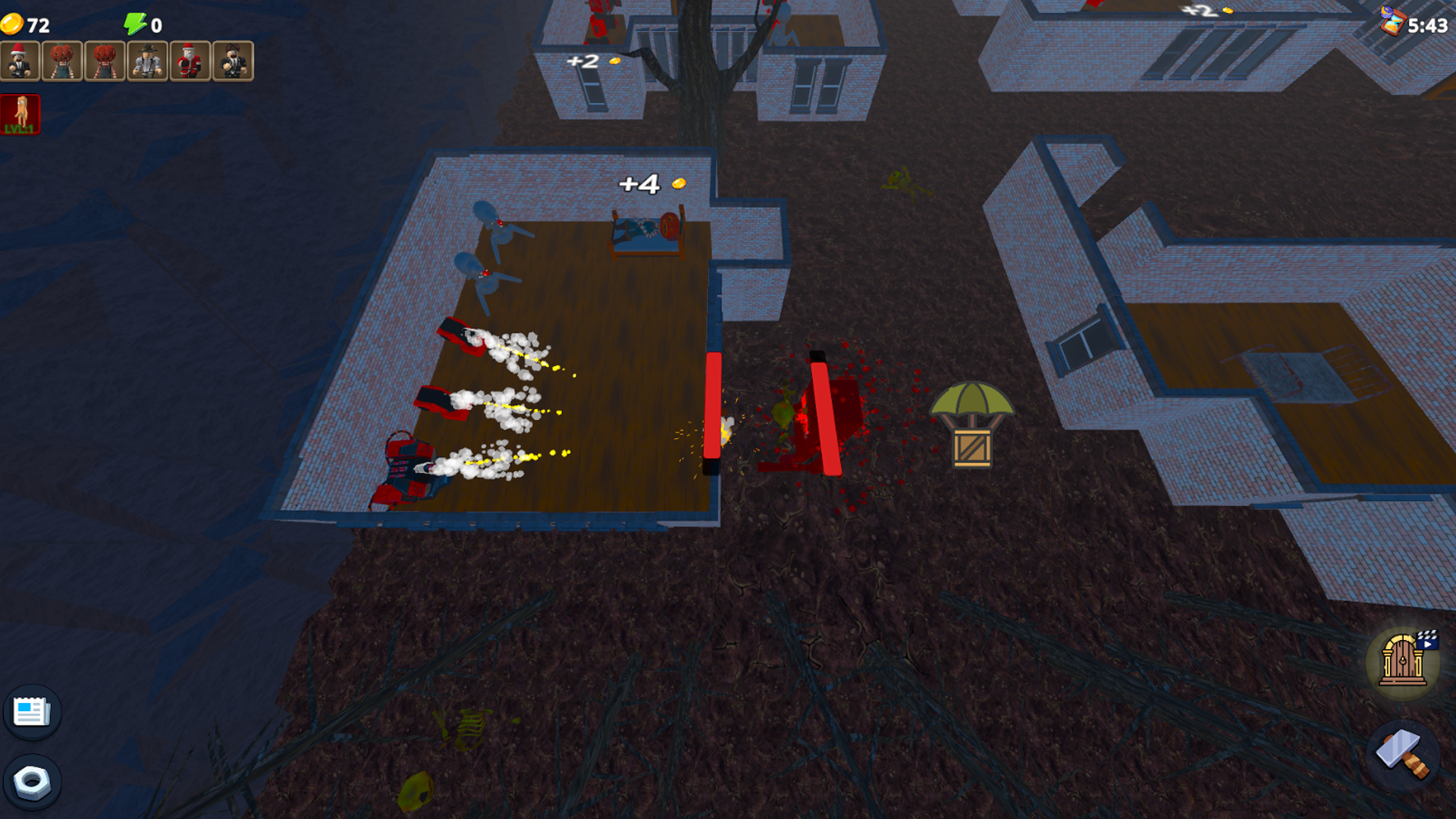
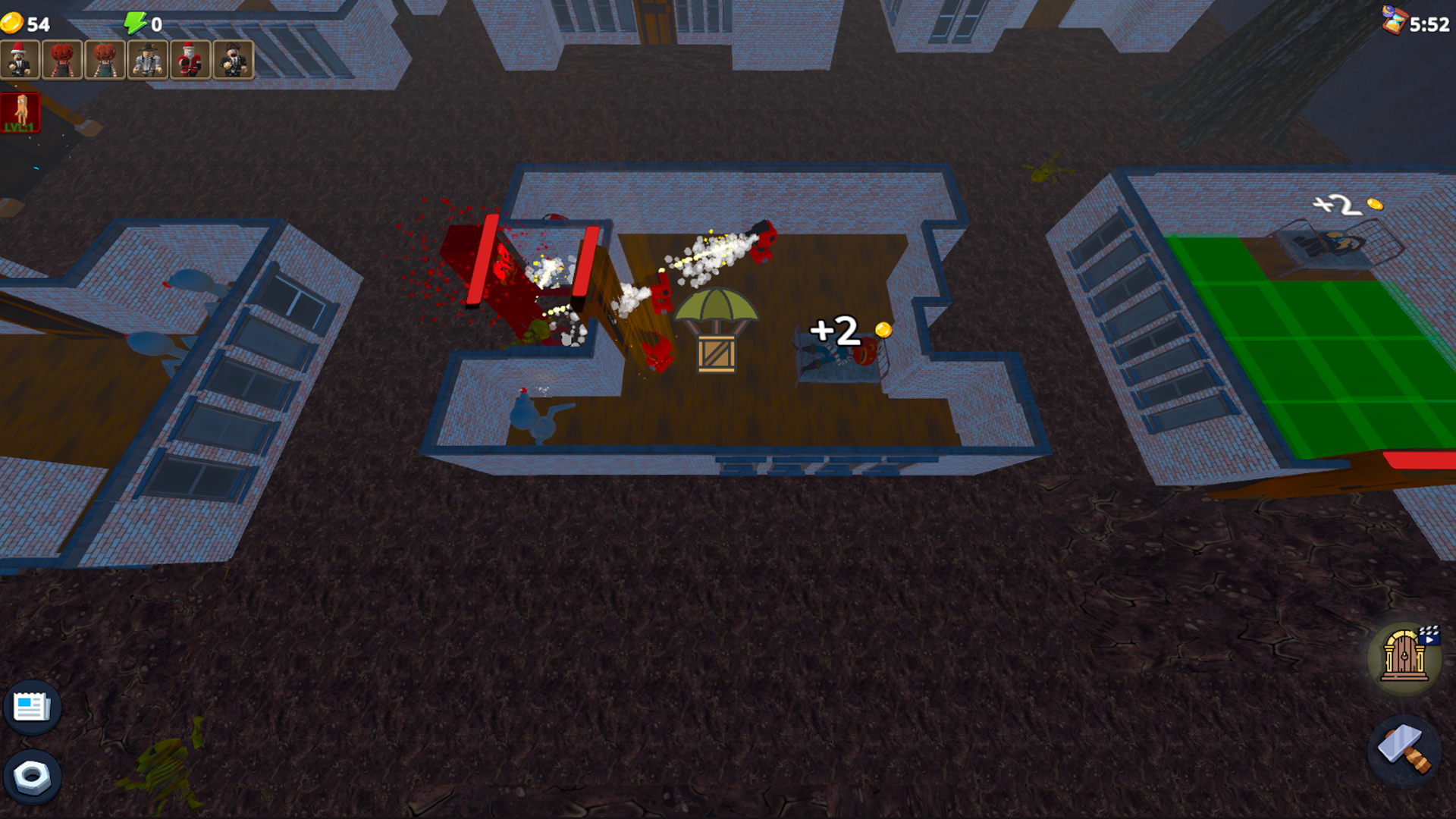
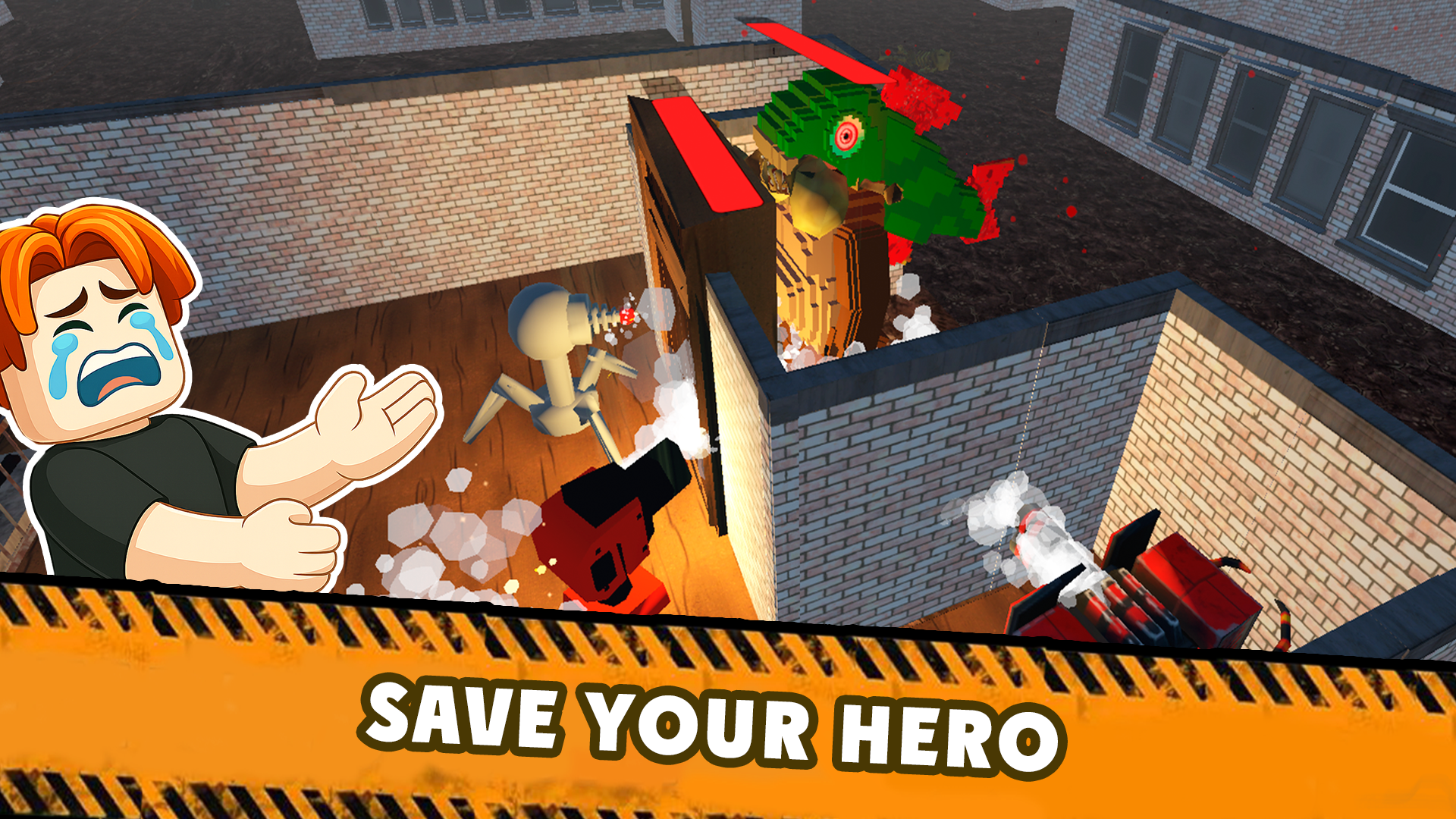
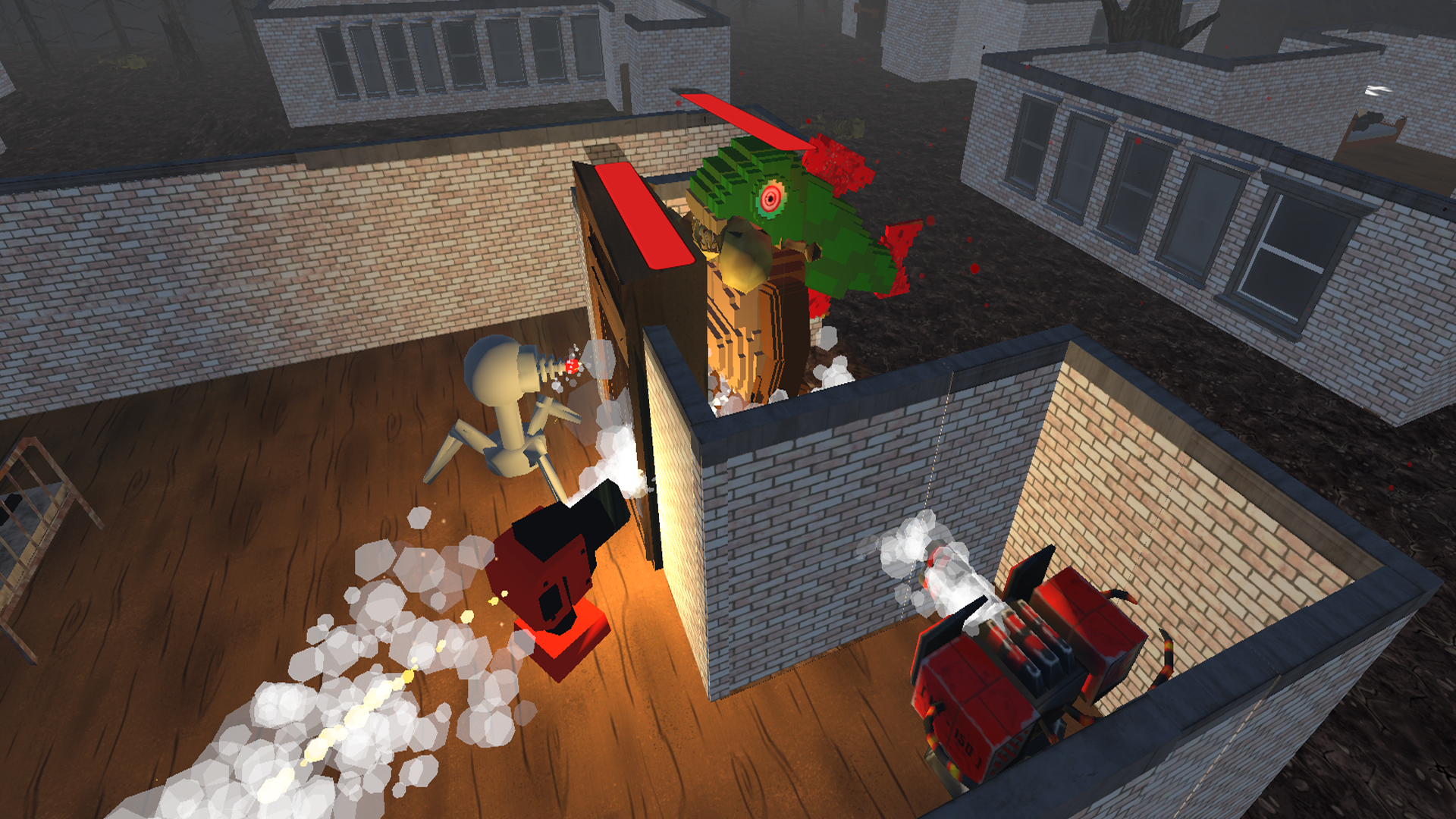
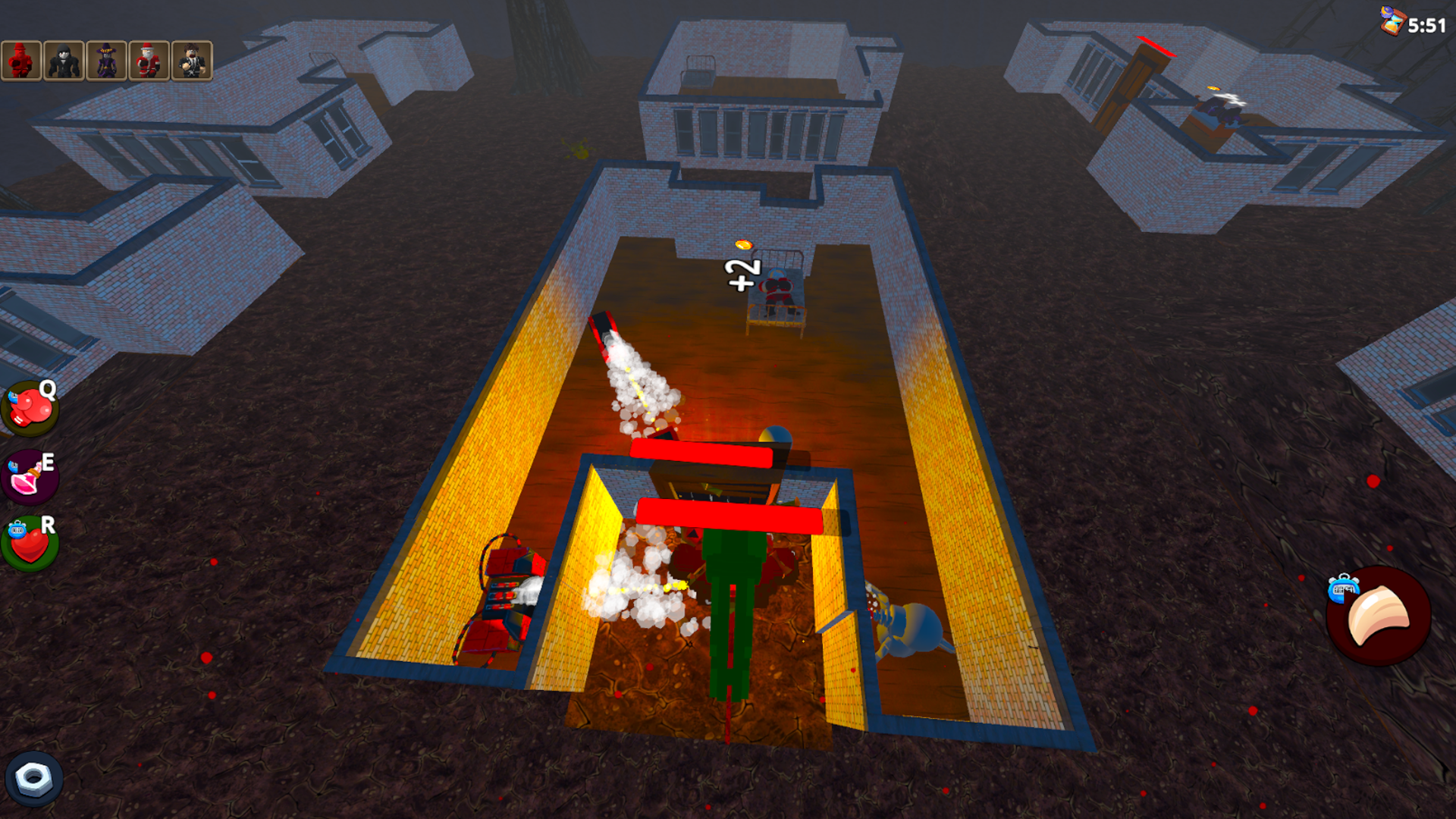
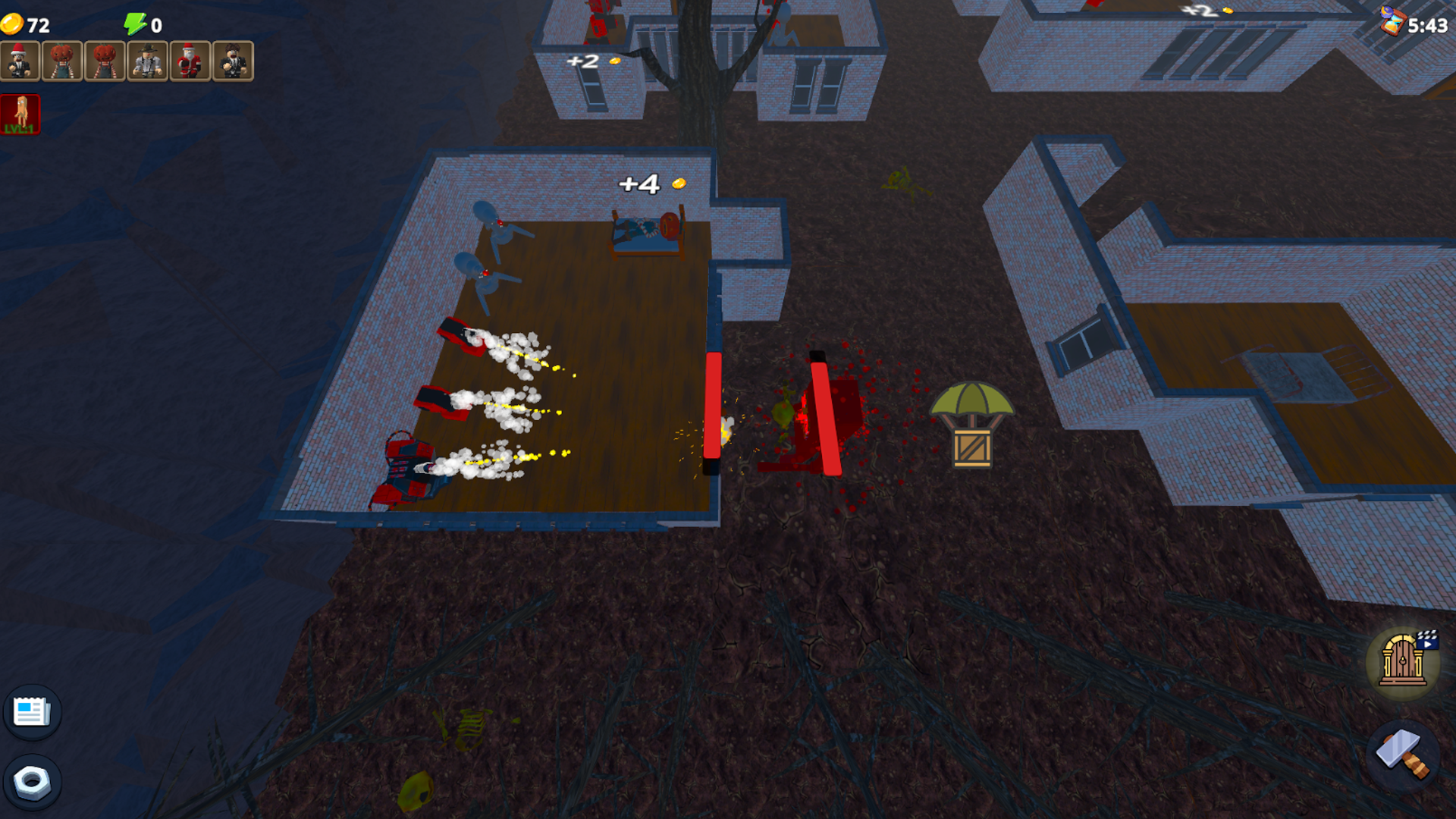
In this unique survival game, you must hide, improve your defenses, and survive the night. The heroes of the Roblox universe will face a nightmare. It's up to you to choose which side you'll fight on - the defenders or the all-consuming Terror of the Brainrot. 🔷 DEFENSE MODE: You play as a hero from the Roblox world. Your goal is to survive the night. Against the relentless onslaught of the Brainrot monster. You will have a couple of minutes to build your defenses as carefully as possible and withstand the monster's onslaught. You will: Strengthen the stronghold: Build turrets, reinforce the door, and perform other tasks. 🔶 ATTACK MODE: Take control of the Brainrot monster itself. Your goal is to prevent the defenders from reaching dawn. You have a limited time and unique abilities for each Brainrot.

Videos and screenshots

  • Hide From The Brainrot: Survive 99 Nights screenshot 1
  • Hide From The Brainrot: Survive 99 Nights screenshot 2
  • Hide From The Brainrot: Survive 99 Nights screenshot 3
  • Hide From The Brainrot: Survive 99 Nights screenshot 4
  • Hide From The Brainrot: Survive 99 Nights screenshot 5
  • Hide From The Brainrot: Survive 99 Nights screenshot 6
  • Hide From The Brainrot: Survive 99 Nights screenshot 7
  • Hide From The Brainrot: Survive 99 Nights screenshot 8
  • Hide From The Brainrot: Survive 99 Nights screenshot 9
  • Hide From The Brainrot: Survive 99 Nights screenshot 10
Play Now

11,803 players online

How to play

  1. Open the game

    Press Play now and the game opens on its own screen.

  2. Follow the in-game instructions

    The controls and goals are shown inside the game as you play.

  3. Use the game menu

    The floating button over the game reloads it, saves it to your favourites, or takes you back out.
Game instructions

Controls are tailored to your device, so you can fully focus on the game. 📱 On mobile devices (smartphone/tablet): The whole world is at your fingertips! Controls are based on simple and responsive touches. Movement: Tap the screen in the direction you want your character to go. Virtual joystick or tap-to-move (depending on your settings). Interaction: To activate an item, select an upgrade, or deploy a turret, simply touch it on the screen with your finger. Camera control: Hold down with your finger. On (PC): Use the keyboard and mouse to control the game. Movement: Use the classic and responsive WASD controls: W (Up), A (Left), S (Down), D (Right) You always have complete control over your movements. Camera control: Hold down the right mouse button.

More games

More games