
Overview
Welcome to “Hunt for Brainrots: Online” — a fast-paced reaction game where a massive wave is already close, and you have only a few seconds to make it.
Grab brainrots, carry them away from the water, and deliver them to a safe base — the faster you act, the better your chances of finding and saving the rarest ones.
Upgrade your speed and mobility so you can get brainrots out of dangerous zones in time.
Look for brainrots of different rarities — from common to legendary.
Grow your collection, unlock new opportunities, and feel your progress increase.
And most importantly, the game has multiplayer: jump online, play with friends, save brainrots together, and compete to see who brings in more rare ones before the tsunami floods the map.
Ready to test how fast you are? Run, save, and collect the most valuable ones — the wave won’t wait!
Videos and screenshots
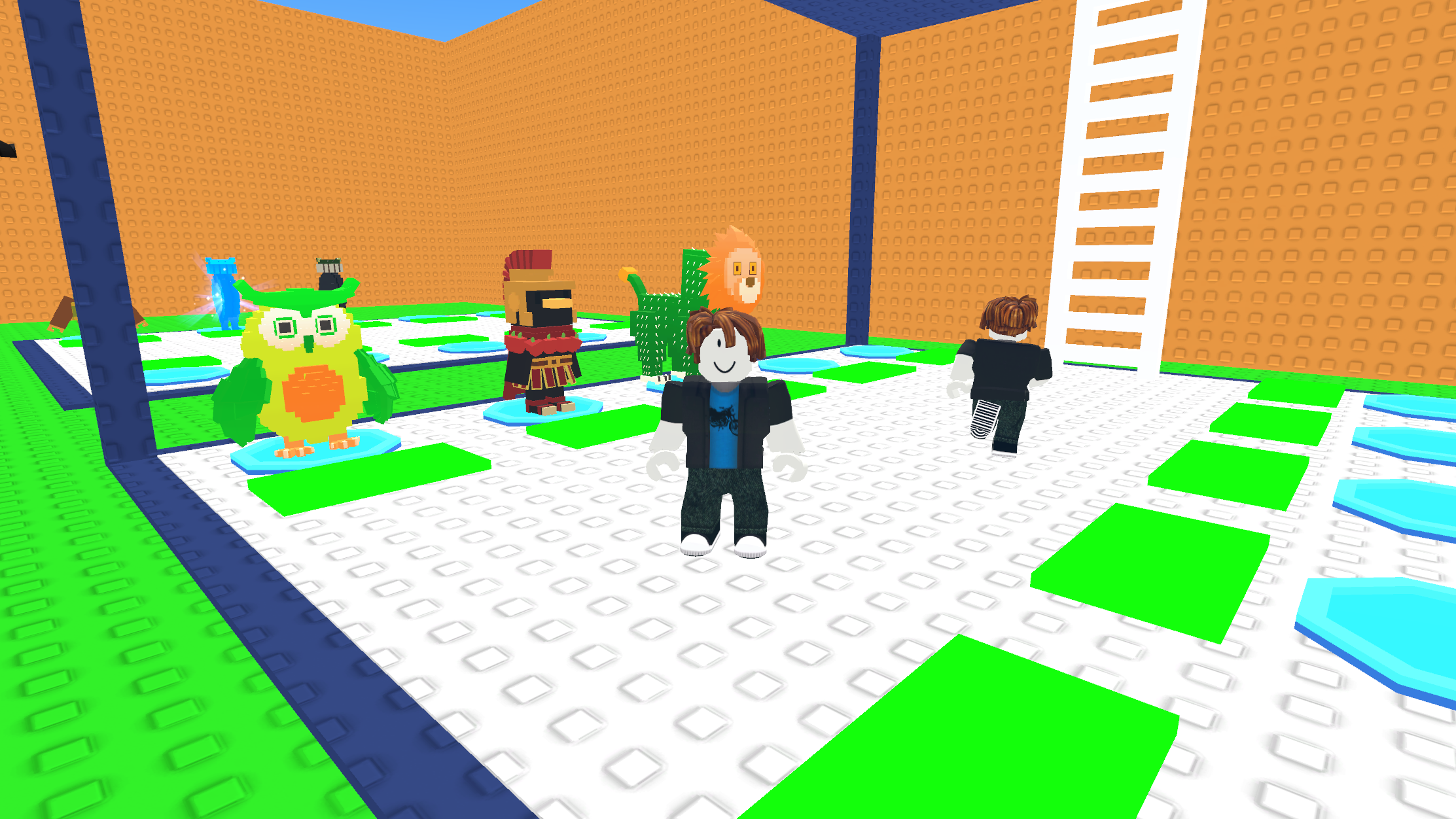
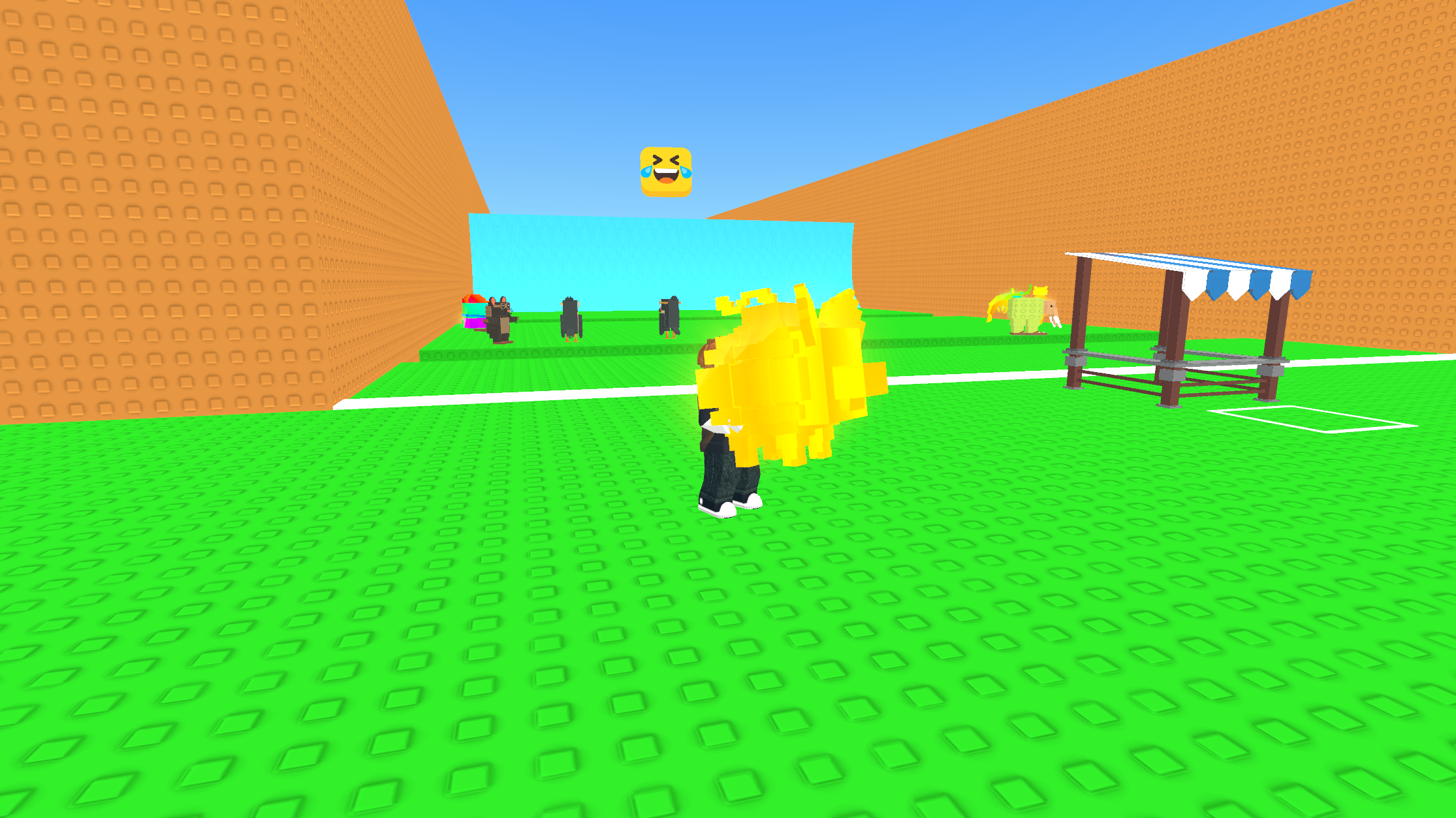
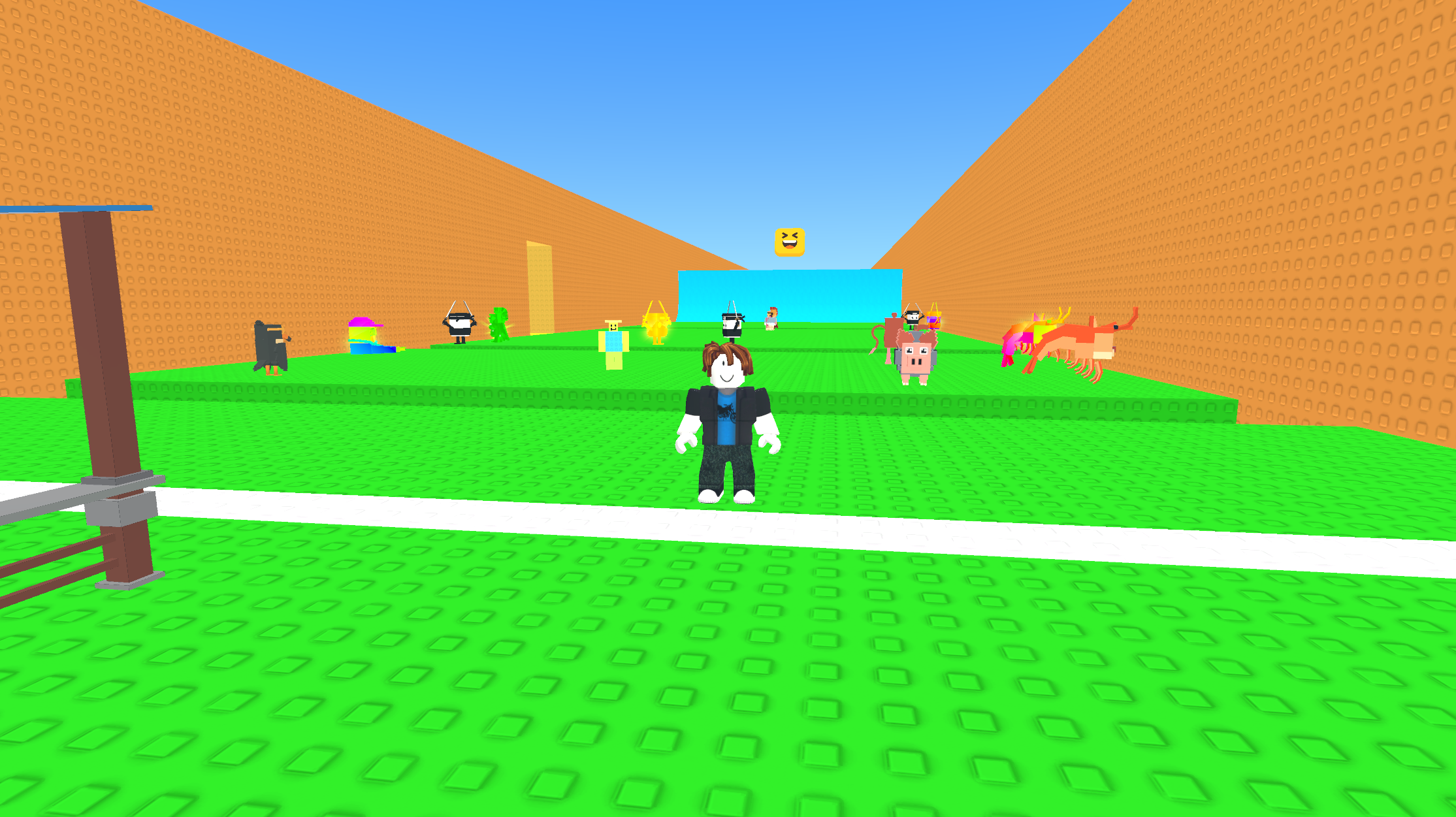
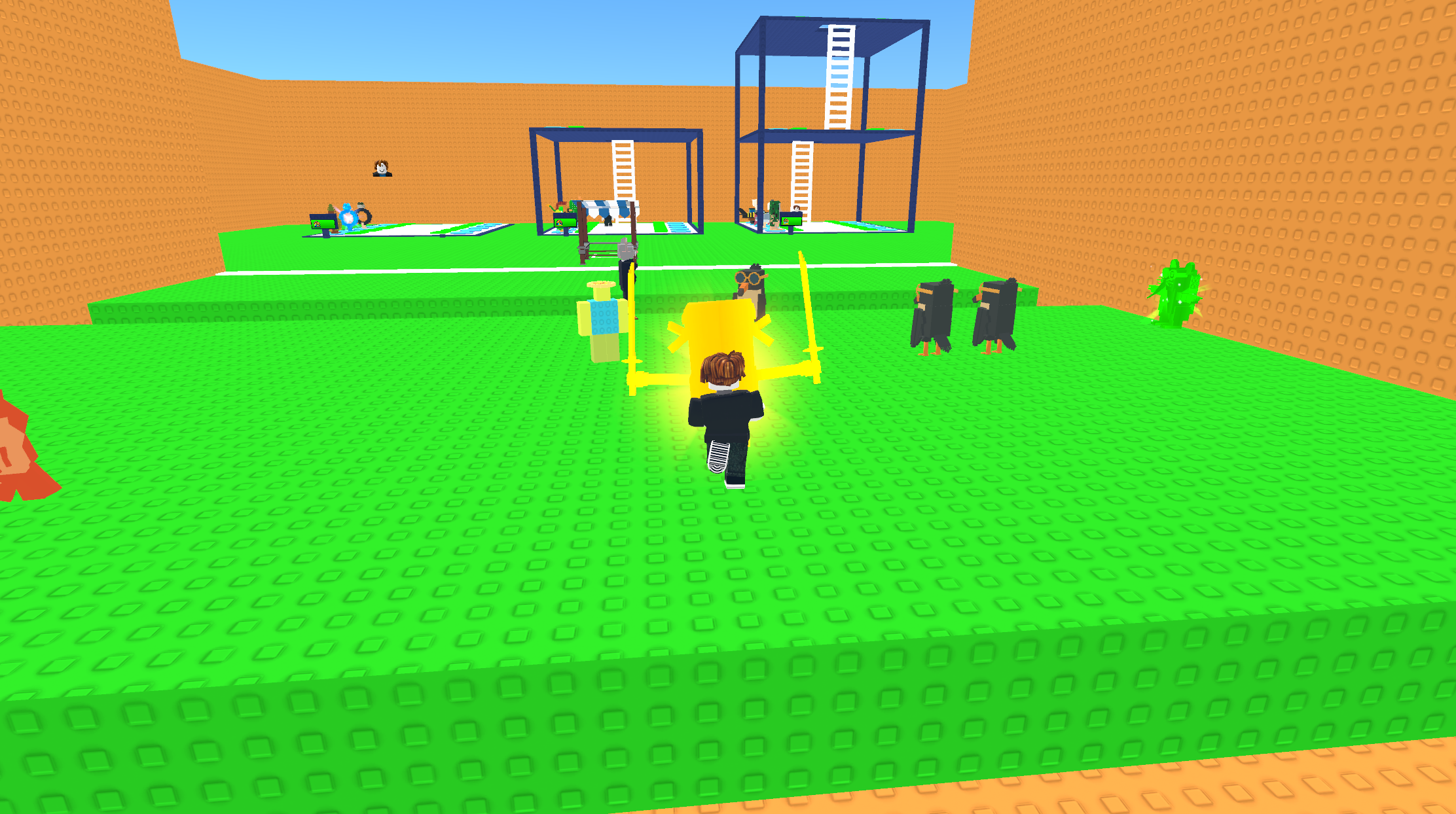
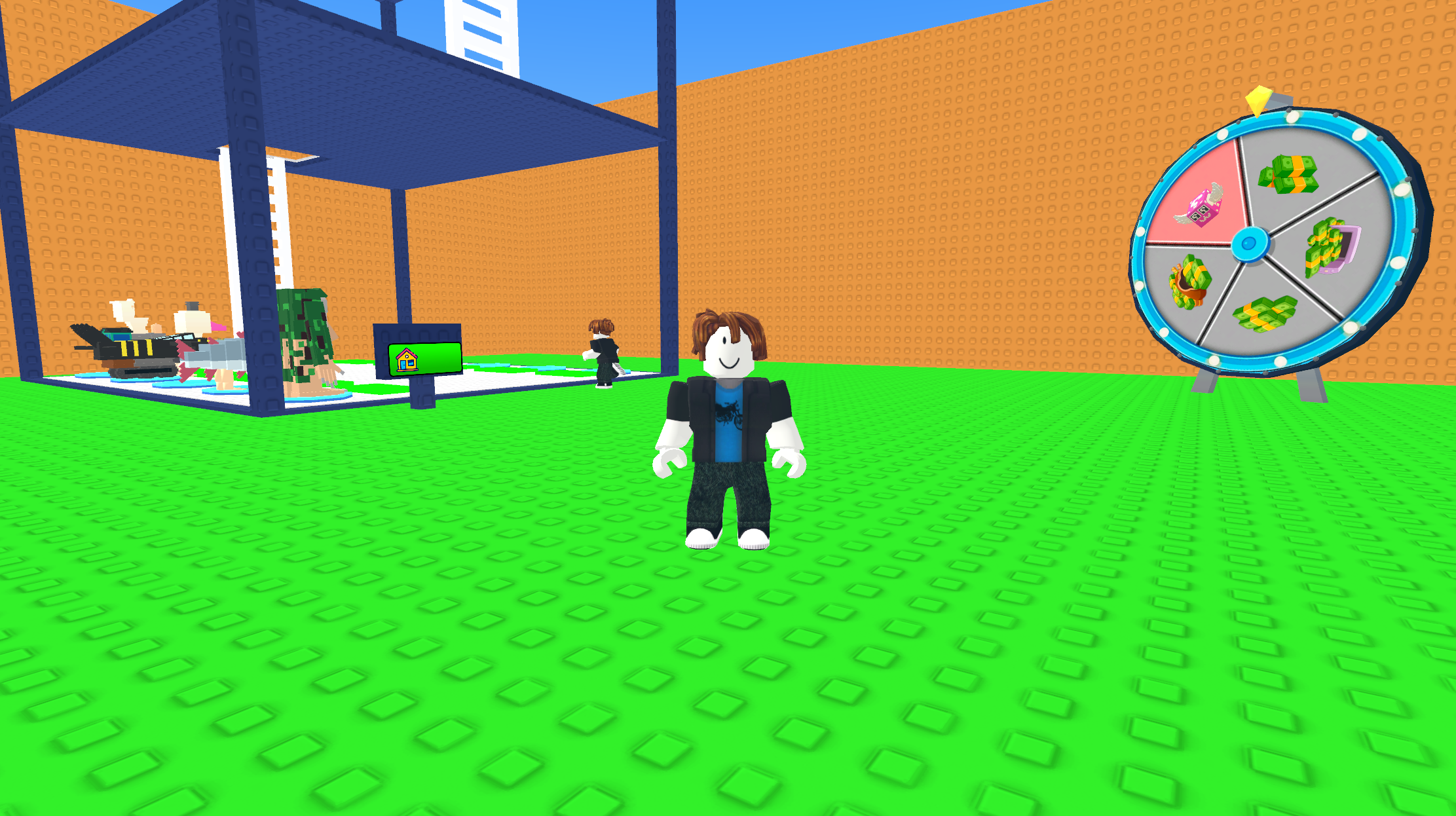

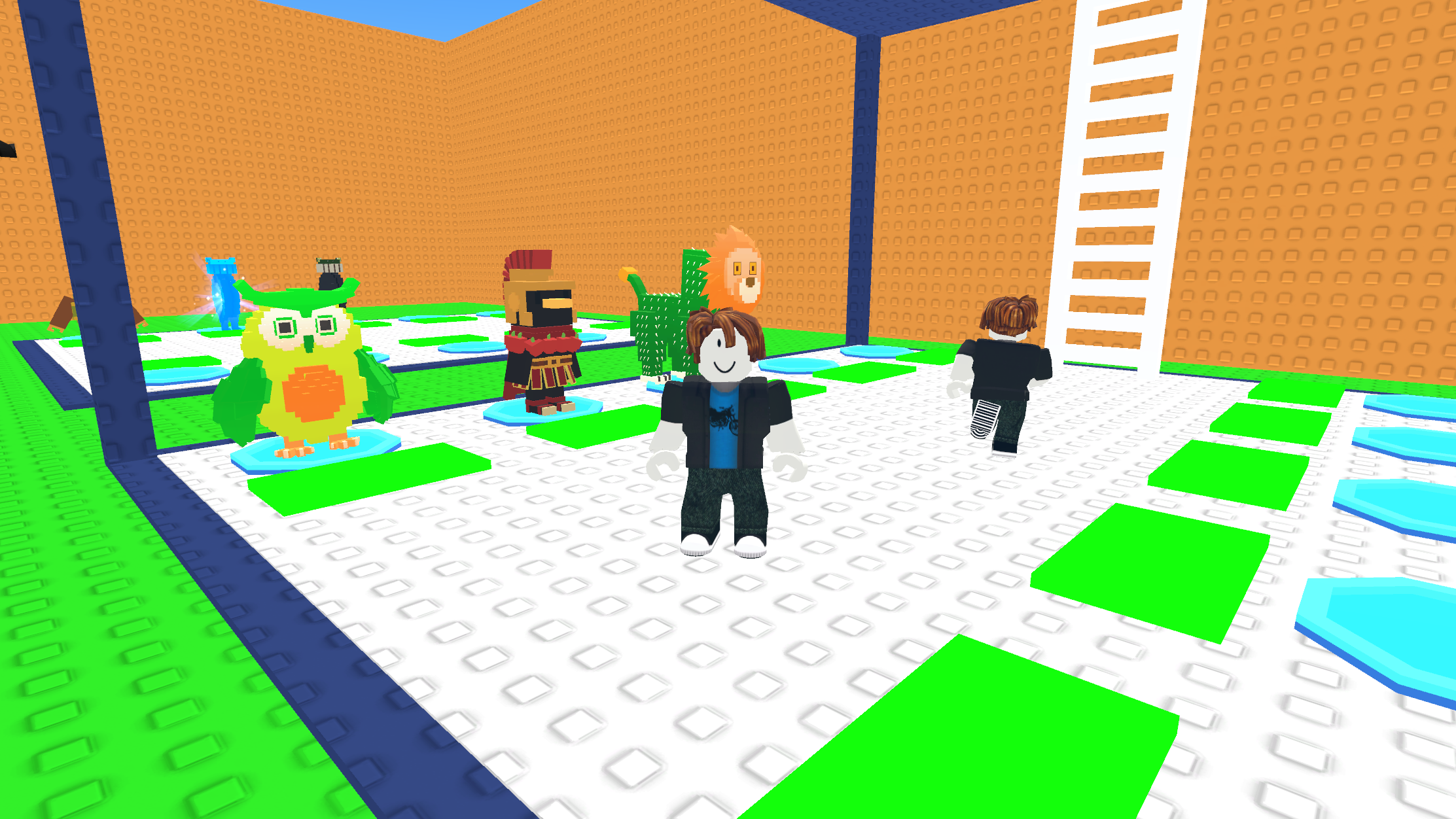
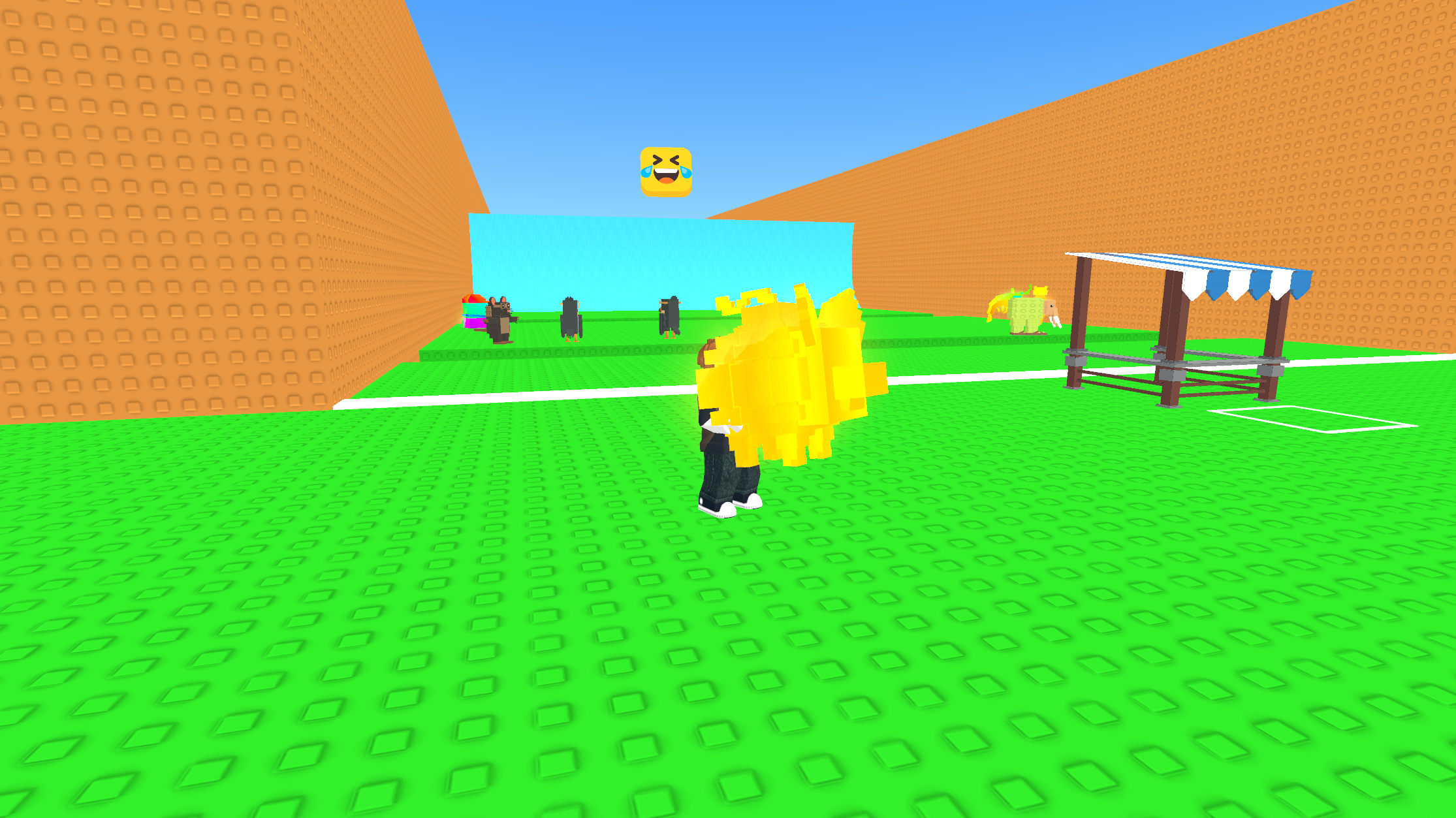

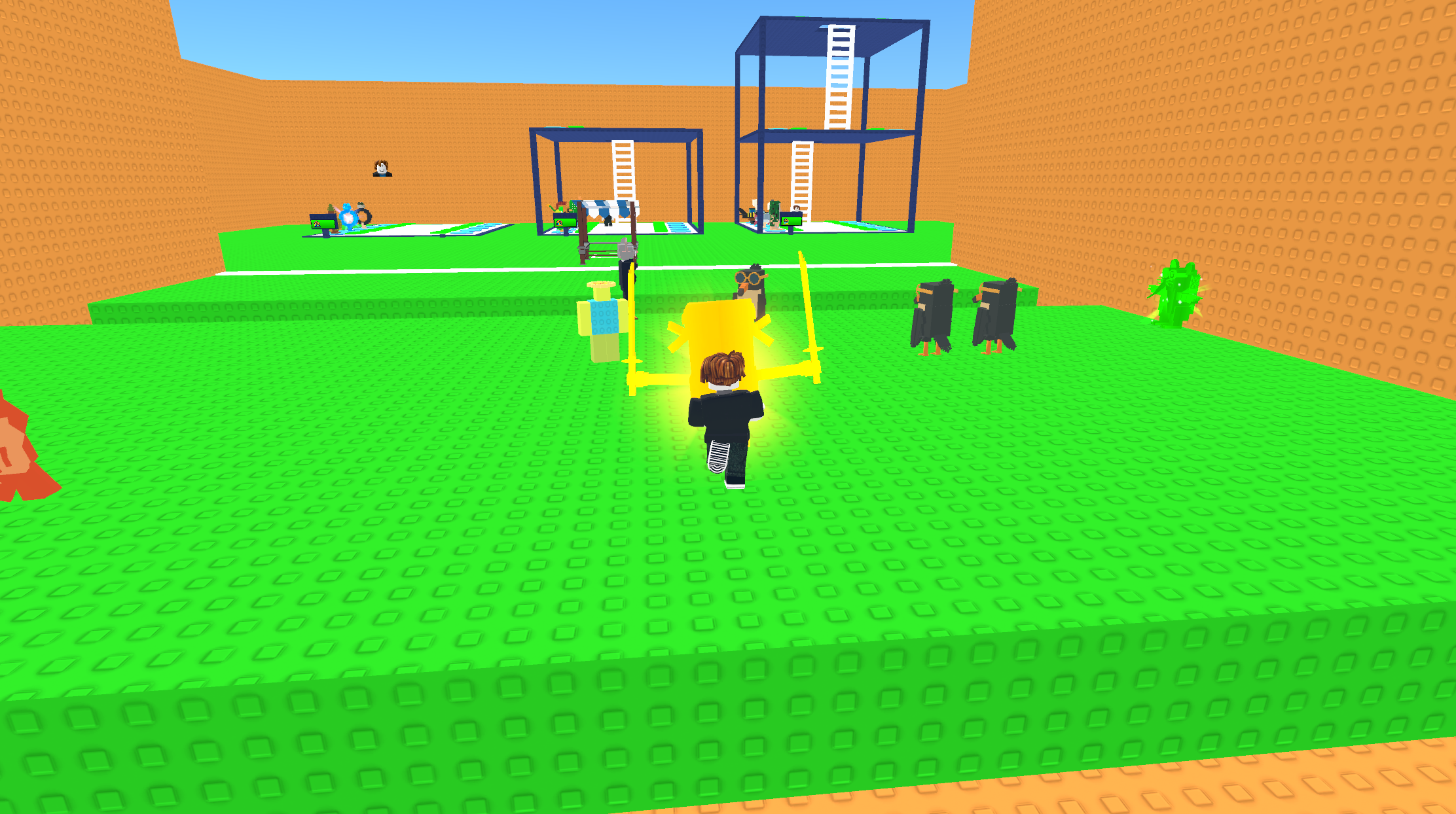
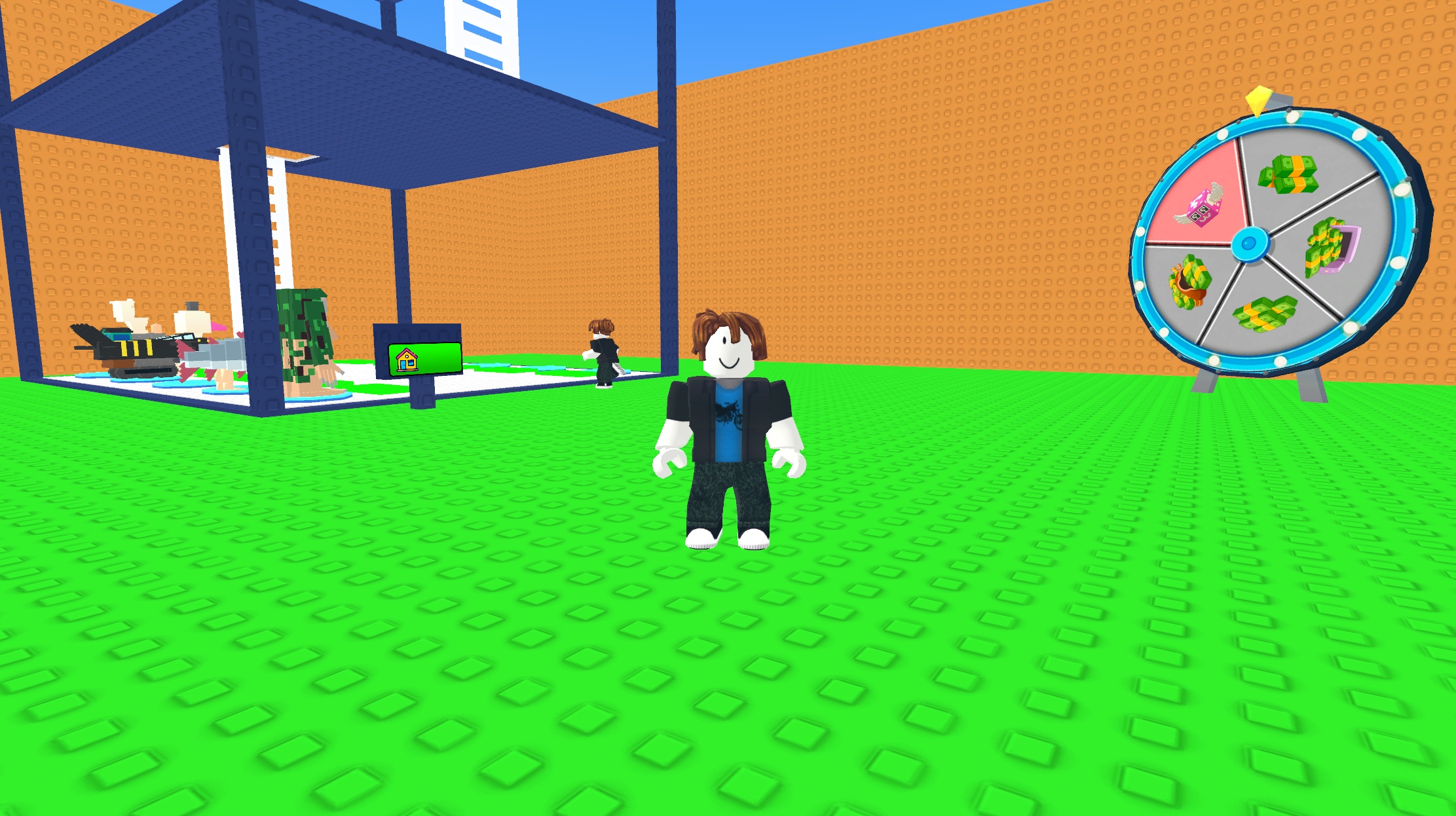
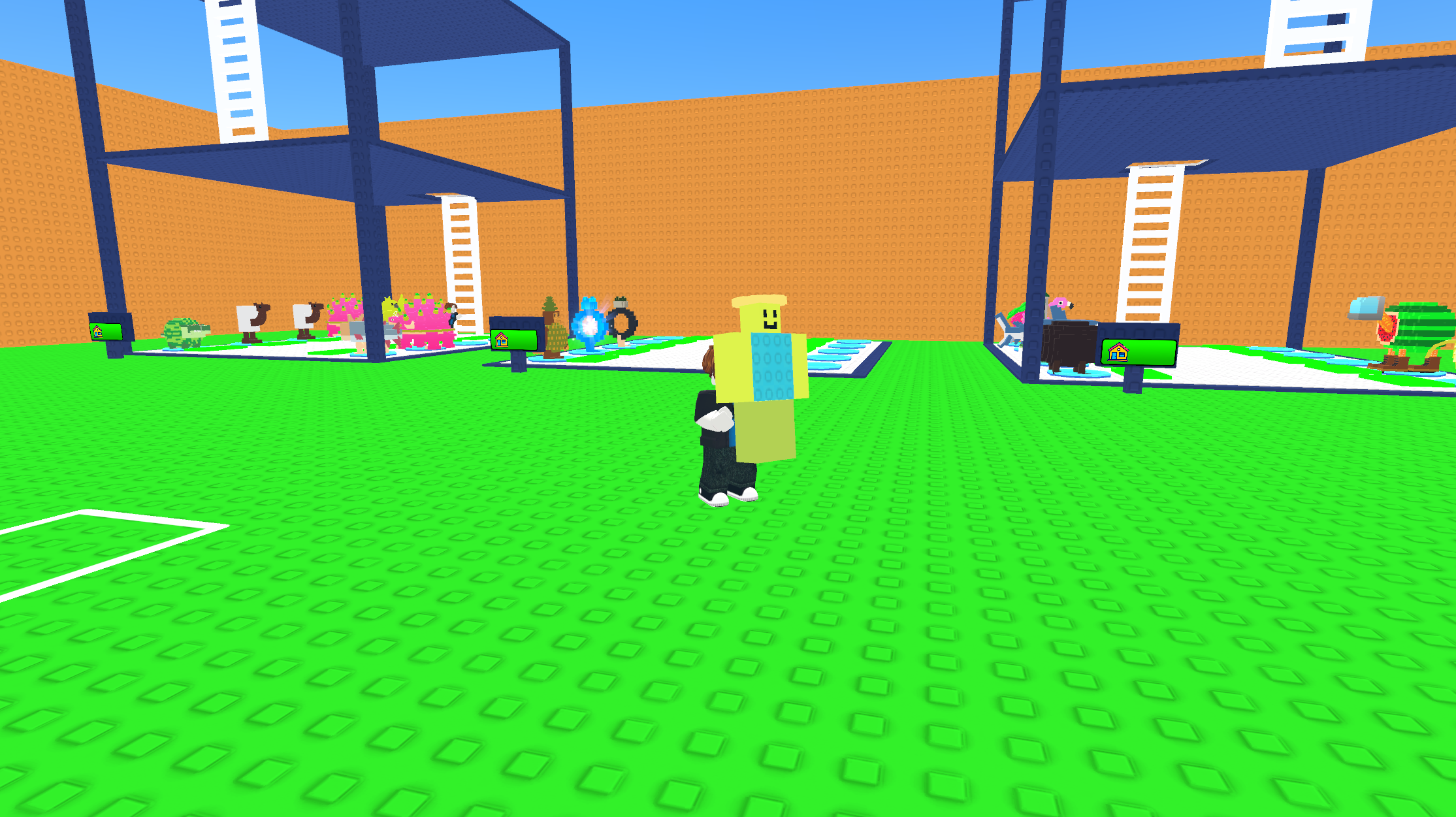
11,547 players online
How to play
-
Open the game
Press Play now and the game opens on its own screen.
-
Follow the in-game instructions
The controls and goals are shown inside the game as you play.
-
Use the game menu
The floating button over the game reloads it, saves it to your favourites, or takes you back out.