Overview
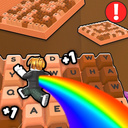
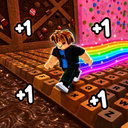
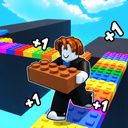
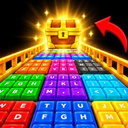
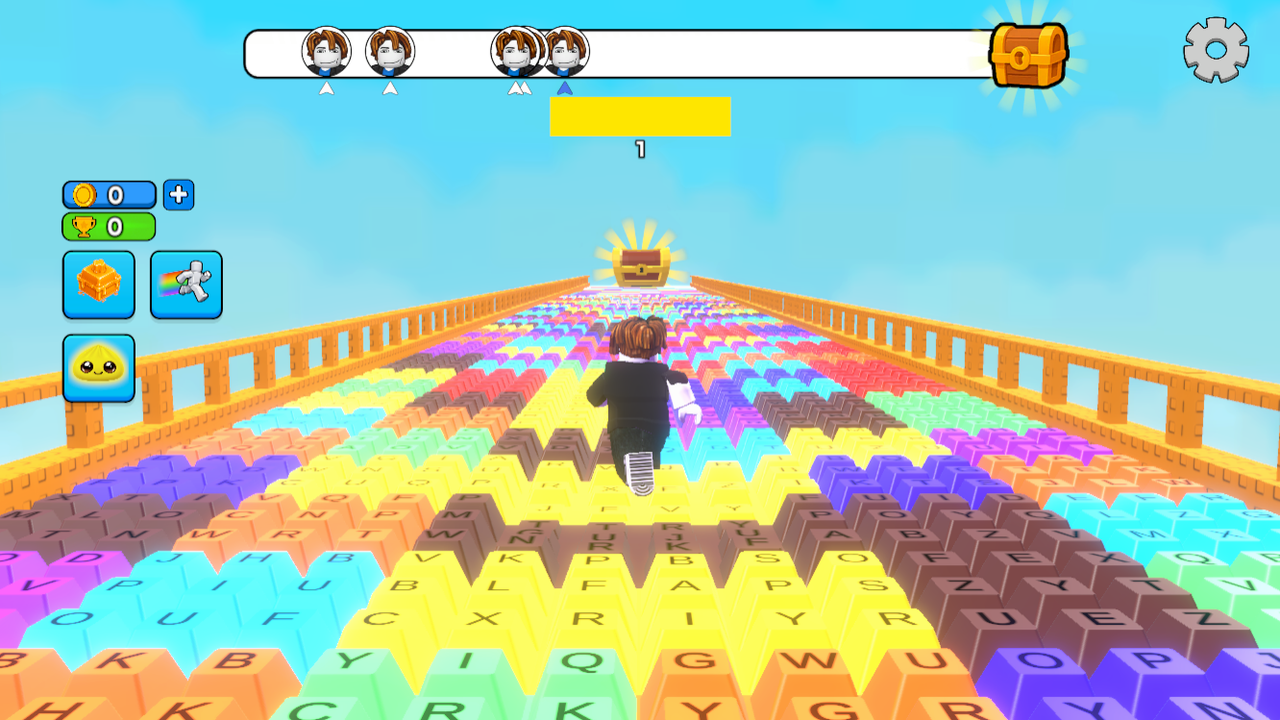
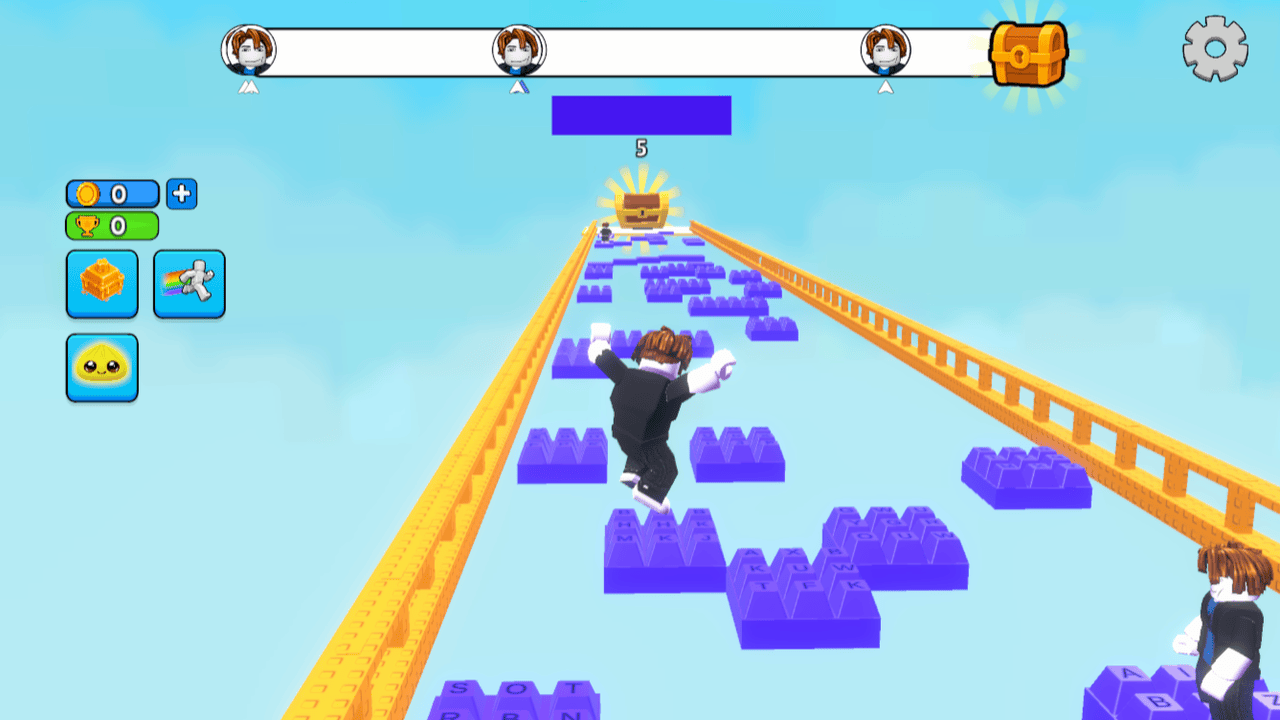
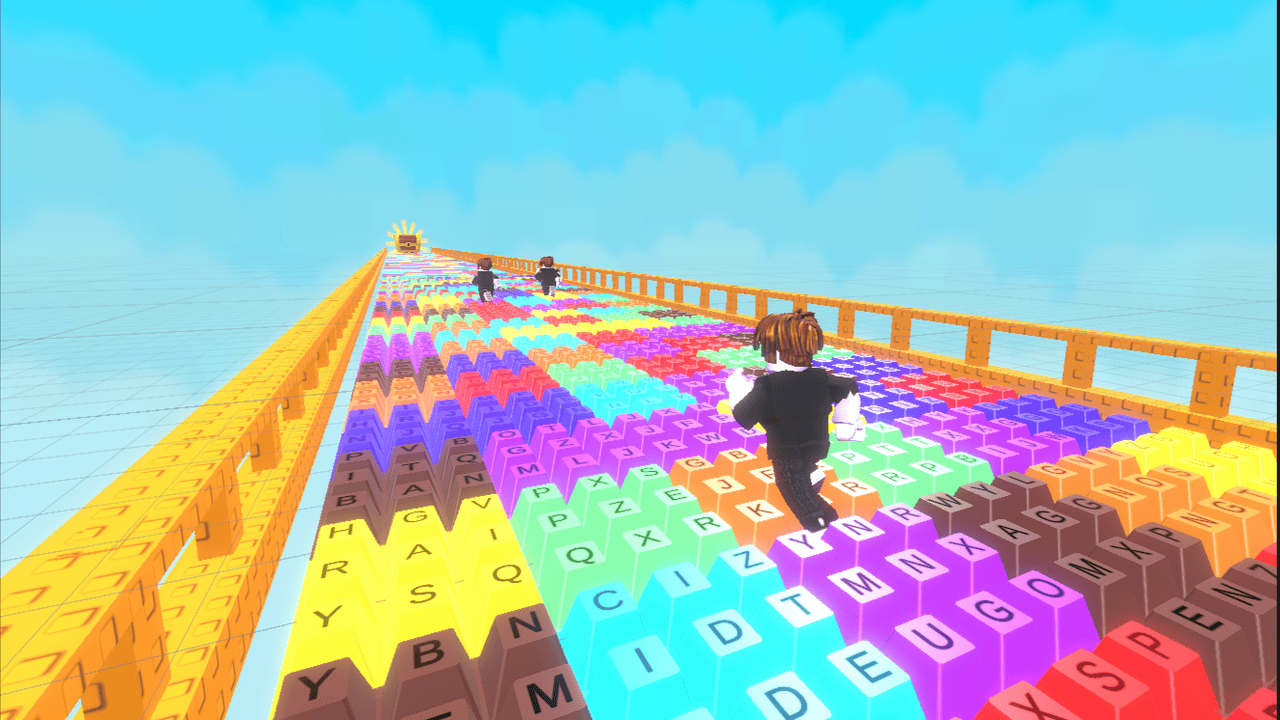
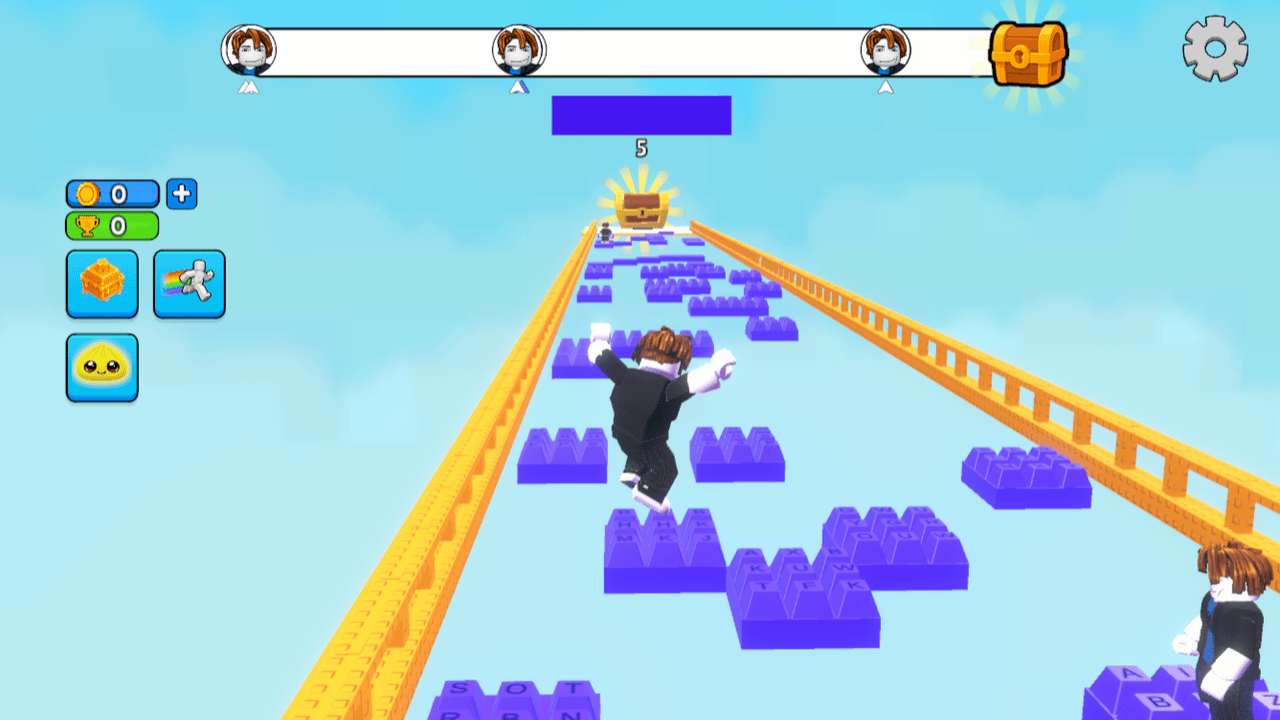
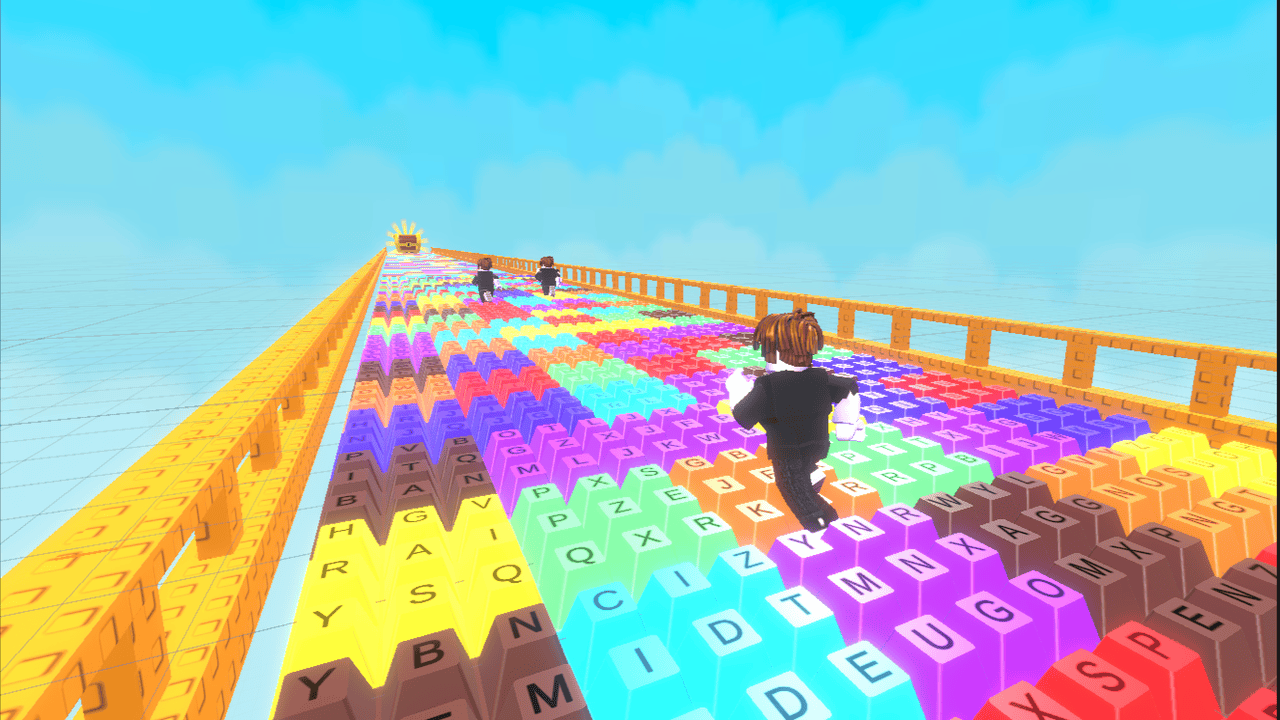
“Keyboard Color Bridge” combines a classic obby, an intense race, and satisfying ASMR keyboard keys. Your goal is to run across unique ASMR keyboard keys and find the correct color as quickly as possible.
At each stage, the colors of the platforms randomly change. Quickly step onto the correct platform, avoid falling, and keep moving toward the finish line. The faster you react, the better your chances of overtaking your opponents and taking first place!
Earn in-game currency by completing levels, unlock new pet skins and trails for your character. Compete against other players, improve your reaction time, and climb to the top of the leaderboard!
Ready to test your reaction speed and reach the finish line before everyone else?
Videos and screenshots
12,051 players online
How to play
-
Open the game
Press Play now and the game opens on its own screen.
-
Follow the in-game instructions
The controls and goals are shown inside the game as you play.
-
Use the game menu
The floating button over the game reloads it, saves it to your favourites, or takes you back out.