Skip to content
KG
Kick the lucky block! +1 Brainrot!

Kick the lucky block! +1 Brainrot!

6K plays 3.8 out of 5

Overview

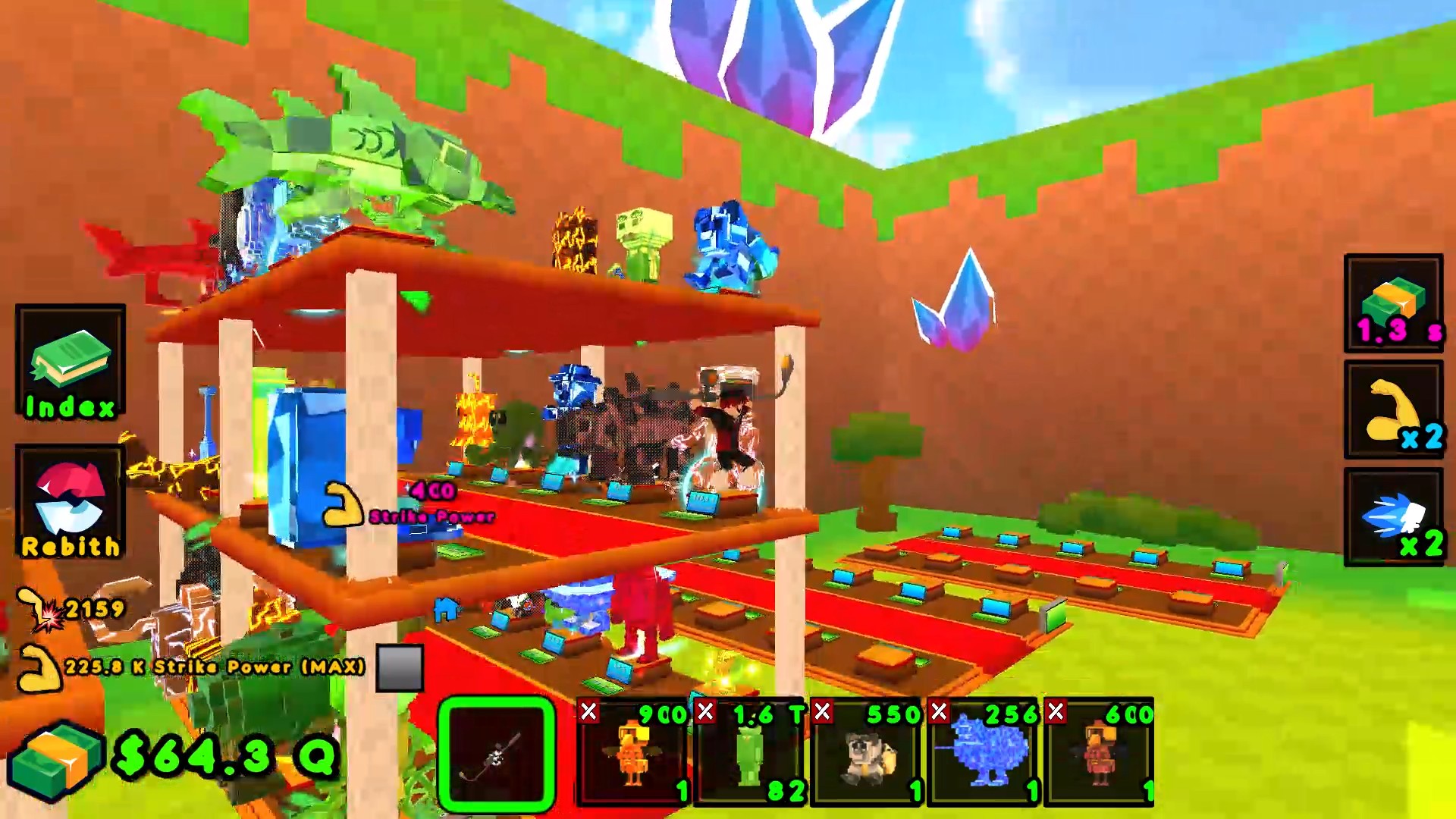
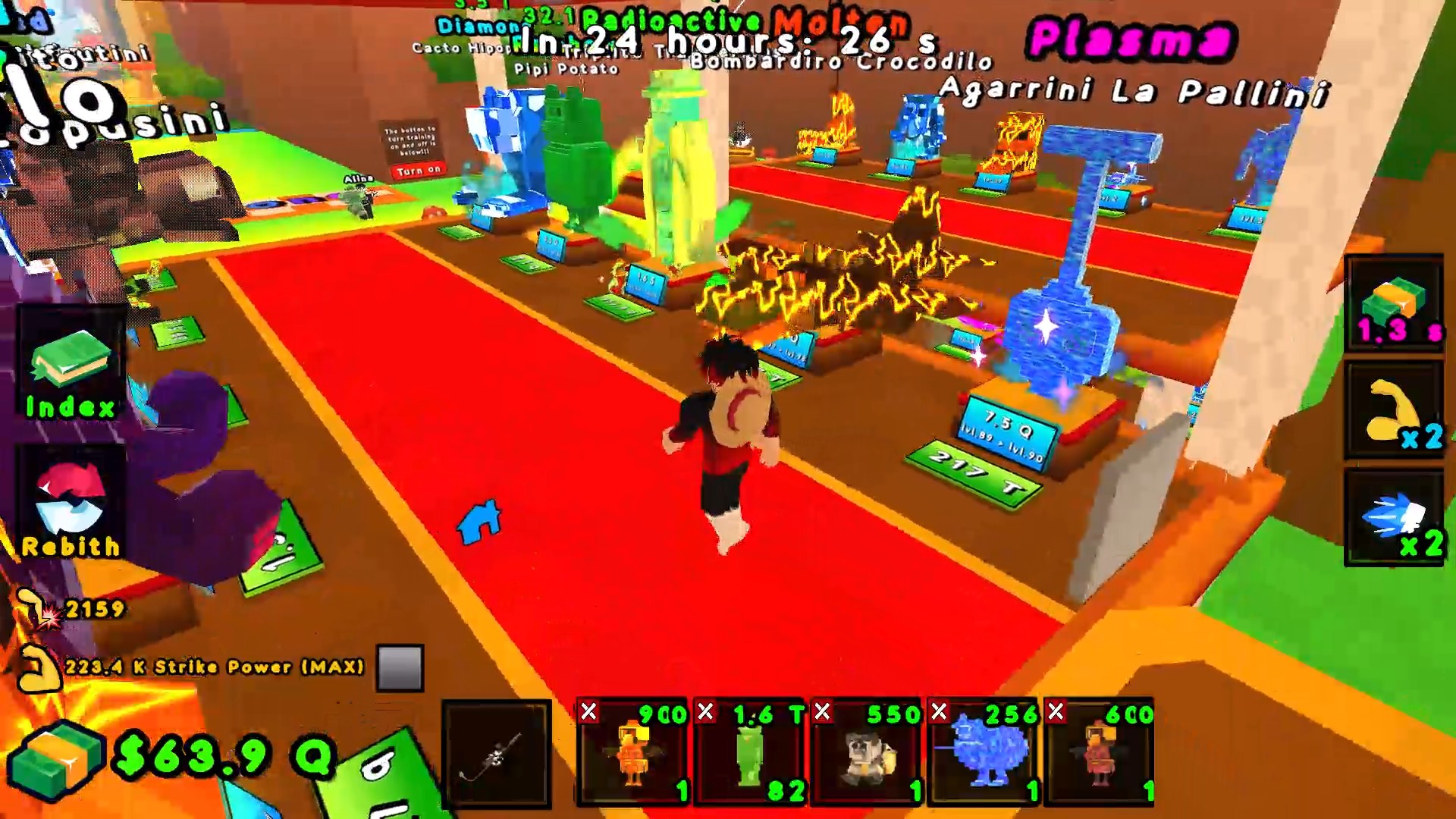
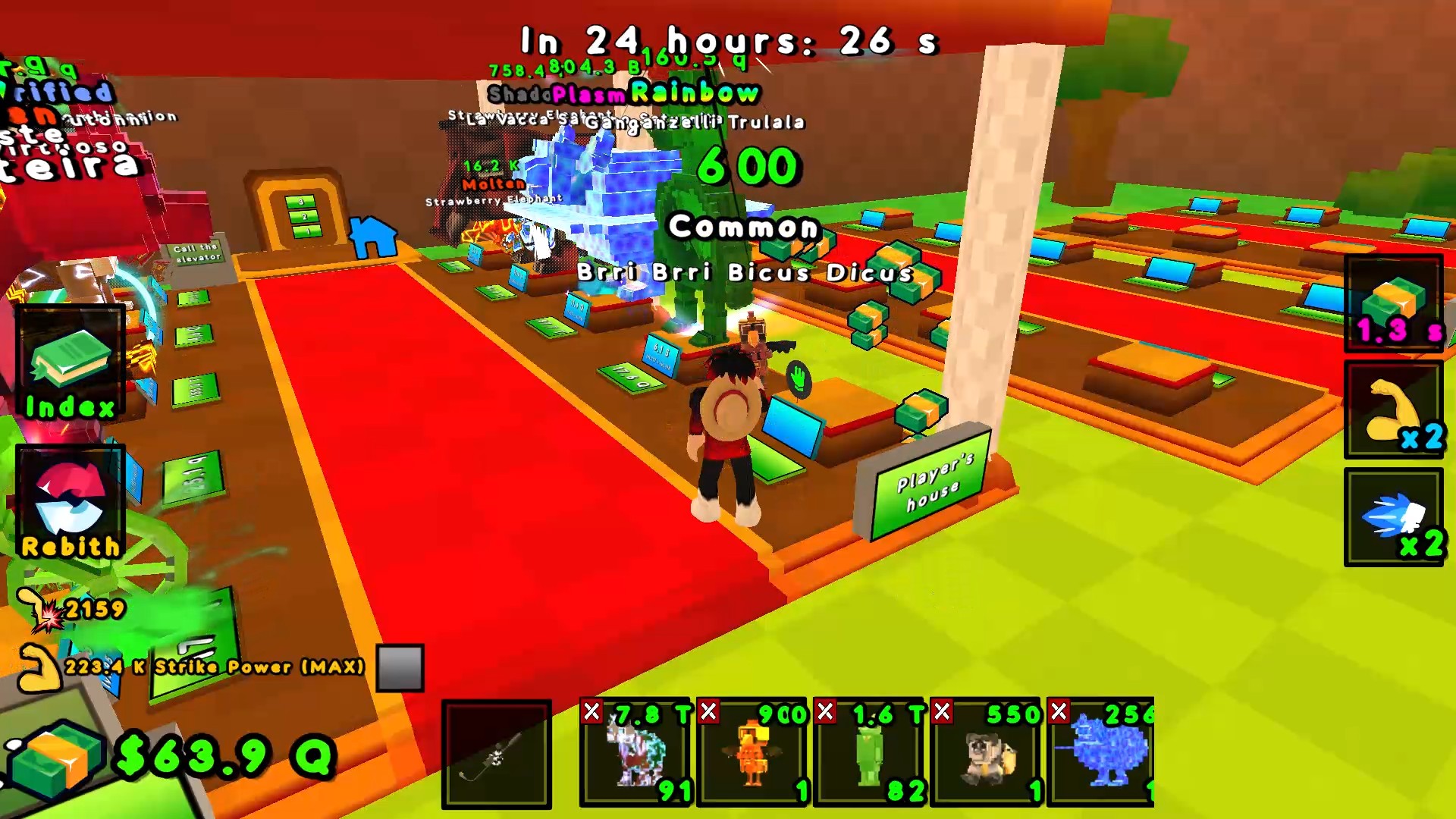
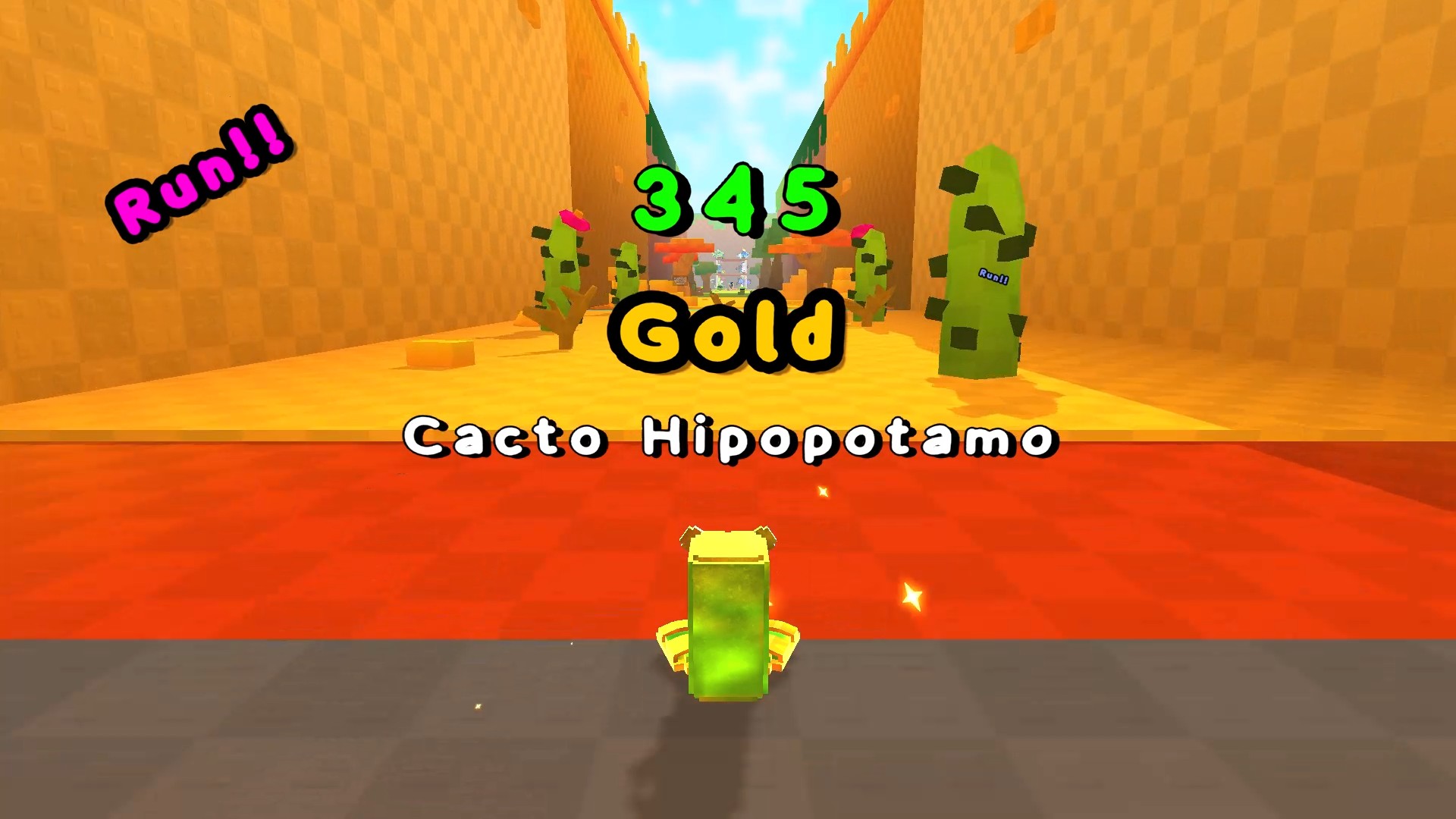
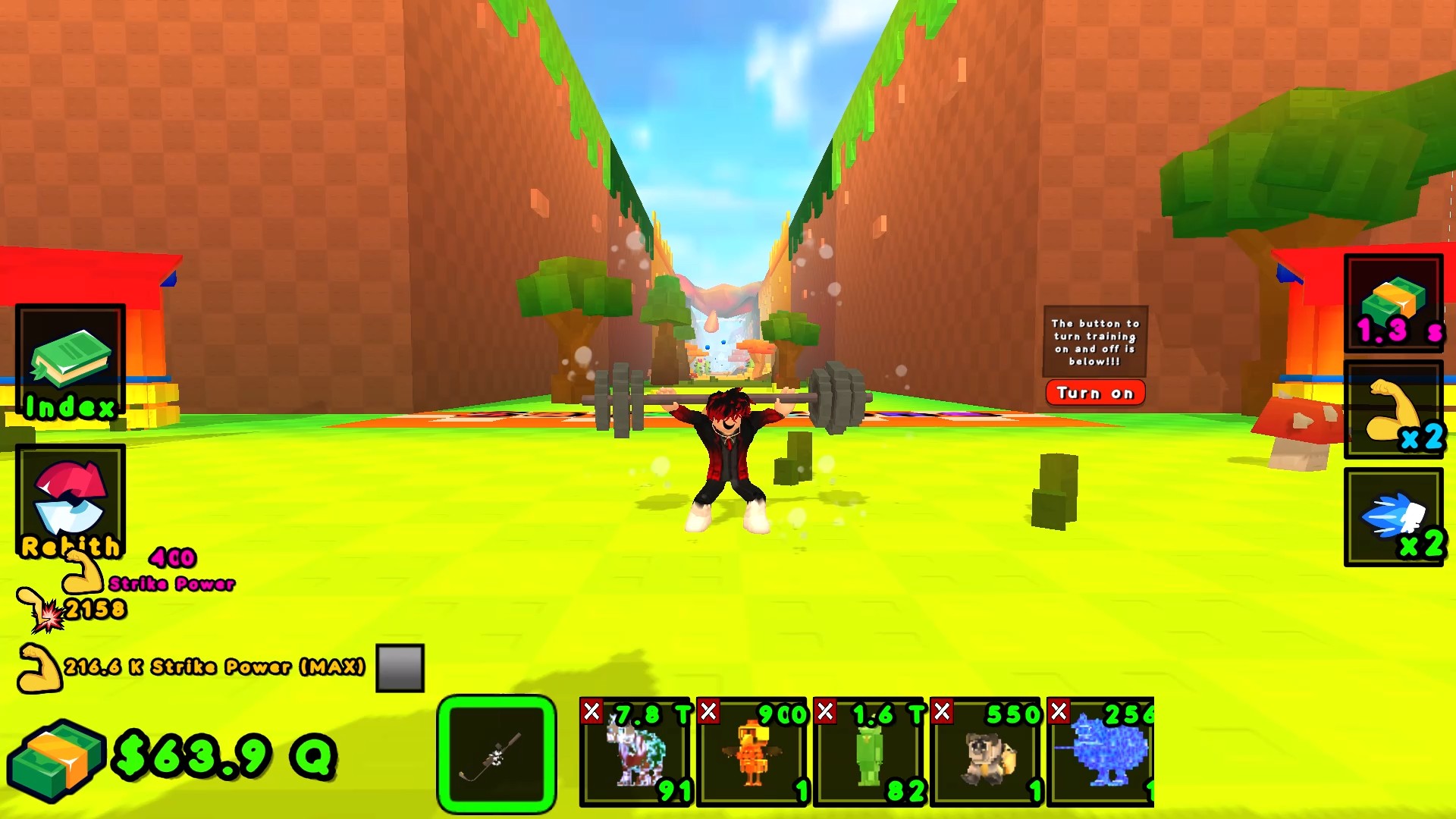
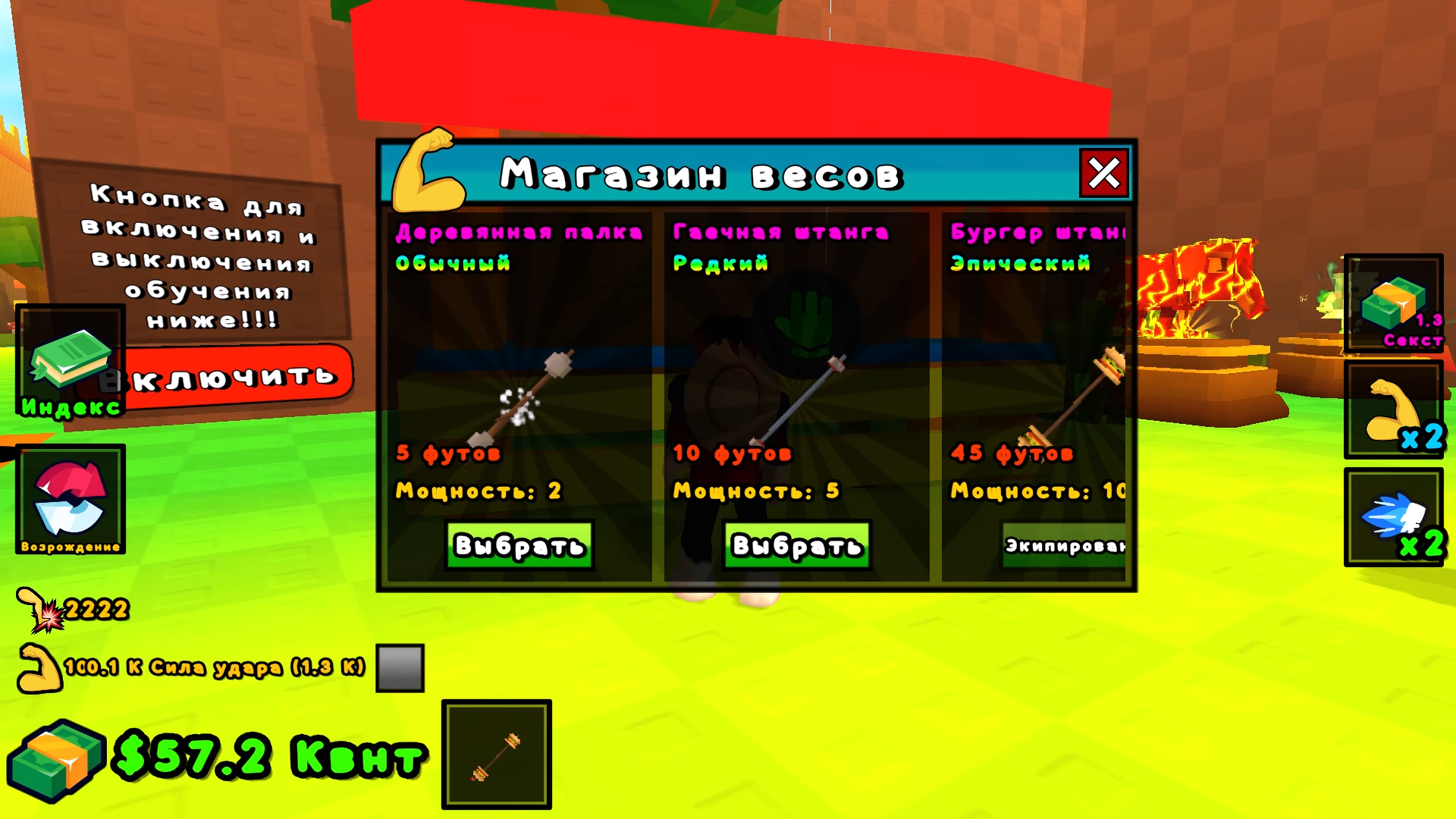
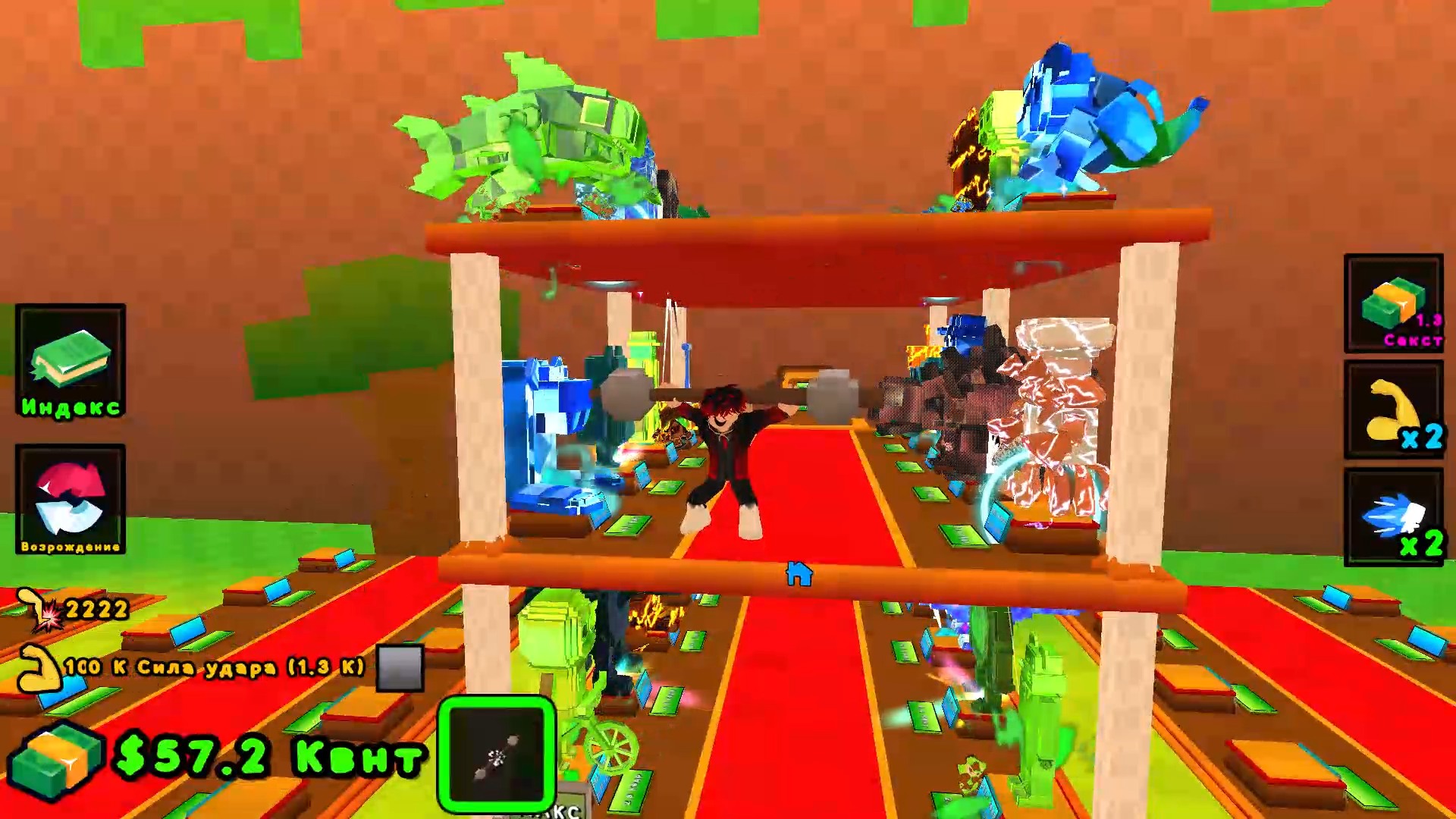
🌊🌪️ DID YOU CAUSE A TSUNAMI? NOW RUN AWAY FROM IT WHILE COLLECTING HYPE REWARDS! 🌪️🌊 🏠💰 BRING TROPHIES INTO YOUR HOUSE – THEY INCLUDE PASSIVE INCOME 24/7! 💰🏠 🏋️‍♂️🦵 WORK OUT YOUR LEGS WITH WEIGHTS, BREAK DISTANCE RECORDS, AND BECOME INVINCIBLE! 🦵🏋️‍♂️ ⚡🚀 PLAY WITHOUT DOWNLOADING – LAUNCH IN YOUR BROWSER AND CATCH THE VIBE OF YOUR FAVORITE PLAY! 🚀⚡ ❤️⭐ DID YOU LIKE IT? RATE 5 STARS AND WRITE A COMMENT – WE LOVE YOU! ⭐❤️

Videos and screenshots
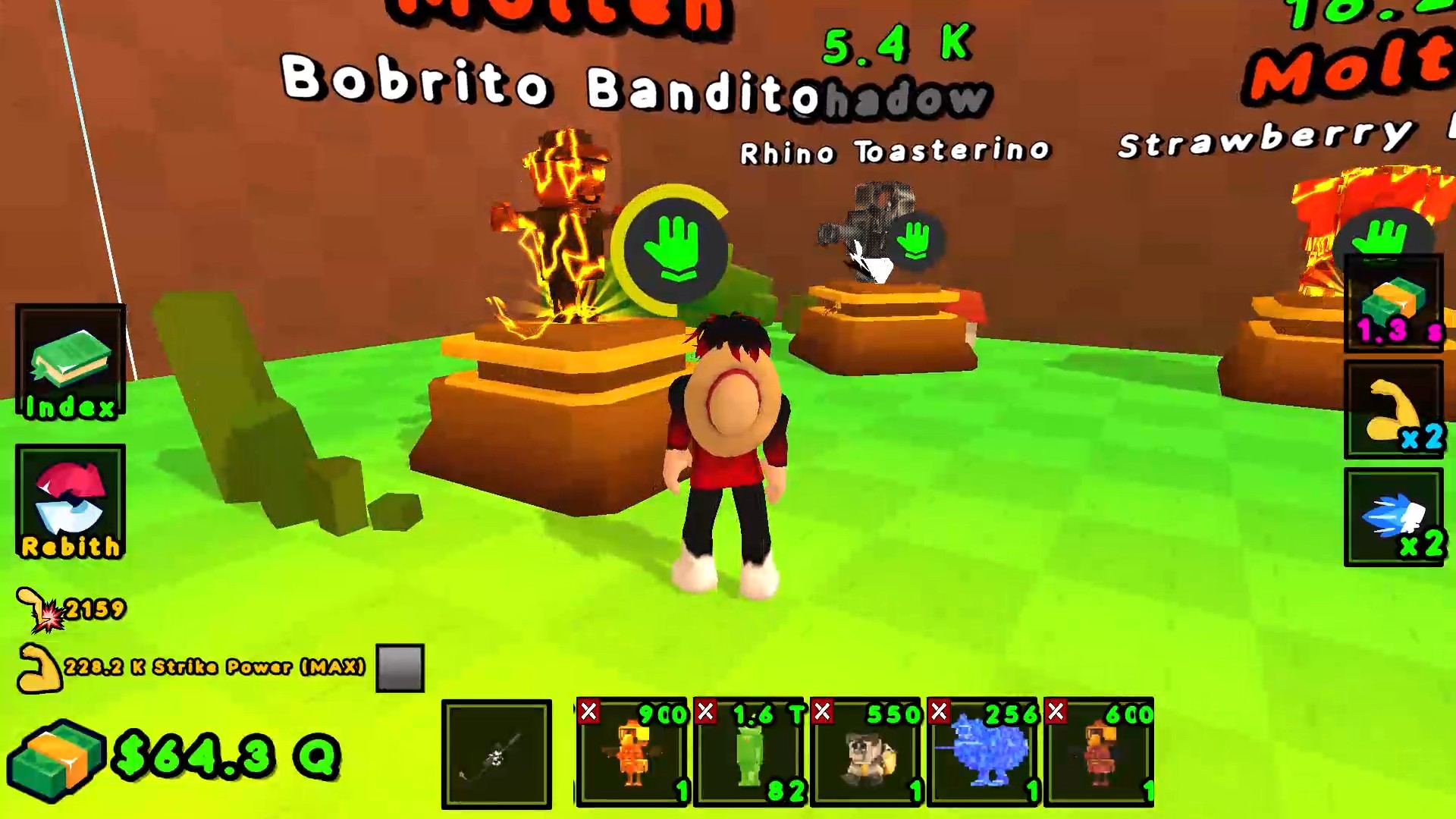
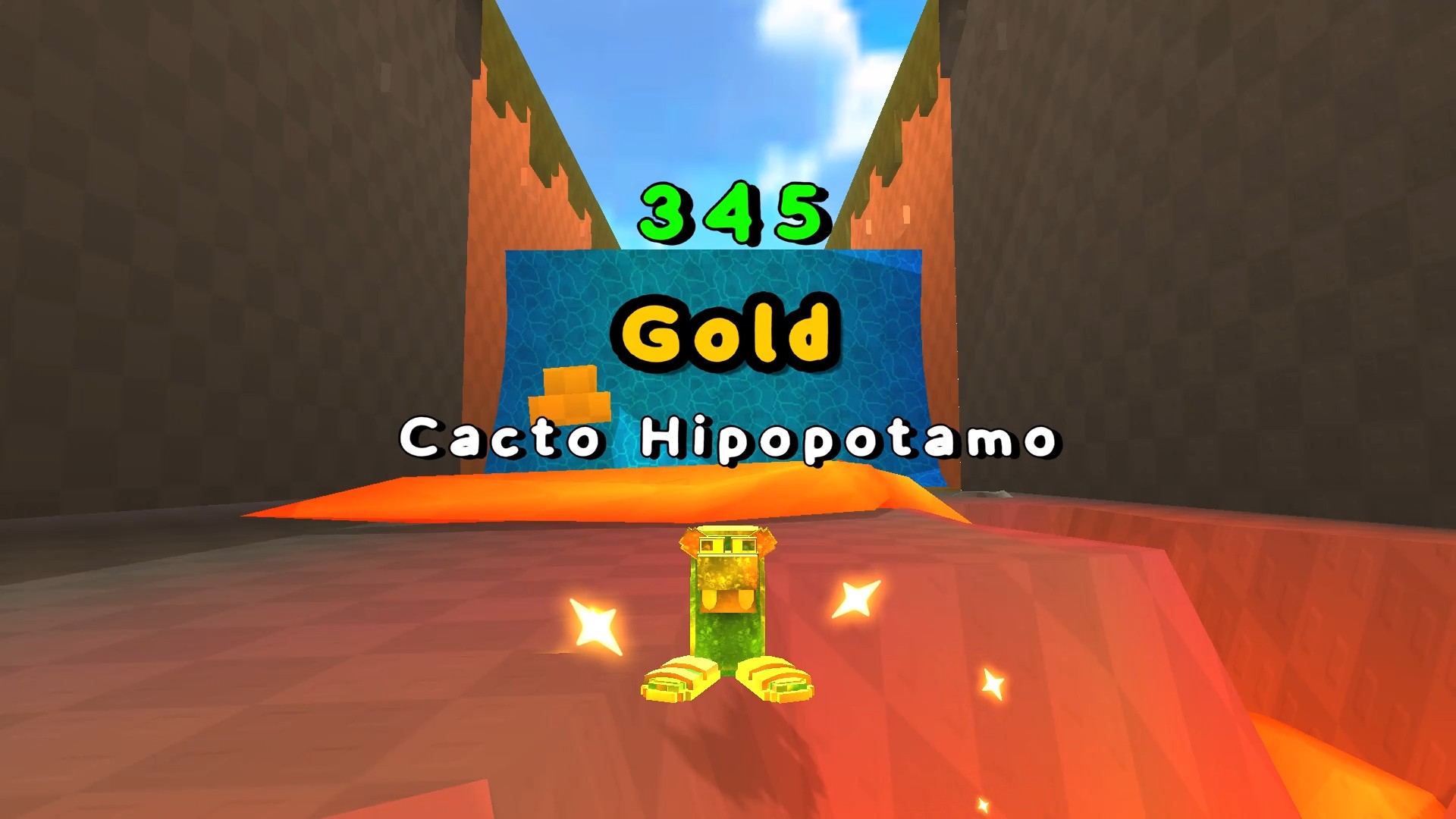
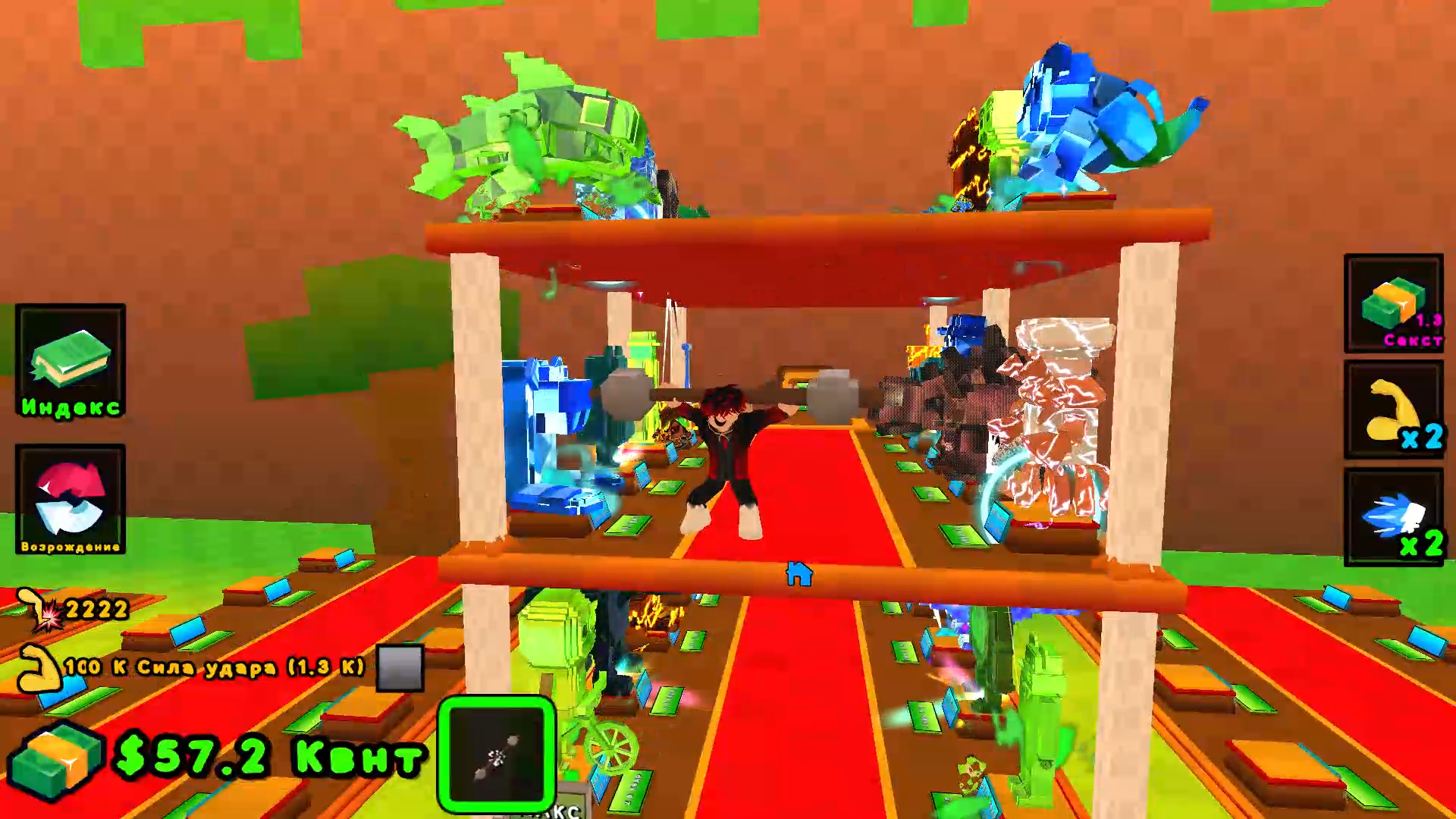
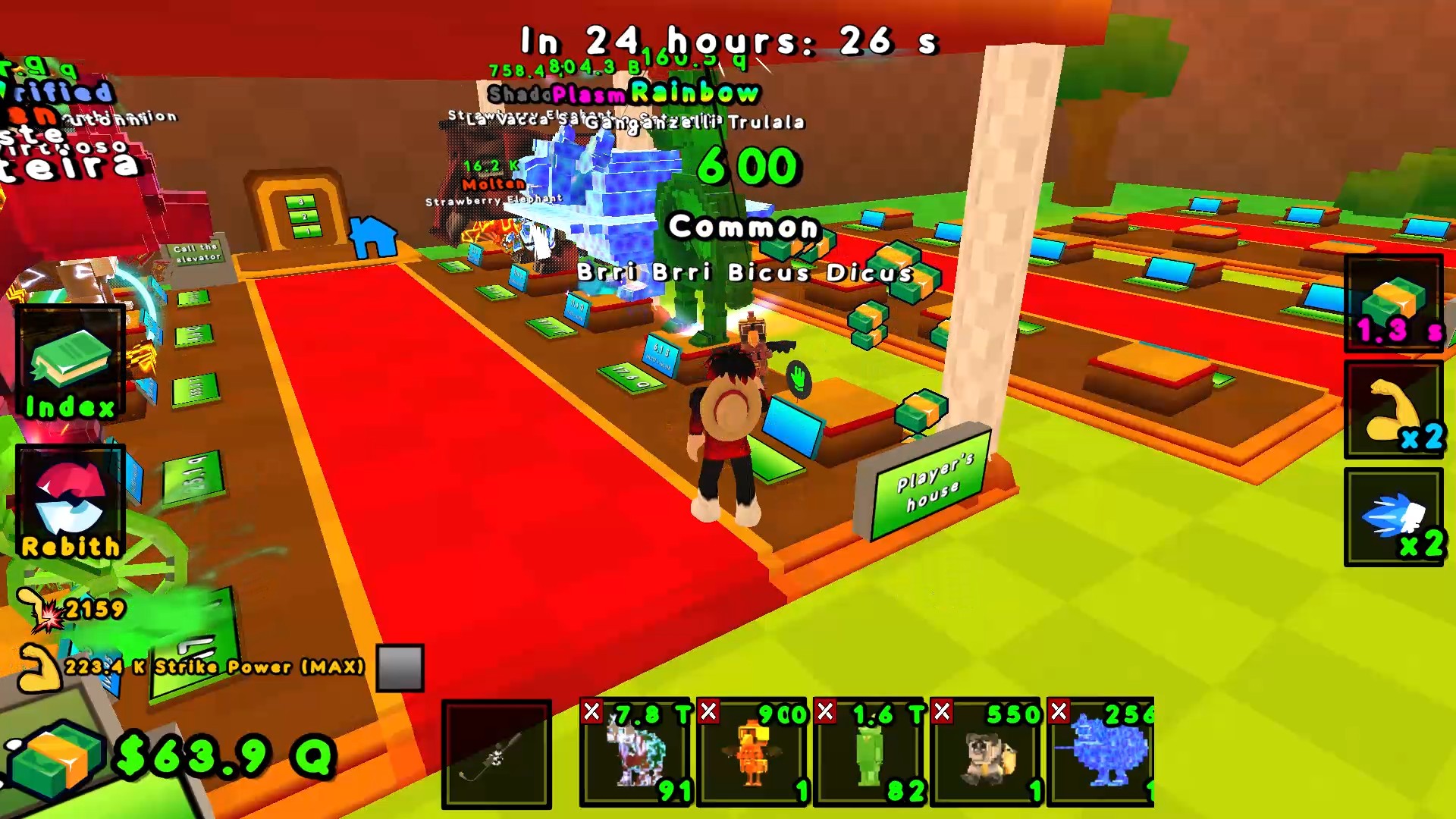
  • Kick the lucky block! +1 Brainrot! screenshot 1
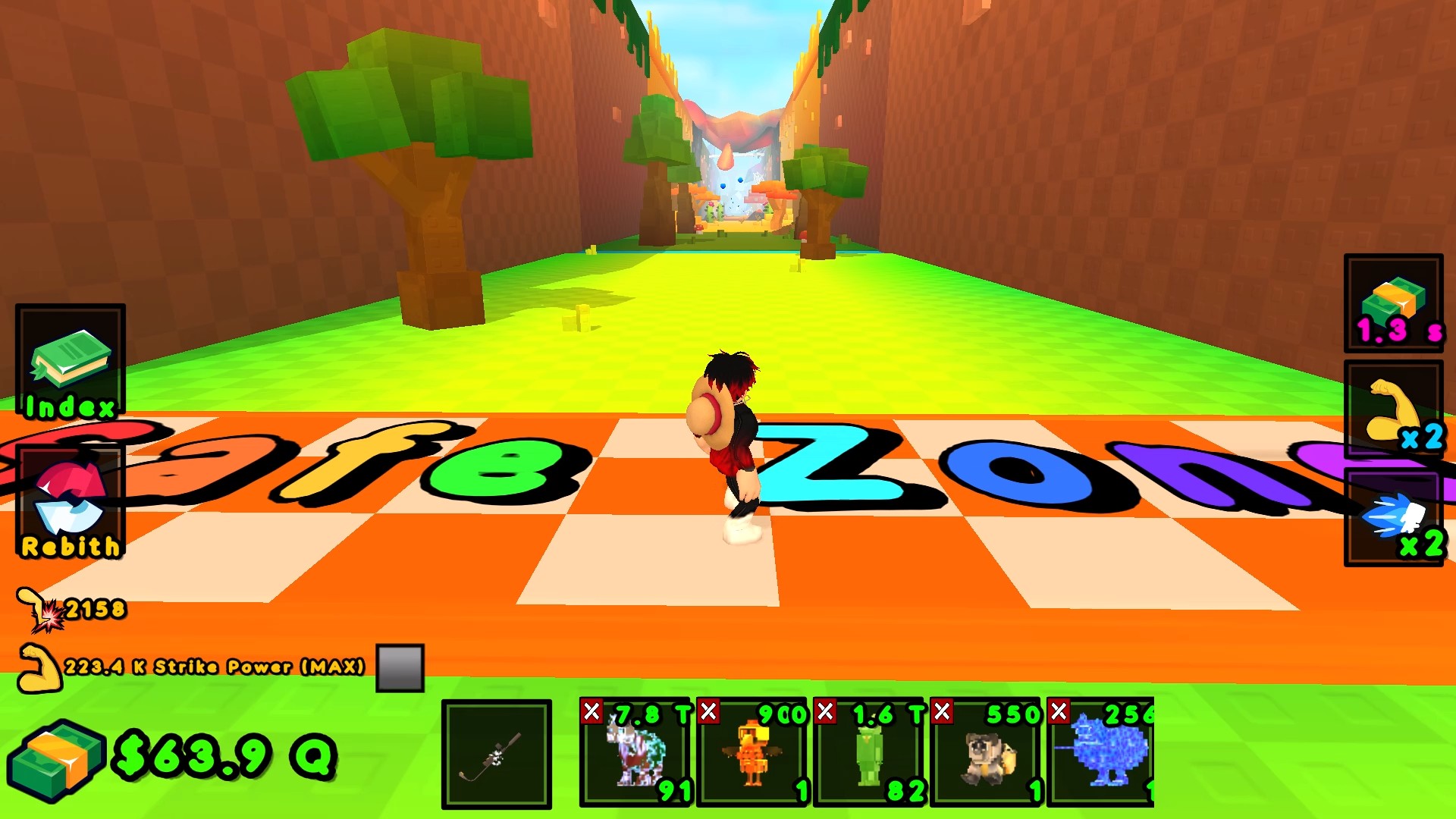
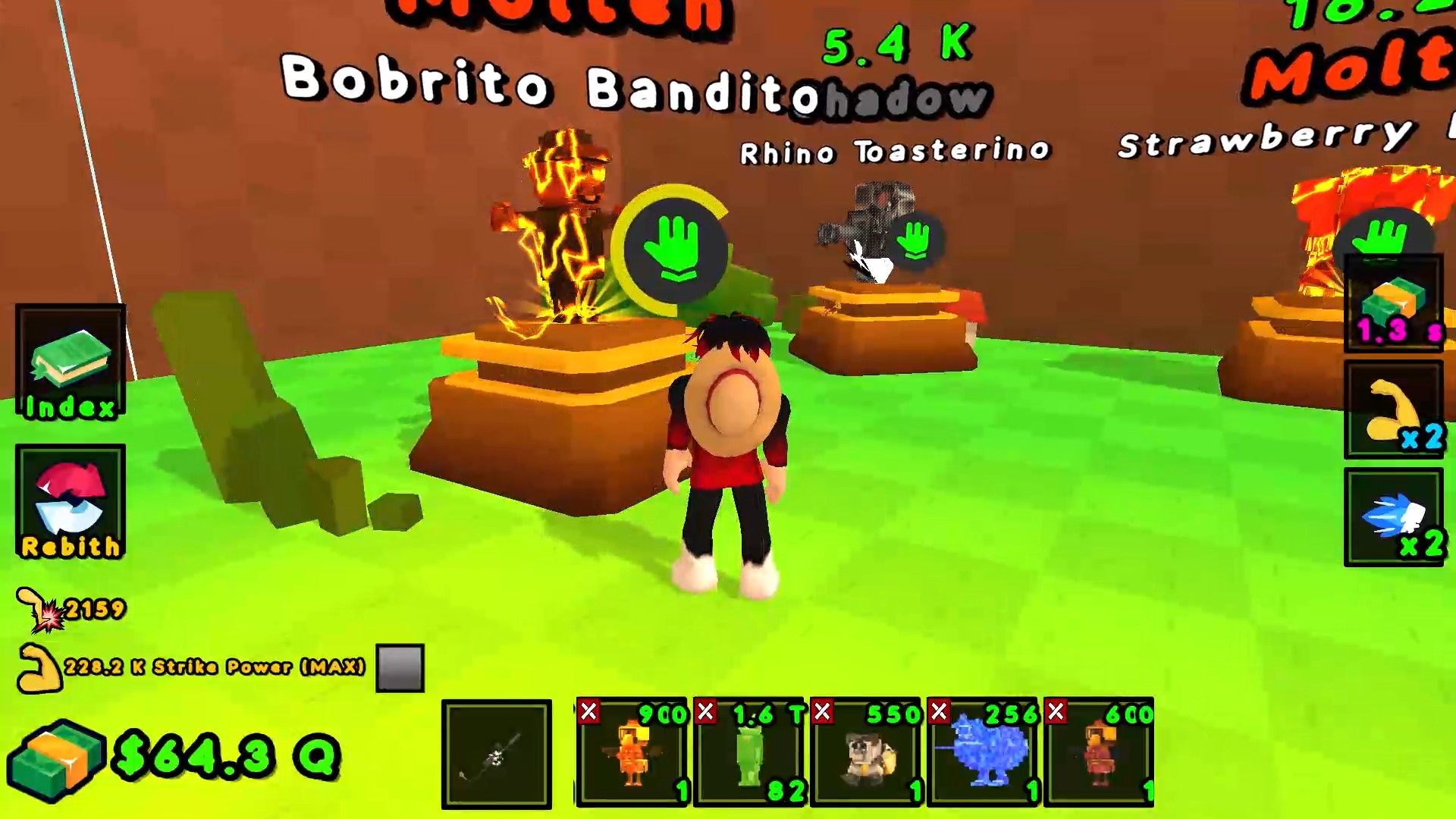
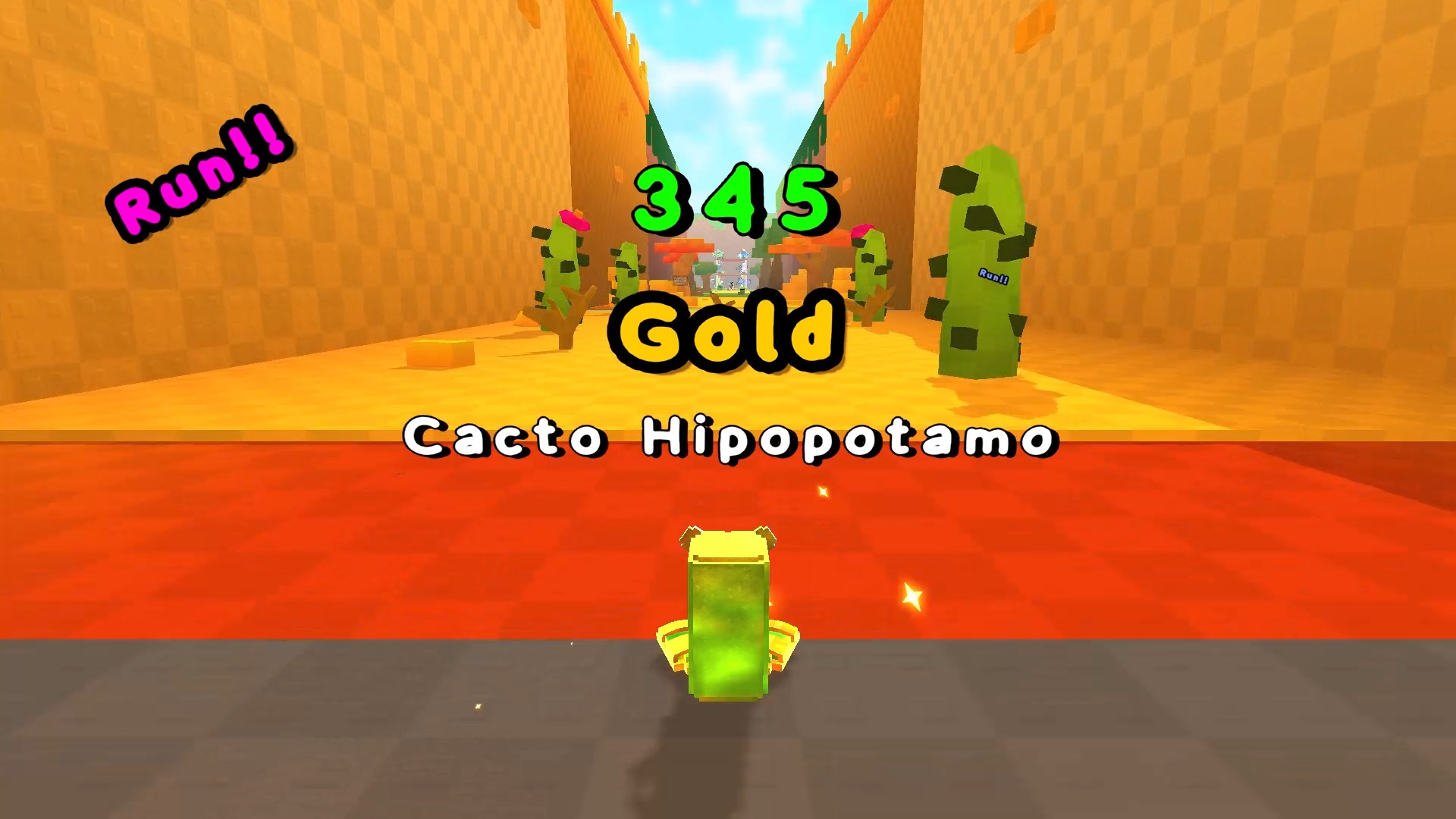
  • Kick the lucky block! +1 Brainrot! screenshot 2
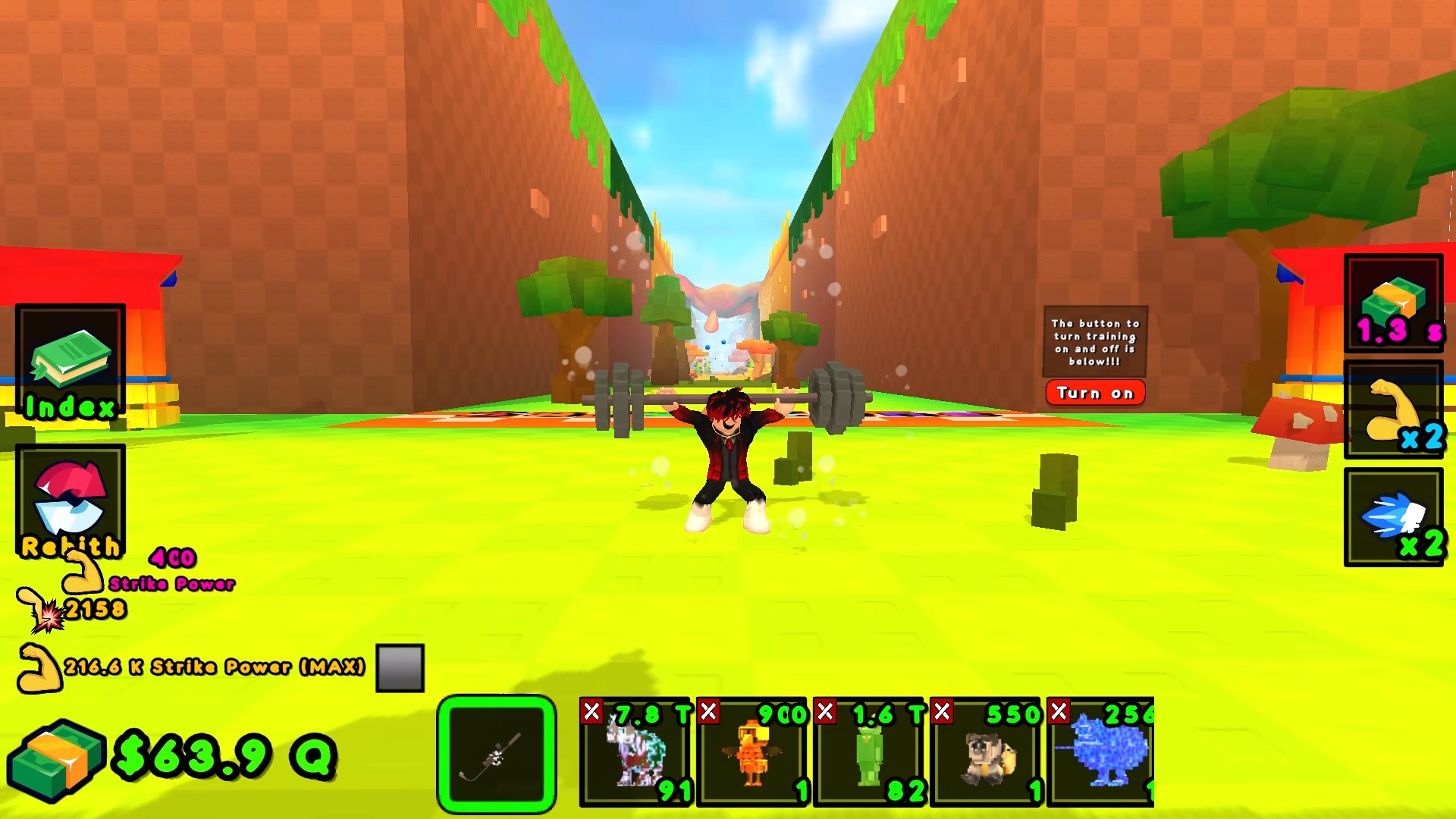
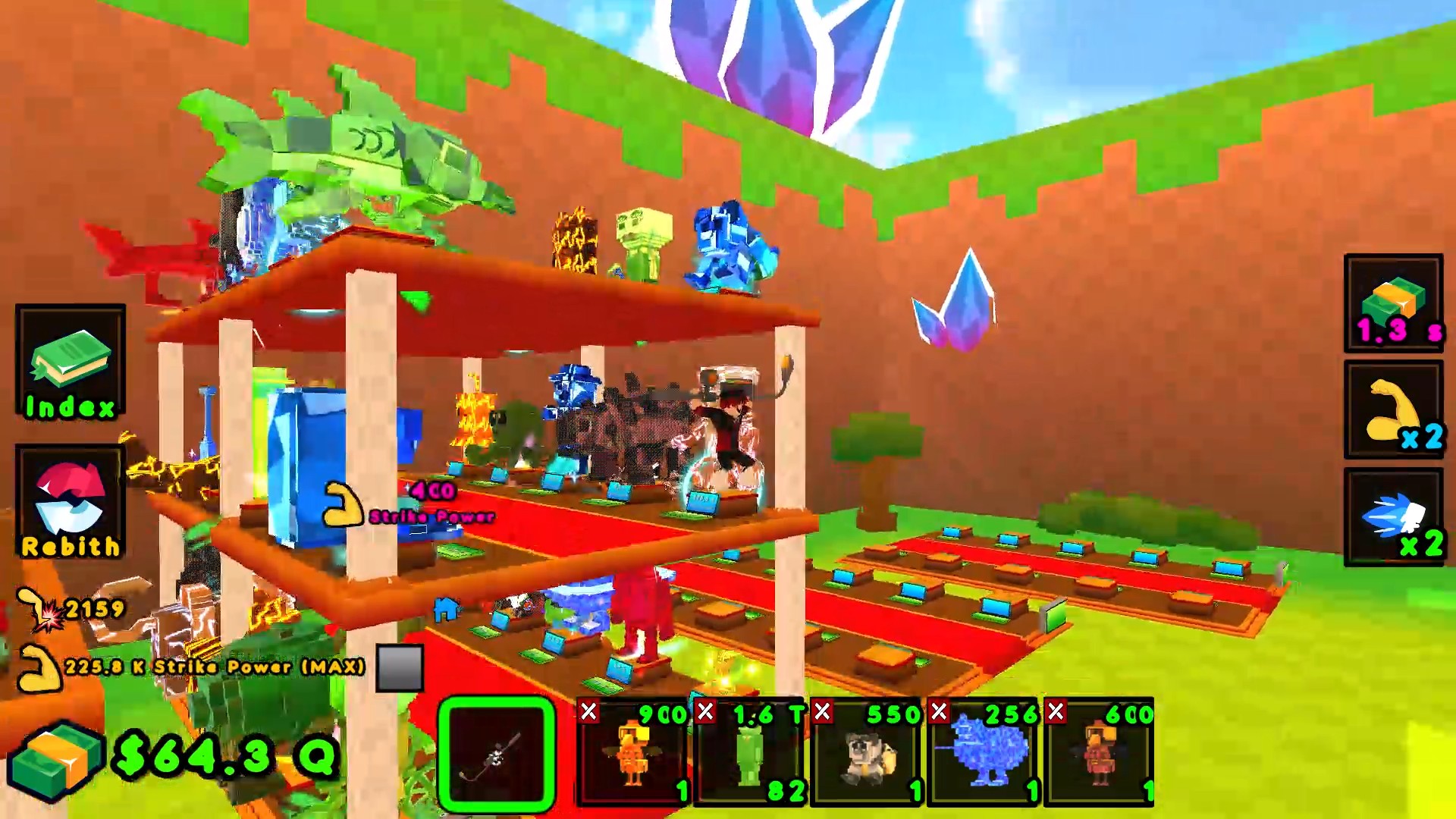
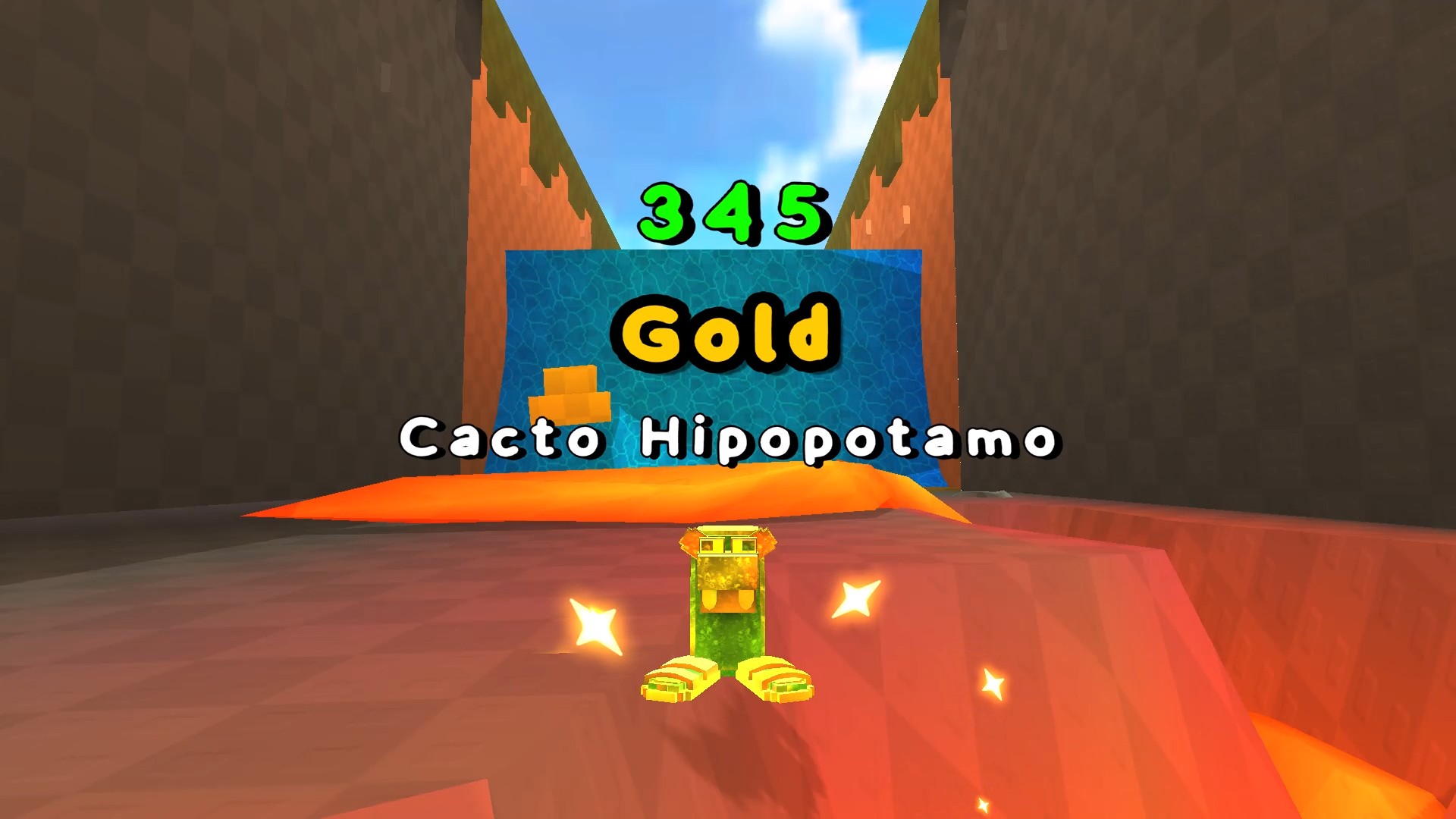
  • Kick the lucky block! +1 Brainrot! screenshot 3
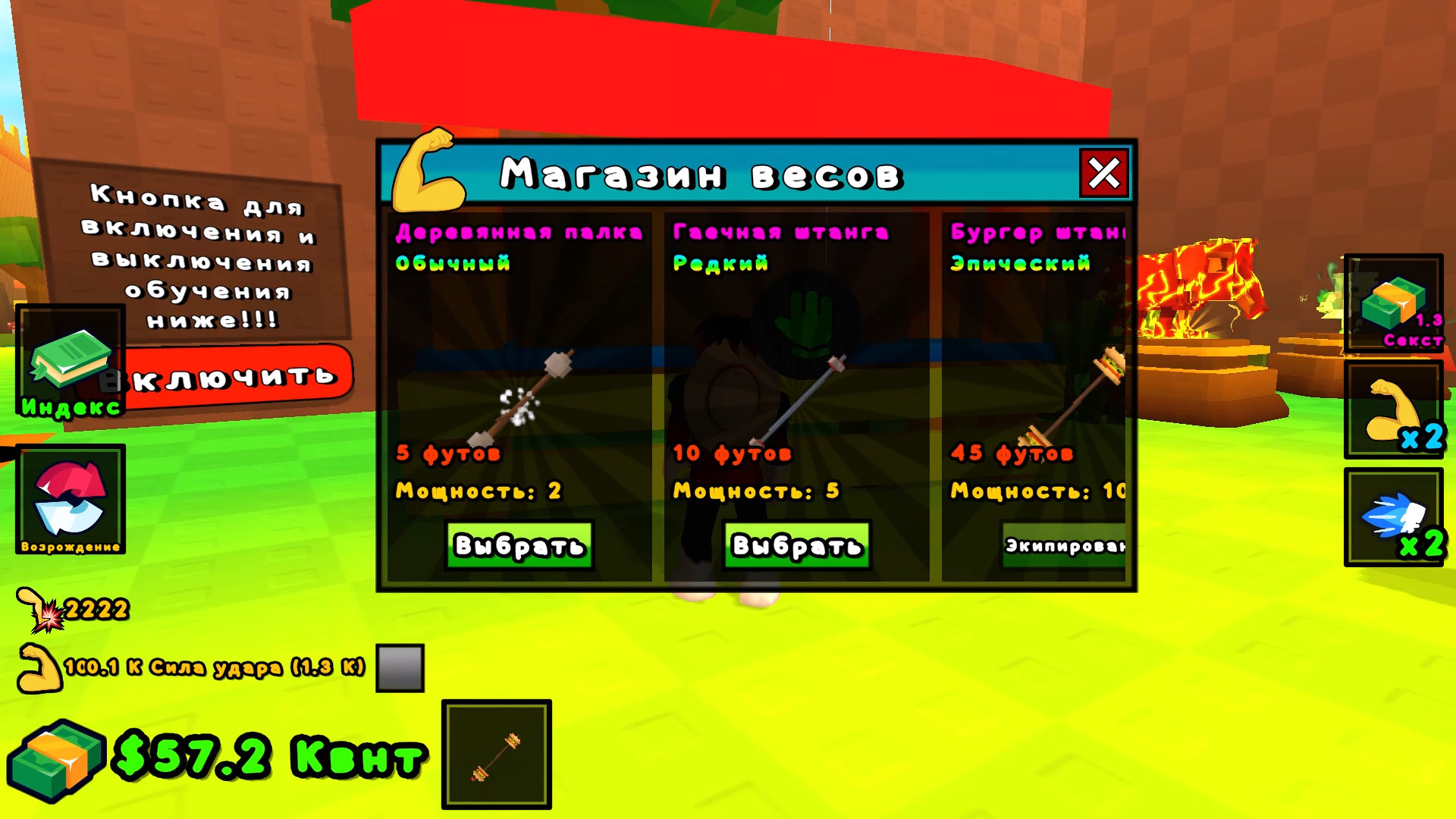
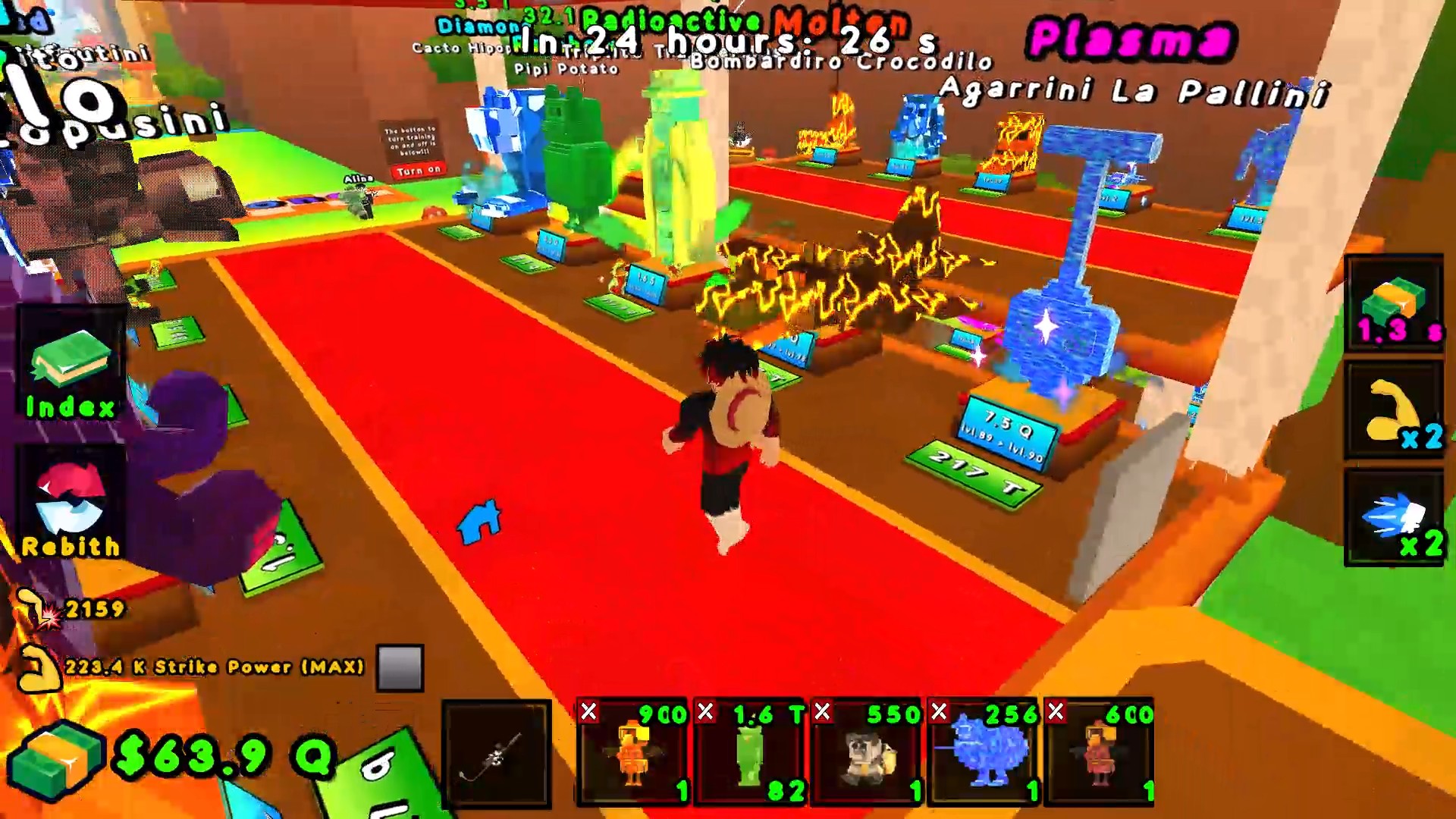
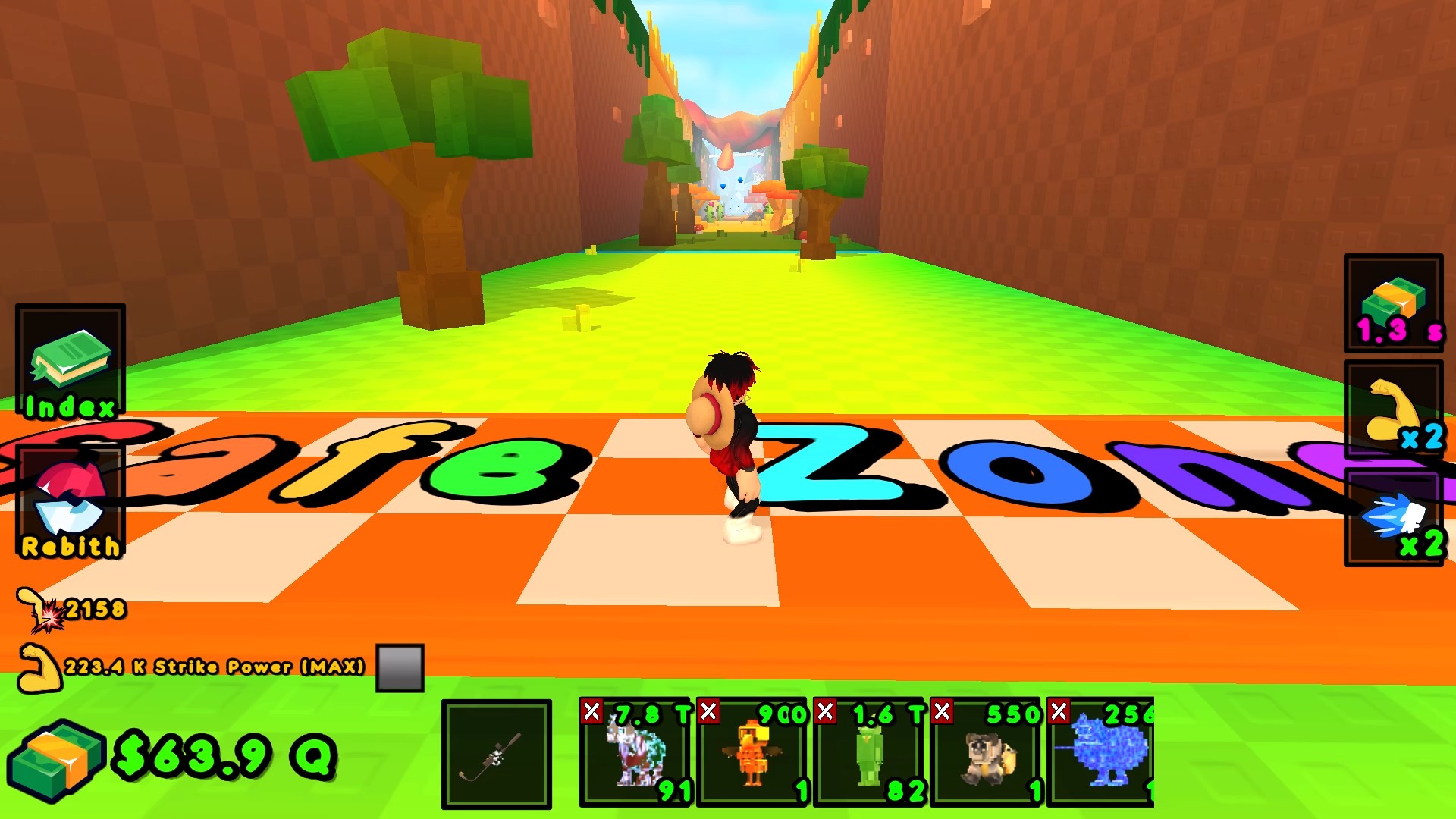
  • Kick the lucky block! +1 Brainrot! screenshot 4
  • Kick the lucky block! +1 Brainrot! screenshot 5
  • Kick the lucky block! +1 Brainrot! screenshot 6
  • Kick the lucky block! +1 Brainrot! screenshot 7
  • Kick the lucky block! +1 Brainrot! screenshot 8
  • Kick the lucky block! +1 Brainrot! screenshot 9
  • Kick the lucky block! +1 Brainrot! screenshot 10
  • Kick the lucky block! +1 Brainrot! screenshot 11
  • Kick the lucky block! +1 Brainrot! screenshot 12
  • Kick the lucky block! +1 Brainrot! screenshot 13
  • Kick the lucky block! +1 Brainrot! screenshot 14
  • Kick the lucky block! +1 Brainrot! screenshot 15
  • Kick the lucky block! +1 Brainrot! screenshot 16
  • Kick the lucky block! +1 Brainrot! screenshot 17
  • Kick the lucky block! +1 Brainrot! screenshot 18
  • Kick the lucky block! +1 Brainrot! screenshot 19
  • Kick the lucky block! +1 Brainrot! screenshot 20
Play Now

11,770 players online

How to play

  1. Open the game

    Press Play now and the game opens on its own screen.

  2. Follow the in-game instructions

    The controls and goals are shown inside the game as you play.

  3. Use the game menu

    The floating button over the game reloads it, saves it to your favourites, or takes you back out.
Game instructions

🖥️ Computer: 👟 - WASD — Movement 🎥 - Right Mouse Button (RMB) + mouse movement — Rotate the camera. 🏋️‍♂️ - Left Mouse Button (LMB) — Interaction. ⚡ - Spacebar — Jump. Interacting with buttons in the world is done by clicking or holding LMB, as well as by pressing the "E" key on the keyboard. 📱 Smartphone: 👟 - Movement — Joystick on the left side of the screen. 🎥 - Camera rotation — Swipe on the right side of the screen. 🏋️‍♂️ - Tap the screen — Interaction. ⚡ - Icon on the right side of the screen — Jump. Interacting with buttons in the world is done by clicking or holding LMB.

More games

More games