Skip to content
KG
KosmoWar- Space Battle

KosmoWar- Space Battle

25K plays 3.9 out of 5

Overview

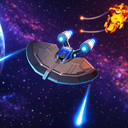
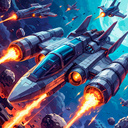
Immerse yourself in the world of space battles and exploration of distant frontiers! In this 2D game, you will become the captain of a warship, engaging in intense battles with enemies, exploring star systems, and gathering valuable resources such as ore, fuel, and rare materials. These resources can be used to upgrade your ship, enhancing its armor, installing new weapons, and unlocking additional modules. As you progress, your ship becomes more powerful, making battles even more thrilling. Compete with other players: climb the leaderboard to prove that you're the best captain in the galaxy. The fast-paced gameplay, intuitive controls, and increasing difficulty make the game engaging for both short sessions and long-term immersion. The vibrant art style and atmospheric soundtrack help you truly experience the spirit of space adventure.

Videos and screenshots
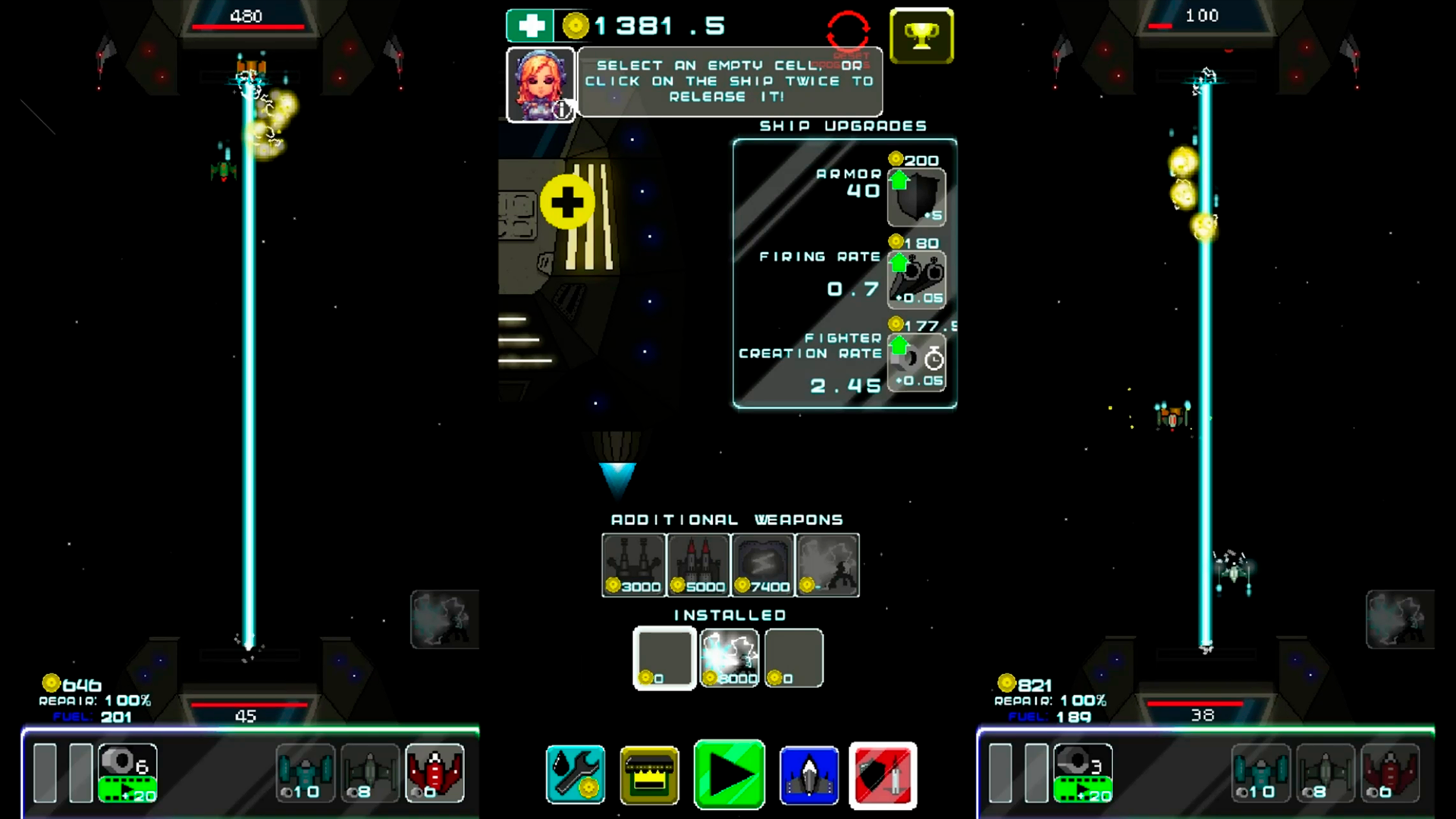
  • KosmoWar- Space Battle screenshot 1
  • KosmoWar- Space Battle screenshot 2
  • KosmoWar- Space Battle screenshot 3
  • KosmoWar- Space Battle screenshot 4
  • KosmoWar- Space Battle screenshot 5
  • KosmoWar- Space Battle screenshot 6
  • KosmoWar- Space Battle screenshot 7
  • KosmoWar- Space Battle screenshot 8
Play Now

14,144 players online

How to play

  1. Open the game

    Press Play now and the game opens on its own screen.

  2. Follow the in-game instructions

    The controls and goals are shown inside the game as you play.

  3. Use the game menu

    The floating button over the game reloads it, saves it to your favourites, or takes you back out.
Game instructions

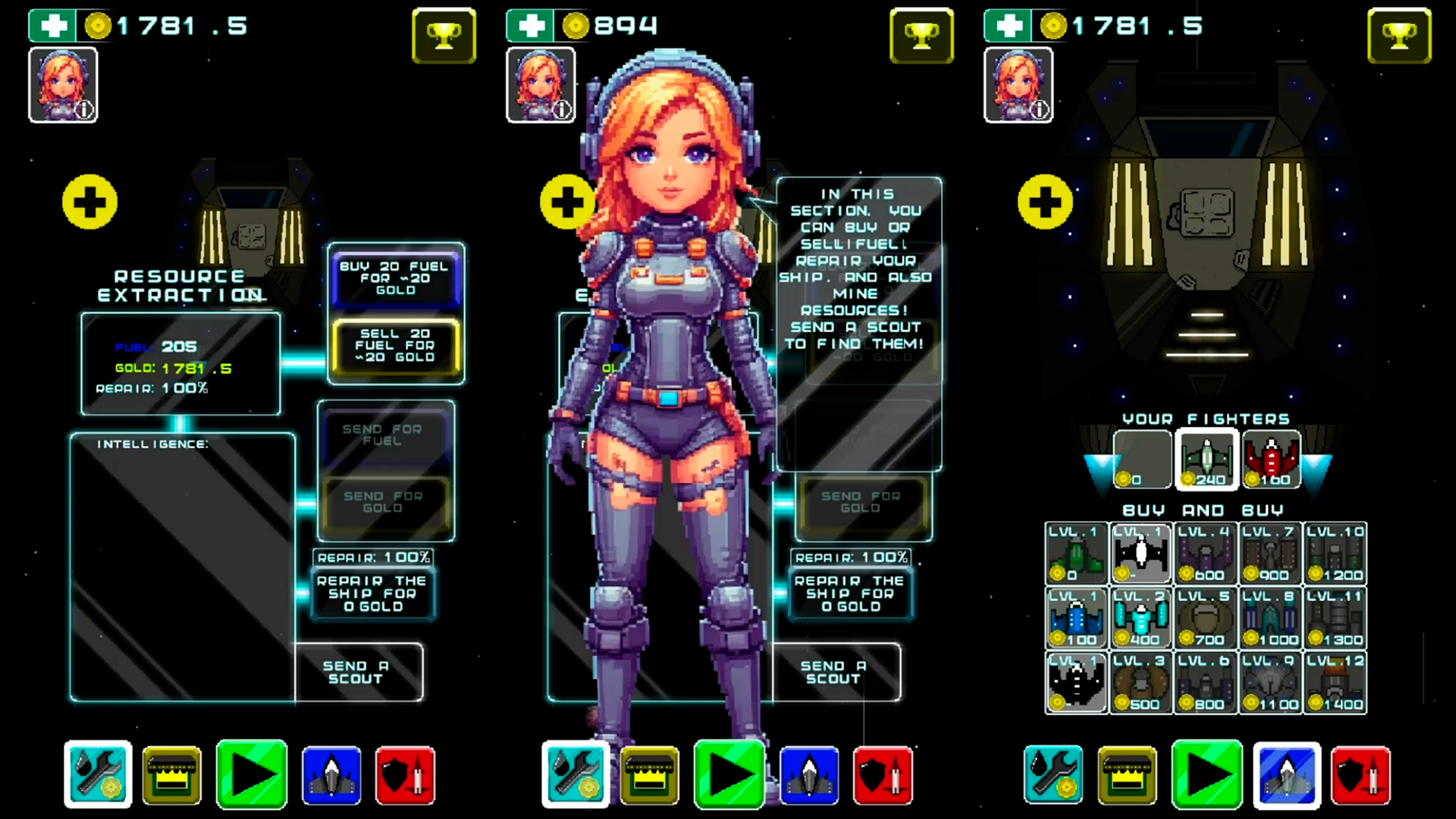
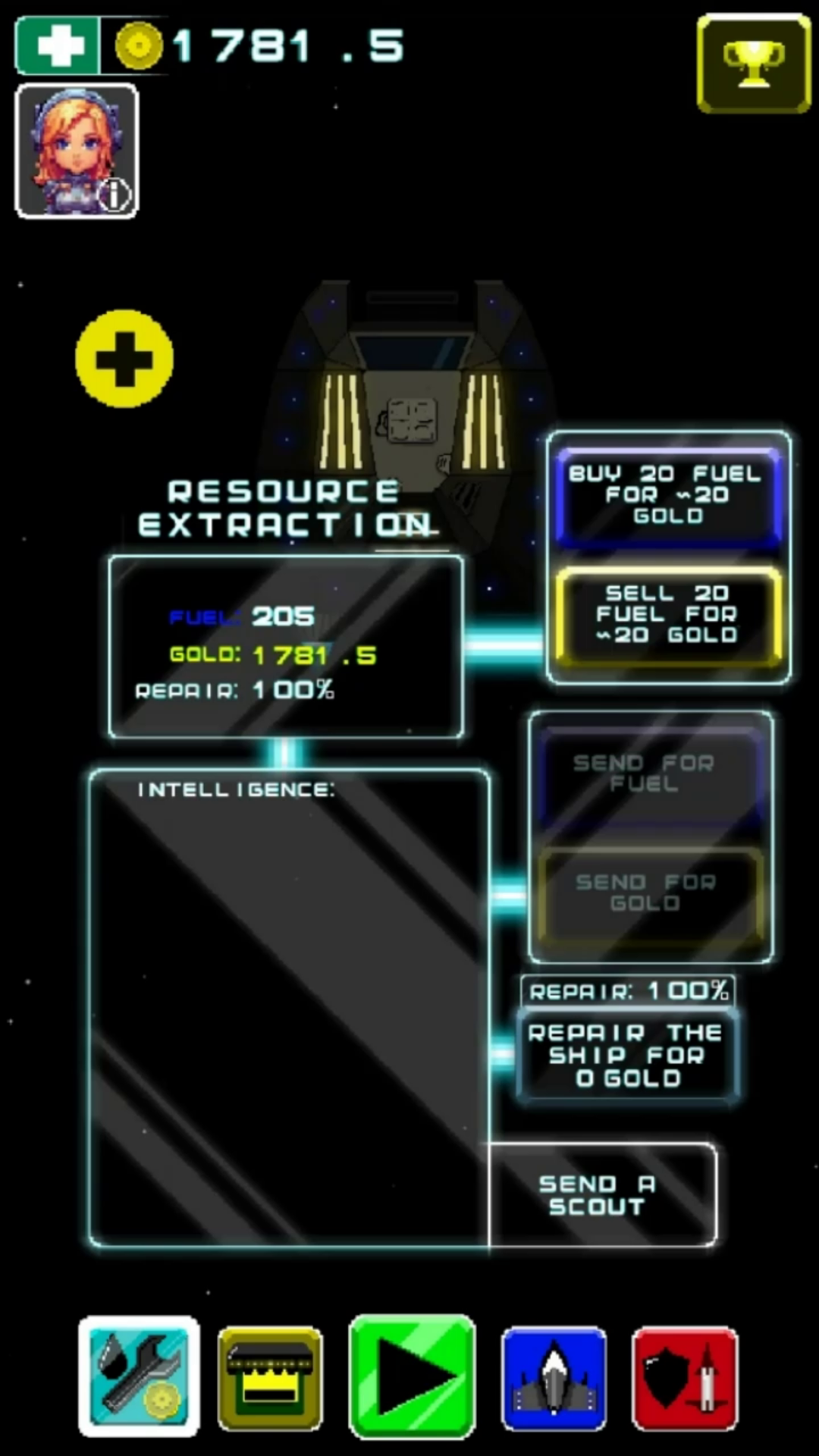
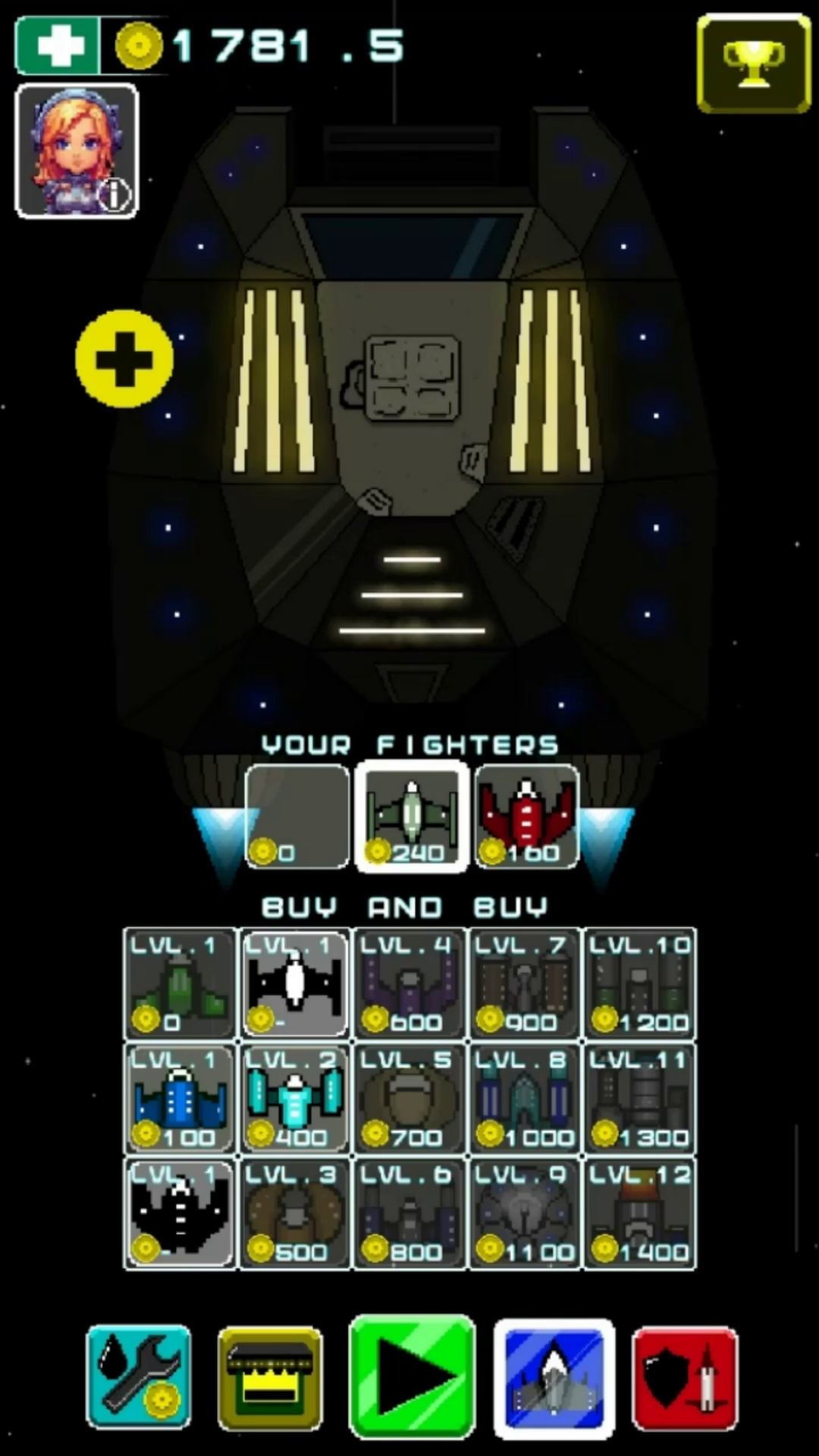
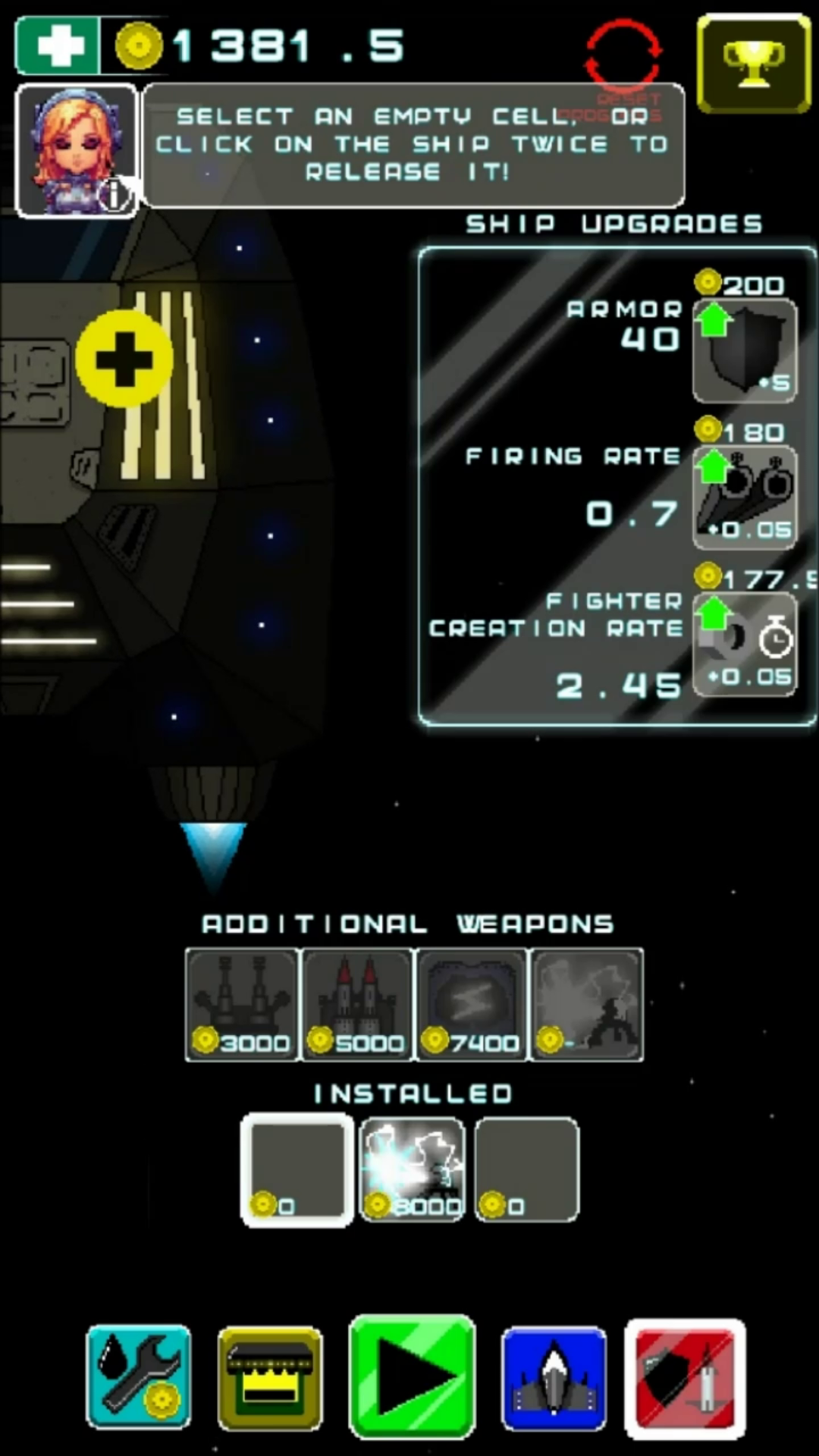
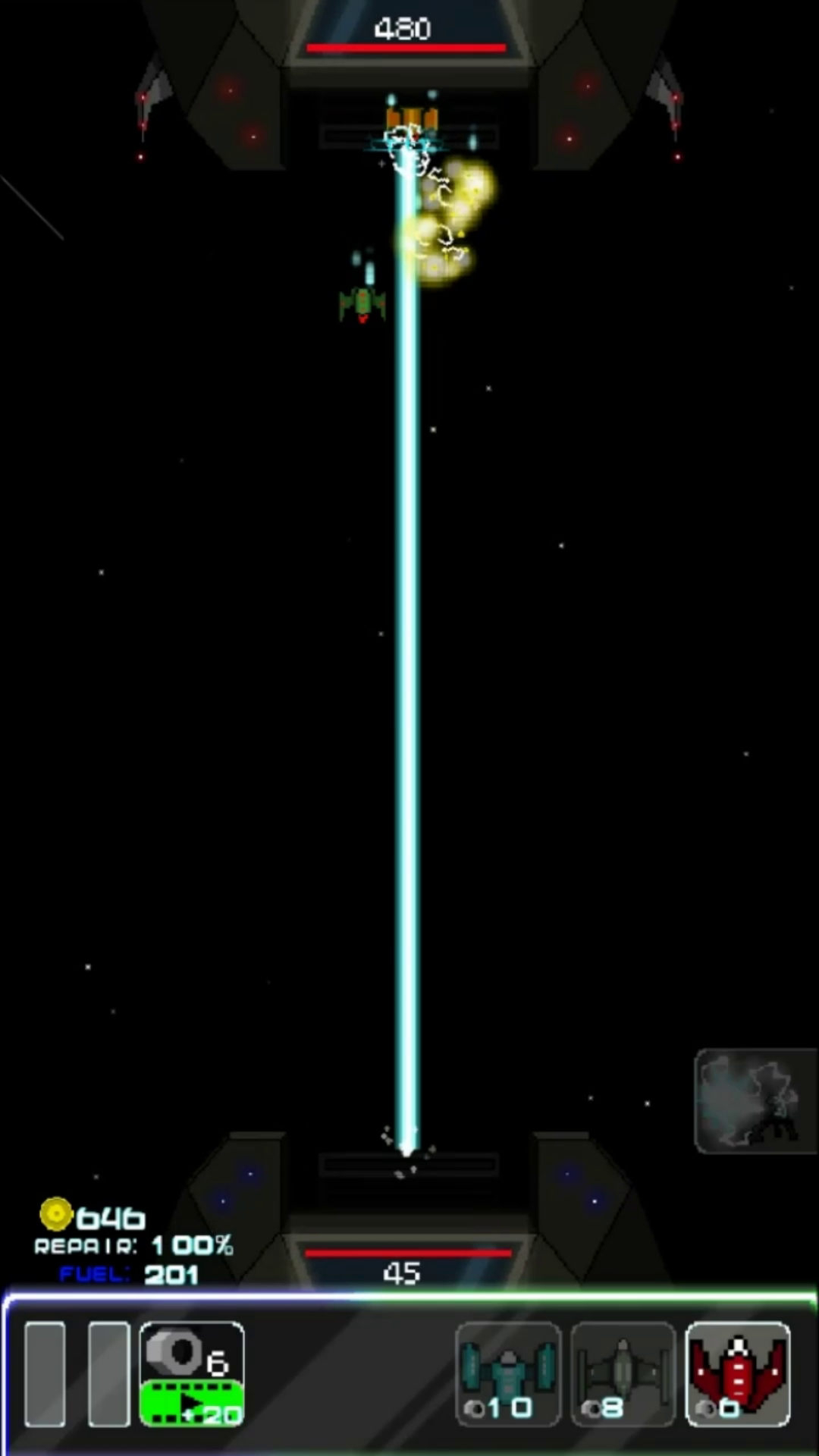
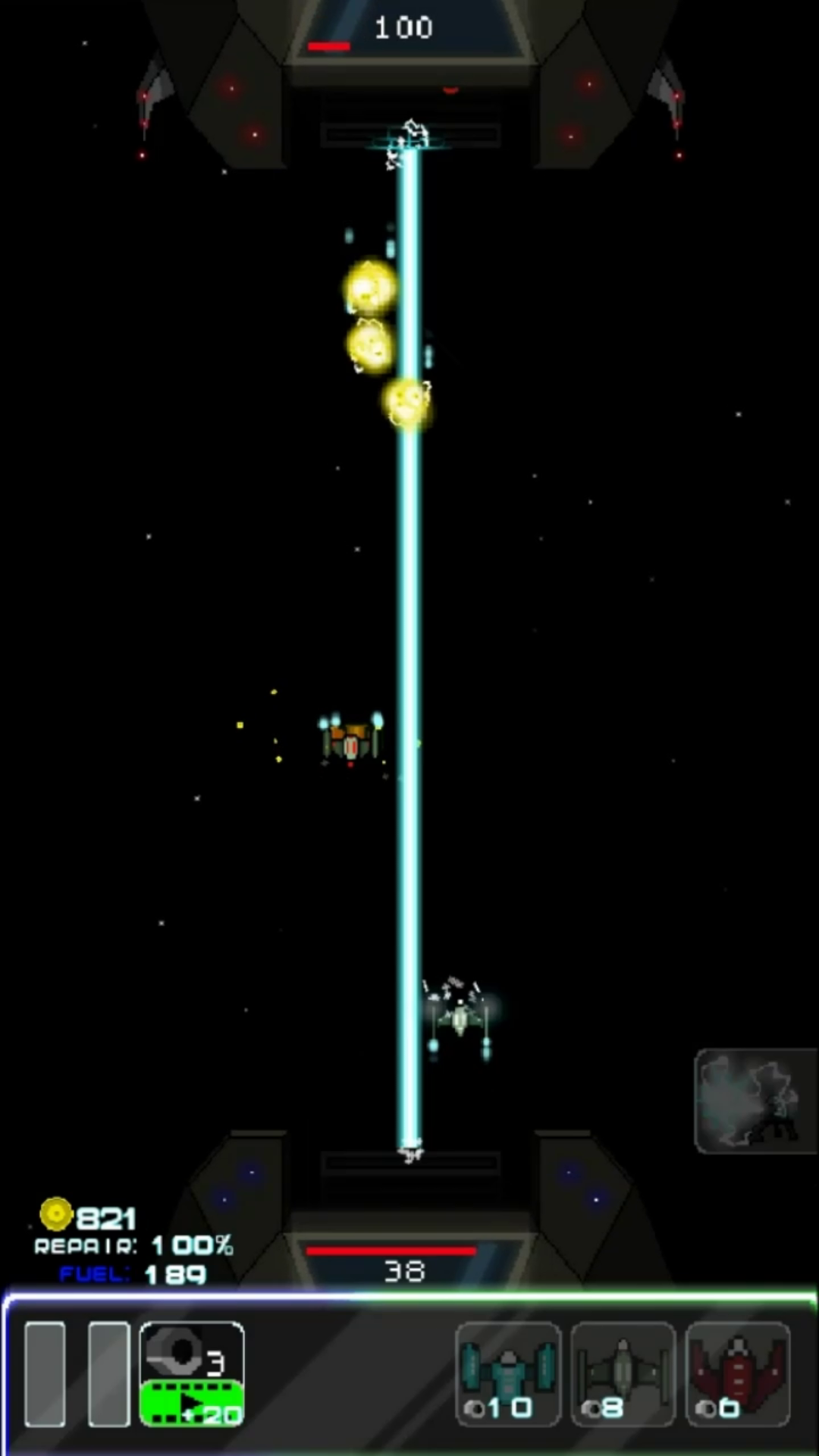
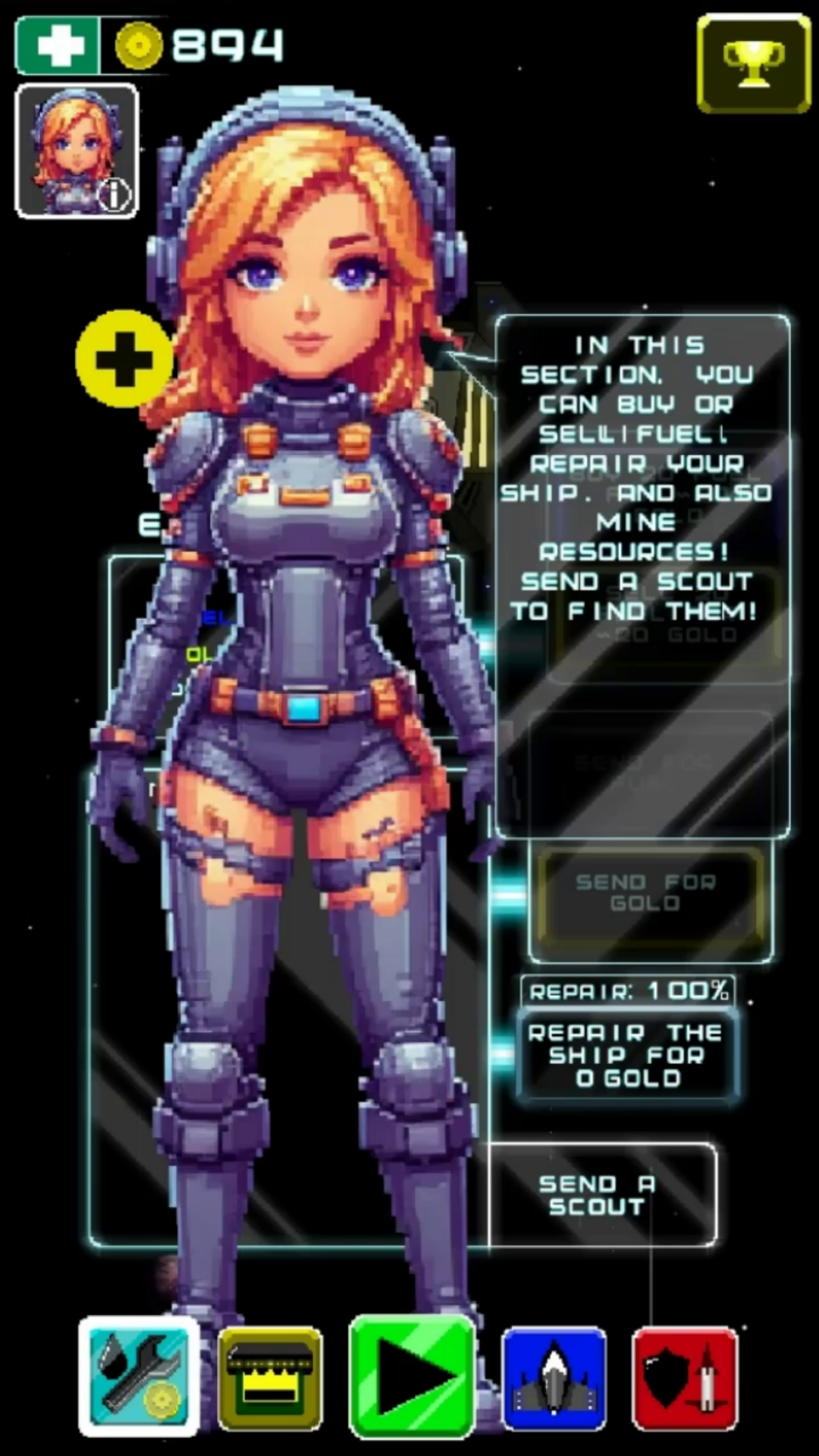
The menu is simple. At the bottom are the buttons of the menu sections: 1. Resource extraction and ship repair. To extract resources, you need to send a reconnaissance. Repair - by button. Here you can also sell or buy fuel. 2. Shop. It's all clear there! Went - bought. 3. The button "IN BATTLE". Click when ready to fight! 4. Buying and selling fighters. To buy, you need to select an empty cell and select a fighter in the field below. To sell, double-click on your fighter in the top field. 5. Upgrades for your ship. At the bottom, you can add additional weapons. At the top, you can upgrade your armor, shooting, and the speed at which you create nuts. In combat, nuts are created every certain amount of time. To create a fighter, you need to collect a certain number of nuts and click on the fighter. It's simple with the additional weapons: press the button when the weapon is ready, when the button turns opaque.

More games

More games