Overview
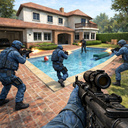
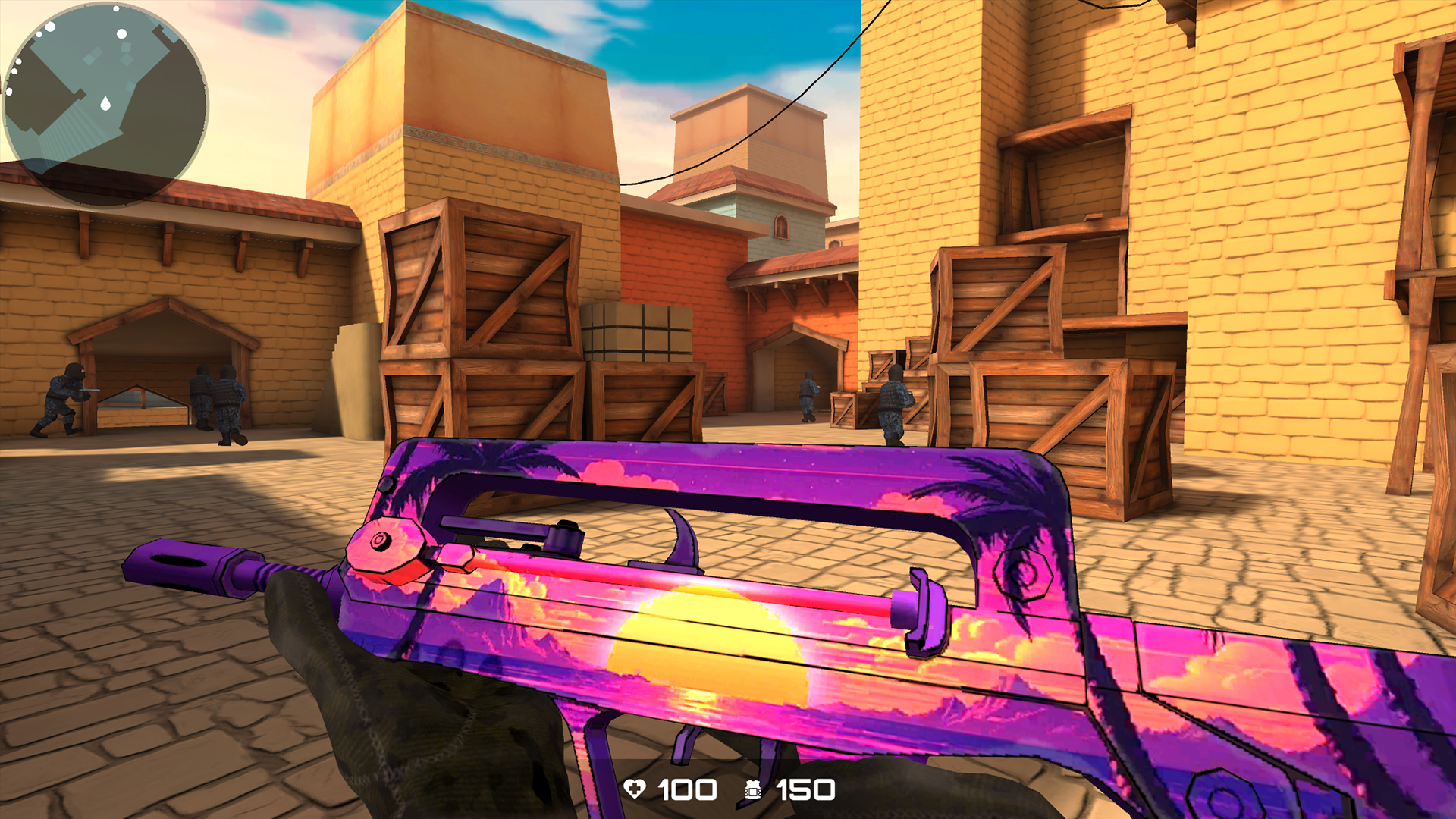
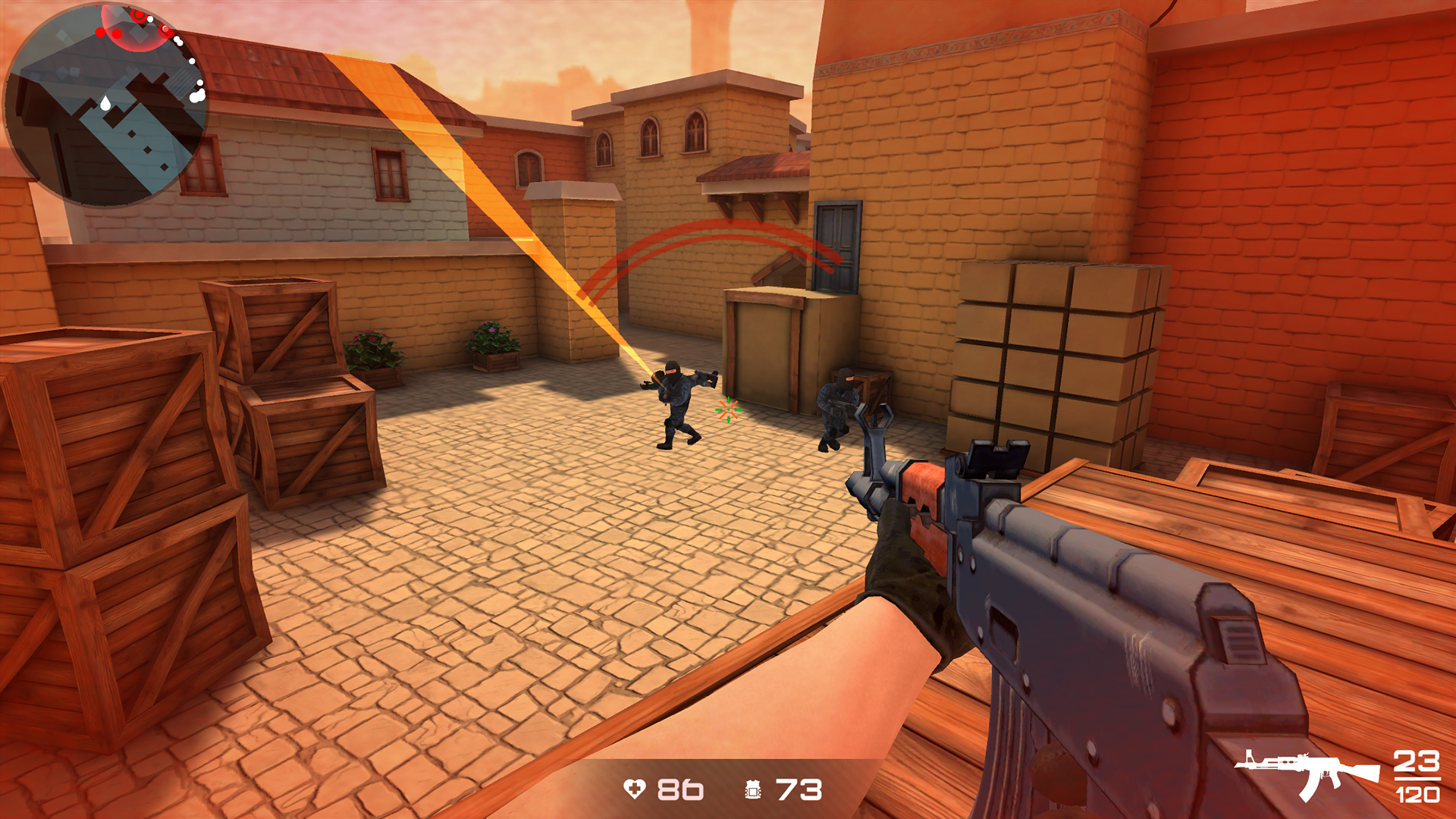
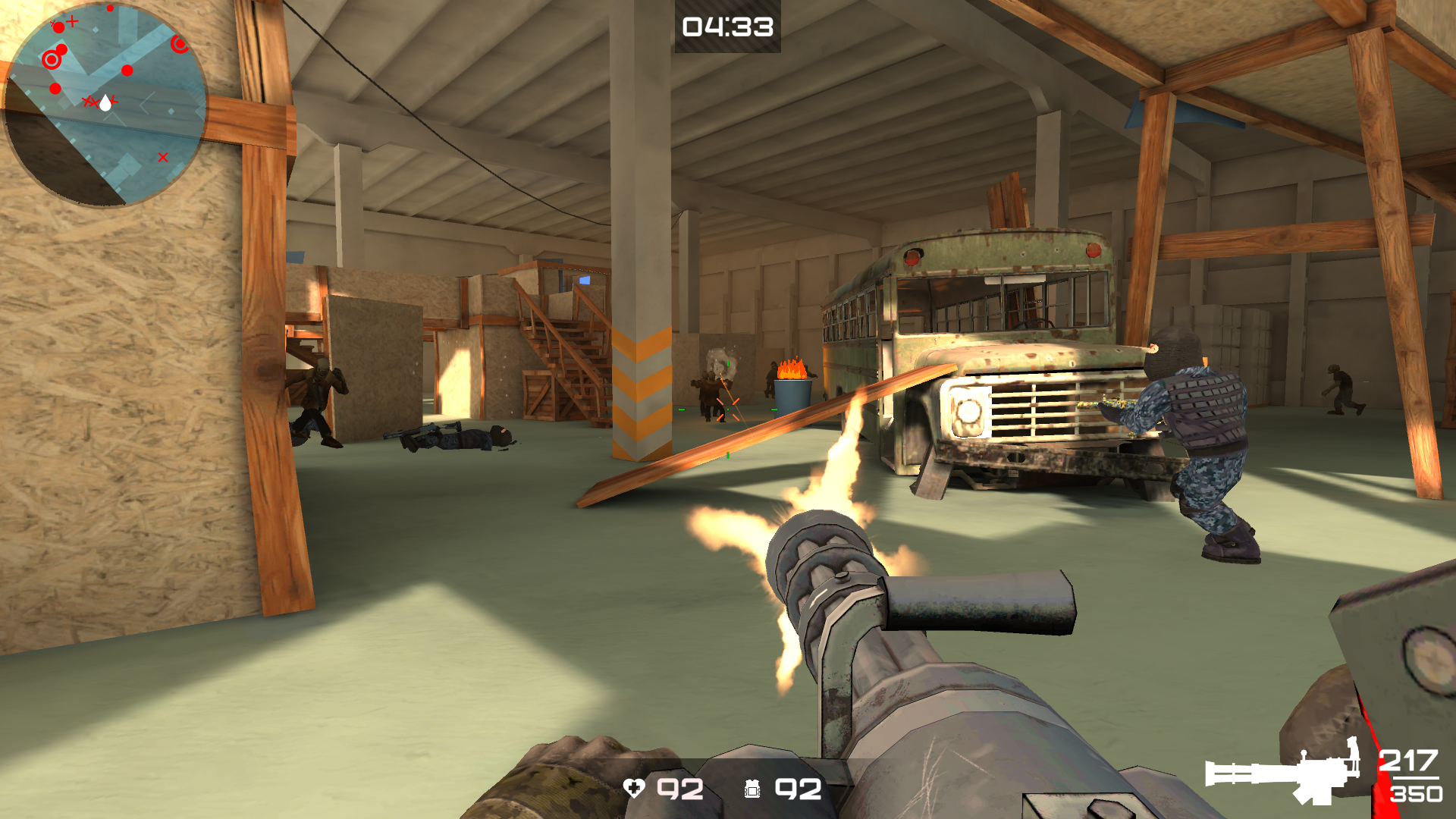
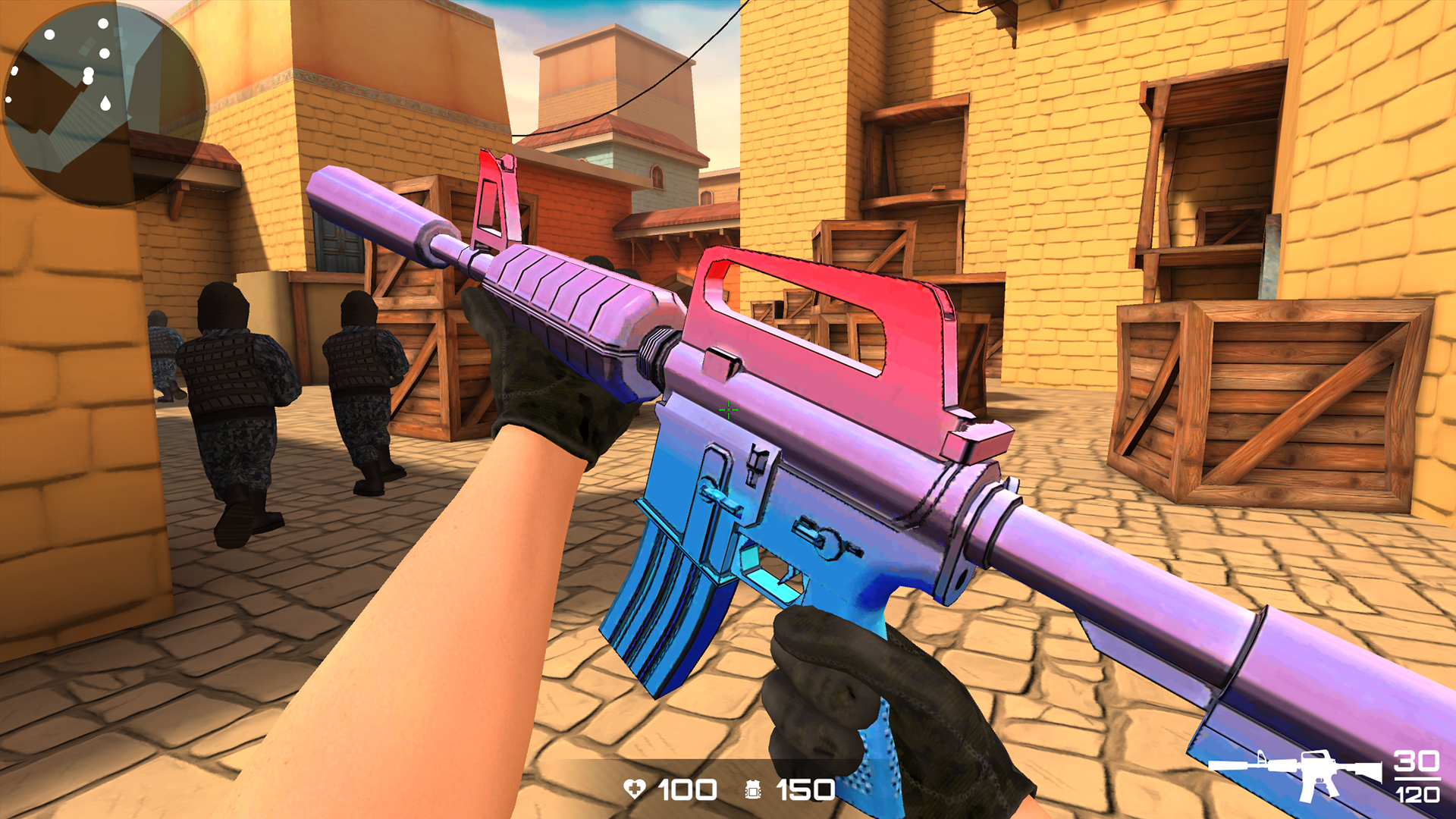
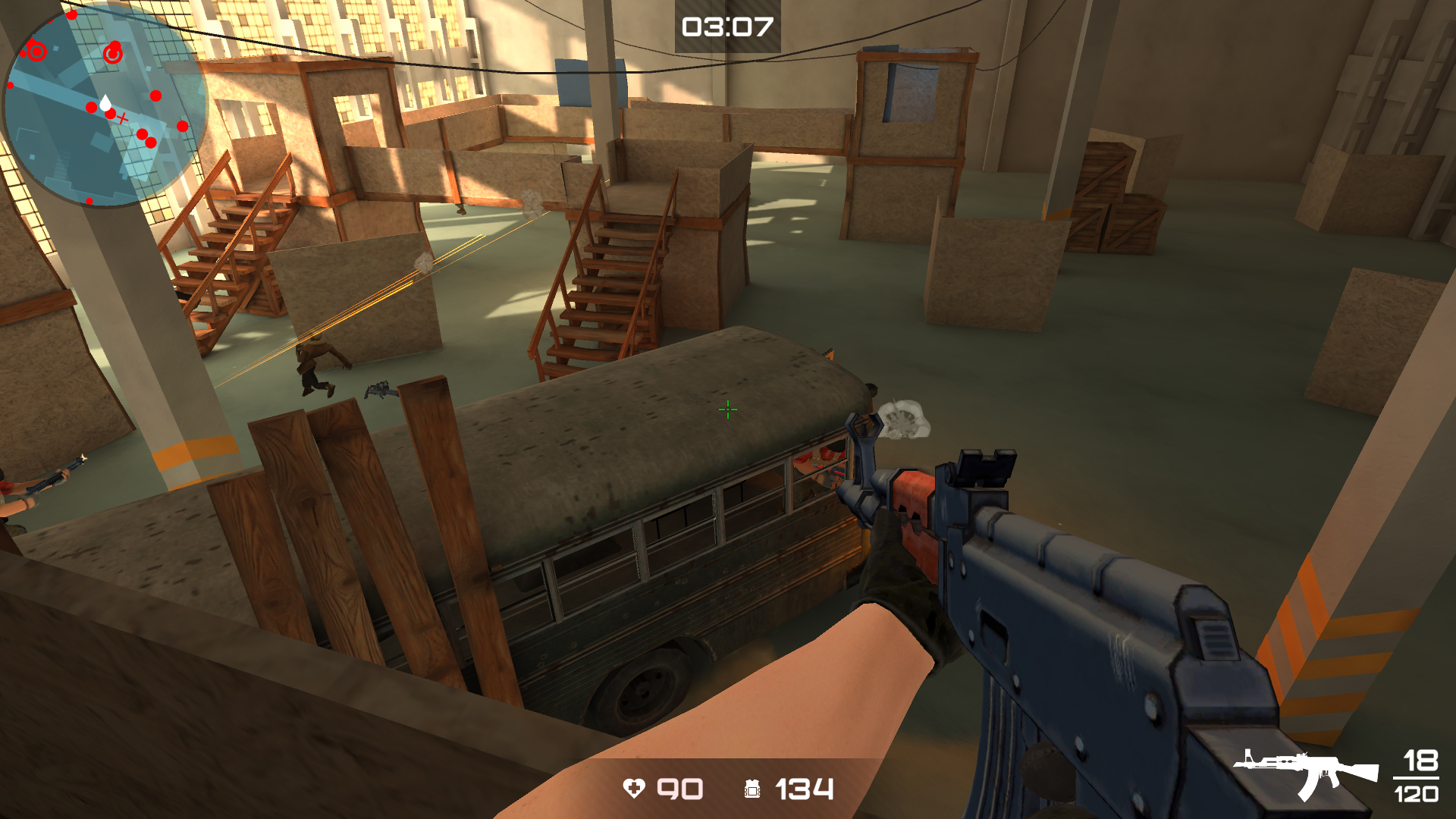
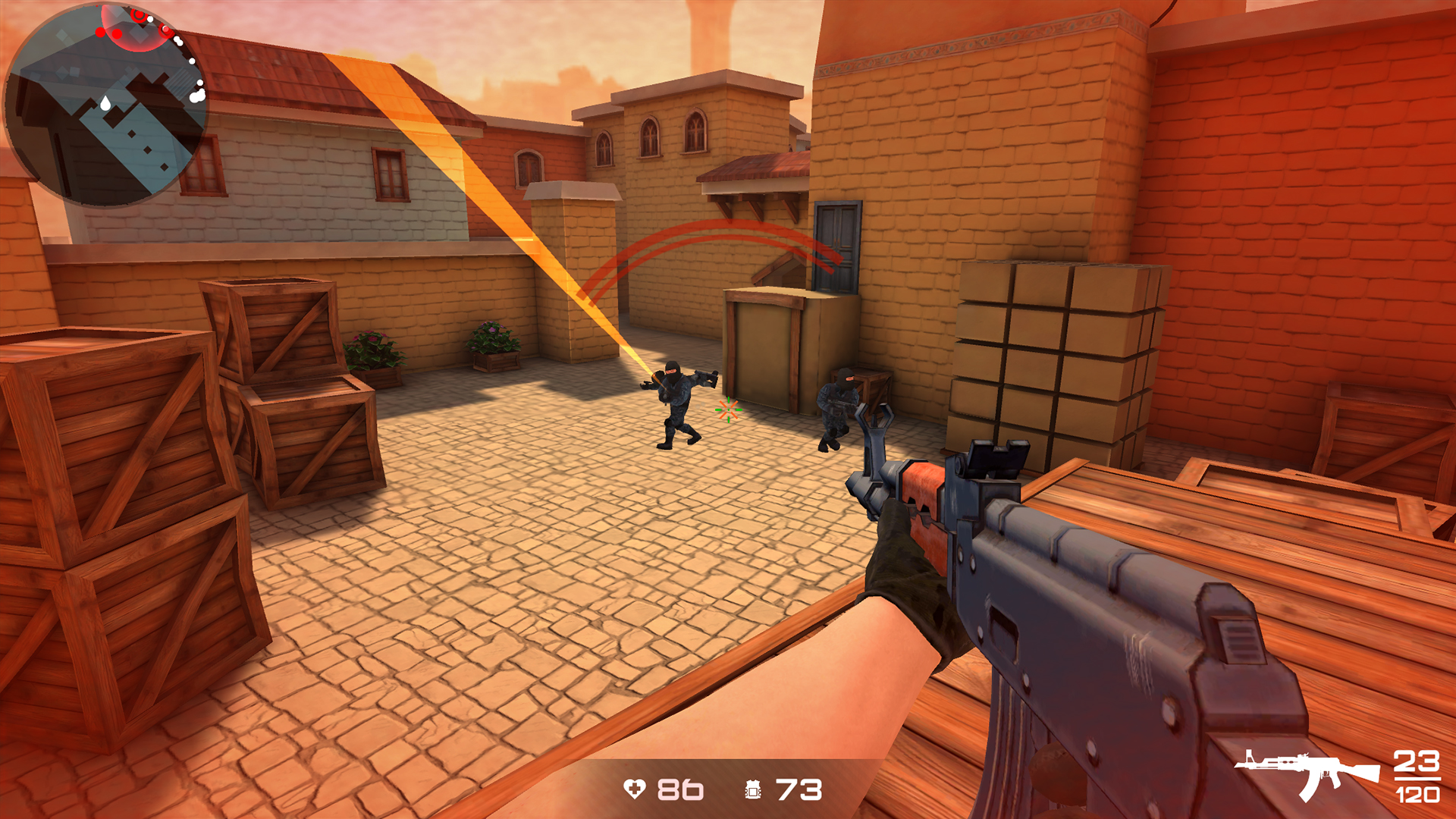
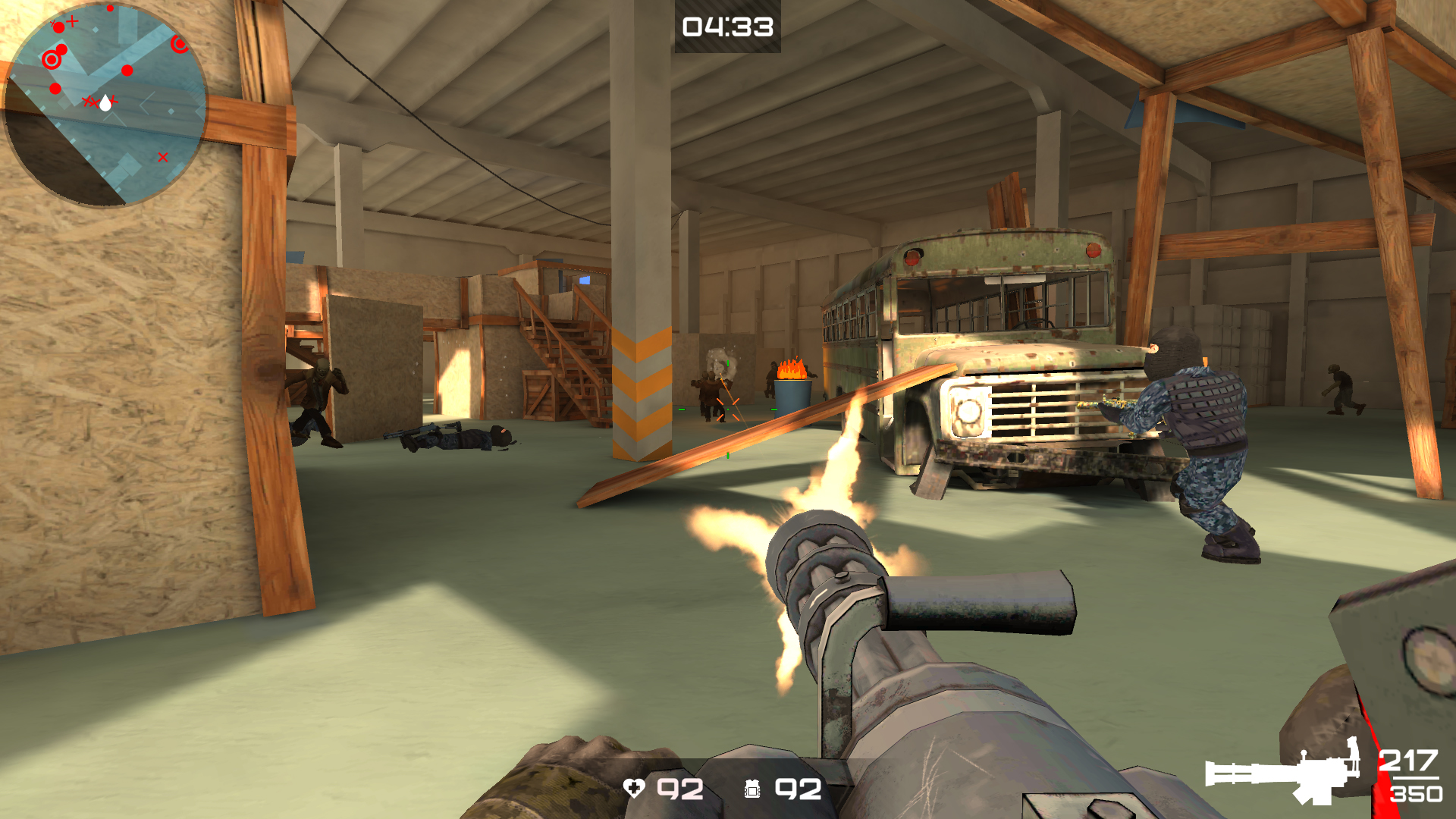
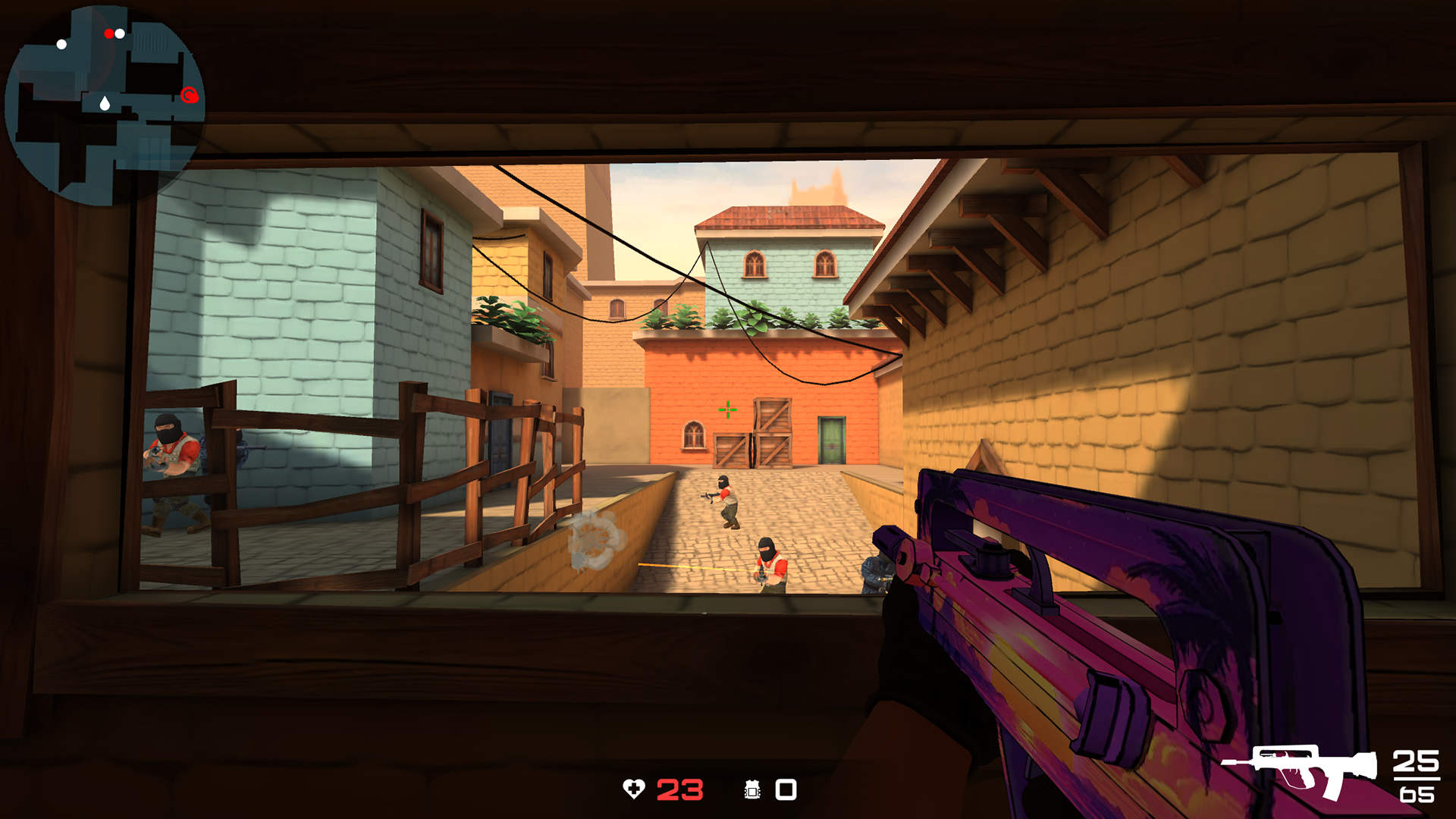
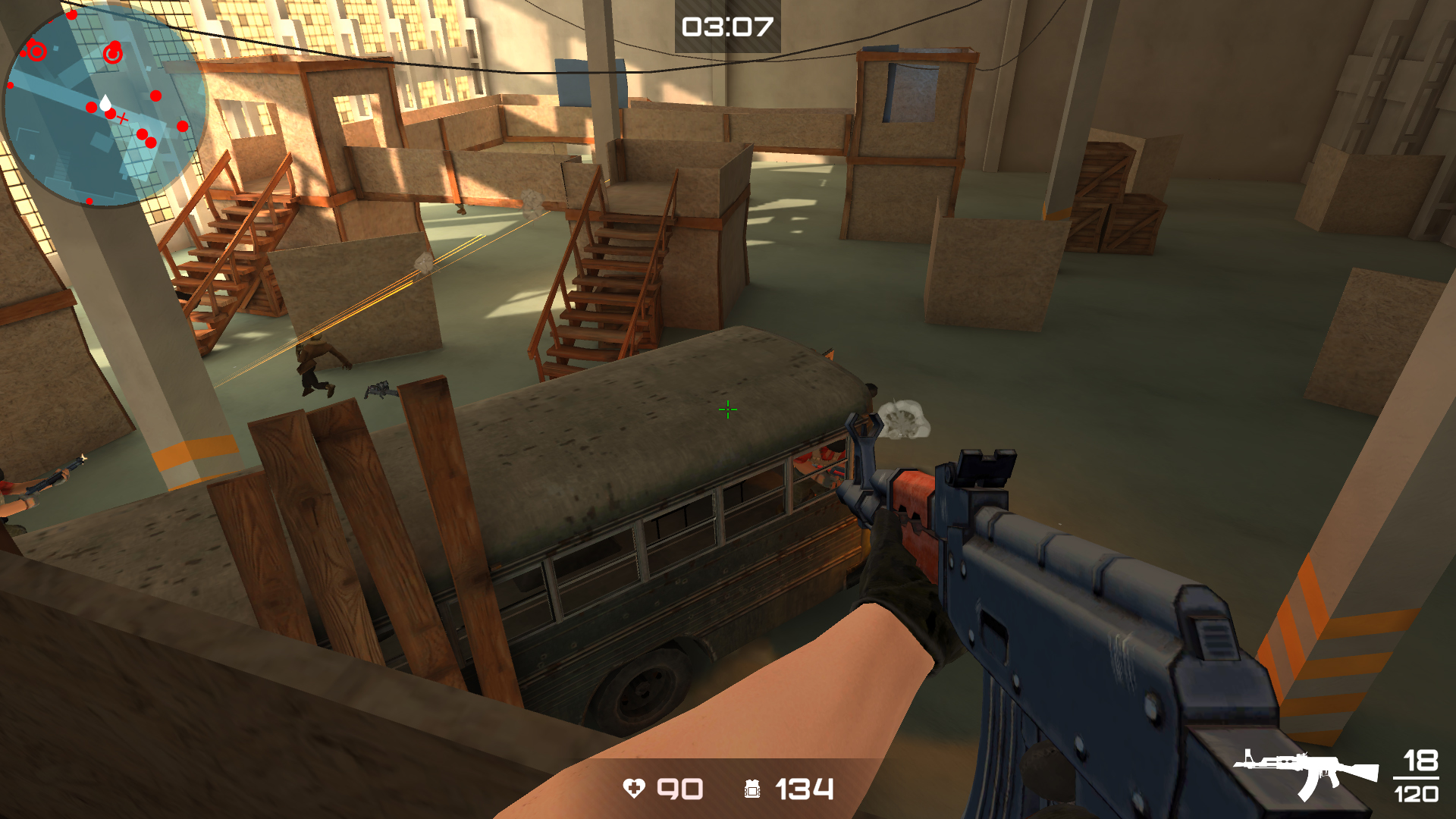
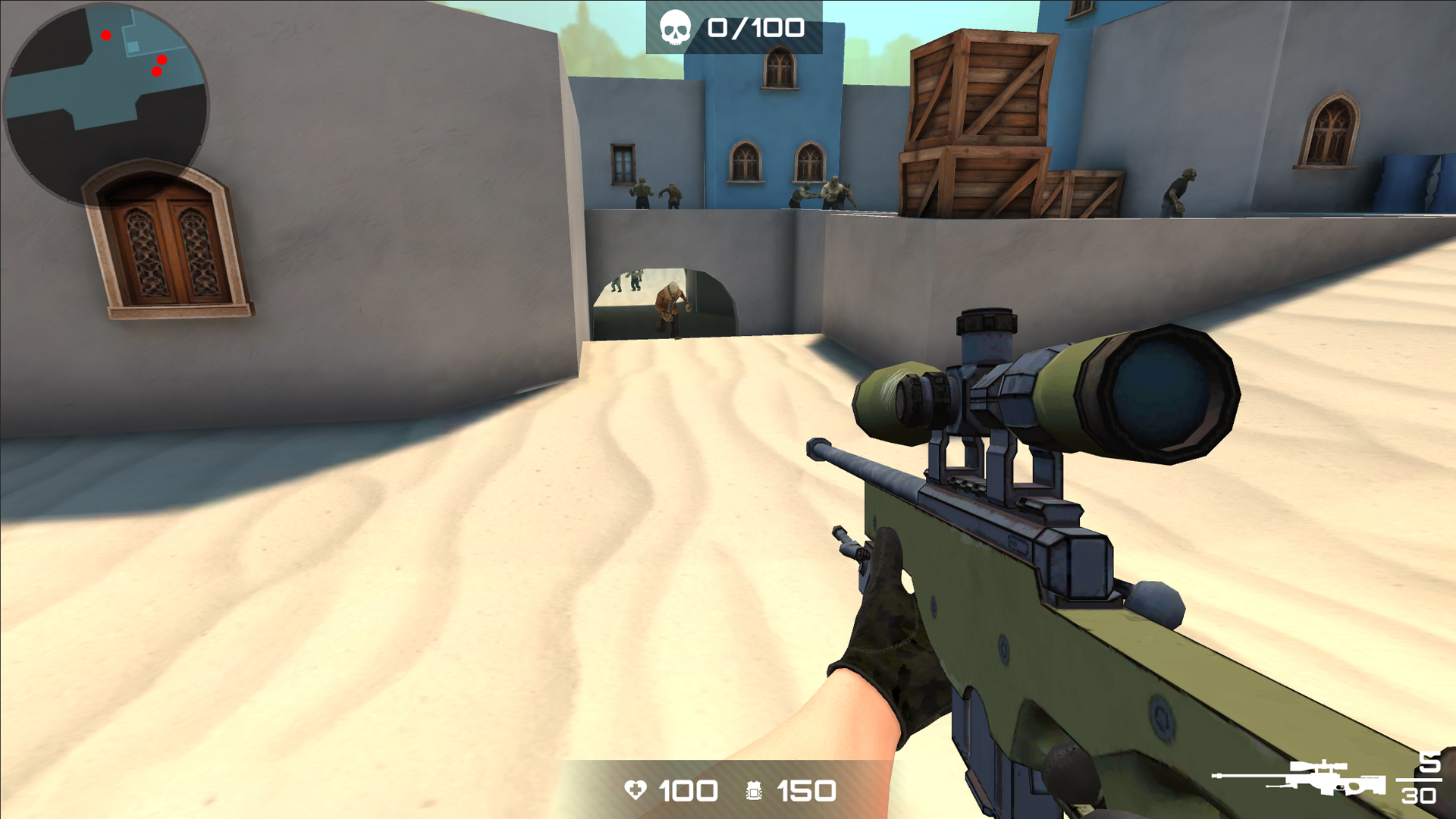
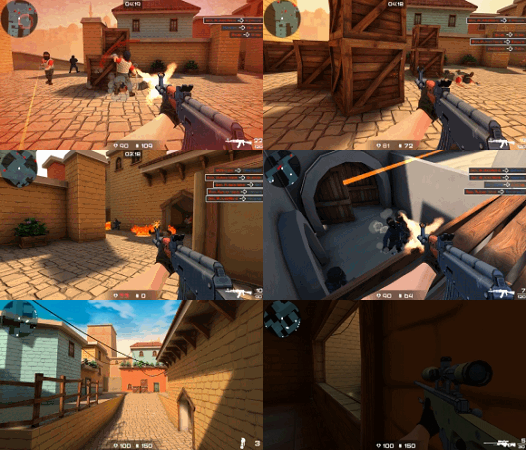
Discover the exciting shooter KS Z, where tactics meet action on the battlefield in bright stylized 3D graphics. In this game, you can choose to side with the red or blue team, each with its own unique arsenal of weapons. Explore different game modes: Teams, Bomb, Deathmatch, Zombies or All Against Everyone. Each mode offers unique rules and challenges, providing variety and interest.
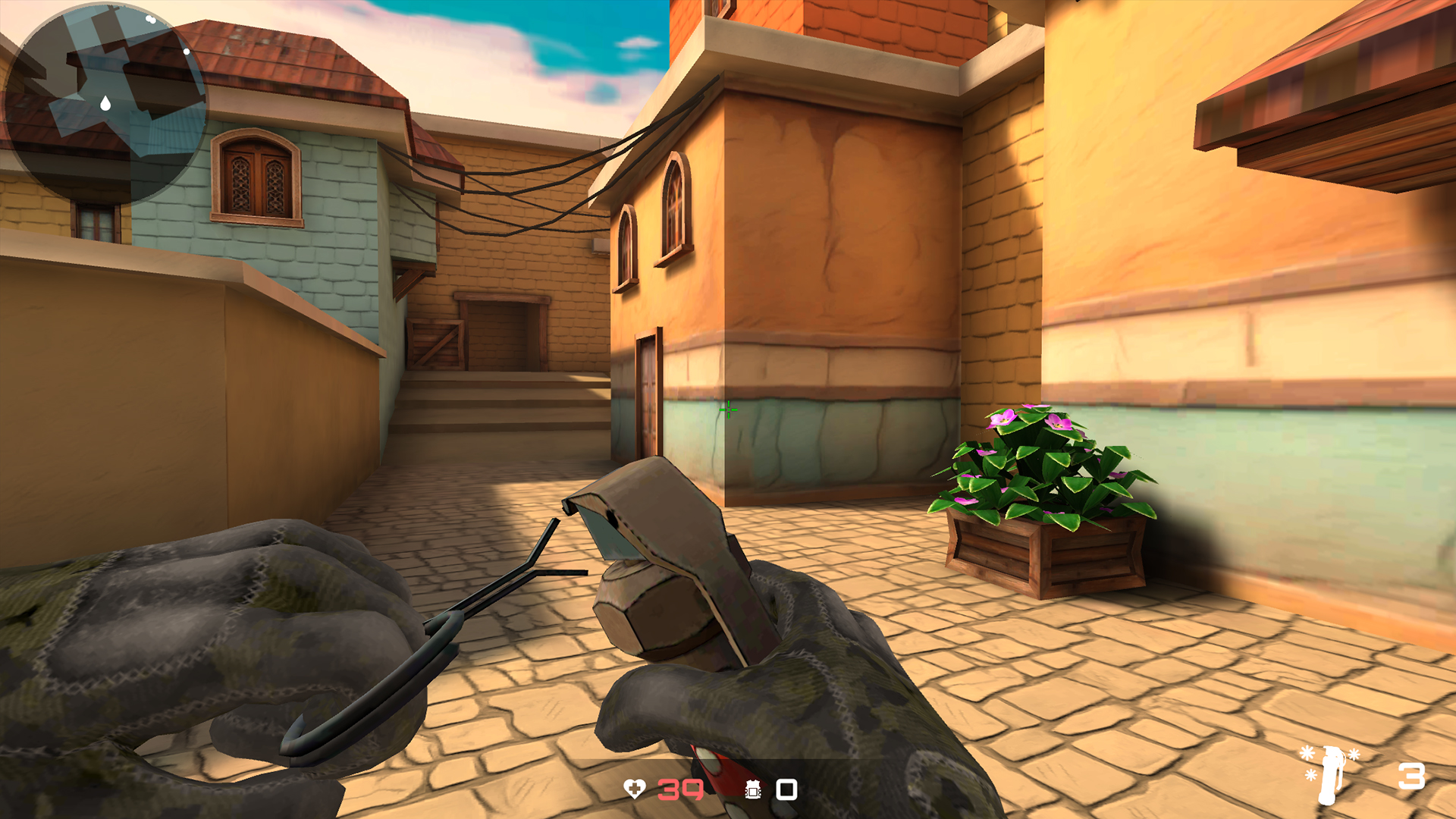
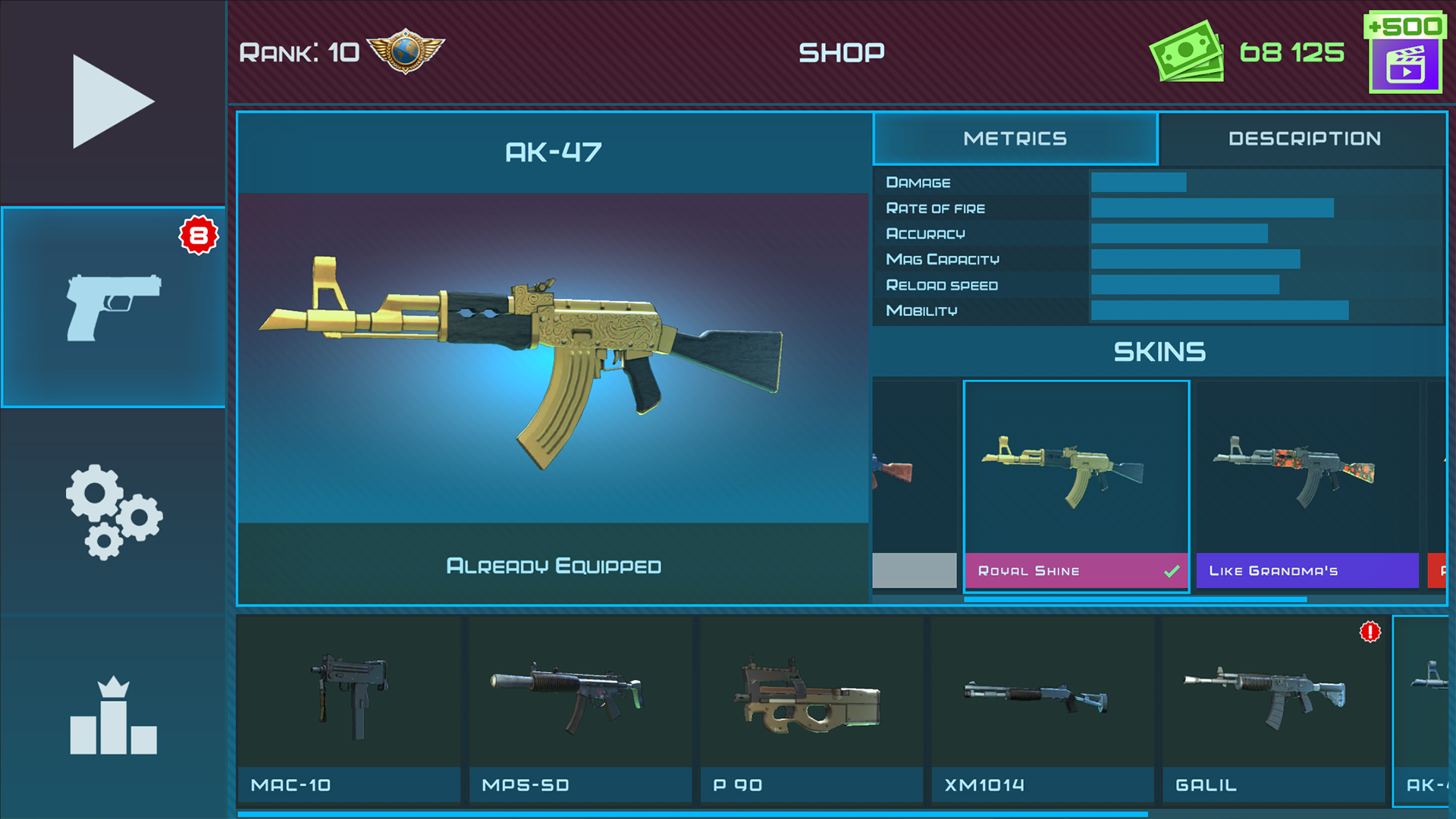
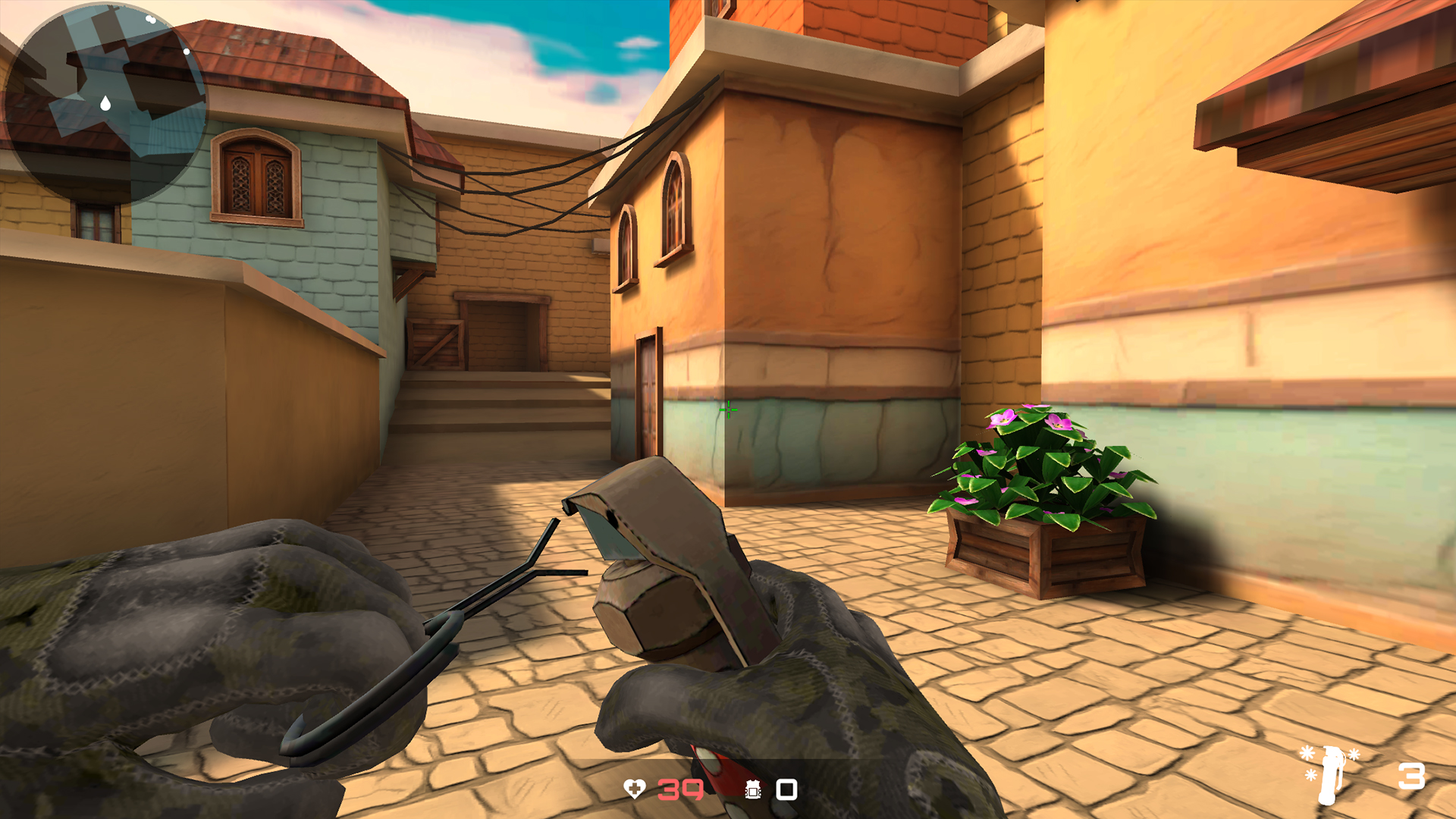
KS Z is not limited to simply destroying the enemy; the player can also disarm enemies and take them prisoner, adding strategic depth and new tactics to the gameplay. There are three different locations and a rich arsenal of 17 types of weapons, including various types of grenades.
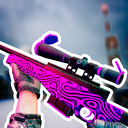
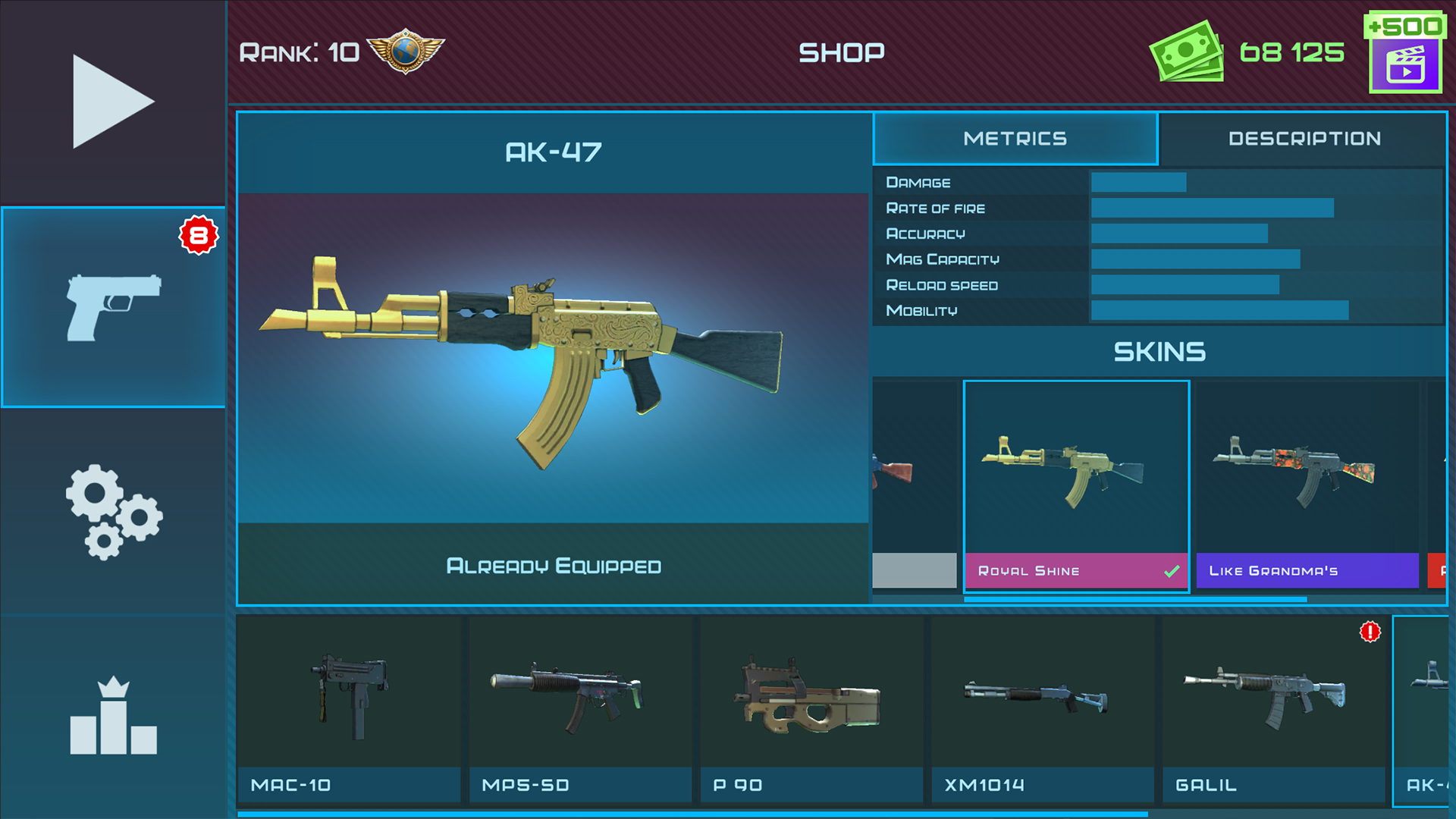
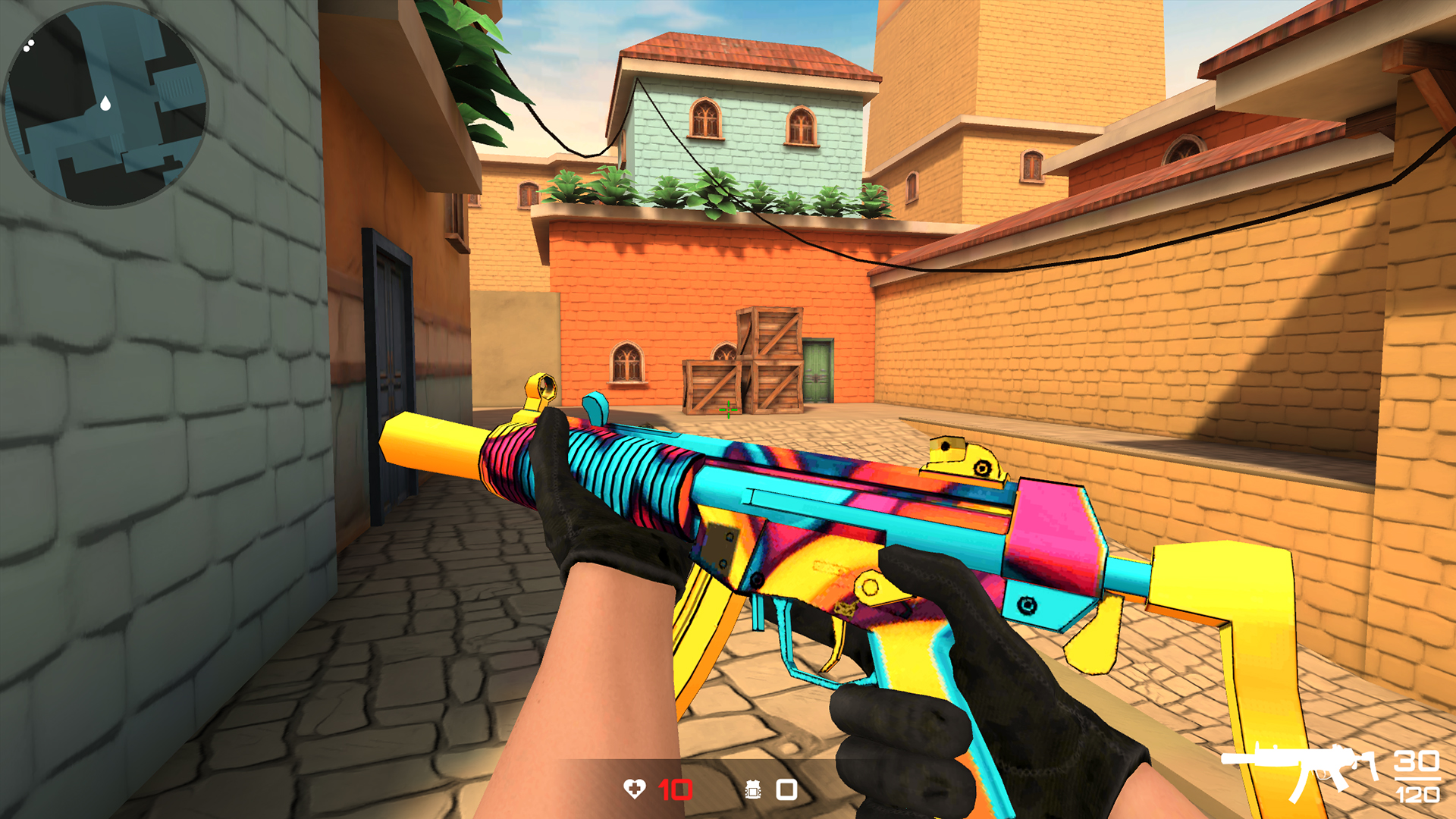
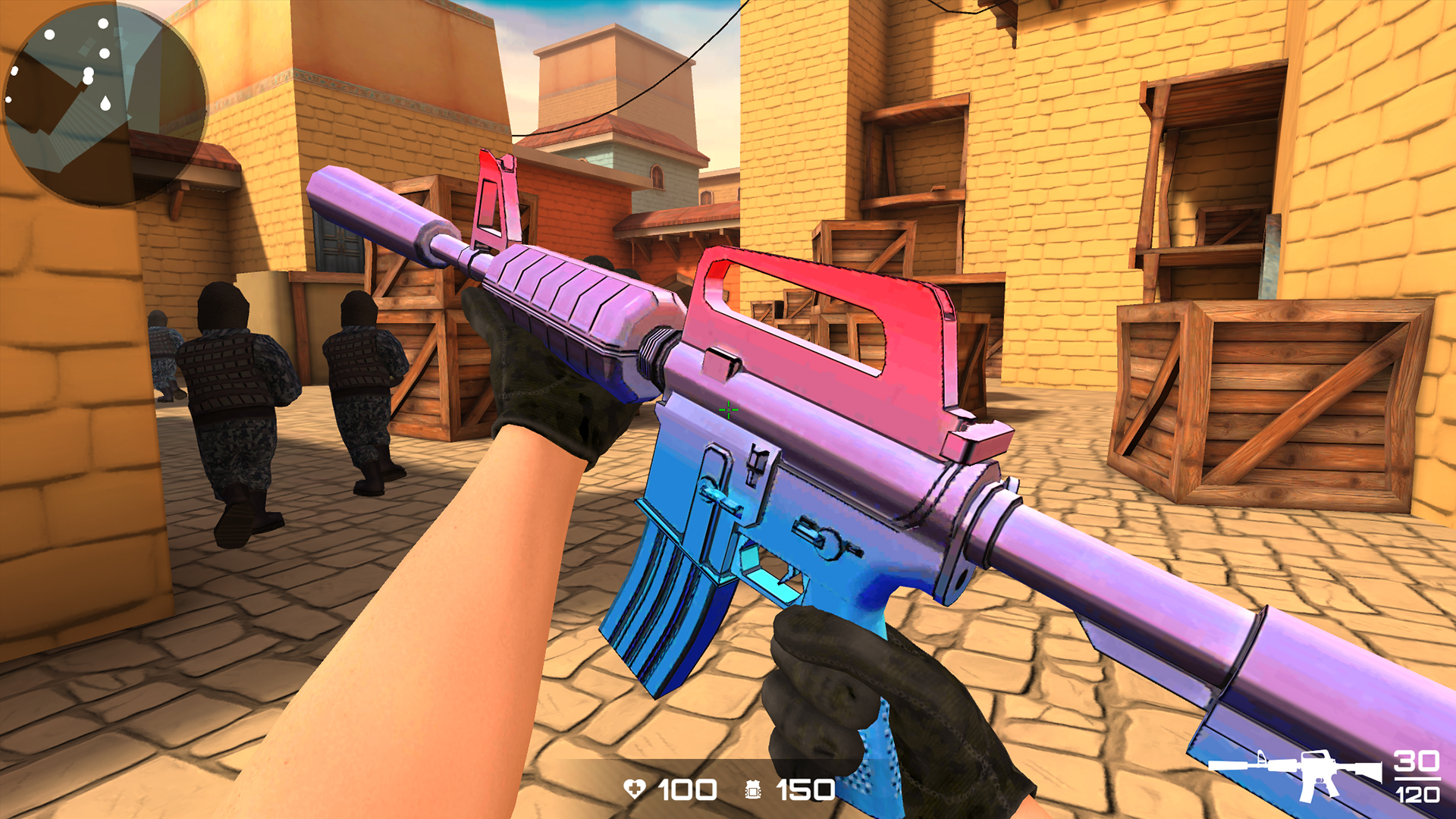
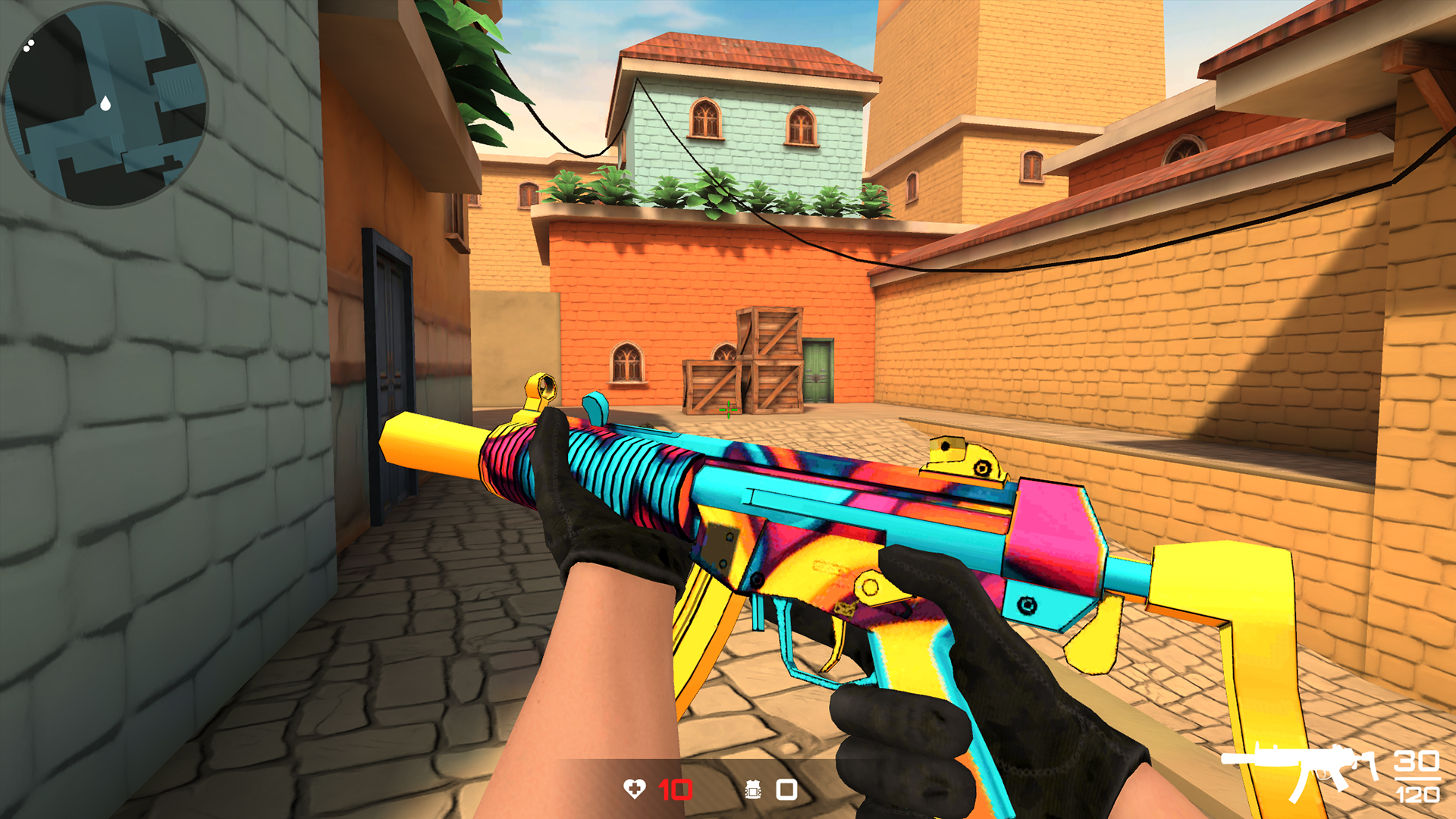
In addition, many bright and stylish weapon skins allow each player to give themselves an individuality on the battlefield. If you like games like CS:GO, CS2 or Standoff, you will definitely appreciate KS Z for its dynamism and the ability to adapt the style of play to your preferences.
Videos and screenshots



13,201 players online
How to play
-
Open the game
Press Play now and the game opens on its own screen.
-
Follow the in-game instructions
The controls and goals are shown inside the game as you play.
-
Use the game menu
The floating button over the game reloads it, saves it to your favourites, or takes you back out.