Skip to content
KG
Labubu & Avatar

Labubu & Avatar

1K plays 4.9 out of 5

Overview

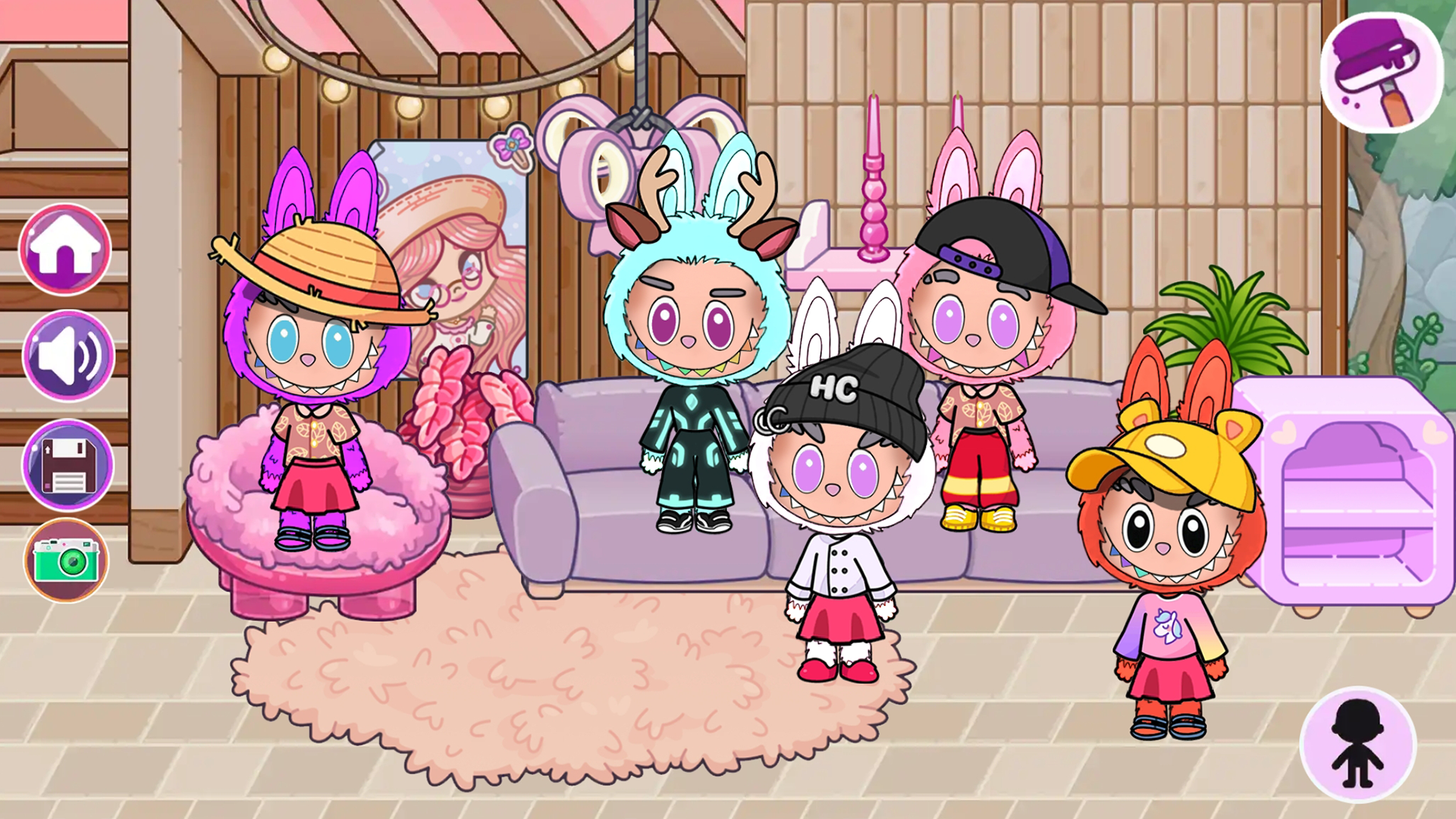
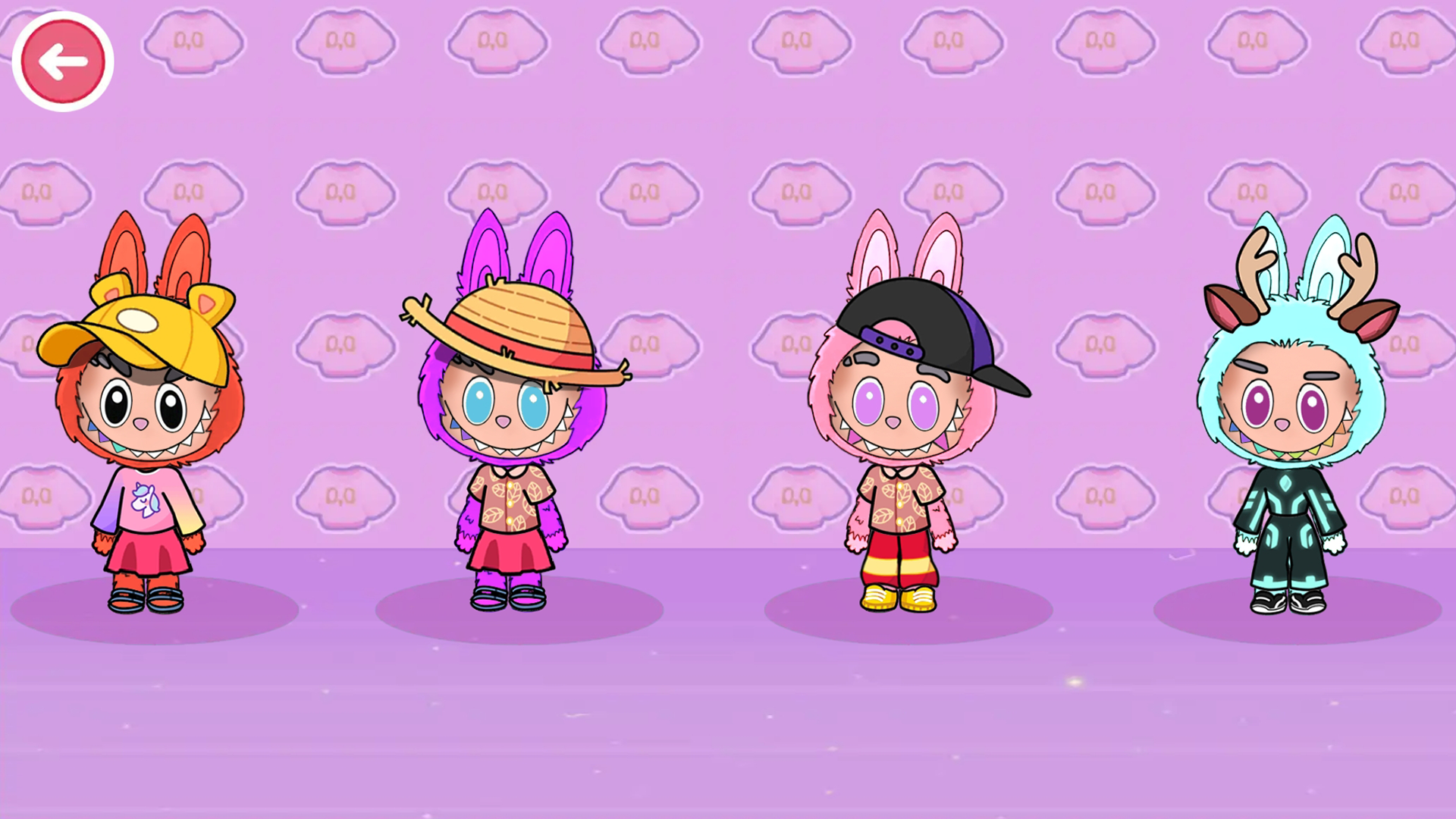
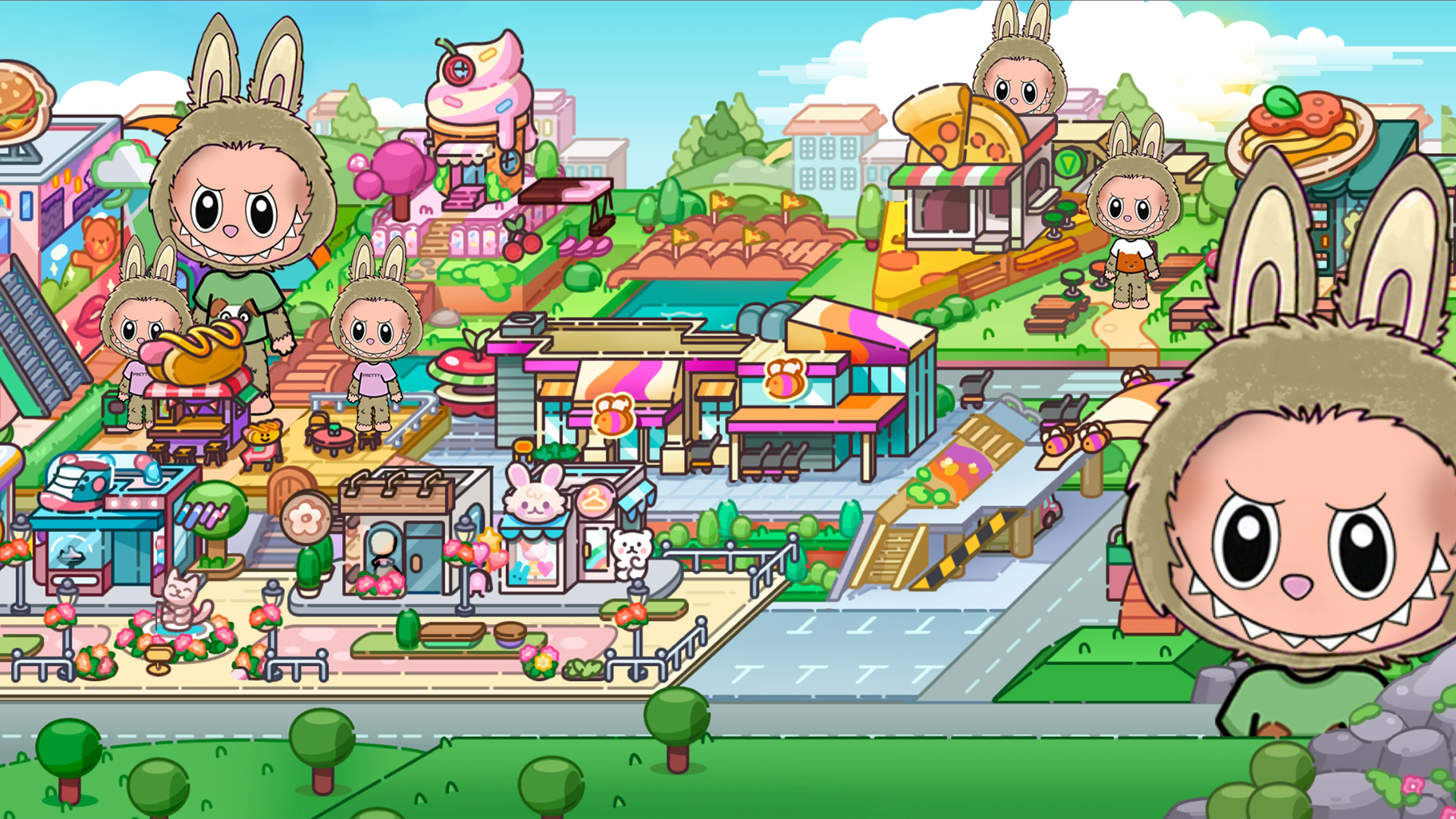
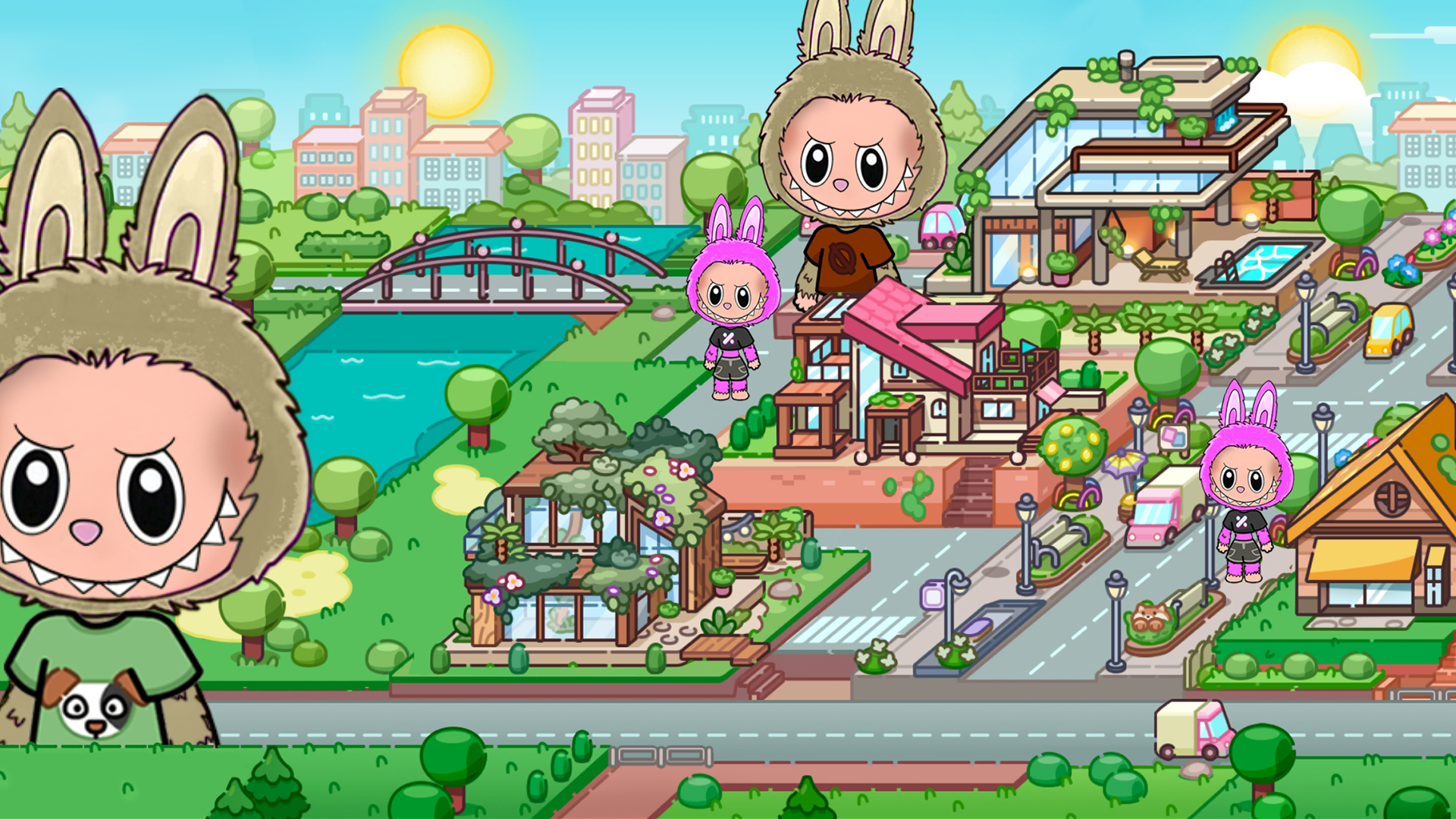
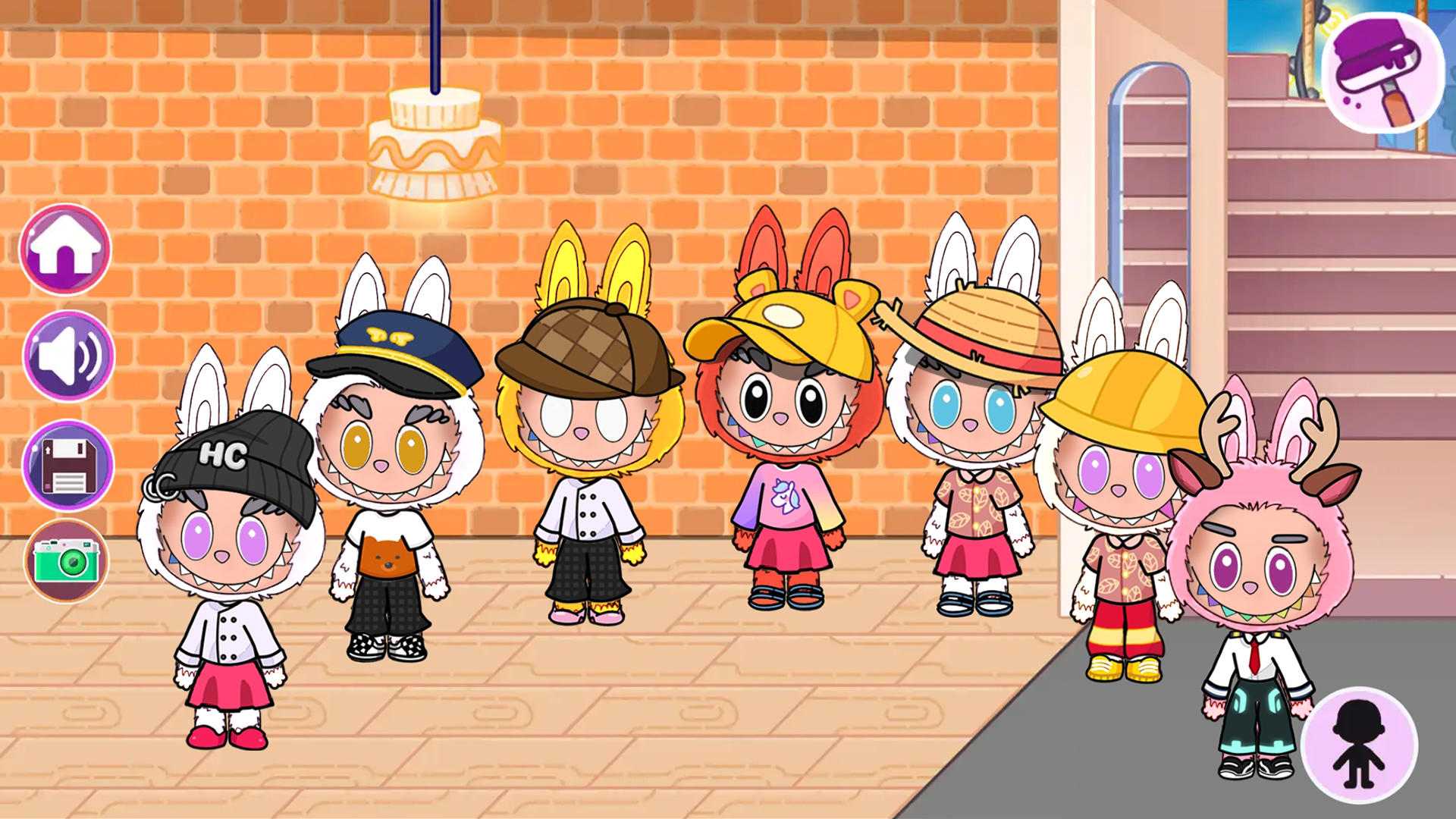
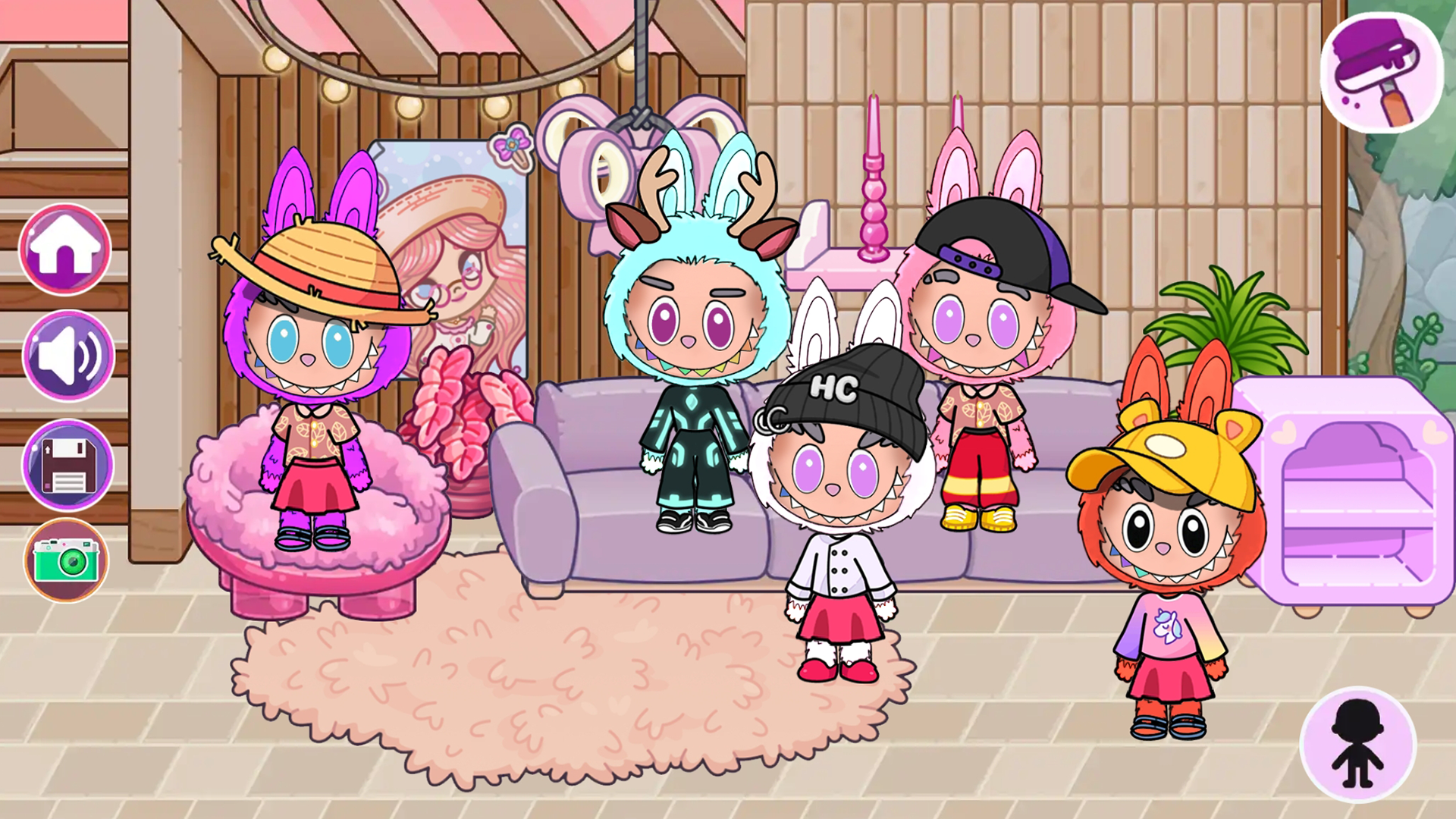
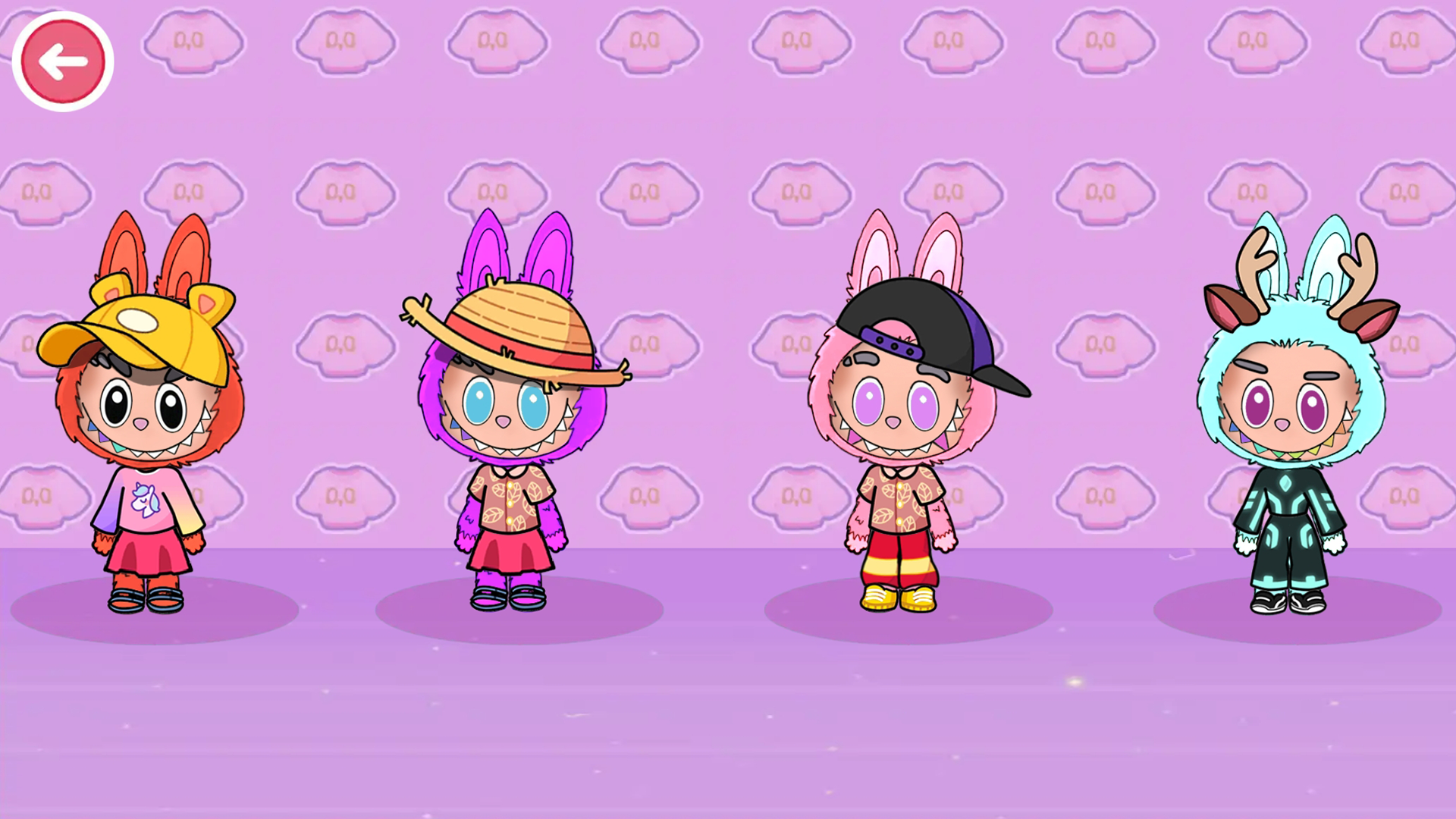
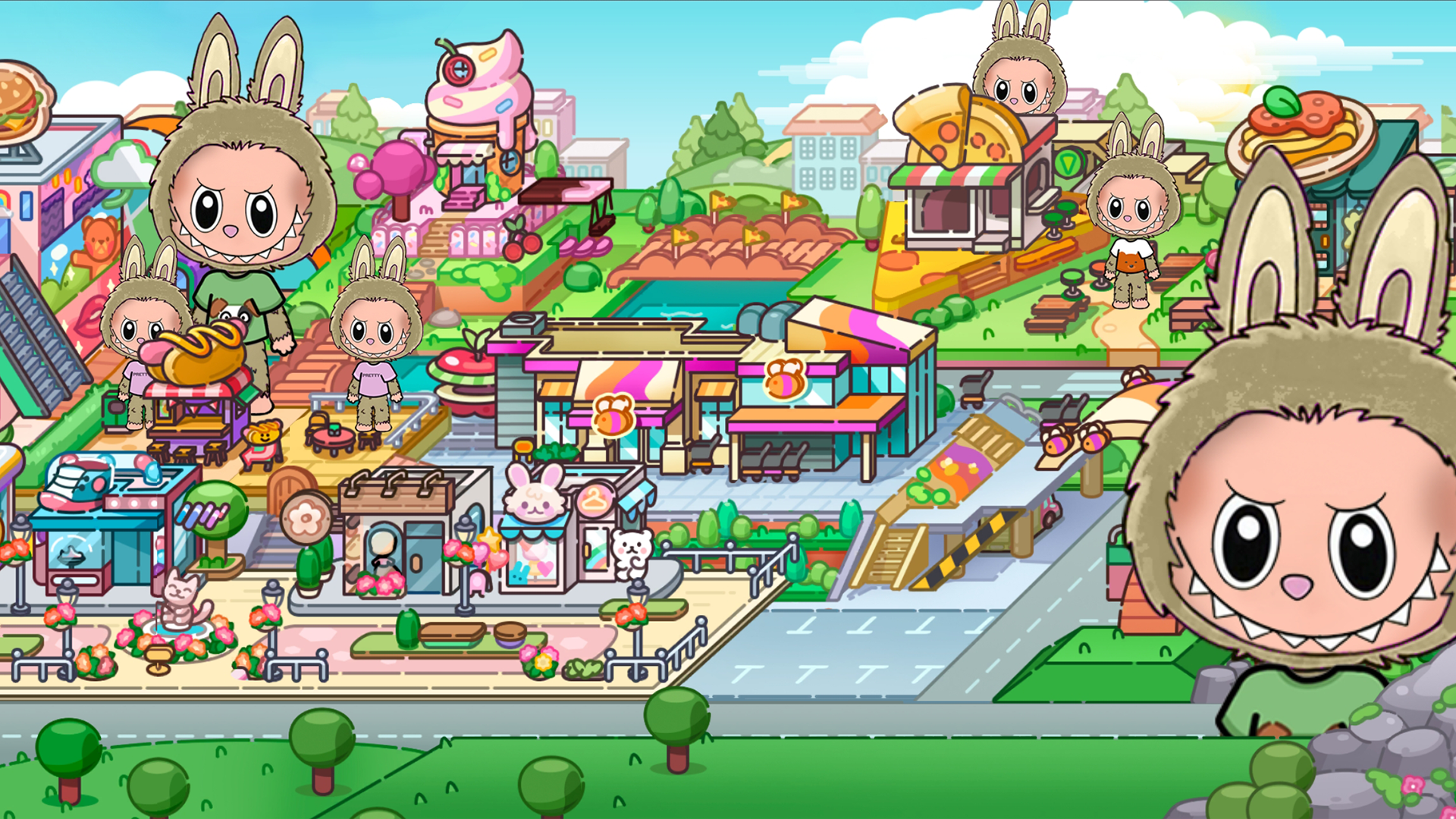
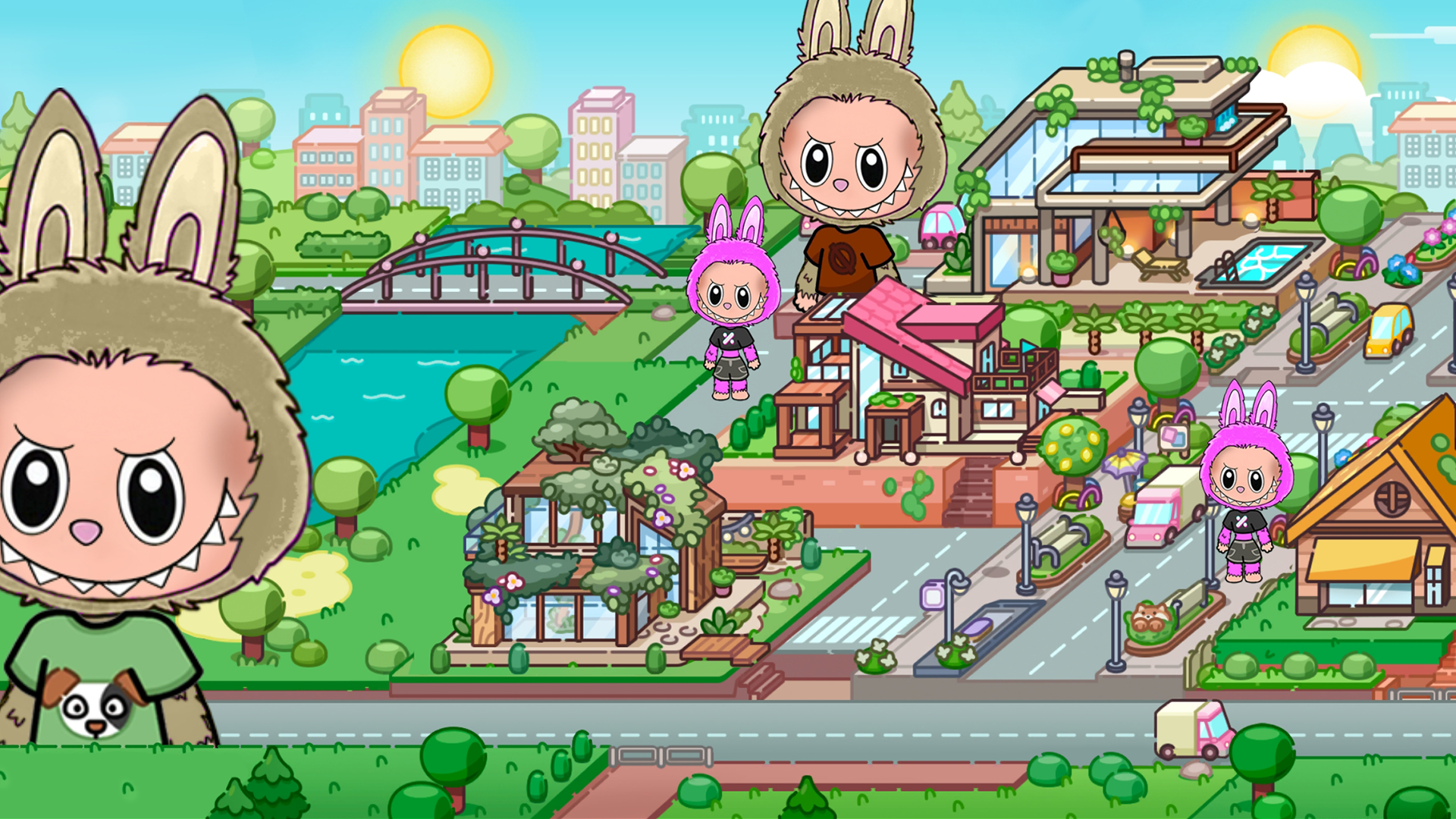
«Labubu & Avatar» is an exciting simulation game where you will immerse yourself in a bright and diverse world of virtual adventures. The game offers many unique locations, each with its own features and challenges. You will be able to create and customize your Labubu, choose clothes, accessories and other style elements. In addition, you will build and decorate your virtual space using various items and decorations. «Labubu & Avatar» offers many characters to interact with. Control their actions, observe their behavior and create unique situations. At any time during the game, you can take a screenshot to save the brightest and most interesting moments of your adventures.

Videos and screenshots
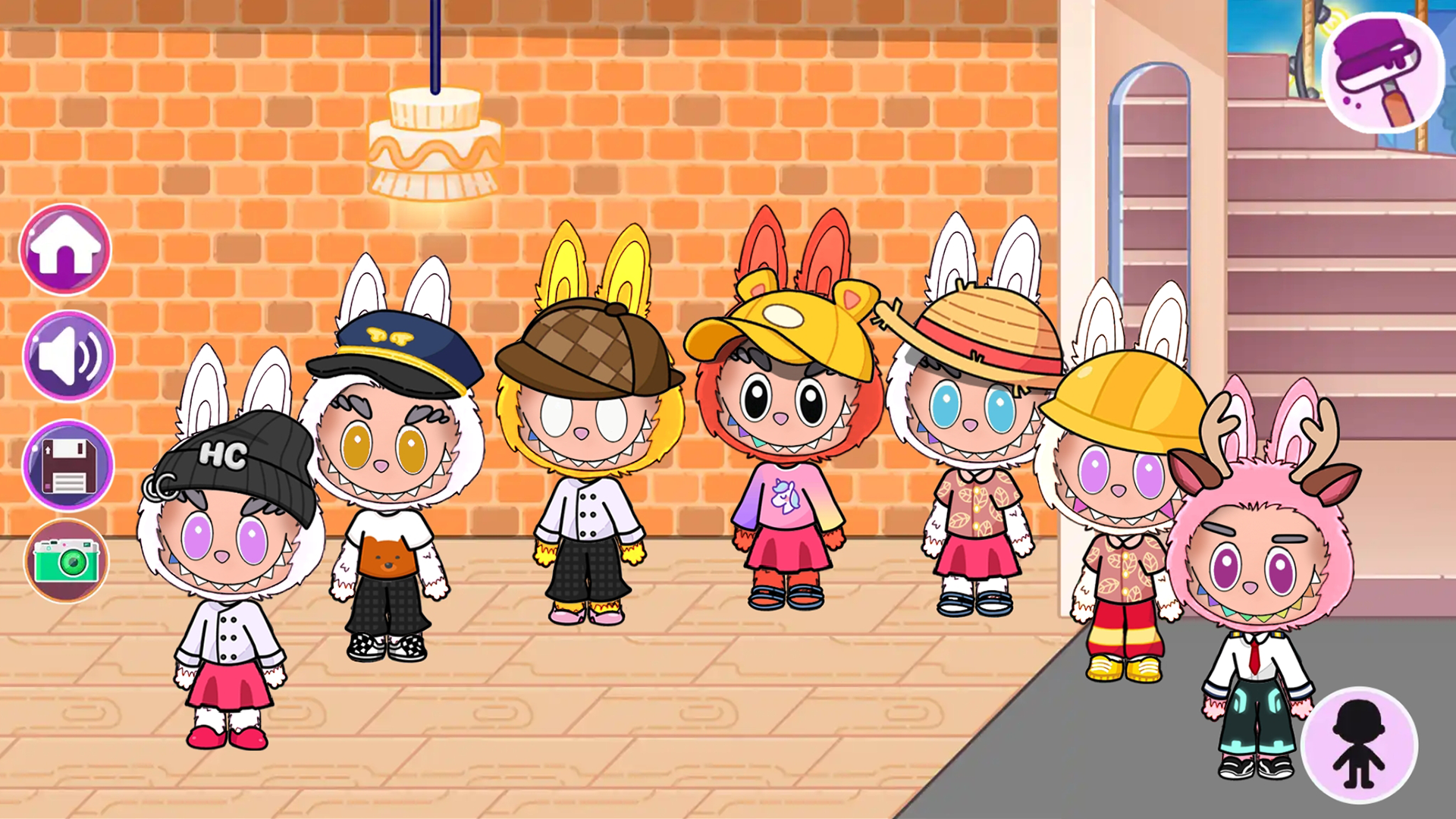
  • Labubu & Avatar screenshot 1
  • Labubu & Avatar screenshot 2
  • Labubu & Avatar screenshot 3
  • Labubu & Avatar screenshot 4
  • Labubu & Avatar screenshot 5
  • Labubu & Avatar screenshot 6
  • Labubu & Avatar screenshot 7
  • Labubu & Avatar screenshot 8
  • Labubu & Avatar screenshot 9
  • Labubu & Avatar screenshot 10
Play Now

14,587 players online

How to play

  1. Open the game

    Press Play now and the game opens on its own screen.

  2. Follow the in-game instructions

    The controls and goals are shown inside the game as you play.

  3. Use the game menu

    The floating button over the game reloads it, saves it to your favourites, or takes you back out.

Game instructions

To control a character or object, click on it with the cursor or finger. While holding down, move the character or object around the location. To interact with characters and objects, simply place the object into the character’s hands. If it’s food or drink, you can feed your characters. In the interior creation location, you will have access to a special menu with a selection of interior items. Switch between different categories of furniture for different rooms and needs. Click on the furniture item you like for it to appear in the interior. Hold it down and move it to the desired location. To take a photo, simply click on the photo icon.

More games

More games