Overview
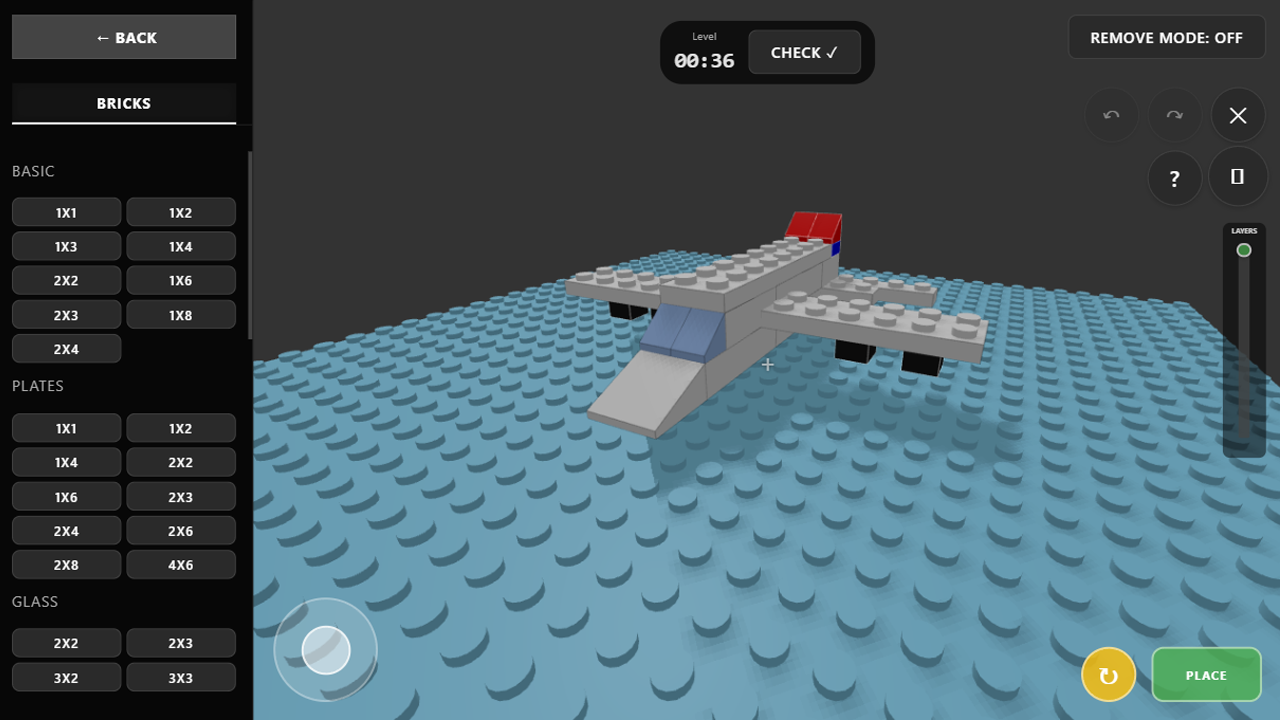
Welcome to a world of endless creativity! "Lego Constructor 3D" is a colorful building simulator where you can bring any idea to life.
Game Features:
🏗️ Freestyle: Build houses, cars, castles, or abstract shapes without limits. You have a huge selection of parts and colors at your disposal.
⚡ Speedbuild Challenges: Test your skills! Assemble models from a transparent blueprint against the clock and earn coins.
❓ Guess the Build: Build objects based on a secret word for others to guess! Rate builds from 1 to 5 stars. Top creations make it to the Weekly Top 10!
🖼️ Gallery: Save your best builds, publish them for other players, and rate others' work.
📱 Convenience: Play comfortably on both PC and mobile devices.
Create unique worlds, develop spatial thinking, and simply relax while assembling your favorite constructor in 3D!
Videos and screenshots
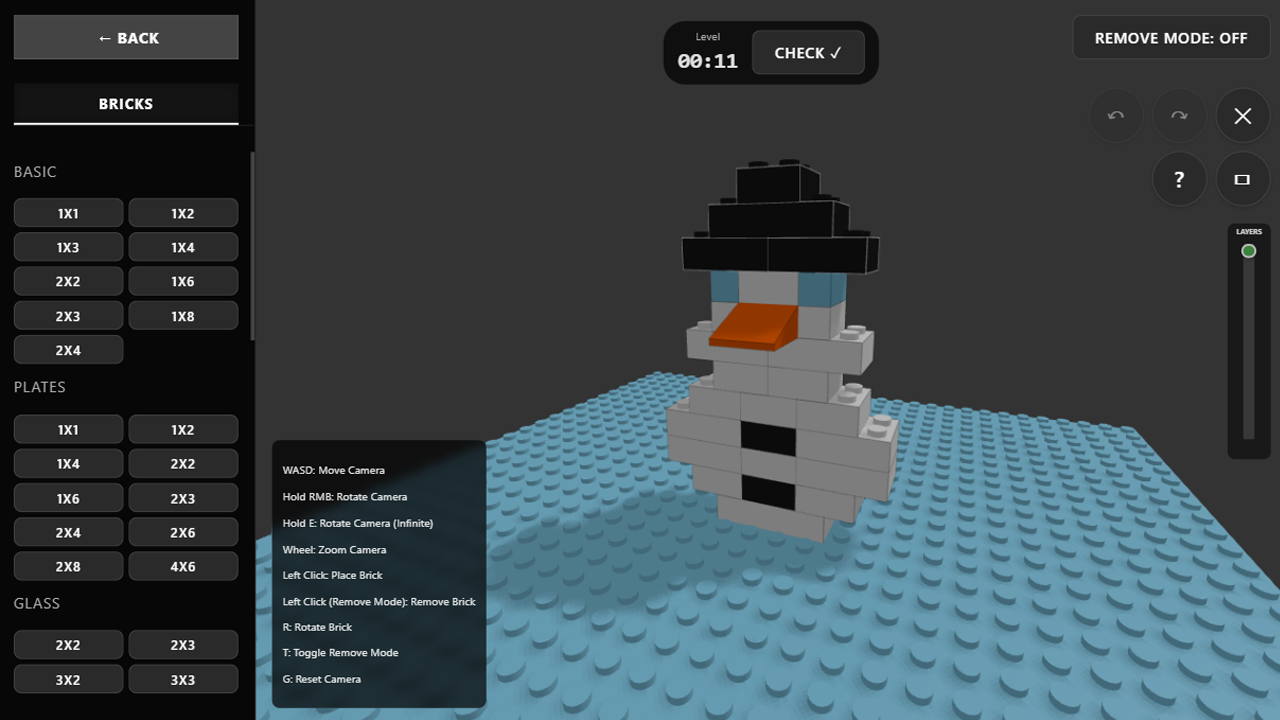
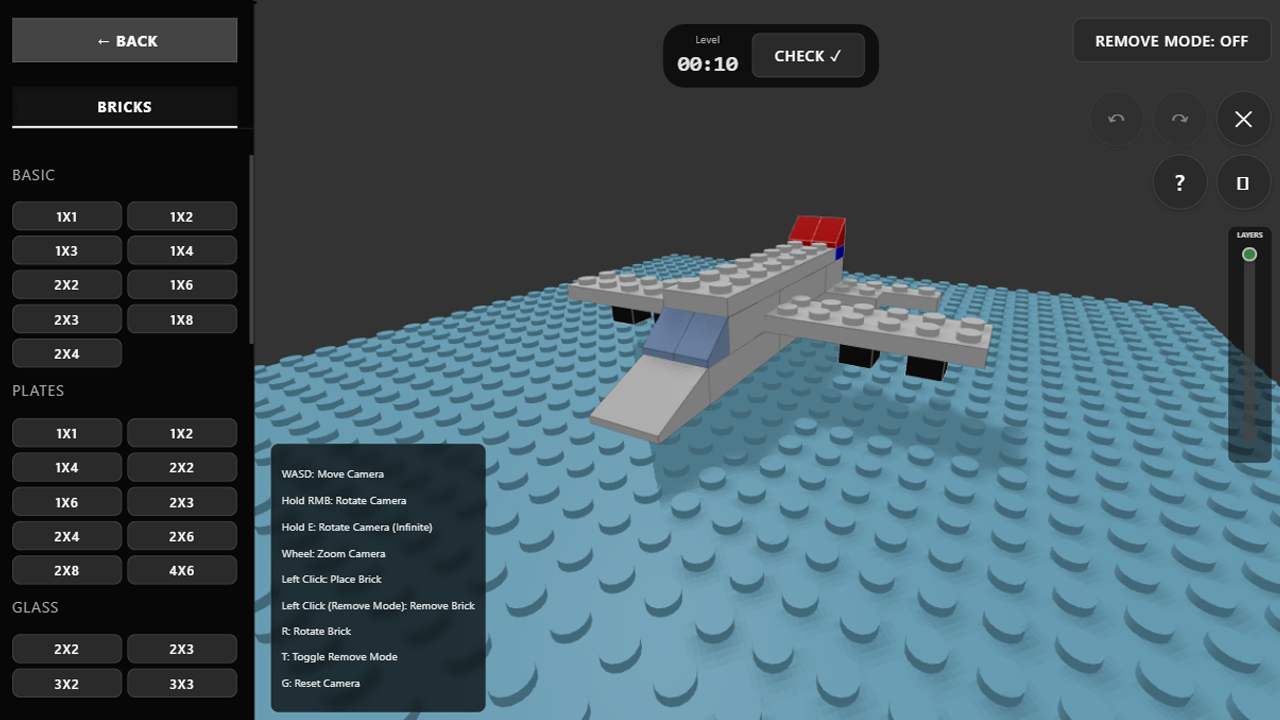
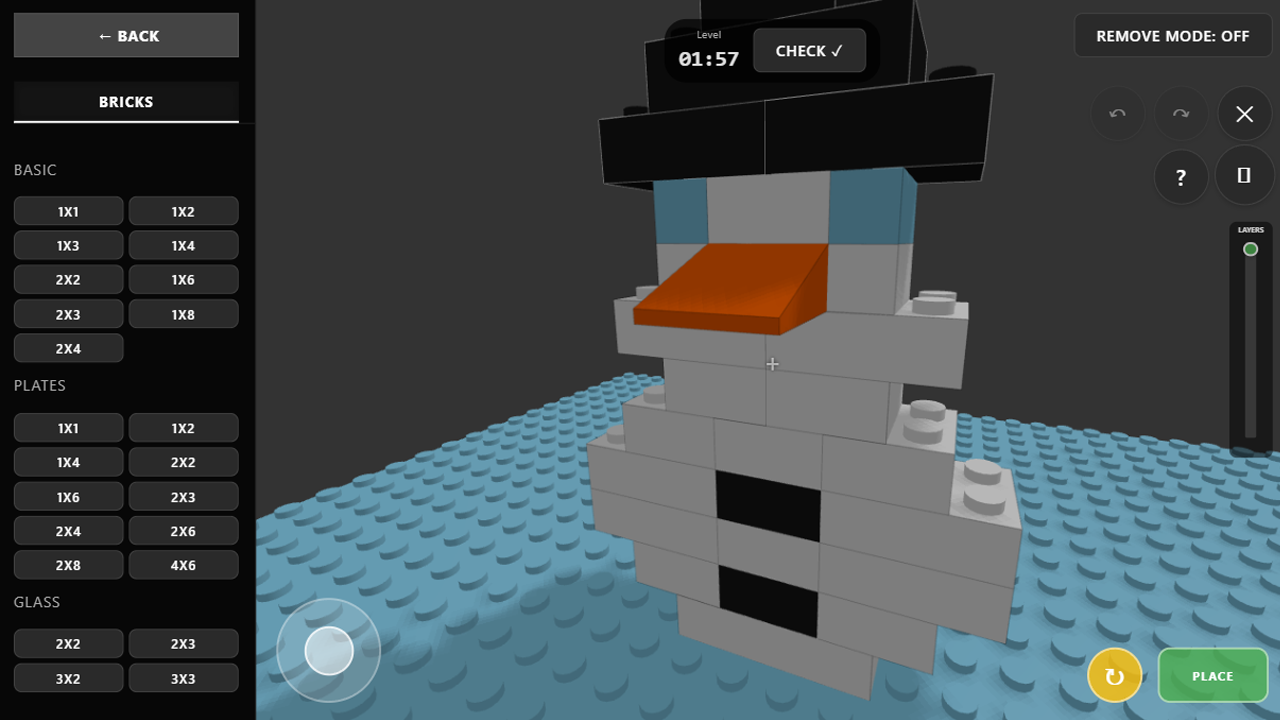
11,183 players online
How to play
-
Open the game
Press Play now and the game opens on its own screen.
-
Follow the in-game instructions
The controls and goals are shown inside the game as you play.
-
Use the game menu
The floating button over the game reloads it, saves it to your favourites, or takes you back out.