
Overview
Forget about boring mazes. Welcome to a tense thriller where every second and every step matter.
You have to find a way out of the tangled maze within a limited time. But the main problem isn’t the walls; it’s the ruthless guards who patrol the corridors. They have excellent hearing: if you run, they’ll hear you.
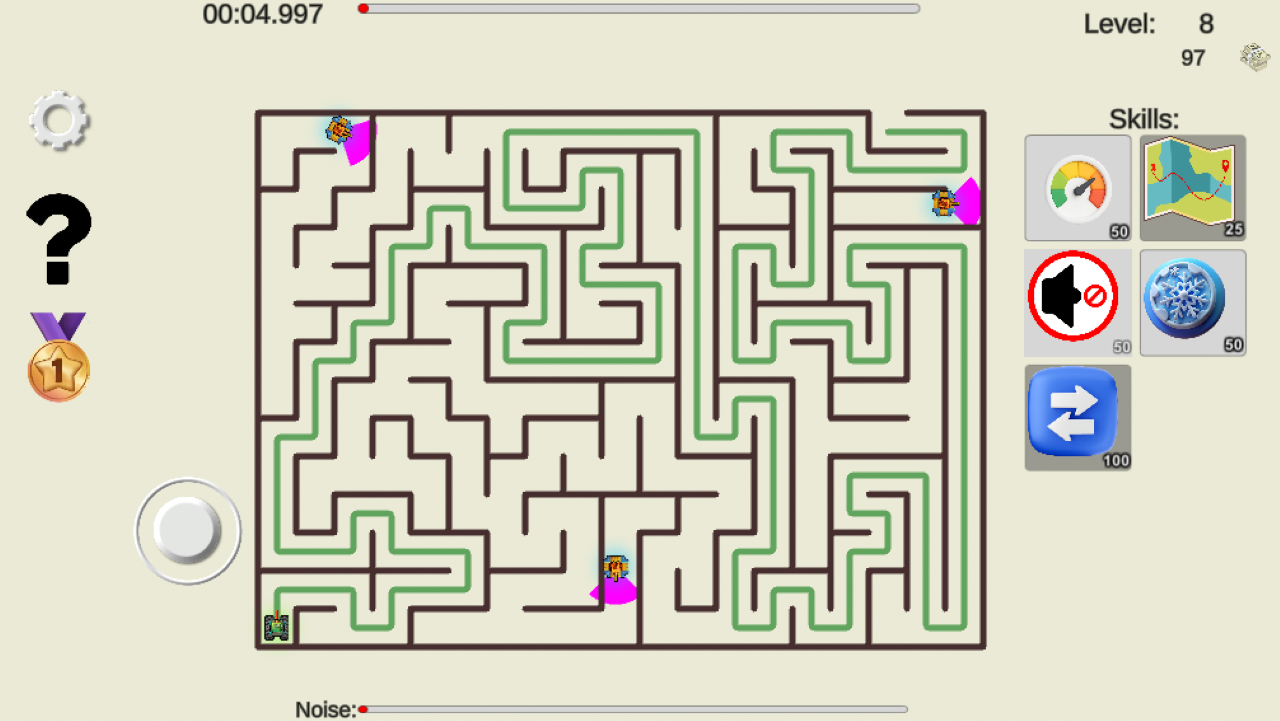
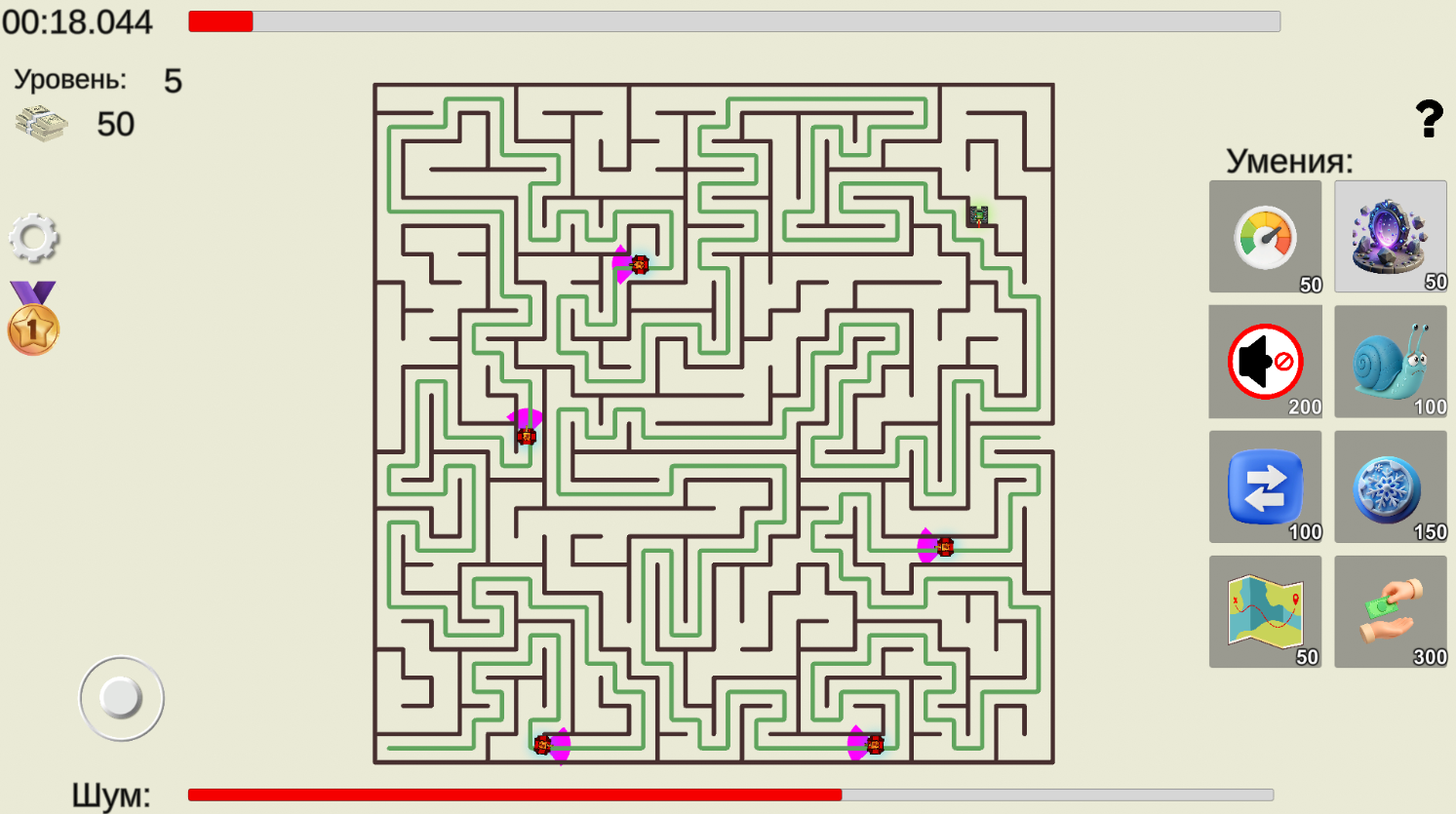
Noise mechanics: there’s a noise indicator on the screen. Prolonged movement, running, or collisions with walls fill the scale. Is the bar full? The guard switches to chase mode. There’s nowhere to hide — you’ll have to use your arsenal.
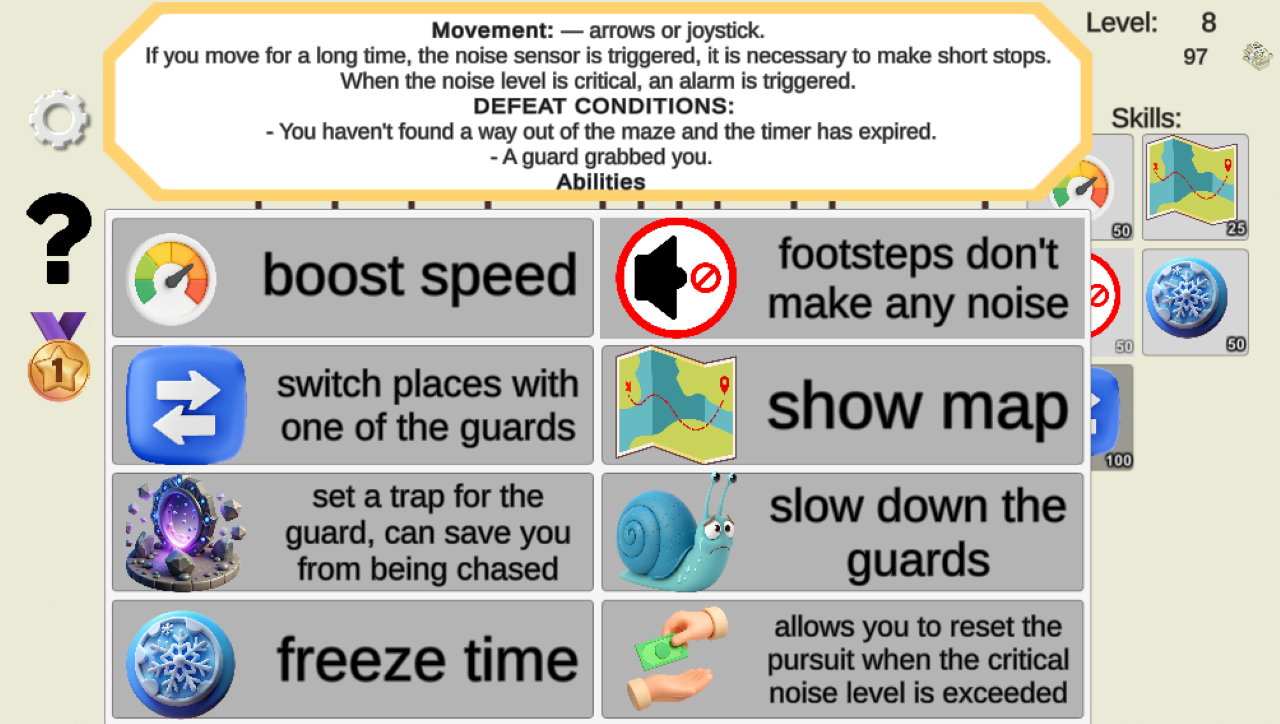
Your superpowers against the system:
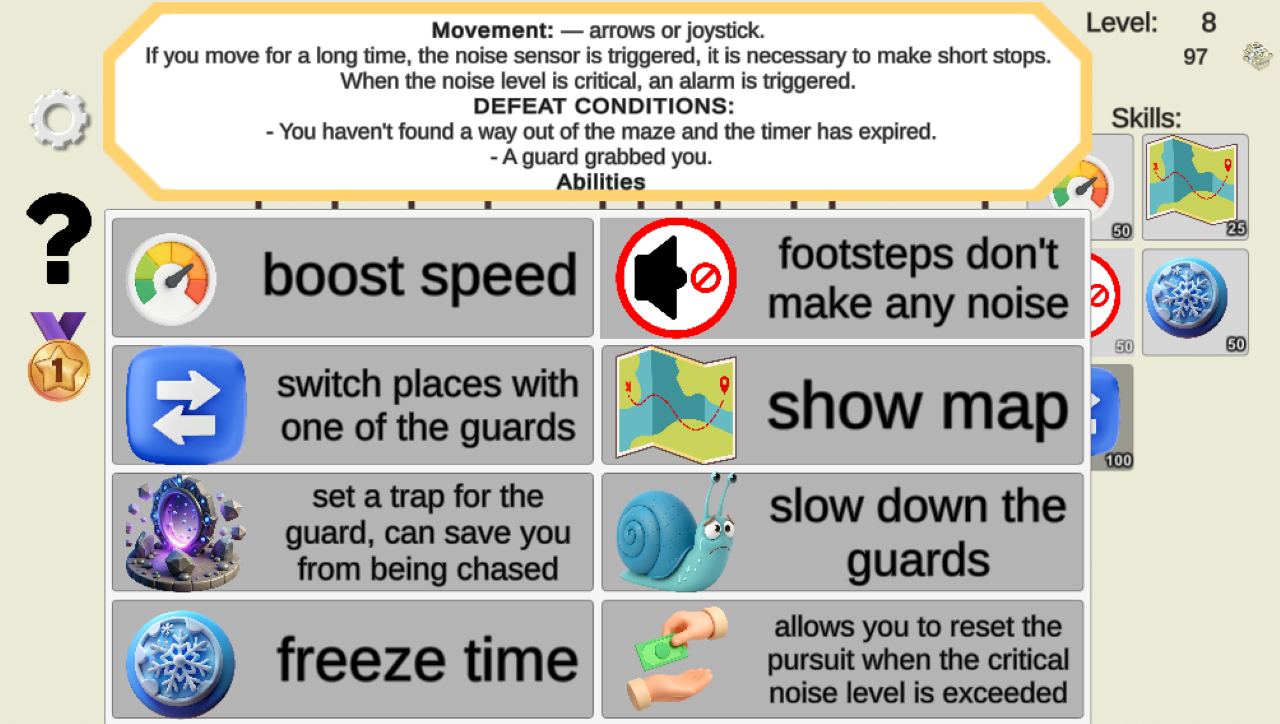
— Acceleration/dash: to get past the enemy.
— Slowing down the guard: gain a crucial 2 seconds.
— Time stop: the world freezes, and you change position.
— Switch places: instantly trade places with the guard (disorient the enemy!).
— Show the way: a golden thread to the exit for 5 seconds.
— Trap for the guard: disable the pursuer for a while.
— Drop the pursuit: the guard forgets where you are.
Videos and screenshots
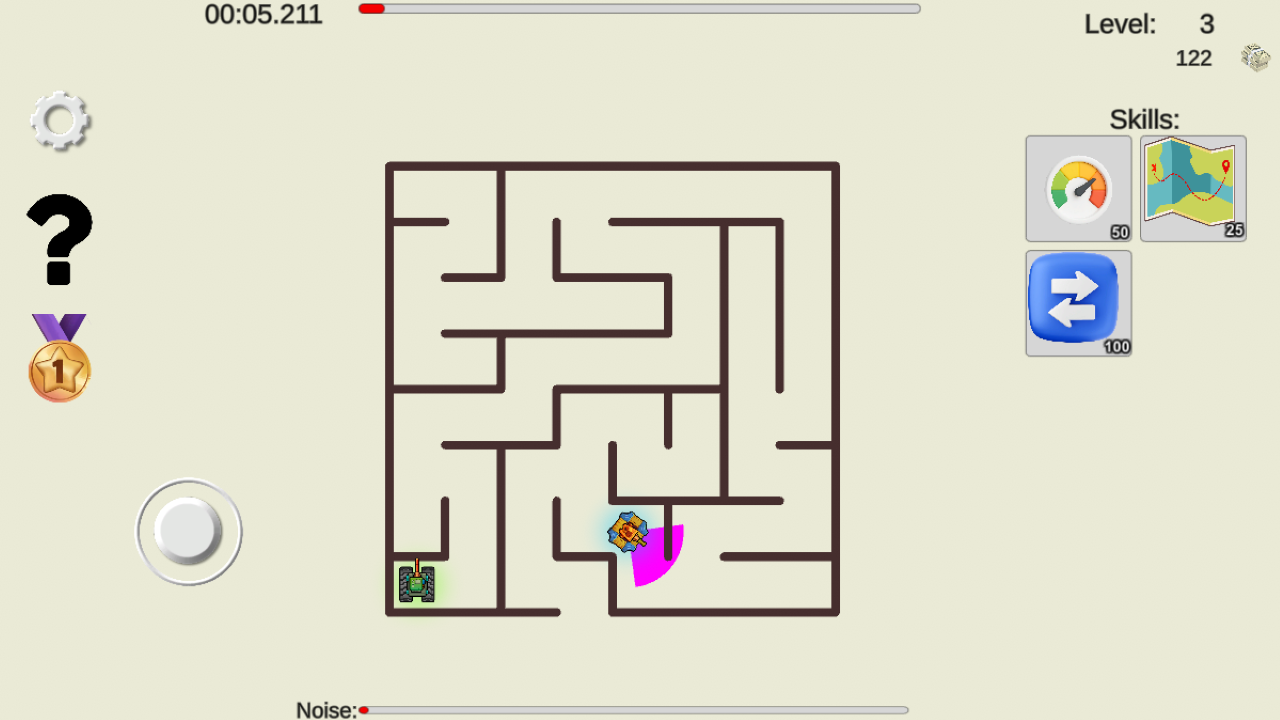
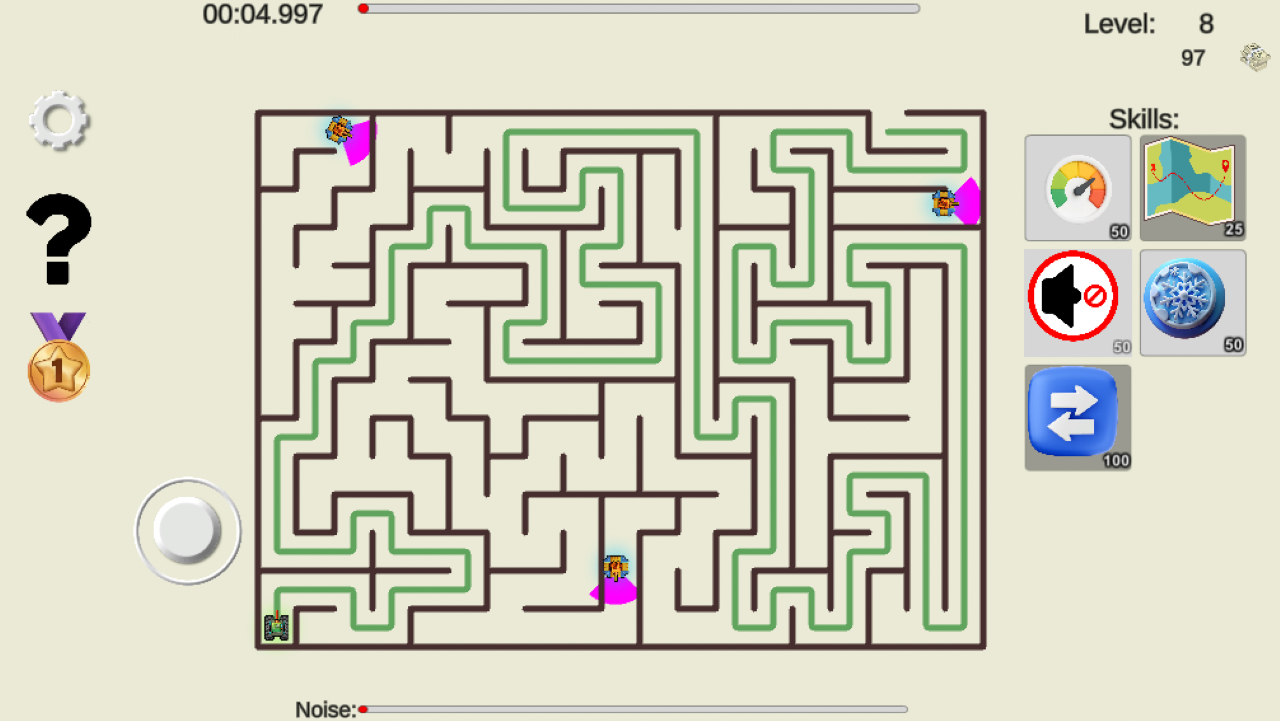
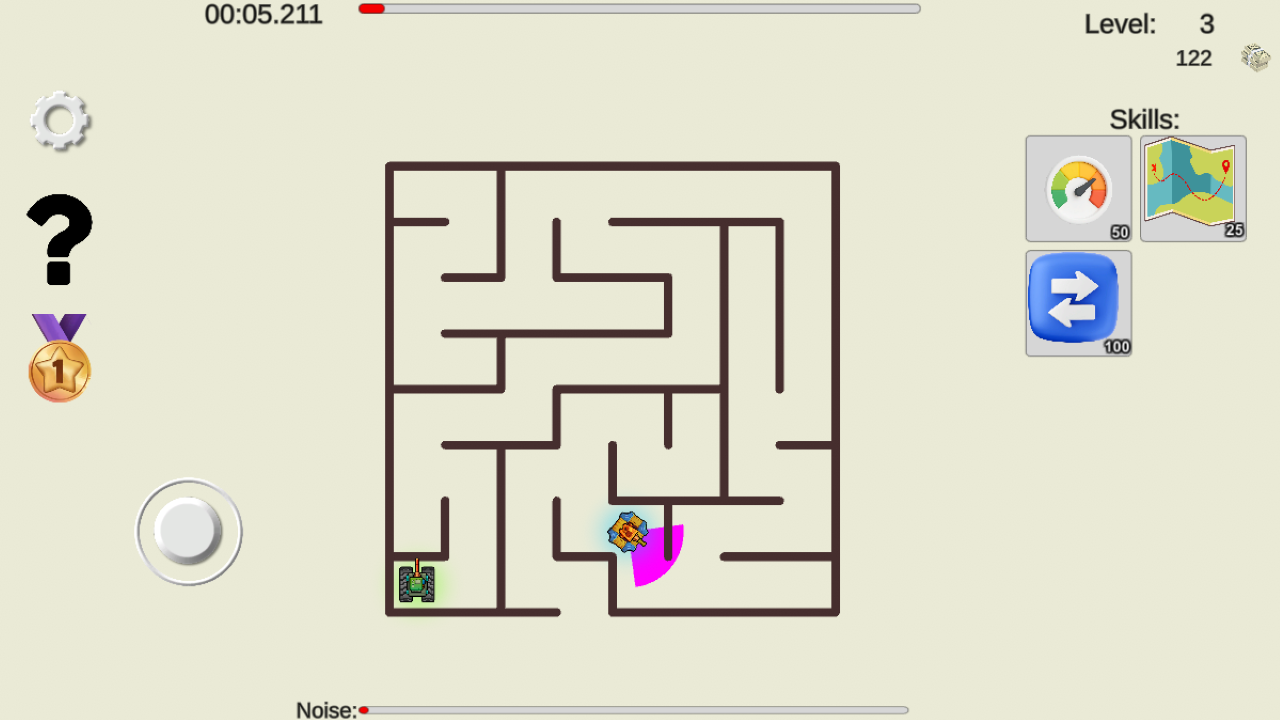
11,249 players online
How to play
-
Open the game
Press Play now and the game opens on its own screen.
-
Follow the in-game instructions
The controls and goals are shown inside the game as you play.
-
Use the game menu
The floating button over the game reloads it, saves it to your favourites, or takes you back out.