Overview
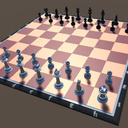
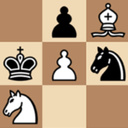
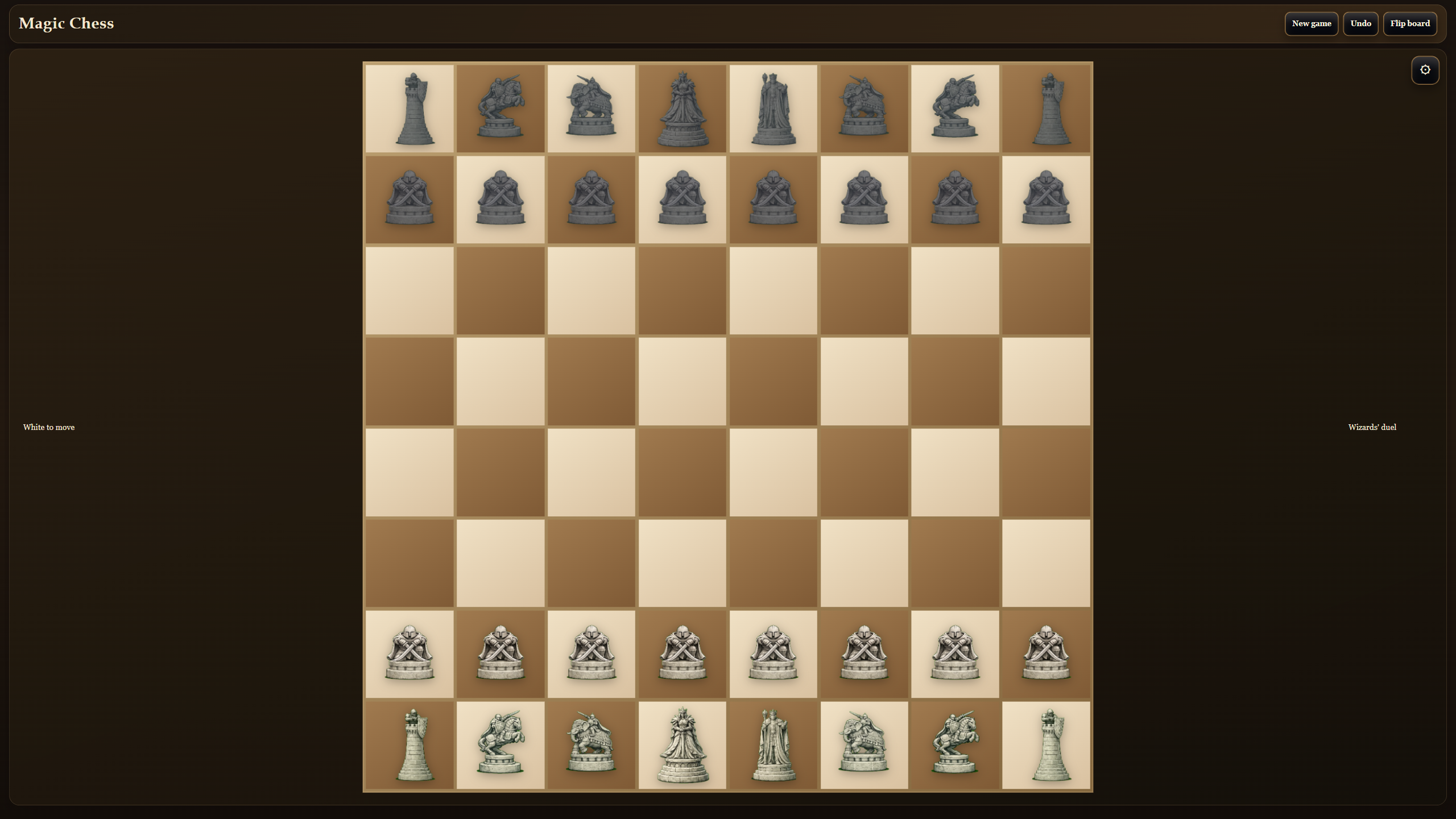
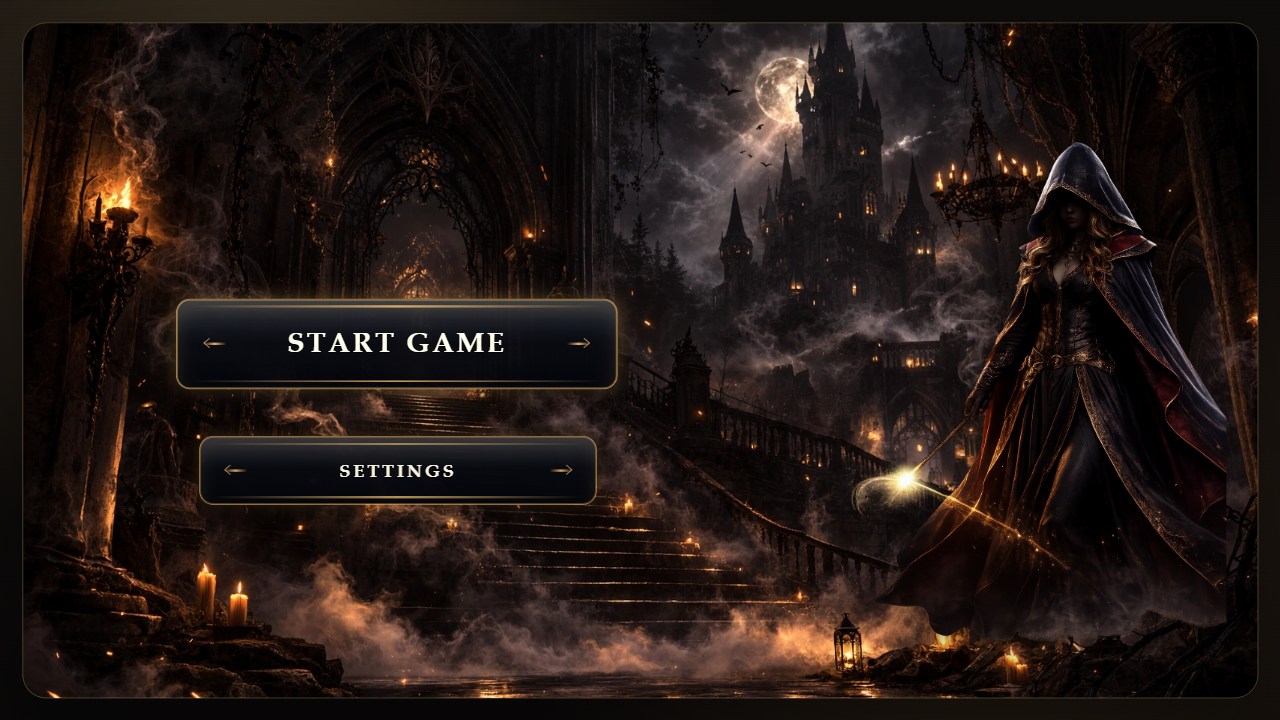
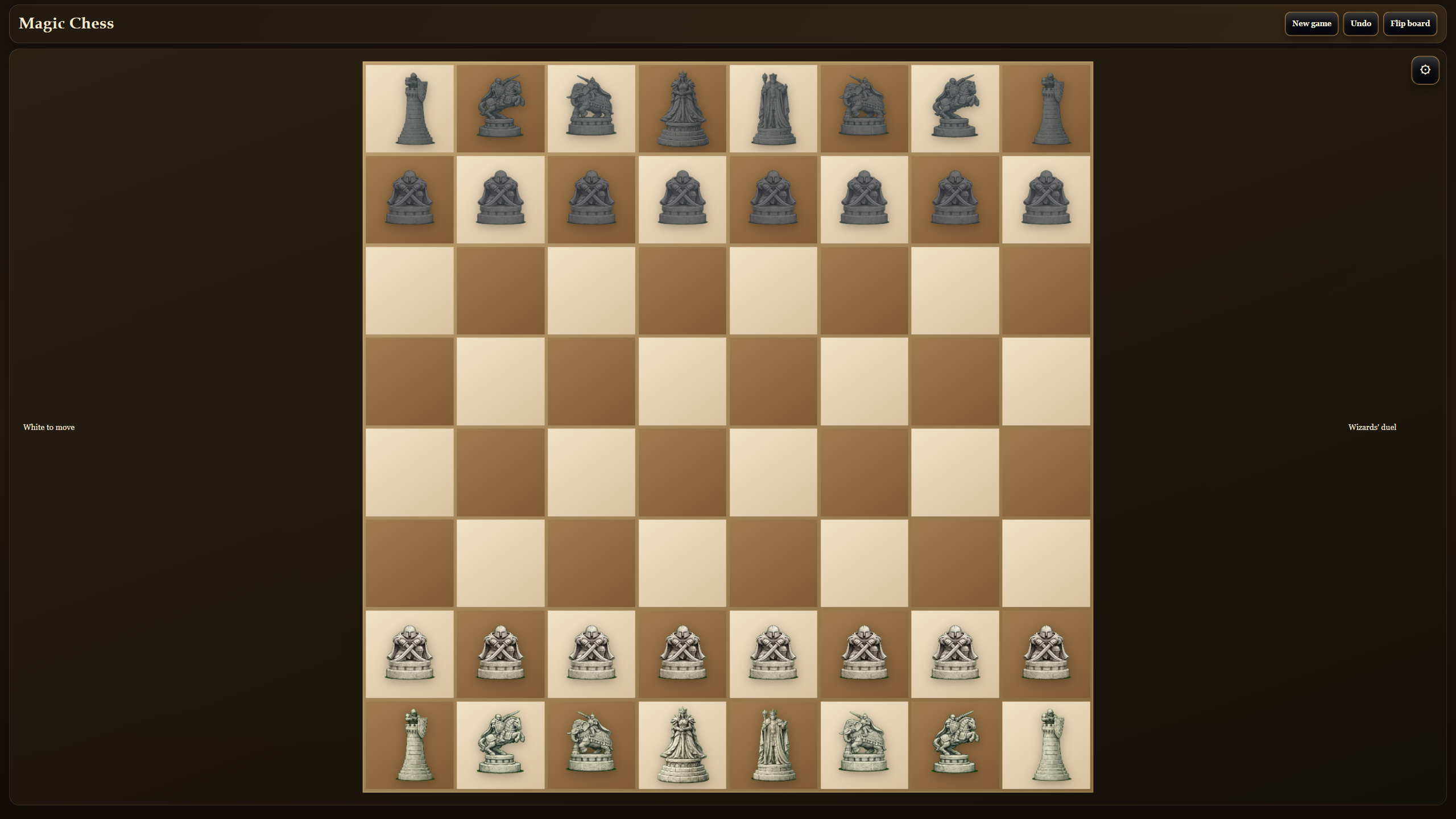
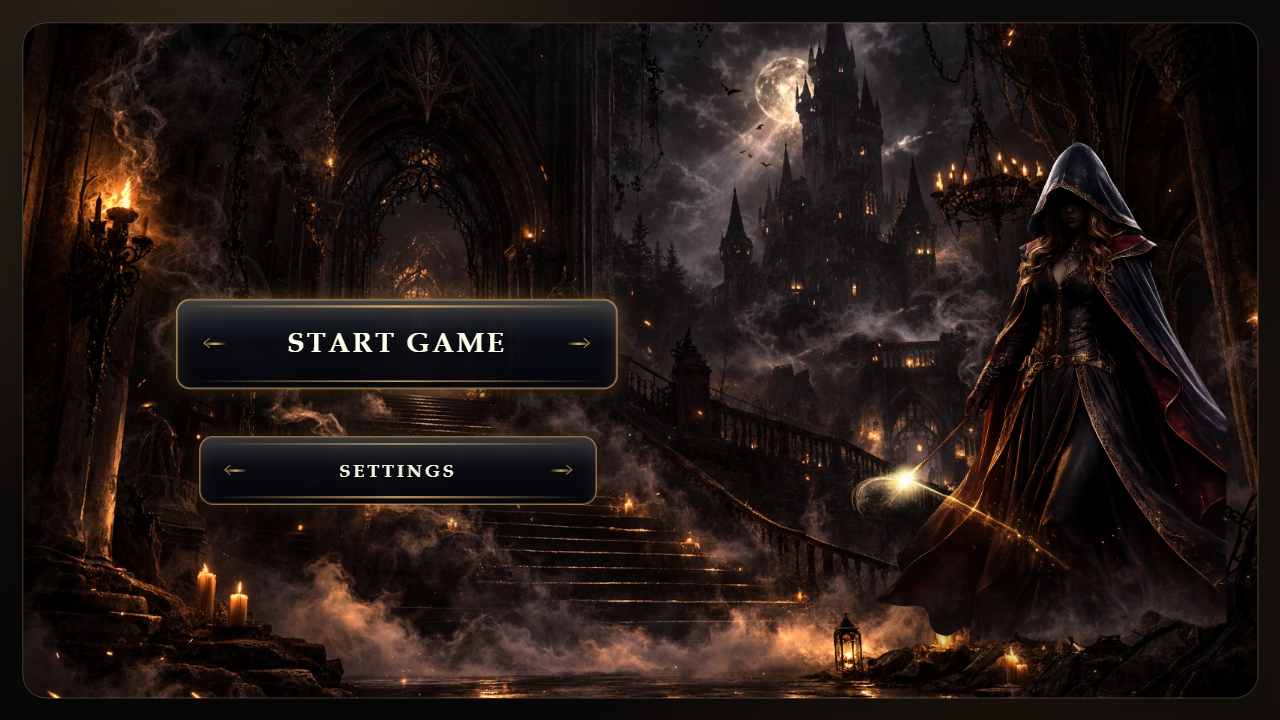
Magic chess brings classic chess into a bright fantasy world. Your goal is simple: checkmate your opponent, think ahead, and win matches in the mode you like most. Play 1v1 with a friend or challenge the AI on easy, medium, and hard difficulty. Choose your side, turn magical piece battles on or off, and try different starting setups: classic chess, king and pawns, lighter armies, and more. During the match you can use the move log, board flip, undo, and visual hints. The game mixes real chess tactics with flashy fantasy duels, so every match feels like a small wizard battle. Raise the difficulty, test new setups, and keep searching for the best move.
Videos and screenshots
11,501 players online
How to play
-
Open the game
Press Play now and the game opens on its own screen.
-
Follow the in-game instructions
The controls and goals are shown inside the game as you play.
-
Use the game menu
The floating button over the game reloads it, saves it to your favourites, or takes you back out.