Overview
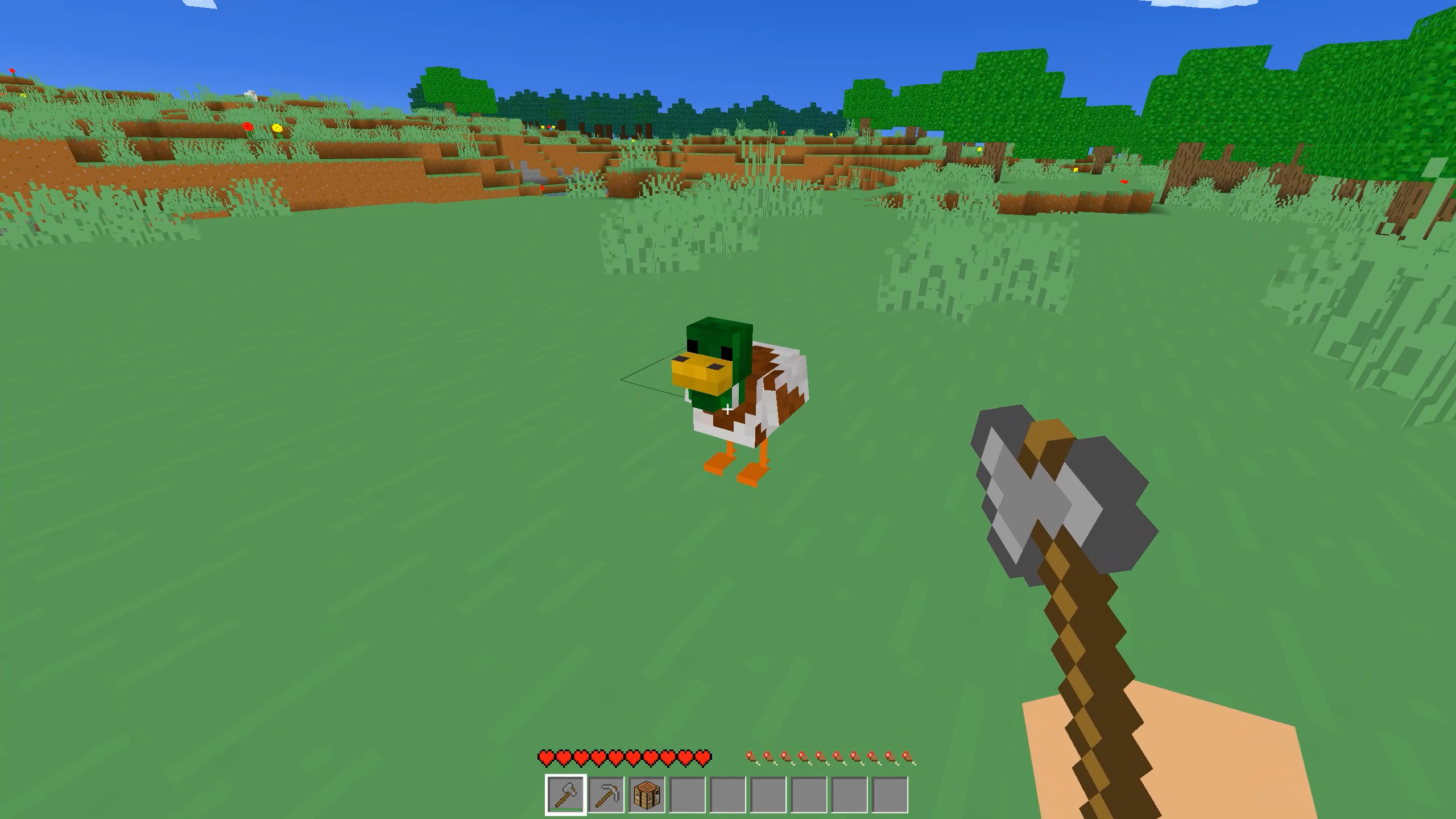
Welcome to MasterCraft - Survival and online - an endless cubic world where your only limit is your imagination! This is a sandbox where every block can be destroyed and replaced with something completely new.
Game Features:
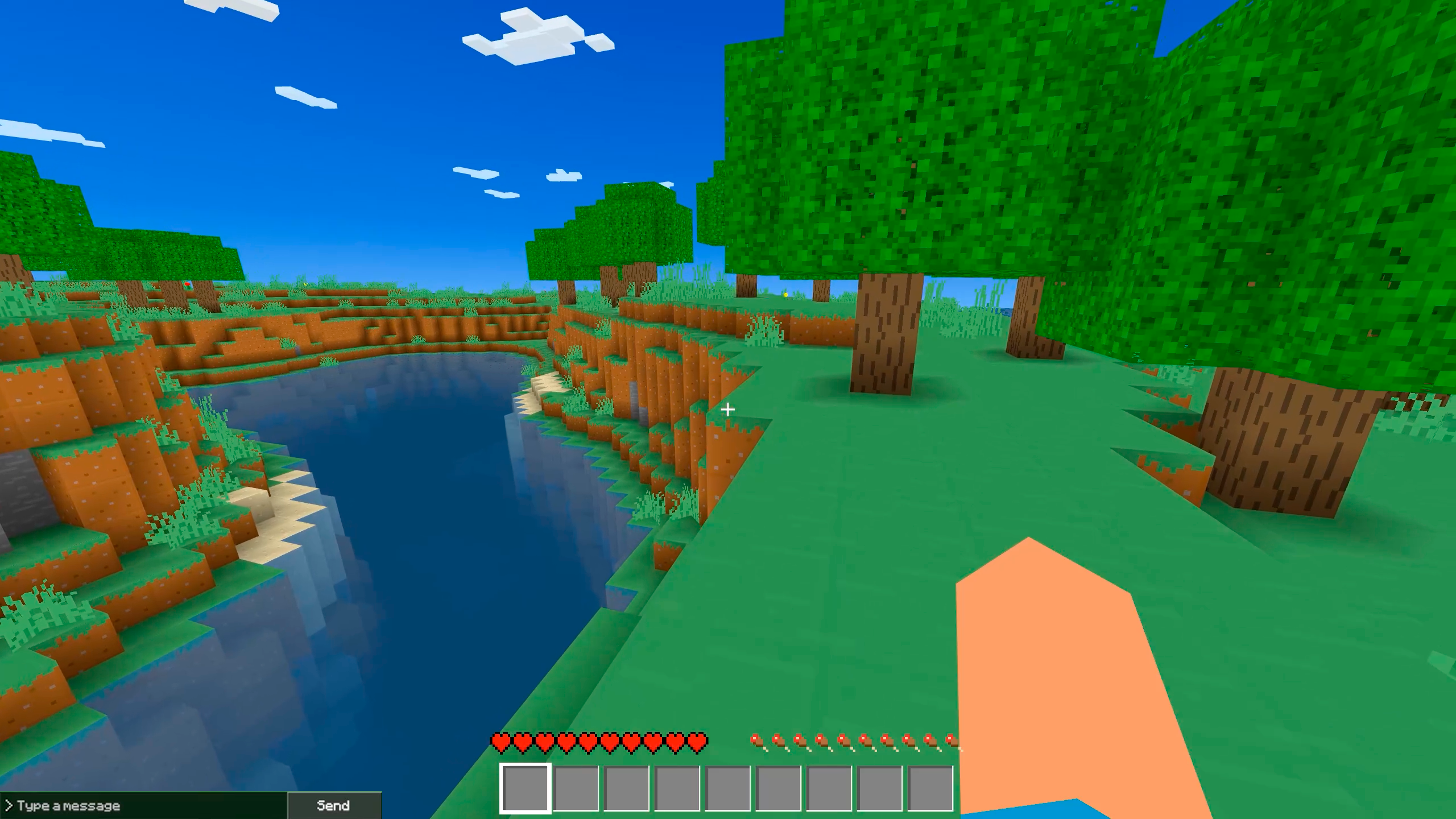
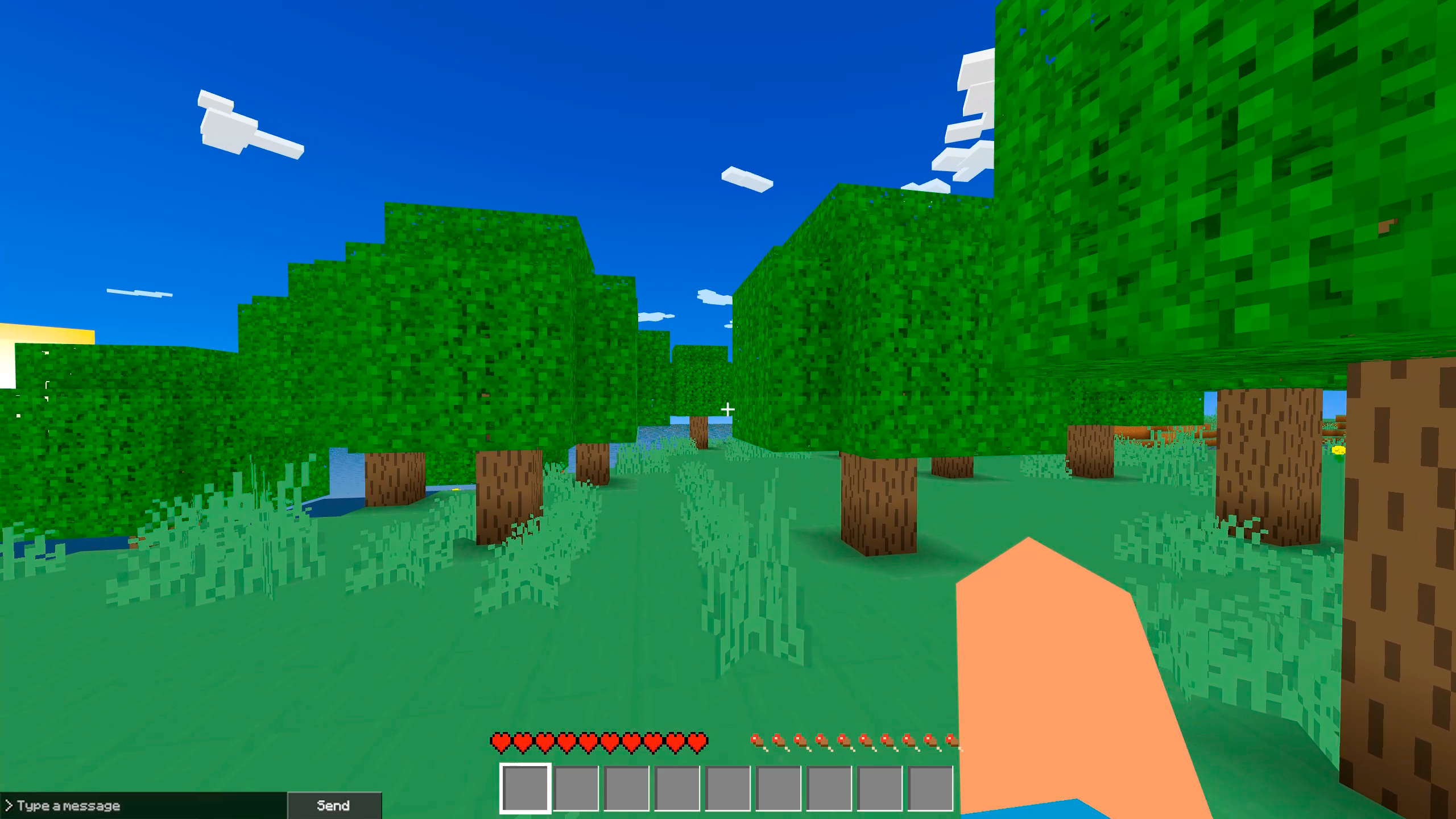
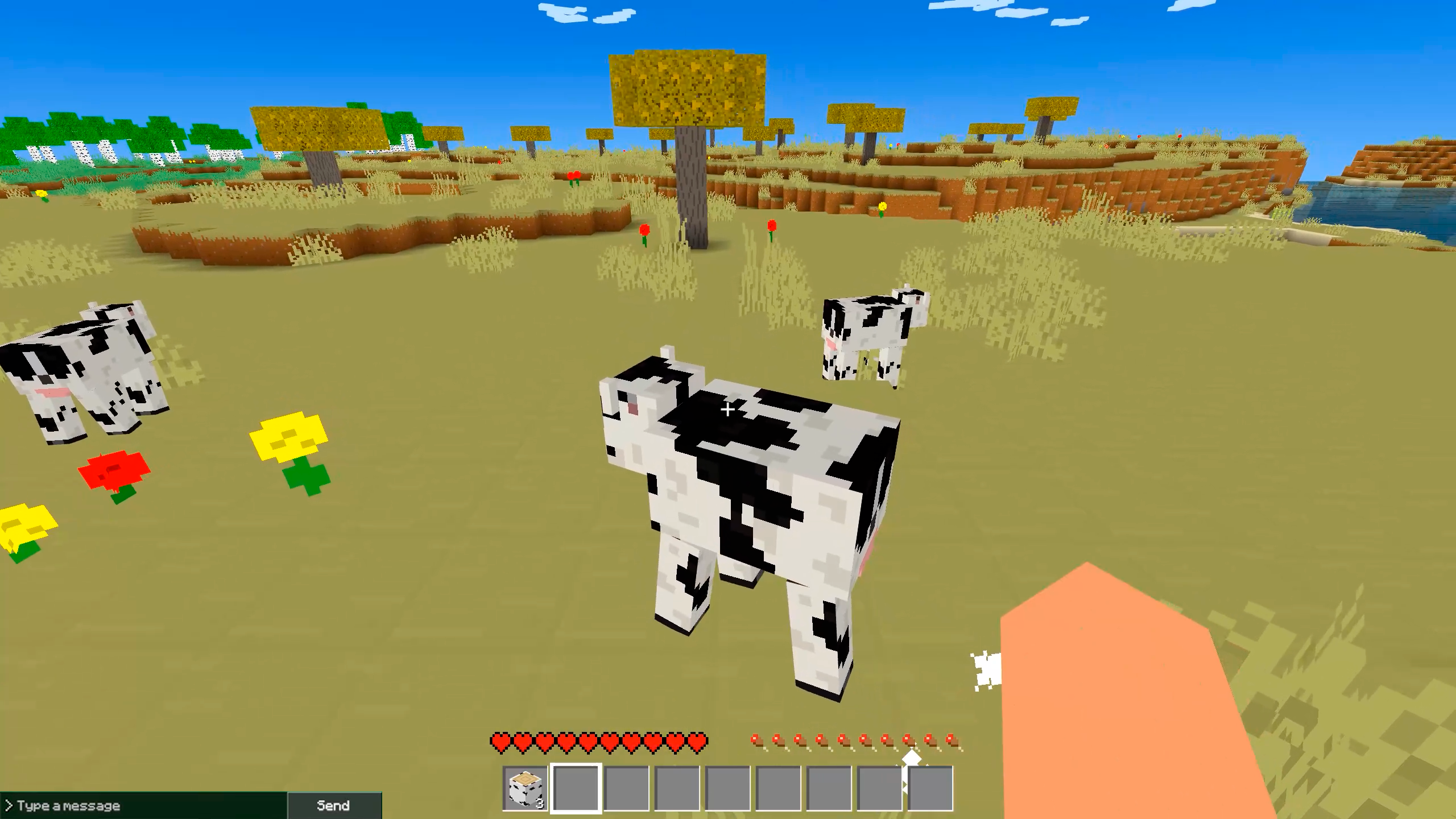
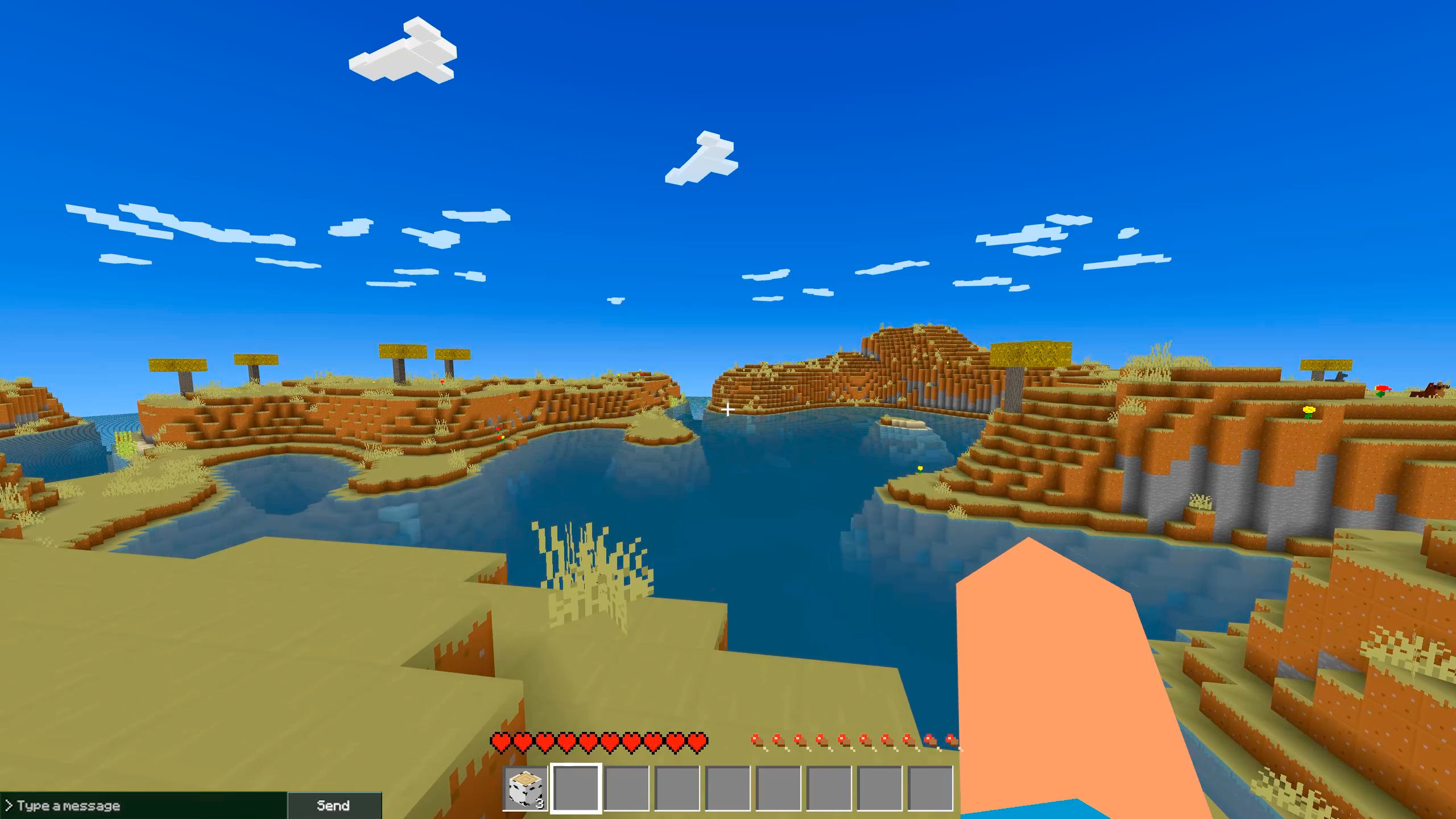
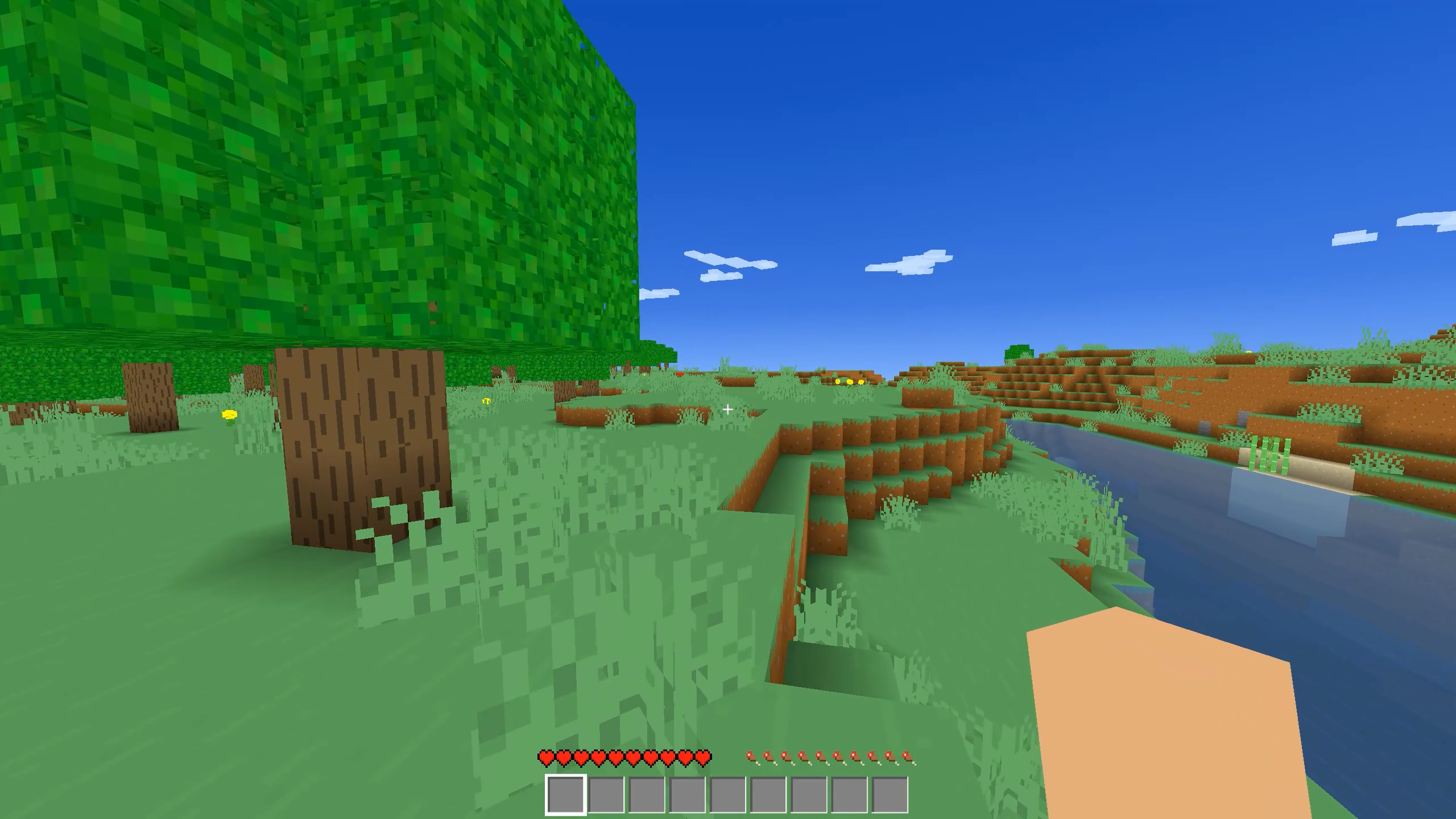
• Endless open world: procedural generation creates unique landscapes, deep caves, forests, and bodies of water with every launch.
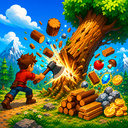
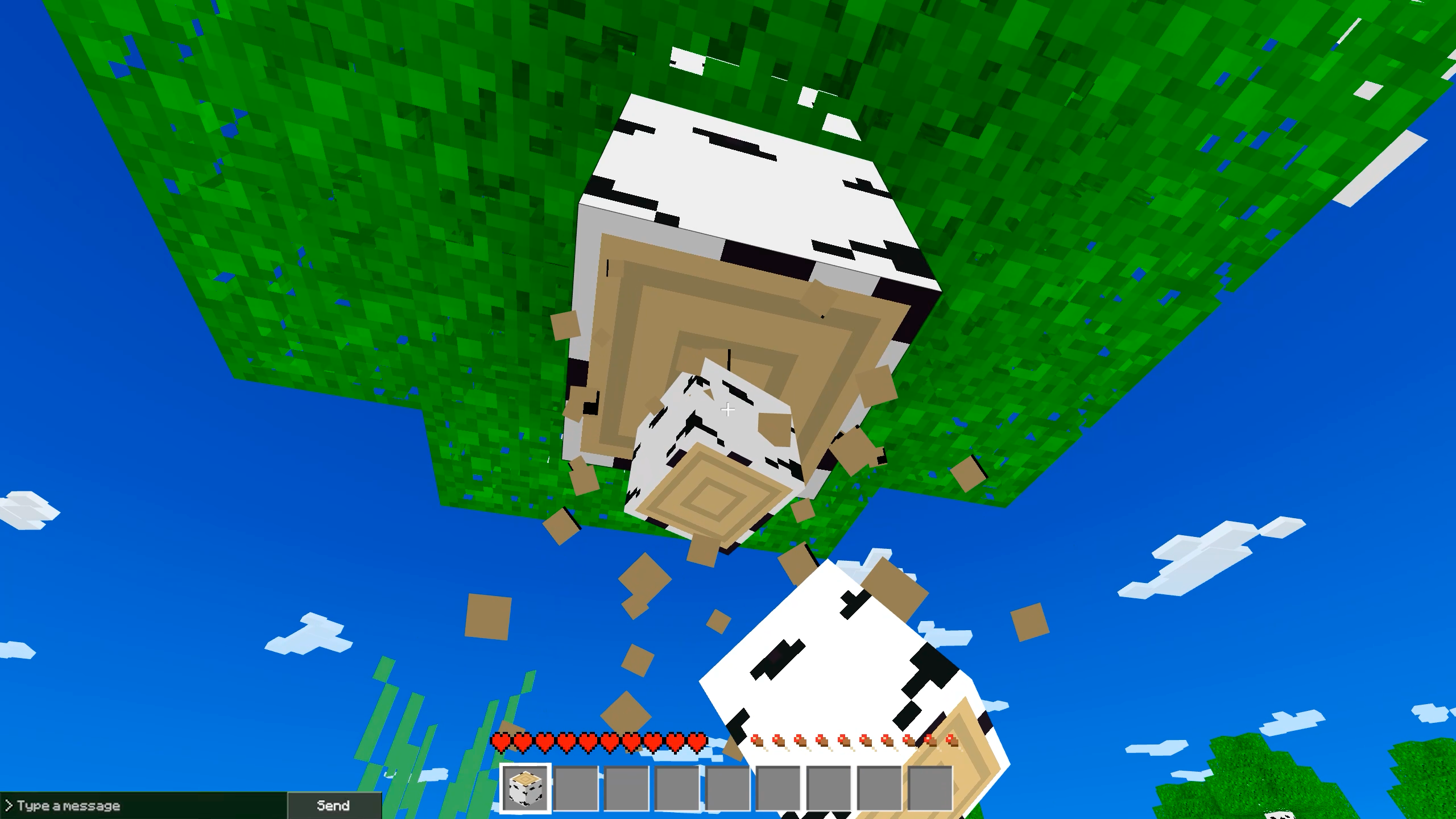
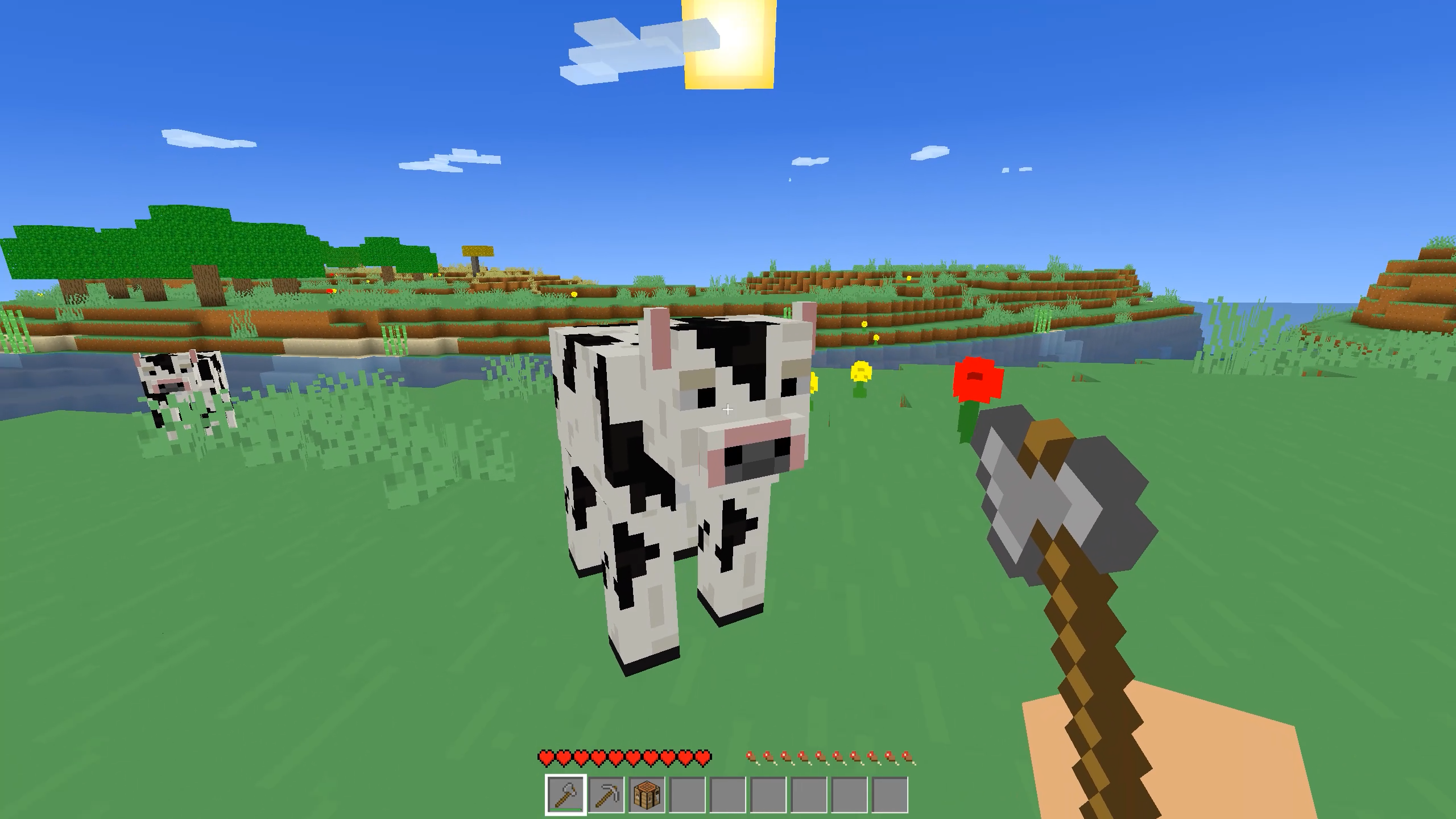
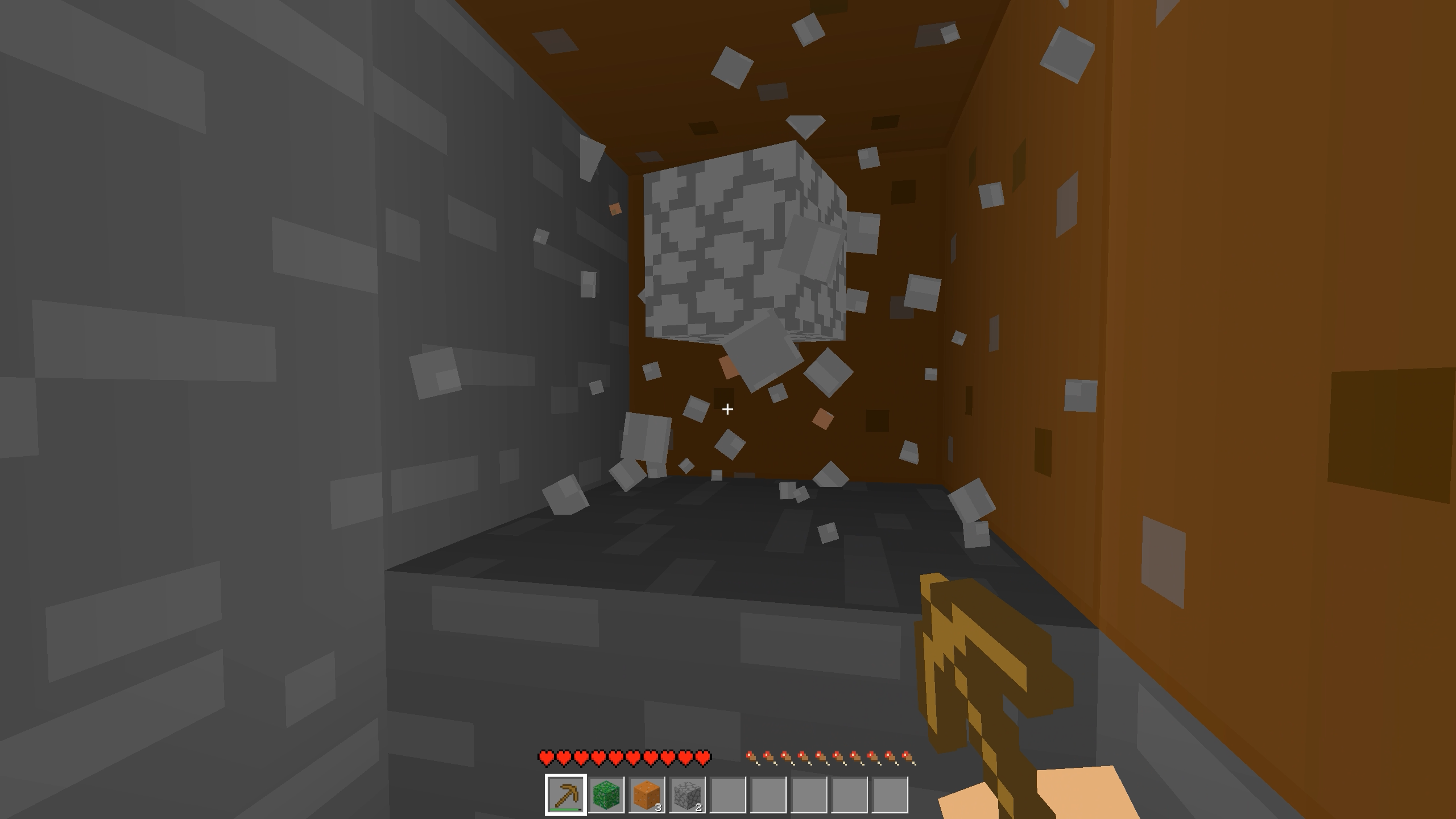
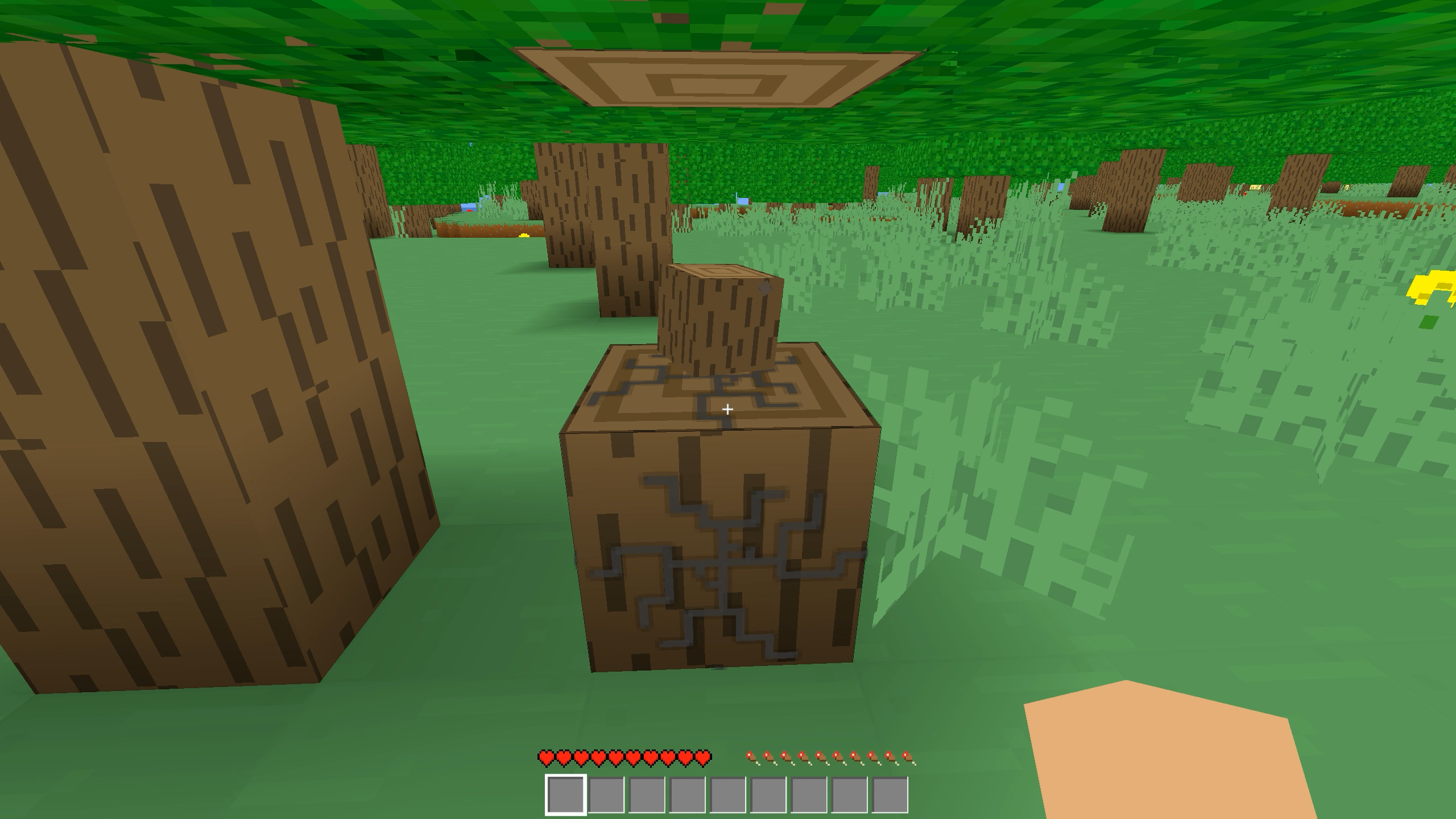
• Mining and crafting: explore the world, gather wood, stone, ores, and other resources.
• Complete freedom of construction: build cozy huts or gigantic castles-dozens of different blocks are at your disposal.
• Dynamic day/night cycle: build a shelter before nightfall!
• Save your progress: your world will never disappear; return to your creations at any time.
Immerse yourself in an atmosphere of freedom and creativity. Become the creator of your own cubic universe right now!
Videos and screenshots
13,066 players online
How to play
-
Open the game
Press Play now and the game opens on its own screen.
-
Follow the in-game instructions
The controls and goals are shown inside the game as you play.
-
Use the game menu
The floating button over the game reloads it, saves it to your favourites, or takes you back out.