Skip to content
KG
Math! 1 grade

Math! 1 grade

33K plays 4.1 out of 5

Overview

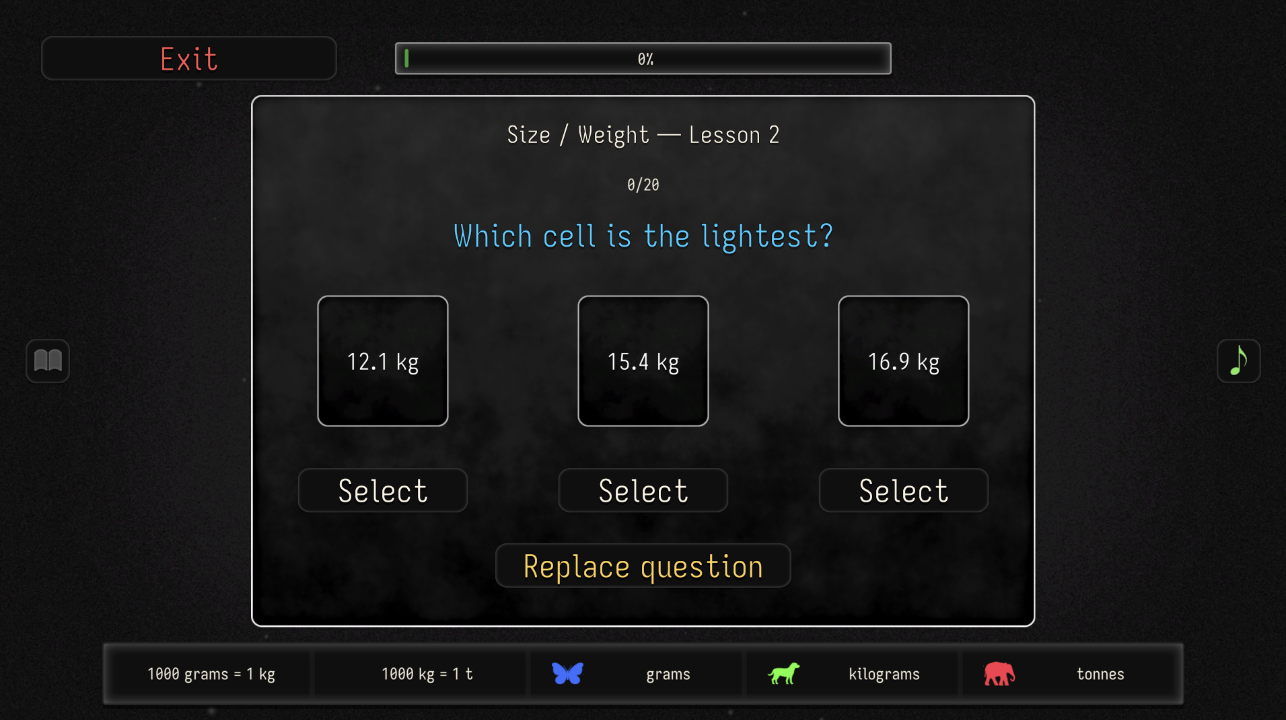
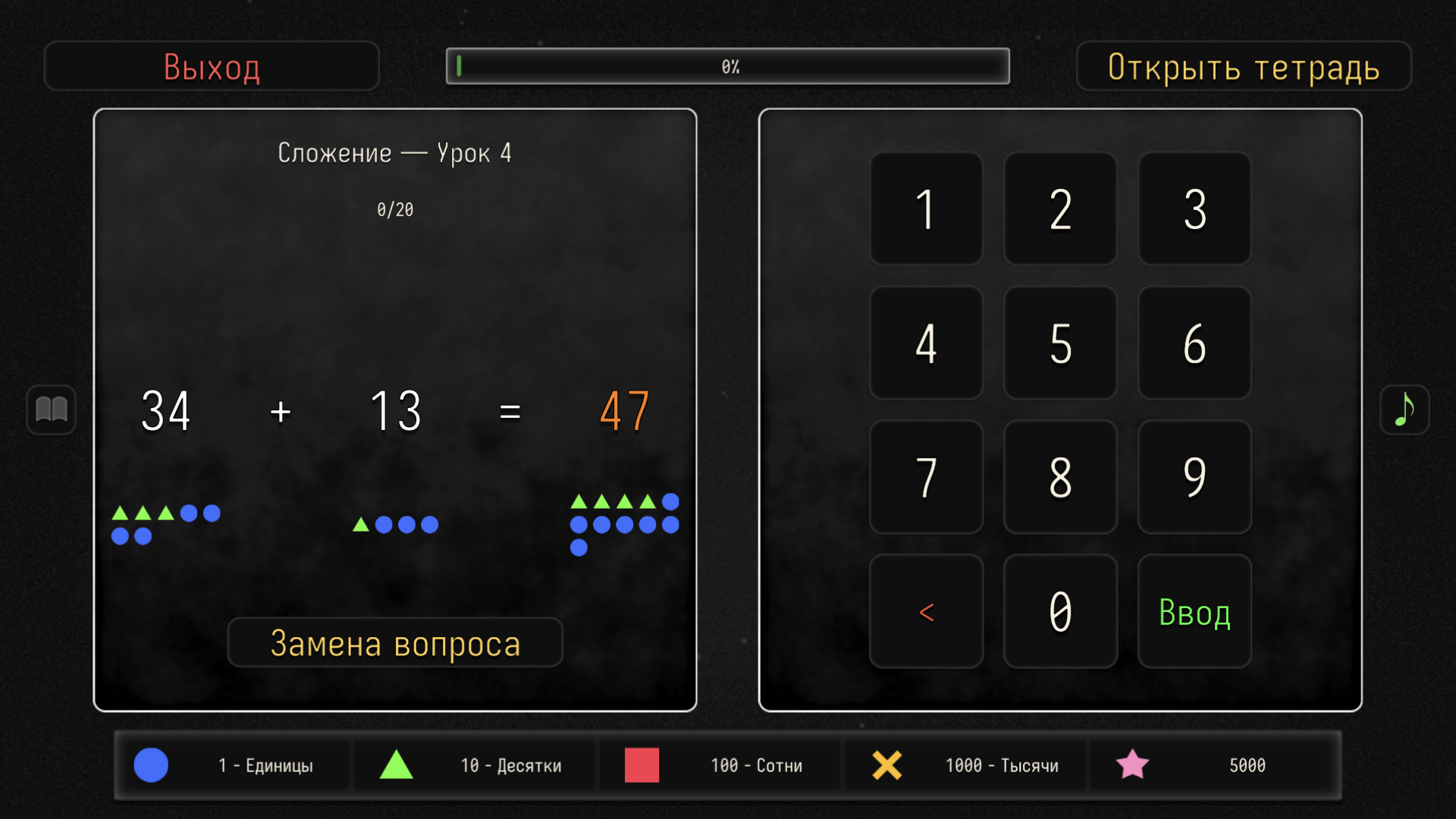
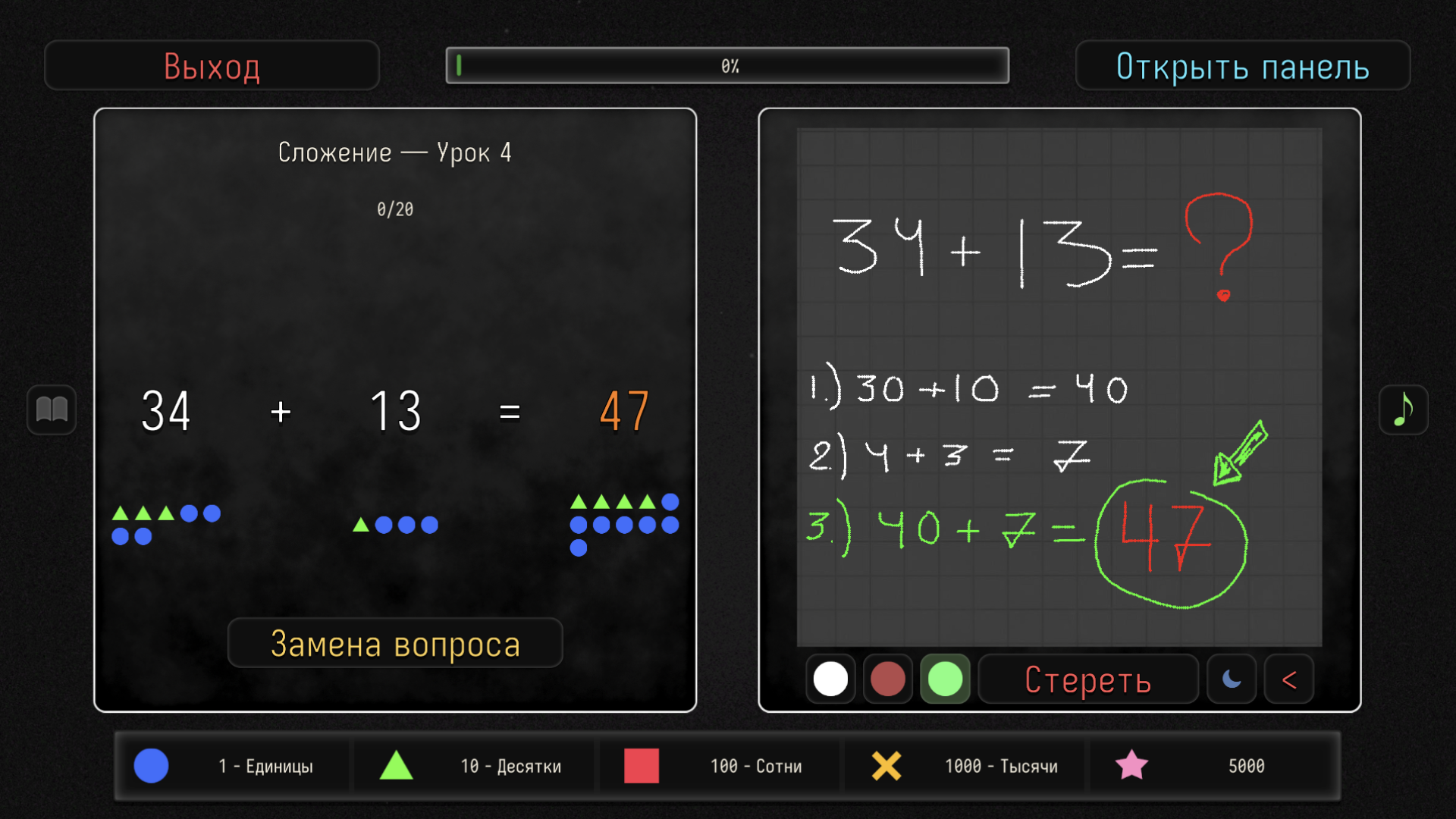
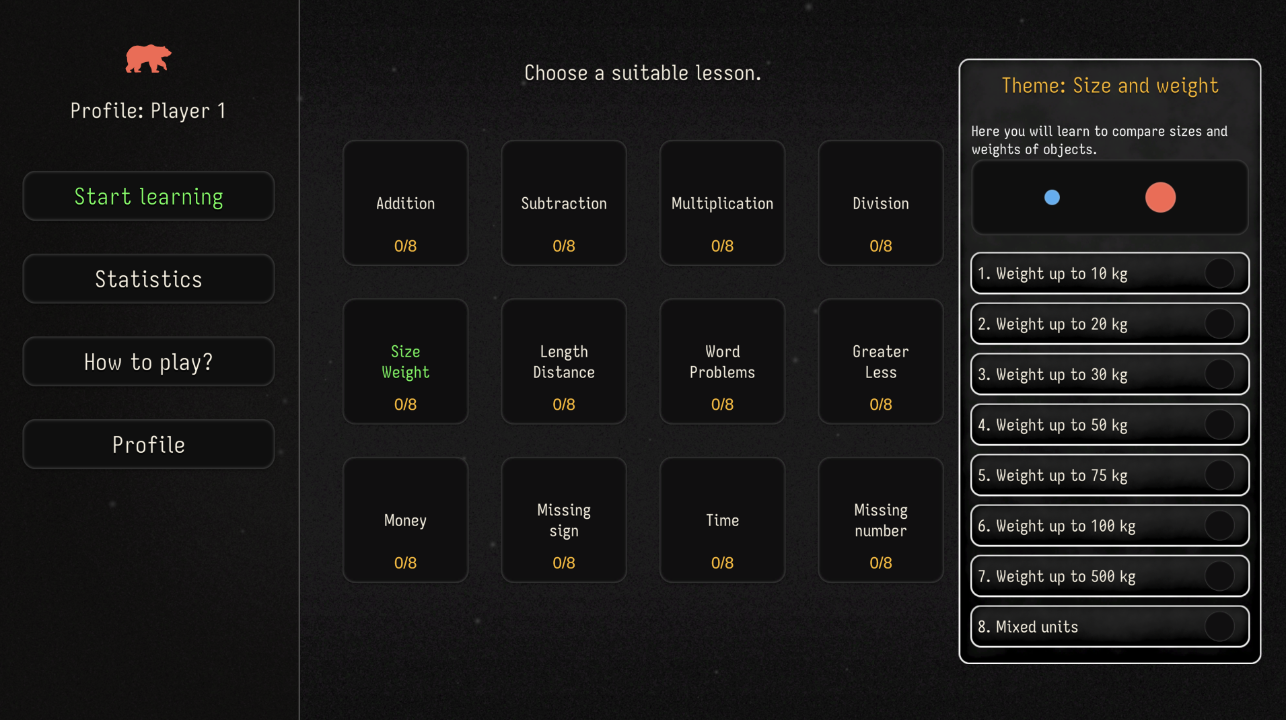
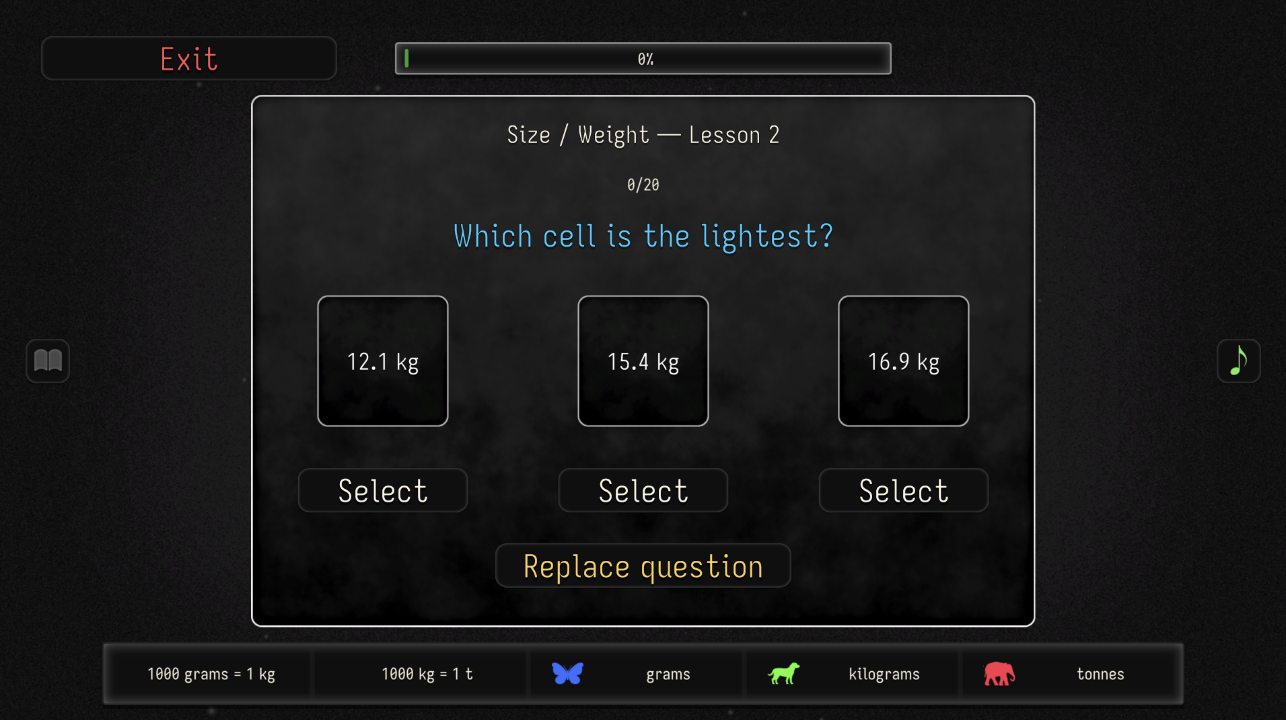
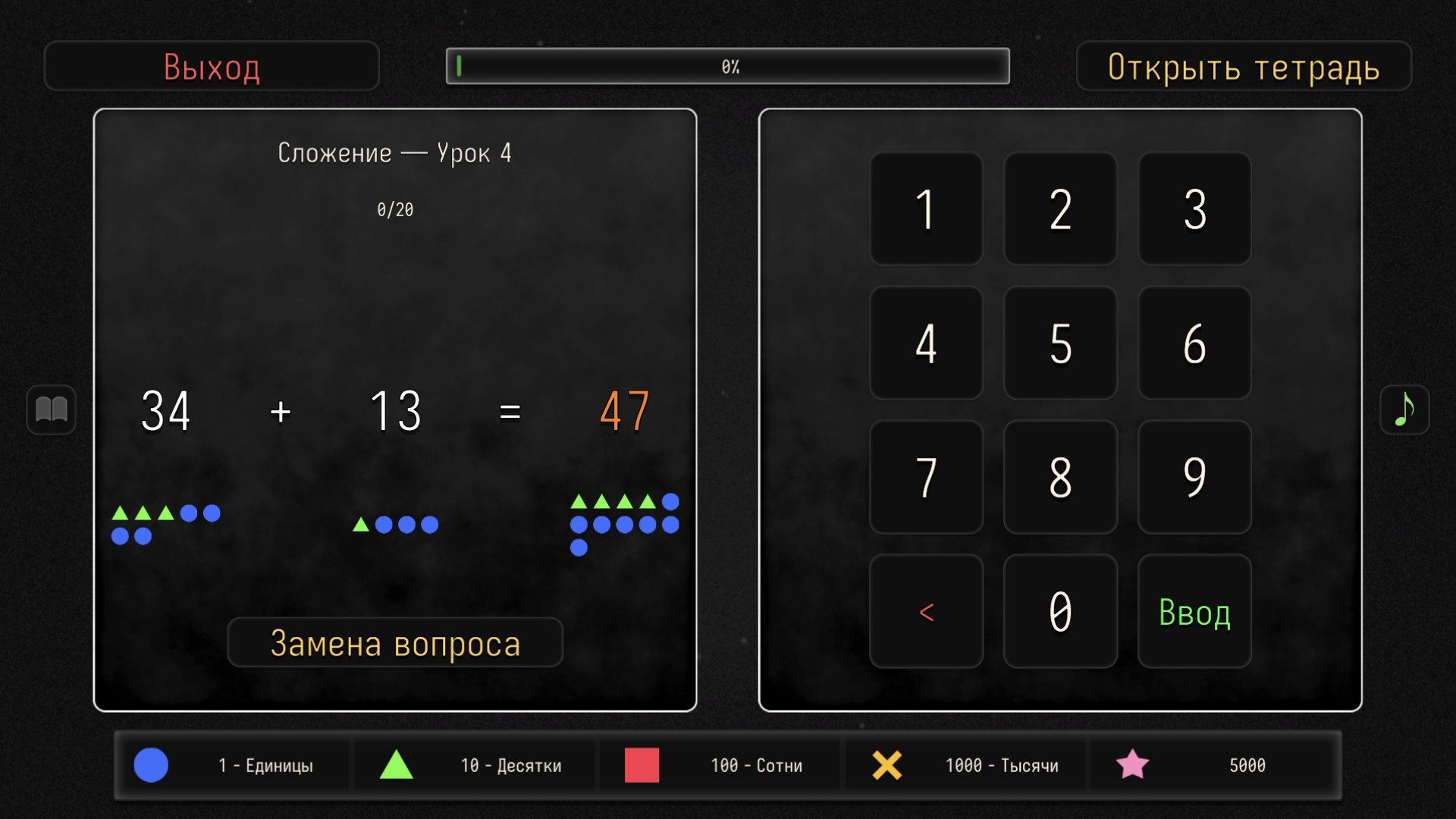
Our app is designed to help first-grade children master maths in an easy and engaging game form. Instead of boring drills — bright tasks, rewards and the ability to track progress. What's inside: 🔢 12 key topics — everything a first-grader needs to know: addition, subtraction, multiplication, division, comparing numbers, money, time, length and weight, word problems and much more. 📚 96 lessons — 8 for each topic. Difficulty levels gradually increase, so the child moves from simple to complex at their own pace. 🏆 Medals and progress — a medal is awarded for each completed lesson. 👤 4 profiles — the game is perfect for the whole family! Each player has their own progress, statistics of solved examples and personal achievements.

Videos and screenshots
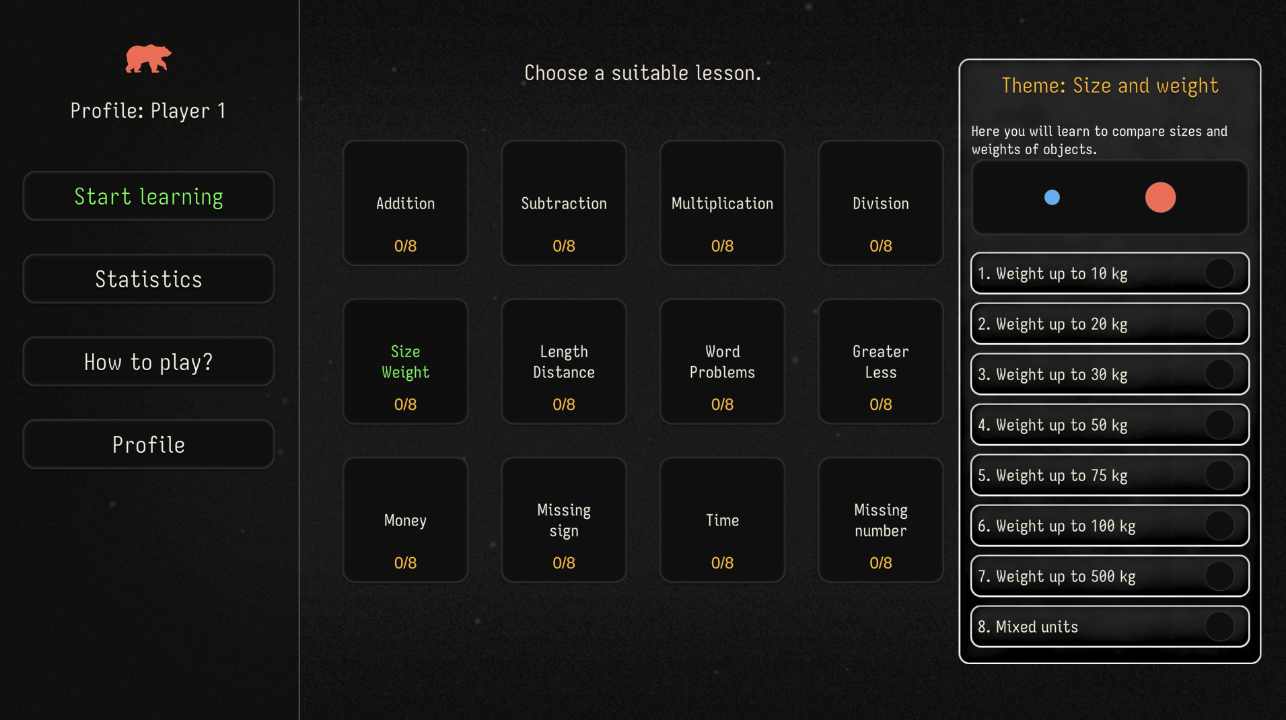
  • Math! 1 grade screenshot 1
  • Math! 1 grade screenshot 2
  • Math! 1 grade screenshot 3
  • Math! 1 grade screenshot 4
  • Math! 1 grade screenshot 5
  • Math! 1 grade screenshot 6
  • Math! 1 grade screenshot 7
  • Math! 1 grade screenshot 8
  • Math! 1 grade screenshot 9
  • Math! 1 grade screenshot 10
Play Now

11,841 players online

How to play

  1. Open the game

    Press Play now and the game opens on its own screen.

  2. Follow the in-game instructions

    The controls and goals are shown inside the game as you play.

  3. Use the game menu

    The floating button over the game reloads it, saves it to your favourites, or takes you back out.

Game instructions

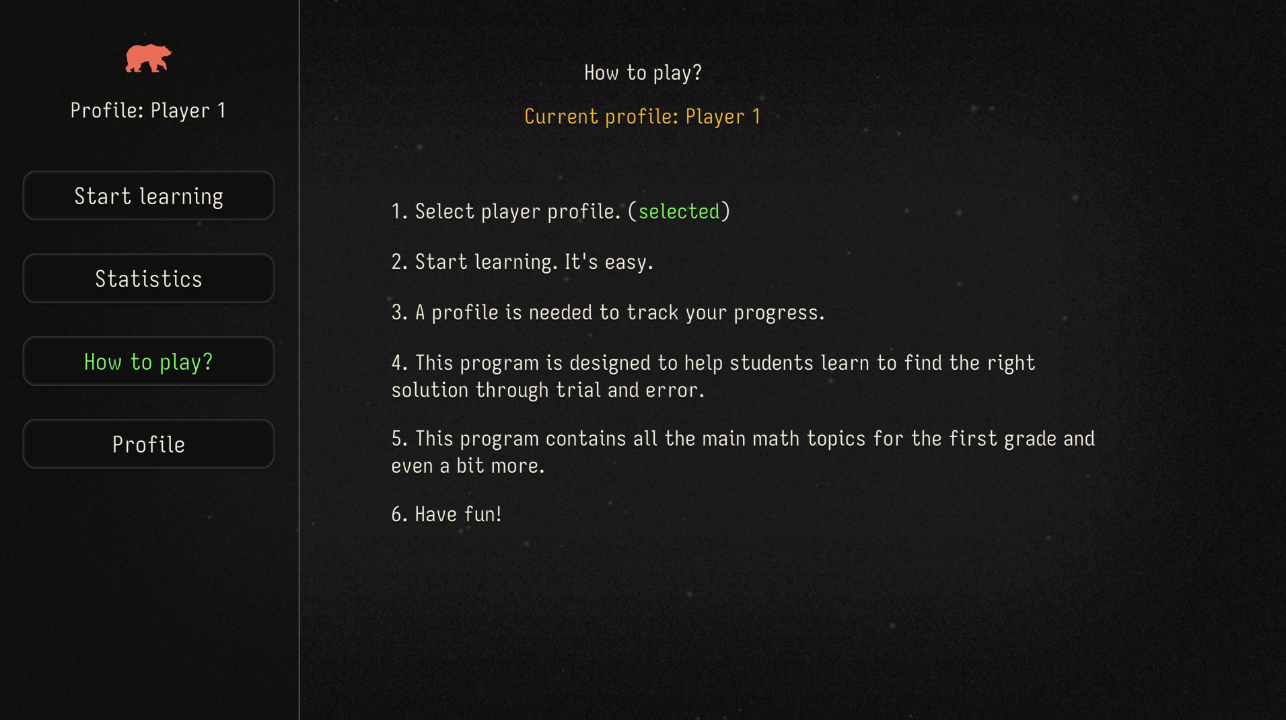
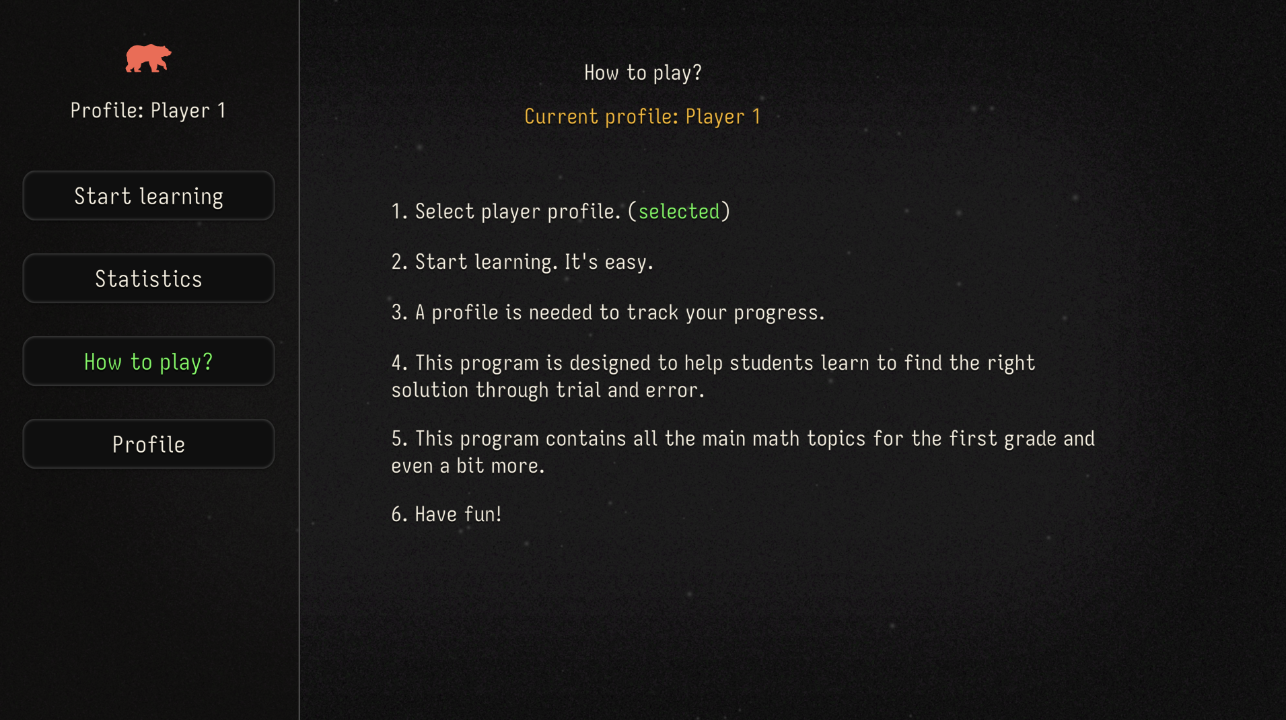
Playing is very easy — even a first-grader can do it! Choose a profile — on the main screen tap the "Profiles" button and pick one of the four players. If you are playing for the first time, simply create a new profile. Open the "Topics" section — tap the "Topics" button in the main menu. You will see a list of 12 maths topics: addition, subtraction, multiplication, division, size and weight, length and distance, word problems, comparing numbers, money, missing sign, time, missing number. Choose a topic and a lesson — tap any topic to open its lessons. Each topic has 8 lessons of different difficulty. Choose the lesson you want to complete. Tap "Play" — after choosing a lesson, a green "Play" button will appear. Tap it to start.

More games

More games