Skip to content
KG
Meme cats: Tamagochi

Meme cats: Tamagochi

8K plays 4.0 out of 5

Overview

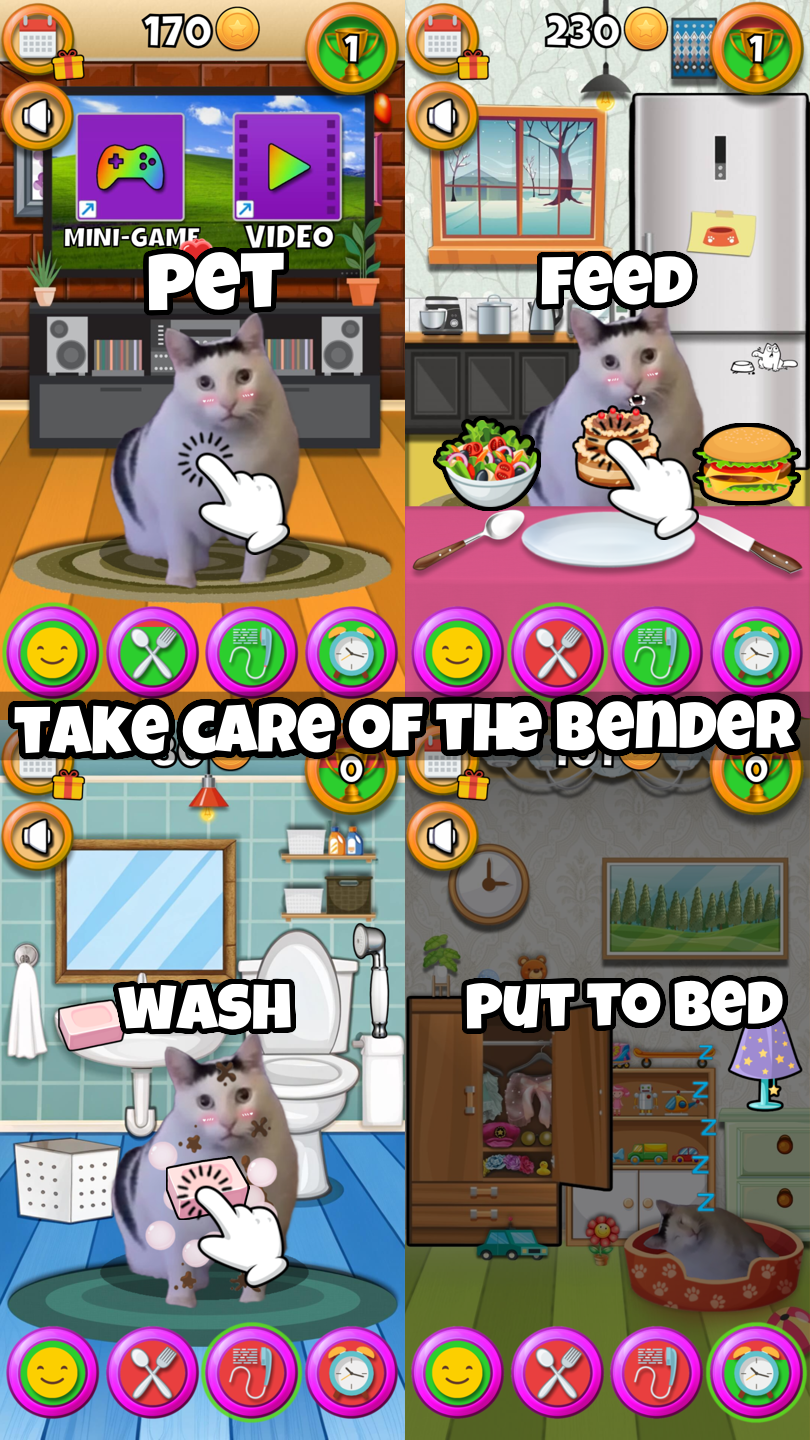
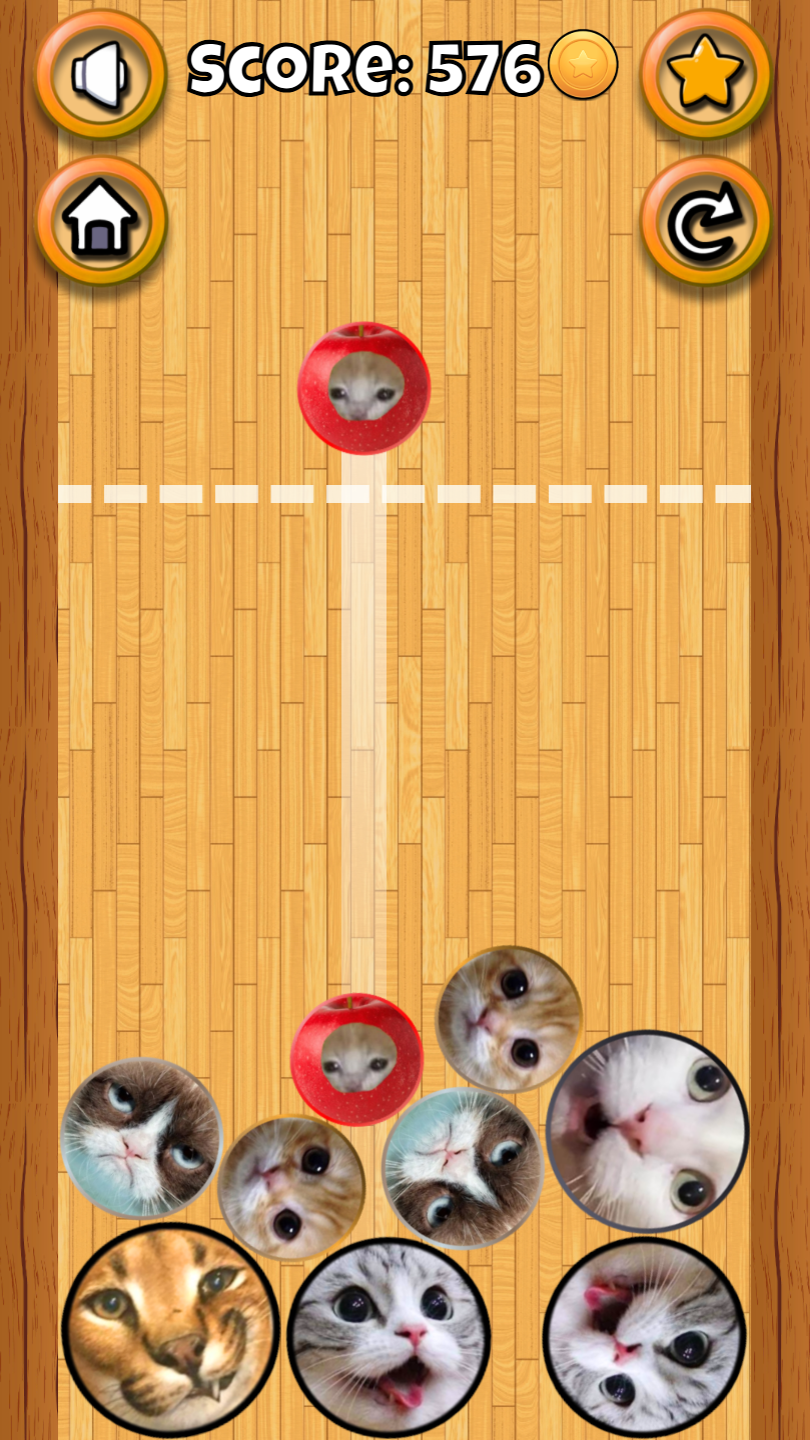
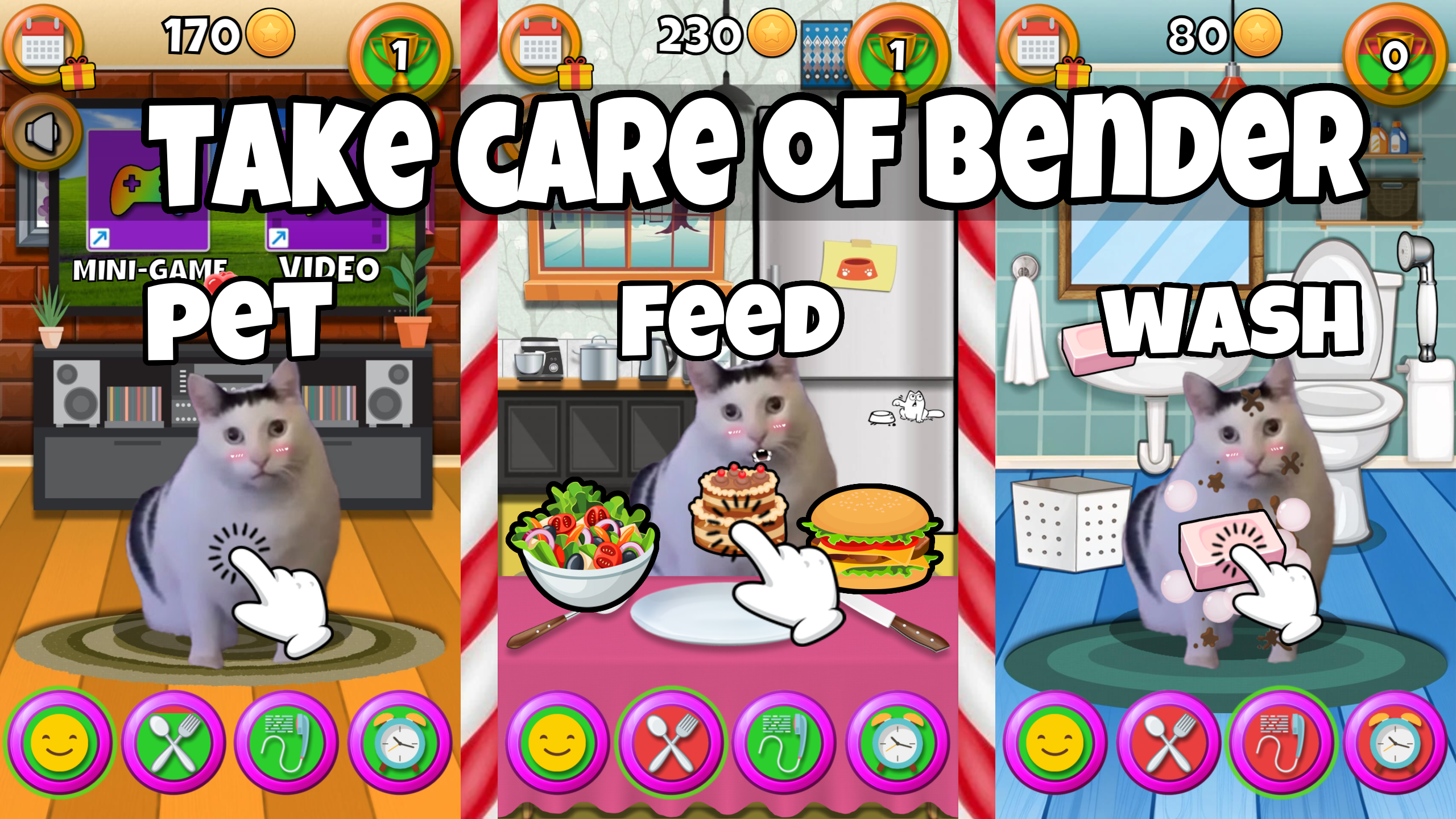
🔹Call the meme cats! 🔹Care for Bender the cat! Pet him, feed him, wash him and put him to bed! 💕 🔹Dress him up in stylish looks! Hats, glasses, collars, new coat color and more! Experiment and create your own unique kitty! 👒🕶️ 🔹Play the merge mini-game, compete on the leaderboard and earn coins! 💎 🔹Watch the best cat video memes on the internet!😹▶️ 🔹Follow the daily challenges and come back to the game tomorrow, Bender will miss you! 🐈 🔹Try to unlock all the achievements! 🏆 Come in and have fun!

Videos and screenshots
  • Meme cats: Tamagochi screenshot 1
  • Meme cats: Tamagochi screenshot 2
  • Meme cats: Tamagochi screenshot 3
  • Meme cats: Tamagochi screenshot 4
  • Meme cats: Tamagochi screenshot 5
  • Meme cats: Tamagochi screenshot 6
  • Meme cats: Tamagochi screenshot 7
  • Meme cats: Tamagochi screenshot 8
  • Meme cats: Tamagochi screenshot 9
  • Meme cats: Tamagochi screenshot 10
  • Meme cats: Tamagochi screenshot 11
Play Now

10,319 players online

How to play

  1. Open the game

    Press Play now and the game opens on its own screen.

  2. Follow the in-game instructions

    The controls and goals are shown inside the game as you play.

  3. Use the game menu

    The floating button over the game reloads it, saves it to your favourites, or takes you back out.

Game instructions

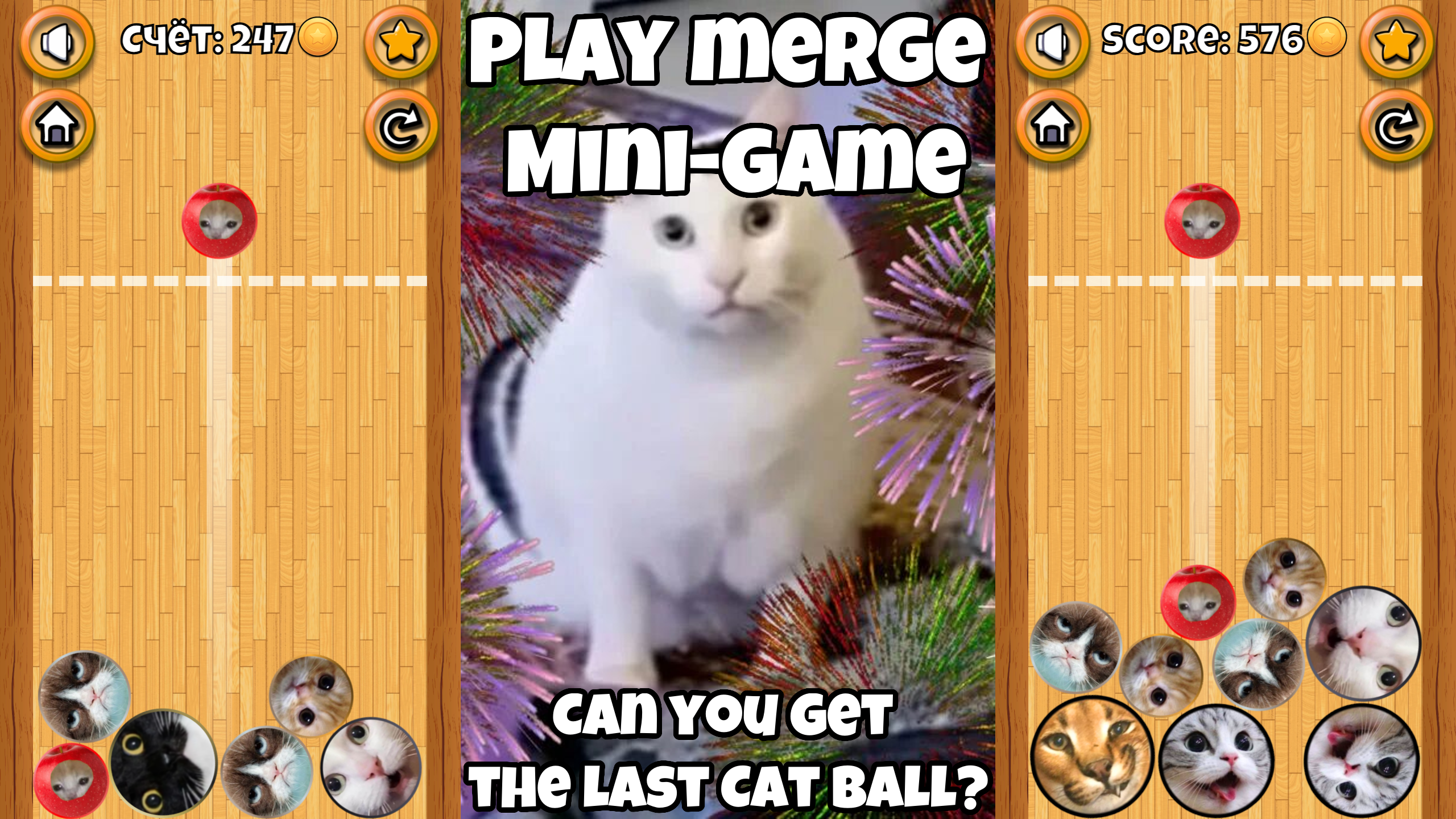
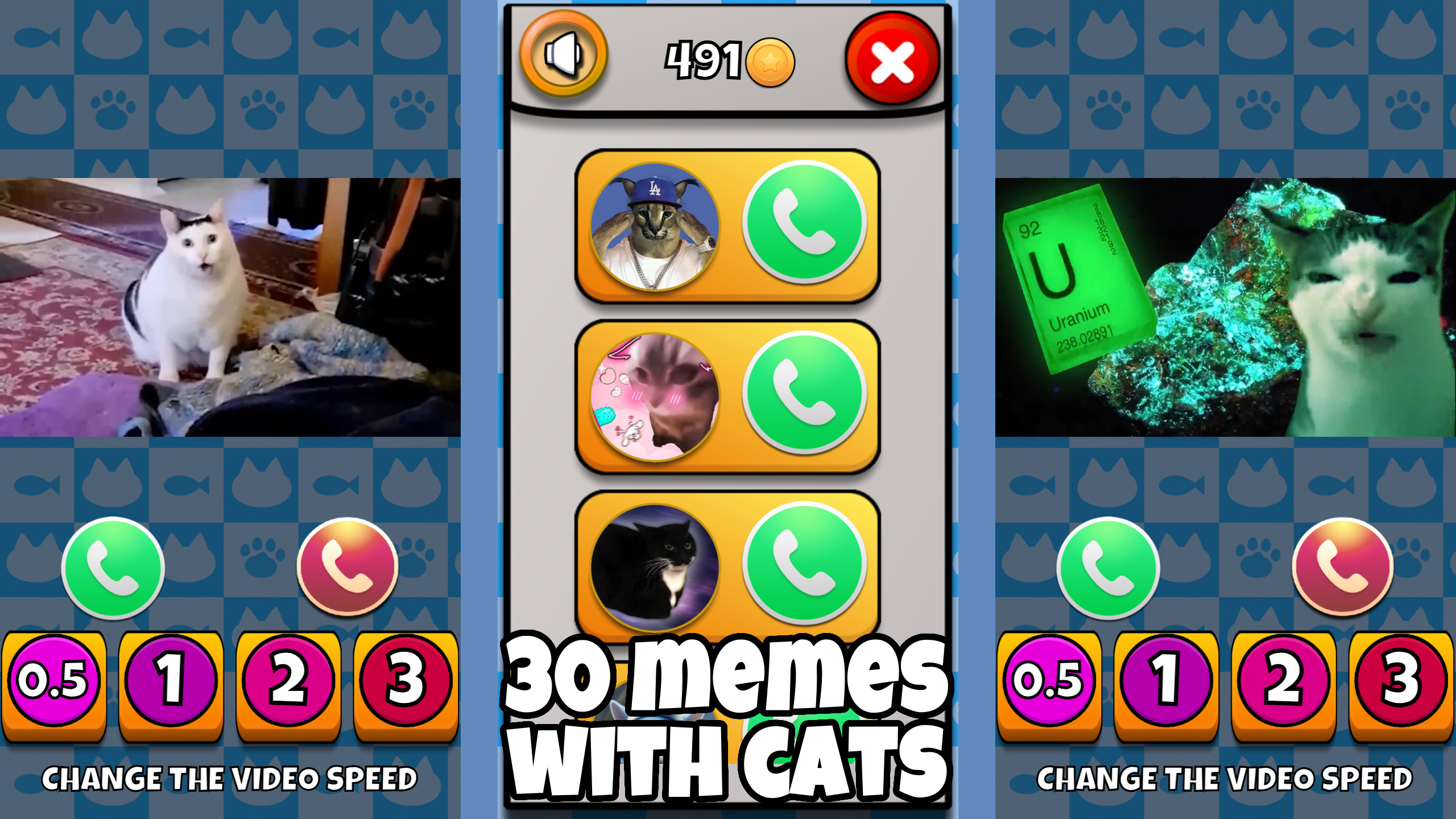
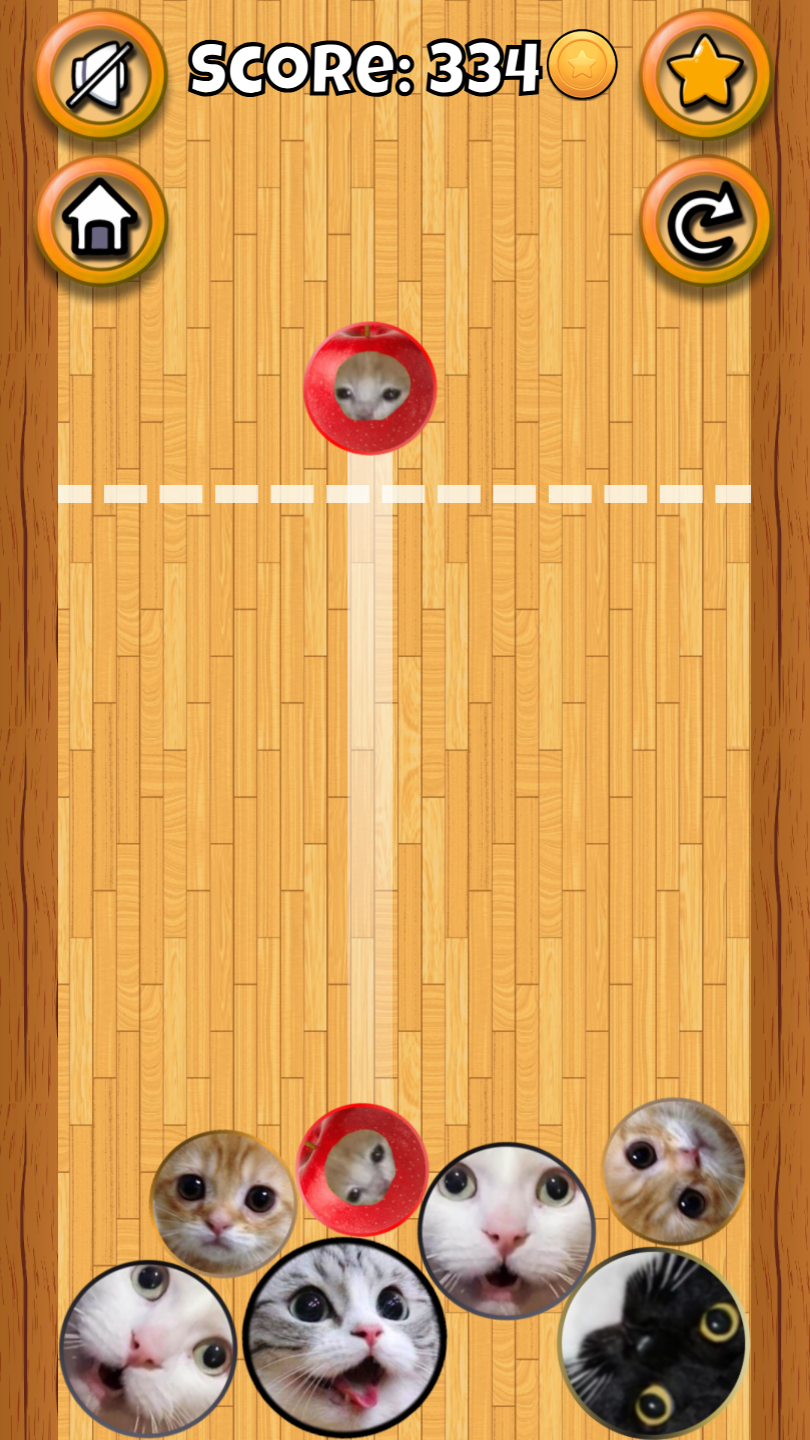
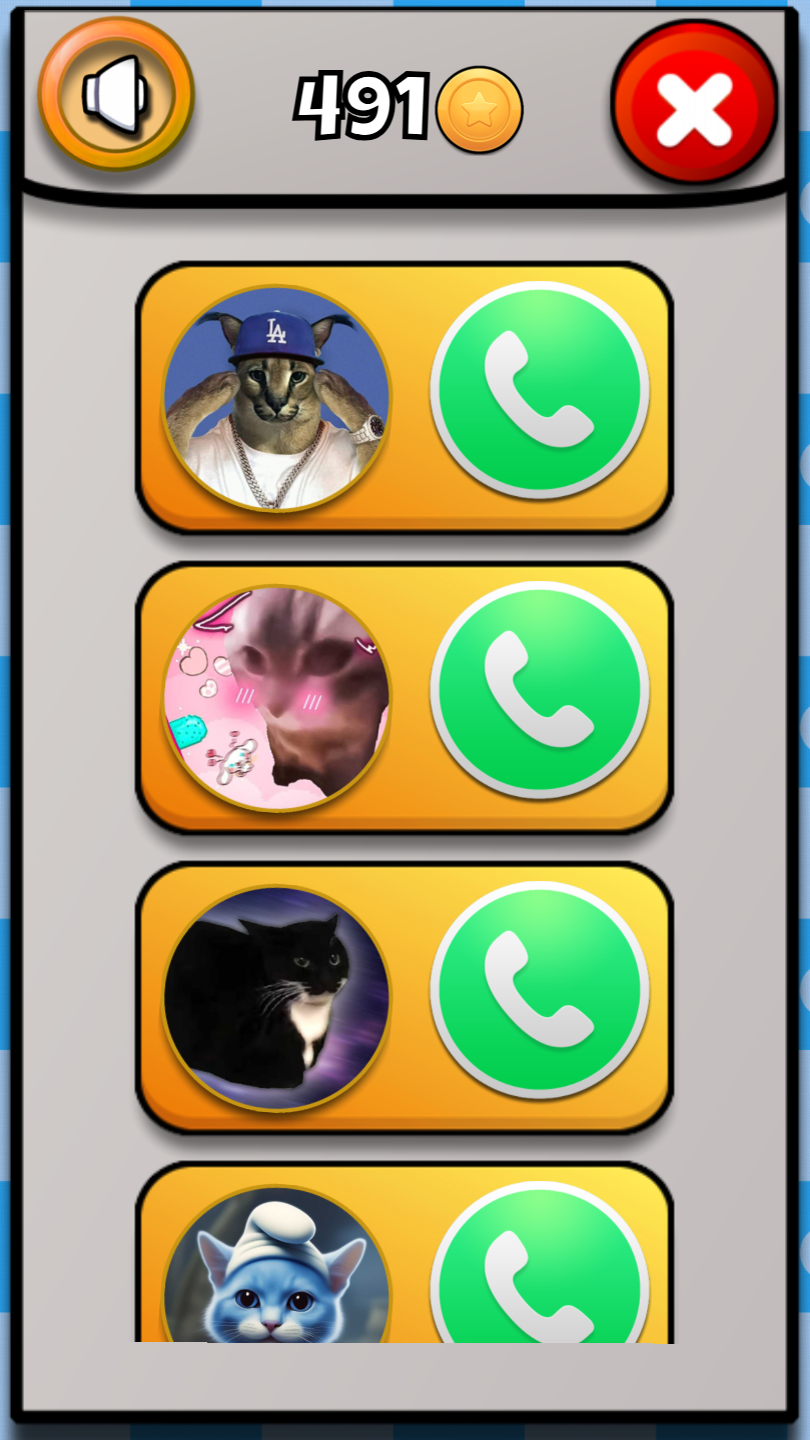
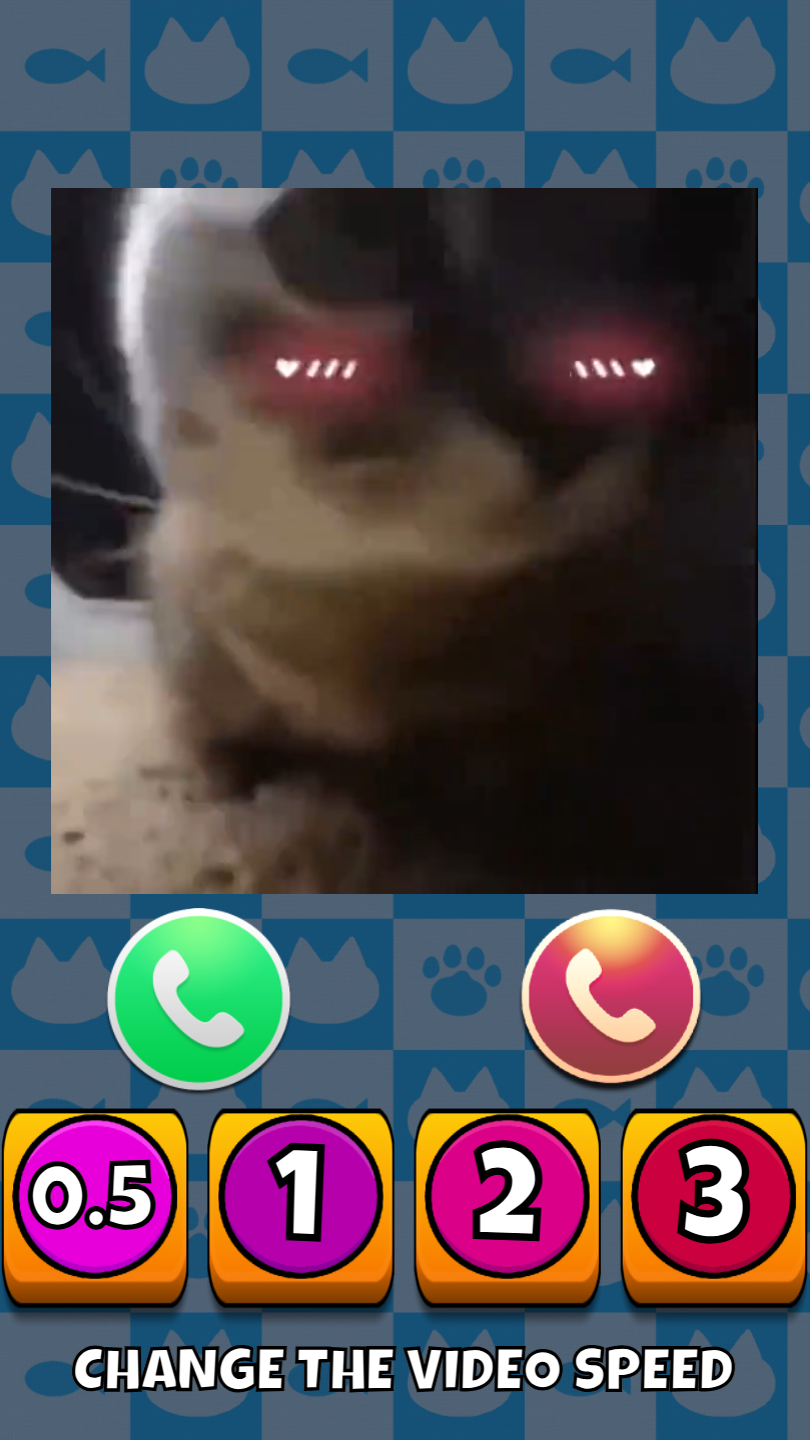
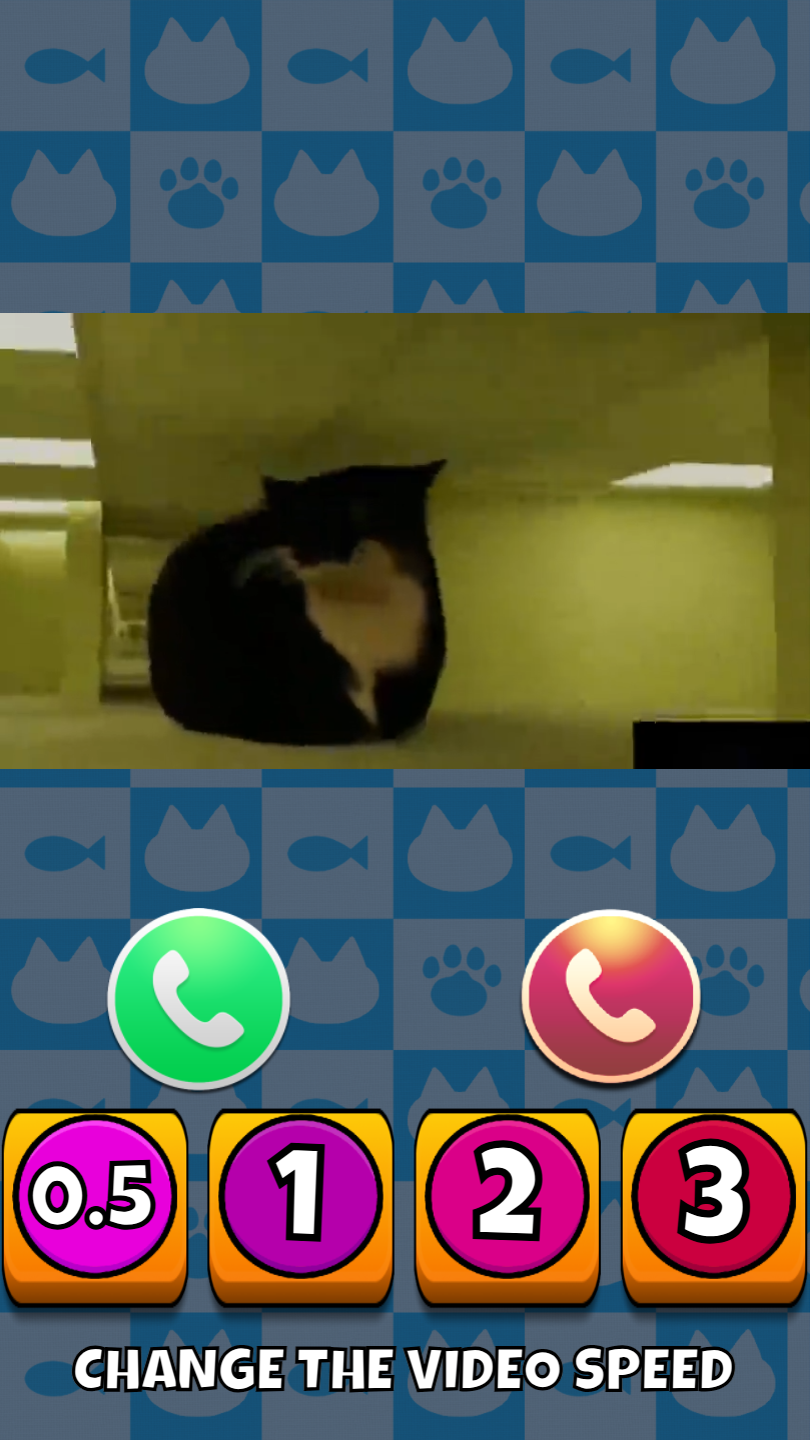
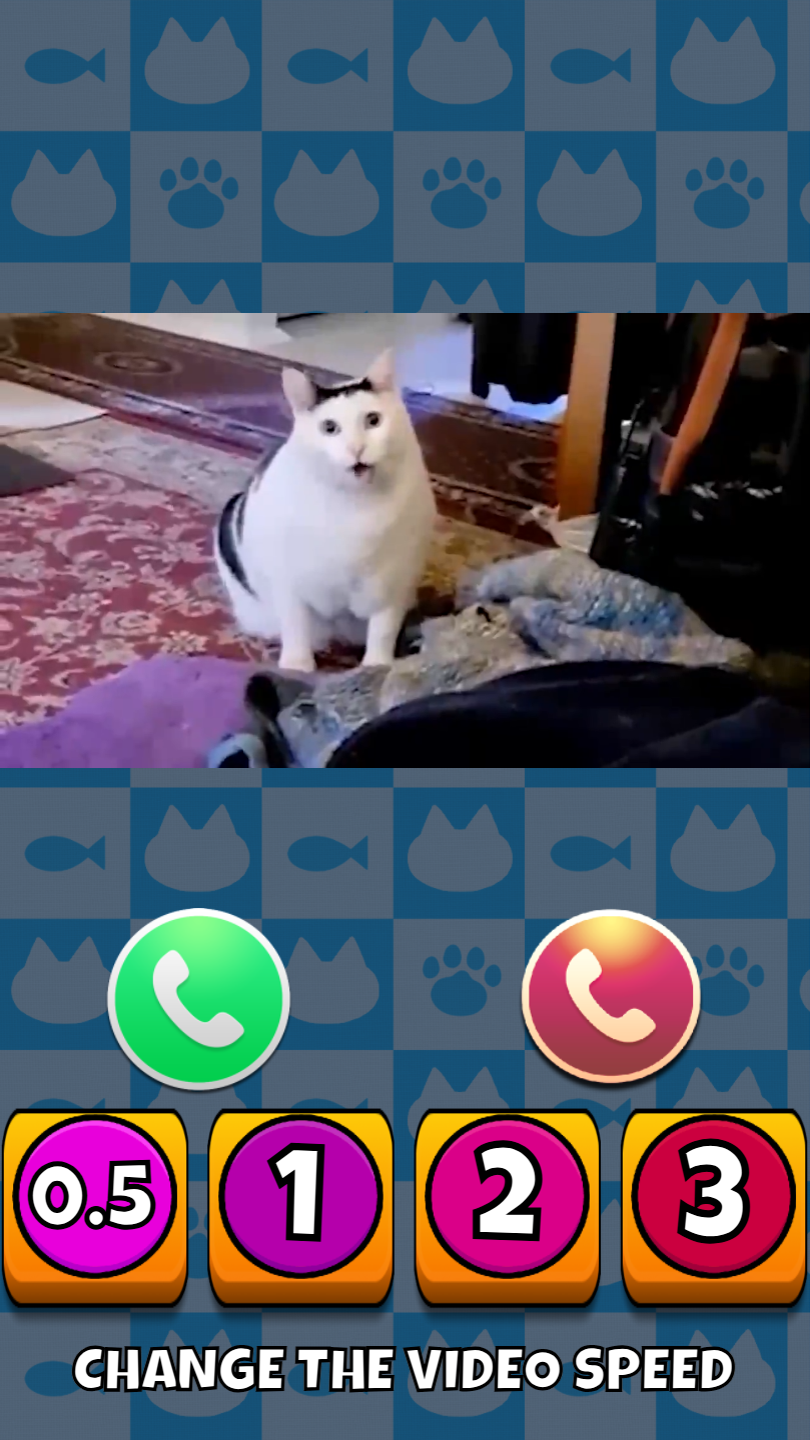
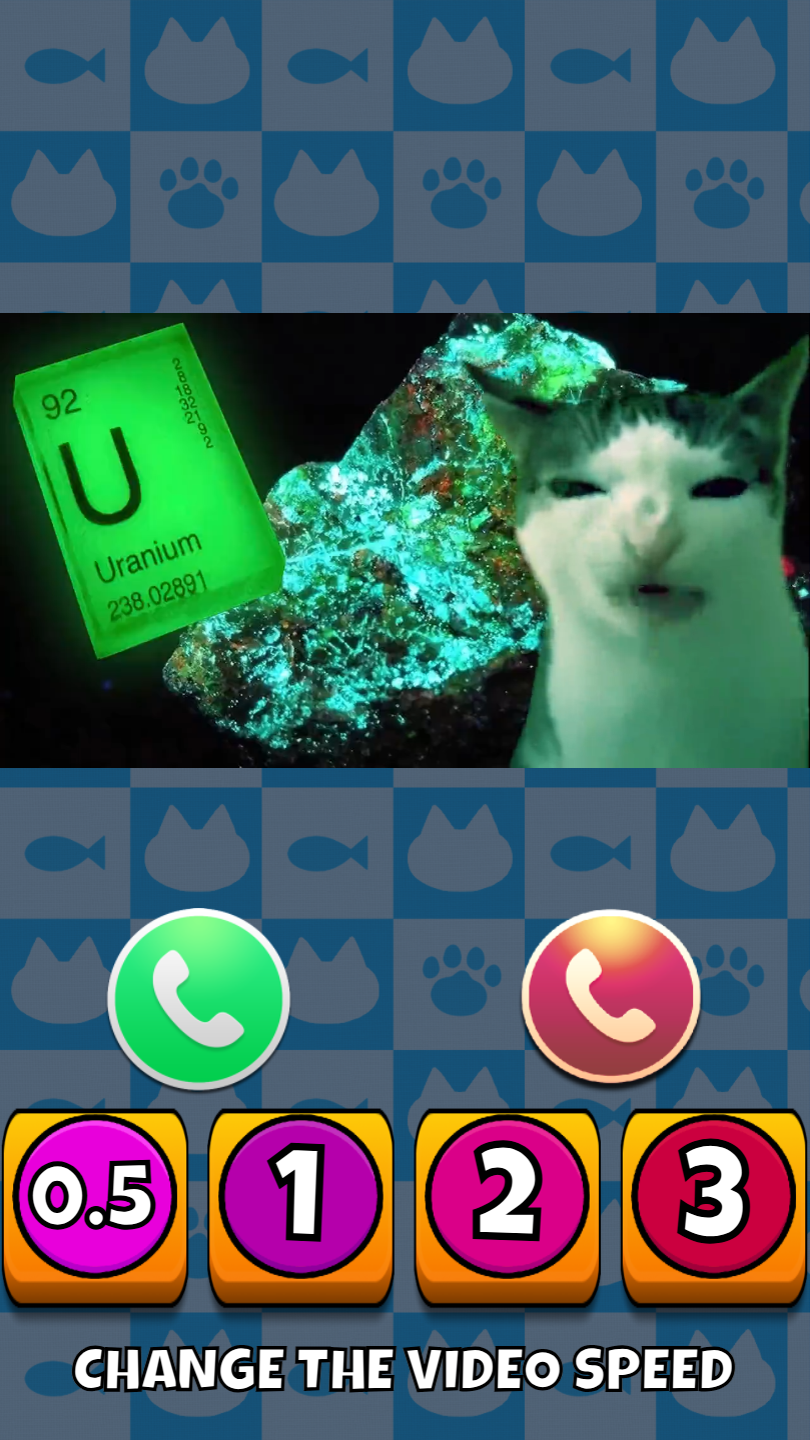
🔹 Complete daily tasks, earn coins, and don't forget to collect your daily reward💎! 🔹 Every interaction with Bender until the progress bar is full rewards you with experience and coins💰. How to play the merge mini-game: 🔹 Land the ball on the surface by tapping; 🔹 Merge identical balls; 🔹 Connect all the balls to get a MEGA cat-ball! How to watch memes with meme cats: Choose your favorite meme video and start the call by pressing the green call button below the photo. During the call, you can choose: Accept the call (by pressing the green button) 🟢 Decline the call (by pressing the red button) 🔴 To see all the memes, scroll down the screen: 🔹 On a computer, use your cursor (drag down); 🔹 On a phone, use your finger. To change the video speed, use the purple buttons at the bottom of the screen. 🔹 The numbers on the buttons indicate the selected speed.

More games

More games