Overview
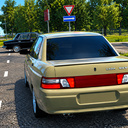
🚀Your dream of driving a Mercedes through the picturesque streets of a rural town is coming true!
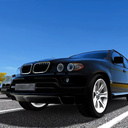
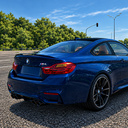
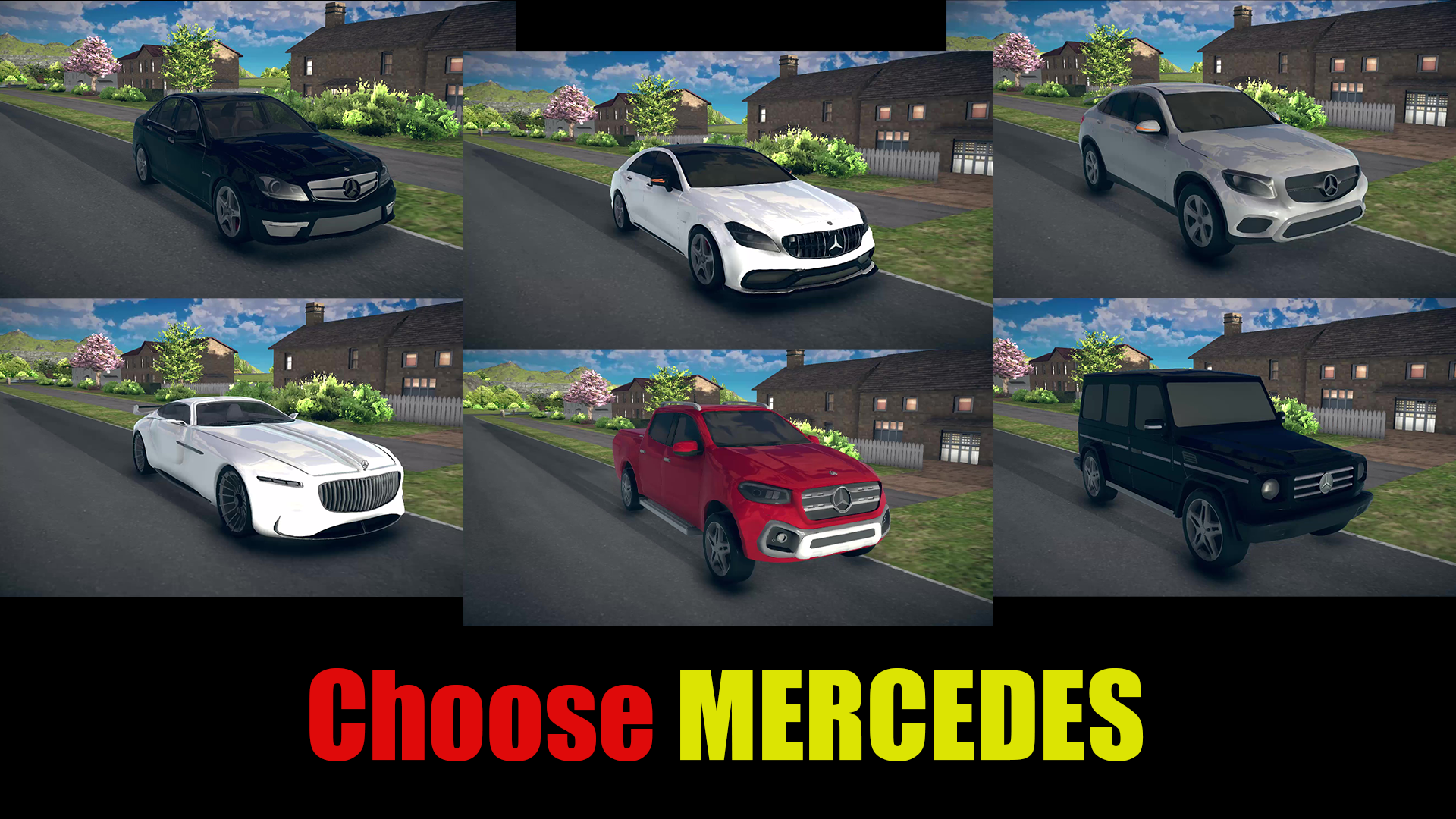
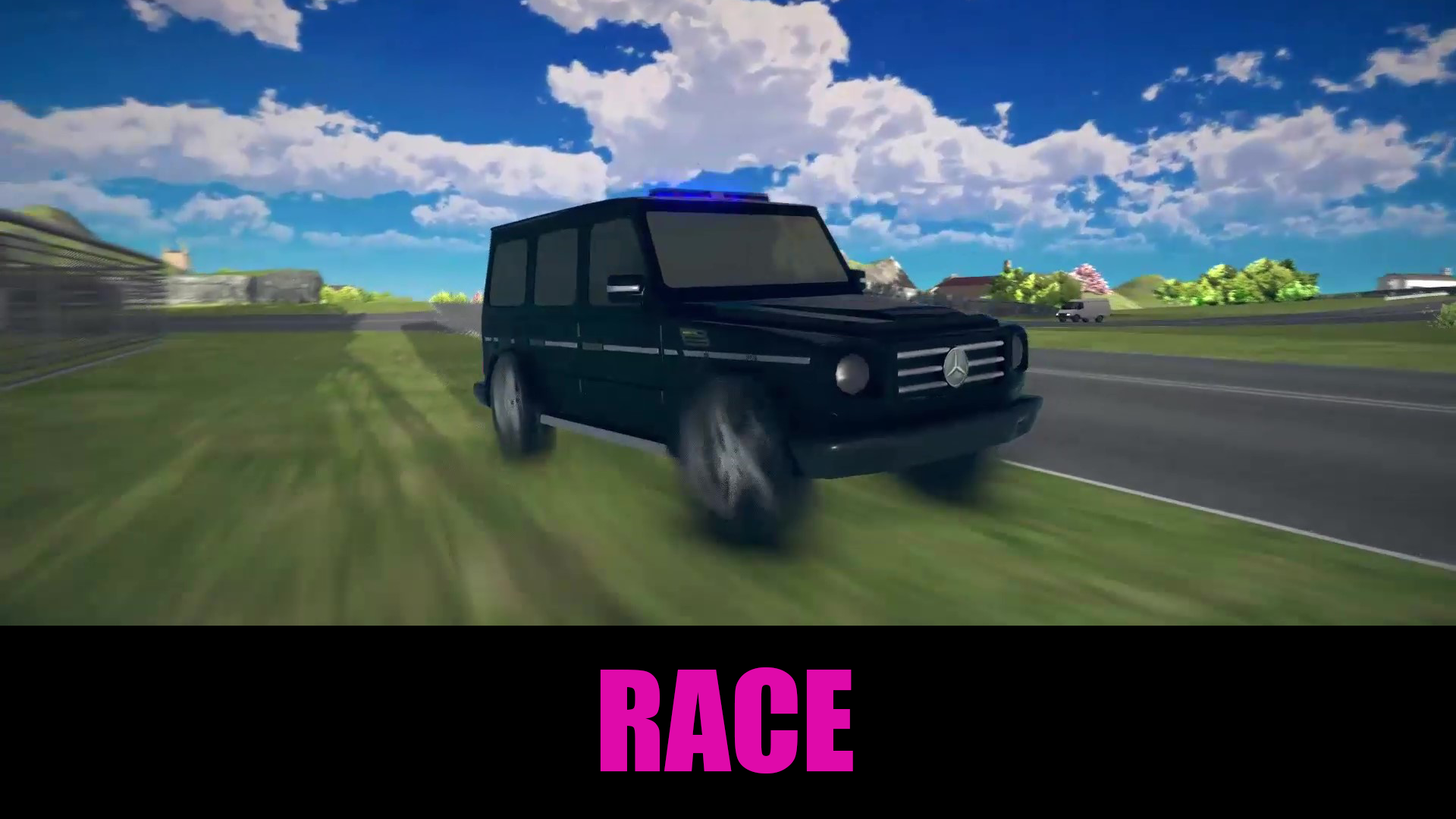
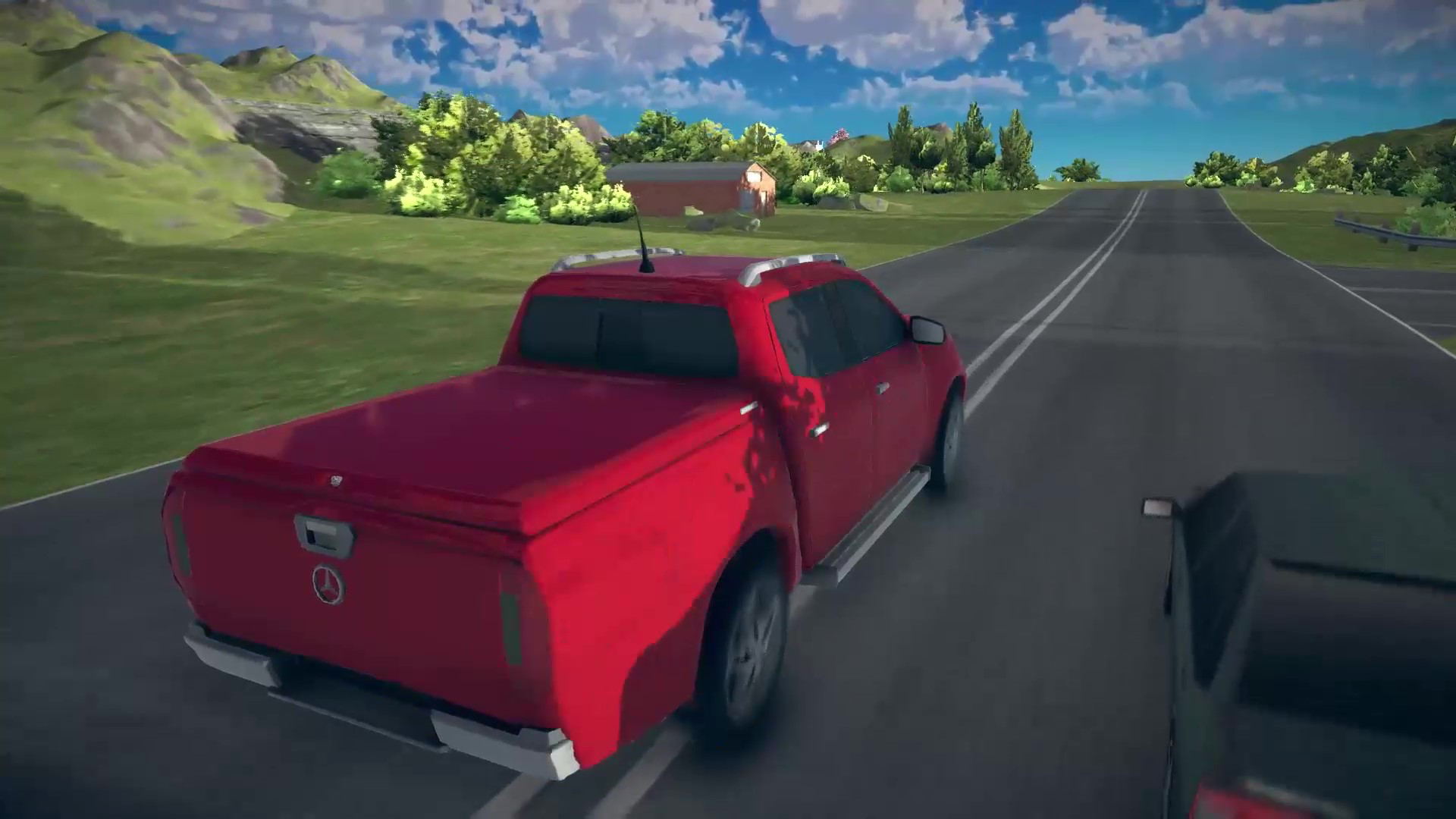
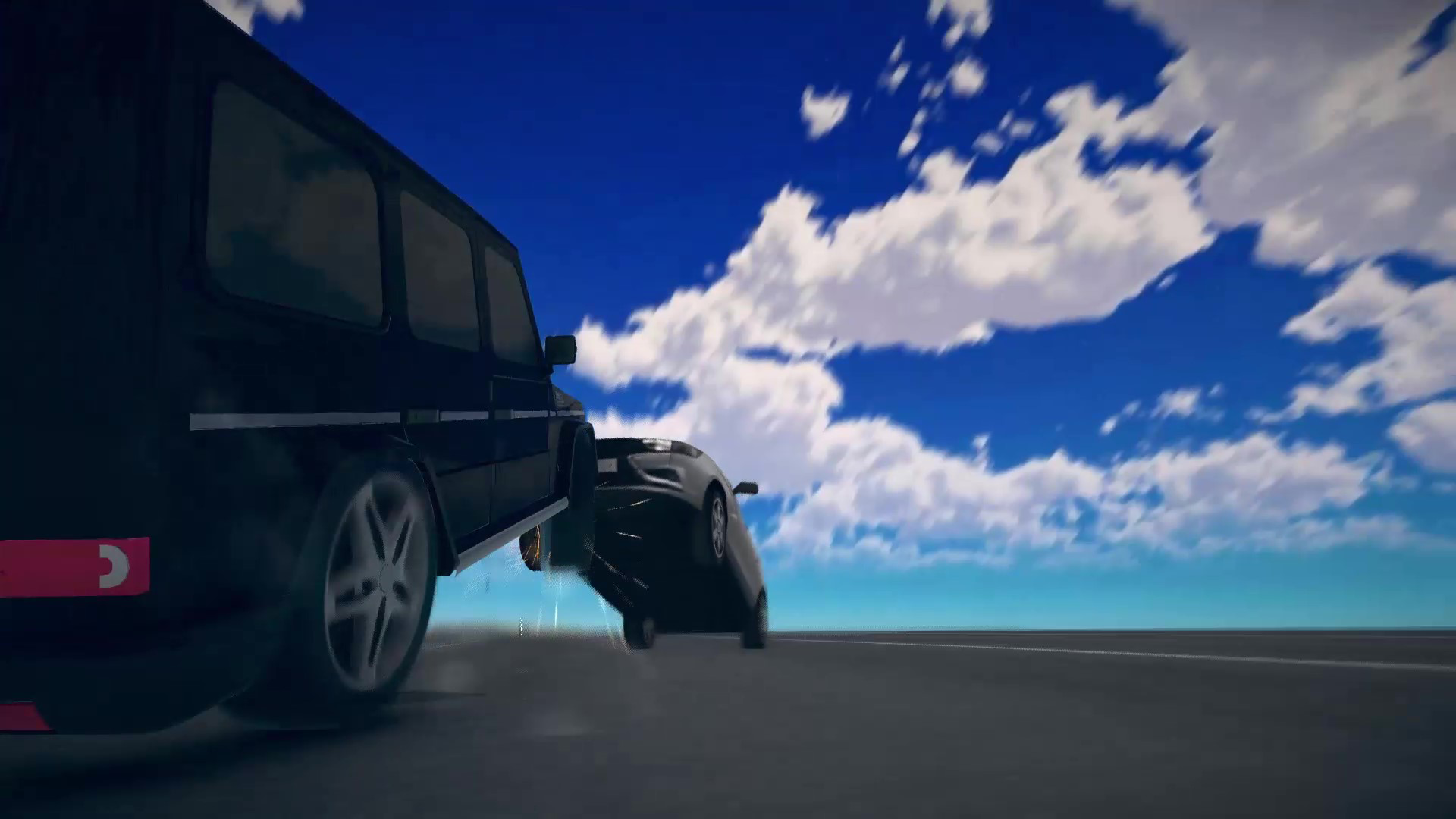
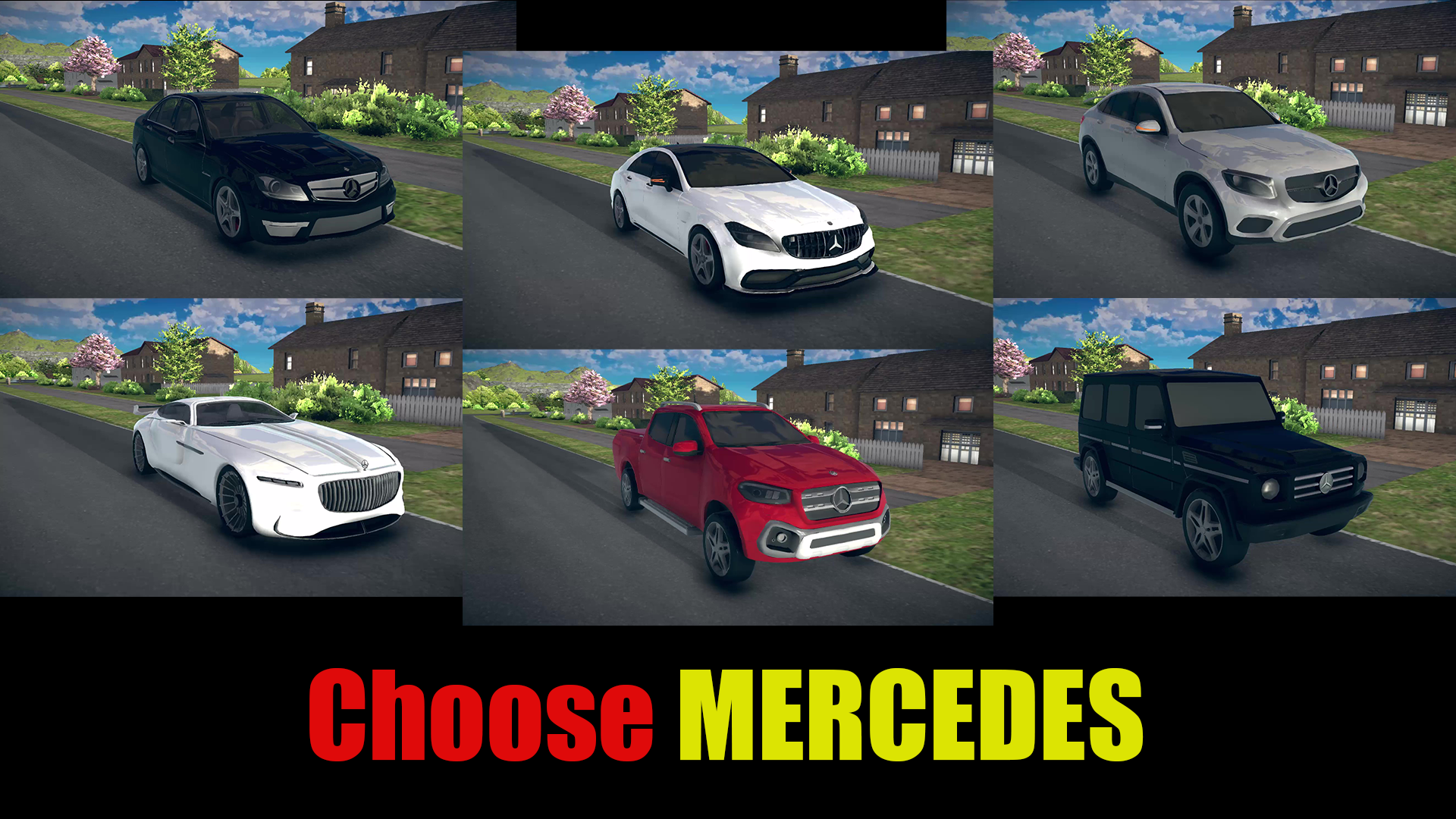
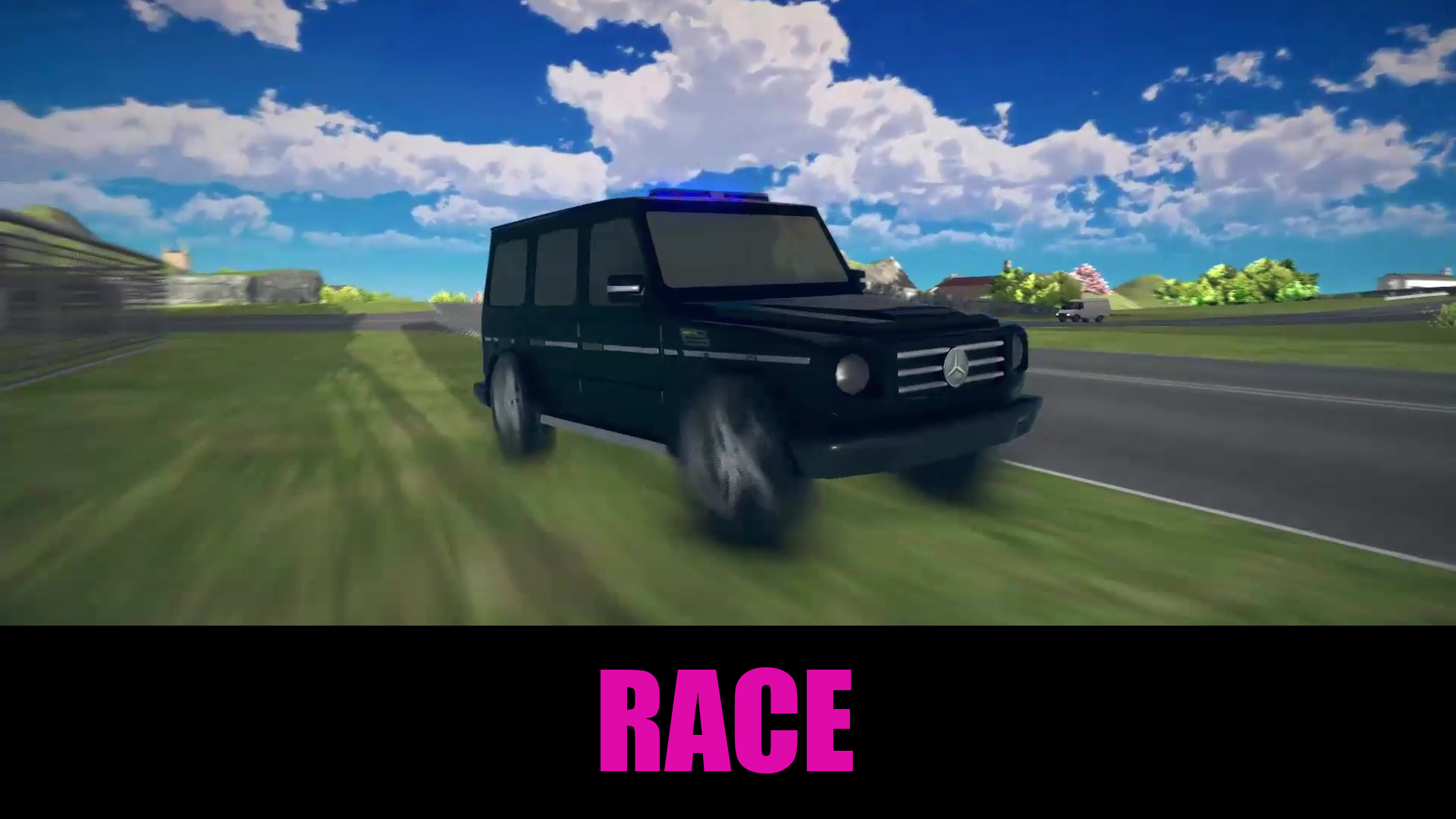
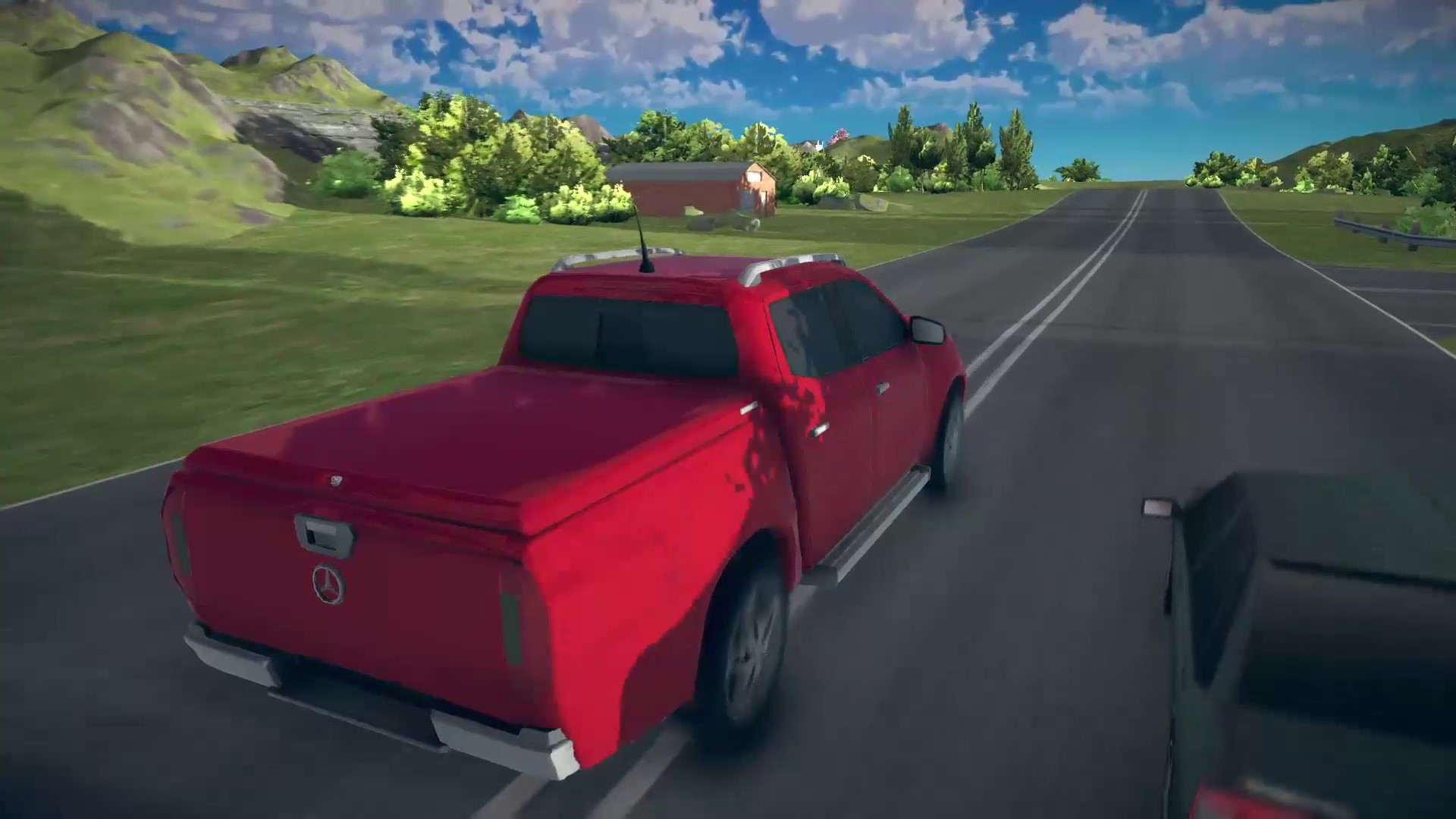
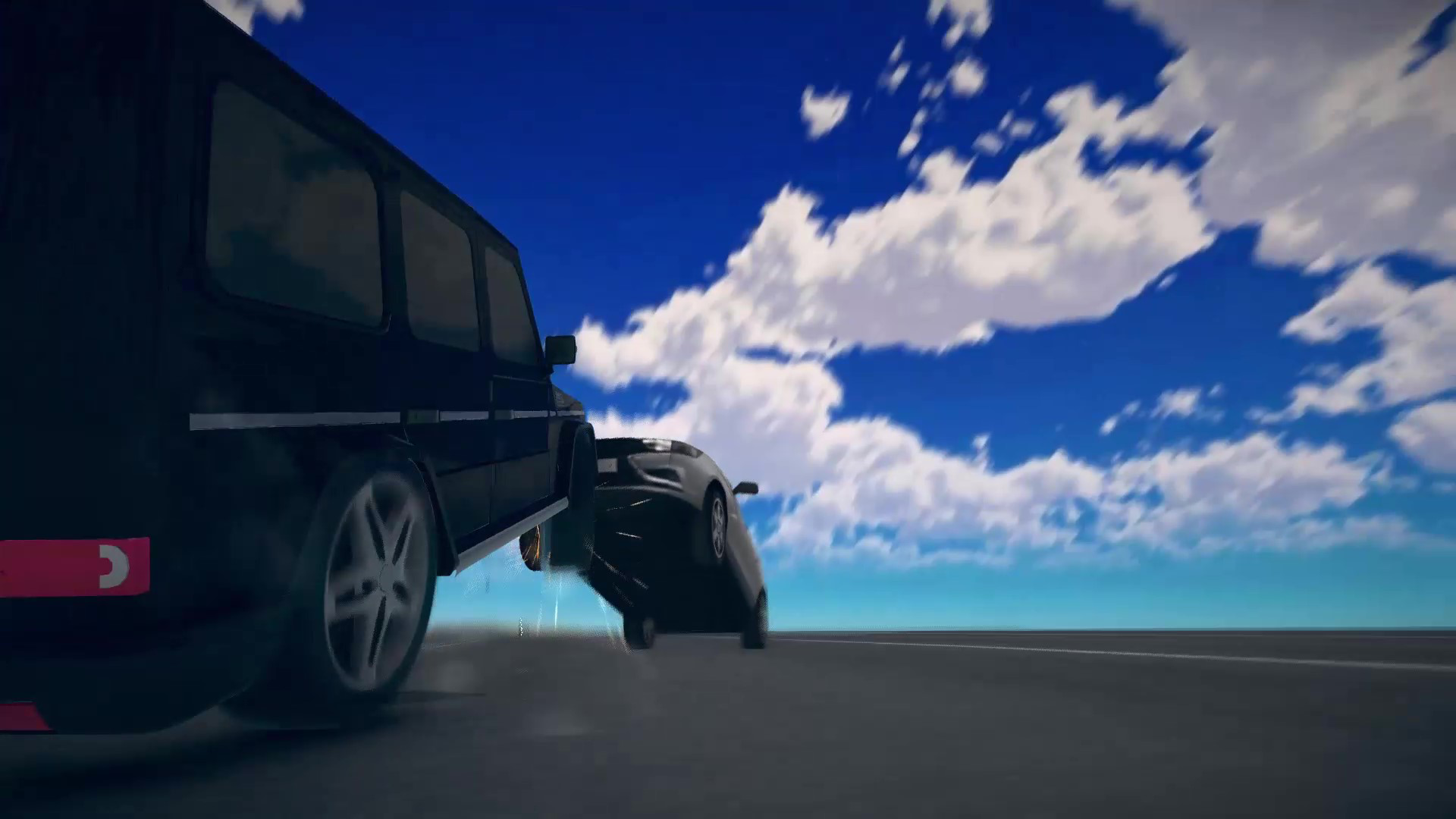
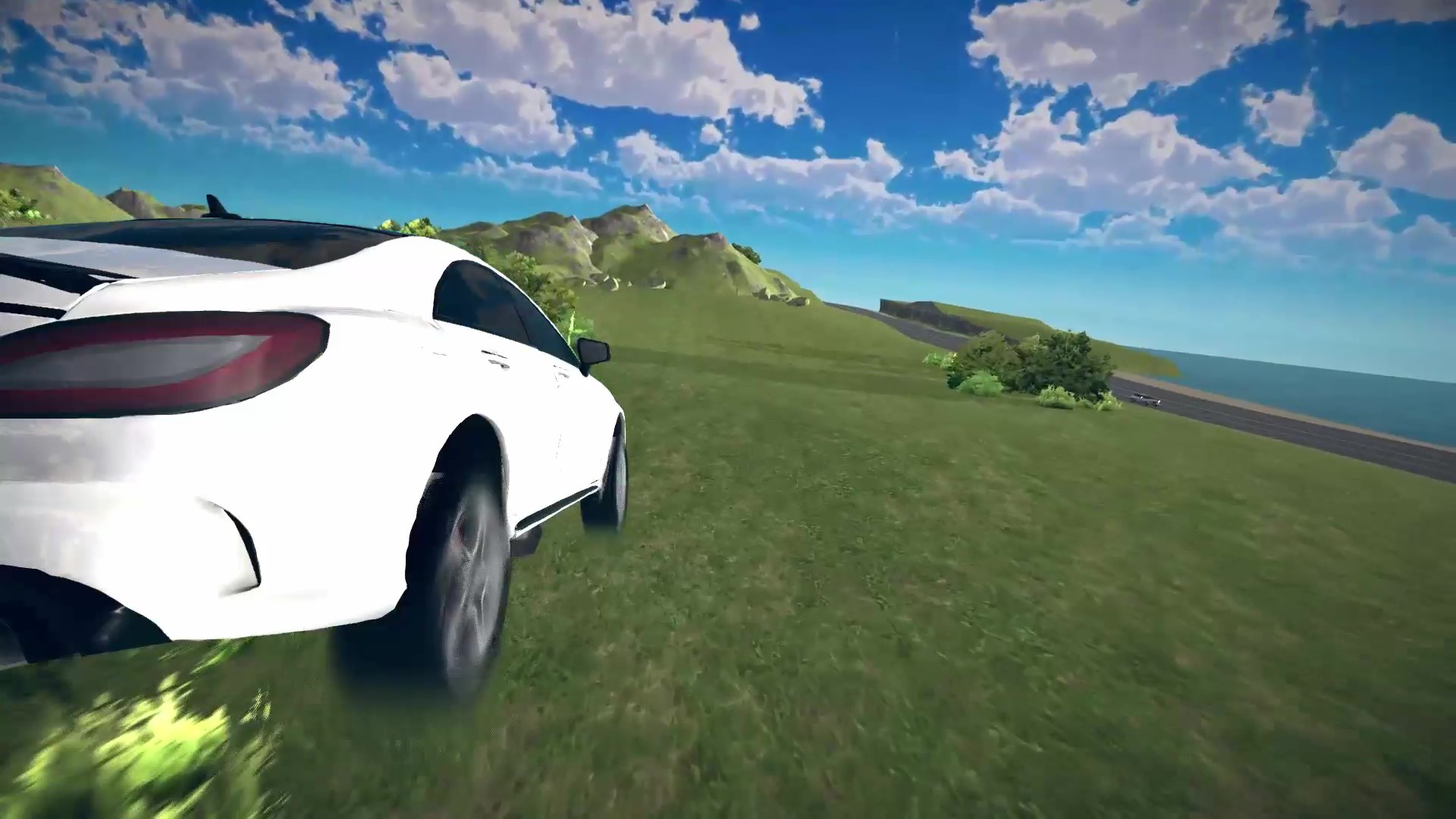
🚙🚕🚗6 luxurious Mercedes - from elegant sedans to powerful SUVs - each with a unique design and characteristics.
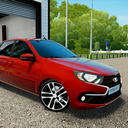
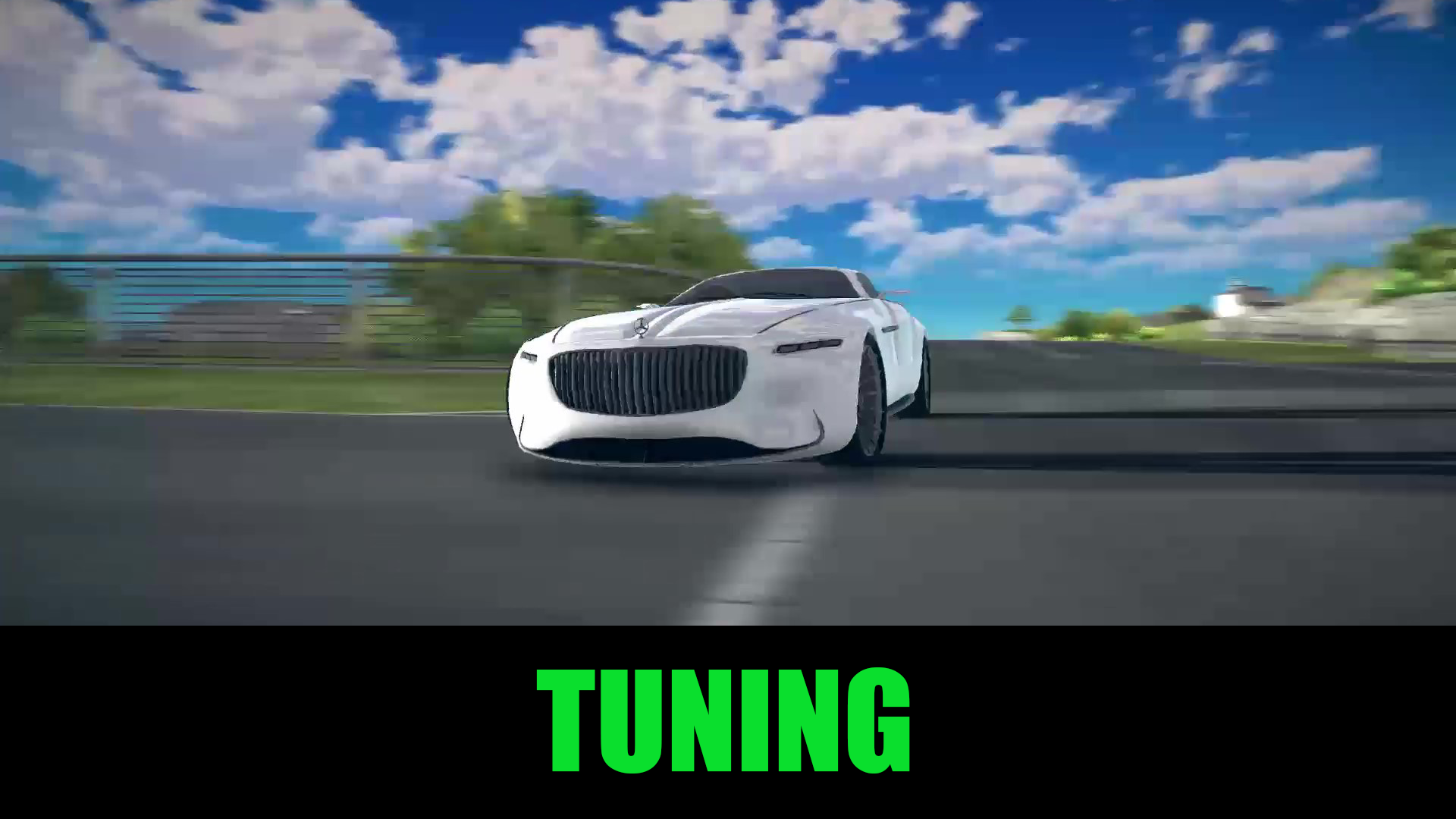
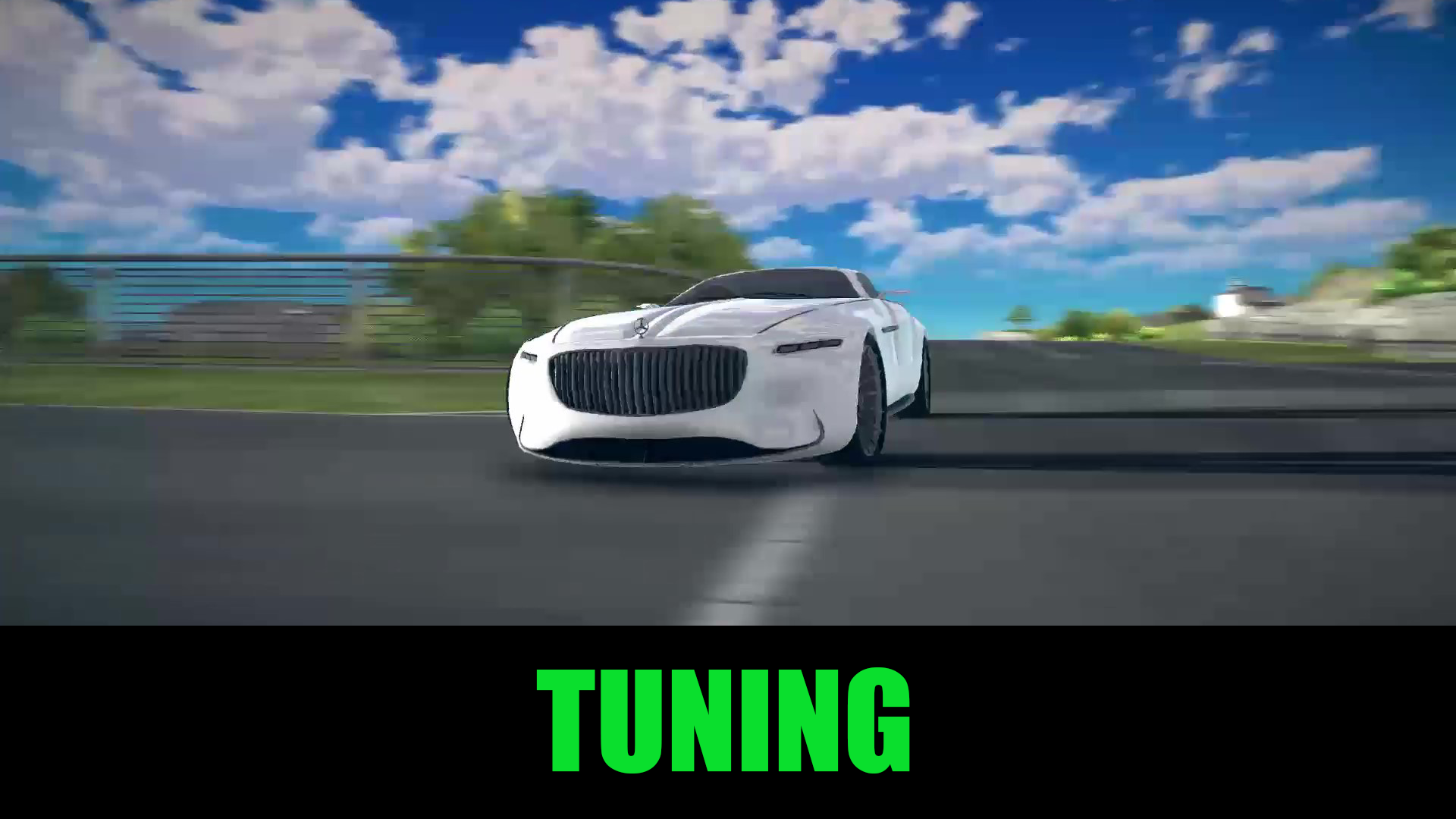
🛠⚙️Customization - customize the body color, wheel style, headlight illumination, and add or change spoilers.
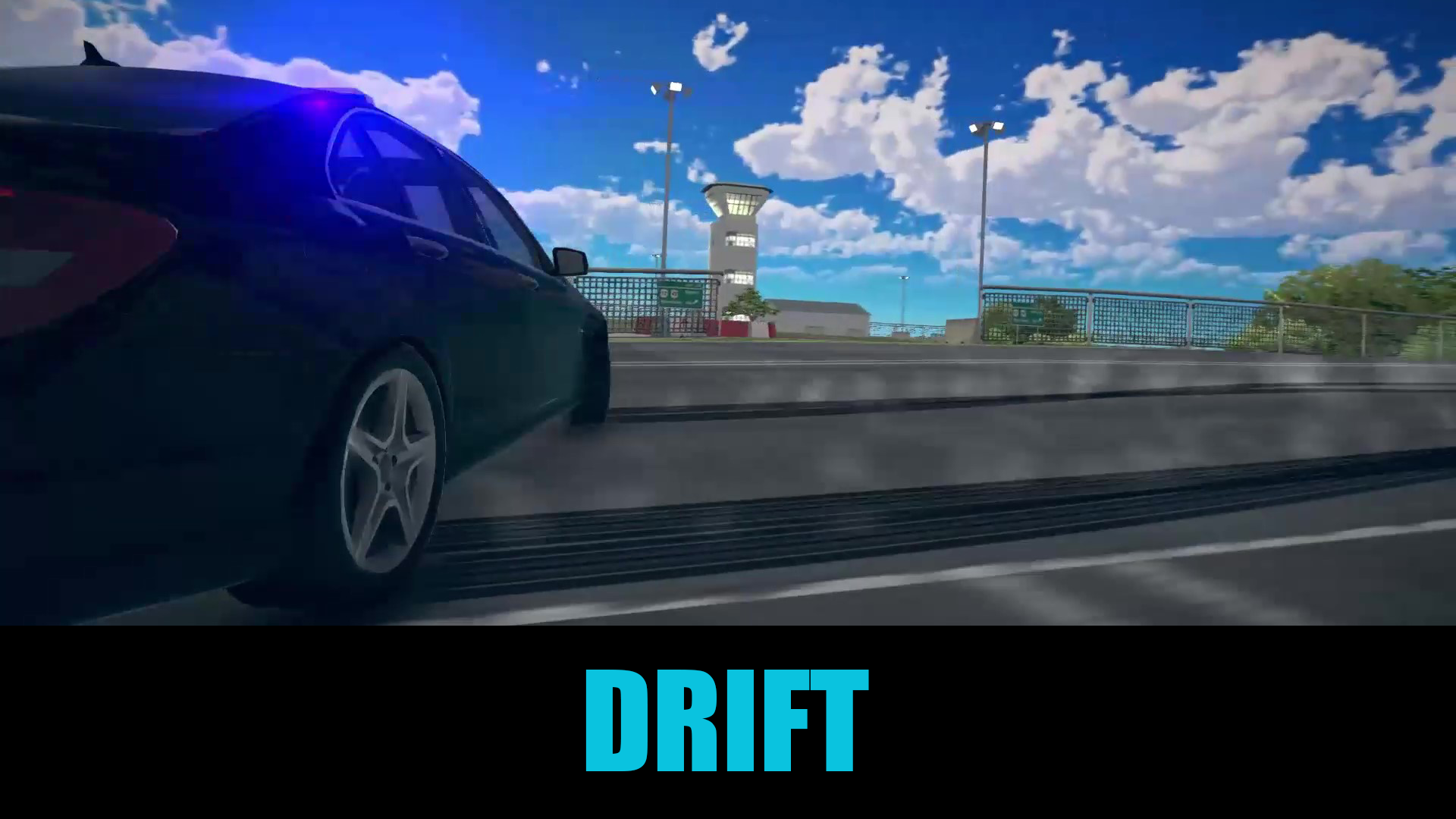
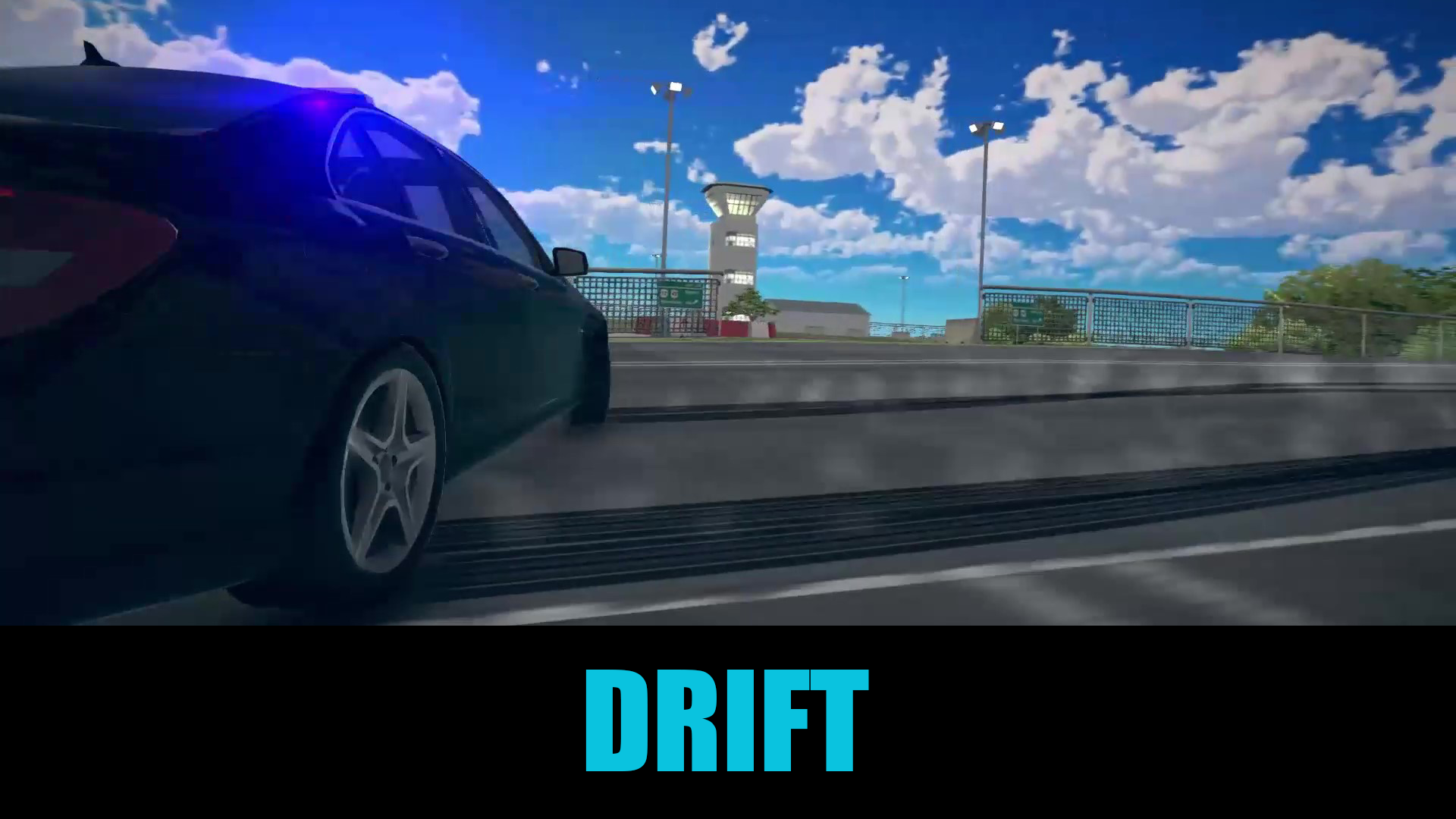
🔴🔵Three driving modes:
- Drift;
- Simulator;
- Fun.
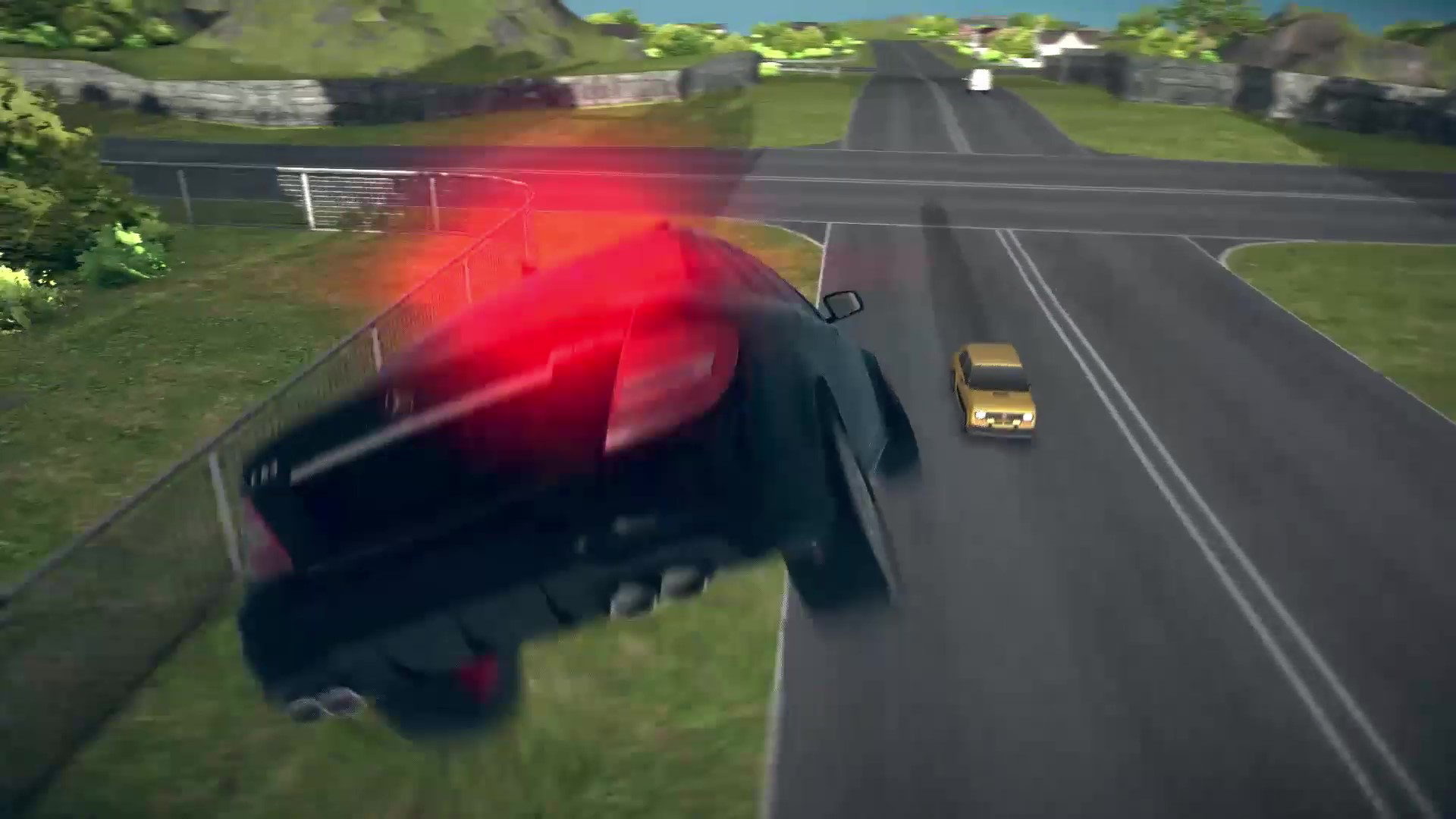
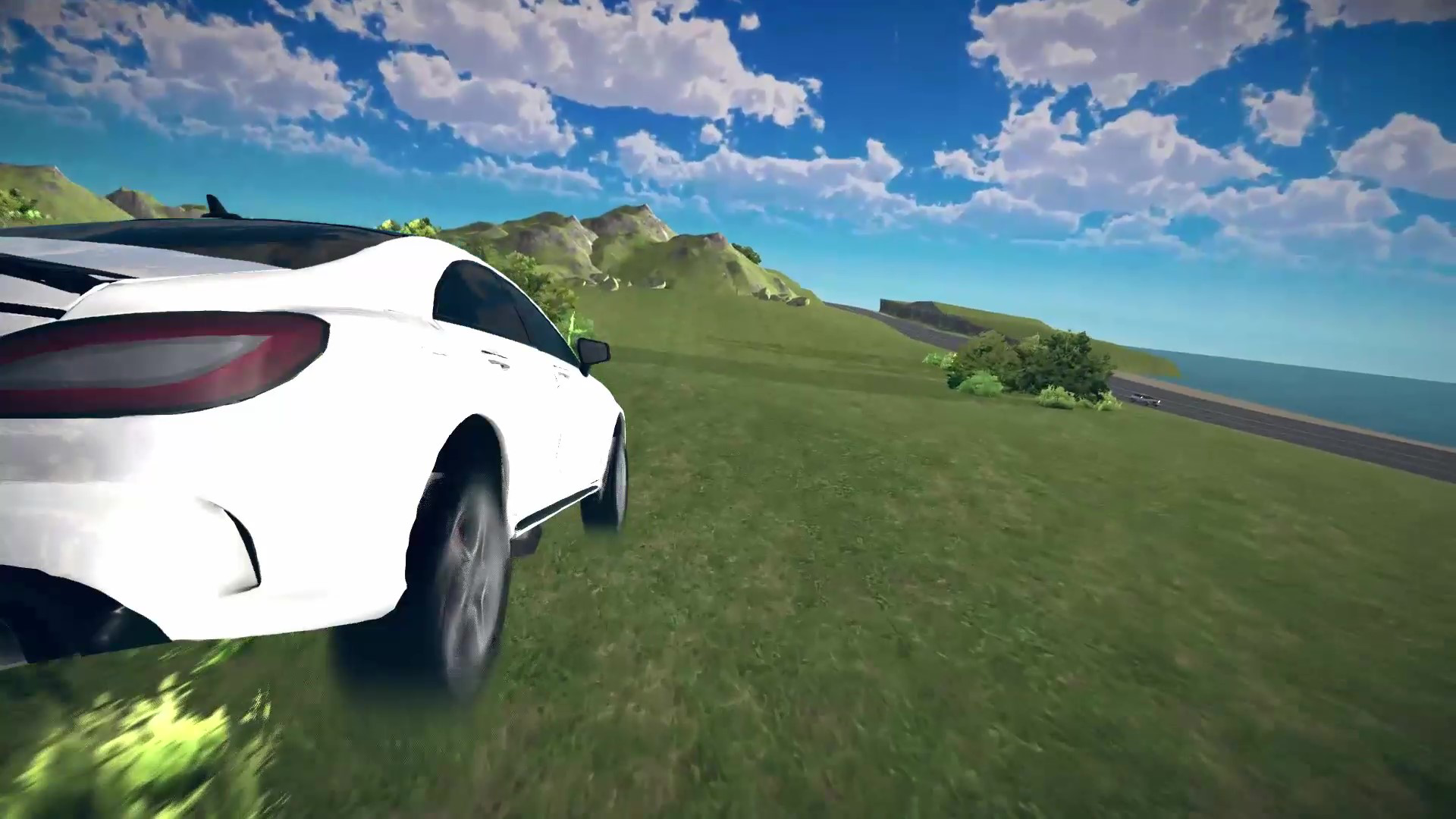
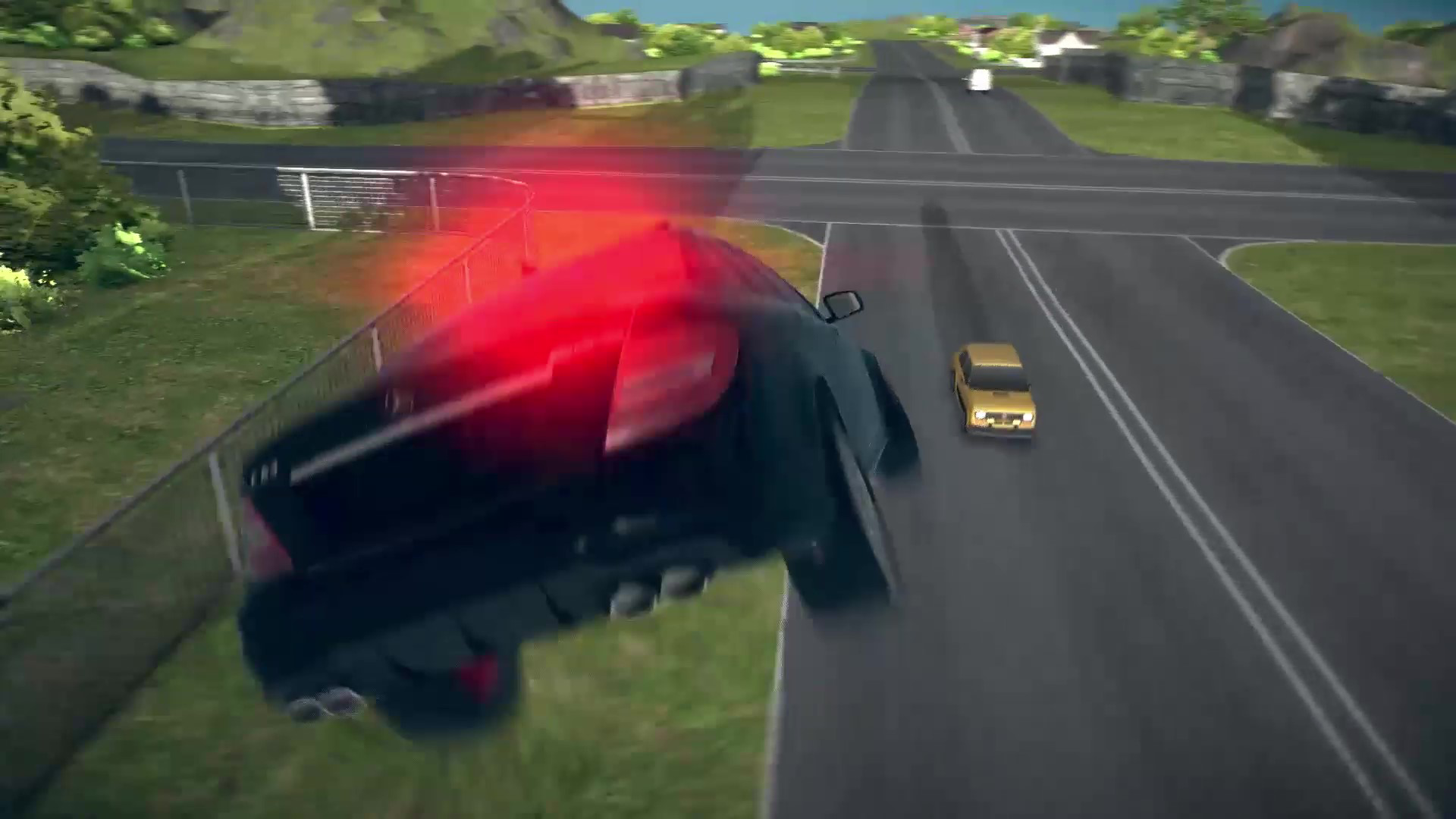
🏖🏡A large rural town - cozy streets, squares, farms and village houses create a unique atmosphere. The city is full of traffic and life, which makes every trip eventful.
🌅🌉Change of day and night - watch the morning sun illuminate the fields, and the night stars add romance to the country roads.
🎧🎼Cool soundtrack - driving through a rural town is accompanied by atmospheric music that lifts your mood and enhances immersion in the game.
Want to feel like the master of the roads? Get behind the wheel of a Mercedes and hit the road!🚓
Videos and screenshots
13,878 players online
How to play
-
Open the game
Press Play now and the game opens on its own screen.
-
Follow the in-game instructions
The controls and goals are shown inside the game as you play.
-
Use the game menu
The floating button over the game reloads it, saves it to your favourites, or takes you back out.