Skip to content
KG
Merge Flowers: My Garden!

Merge Flowers: My Garden!

377K plays 3.6 out of 5

Overview

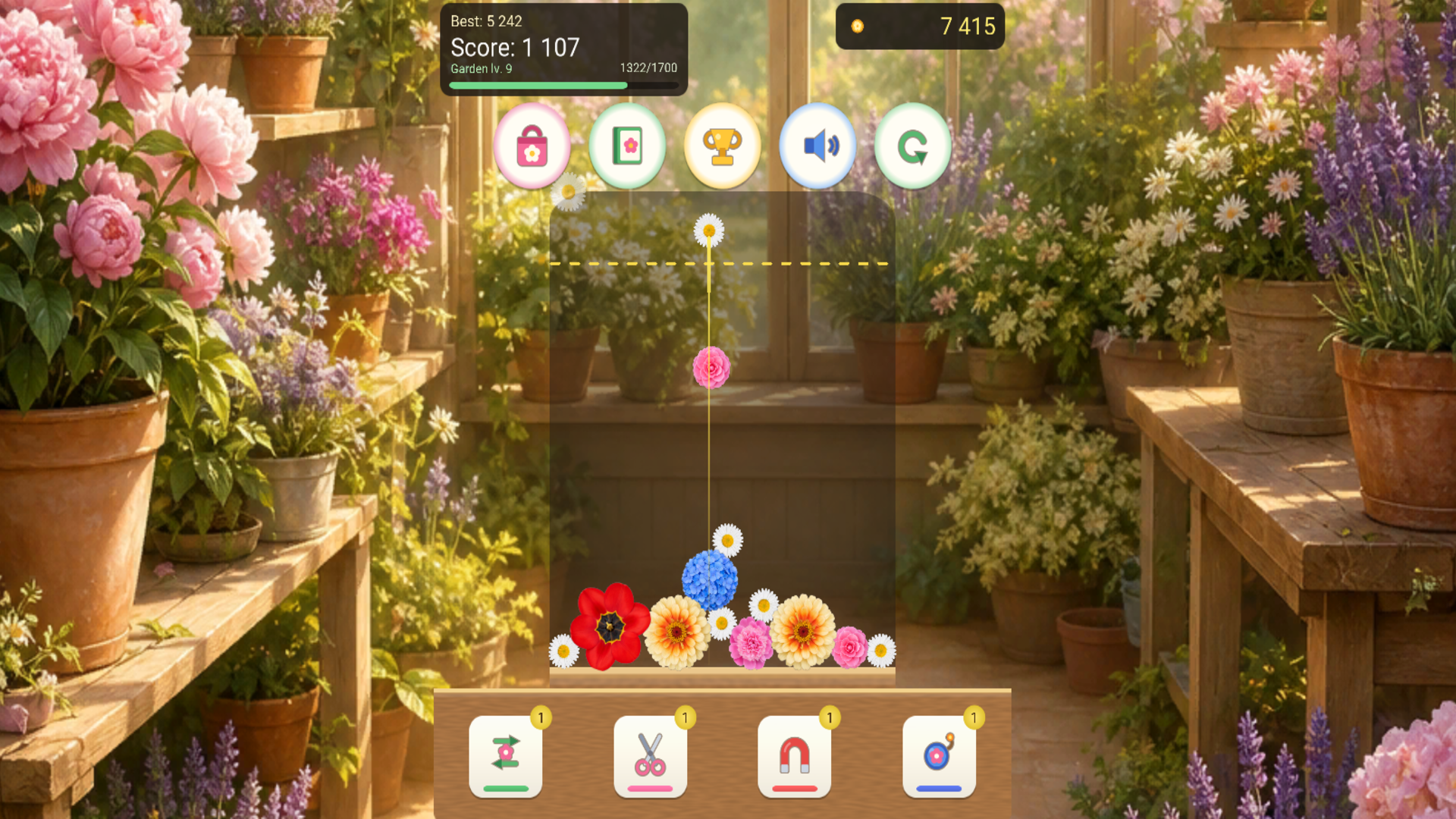
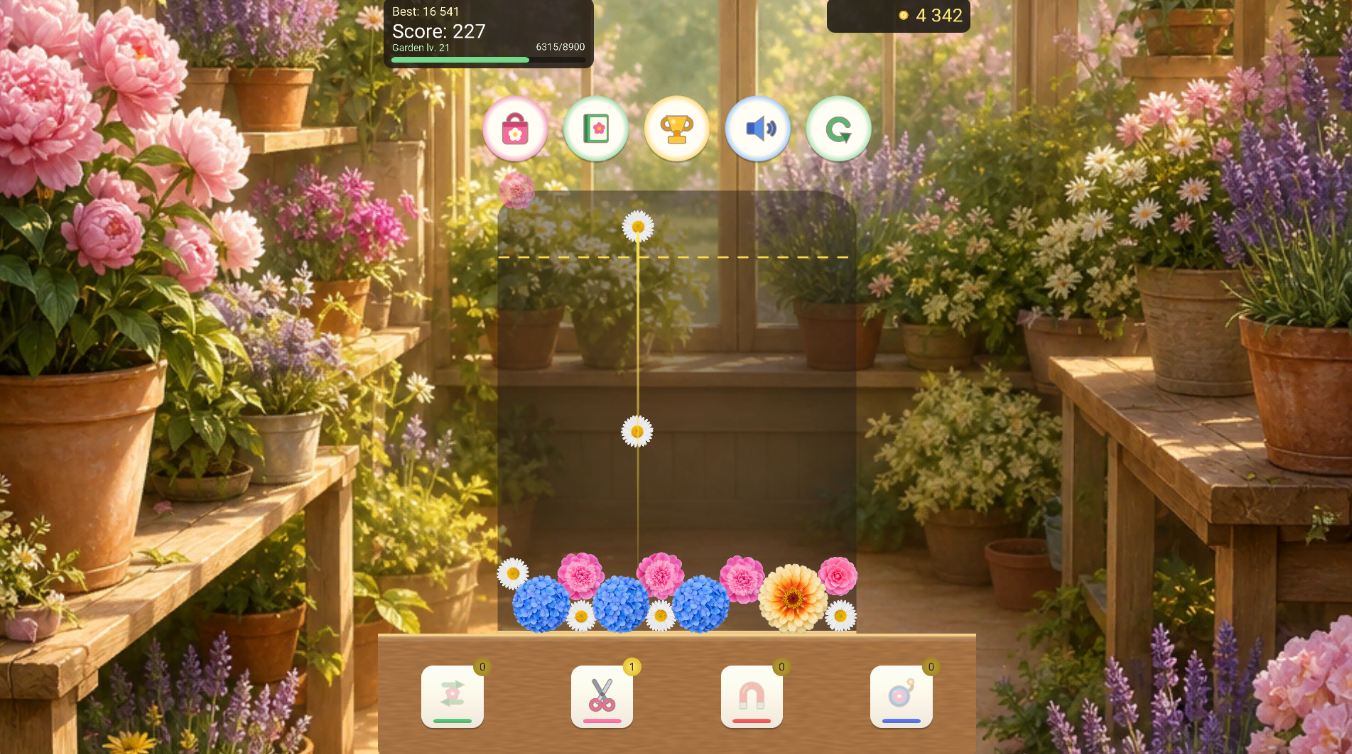
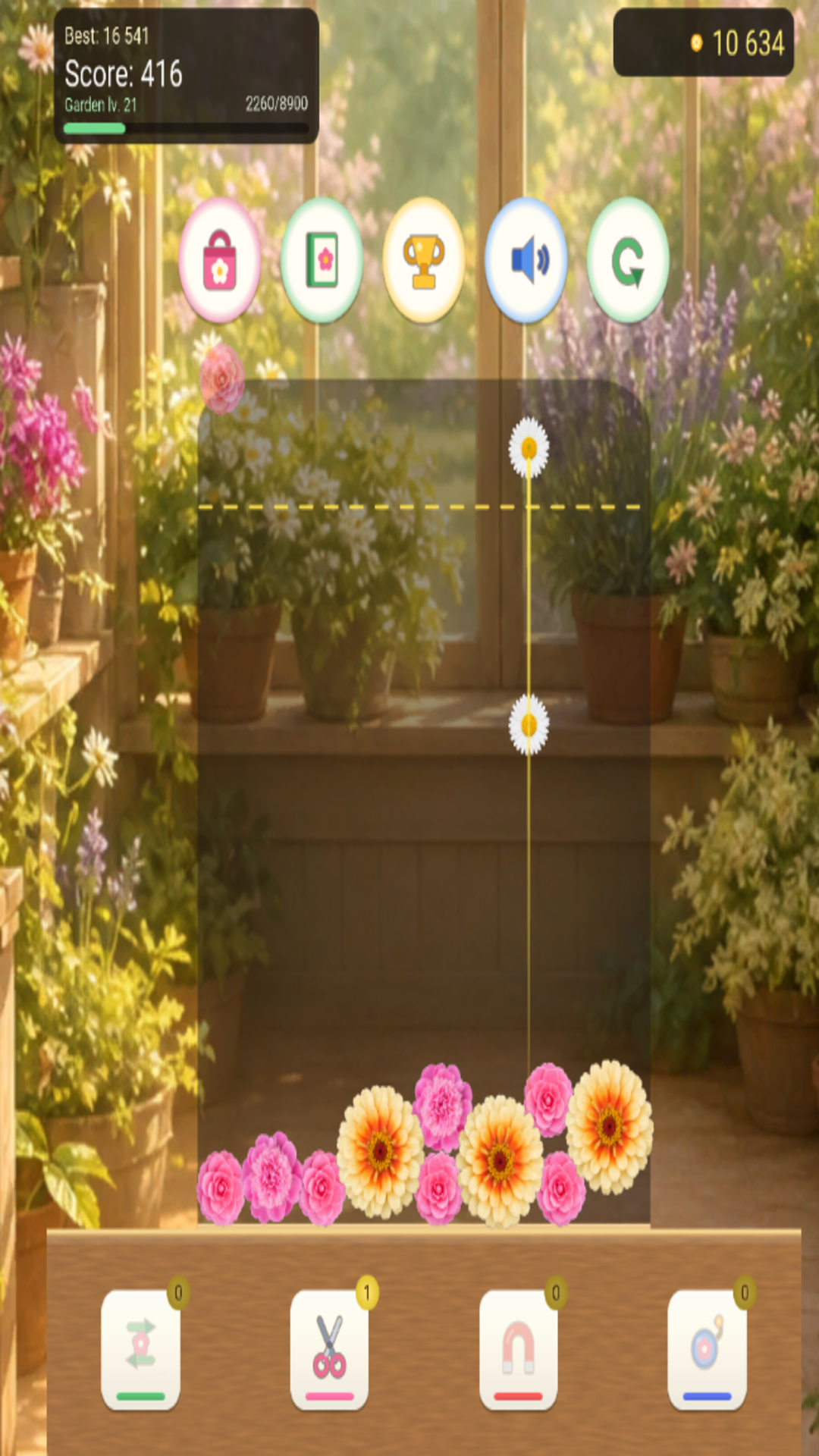
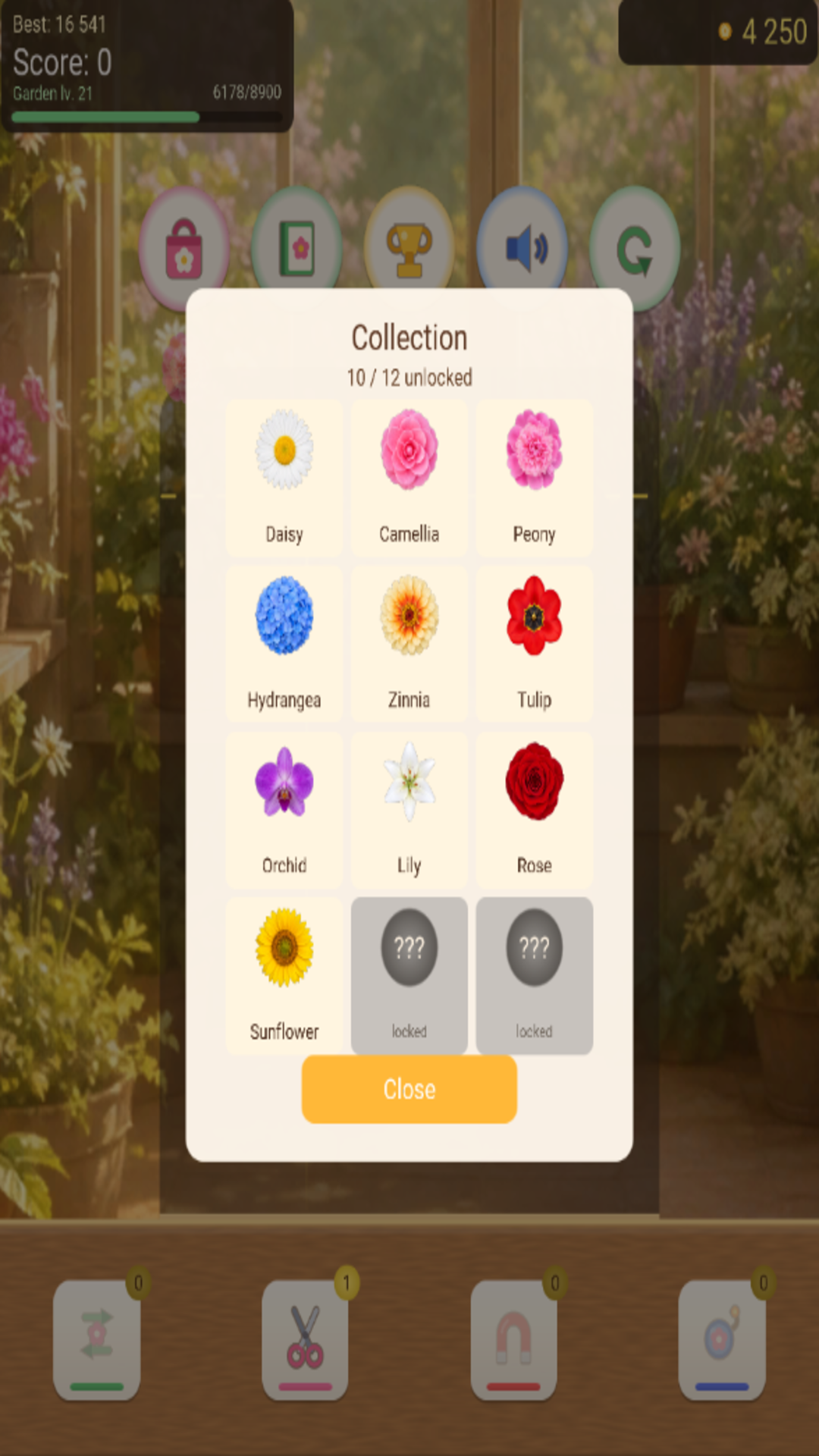
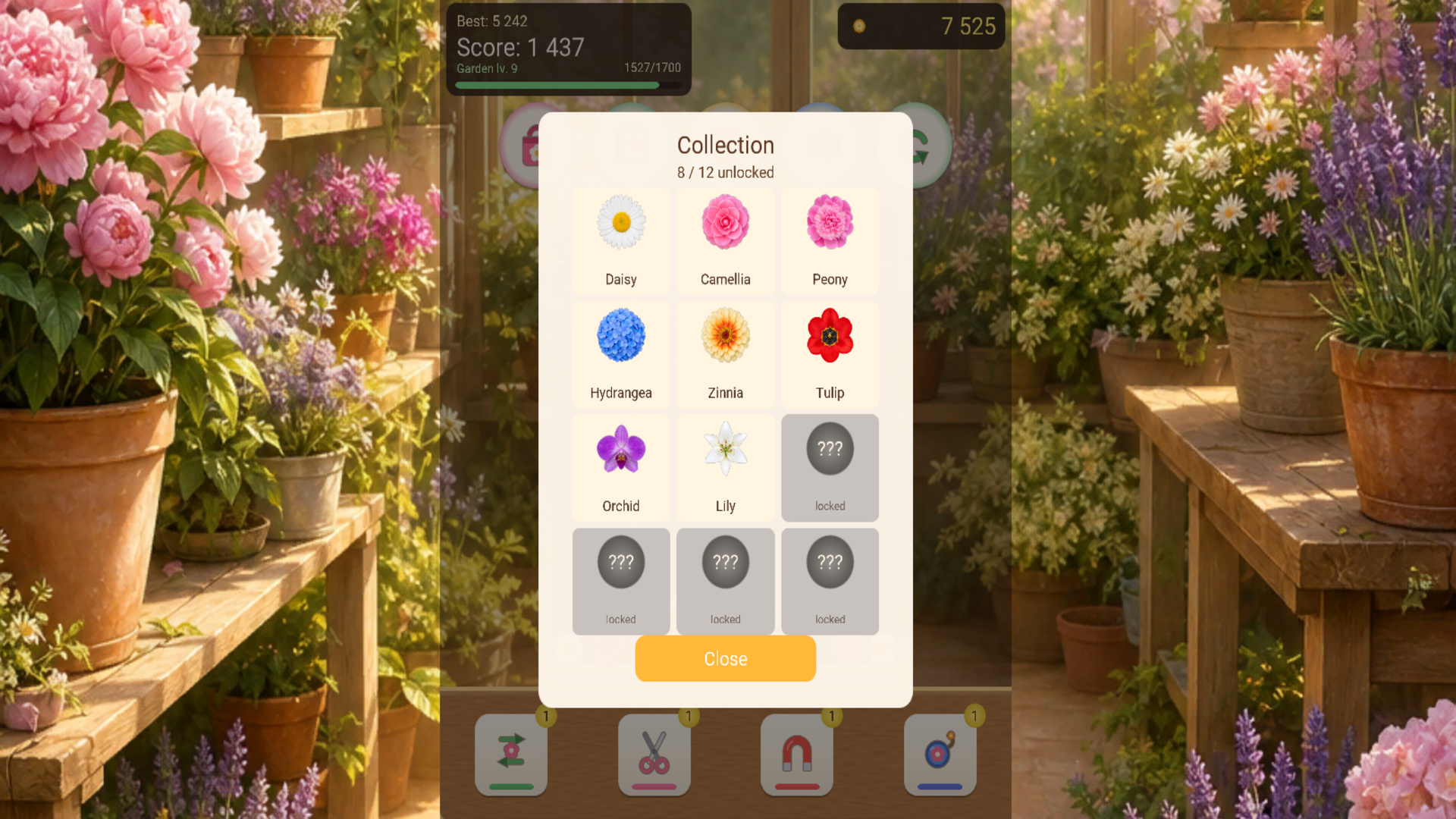
Merge Flowers: My Garden! is a cozy puzzle where tiny blooms grow into a full garden. Drop flowers into the field and merge matching ones: two daisies become the next flower, and so on — up to rare, beautiful plants. Bigger merges mean more score and coins. Unlock the flower collection, level up your garden, buy useful abilities in the shop, and chase high scores. Cloud saves let you continue on other devices. Perfect for short sessions and calm evenings: simple controls, a pleasant vibe, and that “one more try” feeling.

Videos and screenshots
  • Merge Flowers: My Garden! screenshot 1
  • Merge Flowers: My Garden! screenshot 2
  • Merge Flowers: My Garden! screenshot 3
  • Merge Flowers: My Garden! screenshot 4
  • Merge Flowers: My Garden! screenshot 5
  • Merge Flowers: My Garden! screenshot 6
Play Now

10,042 players online

How to play

  1. Open the game

    Press Play now and the game opens on its own screen.

  2. Follow the in-game instructions

    The controls and goals are shown inside the game as you play.

  3. Use the game menu

    The floating button over the game reloads it, saves it to your favourites, or takes you back out.
Game instructions

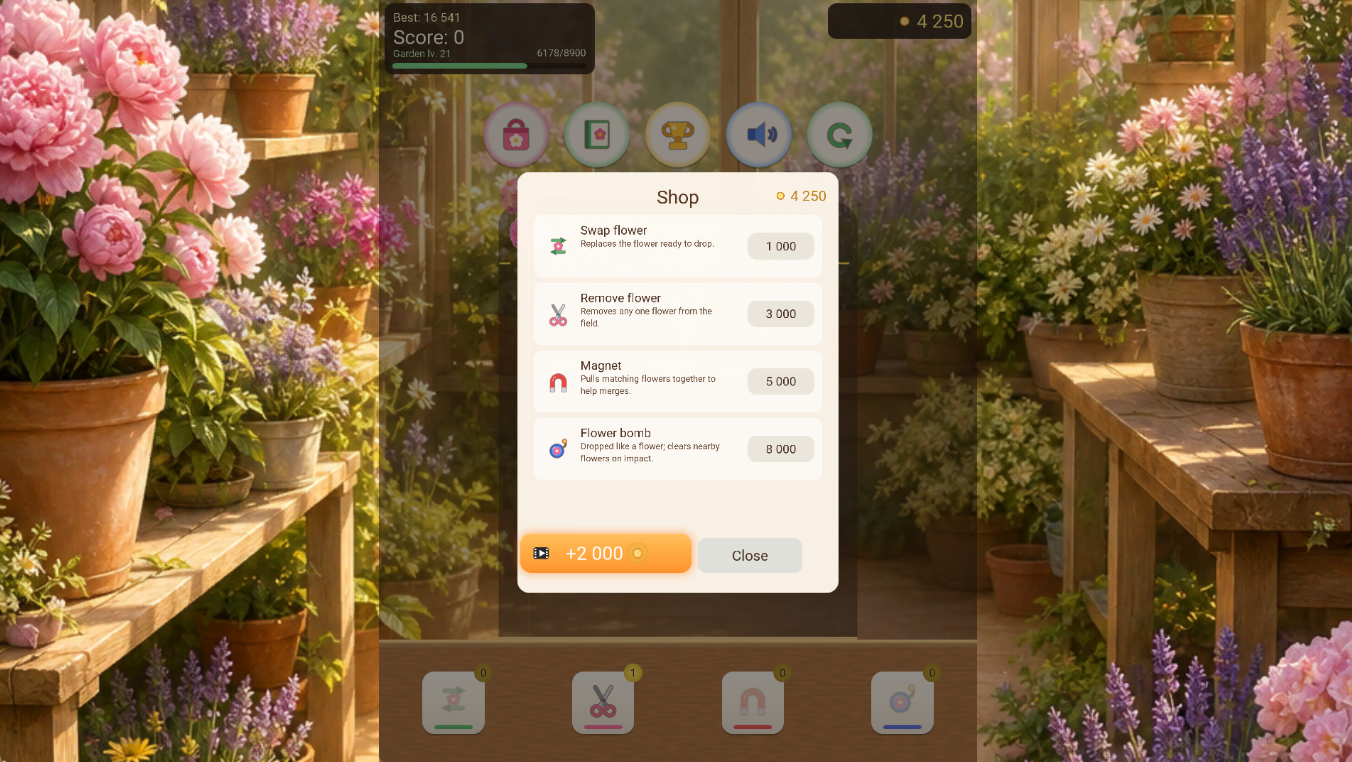
1. Tap where you want to drop a flower. 2. Merge two identical flowers to create the next, bigger one. 3. Don’t let flowers stay above the yellow line too long, or the round ends. 4. Earn score and coins from merges. 5. Unlock new flowers in the collection and raise your garden level. 6. Buy abilities in the shop: swap, scissors, magnet, and bomb. 7. Watch an ad for coins or to continue after a loss. 8. Tap the score for quests and achievements; tap coins for the daily reward. Goal: get the highest score and unlock every flower. Good luck in the garden!

More games

More games