Skip to content
KG
Mine cases: fill out the Skyblock!

Mine cases: fill out the Skyblock!

6K plays 4.6 out of 5

Overview

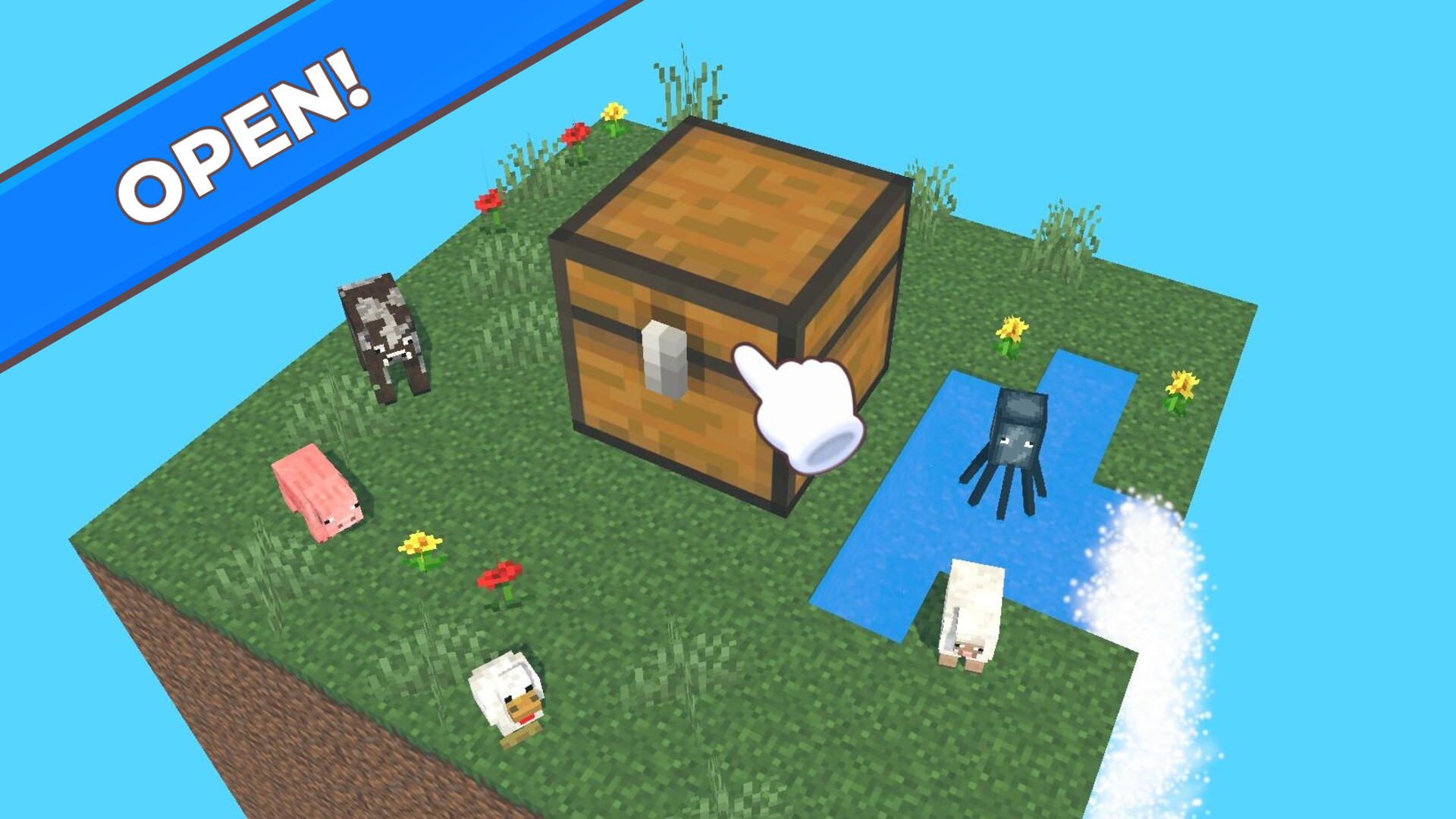
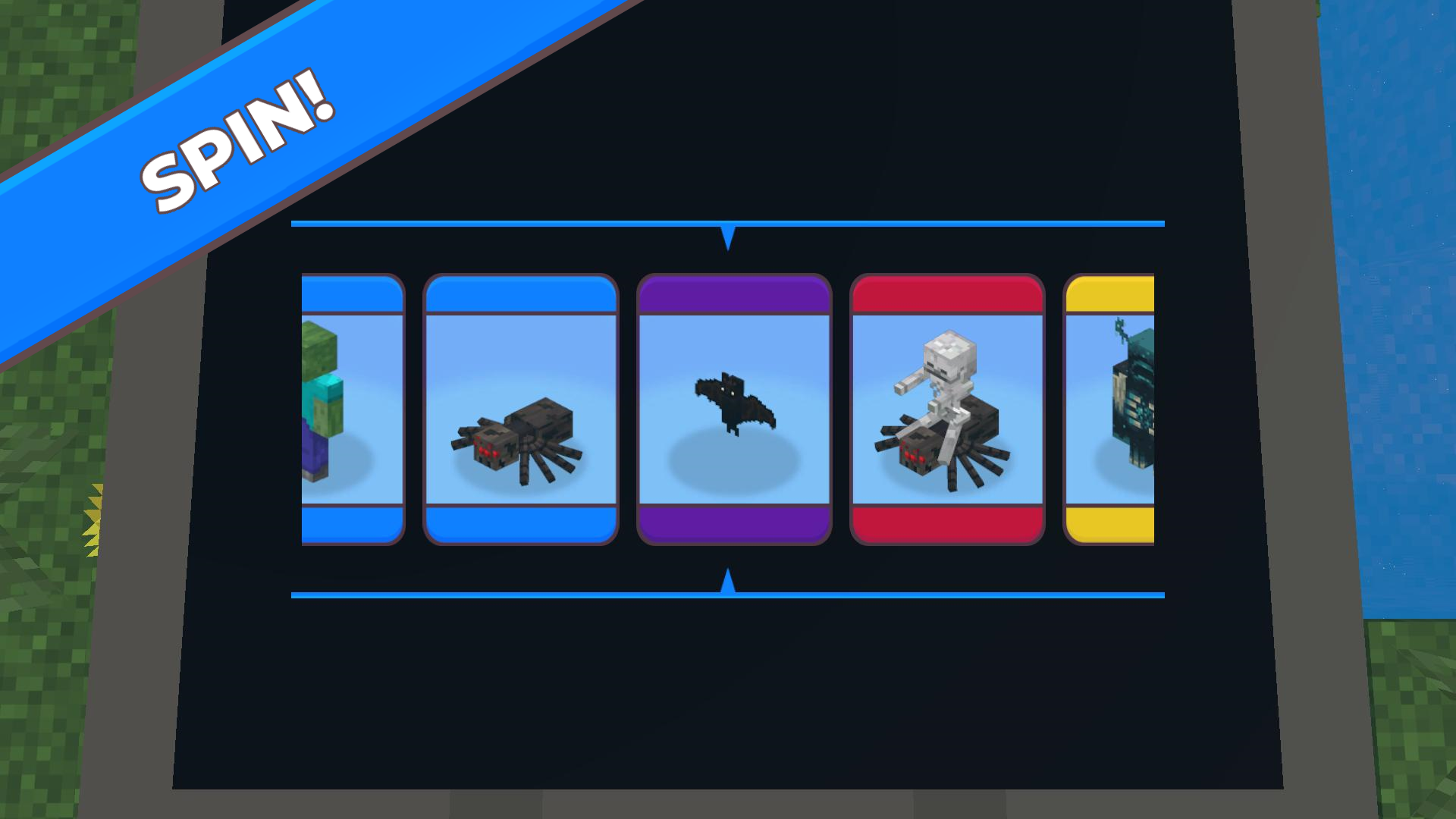
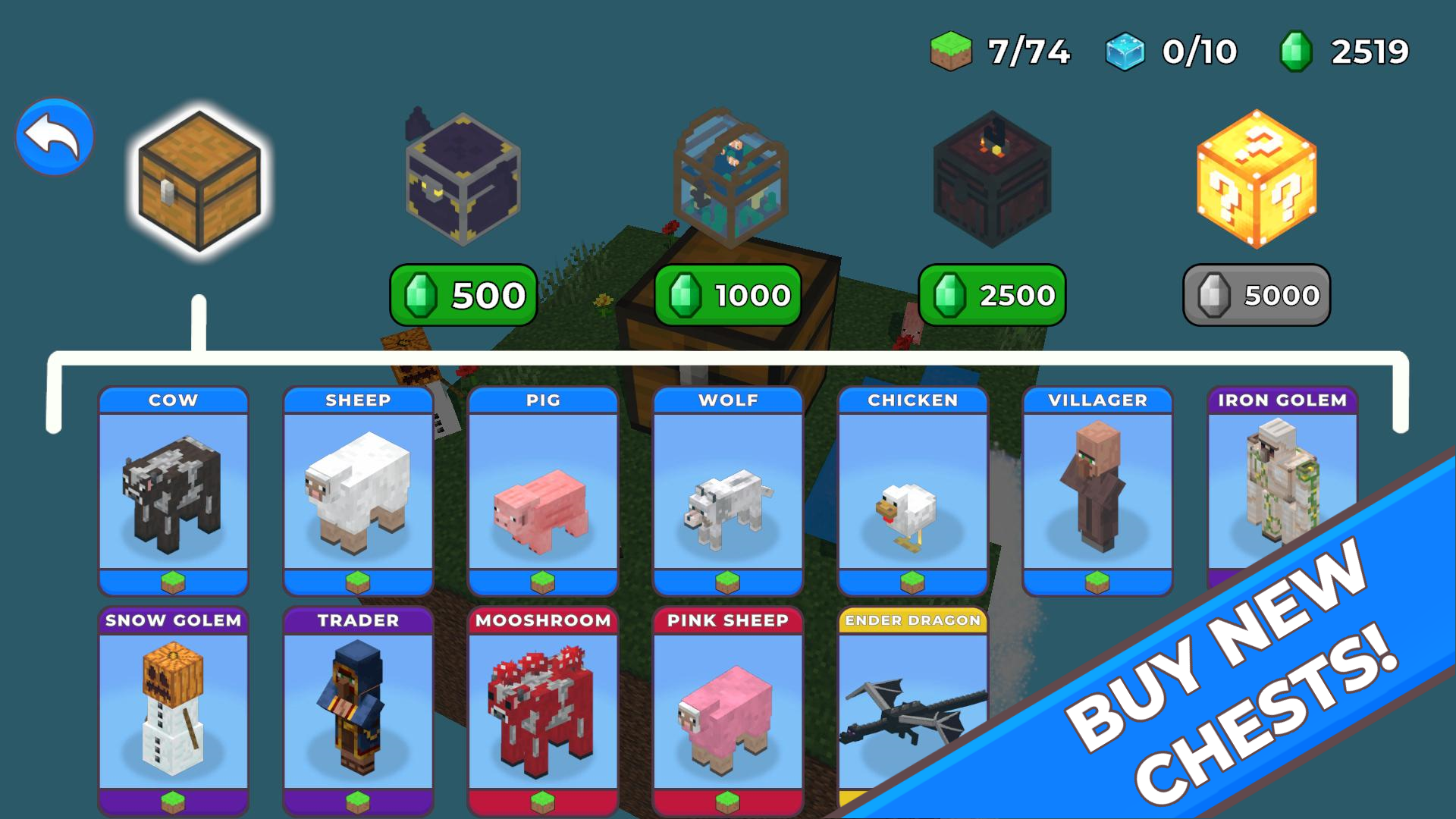
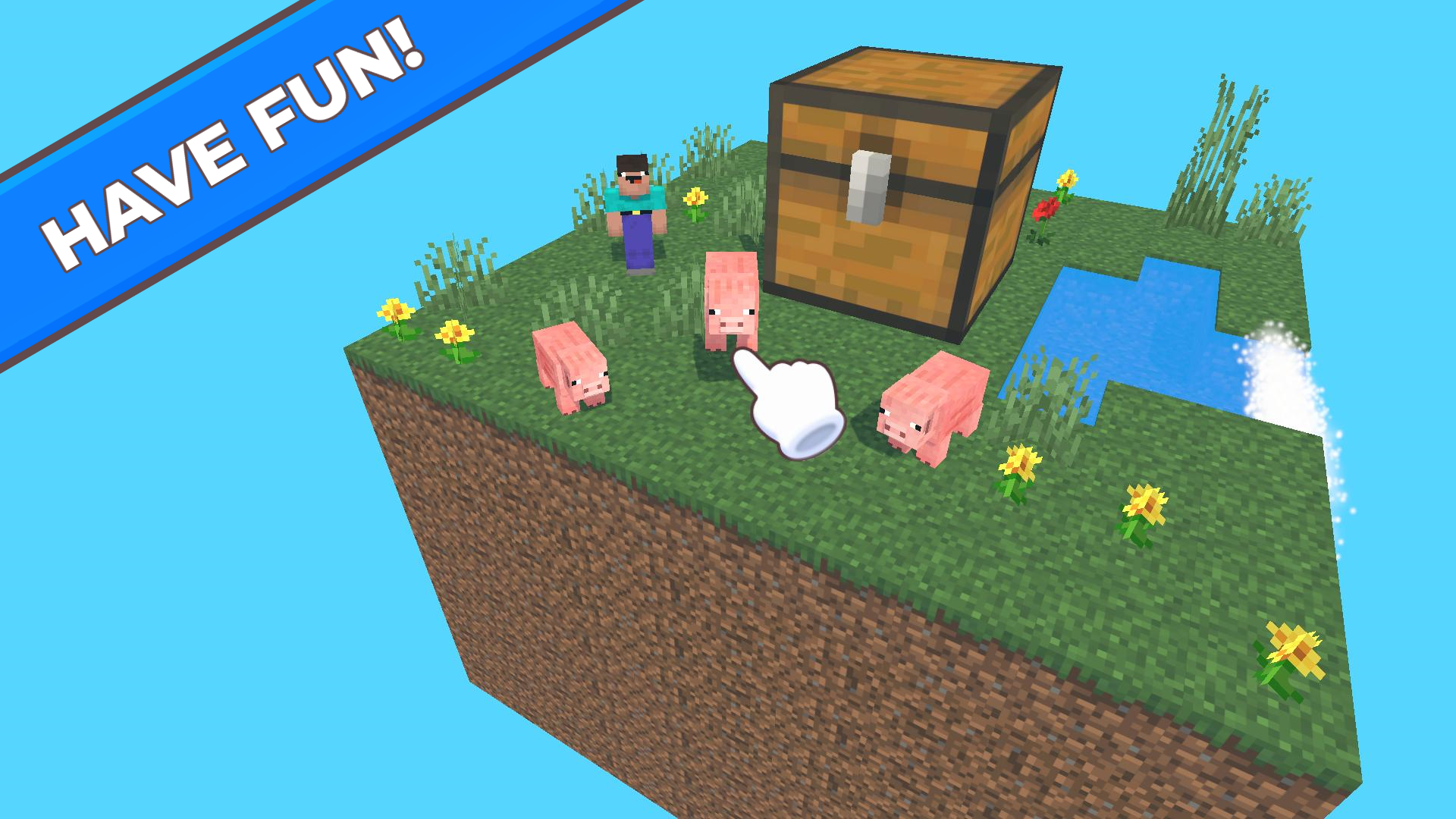
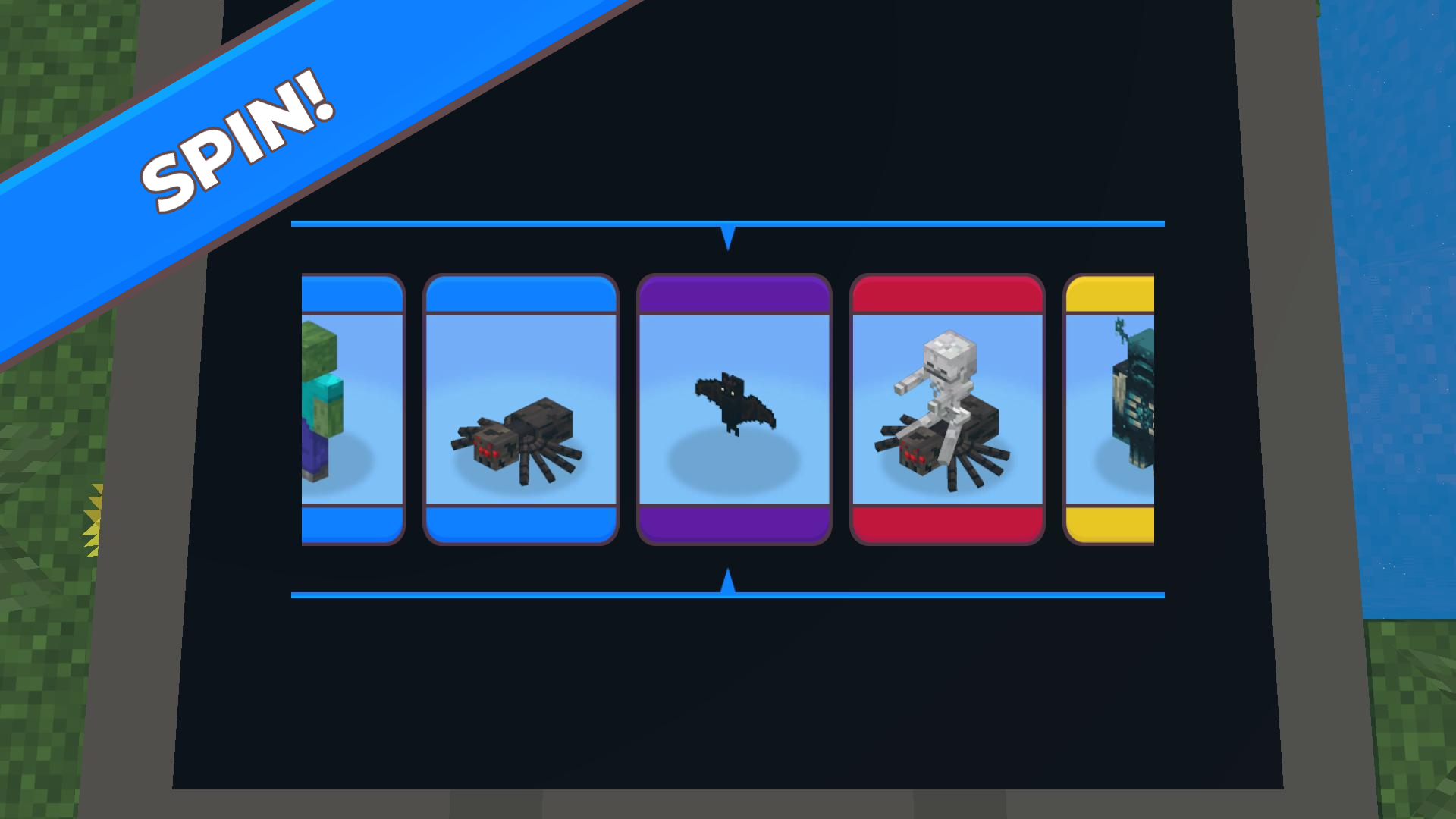
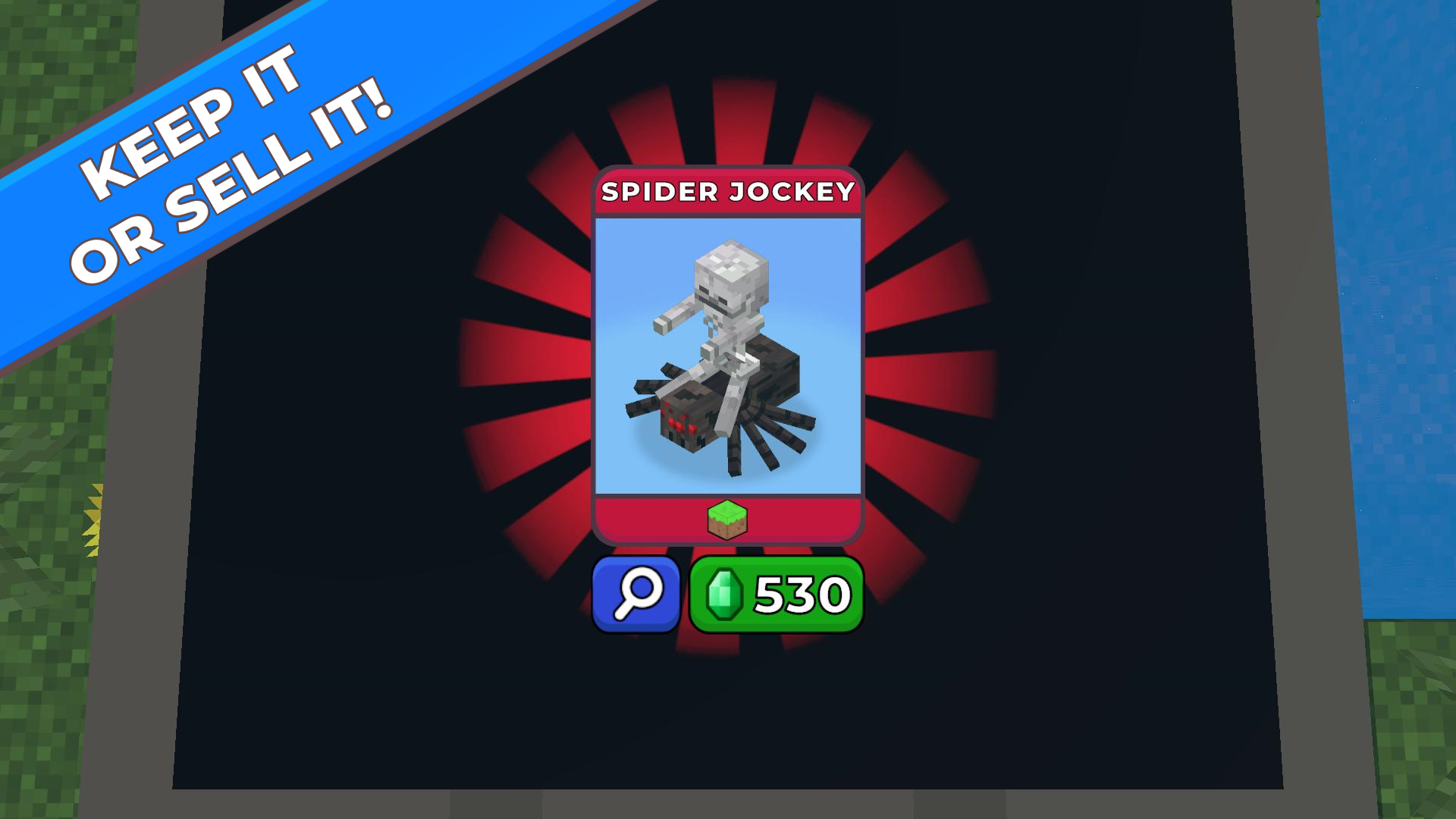
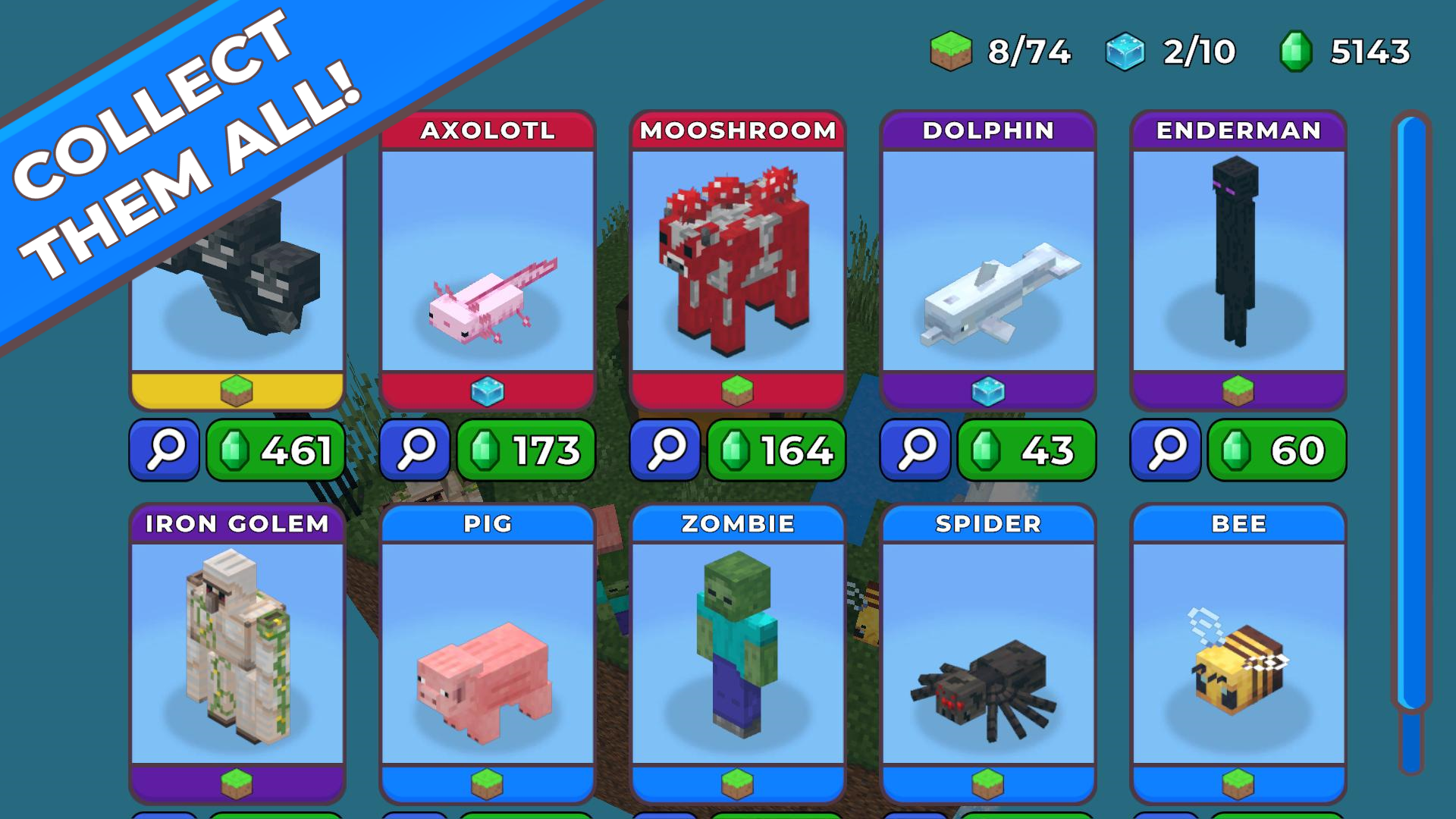
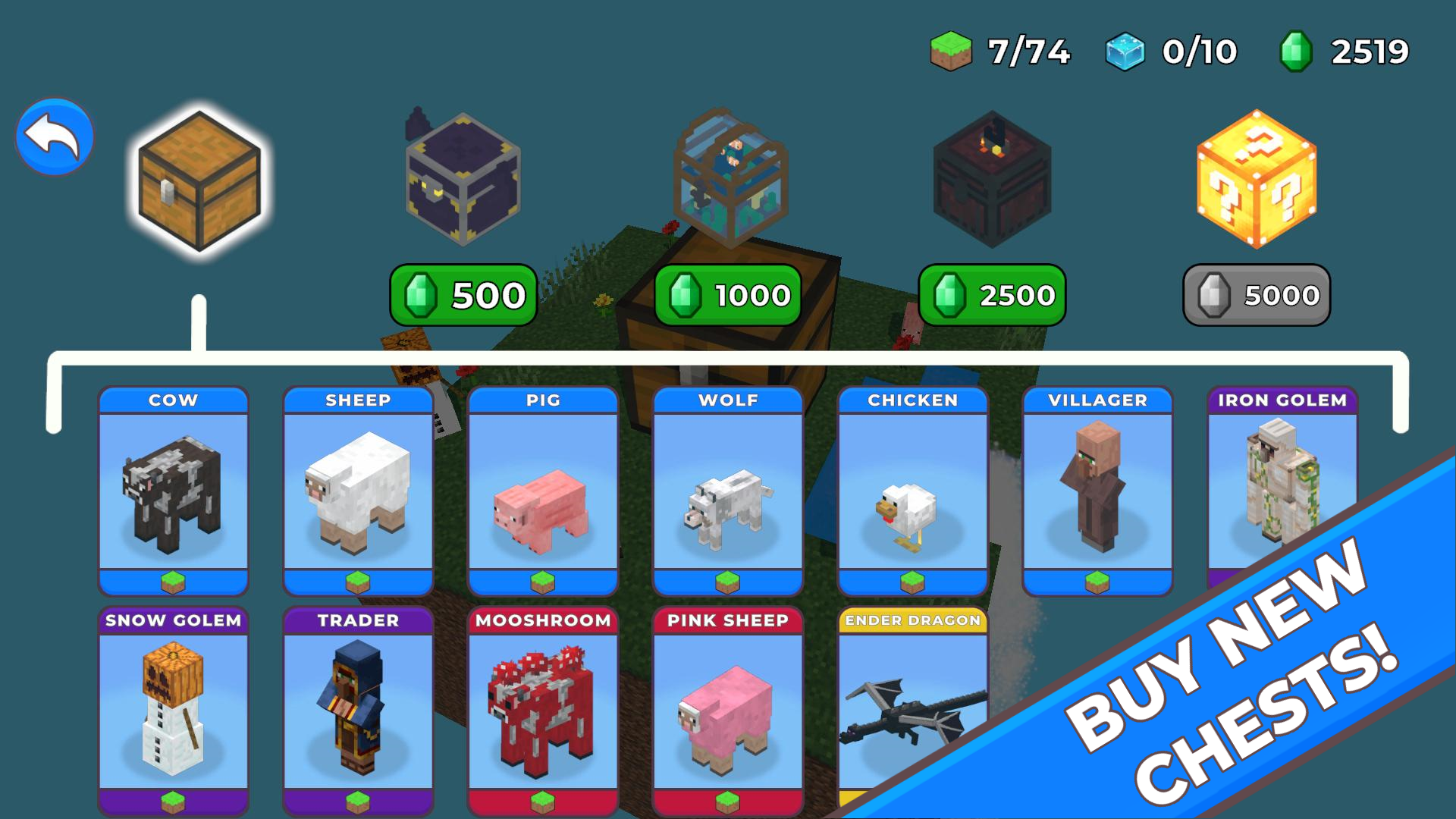
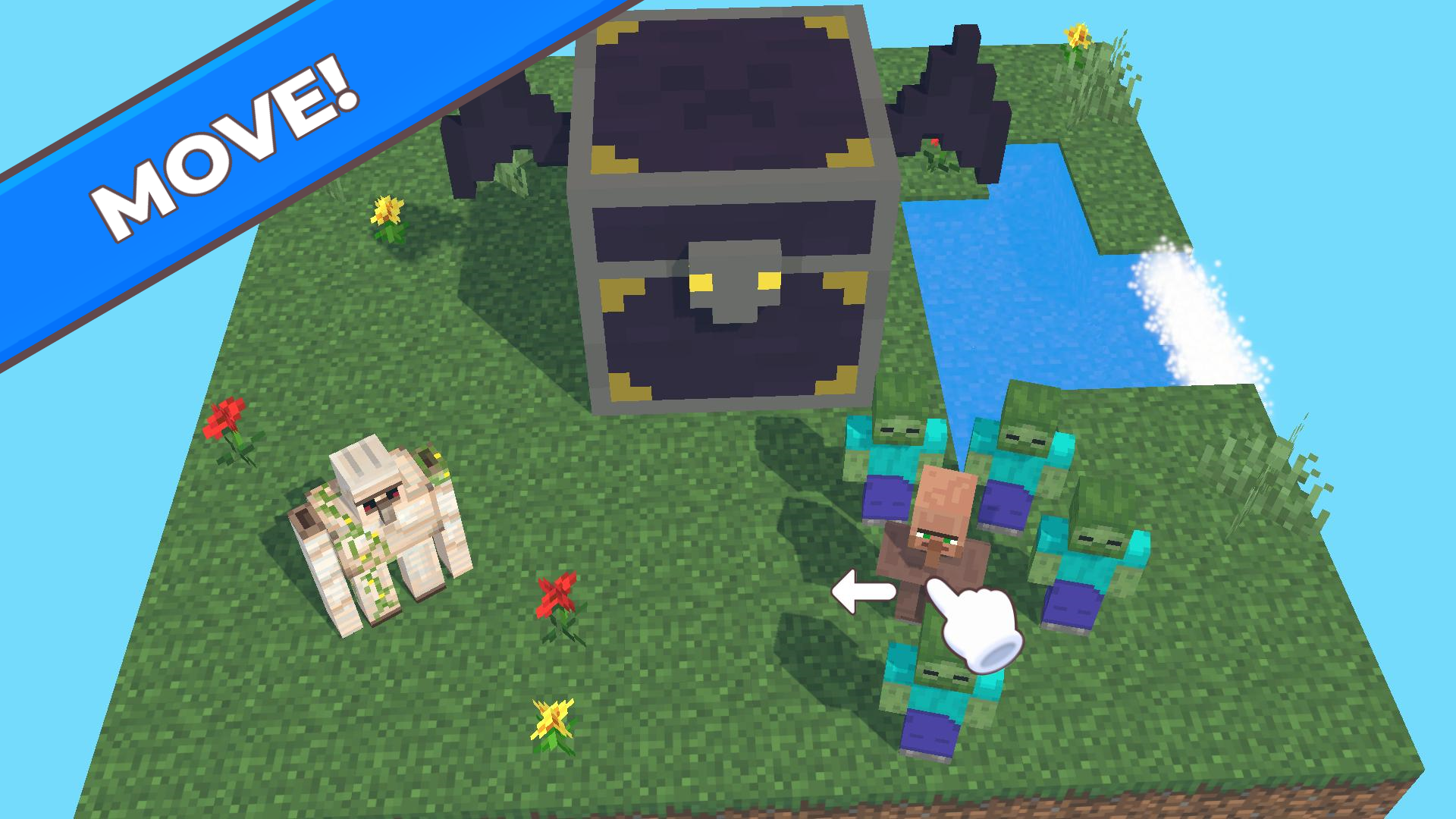
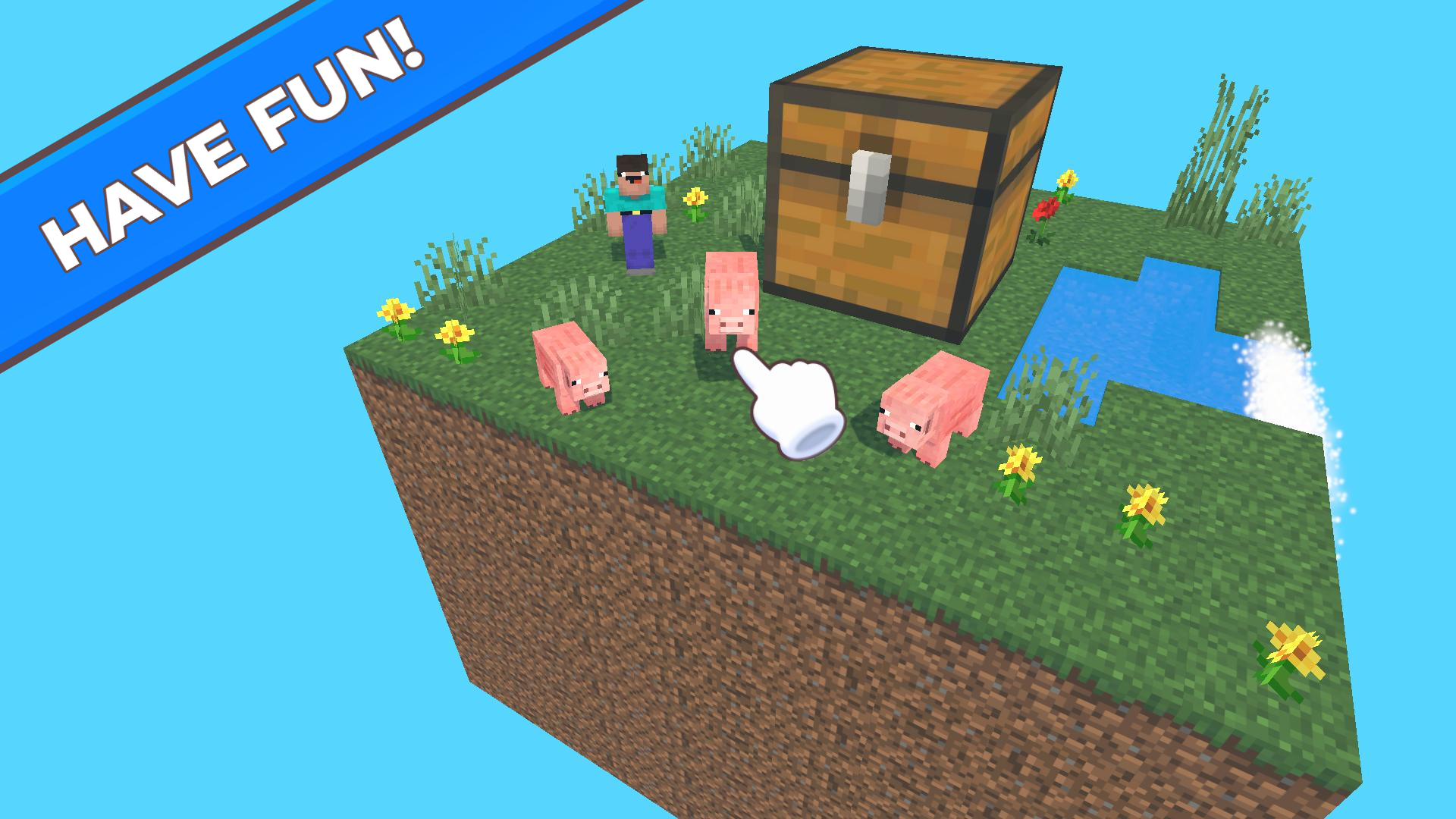
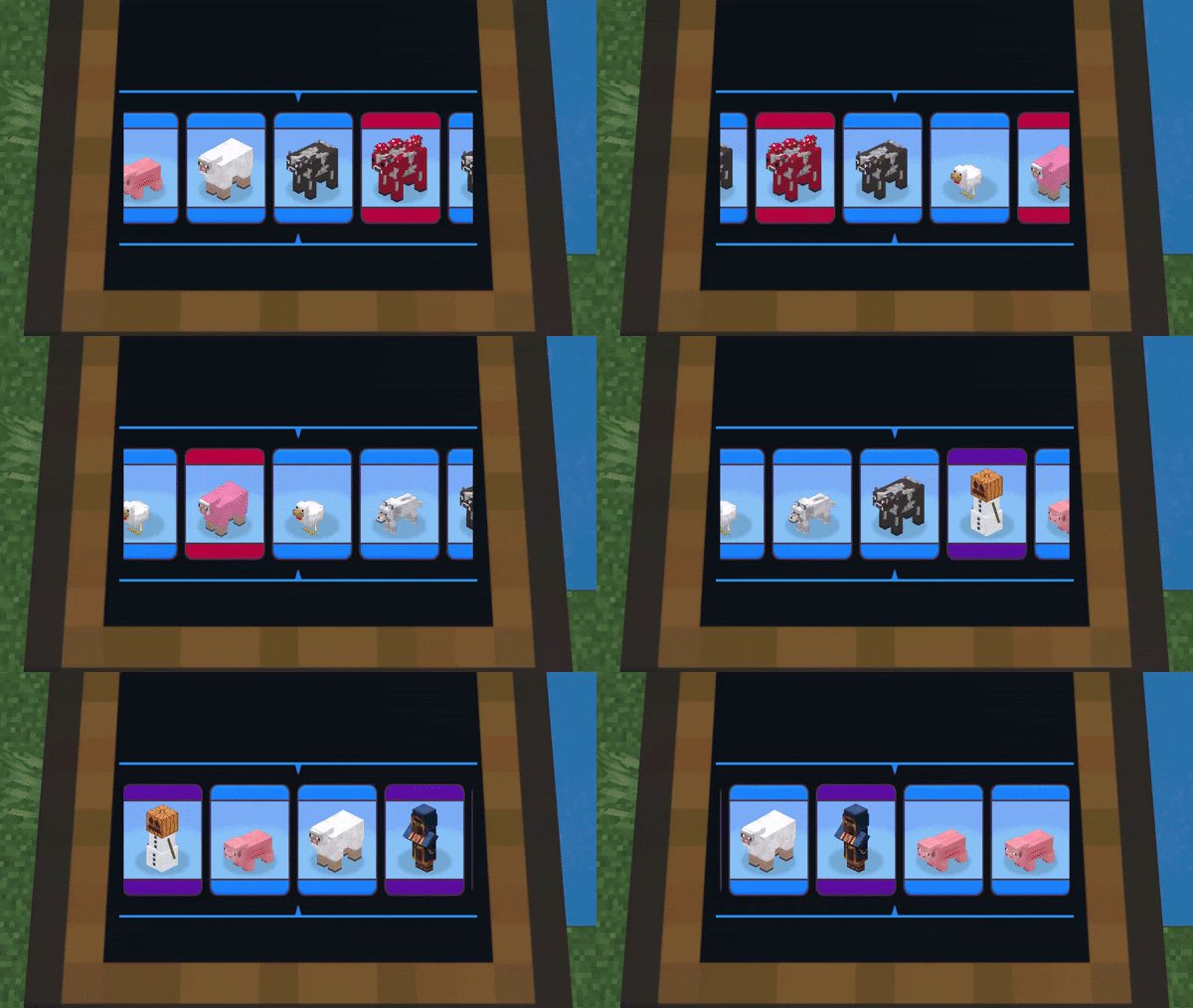
There is a flying Skyblock island in front of you. Now it has a regular chest and a bunch of free blocks. Fill the island! πŸ—οΈ Open the chests and get new mobs! Each mob has its own level of rarity - blue, purple, red, gold. The higher the rarity, the harder it is to get it, but the higher its cost! πŸ—οΈ πŸ’° Sell mobs or leave them to live on the island! They can jump funny and make unique sounds! 🎡 🎨Arrange the mobs as you like, create funny combinations - create an island of chickens or an island of creepers! πŸ€ͺπŸ€“ 🎁 Buy new chests with other mobs! What is inside the Secret chest? 🎁 πŸ† Will you be able to collect the entire collection and fill out the Skyblock? πŸ†

Videos and screenshots

  • Mine cases: fill out the Skyblock! screenshot 1
  • Mine cases: fill out the Skyblock! screenshot 2
  • Mine cases: fill out the Skyblock! screenshot 3
  • Mine cases: fill out the Skyblock! screenshot 4
  • Mine cases: fill out the Skyblock! screenshot 5
  • Mine cases: fill out the Skyblock! screenshot 6
  • Mine cases: fill out the Skyblock! screenshot 7
  • Mine cases: fill out the Skyblock! screenshot 8
  • Mine cases: fill out the Skyblock! screenshot 9
  • Mine cases: fill out the Skyblock! screenshot 10
  • Mine cases: fill out the Skyblock! screenshot 11
  • Mine cases: fill out the Skyblock! screenshot 12
  • Mine cases: fill out the Skyblock! screenshot 13
  • Mine cases: fill out the Skyblock! screenshot 14
  • Mine cases: fill out the Skyblock! screenshot 15
Play Now

14,526 players online

How to play

  1. Open the game

    Press Play now and the game opens on its own screen.

  2. Follow the in-game instructions

    The controls and goals are shown inside the game as you play.

  3. Use the game menu

    The floating button over the game reloads it, saves it to your favourites, or takes you back out.
Game instructions

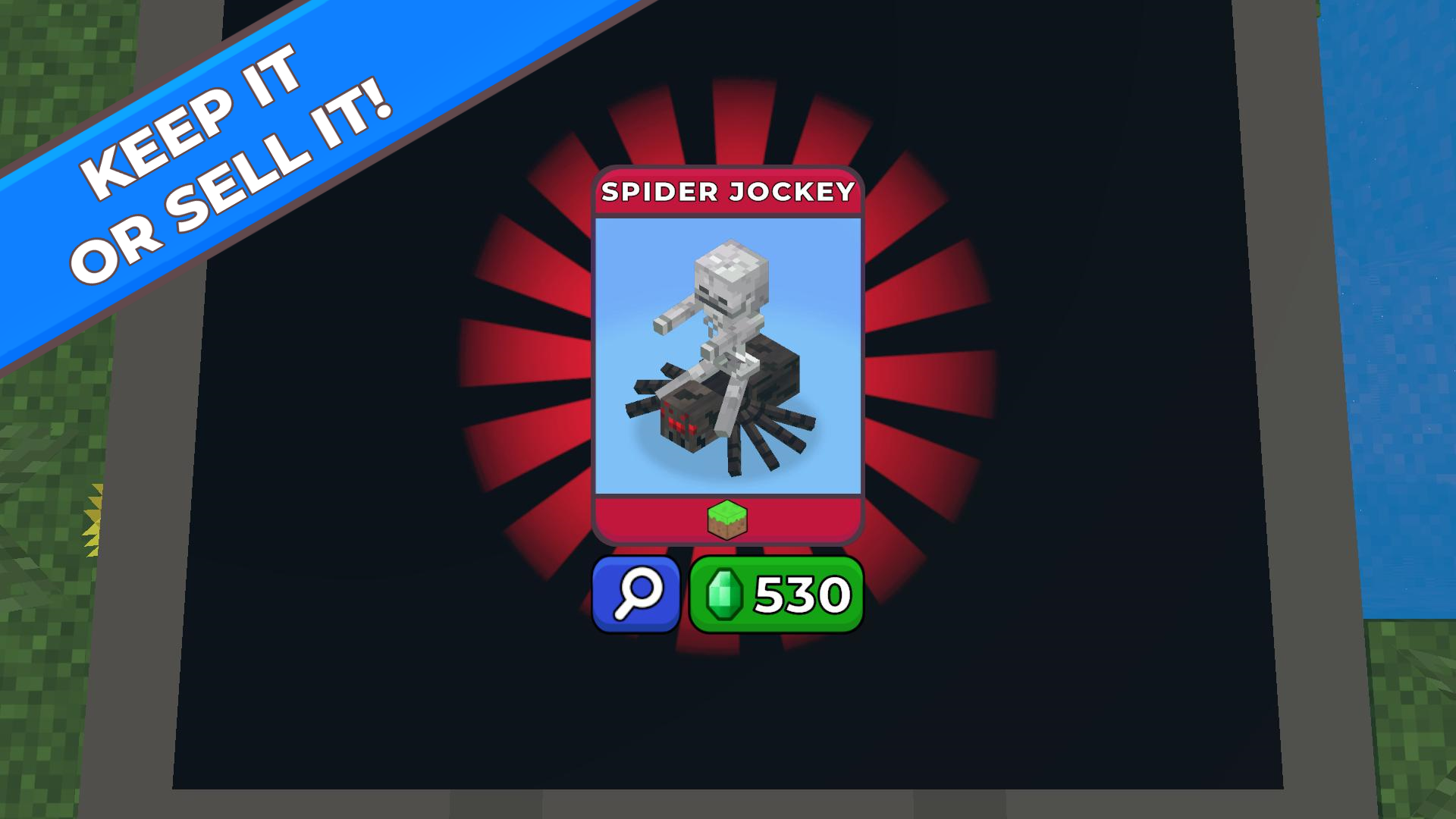
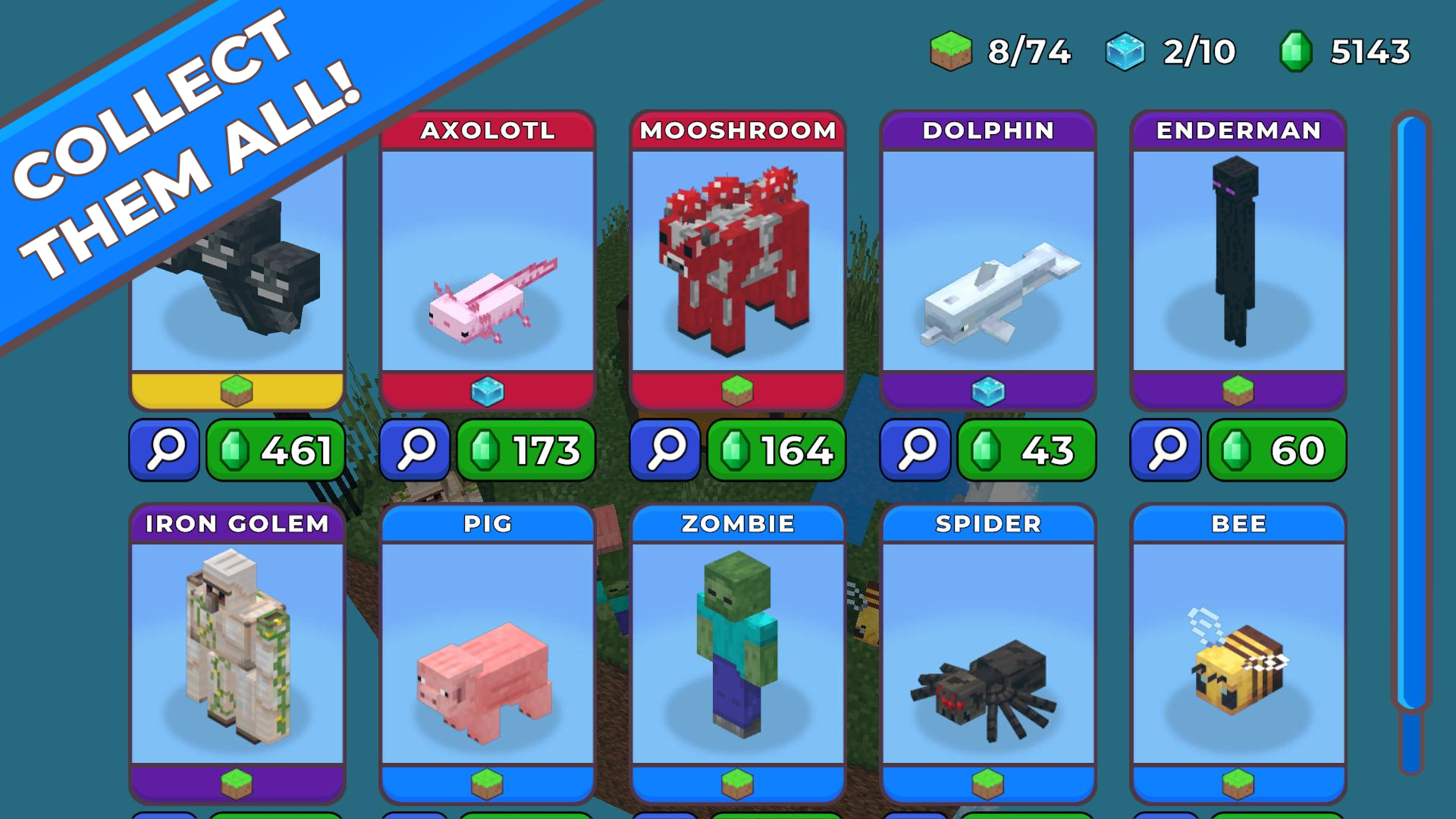
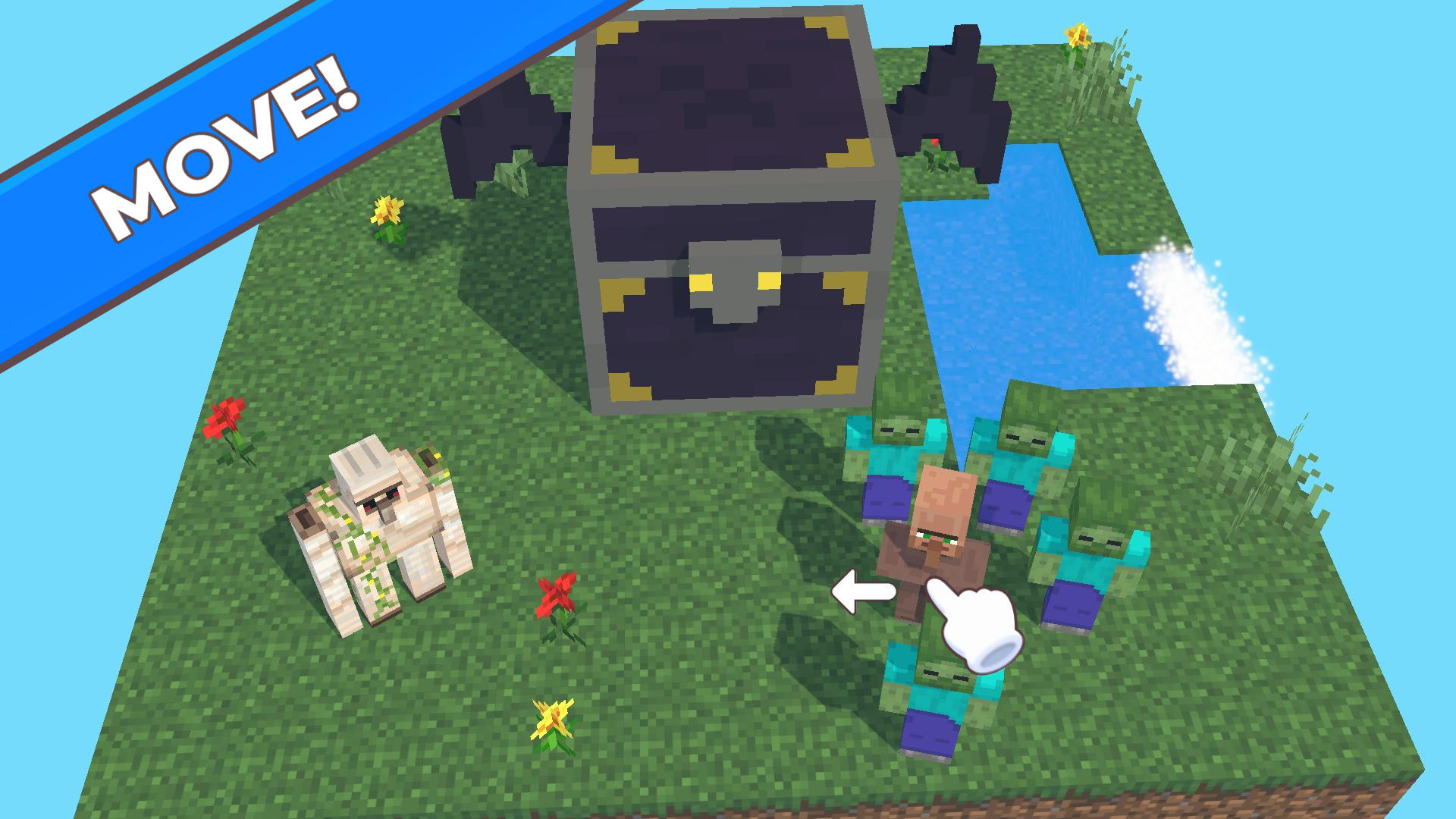
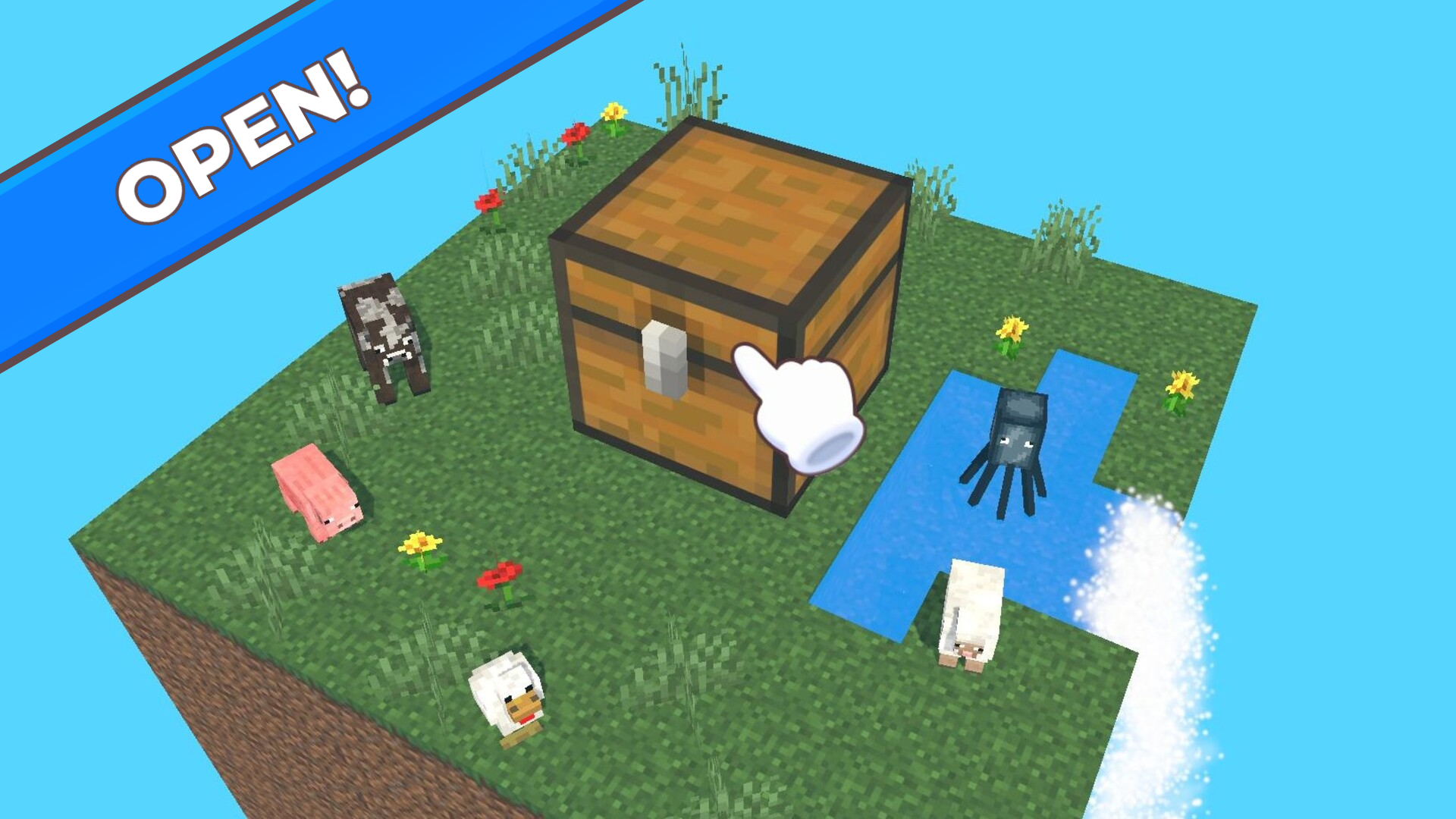
Click or tap on the chest and get a random mob card: If you want to leave and inspect the mob, click on the blue button with a magnifying glass image. If you want to sell a mob, click on the green button with the price. The "Inventory" button will open a list of your mobs' cards. The "Shop" button will open a shop where you can select a chest or buy a new one. The "Move" button allows you to change the position of mobs - drag them with the mouse or finger. Keep in mind that earth mobs can only be on earth blocks, and water mobs can only be on water blocks. The "Open" button will allow you to open the chests again. Click or tap on the mob - it will bounce funny and make its own unique sound. Move the slider and explore the island from all sides. If there is no place left on the island, then to open a new chest you will have to sell someone to make room for a new mob.

More games

More games