Overview
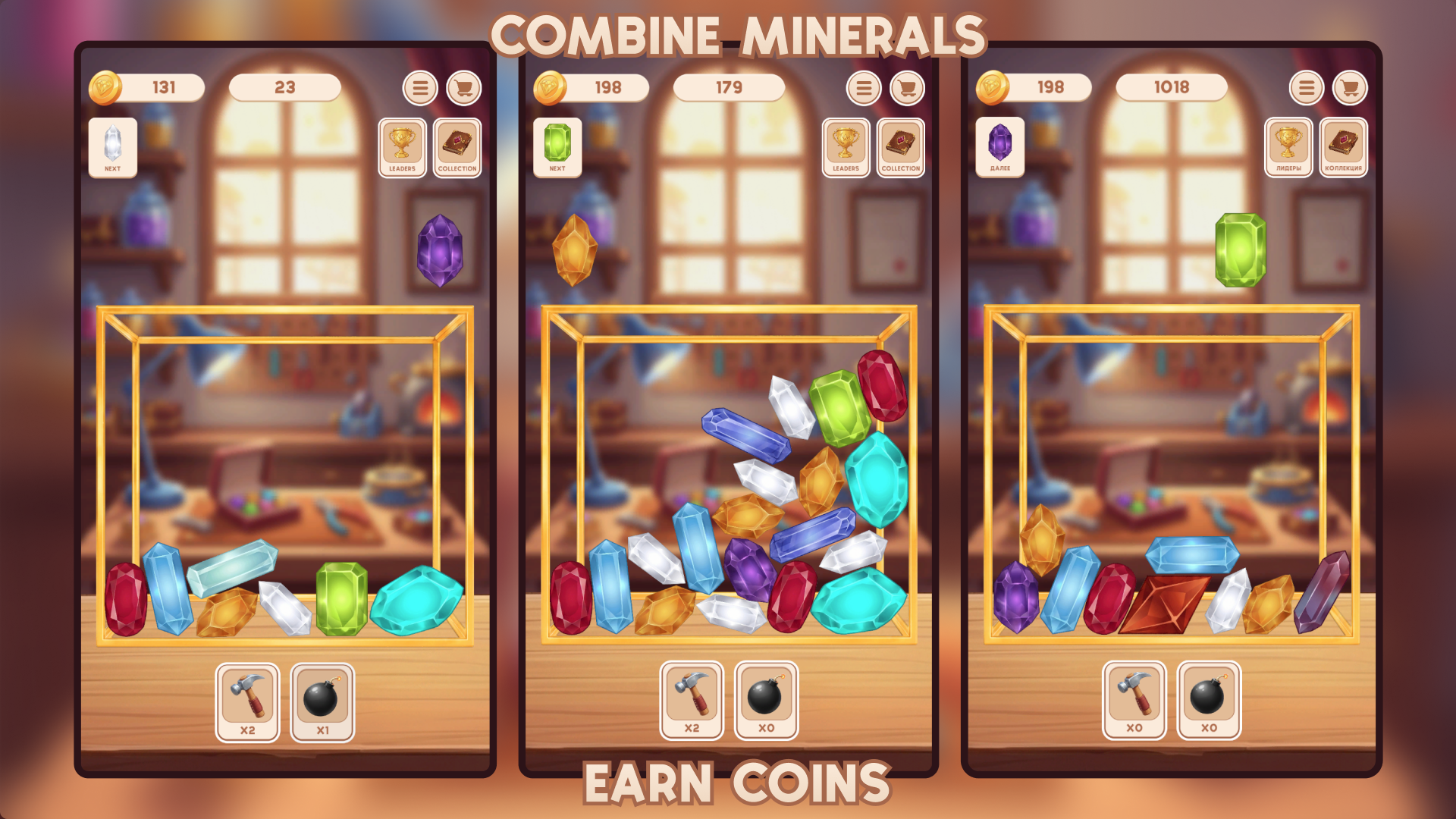
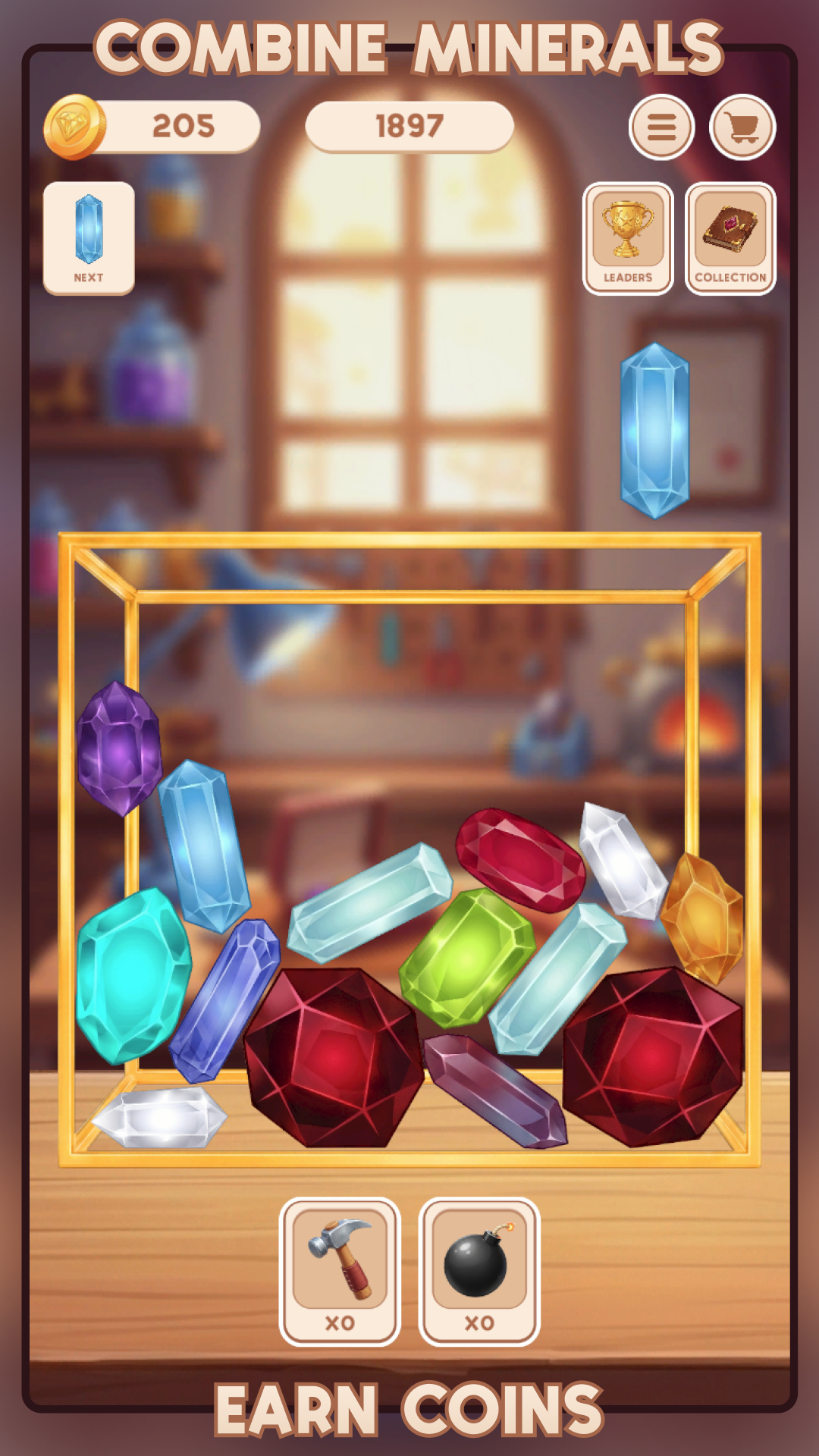
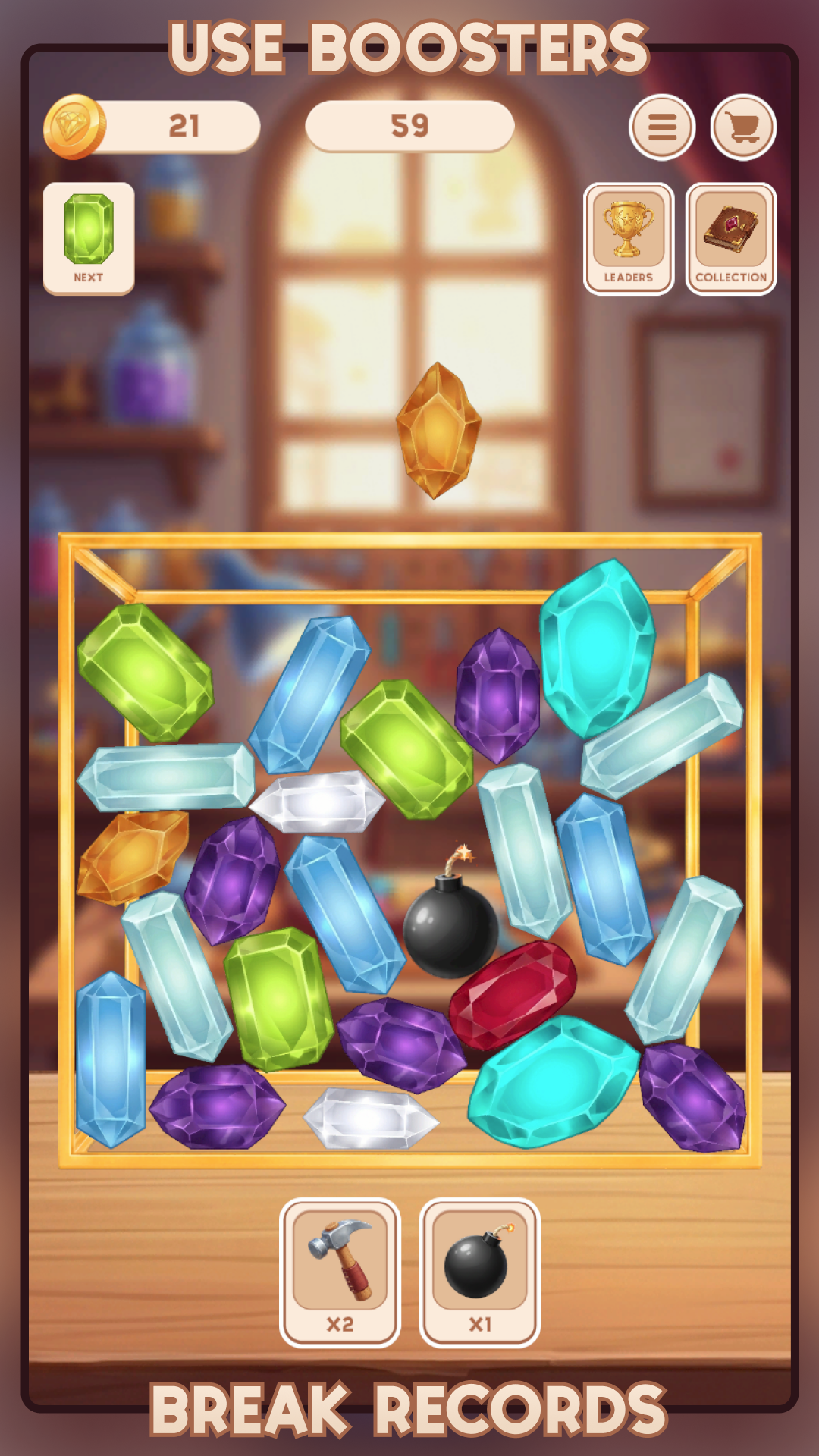
Welcome to a relaxing merge game where your goal is to fill a jewelry box with beautiful gemstones! Drop the gems, combine identical ones upon collision, and watch them transform into more valuable minerals. Start with simple Rock Crystal, progress through Amethyst, Aquamarine, and Ruby, and reach the legendary Diamond.
💫 What awaits you in the game:
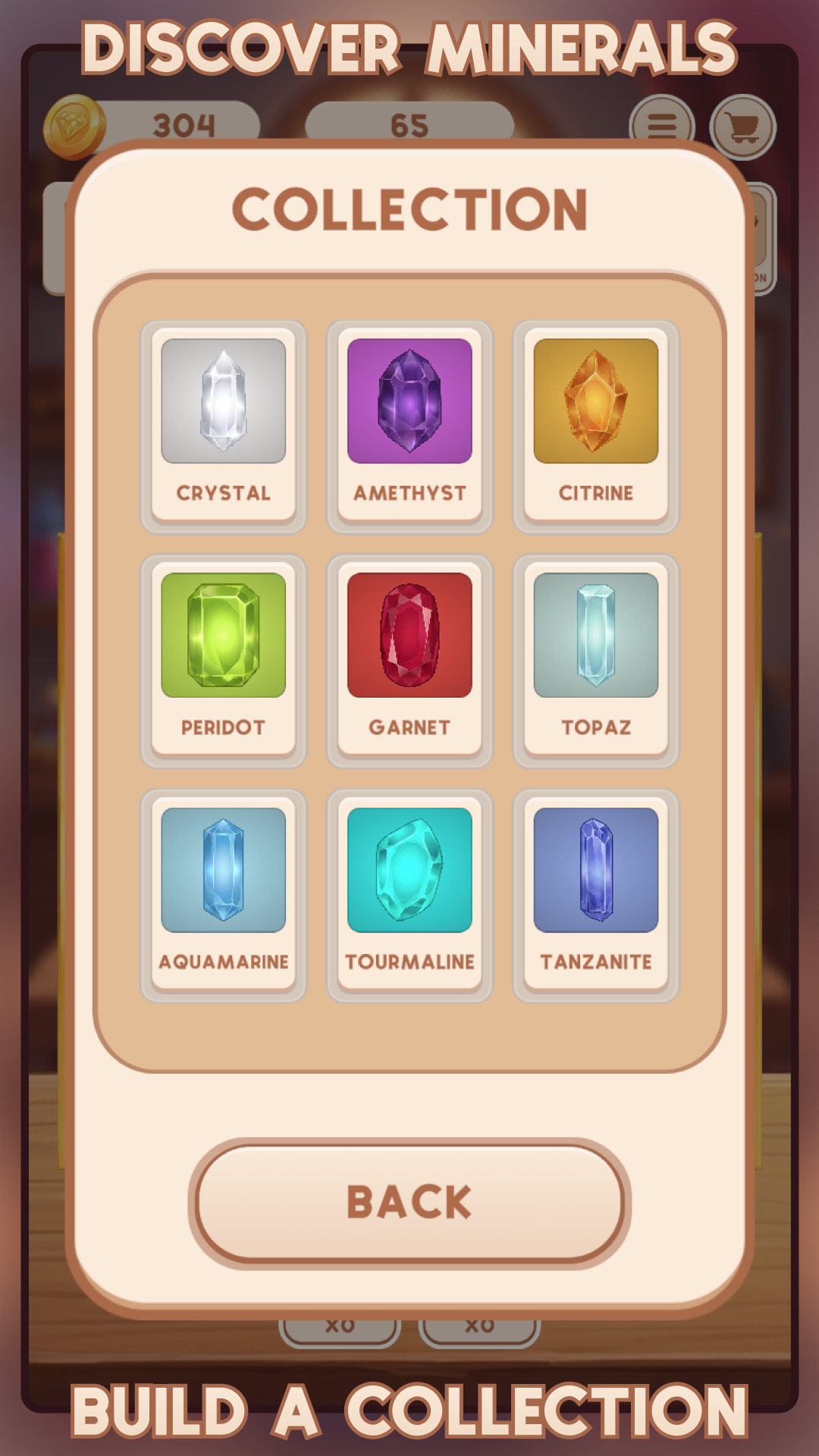
- 15 minerals: Unlock new types of stones one by one.
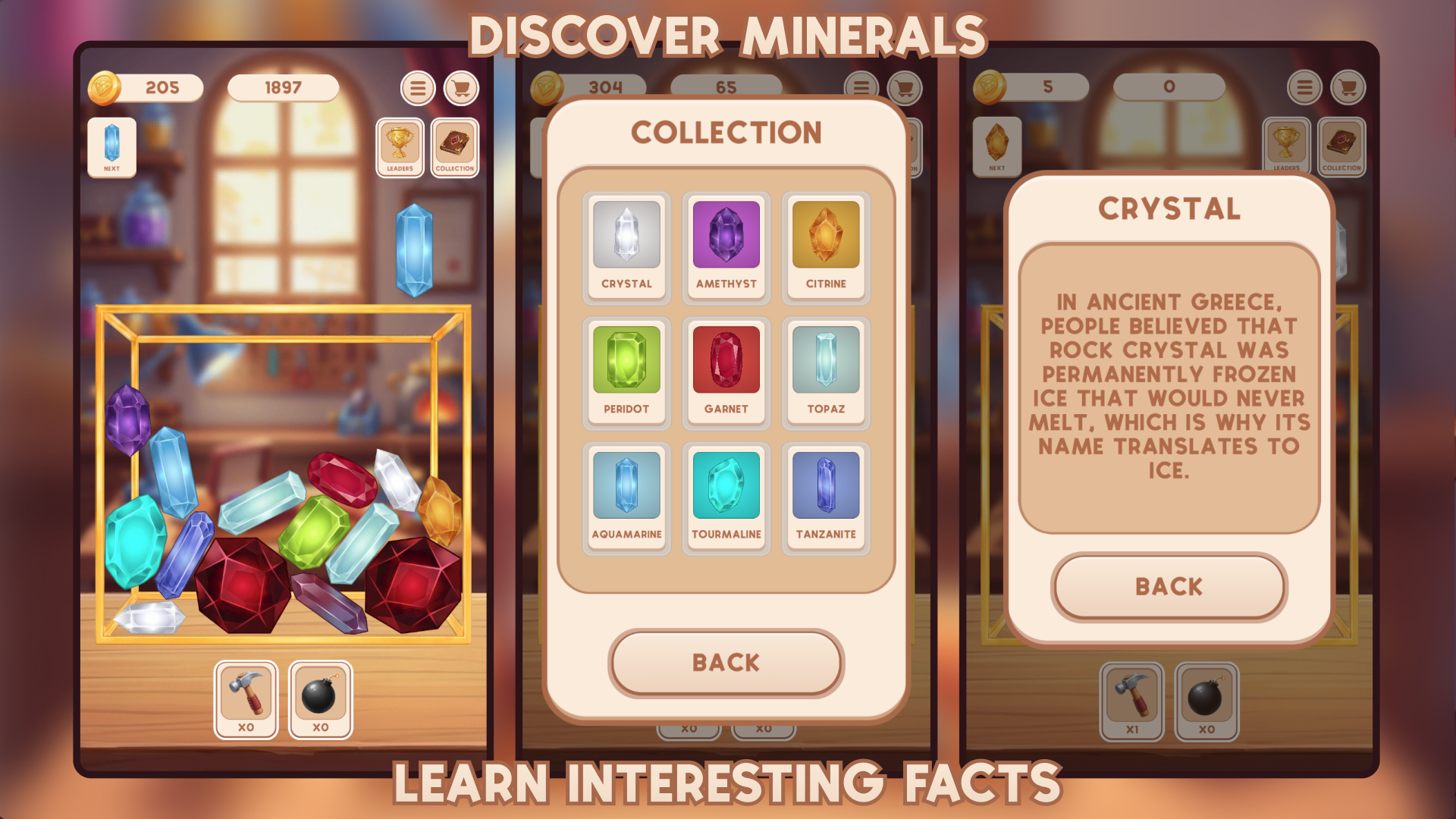
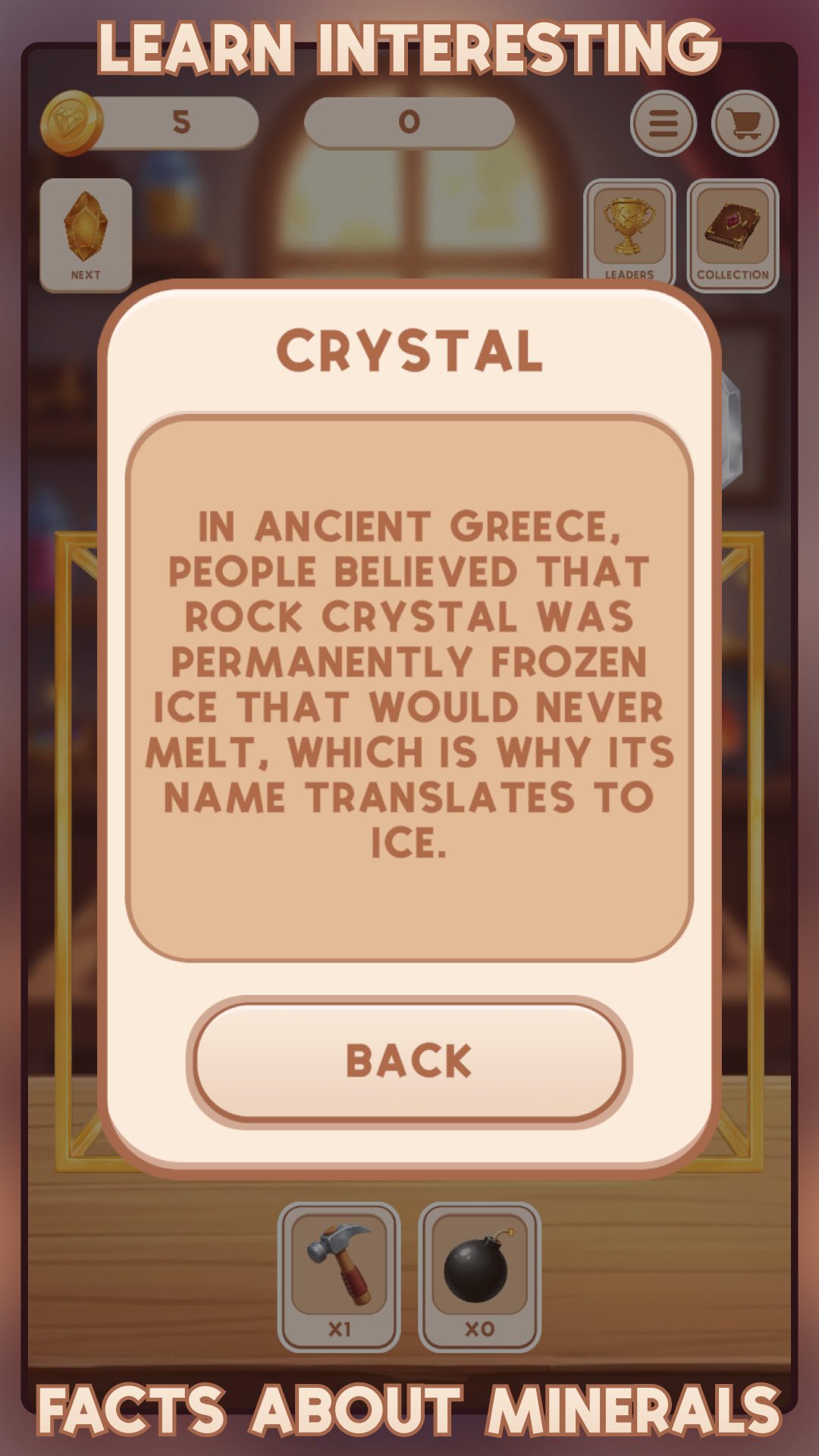
- Educational collection: Each newly discovered mineral is added to your collection with a beautiful card and interesting real-world facts.
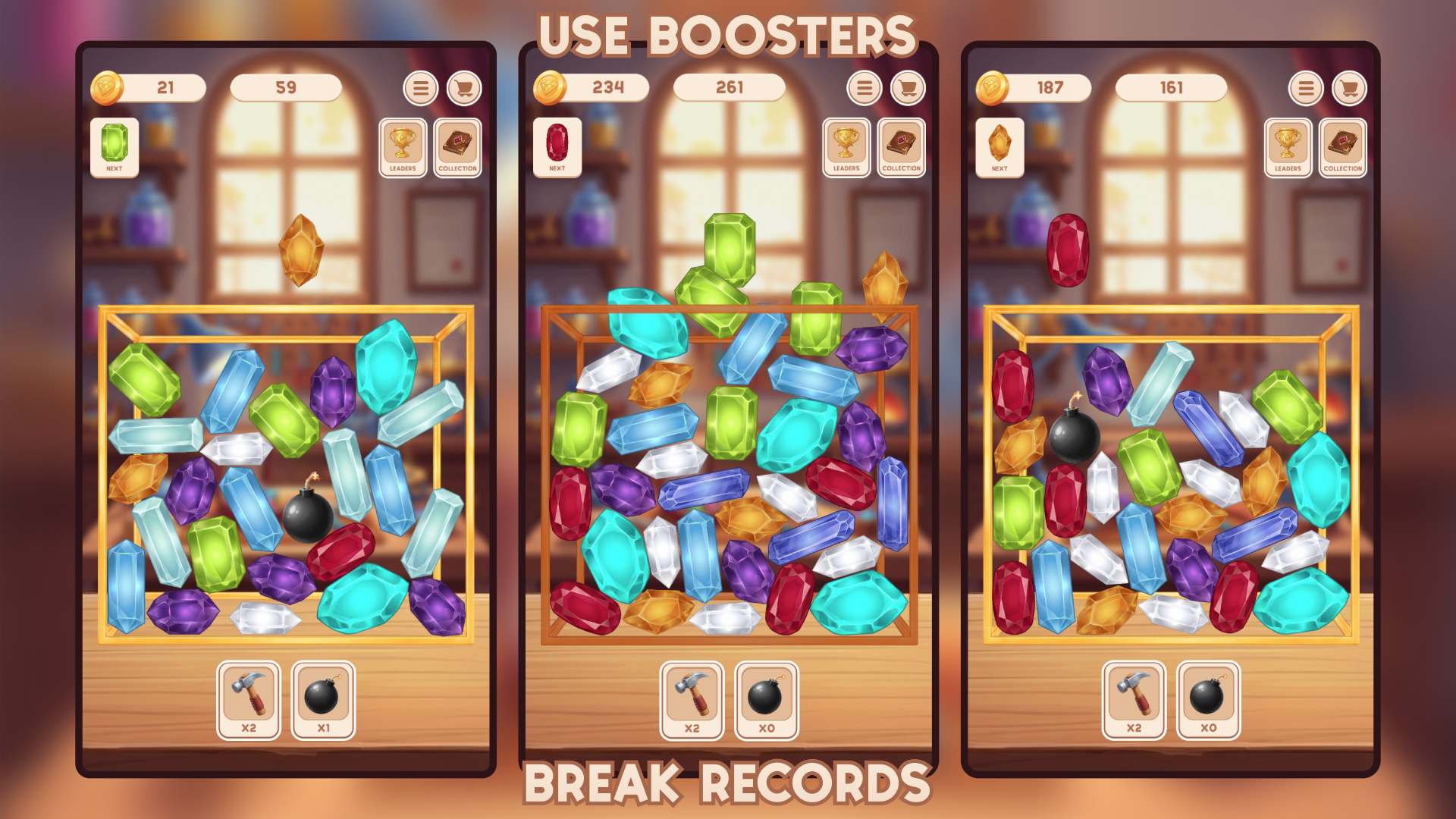
- Booster shop: Earn coins for successful merges and purchase helpful tools — the Hammer (to remove a single blocking gem) and the Bomb (to clear an area).
- Relaxing gameplay: Play at your own pace with no timers or stress.
Try to score as many points as possible and complete the entire collection without letting the box overflow! 👑💎
Videos and screenshots
10,288 players online
How to play
-
Open the game
Press Play now and the game opens on its own screen.
-
Follow the in-game instructions
The controls and goals are shown inside the game as you play.
-
Use the game menu
The floating button over the game reloads it, saves it to your favourites, or takes you back out.