Skip to content
KG
Minesweeper Master

Minesweeper Master

7K plays 4.0 out of 5

Overview

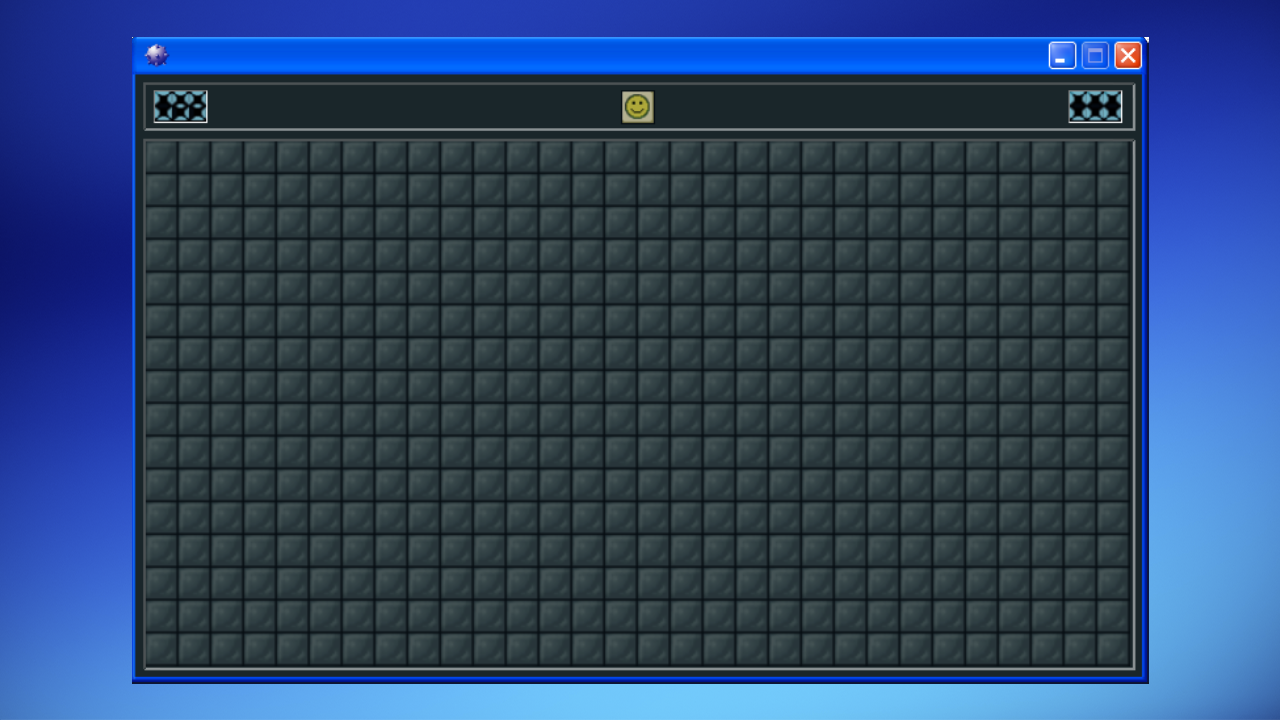
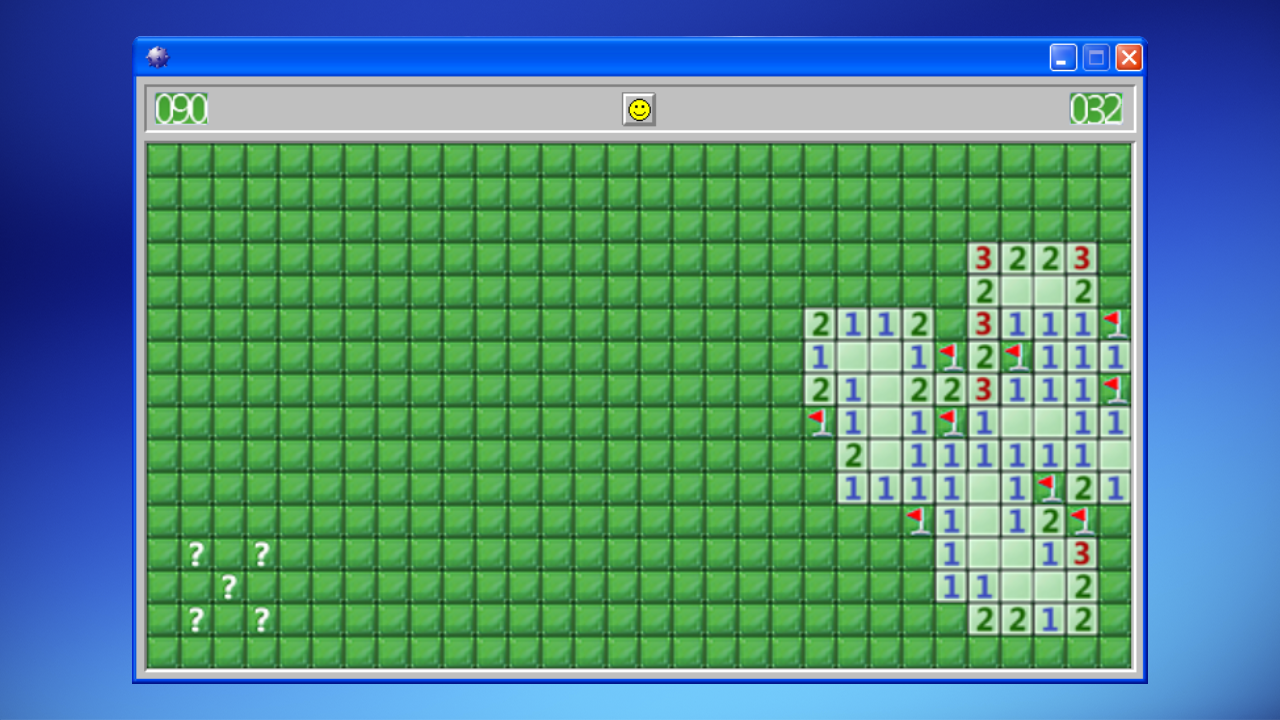
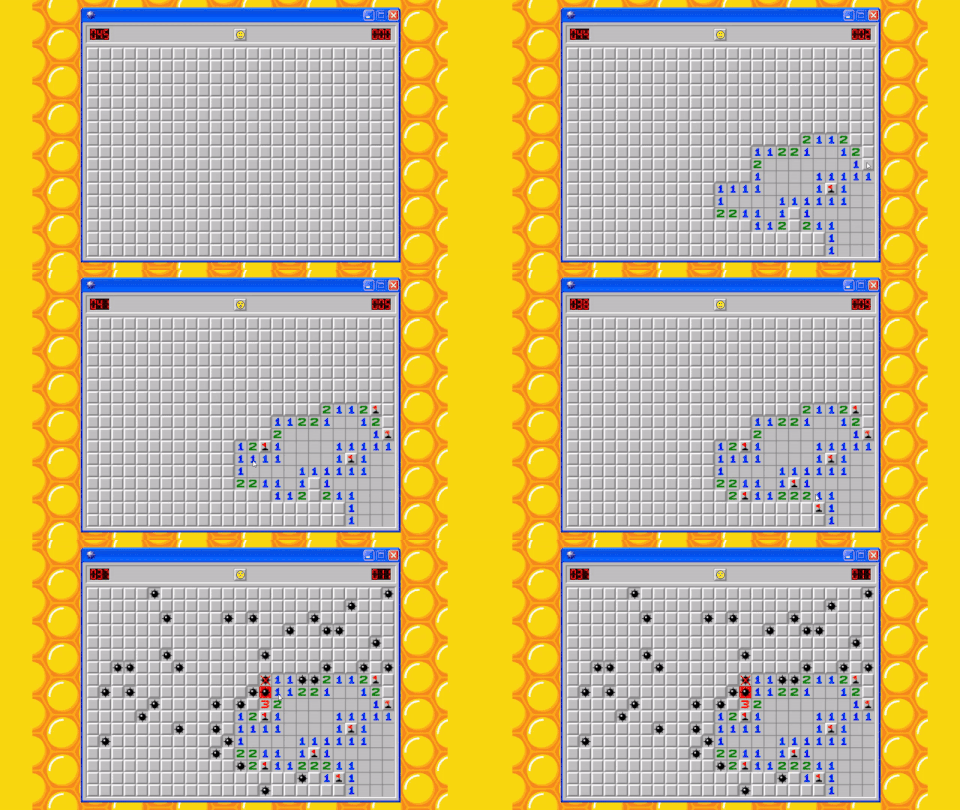
Minesweeper Master is the very best minesweeper with Windows! Game Features: ● Like the original: appearance of Windows XP, Windows 7 ● 11 skins ● 5 game modes, including custom mode ● Chords ● Statistics ● Leaderboards

Videos and screenshots
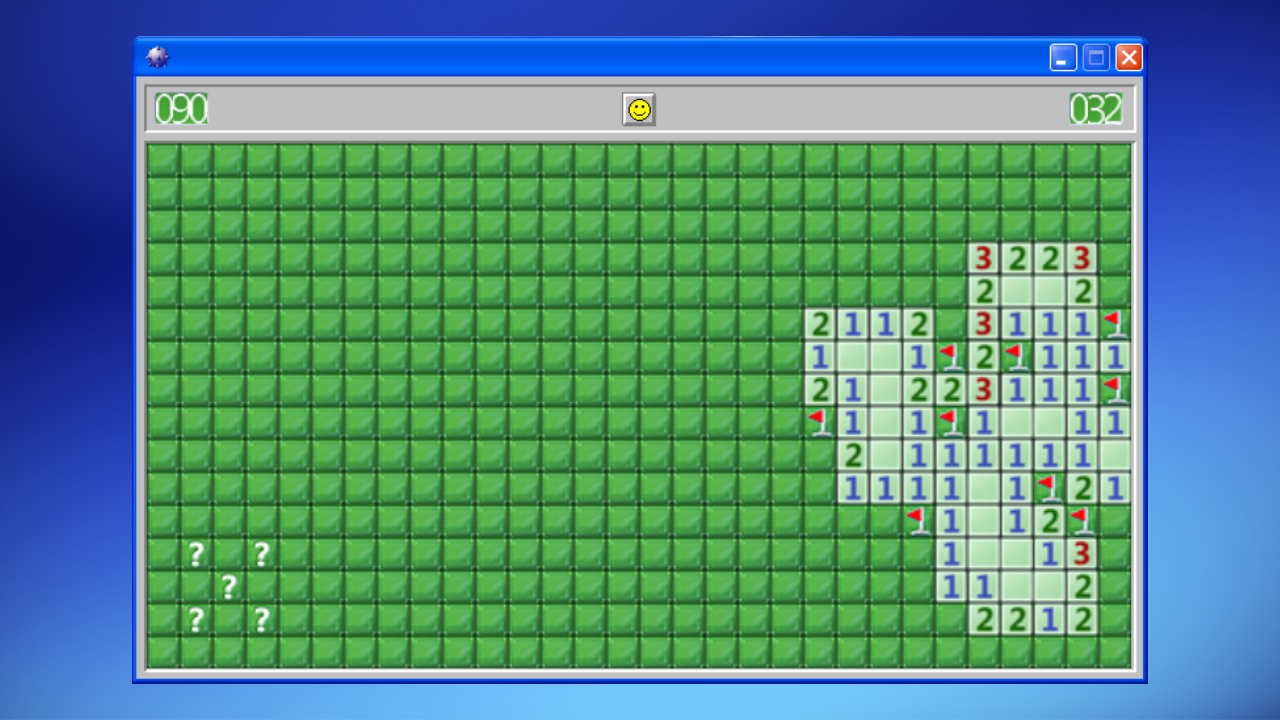
  • Minesweeper Master screenshot 1
  • Minesweeper Master screenshot 2
  • Minesweeper Master screenshot 3
  • Minesweeper Master screenshot 4
  • Minesweeper Master screenshot 5
  • Minesweeper Master screenshot 6
  • Minesweeper Master screenshot 7
Play Now

13,547 players online

How to play

  1. Open the game

    Press Play now and the game opens on its own screen.

  2. Follow the in-game instructions

    The controls and goals are shown inside the game as you play.

  3. Use the game menu

    The floating button over the game reloads it, saves it to your favourites, or takes you back out.

Game instructions

● The goal of the game is to open all cells that do not contain mines ● Opening a cage with a mine means losing ● To start the game, click anywhere on the field (LMB) ● The first click is always safe, guaranteed there will be no mines ● A section of the field with numbers will open ● The number shows how many mines are located around this cell ● In the cell where you think the mine is located, check the box (RMB) ● If you doubt whether there is a mine in a given cell, place a question mark (RMB) Control: ● F2 -> Start a new game ● LMB -> Open closed cell ● RMB -> Mark a cell with a flag or question mark ● LMB + RMB or MMB -> Chord. Opens surrounding cells if the number of their flags is equal to the number on the cell

More games

More games