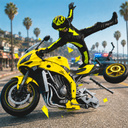
Overview
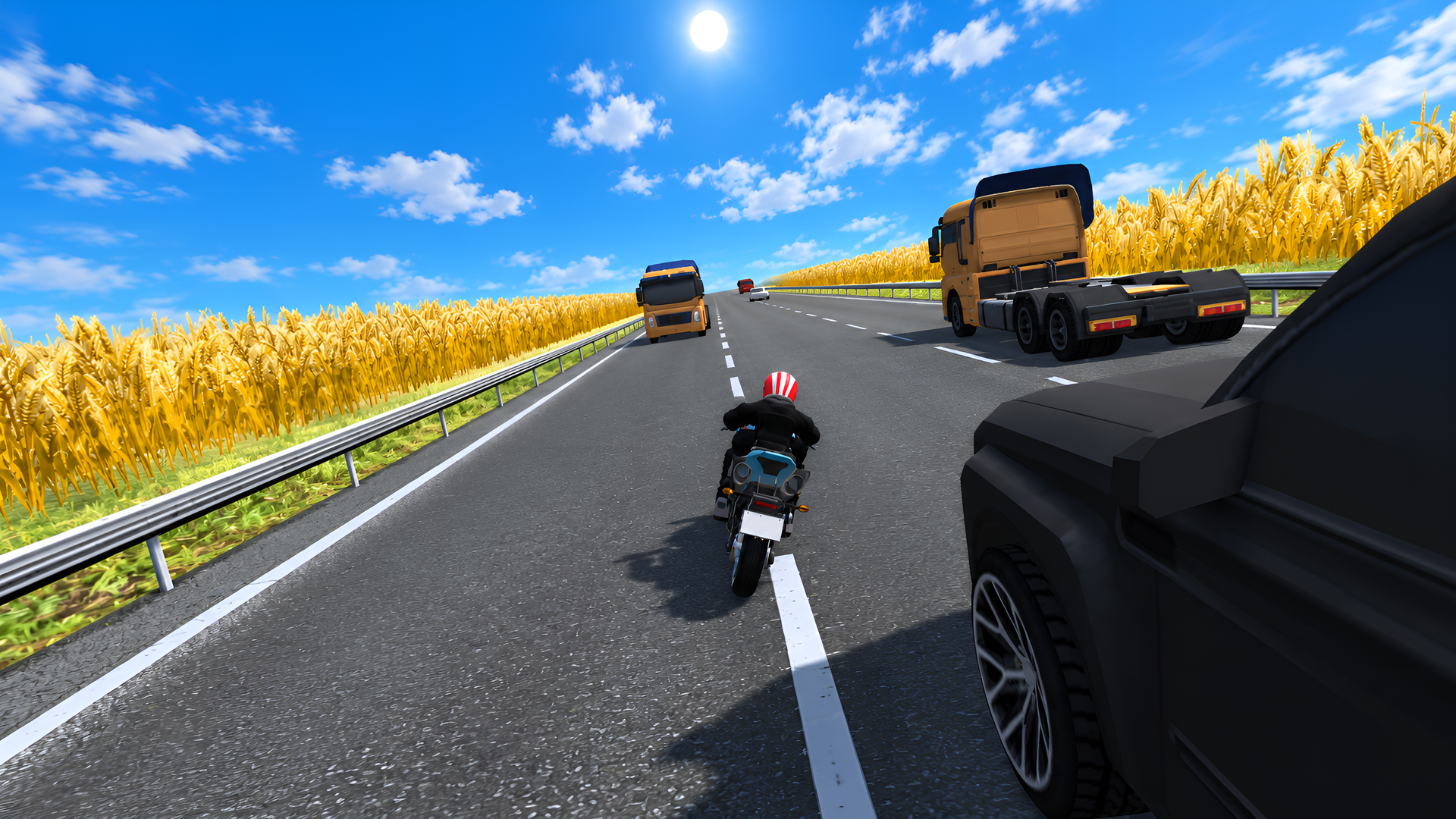
Weave through traffic, chase reckless drivers, and conquer deadly descents!
Motorcycle racing with realistic physics, destruction, spectacular crashes, and ragdoll falls. Choose your rider, tune your bikes, and test your skills!
🏍 Aggressive Traffic
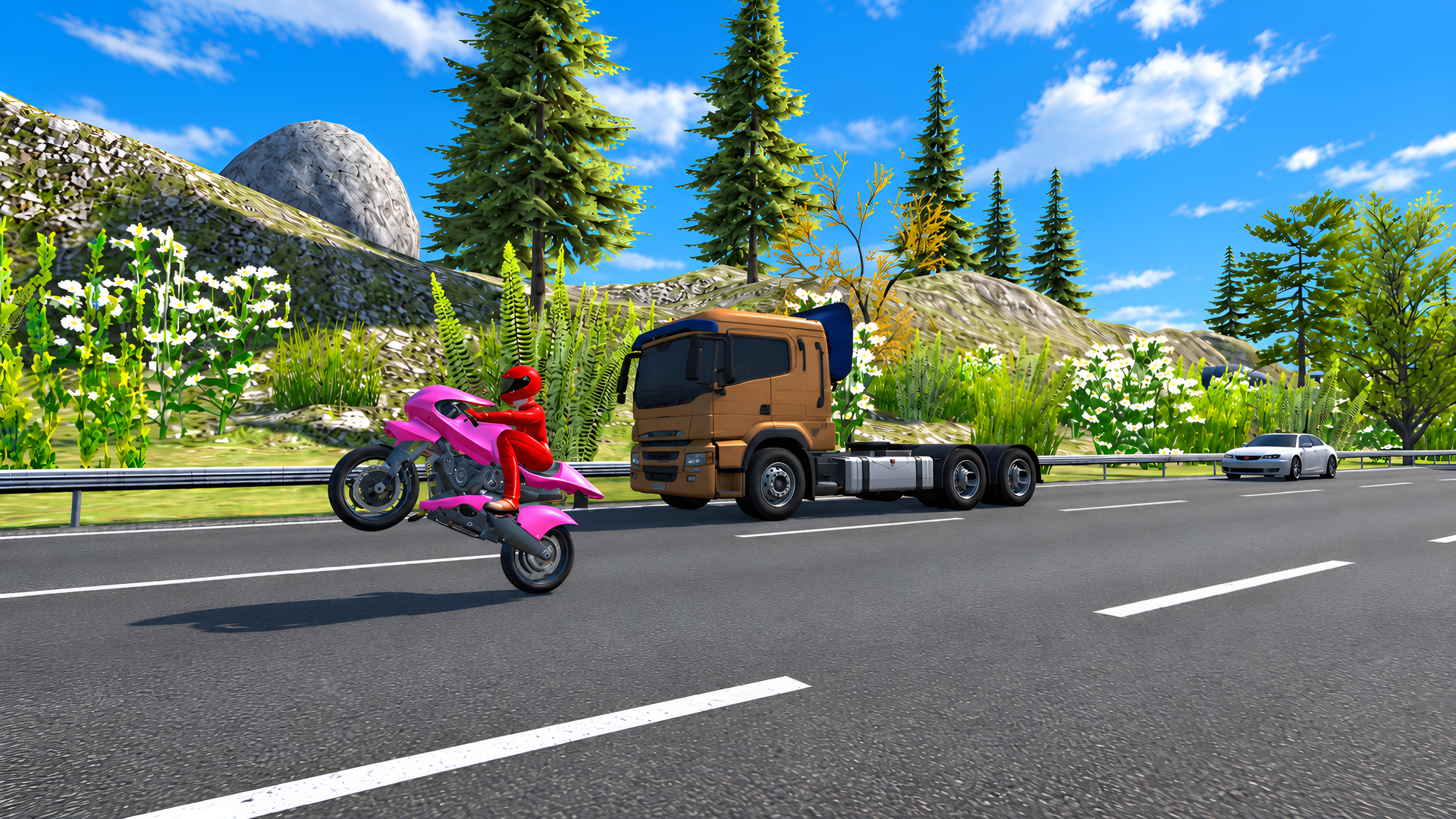
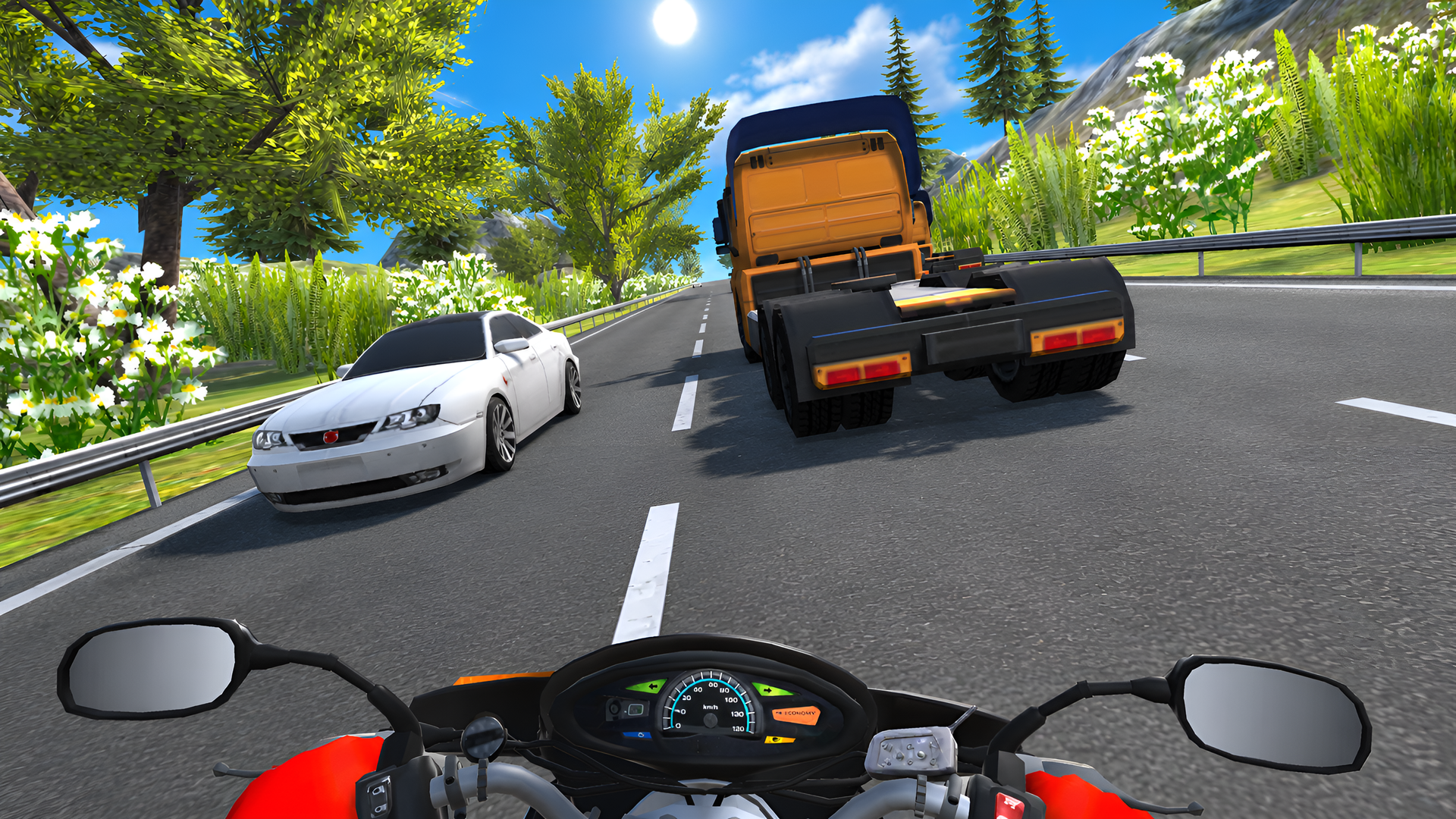
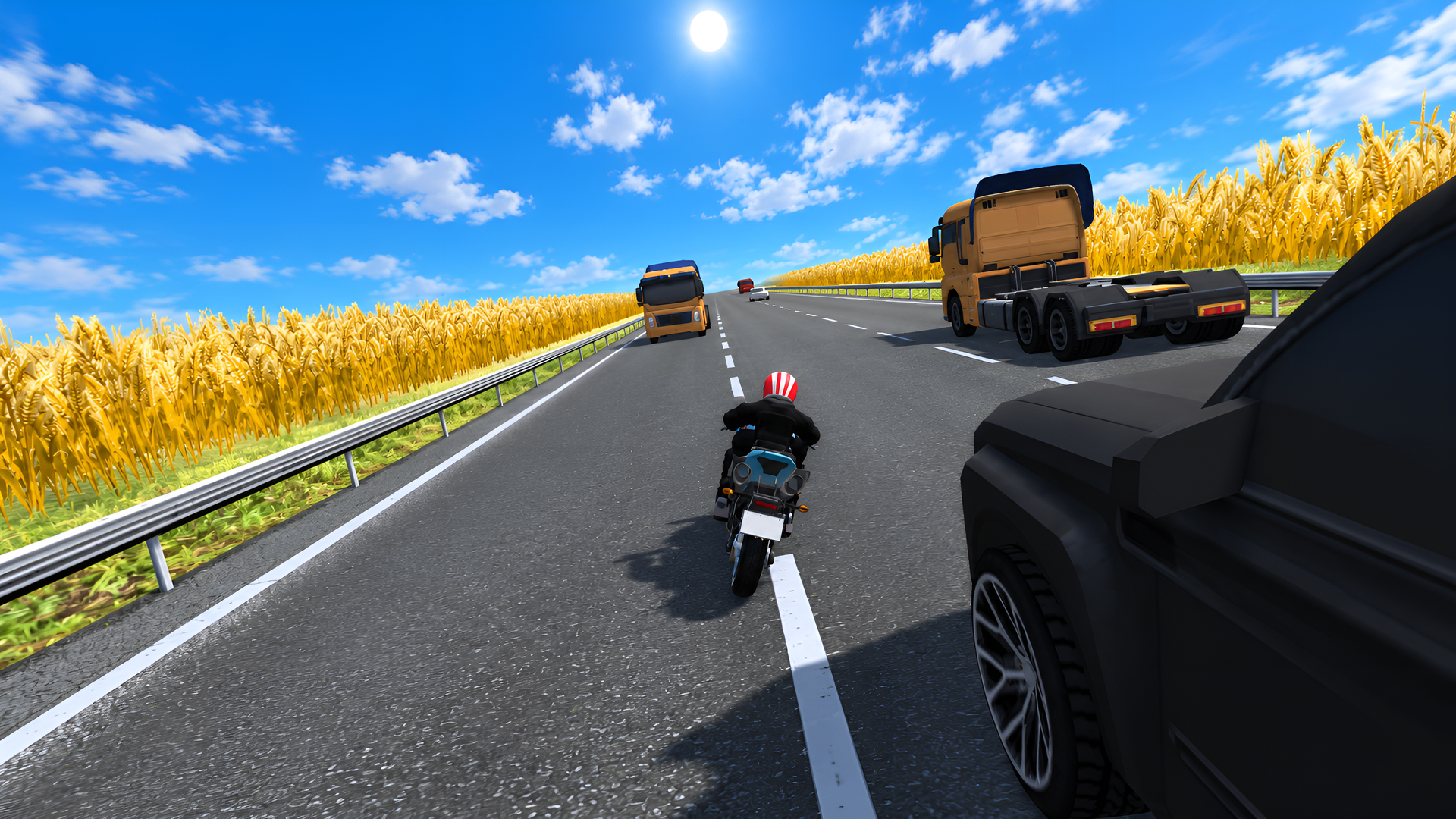
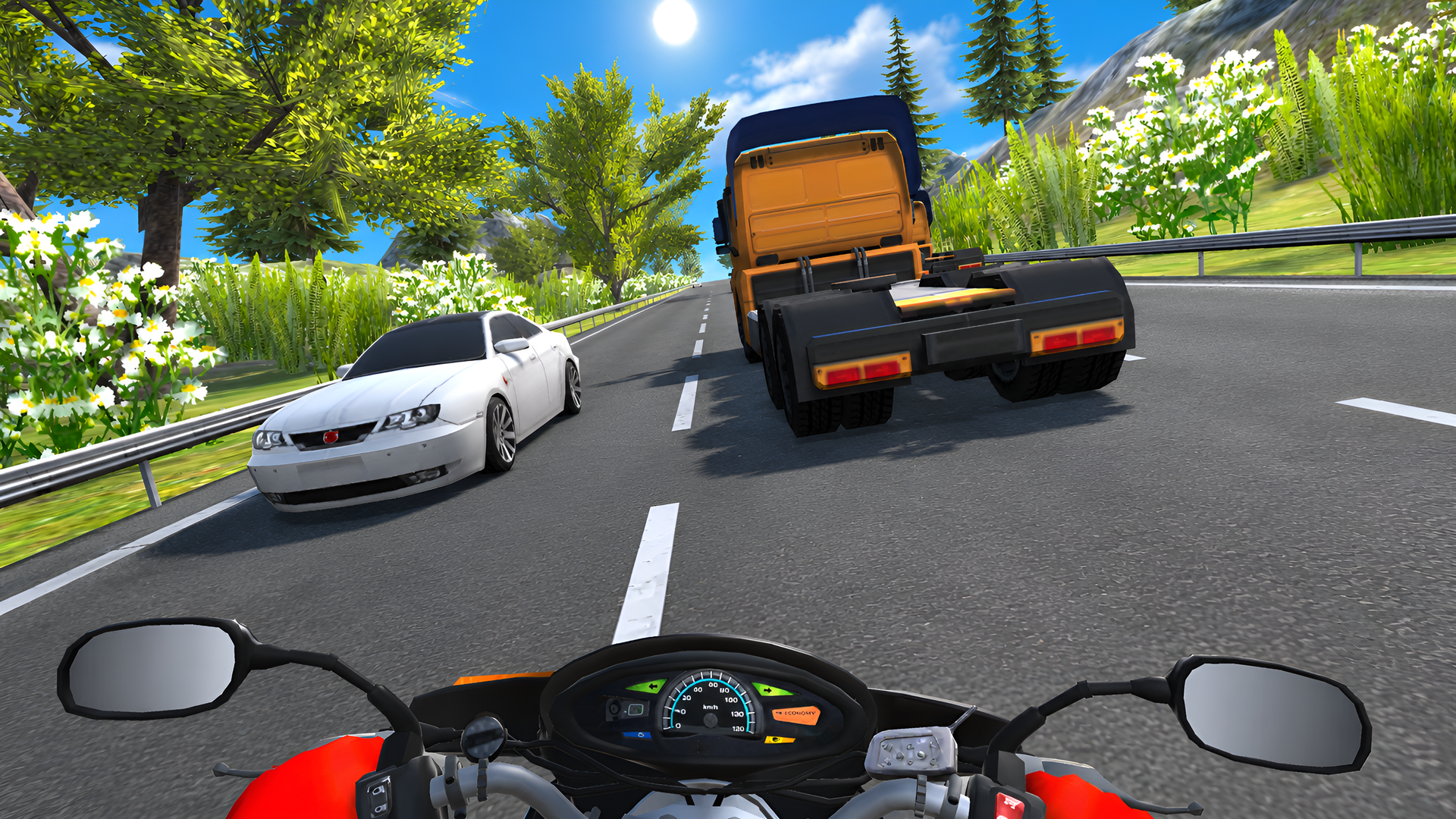
Cars switch lanes, cut you off, and pull into oncoming traffic. Find a gap and react fast!
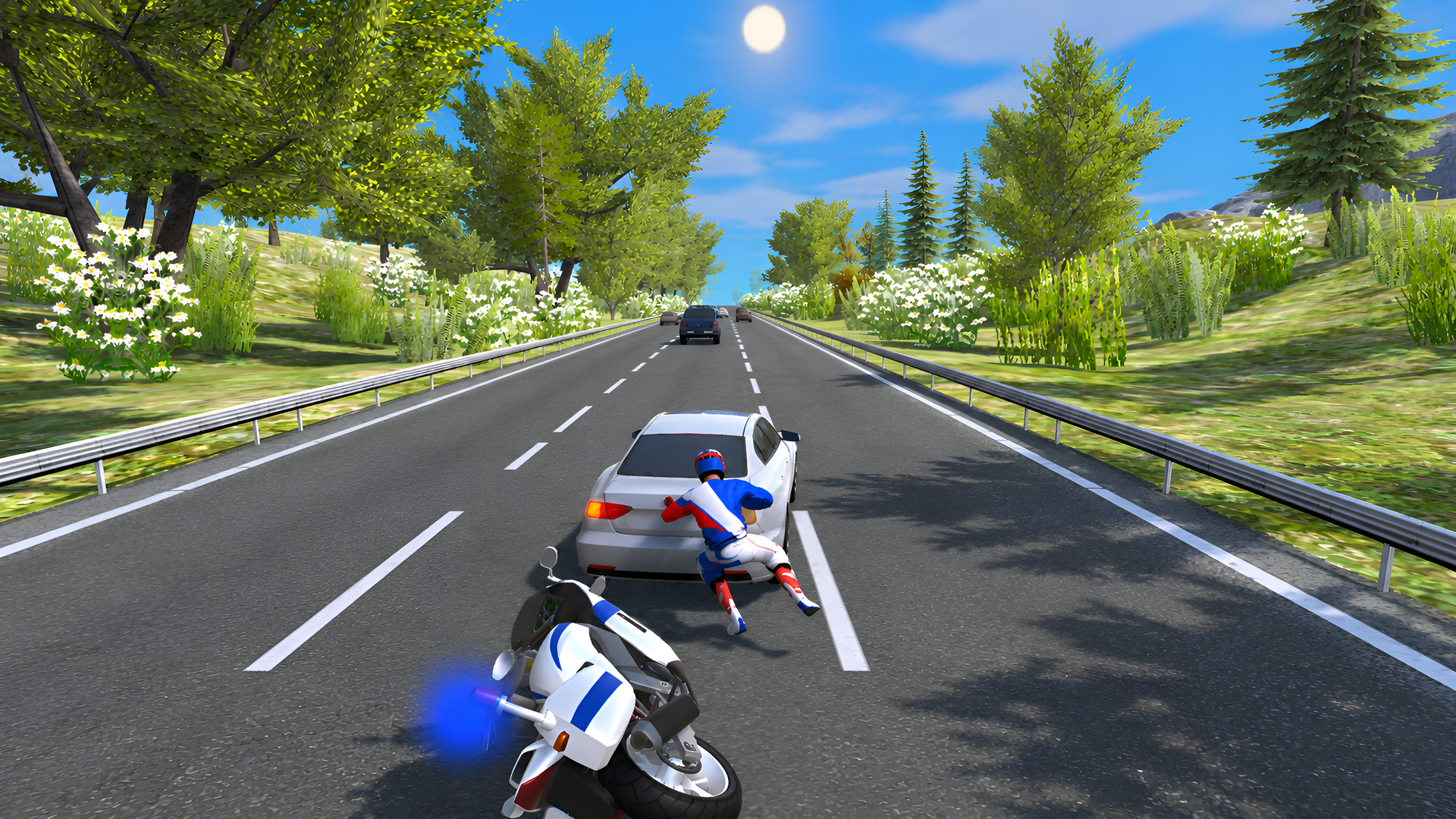
💥 Spectacular Crashes
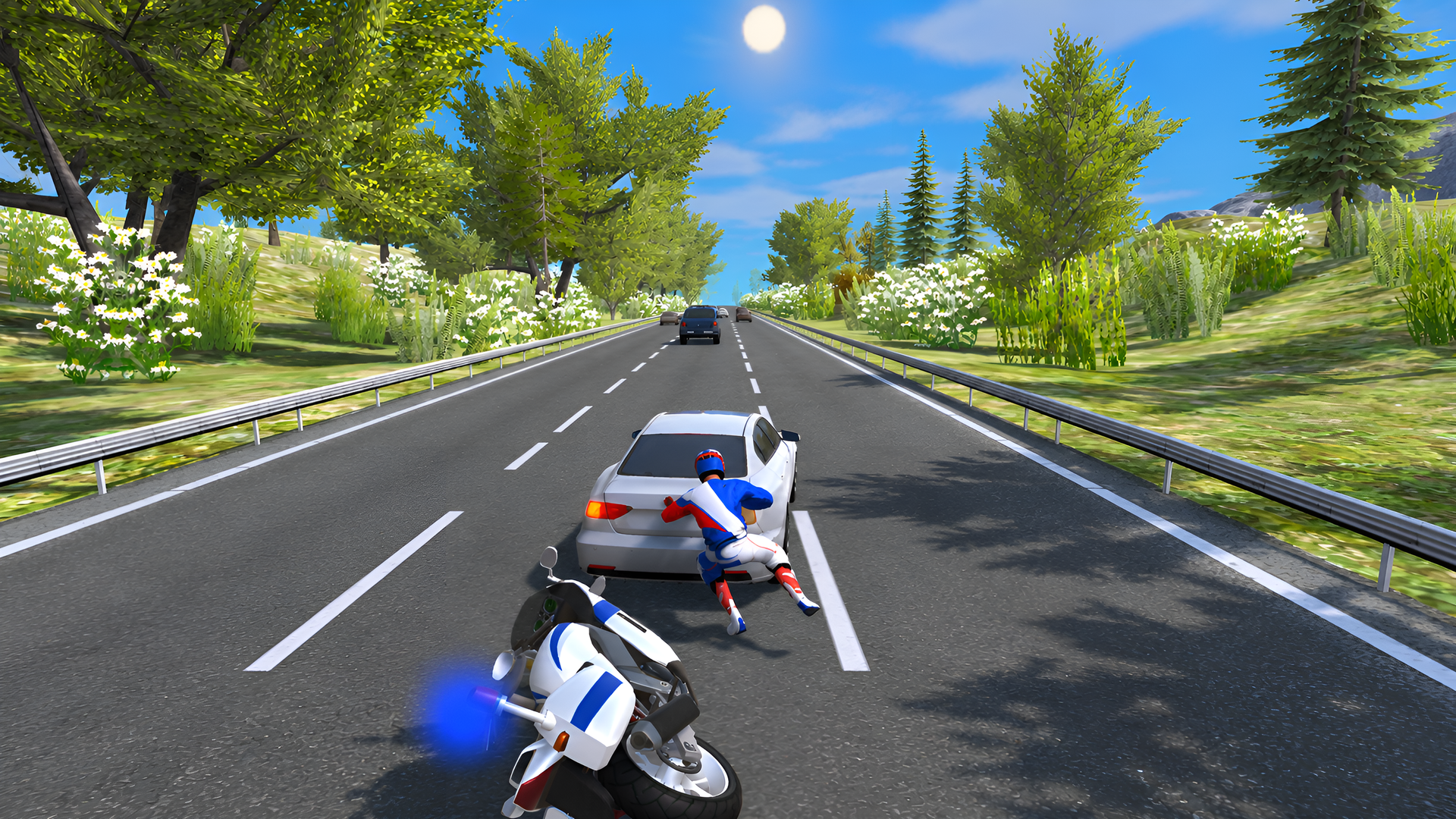
Wreck your motorcycle and send your rider flying, tumbling into everything in the way!
🚦 Traffic Mode — Race through heavy traffic. Keep your speed up and avoid a crash!
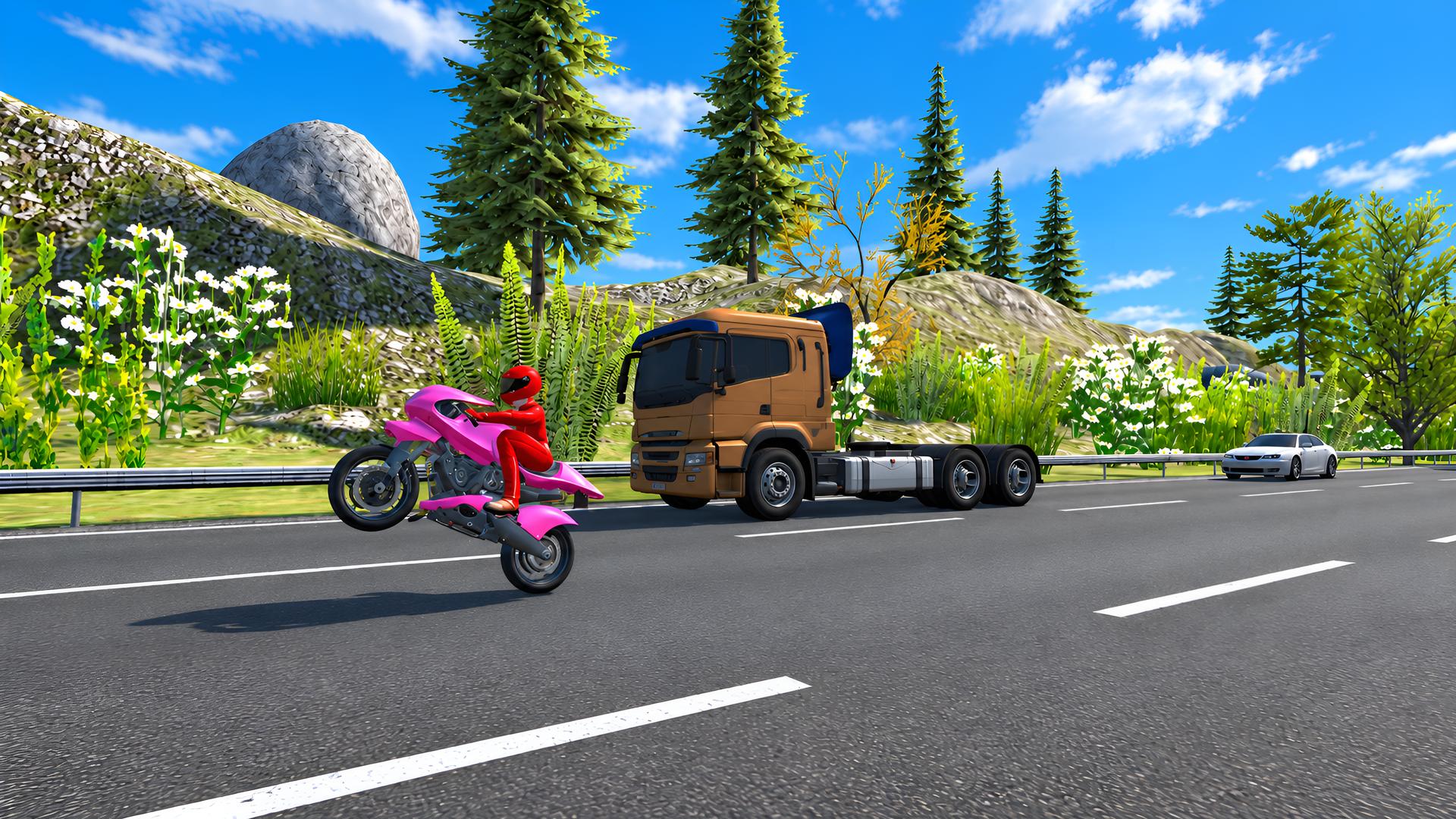
🚨 Chase Mode — Weave between cars and catch the offender!
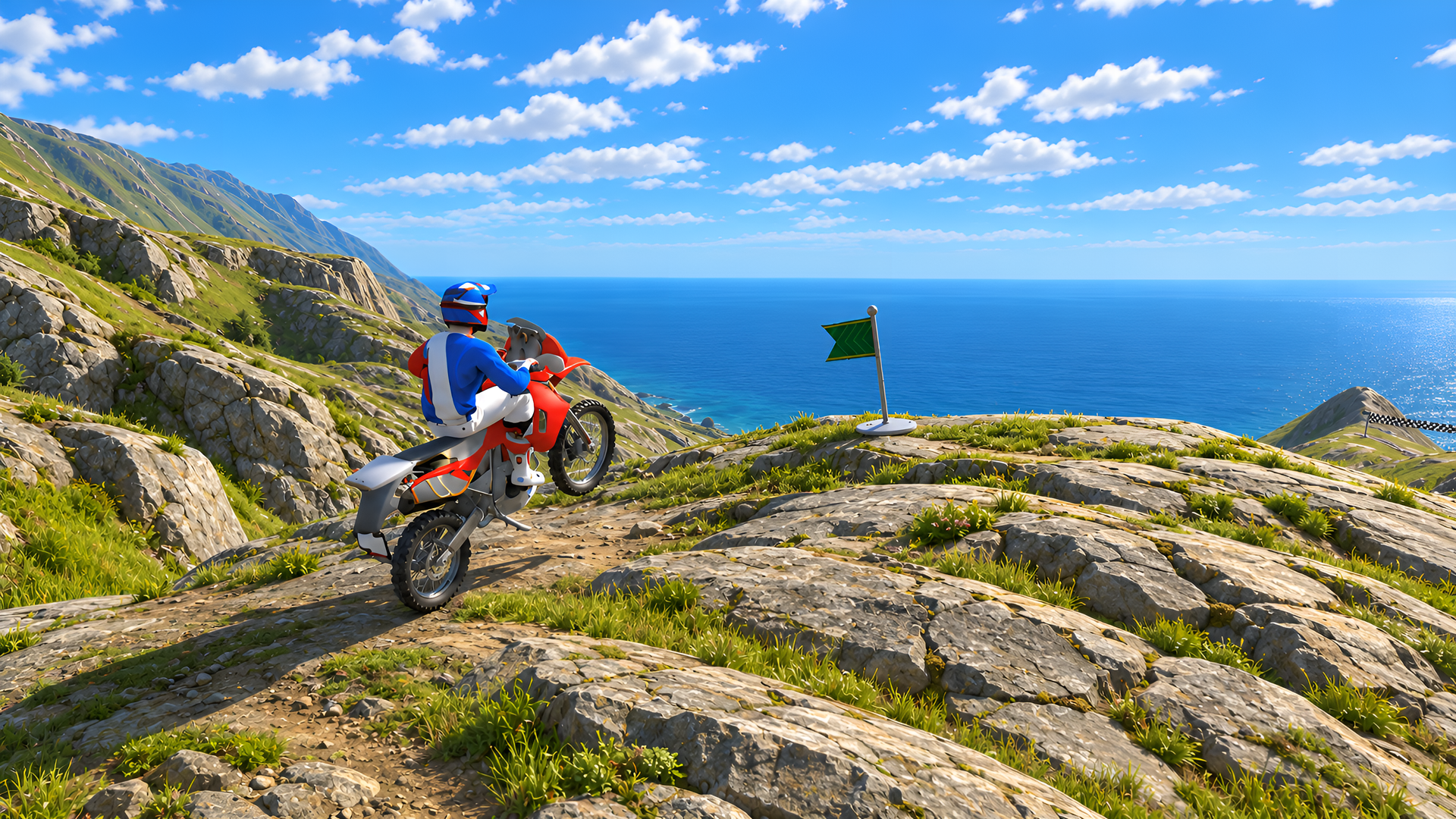
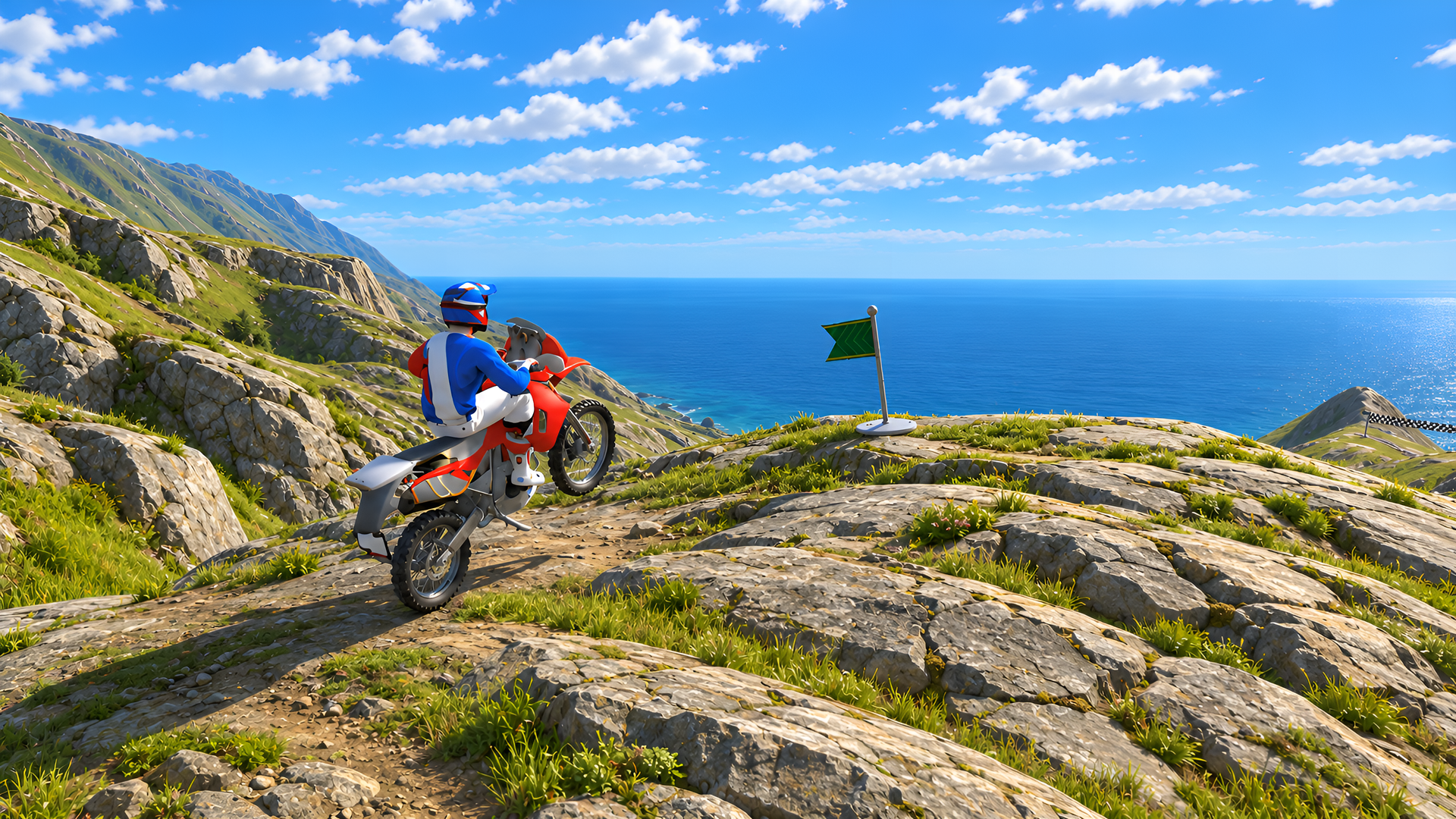
⛰ Deadly Descent — Ride down a cliff and try to keep your bike under control!
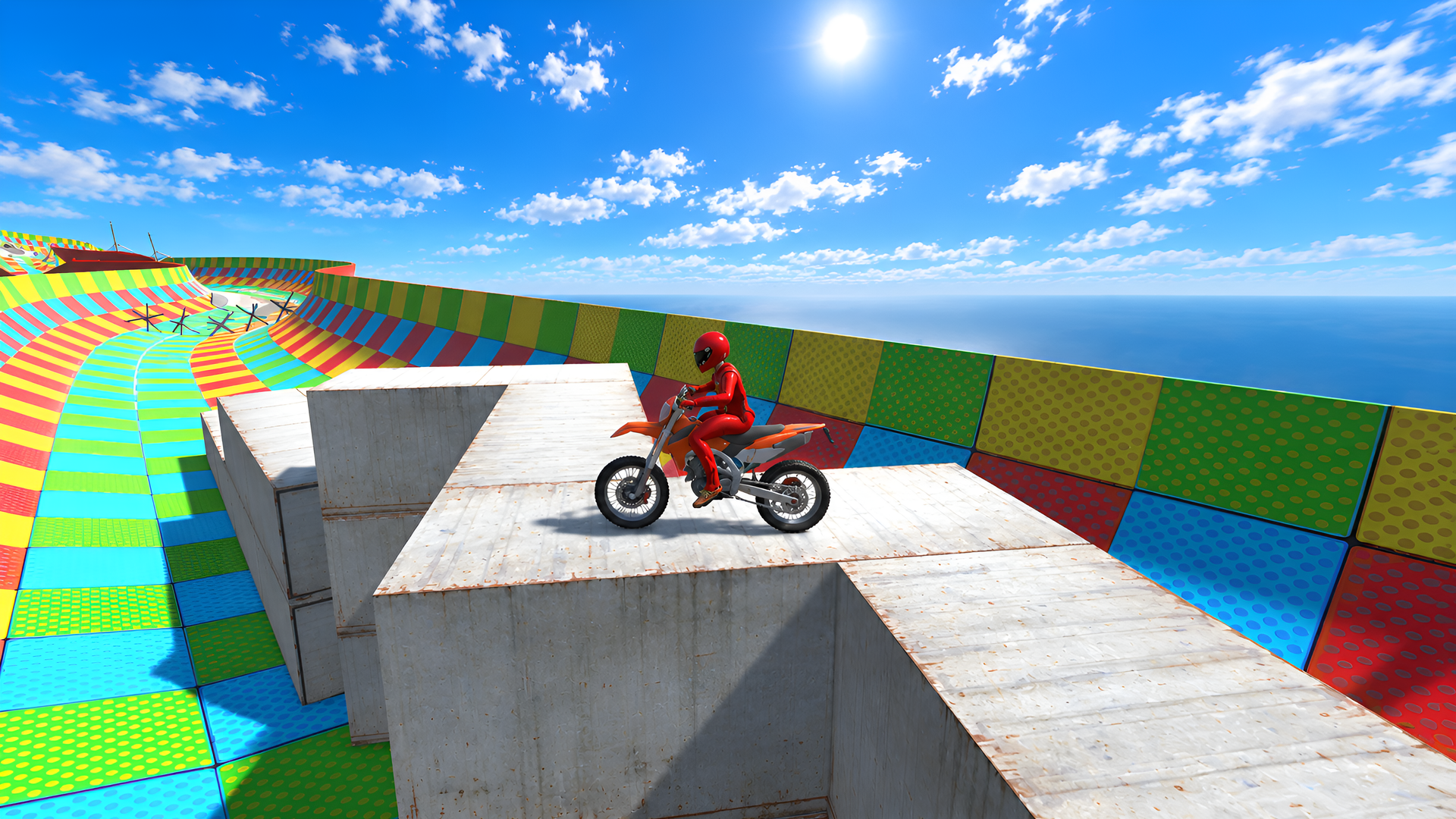
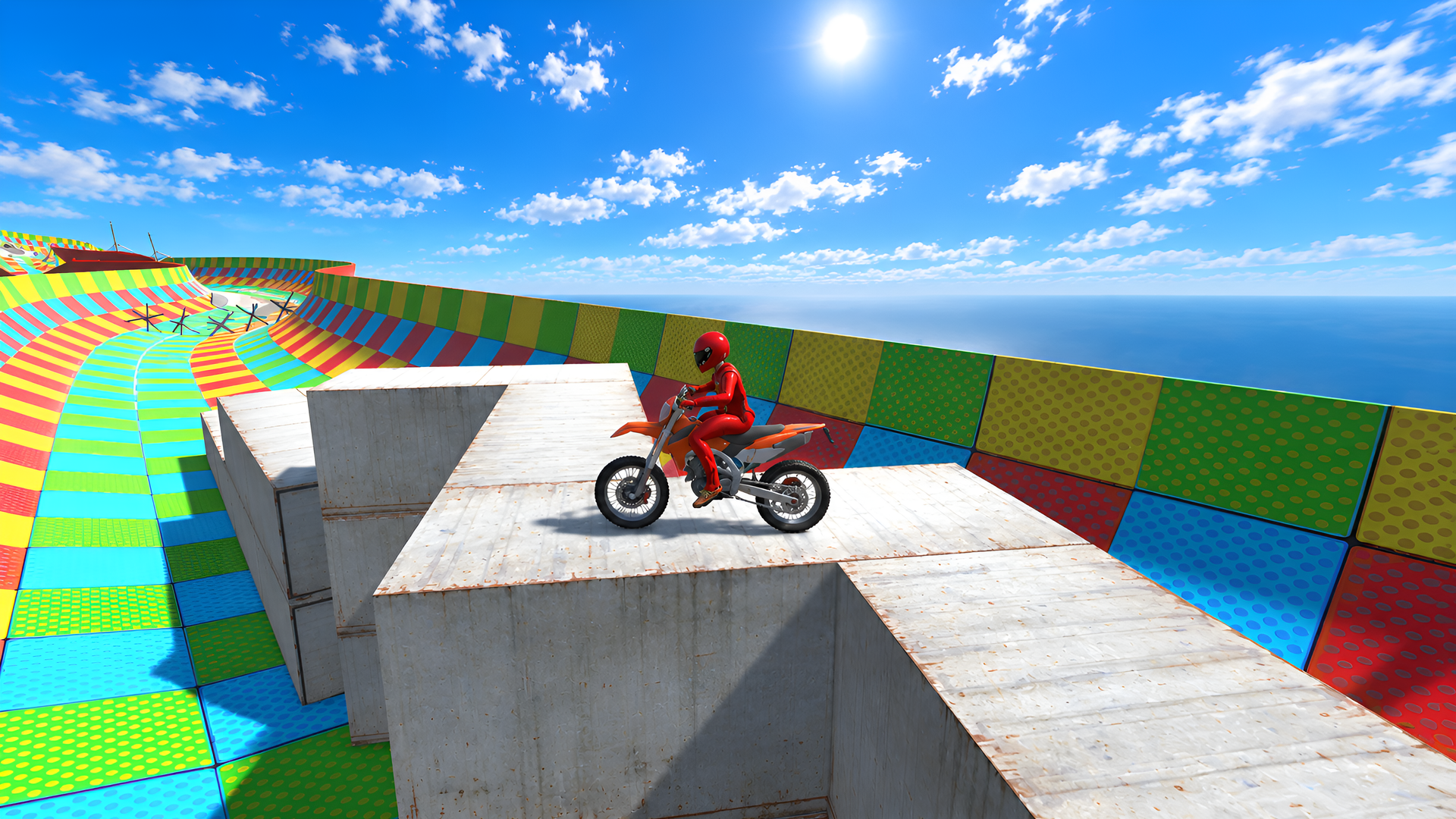
🚀 Bonus Mode — Beat the obstacle course, hit the ramp, and pull off an epic jump!
Will you cross the finish line on your bike — or will your rider get there without it?
Videos and screenshots
11,692 players online
How to play
-
Open the game
Press Play now and the game opens on its own screen.
-
Follow the in-game instructions
The controls and goals are shown inside the game as you play.
-
Use the game menu
The floating button over the game reloads it, saves it to your favourites, or takes you back out.