Skip to content
KG
Musical Ball: create your own melody

Musical Ball: create your own melody

103K plays 4.9 out of 5

Overview

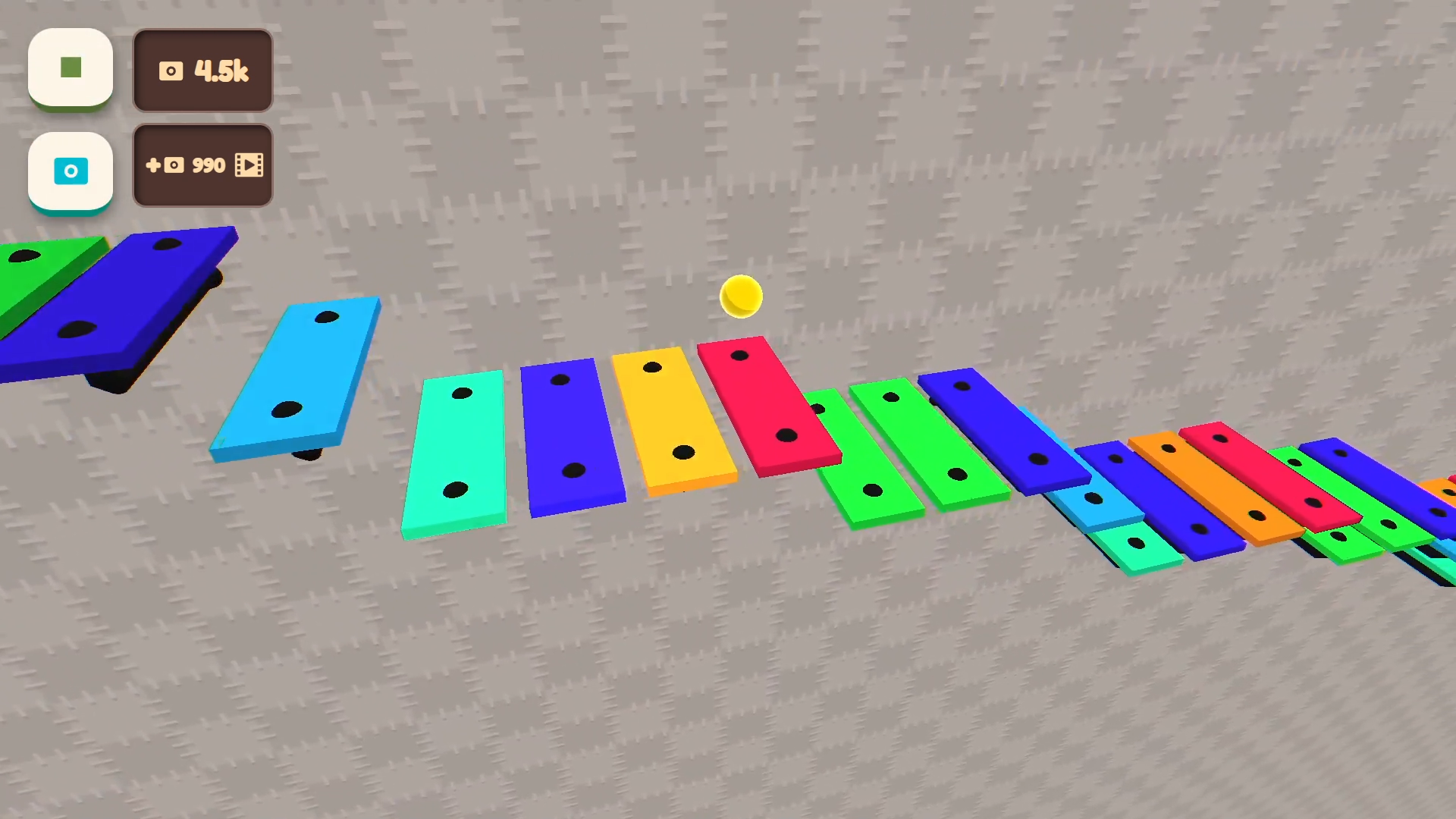
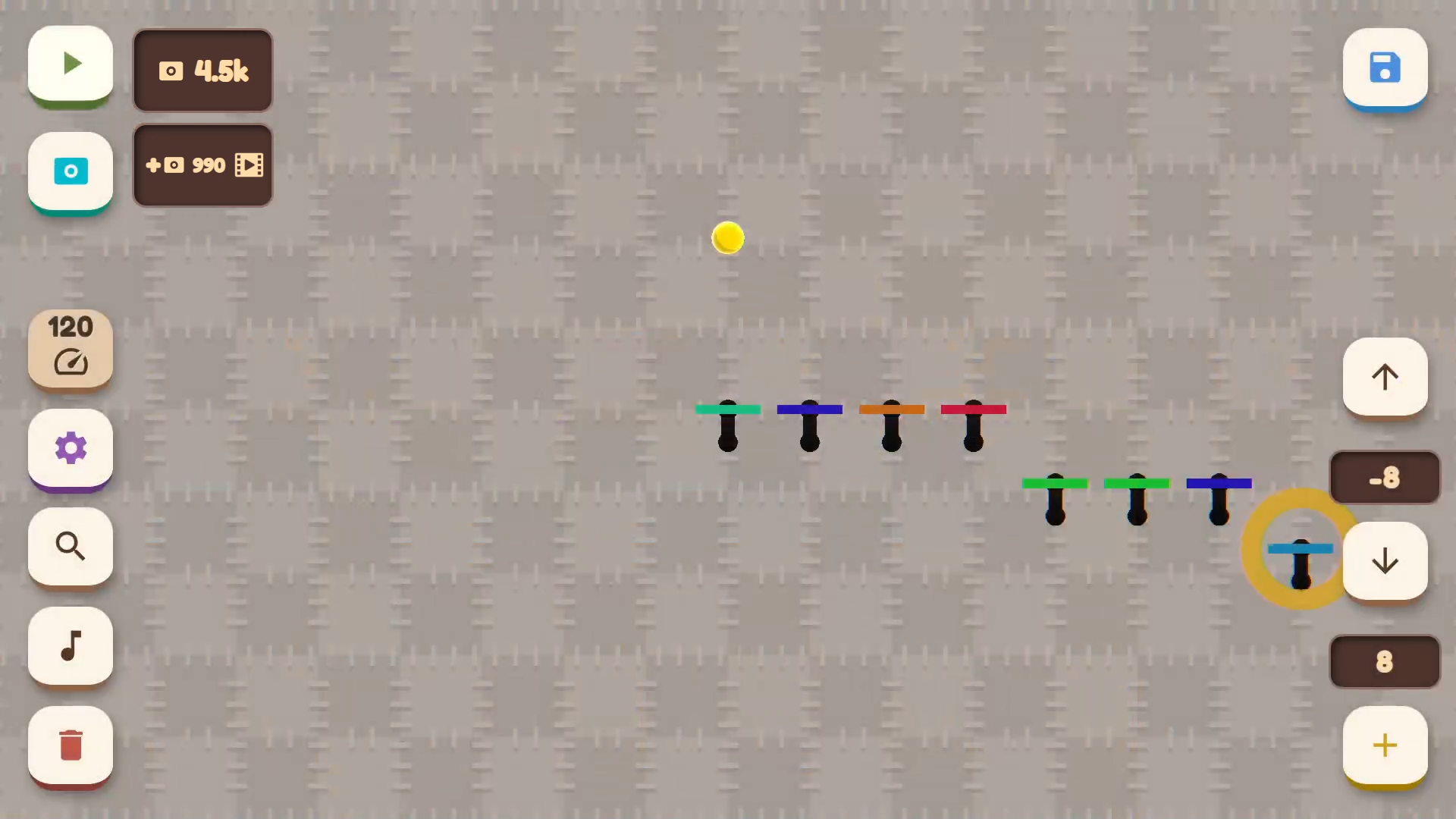
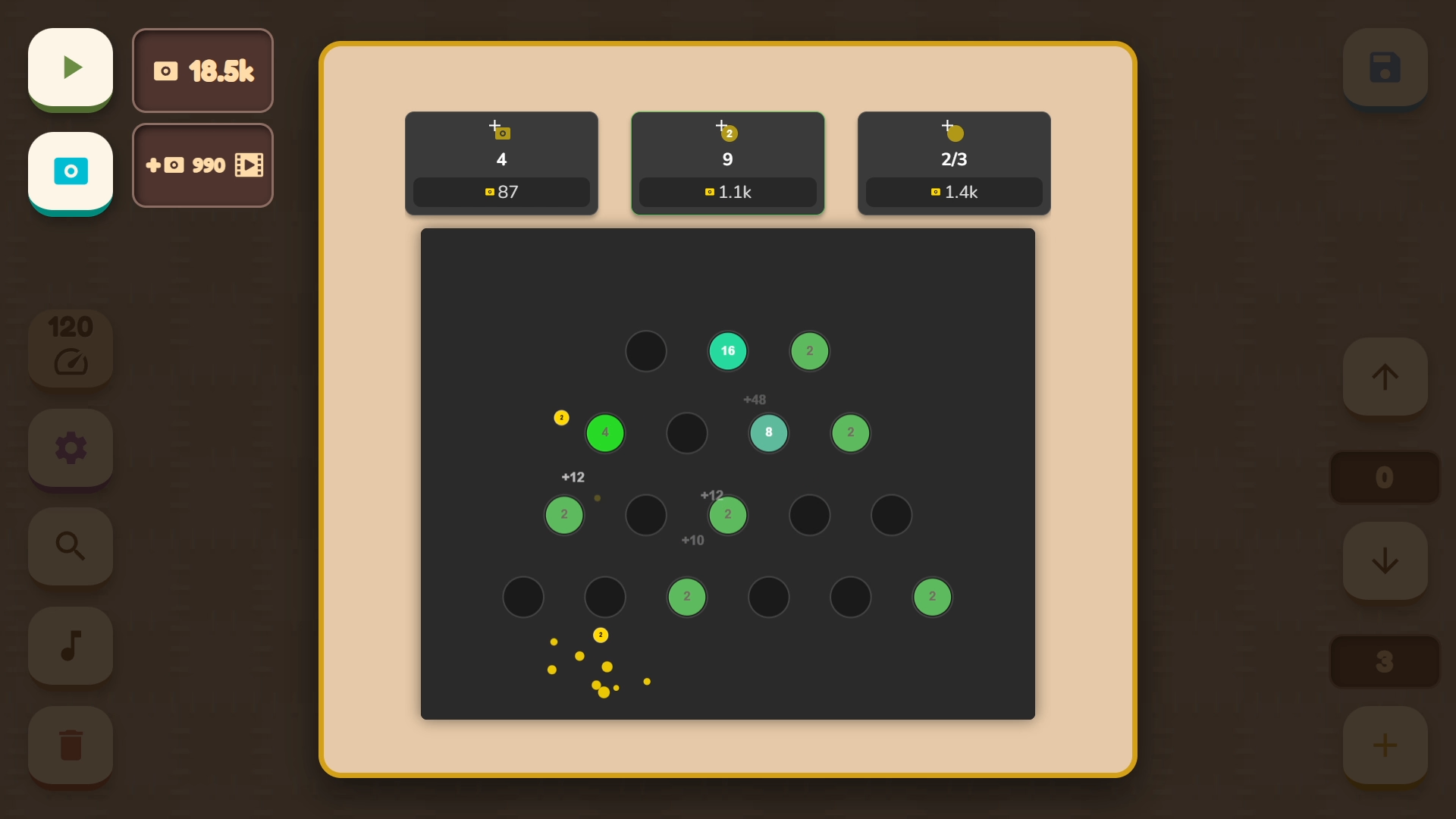
Musical Ball: create your own melody — this is a game where the player places colored note-platforms on the wall. The ball jumps from platform to platform, accompanying each touch with the sound of the corresponding note and instrument. The player can create their own endless melody by arranging different notes.

Videos and screenshots
  • Musical Ball: create your own melody screenshot 1
  • Musical Ball: create your own melody screenshot 2
  • Musical Ball: create your own melody screenshot 3
  • Musical Ball: create your own melody screenshot 4
  • Musical Ball: create your own melody screenshot 5
  • Musical Ball: create your own melody screenshot 6
  • Musical Ball: create your own melody screenshot 7
  • Musical Ball: create your own melody screenshot 8
Play Now

13,382 players online

How to play

  1. Open the game

    Press Play now and the game opens on its own screen.

  2. Follow the in-game instructions

    The controls and goals are shown inside the game as you play.

  3. Use the game menu

    The floating button over the game reloads it, saves it to your favourites, or takes you back out.

Game instructions

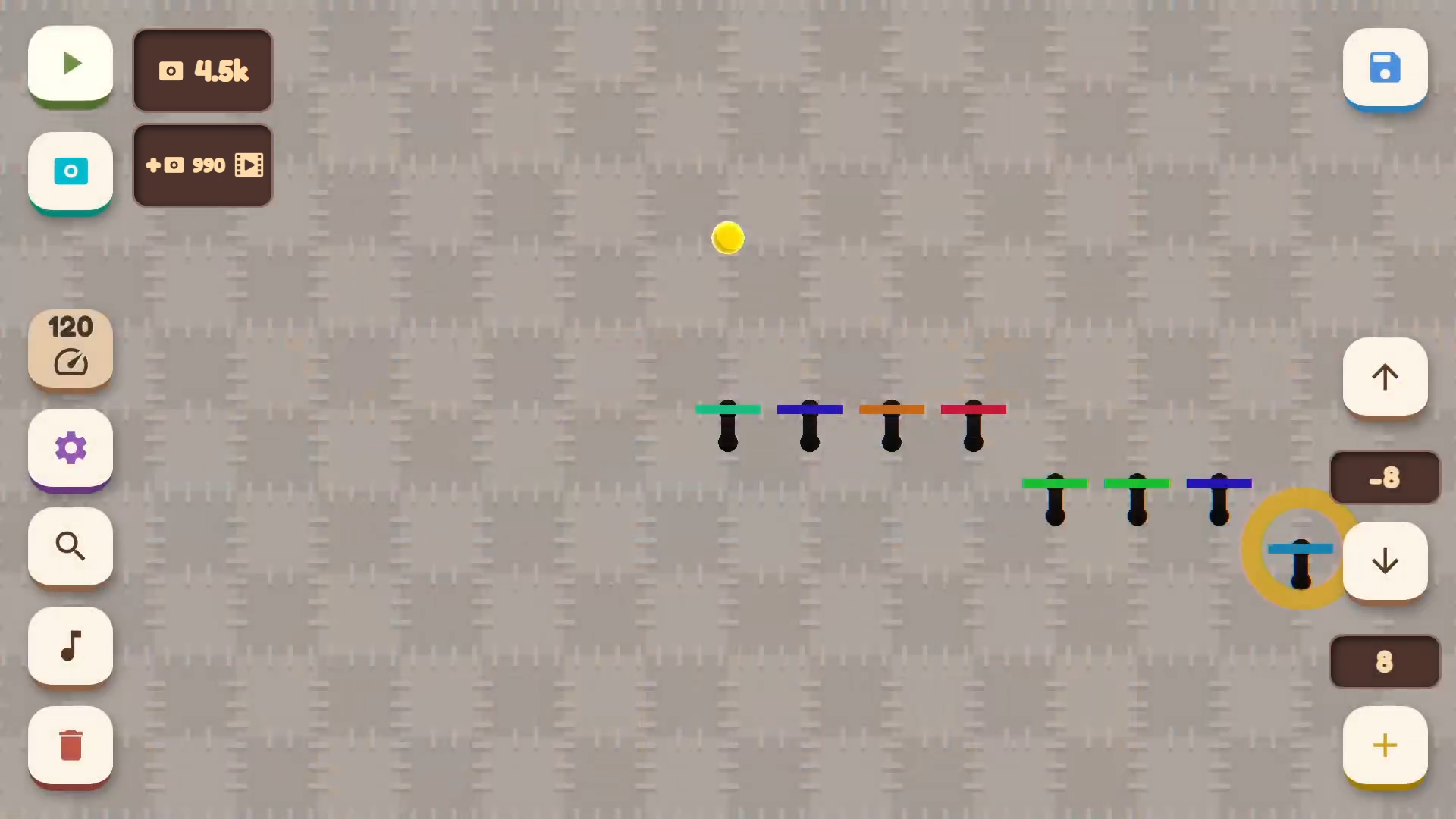
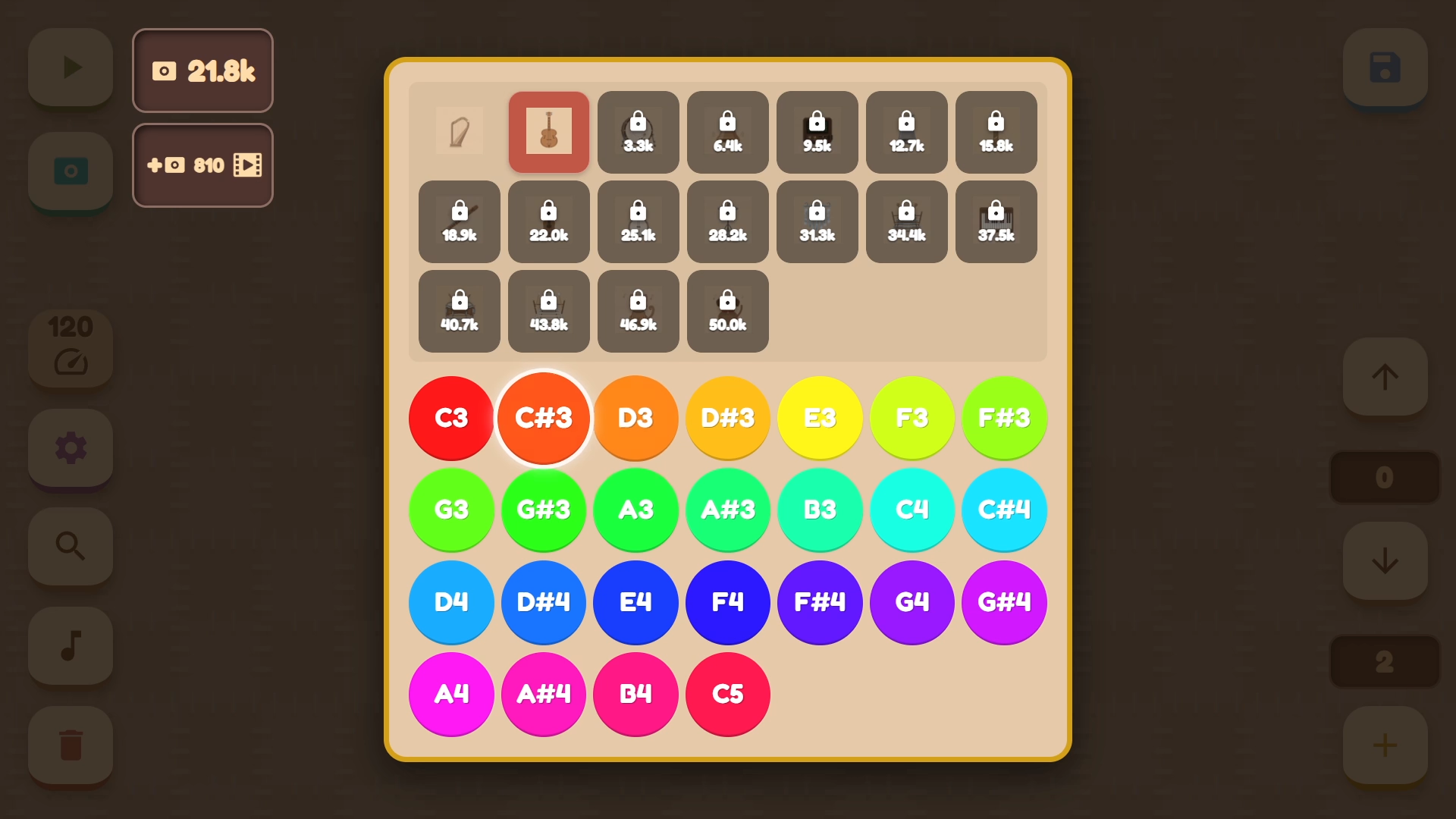
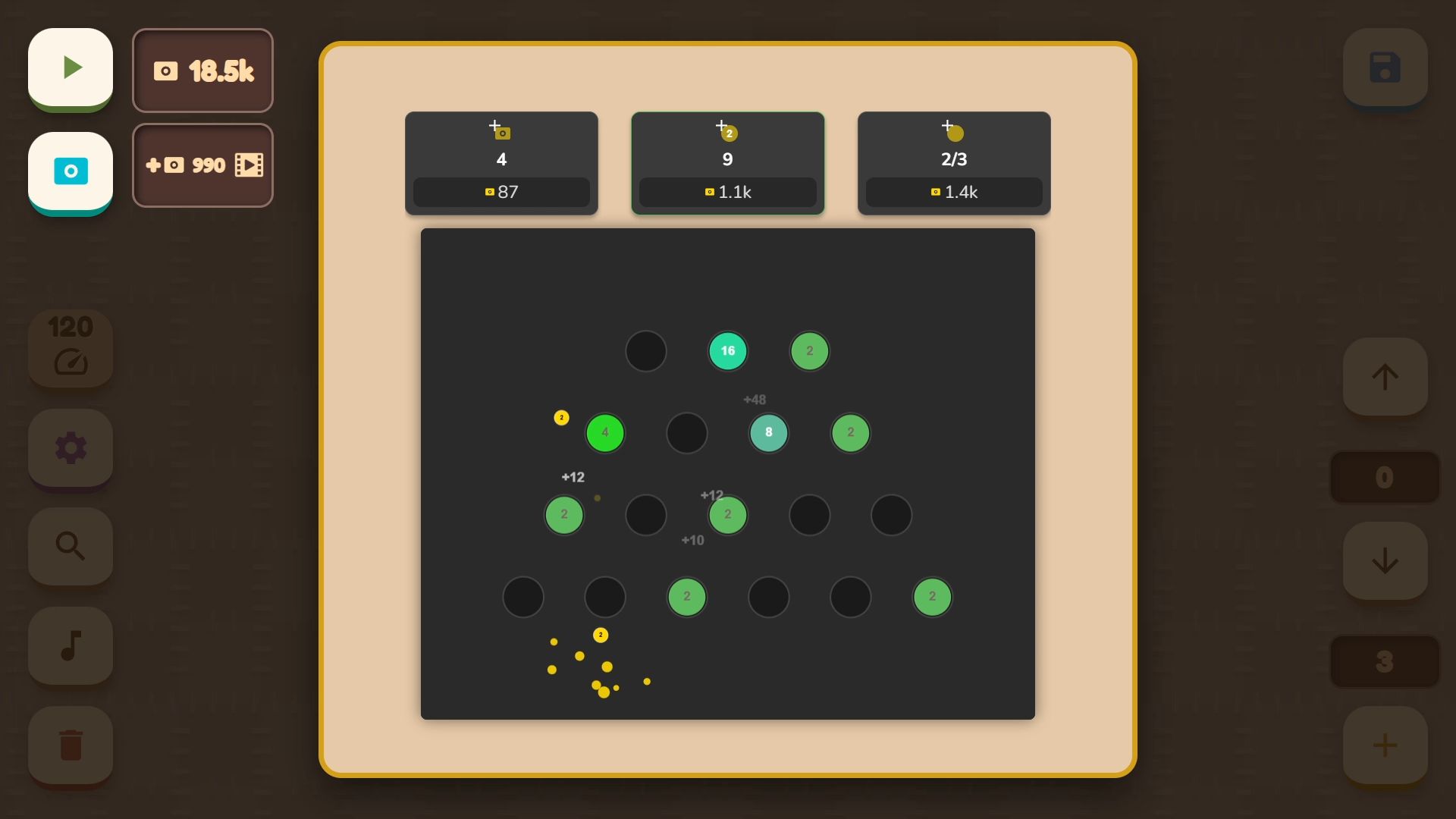
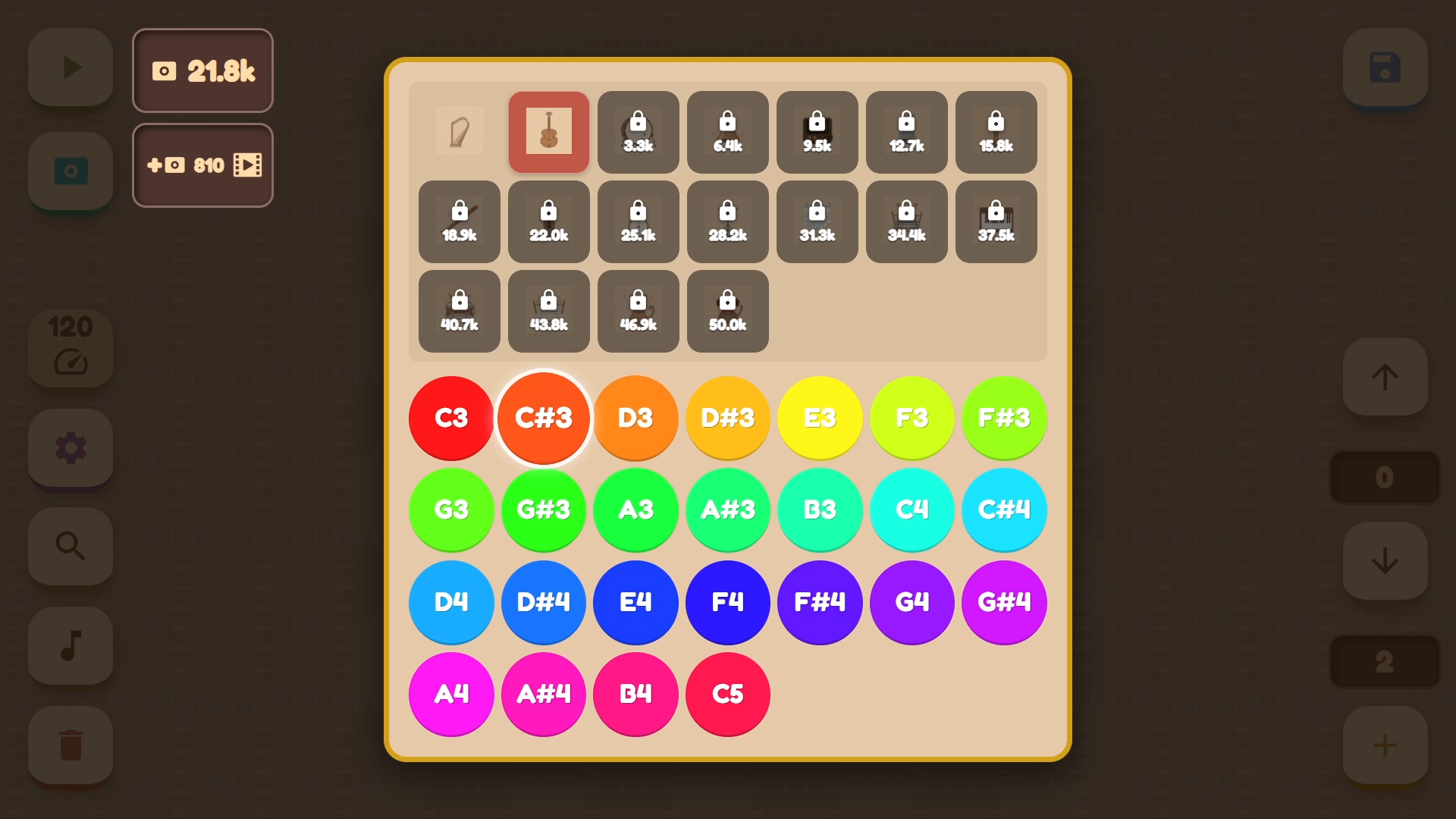
- Use the left mouse button or touch the screen to control. - In the lower left corner are the buttons: delete platform, adjust instrument and note for the selected object, return camera to the ball, change ball and background color, as well as adjust movement tempo. - The buttons in the lower right corner serve to create and move the note up or down. Please note: the note cannot rise above the previous one or fall below the next one. - In the upper left corner are the melody start button and access to the mini-game. Earned points can be spent on new instruments, colors, and backgrounds. - In the upper right corner is the save and load button.

More games

More games