Skip to content
KG
Musical Intervals Trainer

Musical Intervals Trainer

111K plays 4.5 out of 5

Overview

Key Features: Interval Recognition Listen to the suggested interval and choose it from the list of options. Difficulty levels adapt to your progress. Perfect for preparing for musical dictations. Speed Challenge This feature is ideal for competitions among professionals.

Videos and screenshots
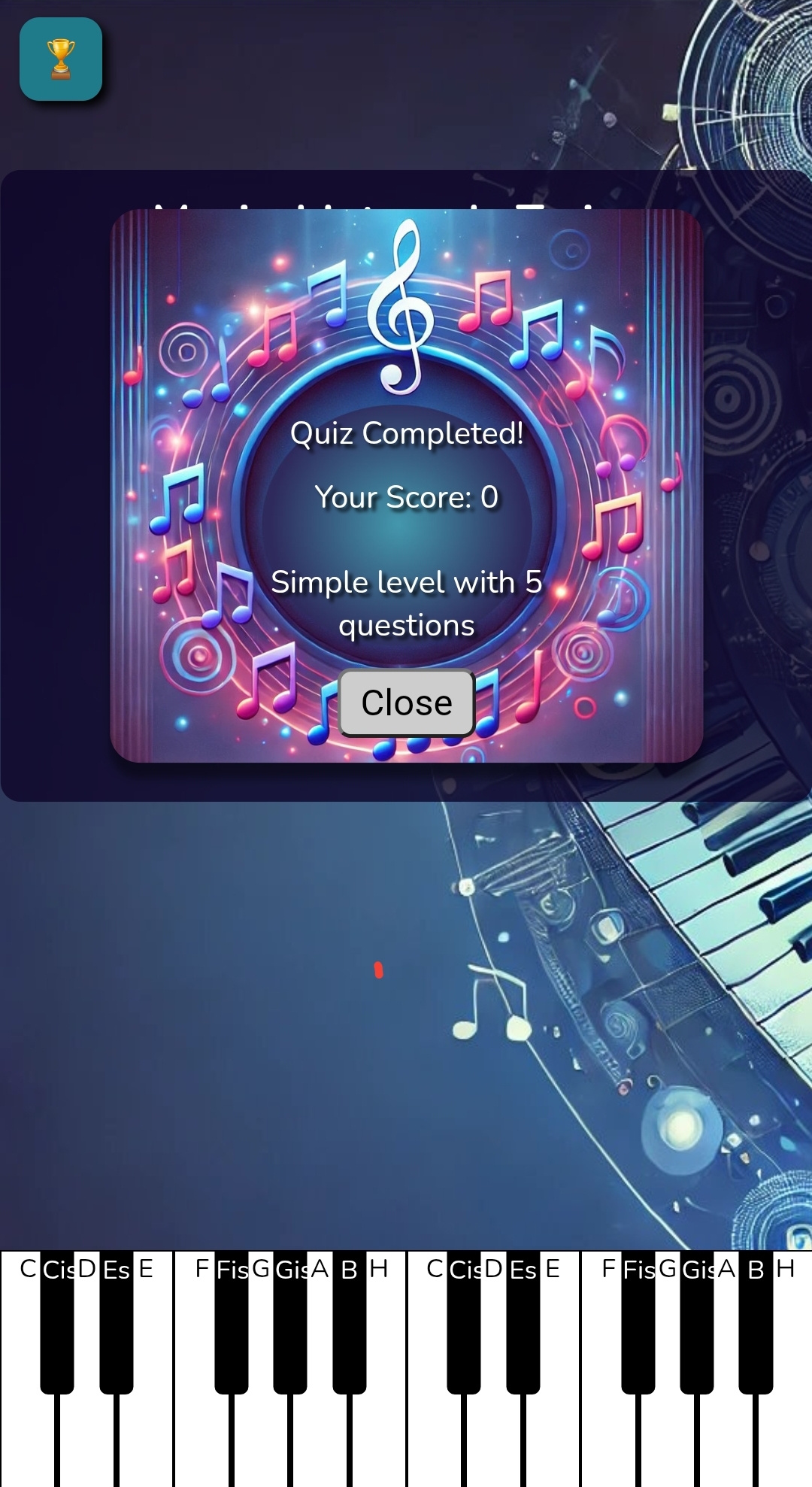
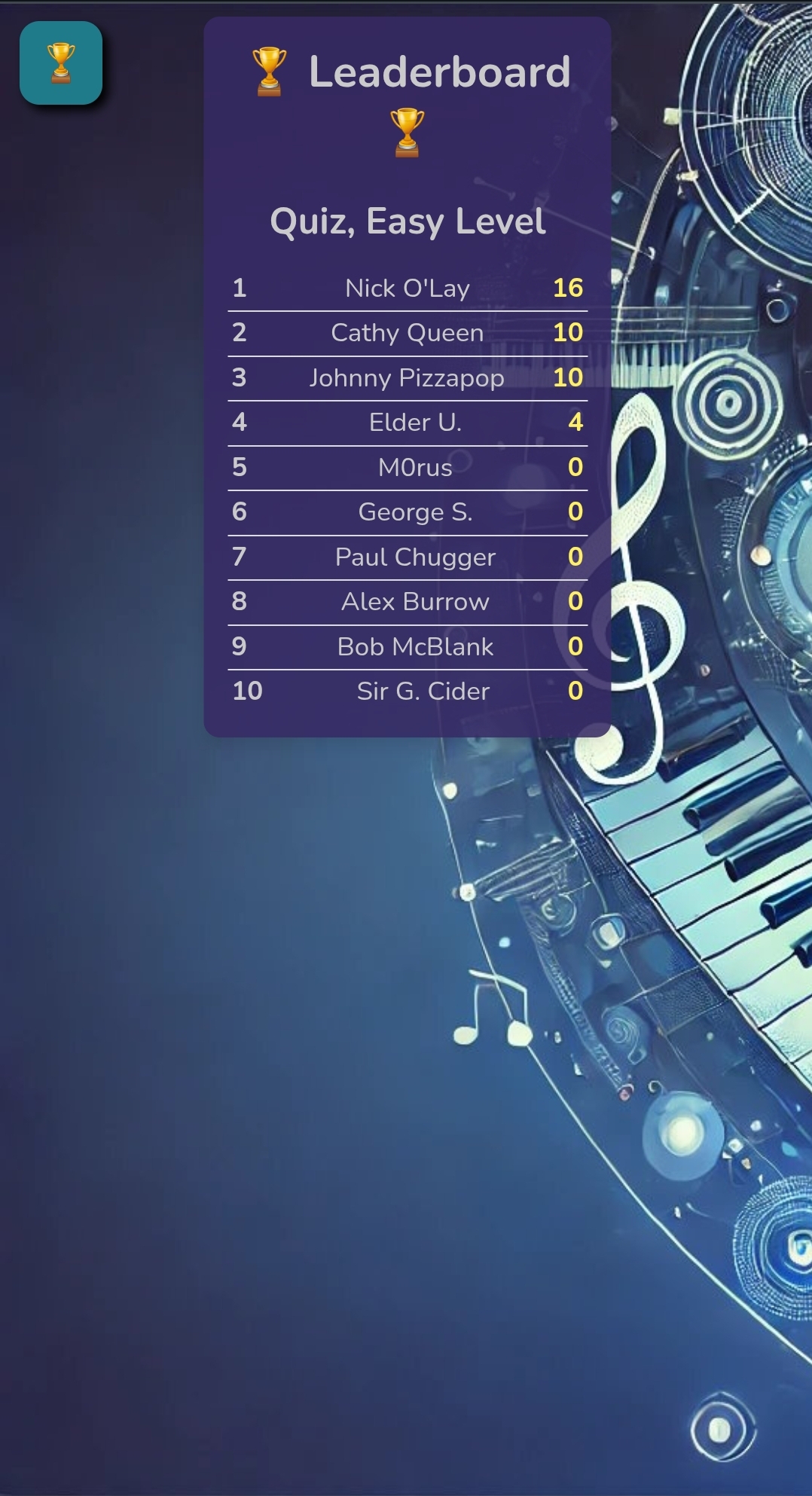
  • Musical Intervals Trainer screenshot 1
  • Musical Intervals Trainer screenshot 2
  • Musical Intervals Trainer screenshot 3
  • Musical Intervals Trainer screenshot 4
  • Musical Intervals Trainer screenshot 5
  • Musical Intervals Trainer screenshot 6
  • Musical Intervals Trainer screenshot 7
  • Musical Intervals Trainer screenshot 8
  • Musical Intervals Trainer screenshot 9
Play Now

11,654 players online

How to play

  1. Open the game

    Press Play now and the game opens on its own screen.

  2. Follow the in-game instructions

    The controls and goals are shown inside the game as you play.

  3. Use the game menu

    The floating button over the game reloads it, saves it to your favourites, or takes you back out.

Game instructions

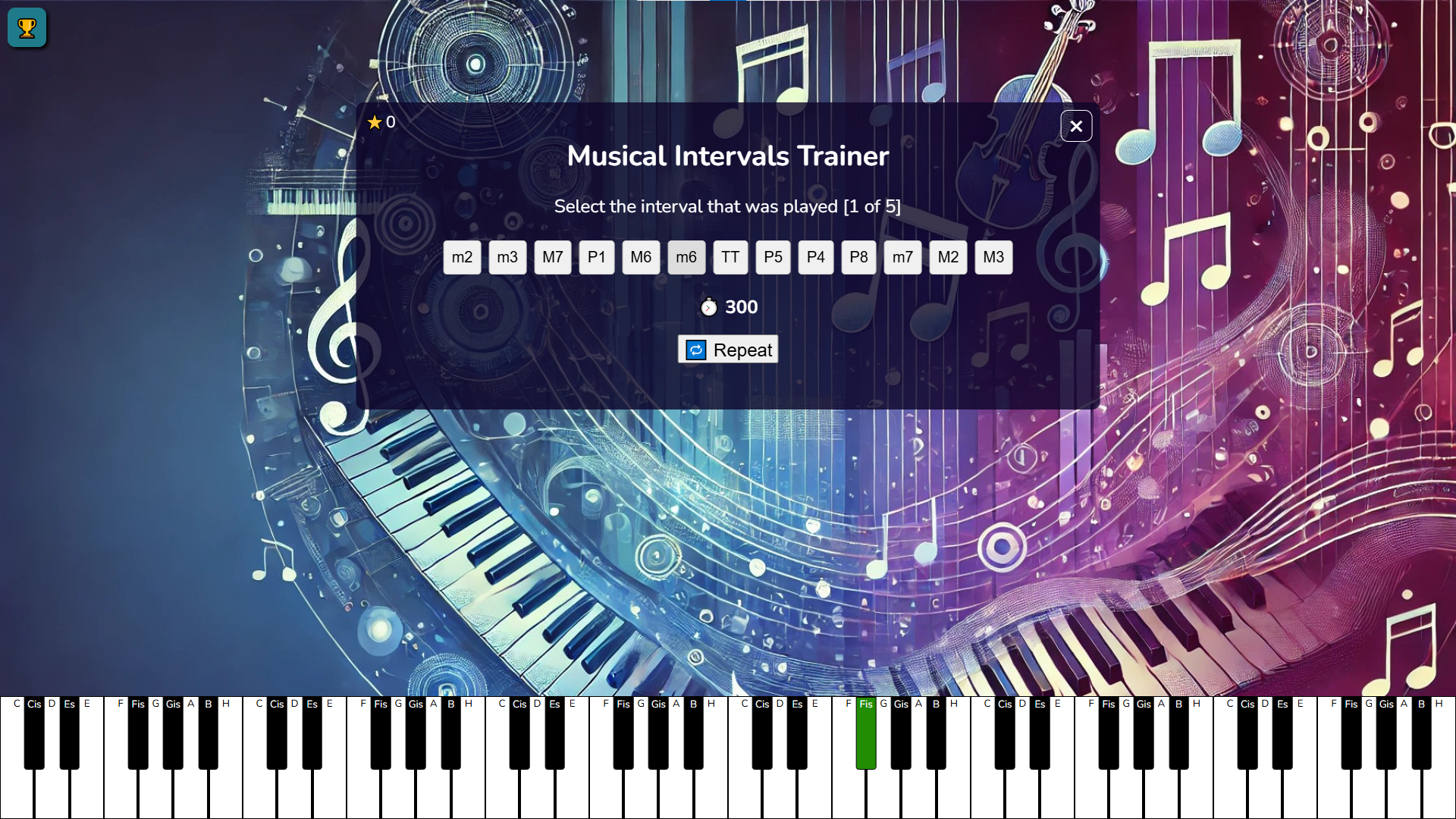
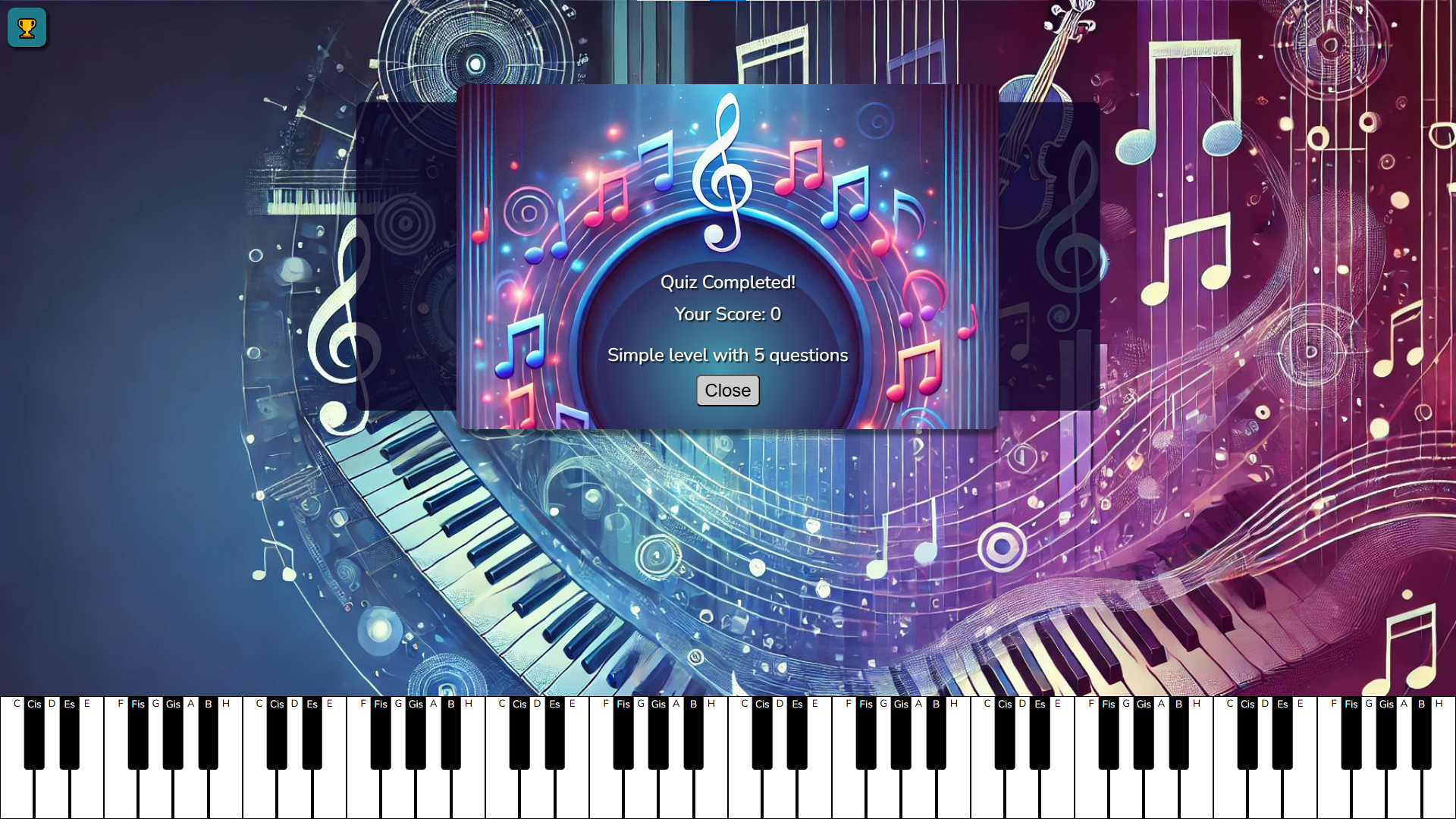
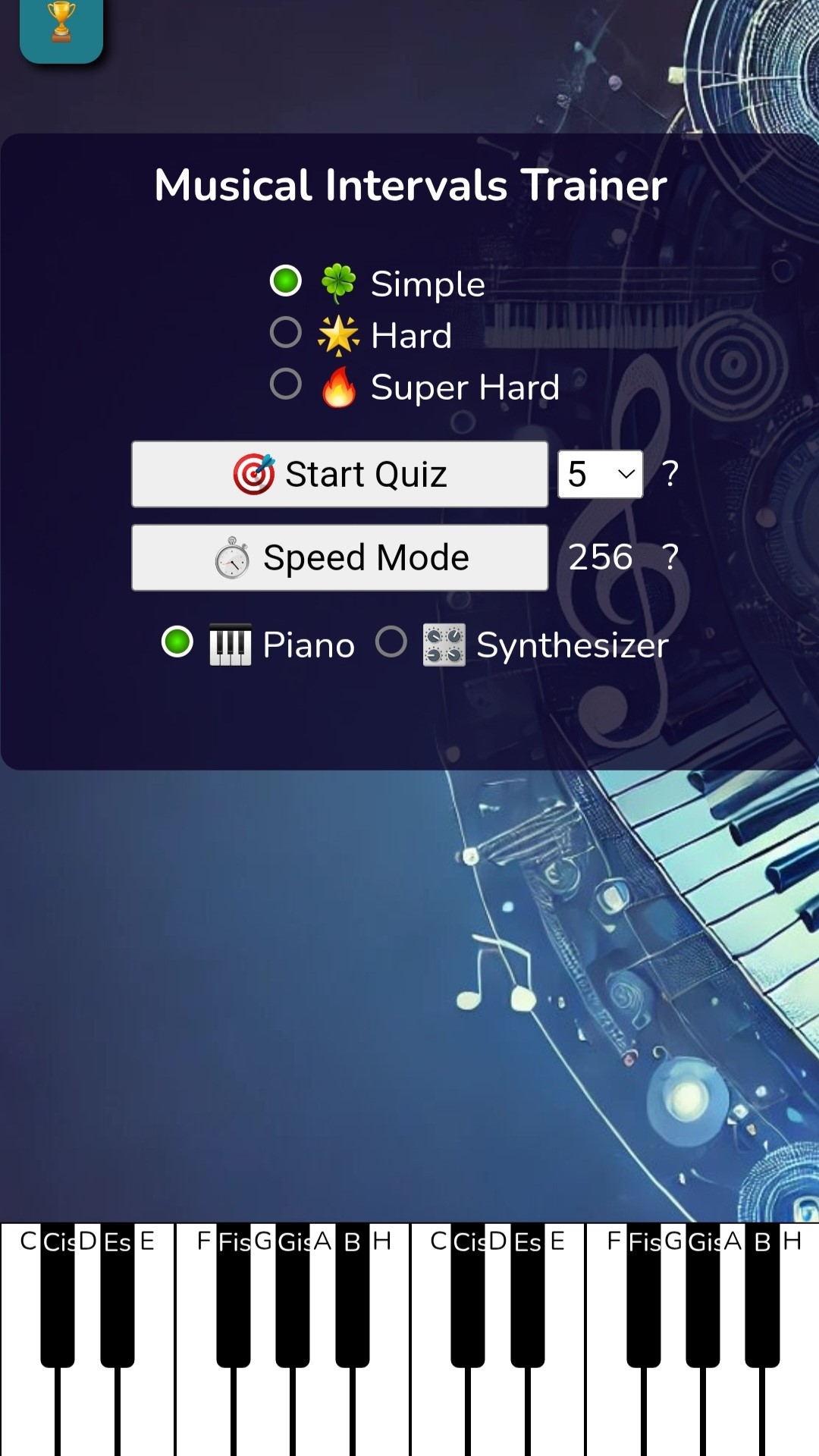
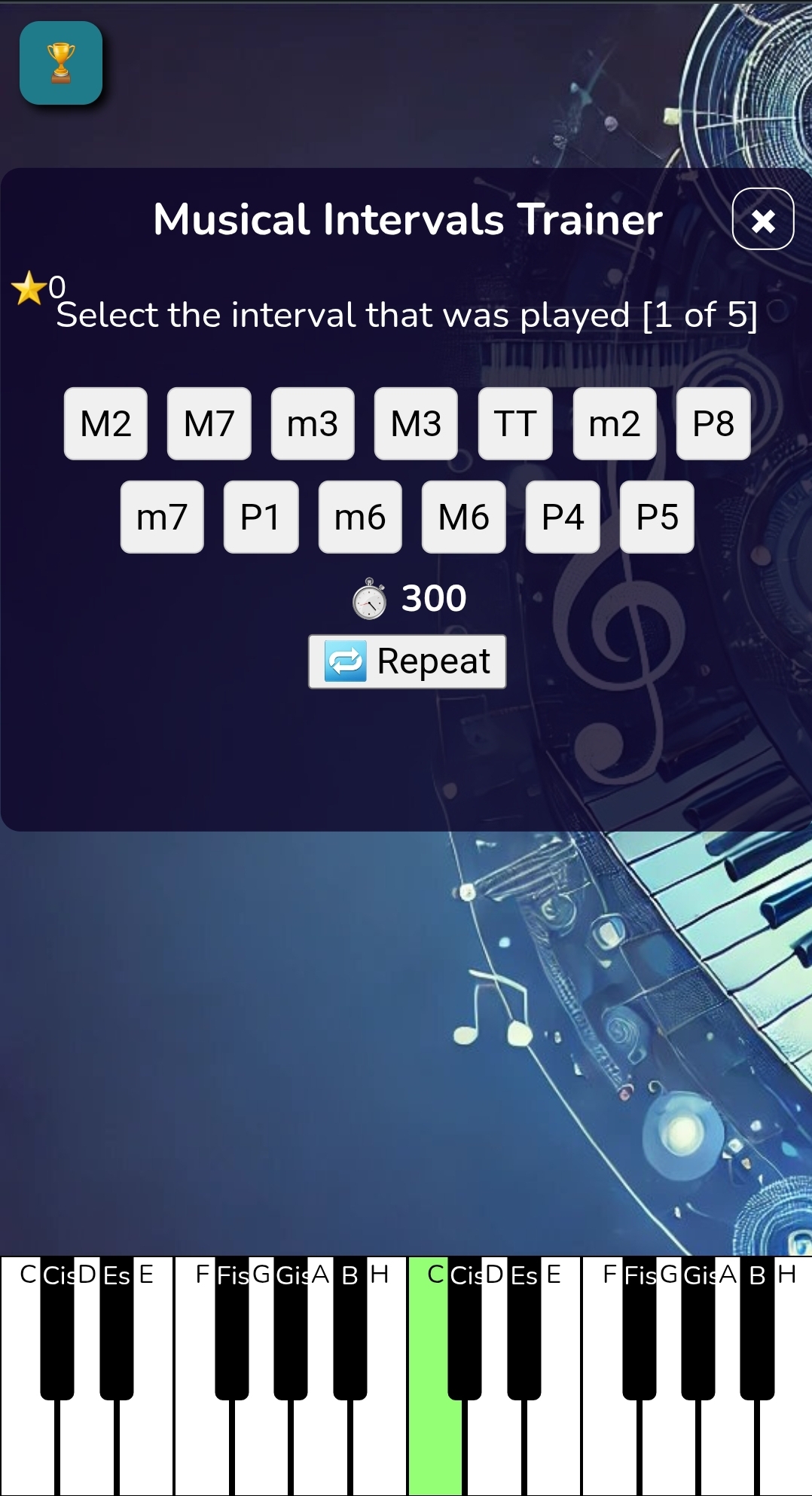
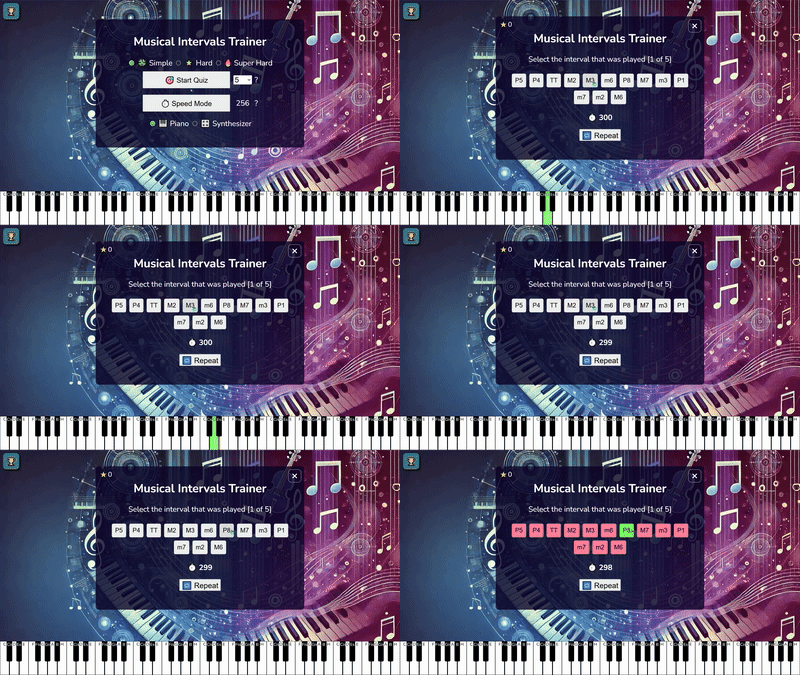
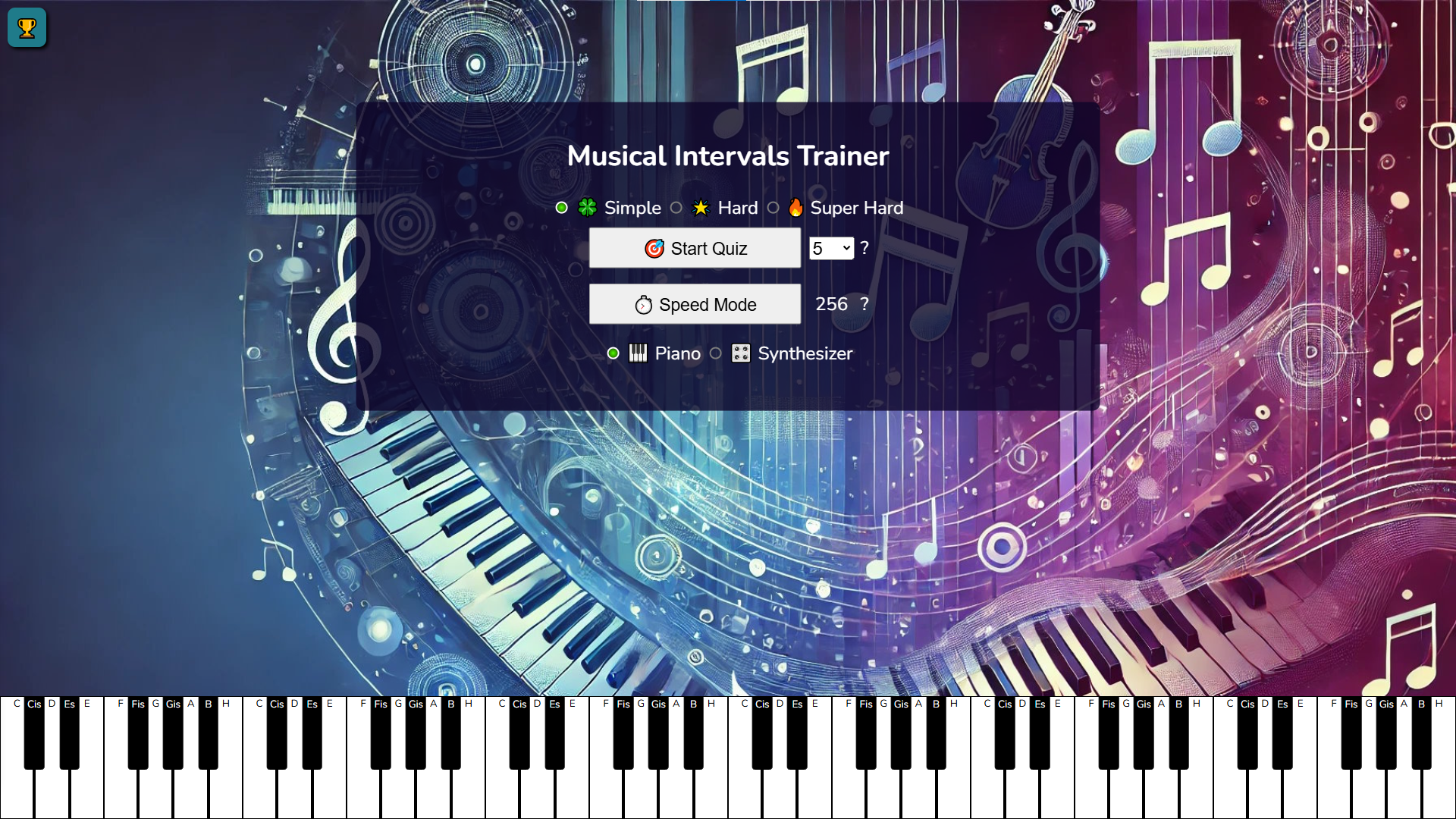
The game offers two modes: Quiz Press the "Start Quiz" button to begin playing. The number of questions matches your selected settings. After starting the game, a musical interval is played. A list of intervals appears on the screen, from which you need to select the correct one. For each correct answer, you earn 2 points; for each incorrect answer, you lose 1 point. If unsure, press the "Repeat" button to listen to the interval again. However, note that at higher difficulty levels, this feature is available only once and deducts 1 point for the current answer. Speed Mode Press the "Speed Mode" button to test your skills at a fast pace. Your goal is to guess 256 intervals within 1 minute. The rules are the same: listen to the interval and select the correct option from the list.

More games

More games