Skip to content
KG
My Singing FNaF! Freddy Animatronics Obby +1 3D

My Singing FNaF! Freddy Animatronics Obby +1 3D

8K plays 4.8 out of 5

Overview

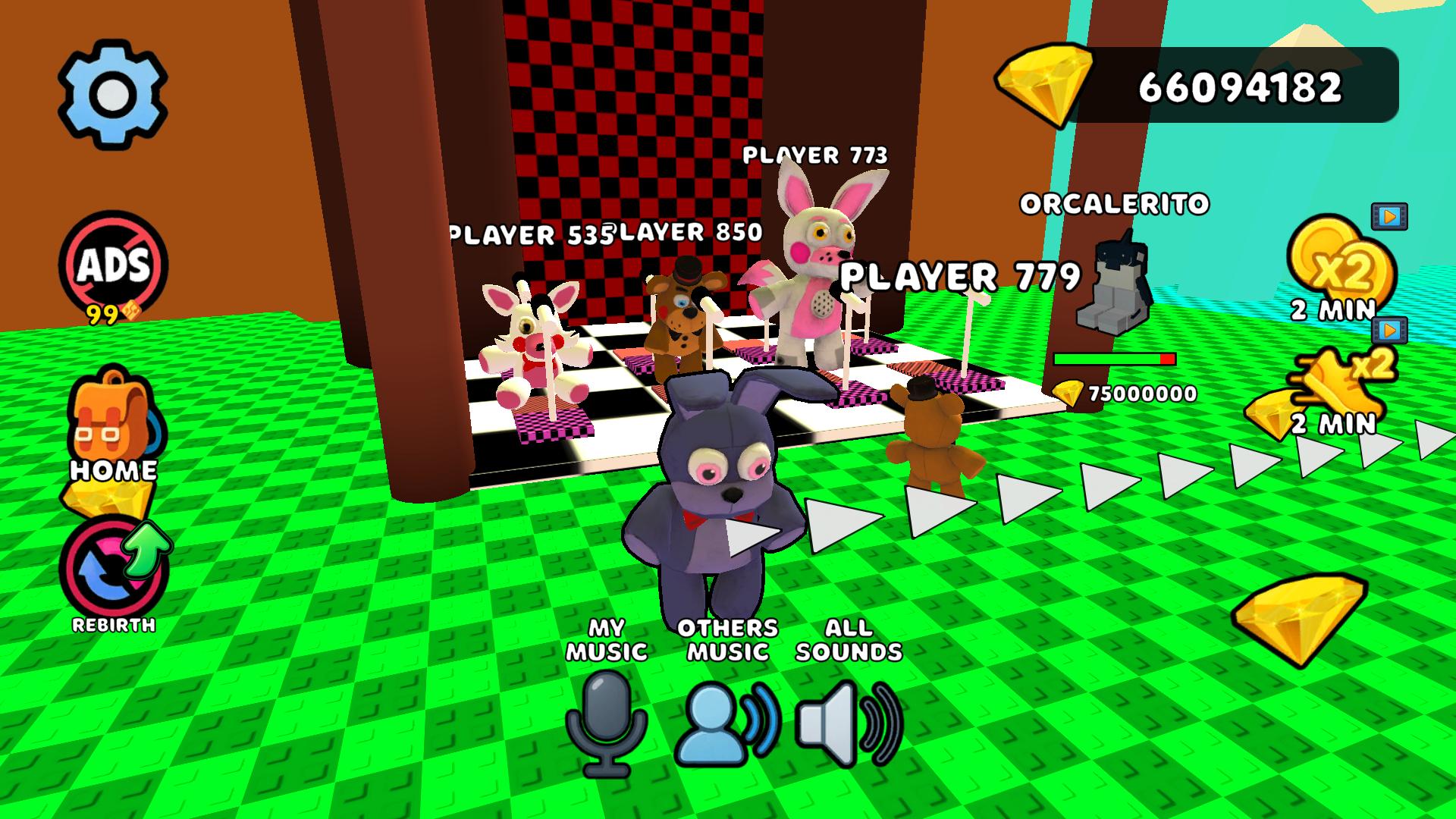
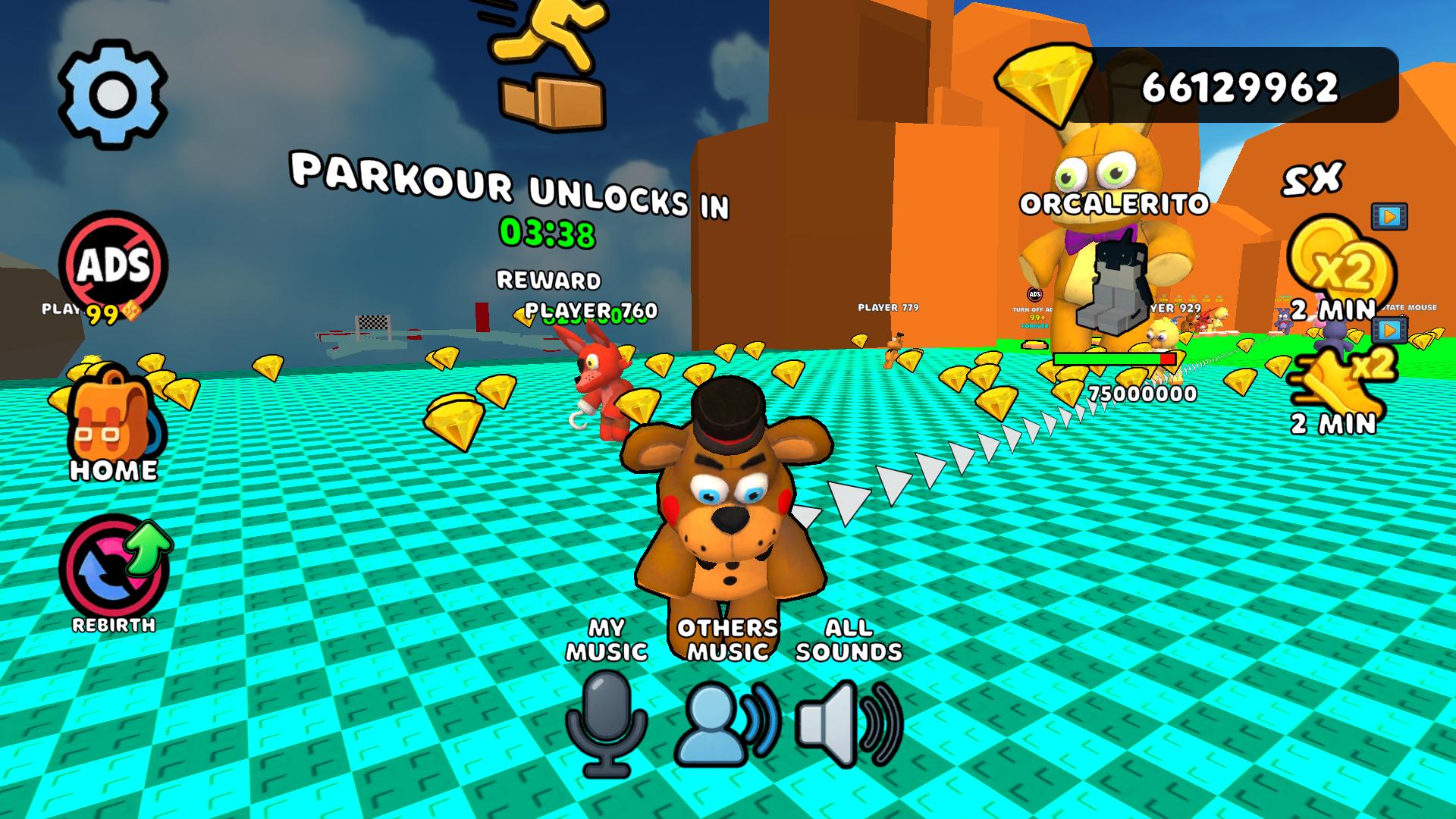
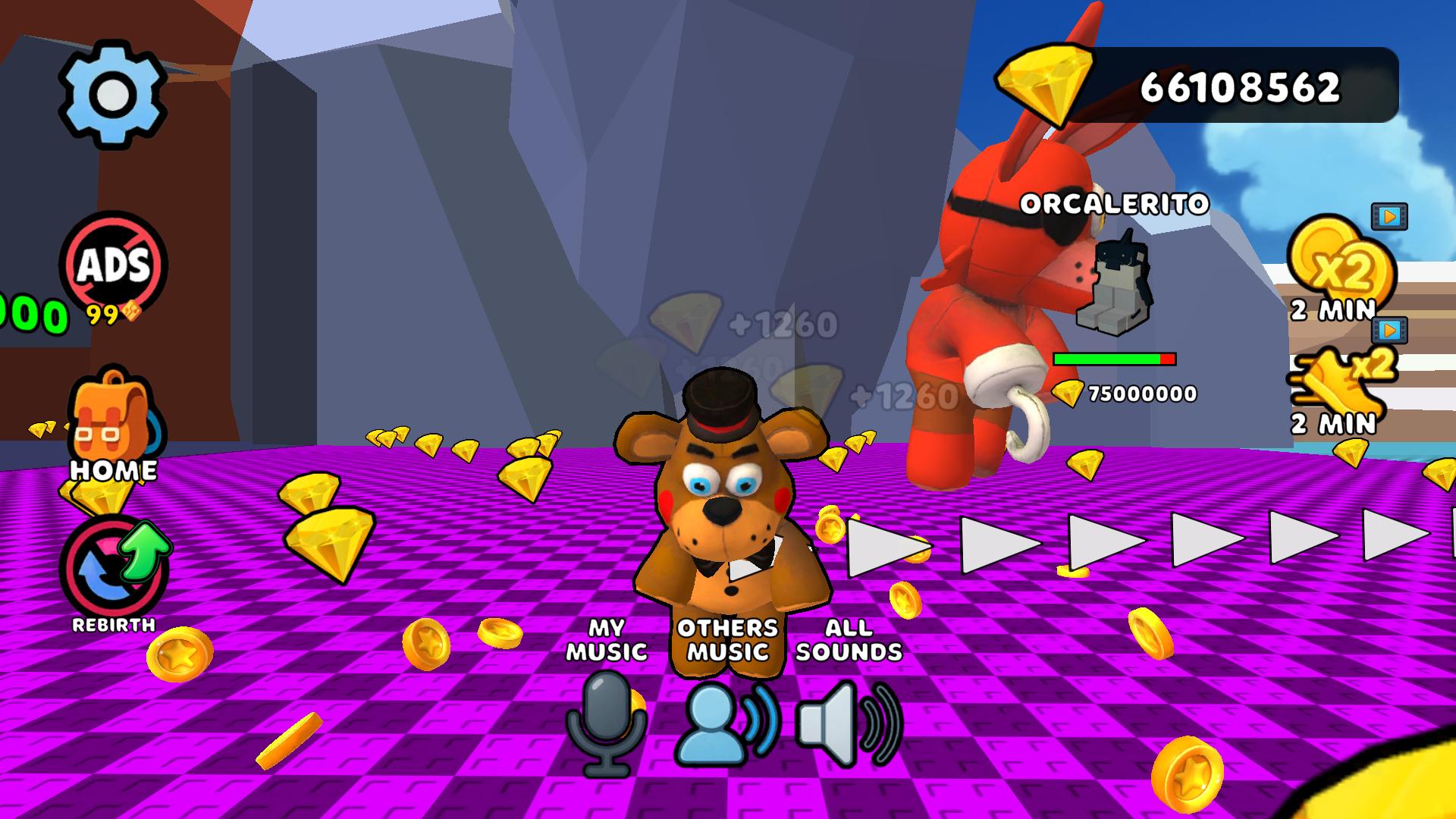
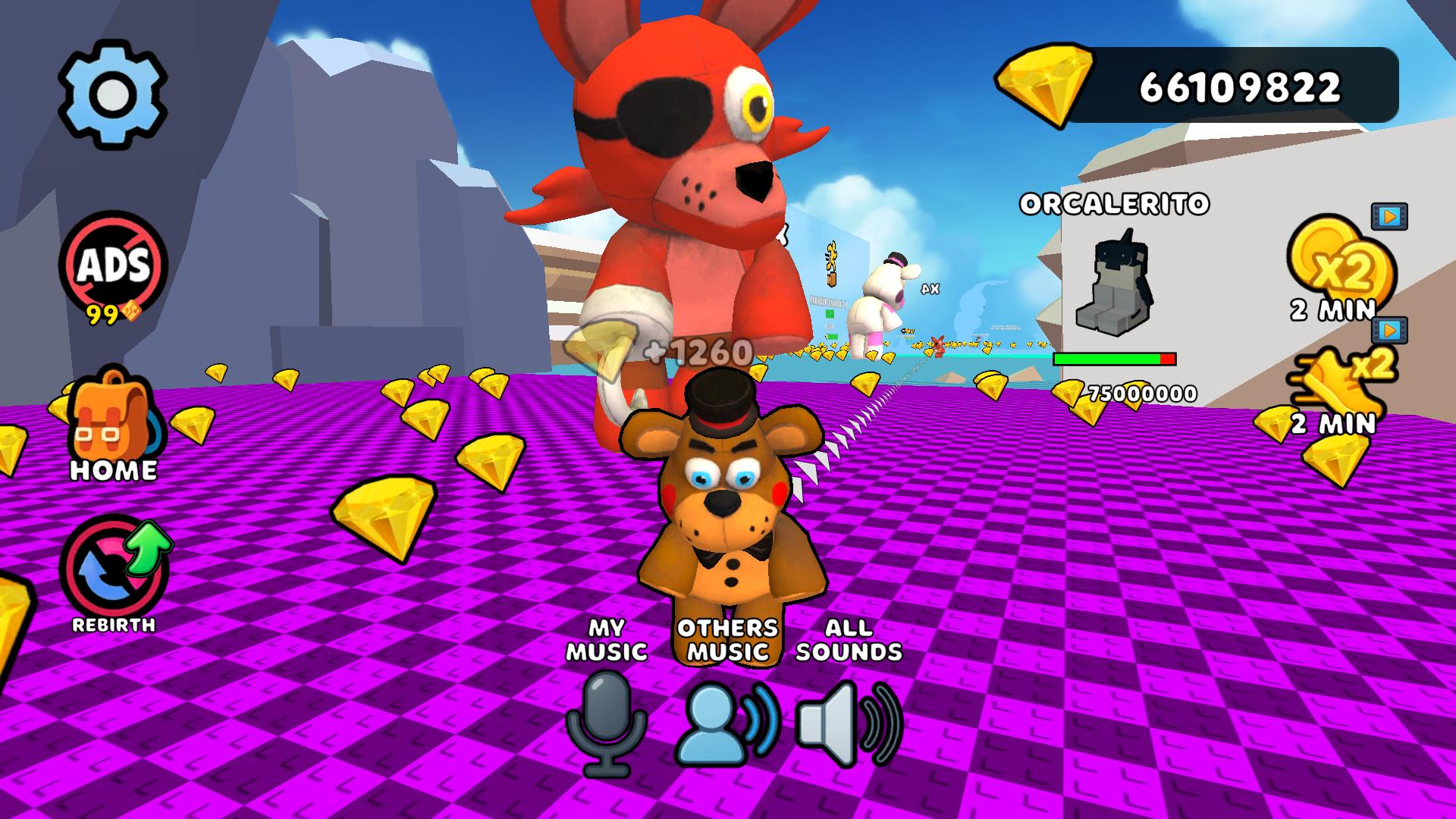
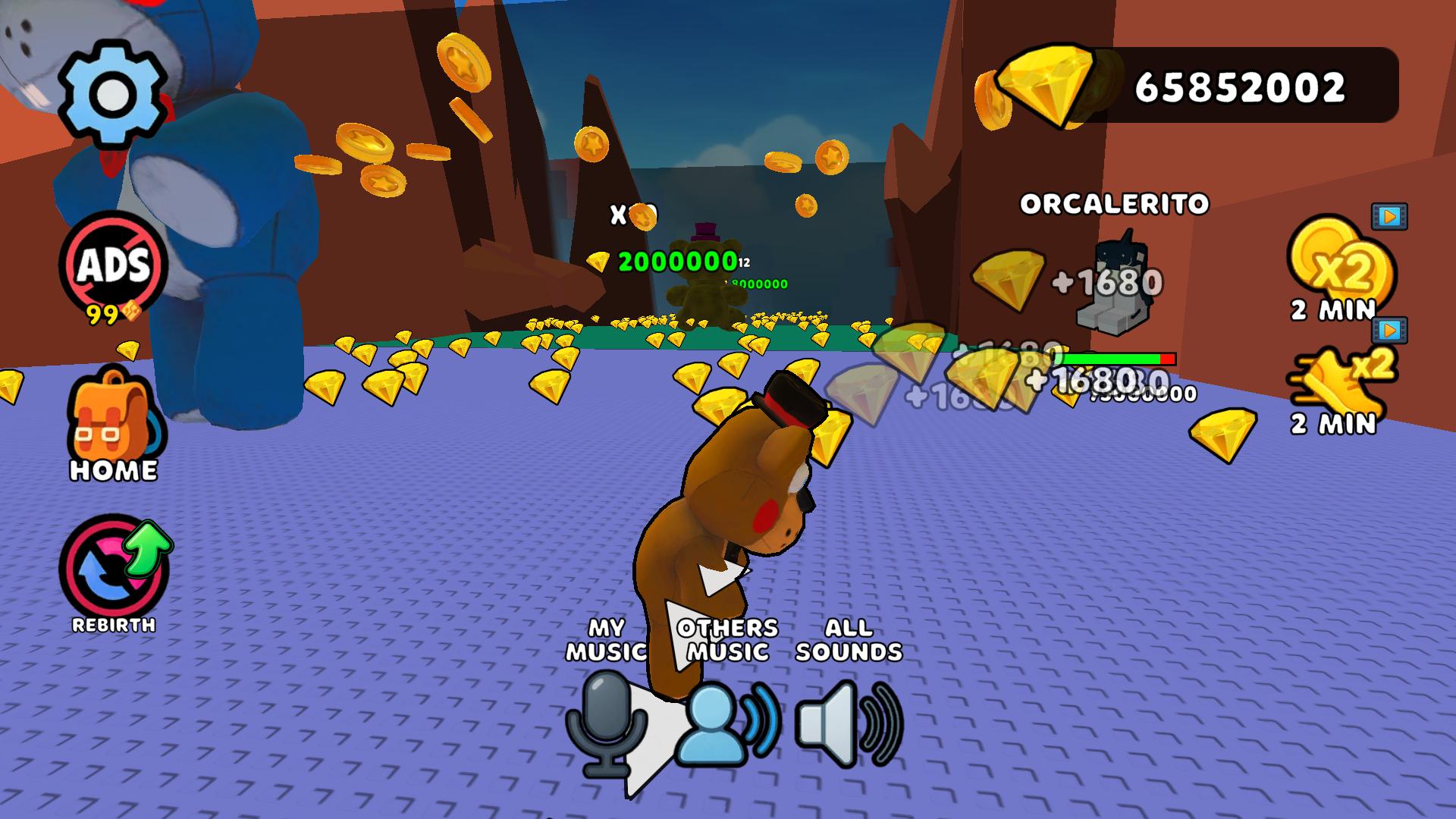
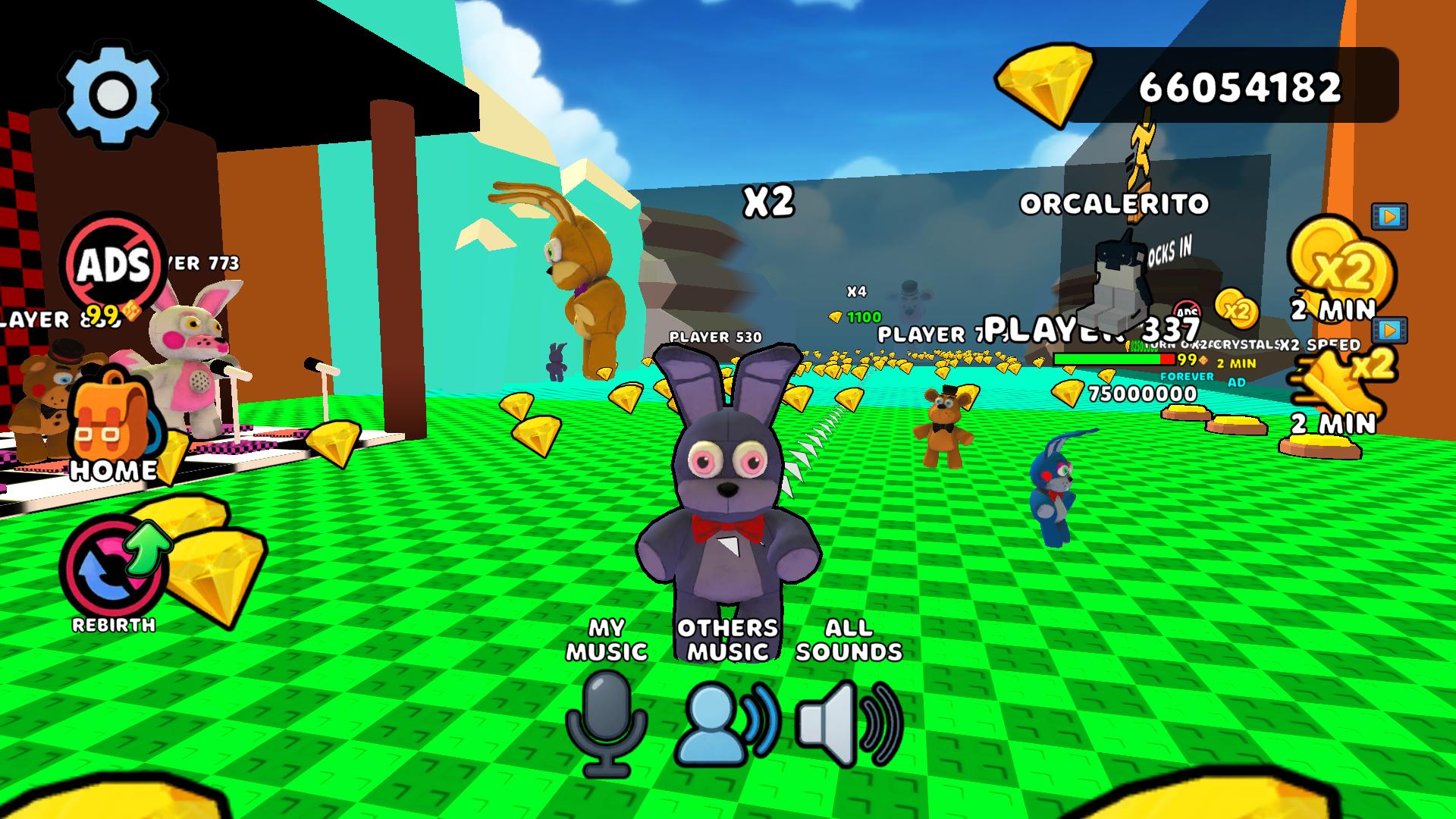
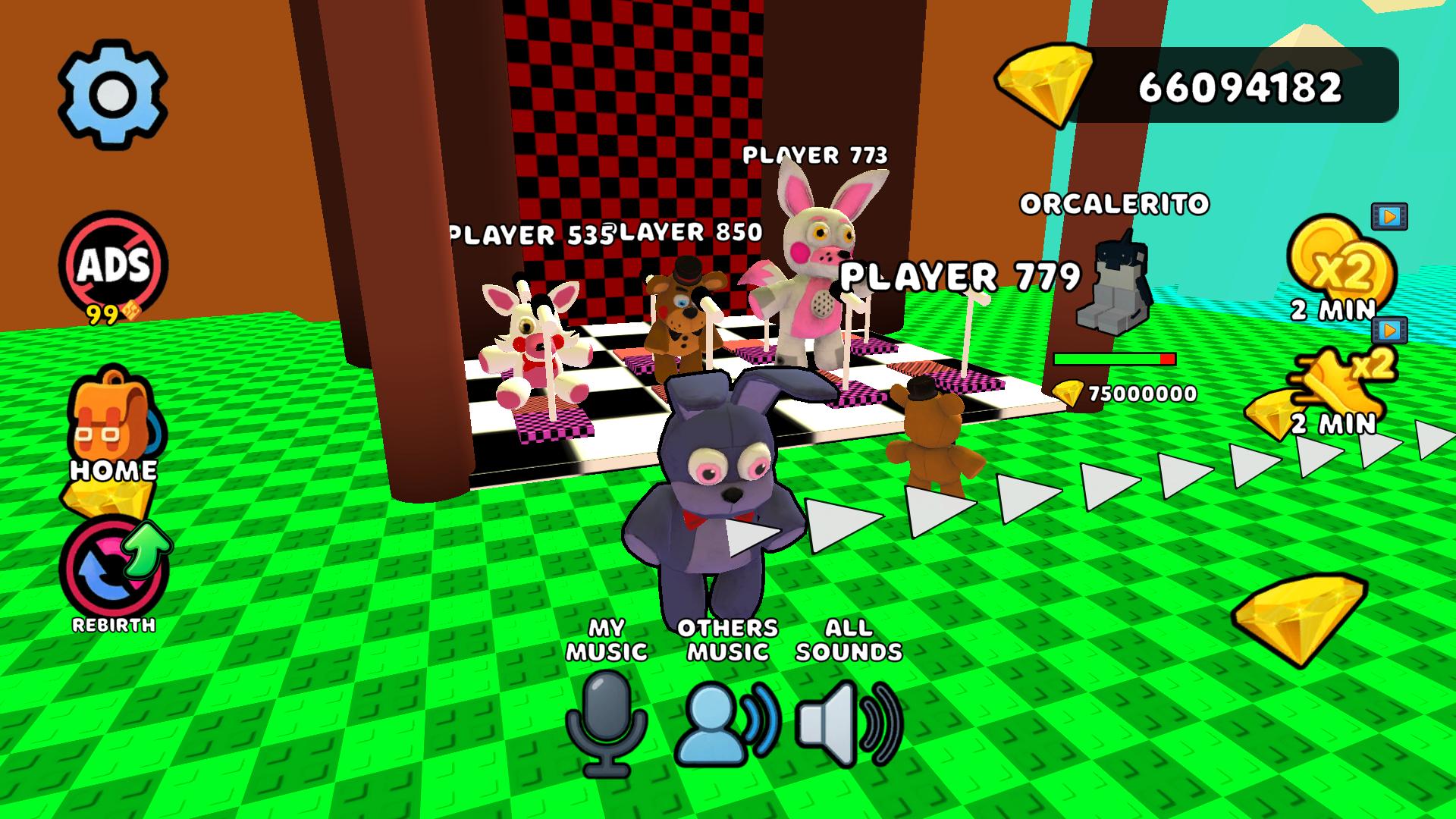
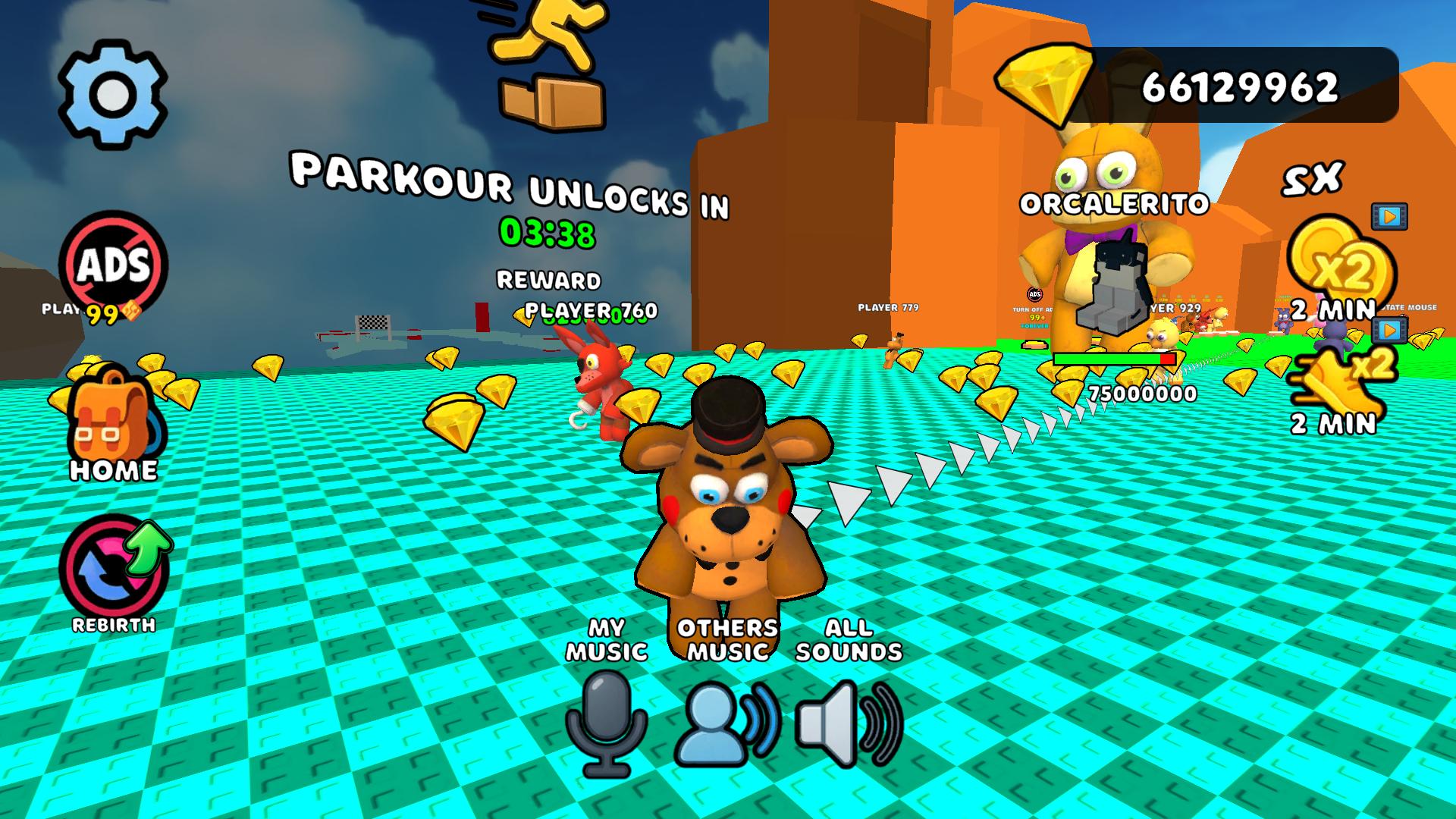
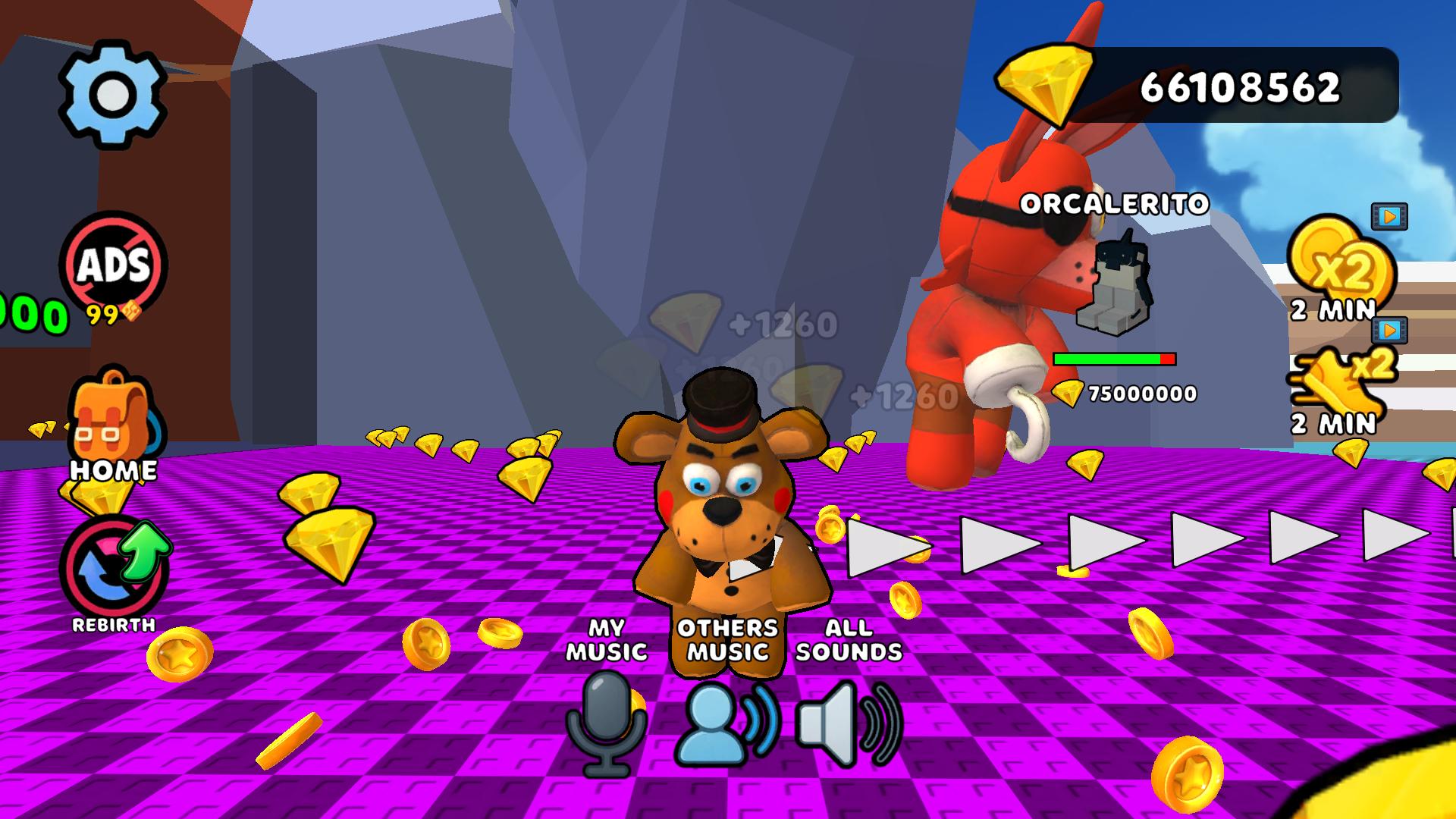
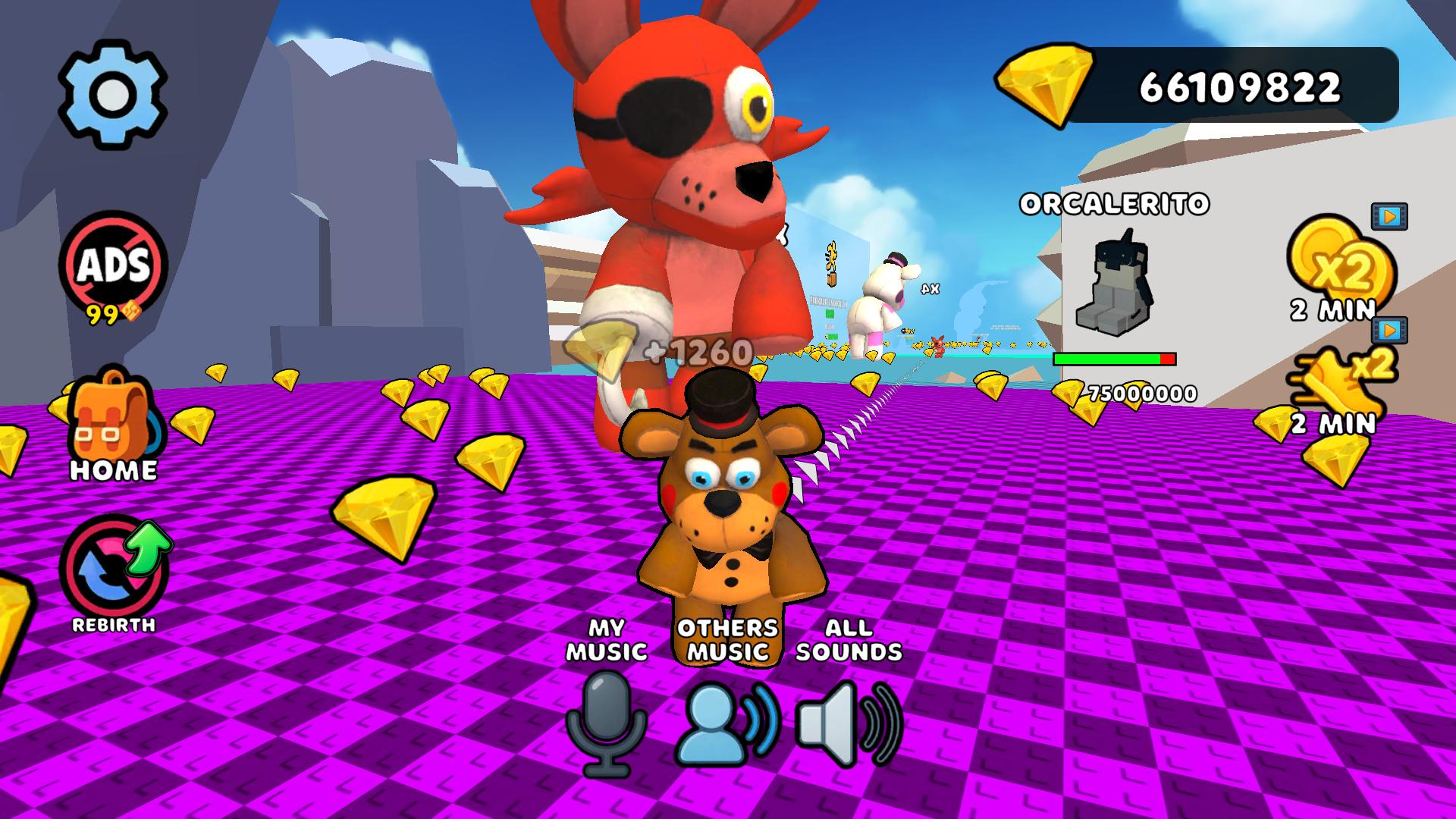
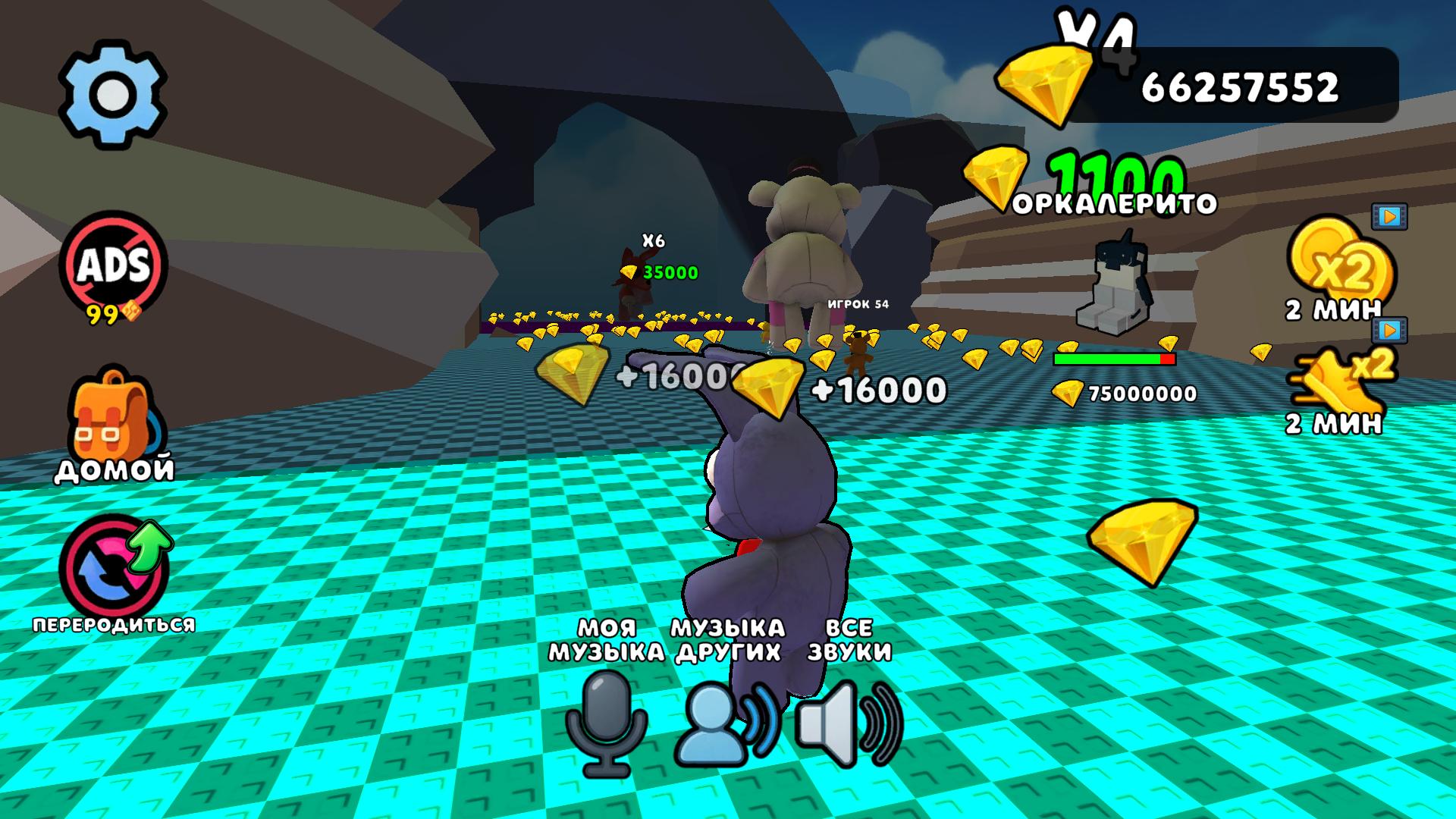
Create tracks with unique animatronics 🐾, collect crystals πŸ’Ž, avoid FNaF animatronics, and become a music legend! 🌟 Each animatronic has its own distinctive sound πŸŽΆβ€”mix, experiment, and craft melodies that will rock the stage! πŸ’₯ 🌟 Your mission: Collect crystals πŸ’Ž, upgrade your animatronics, and unlock new zones with rarer resources 🌍. Avoid the animatronic guards to stay out of the lobby! Use the rebirth mechanic πŸ”„ to boost your crystal multipliers. 🎀 Take the stage, sing your favorite songs with the characters, and prove you’re the true master of music! Complete challenges, earn rare rewards πŸ…, and become a legend in the FNaF world! 🌈

Videos and screenshots
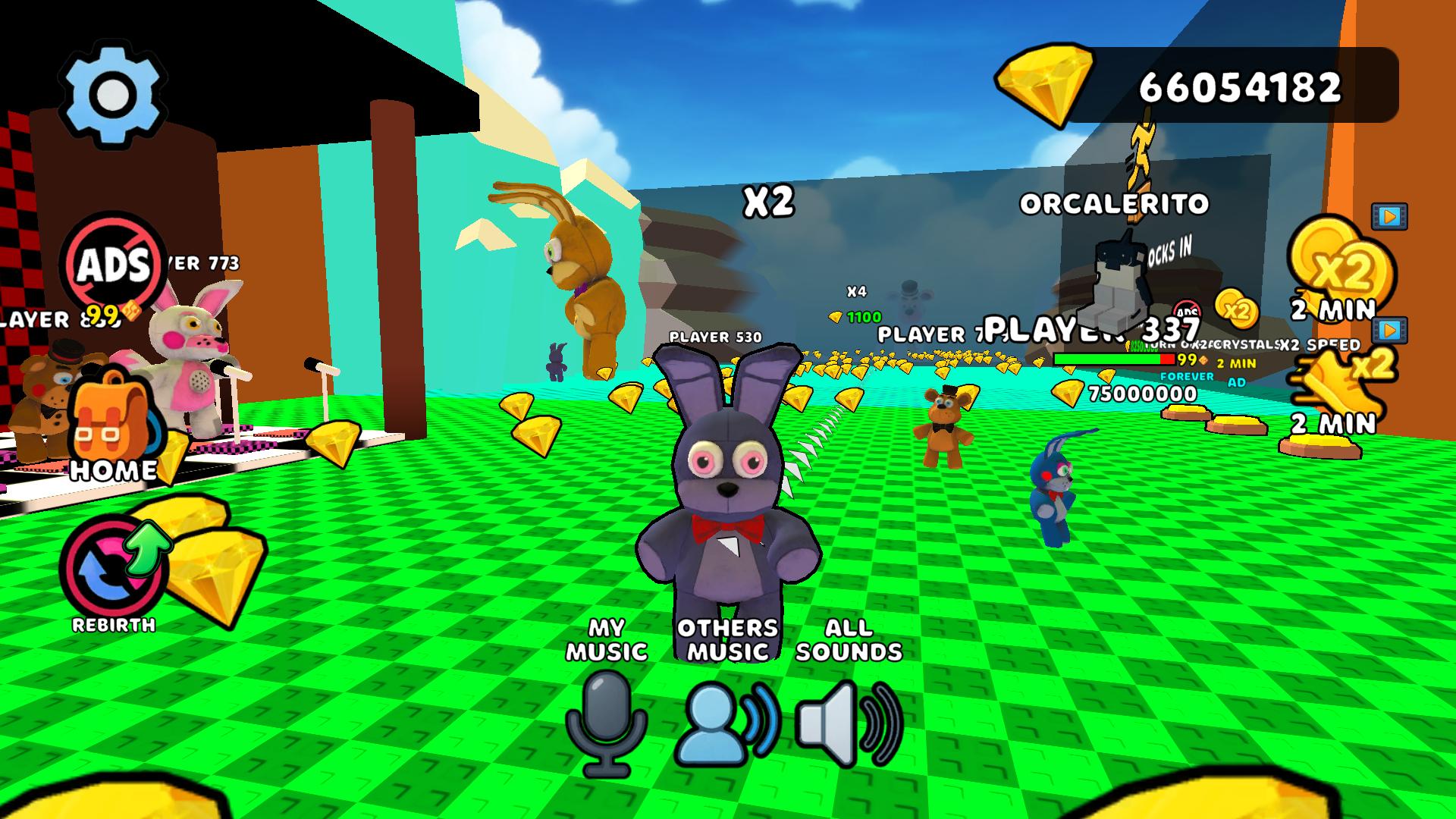
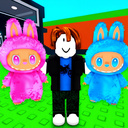
  • My Singing FNaF! Freddy Animatronics Obby +1 3D screenshot 1
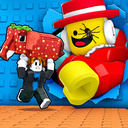
  • My Singing FNaF! Freddy Animatronics Obby +1 3D screenshot 2
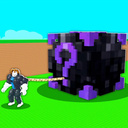
  • My Singing FNaF! Freddy Animatronics Obby +1 3D screenshot 3
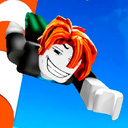
  • My Singing FNaF! Freddy Animatronics Obby +1 3D screenshot 4
  • My Singing FNaF! Freddy Animatronics Obby +1 3D screenshot 5
  • My Singing FNaF! Freddy Animatronics Obby +1 3D screenshot 6
  • My Singing FNaF! Freddy Animatronics Obby +1 3D screenshot 7
  • My Singing FNaF! Freddy Animatronics Obby +1 3D screenshot 8
  • My Singing FNaF! Freddy Animatronics Obby +1 3D screenshot 9
  • My Singing FNaF! Freddy Animatronics Obby +1 3D screenshot 10
  • My Singing FNaF! Freddy Animatronics Obby +1 3D screenshot 11
  • My Singing FNaF! Freddy Animatronics Obby +1 3D screenshot 12
  • My Singing FNaF! Freddy Animatronics Obby +1 3D screenshot 13
  • My Singing FNaF! Freddy Animatronics Obby +1 3D screenshot 14
Play Now

14,397 players online

How to play

  1. Open the game

    Press Play now and the game opens on its own screen.

  2. Follow the in-game instructions

    The controls and goals are shown inside the game as you play.

  3. Use the game menu

    The floating button over the game reloads it, saves it to your favourites, or takes you back out.

Game instructions

πŸš€ On Mobile: β€’ On-screen joysticks and buttons for movement and actions πŸš€ On PC: β€’ WASD – Move your character β€’ Space – Jump

More games

More games