Skip to content
KG
Nadya: Learning Through Play in 8 Languages

Nadya: Learning Through Play in 8 Languages

939 plays 4.1 out of 5

Overview

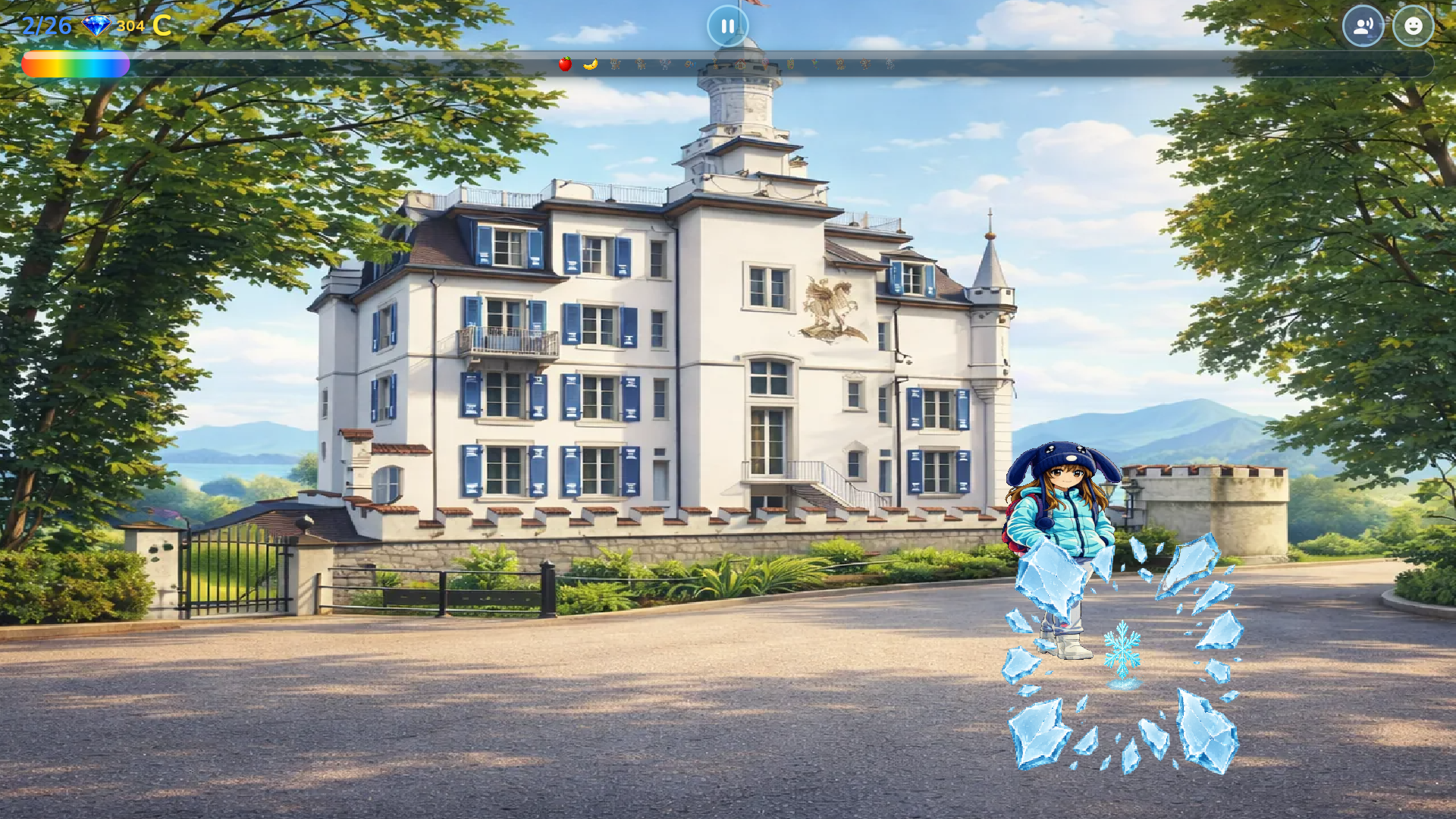
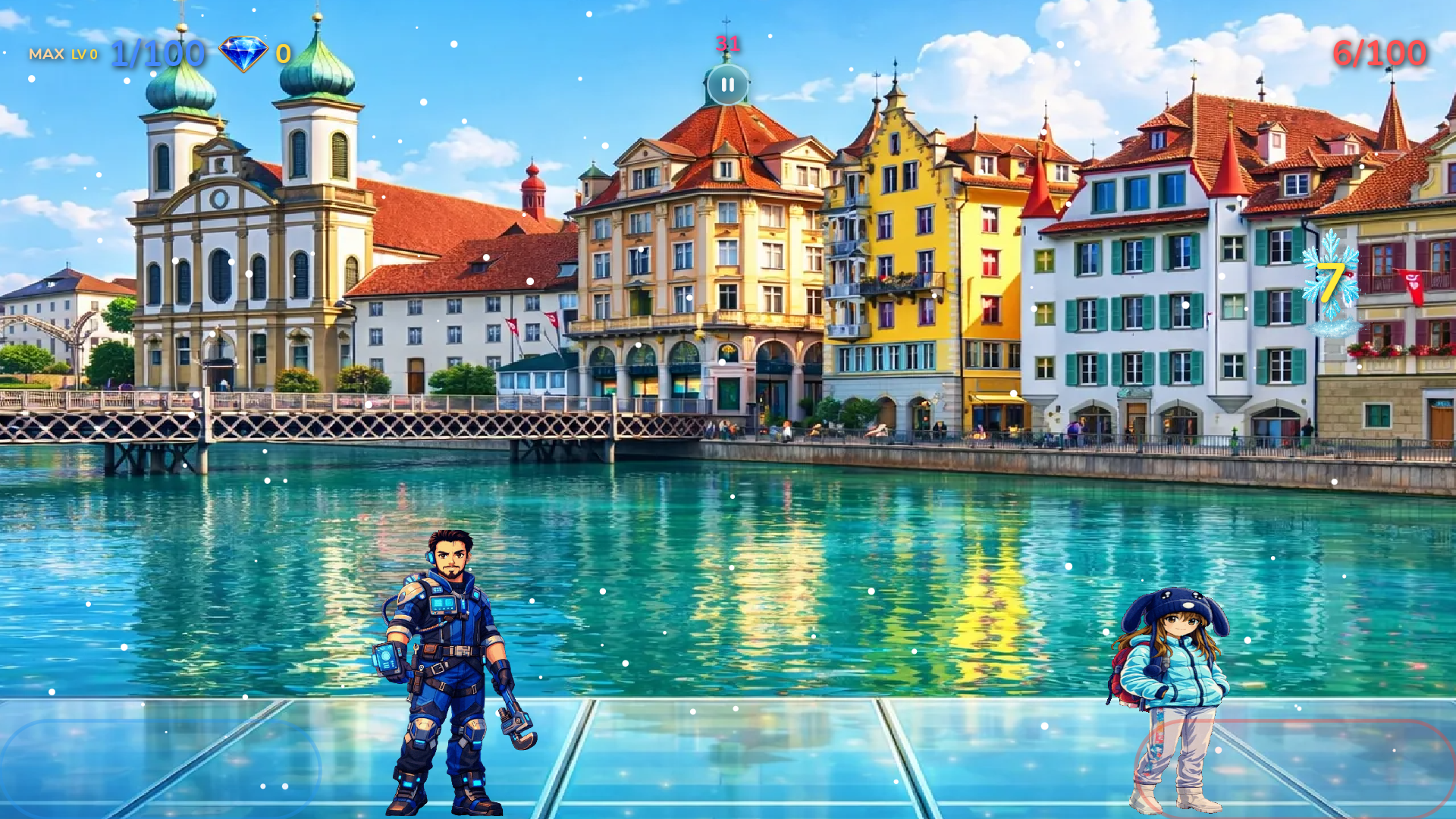
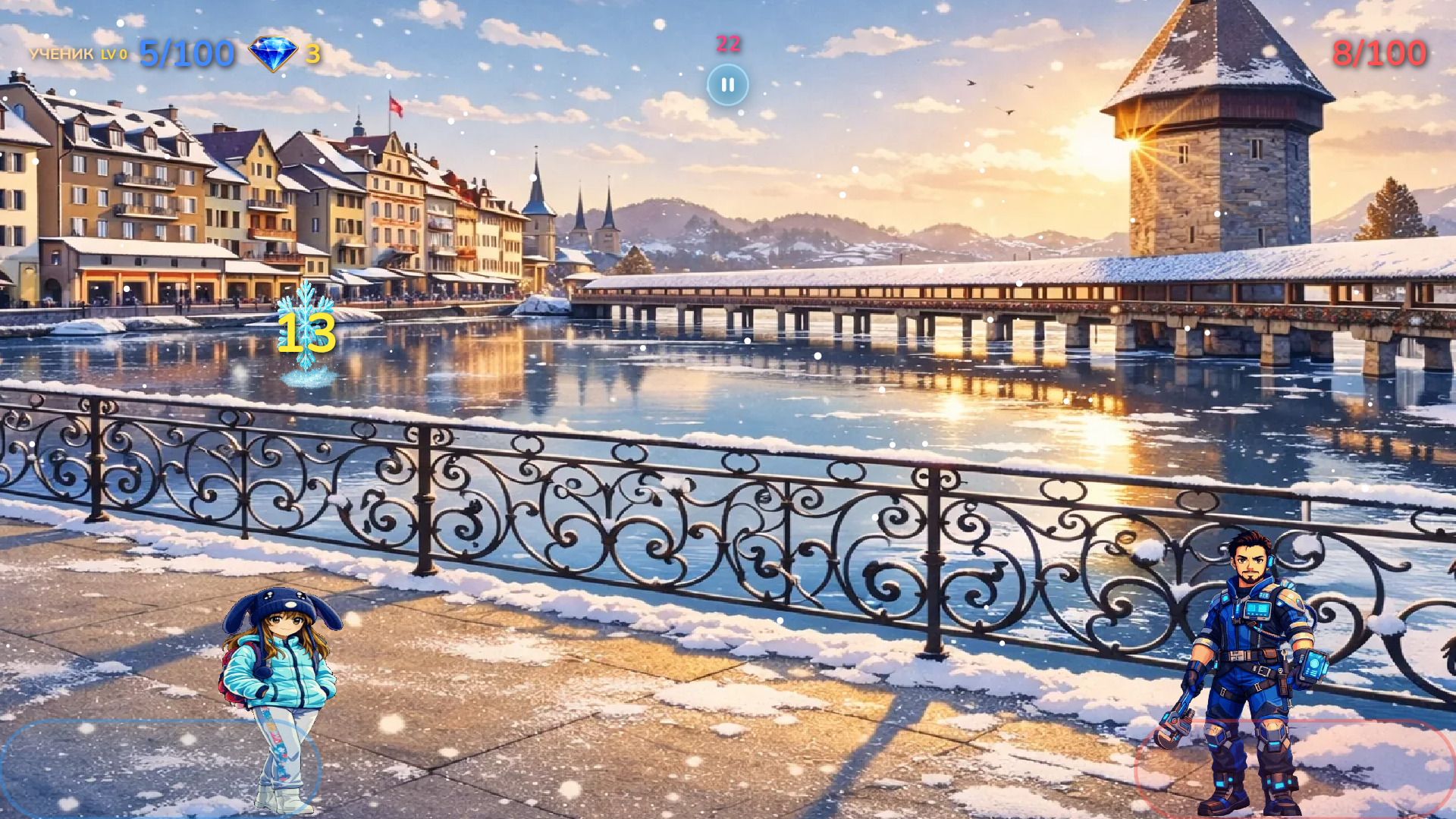
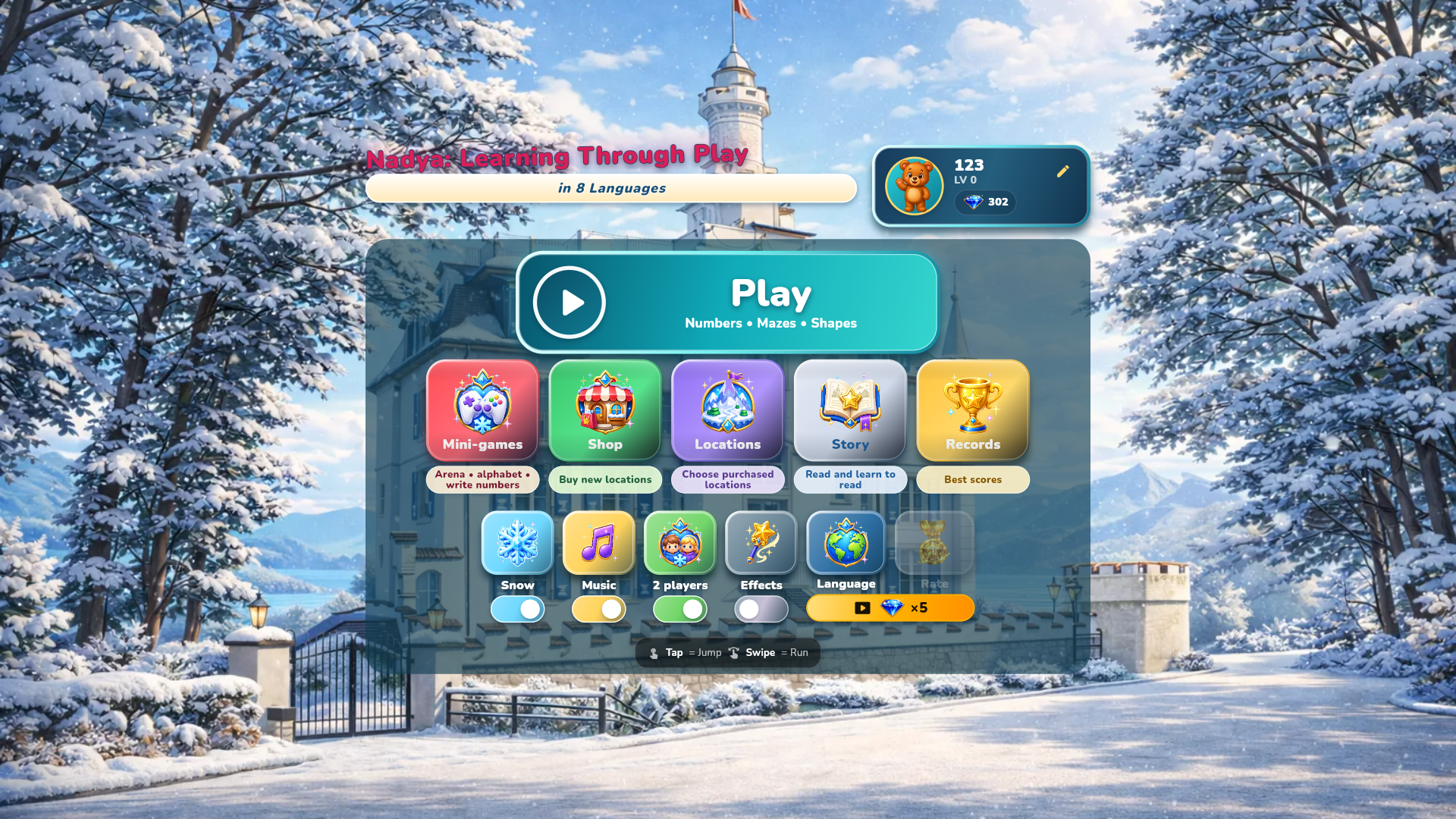
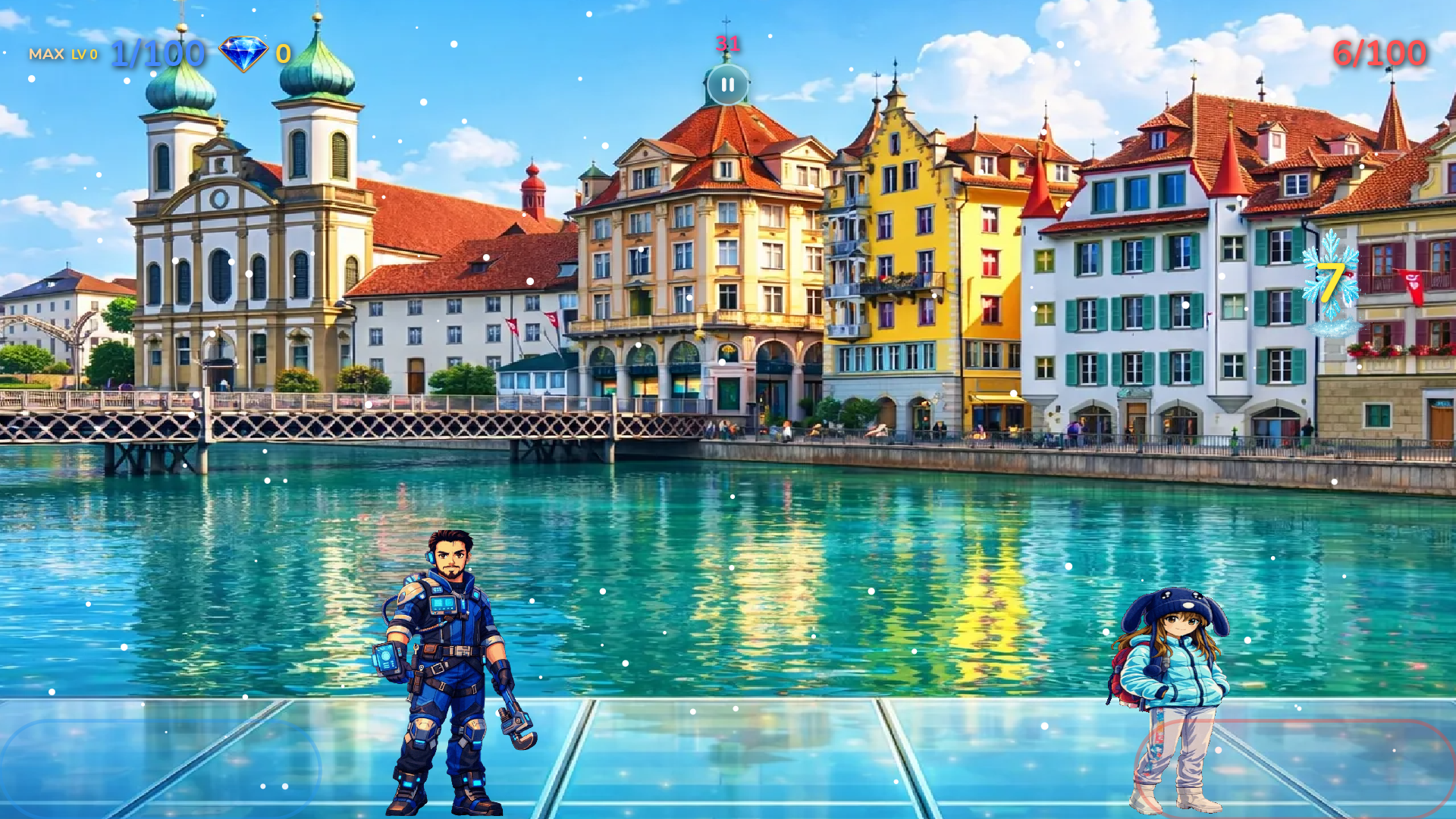
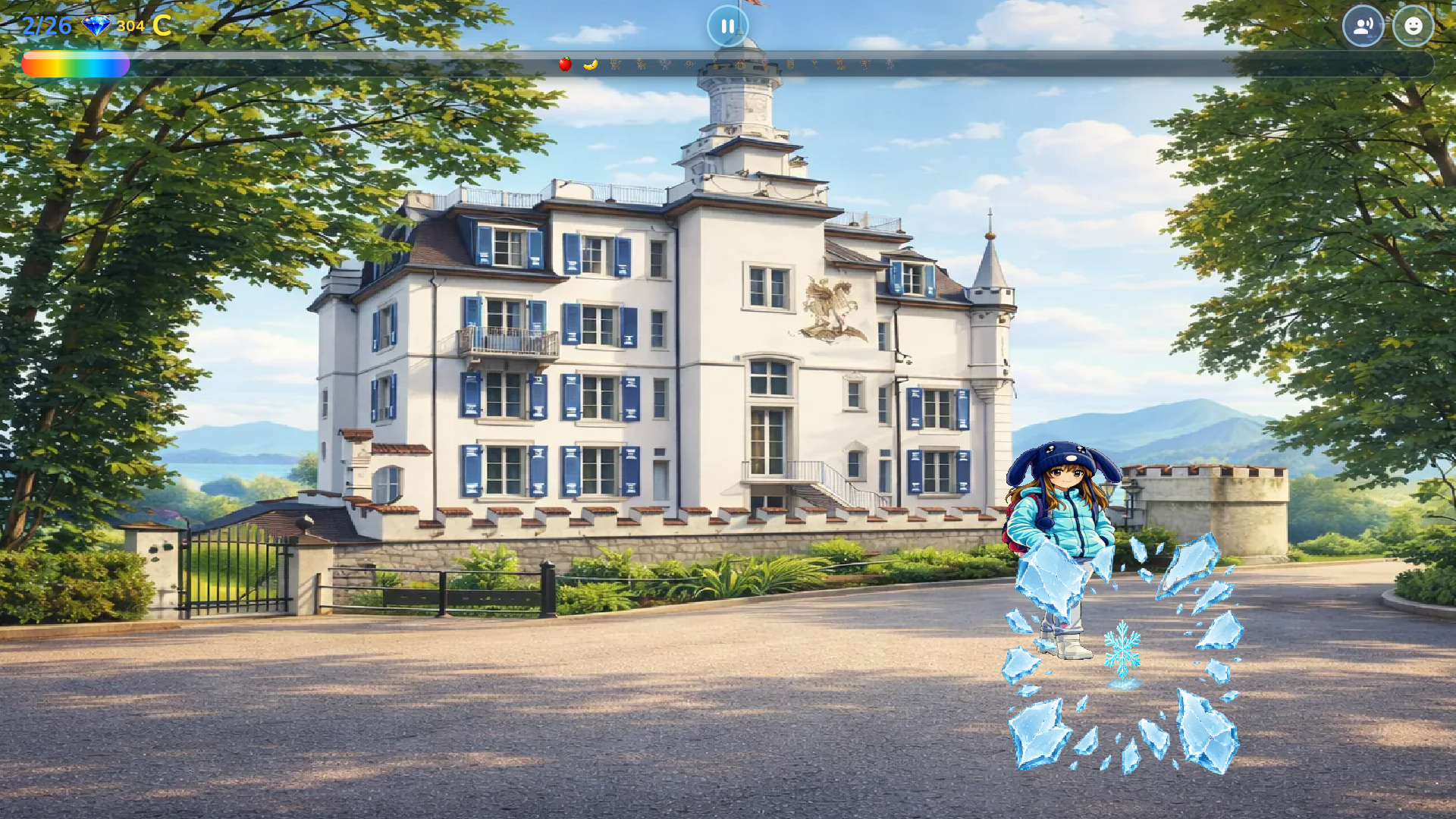
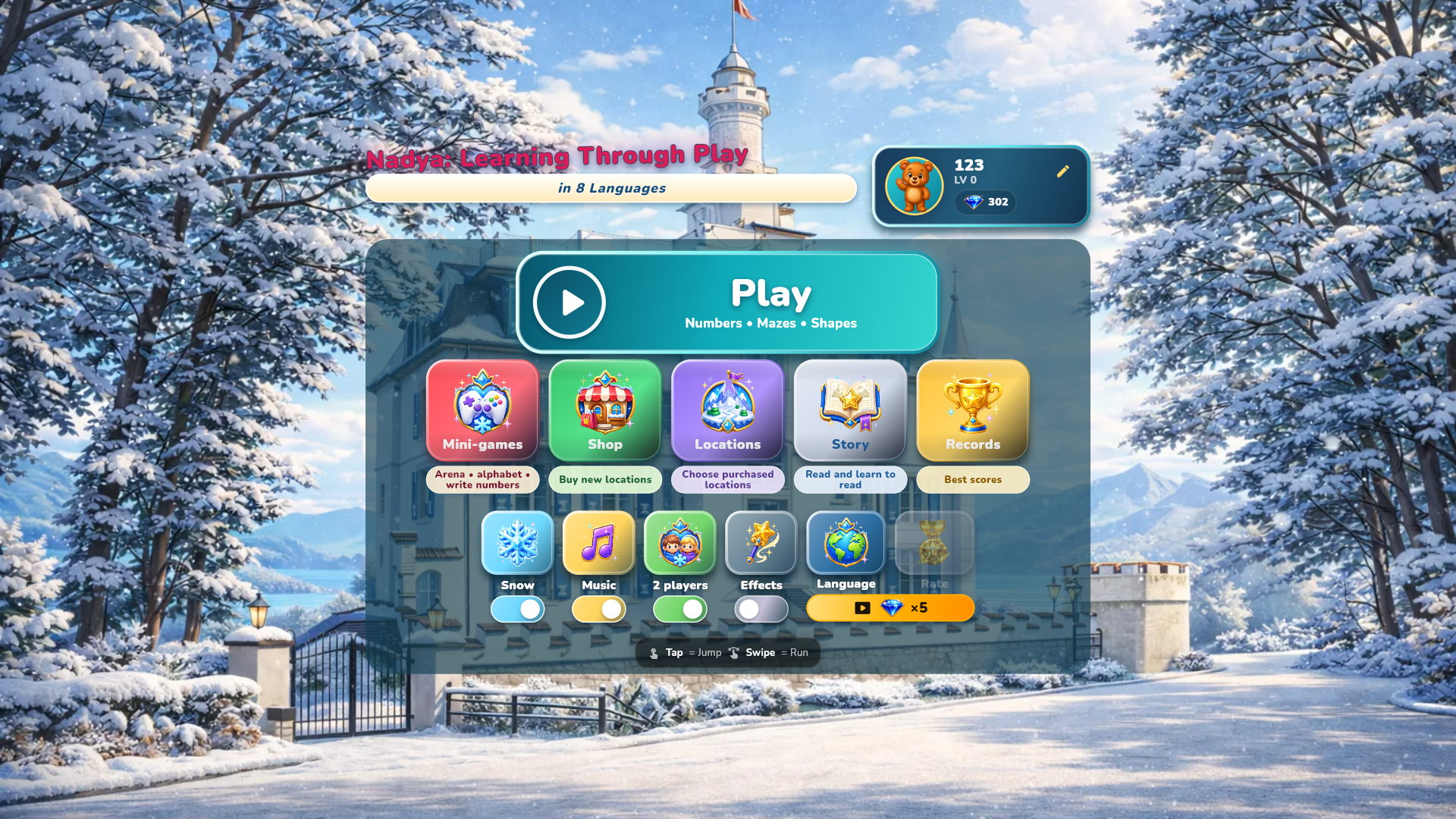
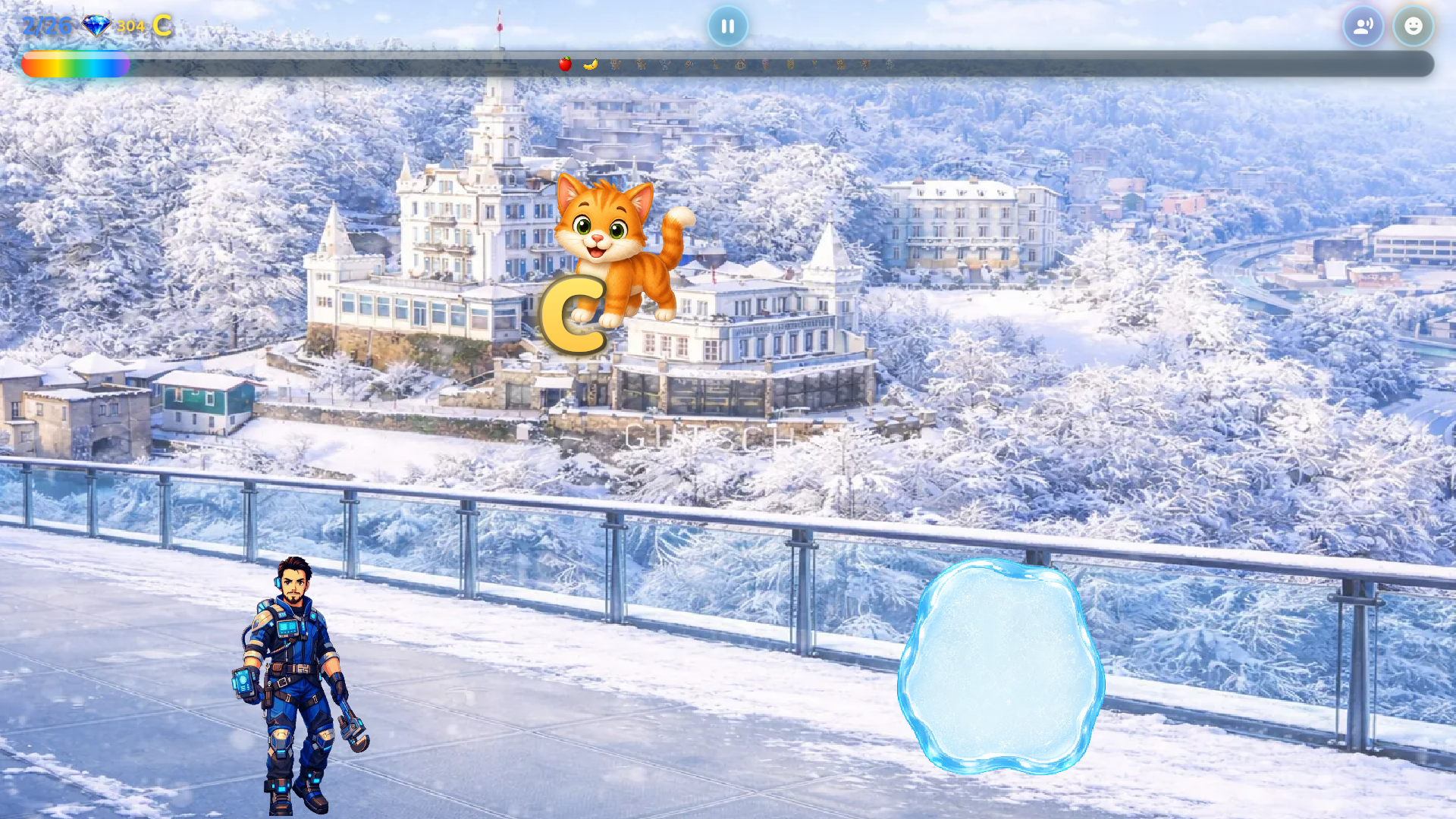
Nadya: Learning Through Play in 8 Languages — a colorful educational game for children aged 3–8. Instead of memorizing lists, children listen to a prompt, find the correct picture and connect new words with images and actions. Choose from English, German, French, Spanish, Italian, Russian, Ukrainian and Chinese. The language can be changed at any time, allowing children to replay familiar activities with different voice-overs. Explore animals, food, toys and everyday objects, along with alphabets, numbers, logic activities, mazes and mini-games. Varied voice prompts keep each round engaging, while rewards encourage children to continue learning. Clear visuals, friendly voice guidance and simple controls make the game easy to enjoy on phones, tablets and computers. A two-player mode also lets children learn and play together on the same screen.

Videos and screenshots
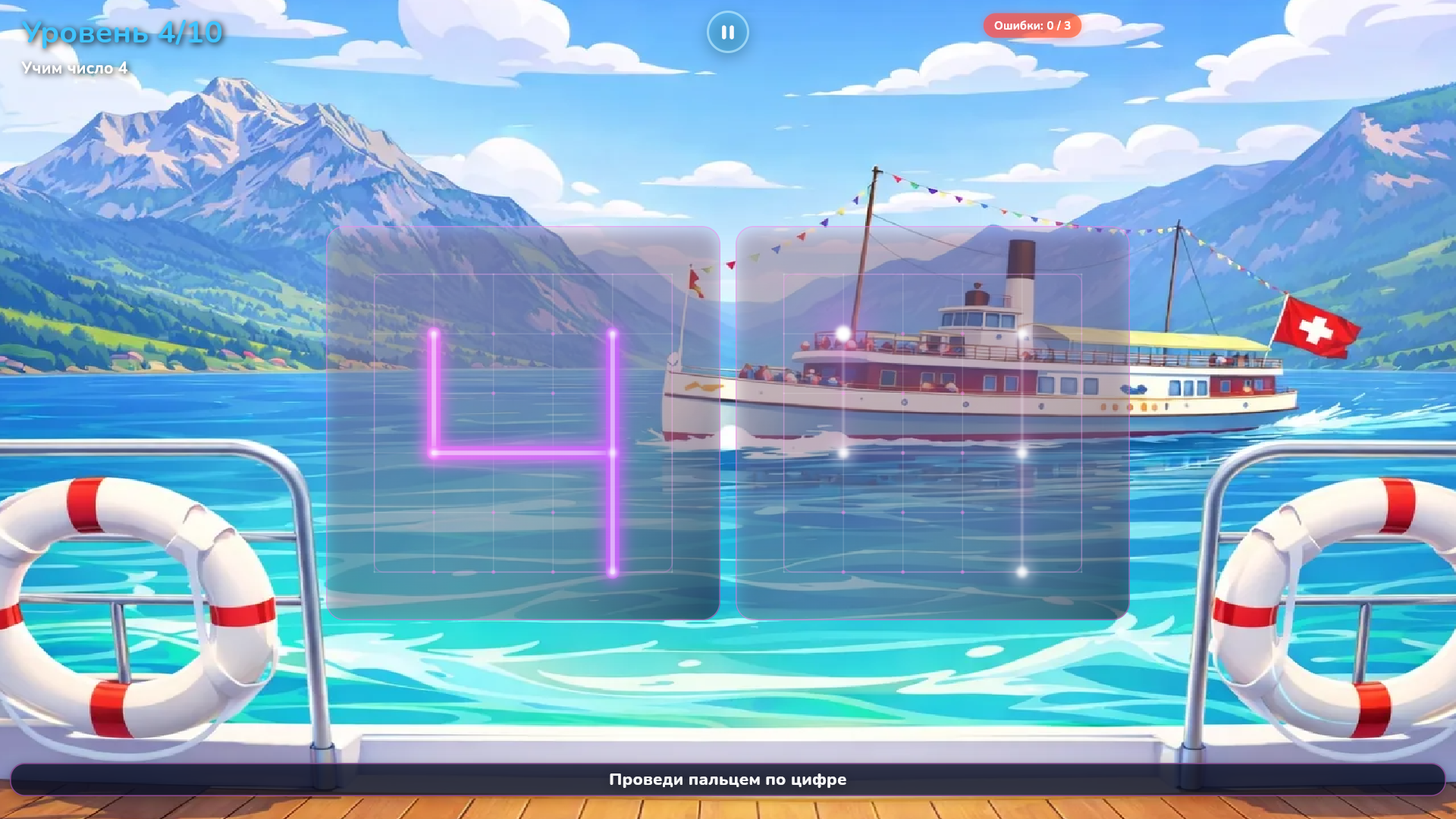
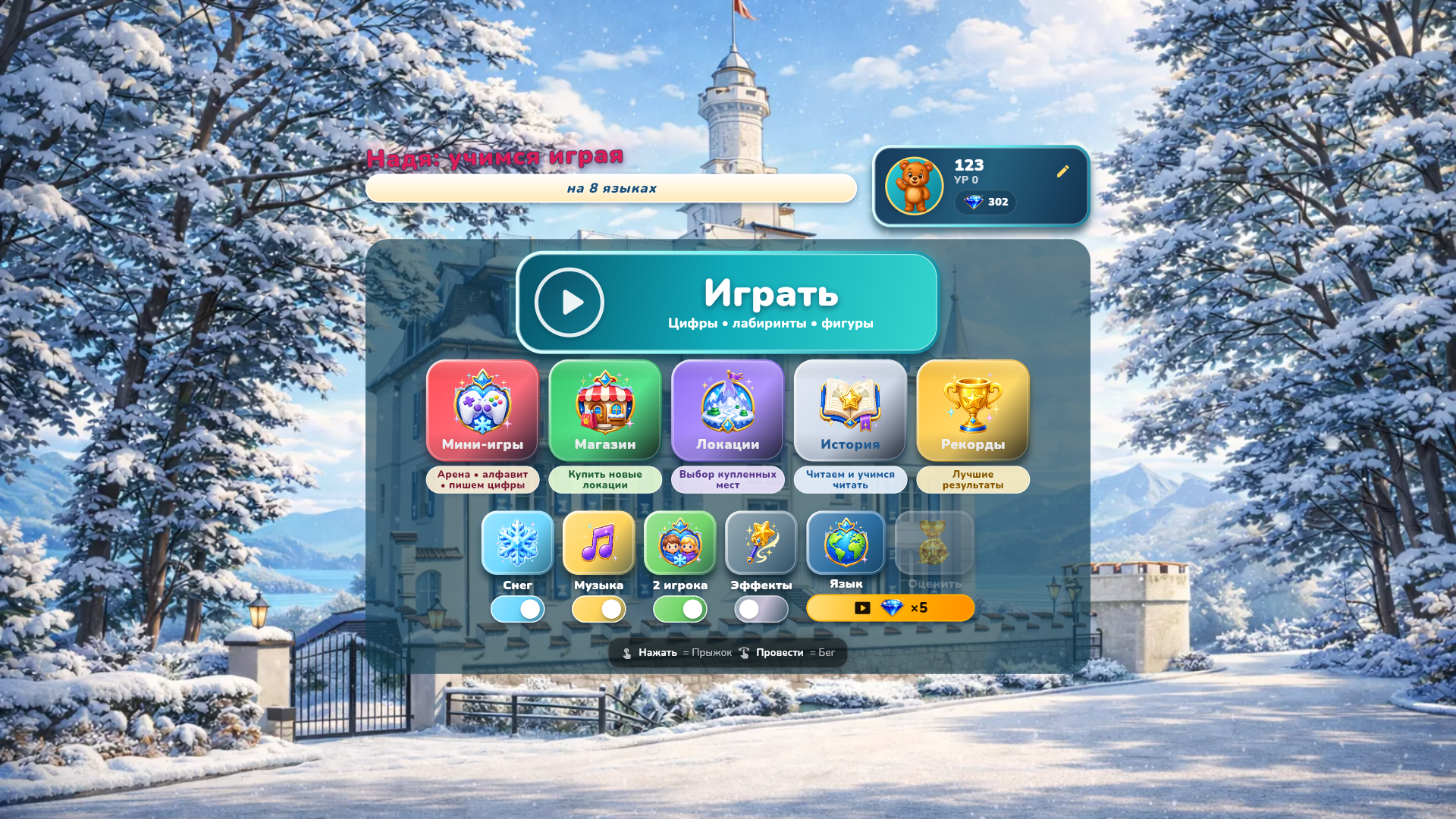
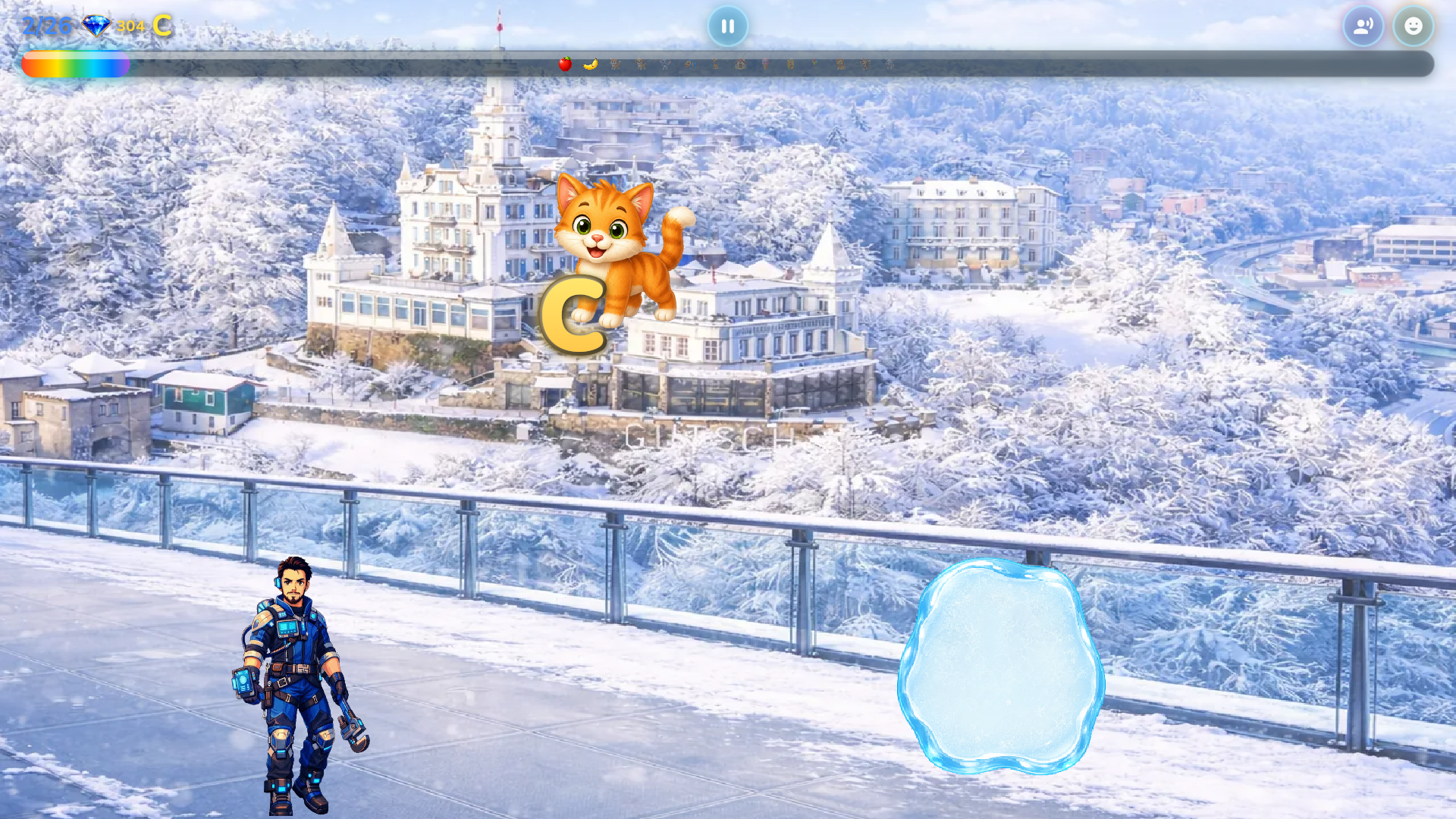
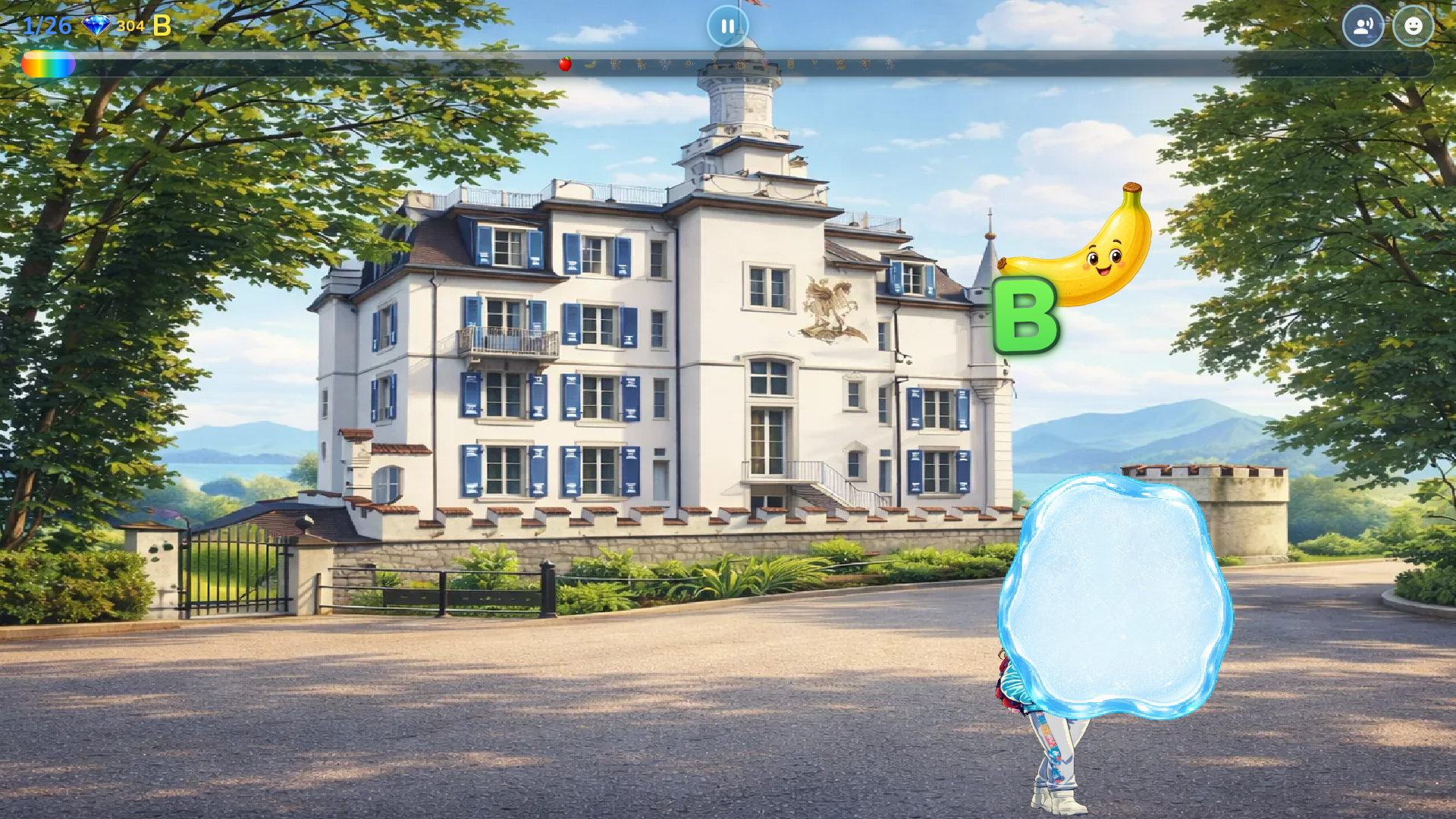
  • Nadya: Learning Through Play in 8 Languages screenshot 1
  • Nadya: Learning Through Play in 8 Languages screenshot 2
  • Nadya: Learning Through Play in 8 Languages screenshot 3
  • Nadya: Learning Through Play in 8 Languages screenshot 4
  • Nadya: Learning Through Play in 8 Languages screenshot 5
  • Nadya: Learning Through Play in 8 Languages screenshot 6
  • Nadya: Learning Through Play in 8 Languages screenshot 7
  • Nadya: Learning Through Play in 8 Languages screenshot 8
  • Nadya: Learning Through Play in 8 Languages screenshot 9
  • Nadya: Learning Through Play in 8 Languages screenshot 10
  • Nadya: Learning Through Play in 8 Languages screenshot 11
  • Nadya: Learning Through Play in 8 Languages screenshot 12
Play Now

13,503 players online

How to play

  1. Open the game

    Press Play now and the game opens on its own screen.

  2. Follow the in-game instructions

    The controls and goals are shown inside the game as you play.

  3. Use the game menu

    The floating button over the game reloads it, saves it to your favourites, or takes you back out.
Game instructions

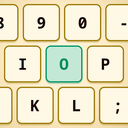
1. Choose a language from the main menu. 2. Select a category or mini-game. 3. Listen to the voice prompt and choose the correct picture, letter or number. 4. Tap the speaker button to hear the prompt again. If the answer is incorrect, simply try again. In mazes and other game modes, follow the on-screen instructions and complete each activity in order. Successful rounds earn in-game rewards. On phones and tablets, use touch controls. On a computer, select items with the mouse. Movement-based modes may also use the arrow keys or WASD. In two-player mode, each player uses the controls shown on their side of the screen.

More games

More games