Overview
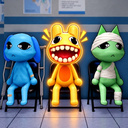
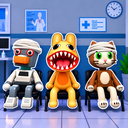
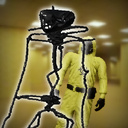
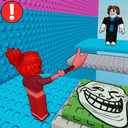
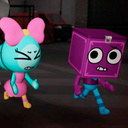
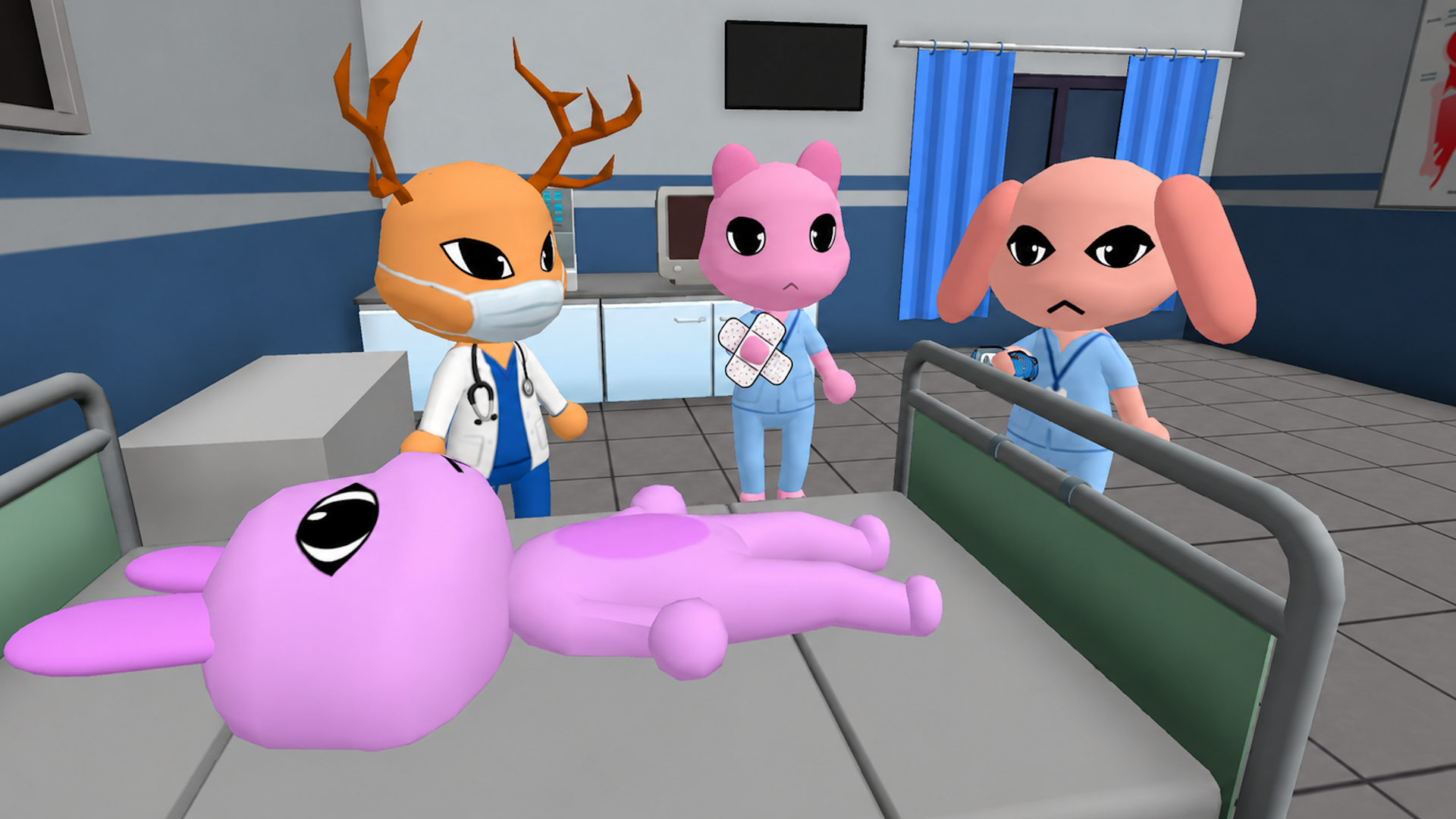
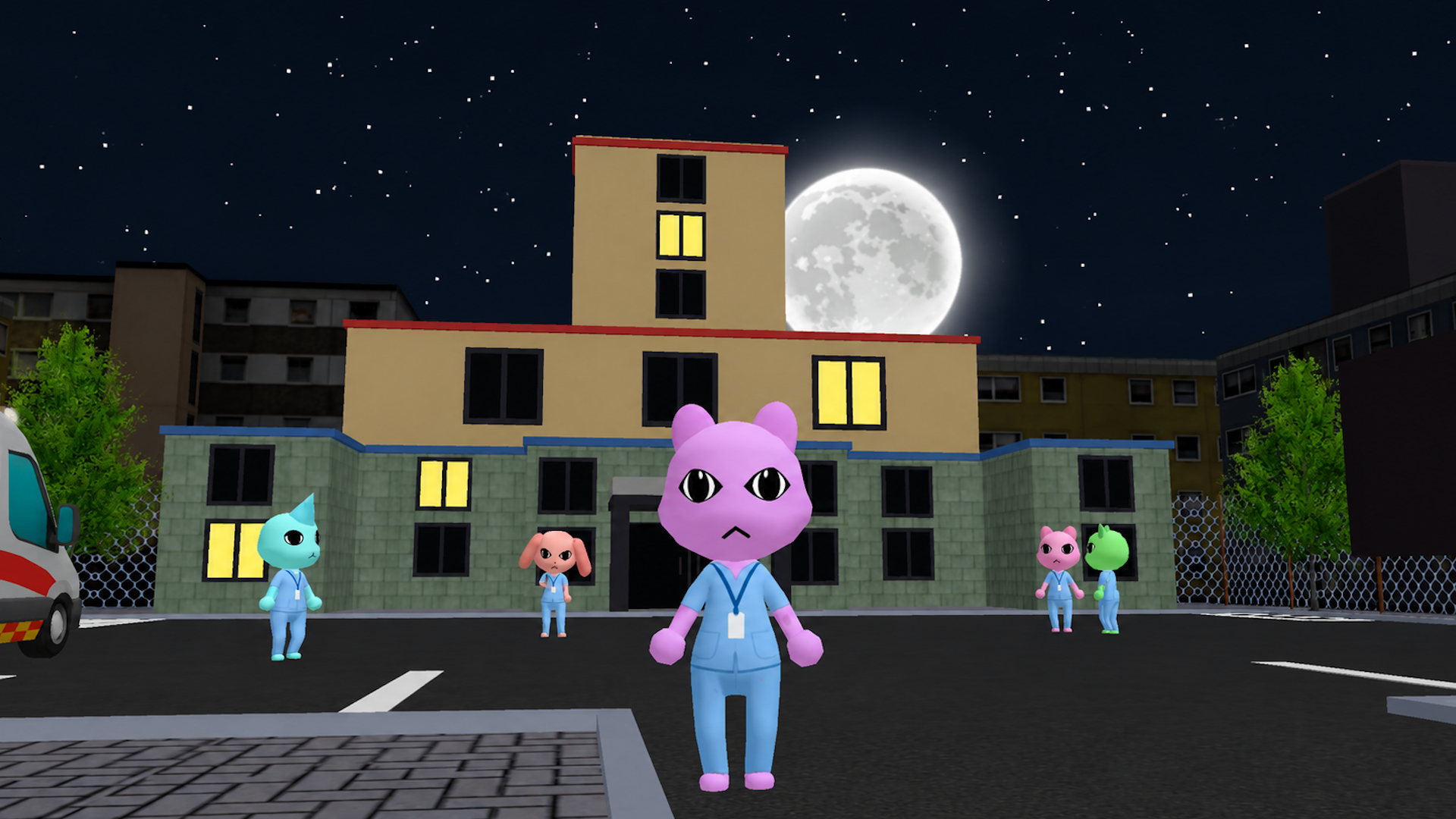
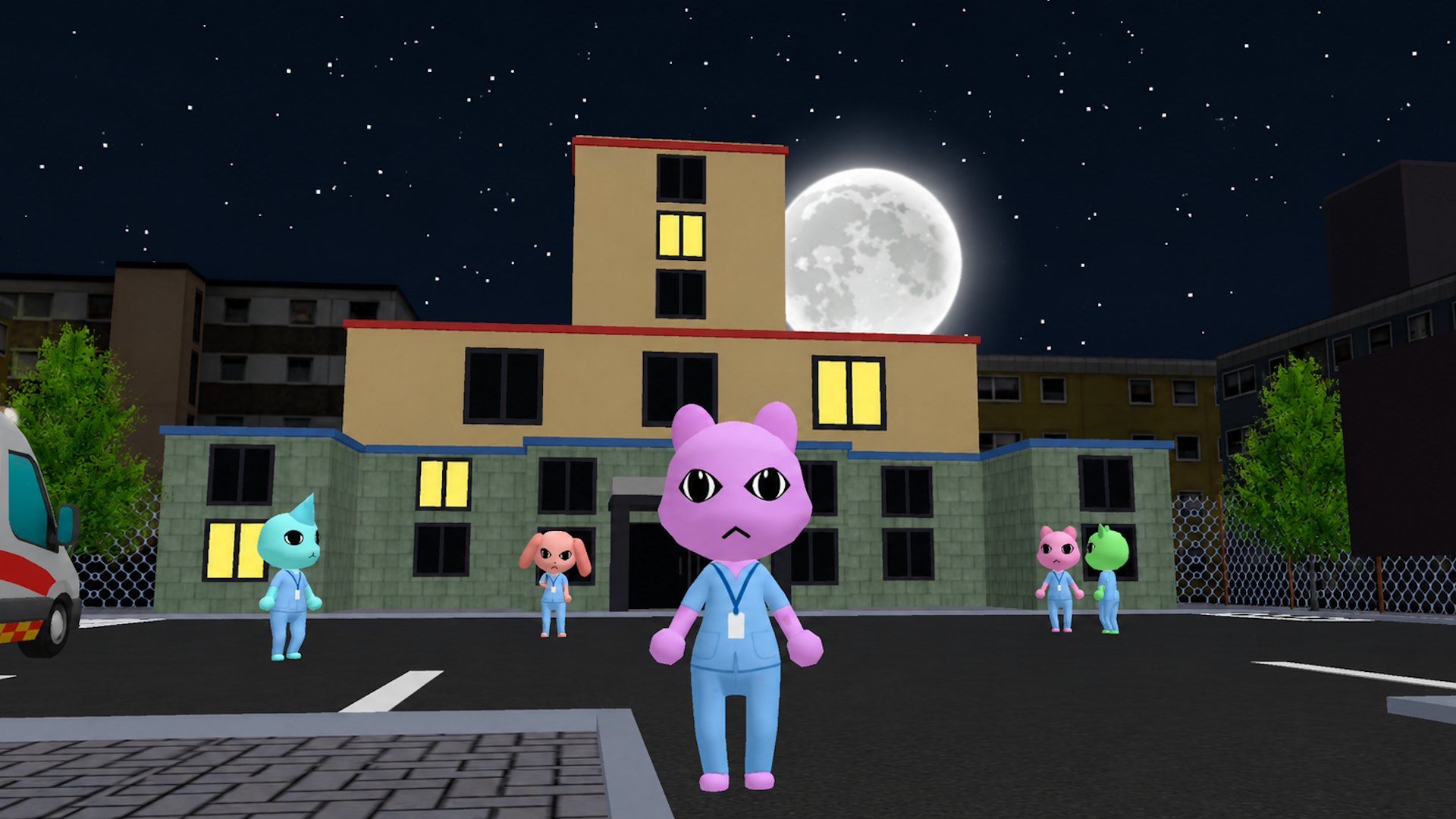
"Night Shift Online (Anomaly)" is an Animal Hospital (Anomaly) survival game in Roblox style where you work night shifts, treat animals, examine patients, investigate mysterious anomalies, and uncover the secret of a strange hospital.
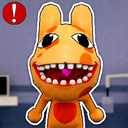
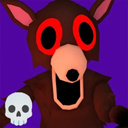
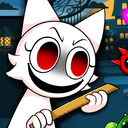
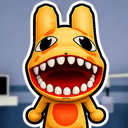
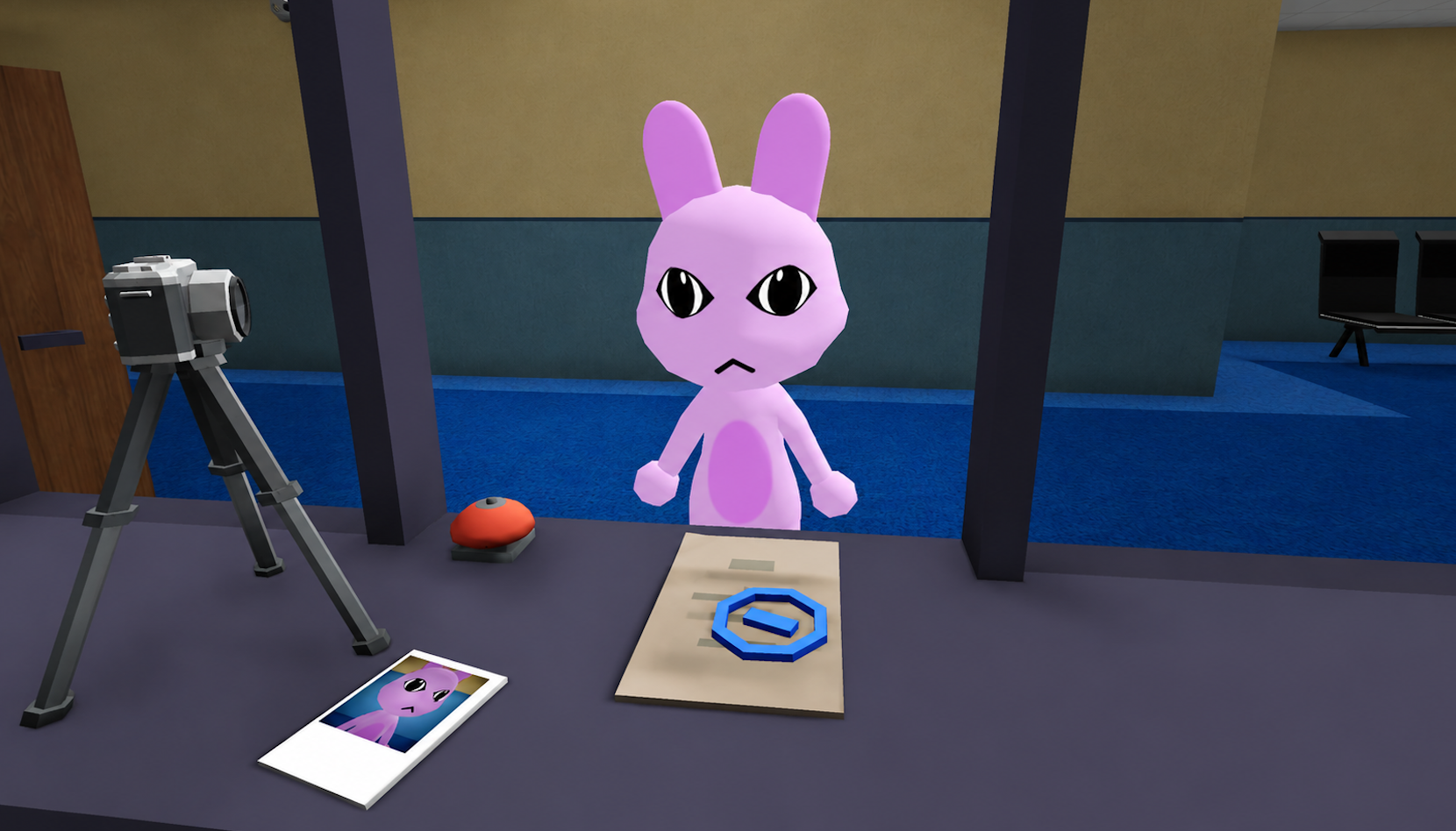
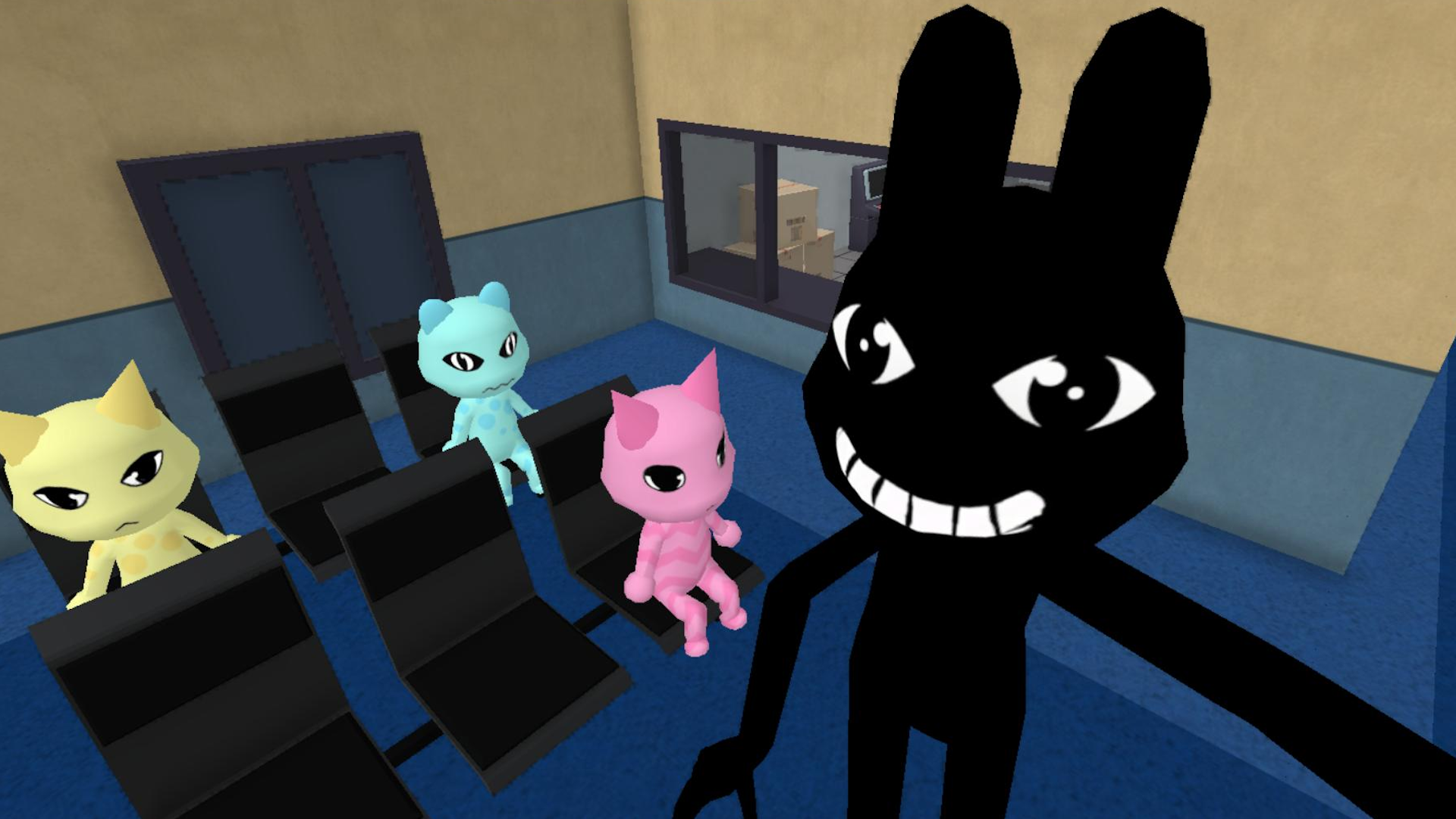
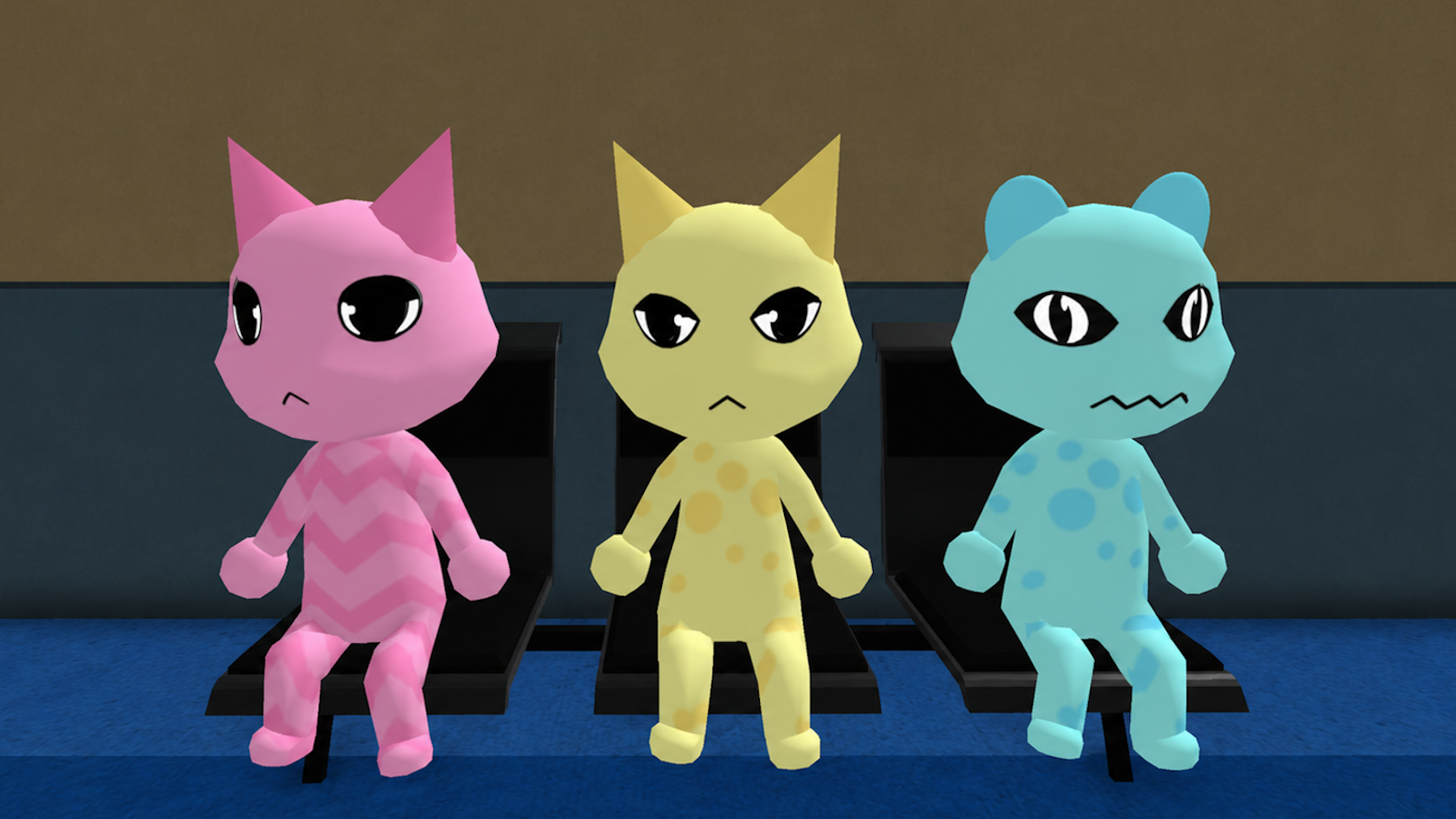
Not every patient is what they seem. Some animals are infected with mysterious anomalies that can only be found using special tools like photo cameras, security cameras, and other equipment. Be careful — an innocent-looking pet might actually be a scary monster!
Game features:
• Multiplayer: work as a vet and treat pets with friends and other players on the same online server.
• Chat: talk with other players and help each other.
• Anomalies: use photo cameras, security cameras, and special equipment to find hidden anomalies.
• Weapons: use different weapons to fight anomalies and monsters.
• Classes: play as a surgeon, nurse, security guard, and other characters, each with their own job.
• Survival: survive over 99 nights.
Videos and screenshots
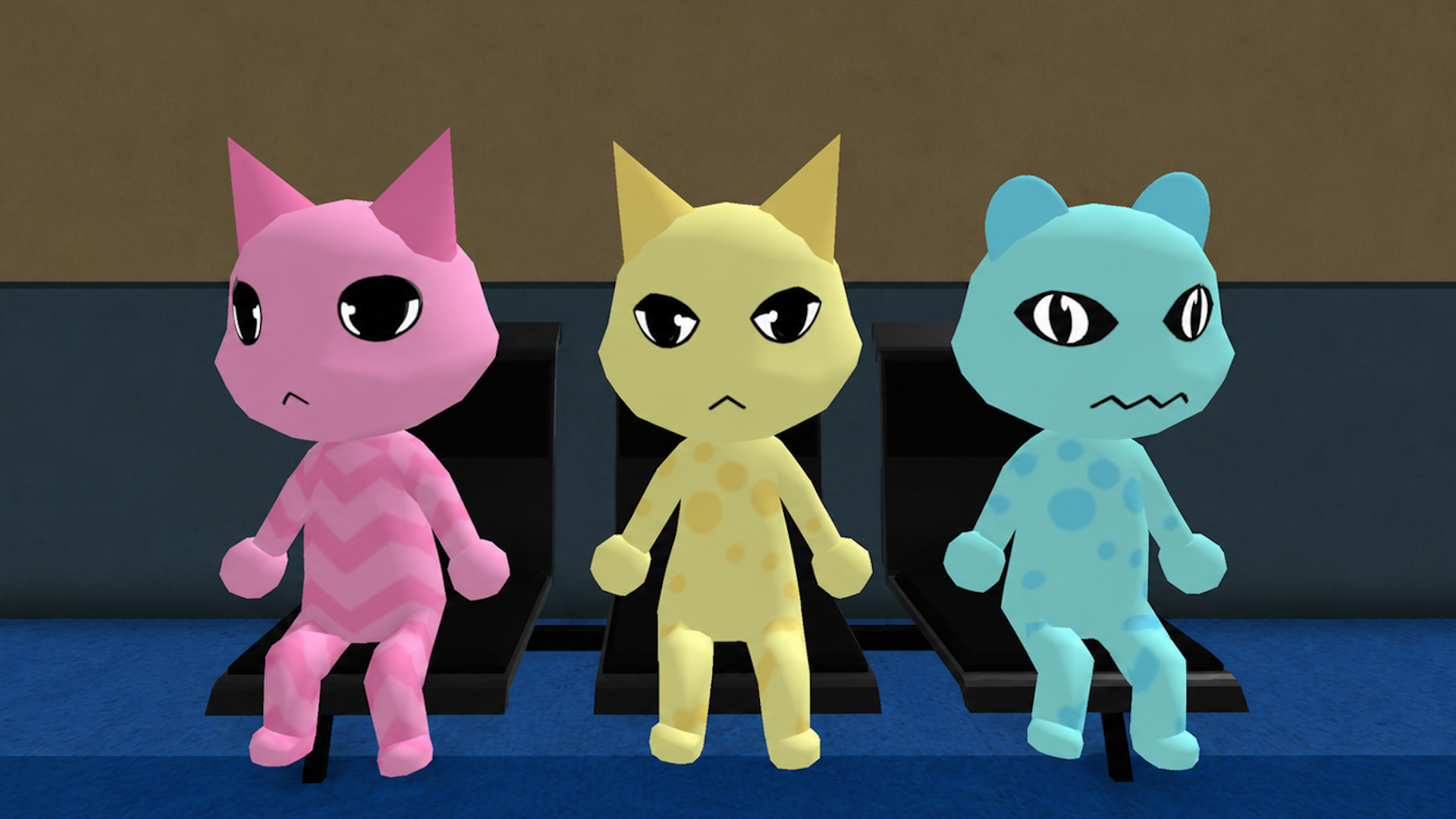
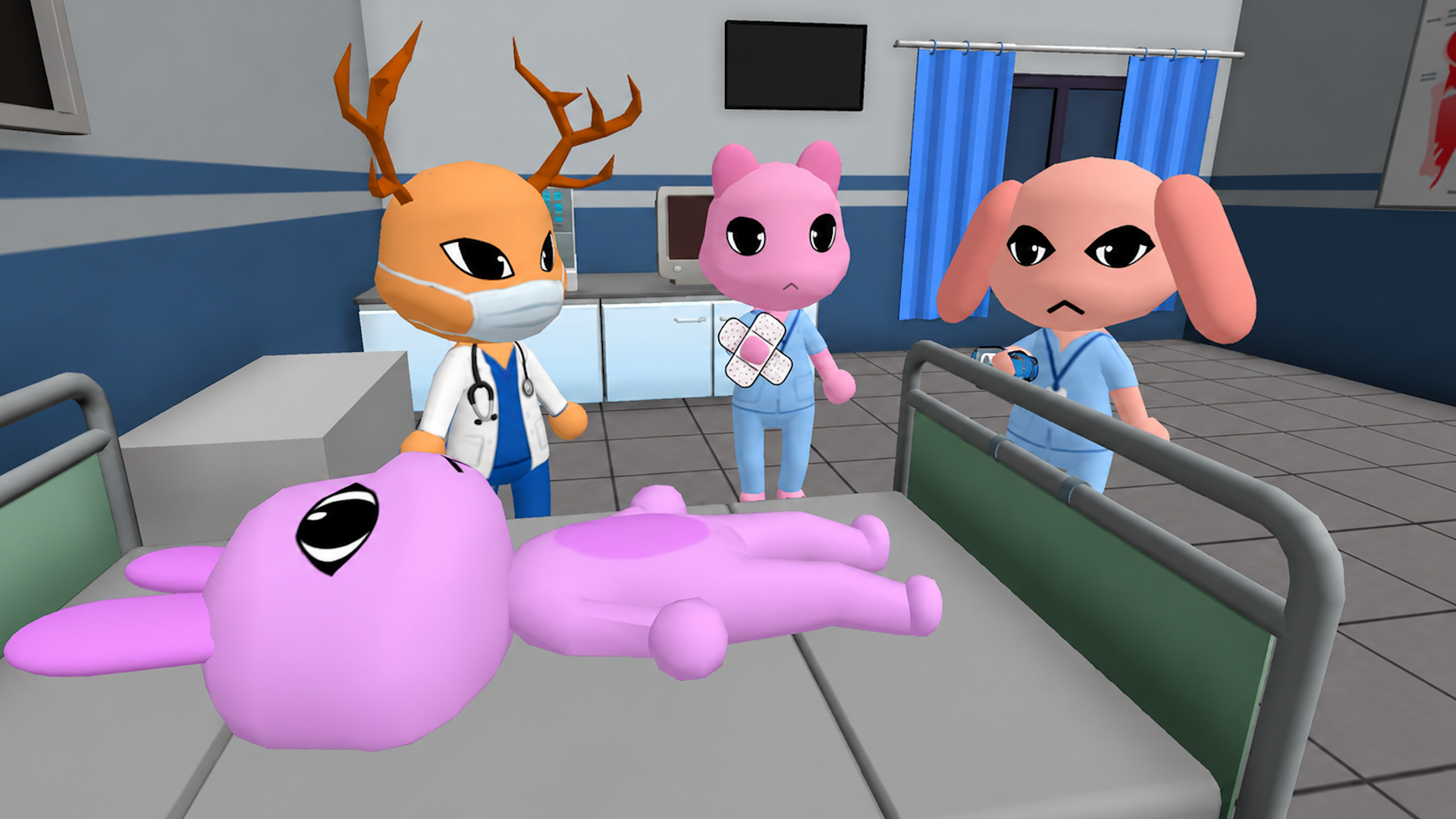
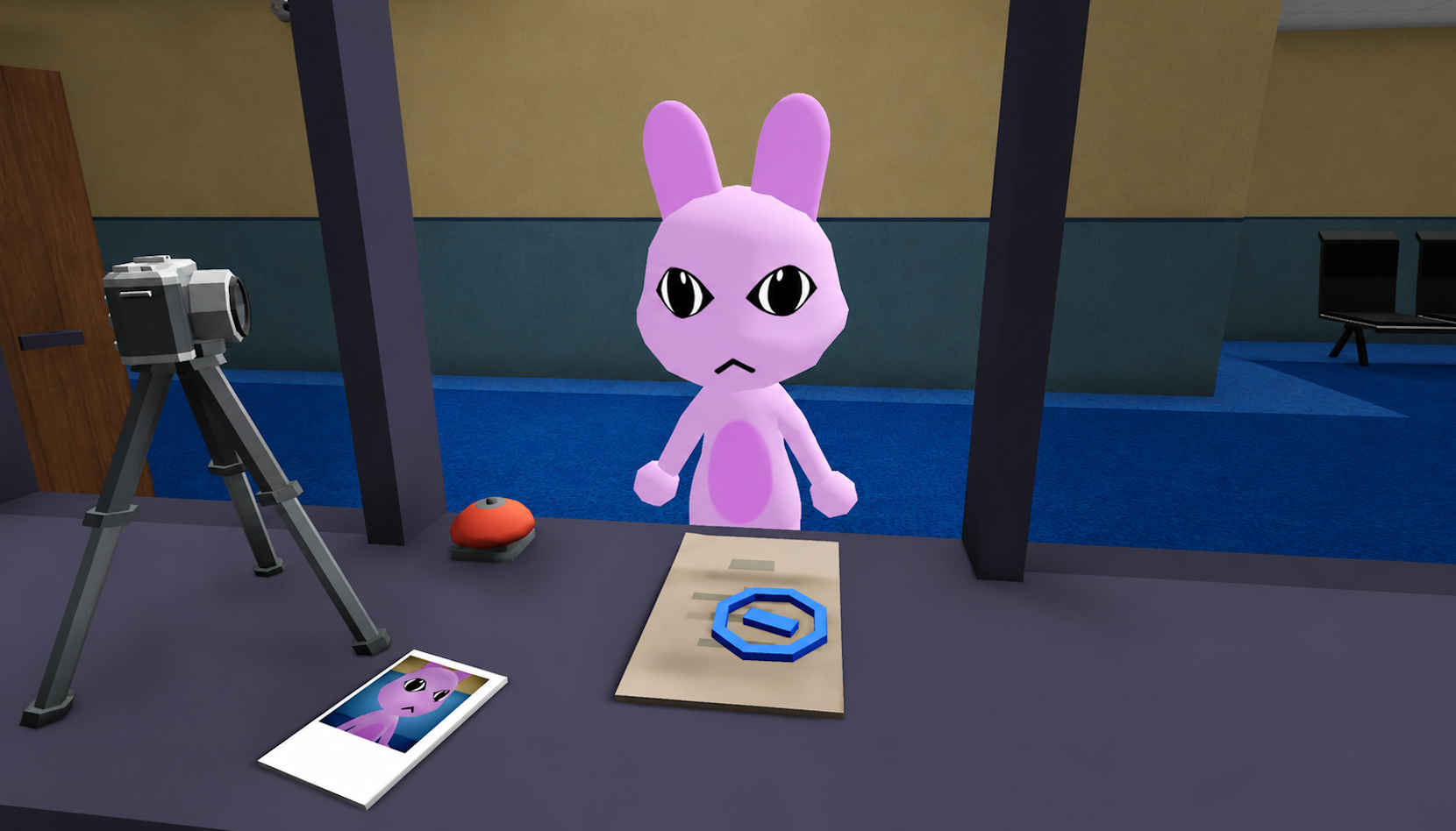
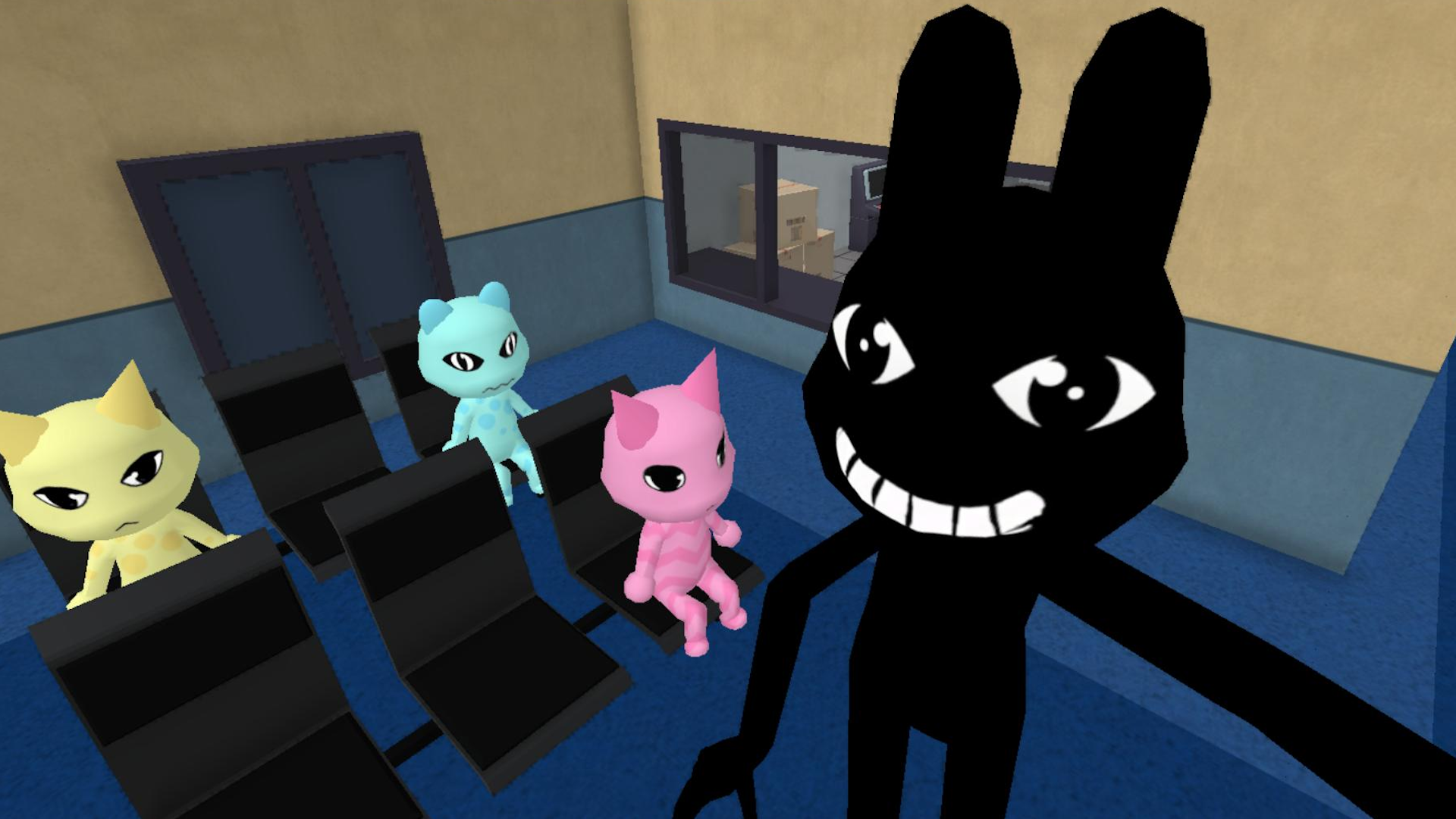
10,718 players online
How to play
-
Open the game
Press Play now and the game opens on its own screen.
-
Follow the in-game instructions
The controls and goals are shown inside the game as you play.
-
Use the game menu
The floating button over the game reloads it, saves it to your favourites, or takes you back out.